SharePoint 2010
Present by:
Md. Humayun Rashed
Software Engineer
Ixora Solution Ltd
What is SharePoint
SharePoint is a readymade platform, it’s not a program.
Already built with ASP.NET. Everything is readymade.
SharePoint is a server product. Can use like MS office.
The main aspect of SharePoint
Share Data
Collaborate
Customized
Why do we need SharePoint?
Main purpose of SharePoint is Increase Organization Productivity.How?
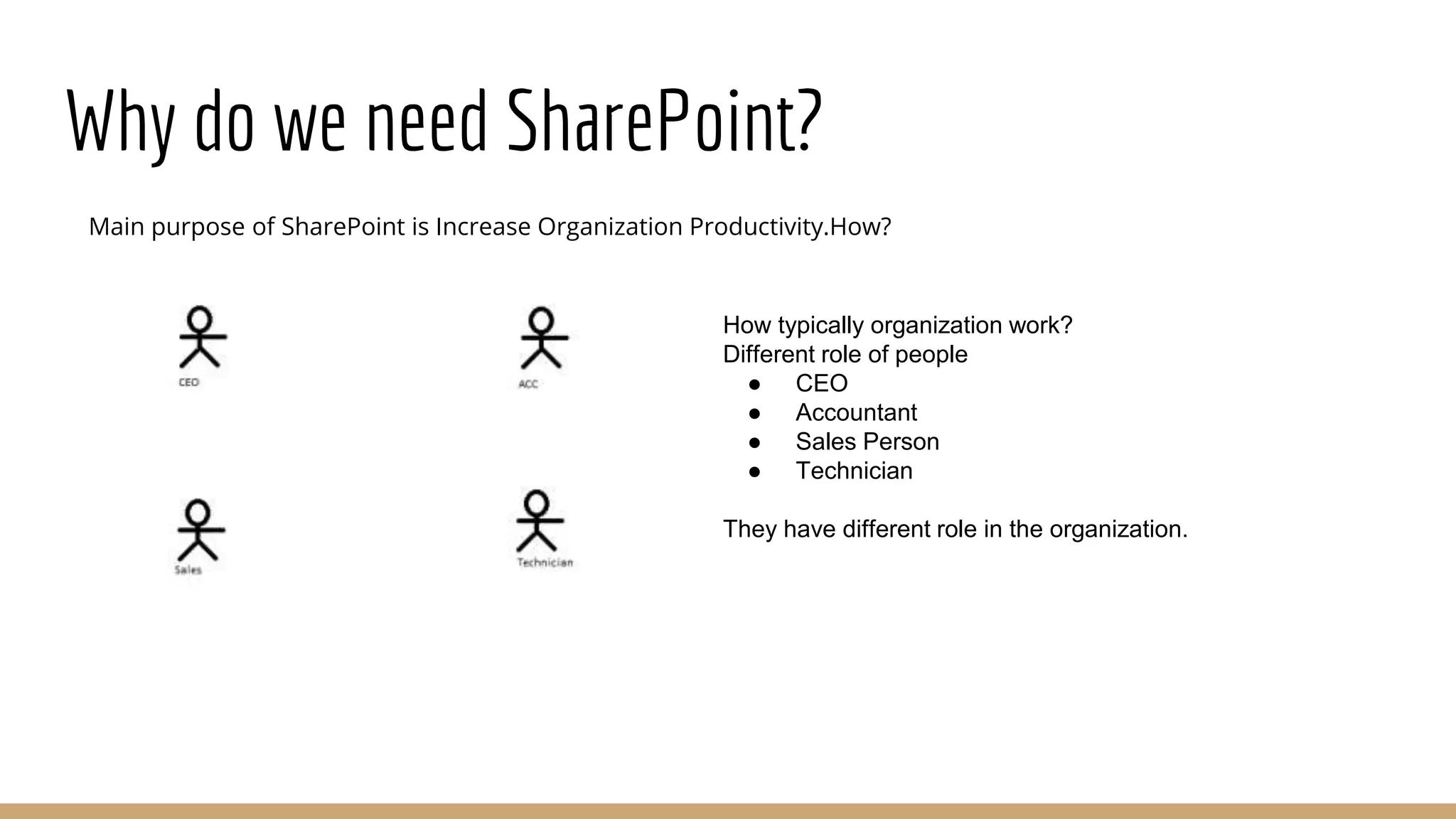
How typically organization work?
Different role of people
● CEO
● Accountant
● Sales Person
● Technician
They have different role in the organization.
Why do we need SharePoint?
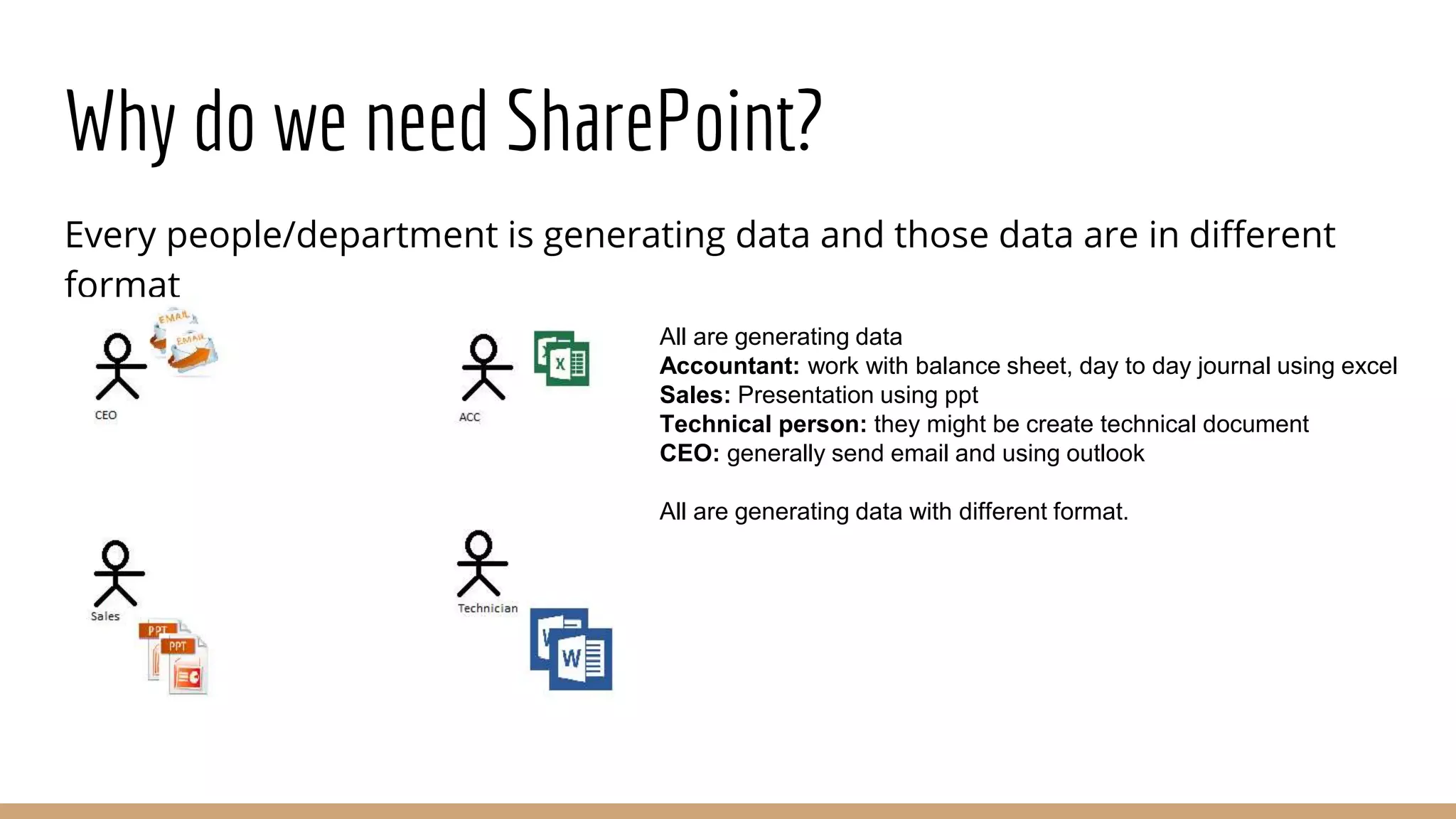
Every people/department is generating data and those data are in different
format
All are generating data
Accountant: work with balance sheet, day to day journal using excel
Sales: Presentation using ppt
Technical person: they might be create technical document
CEO: generally send email and using outlook
All are generating data with different format.
Why do we need SharePoint?
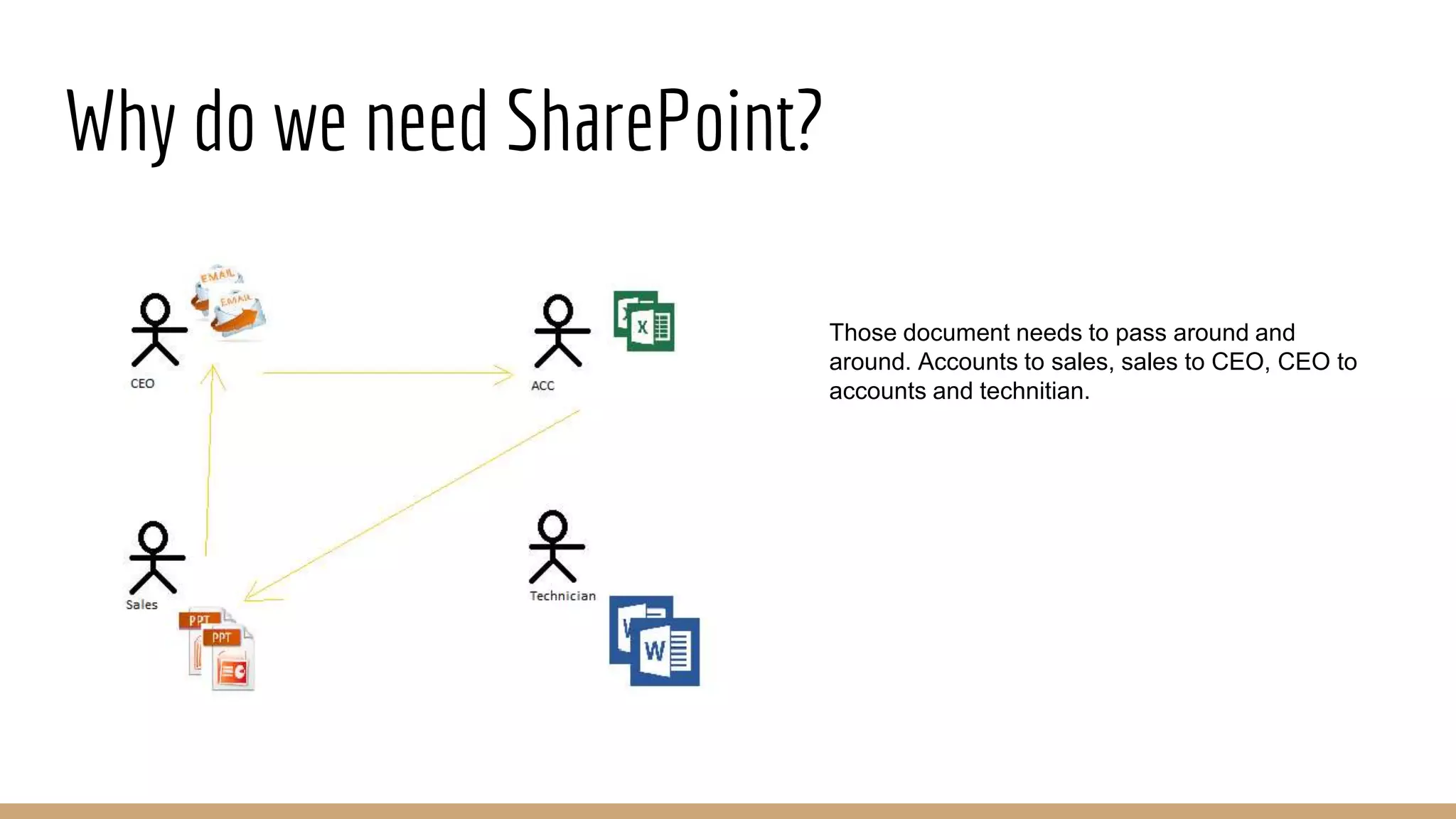
Those document needs to pass around and
around. Accounts to sales, sales to CEO, CEO to
accounts and technitian.
Why do we need SharePoint?
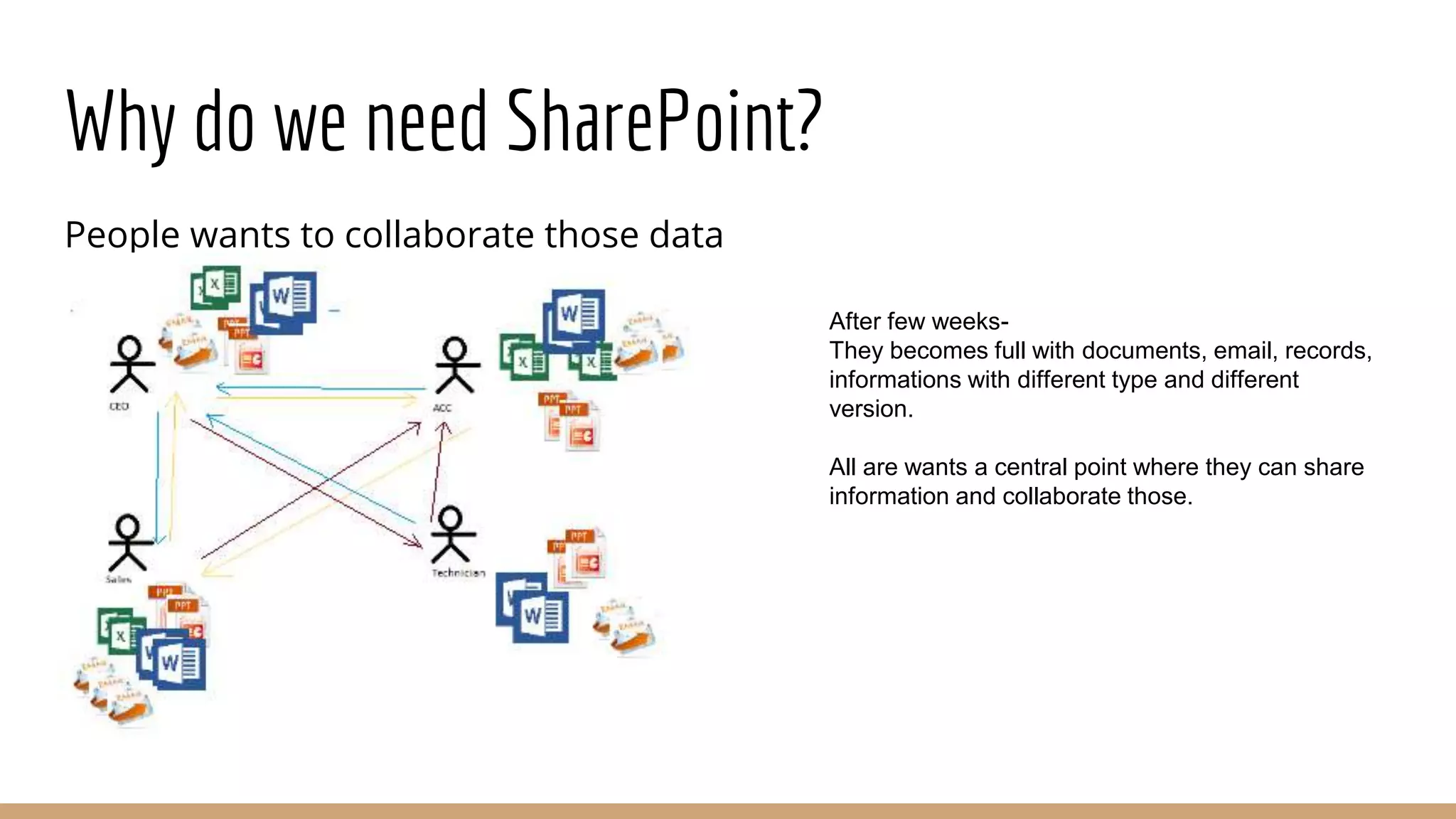
People wants to collaborate those data
After few weeks-
They becomes full with documents, email, records,
informations with different type and different
version.
All are wants a central point where they can share
information and collaborate those.
Why do we need SharePoint?
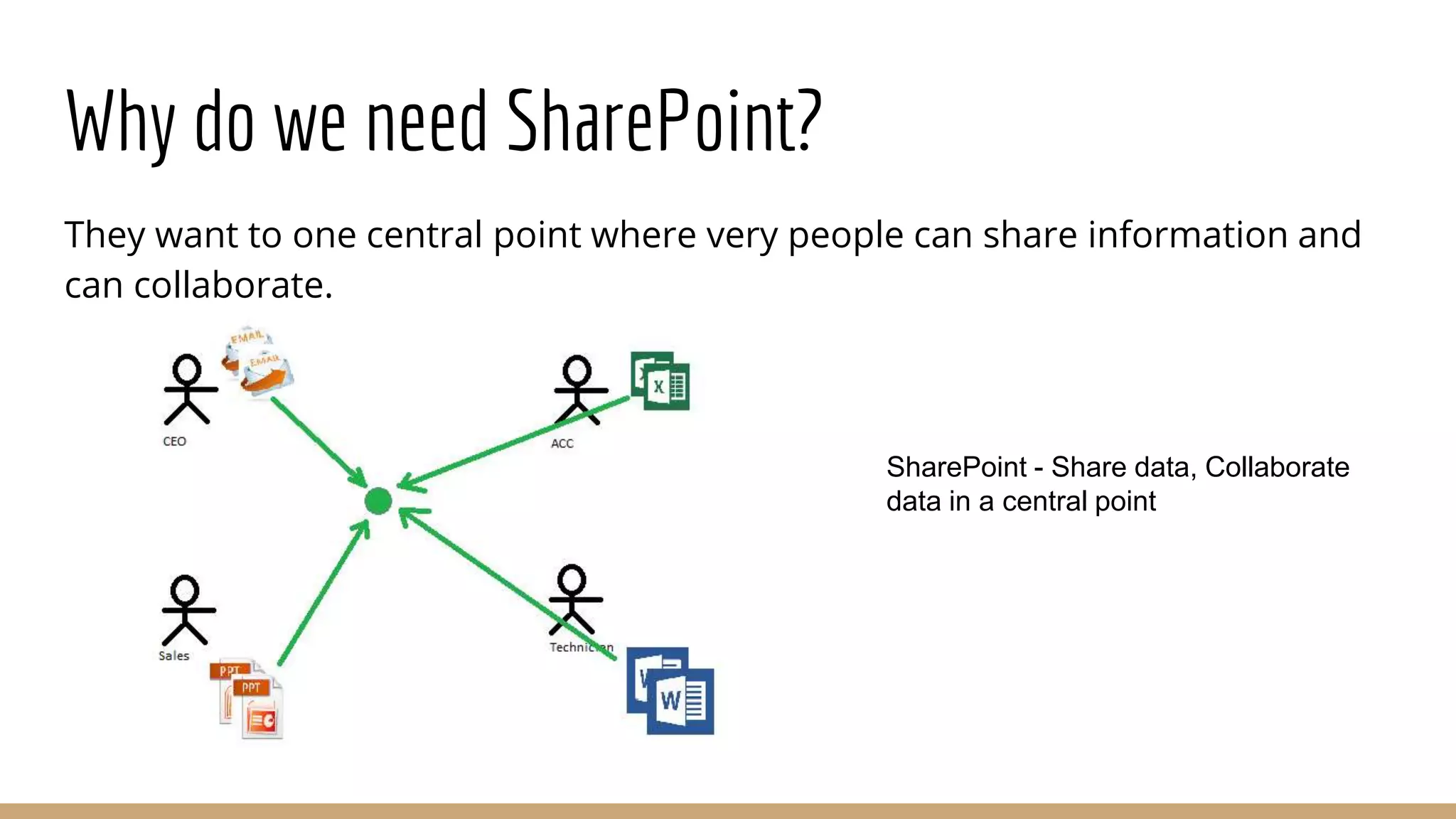
They want to one central point where very people can share information and
can collaborate.
SharePoint - Share data, Collaborate
data in a central point
Why do we need SharePoint?
So SharePoint actually does:
Share data
Communicate
Collaborate
The central point is a Web-Portal which can internet or intranet portal.
Why need developer/designer?
Customization
Change the layout
Advantage of SharePoint product and Technologies
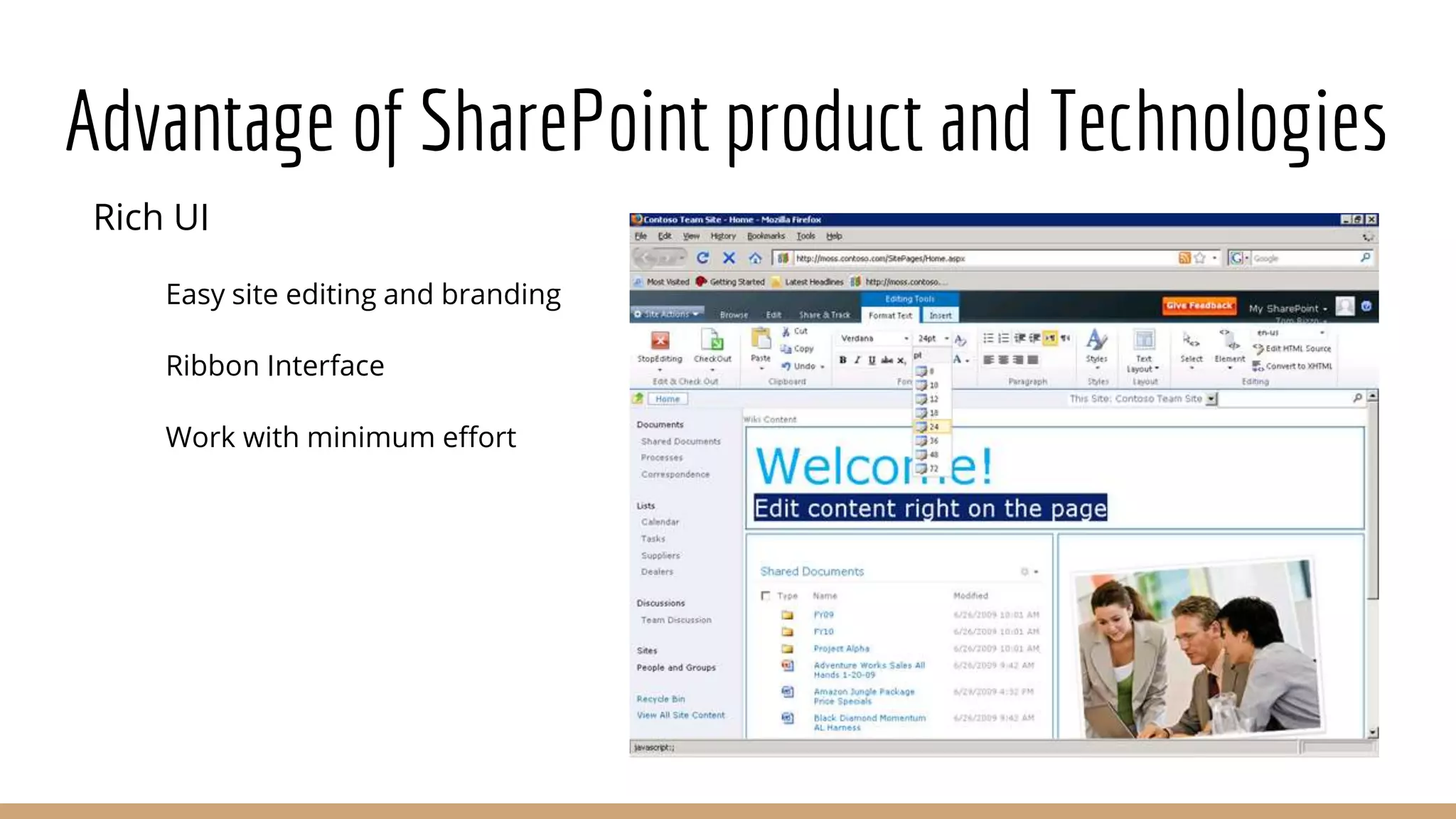
Rich UI
Easy site editing and branding
Ribbon Interface
Work with minimum effort
Advantage of SharePoint product and Technologies
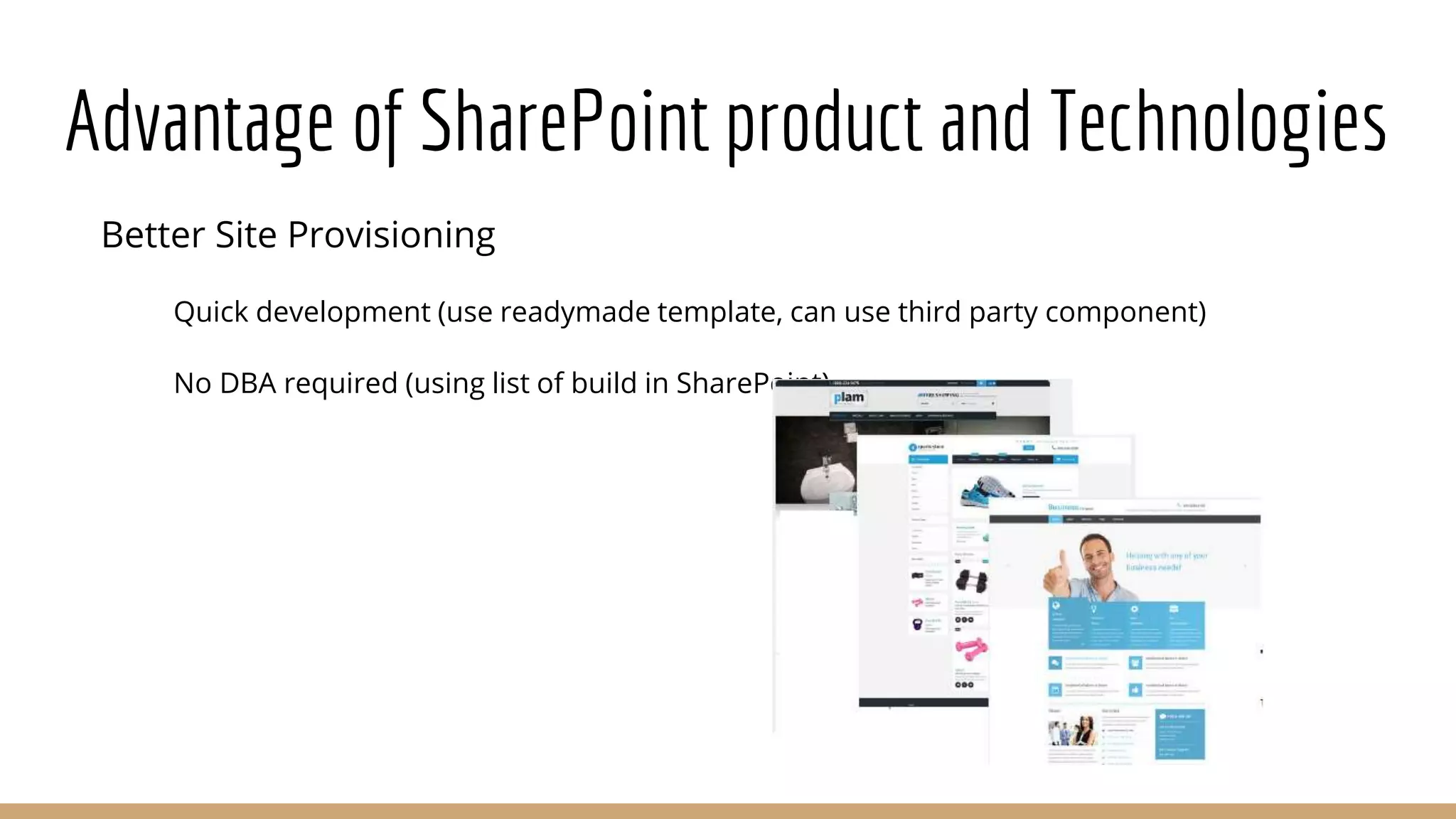
Better Site Provisioning
Quick development (use readymade template, can use third party component)
No DBA required (using list of build in SharePoint)
Advantage of SharePoint product and Technologies
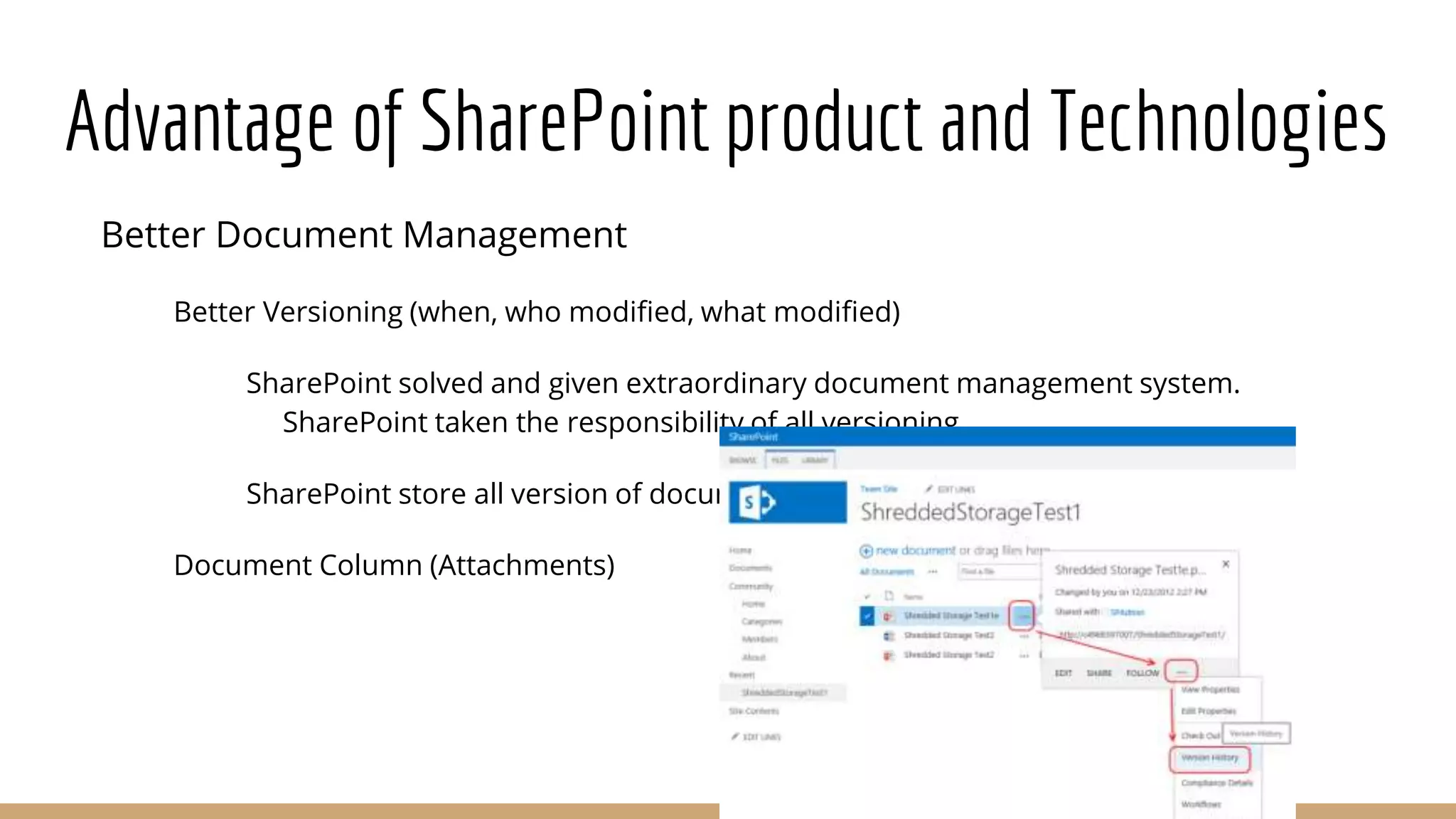
Better Document Management
Better Versioning (when, who modified, what modified)
SharePoint solved and given extraordinary document management system.
SharePoint taken the responsibility of all versioning.
SharePoint store all version of document.
Document Column (Attachments)
Advantage of SharePoint product and Technologies
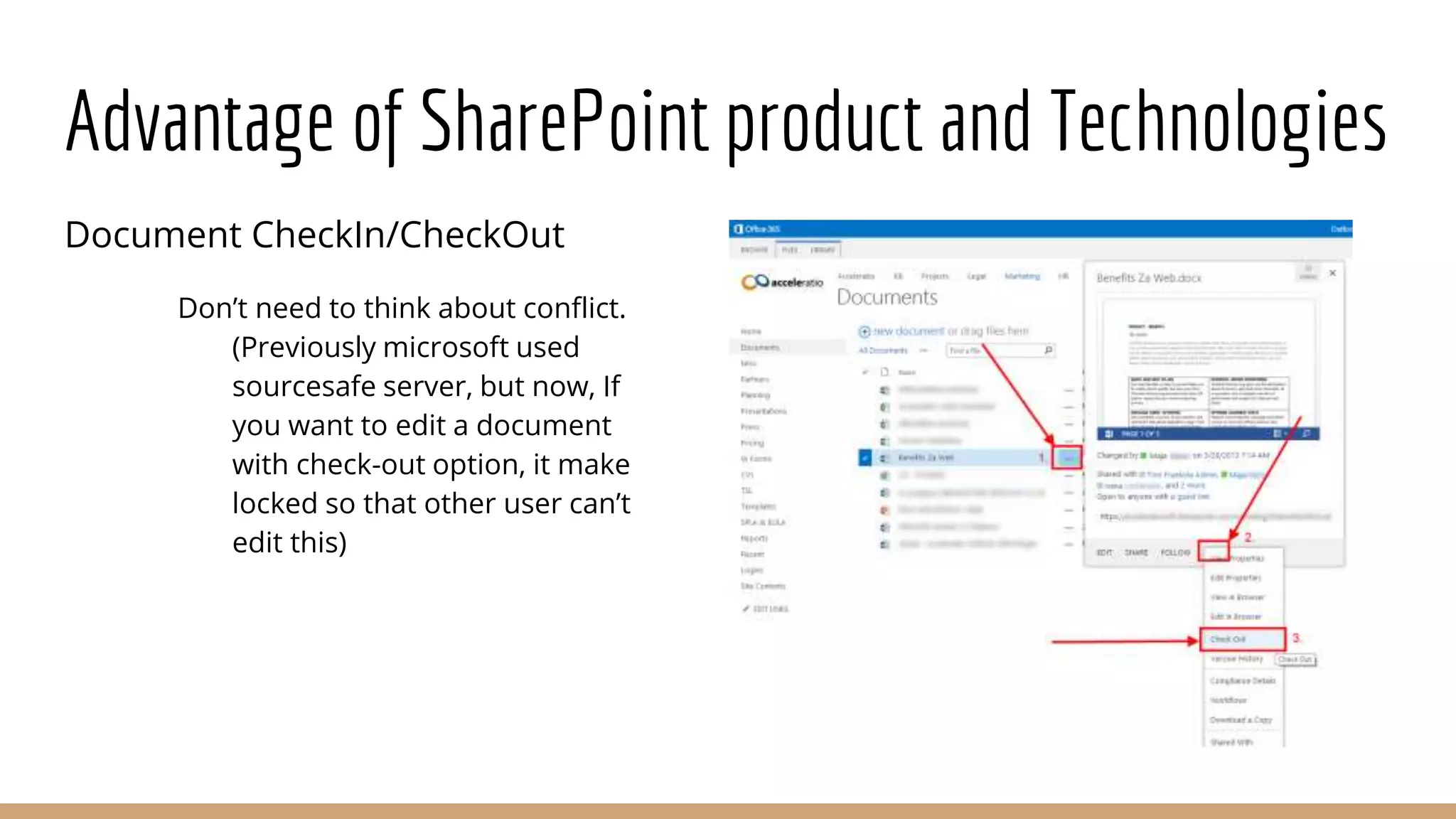
Document CheckIn/CheckOut
Don’t need to think about conflict.
(Previously microsoft used
sourcesafe server, but now, If
you want to edit a document
with check-out option, it make
locked so that other user can’t
edit this)
Advantage of SharePoint product and Technologies
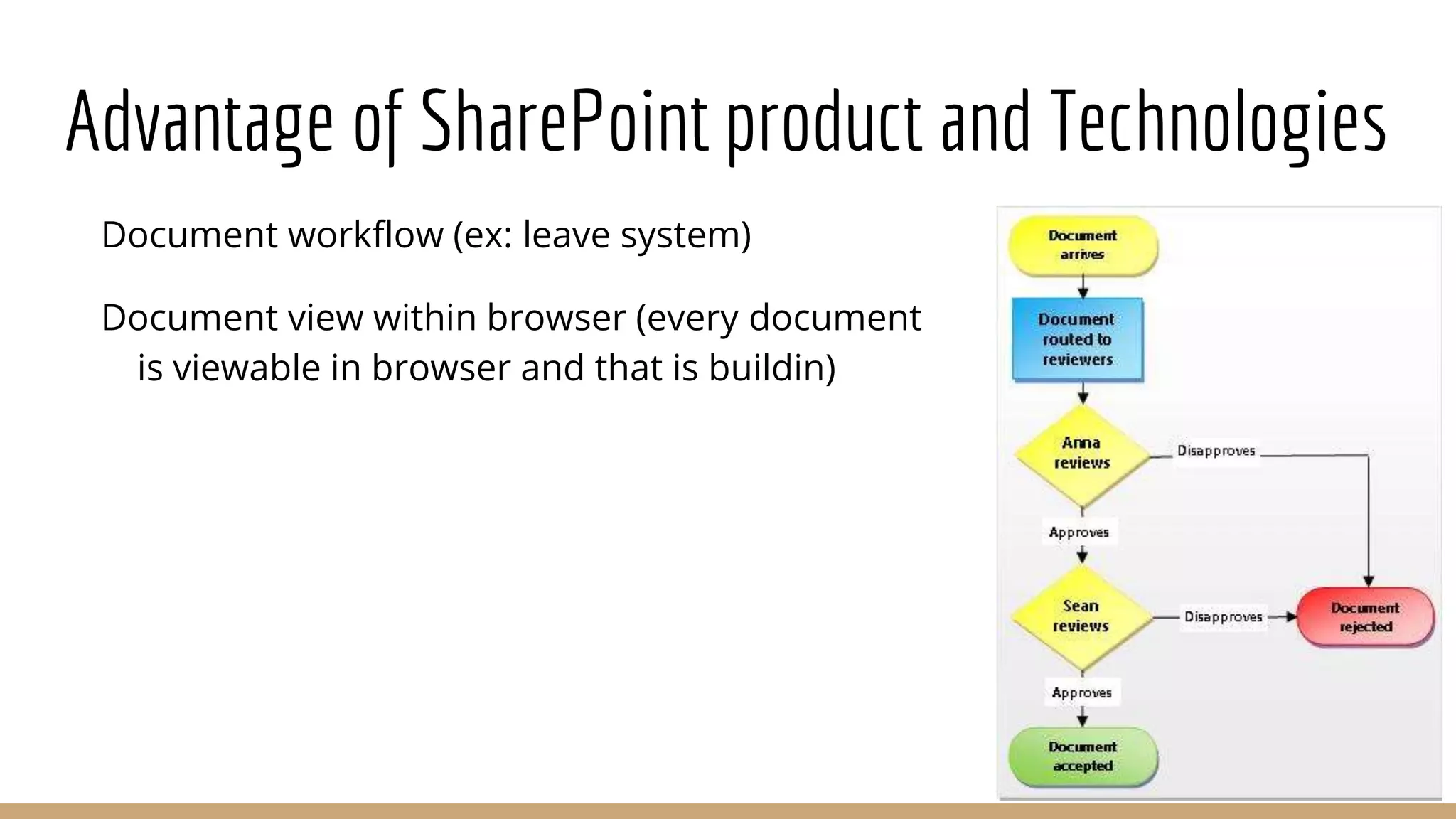
Document workflow (ex: leave system)
Document view within browser (every document
is viewable in browser and that is buildin)
Advantage of SharePoint product and Technologies
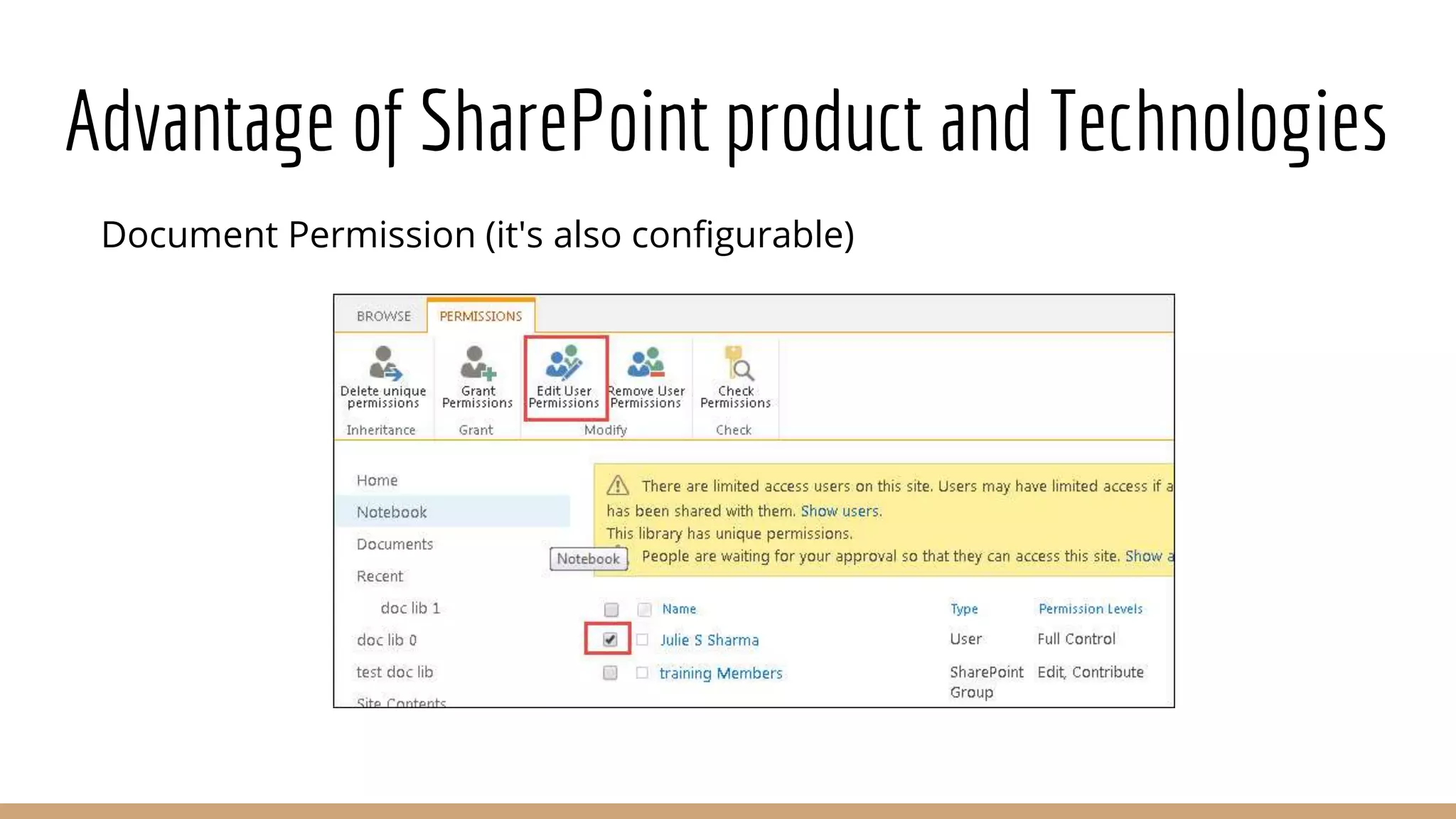
Document Permission (it's also configurable)
Advantage of SharePoint product and Technologies
Email and SMS alert
Build in indexing and search engine (like
google, bing: searching list, content,
document, people etc)
Integration with active directory (creating
user, group etc)
Integration with MS-Office product
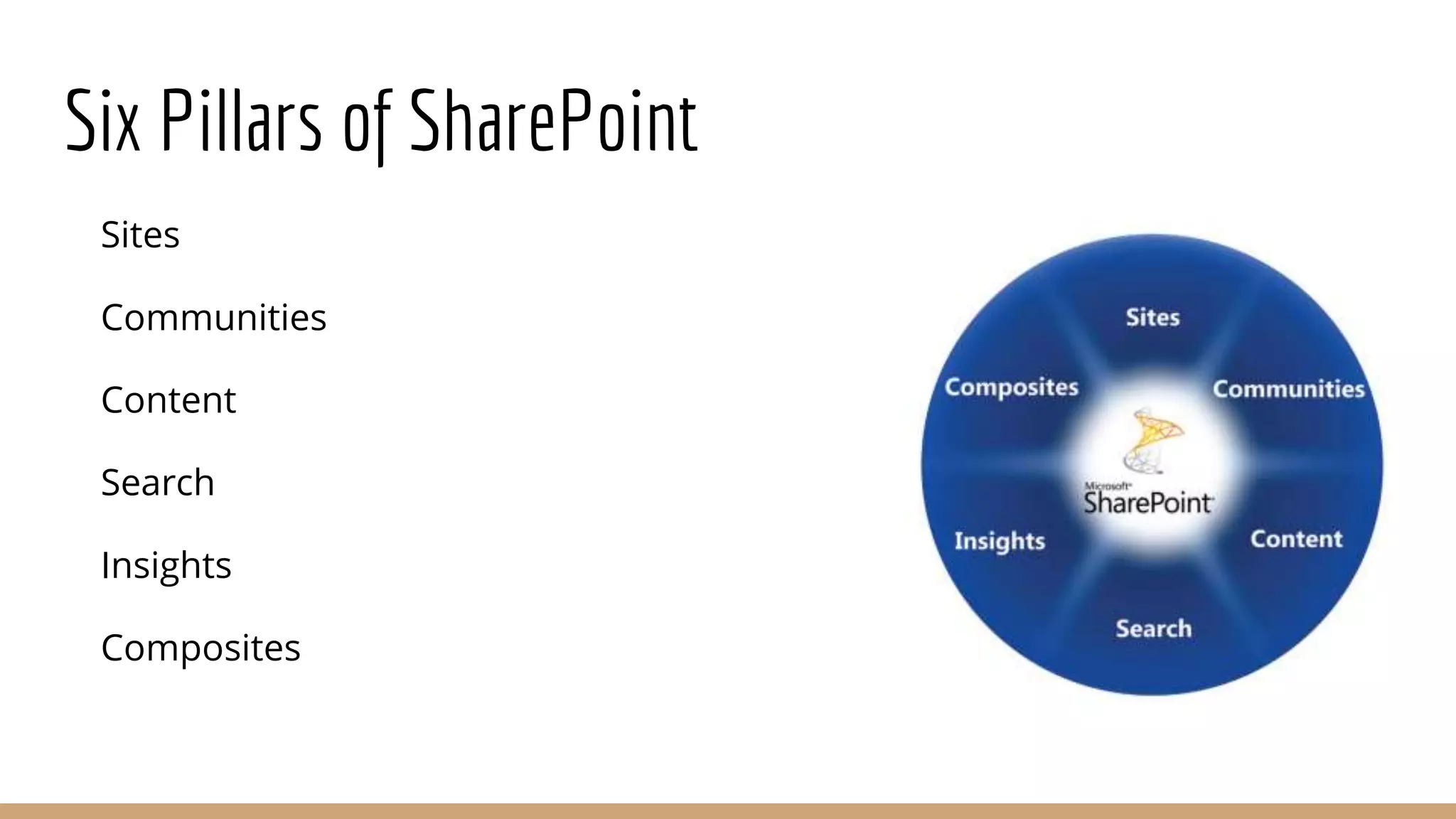
Six Pillars of SharePoint
Sites
Communities
Content
Search
Insights
Composites
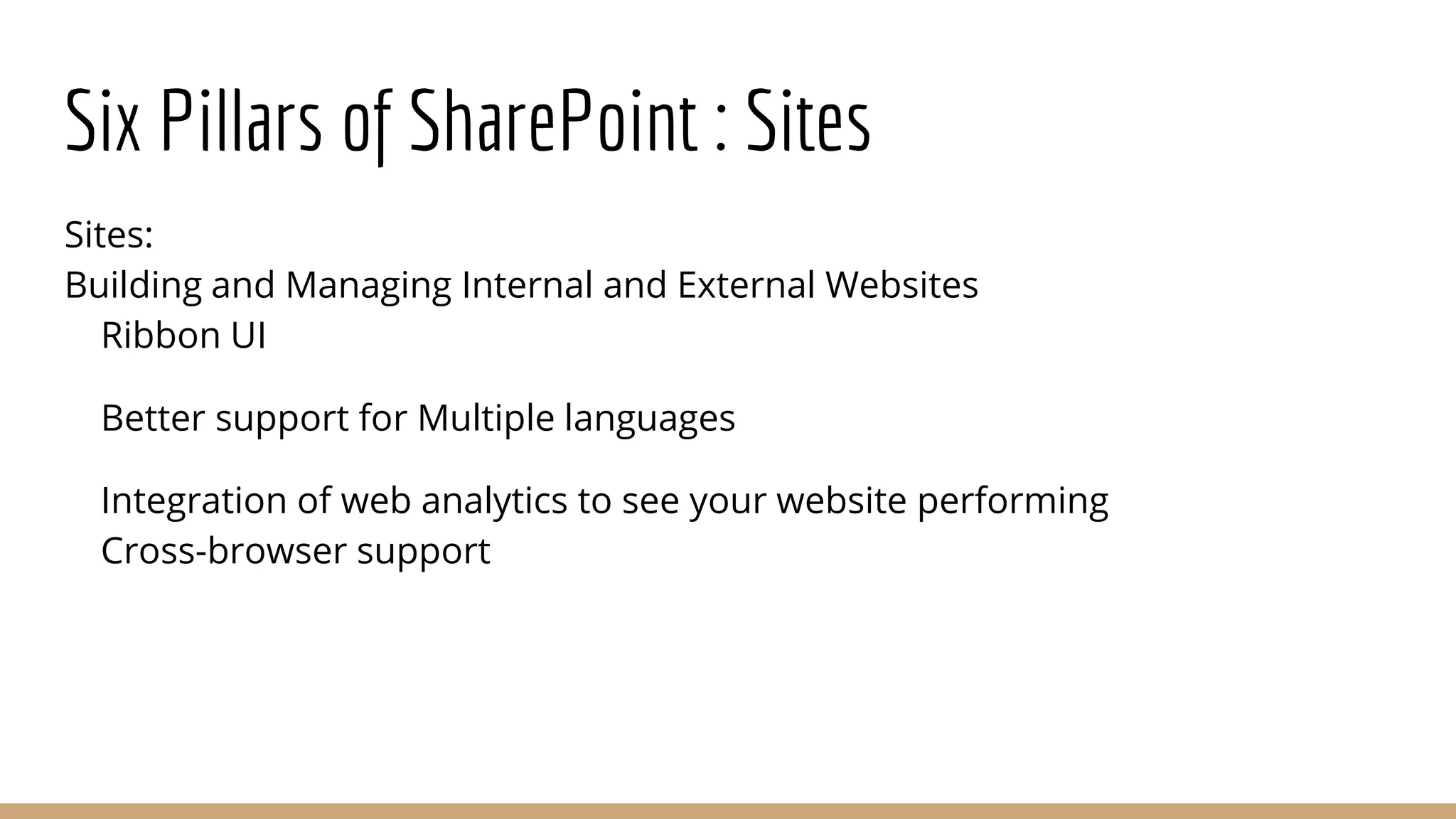
Six Pillars of SharePoint : Sites
Sites:
Building and Managing Internal and External Websites
Ribbon UI
Better support for Multiple languages
Integration of web analytics to see your website performing
Cross-browser support
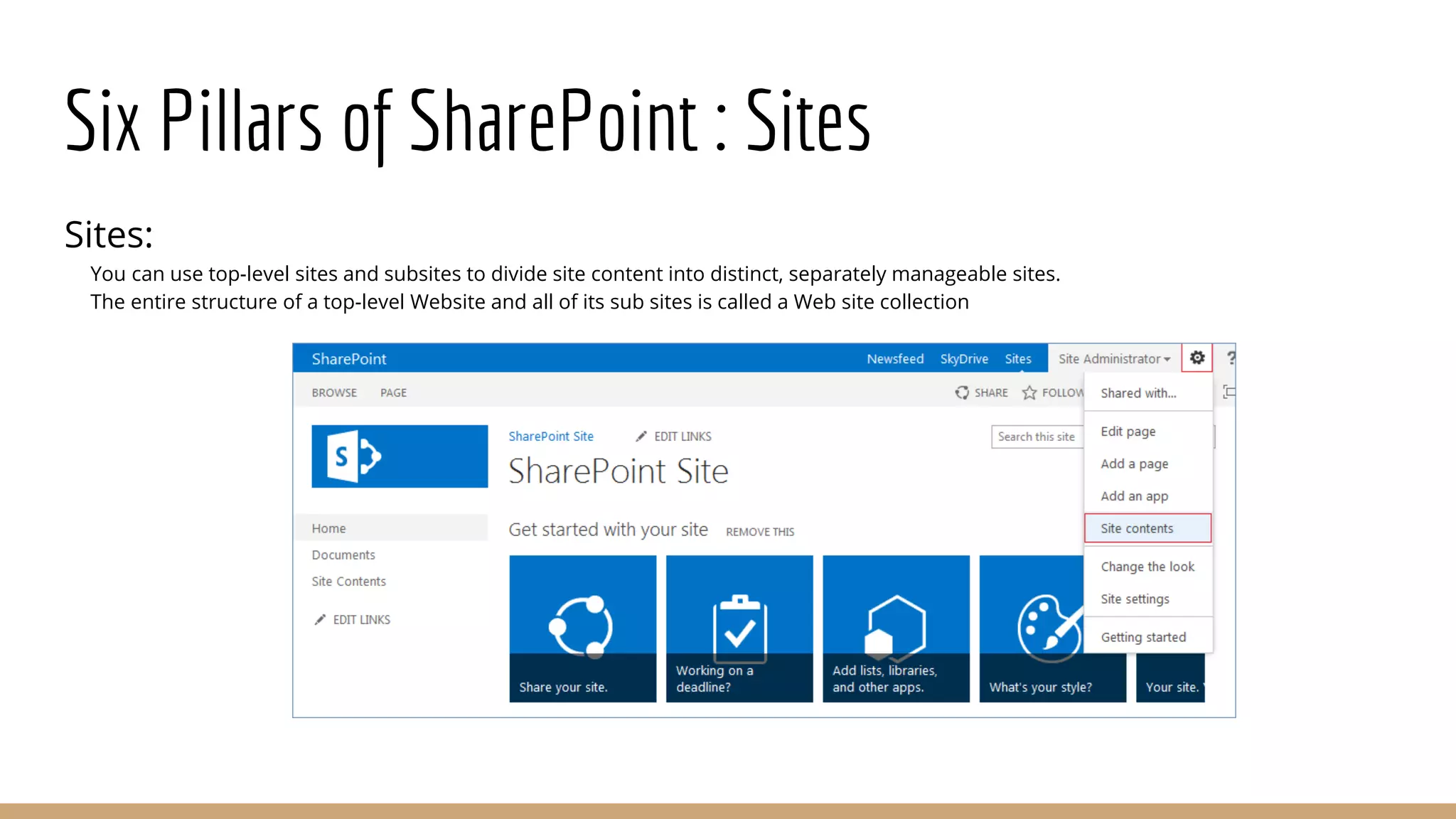
Six Pillars of SharePoint : Sites
Sites:
You can use top-level sites and subsites to divide site content into distinct, separately manageable sites.
The entire structure of a top-level Website and all of its sub sites is called a Web site collection
Six Pillars of SharePoint : Communities
Communities: Creating a social collaboration communities
The ability to create detailed user profiles (think
employee facebook page).
Use of modern tools for sharing and collaboration
including
blogs and wikis.
Creating a special interest groups (Communities) to
share
knowledge or work on project.
Interactivity via commenting and discussion around
content item(social tagging/bookmarking content).
Six Pillars of SharePoint: Content
Content:
Place to put your document, information and records. Direct
integration with your MS office environment.
Manage all of your organization's documents and other
information including controlling who can read and
update them.
Categorize them for easier search and retrieval
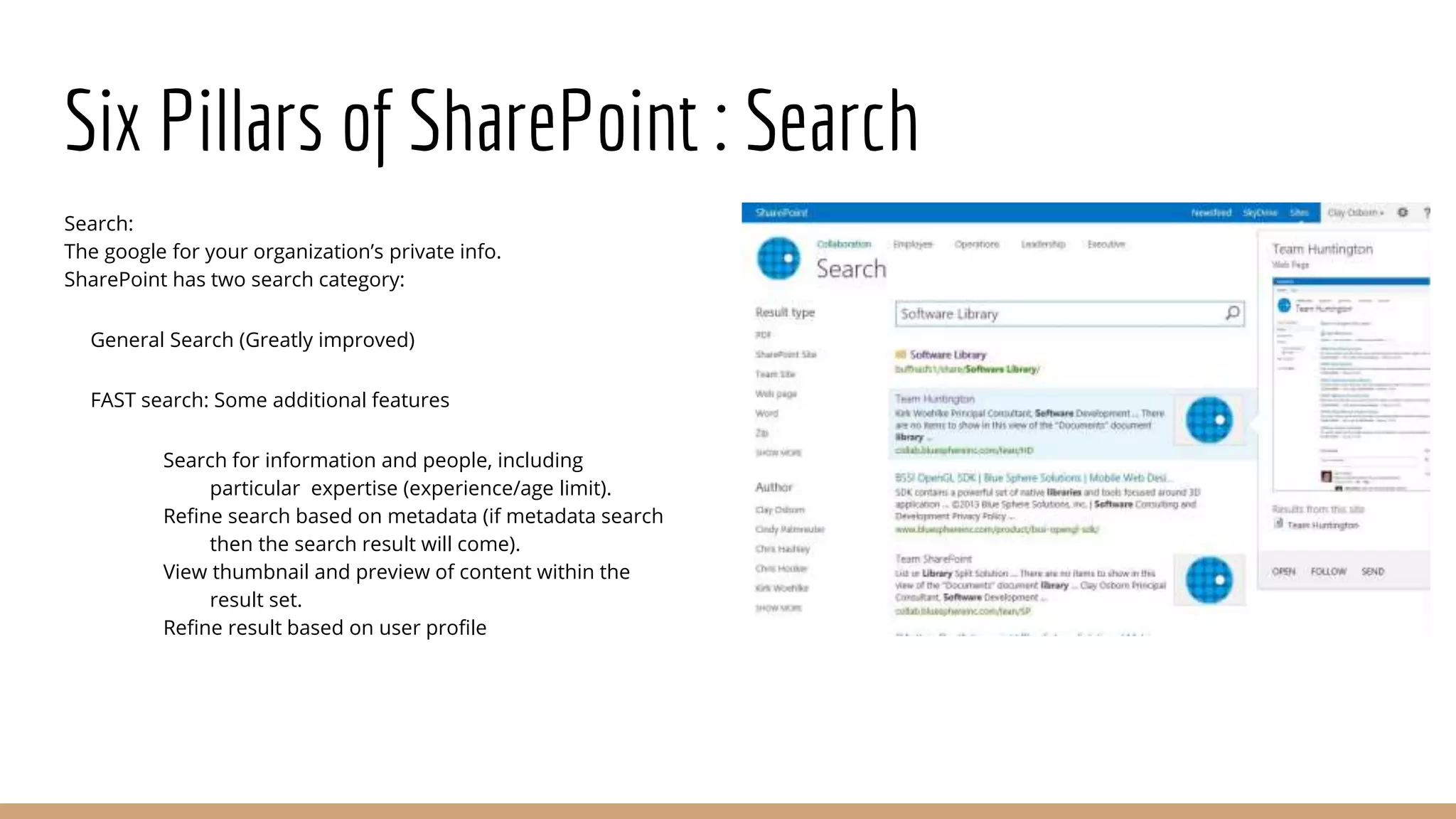
Six Pillars of SharePoint : Search
Search:
The google for your organization’s private info.
SharePoint has two search category:
General Search (Greatly improved)
FAST search: Some additional features
Search for information and people, including
particular expertise (experience/age limit).
Refine search based on metadata (if metadata search
then the search result will come).
View thumbnail and preview of content within the
result set.
Refine result based on user profile
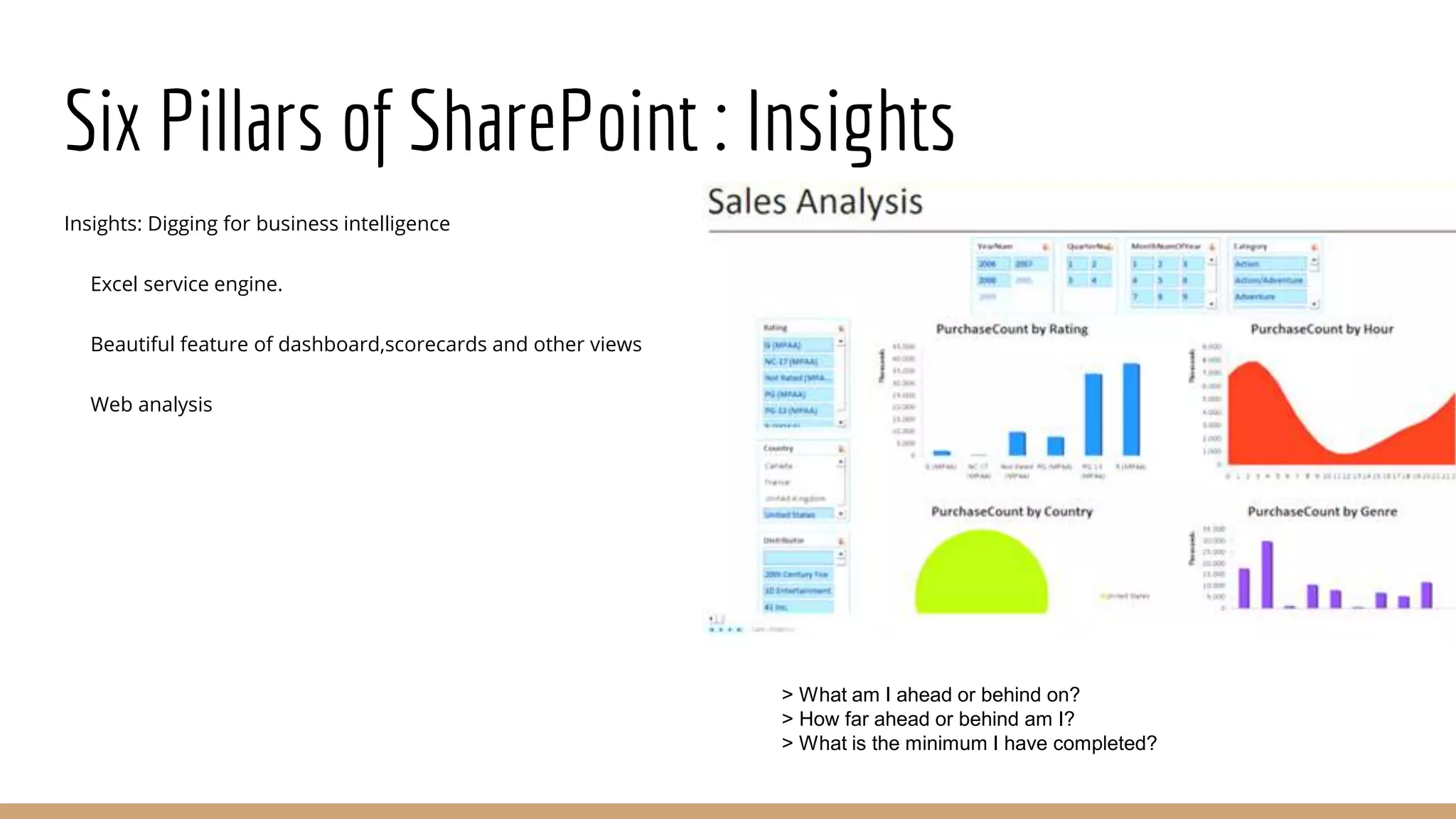
Six Pillars of SharePoint : Insights
Insights: Digging for business intelligence
Excel service engine.
Beautiful feature of dashboard,scorecards and other views
Web analysis
> What am I ahead or behind on?
> How far ahead or behind am I?
> What is the minimum I have completed?
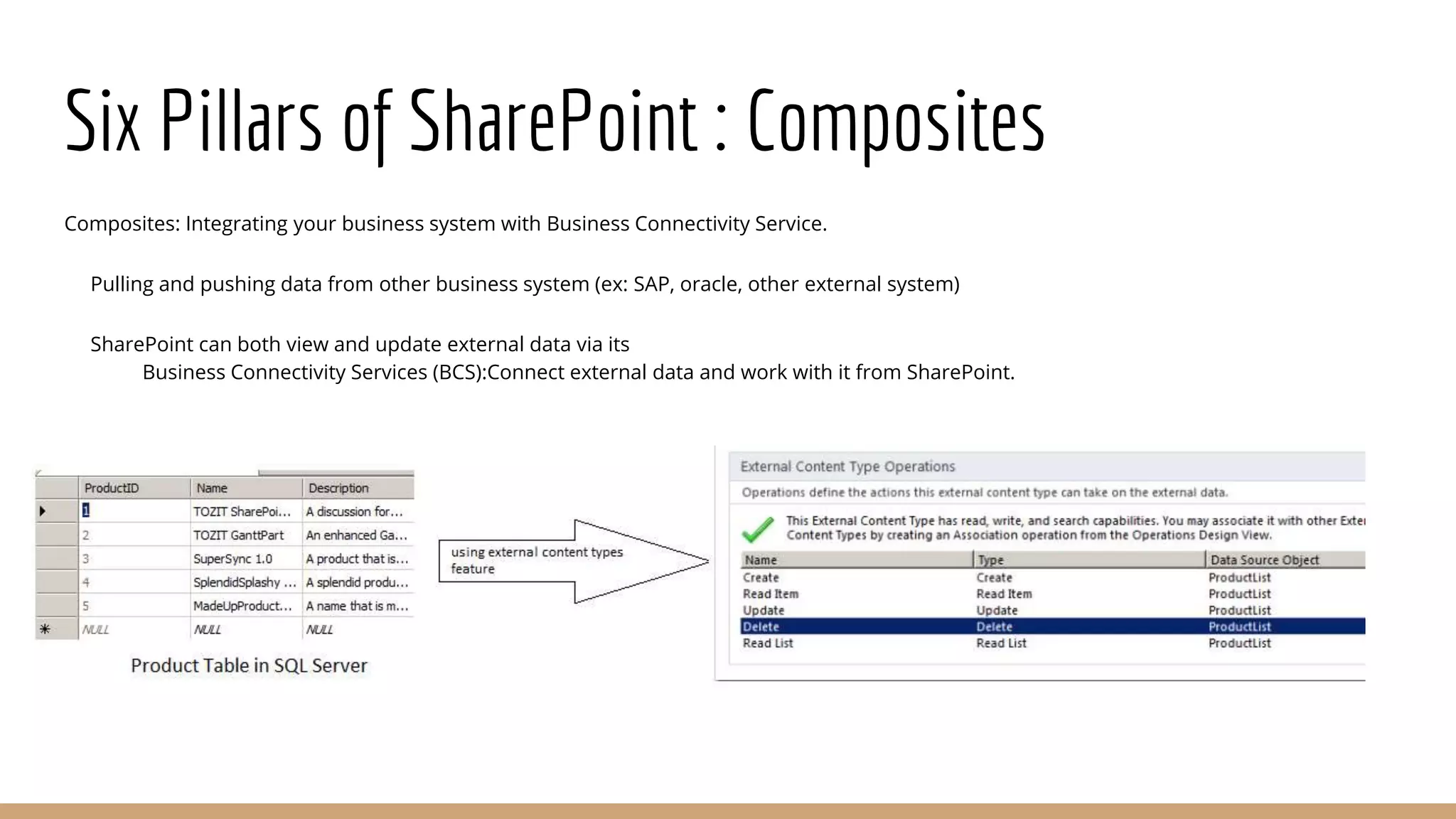
Six Pillars of SharePoint : Composites
Composites: Integrating your business system with Business Connectivity Service.
Pulling and pushing data from other business system (ex: SAP, oracle, other external system)
SharePoint can both view and update external data via its
Business Connectivity Services (BCS):Connect external data and work with it from SharePoint.
Authentication in SharePoint
Authentication
Classic mode authentication (2007,2010)
Claims-based authentication (2010)
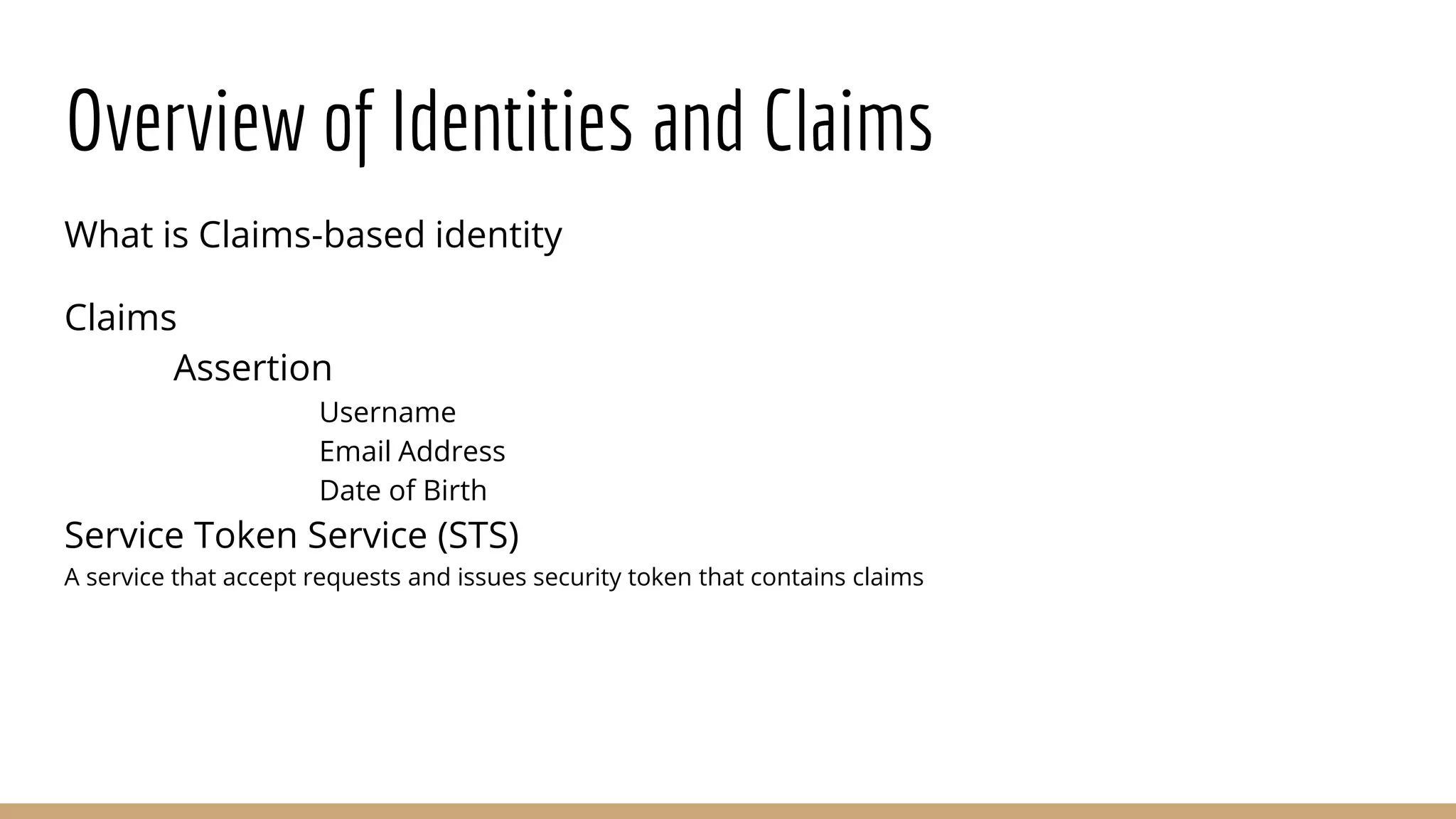
Overview of Identities and Claims
What is Claims-based identity
Claims
Assertion
Username
Email Address
Date of Birth
Service Token Service (STS)
A service that accept requests and issues security token that contains claims
Claims-based identity
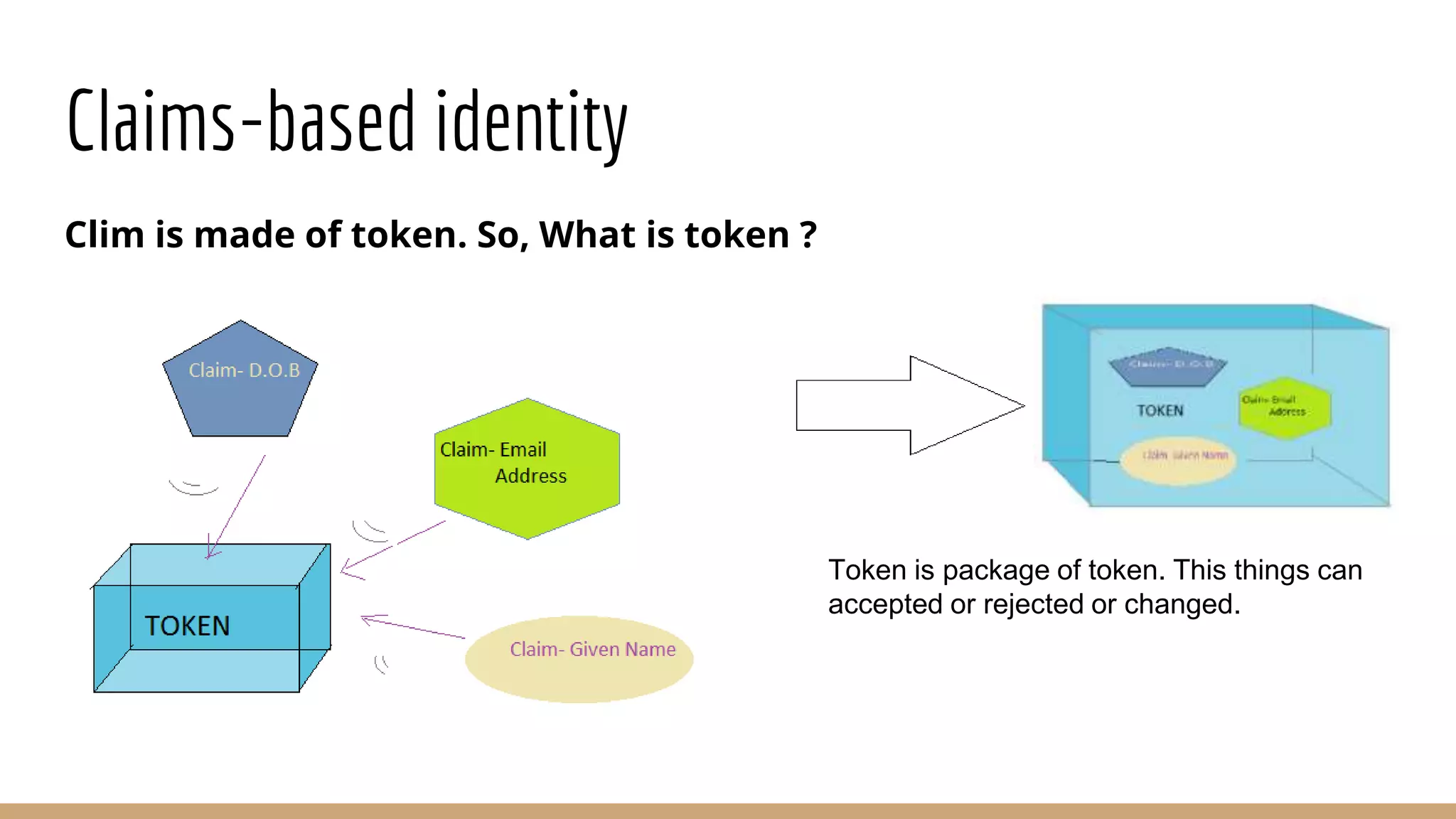
Clim is made of token. So, What is token ?
Token is package of token. This things can
accepted or rejected or changed.
Claims-based identity
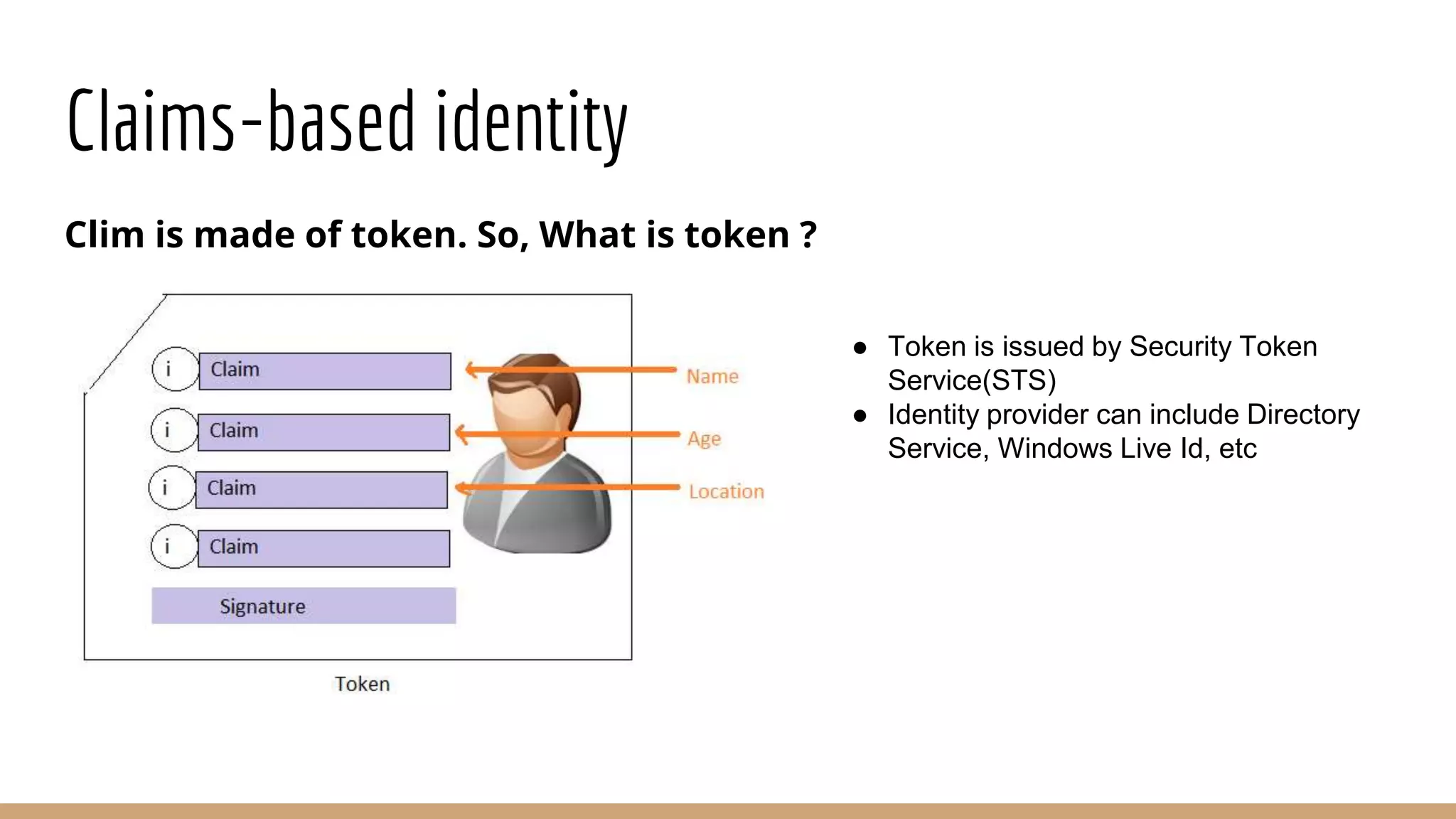
Clim is made of token. So, What is token ?
● Token is issued by Security Token
Service(STS)
● Identity provider can include Directory
Service, Windows Live Id, etc
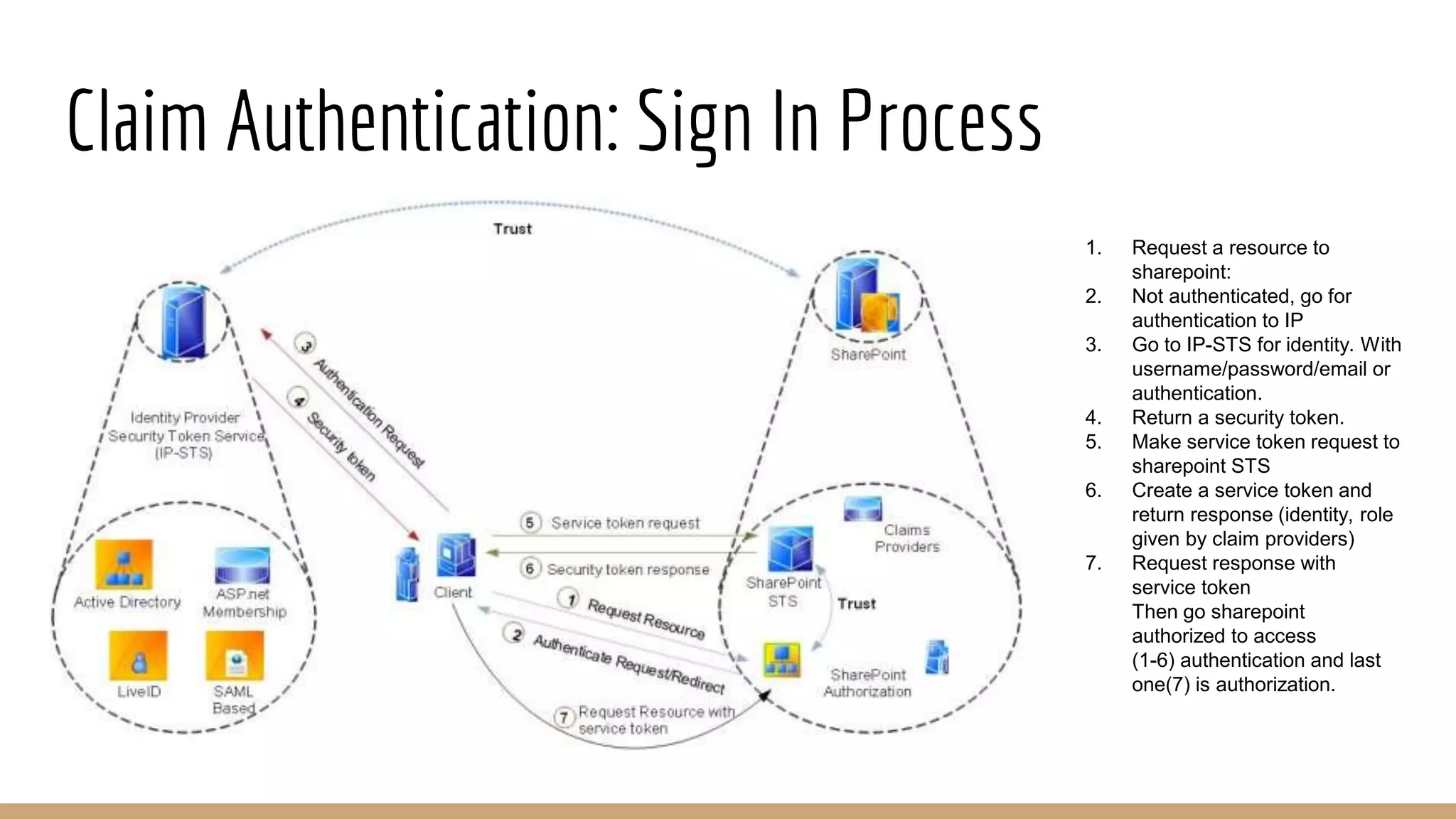
Claim Authentication: Sign In Process
1. Request a resource to
sharepoint:
2. Not authenticated, go for
authentication to IP
3. Go to IP-STS for identity. With
username/password/email or
authentication.
4. Return a security token.
5. Make service token request to
sharepoint STS
6. Create a service token and
return response (identity, role
given by claim providers)
7. Request response with
service token
Then go sharepoint
authorized to access
(1-6) authentication and last
one(7) is authorization.
SharePoint Authorization : Security Terminology
Principals
People to whom permission will be granted
Securables
Object to be secured
Permission
Individual permissions that can be applied
Permission Level
33 individual permissions
Build-In permission levels are pre-configured
BEST PRACTICES
Use build-in permission levels whenever possible
Do not edit build in permission levels
Common Build-In Permission Levels
Read: view and download
Contribute :Can view, add, update and delete list items and documents
Edit: Can add, edit and delete lists; also documents
Design: Can view, add, update, delete, approve and customize
Full Control: Has full control
Limited access : System permission. Can view specific list, document libraries, list items, folders or
documents when given permission
Thanks

Share point 2010

  • 1.
    SharePoint 2010 Present by: Md.Humayun Rashed Software Engineer Ixora Solution Ltd
  • 2.
    What is SharePoint SharePointis a readymade platform, it’s not a program. Already built with ASP.NET. Everything is readymade. SharePoint is a server product. Can use like MS office. The main aspect of SharePoint Share Data Collaborate Customized
  • 3.
    Why do weneed SharePoint? Main purpose of SharePoint is Increase Organization Productivity.How? How typically organization work? Different role of people ● CEO ● Accountant ● Sales Person ● Technician They have different role in the organization.
  • 4.
    Why do weneed SharePoint? Every people/department is generating data and those data are in different format All are generating data Accountant: work with balance sheet, day to day journal using excel Sales: Presentation using ppt Technical person: they might be create technical document CEO: generally send email and using outlook All are generating data with different format.
  • 5.
    Why do weneed SharePoint? Those document needs to pass around and around. Accounts to sales, sales to CEO, CEO to accounts and technitian.
  • 6.
    Why do weneed SharePoint? People wants to collaborate those data After few weeks- They becomes full with documents, email, records, informations with different type and different version. All are wants a central point where they can share information and collaborate those.
  • 7.
    Why do weneed SharePoint? They want to one central point where very people can share information and can collaborate. SharePoint - Share data, Collaborate data in a central point
  • 8.
    Why do weneed SharePoint? So SharePoint actually does: Share data Communicate Collaborate The central point is a Web-Portal which can internet or intranet portal. Why need developer/designer? Customization Change the layout
  • 9.
    Advantage of SharePointproduct and Technologies Rich UI Easy site editing and branding Ribbon Interface Work with minimum effort
  • 10.
    Advantage of SharePointproduct and Technologies Better Site Provisioning Quick development (use readymade template, can use third party component) No DBA required (using list of build in SharePoint)
  • 11.
    Advantage of SharePointproduct and Technologies Better Document Management Better Versioning (when, who modified, what modified) SharePoint solved and given extraordinary document management system. SharePoint taken the responsibility of all versioning. SharePoint store all version of document. Document Column (Attachments)
  • 12.
    Advantage of SharePointproduct and Technologies Document CheckIn/CheckOut Don’t need to think about conflict. (Previously microsoft used sourcesafe server, but now, If you want to edit a document with check-out option, it make locked so that other user can’t edit this)
  • 13.
    Advantage of SharePointproduct and Technologies Document workflow (ex: leave system) Document view within browser (every document is viewable in browser and that is buildin)
  • 14.
    Advantage of SharePointproduct and Technologies Document Permission (it's also configurable)
  • 15.
    Advantage of SharePointproduct and Technologies Email and SMS alert Build in indexing and search engine (like google, bing: searching list, content, document, people etc) Integration with active directory (creating user, group etc) Integration with MS-Office product
  • 16.
    Six Pillars ofSharePoint Sites Communities Content Search Insights Composites
  • 17.
    Six Pillars ofSharePoint : Sites Sites: Building and Managing Internal and External Websites Ribbon UI Better support for Multiple languages Integration of web analytics to see your website performing Cross-browser support
  • 18.
    Six Pillars ofSharePoint : Sites Sites: You can use top-level sites and subsites to divide site content into distinct, separately manageable sites. The entire structure of a top-level Website and all of its sub sites is called a Web site collection
  • 19.
    Six Pillars ofSharePoint : Communities Communities: Creating a social collaboration communities The ability to create detailed user profiles (think employee facebook page). Use of modern tools for sharing and collaboration including blogs and wikis. Creating a special interest groups (Communities) to share knowledge or work on project. Interactivity via commenting and discussion around content item(social tagging/bookmarking content).
  • 20.
    Six Pillars ofSharePoint: Content Content: Place to put your document, information and records. Direct integration with your MS office environment. Manage all of your organization's documents and other information including controlling who can read and update them. Categorize them for easier search and retrieval
  • 21.
    Six Pillars ofSharePoint : Search Search: The google for your organization’s private info. SharePoint has two search category: General Search (Greatly improved) FAST search: Some additional features Search for information and people, including particular expertise (experience/age limit). Refine search based on metadata (if metadata search then the search result will come). View thumbnail and preview of content within the result set. Refine result based on user profile
  • 22.
    Six Pillars ofSharePoint : Insights Insights: Digging for business intelligence Excel service engine. Beautiful feature of dashboard,scorecards and other views Web analysis > What am I ahead or behind on? > How far ahead or behind am I? > What is the minimum I have completed?
  • 23.
    Six Pillars ofSharePoint : Composites Composites: Integrating your business system with Business Connectivity Service. Pulling and pushing data from other business system (ex: SAP, oracle, other external system) SharePoint can both view and update external data via its Business Connectivity Services (BCS):Connect external data and work with it from SharePoint.
  • 24.
    Authentication in SharePoint Authentication Classicmode authentication (2007,2010) Claims-based authentication (2010)
  • 25.
    Overview of Identitiesand Claims What is Claims-based identity Claims Assertion Username Email Address Date of Birth Service Token Service (STS) A service that accept requests and issues security token that contains claims
  • 26.
    Claims-based identity Clim ismade of token. So, What is token ? Token is package of token. This things can accepted or rejected or changed.
  • 27.
    Claims-based identity Clim ismade of token. So, What is token ? ● Token is issued by Security Token Service(STS) ● Identity provider can include Directory Service, Windows Live Id, etc
  • 28.
    Claim Authentication: SignIn Process 1. Request a resource to sharepoint: 2. Not authenticated, go for authentication to IP 3. Go to IP-STS for identity. With username/password/email or authentication. 4. Return a security token. 5. Make service token request to sharepoint STS 6. Create a service token and return response (identity, role given by claim providers) 7. Request response with service token Then go sharepoint authorized to access (1-6) authentication and last one(7) is authorization.
  • 29.
    SharePoint Authorization :Security Terminology Principals People to whom permission will be granted Securables Object to be secured Permission Individual permissions that can be applied
  • 30.
    Permission Level 33 individualpermissions Build-In permission levels are pre-configured BEST PRACTICES Use build-in permission levels whenever possible Do not edit build in permission levels
  • 31.
    Common Build-In PermissionLevels Read: view and download Contribute :Can view, add, update and delete list items and documents Edit: Can add, edit and delete lists; also documents Design: Can view, add, update, delete, approve and customize Full Control: Has full control Limited access : System permission. Can view specific list, document libraries, list items, folders or documents when given permission
  • 32.