Download to read offline




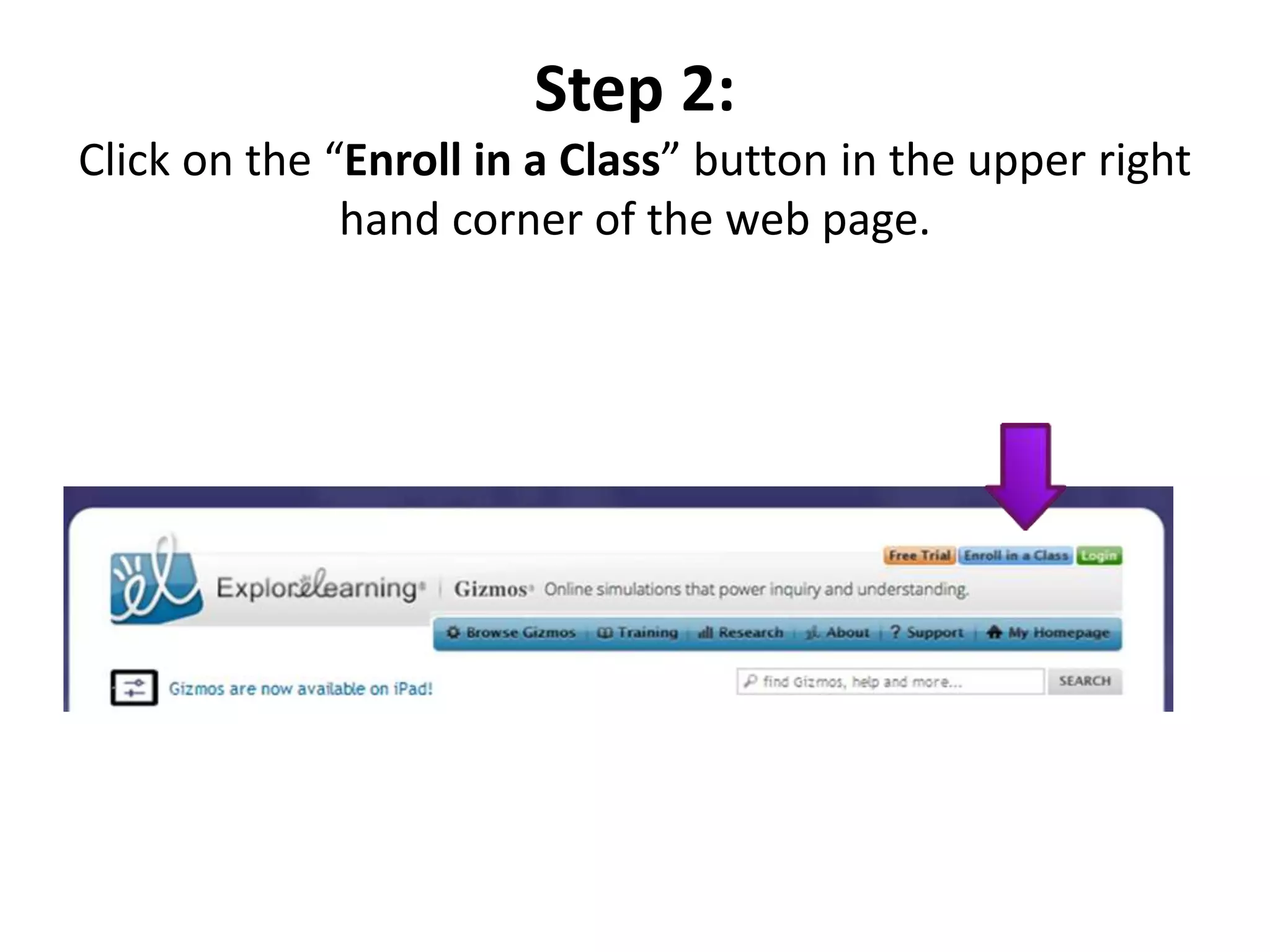


Four steps are outlined to set up a Gizmo account: 1. Go to the ExploreLearning website and click "Enroll in a Class" 2. Enter the teacher's class code and click "Continue" 3. Create a username and password and write them down 4. Modules in the course will use Gizmos, which are 10% vocabulary, 10% end of Gizmo quiz, and 80% the virtual lab


![Koppen classification and land area characteristics [autosaved]](https://cdn.slidesharecdn.com/ss_thumbnails/koppenclassificationandlandareacharacteristicsautosaved-210129205232-thumbnail.jpg?width=640&height=640&fit=bounds)


