Types of Server Controls
ASP.NET Web Server Controls
HTML Server Controls
Creating Server Controls Dynamically
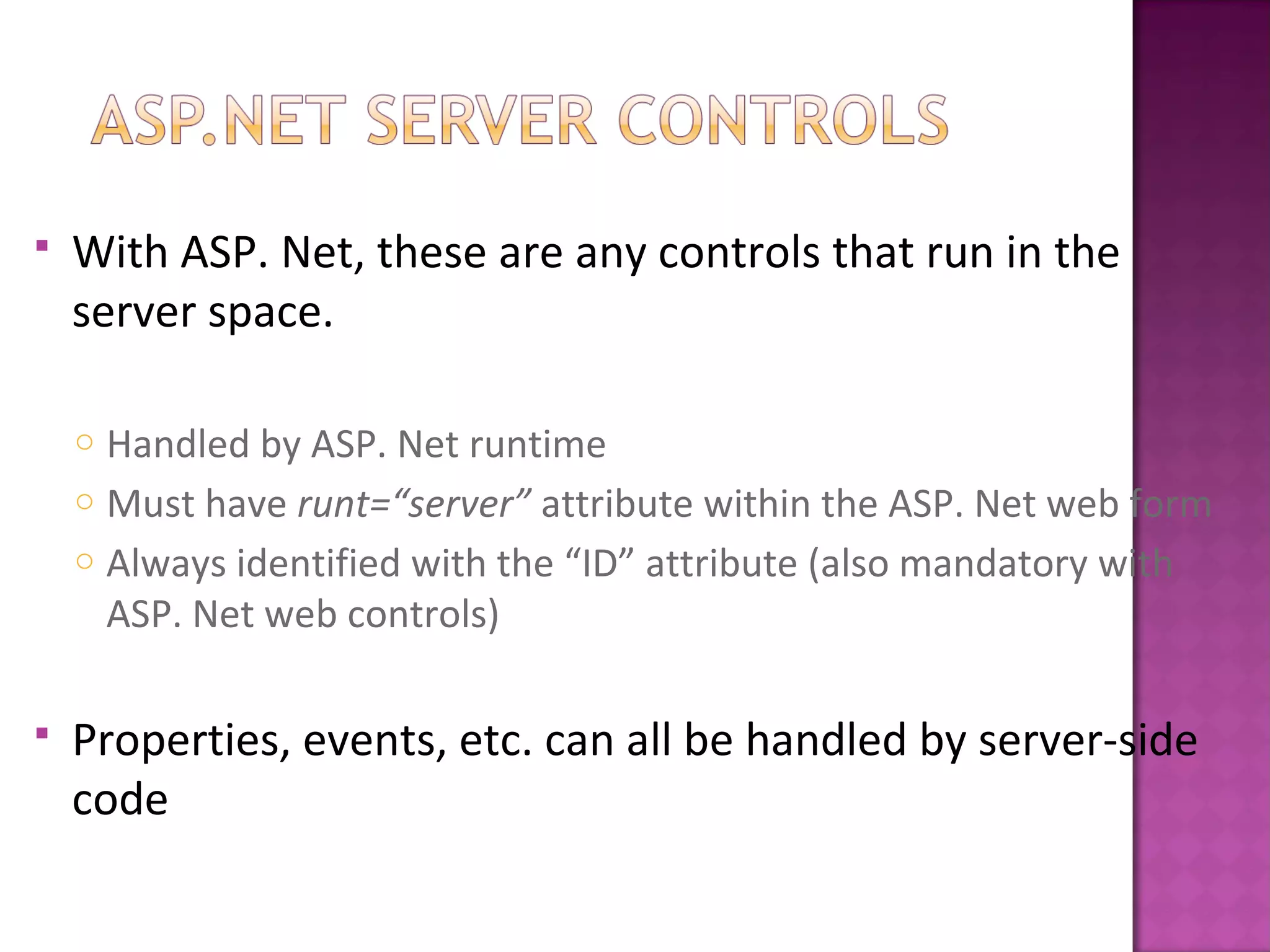
 With ASP. Net, these are any controls that run in the
server space.
o Handled by ASP. Net runtime
o Must have runt=“server” attribute within the ASP. Net web form
o Always identified with the “ID” attribute (also mandatory with
ASP. Net web controls)
 Properties, events, etc. can all be handled by server-side
code
• Label
• Textbox
• Button
• Link
• Link Button
• Dropdown List
• List Box
• Checkbox
• Radio Button
• Image
• File Upload
• Panel
• <span />
• <input type=“text” />
• <input type=“submit” />
• <a href=[#|page] />
• <a href=[postback] />
• <select />
• <select [size=x] />
• <input type=“checkbox” />
• <input type=“radio” />
• <img />
• <input type=“file” />
• <div />
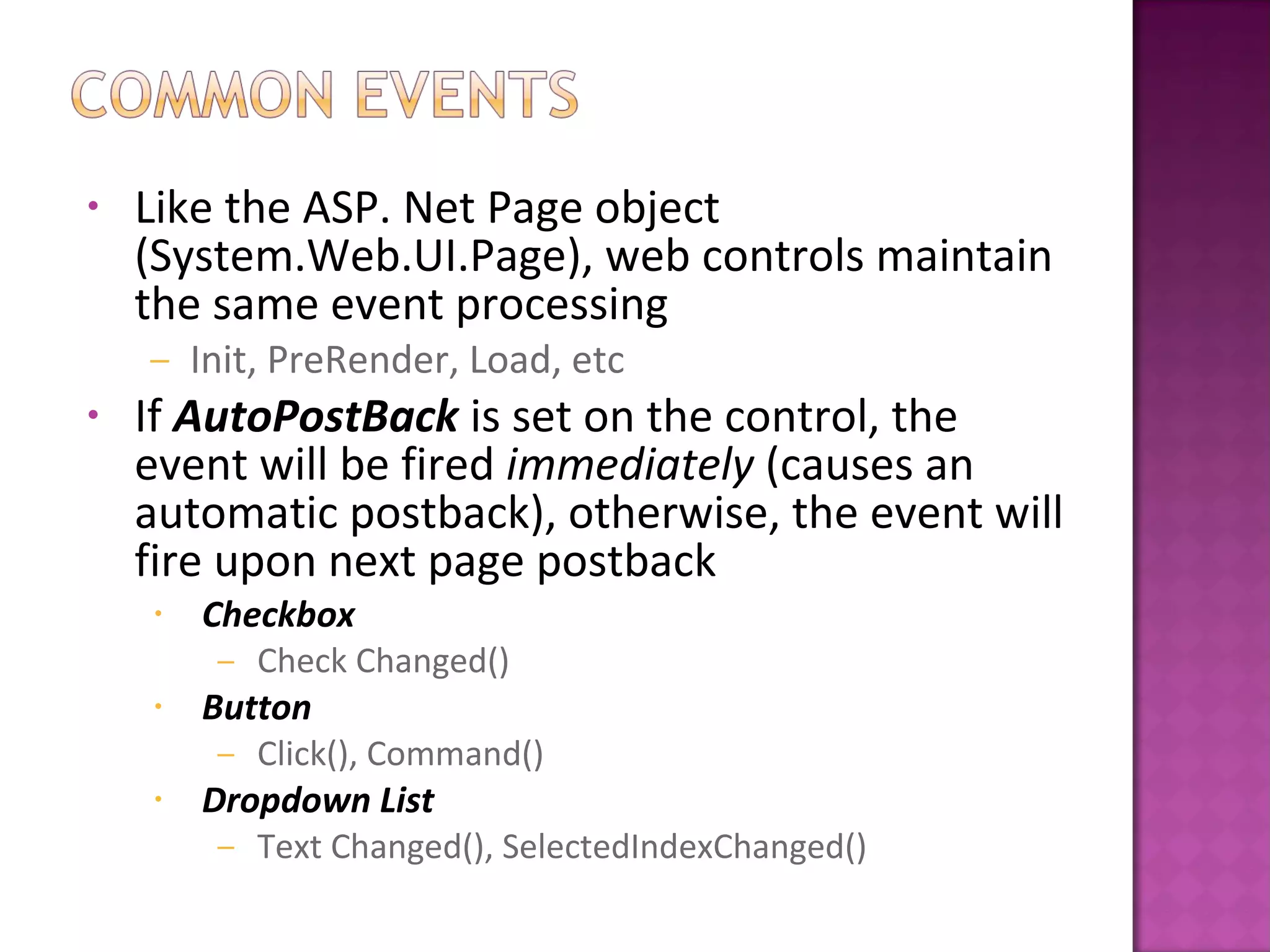
• Like the ASP. Net Page object
(System.Web.UI.Page), web controls maintain
the same event processing
– Init, PreRender, Load, etc
• If AutoPostBack is set on the control, the
event will be fired immediately (causes an
automatic postback), otherwise, the event will
fire upon next page postback
• Checkbox
– Check Changed()
• Button
– Click(), Command()
• Dropdown List
– Text Changed(), SelectedIndexChanged()
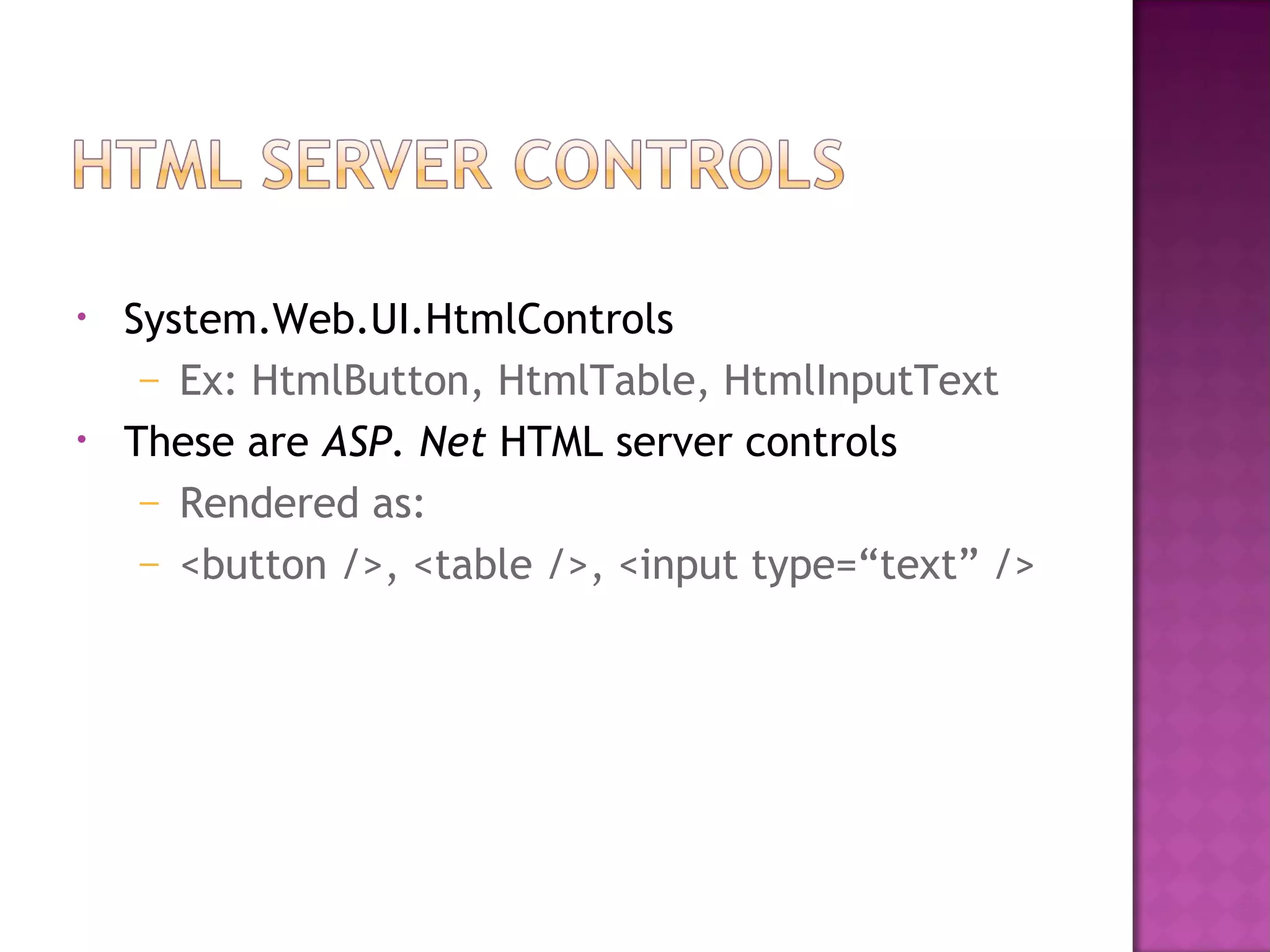
• System.Web.UI.HtmlControls
– Ex: HtmlButton, HtmlTable, HtmlInputText
• These are ASP. Net HTML server controls
– Rendered as:
– <button />, <table />, <input type=“text” />
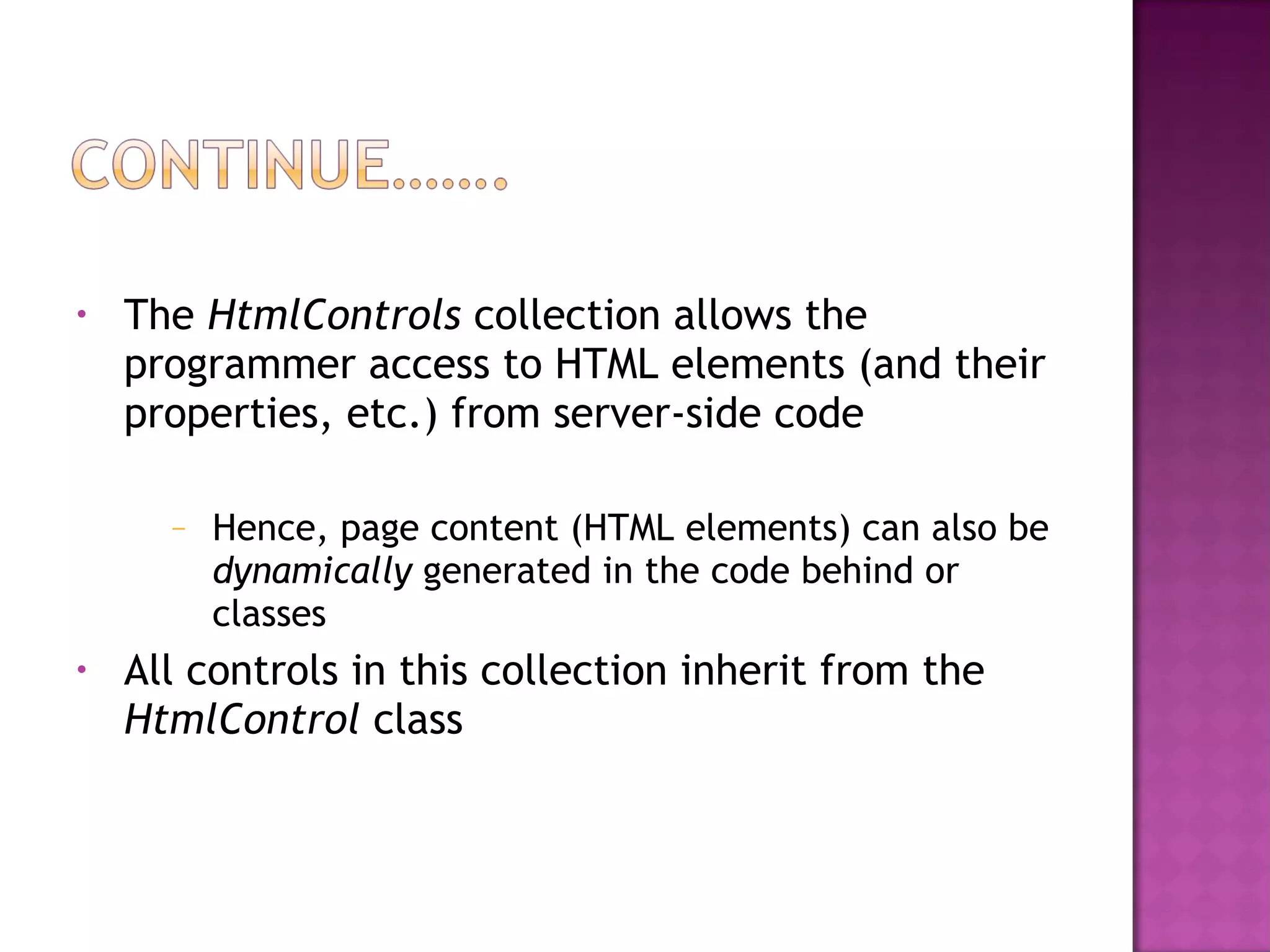
• The HtmlControls collection allows the
programmer access to HTML elements (and their
properties, etc.) from server-side code
– Hence, page content (HTML elements) can also be
dynamically generated in the code behind or
classes
• All controls in this collection inherit from the
HtmlControl class
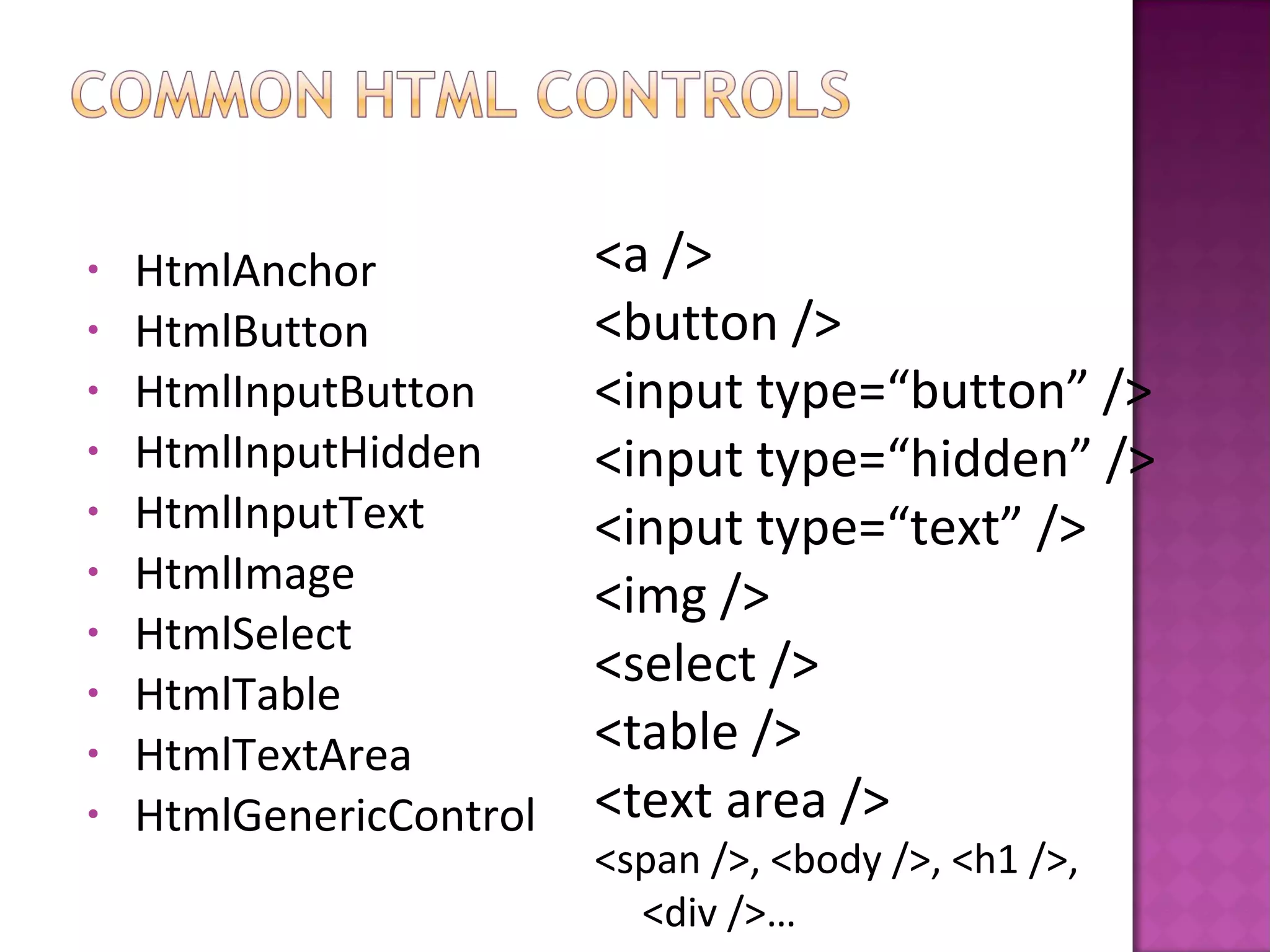
• HtmlAnchor
• HtmlButton
• HtmlInputButton
• HtmlInputHidden
• HtmlInputText
• HtmlImage
• HtmlSelect
• HtmlTable
• HtmlTextArea
• HtmlGenericControl
<a />
<button />
<input type=“button” />
<input type=“hidden” />
<input type=“text” />
<img />
<select />
<table />
<text area />
<span />, <body />, <h1 />,
<div />…
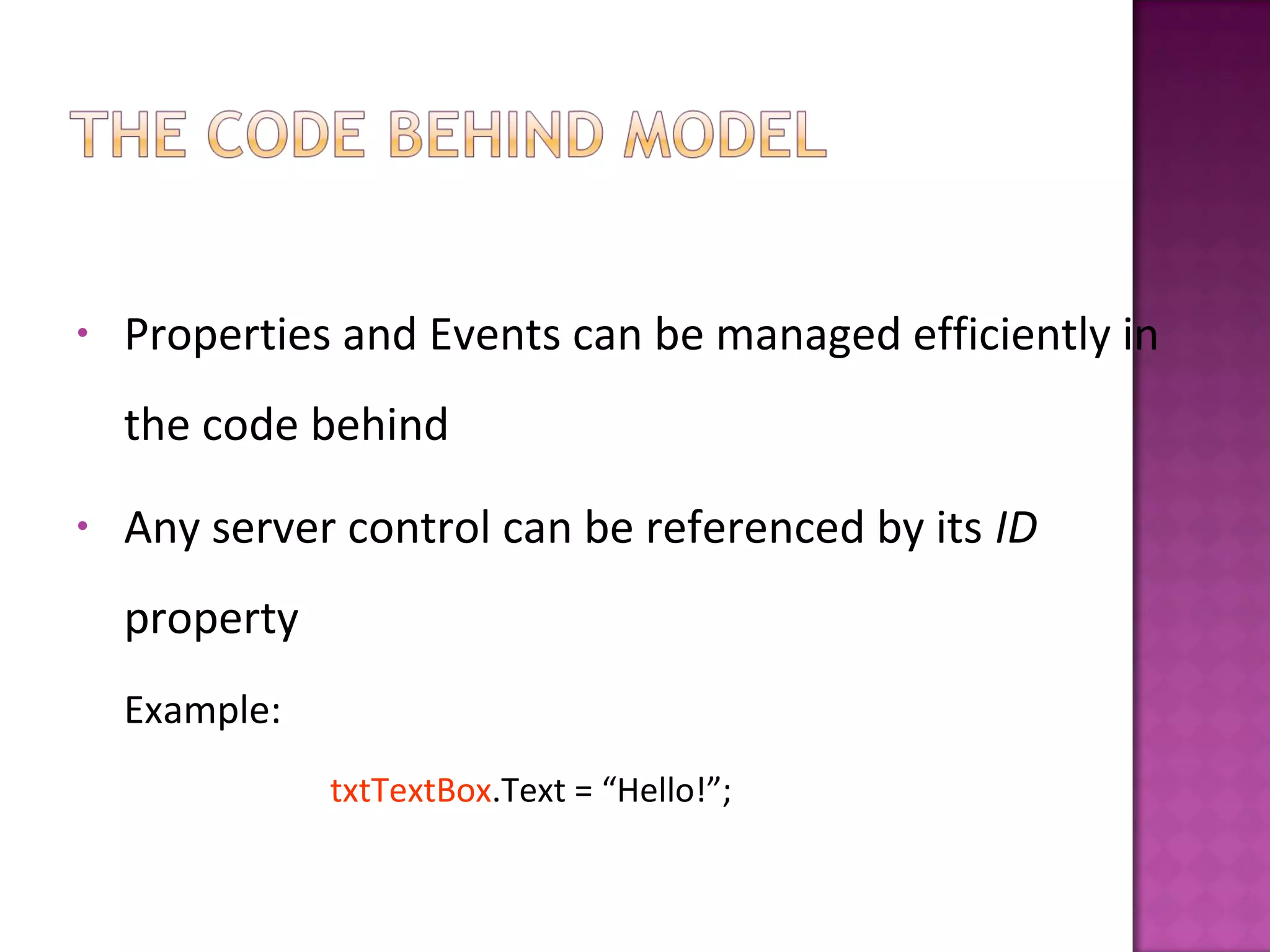
• Properties and Events can be managed efficiently in
the code behind
• Any server control can be referenced by its ID
property
Example:
txtTextBox.Text = “Hello!”;
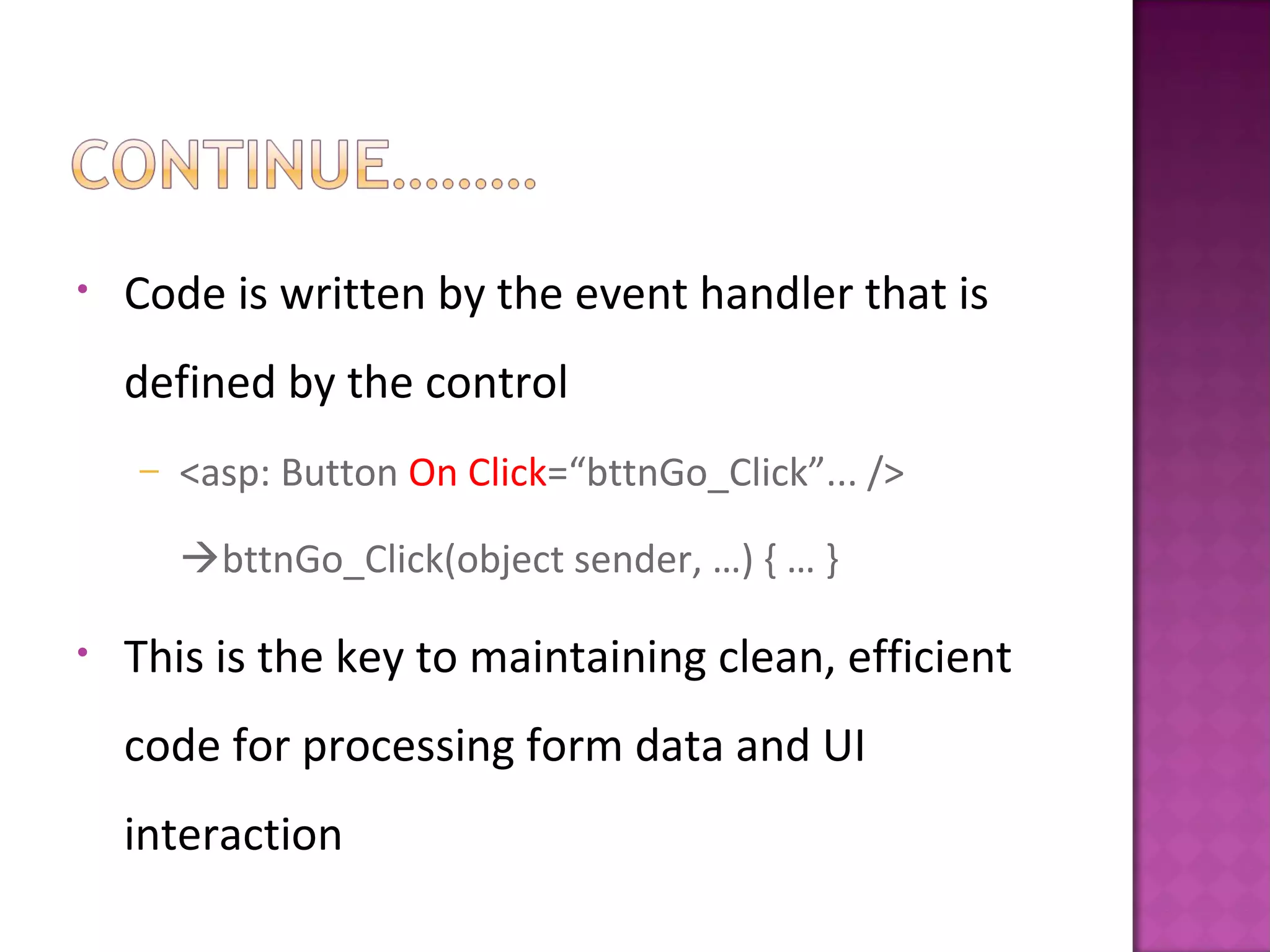
• Code is written by the event handler that is
defined by the control
– <asp: Button On Click=“bttnGo_Click”... />
bttnGo_Click(object sender, …) { … }
• This is the key to maintaining clean, efficient
code for processing form data and UI
interaction
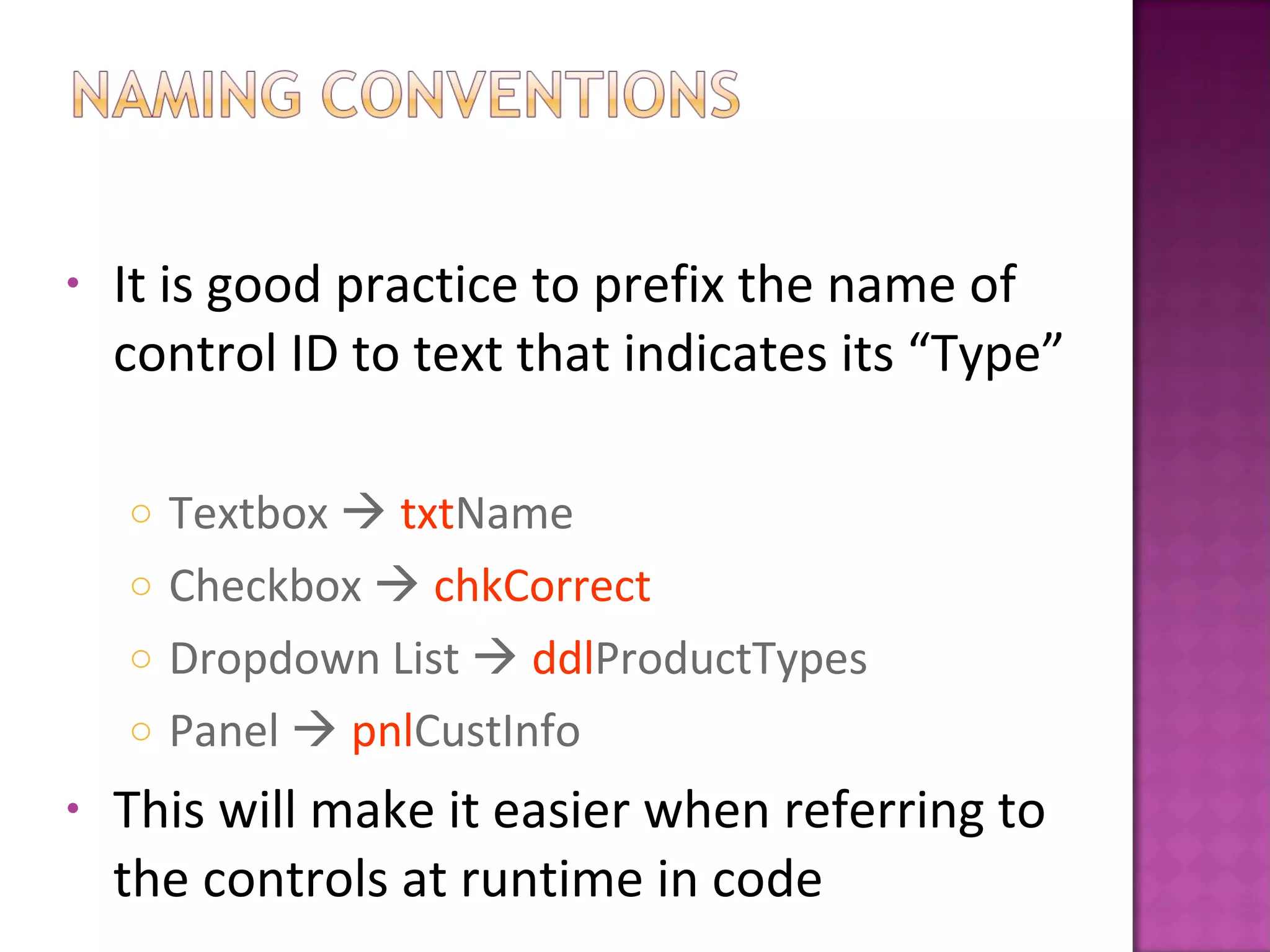
• It is good practice to prefix the name of
control ID to text that indicates its “Type”
o Textbox  txtName
o Checkbox  chkCorrect
o Dropdown List  ddlProductTypes
o Panel  pnlCustInfo
• This will make it easier when referring to
the controls at runtime in code
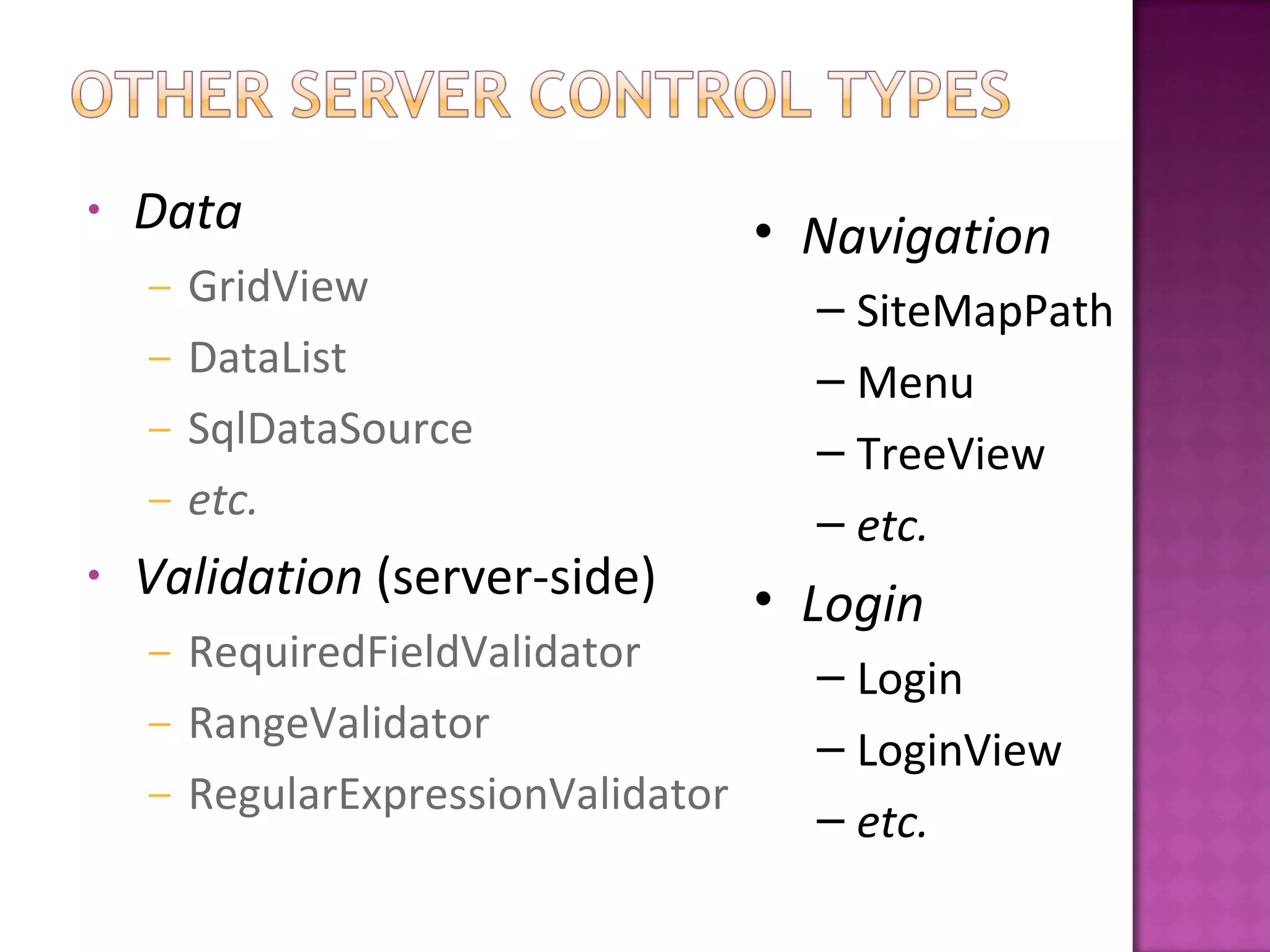
• Data
– GridView
– DataList
– SqlDataSource
– etc.
• Validation (server-side)
– RequiredFieldValidator
– RangeValidator
– RegularExpressionValidator
• Navigation
– SiteMapPath
– Menu
– TreeView
– etc.
• Login
– Login
– LoginView
– etc.
• Everything in VB/C# is an object, therefore
ASP. Net server controls are objects as well
• Controls can be dynamically created using
server side code (VB/C#)
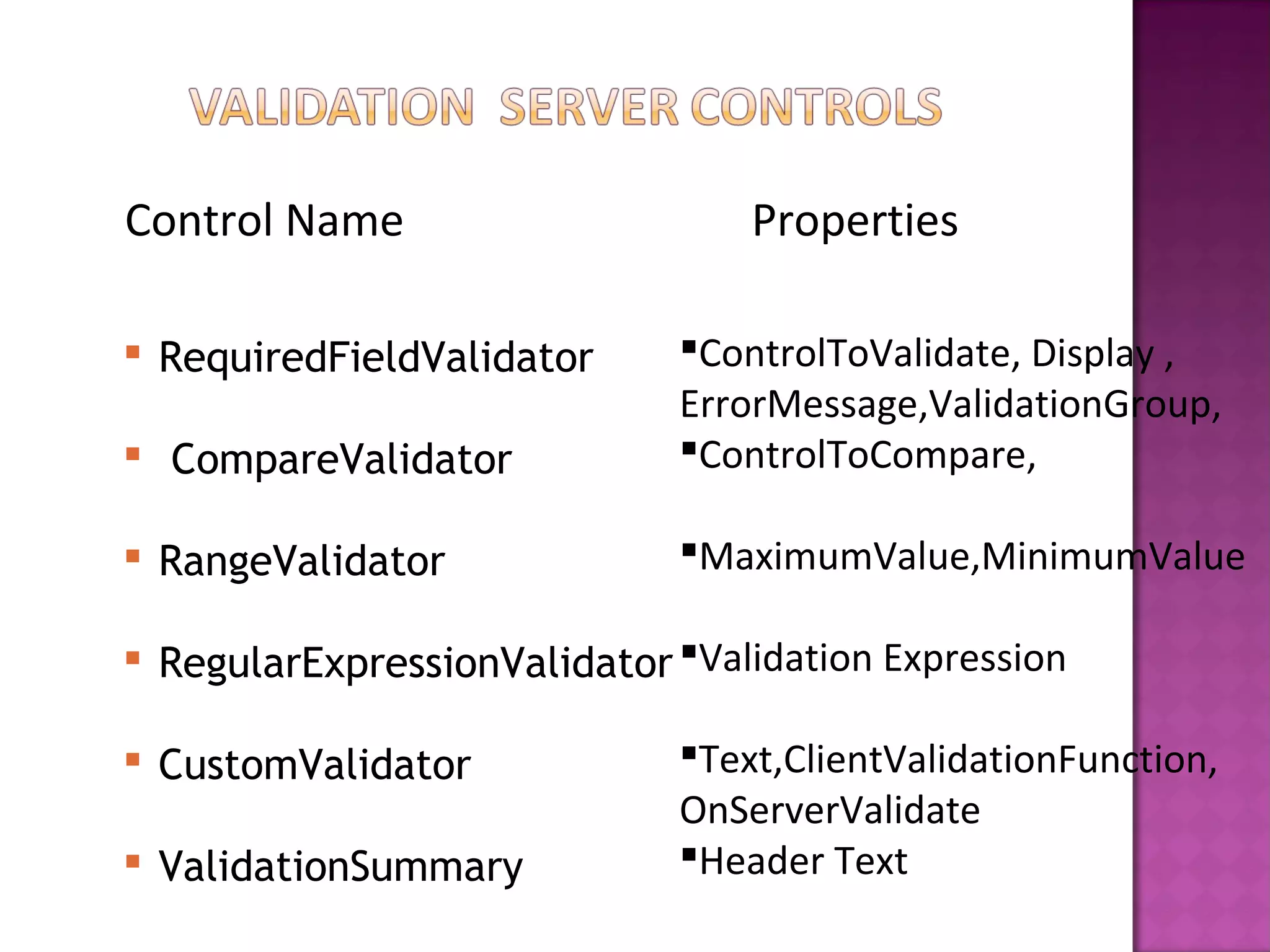
Control Name Properties
 RequiredFieldValidator
 CompareValidator
 RangeValidator
 RegularExpressionValidator
 CustomValidator
 ValidationSummary
ControlToValidate, Display ,
ErrorMessage,ValidationGroup,
ControlToCompare,
MaximumValue,MinimumValue
Validation Expression
Text,ClientValidationFunction,
OnServerValidate
Header Text

Session iii(server controls)

  • 1.
    Types of ServerControls ASP.NET Web Server Controls HTML Server Controls Creating Server Controls Dynamically
  • 2.
     With ASP.Net, these are any controls that run in the server space. o Handled by ASP. Net runtime o Must have runt=“server” attribute within the ASP. Net web form o Always identified with the “ID” attribute (also mandatory with ASP. Net web controls)  Properties, events, etc. can all be handled by server-side code
  • 3.
    • Label • Textbox •Button • Link • Link Button • Dropdown List • List Box • Checkbox • Radio Button • Image • File Upload • Panel • <span /> • <input type=“text” /> • <input type=“submit” /> • <a href=[#|page] /> • <a href=[postback] /> • <select /> • <select [size=x] /> • <input type=“checkbox” /> • <input type=“radio” /> • <img /> • <input type=“file” /> • <div />
  • 4.
    • Like theASP. Net Page object (System.Web.UI.Page), web controls maintain the same event processing – Init, PreRender, Load, etc • If AutoPostBack is set on the control, the event will be fired immediately (causes an automatic postback), otherwise, the event will fire upon next page postback • Checkbox – Check Changed() • Button – Click(), Command() • Dropdown List – Text Changed(), SelectedIndexChanged()
  • 5.
    • System.Web.UI.HtmlControls – Ex:HtmlButton, HtmlTable, HtmlInputText • These are ASP. Net HTML server controls – Rendered as: – <button />, <table />, <input type=“text” />
  • 6.
    • The HtmlControlscollection allows the programmer access to HTML elements (and their properties, etc.) from server-side code – Hence, page content (HTML elements) can also be dynamically generated in the code behind or classes • All controls in this collection inherit from the HtmlControl class
  • 7.
    • HtmlAnchor • HtmlButton •HtmlInputButton • HtmlInputHidden • HtmlInputText • HtmlImage • HtmlSelect • HtmlTable • HtmlTextArea • HtmlGenericControl <a /> <button /> <input type=“button” /> <input type=“hidden” /> <input type=“text” /> <img /> <select /> <table /> <text area /> <span />, <body />, <h1 />, <div />…
  • 8.
    • Properties andEvents can be managed efficiently in the code behind • Any server control can be referenced by its ID property Example: txtTextBox.Text = “Hello!”;
  • 9.
    • Code iswritten by the event handler that is defined by the control – <asp: Button On Click=“bttnGo_Click”... /> bttnGo_Click(object sender, …) { … } • This is the key to maintaining clean, efficient code for processing form data and UI interaction
  • 10.
    • It isgood practice to prefix the name of control ID to text that indicates its “Type” o Textbox  txtName o Checkbox  chkCorrect o Dropdown List  ddlProductTypes o Panel  pnlCustInfo • This will make it easier when referring to the controls at runtime in code
  • 11.
    • Data – GridView –DataList – SqlDataSource – etc. • Validation (server-side) – RequiredFieldValidator – RangeValidator – RegularExpressionValidator • Navigation – SiteMapPath – Menu – TreeView – etc. • Login – Login – LoginView – etc.
  • 12.
    • Everything inVB/C# is an object, therefore ASP. Net server controls are objects as well • Controls can be dynamically created using server side code (VB/C#)
  • 13.
    Control Name Properties RequiredFieldValidator  CompareValidator  RangeValidator  RegularExpressionValidator  CustomValidator  ValidationSummary ControlToValidate, Display , ErrorMessage,ValidationGroup, ControlToCompare, MaximumValue,MinimumValue Validation Expression Text,ClientValidationFunction, OnServerValidate Header Text