The ServiceNow Tokyo release introduces a modernized user interface, enhanced reporting, and various new features such as integrations with Salesforce and Oracle Cloud, improved data security, and a hybrid cloud management capability. It allows low-code development, includes tools for automating notifications and document parsing, and features enhanced data loss prevention policies. This major release aims to improve business processes, customer experiences, and overall efficiency in service management.
Introduction of the ServiceNow Tokyo Release with enhanced user experience, improved reporting, new features like Salesforce integration, mobile access, and robust data security.
New capabilities for hybrid cloud management, legacy system integration with connectors, and introduction of Data Loss Prevention policies for enhanced data protection.
Introduction of Table and Formula Builders for easier data management; Template Sharing now allows targeted sharing with users or groups.
Creation of notifications through a low-code approach, enabling users to streamline communication within the ServiceNow platform.
Control tower for managing applications to minimize risks, track adoption, and streamline multiple deployments within the organization.
Improvements in automation with dynamic translation features, integration of RPA, and AI-powered testing tools to enhance efficiency.
Introduction of Document Intelligence for parsing structured documents, while enhancing Flow Designer with automated process tracking.
Support for ES6 scripts in scoped apps, along with guided setup experiences for various applications to improve onboarding.
New S/MIME support for secure emails and enhancements in adaptive authentication for mobile access, ensuring secure communication.
De-Mystifying The
ServiceNow TokyoRelease
ServiceNow Tokyo Release brings you a new and improved user experience, with new
features, improved reporting, and management capabilities. ServiceNow Tokyo Release
is the latest ServiceNow release, which brings you a refreshed look and feel from
previous versions of ServiceNow. It provides new features to help you transform your
business processes and improve customer experience, connect with partners, and drive
innovation.
A modernized UI that’s easier to use and more intuitive than ever before. A new
experience for setting up, configuring, and managing your organization. New tools for
managing IT services, including CloudForms integration with Azure Active Directory
(Azure AD) and Microsoft Teams. Enhanced support tools that help you track progress
with tickets and improve incident resolution times.
ServiceNow Tokyo Release is a major release of the platform and includes many new
features. Some of the most notable features include:
New Salesforce Integration – ServiceNow integrates with Salesforce to offer more
intuitive and seamless integrations.
Improved User Experience – ServiceNow’s UI has been completely revamped to make it
easier for users to navigate and find relevant information.
Improved Data Security – You can now encrypt all your data at rest using encryption
keys that are unique to each customer, company or account.
2.
Hybrid Cloud –This feature allows you to deploy and manage your hybrid cloud
infrastructure using only a single instance of ServiceNow.
ServiceNow Data Connector – With this feature, you can integrate your legacy systems
with ServiceNow without having to write any code. You can also use it to bring data
from other applications into ServiceNow through connectors such as Microsoft Excel,
Microsoft OneNote or Salesforce.com.
Oracle Cloud Platform Integration – With this feature, you can connect ServiceNow to
Oracle Cloud Platform through LDAP or Active Directory natively within ServiceNow
itself.
New Custom Fields – Custom fields are now available for all users and roles. These
allow you to store additional information about a record (such as notes) in the
database.
Data Loss Prevention (DLP) – DLP policies are now available in ServiceNow Tokyo.
With this feature, you can protect your data in real-time by detecting sensitive
information that may be about to be released, such as credit card numbers or social
security numbers. You can also prevent unauthorized access to sensitive data by
restricting who has access to it based on organizational roles or other criteria.
Major Highlights
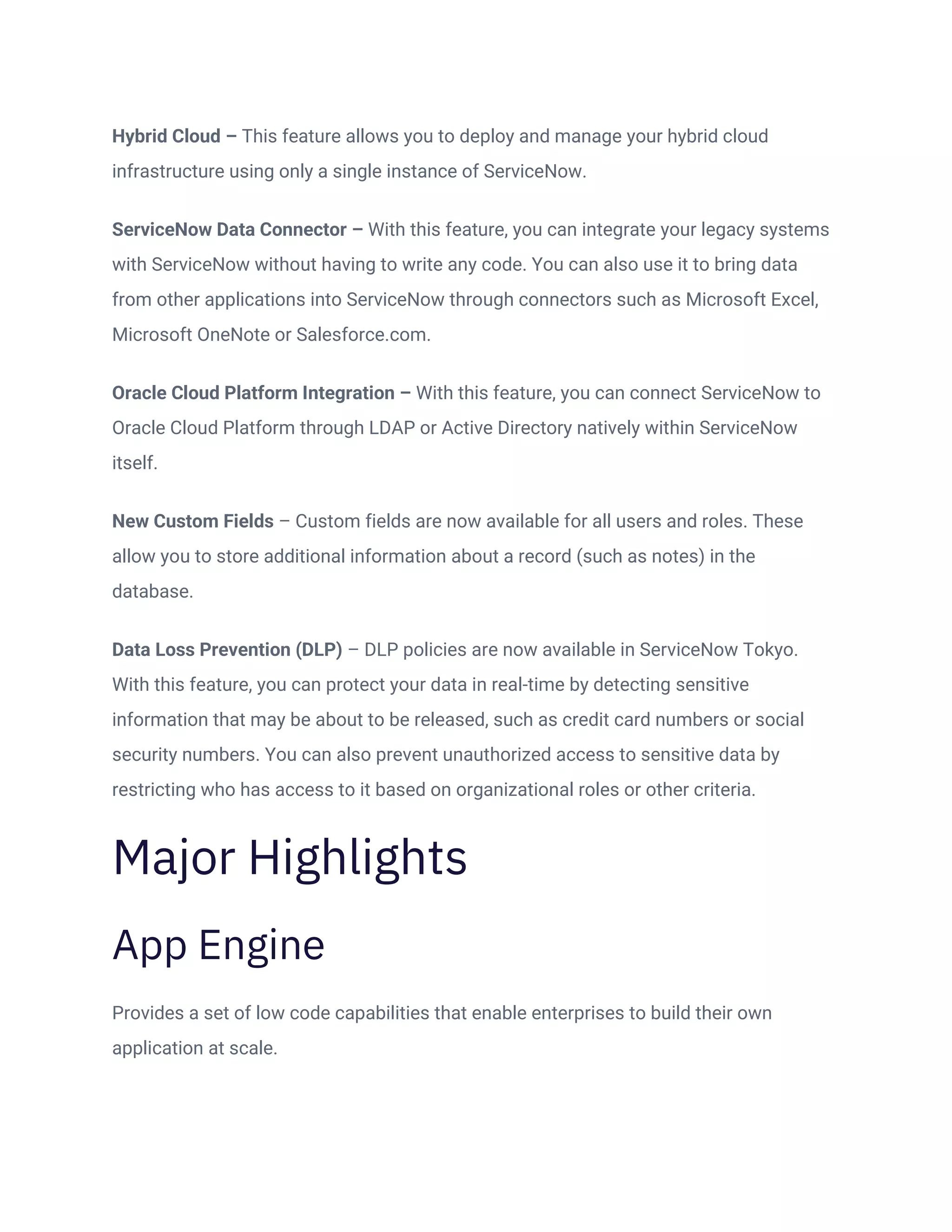
App Engine
Provides a set of low code capabilities that enable enterprises to build their own
application at scale.
3.
Flow Integration toTable Builder
• Table builder provides a unified experience for tables, and form flows.
• Intuitive user-friendly experience for the users.
• Guided experience in the context of the table Work with data models in a tabular format.
Table Builders exclusive to App Engine Studio.
Formula Builder
• It provides Microsoft excel features, like performing some average, sum, or any sort of
calculation. Excel-like formulas in place of scripts.
• Functions are defined in sys_transform_function.
4.
Template Sharing
During templatesharing now you will be getting the options that specify you want to
share with a Specific user and group or to all users and groups.
5.
Email Notification Authoring
Createa notification in the notification table. Trigger these Notifications from flows with
send Notification action. Low-code users can create notifications in the same
notification table as other platform notifications.
6.
App Engine ManagementCenter
We call it the Control tower for all your applications.
• It will assess and reduce potential risks of applications and deployment sprawl.
• Track adoption and identify bottlenecks in deployments.
• Configure pipelines for multiple deployments Processes.
7.
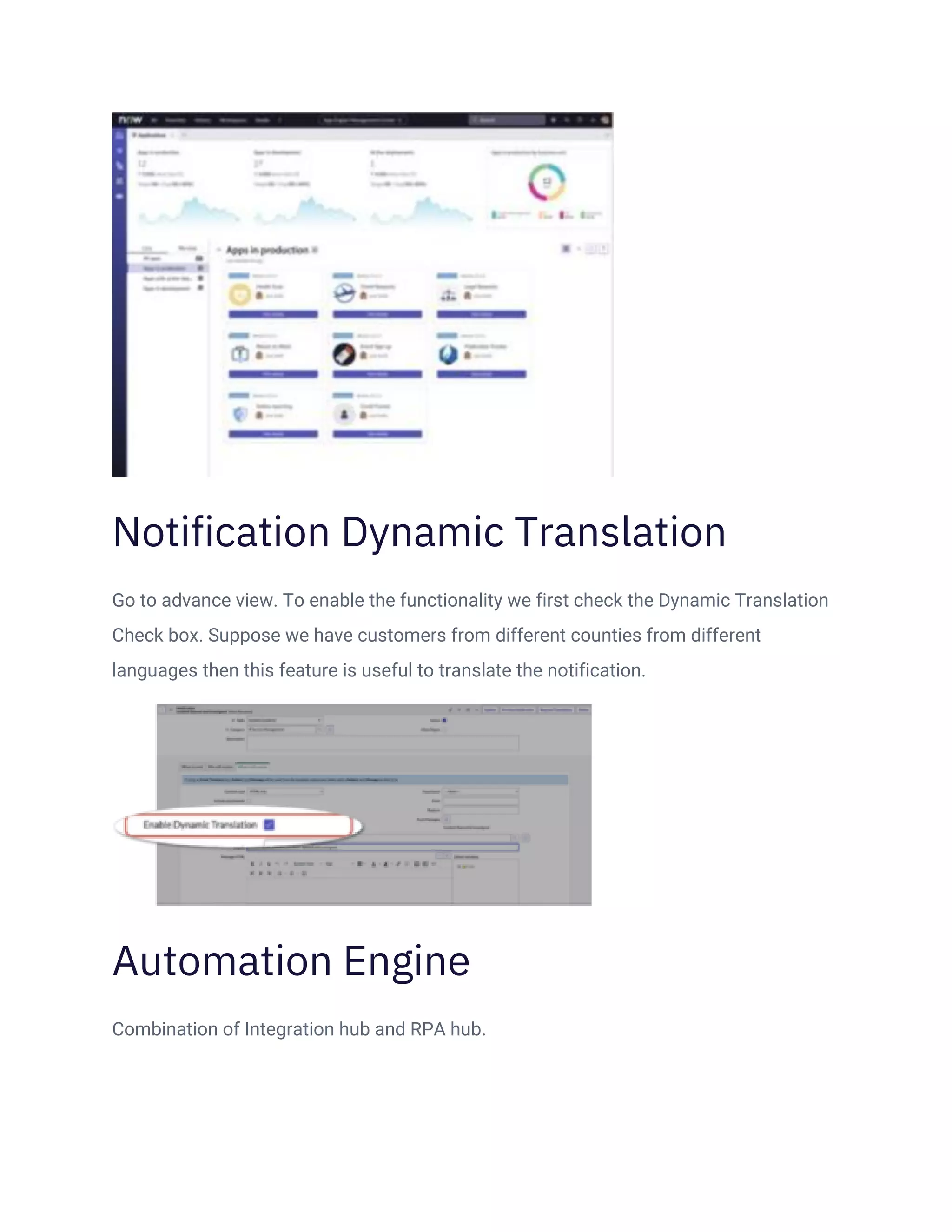
Notification Dynamic Translation
Goto advance view. To enable the functionality we first check the Dynamic Translation
Check box. Suppose we have customers from different counties from different
languages then this feature is useful to translate the notification.
Automation Engine
Combination of Integration hub and RPA hub.
8.
Automation Center
• Centralgovernance of automation requests and implementations.
• Show business value by showing CIO ROI against defined goals.
• Additionally, support UI Path robot executions.
• You can show time and money saved through RPA.
• REST API ανailable /sn_ac/auto/rpa.
ATF AI Test Generator and Cloud Runner
Using AI for Testing and simplifying the execution of automated testing with hosted
headless testing. It will also reduce the time of the developer for testing. Accelerate
testing with Al powered regression test generation.
9.
Document Intelligence
• Human-assisteddocument parsing of structured documents. The system is capable
enough to identify the content of the documents and read it for you.
• Tables and lists will be included.
• You can consume the parsed data inflow with OOB actions and templates.
Flow Designer Integration Hub
Dashboard
It provides more attention to these aspects-:
• Usage
• Flow executions
10.
• MID executions
•No module available(yet)
Process bar in Flow Designer
It is used to show how the process has been generated.
Read-only roles in Flow Designer
Enables a user to launch Flow Designer and Action Designer to view the configuration
and execution details of flows, subflows, and actions.”Writable”buttons/actions are
removed.
11.
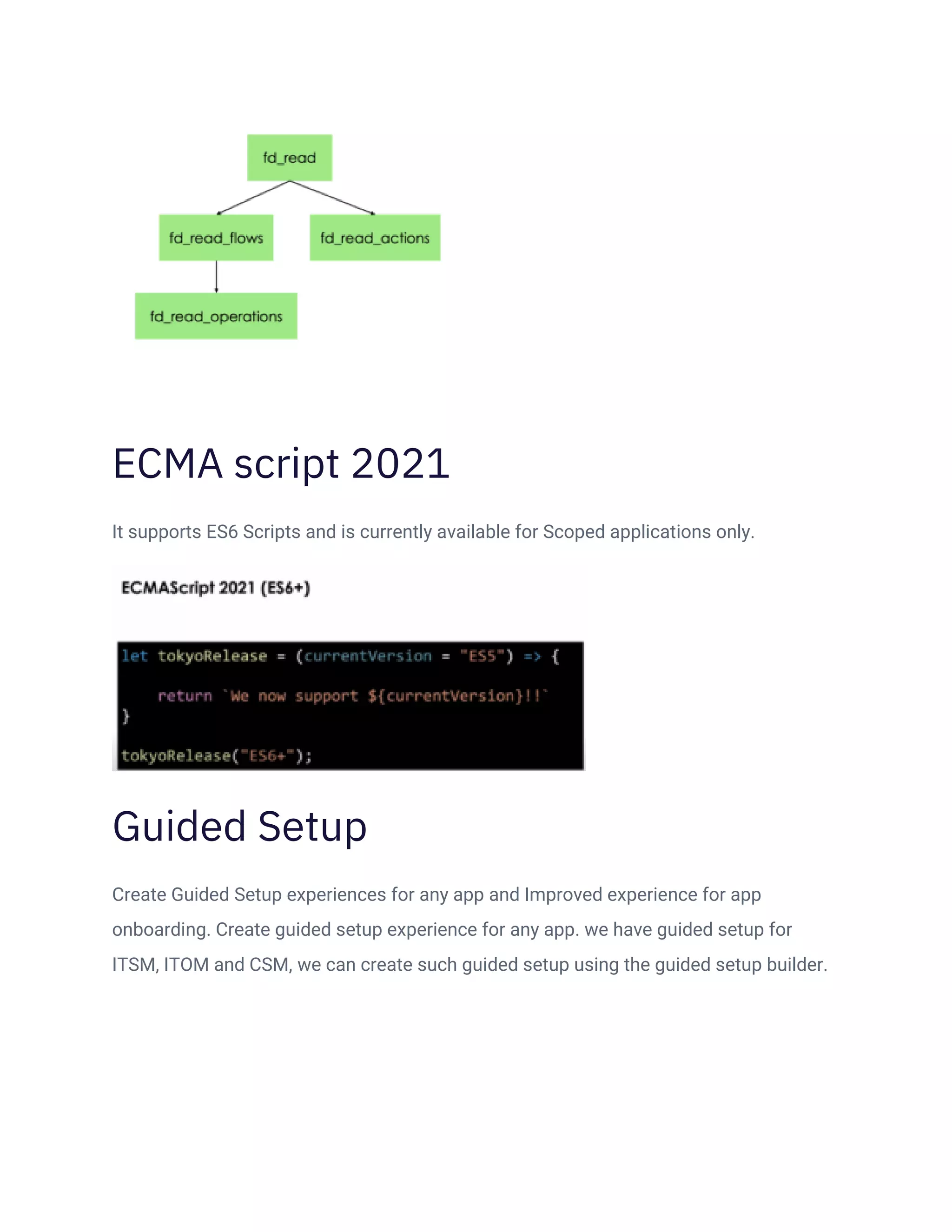
ECMA script 2021
Itsupports ES6 Scripts and is currently available for Scoped applications only.
Guided Setup
Create Guided Setup experiences for any app and Improved experience for app
onboarding. Create guided setup experience for any app. we have guided setup for
ITSM, ITOM and CSM, we can create such guided setup using the guided setup builder.
12.
Admin Center
Install andconfigure ServiceNow solutions using a guided experience that includes
personalized application recommendations based on instance maturity and desired
business outcomes.
You can find out the following:-
• How many apps are ready to update?
• How many apps are ready to install?
• How many tasks are assigned to You?
• How many approvals are in a pending state?
13.
S/MIME Support forInbound
Outbound Email
S/MIME support plugin should be activated. Then we can tick the digital signature and
can encrypt the email. It Enables sending or receiving of encrypted email using the
S/MIME protocol. Available from the classic email client and outbound notification.
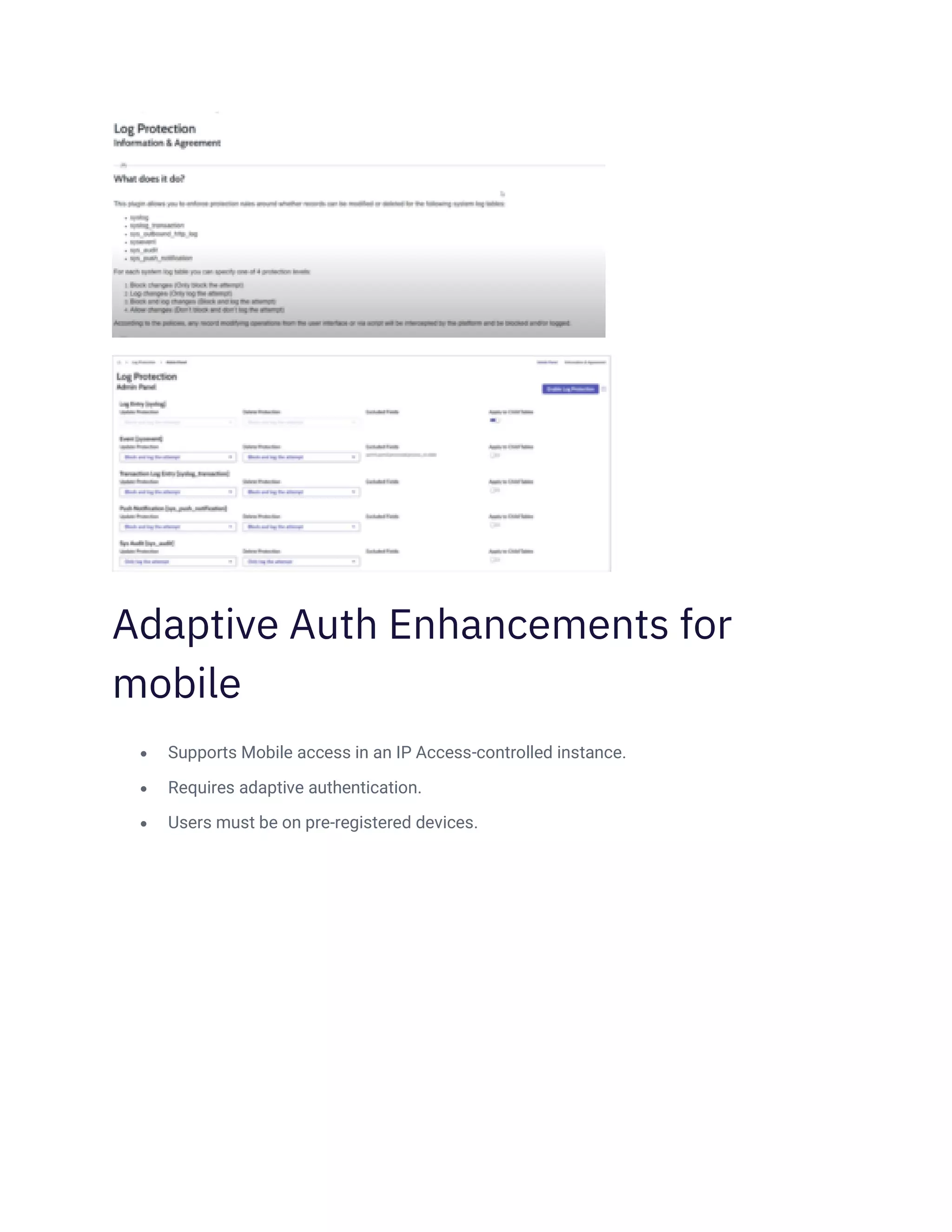
Log Protection
It is used to check and protects the logs as per our requirements.
14.
Adaptive Auth Enhancementsfor
mobile
• Supports Mobile access in an IP Access-controlled instance.
• Requires adaptive authentication.
• Users must be on pre-registered devices.