Selenium Tes+ng on Chrome
Sargis Sargsyan
‹ ›2
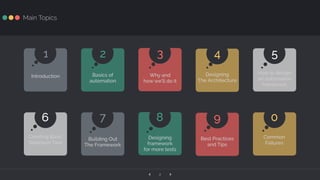
Designing
The Architecture
4
Introduction
1
Basics of
automation
2
Why and
how we’ll do it
3
How to design
an automation
framework
5
Creating Basic
Selenium Test
6
Building Out
The Framework
7
Designing
framework
for more tests
8
Best Practices
and Tips
9
Common
Failures
0
Main Topics
Introduction
`
‹ ›4
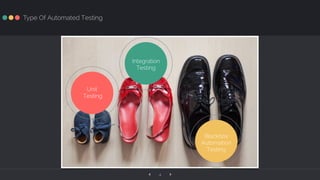
Type Of Automated Testing
Blackbox
Automation
Testing
Unit
Testing
Integration
Testing
‹ ›5
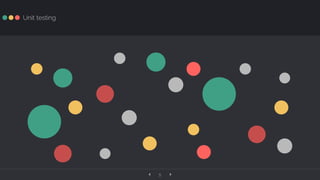
Unit testing
‹ ›6
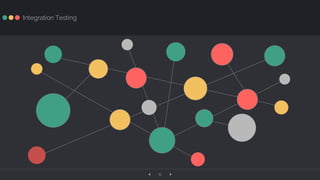
Integration Testing
‹ ›7
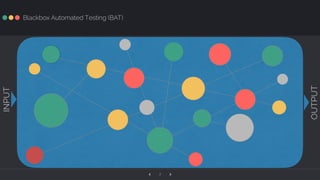
Blackbox Automated Testing (BAT)
INPUT
OUTPUT
‹ ›8
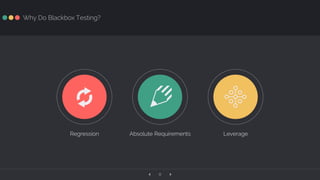
Why Do Blackbox Testing?
Ĥ
Leverage
y
Regression
`
Absolute Requirements
‹ ›9
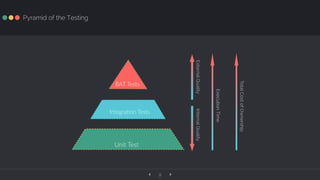
Pyramid of the Testing
Integra(on Tests
Unit Test
BAT Tests
InternalQualityExternalQuality
ExecutionTime
TotalCostofOwnership
Selenium
p
‹ ›11
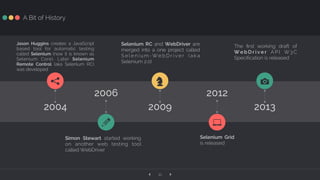
A Bit of History
Jason Huggins creates a JavaScript
based tool for automatic testing
called Selenium (now it is known as
Selenium Core). Later Selenium
Remote Control (aka Selenium RC)
was developed
Simon Stewart started working
on another web testing tool
called WebDriver
Selenium RC and WebDriver are
merged into a one project called
S e l e n i u m -W e b D r i v e r ( a k a
Selenium 2.0)
The first working draft of
W e b D r i v e r A P I W3 C
Specification is released
Selenium Grid
is released
2012
7
2004
q
2013
1
2009
Z
2006
a
‹ ›12
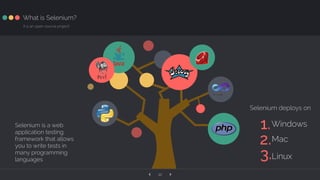
What is Selenium?
It is an open-source project!
1.Windows
2.Mac
3.Linux
Selenium is a web
application testing
framework that allows
you to write tests in
many programming
languages
Selenium deploys on
‹ ›13
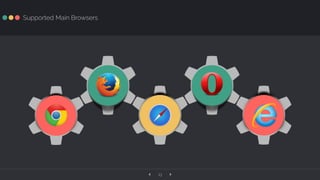
Supported Main Browsers
WW WWW
‹ ›14
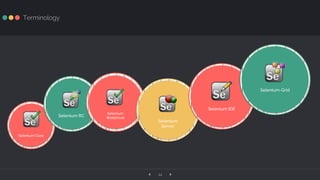
Terminology
Selenium Core
Selenium RC
Selenium
WebDriver
Selenium
Server
Selenium IDE
Selenium-Grid
Architecture
`
‹ ›16
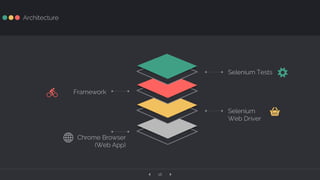
Architecture
FrameworkL
Chrome Browser
(Web App)
Ħ
Selenium Tests X
Selenium
Web Driver
Ä
Setup
V
‹ ›18
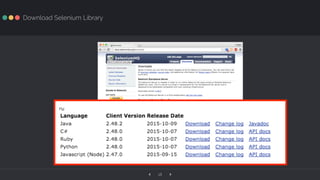
Download Selenium Library
‹ ›19
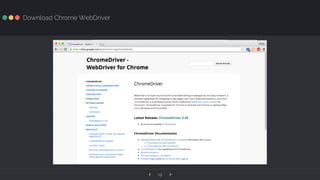
Download Chrome WebDriver
‹ ›20
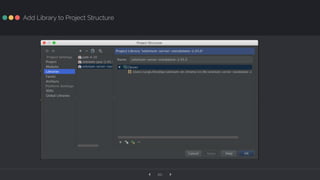
Add Library to Project Structure
‹ ›21
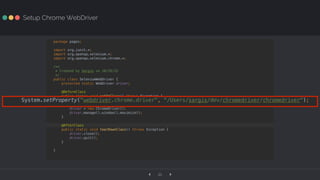
Setup Chrome WebDriver
‹ ›22
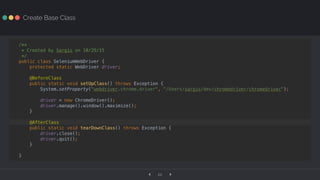
Create Base Class
‹ ›23
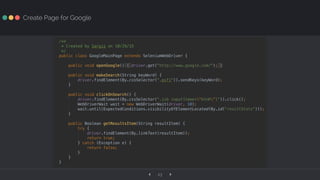
Create Page for Google
‹ ›24
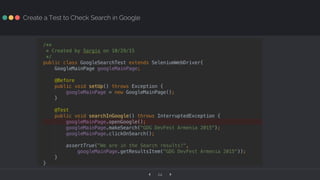
Create a Test to Check Search in Google
‹ ›25
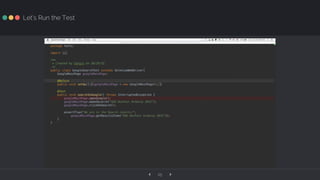
Let’s Run the Test
WebDriver
Features
Z
‹ ›27
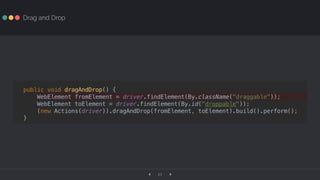
Drag and Drop
‹ ›28
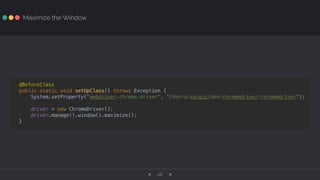
Maximize the Window
‹ ›29
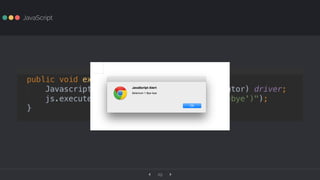
JavaScript
‹ ›30
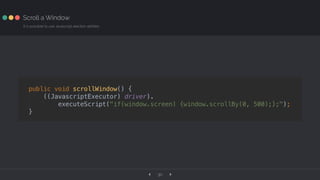
Scroll a Window
It is possible to use Javascript election abilities
‹ ›31
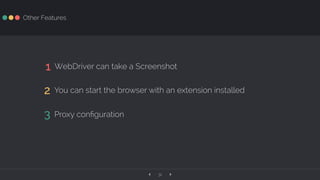
Other Features
1 WebDriver can take a Screenshot
2 You can start the browser with an extension installed
3 Proxy configuration
Common
Failures
l
‹ ›33
Recorded Brittle Test
‹ ›34
Not Building a Framework
‹ ›35
Writing Tests Like Code
‹ ›36
Trying to Automate Hard Things
‹ ›37
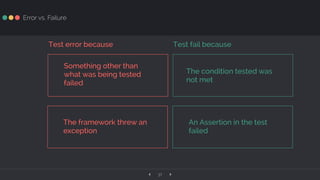
Error vs. Failure
Something other than
what was being tested
failed
The condition tested was
not met
The framework threw an
exception
An Assertion in the test
failed
Test fail becauseTest error because
‹ ›38
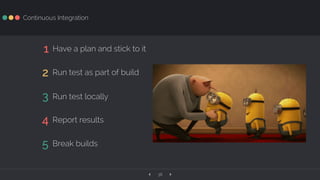
Continuous Integration
1 Have a plan and stick to it
2 Run test as part of build
3 Run test locally
4 Report results
5 Break builds
✉ !
EMAIL TWITTER LINKEDIN
sargis.sargsyan@live.com mrsargsyan sargissargsyan
Contacts
ą
Thank You!

Selenium Testing on Chrome - Google DevFest Armenia 2015