
SeeTestCloud SaaS
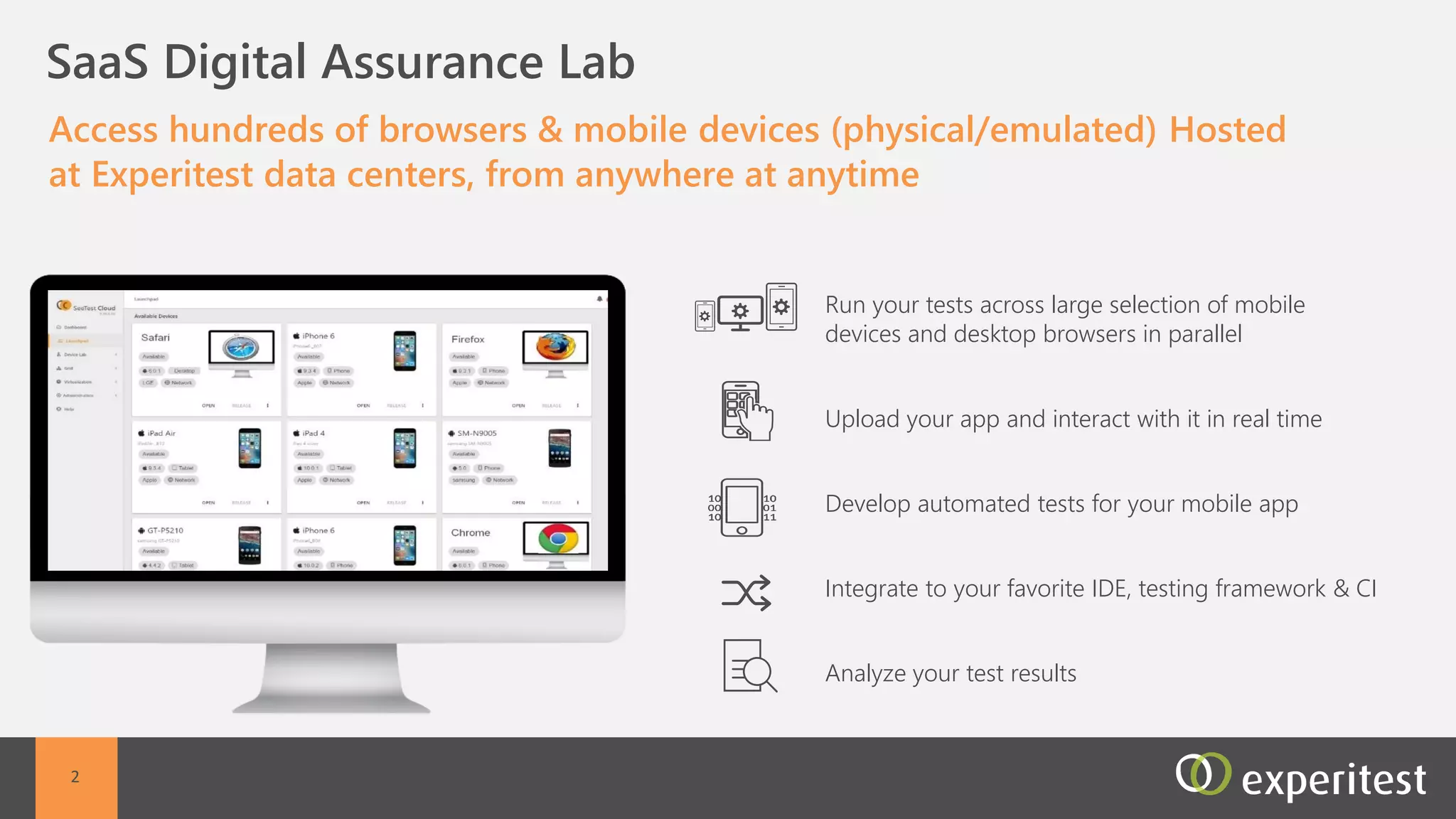
C Access Hundreds of Remote Mobile Devices Hosted at
Experitest Data Centers Using SeeTestCloud SaaS
All devices, all mobile OS, provided in a secured environment
dedicated to certain customer
•Test on real mobile devices
Manual, automation,
performance testing enabled
Dedicated devices, not shared
with other customers
Any device, any OS
2
3
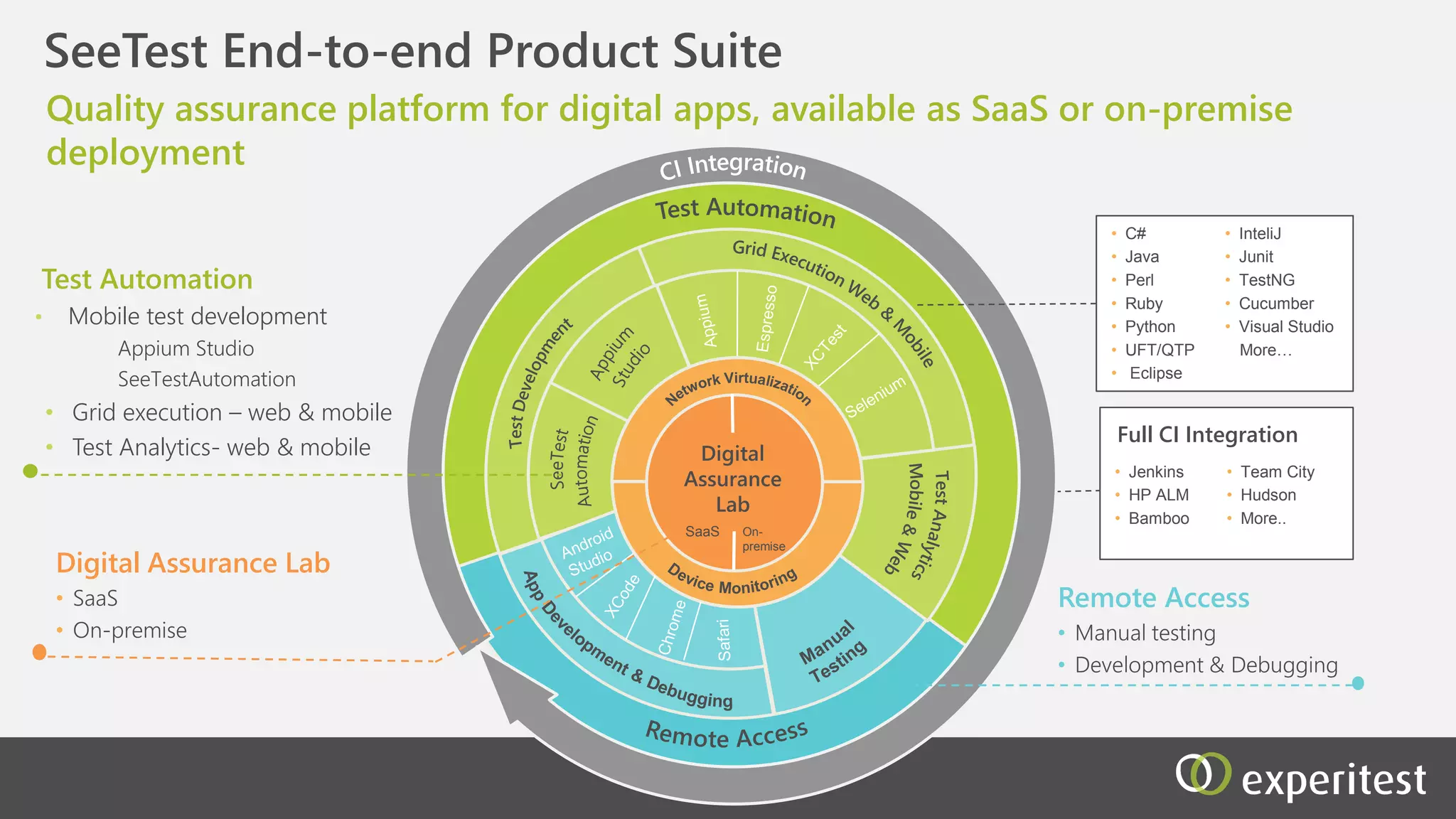
Functional Testing Tools
Test Automation
• Appium Studio
• XCTest & Espresso
• SeeTestAutomation
Manual Testing
• SeeTestManual
Cloud Based Testing
Platform
• SeeTestCloud Online - SaaS
• SeeTestCloud Onsite
• SeeTest Reporter
• Jenkins
• HP ALM
• Bamboo
• Team City
• Hudson
• More..
Performance Testing Tools
• SeeTestNetwork Virtualization
• Mobile Add-on for Load Runner
Quality assurance platform for mobile apps, available as hosted SaaS or
onsite deployment
OnsiteSaaS
Mobile
Device Lab
Full CI Integration
• C#
• Java
• Perl
• Ruby
• Python
• Selenium
(webdriver)
• UFT/QTP
• Visual Studio
• Junit
• TestNG
• Cucumber
• More…
Debugging on remote devices
• Xcode Integration
• Android Studio Integration
C
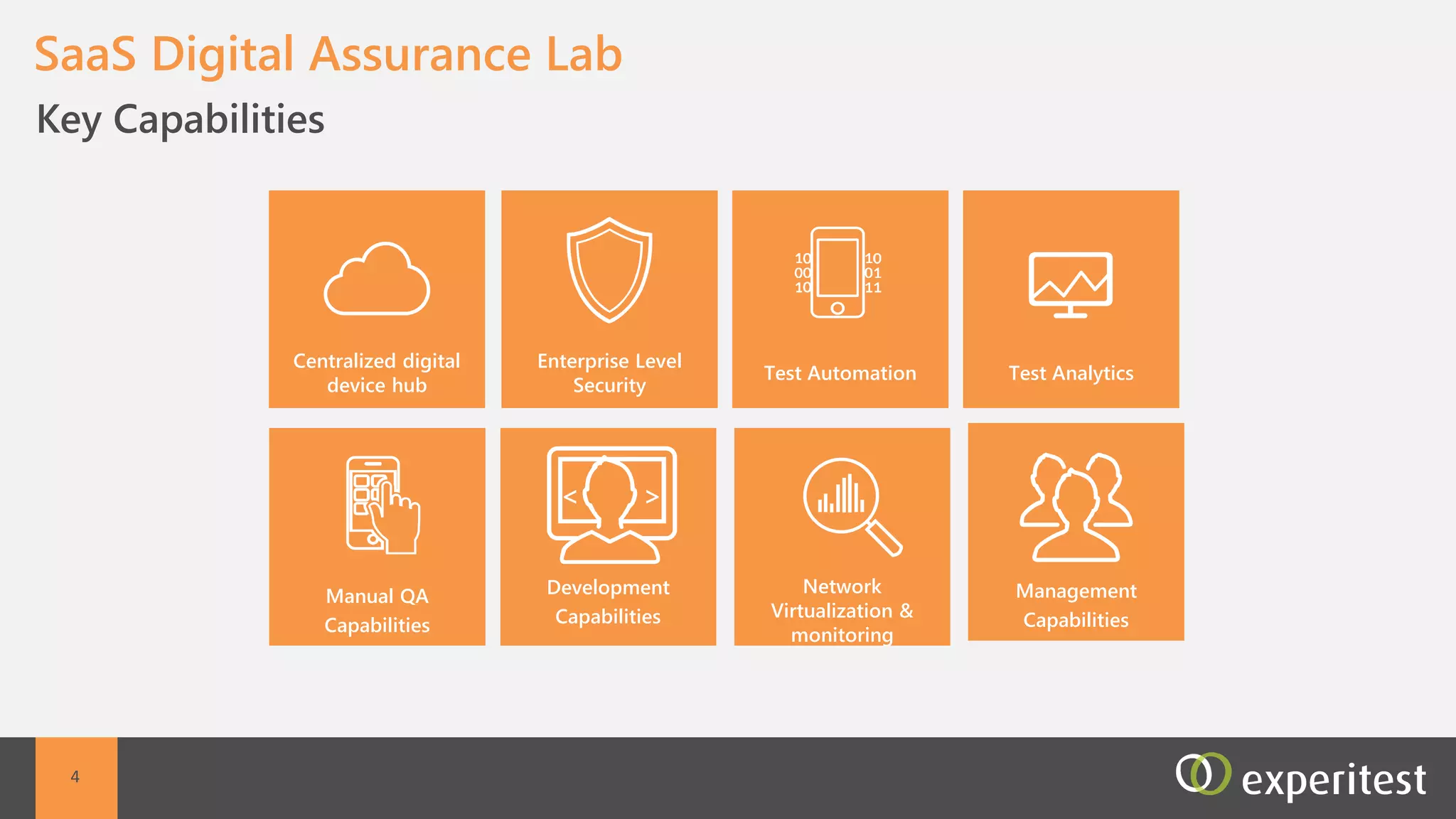
Key Capabilities
SeeTestCloud SaaS
Development
Capabilities
Non-Functional
QA Capabilities
Scalability
Management
Capabilities
Manual QA
Capabilities
Enterprise Level
Security
Hosted Mobile
Devices
Automation
Capabilities
4
C Hundreds of Mobile Devices Hosted at Experitest
Data Centers
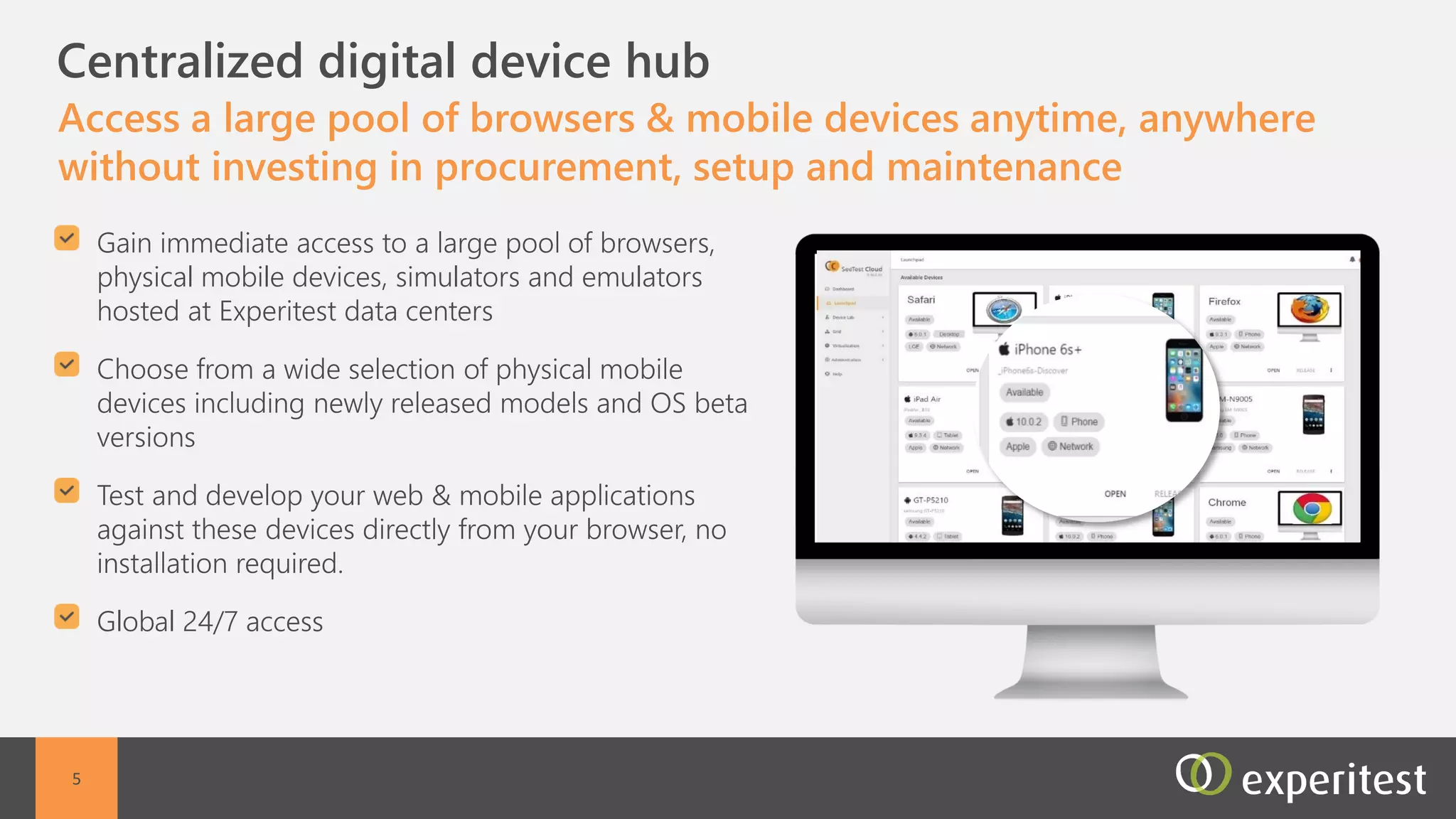
Access a large pool of mobile devices anytime, anywhere
without investing in procurement, setup and maintenance
Global access to remote mobile devices hosted in
Experitest data centers
Full control of the remote mobile devices
Web access from any browser - no setup or
installation required
All mobile devices including newly released models
All mobile operating system versions are available inc
beta versions
5
C Enterprise Security Level
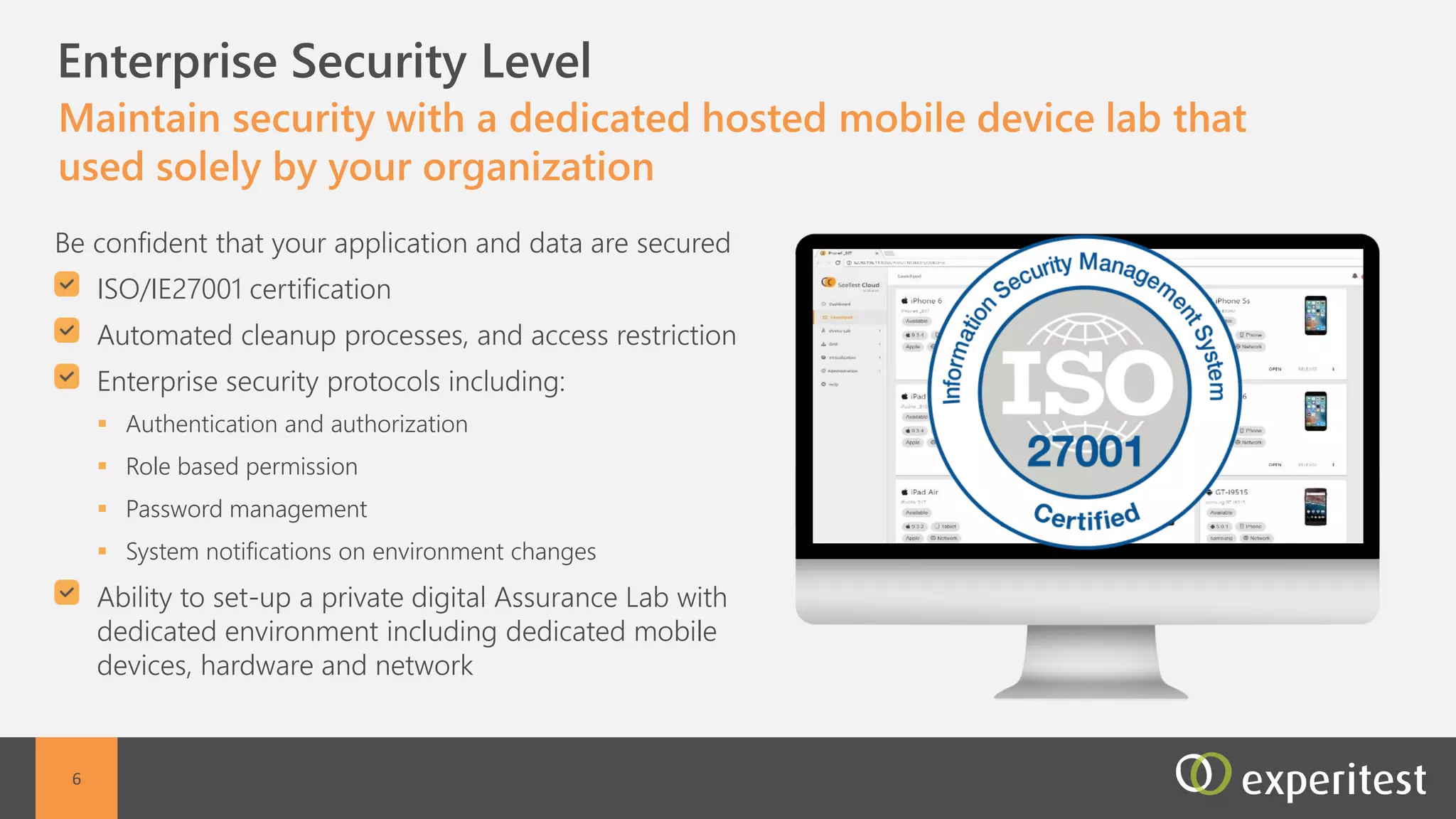
Maintain security with a dedicated hosted mobile device lab
that used solely by your organization
Dedicated Hosted environment including dedicated
mobile devices, hardware and network
ISO/IE27001 certification
Devices are secured with automated cleanup
processes, and access restriction
Enterprise security protocols including:
 Authentication and authorization
 Role based permission
 Password management
 System notifications on environment changes
6
C Scalability
Large scale app deployment and parallel execution
Large mobile device inventory
Available for use on demand
Customizable device selection
A centralized, cloud-based parallel execution
environment
All test executions are directly managed from the
Continuous Integration environment
7
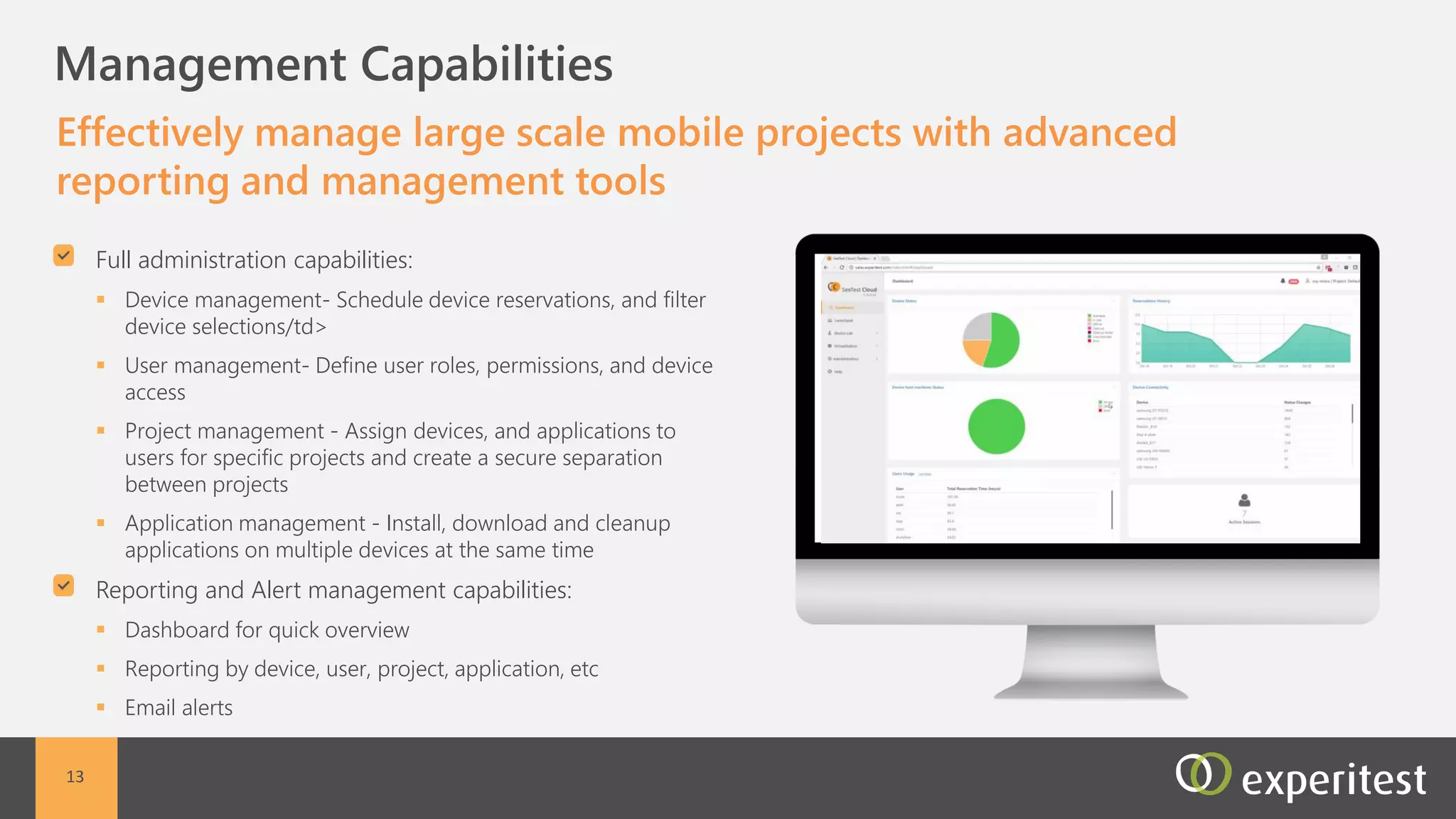
C Management Capabilities
Effectively manage large scale mobile projects with advanced
reporting and management tools
Full administration capabilities:
 Device management- Schedule device reservations,
and filter device selections/td>
 User management- Define user roles, permissions,
and device access
 Project management - Assign devices, and
applications to users for specific projects and create a
secure separation between projects
 Application management - Install, download and
cleanup applications on multiple devices at the same
time
Reporting and Alert management capabilities:
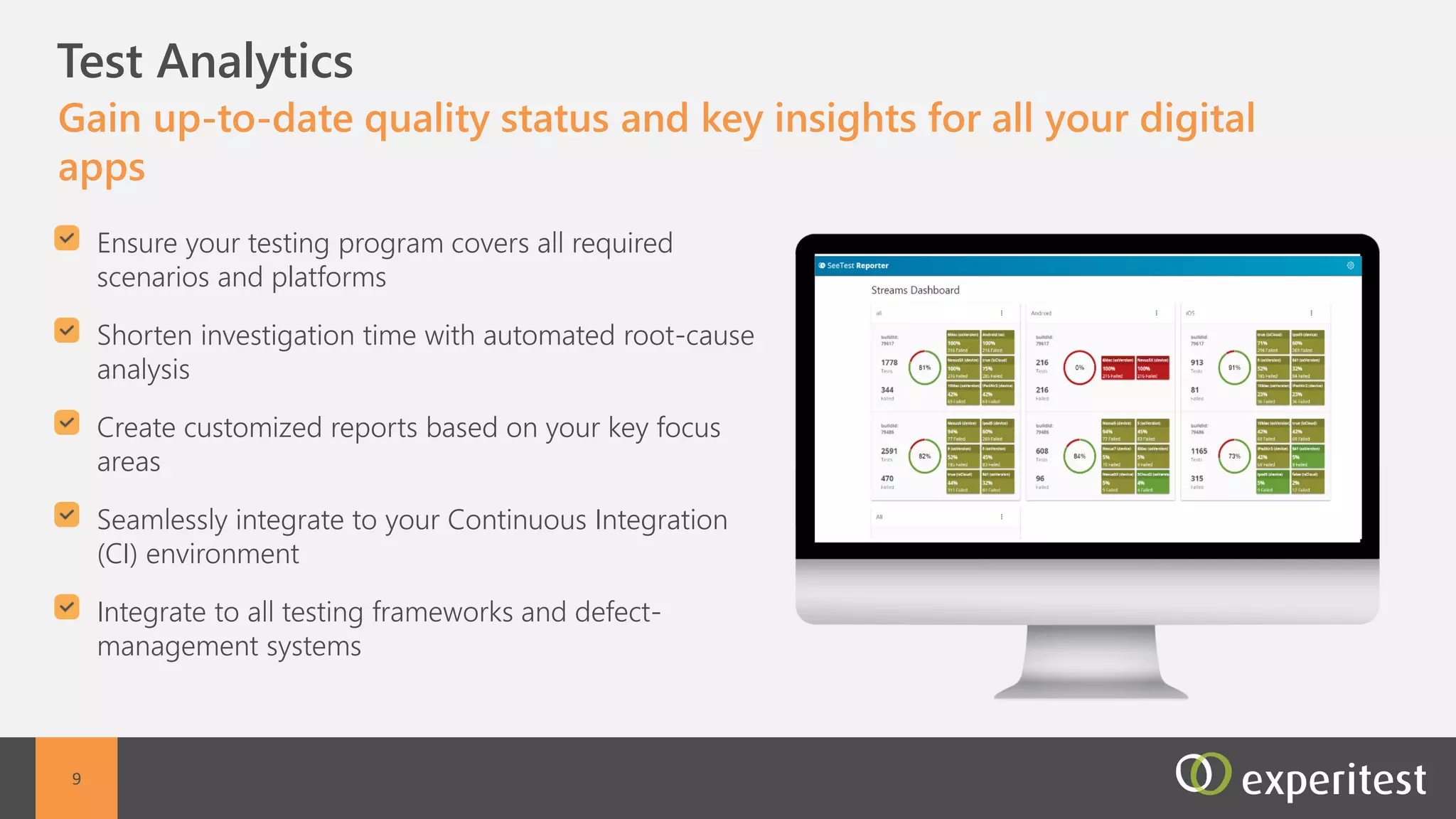
 Dashboard for quick overview
 Reporting by device, user, project, application, etc
 Email alerts
8
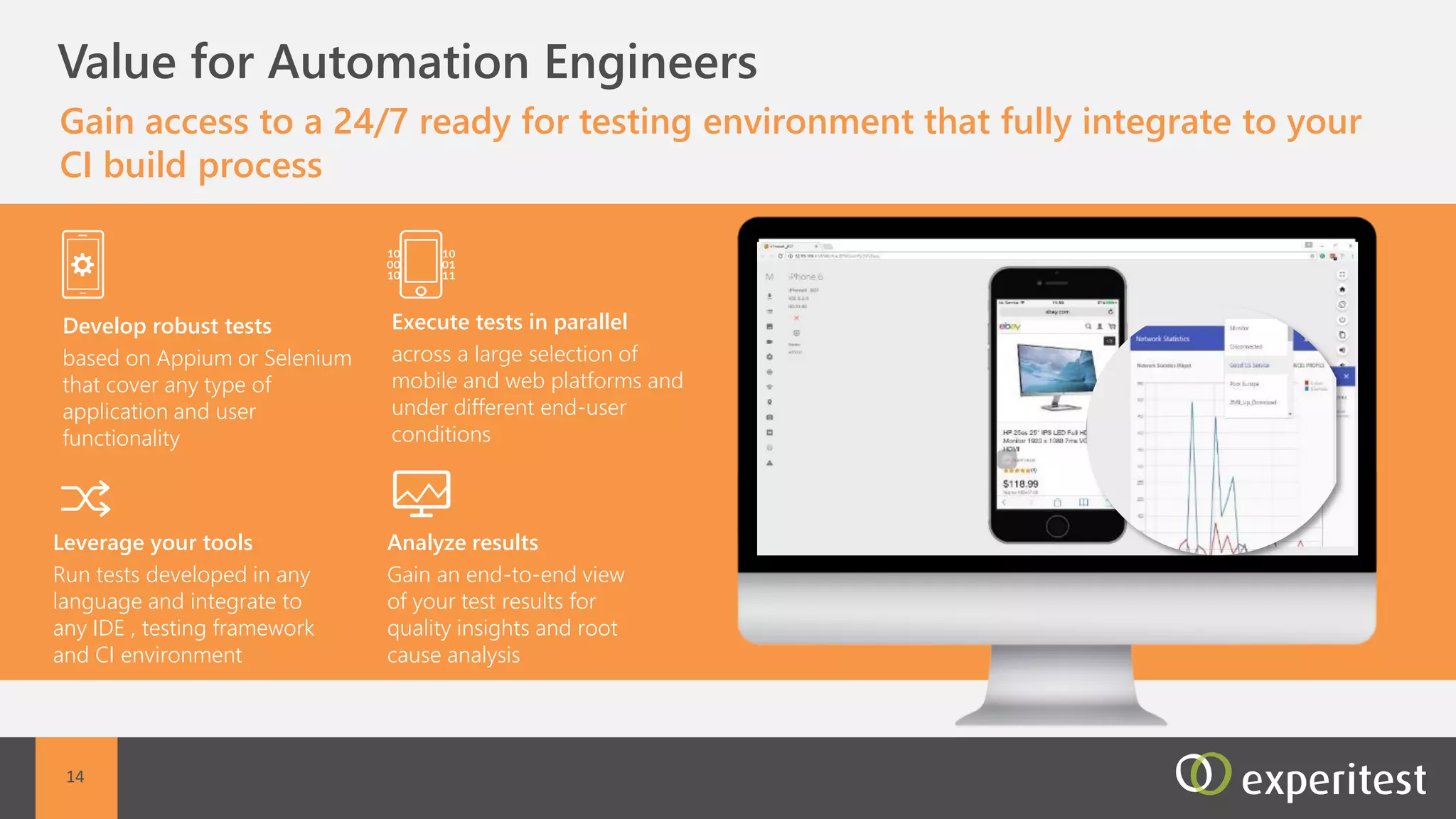
C Test Automation
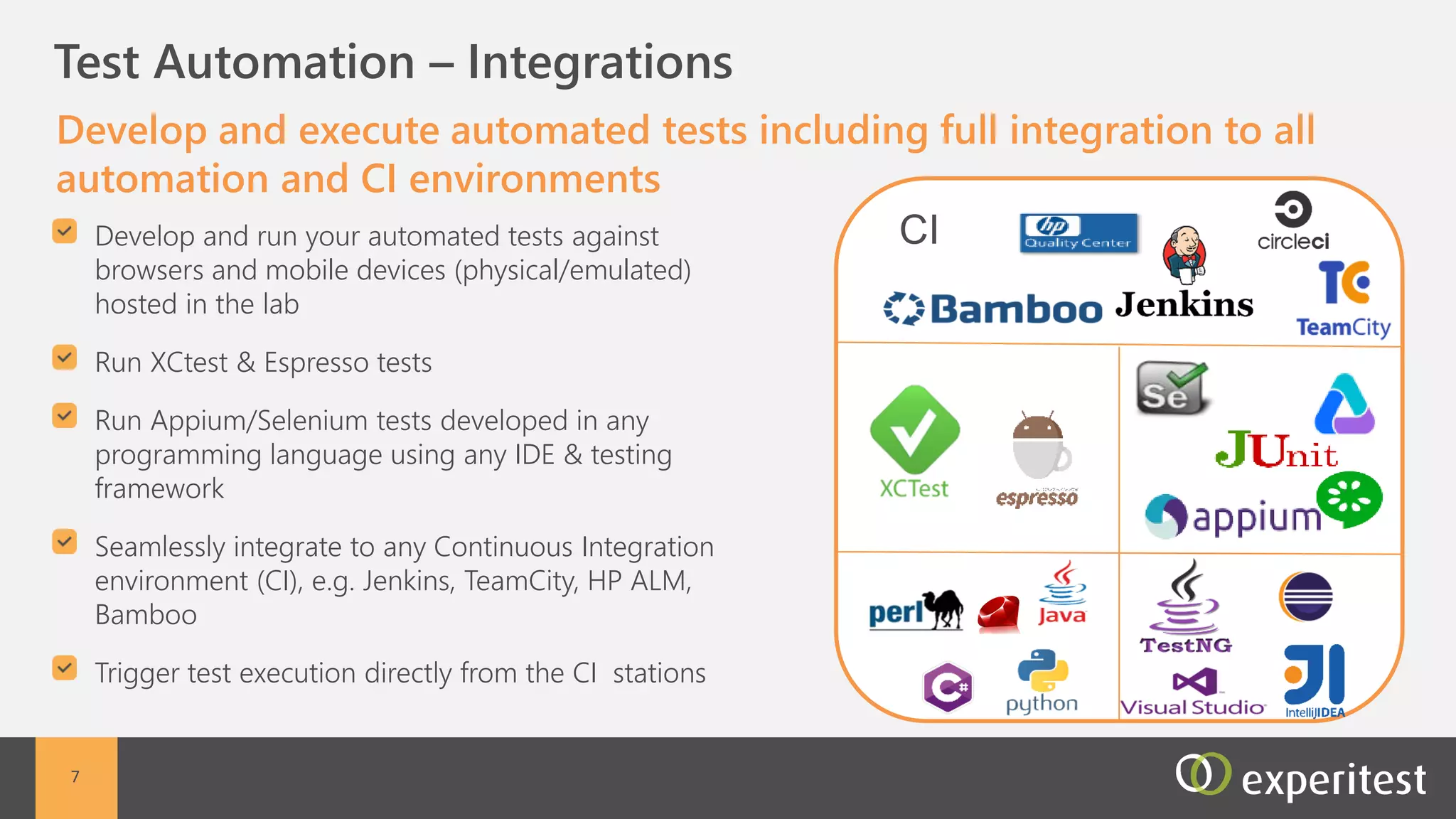
Develop and execute automated tests including full
integration to all automation and CI environments
Full integration to all automation frameworks and CI
environments both commercial and open source
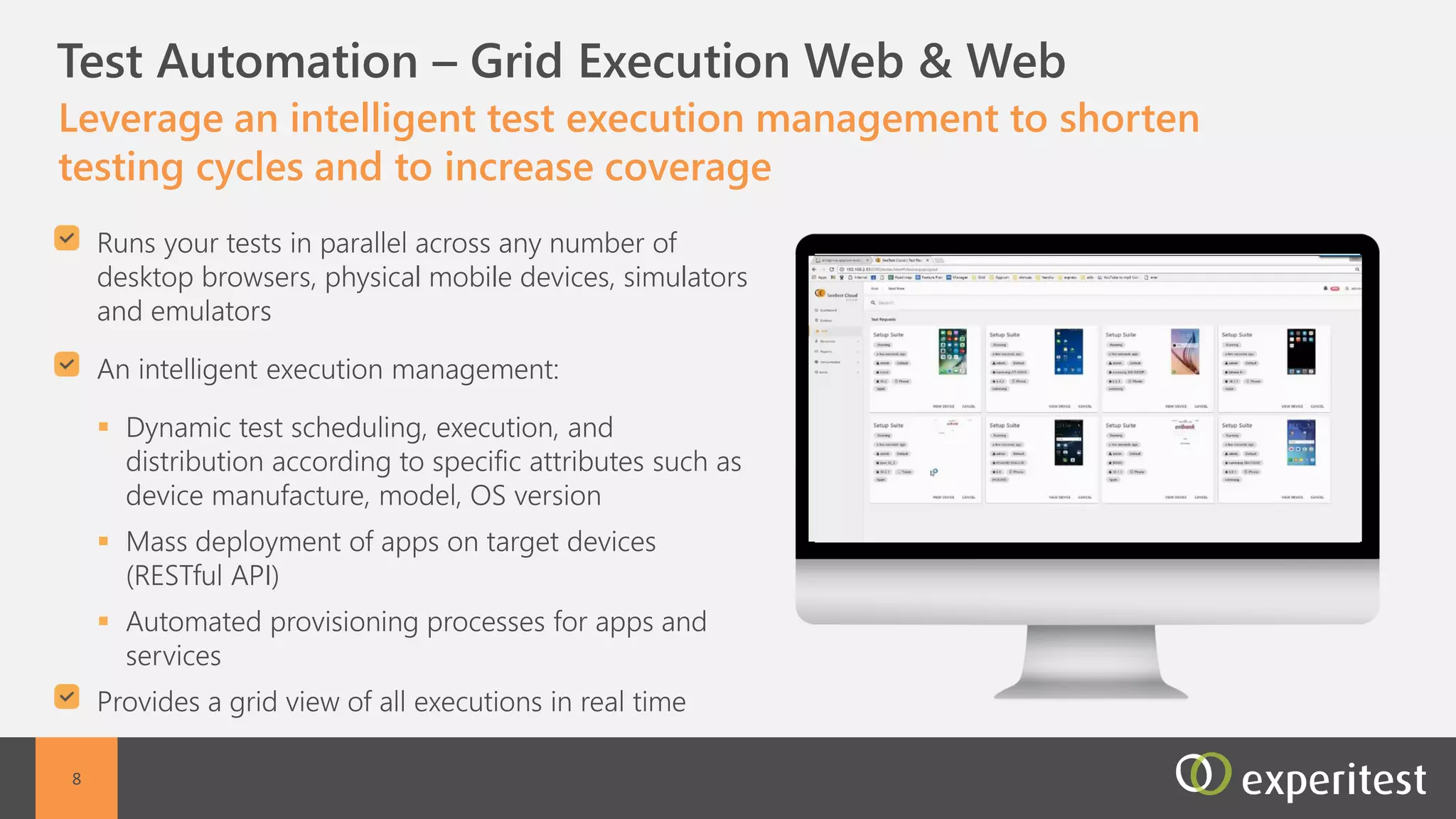
Execute automated tests from a centralized
environment
Dynamic test scheduling, execution, and distribution
Device view of all executions in real time
9
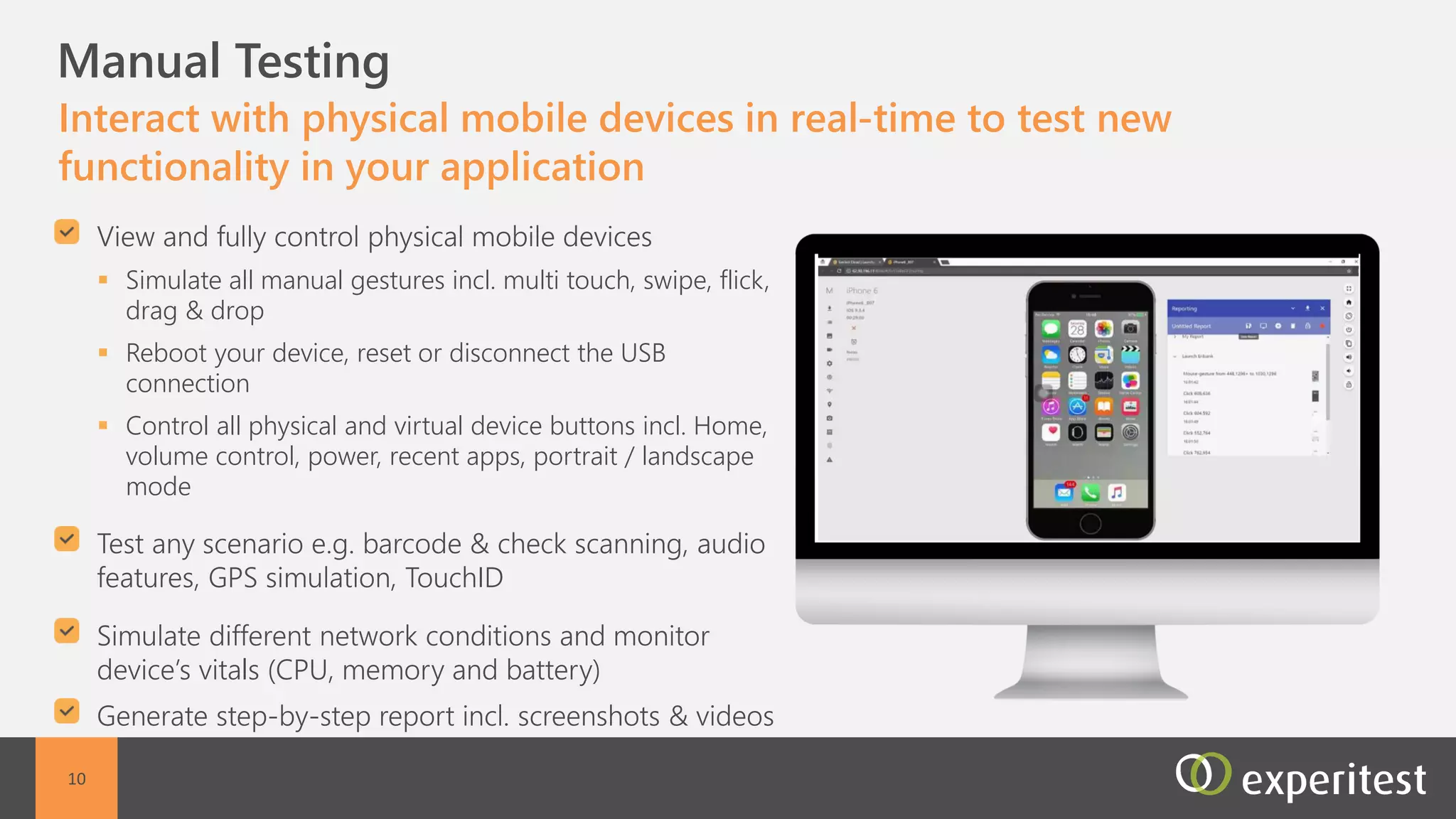
C Manual testing
Perform manual testing on a remote mobile device, as though
it was at the tester’s hand
Fast interaction with the remote device
Automated reporting including screenshots and
video reports
Support for all manual actions including : Multi
touch, swipe, flick, drag & drop, zoom in and out,
scroll including conditional scrolling, shake, pinch,
force touch (iOS), tap, and custom generated
gestures
Full control on device power cycle - Reboot your
device, reset or disconnect the USB connection
Support for all Device button control - Control all
physical and virtual device buttons: Home, volume
control, power, recent apps, portrait / landscape
mode
10
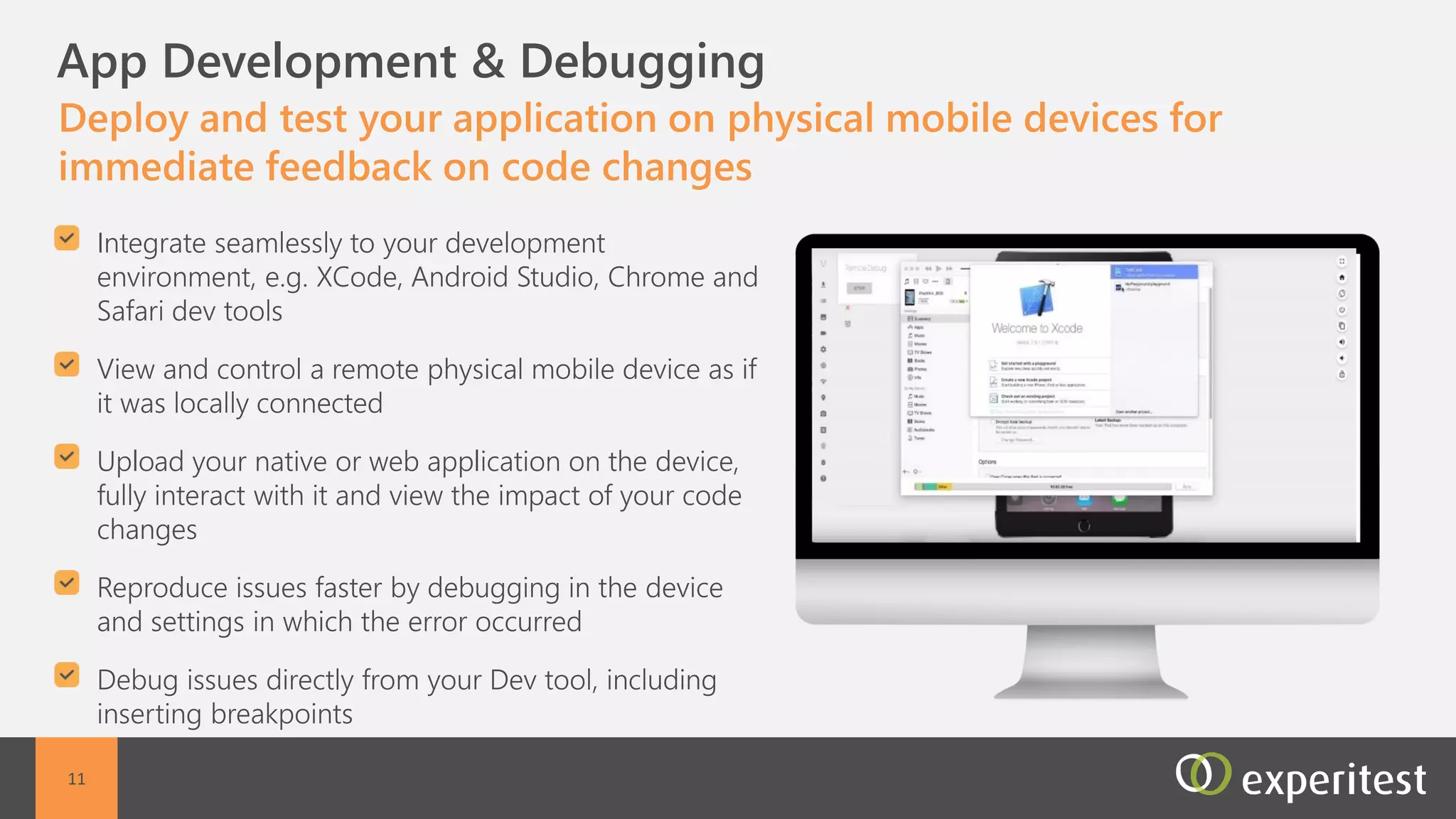
C Development & Debugging
Develop or debug a mobile application on a remote mobile
device using any development and open-source environment
Development environment support (xcode ,
eclipse, Android Studio etc.)
Debugging on a remote device using any
development environment, as if the device was
locally connected
Support open source frameworks such as Appium,
Calabash, Espresso, Cucumber etc
Share device between users
11
C
12
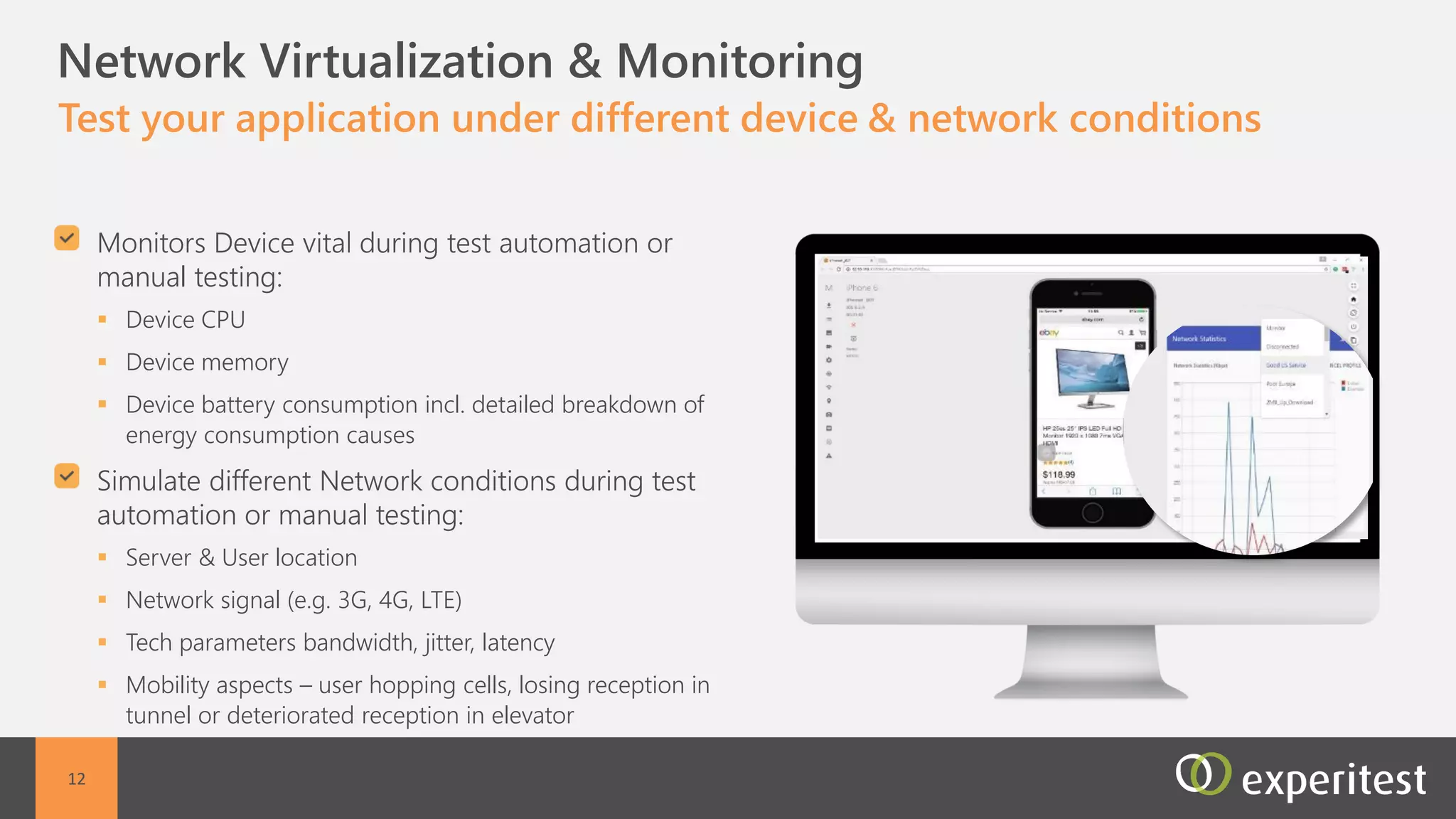
Non-Functional Capabilities
Test your application under different device conditions and
network conditions
Device conditions:
 Device CPU
 Device memory
 Device battery consumption inc detailed breakdown of
energy consumption causes
Network conditions:
 Server location
 User location
 Network signal
 Tech parameters bandwidth, jitter, latency
 Mobility aspects – user hopping cells, losing reception in
tunnel or deteriorated reception in elevator
C Value for Testers
Start testing immediately without worrying about mobile device
acquisition, installation and set-up
Non-functional tester
Test your application
performance under real
network conditions.
Monitors device vitals
Manual Tester
Generate detailed and sharable test reports including
videos and images. Collaborate with developers with
screen view sharing to allow simple bug detection
Automation engineer
Execute a large number of tests
in parallel. Integrate with your
existing ALM environment
13
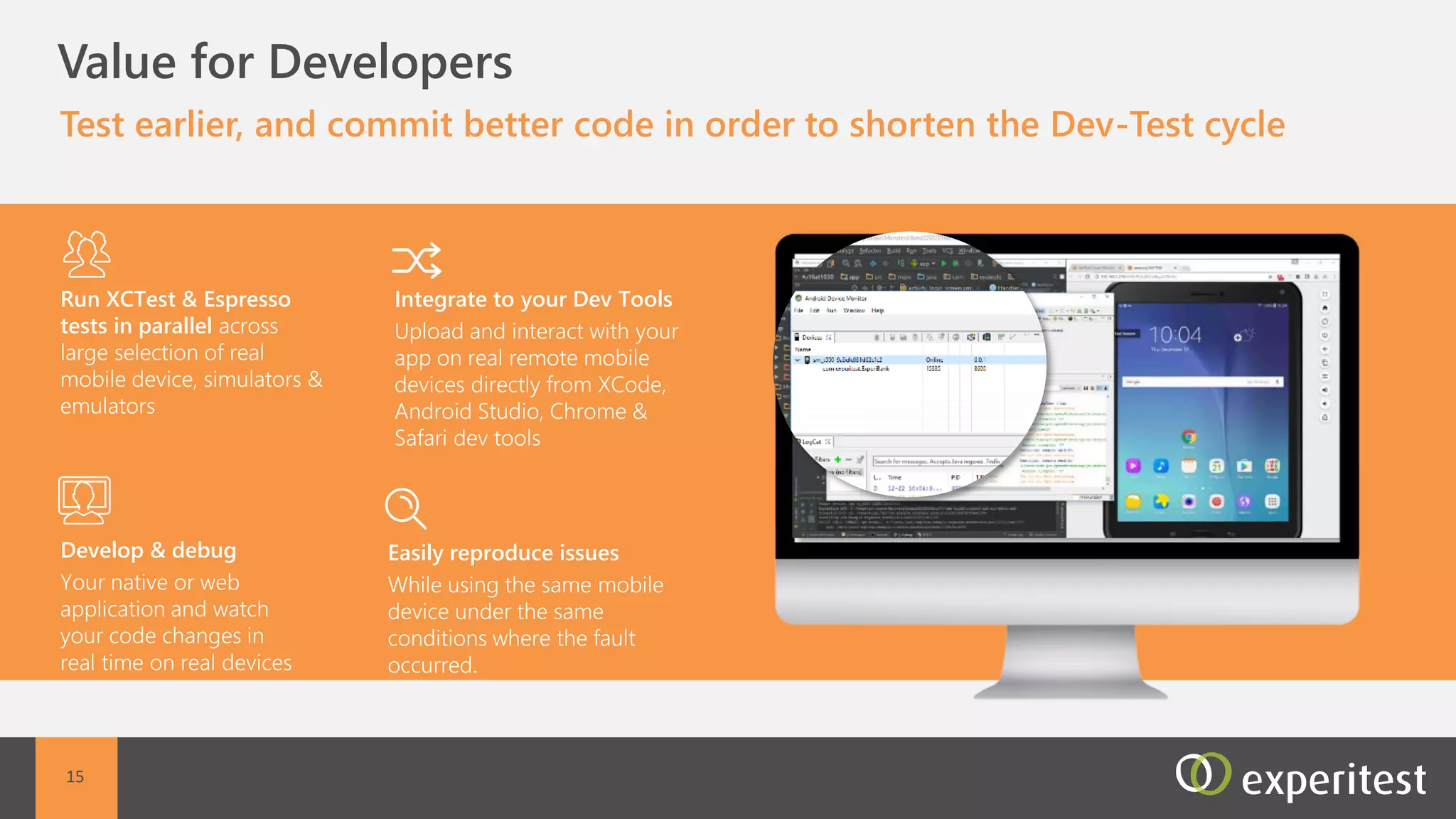
C Value for Developers
Develop or debug mobile applications on the hosted mobile devices
using your existing development environment
Open source integration
Appium, Calabash,
Espresso, Cucumber and
more.
Easy bug detection
Detailed step-by-step video
reports from QA to easily
reproduce bugs
Shared session
View a screen of a mobile
device while it is in use by a
different remote tester.
Dev tools Integration
XCode, eclipse, Android
Studio and more…
14
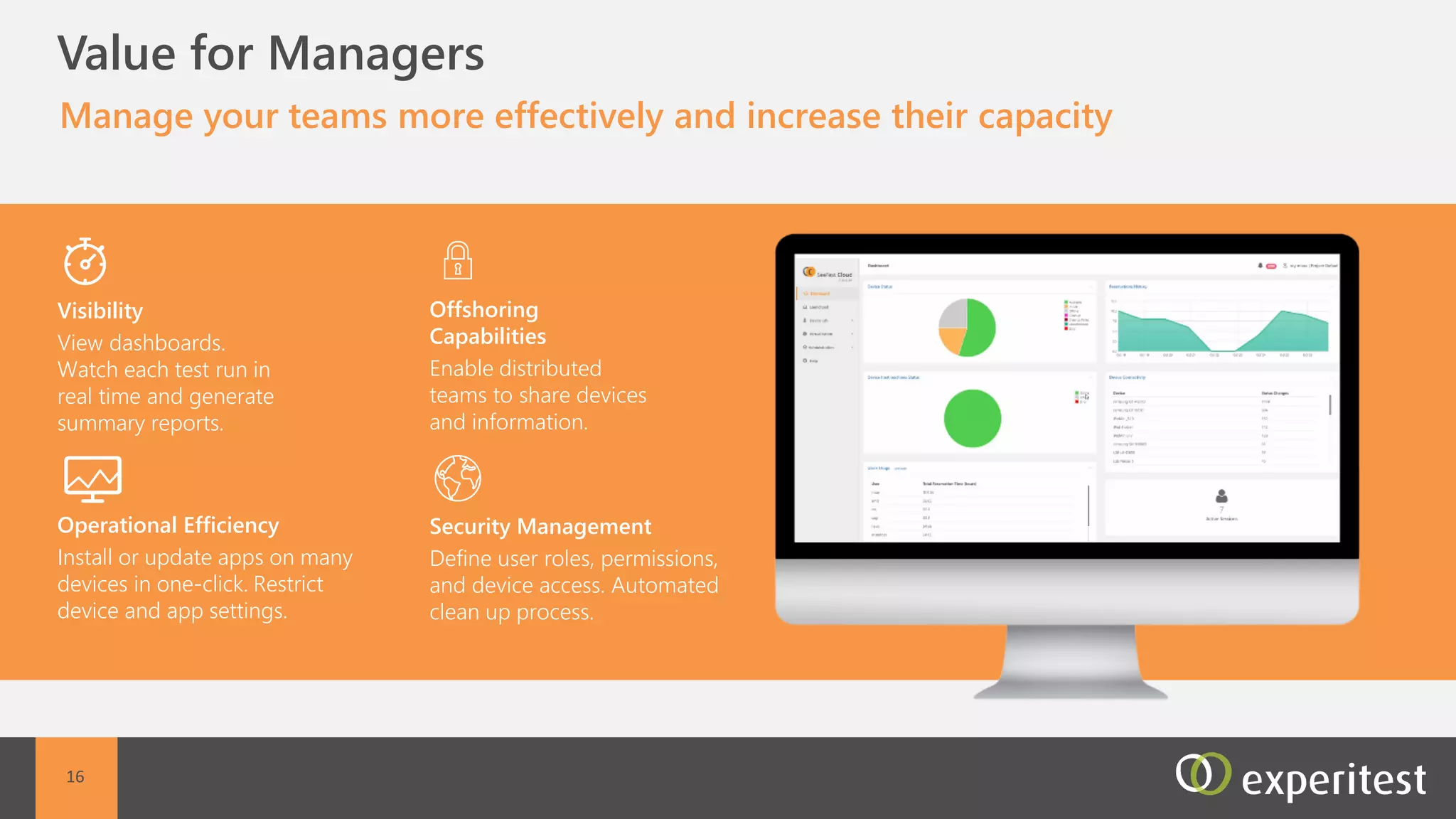
C Value for Managers
Manage multiple mobile projects more effectively with full team
activity visibility
Visibility
View dashboard. Watch each
test run in real time and
generate summary report.
Operational efficiency
Install or update application
on many devices in one-
click. Restrict device and
application setting changes.
Offshoring Capabilities
Enable distributed teams to
share devices and
information.
Security management
Define user roles, permissions,
and device access. Automated
clean up process.
15
16
SeeTestCloud SaaS – Device List
Sony XPeria XALG K10Google PixeliPhone 6SiPod Touch 5
BlackBerry Priv
Amazon - Fire HD 8
HTC 10iPhone SEiPad 4
Meizu m2 noteSamsung Galaxy S5HTC One M9iPad Pro 9.7iPhone 5S
Xiaomi Redmi Note 3Samsung Galaxy S6HTC One A9iPhone 7 PlusiPhone 5
Xiaomi Redmi Note 4Samsung Galaxy Note 5Huawei Ascend P8iPhone 7iPad Mini 2
Nokia Lumia 630Samsung Galaxy S6 edgeHuawei Honor MagicAsus Nexus 7iPhone 6 Plus
One Plus 1Samsung Galaxy Tab AHuawei P8 LiteLG Nexus 5XiPhone 6
One Plus 3Samsung Galaxy S7 EdgeLG G3Nexus 6PiPad Mini 3
Motorola GSamsung Galaxy S7LG V10LG Nexus 5iPad Air 2
Motorola ZSony Xperia M4 AquaLG G5Motorola Nexus 6iPad Mini 4
Motorola MSony Xperia Z5LG V20Nexus 9iPhone 6S Plus
Thank You!
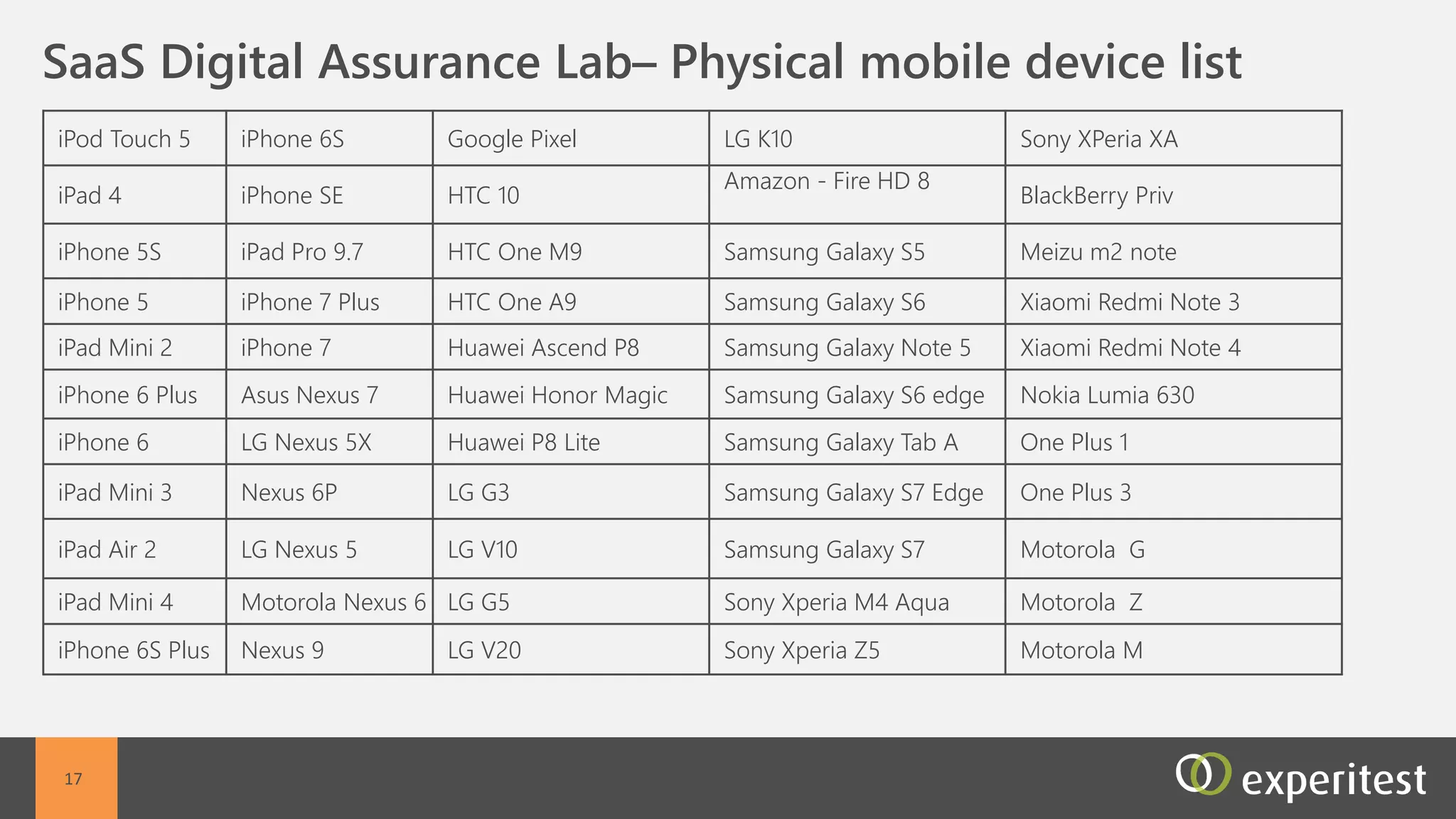
SaaS Digital Assurance Lab

SaaS Digital Assurance Lab

  • 1.
  • 2.
    C Access Hundredsof Remote Mobile Devices Hosted at Experitest Data Centers Using SeeTestCloud SaaS All devices, all mobile OS, provided in a secured environment dedicated to certain customer •Test on real mobile devices Manual, automation, performance testing enabled Dedicated devices, not shared with other customers Any device, any OS 2
  • 3.
    3 Functional Testing Tools TestAutomation • Appium Studio • XCTest & Espresso • SeeTestAutomation Manual Testing • SeeTestManual Cloud Based Testing Platform • SeeTestCloud Online - SaaS • SeeTestCloud Onsite • SeeTest Reporter • Jenkins • HP ALM • Bamboo • Team City • Hudson • More.. Performance Testing Tools • SeeTestNetwork Virtualization • Mobile Add-on for Load Runner Quality assurance platform for mobile apps, available as hosted SaaS or onsite deployment OnsiteSaaS Mobile Device Lab Full CI Integration • C# • Java • Perl • Ruby • Python • Selenium (webdriver) • UFT/QTP • Visual Studio • Junit • TestNG • Cucumber • More… Debugging on remote devices • Xcode Integration • Android Studio Integration
  • 4.
    C Key Capabilities SeeTestCloud SaaS Development Capabilities Non-Functional QACapabilities Scalability Management Capabilities Manual QA Capabilities Enterprise Level Security Hosted Mobile Devices Automation Capabilities 4
  • 5.
    C Hundreds ofMobile Devices Hosted at Experitest Data Centers Access a large pool of mobile devices anytime, anywhere without investing in procurement, setup and maintenance Global access to remote mobile devices hosted in Experitest data centers Full control of the remote mobile devices Web access from any browser - no setup or installation required All mobile devices including newly released models All mobile operating system versions are available inc beta versions 5
  • 6.
    C Enterprise SecurityLevel Maintain security with a dedicated hosted mobile device lab that used solely by your organization Dedicated Hosted environment including dedicated mobile devices, hardware and network ISO/IE27001 certification Devices are secured with automated cleanup processes, and access restriction Enterprise security protocols including:  Authentication and authorization  Role based permission  Password management  System notifications on environment changes 6
  • 7.
    C Scalability Large scaleapp deployment and parallel execution Large mobile device inventory Available for use on demand Customizable device selection A centralized, cloud-based parallel execution environment All test executions are directly managed from the Continuous Integration environment 7
  • 8.
    C Management Capabilities Effectivelymanage large scale mobile projects with advanced reporting and management tools Full administration capabilities:  Device management- Schedule device reservations, and filter device selections/td>  User management- Define user roles, permissions, and device access  Project management - Assign devices, and applications to users for specific projects and create a secure separation between projects  Application management - Install, download and cleanup applications on multiple devices at the same time Reporting and Alert management capabilities:  Dashboard for quick overview  Reporting by device, user, project, application, etc  Email alerts 8
  • 9.
    C Test Automation Developand execute automated tests including full integration to all automation and CI environments Full integration to all automation frameworks and CI environments both commercial and open source Execute automated tests from a centralized environment Dynamic test scheduling, execution, and distribution Device view of all executions in real time 9
  • 10.
    C Manual testing Performmanual testing on a remote mobile device, as though it was at the tester’s hand Fast interaction with the remote device Automated reporting including screenshots and video reports Support for all manual actions including : Multi touch, swipe, flick, drag & drop, zoom in and out, scroll including conditional scrolling, shake, pinch, force touch (iOS), tap, and custom generated gestures Full control on device power cycle - Reboot your device, reset or disconnect the USB connection Support for all Device button control - Control all physical and virtual device buttons: Home, volume control, power, recent apps, portrait / landscape mode 10
  • 11.
    C Development &Debugging Develop or debug a mobile application on a remote mobile device using any development and open-source environment Development environment support (xcode , eclipse, Android Studio etc.) Debugging on a remote device using any development environment, as if the device was locally connected Support open source frameworks such as Appium, Calabash, Espresso, Cucumber etc Share device between users 11
  • 12.
    C 12 Non-Functional Capabilities Test yourapplication under different device conditions and network conditions Device conditions:  Device CPU  Device memory  Device battery consumption inc detailed breakdown of energy consumption causes Network conditions:  Server location  User location  Network signal  Tech parameters bandwidth, jitter, latency  Mobility aspects – user hopping cells, losing reception in tunnel or deteriorated reception in elevator
  • 13.
    C Value forTesters Start testing immediately without worrying about mobile device acquisition, installation and set-up Non-functional tester Test your application performance under real network conditions. Monitors device vitals Manual Tester Generate detailed and sharable test reports including videos and images. Collaborate with developers with screen view sharing to allow simple bug detection Automation engineer Execute a large number of tests in parallel. Integrate with your existing ALM environment 13
  • 14.
    C Value forDevelopers Develop or debug mobile applications on the hosted mobile devices using your existing development environment Open source integration Appium, Calabash, Espresso, Cucumber and more. Easy bug detection Detailed step-by-step video reports from QA to easily reproduce bugs Shared session View a screen of a mobile device while it is in use by a different remote tester. Dev tools Integration XCode, eclipse, Android Studio and more… 14
  • 15.
    C Value forManagers Manage multiple mobile projects more effectively with full team activity visibility Visibility View dashboard. Watch each test run in real time and generate summary report. Operational efficiency Install or update application on many devices in one- click. Restrict device and application setting changes. Offshoring Capabilities Enable distributed teams to share devices and information. Security management Define user roles, permissions, and device access. Automated clean up process. 15
  • 16.
    16 SeeTestCloud SaaS –Device List Sony XPeria XALG K10Google PixeliPhone 6SiPod Touch 5 BlackBerry Priv Amazon - Fire HD 8 HTC 10iPhone SEiPad 4 Meizu m2 noteSamsung Galaxy S5HTC One M9iPad Pro 9.7iPhone 5S Xiaomi Redmi Note 3Samsung Galaxy S6HTC One A9iPhone 7 PlusiPhone 5 Xiaomi Redmi Note 4Samsung Galaxy Note 5Huawei Ascend P8iPhone 7iPad Mini 2 Nokia Lumia 630Samsung Galaxy S6 edgeHuawei Honor MagicAsus Nexus 7iPhone 6 Plus One Plus 1Samsung Galaxy Tab AHuawei P8 LiteLG Nexus 5XiPhone 6 One Plus 3Samsung Galaxy S7 EdgeLG G3Nexus 6PiPad Mini 3 Motorola GSamsung Galaxy S7LG V10LG Nexus 5iPad Air 2 Motorola ZSony Xperia M4 AquaLG G5Motorola Nexus 6iPad Mini 4 Motorola MSony Xperia Z5LG V20Nexus 9iPhone 6S Plus
  • 17.

Editor's Notes

  • #12 There is no device reflection for XCTest and espresso You open the application on the device