Scrum with Team Foundation Server 2010Aaron BjorkSenior Program ManagerMicrosoft Corporation
AgendaScrum with TFS 2010 using MSF for Agile 5.0Planning the ProjectHow do you plan the project?Project planning in TFS 2010Planning a SprintWhat is sprint planning?Sprint planning in TFS 2010Running a SprintHow do you run a sprint?Running a sprint in TFS 2010
How do you Plan the Project?Product BacklogEvolving backlog of user stories (requirements)Describes what users need and valueOwned by the Product OwnerPrioritized by business valueEach story is written from the user’s perspective
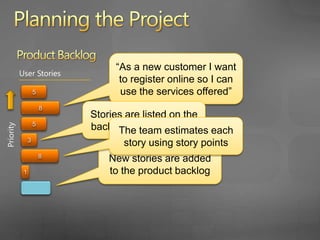
Planning the ProjectProduct Backlog“As a new customer I want to register online so I can use the services offered”User Stories58Stories are listed on the backlog in priority orderThe team estimates each story using story points5Priority3New stories are added to the product backlog81
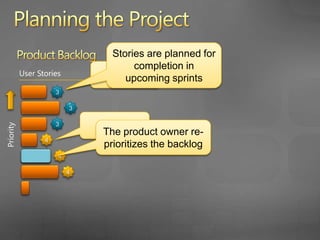
Product BacklogUser StoriesPlanning the ProjectStories are planned for completion in  upcoming sprintsSprint 3333Sprint 4The product owner re-prioritizes the backlogPriority444
… let’s look at the Product Backlog in TFS 2010
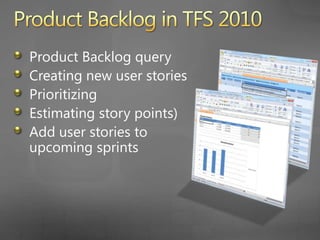
Product Backlog in TFS 2010 Product Backlog queryCreating new user storiesPrioritizingEstimating story pointsAdd user stories to upcoming sprints
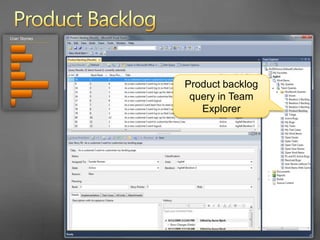
Product BacklogProduct backlog query in Team Explorer
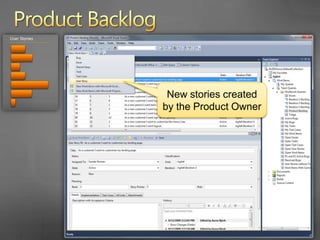
Product BacklogNew stories created by the Product Owner
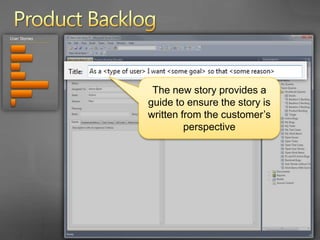
Product BacklogThe new story provides a guide to ensure the story is written from the customer’s perspective
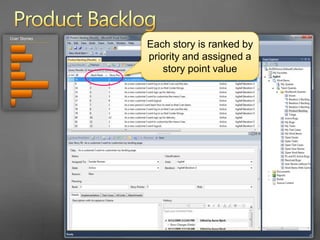
Product BacklogEach story is ranked by priority and assigned a story point value
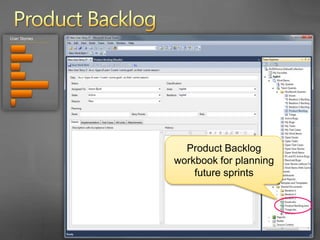
Product BacklogProduct Backlog workbook for planning future sprints
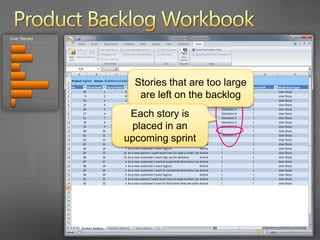
Product Backlog WorkbookStories that are too large are left on the backlogEach story is placed in an upcoming sprint
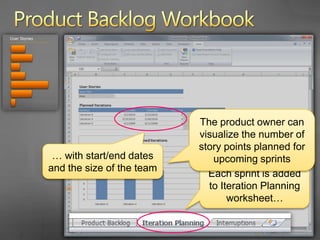
Product Backlog WorkbookThe product owner can use the velocity of the team to help plan for upcoming sprints… with start/end dates and the size of the teamEach sprint is added to Iteration Planning worksheet…
AgendaScrum with TFS 2010 using MSF for Agile 5.0Planning the ProjectHow do you plan the project?Project planning in TFS 2010Planning a SprintWhat is sprint planning?Sprint planning in TFS 2010Running a SprintHow do you run a sprint?Running a sprint in TFS 2010
What is Sprint Planning?The product owner and the team add user stories to the sprintEach story is decomposed into tasksThe team makes a commitment to each user story
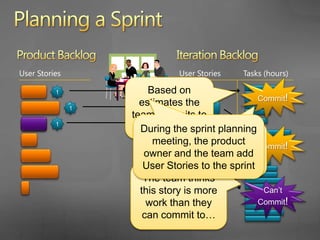
Product BacklogUser StoriesPlanning a SprintIteration BacklogUser StoriesTasks (hours)Commit!Based on estimates the team commits to each story33The team thinks this story is more work than they can commit to…During the sprint planning meeting, the product owner and the team add User Stories to the sprint3The team breaks down each story into tasksCommit!Can’t Commit!
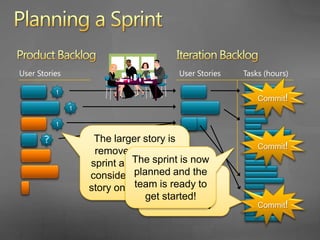
Product BacklogIteration BacklogUser StoriesUser StoriesTasks (hours)Planning a SprintUser StoriesTasks (hours)Commit!333The larger story is removed from the sprint and the team considers a smaller story on the backlogCommit!?3The sprint is now planned and the team is ready to get started!The team can commit to this smaller storyCommit!
… let’s look at Sprint Planning in TFS 2010
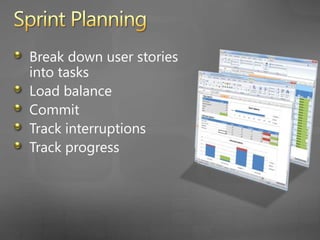
Sprint PlanningBreak down user stories into tasksLoad balanceCommitTrack interruptionsTrack progress
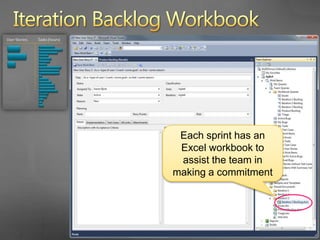
Iteration Backlog WorkbookEach sprint has an Excel workbook to assist the team in making a commitment
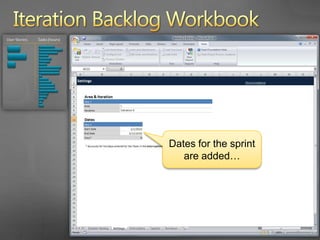
Iteration Backlog WorkbookDates for the sprint are added…
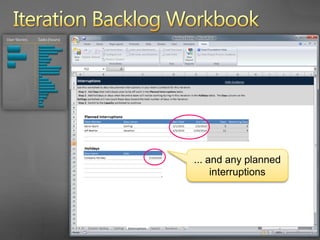
Iteration Backlog Workbook... and any planned interruptions
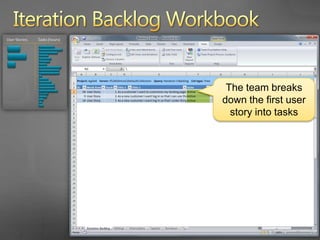
Iteration Backlog WorkbookThe team breaks down the first user story into tasks
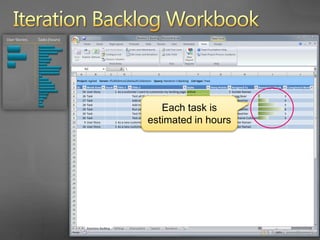
Iteration Backlog WorkbookEach task is estimated in hours
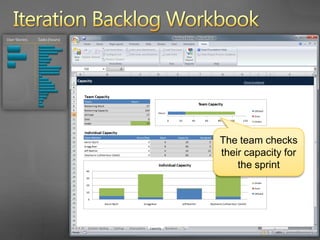
Iteration Backlog WorkbookThe team checks their capacity for the sprint
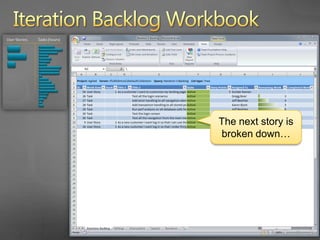
Iteration Backlog WorkbookThe next story is broken down…
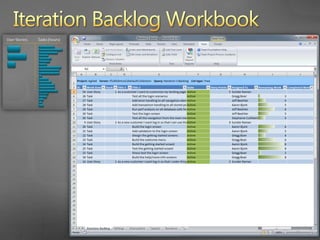
Iteration Backlog Workbook
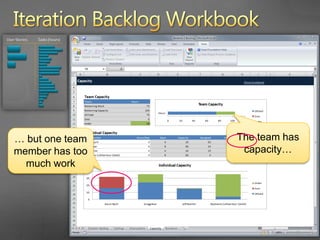
Iteration Backlog WorkbookThe team has capacity…… but one team member has too much work
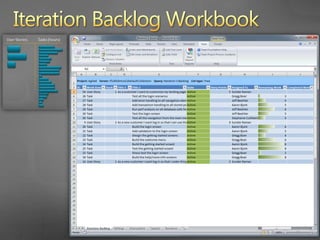
Iteration Backlog Workbook
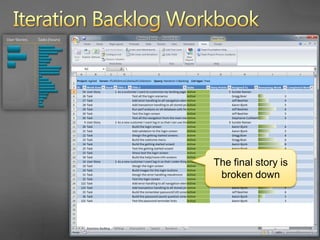
Iteration Backlog WorkbookThe final story is broken down
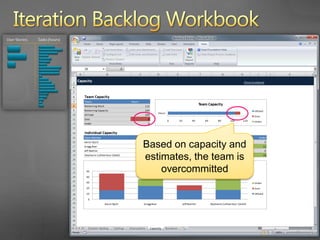
Iteration Backlog WorkbookBased on capacity and estimates, the team is overcommitted
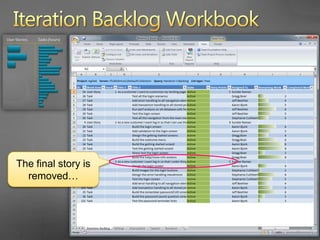
Iteration Backlog WorkbookThe final story is removed…
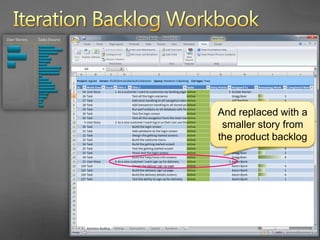
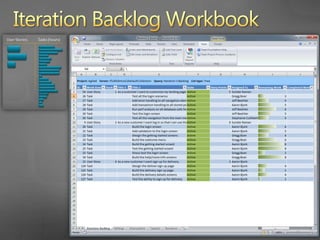
Iteration Backlog WorkbookAnd replaced with a smaller story from the product backlog
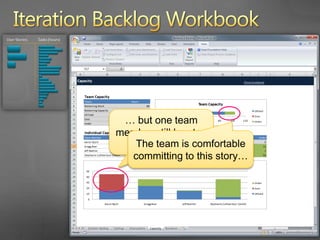
Iteration Backlog Workbook… but one team member still has too much workThe team is comfortable committing to this story…
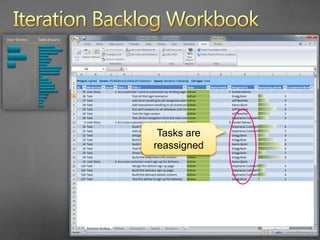
Iteration Backlog WorkbookTasks are reassigned
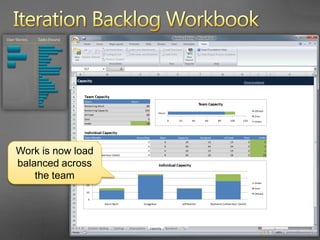
Iteration Backlog WorkbookWork is now load balanced across the team
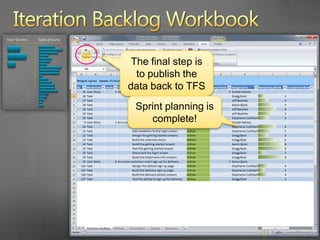
Iteration Backlog WorkbookThe final step is to publish the data back to TFSSprint planning is complete!
AgendaScrum with TFS 2010 using MSF for Agile 5.0Planning the ProjectHow do you plan the project?Project planning in TFS 2010Planning a SprintWhat is sprint planning?Sprint planning in TFS 2010Running a SprintHow do you run a sprint?Running a sprint in TFS 2010
How do you Run a Sprint?Track ProgressDaily Sprint MeetingWhat work has been completedWhat work remainsDeliver a “potentially shippable” incrementDemo the value deliveredRetrospective
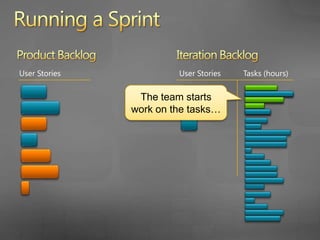
Product BacklogIteration BacklogUser StoriesUser StoriesTasks (hours)Running a SprintThe team starts work on the tasks…
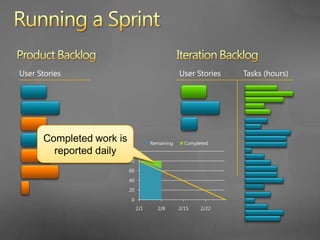
Running a SprintProduct BacklogIteration BacklogUser StoriesUser StoriesTasks (hours)Completed work is reported daily
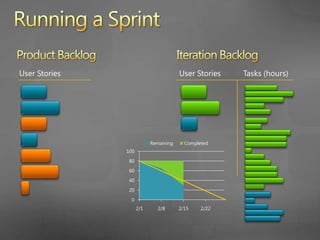
Running a SprintProduct BacklogIteration BacklogUser StoriesUser StoriesTasks (hours)
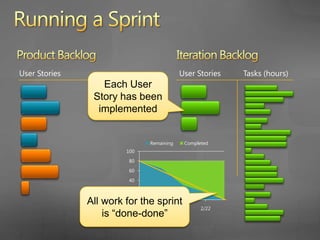
Running a SprintProduct BacklogIteration BacklogUser StoriesUser StoriesTasks (hours)Each User Story has been implementedAll work for the sprint is “done-done”
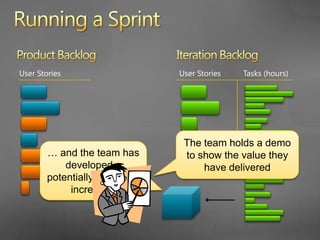
Product BacklogIteration BacklogUser StoriesUser StoriesTasks (hours)Running a SprintAnd the team has developed a “potentially shippable” incrementThe team holds a demo to show the value they have delivered
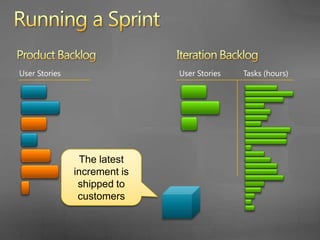
Running a SprintProduct BacklogIteration BacklogUser StoriesUser StoriesTasks (hours)The latest increment is shipped to customers
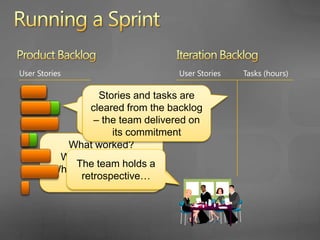
Running a SprintProduct BacklogIteration BacklogUser StoriesUser StoriesTasks (hours)Stories and tasks are cleared from the backlog – the team delivered on its commitmentStories delivered in the last sprint are closedWhat worked?  What didn’t work?  What can the team do to improve?The team holds a retrospective…
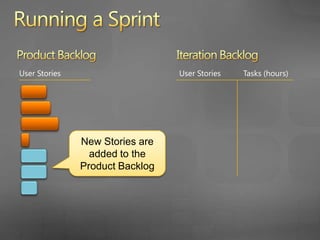
Running a SprintProduct BacklogIteration BacklogUser StoriesUser StoriesTasks (hours)New Stories are added to the Product Backlog
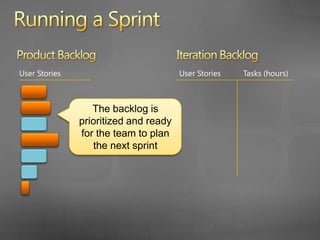
Running a SprintProduct BacklogIteration BacklogUser StoriesUser StoriesTasks (hours)The backlog is prioritized and ready for the team to plan the next sprint
… let’s look at Running a Sprint in TFS 2010
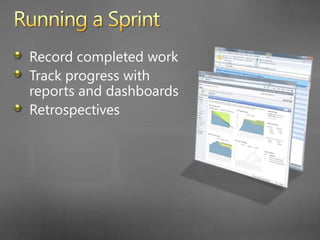
Running a SprintRecord completed work daily Track progress with reports and dashboardsRetrospectives
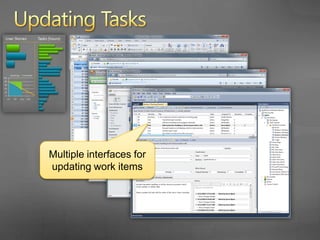
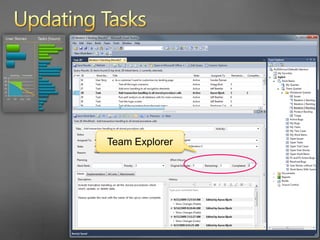
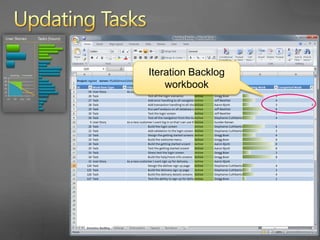
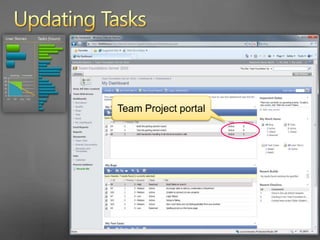
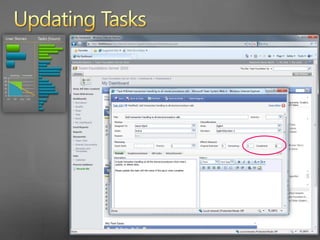
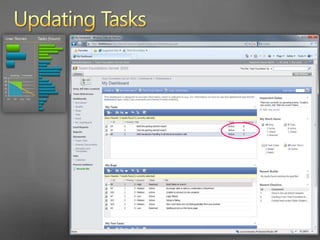
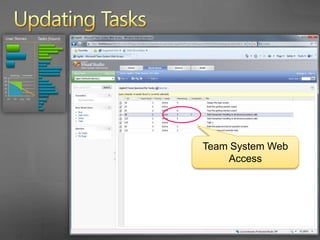
Updating TasksMultiple interfaces for updating work items
Updating TasksTeam Explorer
Updating TasksIteration Backlog workbook
Updating TasksTeam Project portal
Updating Tasks
Updating Tasks
Updating TasksTeam Web Access
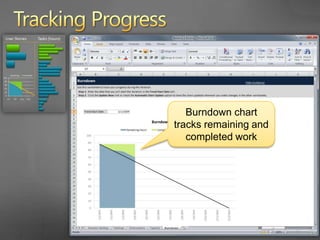
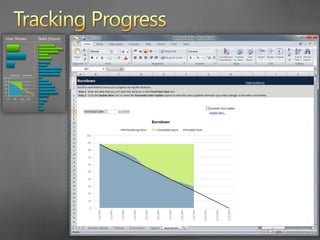
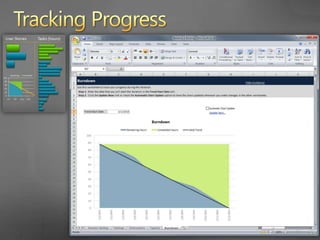
Tracking ProgressBurndown chart tracks remaining and completed work
Tracking Progress
Tracking Progress
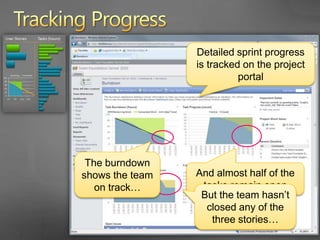
Tracking ProgressDetailed sprint progress is tracked on the project portalThe burndown shows the team on track…And almost half of the tasks remain openBut the team hasn’t closed any of the three stories…
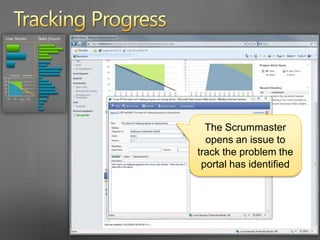
Tracking ProgressThe Scrummaster opens an issue to track the problem the portal has identified
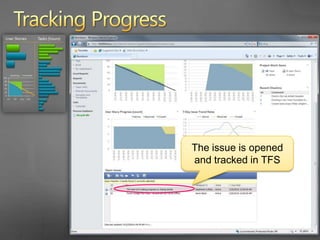
Tracking ProgressThe issue is opened and tracked in TFS
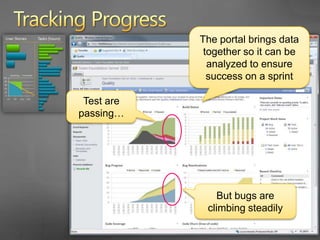
Tracking ProgressThe portal brings data together so it can be analyzed to ensure success on a sprintTest are passing…But bugs are climbing steadily
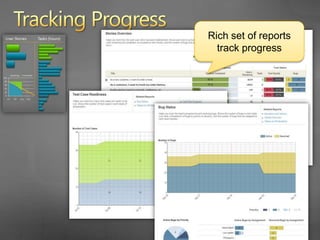
Tracking ProgressRich set of reports track progress
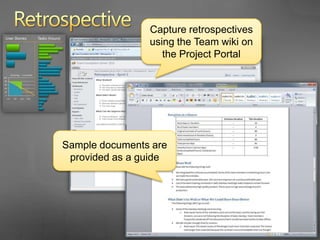
RetrospectiveCapture retrospectives using the Team wiki on the Project PortalSample documents are provided as a guide
AgendaScrum with TFS 2010 using MSF for Agile 5.0Planning the ProjectHow do you plan the project?Project planning in TFS 2010Planning a SprintWhat is sprint planning?Sprint planning in TFS 2010Running a SprintHow do you run a sprint?Running a sprint in TFS 2010
Questions/Follow-UpContactAaron  Bjork abjork@microsoft.comhttp://blogs.msdn.com/aaronbjorkTFS Resourceshttp://blogs.msdn.com/bharryhttp://social.msdn.microsoft.com/Forums/en-US/category/vstshttp://msdn.microsoft.com/en-us/teamsystem/default.aspx
© 2009 Microsoft Corporation. All rights reserved. Microsoft, Windows, Windows Vista and other product names are or may be registered trademarks and/or trademarks in the U.S. and/or other countries.The information herein is for informational purposes only and represents the current view of Microsoft Corporation as of the date of this presentation.  Because Microsoft must respond to changing market conditions, it should not be interpreted to be a commitment on the part of Microsoft, and Microsoft cannot guarantee the accuracy of any information provided after the date of this presentation.  MICROSOFT MAKES NO WARRANTIES, EXPRESS, IMPLIED OR STATUTORY, AS TO THE INFORMATION IN THIS PRESENTATION.
Scrum With Team Foundation Server 2010

Editor's Notes

  • #19 Add animation and a “can’t commit”… Move a smaller up…
  • #47 Add a not-finished… Red -
  • #48 Add animation and a “can’t commit”… Move a smaller up…