Sample Screen Shots                                         Sherri Orwick


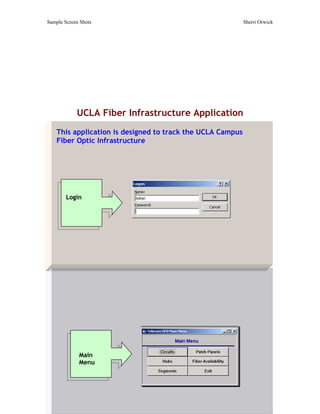
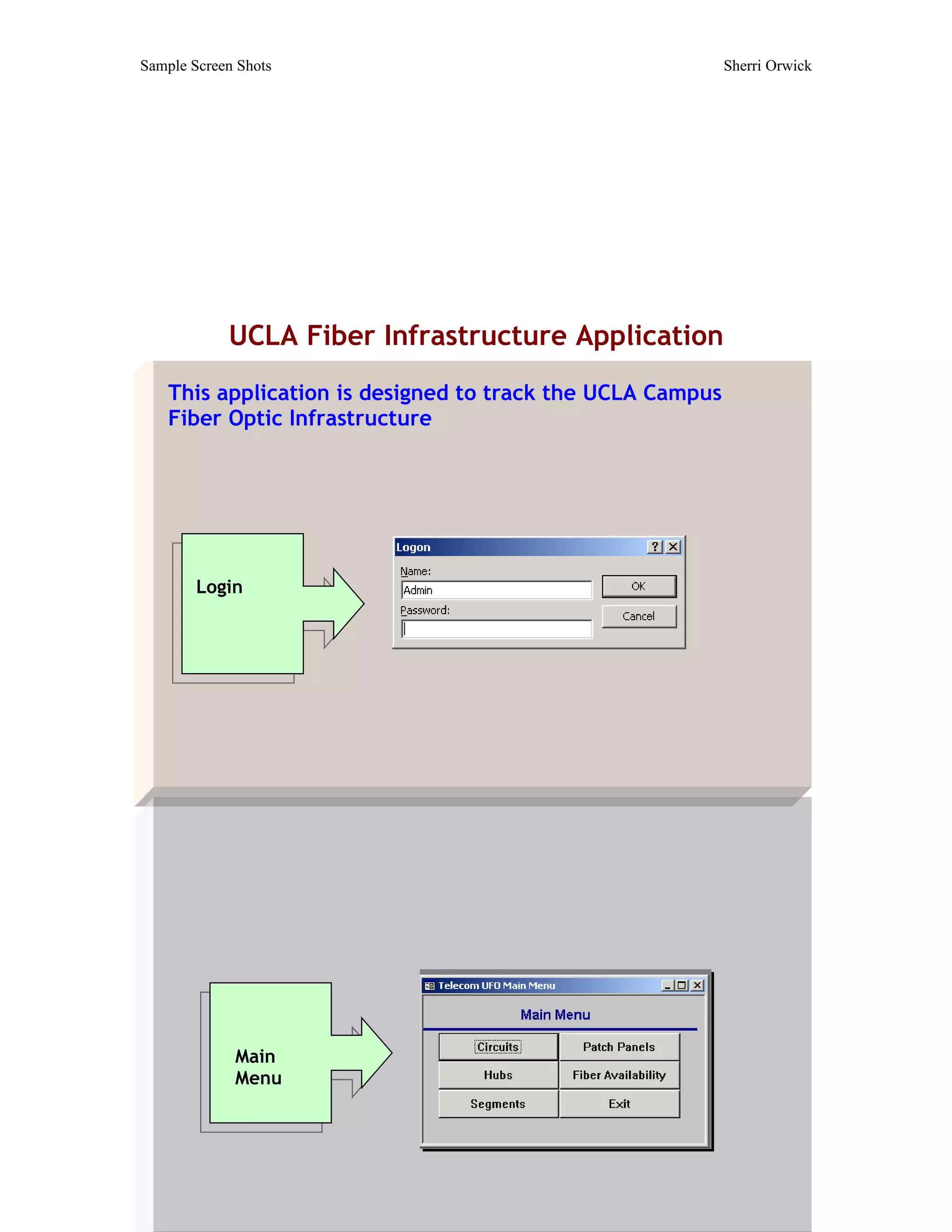
            UCLA Fiber Infrastructure Application
    This application is designed to track the UCLA Campus
    Fiber Optic Infrastructure


        Login


             Main
             Menu
Sample Screen Shots     Sherri Orwick


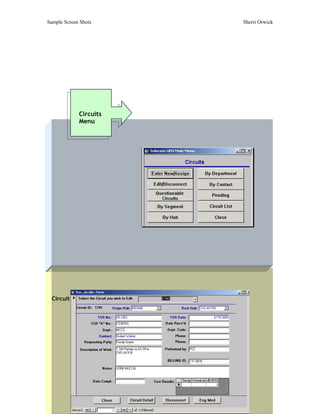
             Circuits
             Menu


  Circuit Screen
Sample Screen Shots                      Sherri Orwick


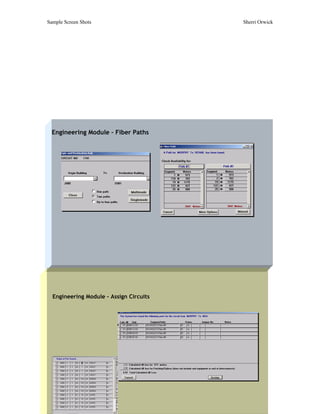
  Engineering Module – Fiber Paths


  Engineering Module – Assign Circuits
Sample Screen Shots    Sherri Orwick


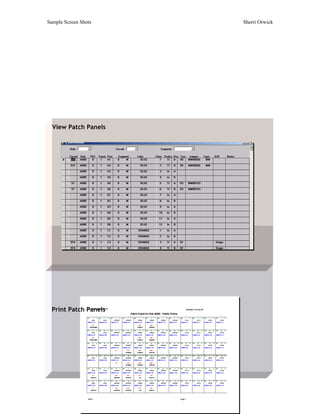
  View Patch Panels


  Print Patch Panels
Sample Screen Shots                                             Sherri Orwick


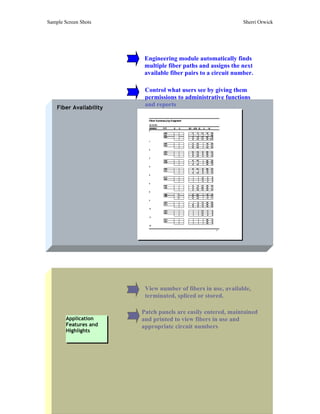
                          Engineering module automatically finds
                          multiple fiber paths and assigns the next
                          available fiber pairs to a circuit number.

                          Control what users see by giving them
                          permissions to administrative functions
    Fiber Availability
                          and reports


                          View number of fibers in use, available,
                          terminated, spliced or stored.

                         Patch panels are easily entered, maintained
        Application      and printed to view fibers in use and
        Features and     appropriate circuit numbers
        Highlights
Sample Screen Shots                                 Sherri Orwick


     UCLA Tiverton Housing Assistance Application


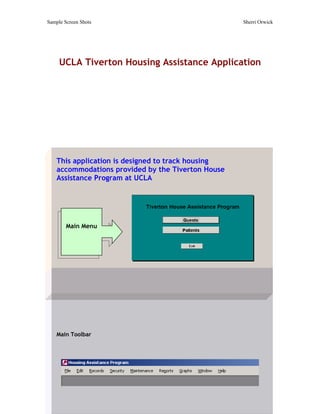
    This application is designed to track housing
    accommodations provided by the Tiverton House
    Assistance Program at UCLA


        Main Menu


    Main Toolbar
Sample Screen Shots   Sherri Orwick


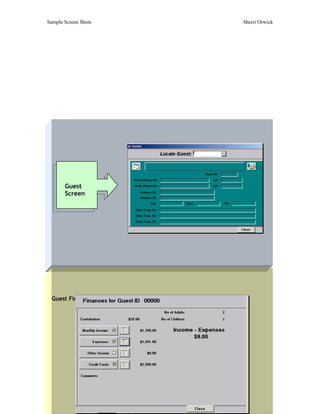
       Guest
       Screen


  Guest Finances
Sample Screen Shots   Sherri Orwick


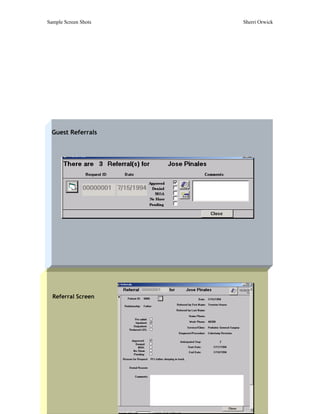
  Guest Referrals


  Referral Screen
Sample Screen Shots         Sherri Orwick


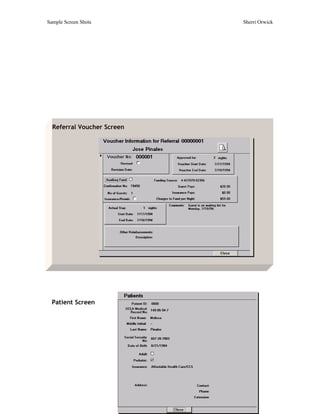
  Referral Voucher Screen


  Patient Screen
Sample Screen Shots                                             Sherri Orwick


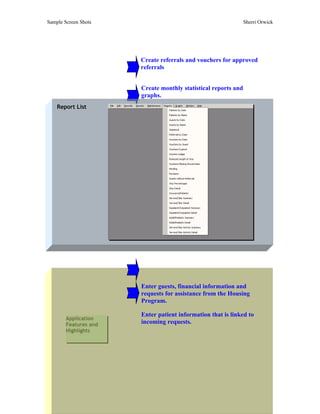
                       Create referrals and vouchers for approved
                       referrals


                       Create monthly statistical reports and
                       graphs.
    Report List


                       Enter guests, financial information and
                       requests for assistance from the Housing
                       Program.

                       Enter patient information that is linked to
        Application
        Features and   incoming requests.
        Highlights
Sample Screen Shots                                         Sherri Orwick


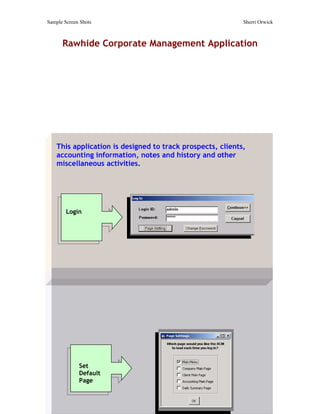
      Rawhide Corporate Management Application


    This application is designed to track prospects, clients,
    accounting information, notes and history and other
    miscellaneous activities.


        Login


             Set
             Default
             Page
Sample Screen Shots                          Sherri Orwick


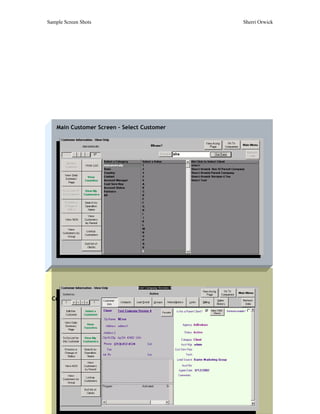
    Main Customer Screen – Select Customer


  Customer Information
Sample Screen Shots              Sherri Orwick


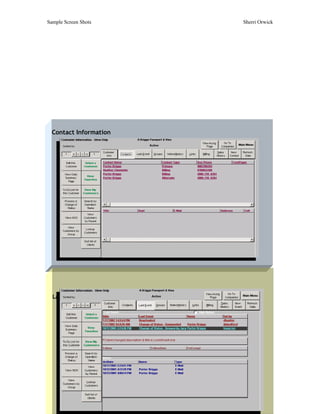
  Contact Information


  Last Events and Note Summary
Sample Screen Shots            Sherri Orwick


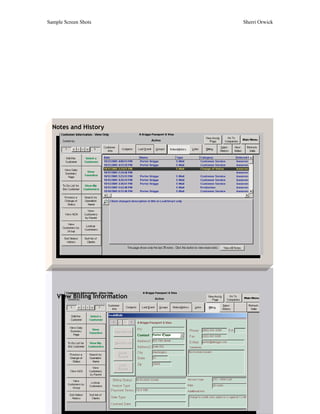
  Notes and History


    View Billing Information
Sample Screen Shots                                           Sherri Orwick


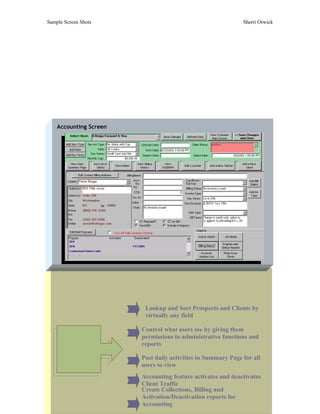
    Accounting Screen


                         Lookup and Sort Prospects and Clients by
                         virtually any field

                        Control what users see by giving them
      Application       permissions to administrative functions and
      Features and      reports
      Highlights
                        Post daily activities to Summary Page for all
                        users to view
                        Accounting feature activates and deactivates
                        Client Traffic
                        Create Collections, Billing and
                        Activation/Deactivation reports for
                        Accounting
Sample Screen Shots                                                      Sherri Orwick


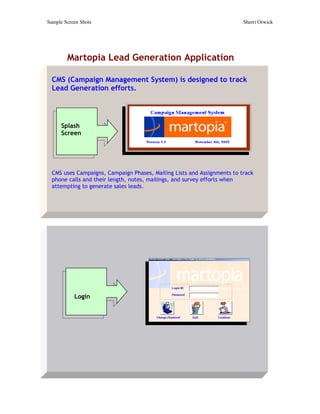
        Martopia Lead Generation Application

  CMS (Campaign Management System) is designed to track
  Lead Generation efforts.


      Splash
      Screen


  CMS uses Campaigns, Campaign Phases, Mailing Lists and Assignments to track
  phone calls and their length, notes, mailings, and survey efforts when
  attempting to generate sales leads.


           Login
Sample Screen Shots                  Sherri Orwick


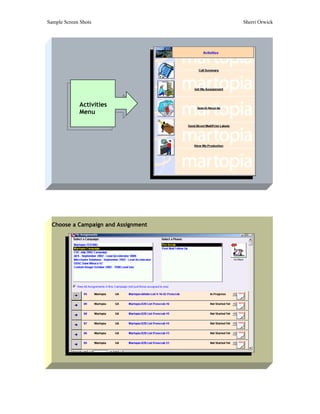
             Activities
             Menu


  Choose a Campaign and Assignment
Sample Screen Shots                   Sherri Orwick


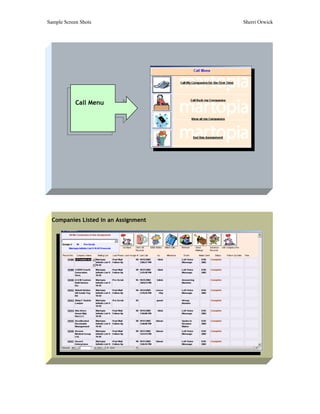
            Call Menu


  Companies Listed in an Assignment
Sample Screen Shots                                             Sherri Orwick


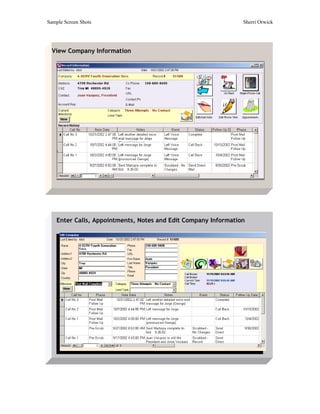
  View Company Information


    Enter Calls, Appointments, Notes and Edit Company Information
Sample Screen Shots                                        Sherri Orwick


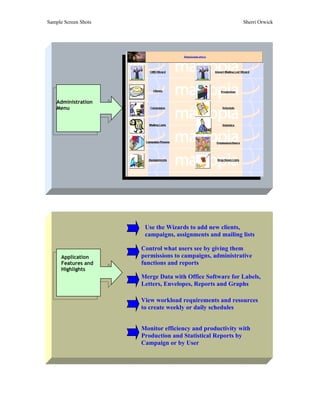
    Administration
    Menu


                       Use the Wizards to add new clients,
                       campaigns, assignments and mailing lists

                      Control what users see by giving them
      Application     permissions to campaigns, administrative
      Features and    functions and reports
      Highlights
                      Merge Data with Office Software for Labels,
                      Letters, Envelopes, Reports and Graphs

                      View workload requirements and resources
                      to create weekly or daily schedules


                      Monitor efficiency and productivity with
                      Production and Statistical Reports by
                      Campaign or by User

Screen Shots of Database Designs

  • 1.
    Sample Screen Shots Sherri Orwick UCLA Fiber Infrastructure Application This application is designed to track the UCLA Campus Fiber Optic Infrastructure Login Main Menu
  • 2.
    Sample Screen Shots Sherri Orwick Circuits Menu Circuit Screen
  • 3.
    Sample Screen Shots Sherri Orwick Engineering Module – Fiber Paths Engineering Module – Assign Circuits
  • 4.
    Sample Screen Shots Sherri Orwick View Patch Panels Print Patch Panels
  • 5.
    Sample Screen Shots Sherri Orwick Engineering module automatically finds multiple fiber paths and assigns the next available fiber pairs to a circuit number. Control what users see by giving them permissions to administrative functions Fiber Availability and reports View number of fibers in use, available, terminated, spliced or stored. Patch panels are easily entered, maintained Application and printed to view fibers in use and Features and appropriate circuit numbers Highlights
  • 6.
    Sample Screen Shots Sherri Orwick UCLA Tiverton Housing Assistance Application This application is designed to track housing accommodations provided by the Tiverton House Assistance Program at UCLA Main Menu Main Toolbar
  • 7.
    Sample Screen Shots Sherri Orwick Guest Screen Guest Finances
  • 8.
    Sample Screen Shots Sherri Orwick Guest Referrals Referral Screen
  • 9.
    Sample Screen Shots Sherri Orwick Referral Voucher Screen Patient Screen
  • 10.
    Sample Screen Shots Sherri Orwick Create referrals and vouchers for approved referrals Create monthly statistical reports and graphs. Report List Enter guests, financial information and requests for assistance from the Housing Program. Enter patient information that is linked to Application Features and incoming requests. Highlights
  • 11.
    Sample Screen Shots Sherri Orwick Rawhide Corporate Management Application This application is designed to track prospects, clients, accounting information, notes and history and other miscellaneous activities. Login Set Default Page
  • 12.
    Sample Screen Shots Sherri Orwick Main Customer Screen – Select Customer Customer Information
  • 13.
    Sample Screen Shots Sherri Orwick Contact Information Last Events and Note Summary
  • 14.
    Sample Screen Shots Sherri Orwick Notes and History View Billing Information
  • 15.
    Sample Screen Shots Sherri Orwick Accounting Screen Lookup and Sort Prospects and Clients by virtually any field Control what users see by giving them Application permissions to administrative functions and Features and reports Highlights Post daily activities to Summary Page for all users to view Accounting feature activates and deactivates Client Traffic Create Collections, Billing and Activation/Deactivation reports for Accounting
  • 16.
    Sample Screen Shots Sherri Orwick Martopia Lead Generation Application CMS (Campaign Management System) is designed to track Lead Generation efforts. Splash Screen CMS uses Campaigns, Campaign Phases, Mailing Lists and Assignments to track phone calls and their length, notes, mailings, and survey efforts when attempting to generate sales leads. Login
  • 17.
    Sample Screen Shots Sherri Orwick Activities Menu Choose a Campaign and Assignment
  • 18.
    Sample Screen Shots Sherri Orwick Call Menu Companies Listed in an Assignment
  • 19.
    Sample Screen Shots Sherri Orwick View Company Information Enter Calls, Appointments, Notes and Edit Company Information
  • 20.
    Sample Screen Shots Sherri Orwick Administration Menu Use the Wizards to add new clients, campaigns, assignments and mailing lists Control what users see by giving them Application permissions to campaigns, administrative Features and functions and reports Highlights Merge Data with Office Software for Labels, Letters, Envelopes, Reports and Graphs View workload requirements and resources to create weekly or daily schedules Monitor efficiency and productivity with Production and Statistical Reports by Campaign or by User