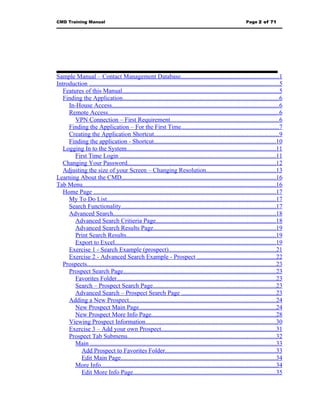
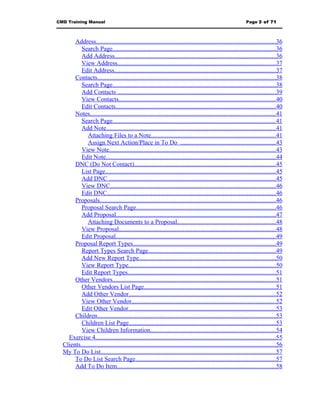
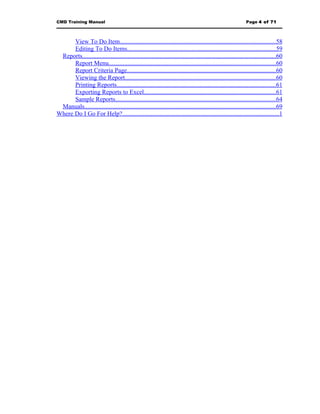
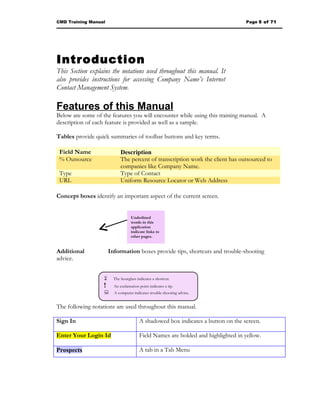
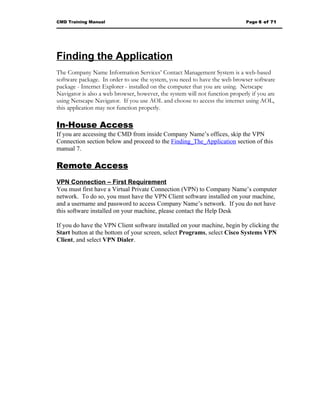
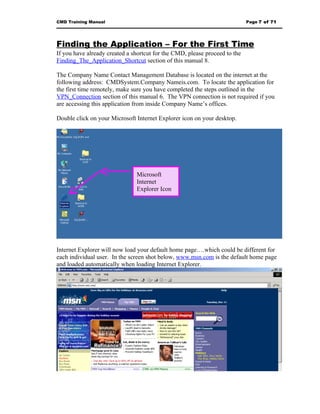
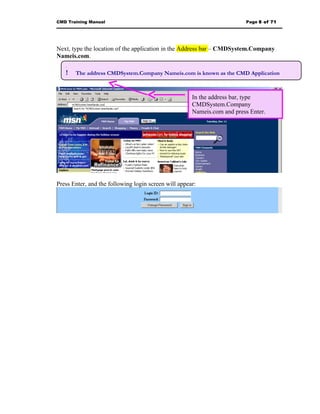
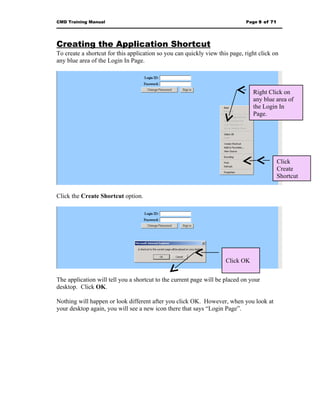
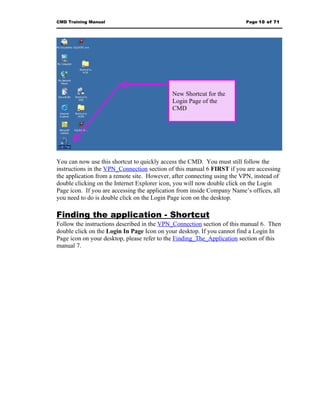
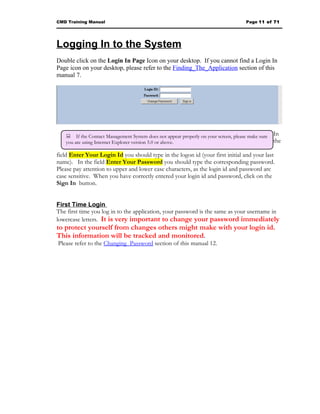
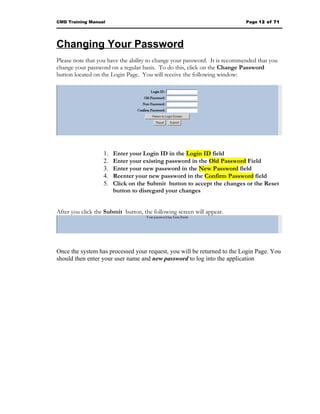
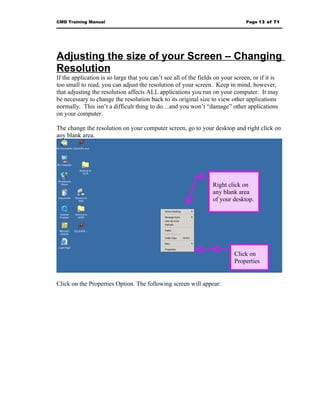
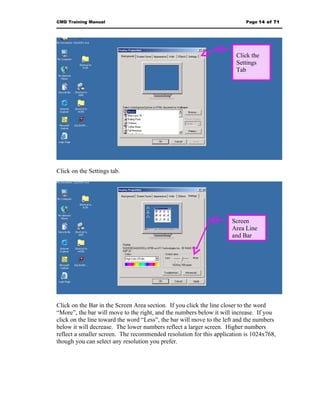
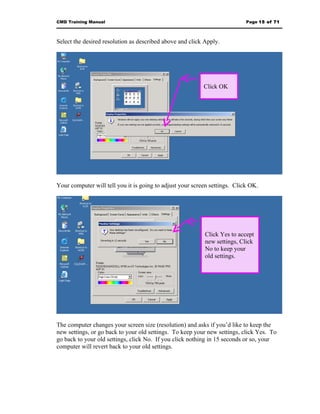
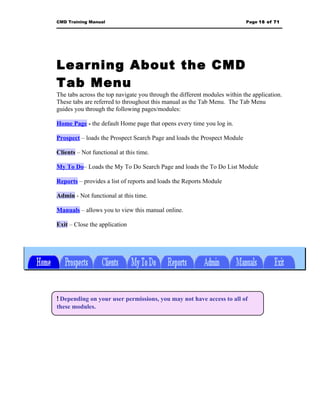
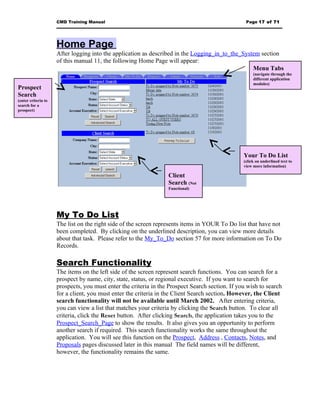
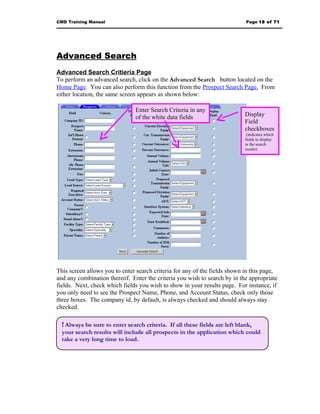
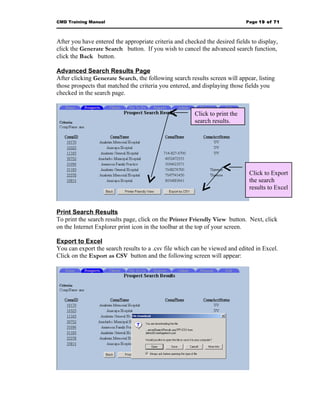
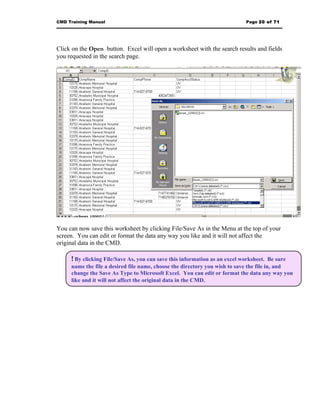
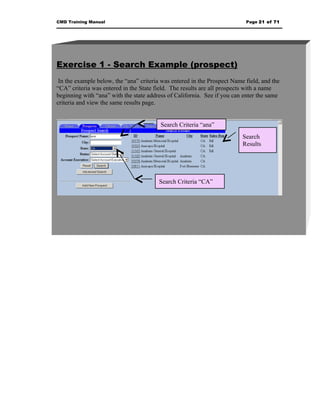
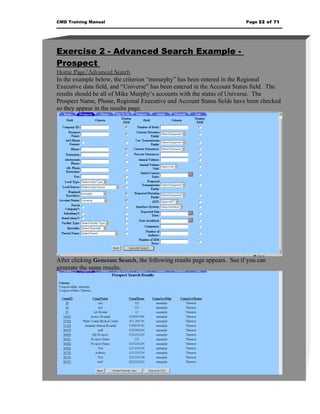
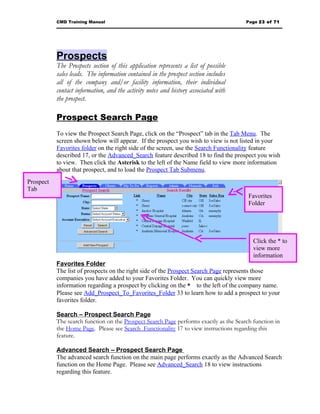
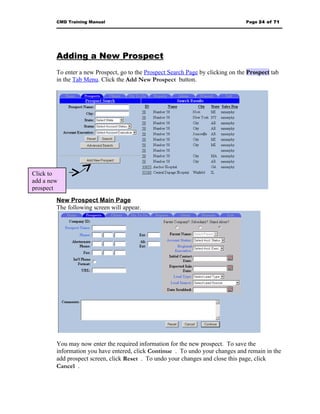



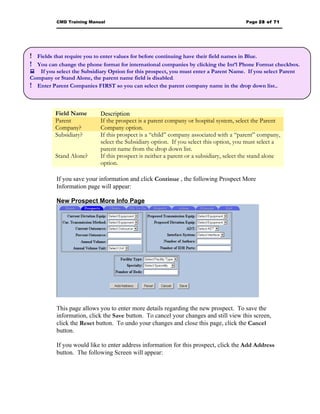
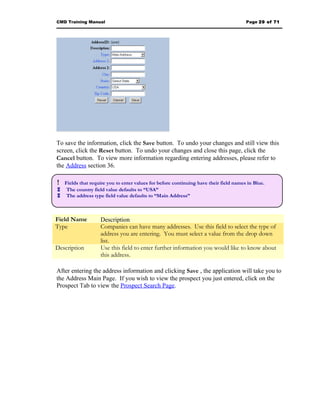
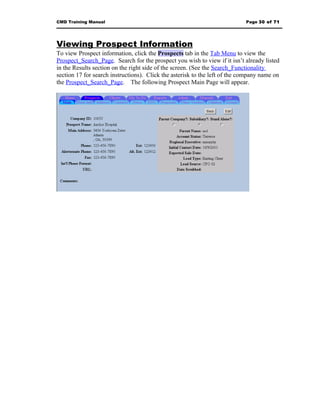
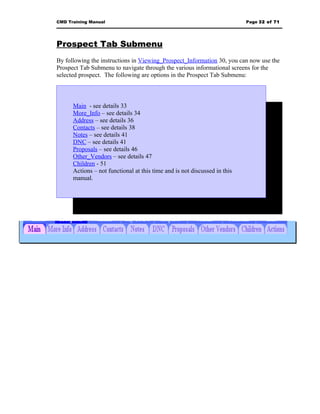
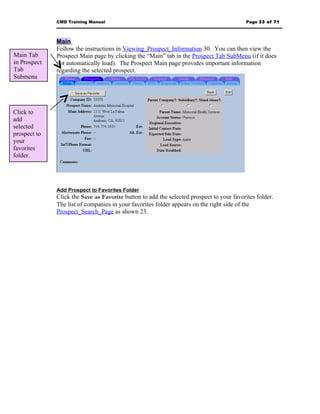
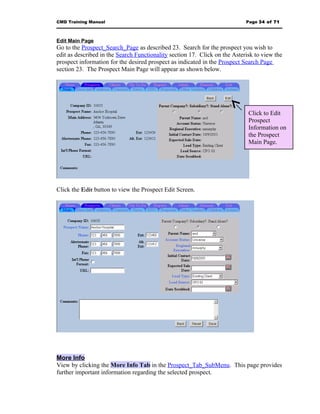
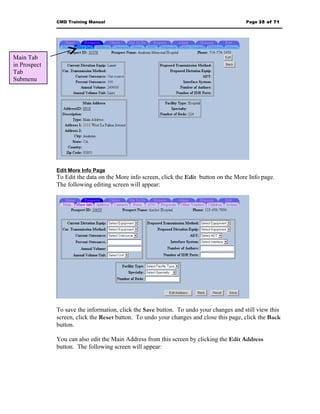
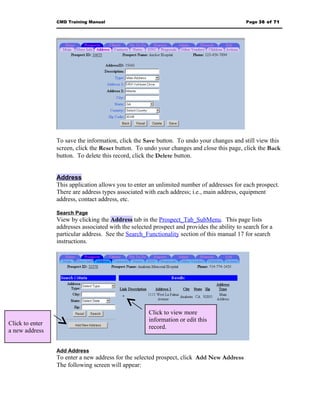
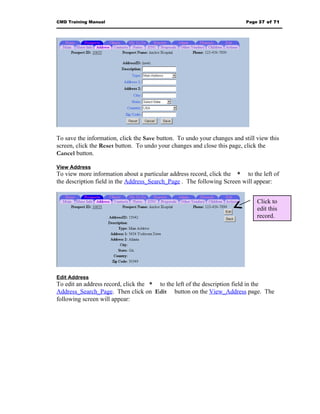
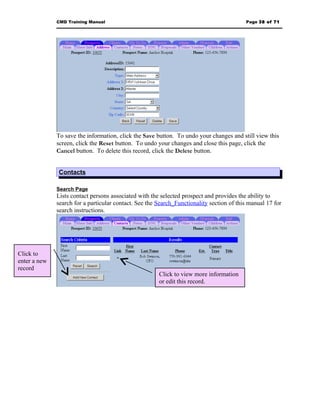
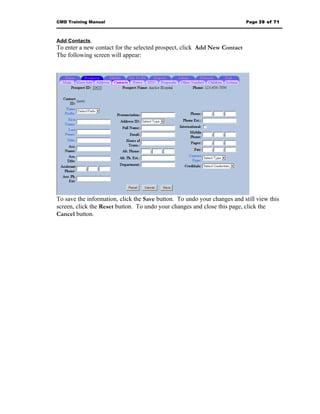
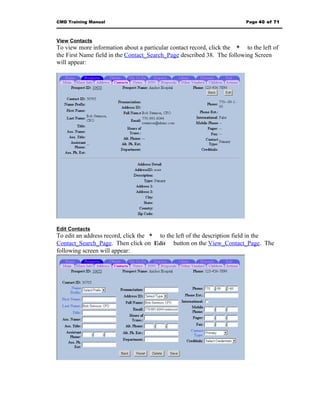
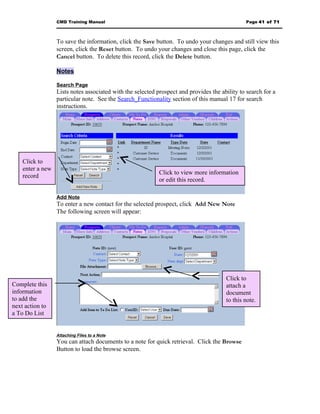
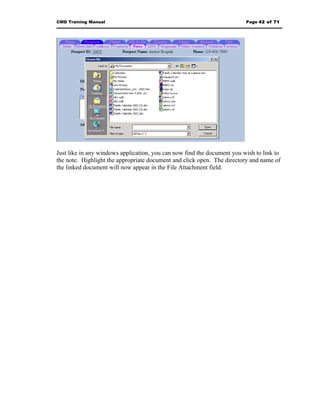
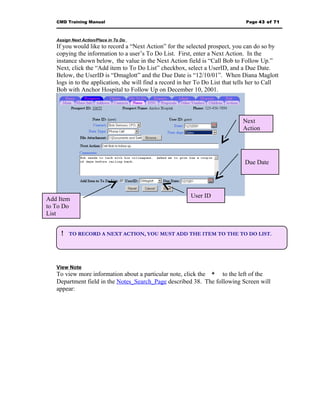
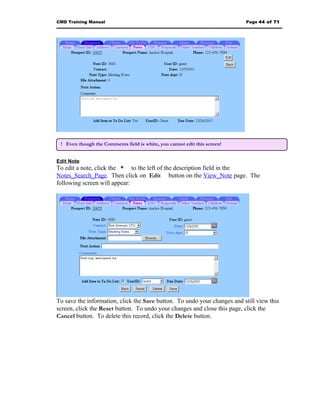
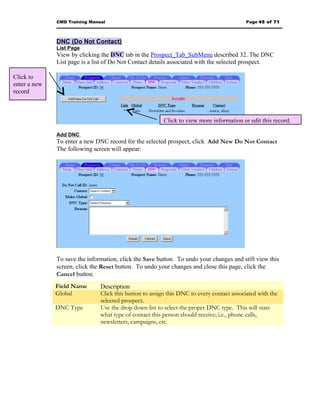
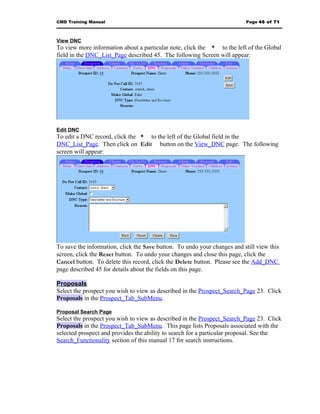
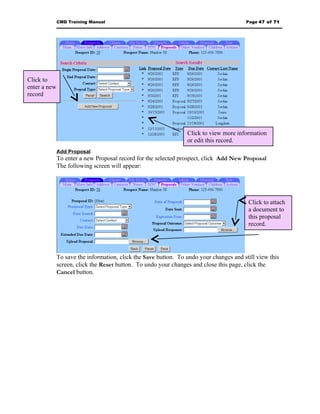
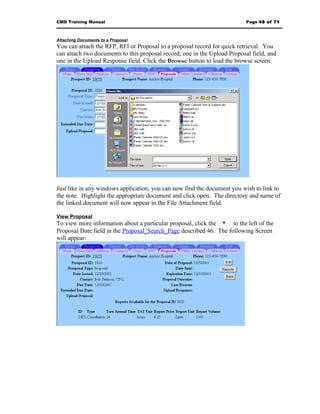
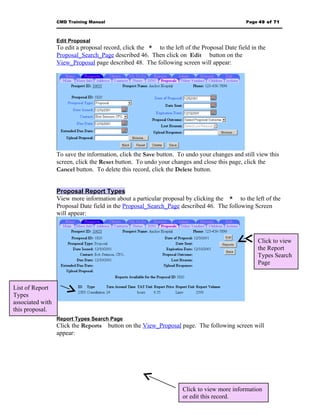
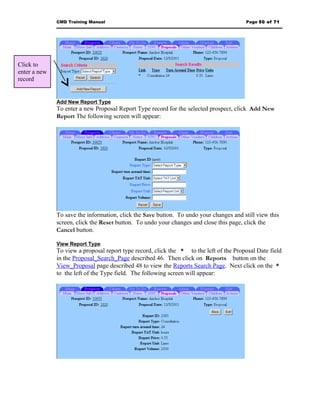
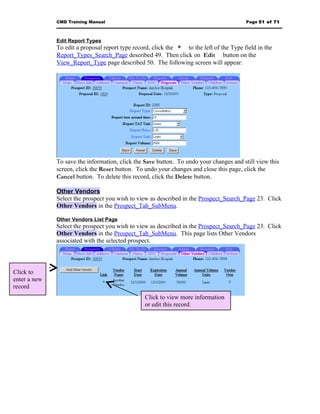
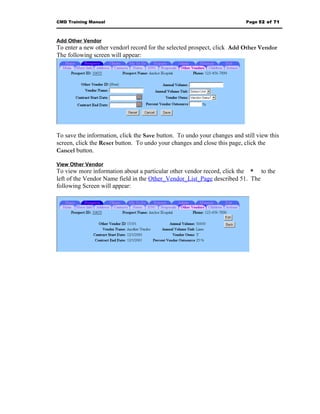
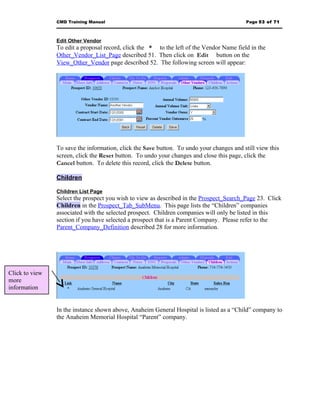
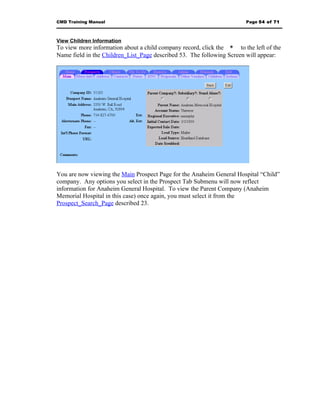

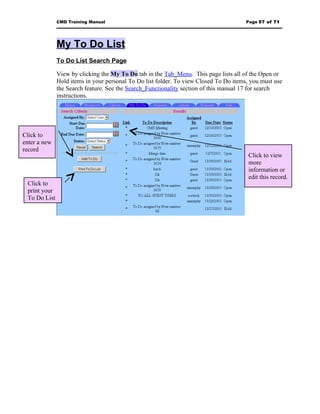
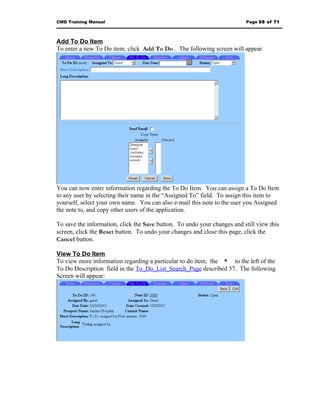
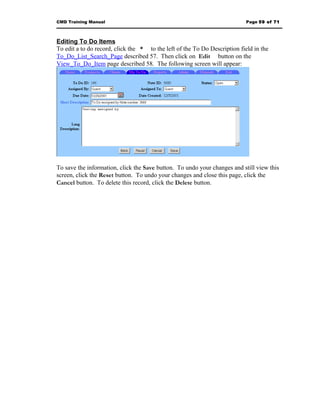
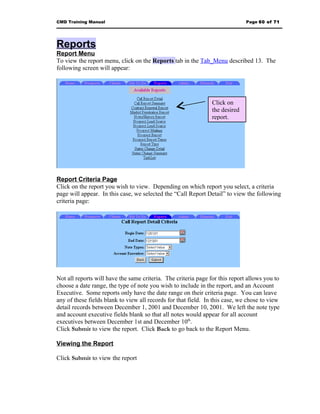
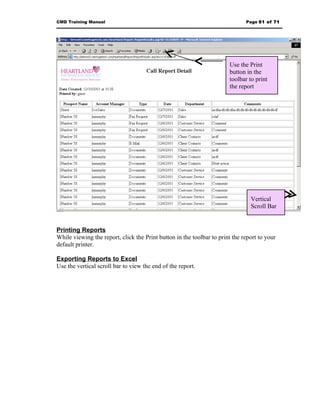
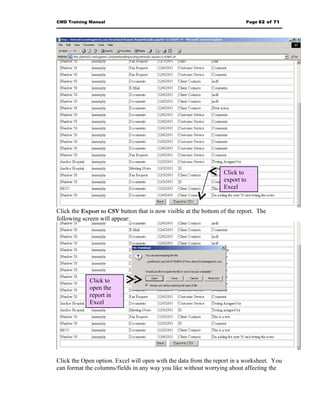
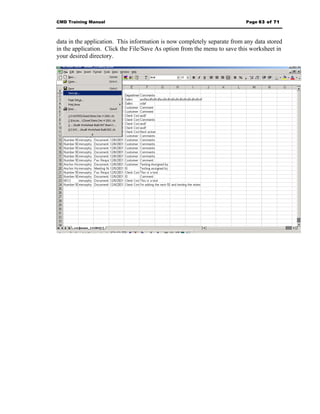
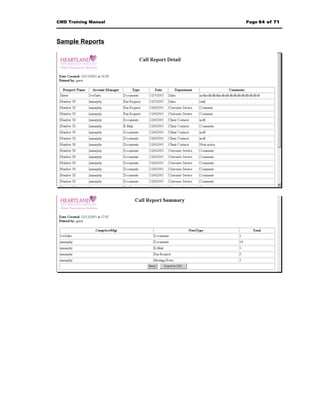
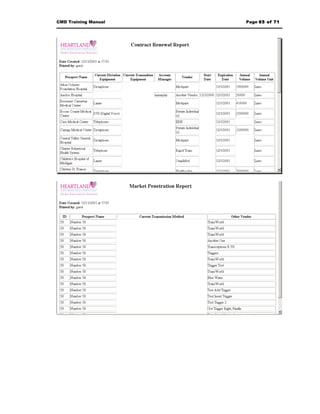
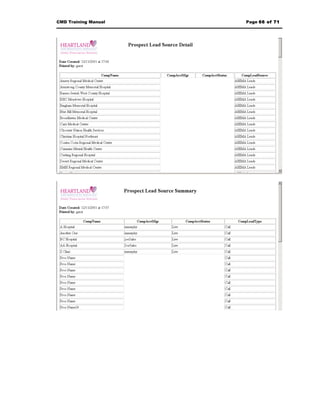
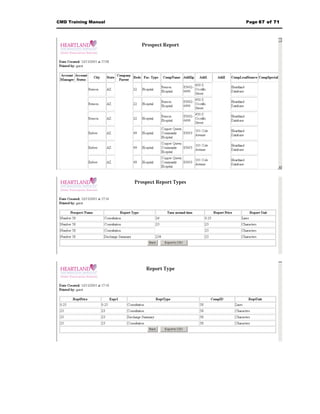
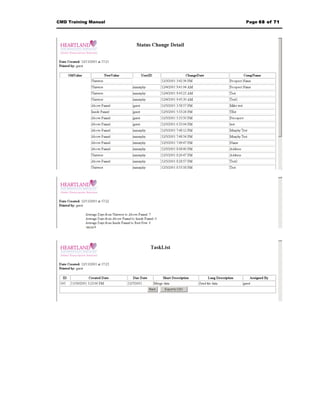


The document provides instructions for accessing and using a contact management database (CMD) system. It includes information on: 1) Logging into the system remotely by establishing a VPN connection and accessing the application URL. 2) Navigating the system using tab menus to access modules like prospects, to-do lists, reports, and manuals. 3) Performing searches and advanced searches on prospects and other data, adding and editing contact information, notes, addresses, and more. 4) Instructions include screenshots and tips for optimizing the interface.


