Game Programming for Kids-It’s Elementary Dr. Jeff Gray-UAB Mrs. Cameron McKinley-Hoover City Schools www.cameronmckinley.com
Scratch-It’s Elementary! What is Scratch? How much is it? Who should use it? Why should I use it? How can I use it? Where can I find resources? When can I get started?
What Is Scratch? Programming Language Create and share interactive stories, animations, games, art, music Available for Mac and Windows Created by Lifelong Kindergarten Group
How much? It’s FREE! http://scratch.mit.edu/
Who should use it? Ages 8 and up  I’ve even had a 6 year old try it-no problems Educators all subjects Parents After school clubs
Why should I use Scratch? 21 st  Century Skills Digital Fluency Incorporates all subjects It’s easy It’s fun! Meets the needs of diverse learners Meets the needs of DIGITAL kids
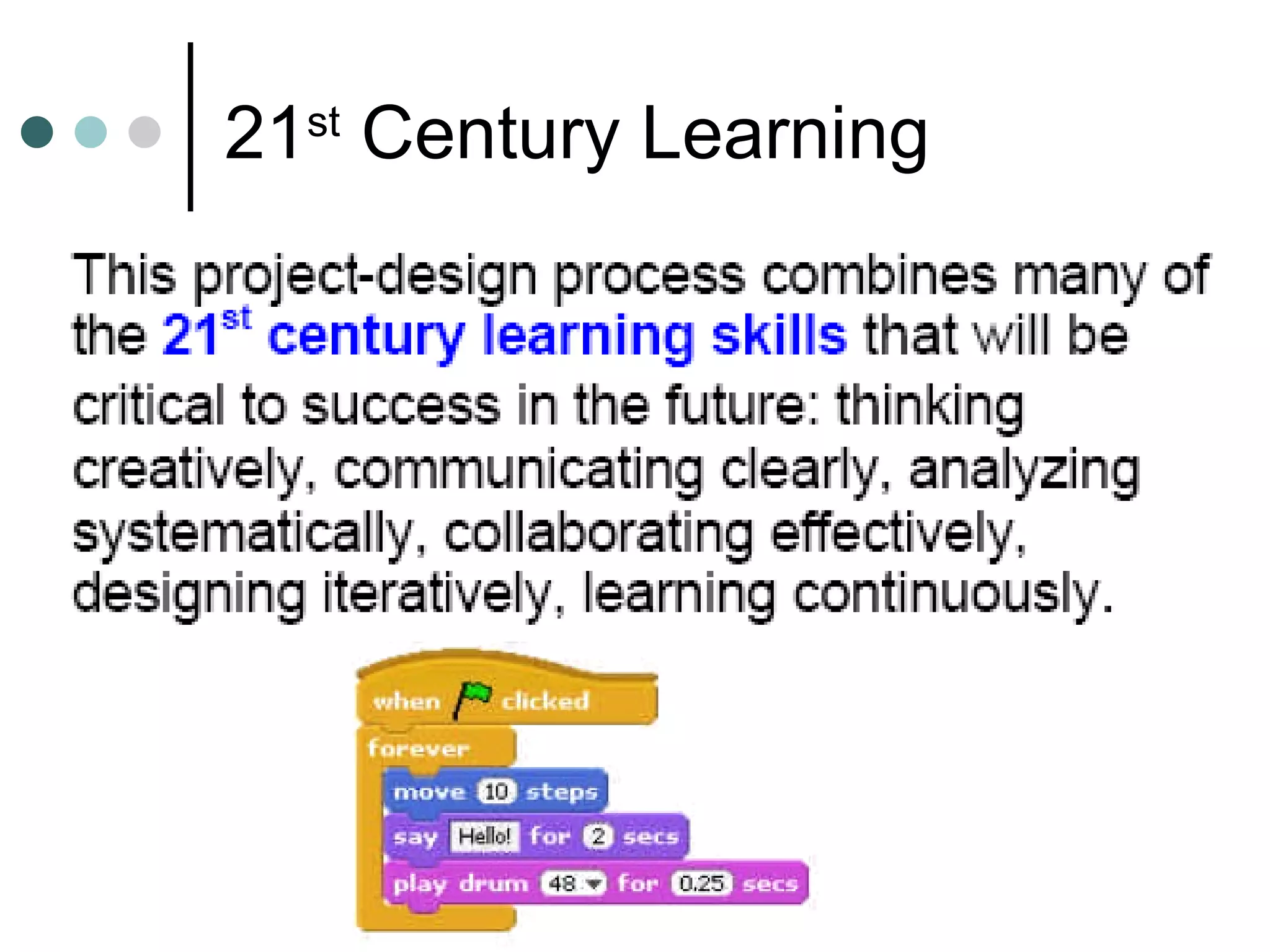
21 st  Century Learning
Digital Fluency
How can I use it? Digital Storytelling Student-created games/quizzes about subject matter Interactive stories Record voices, dialogue Animated math, science Your ideas?
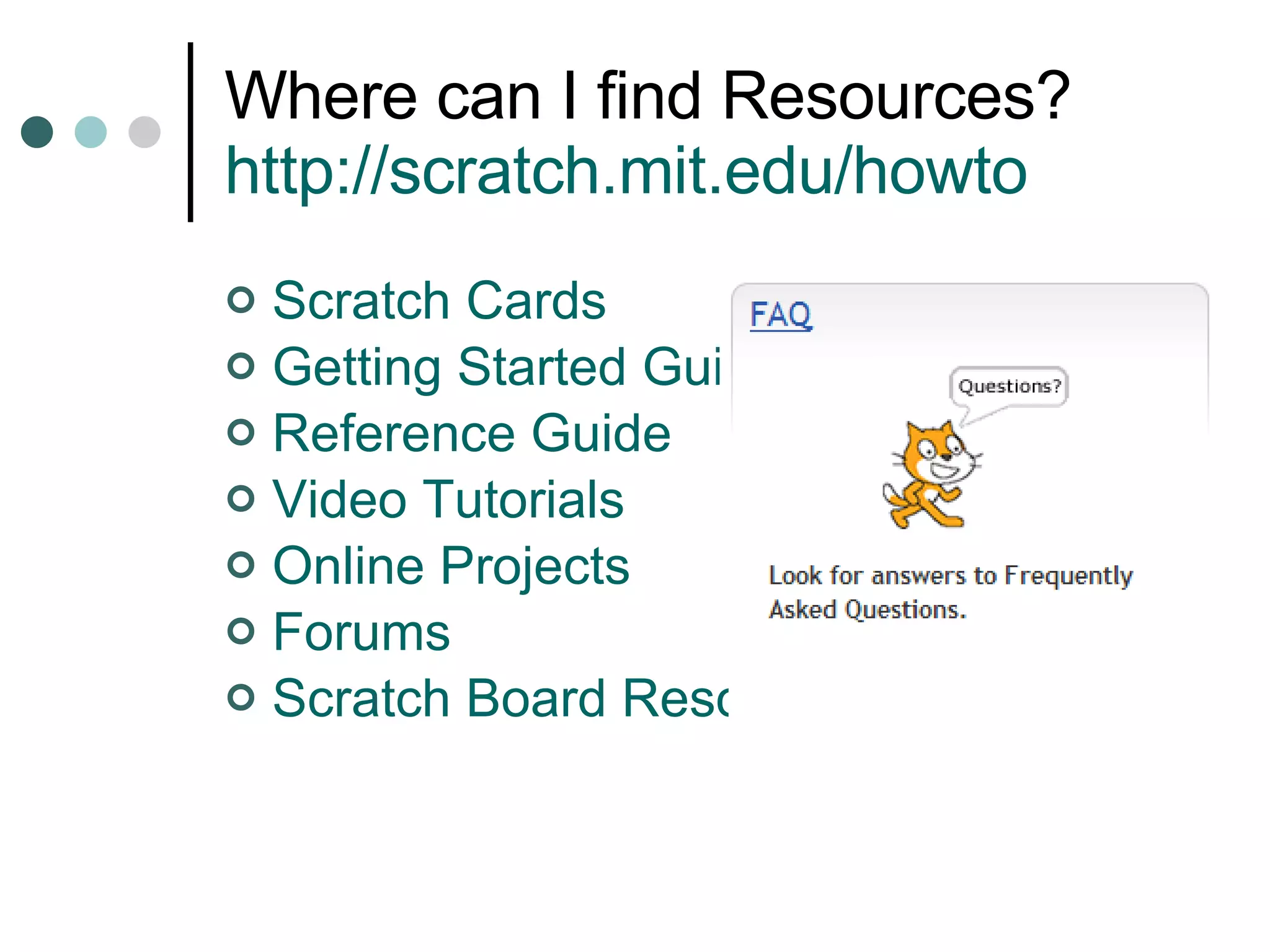
Where can I find Resources? http://scratch.mit.edu/howto   Scratch Cards Getting Started Guide Reference Guide Video Tutorials Online Projects Forums Scratch Board Resources
Scratch Cards Starting projects Scaffolding Have students create scratch cards Samples online
Scratch Cards   http://scratch.mit.edu/cards
Sample Card
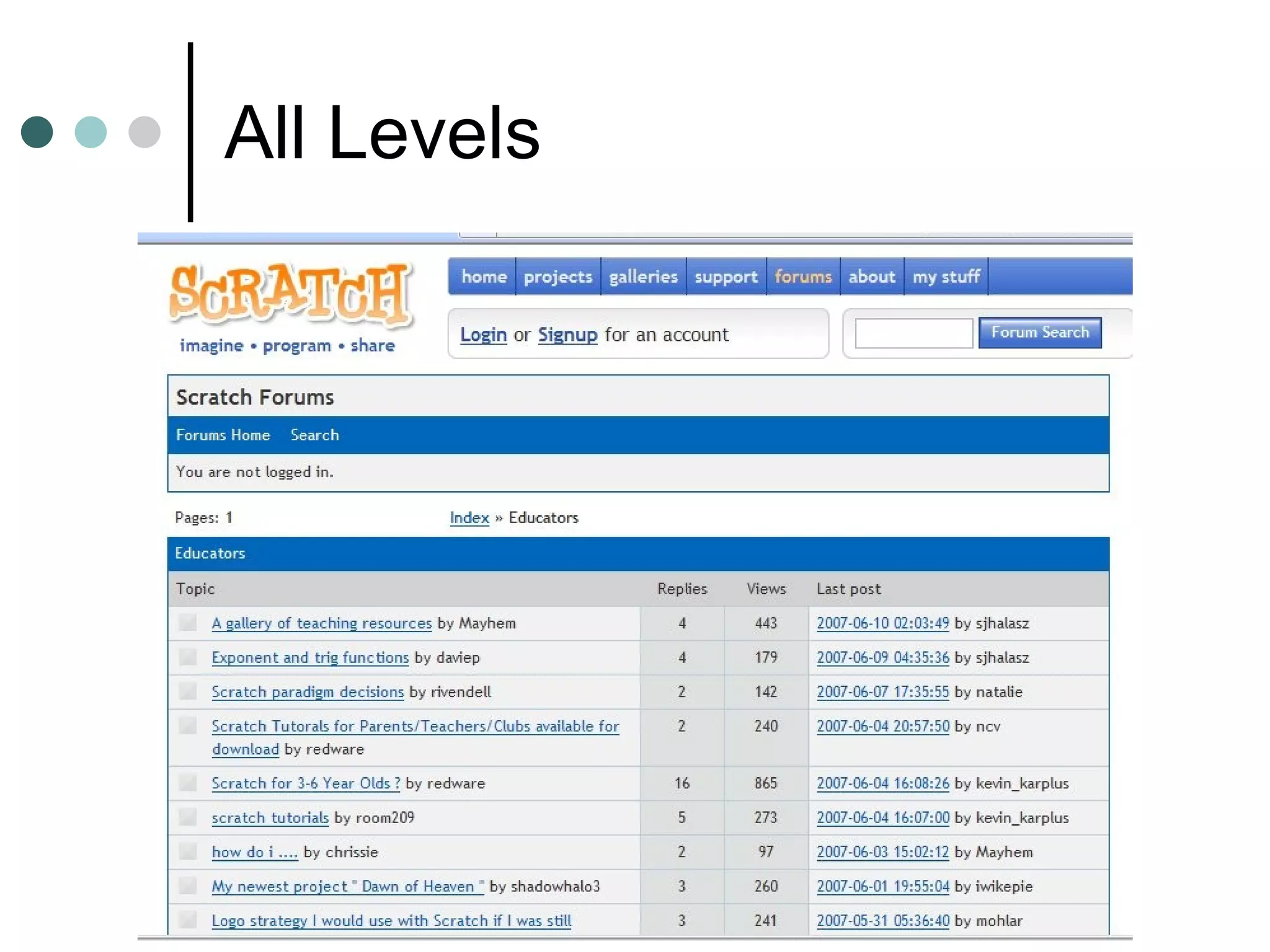
Educator Forum
All Levels
When can I get started? Today! Download the program Watch the Video Tutorial Look at the sample programs Use a scratch card to program a simple program ENJOY!
Group Work comment from Scratch Educator Forum I have just used Scratch for the first time with a class of year6 pupils (UK, age 10 & 11 years). I showed them a few ideas and basic commands and the let them loose, working in pairs.  The  enjoyment ,  motivation  and  perseverance  was impressive. Also the level of their  language  and  discussion  as each pair  collaborated  and worked towards making the sprites behave as they wanted them to was fascinating to listen to.
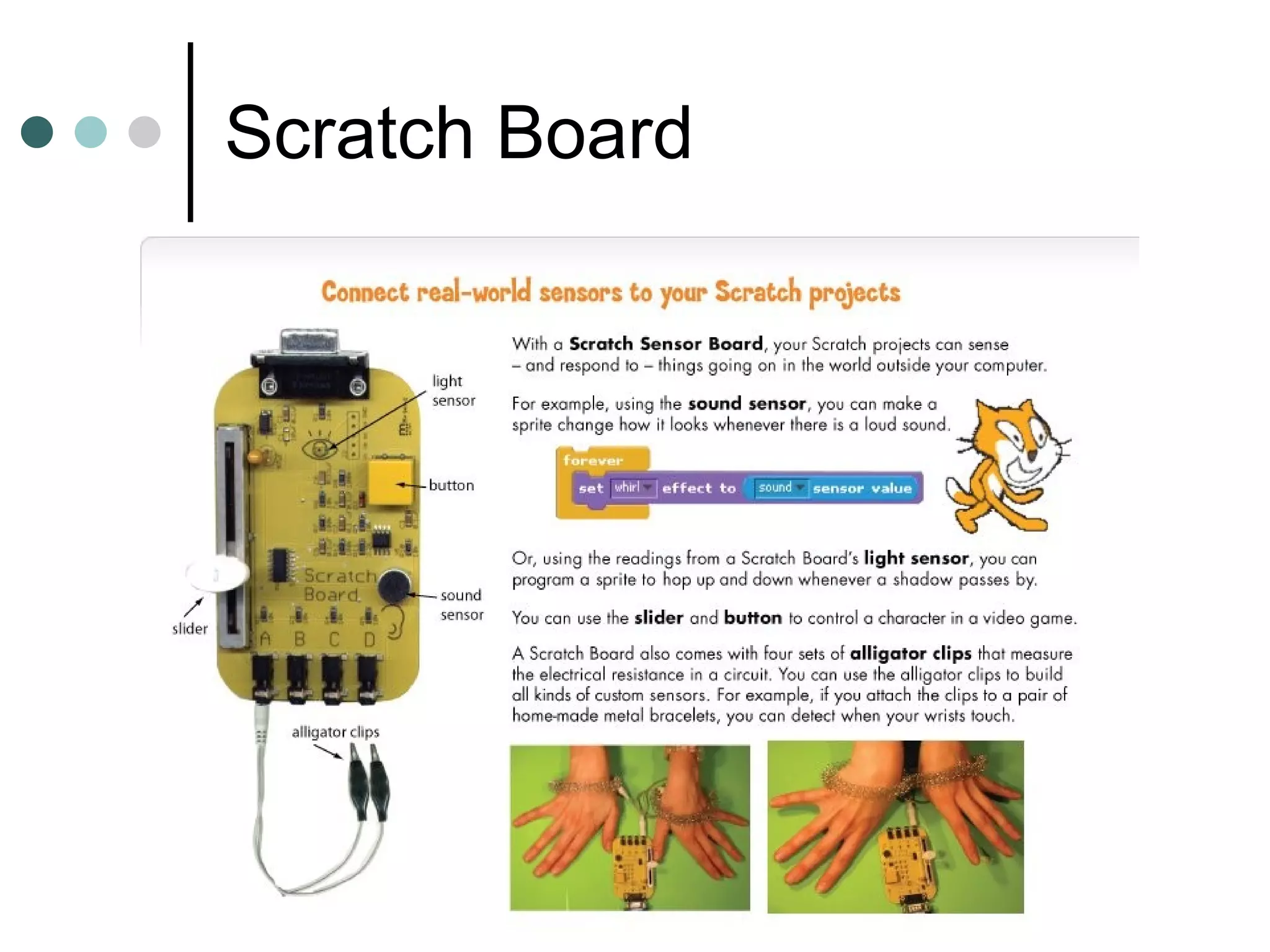
Scratch Board
Sample Projects
Tell a story, make a card

Scratch

  • 1.
    Game Programming forKids-It’s Elementary Dr. Jeff Gray-UAB Mrs. Cameron McKinley-Hoover City Schools www.cameronmckinley.com
  • 2.
    Scratch-It’s Elementary! Whatis Scratch? How much is it? Who should use it? Why should I use it? How can I use it? Where can I find resources? When can I get started?
  • 3.
    What Is Scratch?Programming Language Create and share interactive stories, animations, games, art, music Available for Mac and Windows Created by Lifelong Kindergarten Group
  • 4.
    How much? It’sFREE! http://scratch.mit.edu/
  • 5.
    Who should useit? Ages 8 and up I’ve even had a 6 year old try it-no problems Educators all subjects Parents After school clubs
  • 6.
    Why should Iuse Scratch? 21 st Century Skills Digital Fluency Incorporates all subjects It’s easy It’s fun! Meets the needs of diverse learners Meets the needs of DIGITAL kids
  • 7.
    21 st Century Learning
  • 8.
  • 9.
    How can Iuse it? Digital Storytelling Student-created games/quizzes about subject matter Interactive stories Record voices, dialogue Animated math, science Your ideas?
  • 10.
    Where can Ifind Resources? http://scratch.mit.edu/howto Scratch Cards Getting Started Guide Reference Guide Video Tutorials Online Projects Forums Scratch Board Resources
  • 11.
    Scratch Cards Startingprojects Scaffolding Have students create scratch cards Samples online
  • 12.
    Scratch Cards http://scratch.mit.edu/cards
  • 13.
  • 14.
  • 15.
  • 16.
    When can Iget started? Today! Download the program Watch the Video Tutorial Look at the sample programs Use a scratch card to program a simple program ENJOY!
  • 17.
    Group Work commentfrom Scratch Educator Forum I have just used Scratch for the first time with a class of year6 pupils (UK, age 10 & 11 years). I showed them a few ideas and basic commands and the let them loose, working in pairs. The enjoyment , motivation and perseverance was impressive. Also the level of their language and discussion as each pair collaborated and worked towards making the sprites behave as they wanted them to was fascinating to listen to.
  • 18.
  • 19.
  • 20.
    Tell a story,make a card