Scaling AKS Nodes
Kubernetes & Cloud Native Berlin Meetup New Year 2024 Edition
Philip Welz
(Senior DevOps & Kubernetes Engineer,
Azure MVP)
+49 8031 230159-0
philip.welz@whiteduck.de
@philip_welz
www.linkedin.com/in/philipwelz
Who am I?
• Husband & Father of 2
• Doing Cloud Native, Kubernetes & Azure
• Microsoft MVP
• Microsoft Azure (Cloud Native)
• GitLab Hero
Agenda
• Kubernetes Scheduler
• Kubernetes Cluster Autoscaler (CA)
• Karpenter
• Karpenter on Azure
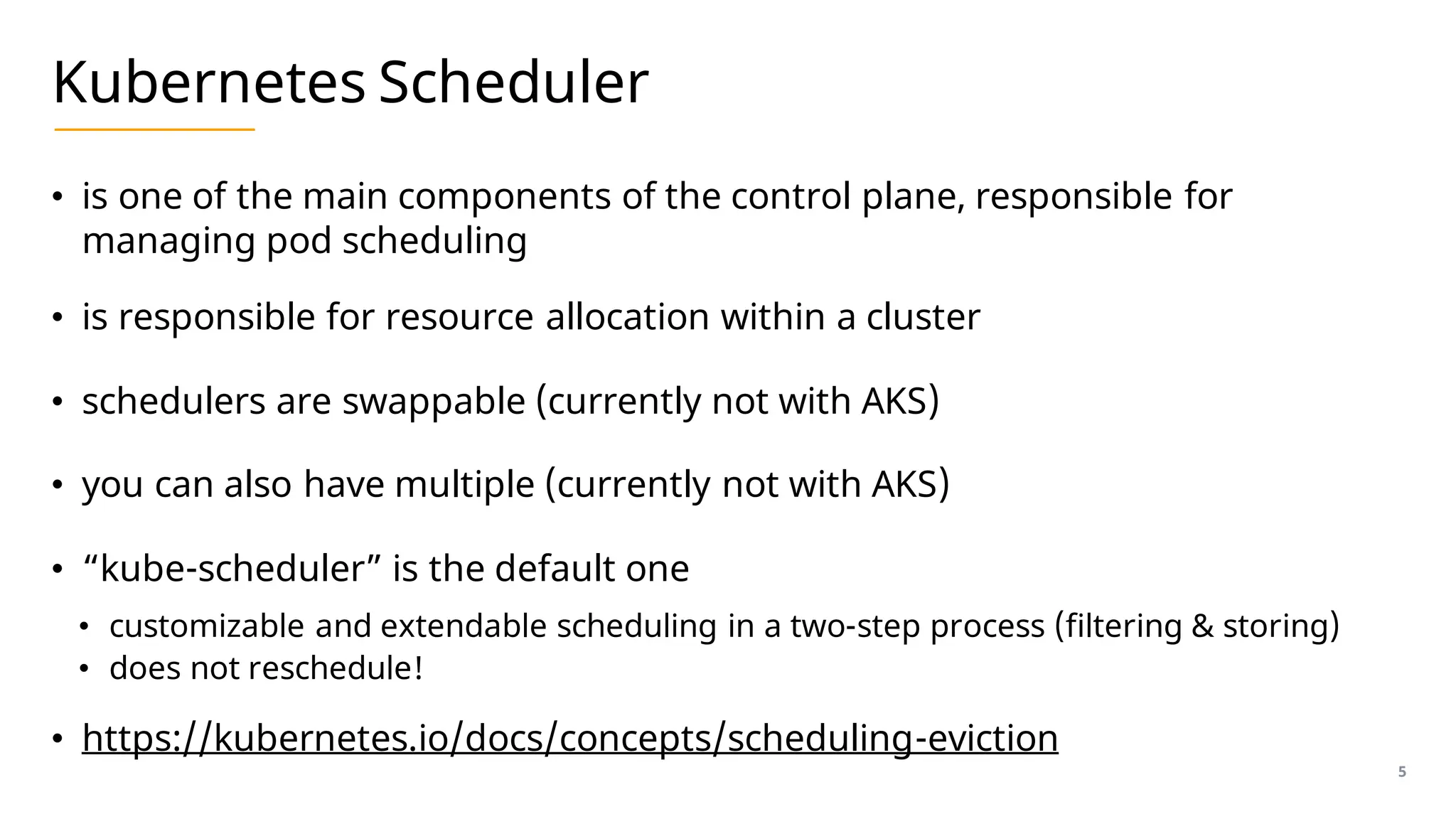
Kubernetes Scheduler
• is one of the main components of the control plane, responsible for
managing pod scheduling
• is responsible for resource allocation within a cluster
• schedulers are swappable (currently not with AKS)
• you can also have multiple (currently not with AKS)
• “kube-scheduler” is the default one
• customizable and extendable scheduling in a two-step process (filtering & storing)
• does not reschedule!
• https://kubernetes.io/docs/concepts/scheduling-eviction
5
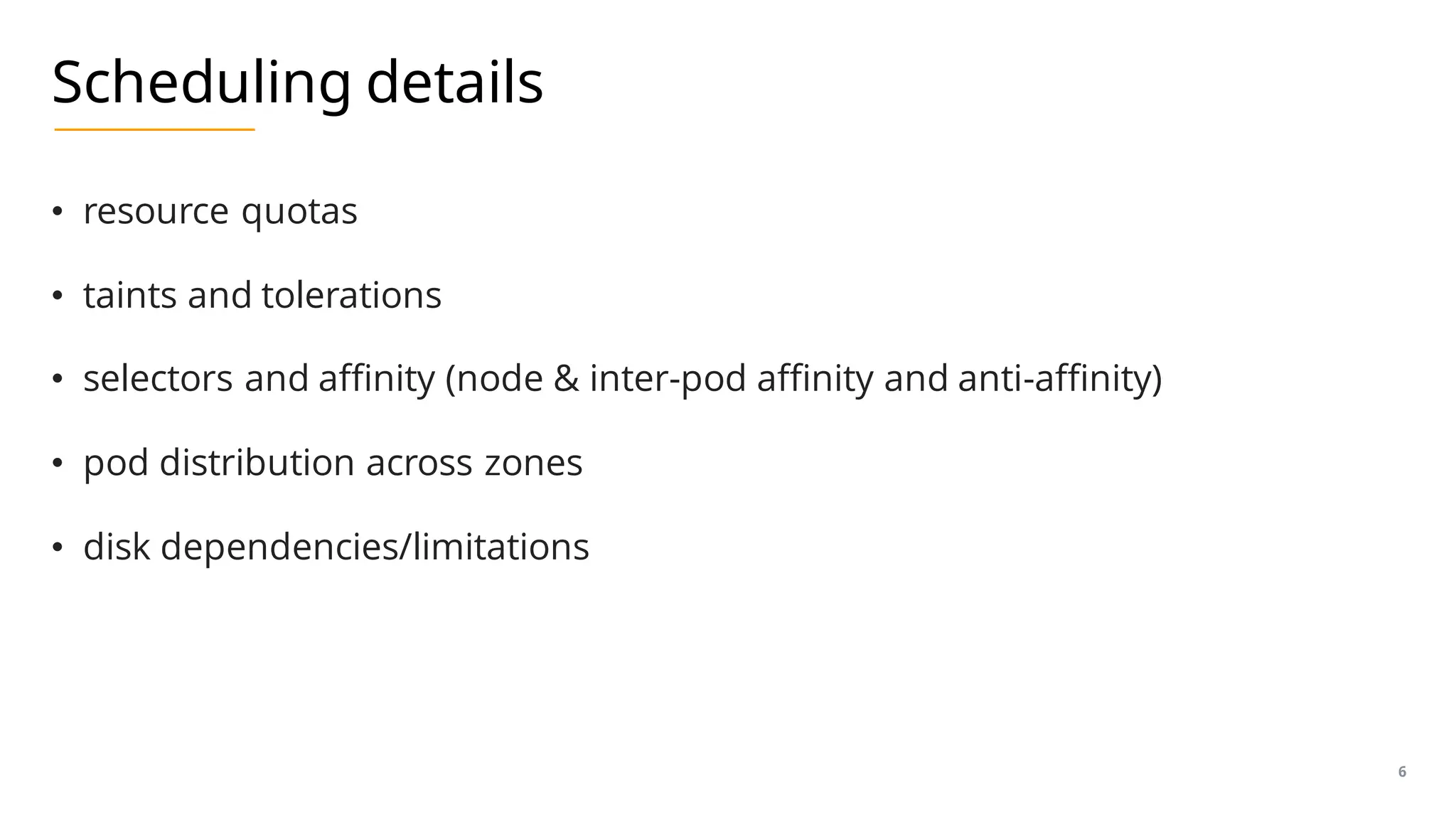
Scheduling details
• resource quotas
• taints and tolerations
• selectors and affinity (node & inter-pod affinity and anti-affinity)
• pod distribution across zones
• disk dependencies/limitations
6
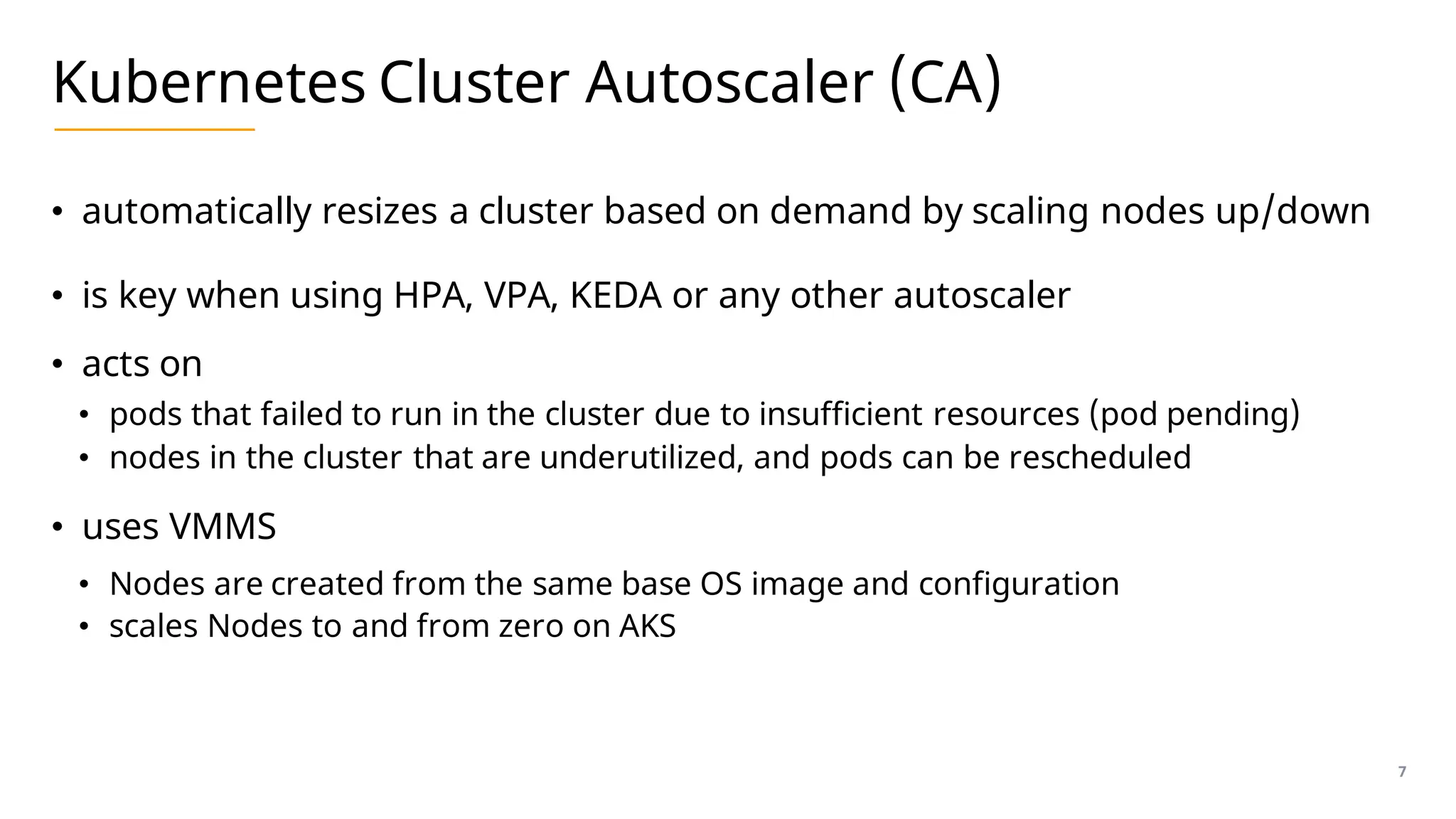
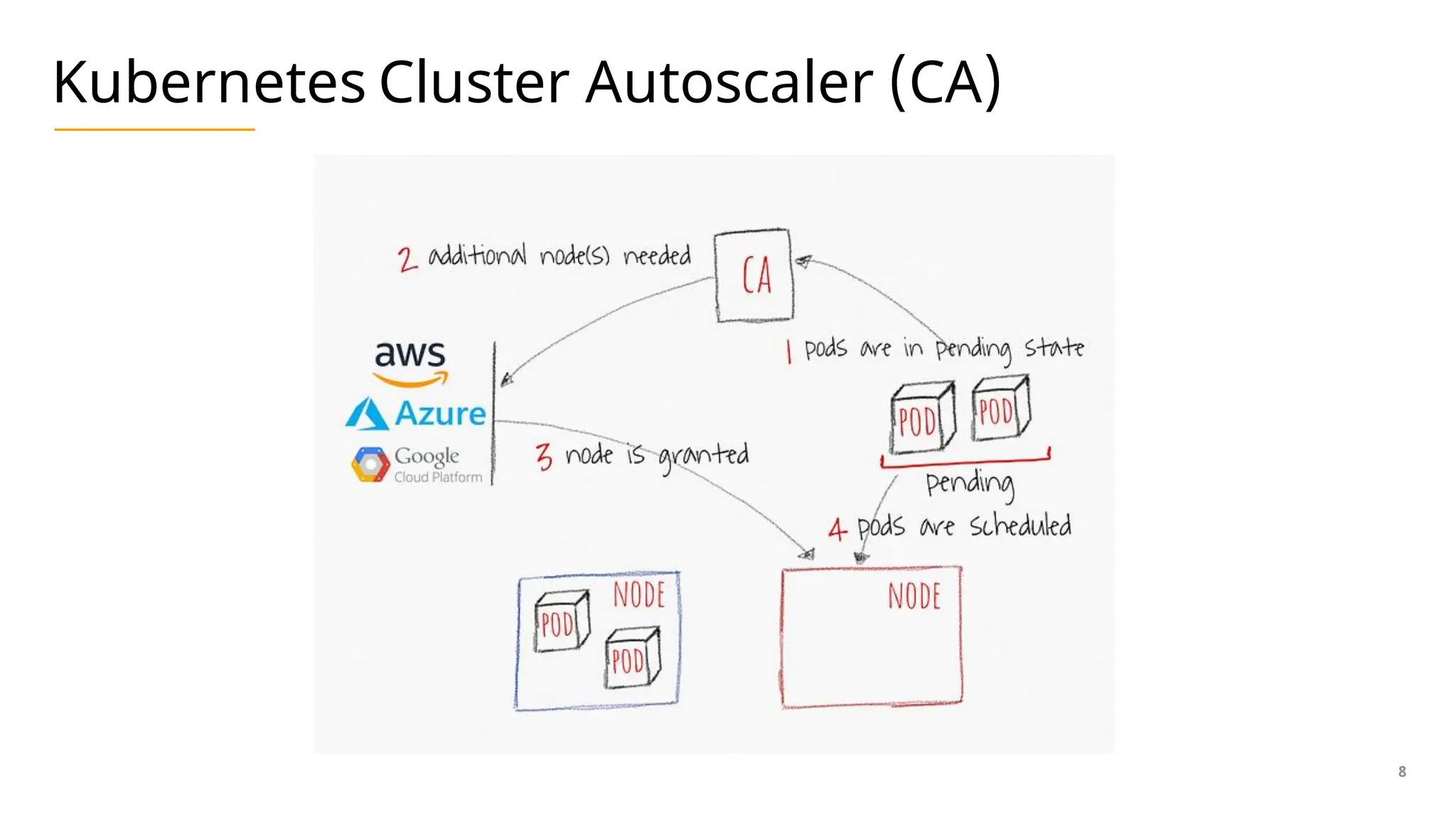
Kubernetes Cluster Autoscaler (CA)
• automatically resizes a cluster based on demand by scaling nodes up/down
• is key when using HPA, VPA, KEDA or any other autoscaler
• acts on
• pods that failed to run in the cluster due to insufficient resources (pod pending)
• nodes in the cluster that are underutilized, and pods can be rescheduled
• uses VMMS
• Nodes are created from the same base OS image and configuration
• scales Nodes to and from zero on AKS
7
Kubernetes Cluster Autoscaler (CA)
8
Demo: Cluster Autoscaler in action
• explore cluster-autoscaler
• scale an app to trigger cluster-autoscaler
• view related events
9
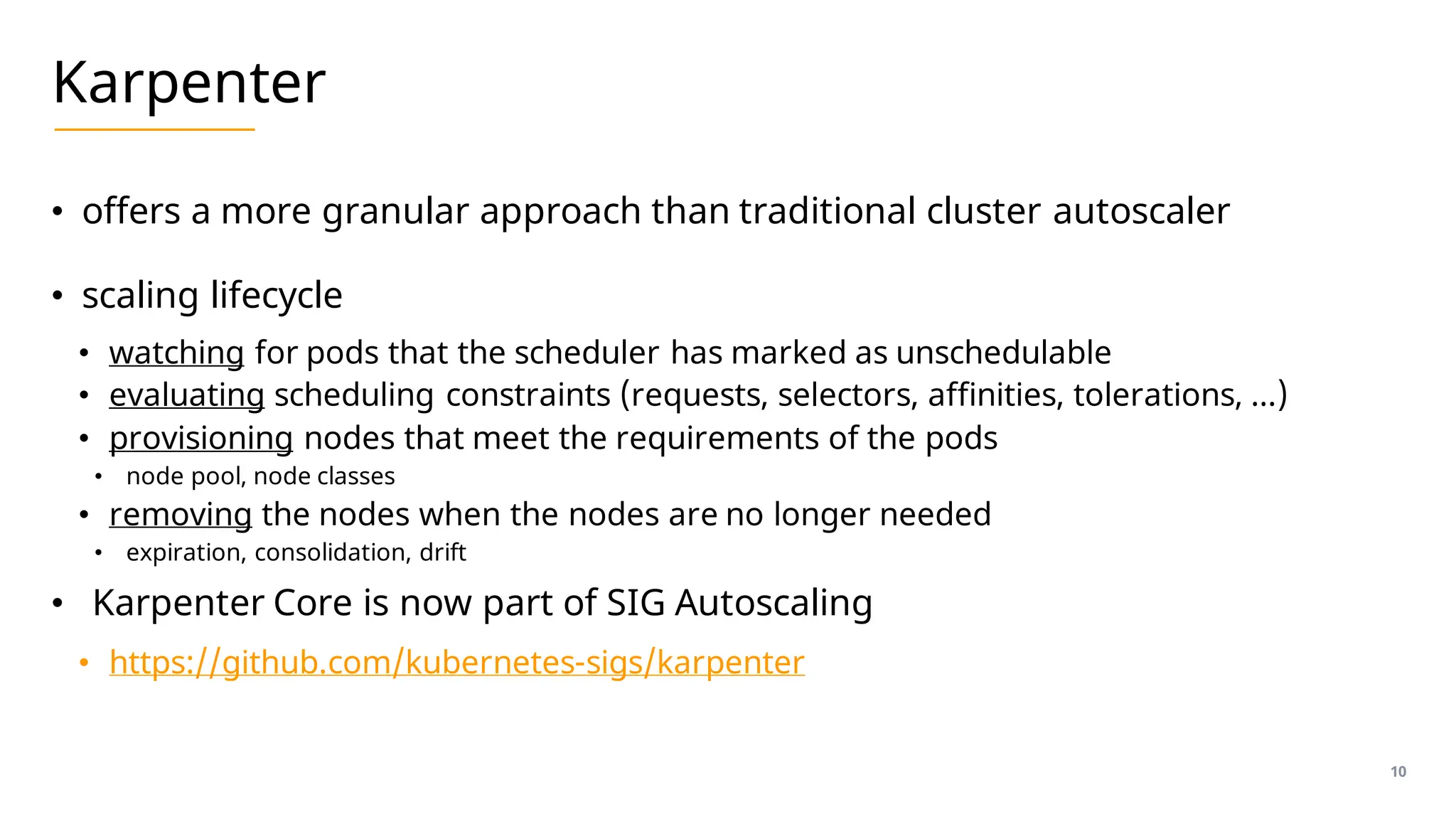
Karpenter
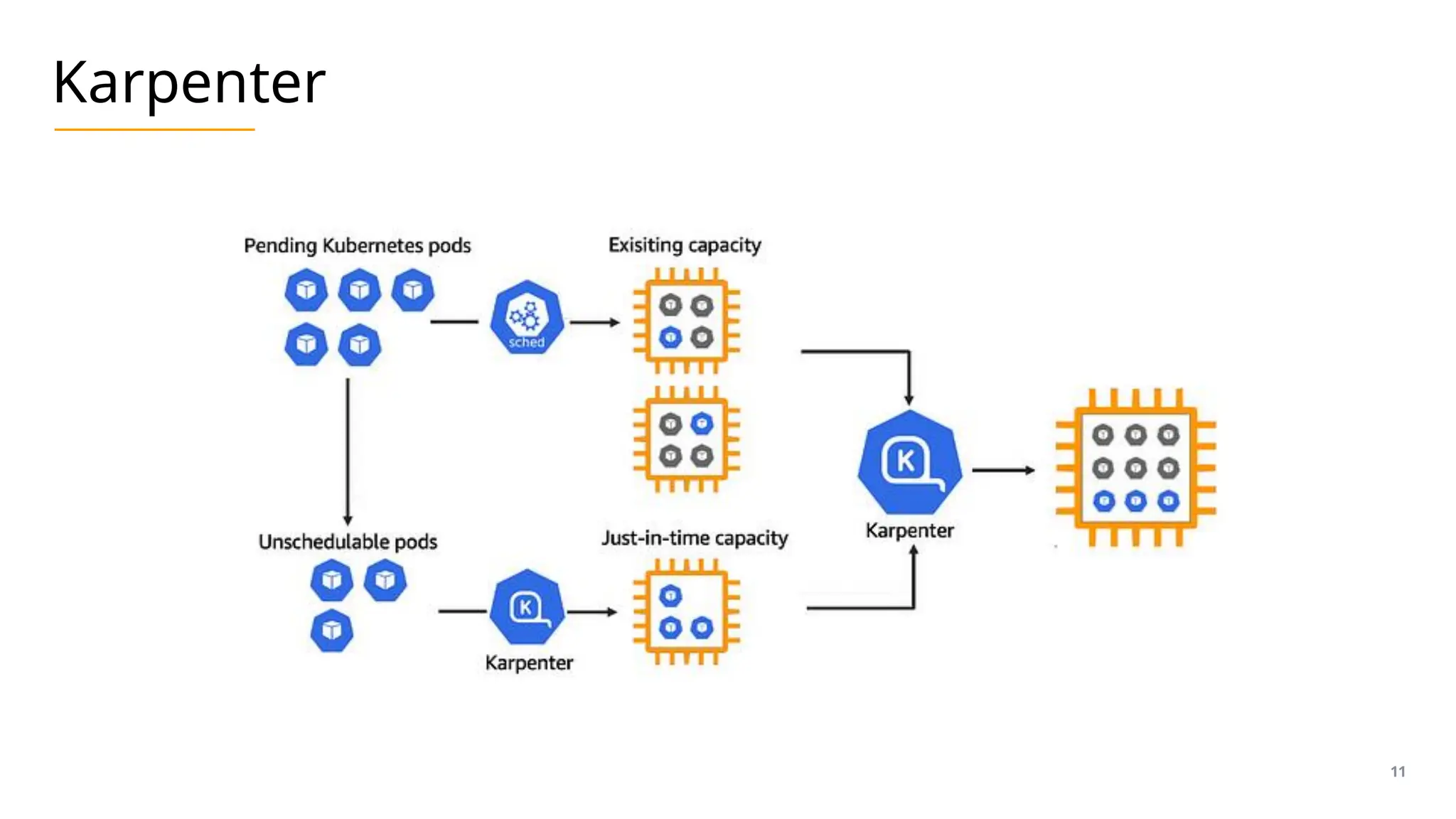
• offers a more granular approach than traditional cluster autoscaler
• scaling lifecycle
• watching for pods that the scheduler has marked as unschedulable
• evaluating scheduling constraints (requests, selectors, affinities, tolerations, …)
• provisioning nodes that meet the requirements of the pods
• node pool, node classes
• removing the nodes when the nodes are no longer needed
• expiration, consolidation, drift
• Karpenter Core is now part of SIG Autoscaling
• https://github.com/kubernetes-sigs/karpenter
10
Karpenter
11
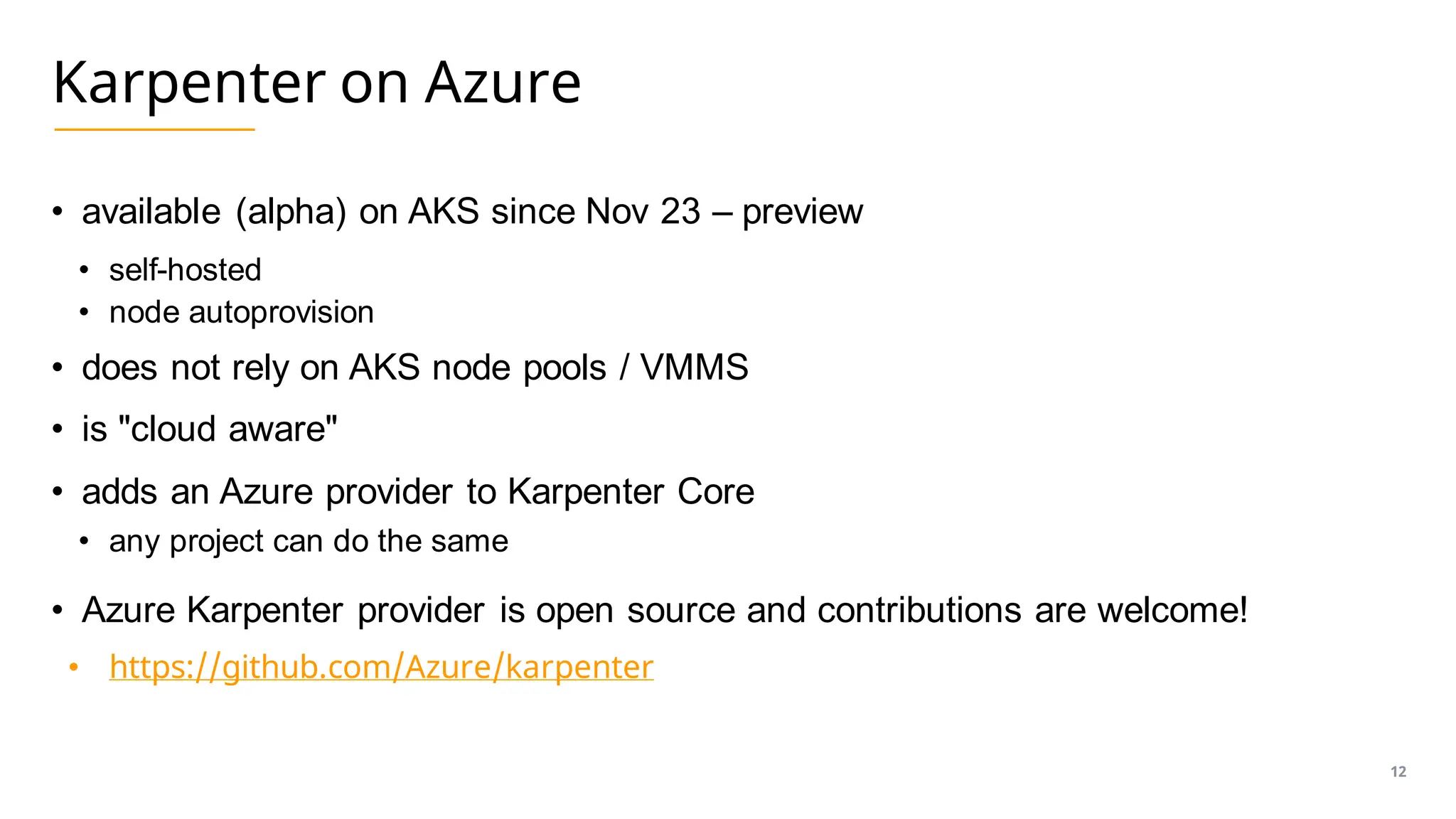
Karpenter on Azure
• available (alpha) on AKS since Nov 23 – preview
• self-hosted
• node autoprovision
• does not rely on AKS node pools / VMMS
• is "cloud aware"
• adds an Azure provider to Karpenter Core
• any project can do the same
• Azure Karpenter provider is open source and contributions are welcome!
• https://github.com/Azure/karpenter
12
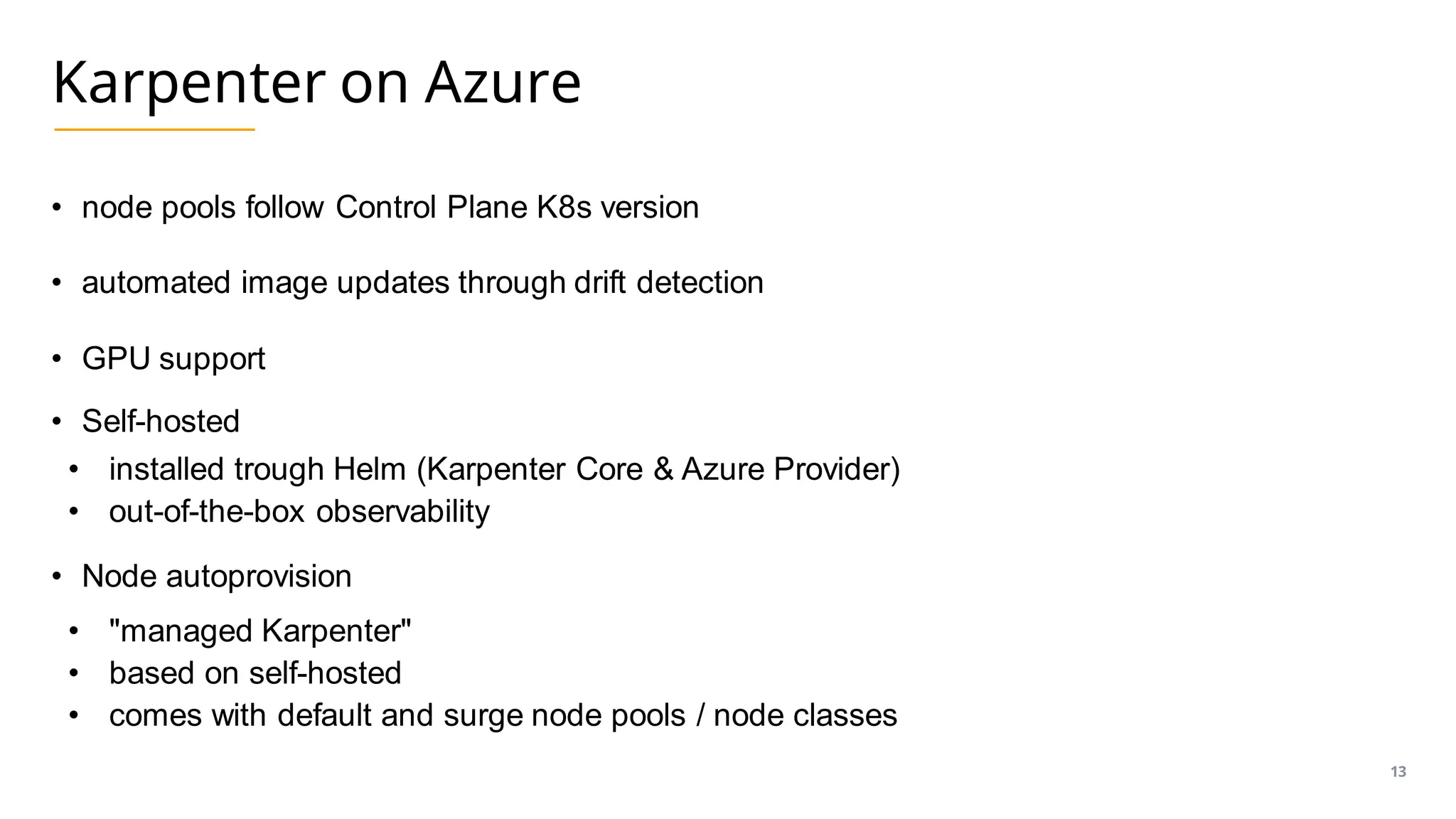
Karpenter on Azure
• node pools follow Control Plane K8s version
• automated image updates through drift detection
• GPU support
• Self-hosted
• installed trough Helm (Karpenter Core & Azure Provider)
• out-of-the-box observability
• Node autoprovision
• "managed Karpenter"
• based on self-hosted
• comes with default and surge node pools / node classes
13
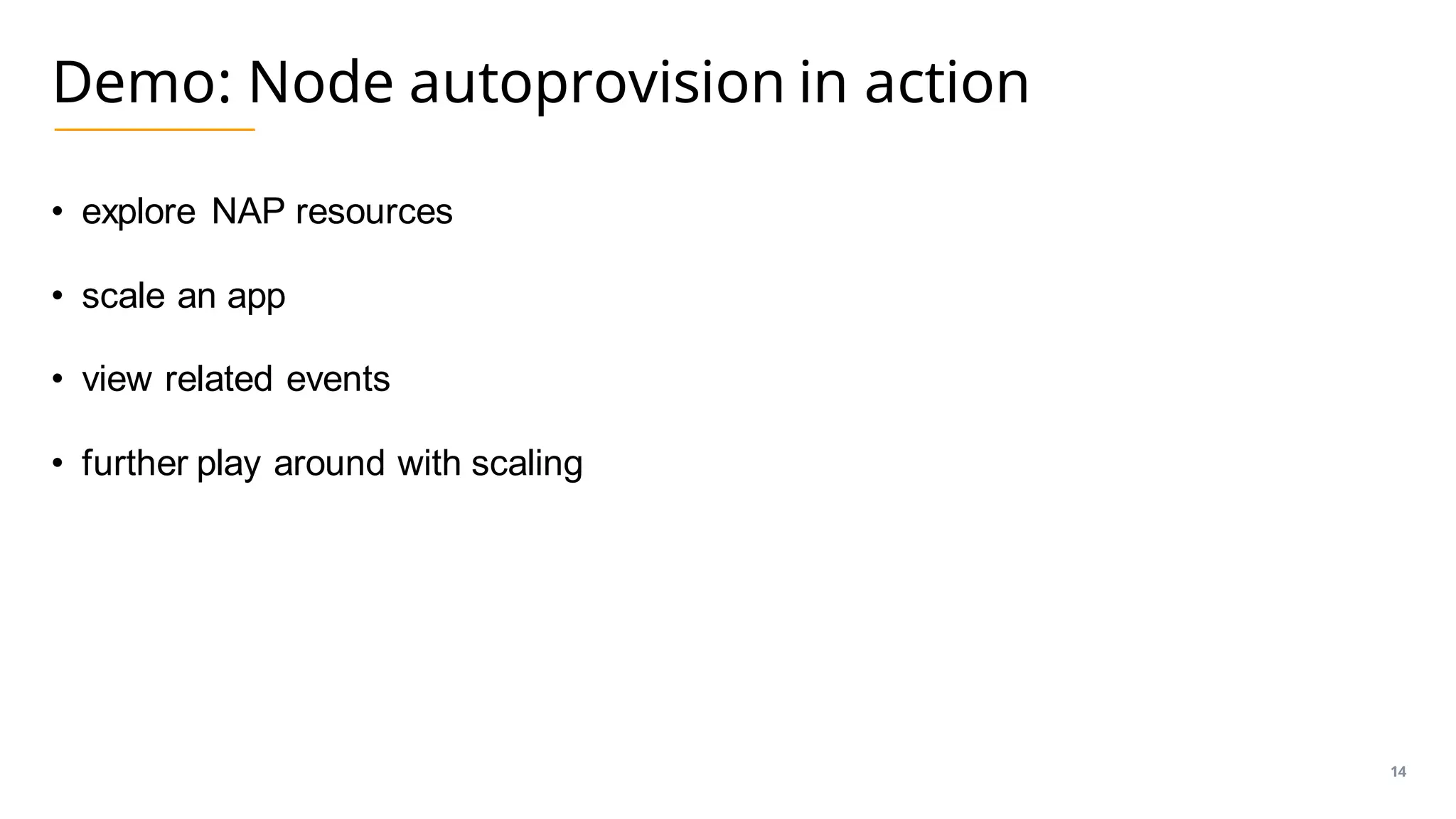
Demo: Node autoprovision in action
• explore NAP resources
• scale an app
• view related events
• further play around with scaling
14
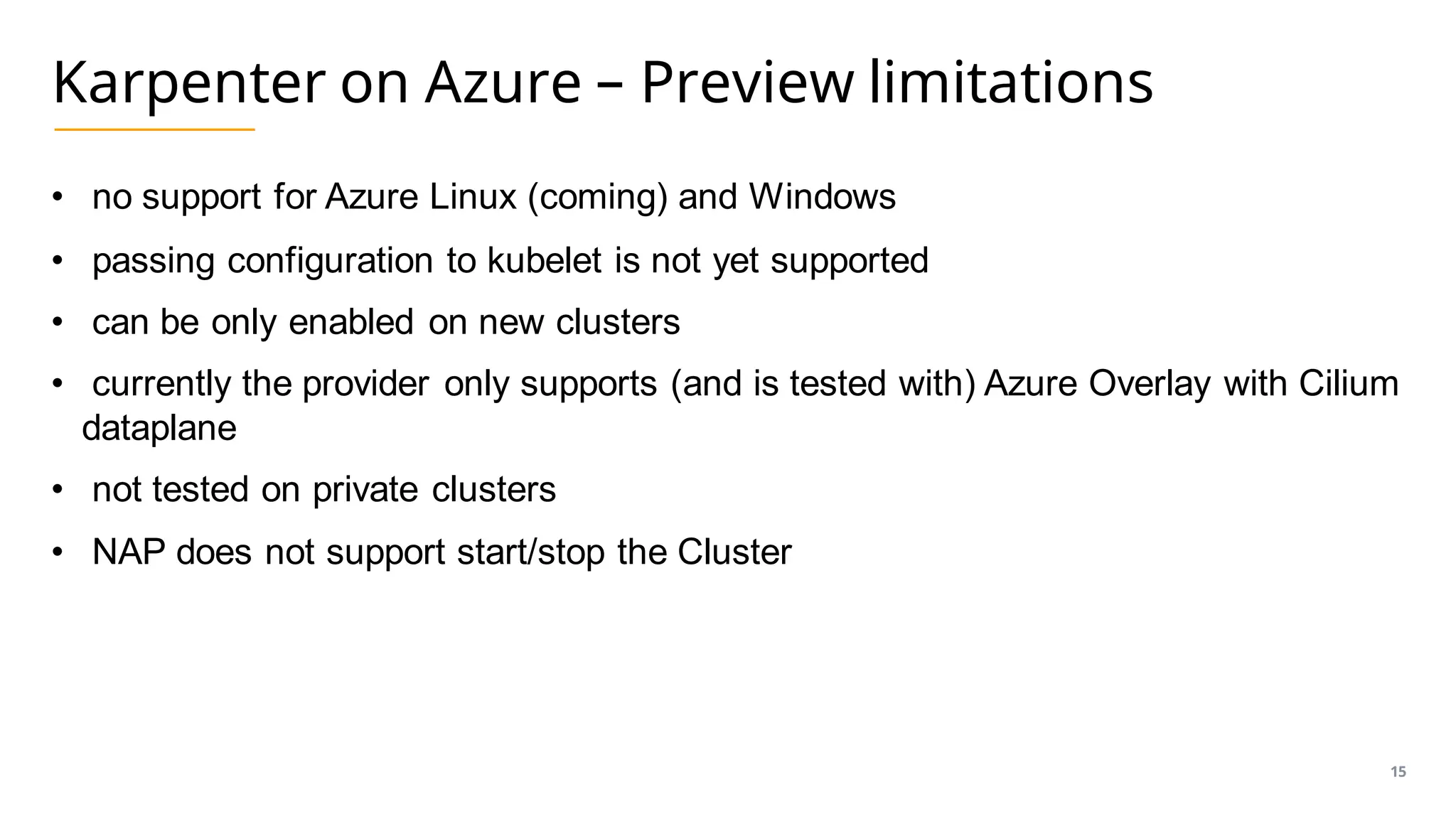
Karpenter on Azure – Preview limitations
• no support for Azure Linux (coming) and Windows
• passing configuration to kubelet is not yet supported
• can be only enabled on new clusters
• currently the provider only supports (and is tested with) Azure Overlay with Cilium
dataplane
• not tested on private clusters
• NAP does not support start/stop the Cluster
15
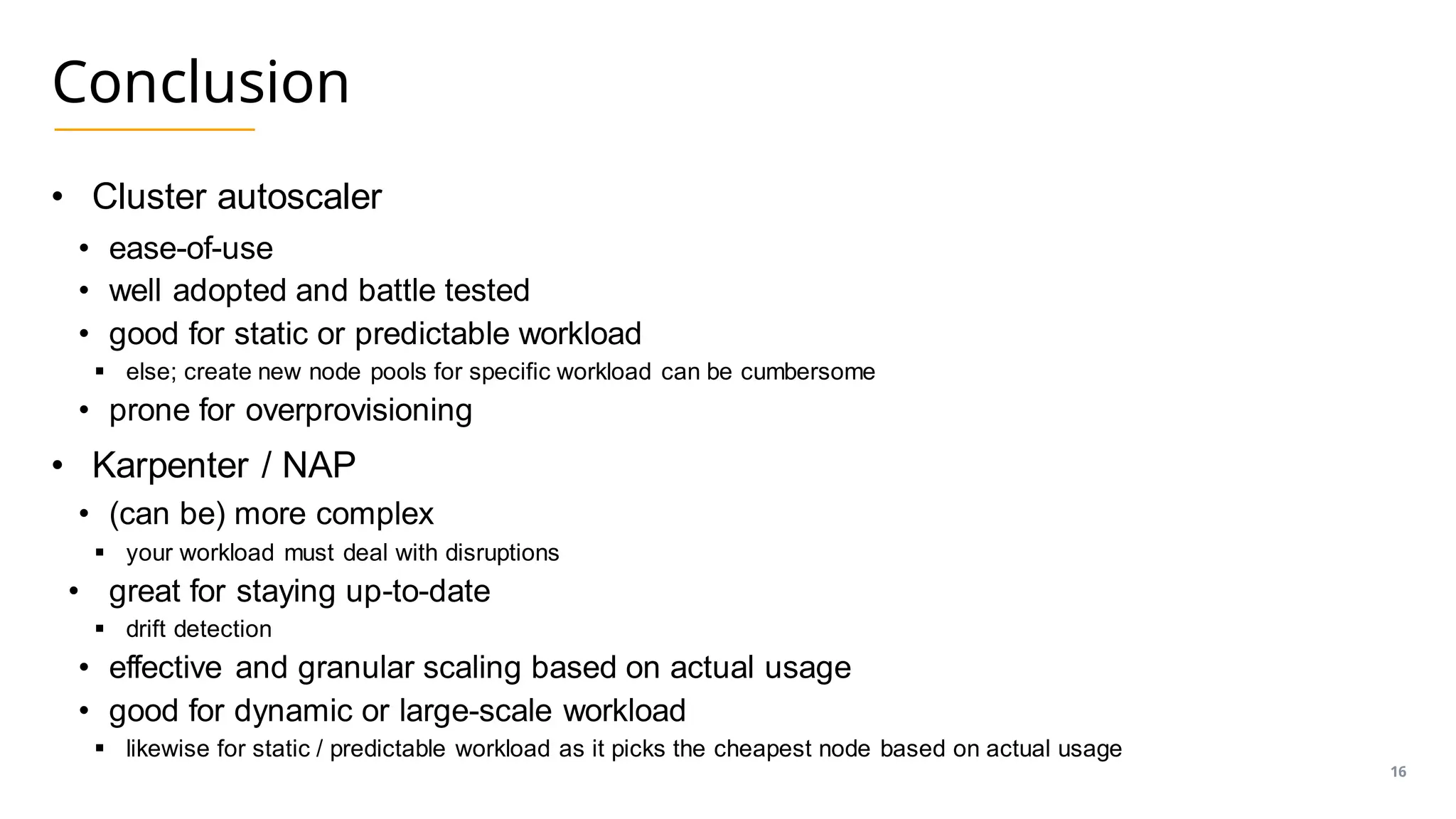
Conclusion
• Cluster autoscaler
• ease-of-use
• well adopted and battle tested
• good for static or predictable workload
▪ else; create new node pools for specific workload can be cumbersome
• prone for overprovisioning
• Karpenter / NAP
• (can be) more complex
▪ your workload must deal with disruptions
• great for staying up-to-date
▪ drift detection
• effective and granular scaling based on actual usage
• good for dynamic or large-scale workload
▪ likewise for static / predictable workload as it picks the cheapest node based on actual usage
16
Philip Welz
(Senior DevOps & Kubernetes Engineer,
Azure MVP)
+49 8031 230159-0
philip.welz@whiteduck.de
@philip_welz
www.linkedin.com/in/philipwelz
Questions?
• Q&A
• Slides & Demos
• https://github.com/philwelz/scaling-aks-nodes
Thank you!

Scaling AKS Nodes: Leveraging Cluster Autoscaler, Karpenter, and Node Autoprovision

  • 2.
    Scaling AKS Nodes Kubernetes& Cloud Native Berlin Meetup New Year 2024 Edition
  • 3.
    Philip Welz (Senior DevOps& Kubernetes Engineer, Azure MVP) +49 8031 230159-0 philip.welz@whiteduck.de @philip_welz www.linkedin.com/in/philipwelz Who am I? • Husband & Father of 2 • Doing Cloud Native, Kubernetes & Azure • Microsoft MVP • Microsoft Azure (Cloud Native) • GitLab Hero
  • 4.
    Agenda • Kubernetes Scheduler •Kubernetes Cluster Autoscaler (CA) • Karpenter • Karpenter on Azure
  • 5.
    Kubernetes Scheduler • isone of the main components of the control plane, responsible for managing pod scheduling • is responsible for resource allocation within a cluster • schedulers are swappable (currently not with AKS) • you can also have multiple (currently not with AKS) • “kube-scheduler” is the default one • customizable and extendable scheduling in a two-step process (filtering & storing) • does not reschedule! • https://kubernetes.io/docs/concepts/scheduling-eviction 5
  • 6.
    Scheduling details • resourcequotas • taints and tolerations • selectors and affinity (node & inter-pod affinity and anti-affinity) • pod distribution across zones • disk dependencies/limitations 6
  • 7.
    Kubernetes Cluster Autoscaler(CA) • automatically resizes a cluster based on demand by scaling nodes up/down • is key when using HPA, VPA, KEDA or any other autoscaler • acts on • pods that failed to run in the cluster due to insufficient resources (pod pending) • nodes in the cluster that are underutilized, and pods can be rescheduled • uses VMMS • Nodes are created from the same base OS image and configuration • scales Nodes to and from zero on AKS 7
  • 8.
  • 9.
    Demo: Cluster Autoscalerin action • explore cluster-autoscaler • scale an app to trigger cluster-autoscaler • view related events 9
  • 10.
    Karpenter • offers amore granular approach than traditional cluster autoscaler • scaling lifecycle • watching for pods that the scheduler has marked as unschedulable • evaluating scheduling constraints (requests, selectors, affinities, tolerations, …) • provisioning nodes that meet the requirements of the pods • node pool, node classes • removing the nodes when the nodes are no longer needed • expiration, consolidation, drift • Karpenter Core is now part of SIG Autoscaling • https://github.com/kubernetes-sigs/karpenter 10
  • 11.
  • 12.
    Karpenter on Azure •available (alpha) on AKS since Nov 23 – preview • self-hosted • node autoprovision • does not rely on AKS node pools / VMMS • is "cloud aware" • adds an Azure provider to Karpenter Core • any project can do the same • Azure Karpenter provider is open source and contributions are welcome! • https://github.com/Azure/karpenter 12
  • 13.
    Karpenter on Azure •node pools follow Control Plane K8s version • automated image updates through drift detection • GPU support • Self-hosted • installed trough Helm (Karpenter Core & Azure Provider) • out-of-the-box observability • Node autoprovision • "managed Karpenter" • based on self-hosted • comes with default and surge node pools / node classes 13
  • 14.
    Demo: Node autoprovisionin action • explore NAP resources • scale an app • view related events • further play around with scaling 14
  • 15.
    Karpenter on Azure– Preview limitations • no support for Azure Linux (coming) and Windows • passing configuration to kubelet is not yet supported • can be only enabled on new clusters • currently the provider only supports (and is tested with) Azure Overlay with Cilium dataplane • not tested on private clusters • NAP does not support start/stop the Cluster 15
  • 16.
    Conclusion • Cluster autoscaler •ease-of-use • well adopted and battle tested • good for static or predictable workload ▪ else; create new node pools for specific workload can be cumbersome • prone for overprovisioning • Karpenter / NAP • (can be) more complex ▪ your workload must deal with disruptions • great for staying up-to-date ▪ drift detection • effective and granular scaling based on actual usage • good for dynamic or large-scale workload ▪ likewise for static / predictable workload as it picks the cheapest node based on actual usage 16
  • 17.
    Philip Welz (Senior DevOps& Kubernetes Engineer, Azure MVP) +49 8031 230159-0 philip.welz@whiteduck.de @philip_welz www.linkedin.com/in/philipwelz Questions? • Q&A • Slides & Demos • https://github.com/philwelz/scaling-aks-nodes
  • 18.