SACON
SACON	International	2017
Speaker	Name
Company
Designation
Twitter	Handle
India	|	Bangalore	|	November	10	– 11	|	Hotel	Lalit Ashok
Mobile	App	Protection
Dos	&	Don’ts
Srinath	Venkataramani
Symantec	Corp
Director,	Development
Your Slide Title
SACON 2017
• Mobile	App	Development	- The	attack	Surface
• Data,	Authentication	and	App	protection	challenges
• iOS	&	Android	Protection	measures
• Take	aways
Agenda
Your Slide Title
SACON 2017
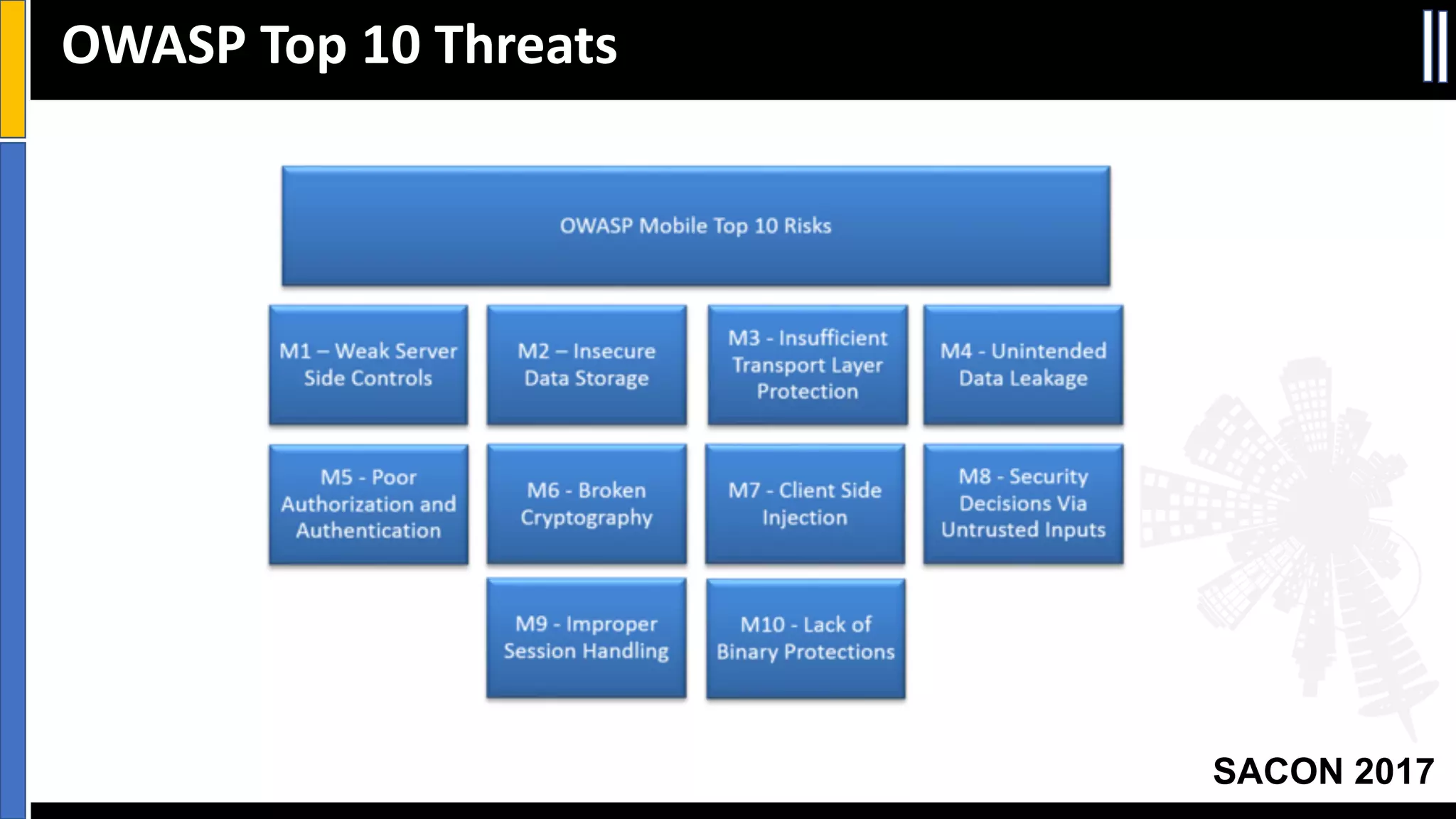
OWASP	Top	10	Threats
Your Slide Title
SACON 2017
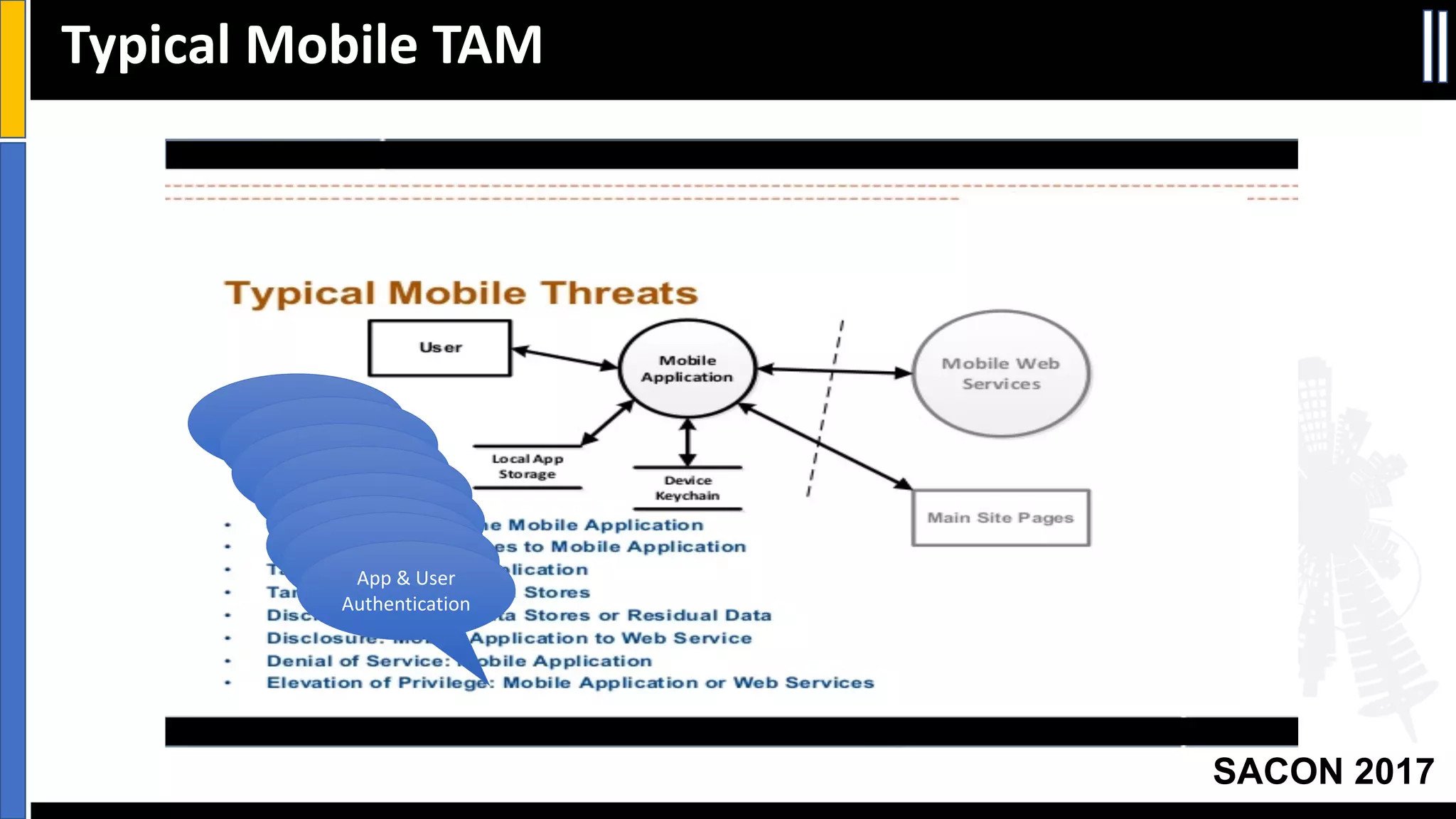
Typical	Mobile	TAM
User	
AuthenticationServer	
Authentication
App	Protection
Data	Integrity
Data	
ProtectionData	
ProtectionApp	Protection
App	&	User	
Authentication
Your Slide Title
SACON 2017
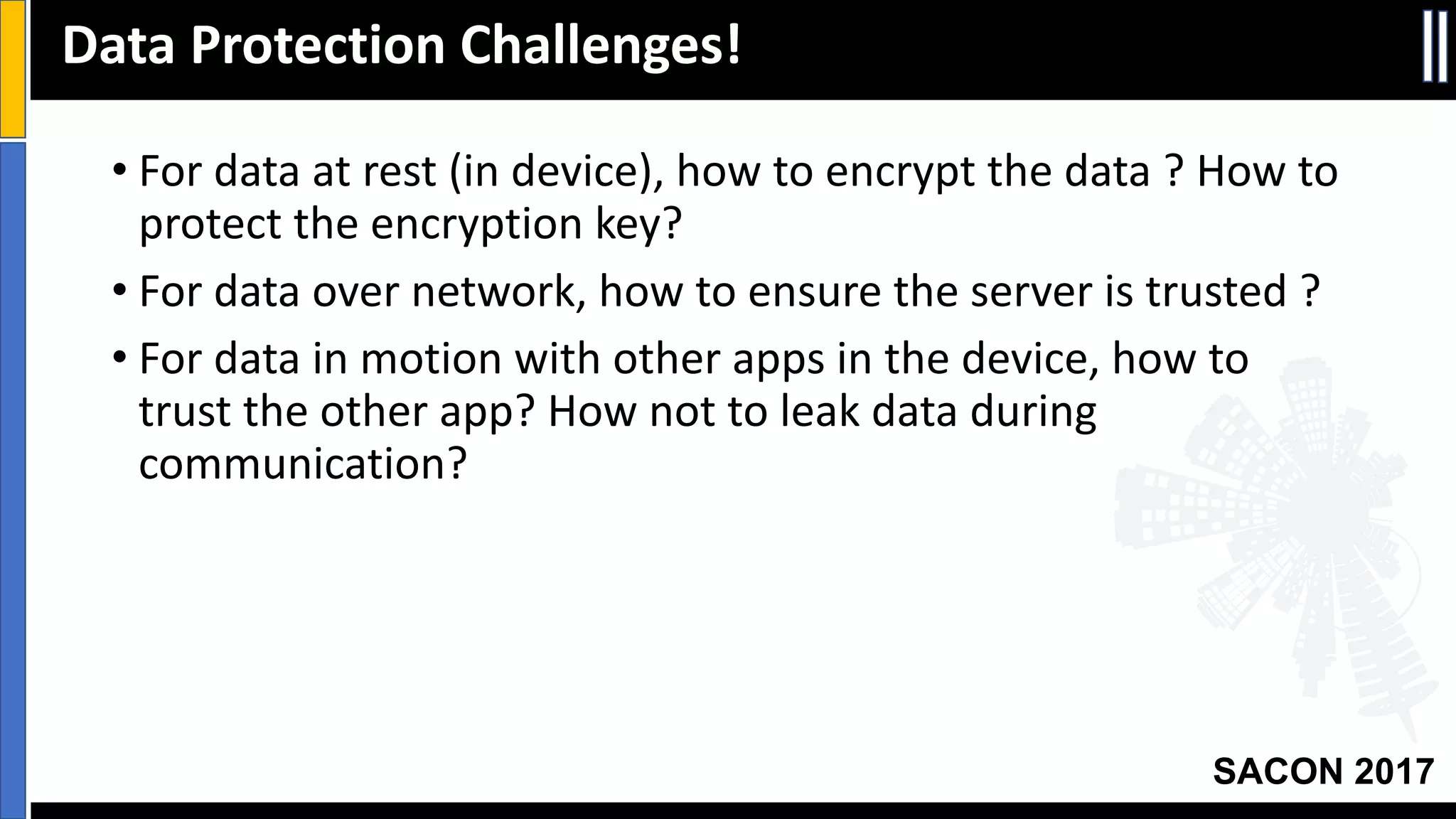
• For	data	at	rest	(in	device),	how	to	encrypt	the	data	?	How	to	
protect	the	encryption	key?
• For	data	over	network,	how	to	ensure	the	server	is	trusted	?
• For	data	in	motion	with	other	apps	in	the	device,	how	to	
trust	the	other	app?	How	not	to	leak	data	during	
communication?
Data	Protection	Challenges!
Your Slide Title
SACON 2017
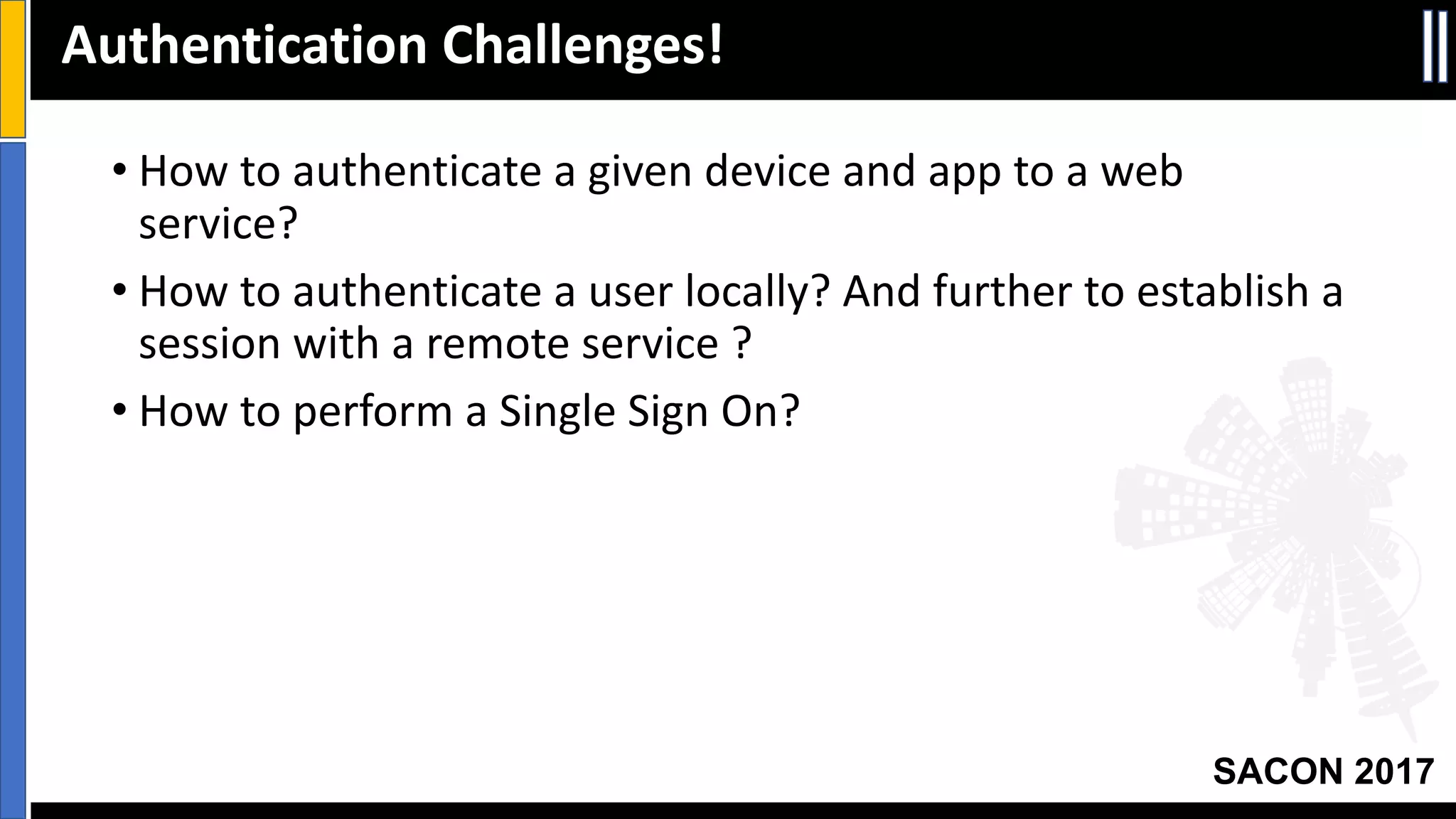
• How	to	authenticate	a	given	device	and	app	to	a	web	
service?
• How	to	authenticate	a	user	locally?	And	further	to	establish	a	
session	with	a	remote	service	?
• How	to	perform	a	Single	Sign	On?
Authentication	Challenges!
Your Slide Title
SACON 2017
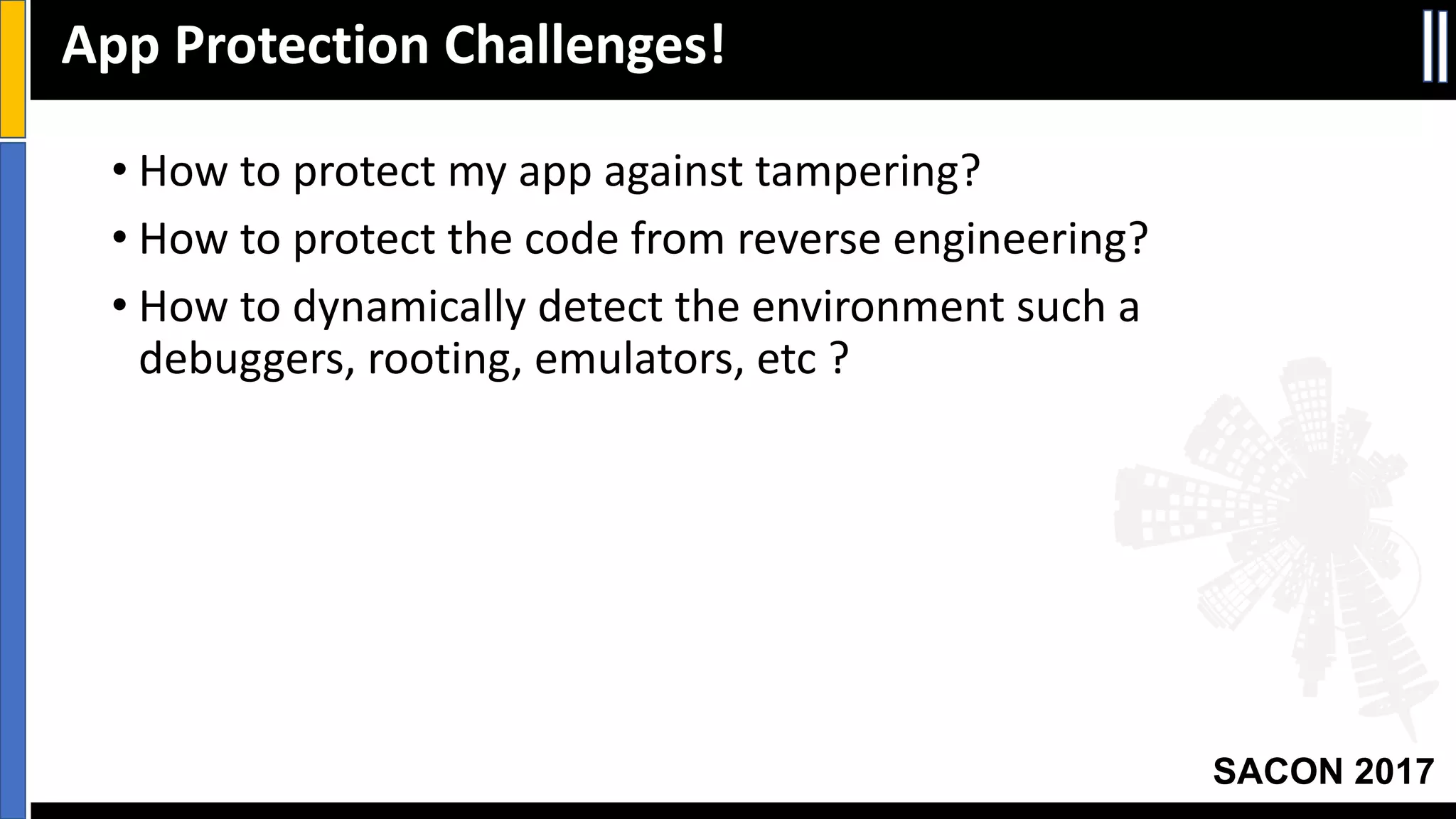
• How	to	protect	my	app	against	tampering?
• How	to	protect	the	code	from	reverse	engineering?
• How	to	dynamically	detect	the	environment	such	a	
debuggers,	rooting,	emulators,	etc ?
App	Protection	Challenges!
Your Slide Title
SACON 2017
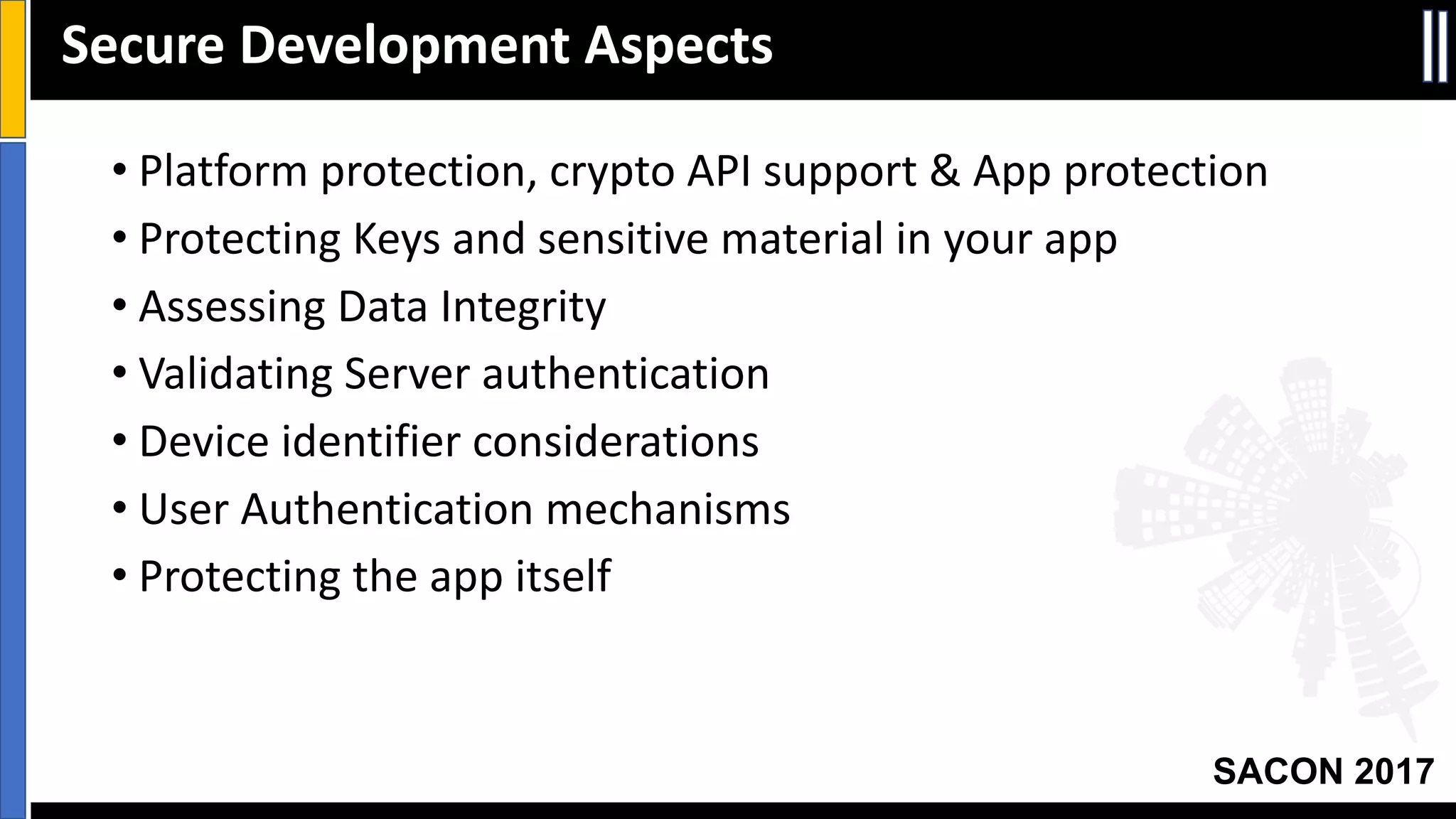
• Platform	protection,	crypto	API	support	&	App	protection
• Protecting	Keys	and	sensitive	material	in	your	app
• Assessing	Data	Integrity
• Validating	Server	authentication
• Device	identifier	considerations
• User	Authentication	mechanisms
• Protecting	the	app	itself
Secure	Development	Aspects
Your Slide Title
SACON 2017
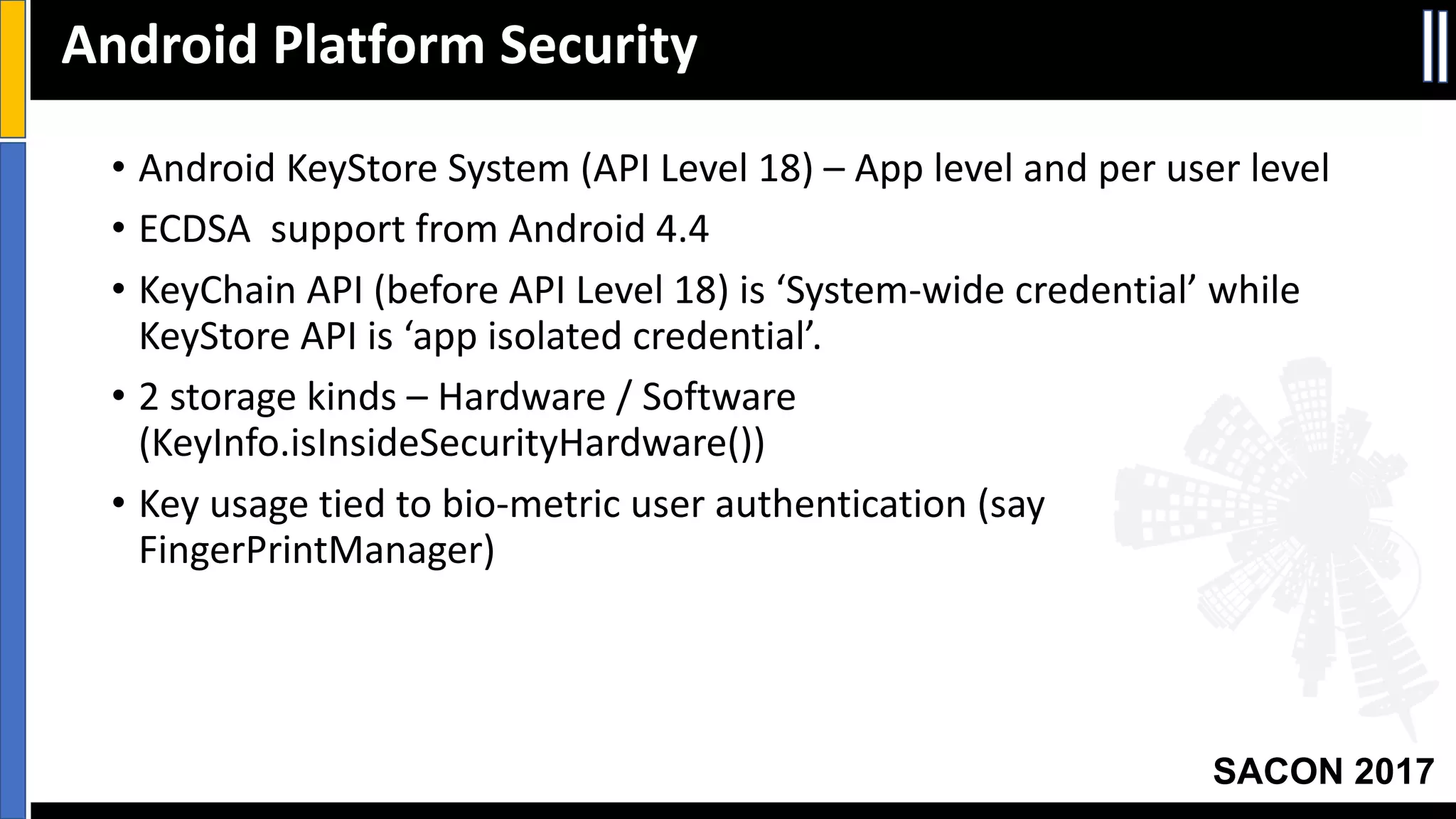
• Android	KeyStore System	(API	Level	18)	– App	level	and	per	user	level
• ECDSA		support	from	Android	4.4
• KeyChain API	(before	API	Level	18)	is	‘System-wide	credential’	while	
KeyStore API	is	‘app	isolated	credential’.
• 2	storage	kinds	– Hardware	/	Software	
(KeyInfo.isInsideSecurityHardware())
• Key	usage	tied	to	bio-metric	user	authentication	(say	
FingerPrintManager)
Android	Platform	Security
Your Slide Title
SACON 2017
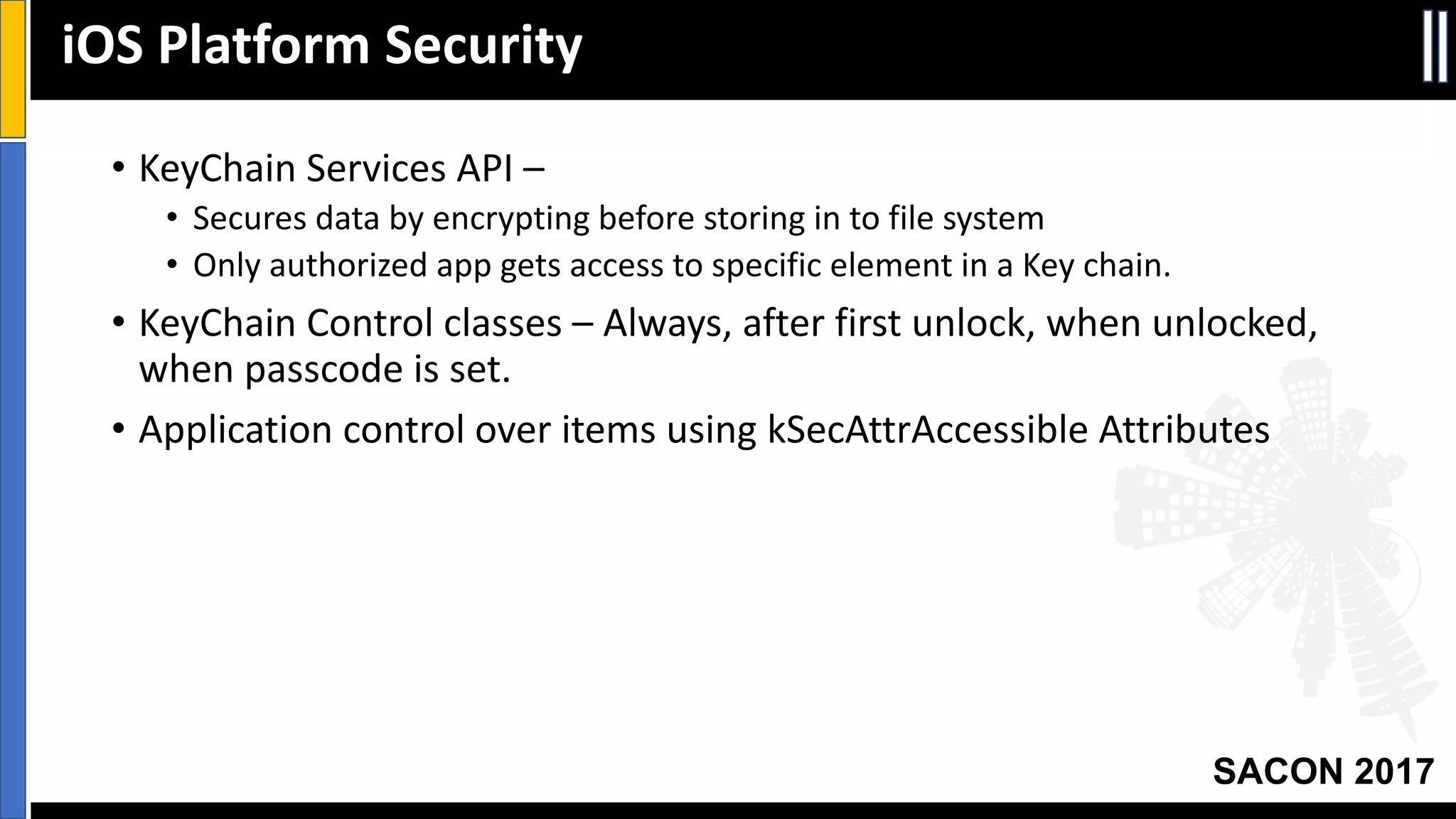
• KeyChain Services	API	–
• Secures	data	by	encrypting	before	storing	in	to	file	system
• Only	authorized	app	gets	access	to	specific	element	in	a	Key	chain.
• KeyChain Control	classes	– Always,	after	first	unlock,	when	unlocked,	
when	passcode	is	set.
• Application	control	over	items	using	kSecAttrAccessible Attributes
iOS Platform	Security
Your Slide Title
SACON 2017
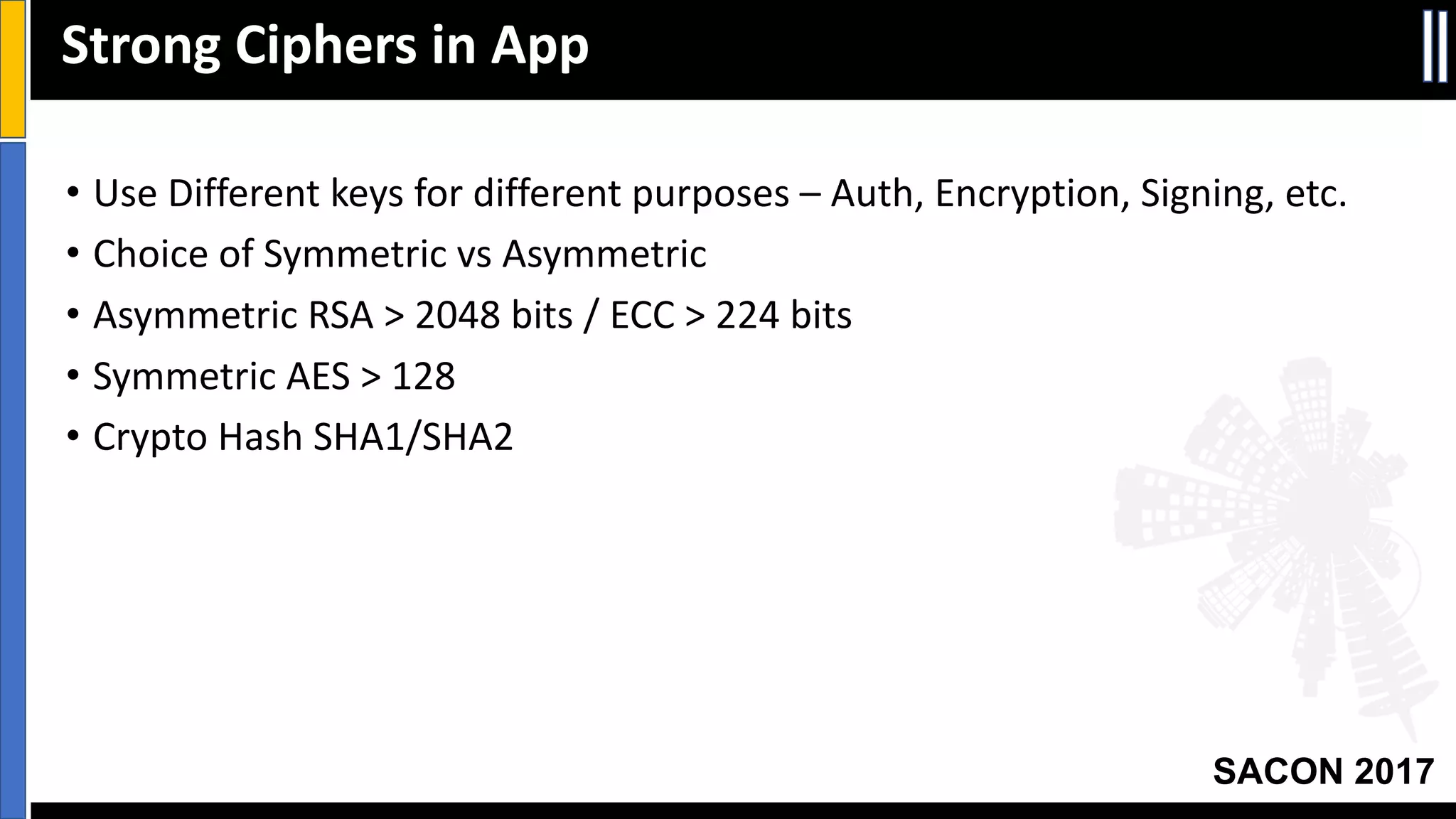
Strong	Ciphers	in	App
• Use	Different	keys	for	different	purposes	– Auth,	Encryption,	Signing,	etc.
• Choice	of	Symmetric	vs Asymmetric
• Asymmetric	RSA	>	2048	bits	/	ECC	>	224	bits
• Symmetric	AES	>	128
• Crypto	Hash	SHA1/SHA2
Your Slide Title
SACON 2017
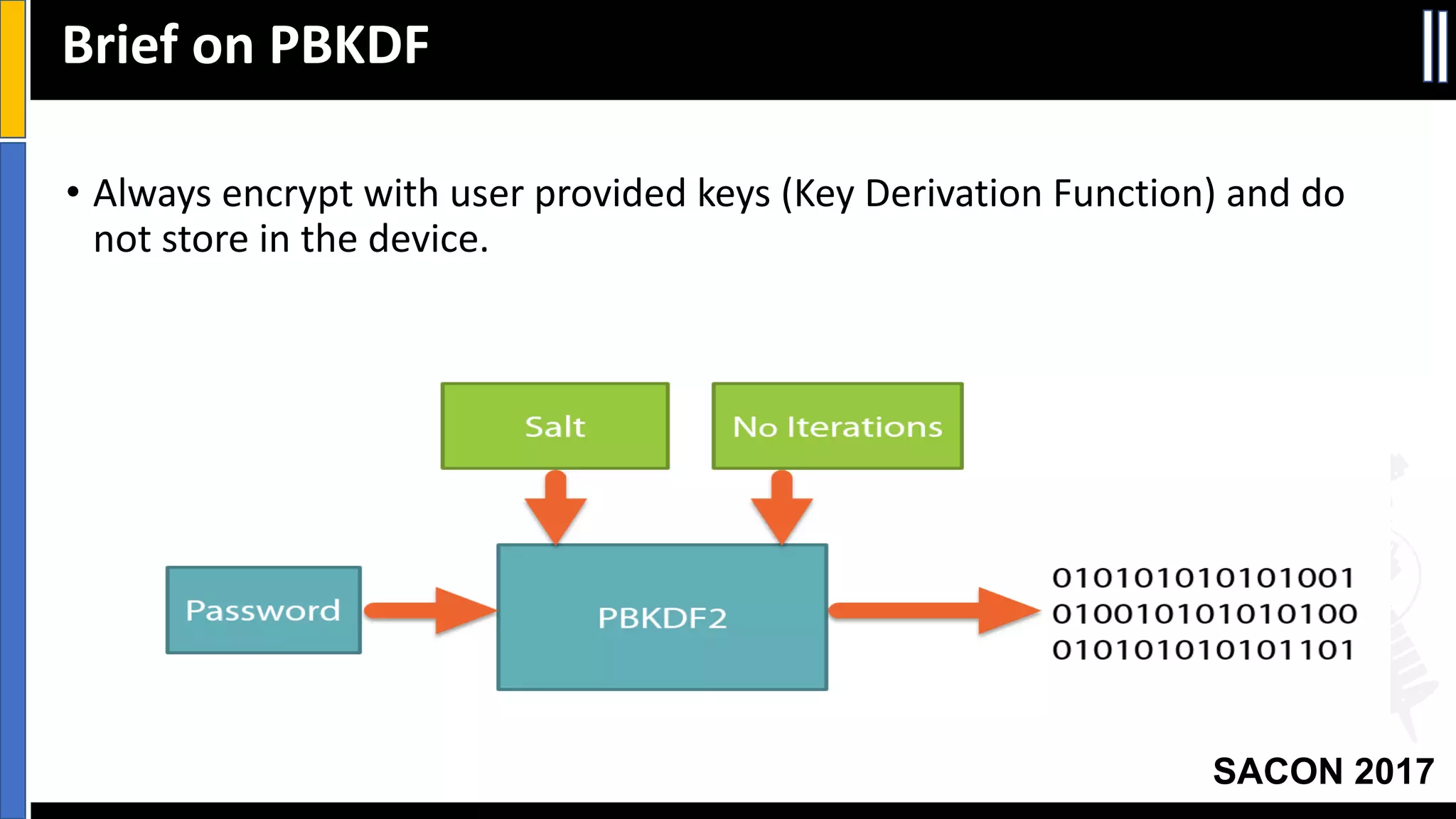
Brief	on	PBKDF
• Always	encrypt	with	user	provided	keys	(Key	Derivation	Function)	and	do	
not	store	in	the	device.
Your Slide Title
SACON 2017
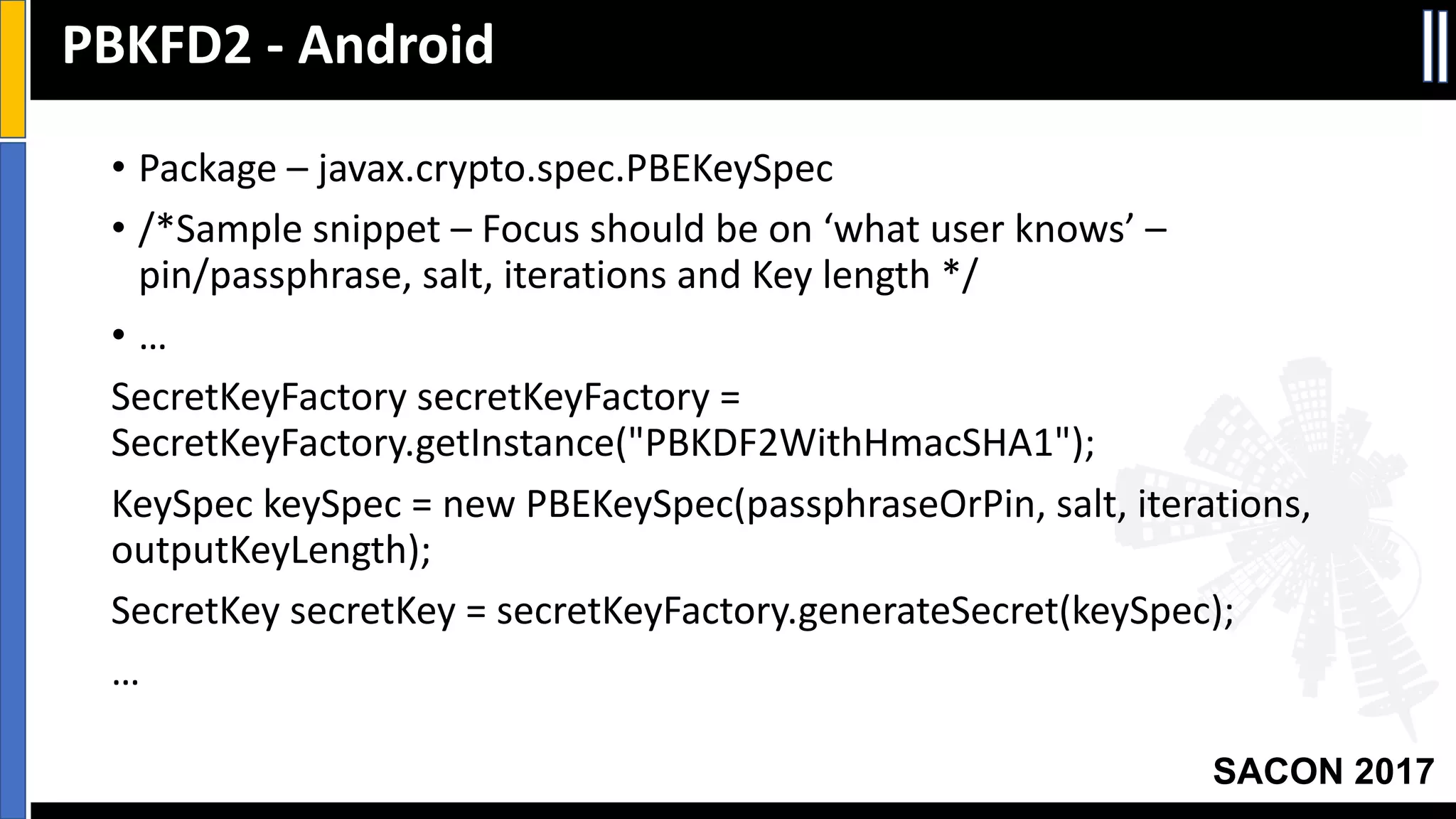
• Package	– javax.crypto.spec.PBEKeySpec
• /*Sample	snippet	– Focus	should	be	on	‘what	user	knows’	–
pin/passphrase,	salt,	iterations	and	Key	length	*/
• …
SecretKeyFactory secretKeyFactory =	
SecretKeyFactory.getInstance("PBKDF2WithHmacSHA1");
KeySpec keySpec =	new	PBEKeySpec(passphraseOrPin,	salt,	iterations,	
outputKeyLength);
SecretKey secretKey =	secretKeyFactory.generateSecret(keySpec);
…
PBKFD2	- Android
Your Slide Title
SACON 2017
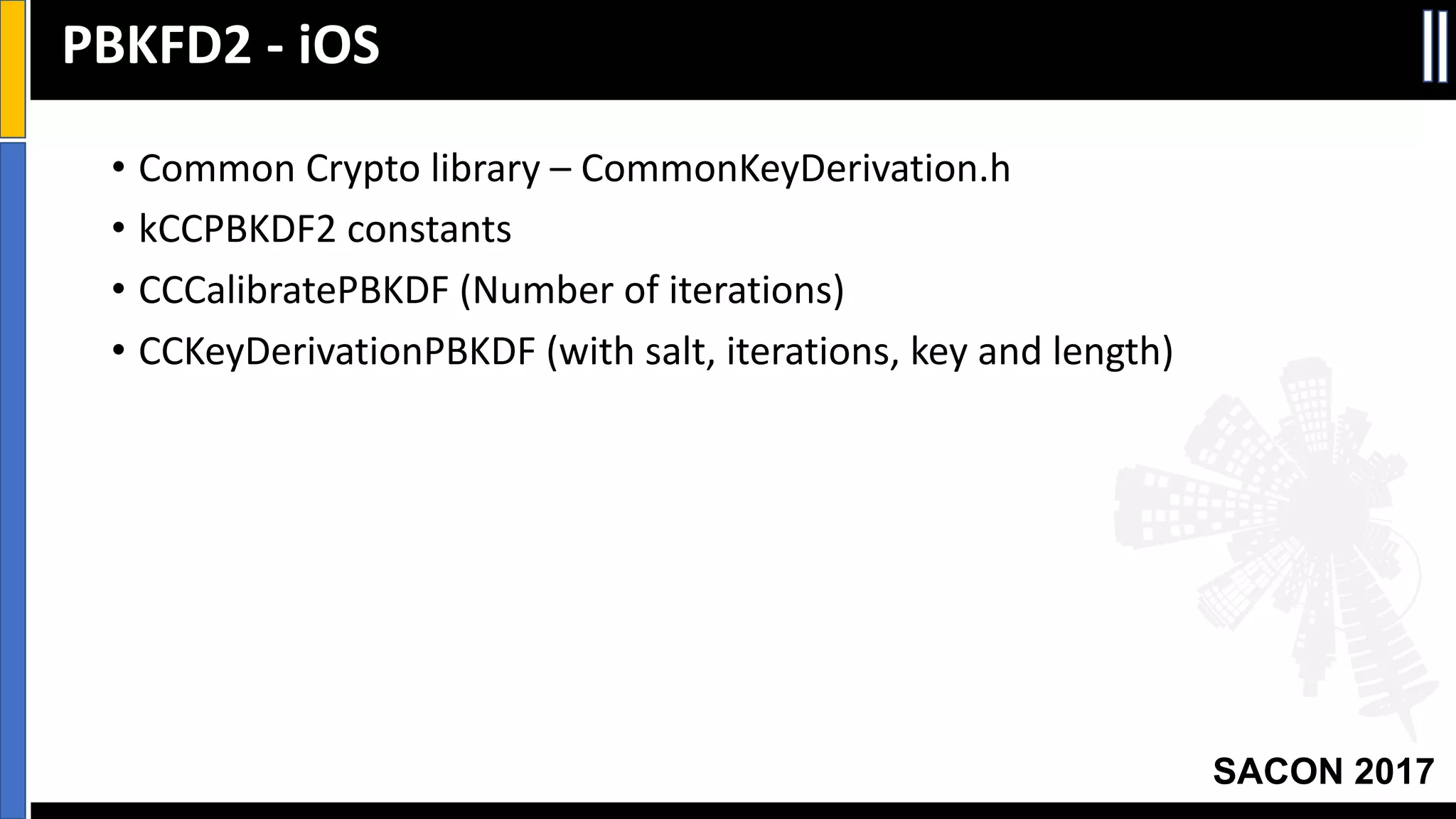
• Common	Crypto	library	– CommonKeyDerivation.h
• kCCPBKDF2	constants
• CCCalibratePBKDF (Number	of	iterations)
• CCKeyDerivationPBKDF (with	salt,	iterations,	key	and	length)
PBKFD2	- iOS
Your Slide Title
SACON 2017
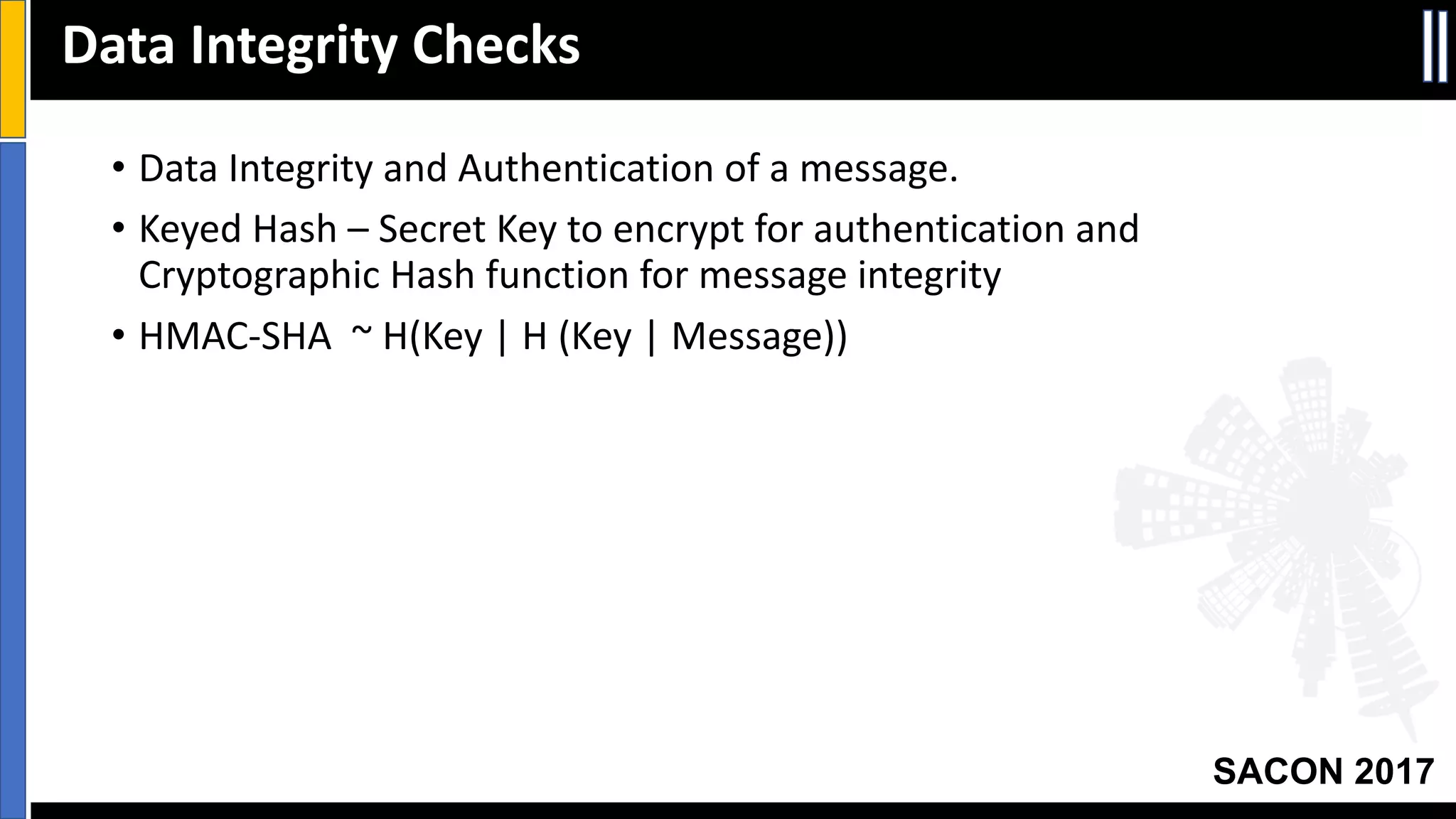
• Data	Integrity	and	Authentication	of	a	message.
• Keyed	Hash	– Secret	Key	to	encrypt	for	authentication	and	
Cryptographic	Hash	function	for	message	integrity
• HMAC-SHA		~	H(Key	|	H	(Key	|	Message))
Data	Integrity	Checks
Your Slide Title
SACON 2017
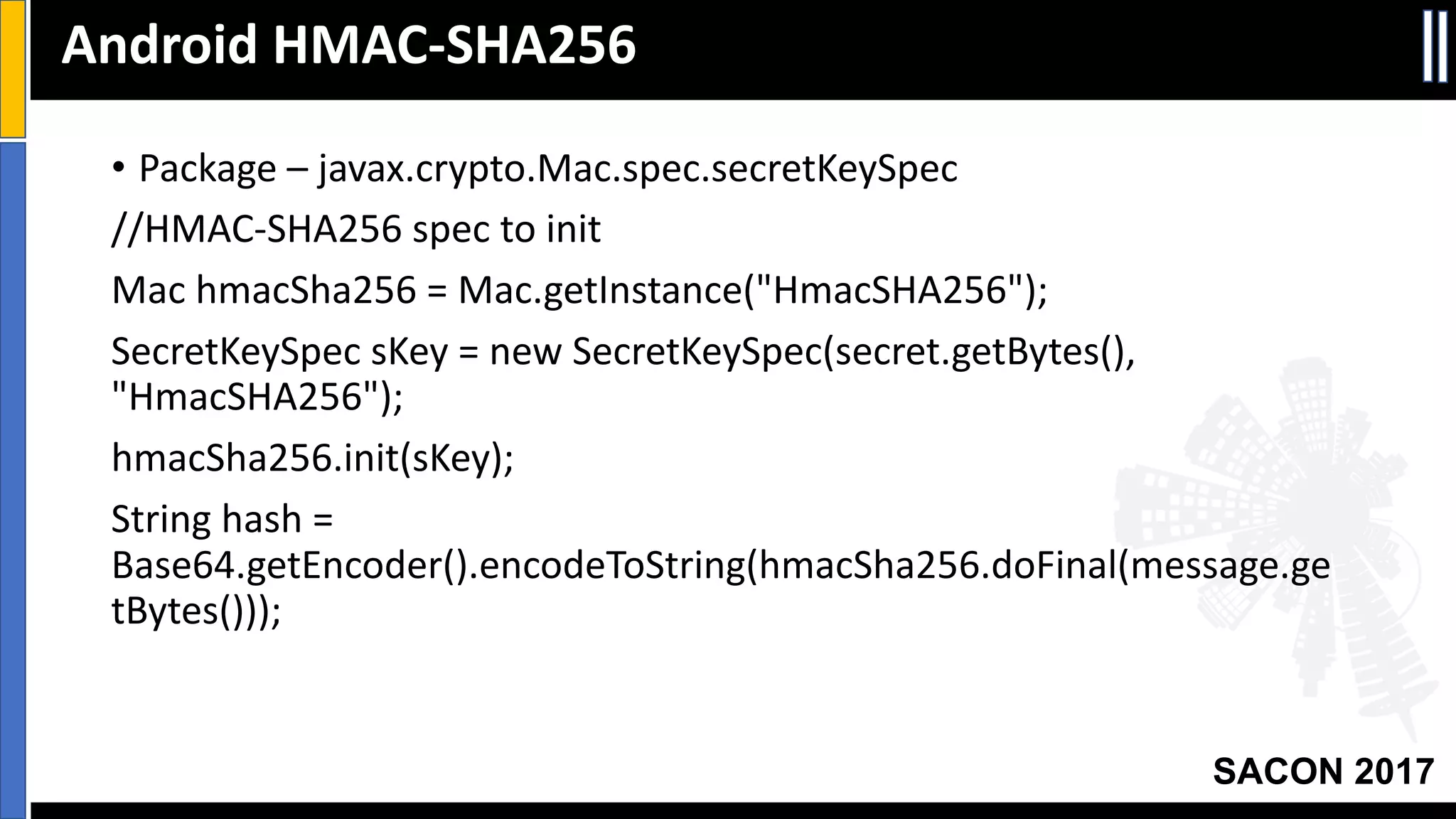
• Package	– javax.crypto.Mac.spec.secretKeySpec
//HMAC-SHA256	spec	to	init
Mac	hmacSha256	=	Mac.getInstance("HmacSHA256");
SecretKeySpec sKey =	new	SecretKeySpec(secret.getBytes(),	
"HmacSHA256");
hmacSha256.init(sKey);
String	hash	=	
Base64.getEncoder().encodeToString(hmacSha256.doFinal(message.ge
tBytes()));
Android	HMAC-SHA256
Your Slide Title
SACON 2017
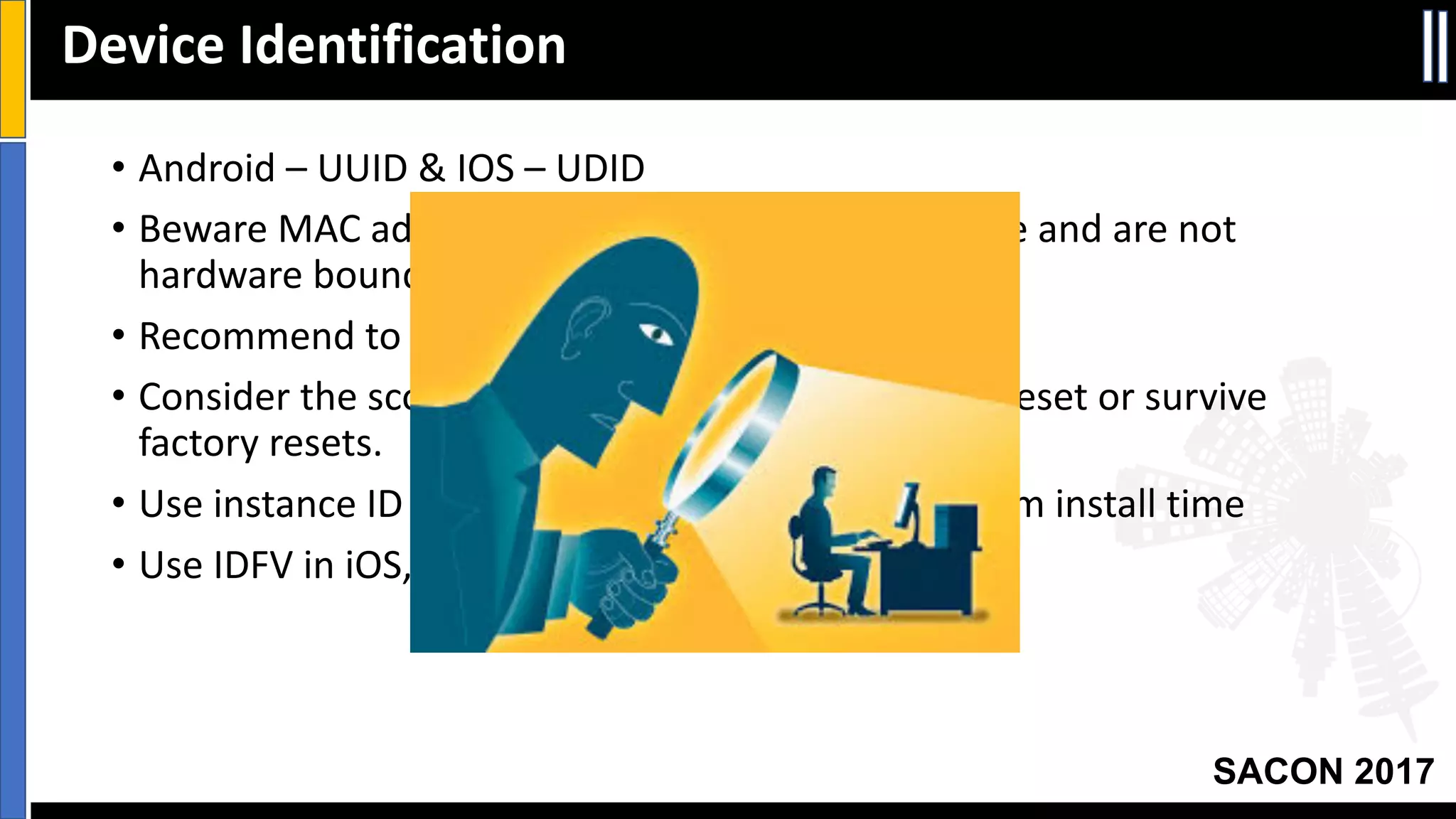
• Android	– UUID	&	IOS	– UDID
• Beware	MAC	address	in	both	platforms	may	change	and	are	not	
hardware	bound!
• Recommend	to	Create	App-unique	device	factor.
• Consider	the	scope	of	ID	– Session,	Install,	factory	reset	or	survive	
factory	resets.
• Use	instance	ID	in	Android	or	app	specific	GUID	from	install	time
• Use	IDFV	in	iOS,	otherwise	use	NSUUID	&	CFUUID
Device	Identification
Your Slide Title
SACON 2017
• HTTPS	is	a	must!
• Certificate	Pinning	guard	against	MITM
• Pin	the	‘SubjectPublicKeyInfo’
• Avoid	accepting	self-signed	certificates	(testing	hack	gets	into	
production	:-/)
• Avoid	setting	permissive	hostname	verifier
Data	‘in	motion’	Protection
Your Slide Title
SACON 2017
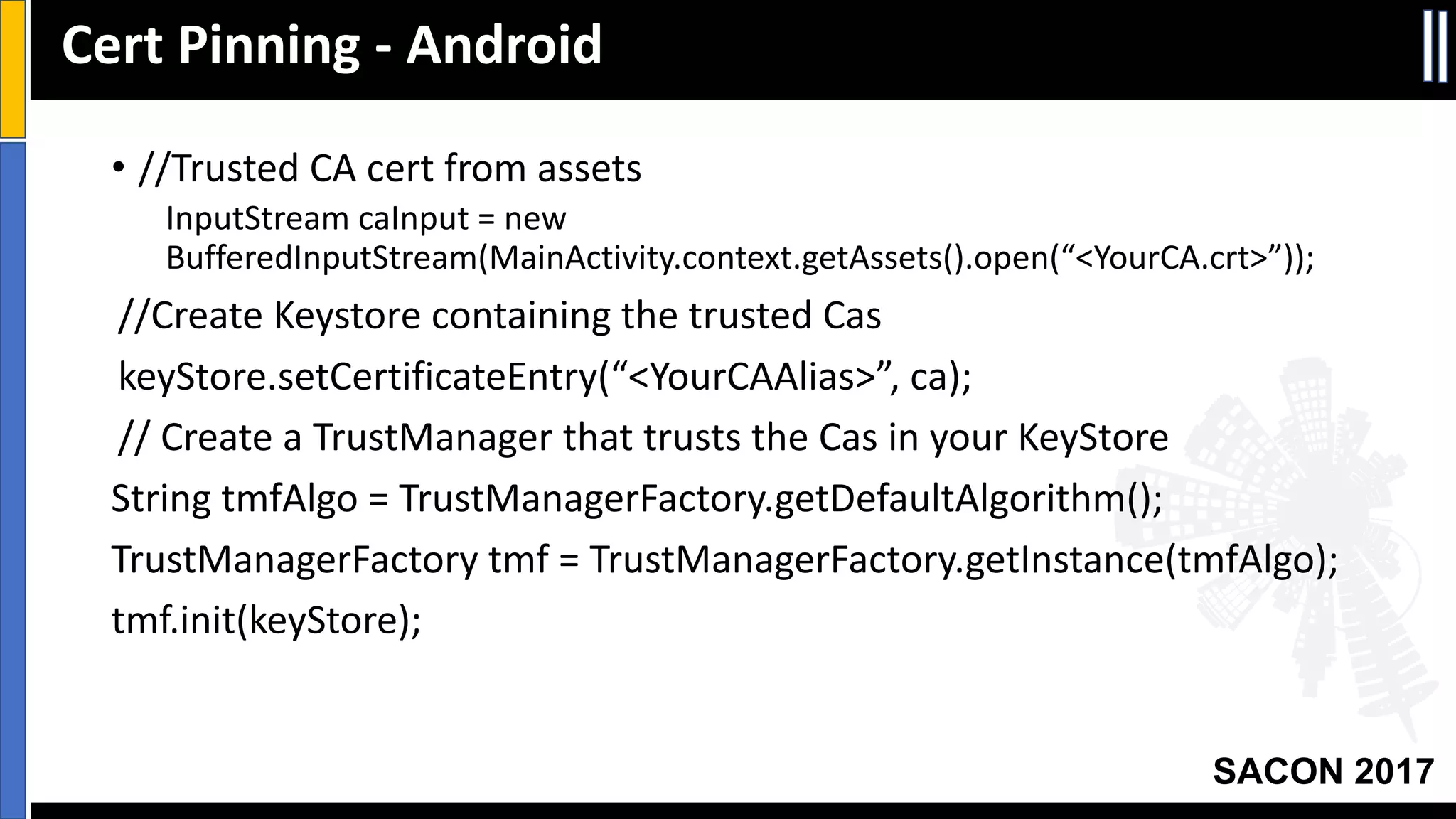
• //Trusted	CA	cert	from	assets
InputStream caInput =	new	
BufferedInputStream(MainActivity.context.getAssets().open(“<YourCA.crt>”));
//Create	Keystore containing	the	trusted	Cas
keyStore.setCertificateEntry(“<YourCAAlias>”,	ca);
//	Create	a	TrustManager that	trusts	the	Cas in	your	KeyStore
String	tmfAlgo =	TrustManagerFactory.getDefaultAlgorithm();
TrustManagerFactory tmf =	TrustManagerFactory.getInstance(tmfAlgo);
tmf.init(keyStore);
Cert	Pinning	- Android
Your Slide Title
SACON 2017
• //	Create	an	SSLContext that	uses	your		TrustManager
SSLContext context	=	SSLContext.getInstance("TLS");
context.init(null,	tmf.getTrustManagers(),	null);
• //Tell	URLConnection to	use	socket	from	this	sslContext
URL	url =	new	URL(“<Your	URL>”);
HttpsURLConnection urlConnection
=	 (HttpsURLConnection)url.openConnection();
urlConnection.setSSLSocketFactory(context.getSocketFactory());
InputStream in	=	urlConnection.getInputStream();
copyInputStreamToOutputStream(in,	System.out);
Cert	Pinning	- Android
Your Slide Title
SACON 2017
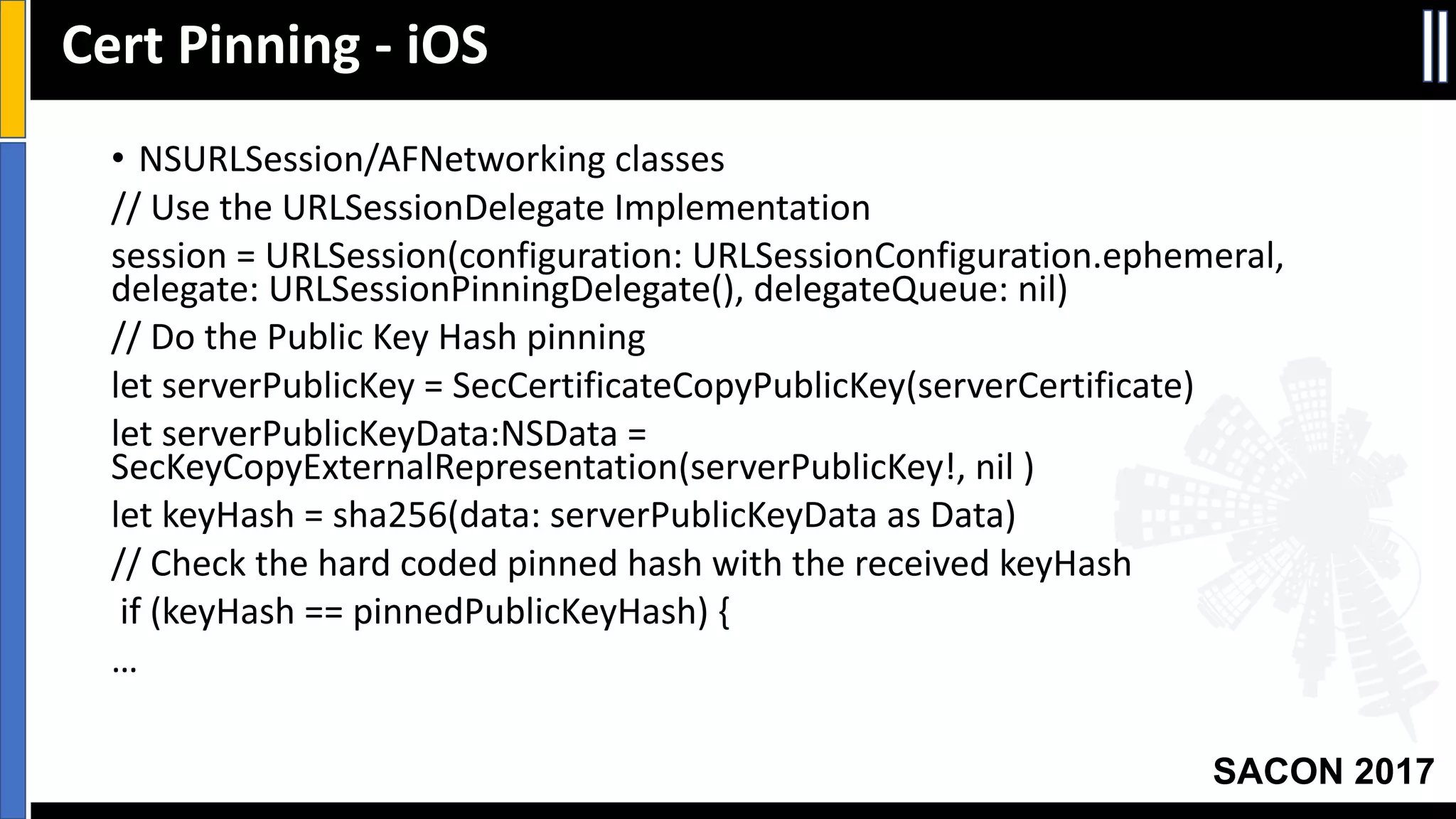
• NSURLSession/AFNetworking classes
//	Use	the	URLSessionDelegate Implementation
session	=	URLSession(configuration:	URLSessionConfiguration.ephemeral,	
delegate:	URLSessionPinningDelegate(),	delegateQueue:	nil)
//	Do	the	Public	Key	Hash	pinning
let	serverPublicKey =	SecCertificateCopyPublicKey(serverCertificate)
let	serverPublicKeyData:NSData =	
SecKeyCopyExternalRepresentation(serverPublicKey!,	nil	)
let	keyHash =	sha256(data:	serverPublicKeyData as	Data)
//	Check	the	hard	coded	pinned	hash	with	the	received	keyHash
if	(keyHash ==	pinnedPublicKeyHash)	{
…
Cert	Pinning	- iOS
Your Slide Title
SACON 2017
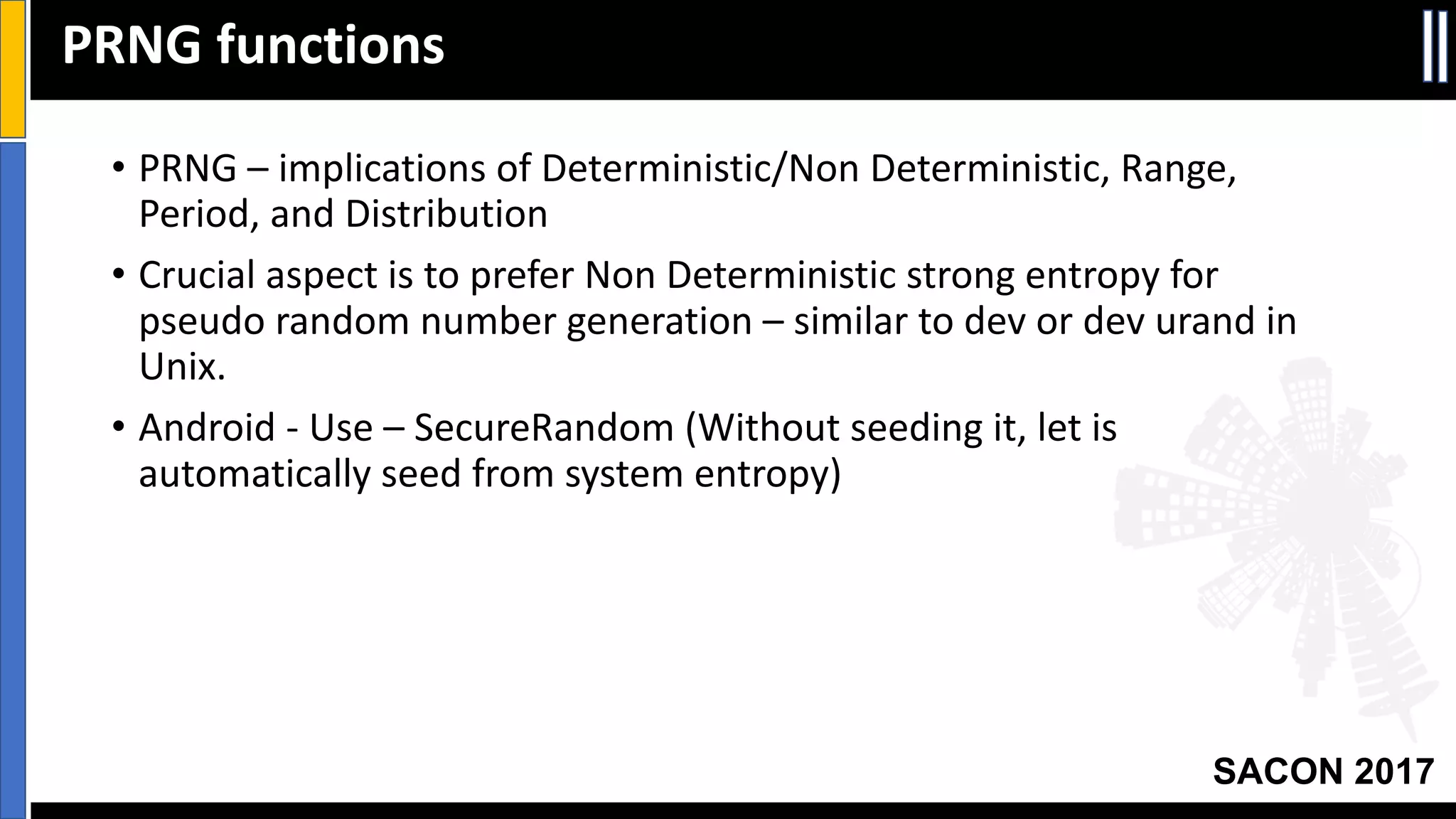
• PRNG	– implications	of	Deterministic/Non	Deterministic,	Range,	
Period,	and	Distribution
• Crucial	aspect	is	to	prefer	Non	Deterministic	strong	entropy	for	
pseudo	random	number	generation	– similar	to	dev or	dev urand in	
Unix.
• Android	- Use	– SecureRandom (Without	seeding	it,	let	is	
automatically	seed	from	system	entropy)
PRNG	functions
Your Slide Title
SACON 2017
/*	Init SecureRandom
Code	snippet	as	part	of	Non	Deterministic	salt	generation
*/	
…
SecureRandom random	=	new	SecureRandom();		
byte[]	salt	=	new	byte[saltLength];		
random.nextBytes(salt);		
…
PRNG	Android
Your Slide Title
SACON 2017
//	Range	is 2^32-1	based on	int32	&	without modulo	bias
…
UInt32	randomResult =	0;
int result =	SecRandomCopyBytes(kSecRandomDefault,	sizeof(int),	
(uint8_t*)&randomResult);
if	(result !=	0)	randomResult =	arc4random_uniform(<upper-bound>);
return	randomResult;
…
PRNG	iOS
Your Slide Title
SACON 2017
• Device	Auth vs App	specific	authentication
• Prefer	SSO	over	independent	app	specific	user	authentication	to	web	
services.
• Be	transparent	on	privacy	policy.
• Use	of	platform	browser	sessions	with	your	app	– minimizes	usability	
concerns.
User	Authentication
Your Slide Title
SACON 2017
• Chrome	custom	Tab	- Abstracts	managing	requests,	cookie	stores	and	
permissions.
• Callback	based	navigation	awareness
• Security	construct	of	Google’s	Safe	Browsing	is	already	built	in
• Performance	Optimizations
• iOS SafariViewController
• User	to	native	browser	vs browser	to	app	channel	separation.
• Consider	plain	view	of	web	content	– SFSafariViewController vs customized	
interactions	via	WKWebView
• Shared	cookie	and	website	data	with	Safari
SSO	in	Mobile	Platforms
Your Slide Title
SACON 2017
• Tamper	detection	– PackageManager (Android)	to	retrieve	app	
signature	to	compare	tamper.
• Code	obfuscation	
• Obfuscation	tools
• DexGuard/ProGuard/Dasho/etc (Android)
• Rename/ObjC-Obfuscator	(iOS)
• Run	time	protection	
• Android	- android:debuggable=“false”
• iOS PT_DENY_ATTACH
• Sensitive	code	segment	in	Android	can	be	in	NDK	and	further	
obfuscated
App	Protection	Measures
Your Slide Title
SACON 2017
• Display	masked	/	partial	aspects	of	sensitive	data.
• Always	Validate	input	data.
• Beware	of	default	app	/	user	data	backup
• allowBackup false	in	Android	Manifest
• Protection	classes	for	iOS to	avoid	or	encrypt	backup
• Protect	against	data	leak	on	crash	(	For	instance	NSAssert in	iOS
should	be	disabled	).
• Remove	Debug	logs	from	release	builds.
• Disable	auto-correct	feature	for	all	sensitive	fields.
More	App	Protection	Measures
Your Slide Title
SACON 2017
• Consider	custom	keyBoard (for	user	PIN	or	passcode)	to	disable	
cache.
• Disable	copy/paste	for	areas	handling	sensitive	data.	Always	clear	
clipboard	after	consuming.
• Android:	Beware	of	public	exported	components	and	their	access	via	
intents!	(anrdoid:exported =	false)
• Android:	Do	not	pass	sensitive	data	between	apps	using	broadcast	
intents.
• Android:	Delay	the	grant	of	permissions	until	needed	(	Use	Android	
6.0	runtime	permissions	where	possible)
• Android:	Sign	your	Android	APK	with	public	code	signing	CA	cert.
More	App	Protection	Measures
Your Slide Title
SACON 2017
• Security	considerations	and	threat	analysis	at	the	beginning	of	mobile	
app	development.
• Right	constructs	for	user,	device,	and	app	based	on	documented	risks	
&	tradeoffs.
• Focus	and	rigorous	reviews	in	code	segments	that	strong	PRNG,	
employing	encryption	routines,	understanding	cert	pinning,	enabling	
mobile	SSO &	app	tamper	protection.
Summary
Your Slide Title
SACON 2017
• OWASP	Top	10	Mobile	Threats:	
https://www.owasp.org/index.php/OWASP_Mobile_Security_Project
#tab=Top_10_Mobile_Risks
• Android	Security:	https://source.android.com/security/
• iOS Security:	
https://www.apple.com/business/docs/iOS_Security_Guide.pdf
• IOS	KeyChain:	
https://developer.apple.com/library/content/documentation/Security
/Conceptual/keychainServConcepts/02concepts/concepts.html#//app
le_ref/doc/uid/TP30000897-CH204-TP9
References

SACON - Mobile App Security (Srinath Venkataramani)

  • 1.
  • 2.
    Your Slide Title SACON2017 • Mobile App Development - The attack Surface • Data, Authentication and App protection challenges • iOS & Android Protection measures • Take aways Agenda
  • 3.
    Your Slide Title SACON2017 OWASP Top 10 Threats
  • 4.
    Your Slide Title SACON2017 Typical Mobile TAM User AuthenticationServer Authentication App Protection Data Integrity Data ProtectionData ProtectionApp Protection App & User Authentication
  • 5.
    Your Slide Title SACON2017 • For data at rest (in device), how to encrypt the data ? How to protect the encryption key? • For data over network, how to ensure the server is trusted ? • For data in motion with other apps in the device, how to trust the other app? How not to leak data during communication? Data Protection Challenges!
  • 6.
    Your Slide Title SACON2017 • How to authenticate a given device and app to a web service? • How to authenticate a user locally? And further to establish a session with a remote service ? • How to perform a Single Sign On? Authentication Challenges!
  • 7.
    Your Slide Title SACON2017 • How to protect my app against tampering? • How to protect the code from reverse engineering? • How to dynamically detect the environment such a debuggers, rooting, emulators, etc ? App Protection Challenges!
  • 8.
    Your Slide Title SACON2017 • Platform protection, crypto API support & App protection • Protecting Keys and sensitive material in your app • Assessing Data Integrity • Validating Server authentication • Device identifier considerations • User Authentication mechanisms • Protecting the app itself Secure Development Aspects
  • 9.
    Your Slide Title SACON2017 • Android KeyStore System (API Level 18) – App level and per user level • ECDSA support from Android 4.4 • KeyChain API (before API Level 18) is ‘System-wide credential’ while KeyStore API is ‘app isolated credential’. • 2 storage kinds – Hardware / Software (KeyInfo.isInsideSecurityHardware()) • Key usage tied to bio-metric user authentication (say FingerPrintManager) Android Platform Security
  • 10.
    Your Slide Title SACON2017 • KeyChain Services API – • Secures data by encrypting before storing in to file system • Only authorized app gets access to specific element in a Key chain. • KeyChain Control classes – Always, after first unlock, when unlocked, when passcode is set. • Application control over items using kSecAttrAccessible Attributes iOS Platform Security
  • 11.
    Your Slide Title SACON2017 Strong Ciphers in App • Use Different keys for different purposes – Auth, Encryption, Signing, etc. • Choice of Symmetric vs Asymmetric • Asymmetric RSA > 2048 bits / ECC > 224 bits • Symmetric AES > 128 • Crypto Hash SHA1/SHA2
  • 12.
    Your Slide Title SACON2017 Brief on PBKDF • Always encrypt with user provided keys (Key Derivation Function) and do not store in the device.
  • 13.
    Your Slide Title SACON2017 • Package – javax.crypto.spec.PBEKeySpec • /*Sample snippet – Focus should be on ‘what user knows’ – pin/passphrase, salt, iterations and Key length */ • … SecretKeyFactory secretKeyFactory = SecretKeyFactory.getInstance("PBKDF2WithHmacSHA1"); KeySpec keySpec = new PBEKeySpec(passphraseOrPin, salt, iterations, outputKeyLength); SecretKey secretKey = secretKeyFactory.generateSecret(keySpec); … PBKFD2 - Android
  • 14.
    Your Slide Title SACON2017 • Common Crypto library – CommonKeyDerivation.h • kCCPBKDF2 constants • CCCalibratePBKDF (Number of iterations) • CCKeyDerivationPBKDF (with salt, iterations, key and length) PBKFD2 - iOS
  • 15.
    Your Slide Title SACON2017 • Data Integrity and Authentication of a message. • Keyed Hash – Secret Key to encrypt for authentication and Cryptographic Hash function for message integrity • HMAC-SHA ~ H(Key | H (Key | Message)) Data Integrity Checks
  • 16.
    Your Slide Title SACON2017 • Package – javax.crypto.Mac.spec.secretKeySpec //HMAC-SHA256 spec to init Mac hmacSha256 = Mac.getInstance("HmacSHA256"); SecretKeySpec sKey = new SecretKeySpec(secret.getBytes(), "HmacSHA256"); hmacSha256.init(sKey); String hash = Base64.getEncoder().encodeToString(hmacSha256.doFinal(message.ge tBytes())); Android HMAC-SHA256
  • 17.
    Your Slide Title SACON2017 • Android – UUID & IOS – UDID • Beware MAC address in both platforms may change and are not hardware bound! • Recommend to Create App-unique device factor. • Consider the scope of ID – Session, Install, factory reset or survive factory resets. • Use instance ID in Android or app specific GUID from install time • Use IDFV in iOS, otherwise use NSUUID & CFUUID Device Identification
  • 18.
    Your Slide Title SACON2017 • HTTPS is a must! • Certificate Pinning guard against MITM • Pin the ‘SubjectPublicKeyInfo’ • Avoid accepting self-signed certificates (testing hack gets into production :-/) • Avoid setting permissive hostname verifier Data ‘in motion’ Protection
  • 19.
    Your Slide Title SACON2017 • //Trusted CA cert from assets InputStream caInput = new BufferedInputStream(MainActivity.context.getAssets().open(“<YourCA.crt>”)); //Create Keystore containing the trusted Cas keyStore.setCertificateEntry(“<YourCAAlias>”, ca); // Create a TrustManager that trusts the Cas in your KeyStore String tmfAlgo = TrustManagerFactory.getDefaultAlgorithm(); TrustManagerFactory tmf = TrustManagerFactory.getInstance(tmfAlgo); tmf.init(keyStore); Cert Pinning - Android
  • 20.
    Your Slide Title SACON2017 • // Create an SSLContext that uses your TrustManager SSLContext context = SSLContext.getInstance("TLS"); context.init(null, tmf.getTrustManagers(), null); • //Tell URLConnection to use socket from this sslContext URL url = new URL(“<Your URL>”); HttpsURLConnection urlConnection = (HttpsURLConnection)url.openConnection(); urlConnection.setSSLSocketFactory(context.getSocketFactory()); InputStream in = urlConnection.getInputStream(); copyInputStreamToOutputStream(in, System.out); Cert Pinning - Android
  • 21.
    Your Slide Title SACON2017 • NSURLSession/AFNetworking classes // Use the URLSessionDelegate Implementation session = URLSession(configuration: URLSessionConfiguration.ephemeral, delegate: URLSessionPinningDelegate(), delegateQueue: nil) // Do the Public Key Hash pinning let serverPublicKey = SecCertificateCopyPublicKey(serverCertificate) let serverPublicKeyData:NSData = SecKeyCopyExternalRepresentation(serverPublicKey!, nil ) let keyHash = sha256(data: serverPublicKeyData as Data) // Check the hard coded pinned hash with the received keyHash if (keyHash == pinnedPublicKeyHash) { … Cert Pinning - iOS
  • 22.
    Your Slide Title SACON2017 • PRNG – implications of Deterministic/Non Deterministic, Range, Period, and Distribution • Crucial aspect is to prefer Non Deterministic strong entropy for pseudo random number generation – similar to dev or dev urand in Unix. • Android - Use – SecureRandom (Without seeding it, let is automatically seed from system entropy) PRNG functions
  • 23.
    Your Slide Title SACON2017 /* Init SecureRandom Code snippet as part of Non Deterministic salt generation */ … SecureRandom random = new SecureRandom(); byte[] salt = new byte[saltLength]; random.nextBytes(salt); … PRNG Android
  • 24.
    Your Slide Title SACON2017 // Range is 2^32-1 based on int32 & without modulo bias … UInt32 randomResult = 0; int result = SecRandomCopyBytes(kSecRandomDefault, sizeof(int), (uint8_t*)&randomResult); if (result != 0) randomResult = arc4random_uniform(<upper-bound>); return randomResult; … PRNG iOS
  • 25.
    Your Slide Title SACON2017 • Device Auth vs App specific authentication • Prefer SSO over independent app specific user authentication to web services. • Be transparent on privacy policy. • Use of platform browser sessions with your app – minimizes usability concerns. User Authentication
  • 26.
    Your Slide Title SACON2017 • Chrome custom Tab - Abstracts managing requests, cookie stores and permissions. • Callback based navigation awareness • Security construct of Google’s Safe Browsing is already built in • Performance Optimizations • iOS SafariViewController • User to native browser vs browser to app channel separation. • Consider plain view of web content – SFSafariViewController vs customized interactions via WKWebView • Shared cookie and website data with Safari SSO in Mobile Platforms
  • 27.
    Your Slide Title SACON2017 • Tamper detection – PackageManager (Android) to retrieve app signature to compare tamper. • Code obfuscation • Obfuscation tools • DexGuard/ProGuard/Dasho/etc (Android) • Rename/ObjC-Obfuscator (iOS) • Run time protection • Android - android:debuggable=“false” • iOS PT_DENY_ATTACH • Sensitive code segment in Android can be in NDK and further obfuscated App Protection Measures
  • 28.
    Your Slide Title SACON2017 • Display masked / partial aspects of sensitive data. • Always Validate input data. • Beware of default app / user data backup • allowBackup false in Android Manifest • Protection classes for iOS to avoid or encrypt backup • Protect against data leak on crash ( For instance NSAssert in iOS should be disabled ). • Remove Debug logs from release builds. • Disable auto-correct feature for all sensitive fields. More App Protection Measures
  • 29.
    Your Slide Title SACON2017 • Consider custom keyBoard (for user PIN or passcode) to disable cache. • Disable copy/paste for areas handling sensitive data. Always clear clipboard after consuming. • Android: Beware of public exported components and their access via intents! (anrdoid:exported = false) • Android: Do not pass sensitive data between apps using broadcast intents. • Android: Delay the grant of permissions until needed ( Use Android 6.0 runtime permissions where possible) • Android: Sign your Android APK with public code signing CA cert. More App Protection Measures
  • 30.
    Your Slide Title SACON2017 • Security considerations and threat analysis at the beginning of mobile app development. • Right constructs for user, device, and app based on documented risks & tradeoffs. • Focus and rigorous reviews in code segments that strong PRNG, employing encryption routines, understanding cert pinning, enabling mobile SSO & app tamper protection. Summary
  • 31.
    Your Slide Title SACON2017 • OWASP Top 10 Mobile Threats: https://www.owasp.org/index.php/OWASP_Mobile_Security_Project #tab=Top_10_Mobile_Risks • Android Security: https://source.android.com/security/ • iOS Security: https://www.apple.com/business/docs/iOS_Security_Guide.pdf • IOS KeyChain: https://developer.apple.com/library/content/documentation/Security /Conceptual/keychainServConcepts/02concepts/concepts.html#//app le_ref/doc/uid/TP30000897-CH204-TP9 References