Responsive mobile
     design
     Kirill Grouchnikov
    Android, Google Inc.
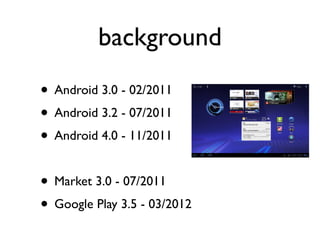
background
• Android 3.0 - 02/2011
• Android 3.2 - 07/2011
• Android 4.0 - 11/2011

• Market 3.0 - 07/2011
• Google Play 3.5 - 03/2012
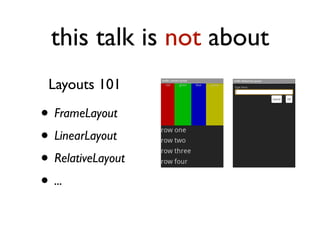
this talk is not about
 Layouts 101

• FrameLayout
• LinearLayout
• RelativeLayout
• ...
and not even about
 Layouts 202

• android:layout_alignBaseline
• android:layout_alignWithParentIfMissing
• android:fillViewport
• ...
this talk is about

effective use of screen estate
 for displaying your content
examples
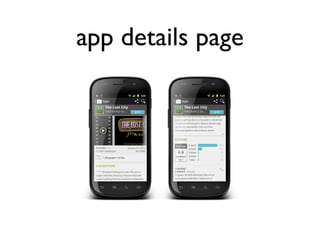
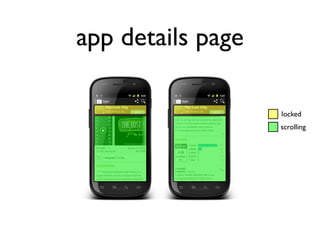
app details page
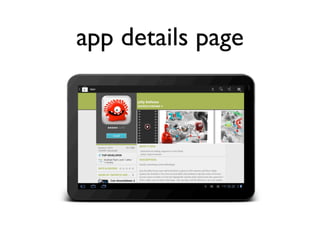
app details page

                   locked
                   scrolling
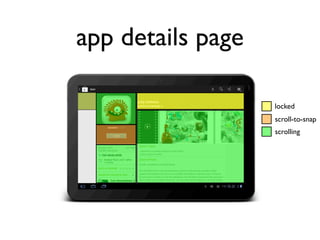
app details page
app details page

                   locked
                   scroll-to-snap
                   scrolling
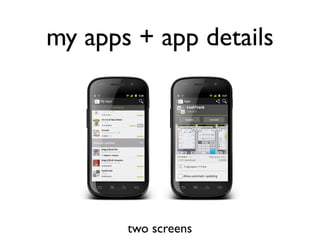
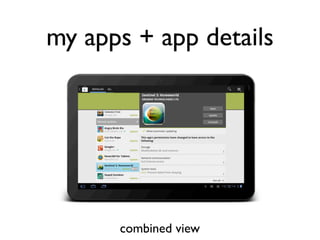
my apps + app details


       two screens
my apps + app details


      combined view
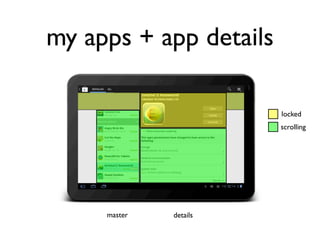
my apps + app details

                        locked
                        scrolling


     master   details
same content,
  same hierarchy

adapting to context
responsive mobile
     design
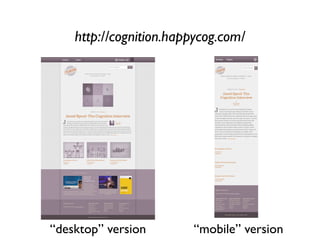
http://cognition.happycog.com/


“desktop” version       “mobile” version
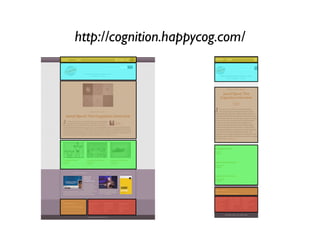
http://cognition.happycog.com/
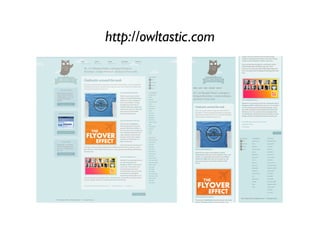
http://owltastic.com
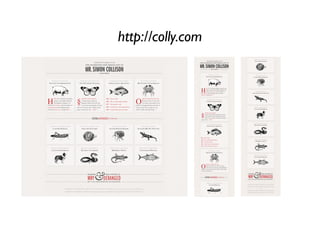
http://colly.com
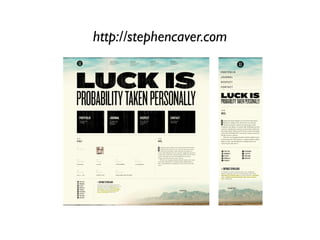
http://stephencaver.com
same content*,
        same hierarchy

adapting to context

* the first two sites above omit some content under small widths
what about mobile*?


* given the context of the talk, “mobile” means “native Android”
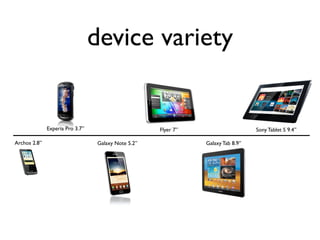
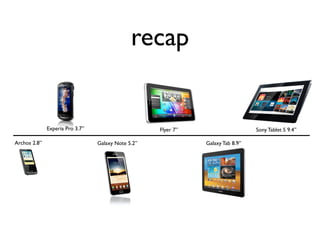
device variety


              Experia Pro 3.7”                      Flyer 7”                     Sony Tablet S 9.4”

Archos 2.8”                      Galaxy Note 5.2”              Galaxy Tab 8.9”
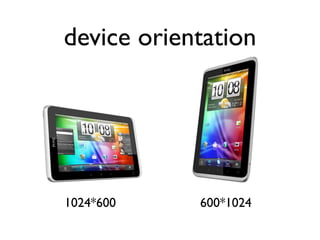
device orientation


1024*600    600*1024
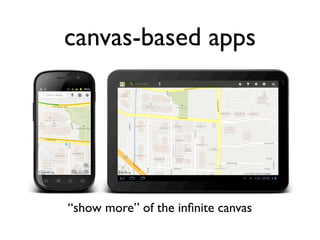
canvas-based apps


“show more” of the infinite canvas
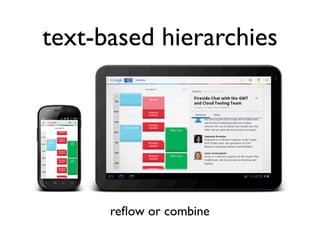
text-based hierarchies


      reflow or combine
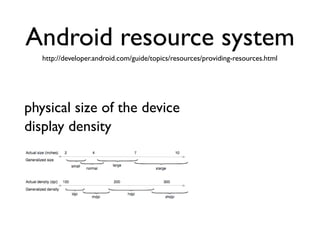
Android resource system
   http://developer.android.com/guide/topics/resources/providing-resources.html


physical size of the device
display density
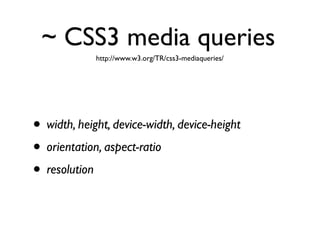
~ CSS3 media queries
             http://www.w3.org/TR/css3-mediaqueries/


• width, height, device-width, device-height
• orientation, aspect-ratio
• resolution
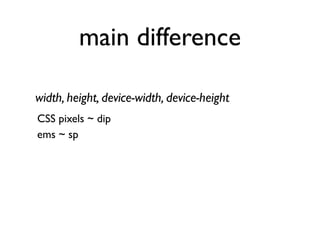
main difference

width, height, device-width, device-height
CSS pixels ~ dip
ems ~ sp
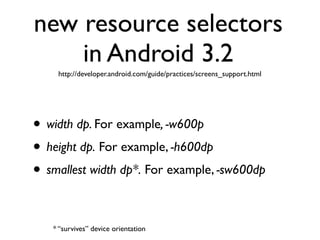
new resource selectors
    in Android 3.2
    http://developer.android.com/guide/practices/screens_support.html


• width dp. For example, -w600p
• height dp. For example, -h600dp
• smallest width dp*. For example, -sw600dp

   * “survives” device orientation
granularity
of control
start from content
no more “tablet-
optimized” layouts
what separates a tablet
   from a phone*?


 * “I know it when i see it” is not an answer supported by aapt
same content,
  same hierarchy

adapting to context
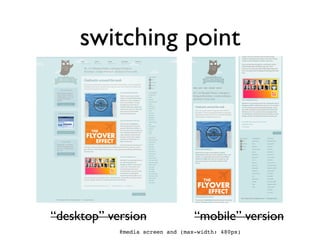
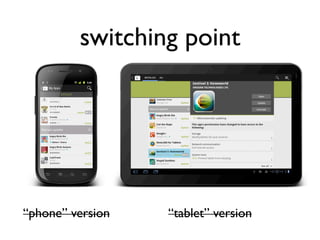
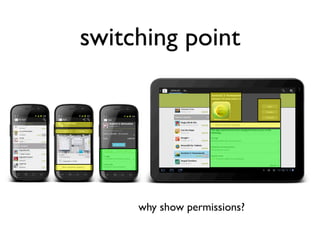
switching point


“desktop” version                 “mobile” version
            @media screen and (max-width: 480px)
switching point


“phone” version   “tablet” version
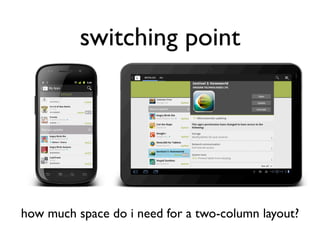
switching point


how much space do i need for a two-column layout?
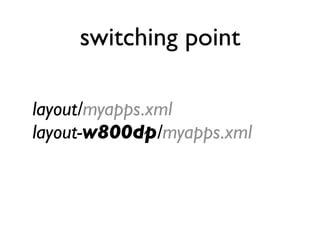
switching point

layout/myapps.xml
layout-w800dp/myapps.xml
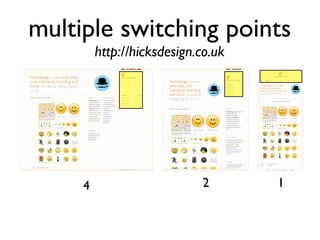
multiple switching points
         http://hicksdesign.co.uk


     4                      2       1
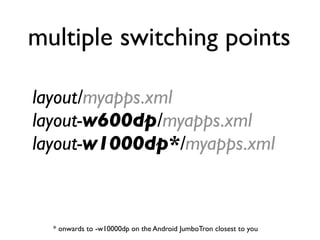
multiple switching points

layout/myapps.xml
layout-w600dp/myapps.xml
layout-w1000dp*/myapps.xml


  * onwards to -w10000dp on the Android JumboTron closest to you
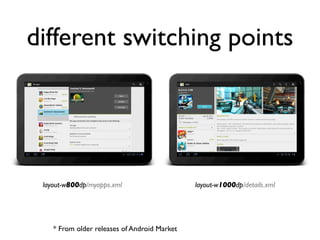
different switching points


 layout-w800dp/myapps.xml                     layout-w1000dp/details.xml


    * From older releases of Android Market
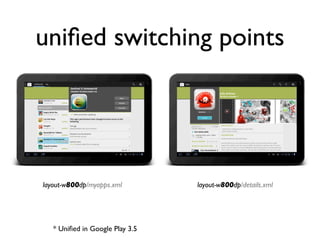
unified switching points


layout-w800dp/myapps.xml         layout-w800dp/details.xml


   * Unified in Google Play 3.5
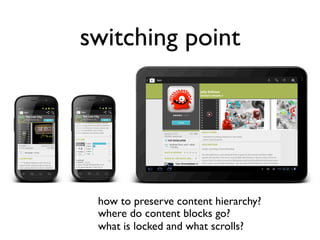
switching point


 how to preserve content hierarchy?
 where do content blocks go?
 what is locked and what scrolls?
switching point


     why show permissions?
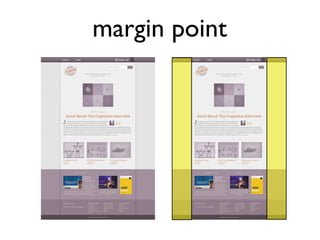
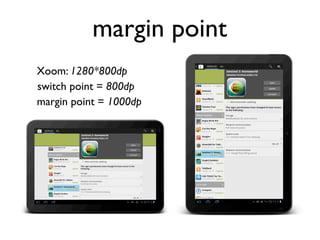
margin point
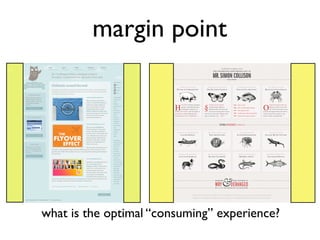
margin point


what is the optimal “consuming” experience?
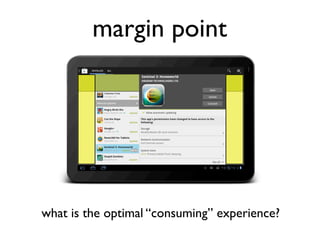
margin point


what is the optimal “consuming” experience?
margin point
Xoom: 1280*800dp
switch point = 800dp
margin point = 1000dp
does everything go
 into -wNNNdp?
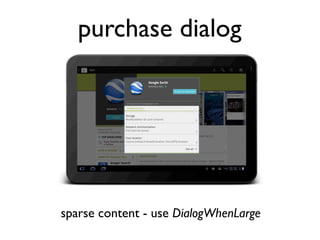
purchase dialog


sparse content - use DialogWhenLarge
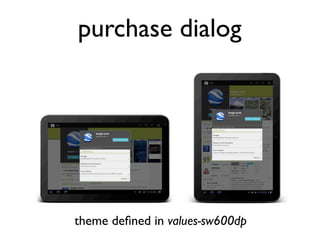
purchase dialog


theme defined in values-sw600dp
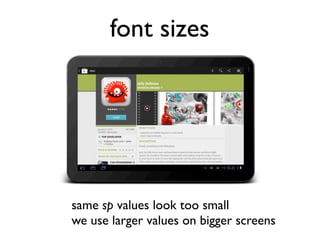
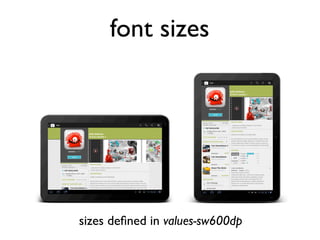
font sizes


same sp values look too small
we use larger values on bigger screens
font sizes


sizes defined in values-sw600dp
recap


              Experia Pro 3.7”                      Flyer 7”                     Sony Tablet S 9.4”

Archos 2.8”                      Galaxy Note 5.2”              Galaxy Tab 8.9”
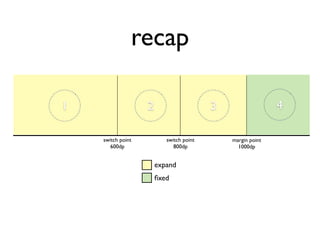
recap

1                  2                     3                  4

    switch point          switch point       margin point
       600dp                 800dp             1000dp


                       expand
                       fixed
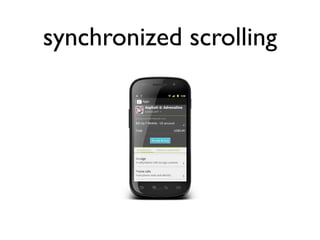
synchronized scrolling
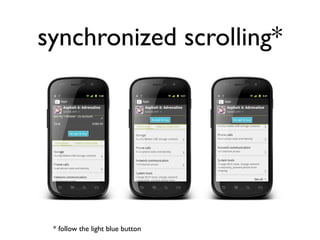
synchronized scrolling*


 * follow the light blue button
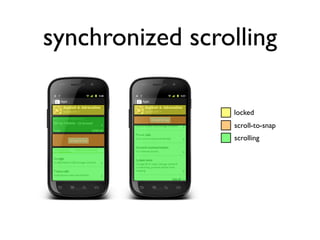
synchronized scrolling

                 locked
                 scroll-to-snap
                 scrolling
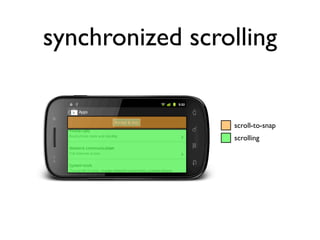
synchronized scrolling


                 scroll-to-snap
                 scrolling
responsive mobile
     design
effective use of screen estate
 for displaying your content
same content,
  same hierarchy

adapting to context
Q&A

• gplus.to/kirillcool
• pushing-pixels.org
• kirillcool@yahoo.com
• android-developers.blogspot.com

Responsive mobile design