Research 25.
Code. 48.
Different Page
Number in One
Document
Dr Zafar Ullah; zafarullah76@gmail.com
Research: 25 . Code:0048 1
Page Number Styles
★ Open MS Word file
★ Insert
★ Page number
★ Format page number
2
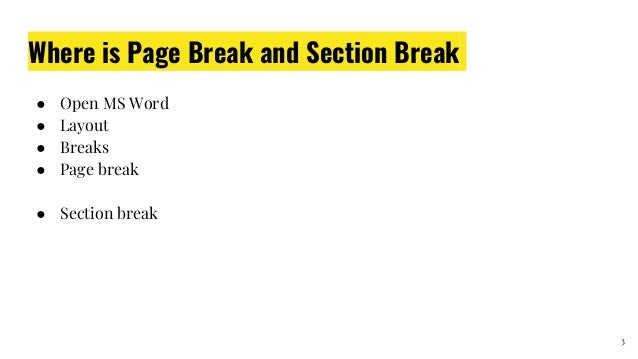
Where is Page Break and Section Break
● Open MS Word
● Layout
● Breaks
● Page break
● Section break
3
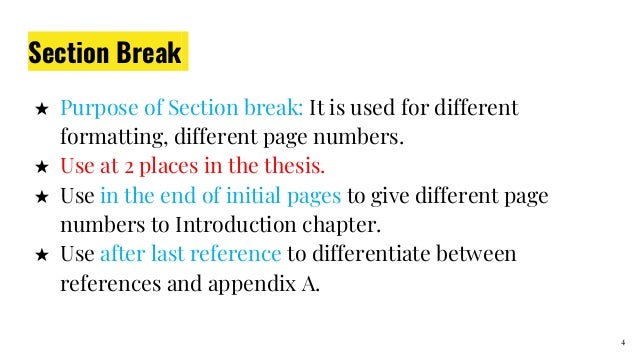
Section Break
★ Purpose of Section break: It is used for different
formatting, different page numbers.
★ Use at 2 places in the thesis.
★ Use in the end of initial pages to give different page
numbers to Introduction chapter.
★ Use after last reference to differentiate between
references and appendix A.
4
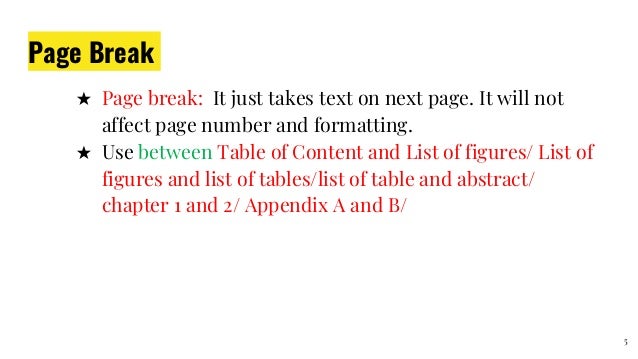
Page Break
★ Page break: It just takes text on next page. It will not
affect page number and formatting.
★ Use between Table of Content and List of figures/ List of
figures and list of tables/list of table and abstract/
chapter 1 and 2/ Appendix A and B/
5
Update page Number
● Update page number of
● Table of Content
● List of Tables
● List of Figures
6
Practical
7
SiriusData (Pvt Company)
Training: Linguistics, Academia,
TEFL, Technology, Research etc
Tutoring: Linguistics,
Literature, IELTS, English for
All classes and all levels
Editing: proofreading
Translation: English, Urdu
Contact:
Whatsapp: 0092-3468620004
Email: zafarullah76@gmail.com 8

Research 25. Code. 0048. Different page numbers, Page break, Section break

  • 1.
    Research 25. Code. 48. DifferentPage Number in One Document Dr Zafar Ullah; zafarullah76@gmail.com Research: 25 . Code:0048 1
  • 2.
    Page Number Styles ★Open MS Word file ★ Insert ★ Page number ★ Format page number 2
  • 3.
    Where is PageBreak and Section Break ● Open MS Word ● Layout ● Breaks ● Page break ● Section break 3
  • 4.
    Section Break ★ Purposeof Section break: It is used for different formatting, different page numbers. ★ Use at 2 places in the thesis. ★ Use in the end of initial pages to give different page numbers to Introduction chapter. ★ Use after last reference to differentiate between references and appendix A. 4
  • 5.
    Page Break ★ Pagebreak: It just takes text on next page. It will not affect page number and formatting. ★ Use between Table of Content and List of figures/ List of figures and list of tables/list of table and abstract/ chapter 1 and 2/ Appendix A and B/ 5
  • 6.
    Update page Number ●Update page number of ● Table of Content ● List of Tables ● List of Figures 6
  • 7.
  • 8.
    SiriusData (Pvt Company) Training:Linguistics, Academia, TEFL, Technology, Research etc Tutoring: Linguistics, Literature, IELTS, English for All classes and all levels Editing: proofreading Translation: English, Urdu Contact: Whatsapp: 0092-3468620004 Email: zafarullah76@gmail.com 8