TEACHER SLIDE
A starter or plenary activity for
demonstrating rapid progress.
The success lies in hiding/then sharing the criteria. This technique
can be applied in all context…
Contact me for clarification – TeacherToolkit@me.com (April 2013)
In 3 minutes….
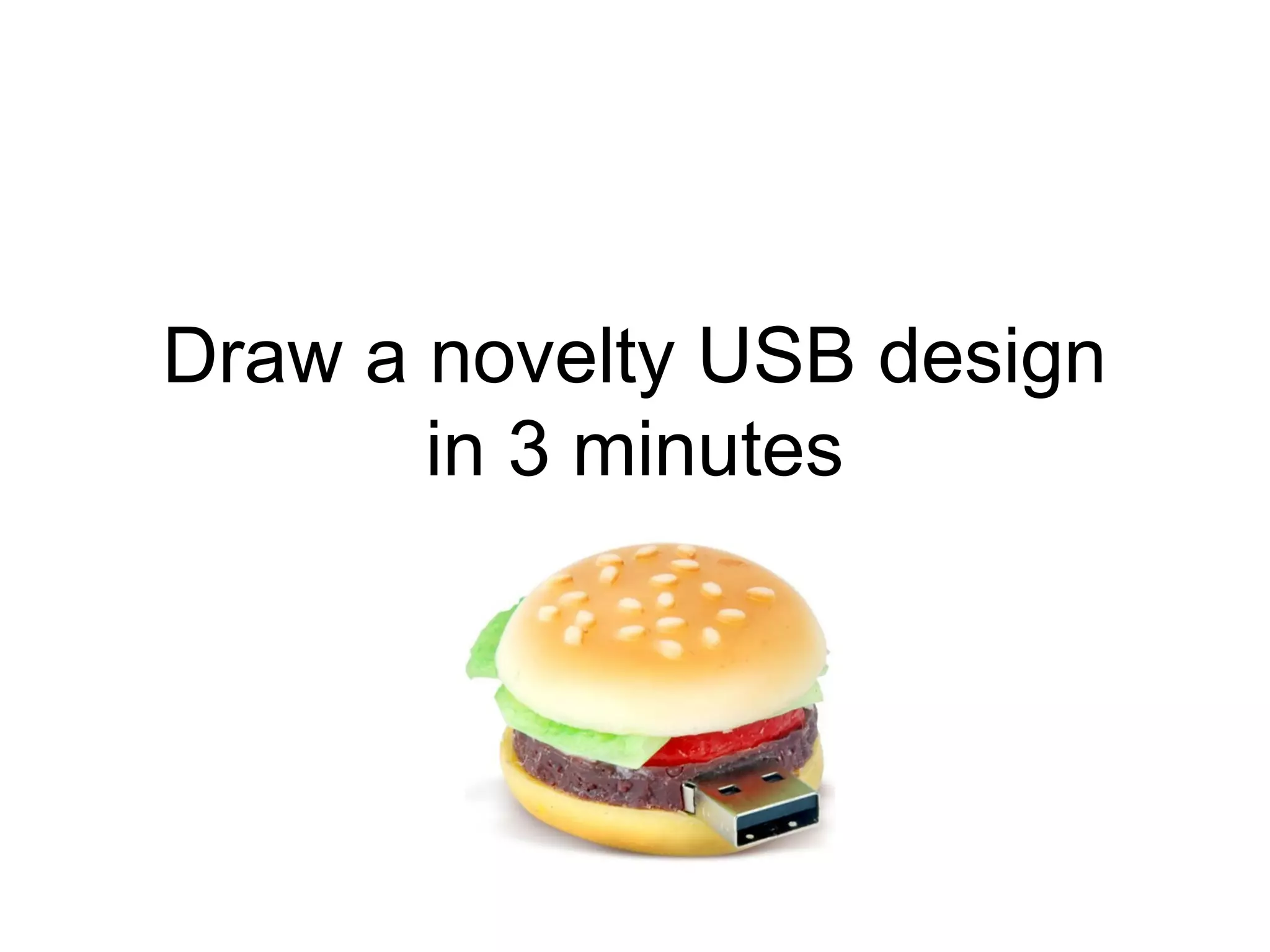
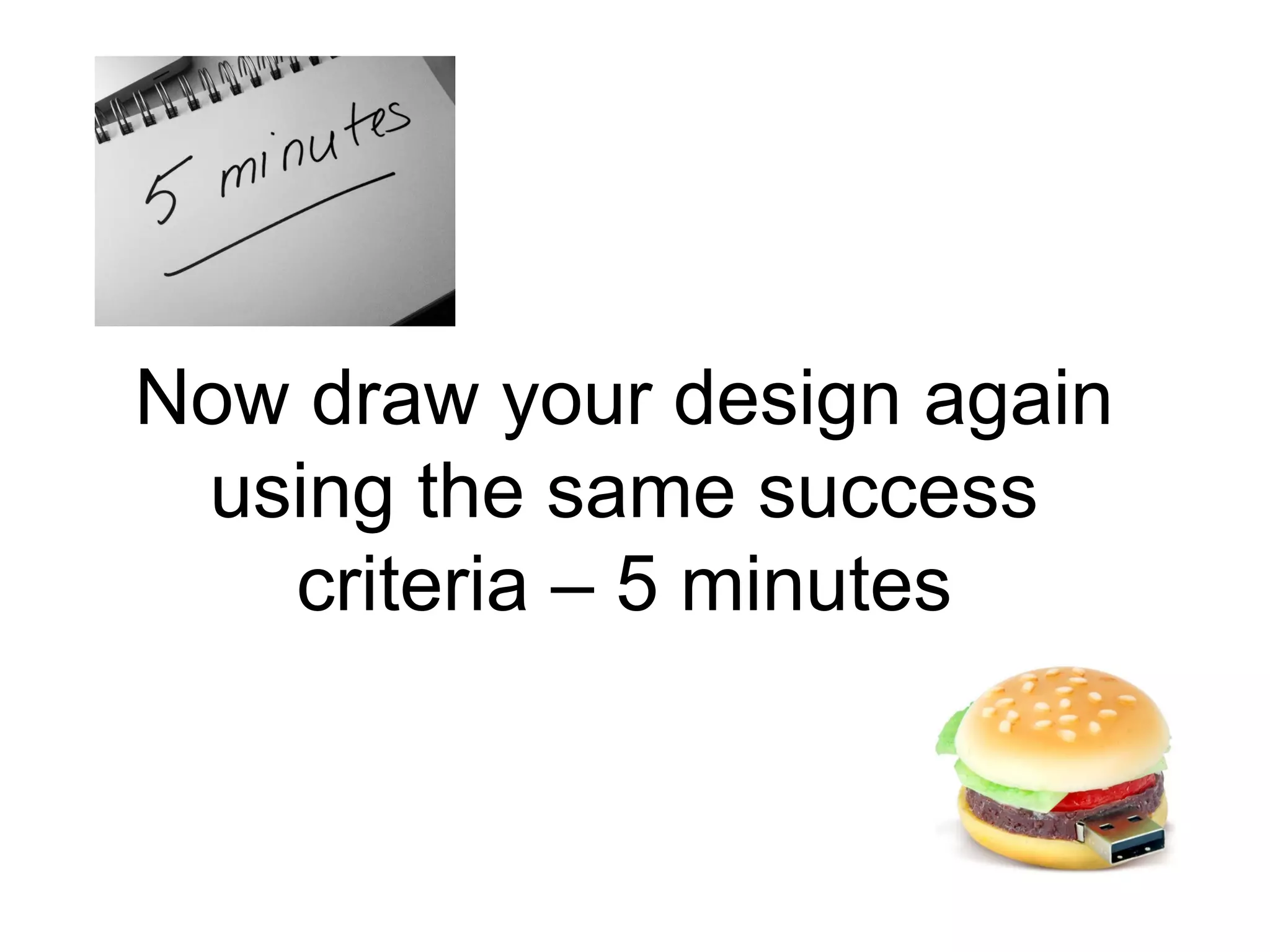
Draw a novelty USB design
in 3 minutes
Add your name and then
swap papers…
Mark the work based on the
following success criteria.
Front view – 1 point
Side View – 5 points
USB clearly identified – 2 points
Great drawing – 3 points
Ok drawing– 2 points
Simple drawing– 1 points
Price – 1 point
Colours listed – 3 points
Sizes listed – 5 points
Material name – 10 points
Open and closing parts – 10 points
Annotation – 15 points
What Why How – 25 points
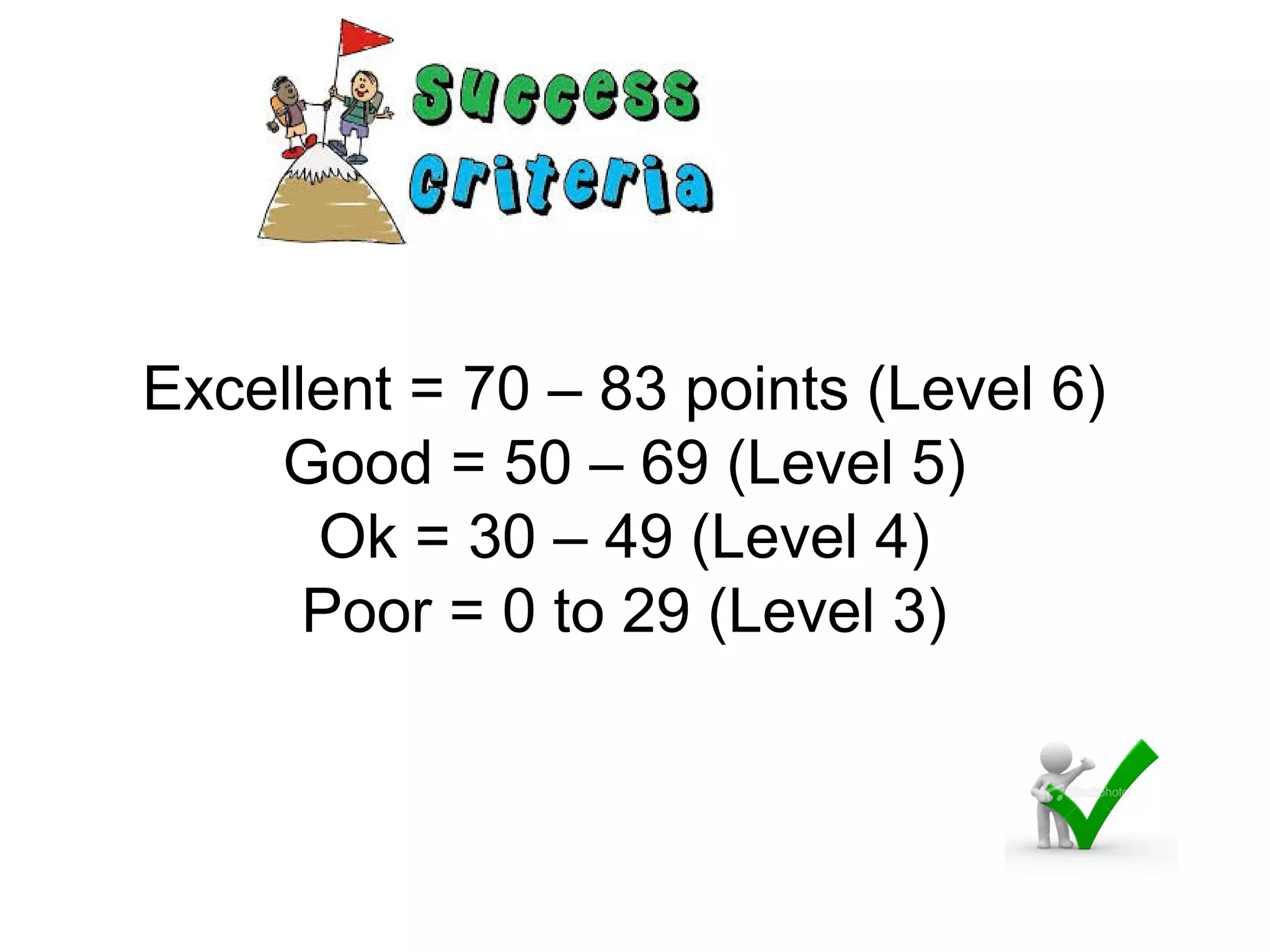
Excellent = 70 – 83 points (Level 6)
Good = 50 – 69 (Level 5)
Ok = 30 – 49 (Level 4)
Poor = 0 to 29 (Level 3)
Now draw your design again
using the same success
criteria – 5 minutes
You will see the next slide for
30 seconds
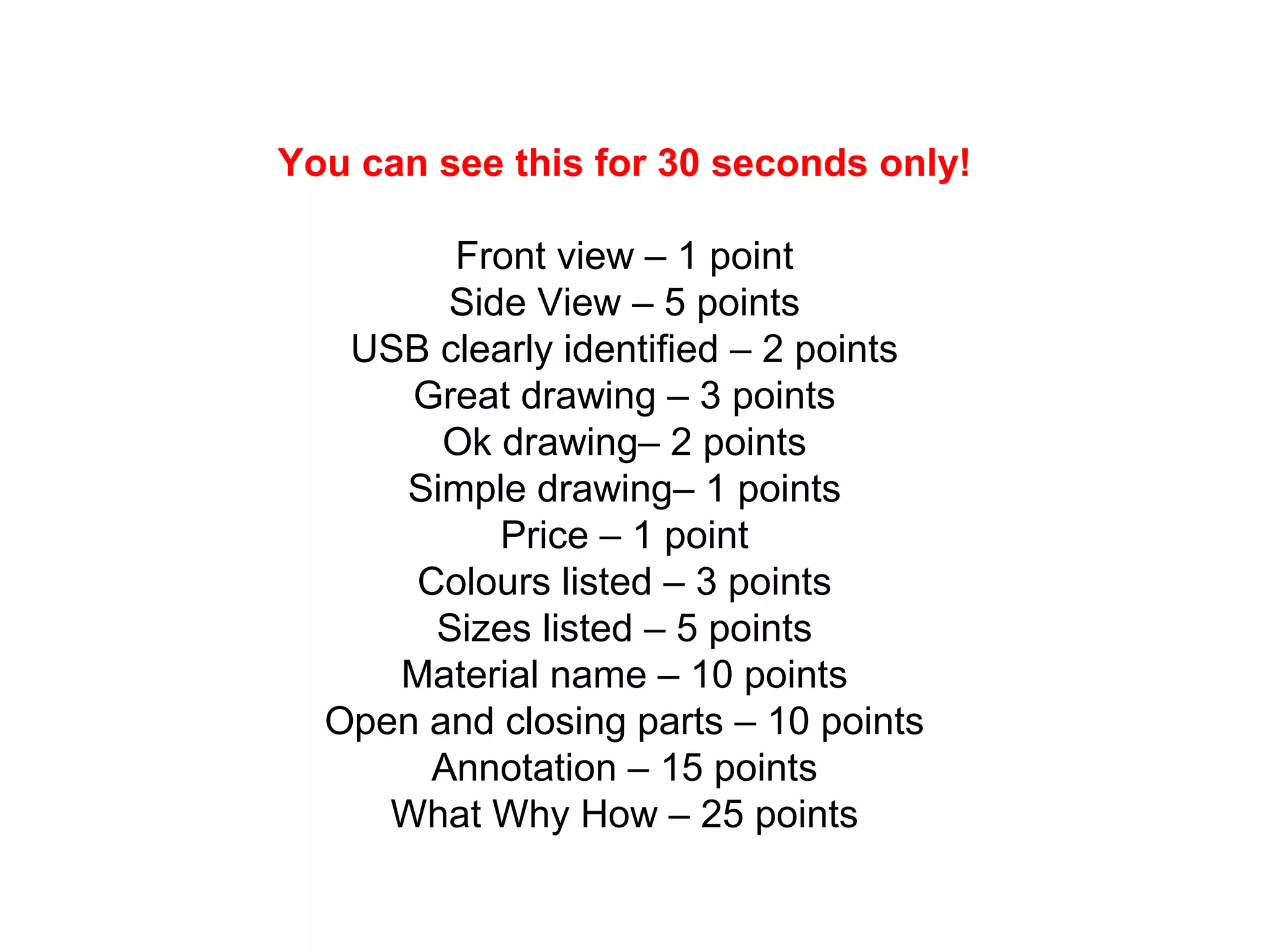
You can see this for 30 seconds only!
Front view – 1 point
Side View – 5 points
USB clearly identified – 2 points
Great drawing – 3 points
Ok drawing– 2 points
Simple drawing– 1 points
Price – 1 point
Colours listed – 3 points
Sizes listed – 5 points
Material name – 10 points
Open and closing parts – 10 points
Annotation – 15 points
What Why How – 25 points
Swap papers and score the
drawing.
Add the total.
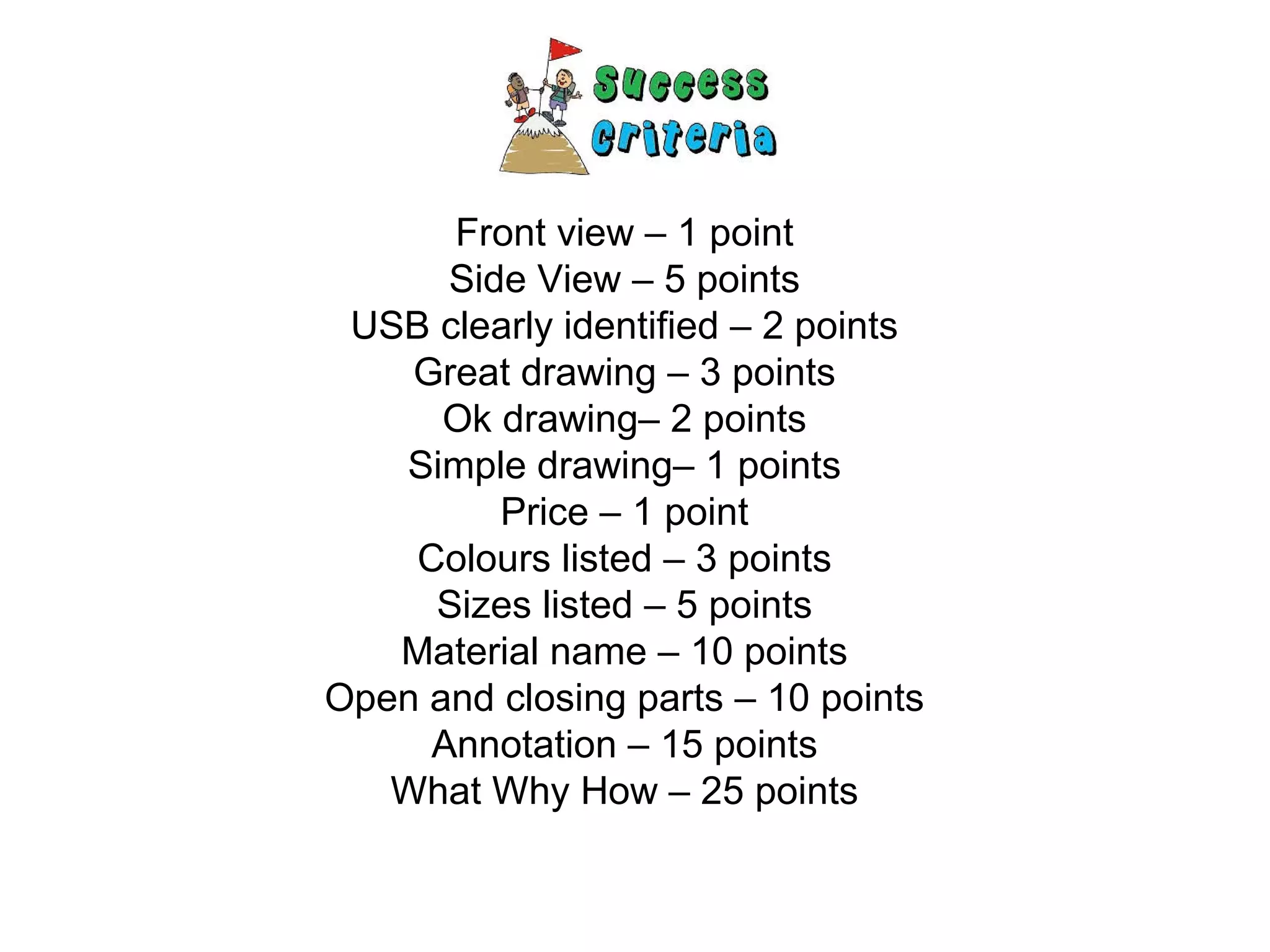
Front view – 1 point
Side View – 5 points
USB clearly identified – 2 points
Great drawing – 3 points
Ok drawing– 2 points
Simple drawing– 1 points
Price – 1 point
Colours listed – 3 points
Sizes listed – 5 points
Material name – 10 points
Open and closing parts – 10 points
Annotation – 15 points
What Why How – 25 points
Excellent = 70 – 83 points (Level 6)
Good = 50 – 69 (Level 5)
Ok = 30 – 49 (Level 4)
Poor = 0 to 29 (Level 3)
How do your results compare?
What is a criteria?
Why is the success criteria important?
How do you find the success criteria?
How can you use it?
Adapted by @TeacherToolkit

'Rapid Progress' Class Activity by @TeacherToolkit

  • 1.
    TEACHER SLIDE A starteror plenary activity for demonstrating rapid progress. The success lies in hiding/then sharing the criteria. This technique can be applied in all context… Contact me for clarification – TeacherToolkit@me.com (April 2013)
  • 2.
  • 3.
    Draw a noveltyUSB design in 3 minutes
  • 4.
    Add your nameand then swap papers…
  • 5.
    Mark the workbased on the following success criteria.
  • 6.
    Front view –1 point Side View – 5 points USB clearly identified – 2 points Great drawing – 3 points Ok drawing– 2 points Simple drawing– 1 points Price – 1 point Colours listed – 3 points Sizes listed – 5 points Material name – 10 points Open and closing parts – 10 points Annotation – 15 points What Why How – 25 points
  • 7.
    Excellent = 70– 83 points (Level 6) Good = 50 – 69 (Level 5) Ok = 30 – 49 (Level 4) Poor = 0 to 29 (Level 3)
  • 8.
    Now draw yourdesign again using the same success criteria – 5 minutes
  • 9.
    You will seethe next slide for 30 seconds
  • 10.
    You can seethis for 30 seconds only! Front view – 1 point Side View – 5 points USB clearly identified – 2 points Great drawing – 3 points Ok drawing– 2 points Simple drawing– 1 points Price – 1 point Colours listed – 3 points Sizes listed – 5 points Material name – 10 points Open and closing parts – 10 points Annotation – 15 points What Why How – 25 points
  • 11.
    Swap papers andscore the drawing. Add the total.
  • 12.
    Front view –1 point Side View – 5 points USB clearly identified – 2 points Great drawing – 3 points Ok drawing– 2 points Simple drawing– 1 points Price – 1 point Colours listed – 3 points Sizes listed – 5 points Material name – 10 points Open and closing parts – 10 points Annotation – 15 points What Why How – 25 points
  • 13.
    Excellent = 70– 83 points (Level 6) Good = 50 – 69 (Level 5) Ok = 30 – 49 (Level 4) Poor = 0 to 29 (Level 3)
  • 14.
    How do yourresults compare? What is a criteria? Why is the success criteria important? How do you find the success criteria? How can you use it?
  • 15.

Editor's Notes

  • #2 Demonstrating rapid progress during a start activity: By @TeacherToolkit
  • #3 Demonstrating rapid progress during a start activity: By @TeacherToolkit
  • #4 Demonstrating rapid progress during a start activity: By @TeacherToolkit
  • #5 Demonstrating rapid progress during a start activity: By @TeacherToolkit
  • #6 Demonstrating rapid progress during a start activity: By @TeacherToolkit
  • #7 The criteria is deliberately NOT shared with students – very similar to NOT sharing lesson objectives or a success criteria. Demonstrating rapid progress during a start activity: By @TeacherToolkit
  • #8 Demonstrating rapid progress during a start activity: By @TeacherToolkit
  • #9 Demonstrating rapid progress during a start activity: By @TeacherToolkit
  • #10 Second time around; share the criteria with students for 30 seconds only. Demonstrating rapid progress during a start activity: By @TeacherToolkit Demonstrating rapid progress during a start activity: By @TeacherToolkit
  • #11 Second time around; share the criteria with students for 30 seconds only. Demonstrating rapid progress during a start activity: By @TeacherToolkit Demonstrating rapid progress during a start activity: By @TeacherToolkit
  • #12 Demonstrating rapid progress during a start activity: By @TeacherToolkit
  • #13 Second time around; share the criteria with students for 30 seconds only. Demonstrating rapid progress during a start activity: By @TeacherToolkit Demonstrating rapid progress during a start activity: By @TeacherToolkit
  • #14 Demonstrating rapid progress during a start activity: By @TeacherToolkit
  • #15 Demonstrating rapid progress during a start activity: By @TeacherToolkit
  • #16 Demonstrating rapid progress during a start activity: By @TeacherToolkit