Qualitative Analysis in CAQDAS Software
A TOOL TO ANALYZE YOUR INTERVIEWS AND OBSERVATIONS
CELIA EMMELHAINZ - QUALITATIVE RESEARCH LIBRARIAN - UC BERKELEY – OCTOBER 2016
Today’s plan
* What is qualitative analysis?
* What are my options for qualitative software?
* Atlas.ti: Getting Started
* Atlas.ti: Adding Codes and Memos
* Atlas.ti: Running Queries and Outputs
* Questions and discussion
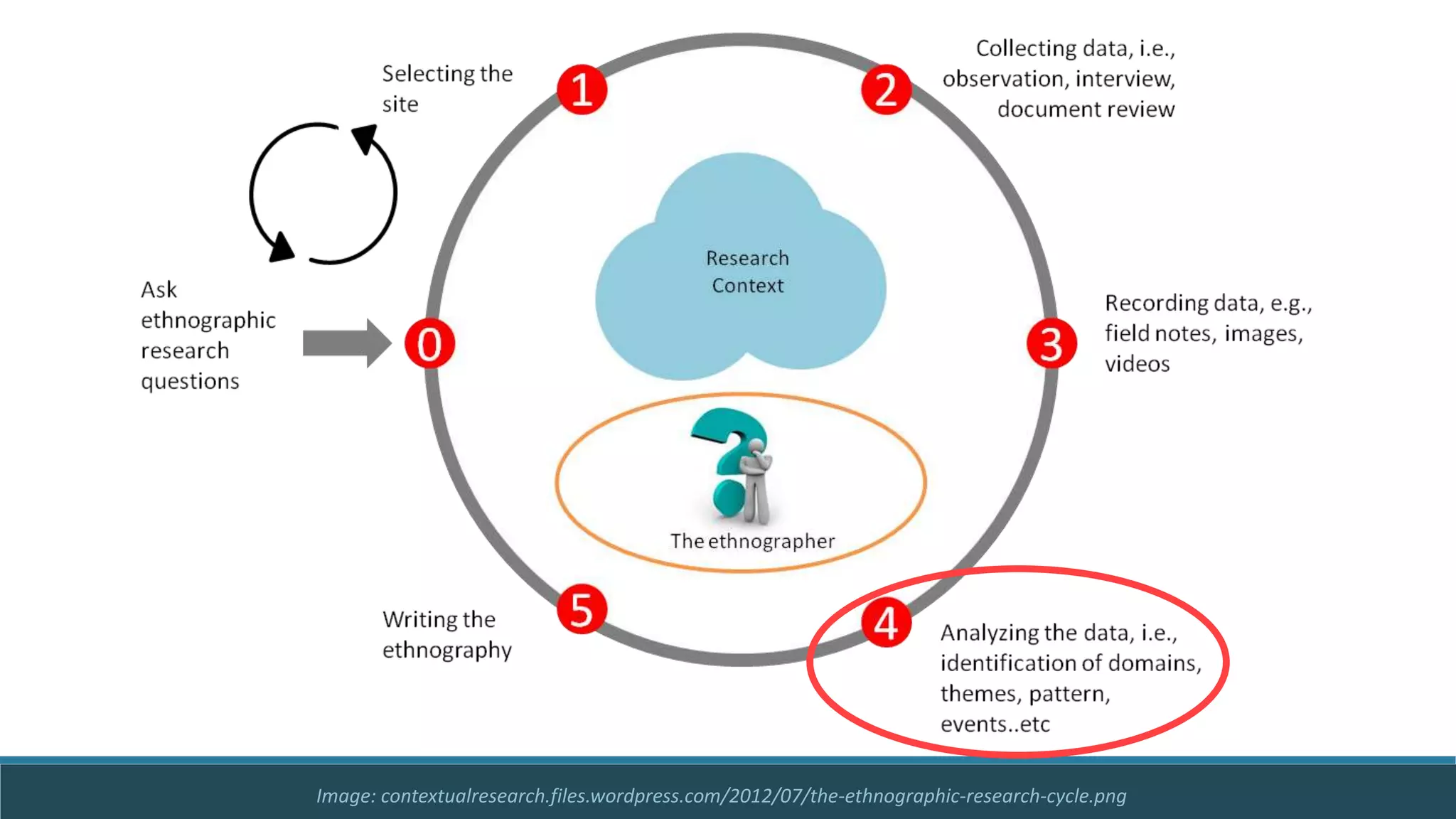
Image: contextualresearch.files.wordpress.com/2012/07/the-ethnographic-research-cycle.png
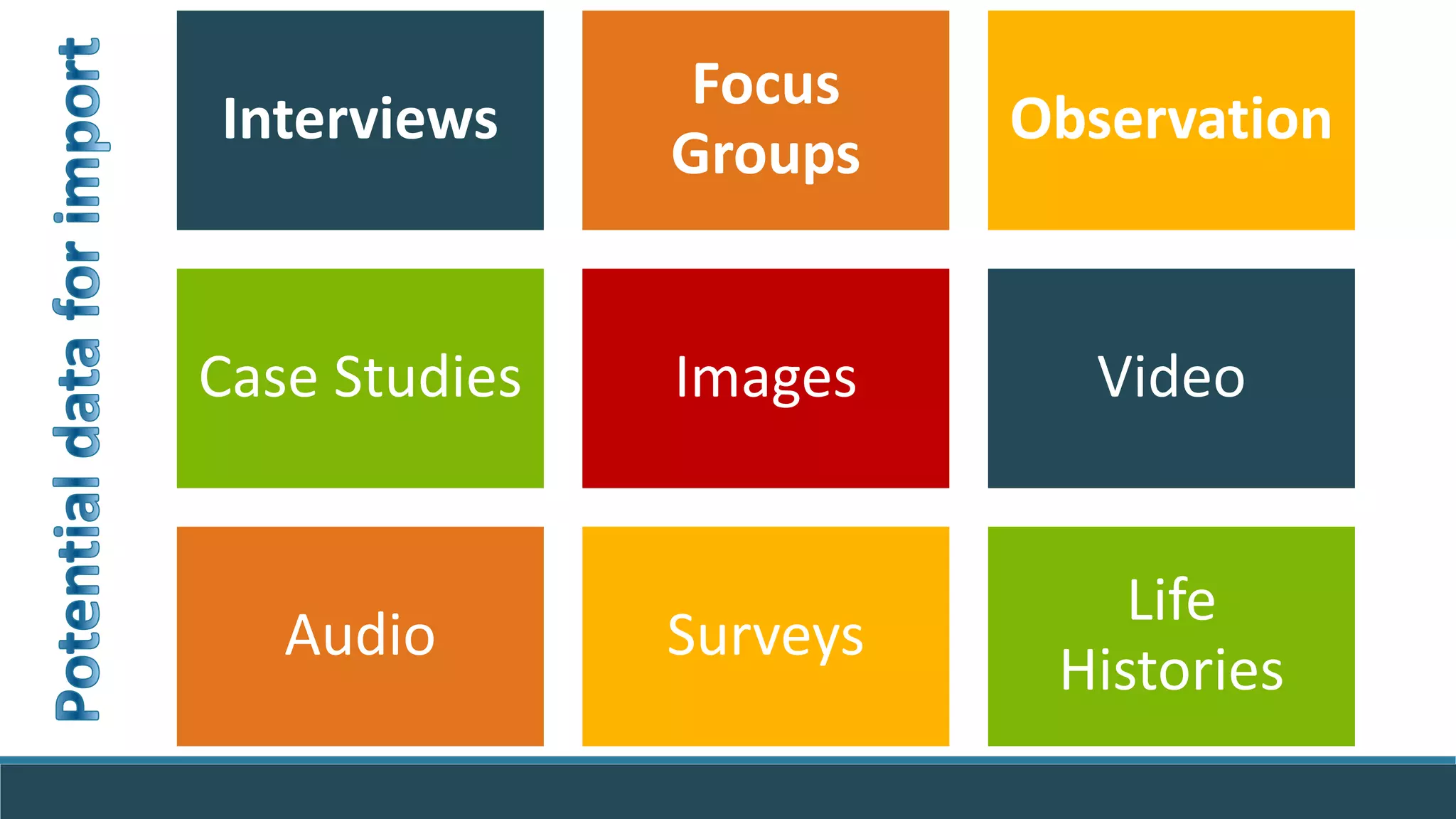
Interviews
Focus
Groups
Observation
Case Studies Images Video
Audio Surveys
Life
Histories
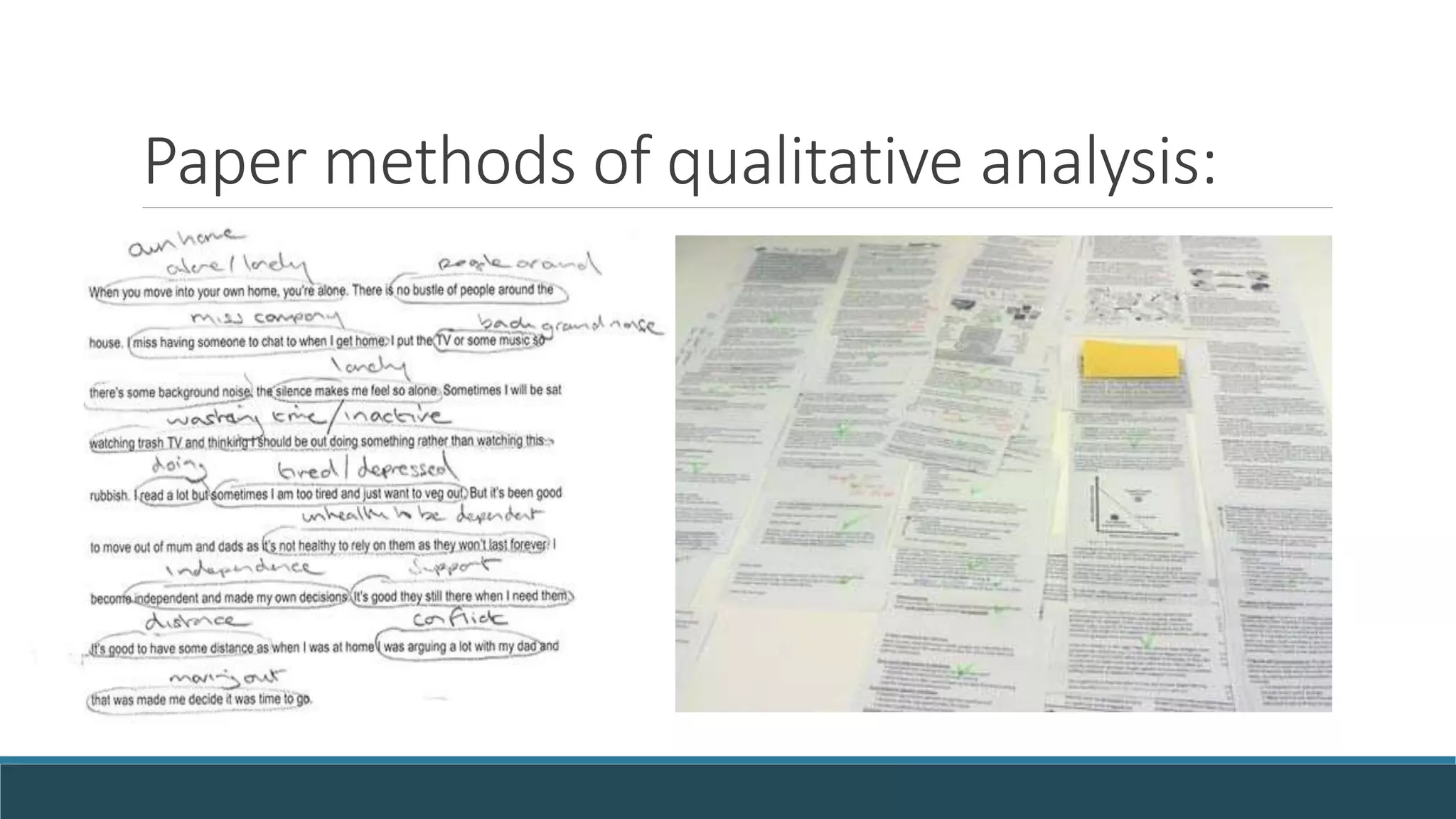
Paper methods of qualitative analysis:
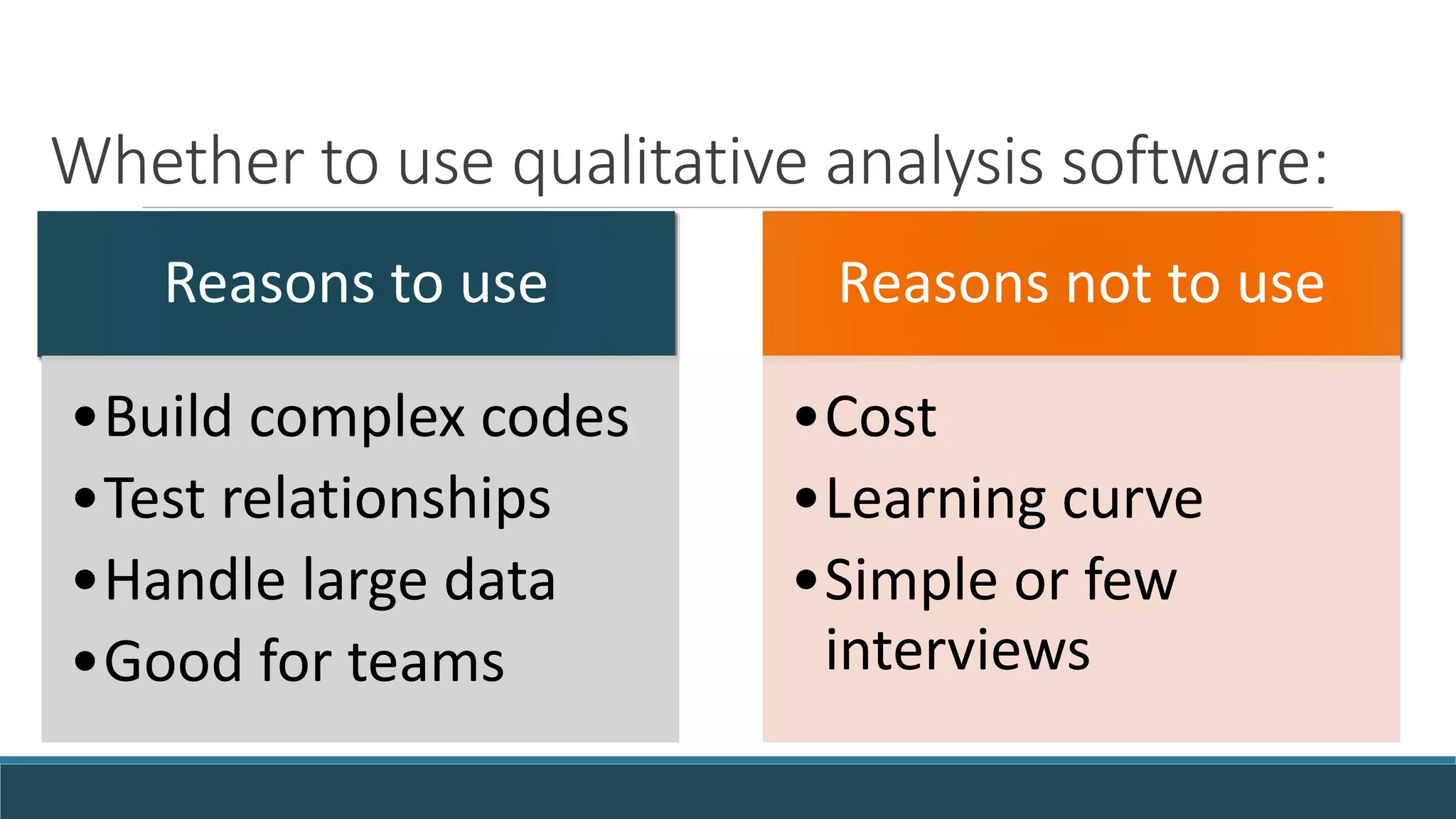
Whether to use qualitative analysis software:
Reasons to use
•Build complex codes
•Test relationships
•Handle large data
•Good for teams
Reasons not to use
•Cost
•Learning curve
•Simple or few
interviews
Questions to ask before using software:
* How many interviews, observations, photos, news clippings,
or fieldnotes have I collected?
* How in depth does my analysis need to be?
* Does my advisor recommend a certain method of coding?
* Have I studied a given method of coding or analysis?
* Is software likely to help with this method for this project?
* Do you need software skills for the job market? 
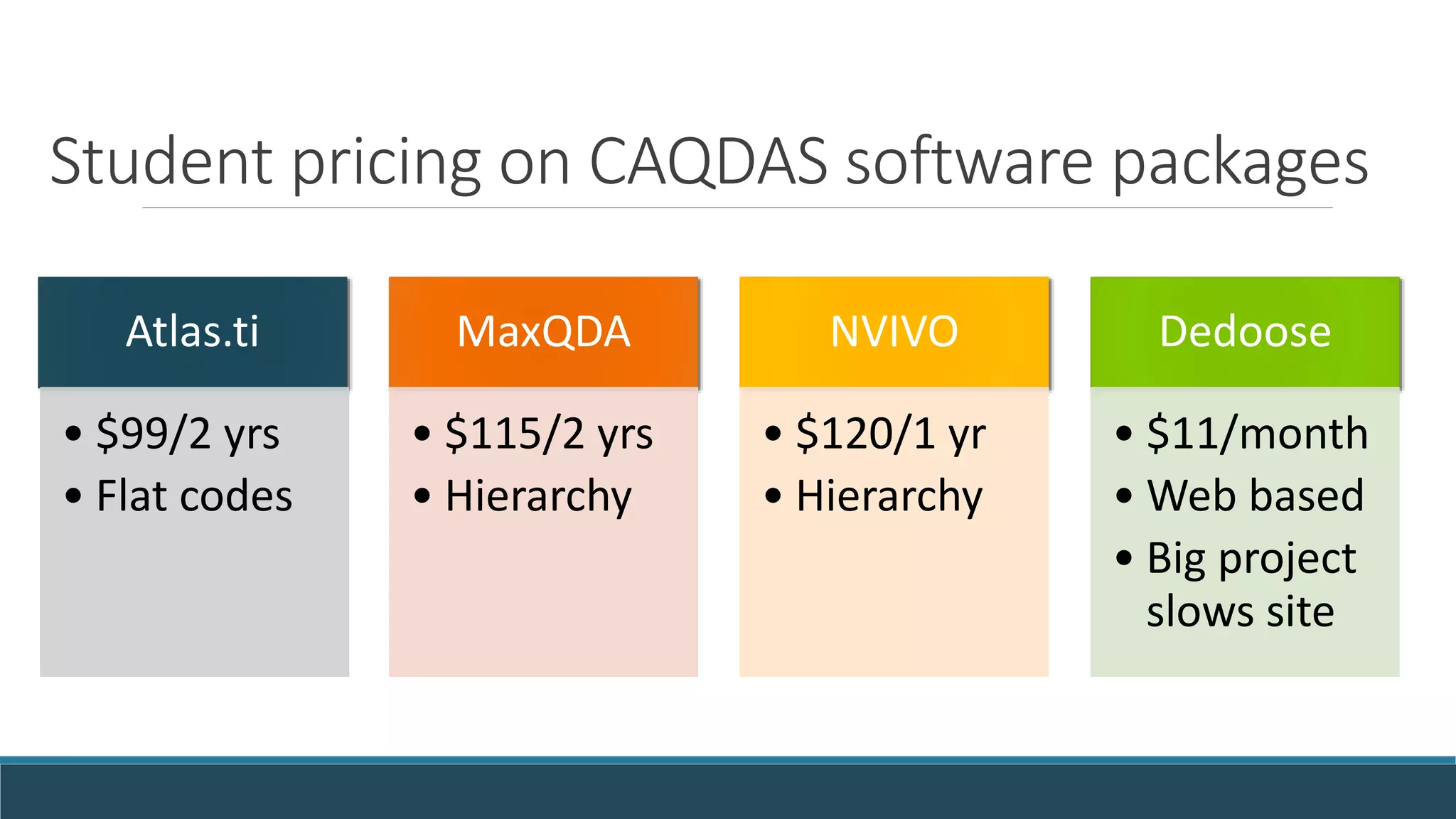
Student pricing on CAQDAS software packages
Atlas.ti
• $99/2 yrs
• Flat codes
MaxQDA
• $115/2 yrs
• Hierarchy
NVIVO
• $120/1 yr
• Hierarchy
Dedoose
• $11/month
• Web based
• Big project
slows site
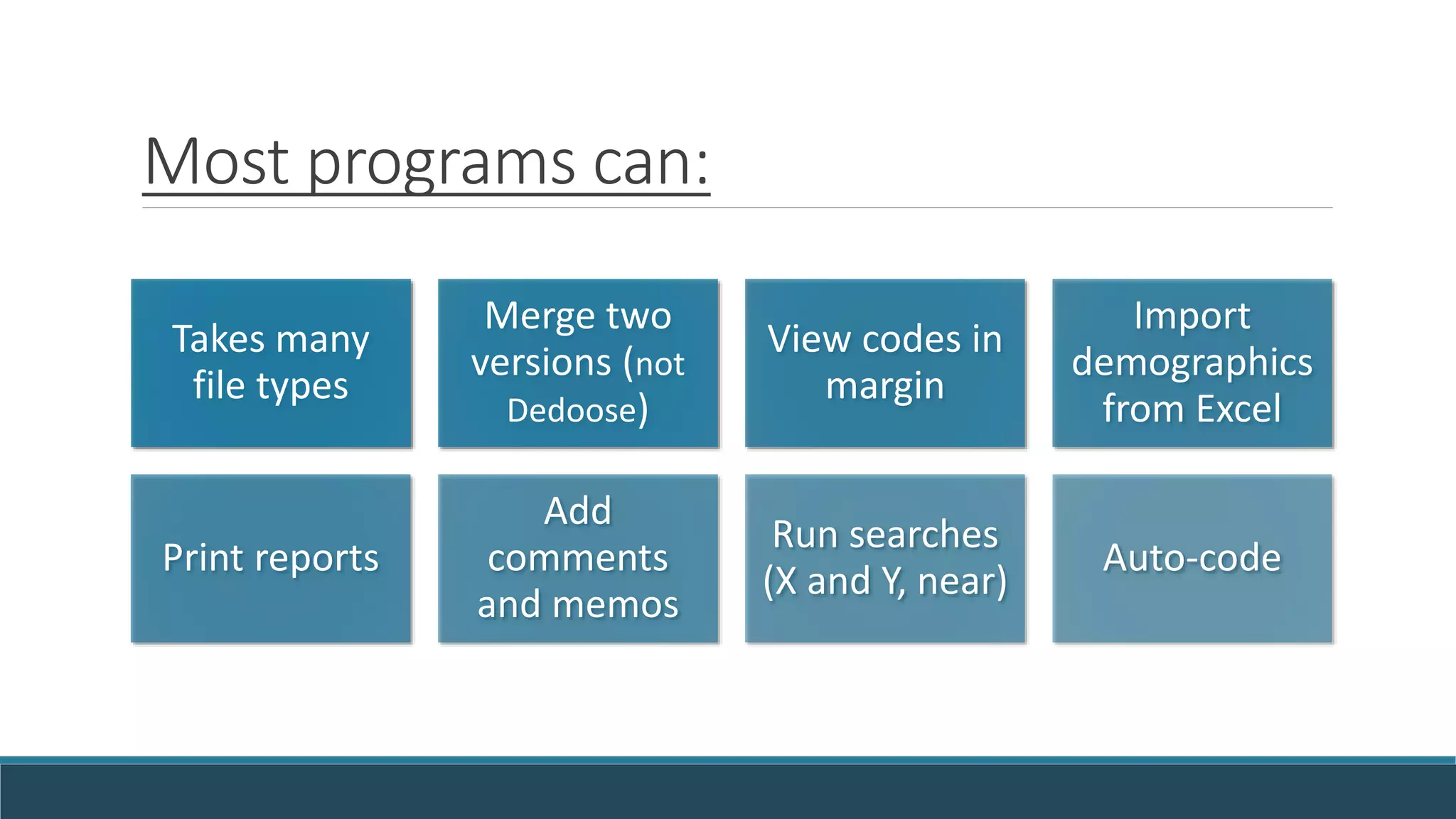
Most programs can:
Takes many
file types
Merge two
versions (not
Dedoose)
View codes in
margin
Import
demographics
from Excel
Print reports
Add
comments
and memos
Run searches
(X and Y, near)
Auto-code
Using the free Atlas.ti trial version
URL: http://atlasti.com/free-trial-version/
Trial limits: size, no auto backup – but unlimited time
10 primary documents of any size
100 quotations
50 codes, 30 memos, 10 network views
Open qualitative data for practice analysis
Start with your own documents, images
Or code blog posts and web articles
International interview & diary archives are also available:
UKDA Last Refuge Fieldnotes: http://bit.ly/UKLastRefuge
Irish Qualitative Data online at http://bit.ly/IQDArchive
African journals on HIV/AIDS at http://bit.ly/MalawiJournals
Walkthrough of Atlas.ti
INTRODUCTION TO FEATURES AND USES OF ATLAS.TI
CELIA EMMELHAINZ - ANTHROPOLOGY LIBRARIAN – UNIVERSITY OF CALIFORNIA BERKELEY
Organizing your project
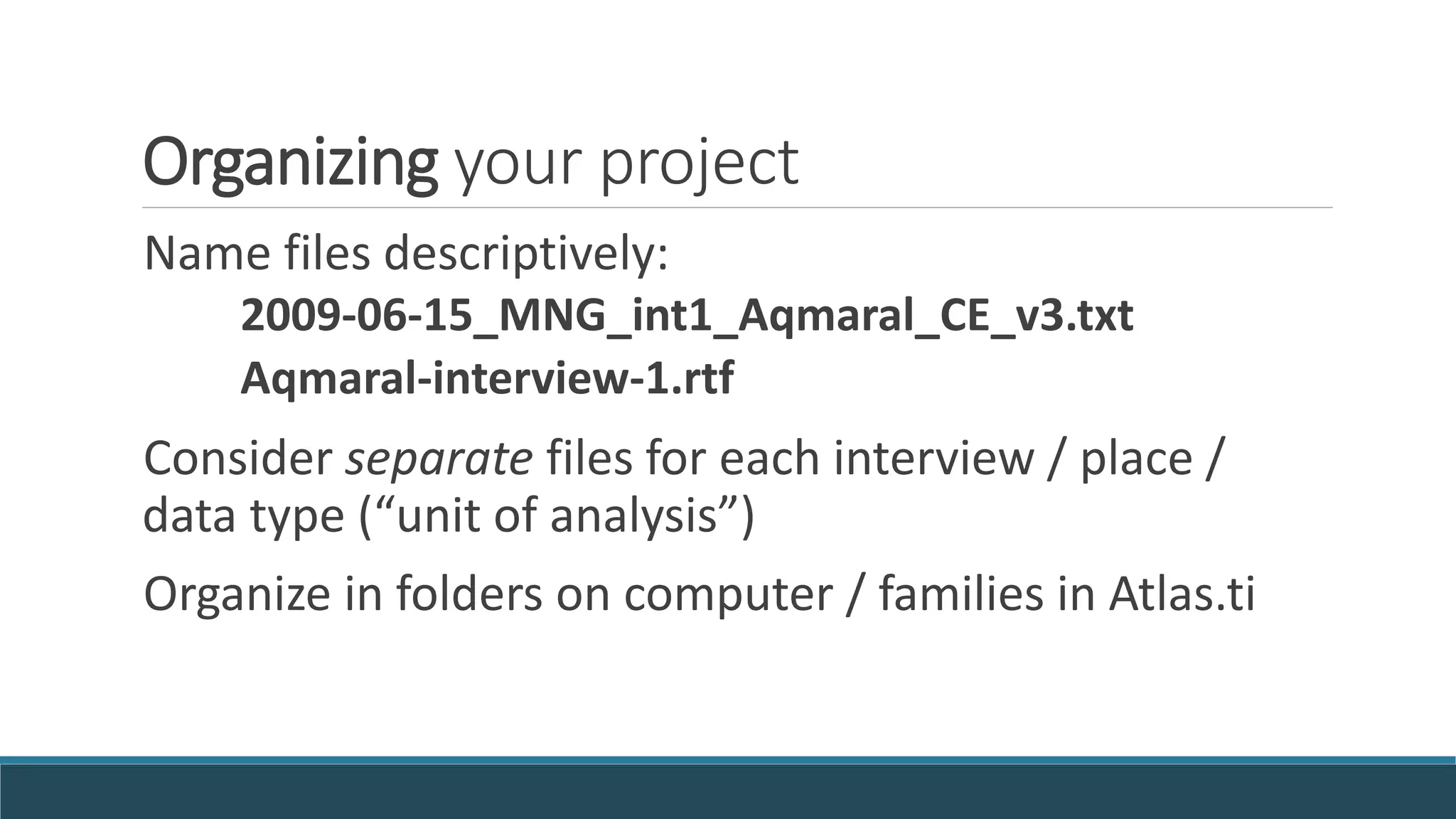
Name files descriptively:
2009-06-15_MNG_int1_Aqmaral_CE_v3.txt
Aqmaral-interview-1.rtf
Consider separate files for each interview / place /
data type (“unit of analysis”)
Organize in folders on computer / families in Atlas.ti
Formatting before import
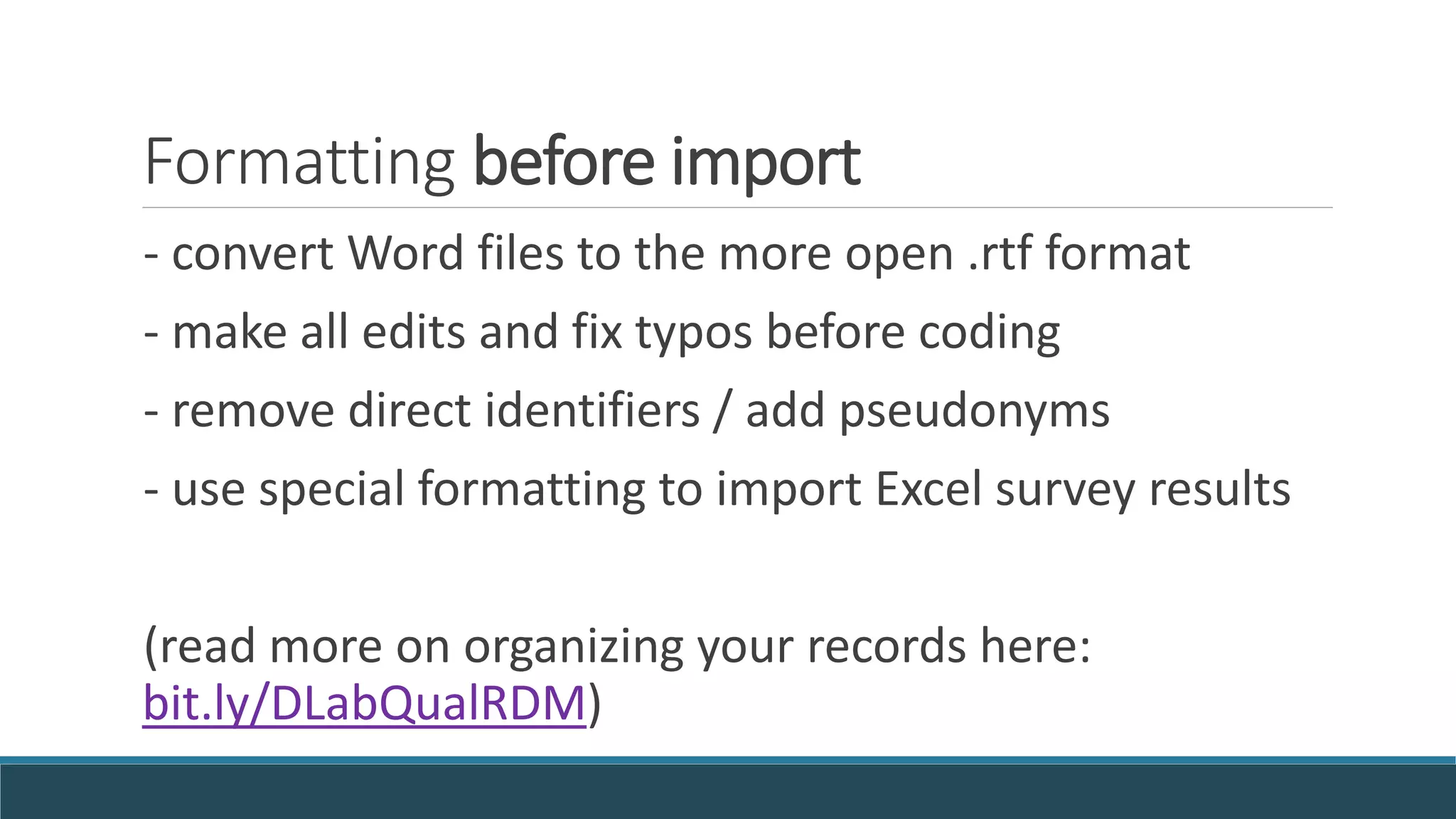
- convert Word files to the more open .rtf format
- make all edits and fix typos before coding
- remove direct identifiers / add pseudonyms
- use special formatting to import Excel survey results
(read more on organizing your records here:
bit.ly/DLabQualRDM)
Wayfinding in Atlas.ti software
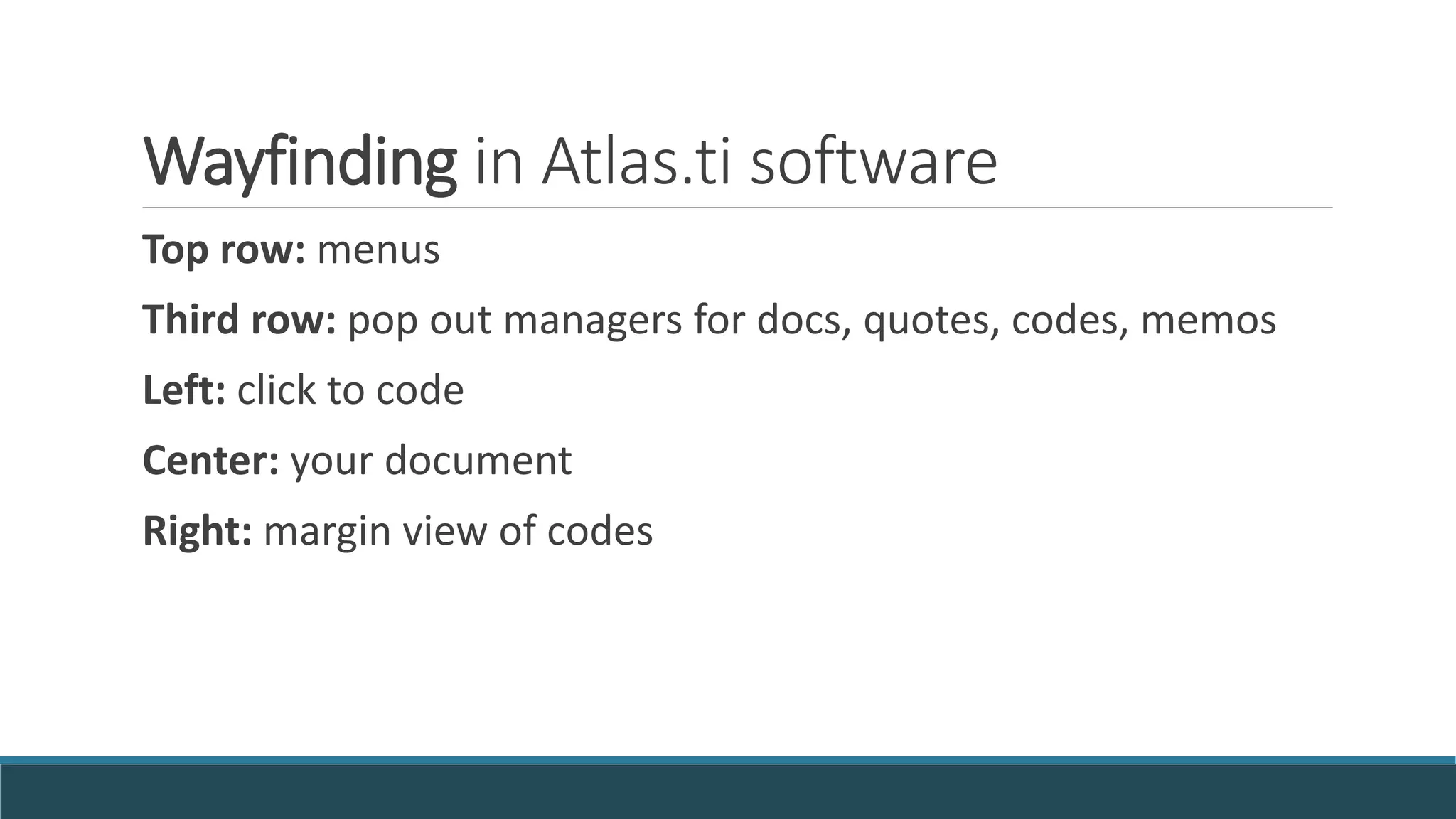
Top row: menus
Third row: pop out managers for docs, quotes, codes, memos
Left: click to code
Center: your document
Right: margin view of codes
Starting a new project
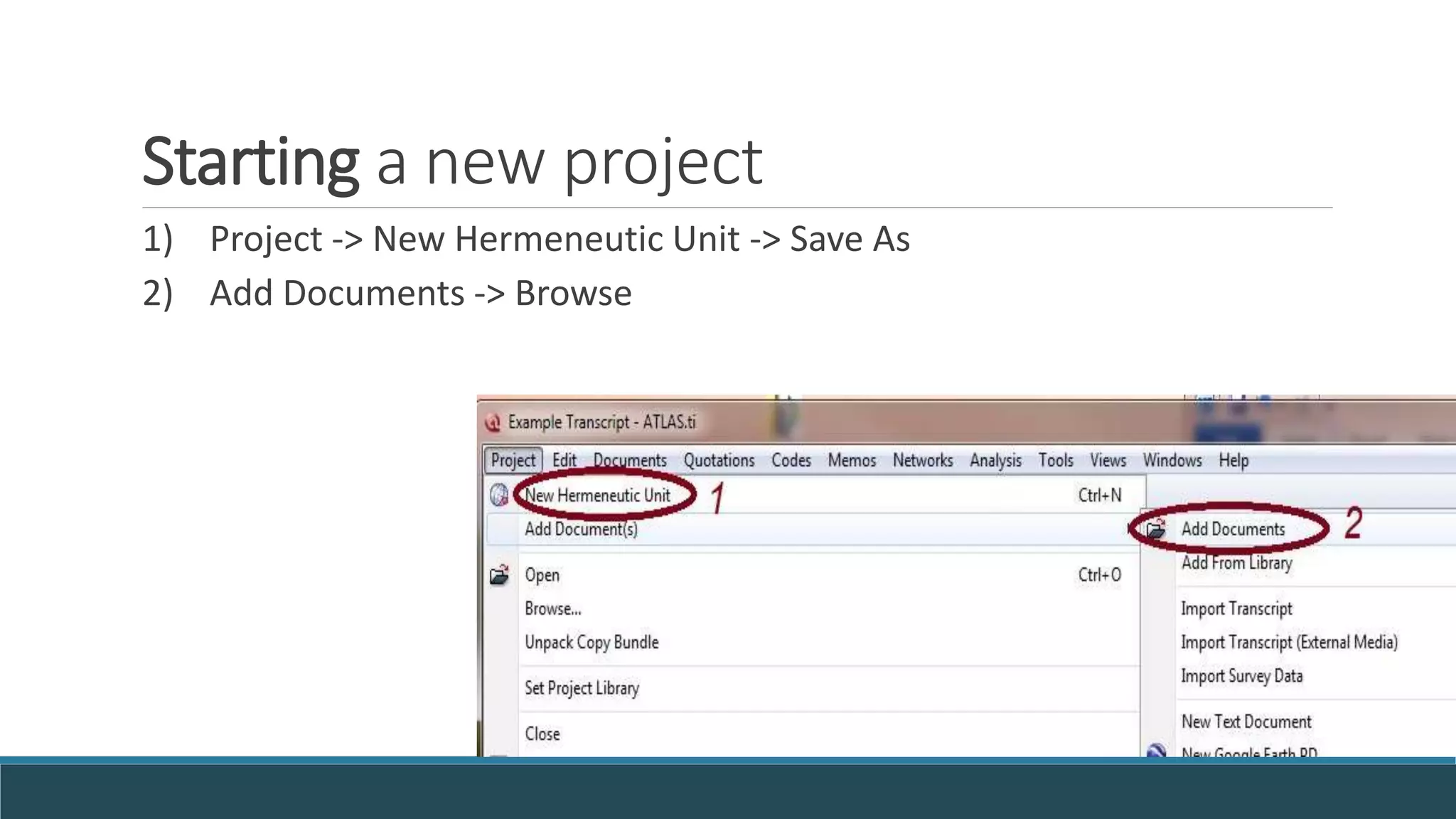
1) Project -> New Hermeneutic Unit -> Save As
2) Add Documents -> Browse
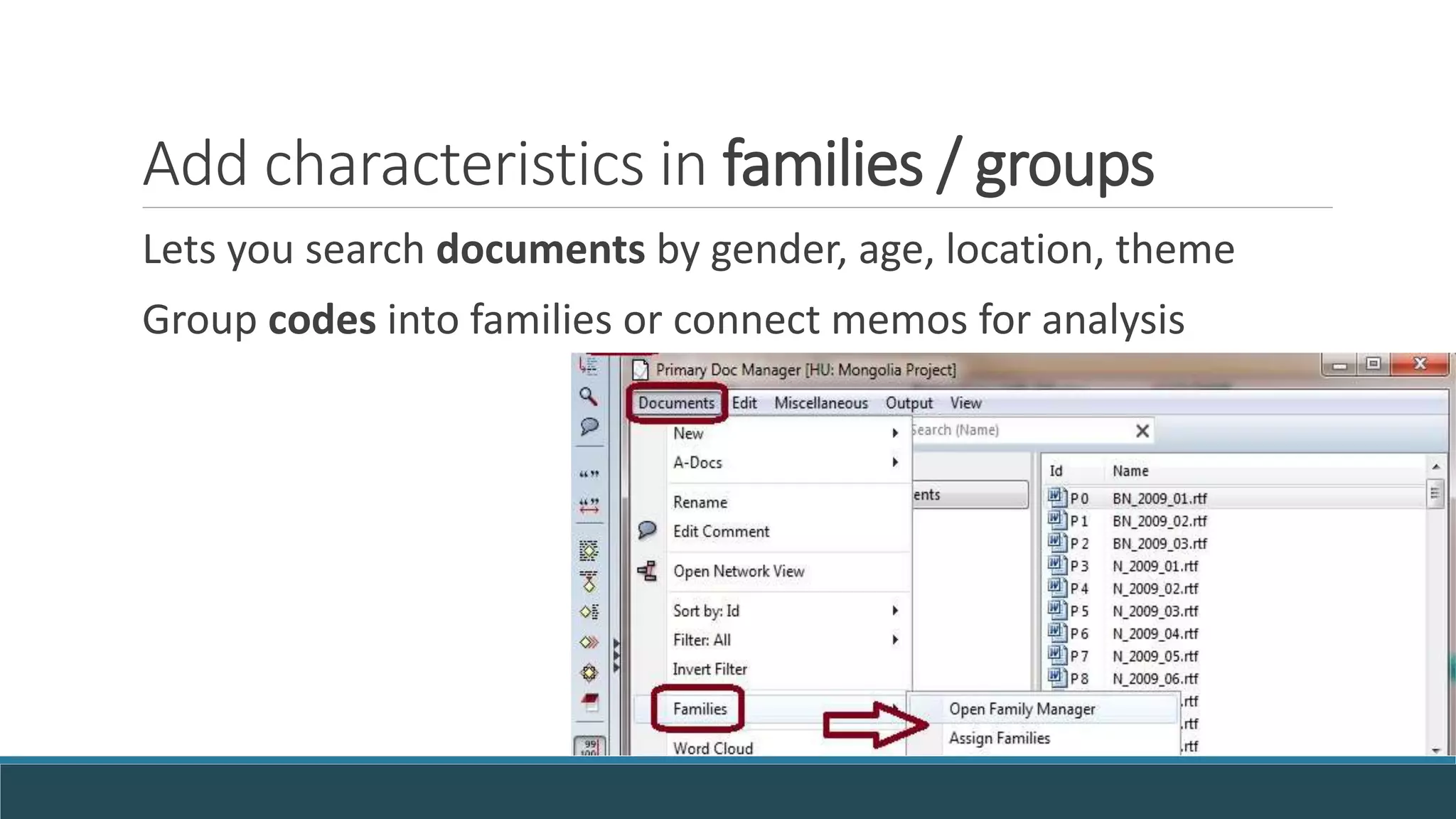
Add characteristics in families / groups
Lets you search documents by gender, age, location, theme
Group codes into families or connect memos for analysis
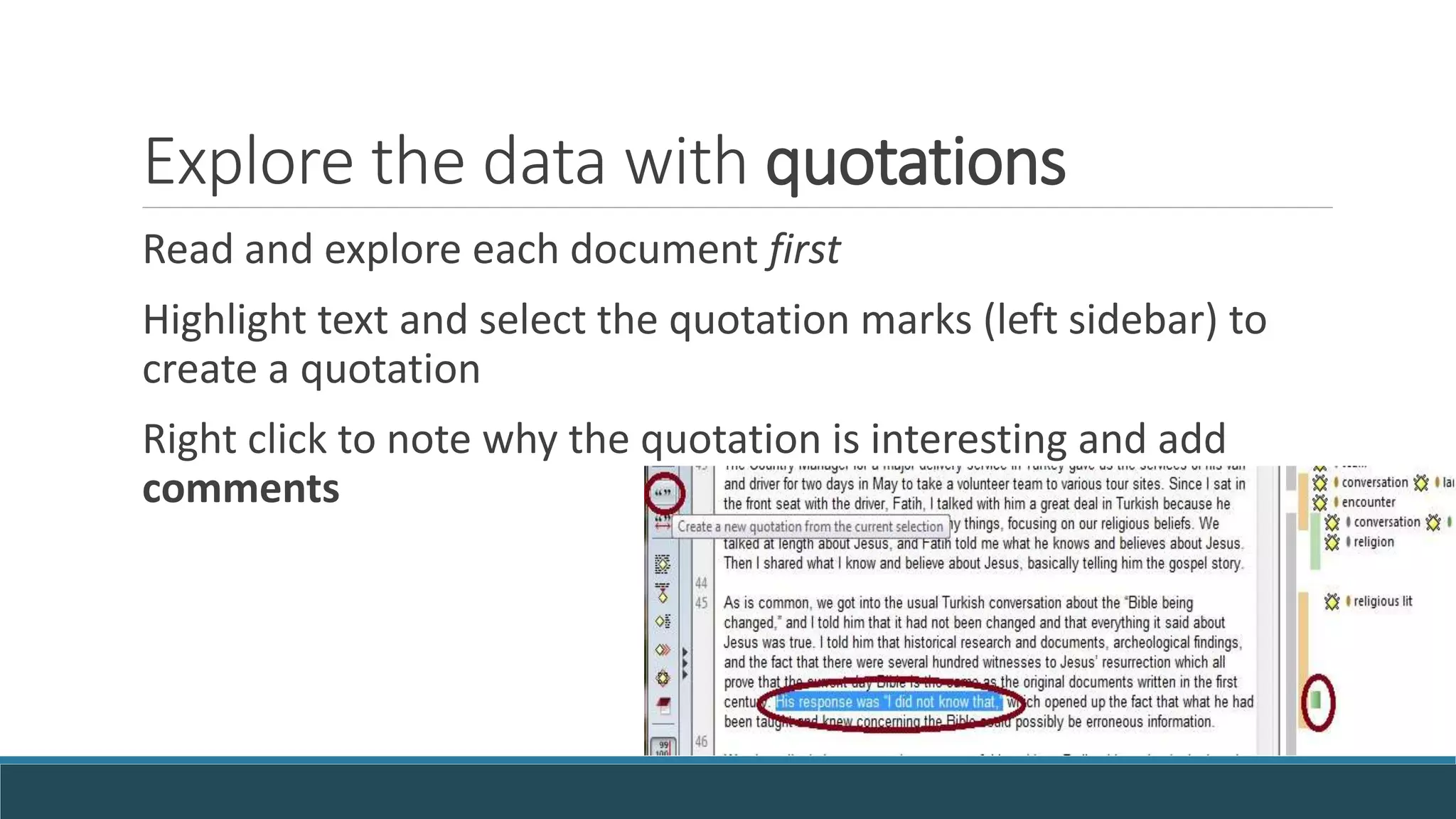
Explore the data with quotations
Read and explore each document first
Highlight text and select the quotation marks (left sidebar) to
create a quotation
Right click to note why the quotation is interesting and add
comments
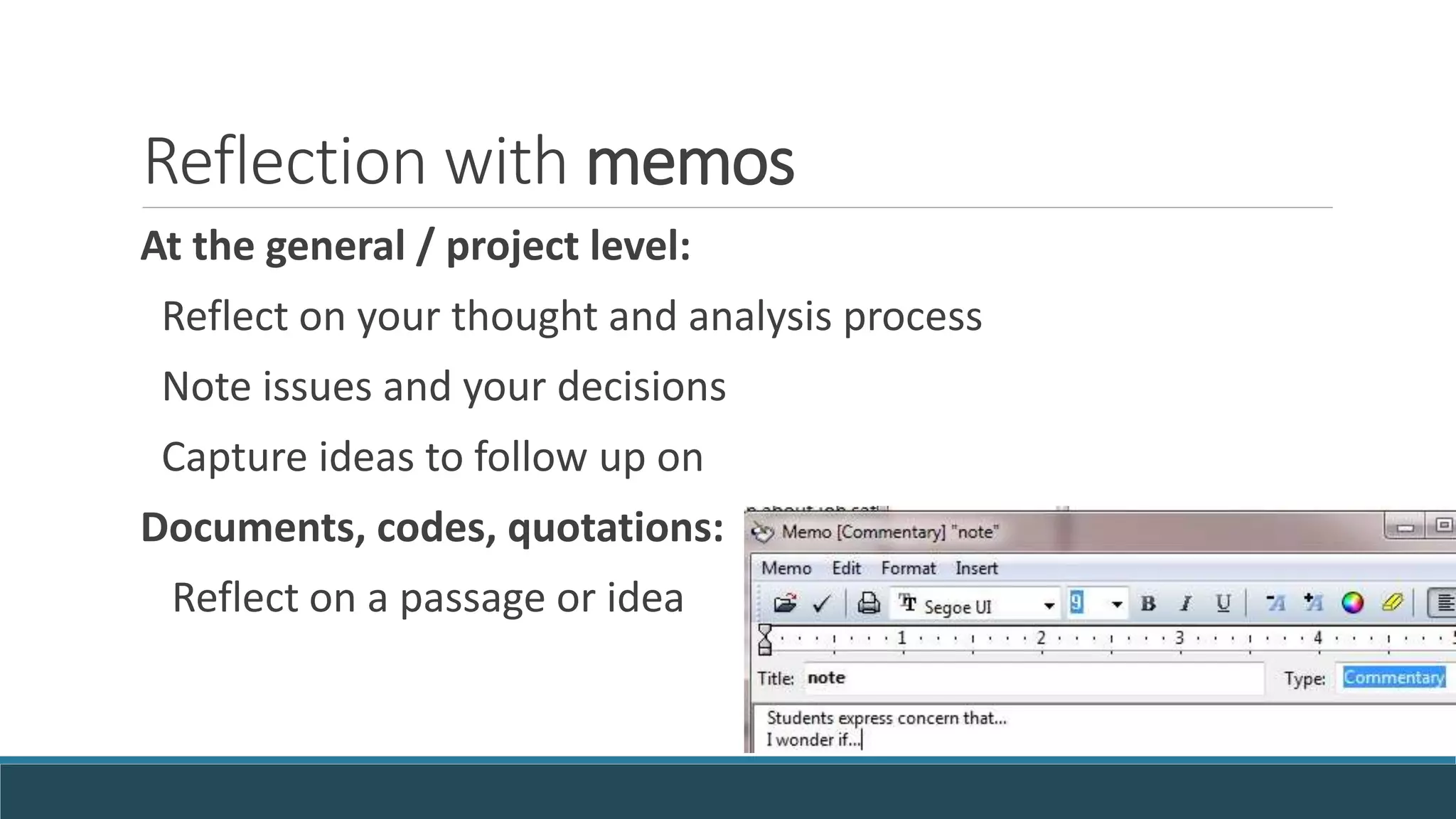
Reflection with memos
At the general / project level:
Reflect on your thought and analysis process
Note issues and your decisions
Capture ideas to follow up on
Documents, codes, quotations:
Reflect on a passage or idea
Think before coding
Read over the text first
1) Define scope of your research, and focus on that
Code for pre-existing concepts that relate to your argument
2) Let themes emerge from the data
Code for a few core topics first
One concept, one code (impact-of-family-size-in-Africa?)
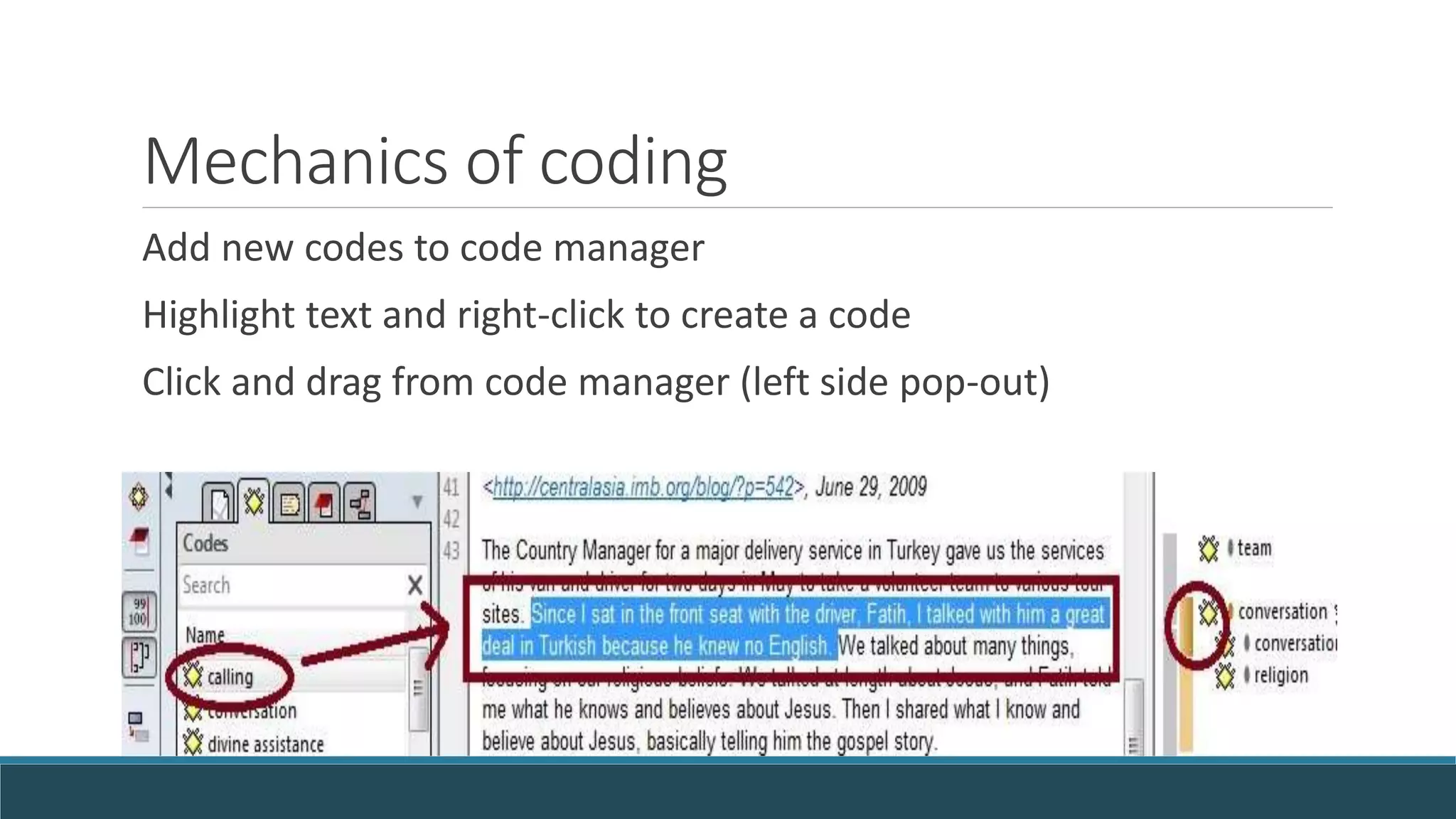
Mechanics of coding
Add new codes to code manager
Highlight text and right-click to create a code
Click and drag from code manager (left side pop-out)
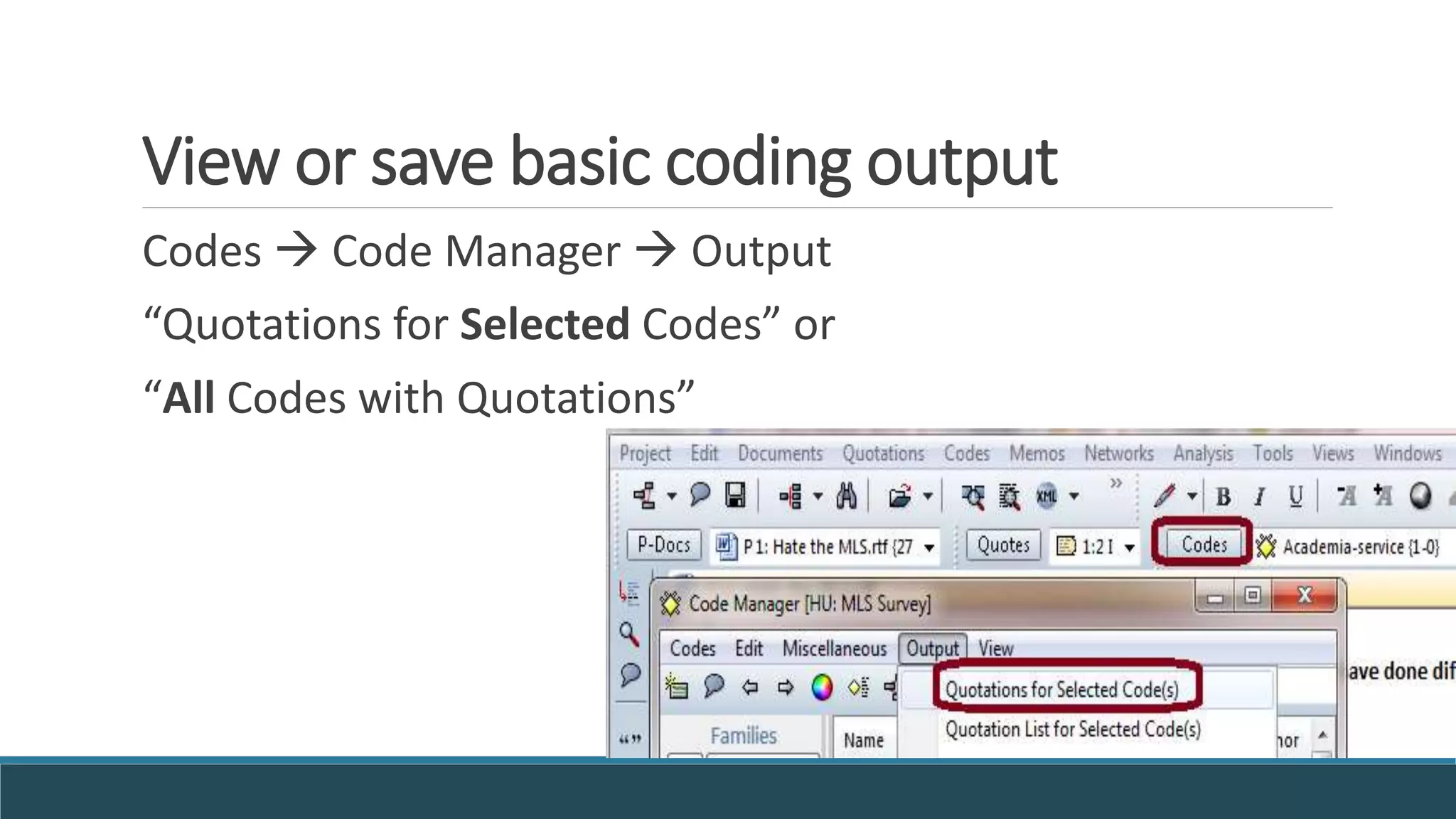
View or save basic coding output
Codes  Code Manager  Output
“Quotations for Selected Codes” or
“All Codes with Quotations”
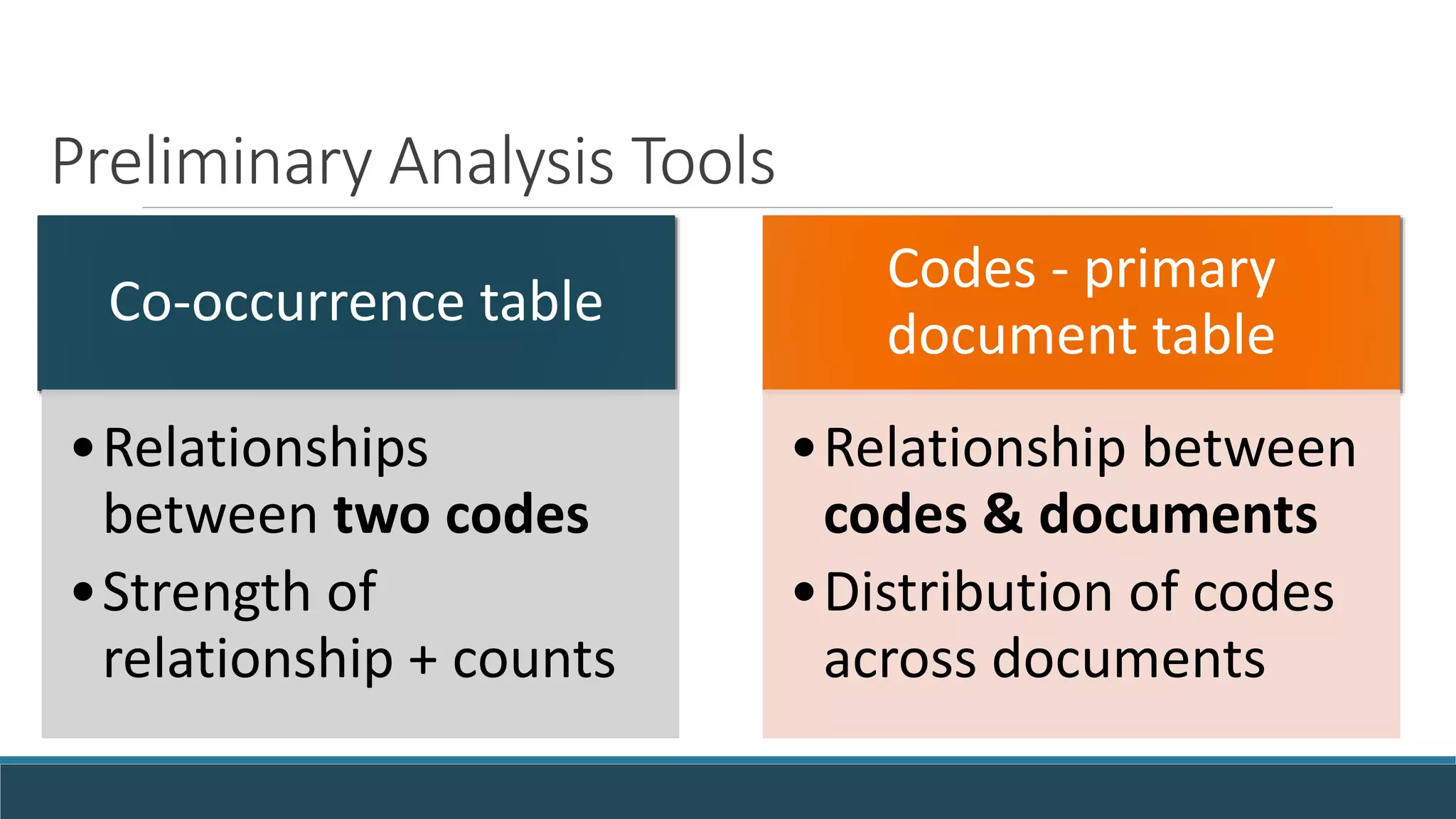
Preliminary Analysis Tools
Co-occurrence table
•Relationships
between two codes
•Strength of
relationship + counts
Codes - primary
document table
•Relationship between
codes & documents
•Distribution of codes
across documents
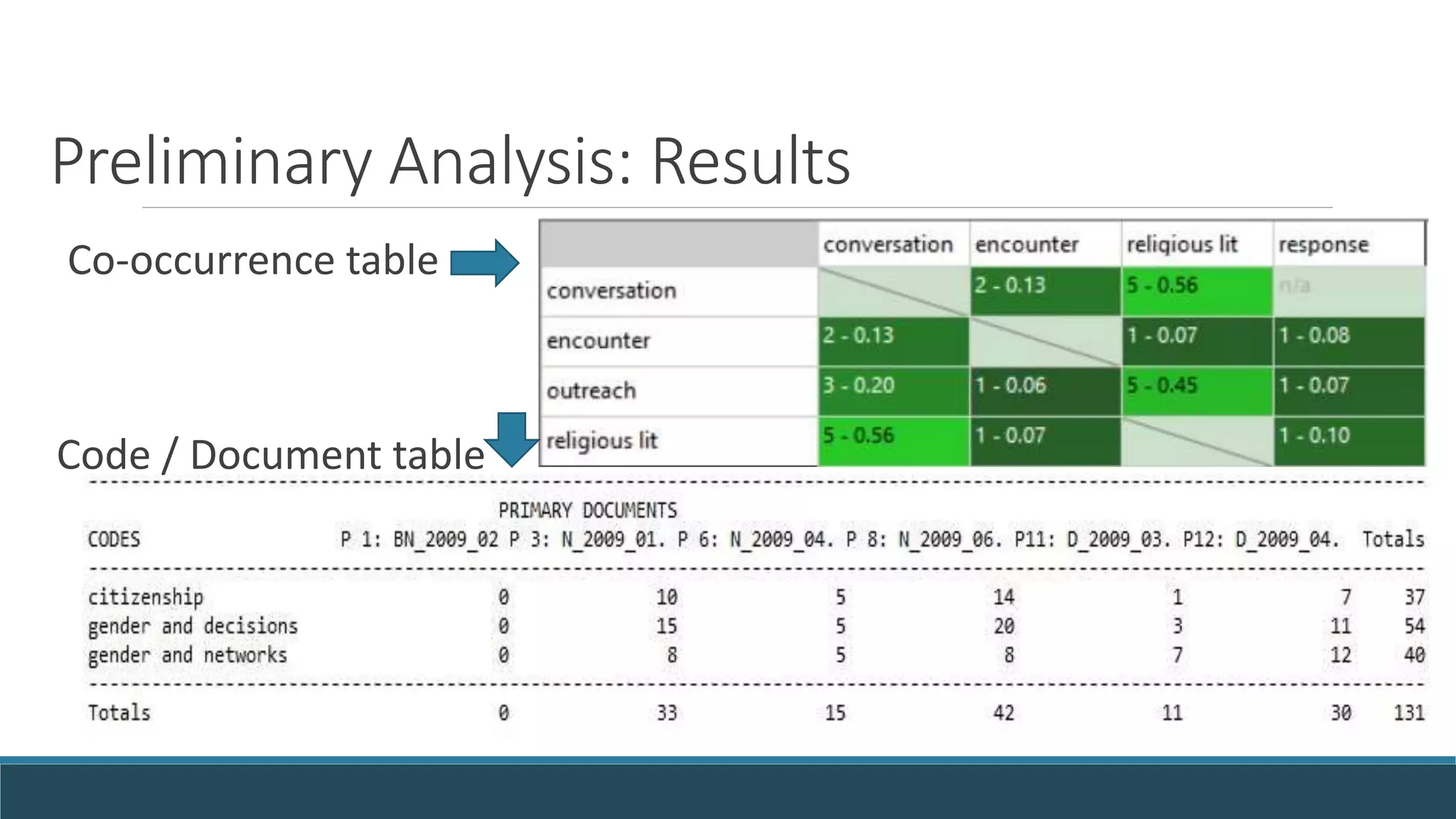
Preliminary Analysis: Results
Co-occurrence table
Code / Document table
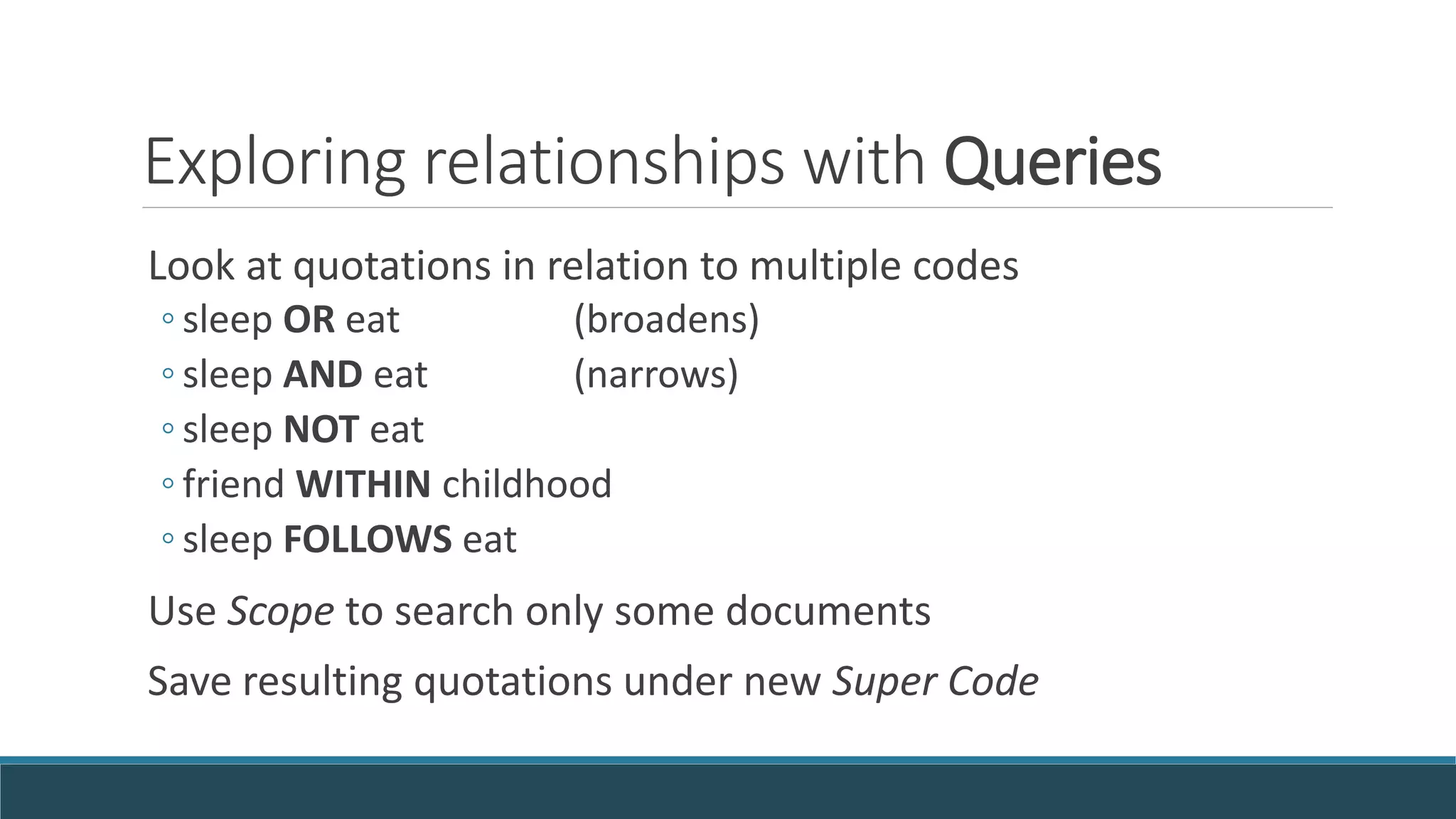
Exploring relationships with Queries
Look at quotations in relation to multiple codes
◦ sleep OR eat (broadens)
◦ sleep AND eat (narrows)
◦ sleep NOT eat
◦ friend WITHIN childhood
◦ sleep FOLLOWS eat
Use Scope to search only some documents
Save resulting quotations under new Super Code
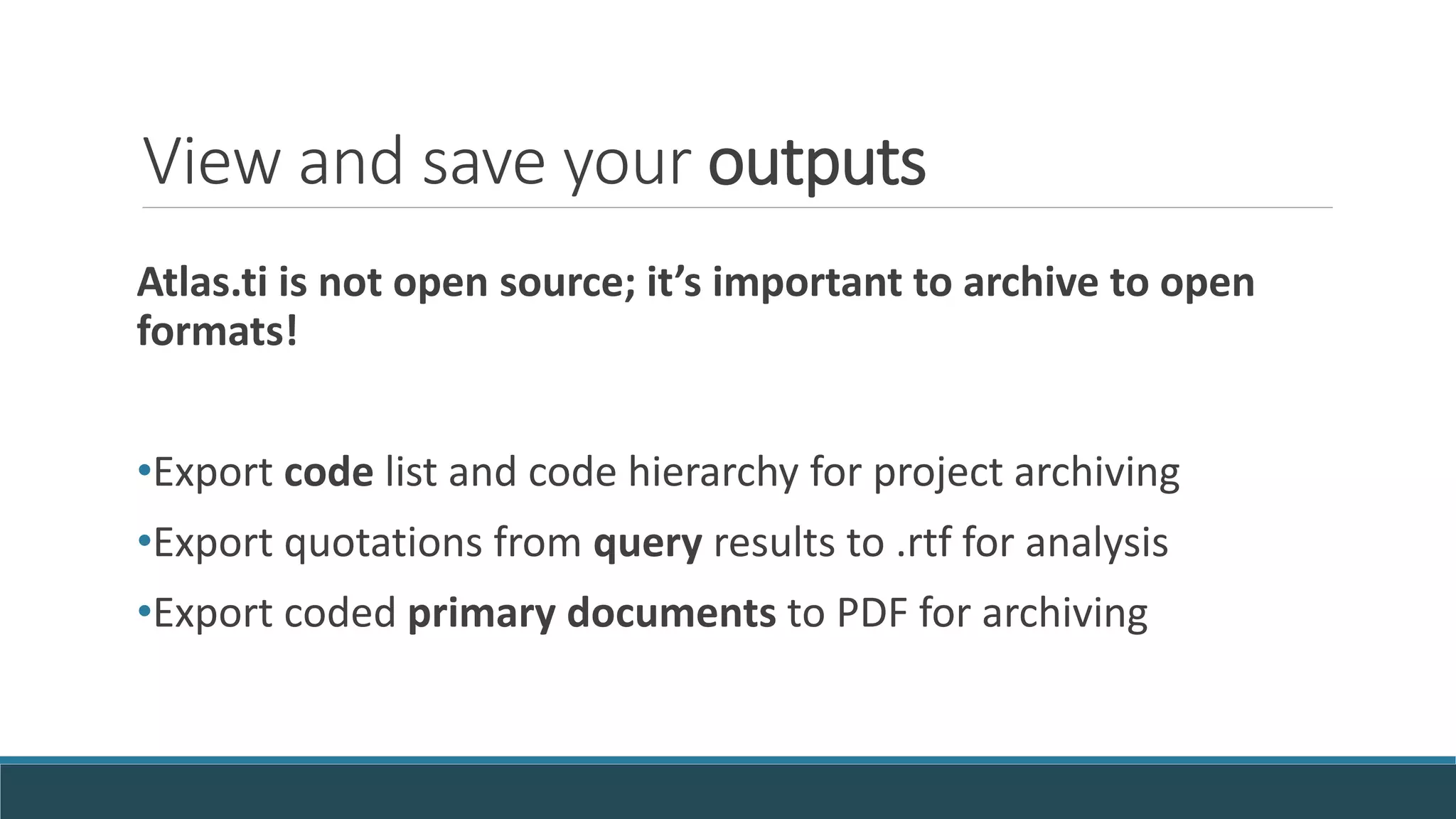
View and save your outputs
Atlas.ti is not open source; it’s important to archive to open
formats!
•Export code list and code hierarchy for project archiving
•Export quotations from query results to .rtf for analysis
•Export coded primary documents to PDF for archiving
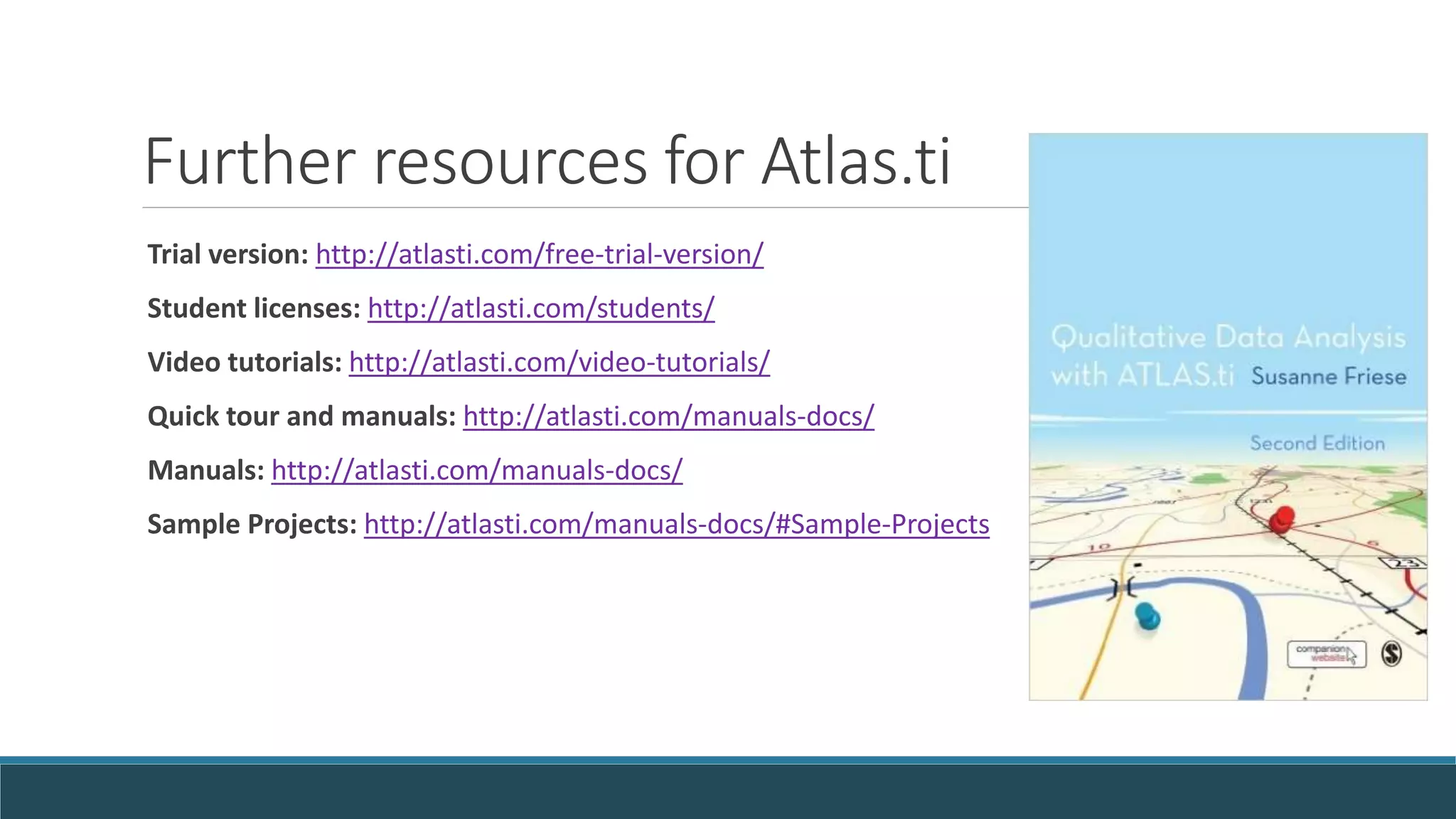
Further resources for Atlas.ti
Trial version: http://atlasti.com/free-trial-version/
Student licenses: http://atlasti.com/students/
Video tutorials: http://atlasti.com/video-tutorials/
Quick tour and manuals: http://atlasti.com/manuals-docs/
Manuals: http://atlasti.com/manuals-docs/
Sample Projects: http://atlasti.com/manuals-docs/#Sample-Projects
Questions?

Qualitative Analysis in Atlas.ti

  • 1.
    Qualitative Analysis inCAQDAS Software A TOOL TO ANALYZE YOUR INTERVIEWS AND OBSERVATIONS CELIA EMMELHAINZ - QUALITATIVE RESEARCH LIBRARIAN - UC BERKELEY – OCTOBER 2016
  • 2.
    Today’s plan * Whatis qualitative analysis? * What are my options for qualitative software? * Atlas.ti: Getting Started * Atlas.ti: Adding Codes and Memos * Atlas.ti: Running Queries and Outputs * Questions and discussion
  • 3.
  • 4.
  • 5.
    Paper methods ofqualitative analysis:
  • 6.
    Whether to usequalitative analysis software: Reasons to use •Build complex codes •Test relationships •Handle large data •Good for teams Reasons not to use •Cost •Learning curve •Simple or few interviews
  • 7.
    Questions to askbefore using software: * How many interviews, observations, photos, news clippings, or fieldnotes have I collected? * How in depth does my analysis need to be? * Does my advisor recommend a certain method of coding? * Have I studied a given method of coding or analysis? * Is software likely to help with this method for this project? * Do you need software skills for the job market? 
  • 8.
    Student pricing onCAQDAS software packages Atlas.ti • $99/2 yrs • Flat codes MaxQDA • $115/2 yrs • Hierarchy NVIVO • $120/1 yr • Hierarchy Dedoose • $11/month • Web based • Big project slows site
  • 9.
    Most programs can: Takesmany file types Merge two versions (not Dedoose) View codes in margin Import demographics from Excel Print reports Add comments and memos Run searches (X and Y, near) Auto-code
  • 10.
    Using the freeAtlas.ti trial version URL: http://atlasti.com/free-trial-version/ Trial limits: size, no auto backup – but unlimited time 10 primary documents of any size 100 quotations 50 codes, 30 memos, 10 network views
  • 11.
    Open qualitative datafor practice analysis Start with your own documents, images Or code blog posts and web articles International interview & diary archives are also available: UKDA Last Refuge Fieldnotes: http://bit.ly/UKLastRefuge Irish Qualitative Data online at http://bit.ly/IQDArchive African journals on HIV/AIDS at http://bit.ly/MalawiJournals
  • 12.
    Walkthrough of Atlas.ti INTRODUCTIONTO FEATURES AND USES OF ATLAS.TI CELIA EMMELHAINZ - ANTHROPOLOGY LIBRARIAN – UNIVERSITY OF CALIFORNIA BERKELEY
  • 13.
    Organizing your project Namefiles descriptively: 2009-06-15_MNG_int1_Aqmaral_CE_v3.txt Aqmaral-interview-1.rtf Consider separate files for each interview / place / data type (“unit of analysis”) Organize in folders on computer / families in Atlas.ti
  • 14.
    Formatting before import -convert Word files to the more open .rtf format - make all edits and fix typos before coding - remove direct identifiers / add pseudonyms - use special formatting to import Excel survey results (read more on organizing your records here: bit.ly/DLabQualRDM)
  • 15.
    Wayfinding in Atlas.tisoftware Top row: menus Third row: pop out managers for docs, quotes, codes, memos Left: click to code Center: your document Right: margin view of codes
  • 16.
    Starting a newproject 1) Project -> New Hermeneutic Unit -> Save As 2) Add Documents -> Browse
  • 17.
    Add characteristics infamilies / groups Lets you search documents by gender, age, location, theme Group codes into families or connect memos for analysis
  • 18.
    Explore the datawith quotations Read and explore each document first Highlight text and select the quotation marks (left sidebar) to create a quotation Right click to note why the quotation is interesting and add comments
  • 19.
    Reflection with memos Atthe general / project level: Reflect on your thought and analysis process Note issues and your decisions Capture ideas to follow up on Documents, codes, quotations: Reflect on a passage or idea
  • 20.
    Think before coding Readover the text first 1) Define scope of your research, and focus on that Code for pre-existing concepts that relate to your argument 2) Let themes emerge from the data Code for a few core topics first One concept, one code (impact-of-family-size-in-Africa?)
  • 21.
    Mechanics of coding Addnew codes to code manager Highlight text and right-click to create a code Click and drag from code manager (left side pop-out)
  • 22.
    View or savebasic coding output Codes  Code Manager  Output “Quotations for Selected Codes” or “All Codes with Quotations”
  • 23.
    Preliminary Analysis Tools Co-occurrencetable •Relationships between two codes •Strength of relationship + counts Codes - primary document table •Relationship between codes & documents •Distribution of codes across documents
  • 24.
  • 25.
    Exploring relationships withQueries Look at quotations in relation to multiple codes ◦ sleep OR eat (broadens) ◦ sleep AND eat (narrows) ◦ sleep NOT eat ◦ friend WITHIN childhood ◦ sleep FOLLOWS eat Use Scope to search only some documents Save resulting quotations under new Super Code
  • 26.
    View and saveyour outputs Atlas.ti is not open source; it’s important to archive to open formats! •Export code list and code hierarchy for project archiving •Export quotations from query results to .rtf for analysis •Export coded primary documents to PDF for archiving
  • 27.
    Further resources forAtlas.ti Trial version: http://atlasti.com/free-trial-version/ Student licenses: http://atlasti.com/students/ Video tutorials: http://atlasti.com/video-tutorials/ Quick tour and manuals: http://atlasti.com/manuals-docs/ Manuals: http://atlasti.com/manuals-docs/ Sample Projects: http://atlasti.com/manuals-docs/#Sample-Projects
  • 28.

Editor's Notes

  • #2 Introduce self – Celia Emmelhainz, qualitative research librarian Ask for introductions – name, department, experience with QDA or software
  • #3 It’s a judgment call. Some options;
  • #6 Images from Summer Starling – QDA with MaxQDA presentation for D-Lab
  • #7 ALSO RQDA http://rqda.r-forge.r-project.org/
  • #8 It’s a judgment call. Some options;
  • #9 ALSO RQDA http://rqda.r-forge.r-project.org/
  • #10 BUT not fully open source.
  • #13 BUILD ON THIS http://campusguides.lib.utah.edu/c.php?g=532147&p=3786865
  • #15 Unit of analysis determines when you need separate files – people or groups, location, time?
  • #18 Can import quantitative variables as “families” from Excel Items can be in more than one family ### called families on PC or groups in Mac
  • #19 * Can code at levels (high, medium, low)
  • #20 Under-used by important [Next Note impressions and broader ideas with memos
  • #21 Can code at levels (high, medium, low) Demo: Add new codes to code manager Right click and select 1+ from list Drag and drop from side menu “Unlink” to remove codes from quote “in vivo” coding uses respondents’ wording
  • #22 Can code at levels (high, medium, low) Demo: Add new codes to code manager Right click and select 1+ from list Drag and drop from side menu “Unlink” to remove codes from quote “in vivo” coding uses respondents’ wording
  • #23 Can code at levels (high, medium, low) Demo: Add new codes to code manager Right click and select 1+ from list Drag and drop from side menu “Unlink” to remove codes from quote
  • #24 ALSO RQDA http://rqda.r-forge.r-project.org/
  • #25 ALSO RQDA http://rqda.r-forge.r-project.org/
  • #26 o see code overlap w/each other, use co-occurrence explorer Code Family to compare many terms Adds query at top; may need to flip topmost code NOT for only one code or family Look in middle for what’s actually being searched Use 2nd AND to join layers eg AND(NOT "divine assistance" & ("conversation" & "encounter")) Semantic (SUB groups, UP level, SIB same level) require network view links first Friese 157 - WITHIN – if coded long section as childhood, and friendship within that – this will find all instances of that (useful!) FOLLOWS – adjacency operator default is paragraphs for text – so within 10 pps CO-OCCURRENCE – doesn’t matter which order within / overlapped Start with code you want to read; other just narrows down that code
  • #27 It’s a judgment call. Some options;