(without introducing more risk)
Running Puppet in Docker
Puppet
Gareth Rushgrove
Demos of using Puppet Software with Containers
(without introducing more risk)
@garethr
(without introducing more risk)
Gareth Rushgrove
(without introducing more risk)
What we’ll cover
This talk
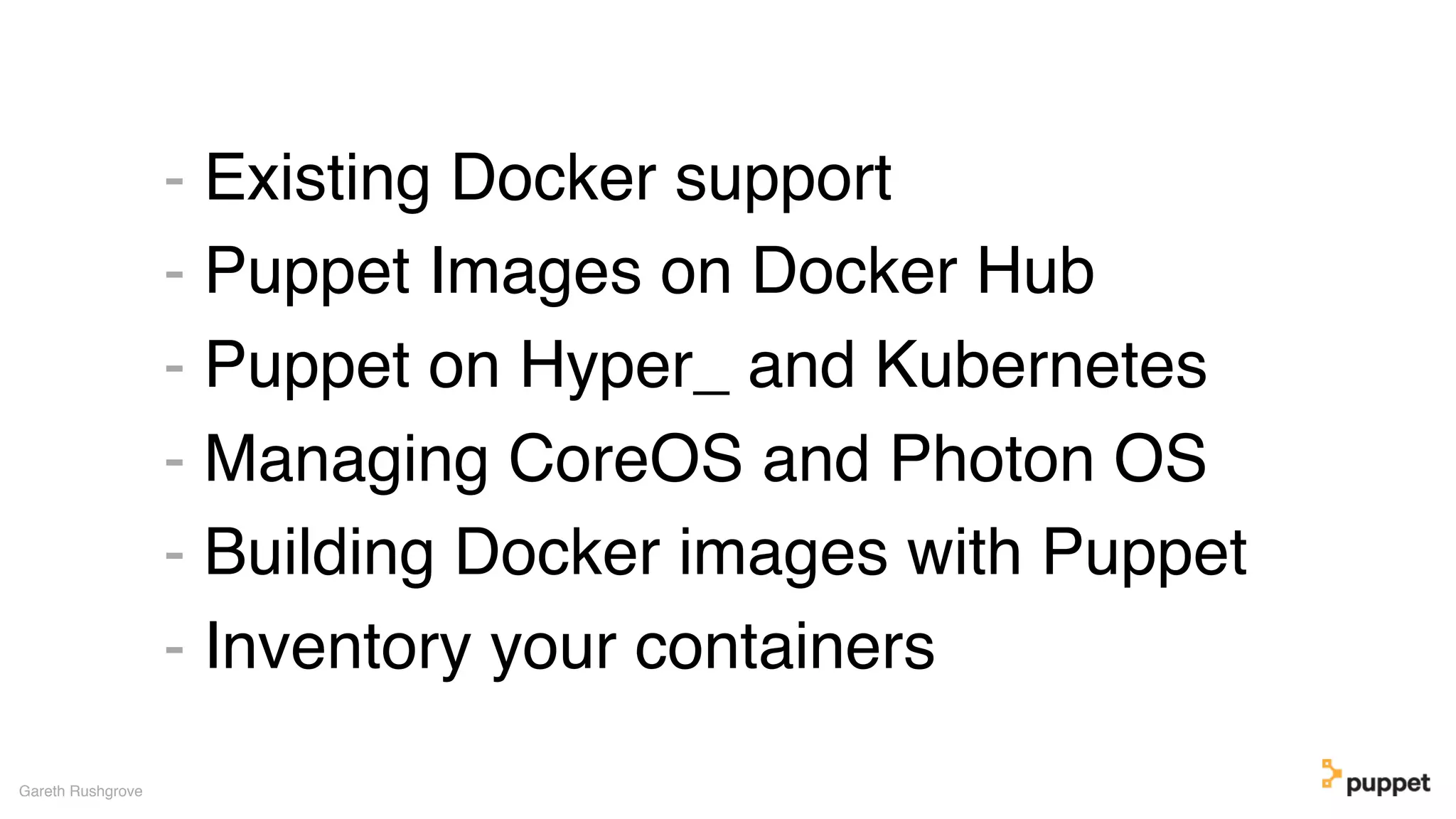
- Existing Docker support
- Puppet Images on Docker Hub
- Puppet on Hyper_ and Kubernetes
- Managing CoreOS and Photon OS
- Building Docker images with Puppet
- Inventory your containers
Gareth Rushgrove
(without introducing more risk)DEMOS
(without introducing more risk)
A quick summary
Existing Docker support
Gareth Rushgrove
+
(without introducing more risk)
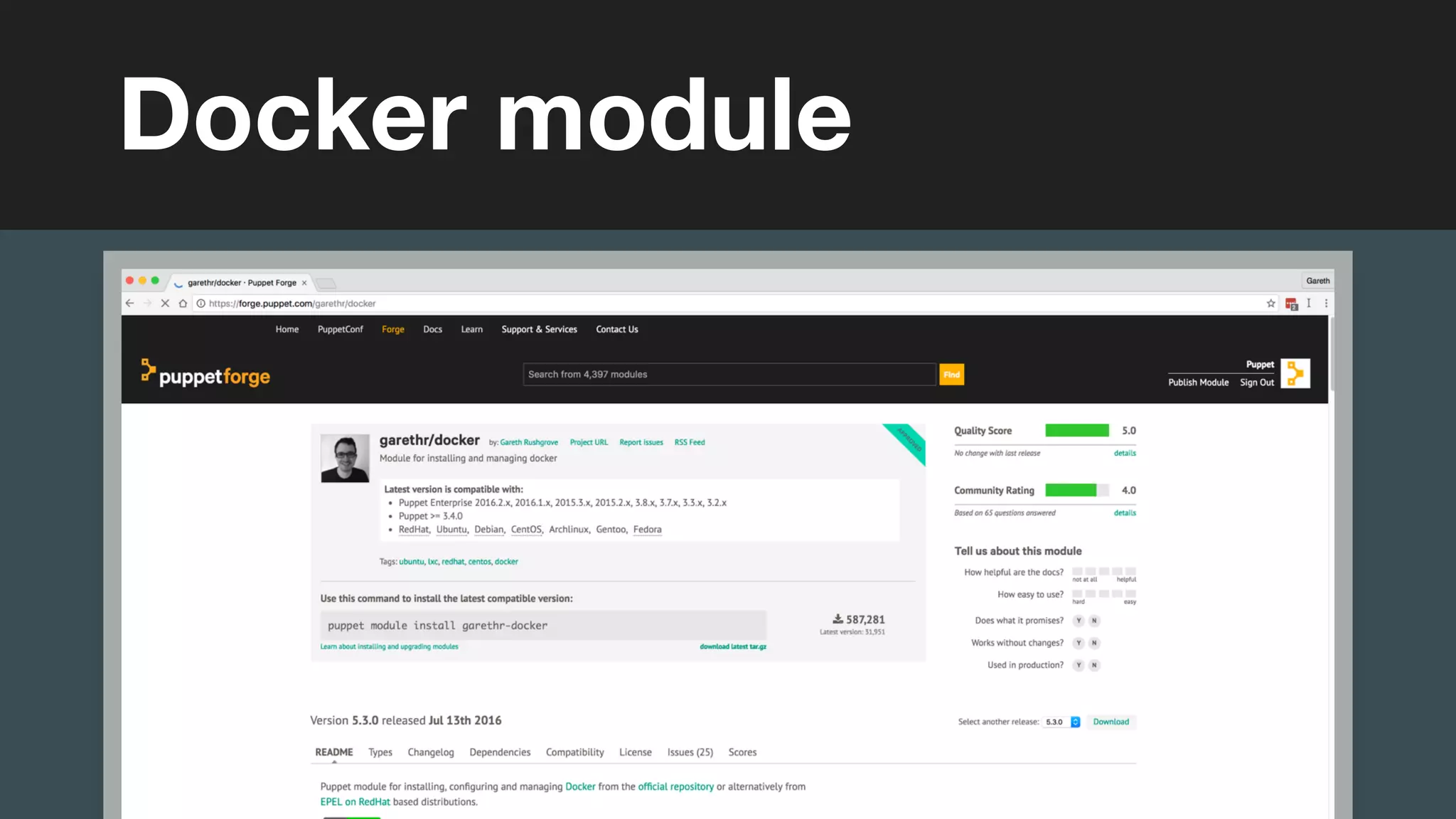
Docker module
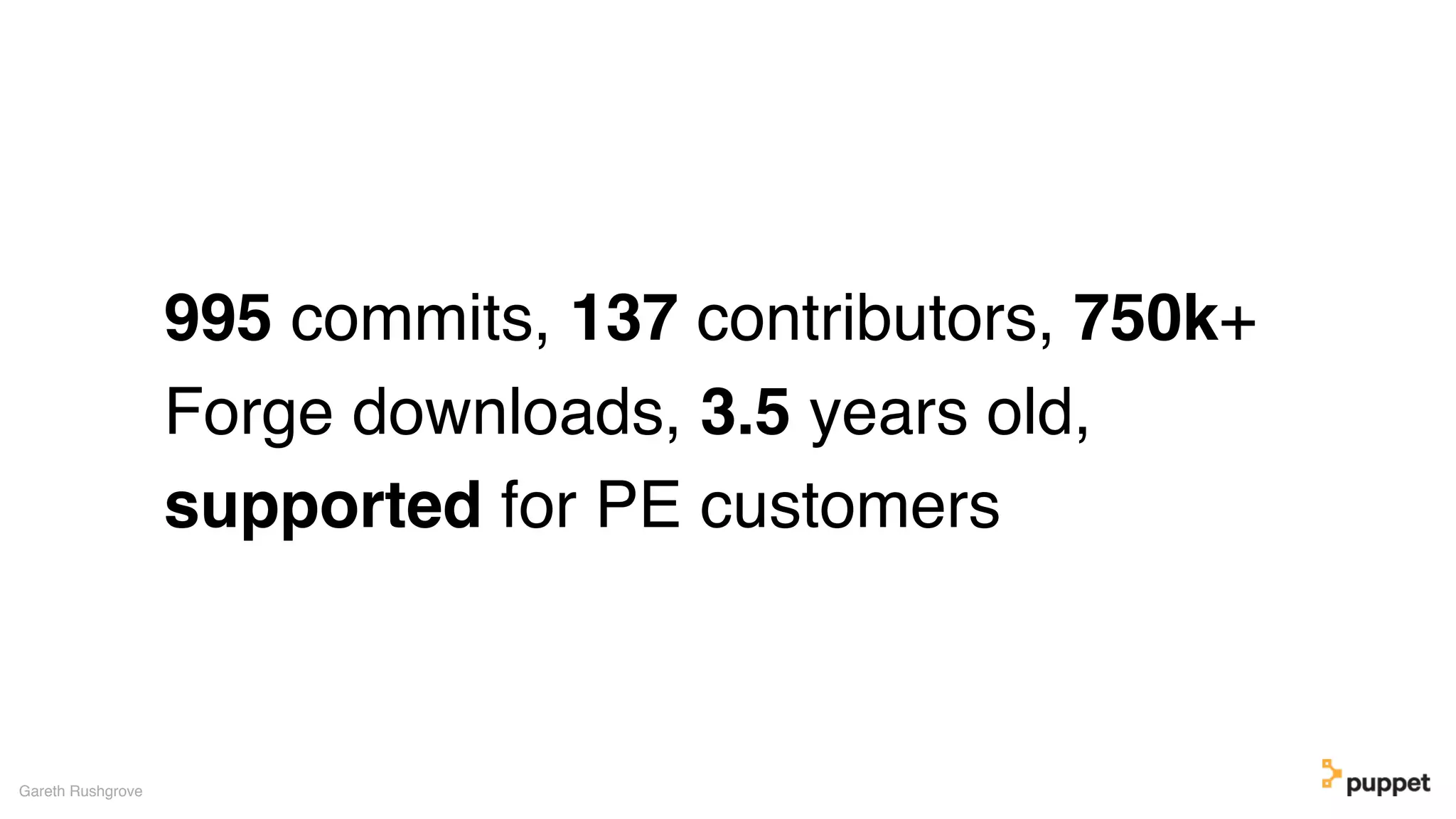
995 commits, 137 contributors, 750k+
Forge downloads, 3.5 years old,
supported for PE customers
Gareth Rushgrove
(without introducing more risk)
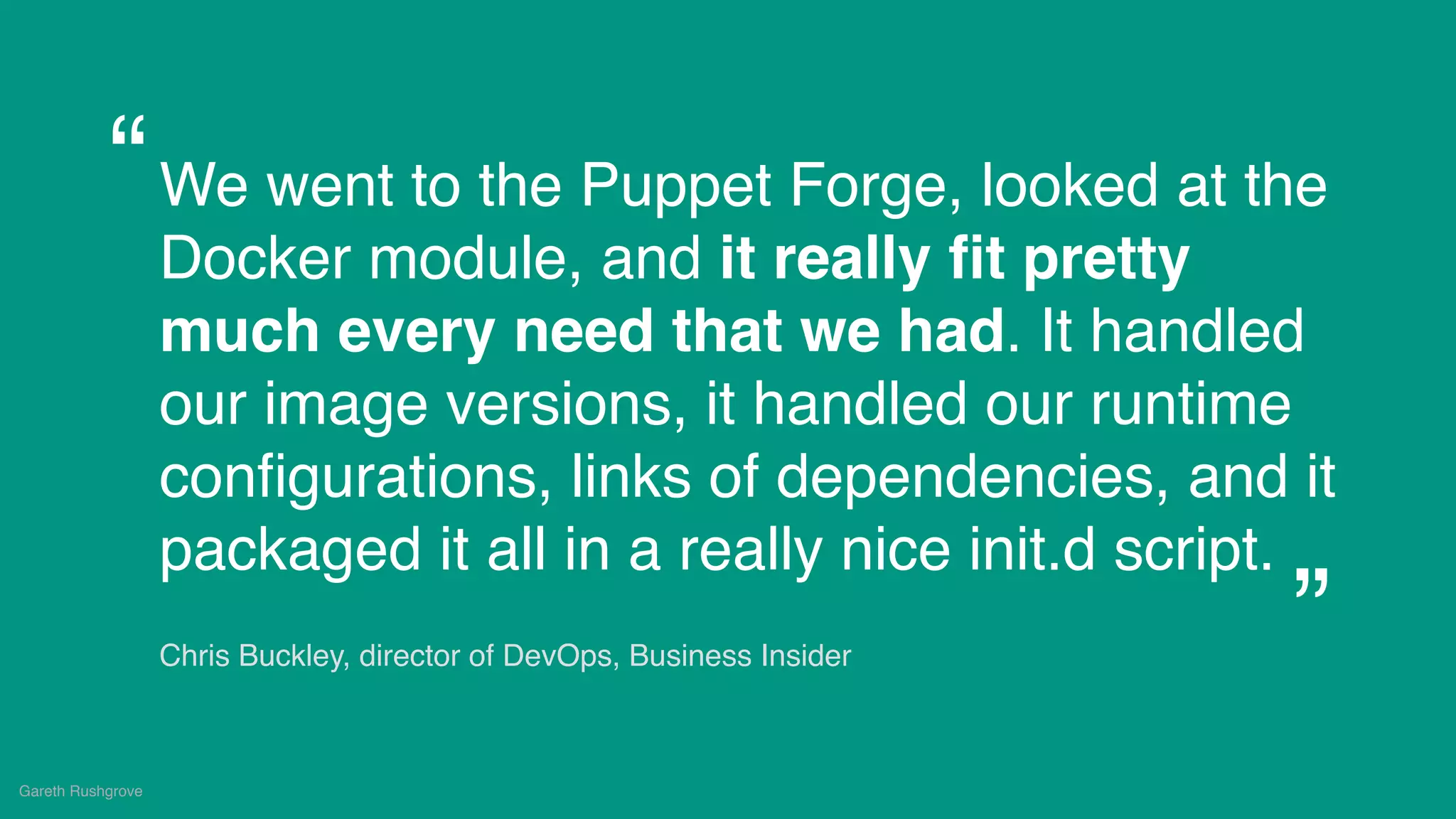
We went to the Puppet Forge, looked at the
Docker module, and it really fit pretty
much every need that we had. It handled
our image versions, it handled our runtime
configurations, links of dependencies, and it
packaged it all in a really nice init.d script.
Chris Buckley, director of DevOps, Business Insider
Gareth Rushgrove
“
”
(without introducing more risk)
Gareth Rushgrove
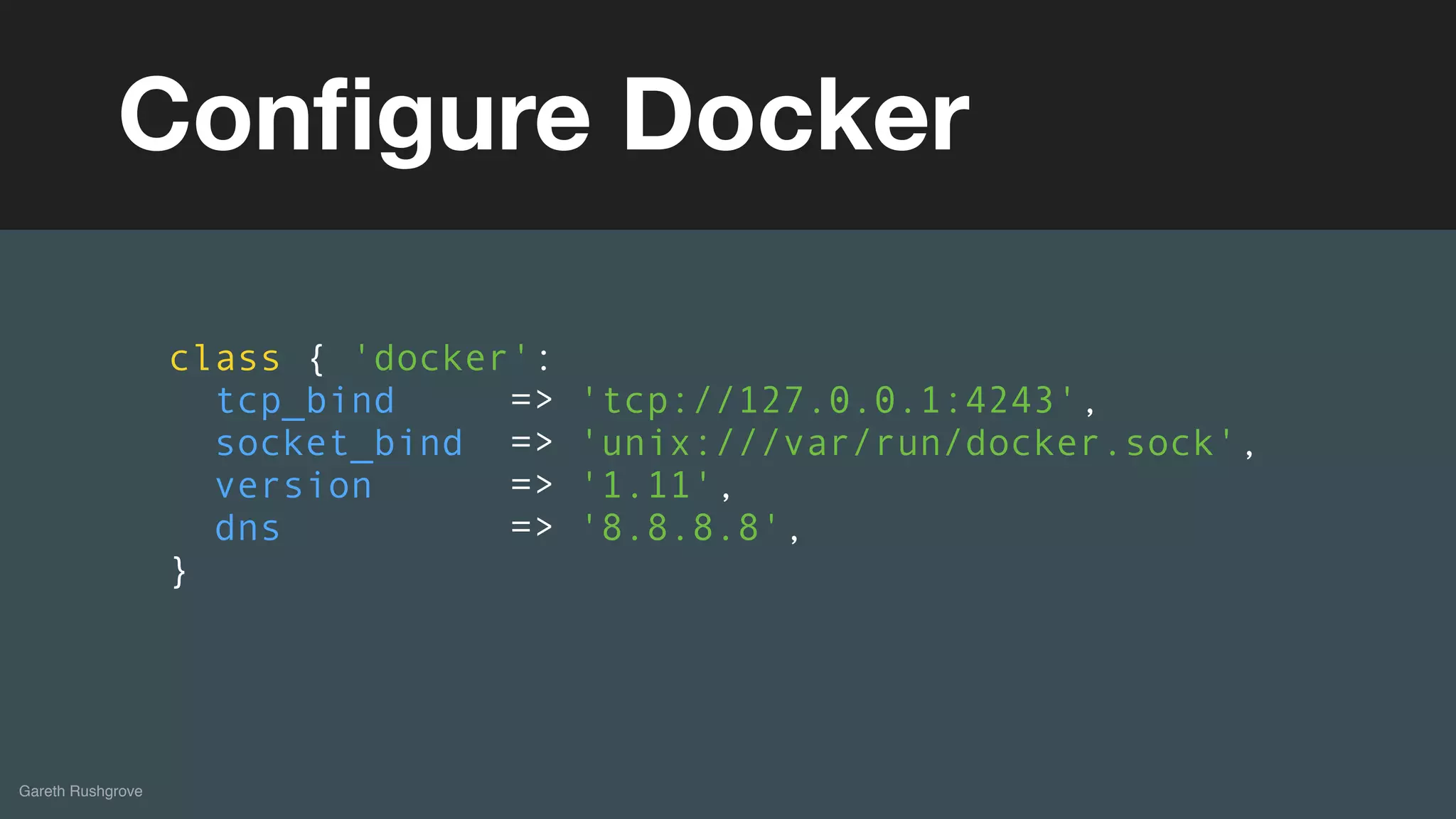
Configure Docker
class { 'docker':
tcp_bind => 'tcp://127.0.0.1:4243',
socket_bind => 'unix:///var/run/docker.sock',
version => '1.11',
dns => '8.8.8.8',
}
(without introducing more risk)
Gareth Rushgrove
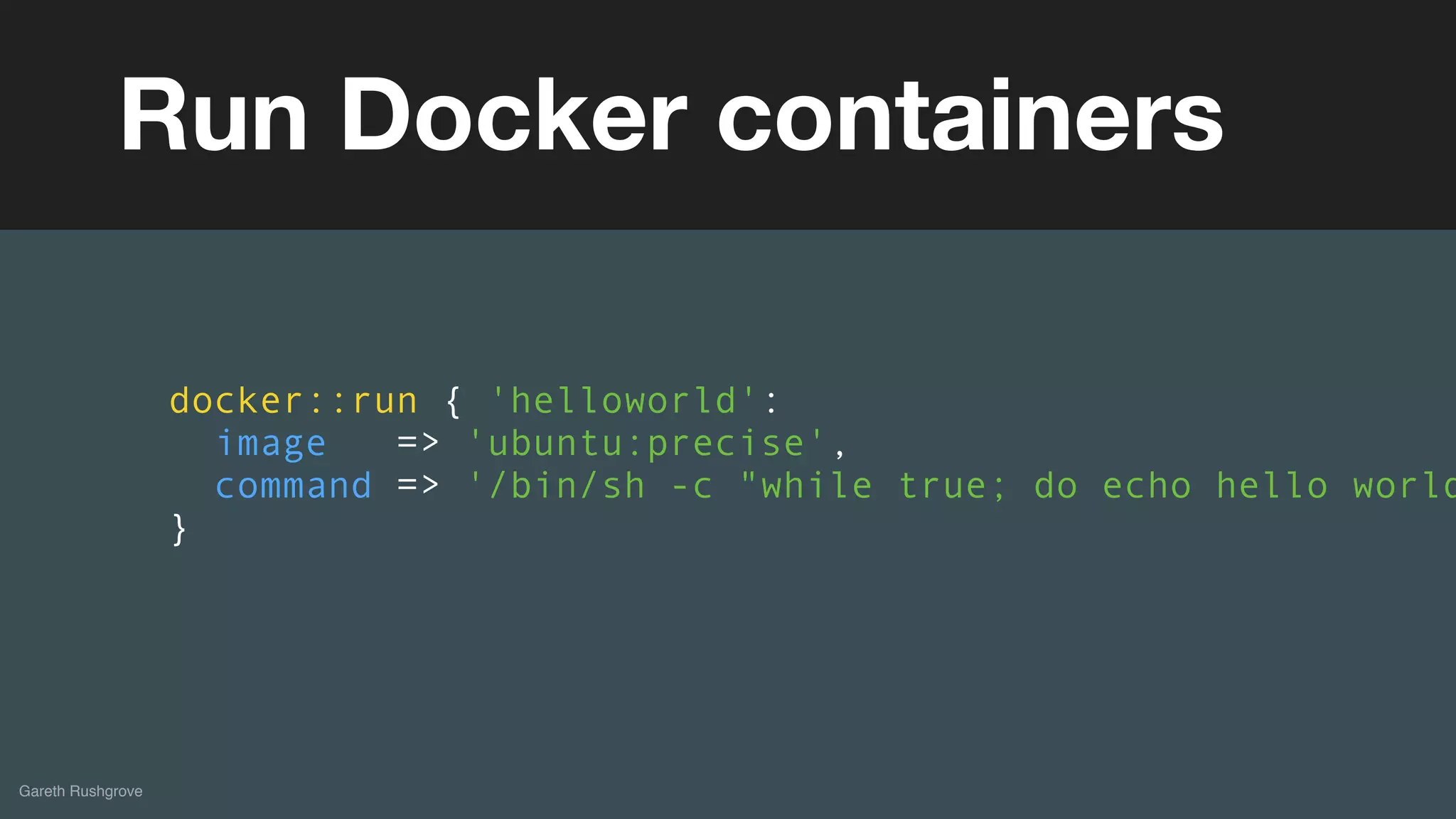
Run Docker containers
docker::run { 'helloworld':
image => 'ubuntu:precise',
command => '/bin/sh -c "while true; do echo hello world
}
(without introducing more risk)
Gareth Rushgrove
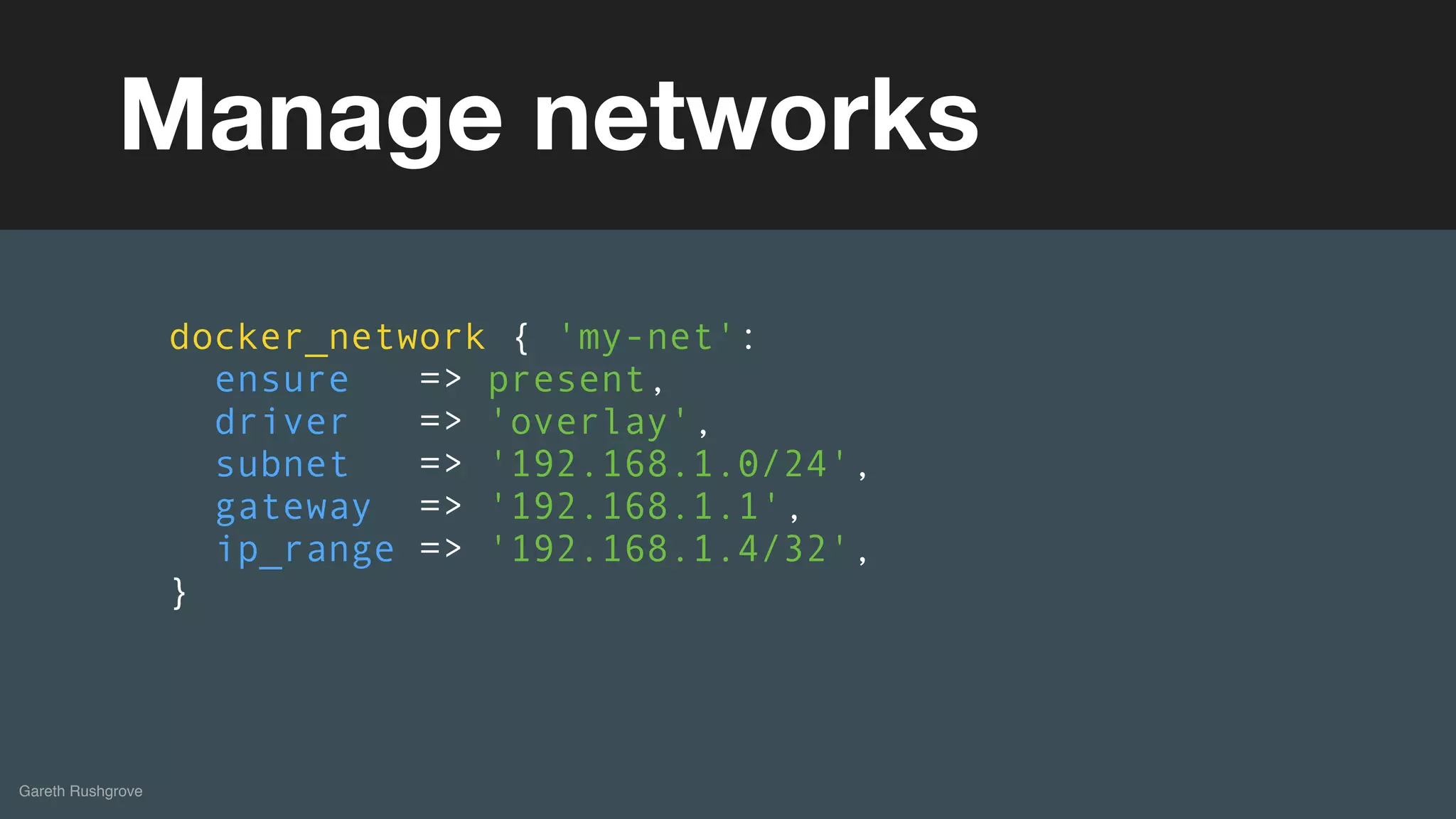
Manage networks
docker_network { 'my-net':
ensure => present,
driver => 'overlay',
subnet => '192.168.1.0/24',
gateway => '192.168.1.1',
ip_range => '192.168.1.4/32',
}
(without introducing more risk)
Gareth Rushgrove
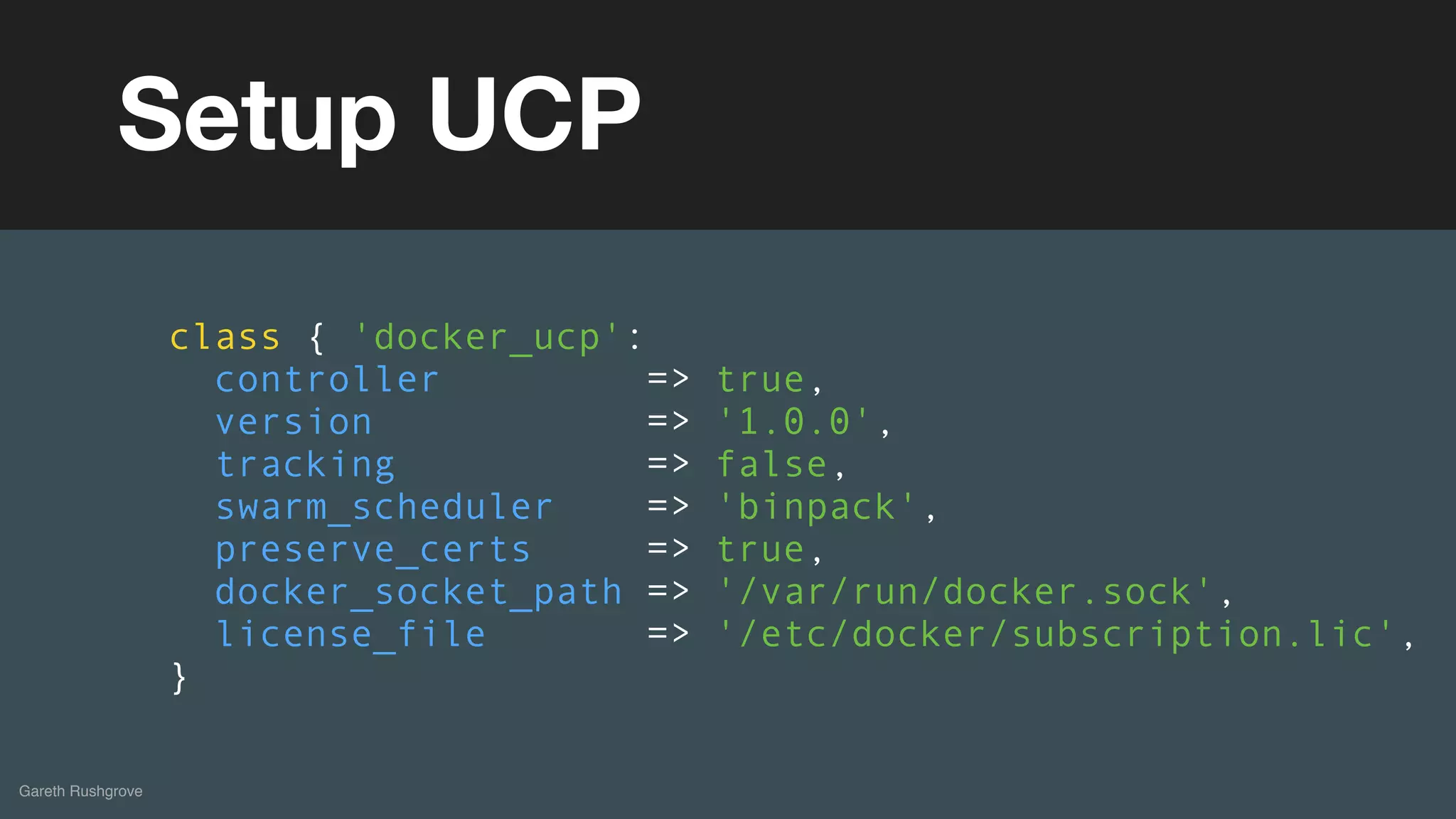
Setup UCP
class { 'docker_ucp':
controller => true,
version => '1.0.0',
tracking => false,
swarm_scheduler => 'binpack',
preserve_certs => true,
docker_socket_path => '/var/run/docker.sock',
license_file => '/etc/docker/subscription.lic',
}
(without introducing more risk)
Gareth Rushgrove
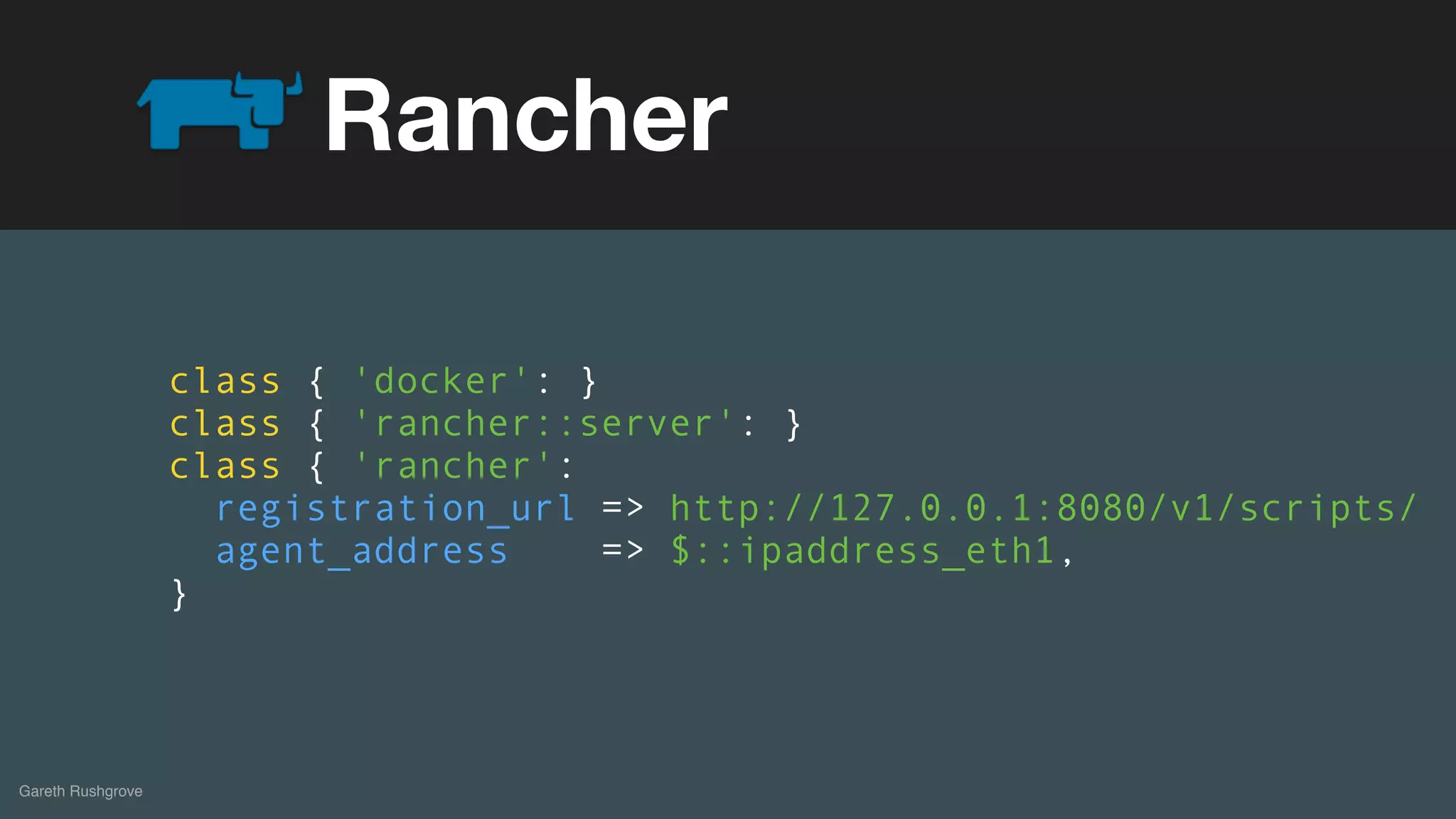
Rancher
class { 'docker': }
class { 'rancher::server': }
class { 'rancher':
registration_url => http://127.0.0.1:8080/v1/scripts/
agent_address => $::ipaddress_eth1,
}
(without introducing more risk)
Gareth Rushgrove
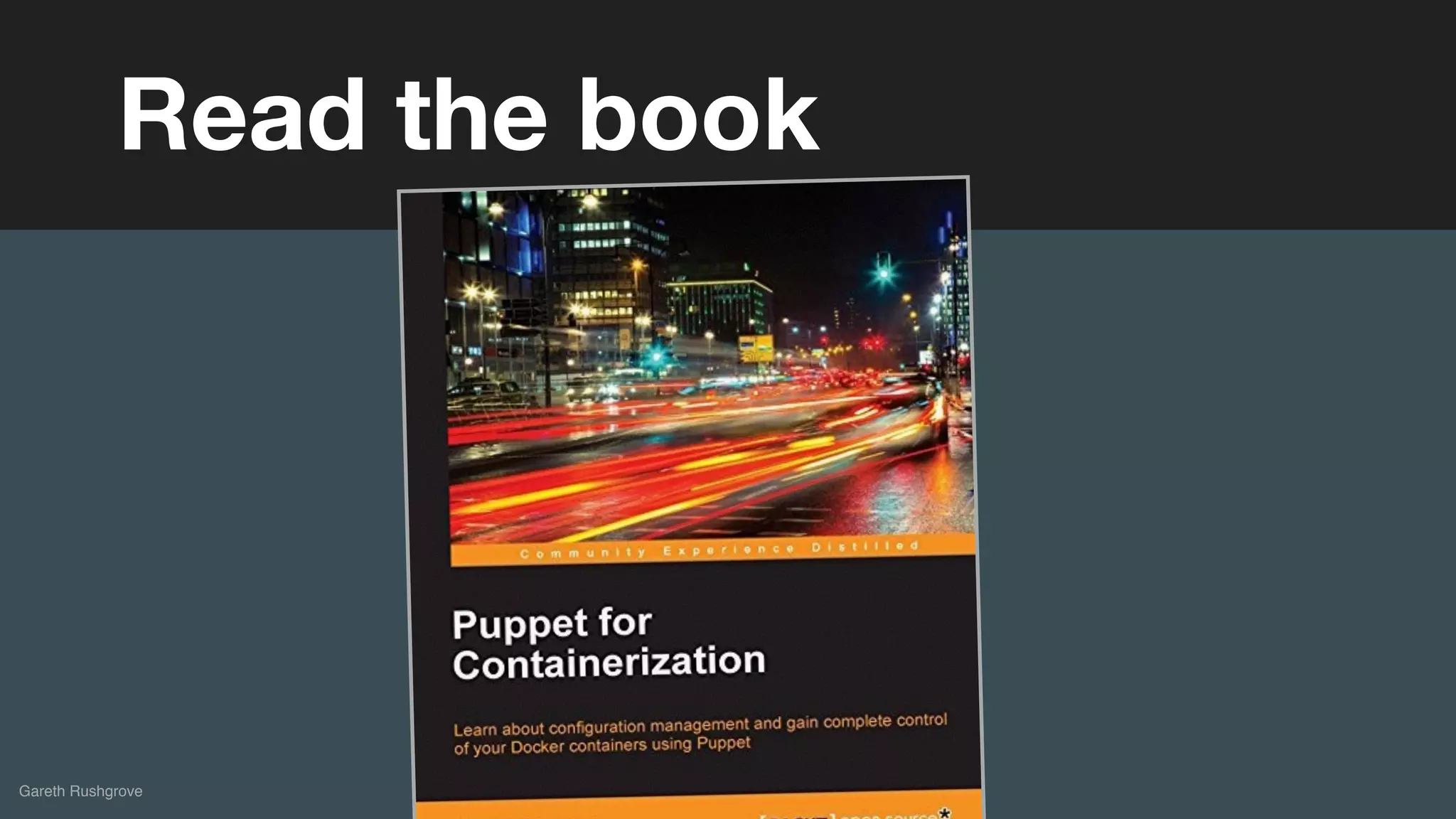
Read the book
(without introducing more risk)
Puppet Images on Docker Hub
Puppet-in-Docker
(without introducing more risk)
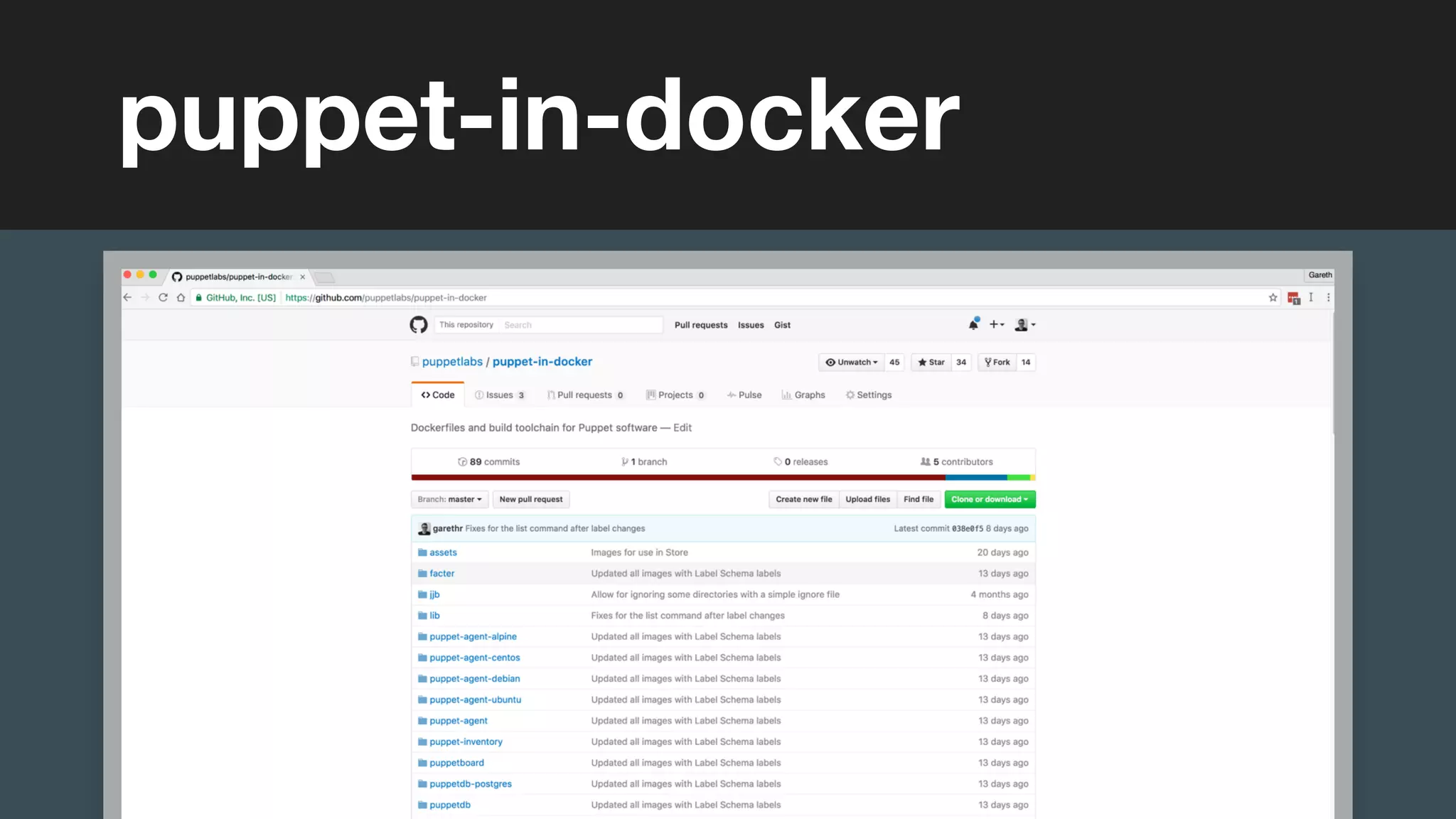
puppet-in-docker
(without introducing more risk)
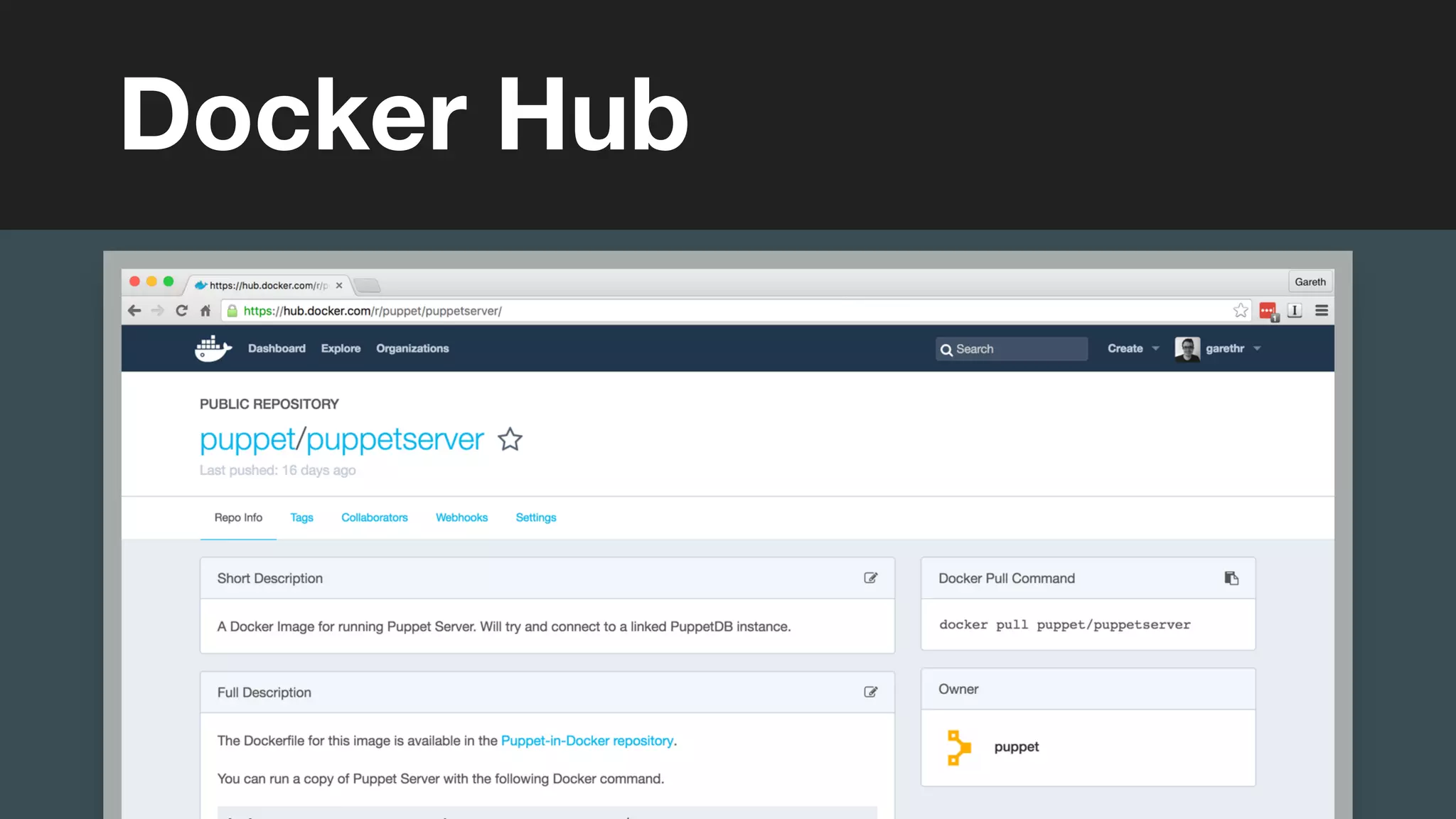
Docker Hub
(without introducing more risk)
Gareth Rushgrove
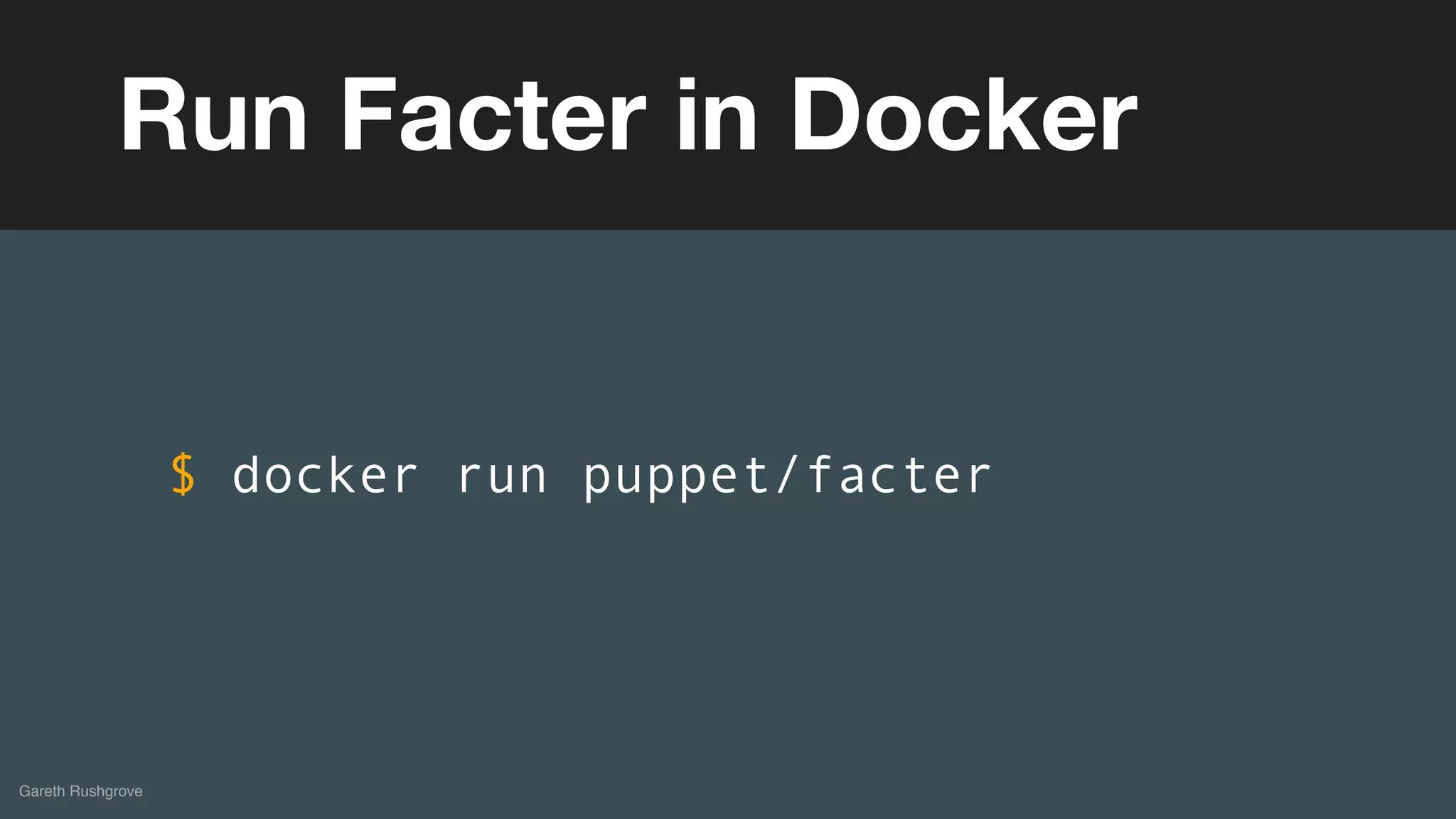
Run Facter in Docker
$ docker run puppet/facter
(without introducing more risk)
Gareth Rushgrove
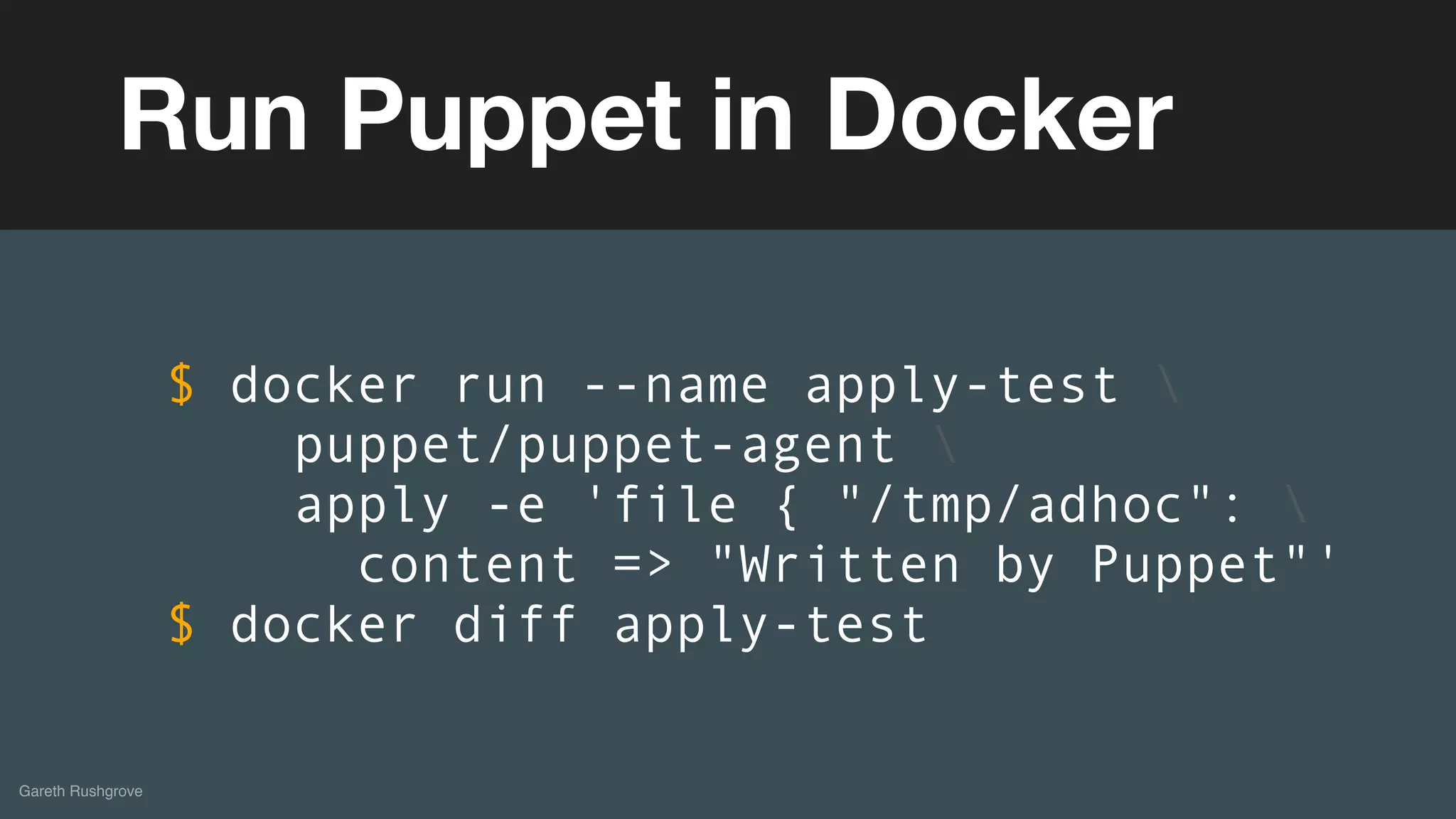
Run Puppet in Docker
$ docker run --name apply-test 
puppet/puppet-agent 
apply -e 'file { "/tmp/adhoc": 
content => "Written by Puppet"'
$ docker diff apply-test
(without introducing more risk)DEMOS
(without introducing more risk)
Run your Puppet infrastructure on a CaaS
Running a
Puppet Master
(without introducing more risk)
Gareth Rushgrove
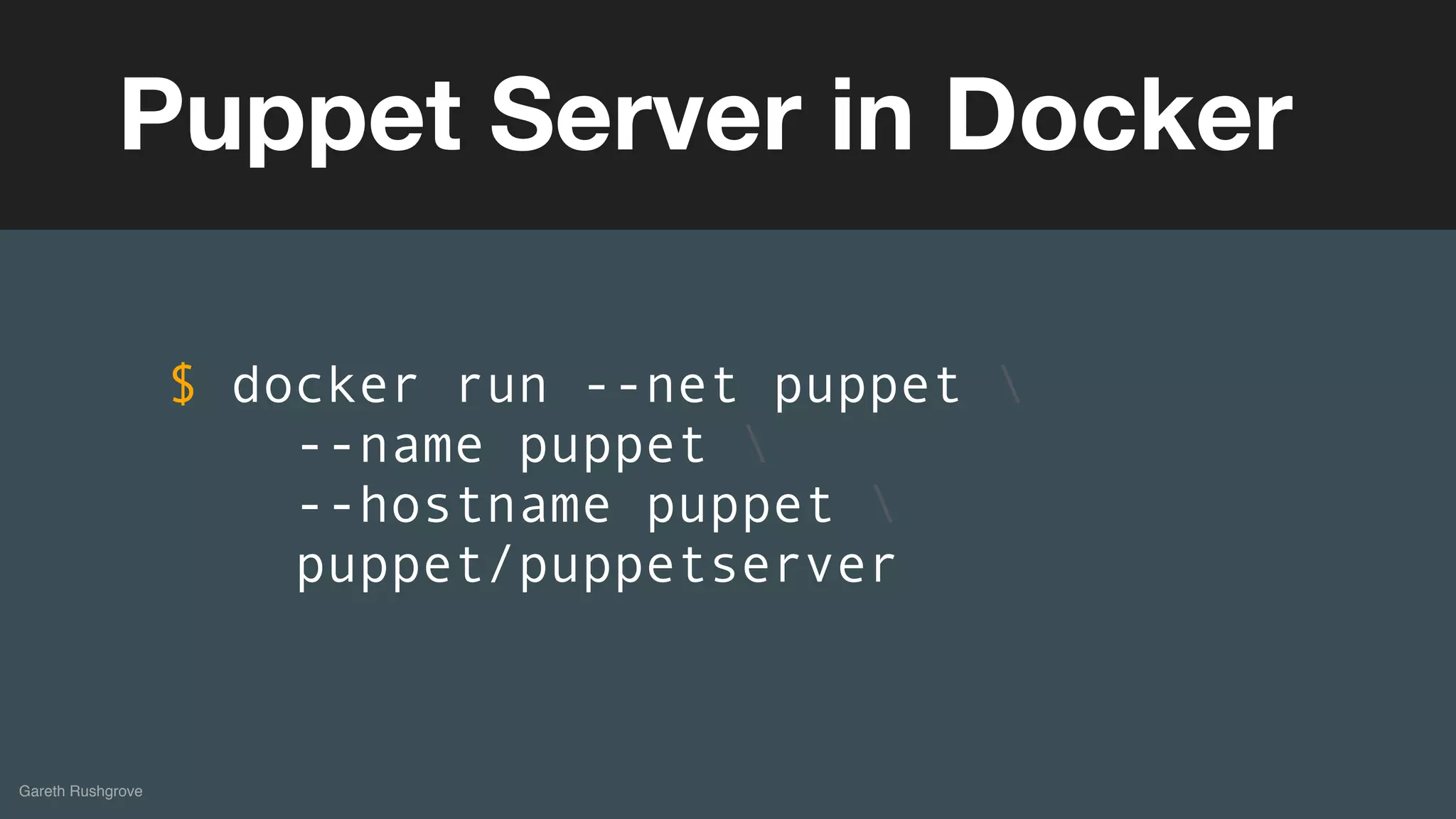
Puppet Server in Docker
$ docker run --net puppet 
--name puppet 
--hostname puppet 
puppet/puppetserver
(without introducing more risk)
Gareth Rushgrove
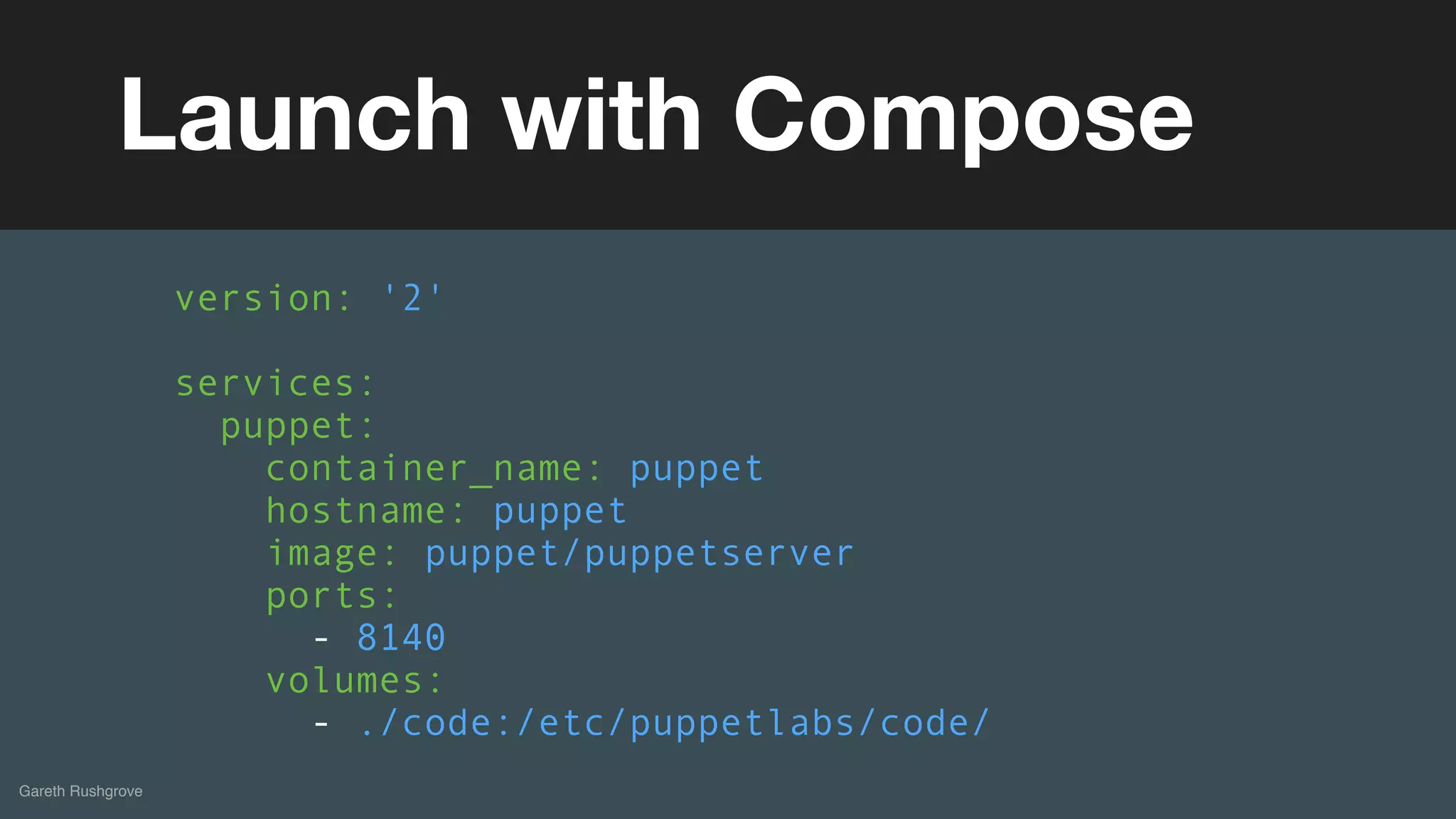
Launch with Compose
version: '2'
services:
puppet:
container_name: puppet
hostname: puppet
image: puppet/puppetserver
ports:
- 8140
volumes:
- ./code:/etc/puppetlabs/code/
(without introducing more risk)DEMOS
(without introducing more risk)
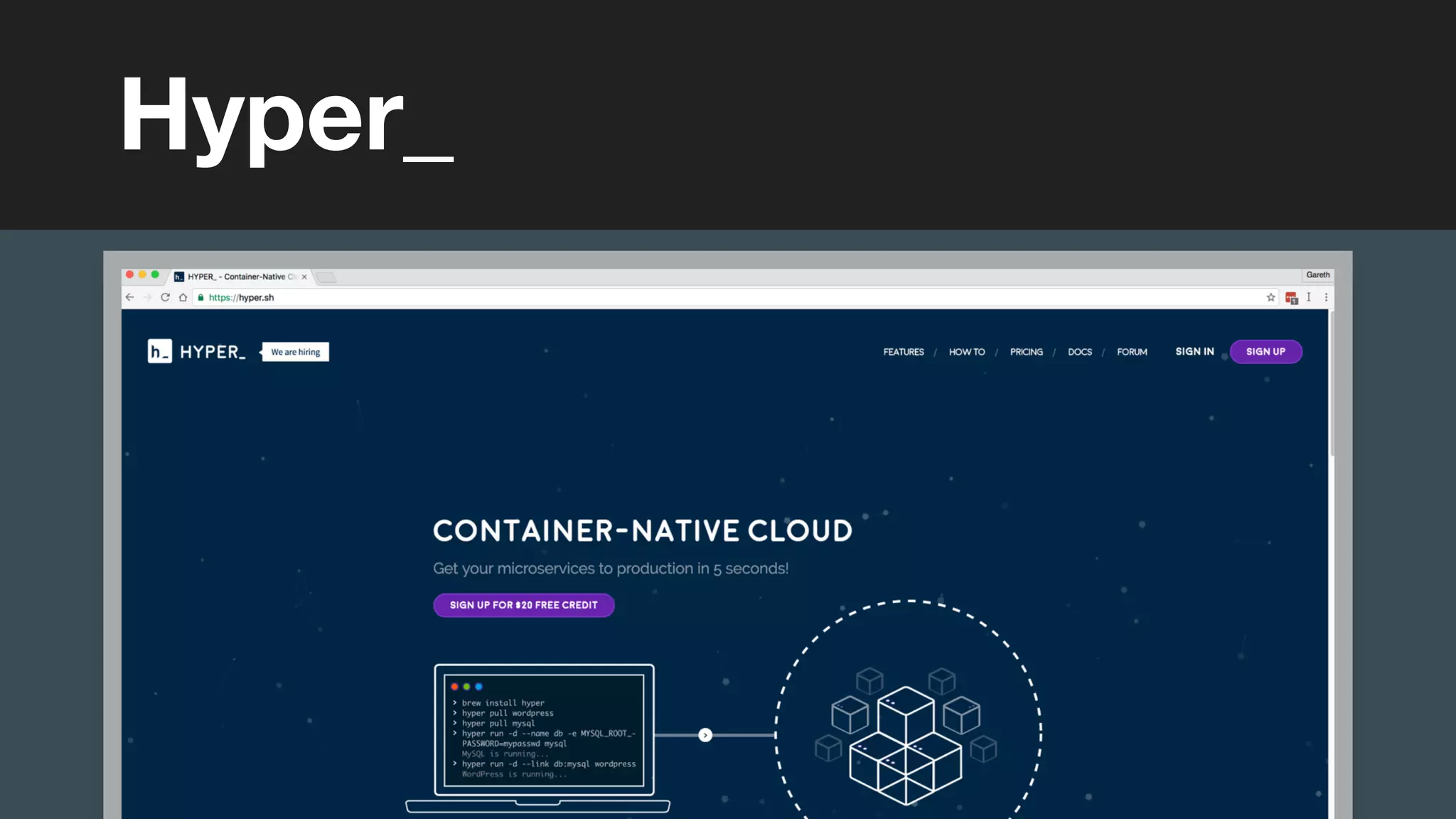
Hyper_
(without introducing more risk)
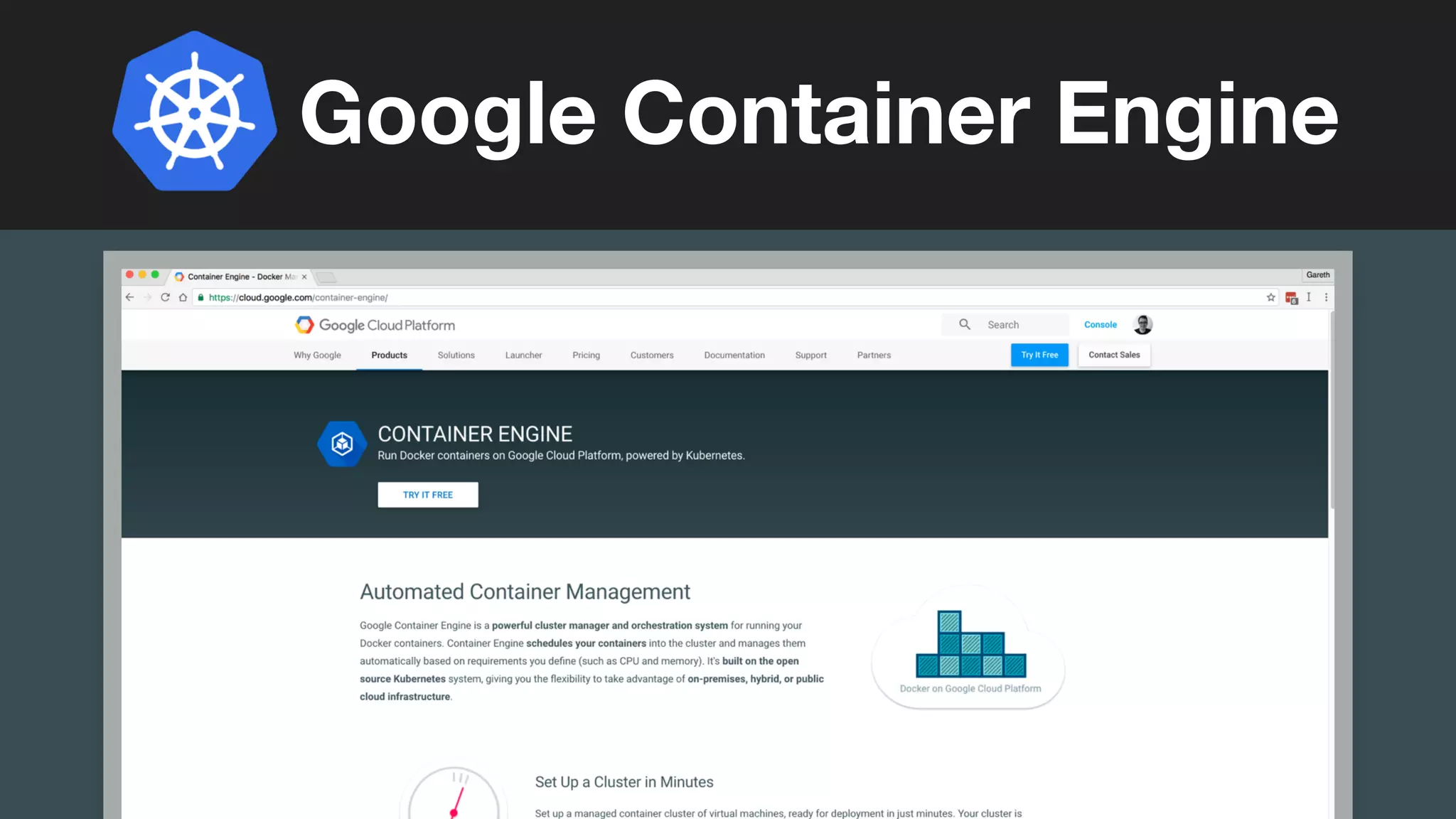
Google Container Engine
(without introducing more risk)
Examples
(without introducing more risk)
Run Puppet everywhere
Container-centric
Operating Systems
Gareth Rushgrove
(without introducing more risk)
Gareth Rushgrove
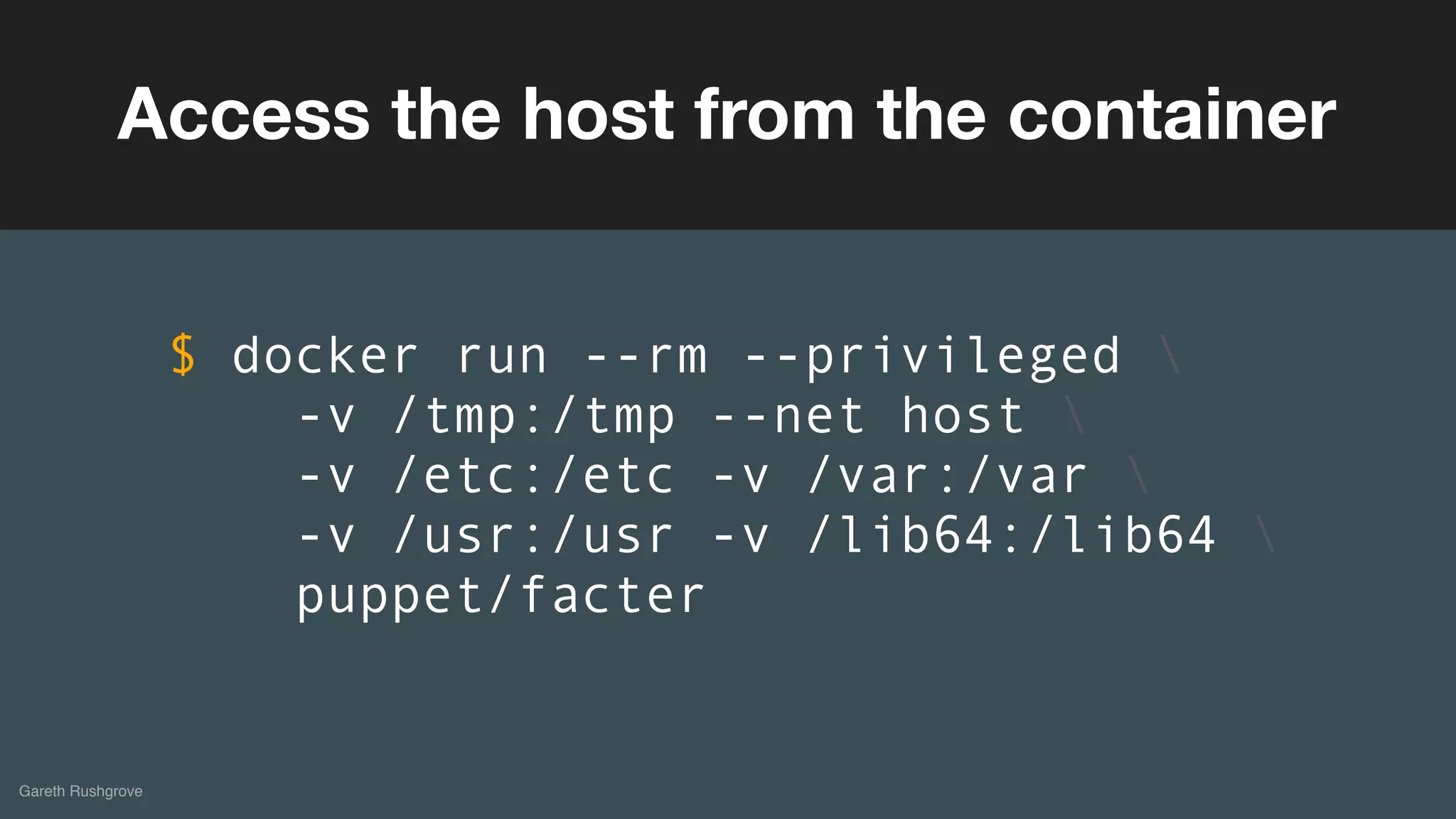
Access the host from the container
$ docker run --rm --privileged 
-v /tmp:/tmp --net host 
-v /etc:/etc -v /var:/var 
-v /usr:/usr -v /lib64:/lib64 
puppet/facter
(without introducing more risk)
Gareth Rushgrove
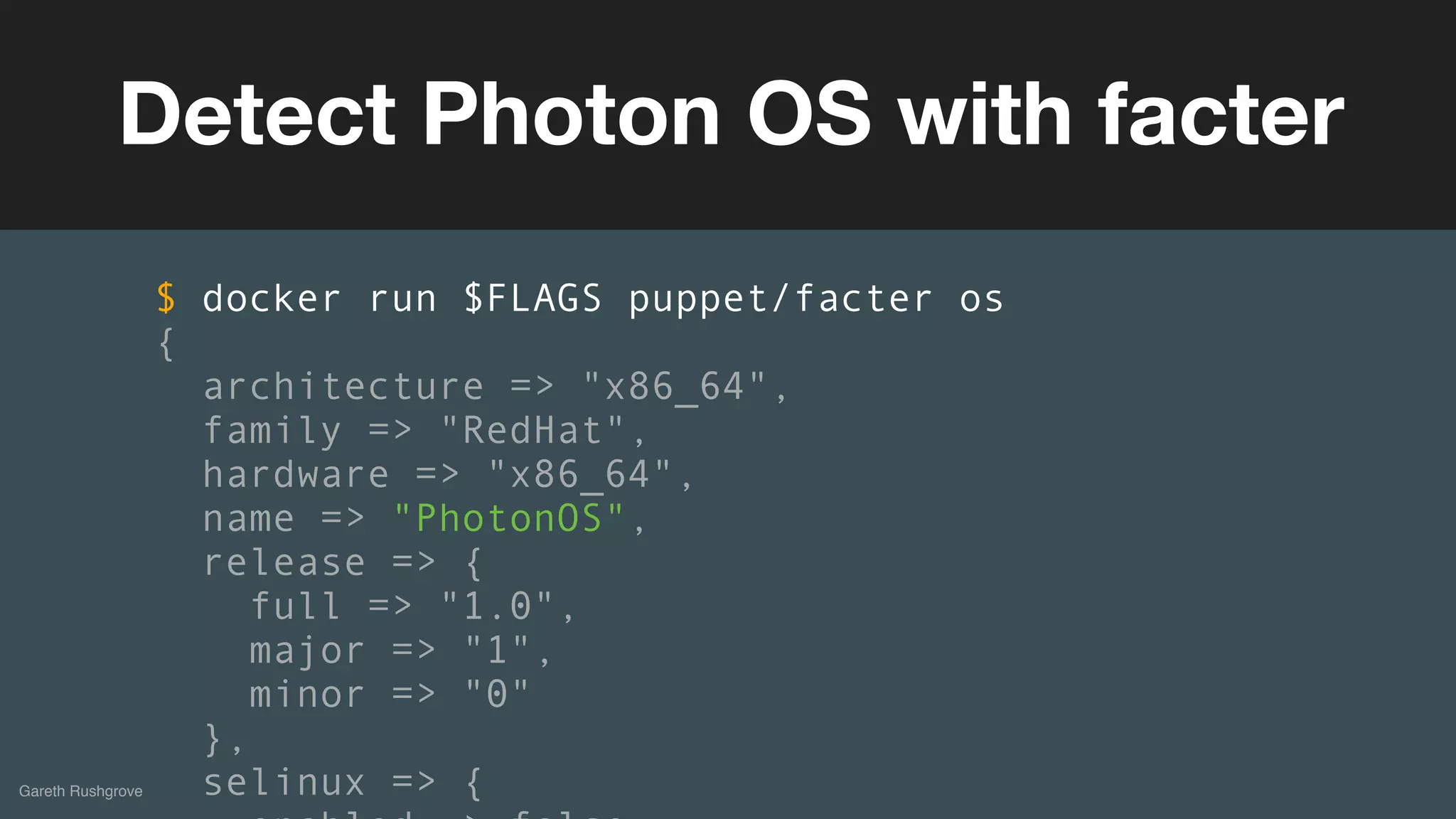
Detect Photon OS with facter
$ docker run $FLAGS puppet/facter os
{
architecture => "x86_64",
family => "RedHat",
hardware => "x86_64",
name => "PhotonOS",
release => {
full => "1.0",
major => "1",
minor => "0"
},
selinux => {
(without introducing more risk)
Gareth Rushgrove
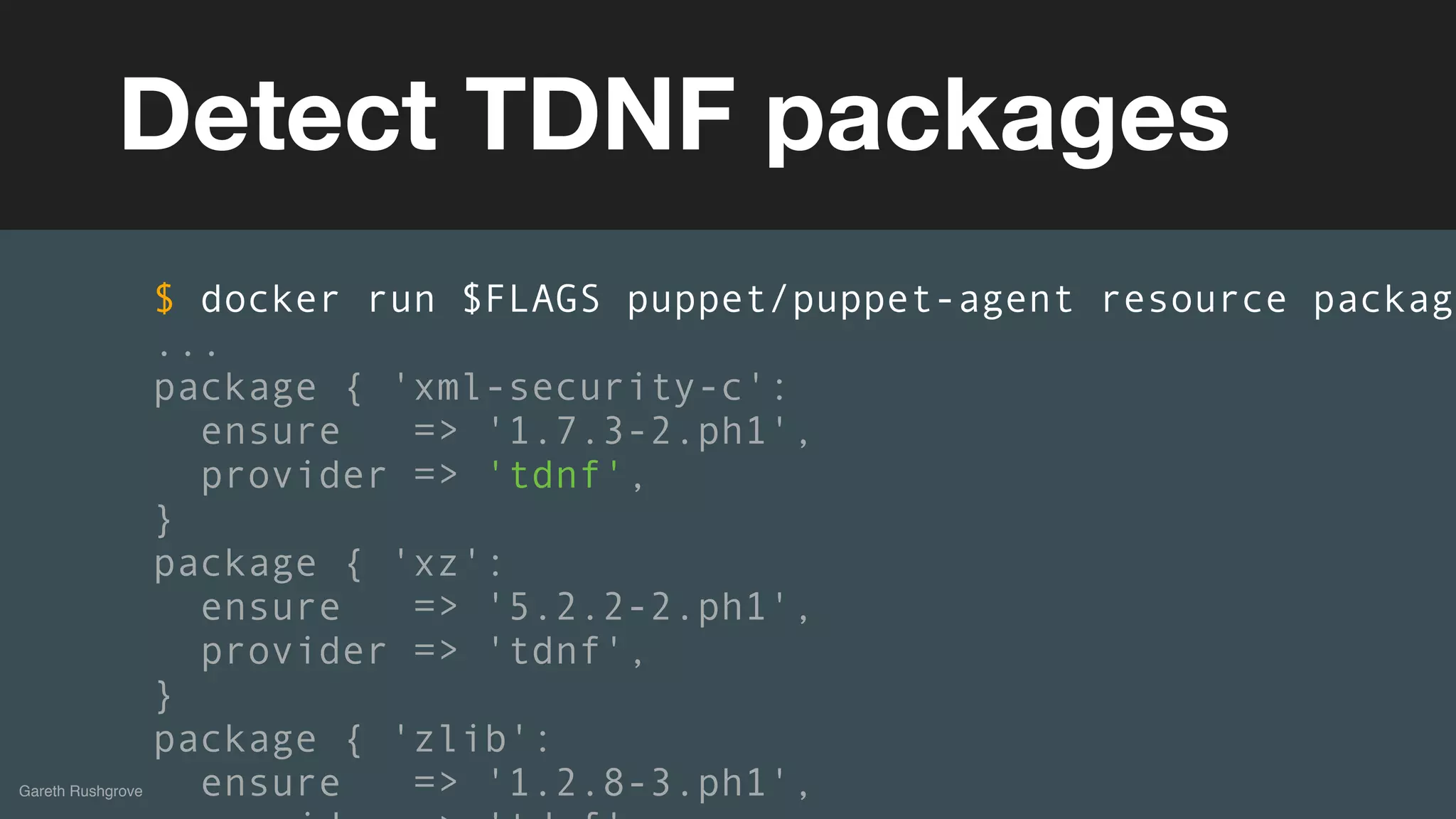
Detect TDNF packages
$ docker run $FLAGS puppet/puppet-agent resource package
...
package { 'xml-security-c':
ensure => '1.7.3-2.ph1',
provider => 'tdnf',
}
package { 'xz':
ensure => '5.2.2-2.ph1',
provider => 'tdnf',
}
package { 'zlib':
ensure => '1.2.8-3.ph1',
(without introducing more risk)
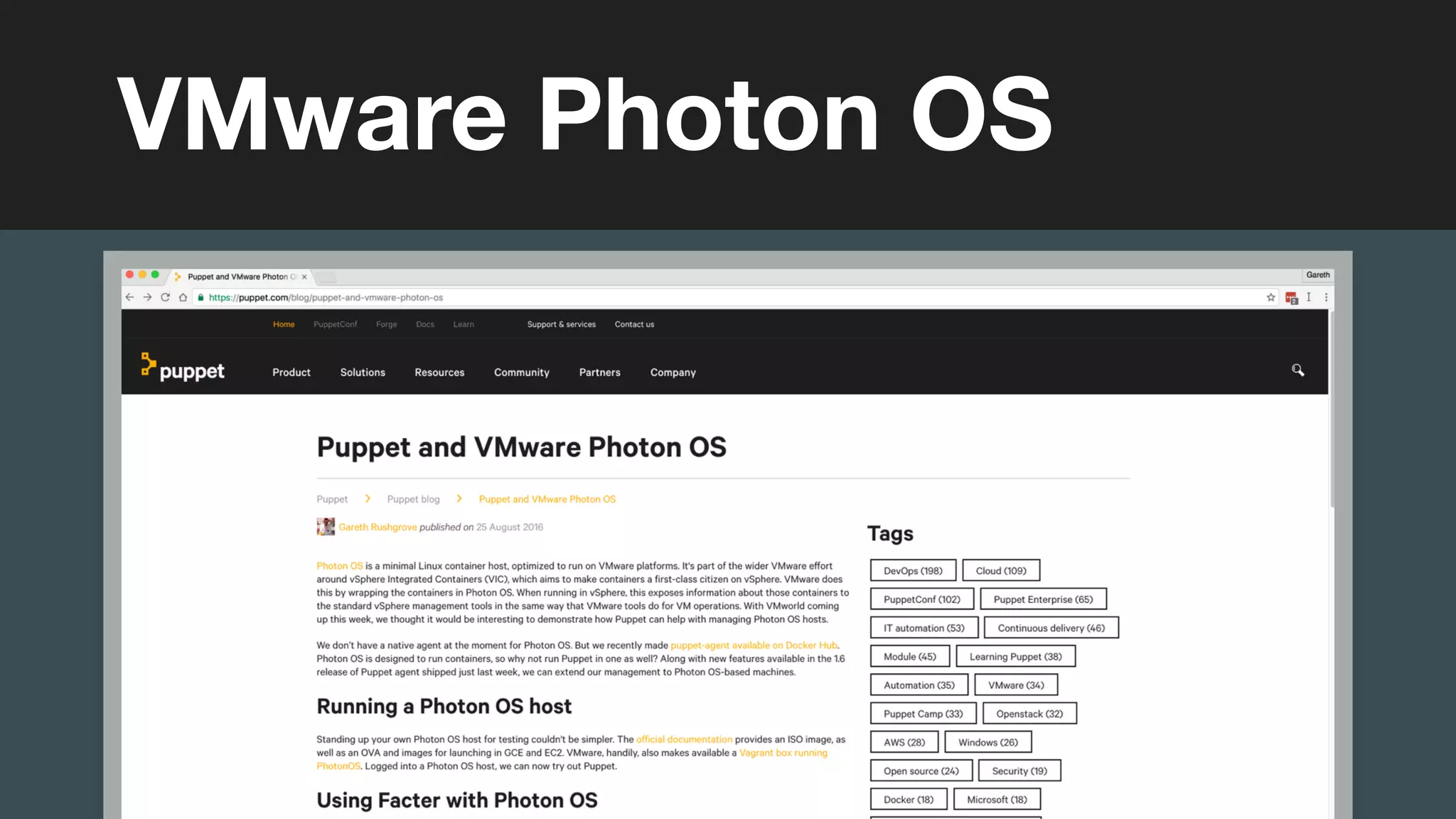
VMware Photon OS
(without introducing more risk)DEMOS
(without introducing more risk)
With your existing Puppet code
Building Docker Images
Building Docker images with Puppet
should be as simple as building them
with docker build
Gareth Rushgrove
(without introducing more risk)
Gareth Rushgrove
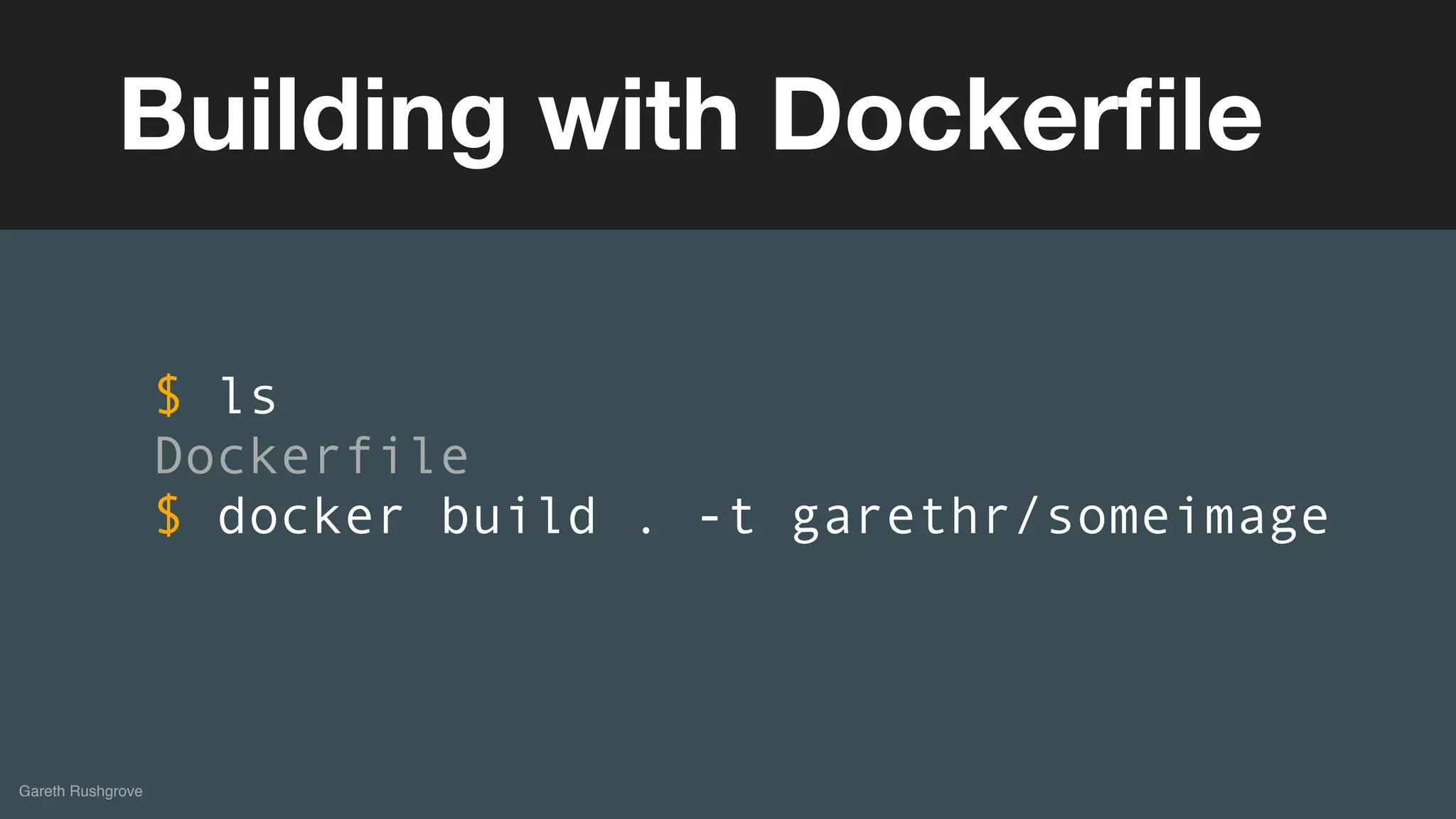
Building with Dockerfile
$ ls
Dockerfile
$ docker build . -t garethr/someimage
(without introducing more risk)
Gareth Rushgrove
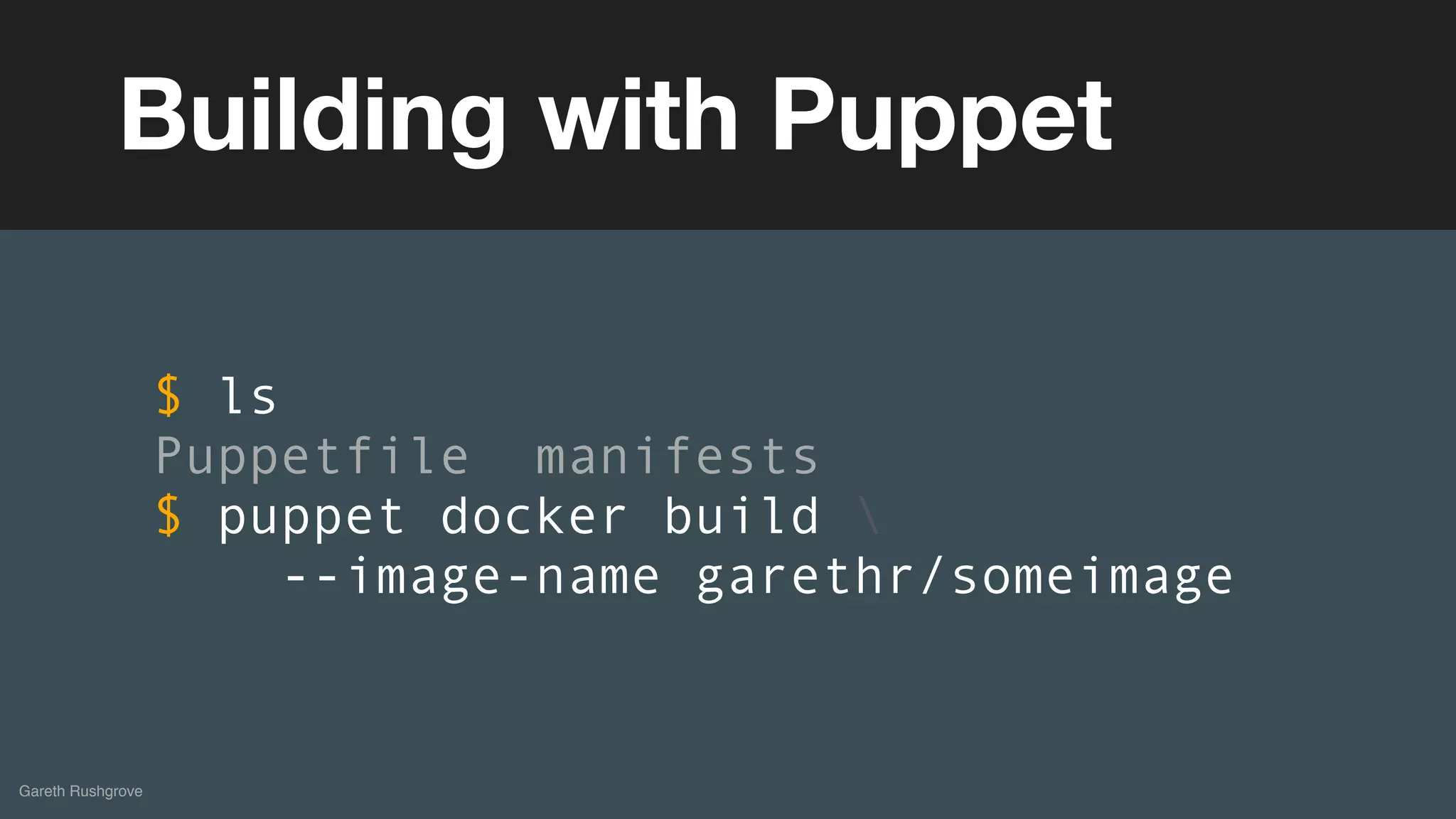
Building with Puppet
$ ls
Puppetfile manifests
$ puppet docker build 
--image-name garethr/someimage
(without introducing more risk)
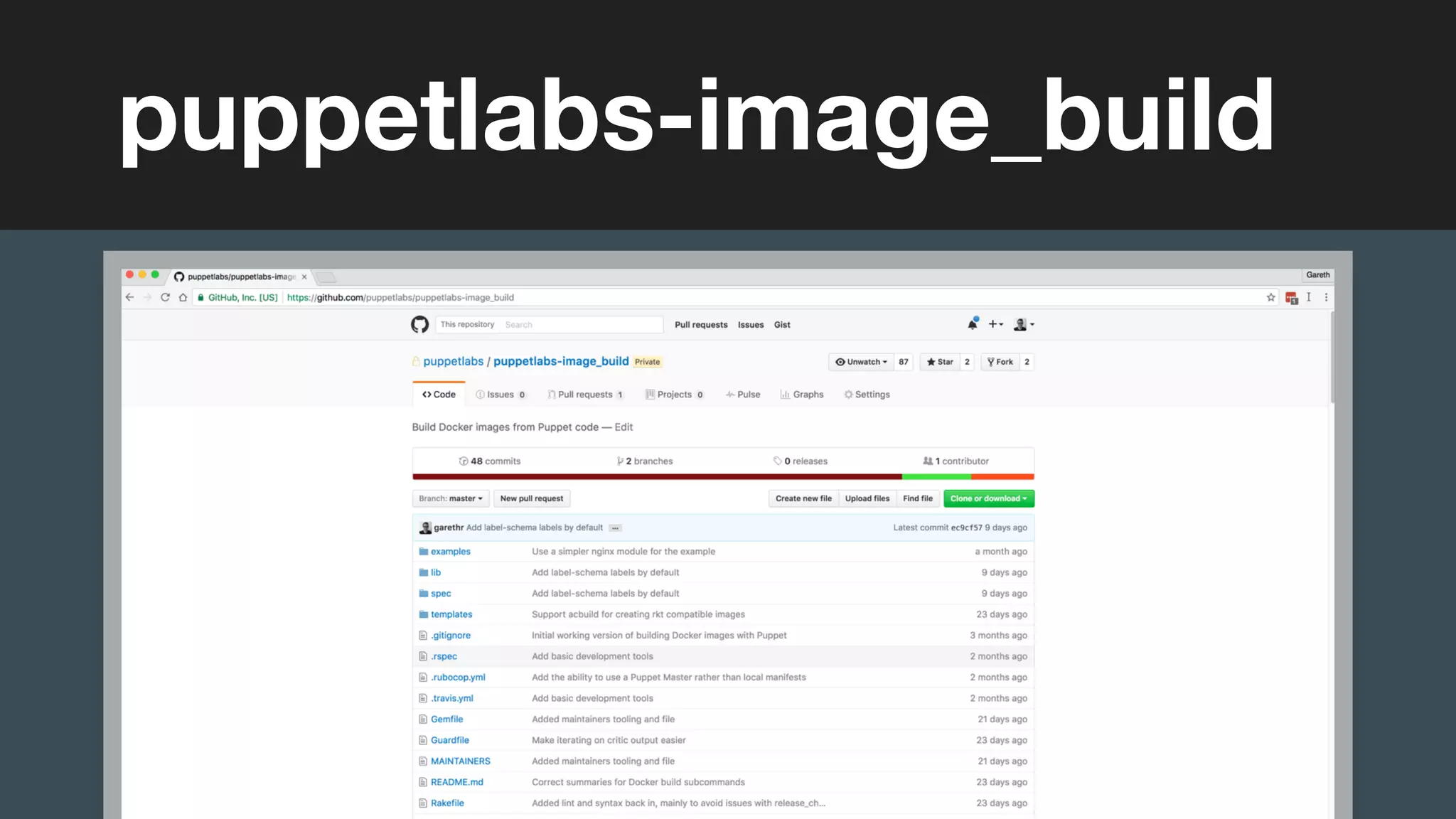
puppetlabs-image_build
(without introducing more risk)DEMOS
You can also integrate this into a
Dockerfile-centric workflow
Gareth Rushgrove
(without introducing more risk)
Gareth Rushgrove
Intermediary Dockerfile
$ puppet docker dockerfile 
--image-name garethr/someimage
(without introducing more risk)
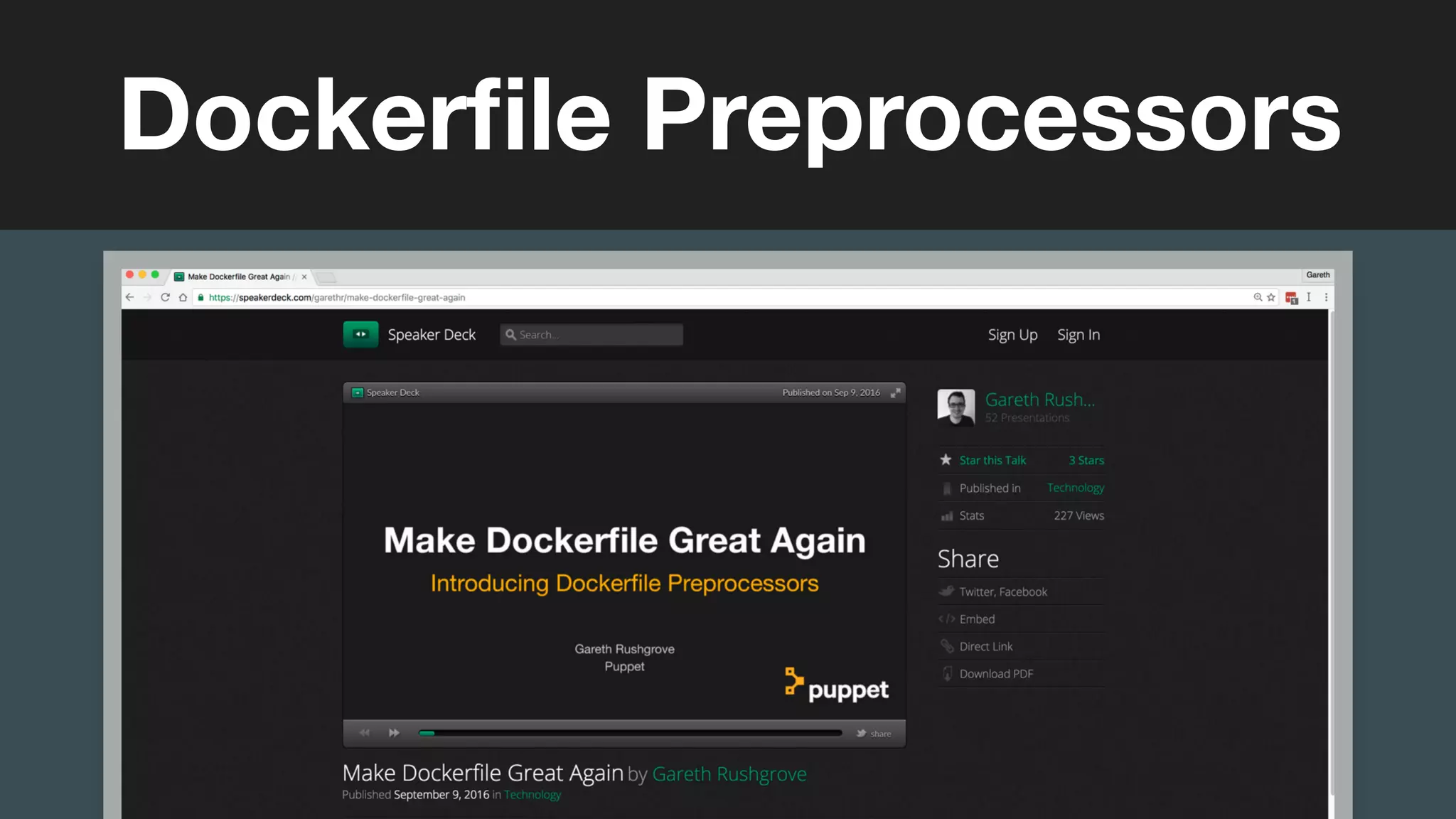
Dockerfile Preprocessors
(without introducing more risk)
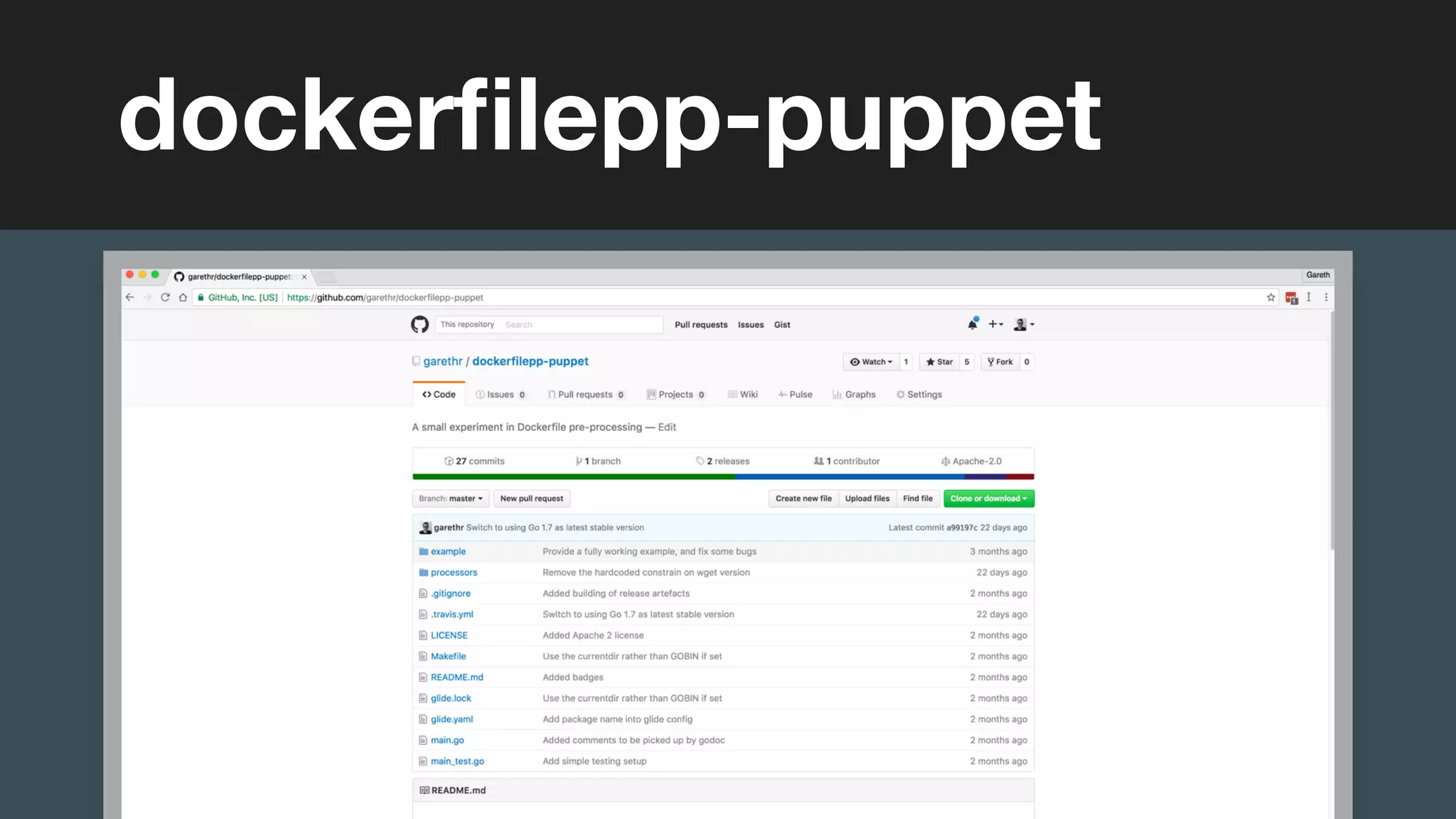
dockerfilepp-puppet
(without introducing more risk)
Gareth Rushgrove
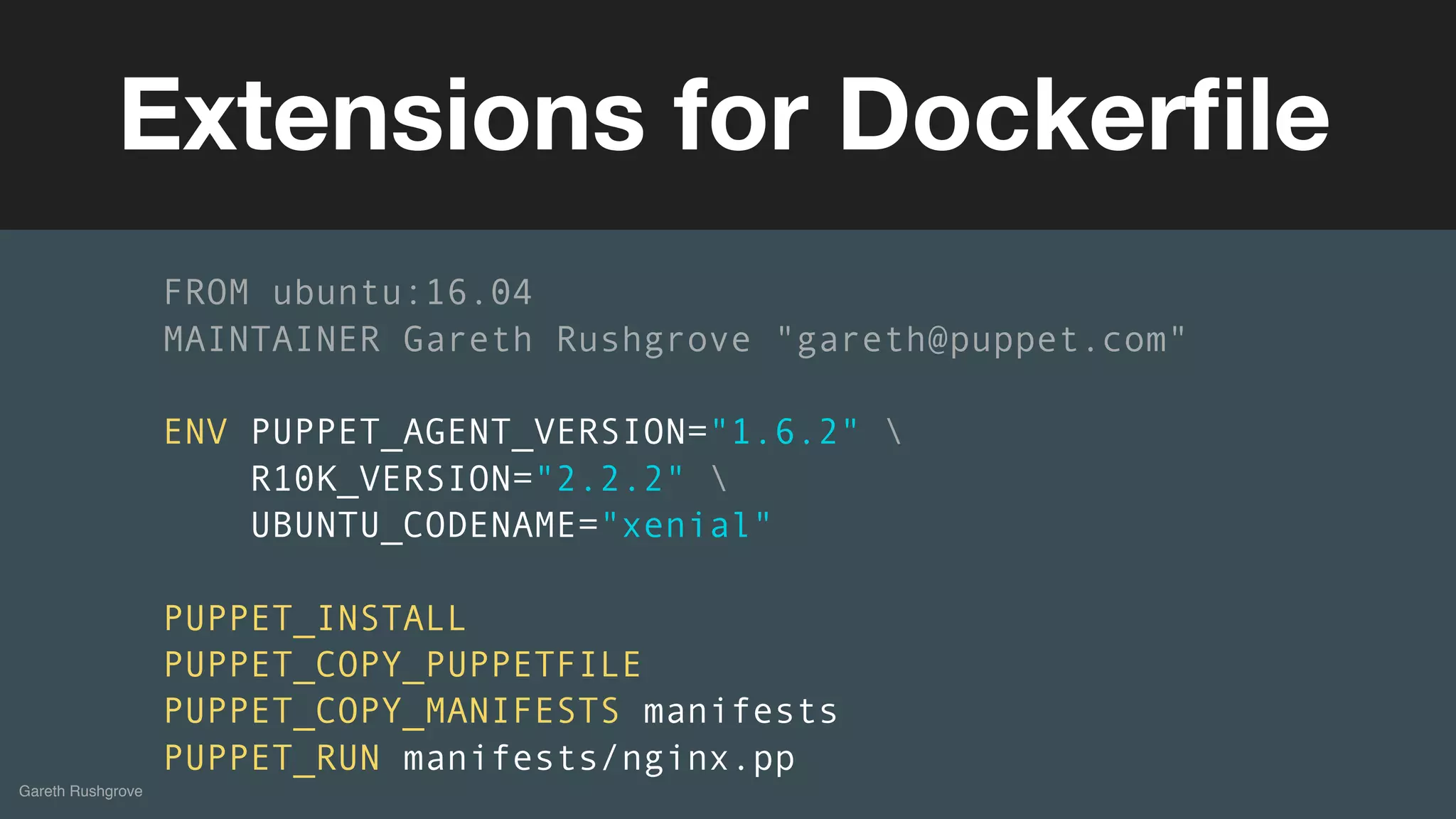
Extensions for Dockerfile
FROM ubuntu:16.04
MAINTAINER Gareth Rushgrove "gareth@puppet.com"
ENV PUPPET_AGENT_VERSION="1.6.2" 
R10K_VERSION="2.2.2" 
UBUNTU_CODENAME="xenial"
PUPPET_INSTALL
PUPPET_COPY_PUPPETFILE
PUPPET_COPY_MANIFESTS manifests
PUPPET_RUN manifests/nginx.pp
(without introducing more risk)
What is inside that container?
Container Inventory
(without introducing more risk)
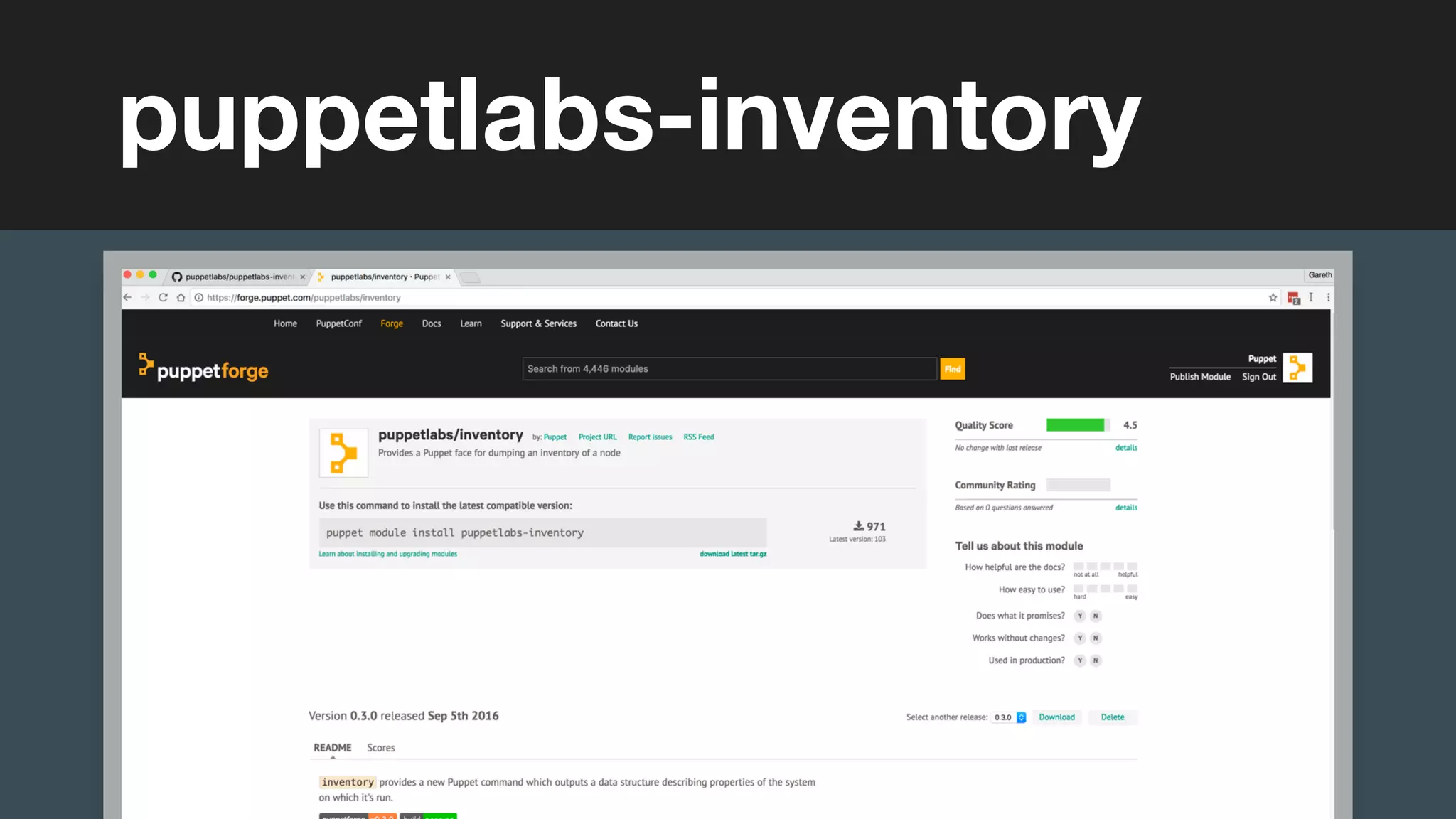
puppetlabs-inventory
(without introducing more risk)
Gareth Rushgrove
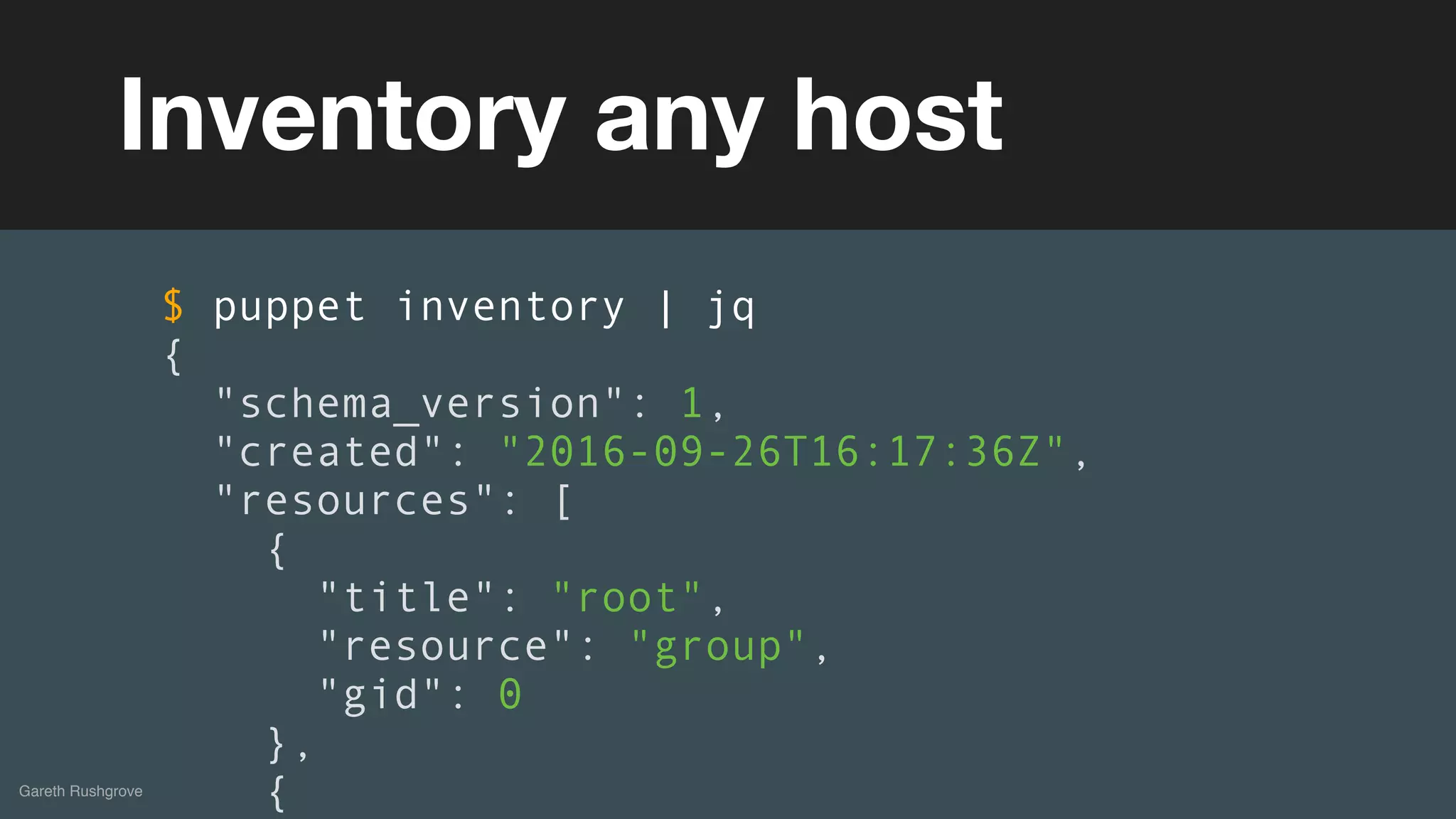
Inventory any host
$ puppet inventory | jq
{
"schema_version": 1,
"created": "2016-09-26T16:17:36Z",
"resources": [
{
"title": "root",
"resource": "group",
"gid": 0
},
{
(without introducing more risk)
Gareth Rushgrove
Run against other containers
$ docker run --name puppet-inventory 
puppet/puppet-inventory
$ docker run --rm -it 
—volumes-from=puppet-inventory 
centos 
/opt/puppetlabs/bin/puppet inventory
(without introducing more risk)
Gareth Rushgrove
Use jq to query
$ docker exec sample cat /inventory.json 
| jq -c '.resources[] 
| select(.resource=="user")' 
| jq -s length
23
(without introducing more risk)DEMOS
(without introducing more risk)
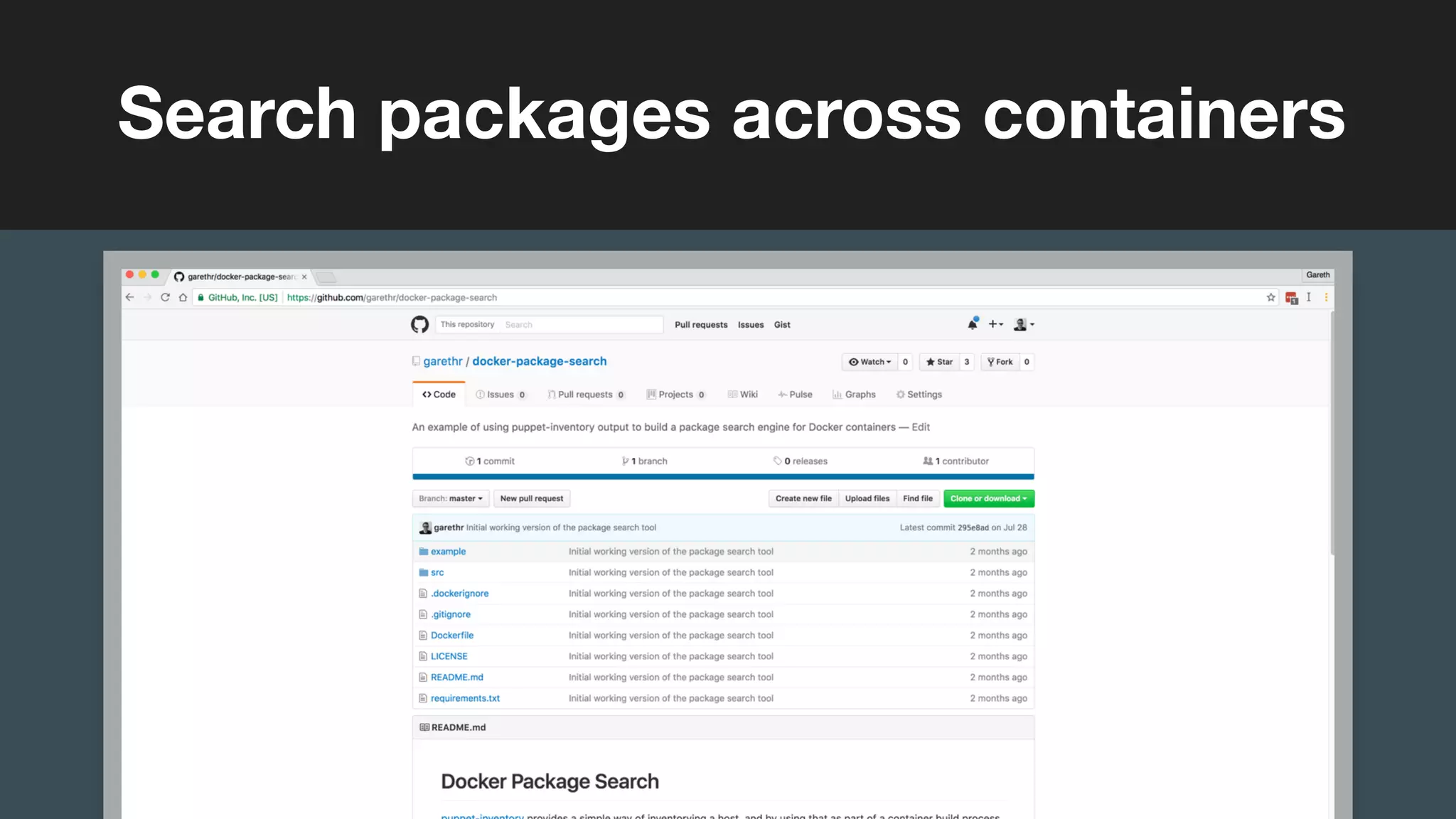
Search packages across containers
(without introducing more risk)
Gareth Rushgrove
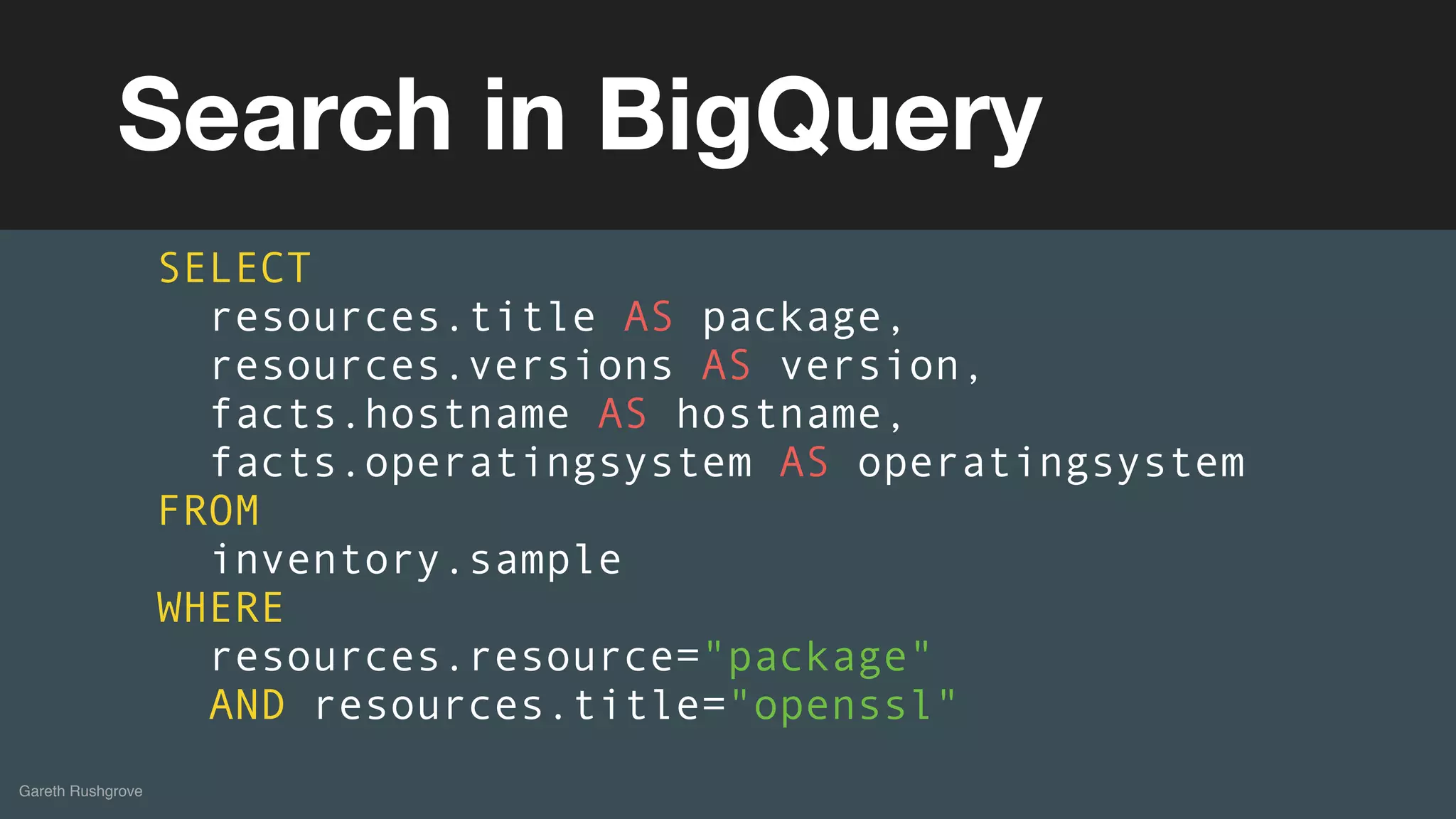
Search in BigQuery
SELECT
resources.title AS package,
resources.versions AS version,
facts.hostname AS hostname,
facts.operatingsystem AS operatingsystem
FROM
inventory.sample
WHERE
resources.resource="package"
AND resources.title="openssl"
(without introducing more risk)
More to come
Conclusions
Puppet can help you manage containers
Gareth Rushgrove
Containers can help you manage Puppet
Gareth Rushgrove
Still lots of interesting problems, and
solutions, to explore around using
Docker in production
Gareth Rushgrove
(without introducing more risk)
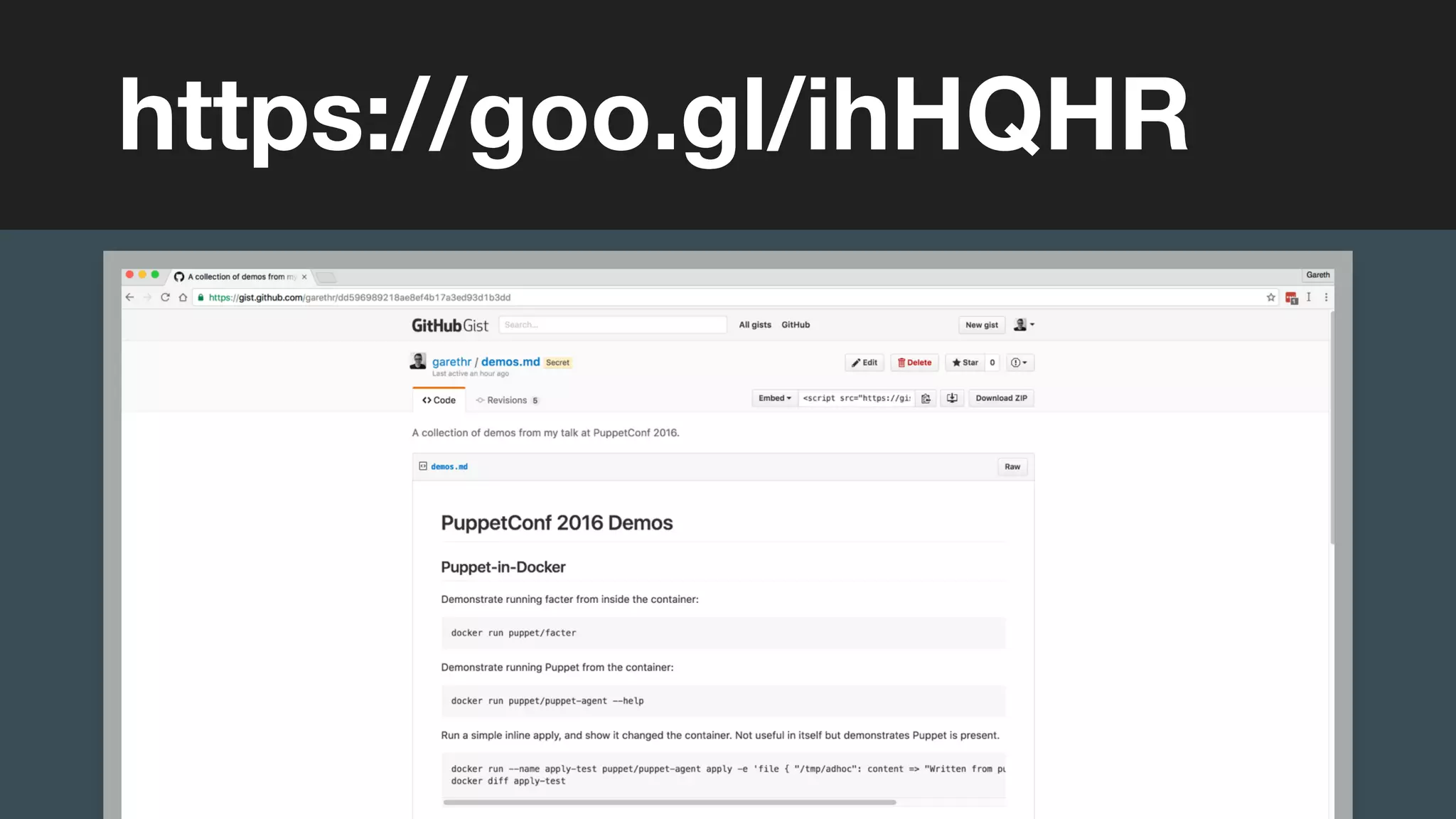
https://goo.gl/ihHQHR
(without introducing more risk)
Gareth Rushgrove
Follow Project Blueshift for
more solutions in this area
https://puppet.com/product/managed-technology/blueshift
(without introducing more risk)
Questions?
And thanks for listening

PuppetConf 2016: Running Puppet Software in Docker Containers – Gareth Rushgrove, Puppet

  • 1.
    (without introducing morerisk) Running Puppet in Docker Puppet Gareth Rushgrove Demos of using Puppet Software with Containers
  • 2.
  • 3.
    (without introducing morerisk) Gareth Rushgrove
  • 4.
    (without introducing morerisk) What we’ll cover This talk
  • 5.
    - Existing Dockersupport - Puppet Images on Docker Hub - Puppet on Hyper_ and Kubernetes - Managing CoreOS and Photon OS - Building Docker images with Puppet - Inventory your containers Gareth Rushgrove
  • 6.
  • 7.
    (without introducing morerisk) A quick summary Existing Docker support
  • 8.
  • 9.
    (without introducing morerisk) Docker module
  • 10.
    995 commits, 137contributors, 750k+ Forge downloads, 3.5 years old, supported for PE customers Gareth Rushgrove
  • 11.
    (without introducing morerisk) We went to the Puppet Forge, looked at the Docker module, and it really fit pretty much every need that we had. It handled our image versions, it handled our runtime configurations, links of dependencies, and it packaged it all in a really nice init.d script. Chris Buckley, director of DevOps, Business Insider Gareth Rushgrove “ ”
  • 12.
    (without introducing morerisk) Gareth Rushgrove Configure Docker class { 'docker': tcp_bind => 'tcp://127.0.0.1:4243', socket_bind => 'unix:///var/run/docker.sock', version => '1.11', dns => '8.8.8.8', }
  • 13.
    (without introducing morerisk) Gareth Rushgrove Run Docker containers docker::run { 'helloworld': image => 'ubuntu:precise', command => '/bin/sh -c "while true; do echo hello world }
  • 14.
    (without introducing morerisk) Gareth Rushgrove Manage networks docker_network { 'my-net': ensure => present, driver => 'overlay', subnet => '192.168.1.0/24', gateway => '192.168.1.1', ip_range => '192.168.1.4/32', }
  • 15.
    (without introducing morerisk) Gareth Rushgrove Setup UCP class { 'docker_ucp': controller => true, version => '1.0.0', tracking => false, swarm_scheduler => 'binpack', preserve_certs => true, docker_socket_path => '/var/run/docker.sock', license_file => '/etc/docker/subscription.lic', }
  • 16.
    (without introducing morerisk) Gareth Rushgrove Rancher class { 'docker': } class { 'rancher::server': } class { 'rancher': registration_url => http://127.0.0.1:8080/v1/scripts/ agent_address => $::ipaddress_eth1, }
  • 17.
    (without introducing morerisk) Gareth Rushgrove Read the book
  • 18.
    (without introducing morerisk) Puppet Images on Docker Hub Puppet-in-Docker
  • 19.
    (without introducing morerisk) puppet-in-docker
  • 20.
    (without introducing morerisk) Docker Hub
  • 21.
    (without introducing morerisk) Gareth Rushgrove Run Facter in Docker $ docker run puppet/facter
  • 22.
    (without introducing morerisk) Gareth Rushgrove Run Puppet in Docker $ docker run --name apply-test puppet/puppet-agent apply -e 'file { "/tmp/adhoc": content => "Written by Puppet"' $ docker diff apply-test
  • 23.
  • 24.
    (without introducing morerisk) Run your Puppet infrastructure on a CaaS Running a Puppet Master
  • 25.
    (without introducing morerisk) Gareth Rushgrove Puppet Server in Docker $ docker run --net puppet --name puppet --hostname puppet puppet/puppetserver
  • 26.
    (without introducing morerisk) Gareth Rushgrove Launch with Compose version: '2' services: puppet: container_name: puppet hostname: puppet image: puppet/puppetserver ports: - 8140 volumes: - ./code:/etc/puppetlabs/code/
  • 27.
  • 28.
  • 29.
    (without introducing morerisk) Google Container Engine
  • 30.
  • 31.
    (without introducing morerisk) Run Puppet everywhere Container-centric Operating Systems
  • 32.
  • 33.
    (without introducing morerisk) Gareth Rushgrove Access the host from the container $ docker run --rm --privileged -v /tmp:/tmp --net host -v /etc:/etc -v /var:/var -v /usr:/usr -v /lib64:/lib64 puppet/facter
  • 34.
    (without introducing morerisk) Gareth Rushgrove Detect Photon OS with facter $ docker run $FLAGS puppet/facter os { architecture => "x86_64", family => "RedHat", hardware => "x86_64", name => "PhotonOS", release => { full => "1.0", major => "1", minor => "0" }, selinux => {
  • 35.
    (without introducing morerisk) Gareth Rushgrove Detect TDNF packages $ docker run $FLAGS puppet/puppet-agent resource package ... package { 'xml-security-c': ensure => '1.7.3-2.ph1', provider => 'tdnf', } package { 'xz': ensure => '5.2.2-2.ph1', provider => 'tdnf', } package { 'zlib': ensure => '1.2.8-3.ph1',
  • 36.
    (without introducing morerisk) VMware Photon OS
  • 37.
  • 38.
    (without introducing morerisk) With your existing Puppet code Building Docker Images
  • 39.
    Building Docker imageswith Puppet should be as simple as building them with docker build Gareth Rushgrove
  • 40.
    (without introducing morerisk) Gareth Rushgrove Building with Dockerfile $ ls Dockerfile $ docker build . -t garethr/someimage
  • 41.
    (without introducing morerisk) Gareth Rushgrove Building with Puppet $ ls Puppetfile manifests $ puppet docker build --image-name garethr/someimage
  • 42.
    (without introducing morerisk) puppetlabs-image_build
  • 43.
  • 44.
    You can alsointegrate this into a Dockerfile-centric workflow Gareth Rushgrove
  • 45.
    (without introducing morerisk) Gareth Rushgrove Intermediary Dockerfile $ puppet docker dockerfile --image-name garethr/someimage
  • 46.
    (without introducing morerisk) Dockerfile Preprocessors
  • 47.
    (without introducing morerisk) dockerfilepp-puppet
  • 48.
    (without introducing morerisk) Gareth Rushgrove Extensions for Dockerfile FROM ubuntu:16.04 MAINTAINER Gareth Rushgrove "gareth@puppet.com" ENV PUPPET_AGENT_VERSION="1.6.2" R10K_VERSION="2.2.2" UBUNTU_CODENAME="xenial" PUPPET_INSTALL PUPPET_COPY_PUPPETFILE PUPPET_COPY_MANIFESTS manifests PUPPET_RUN manifests/nginx.pp
  • 49.
    (without introducing morerisk) What is inside that container? Container Inventory
  • 50.
    (without introducing morerisk) puppetlabs-inventory
  • 51.
    (without introducing morerisk) Gareth Rushgrove Inventory any host $ puppet inventory | jq { "schema_version": 1, "created": "2016-09-26T16:17:36Z", "resources": [ { "title": "root", "resource": "group", "gid": 0 }, {
  • 52.
    (without introducing morerisk) Gareth Rushgrove Run against other containers $ docker run --name puppet-inventory puppet/puppet-inventory $ docker run --rm -it —volumes-from=puppet-inventory centos /opt/puppetlabs/bin/puppet inventory
  • 53.
    (without introducing morerisk) Gareth Rushgrove Use jq to query $ docker exec sample cat /inventory.json | jq -c '.resources[] | select(.resource=="user")' | jq -s length 23
  • 54.
  • 55.
    (without introducing morerisk) Search packages across containers
  • 56.
    (without introducing morerisk) Gareth Rushgrove Search in BigQuery SELECT resources.title AS package, resources.versions AS version, facts.hostname AS hostname, facts.operatingsystem AS operatingsystem FROM inventory.sample WHERE resources.resource="package" AND resources.title="openssl"
  • 57.
    (without introducing morerisk) More to come Conclusions
  • 58.
    Puppet can helpyou manage containers Gareth Rushgrove
  • 59.
    Containers can helpyou manage Puppet Gareth Rushgrove
  • 60.
    Still lots ofinteresting problems, and solutions, to explore around using Docker in production Gareth Rushgrove
  • 61.
    (without introducing morerisk) https://goo.gl/ihHQHR
  • 62.
    (without introducing morerisk) Gareth Rushgrove Follow Project Blueshift for more solutions in this area https://puppet.com/product/managed-technology/blueshift
  • 63.
    (without introducing morerisk) Questions? And thanks for listening