Progressive Web Apps: Opera’s
Perspective
Andreas Bovens | @andreasbovens
Opera for Android Product Manager & Dev Relations Lead
opr.as/oa
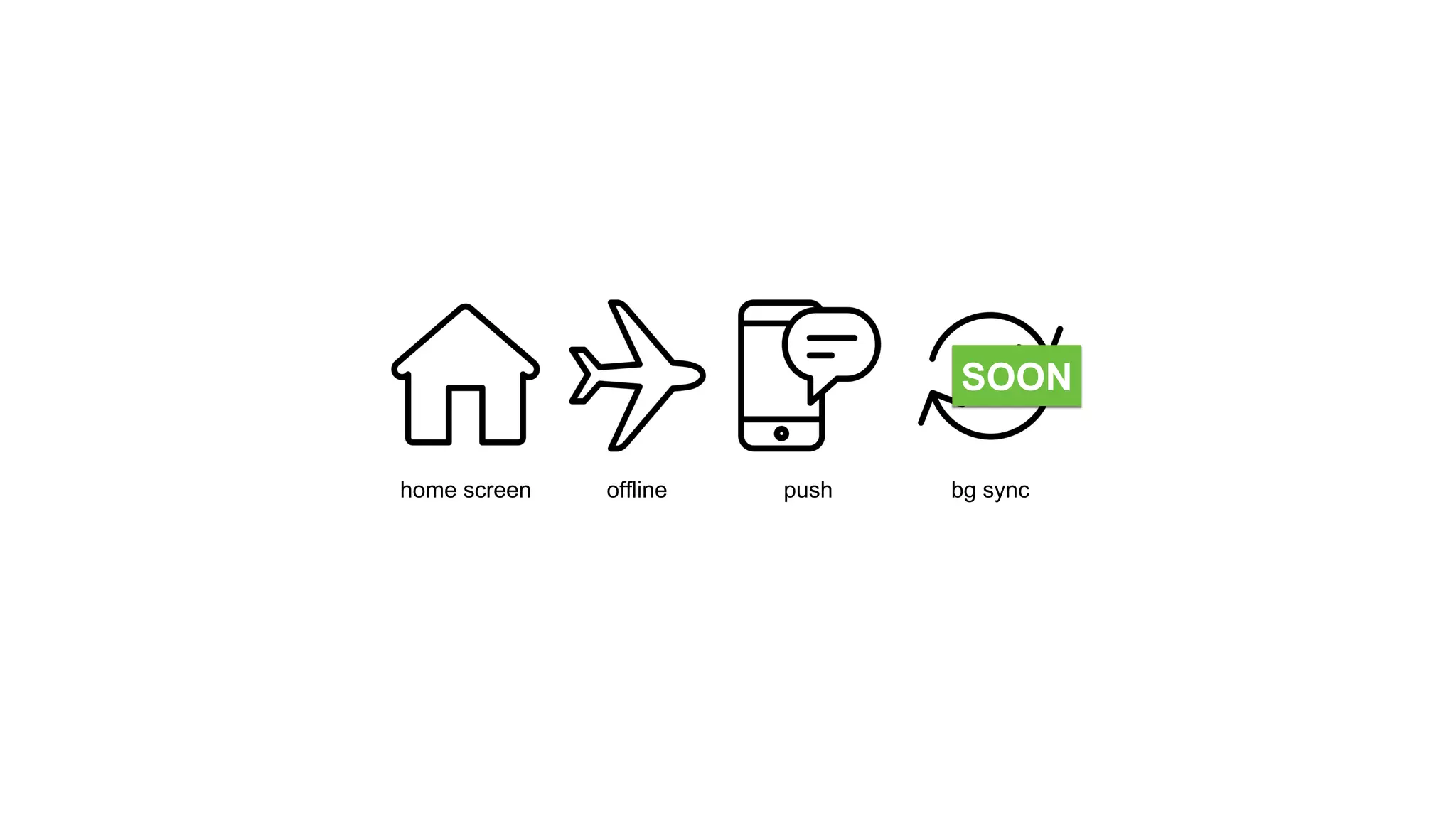
home screen offline push bg sync
SOON
# UX patterns
home screen offline push
home screen
Pattern:
Channeling users to install banners
home
screen
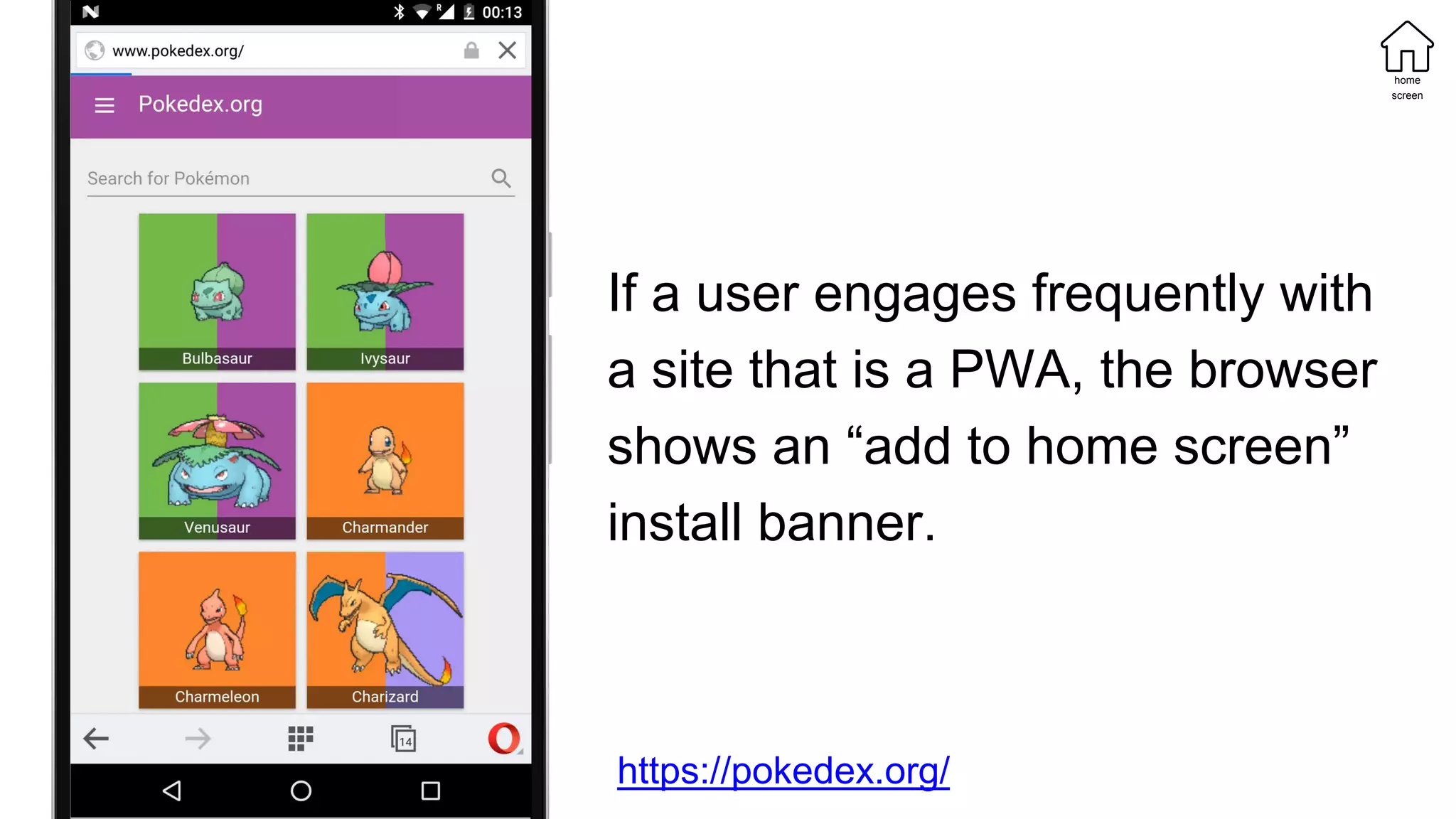
If a user engages frequently with
a site that is a PWA, the browser
shows an “add to home screen”
install banner.
https://pokedex.org/
home
screen
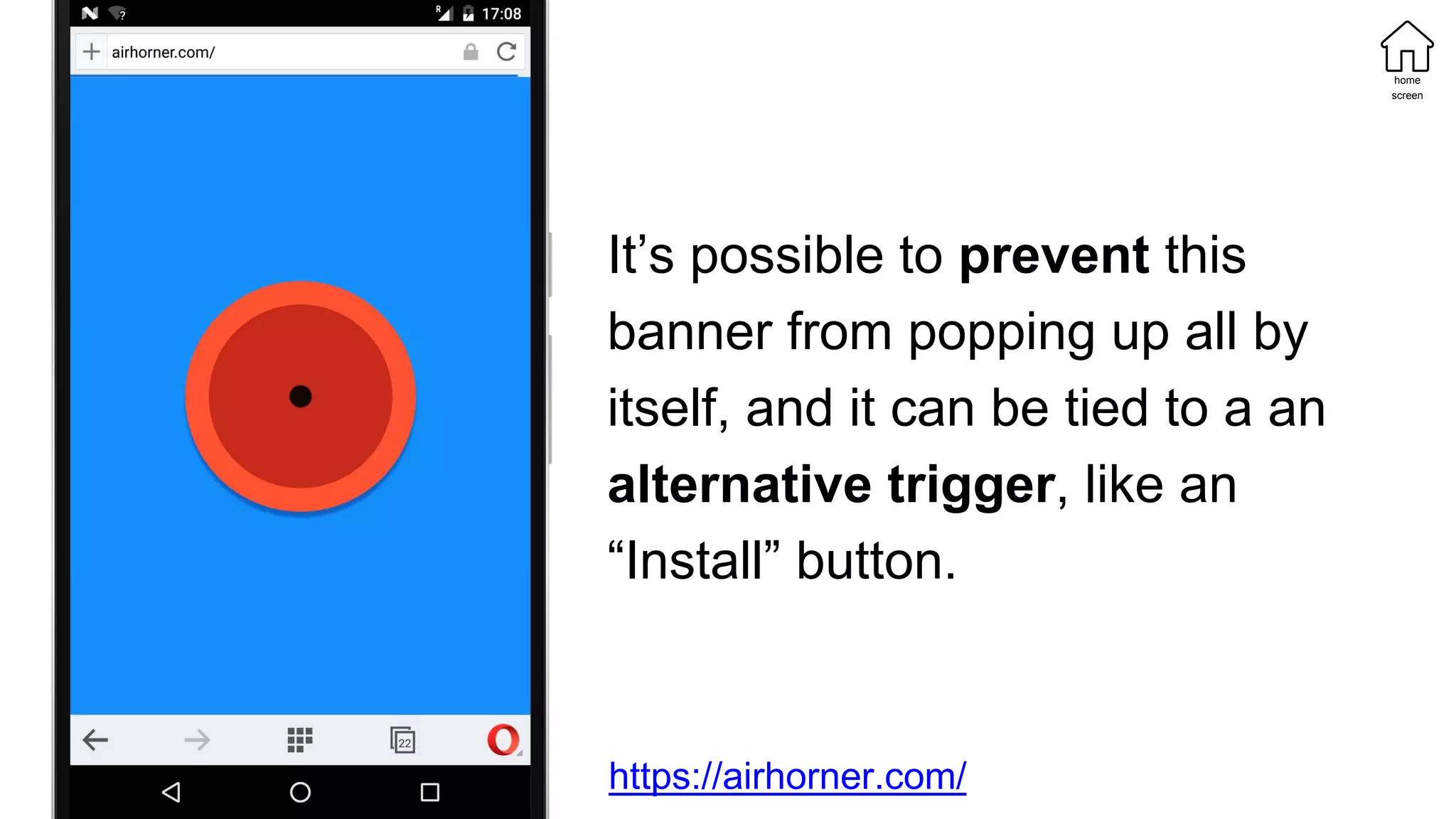
It’s possible to prevent this
banner from popping up all by
itself, and it can be tied to a an
alternative trigger, like an
“Install” button.
https://airhorner.com/
home
screen
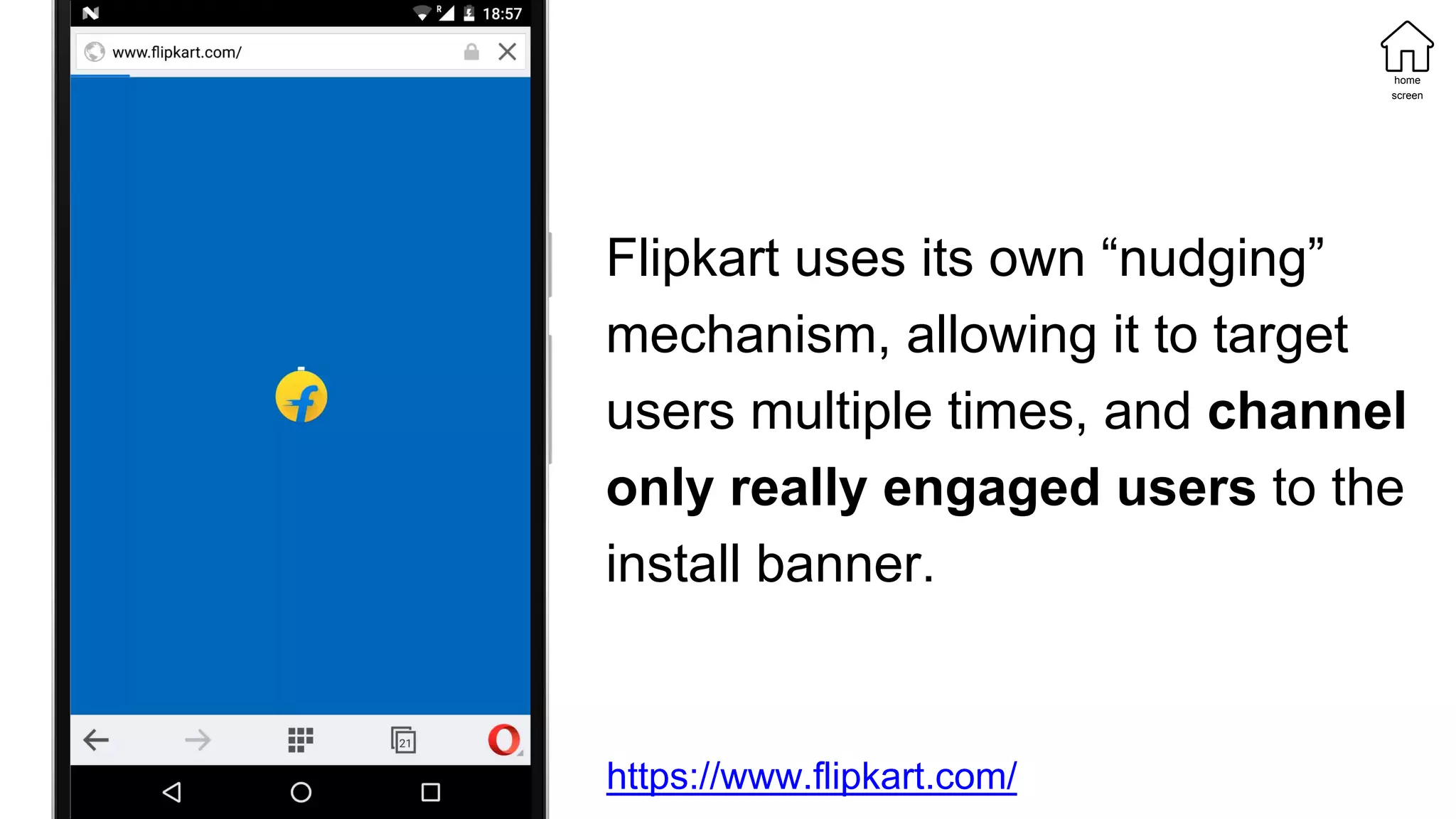
Flipkart uses its own “nudging”
mechanism, allowing it to target
users multiple times, and channel
only really engaged users to the
install banner.
https://www.flipkart.com/
home
screen
Pattern:
Using a contextually optimal
orientation and display mode
home
screen
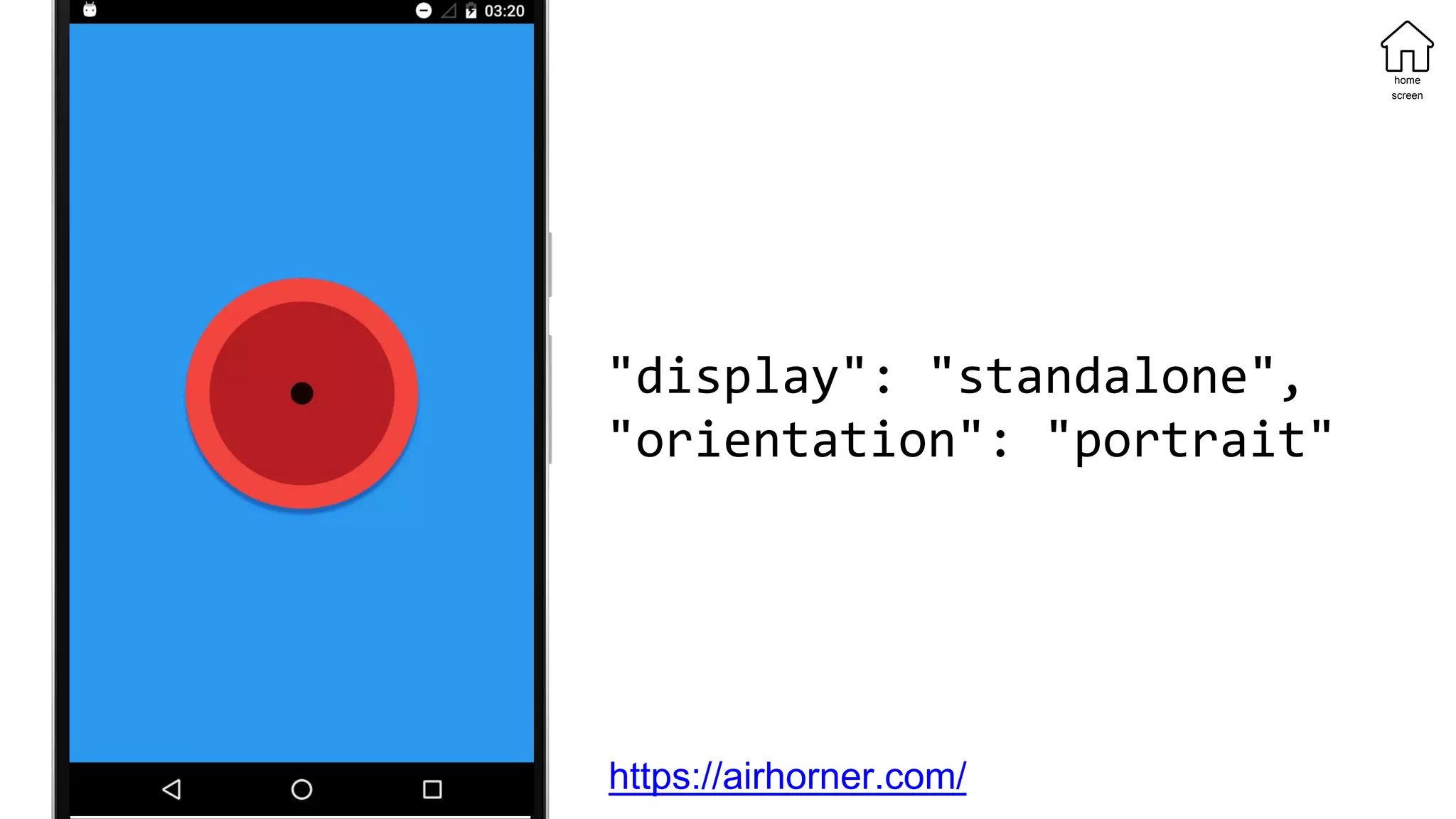
"display": "standalone",
"orientation": "portrait"
home
screen
https://airhorner.com/
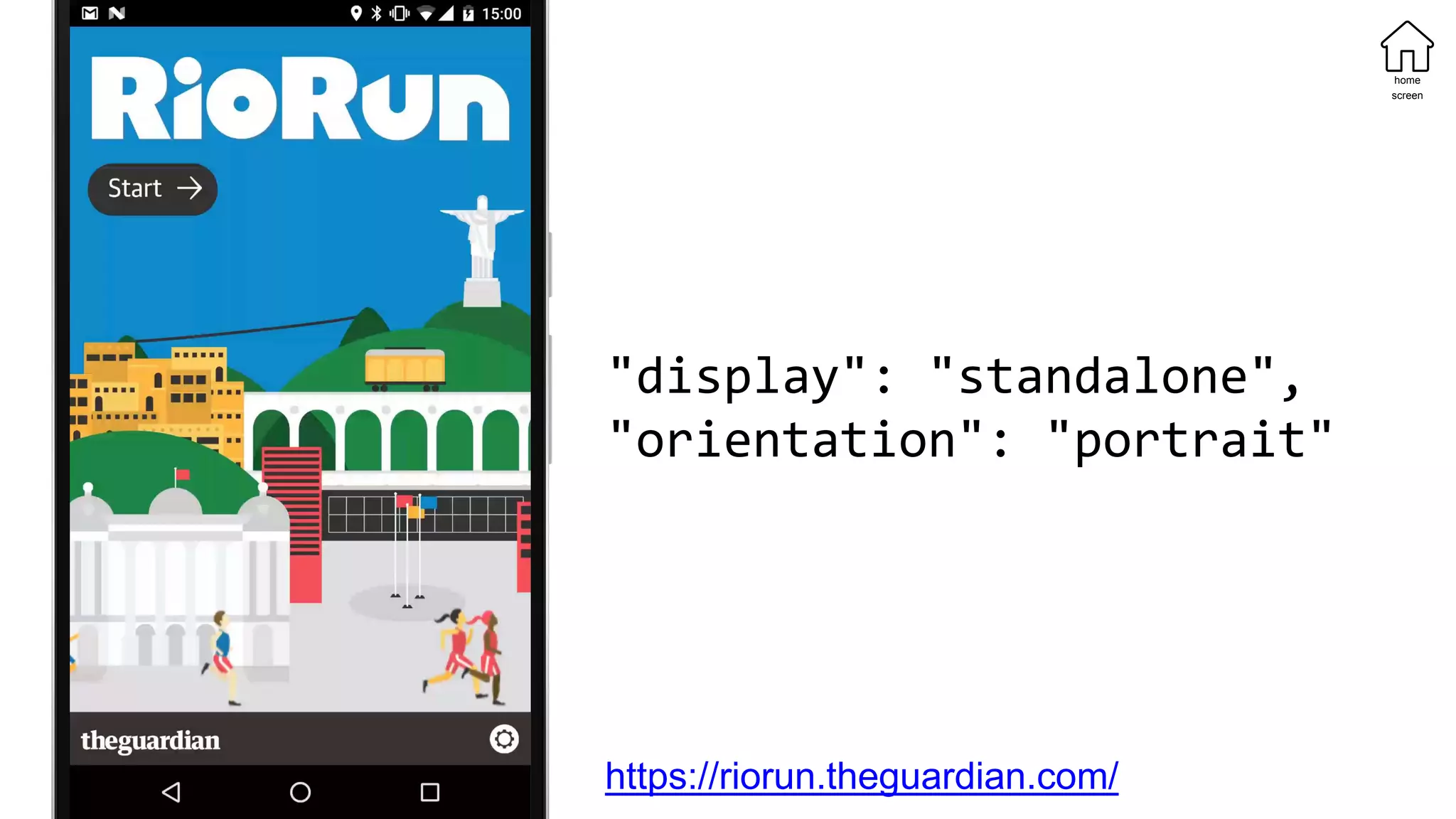
"display": "standalone",
"orientation": "portrait"
https://riorun.theguardian.com/
home
screen
[…] we think that PWAs are potentially a
perfect vehicle for all kinds of journalism –
events like election night results, specific
verticals like recipes, long-running
investigations like The Counted – and we hope
to see (and make) more in future.
home
screen
https://www.theguardian.com/info/developer-
blog/2016/aug/19/how-we-made-the-riorun-progressive-
web-app
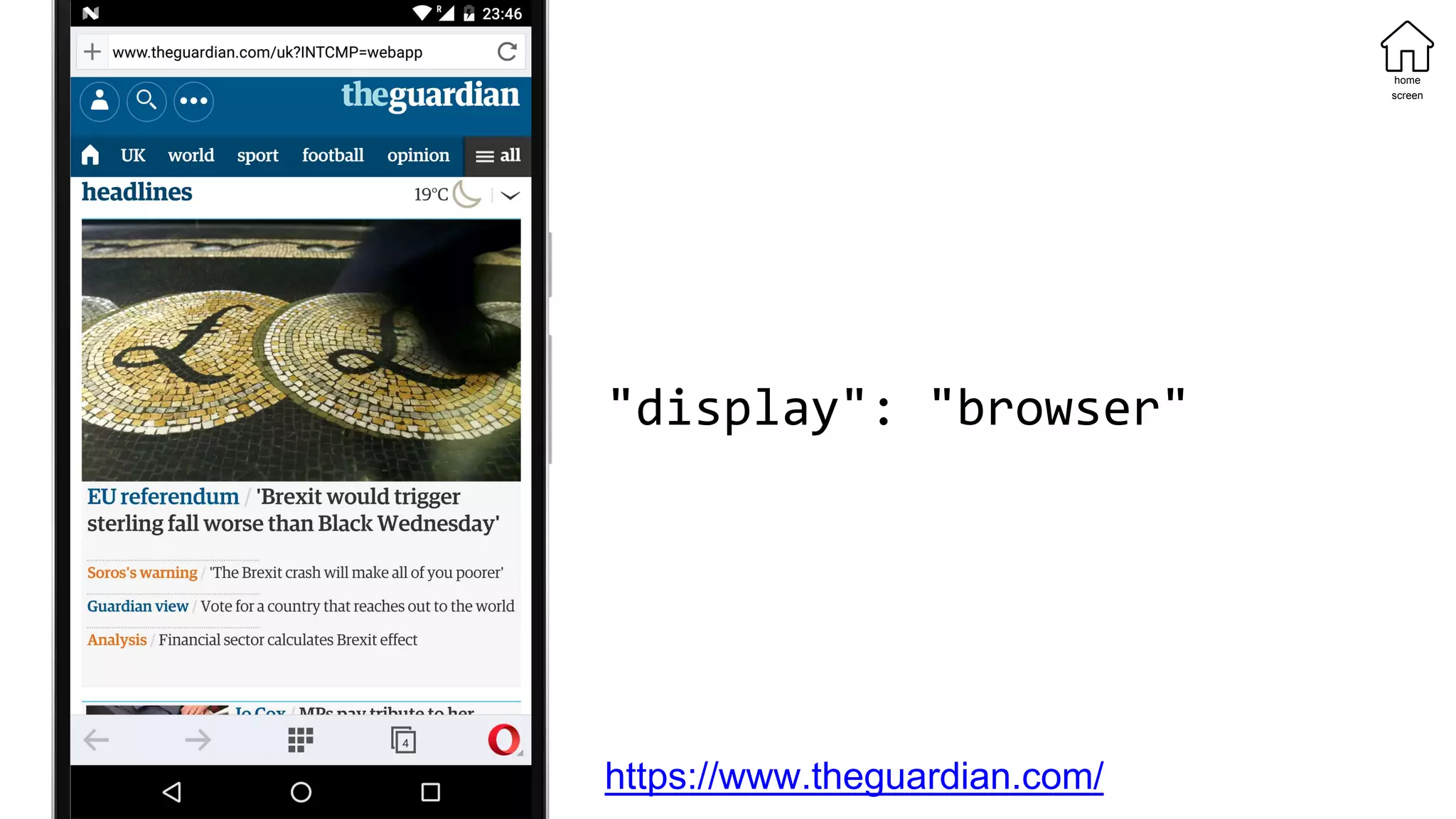
"display": "browser"
https://www.theguardian.com/
home
screen
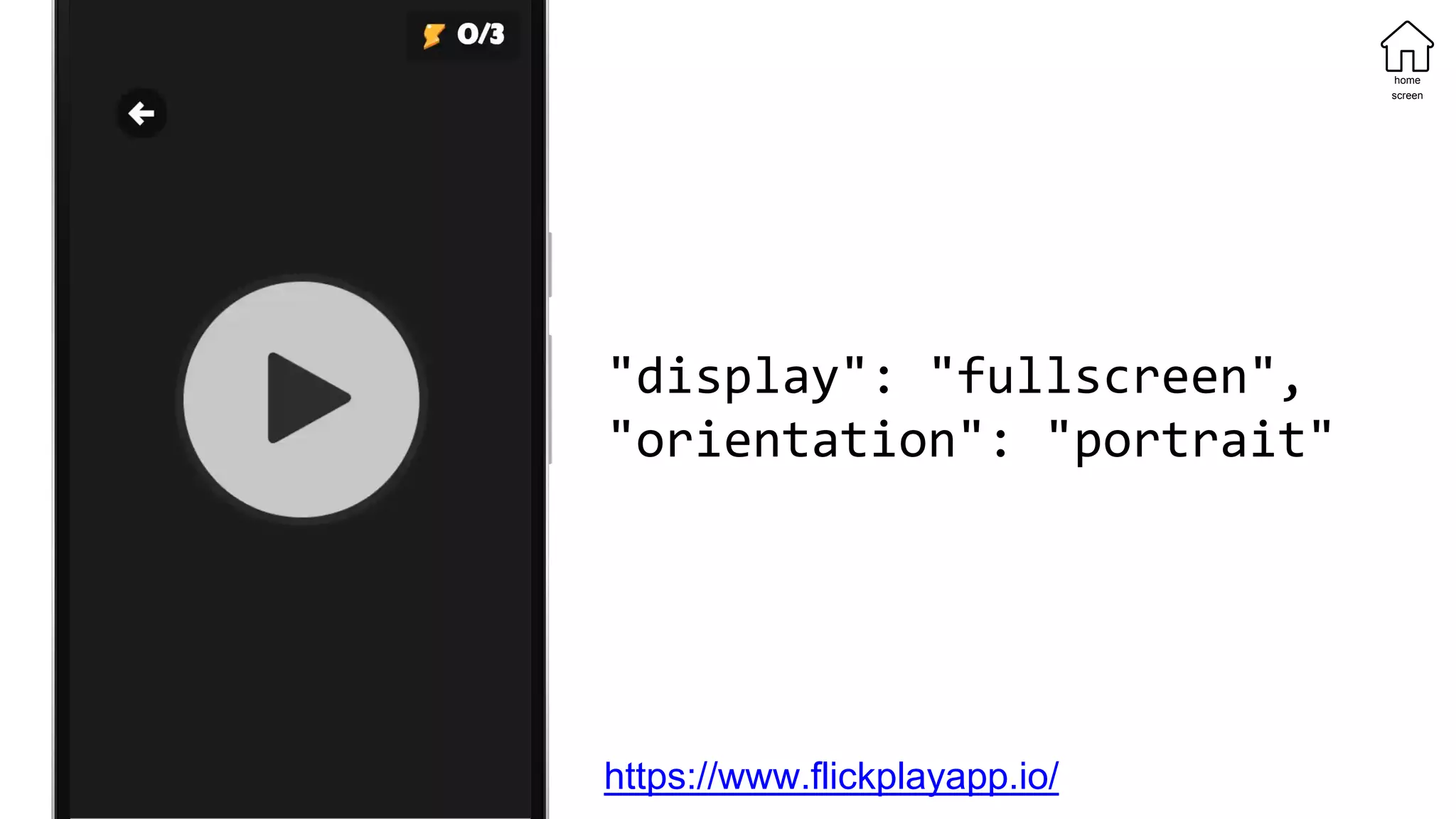
"display": "fullscreen",
"orientation": "portrait"
https://www.flickplayapp.io/
home
screen
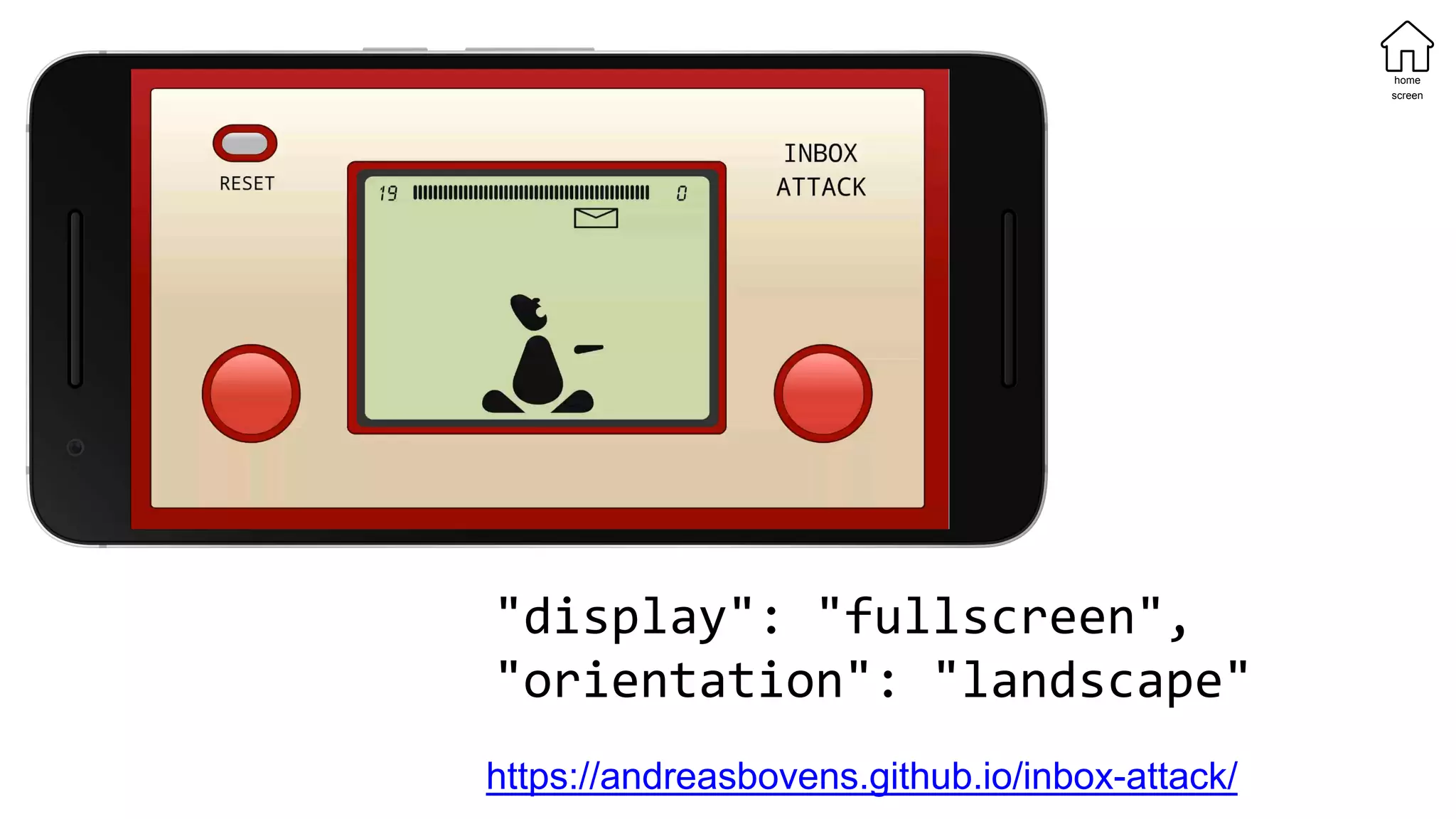
"display": "fullscreen",
"orientation": "landscape"
https://andreasbovens.github.io/inbox-attack/
home
screen
offline
offline
Pattern:
Saving specific content units
offline
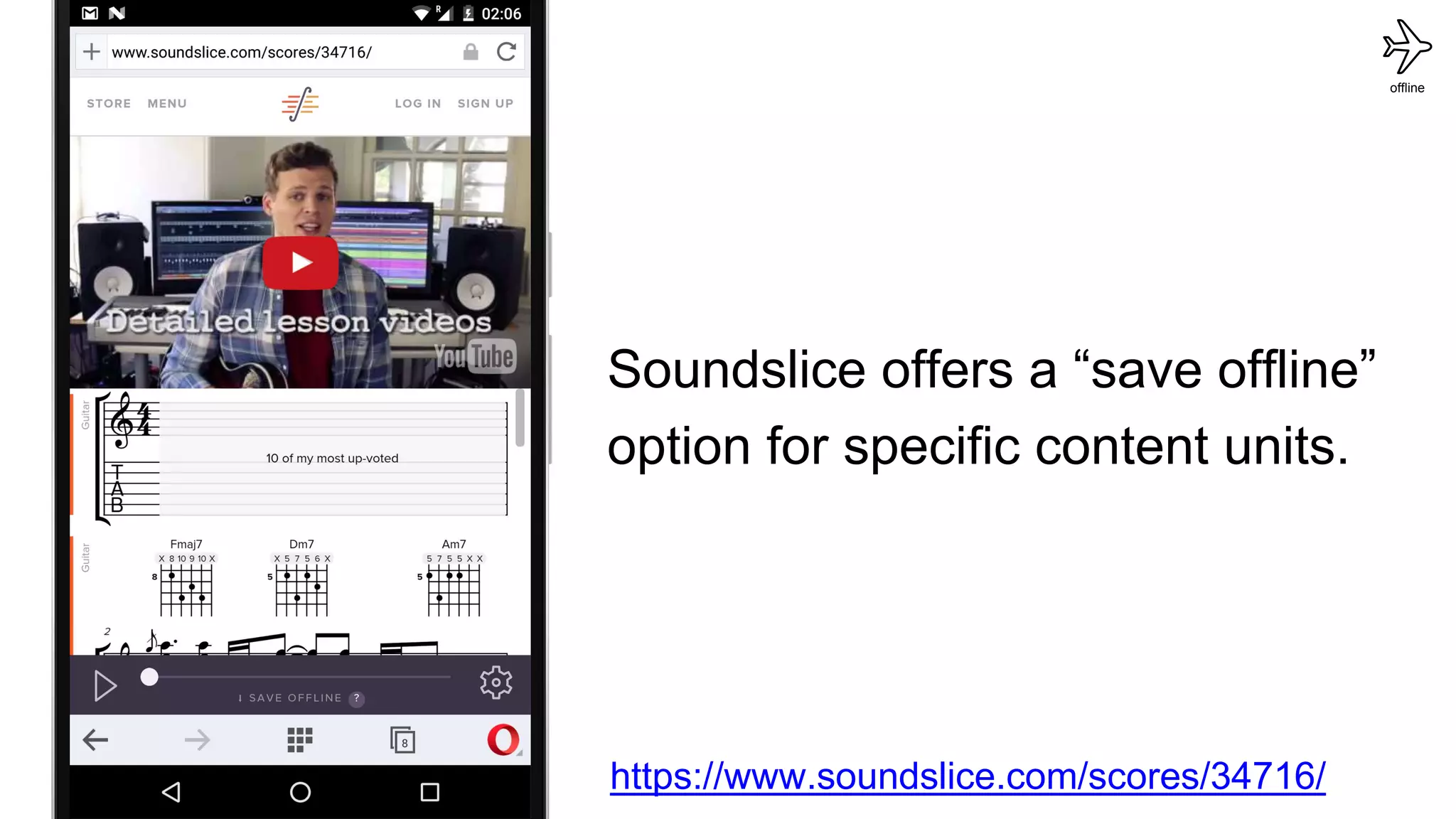
https://www.soundslice.com/scores/34716/
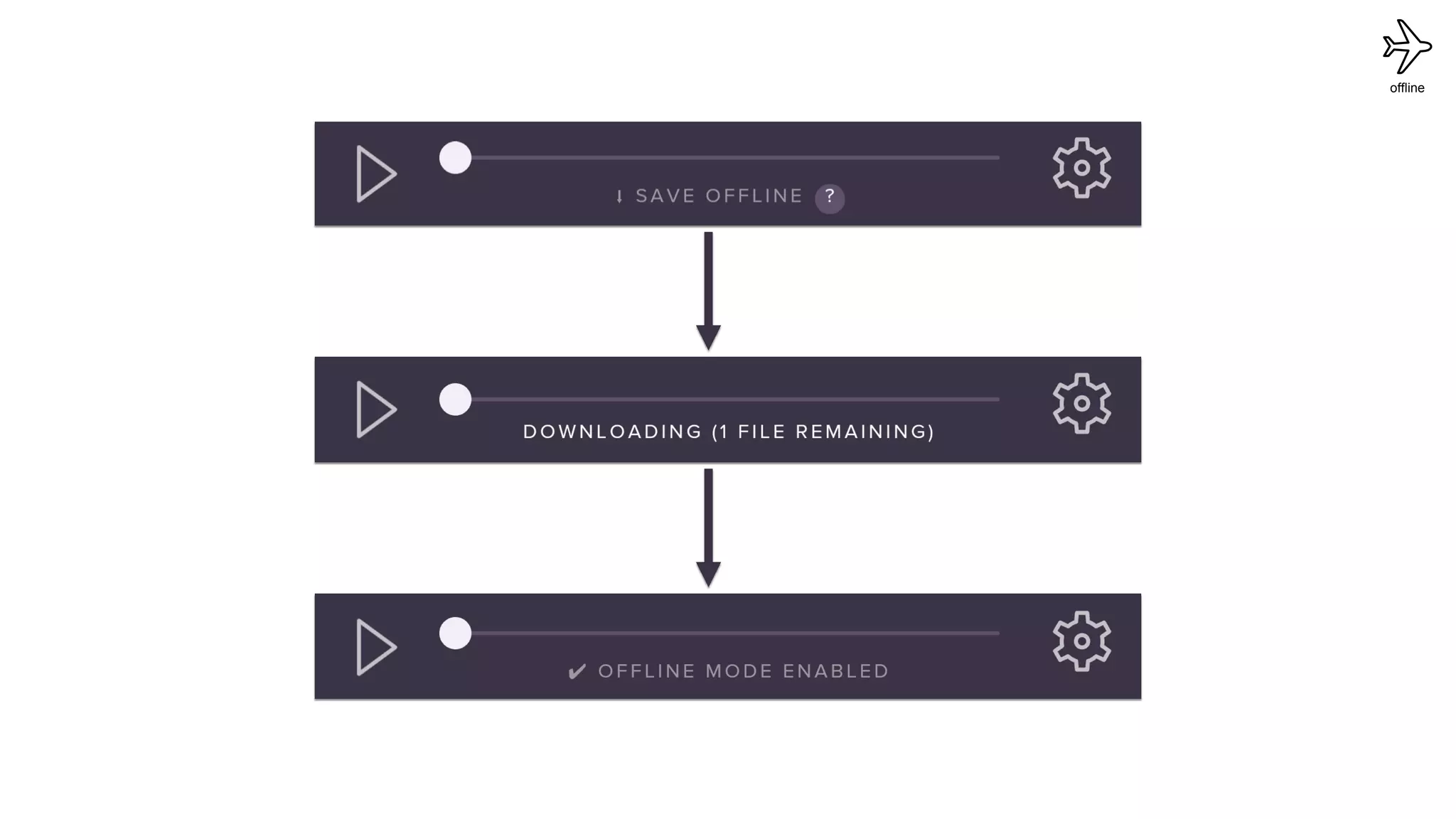
Soundslice offers a “save offline”
option for specific content units.
offline
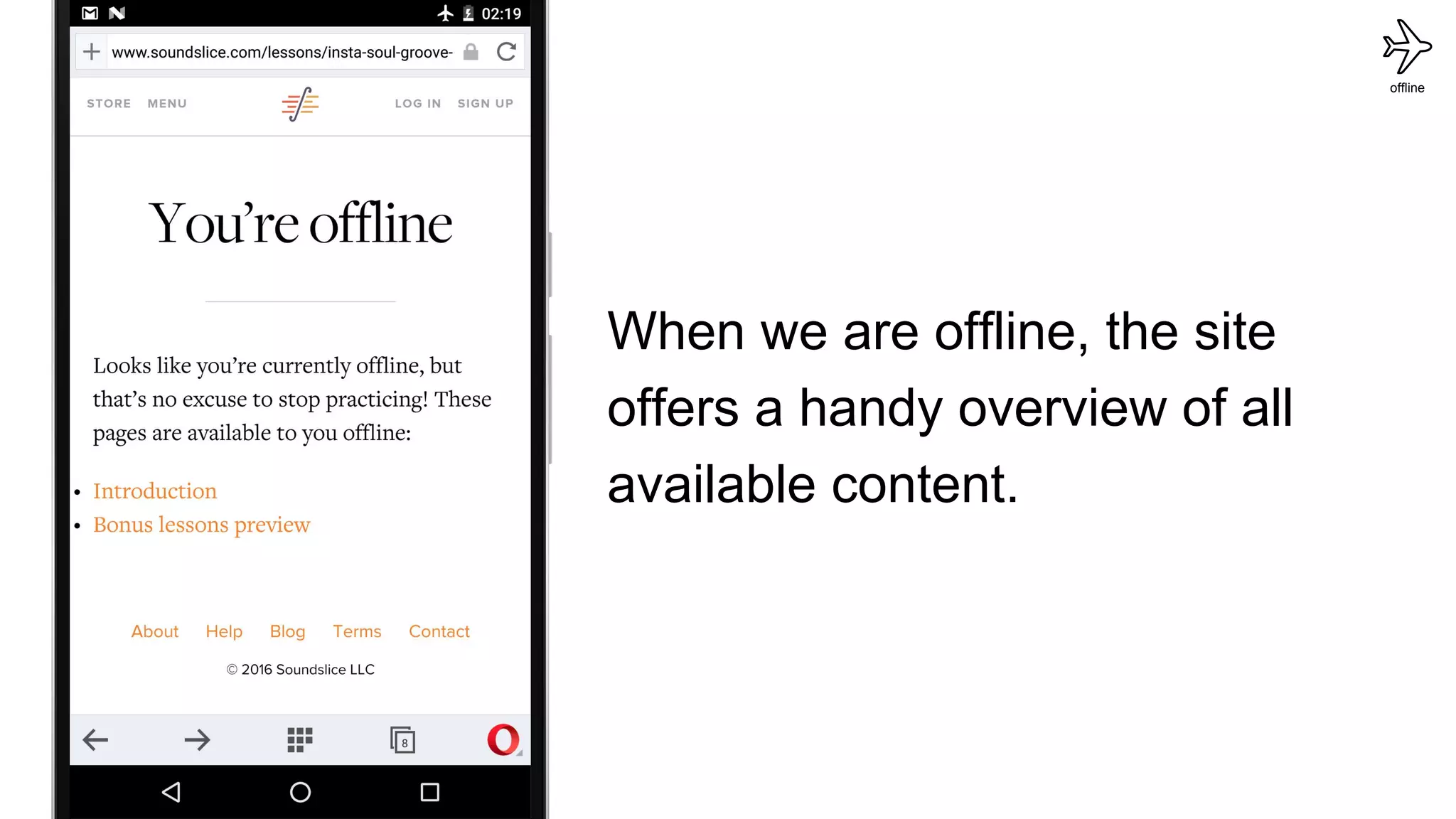
When we are offline, the site
offers a handy overview of all
available content.
offline
offline
Pattern:
Saving (almost) all site content
offline
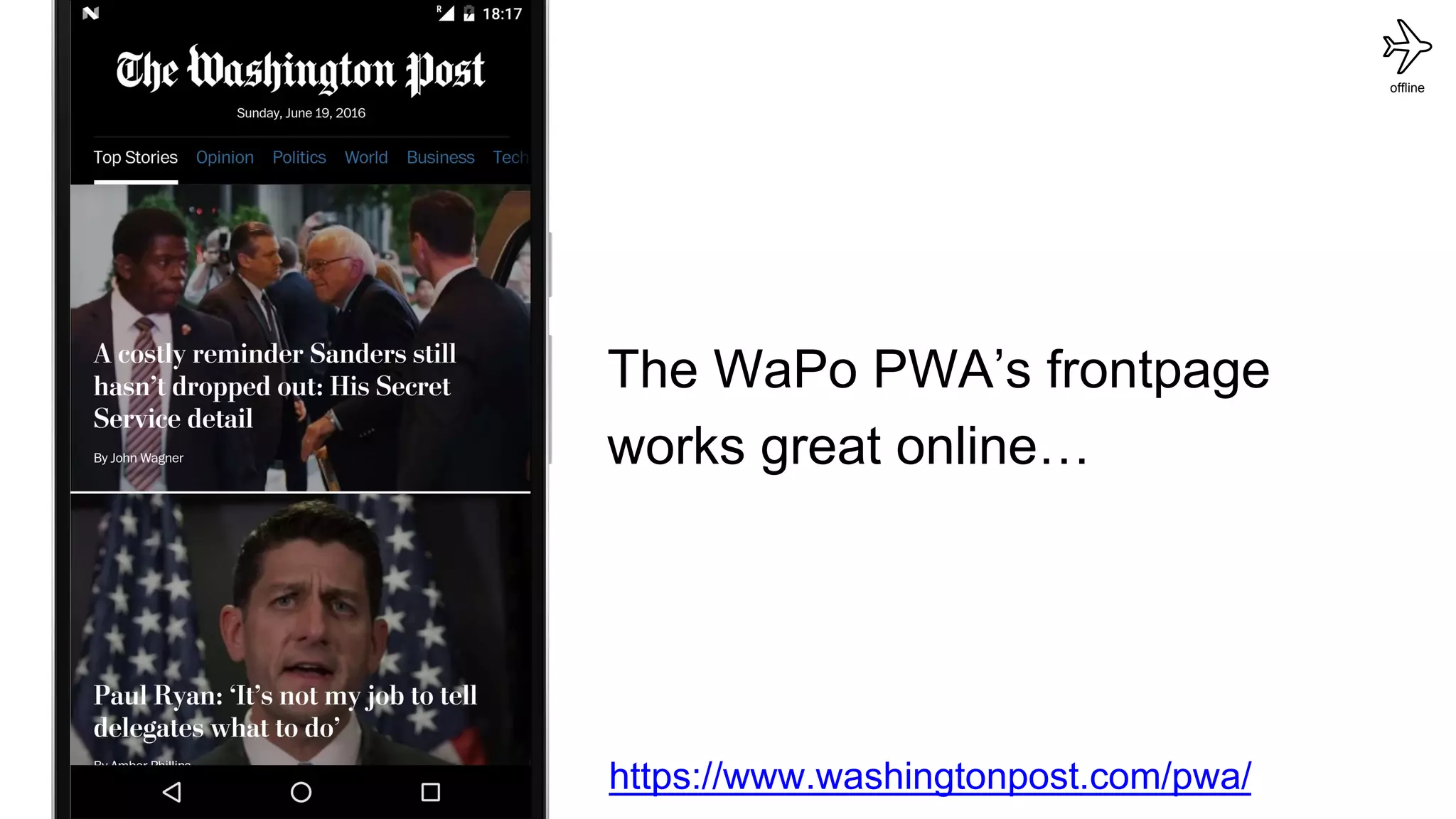
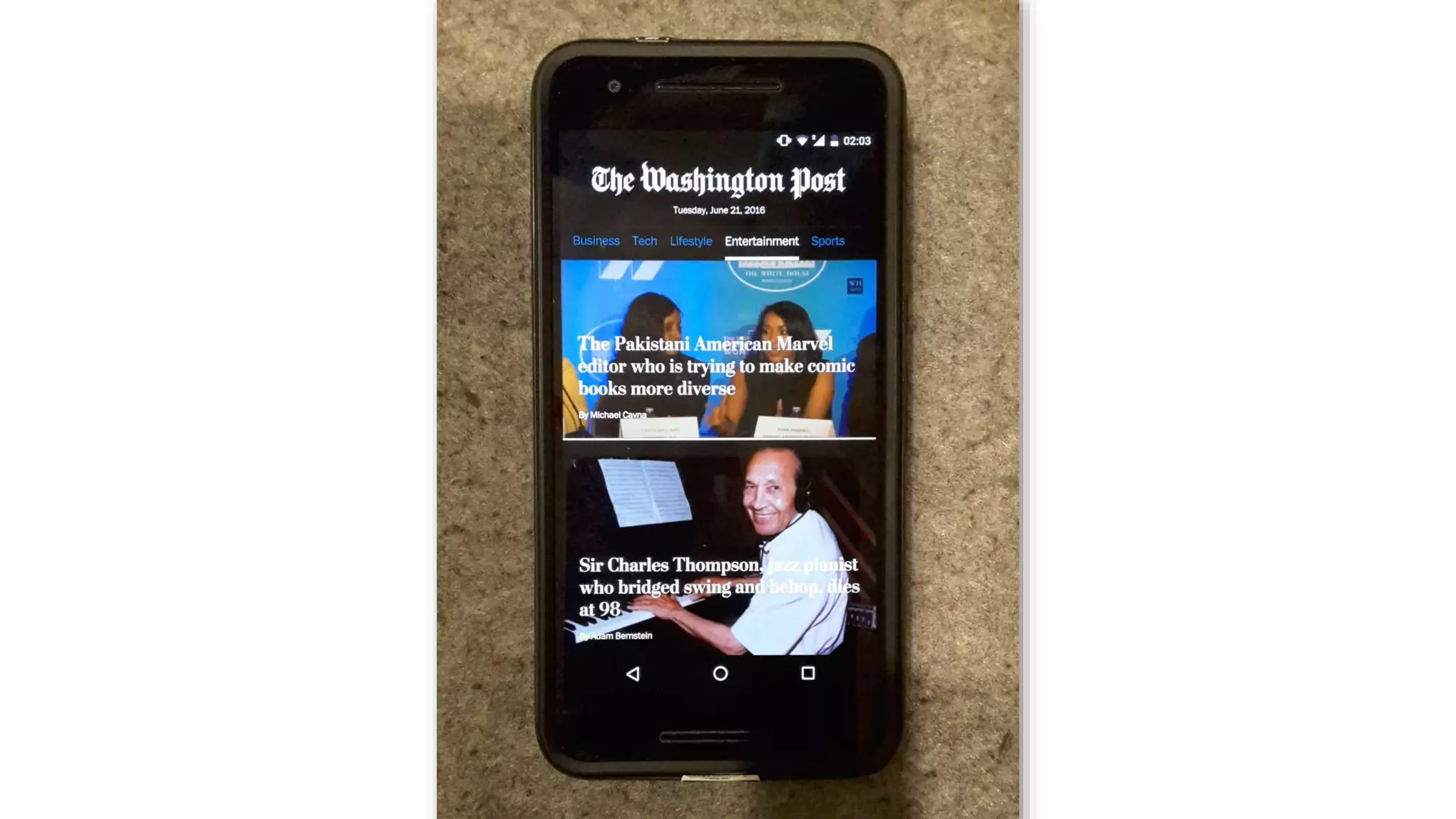
The WaPo PWA’s frontpage
works great online…
https://www.washingtonpost.com/pwa/
offline
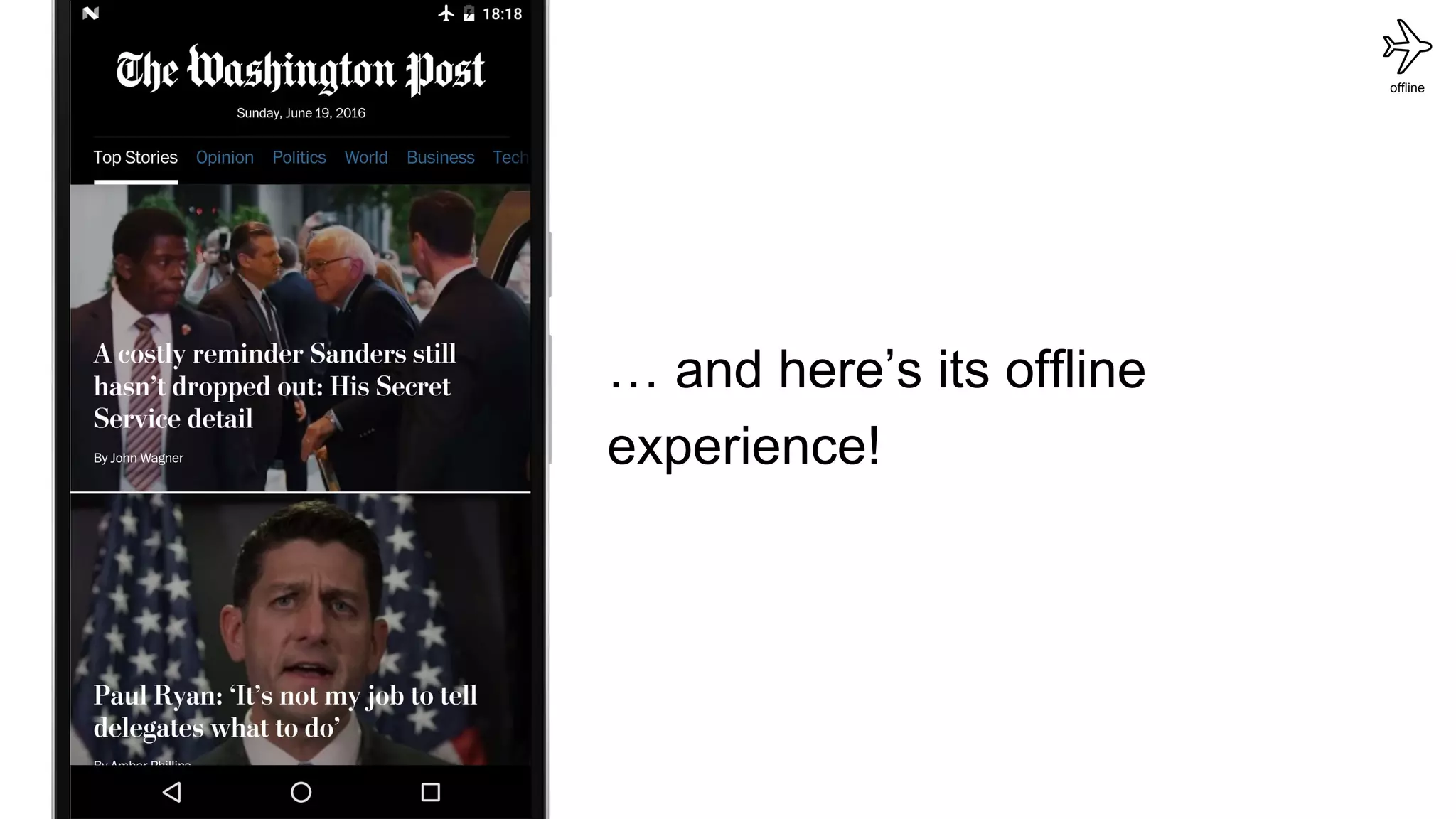
… and here’s its offline
experience!
offline
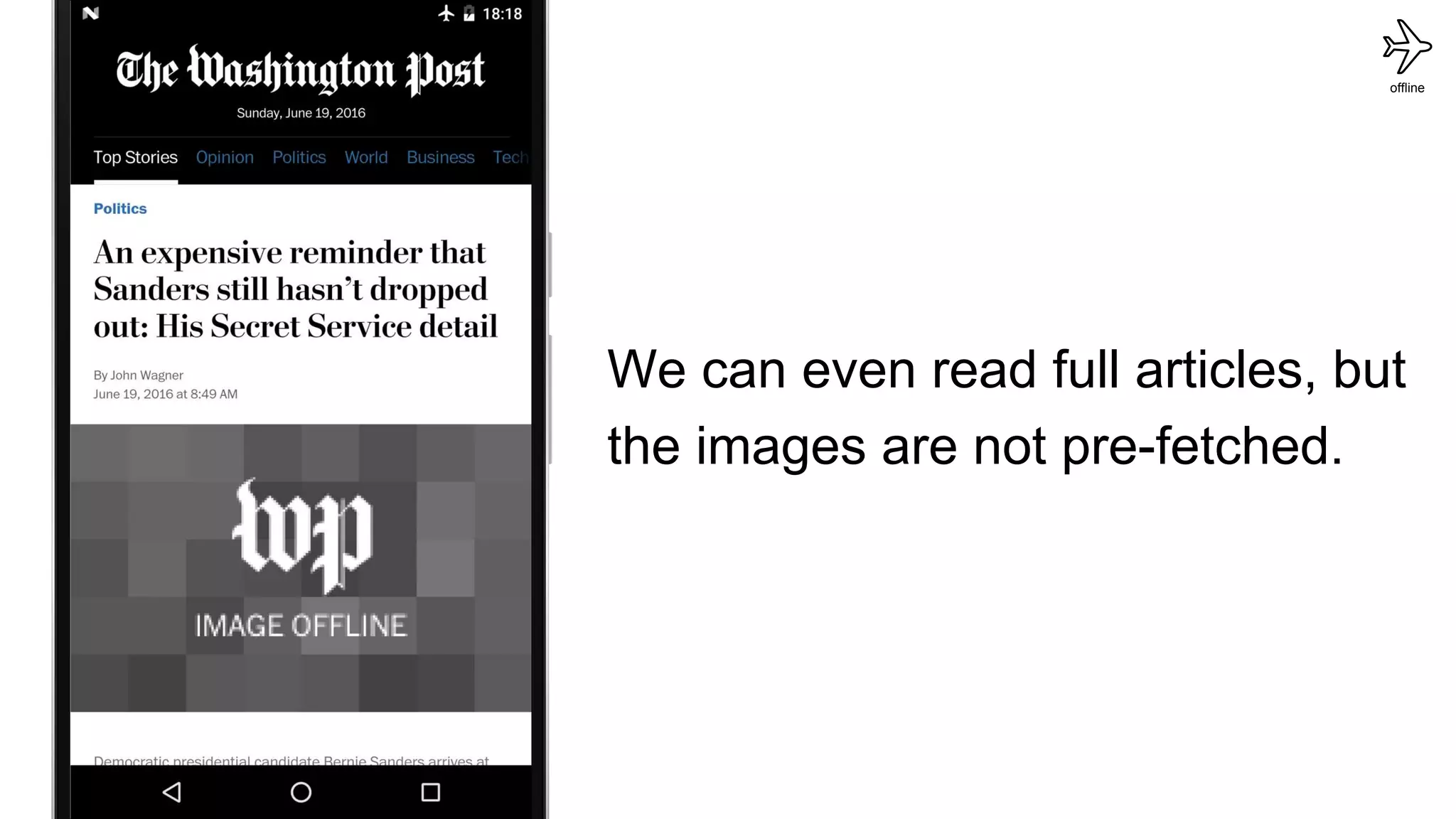
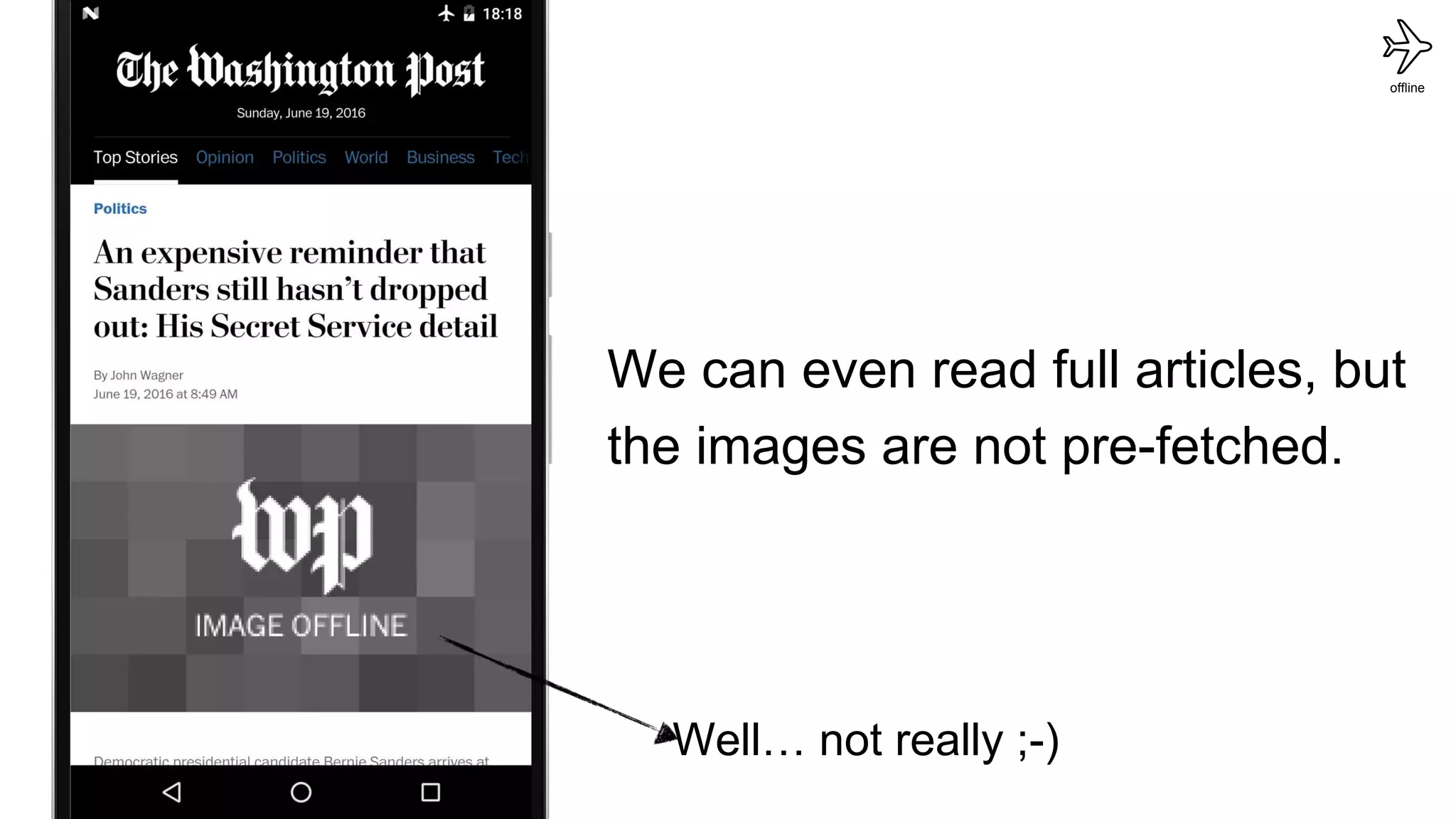
We can even read full articles, but
the images are not pre-fetched.
offline
Well… not really ;-)
We can even read full articles, but
the images are not pre-fetched.
offline
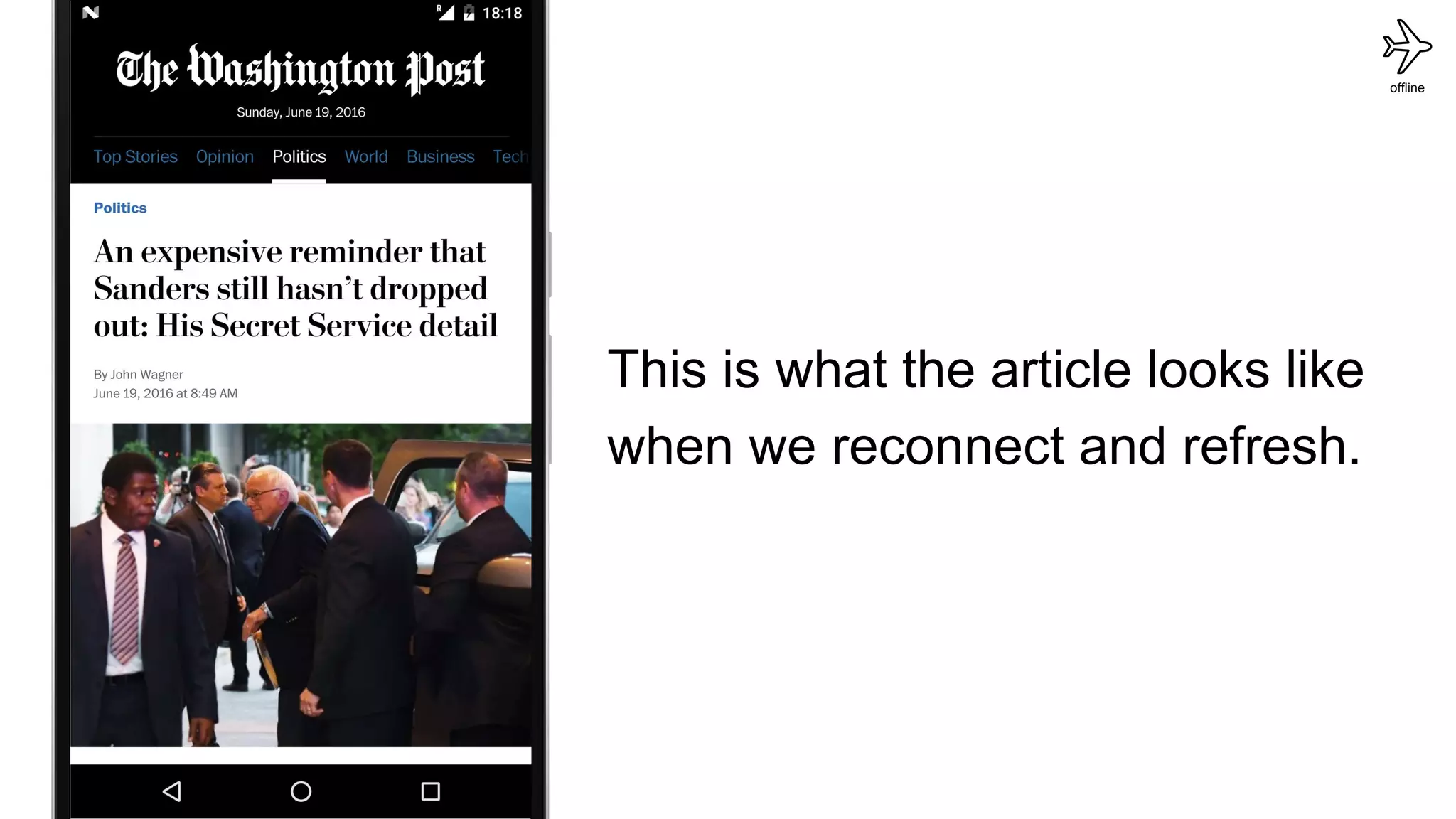
This is what the article looks like
when we reconnect and refresh.
offline
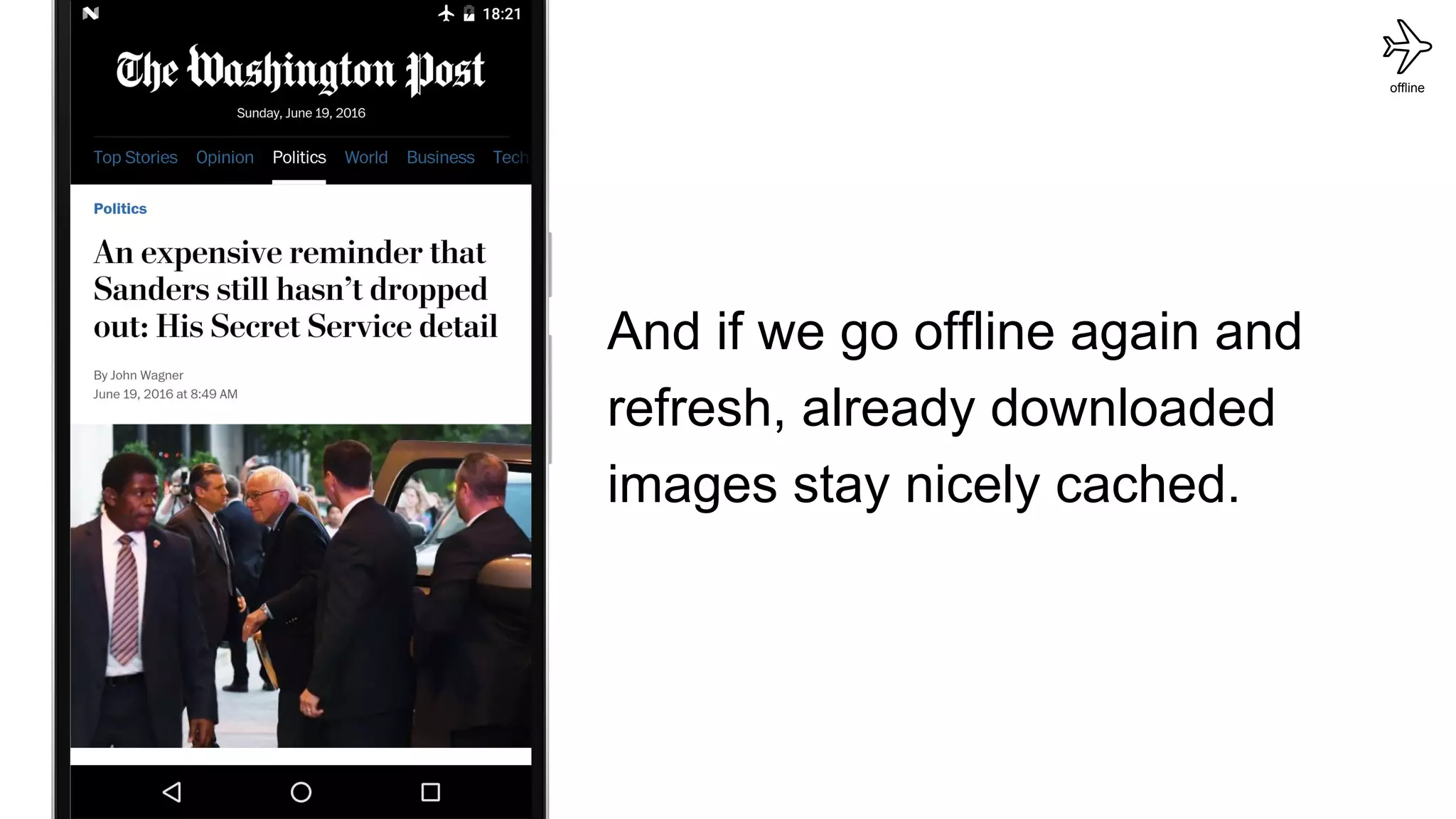
And if we go offline again and
refresh, already downloaded
images stay nicely cached.
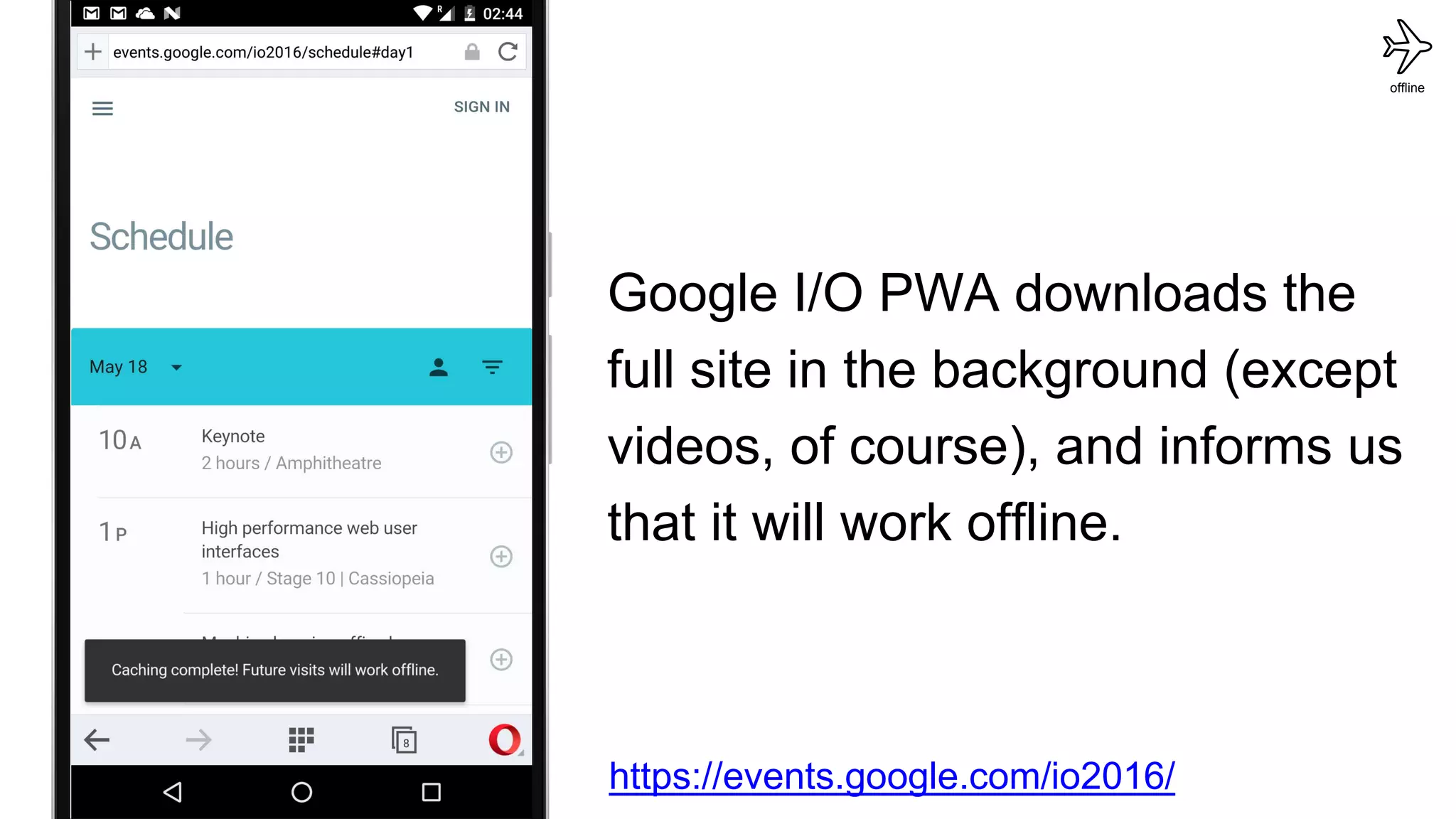
Google I/O PWA downloads the
full site in the background (except
videos, of course), and informs us
that it will work offline.
offline
https://events.google.com/io2016/
offline
Pattern:
Indicating that the user is offline
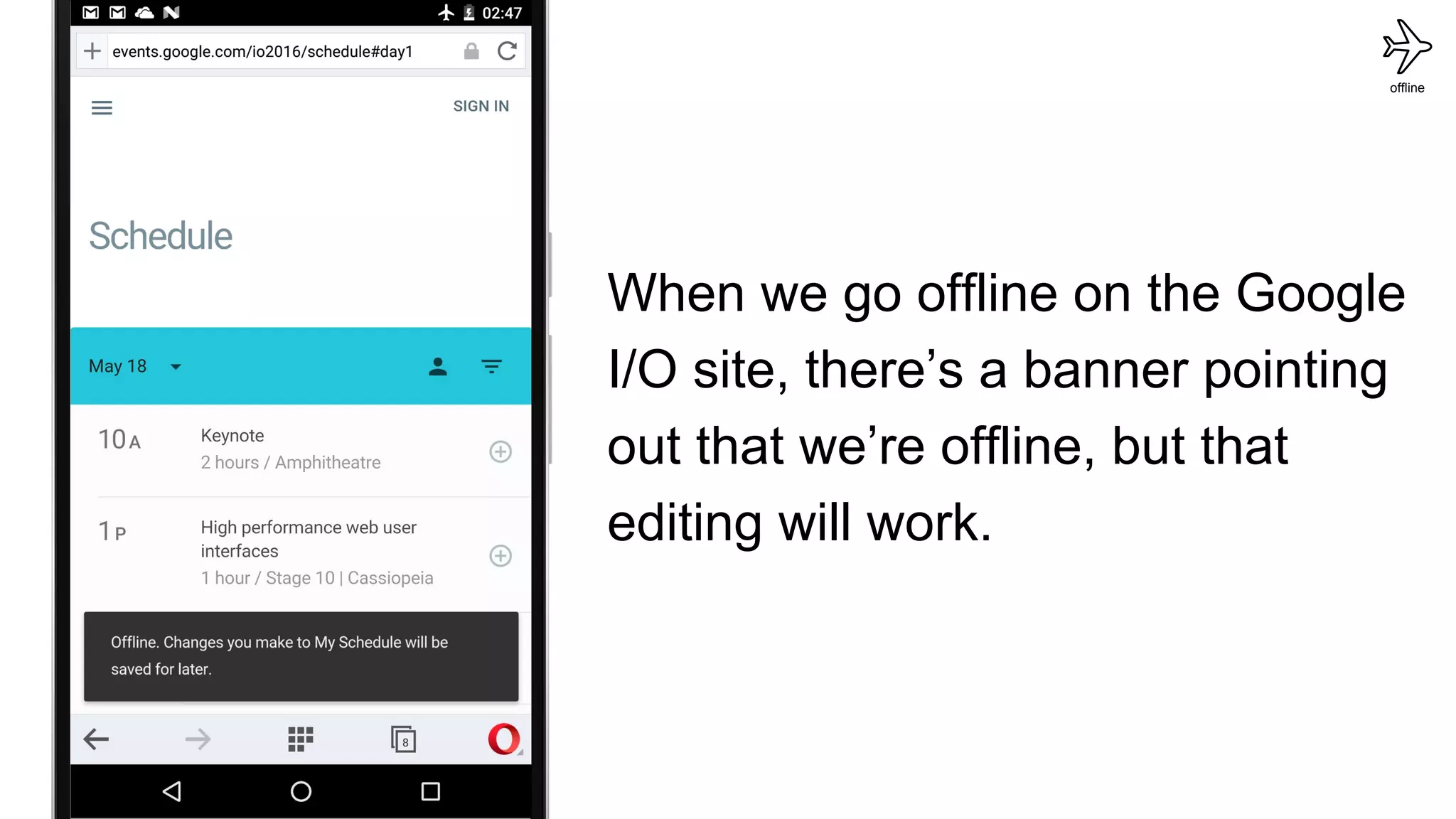
When we go offline on the Google
I/O site, there’s a banner pointing
out that we’re offline, but that
editing will work.
offline
offline
offline
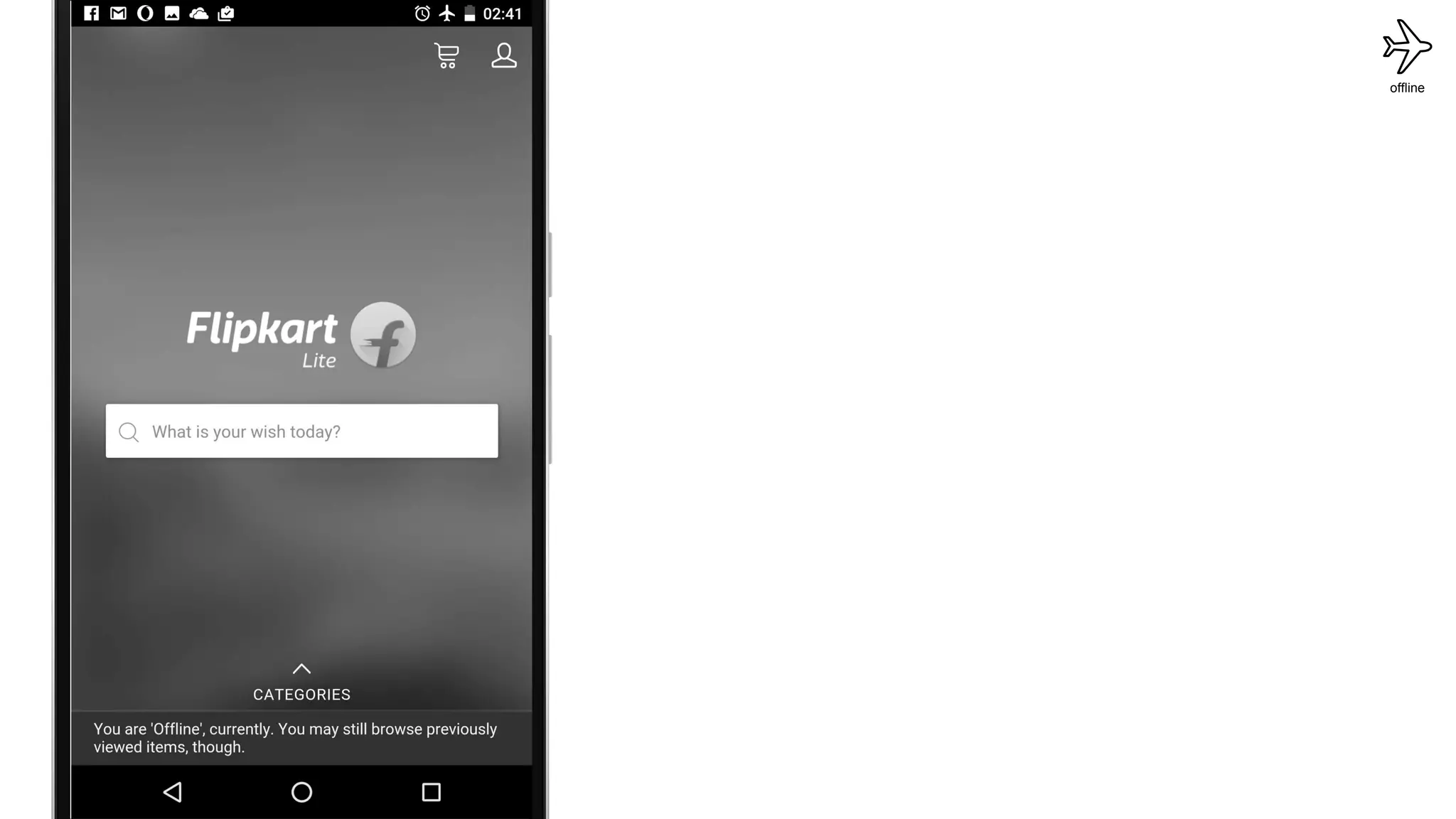
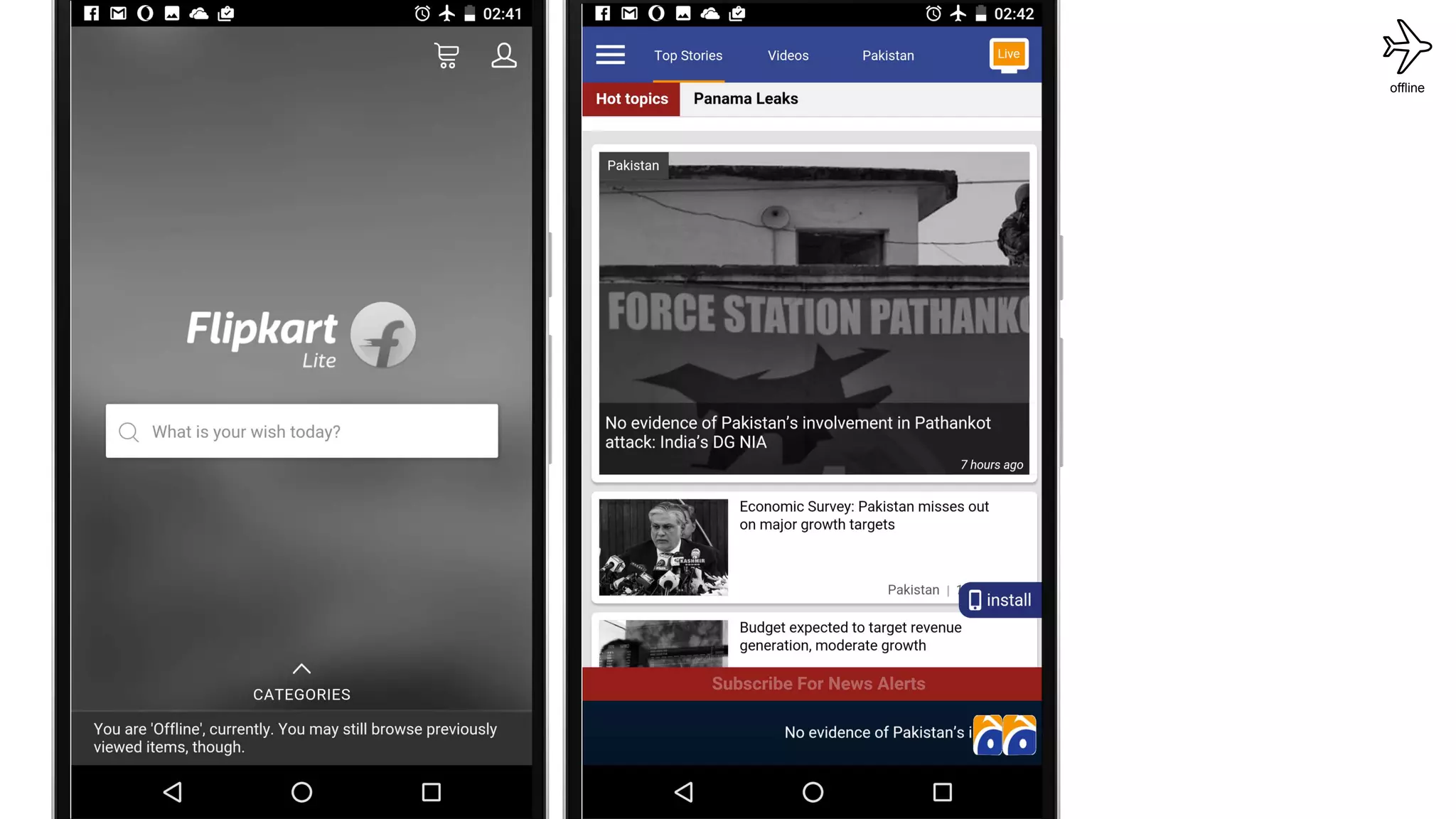
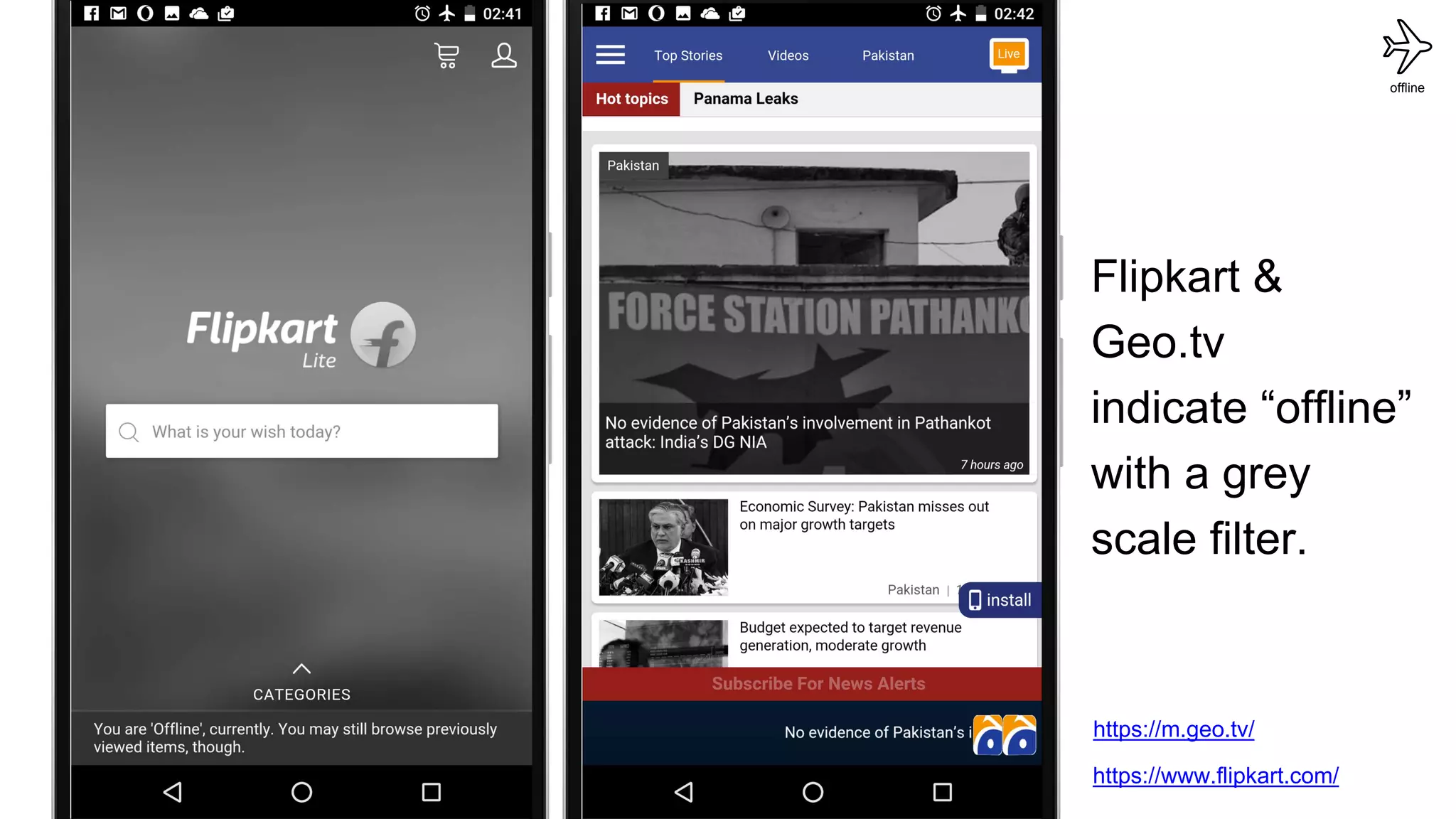
Flipkart &
Geo.tv
indicate “offline”
with a grey
scale filter.
offline
https://m.geo.tv/
https://www.flipkart.com/
push
push
push
push
Pattern:
Using notifications for re-engagement
push
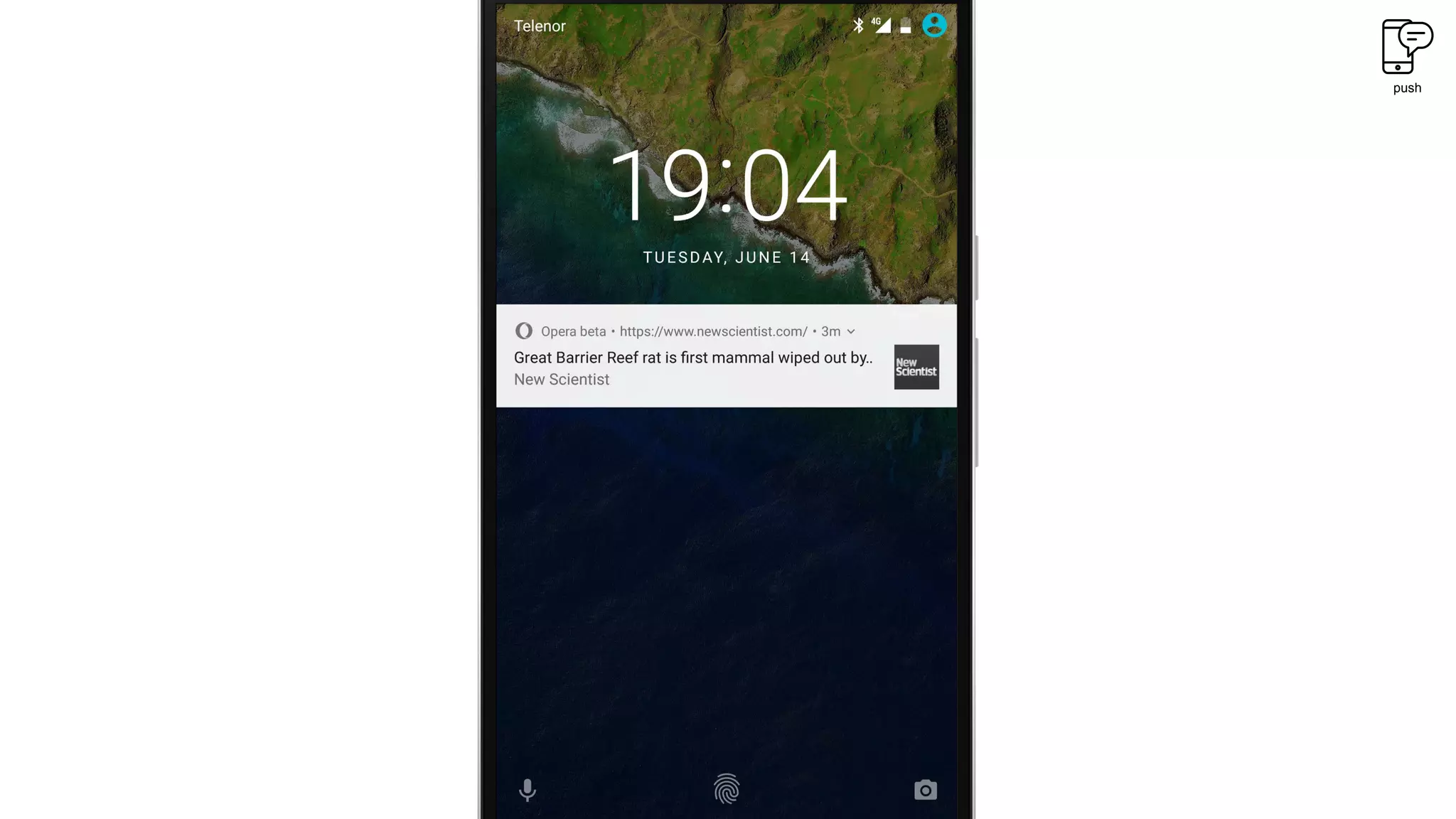
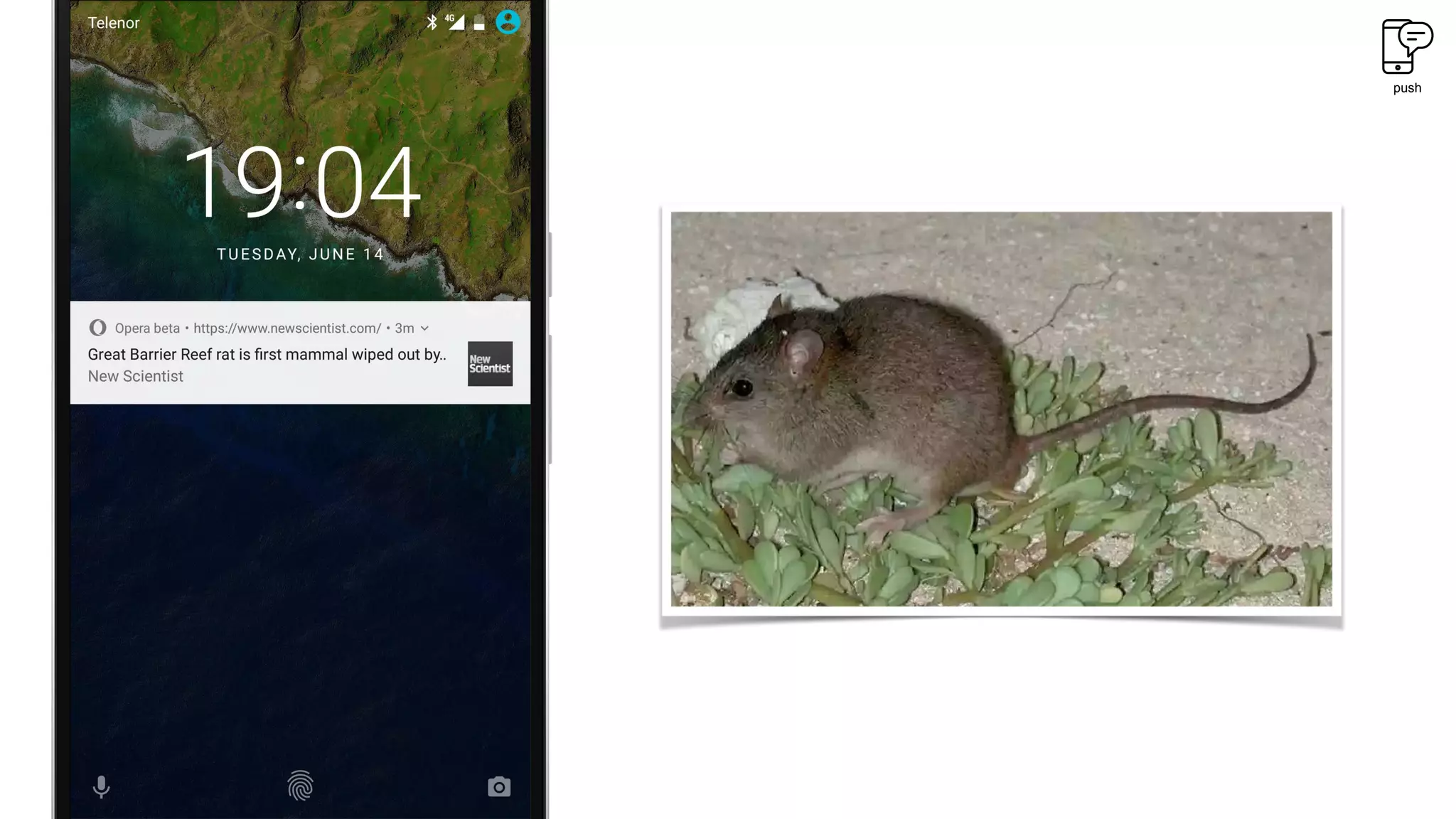
Push notifications allow web apps to list
visitors for re-engagement in a low-friction
manner,
without requiring sign-up or app download.
push
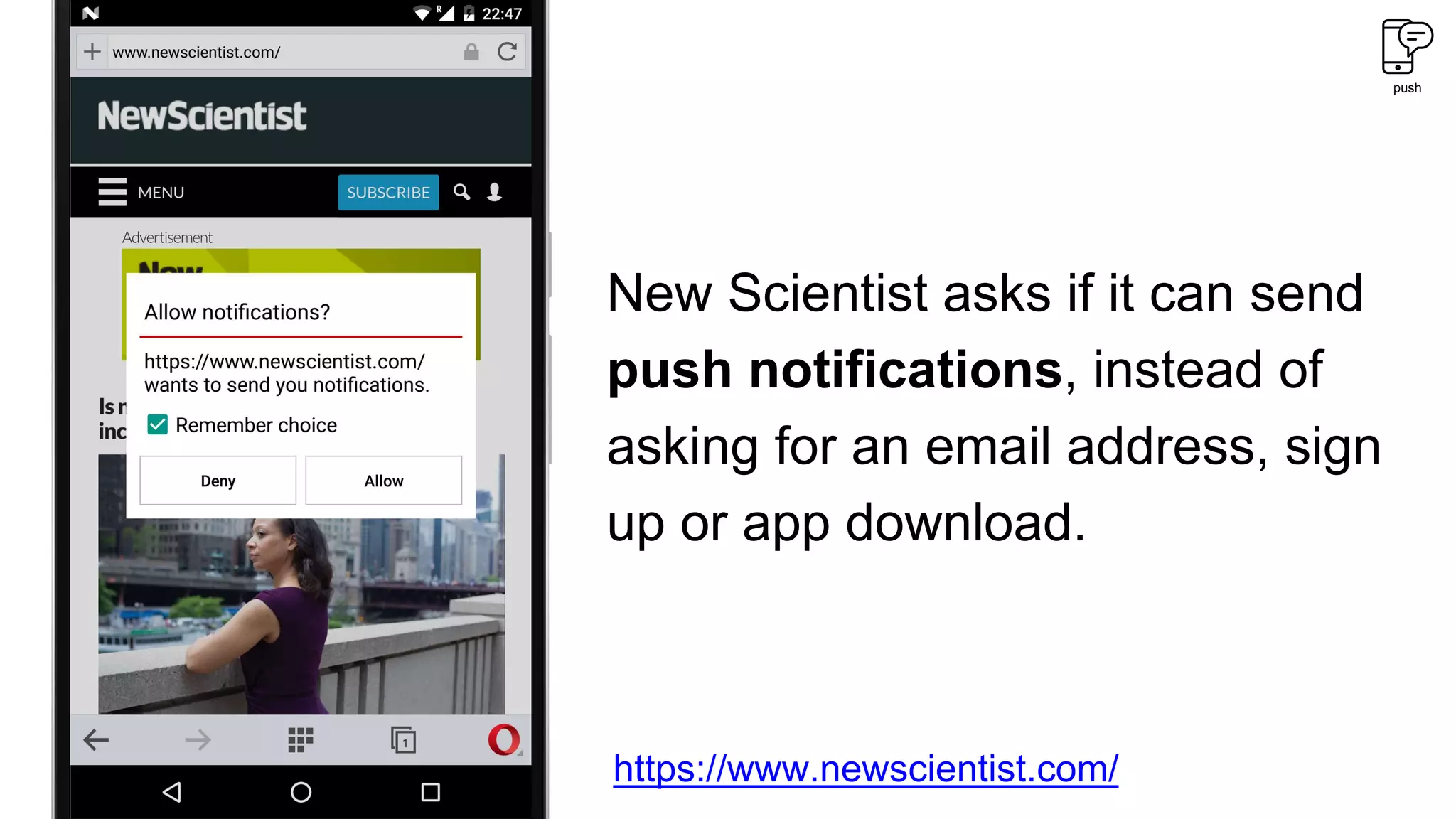
New Scientist asks if it can send
push notifications, instead of
asking for an email address, sign
up or app download.
https://www.newscientist.com/
push
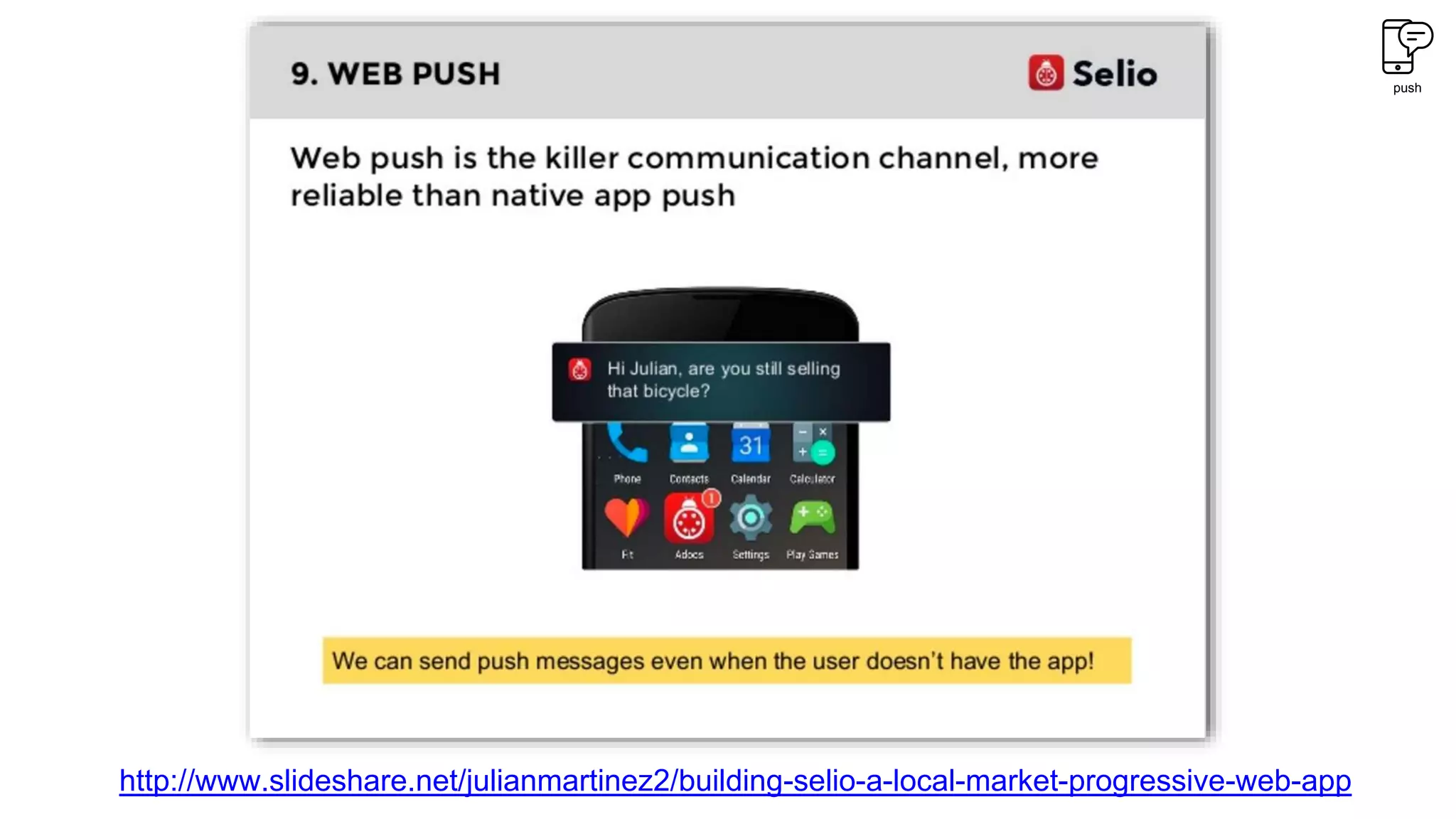
http://www.slideshare.net/julianmartinez2/building-selio-a-local-market-progressive-web-app
push
Pattern:
Contextualizing why the user should
grant permission to send notifications
push
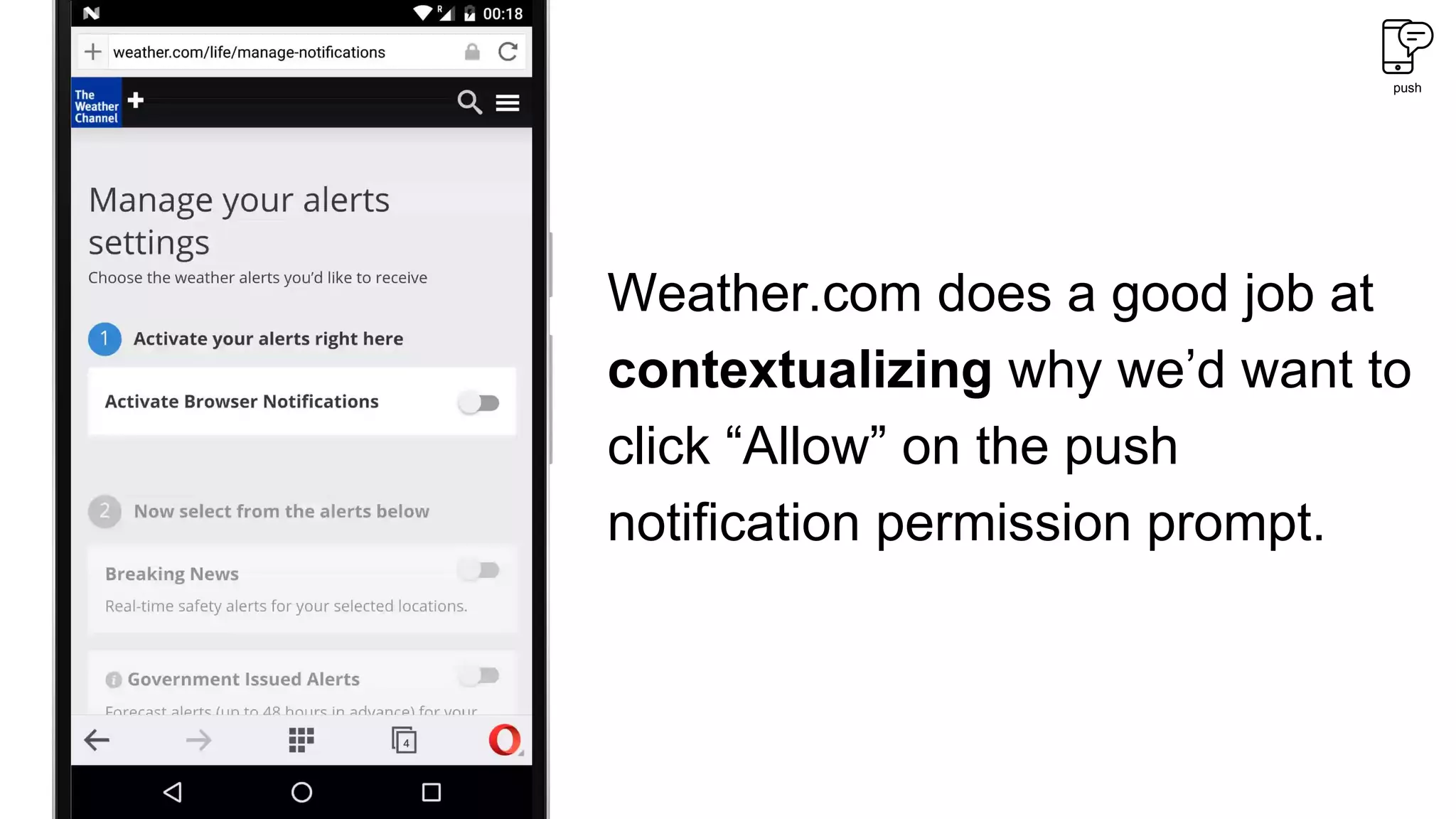
Weather.com does a good job at
contextualizing why we’d want to
click “Allow” on the push
notification permission prompt.
push
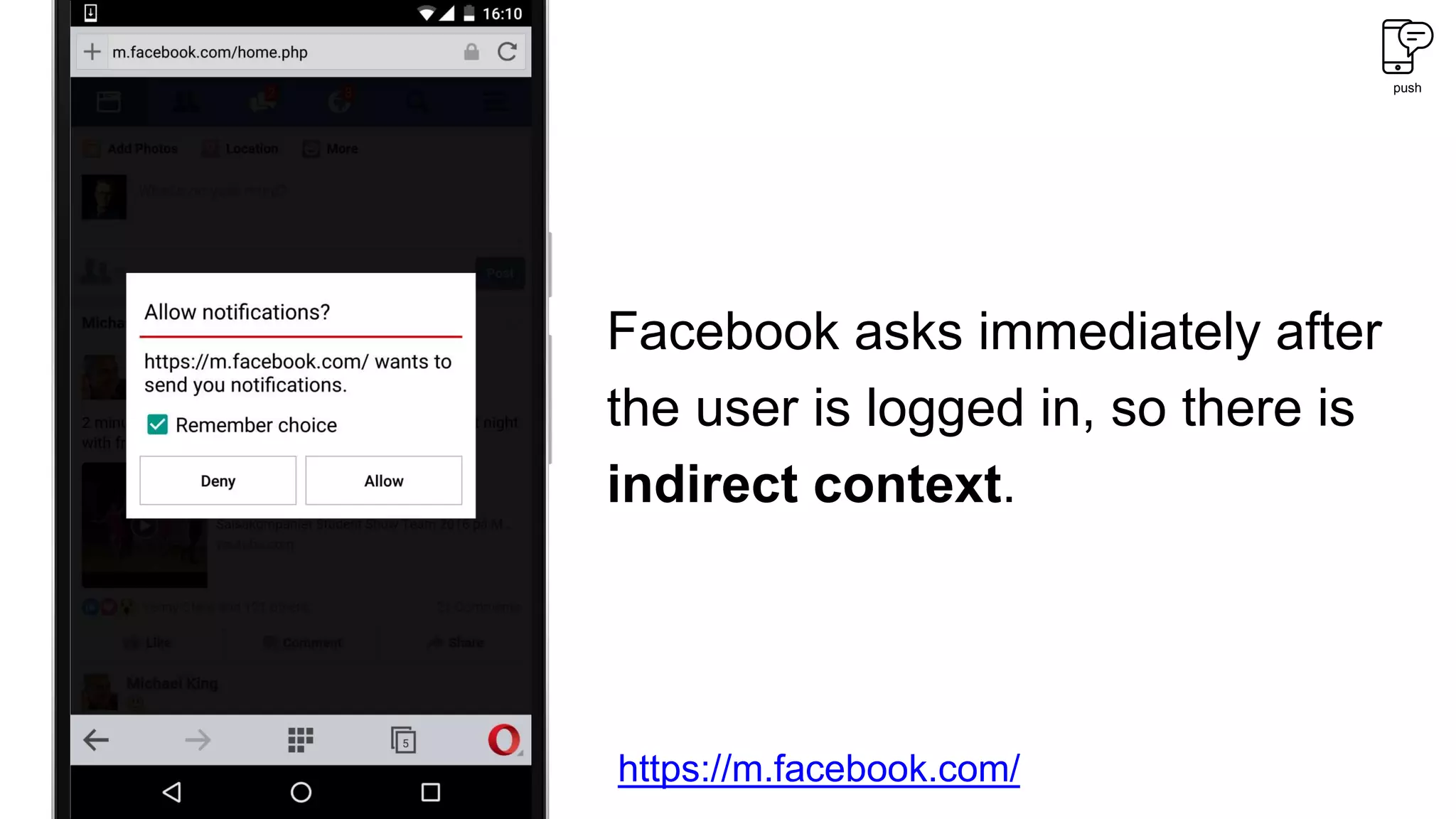
Facebook asks immediately after
the user is logged in, so there is
indirect context.
https://m.facebook.com/
So, to summarize — you should consider:
Channel “add to home screen” prompts, or not?
Is the display mode and orientation optimal?
What type of content is saved for offline?
Save content after a user action, or automatically?
How to indicate that the user is offline?
Is sign up needed, or are push notifications better?
When & how to ask users to accept notifications?
# Why do PWAs matter in Africa?
PWAs are typically more lightweight than native
apps, and offer an always up-to-date
experience.
This is great for end users (no more data-
slurping app updates & more available device
storage) and developers (updates are
distributed instantly).
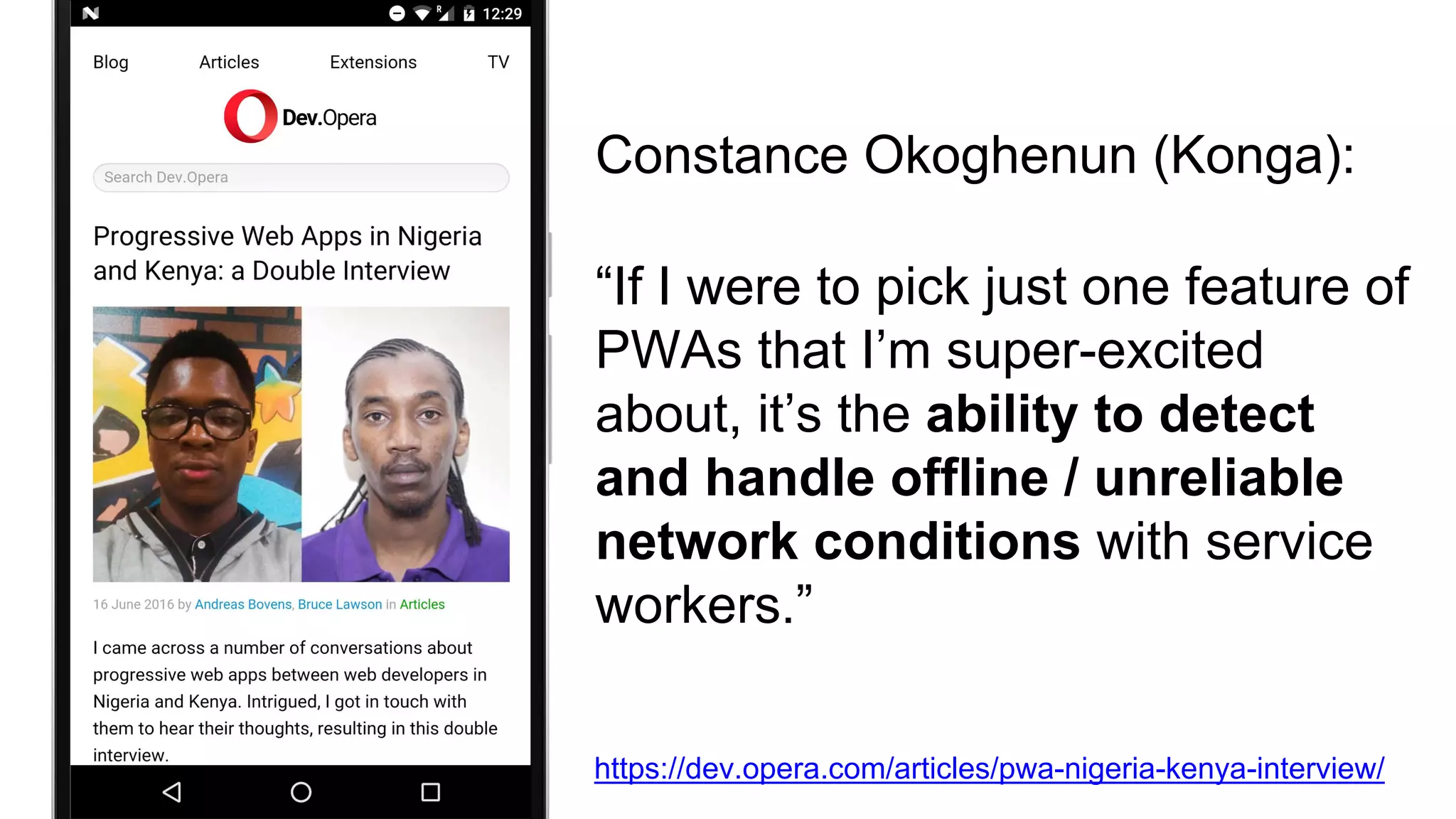
“If I were to pick just one feature of
PWAs that I’m super-excited
about, it’s the ability to detect
and handle offline / unreliable
network conditions with service
workers.”
Constance Okoghenun (Konga):
https://dev.opera.com/articles/pwa-nigeria-kenya-interview/
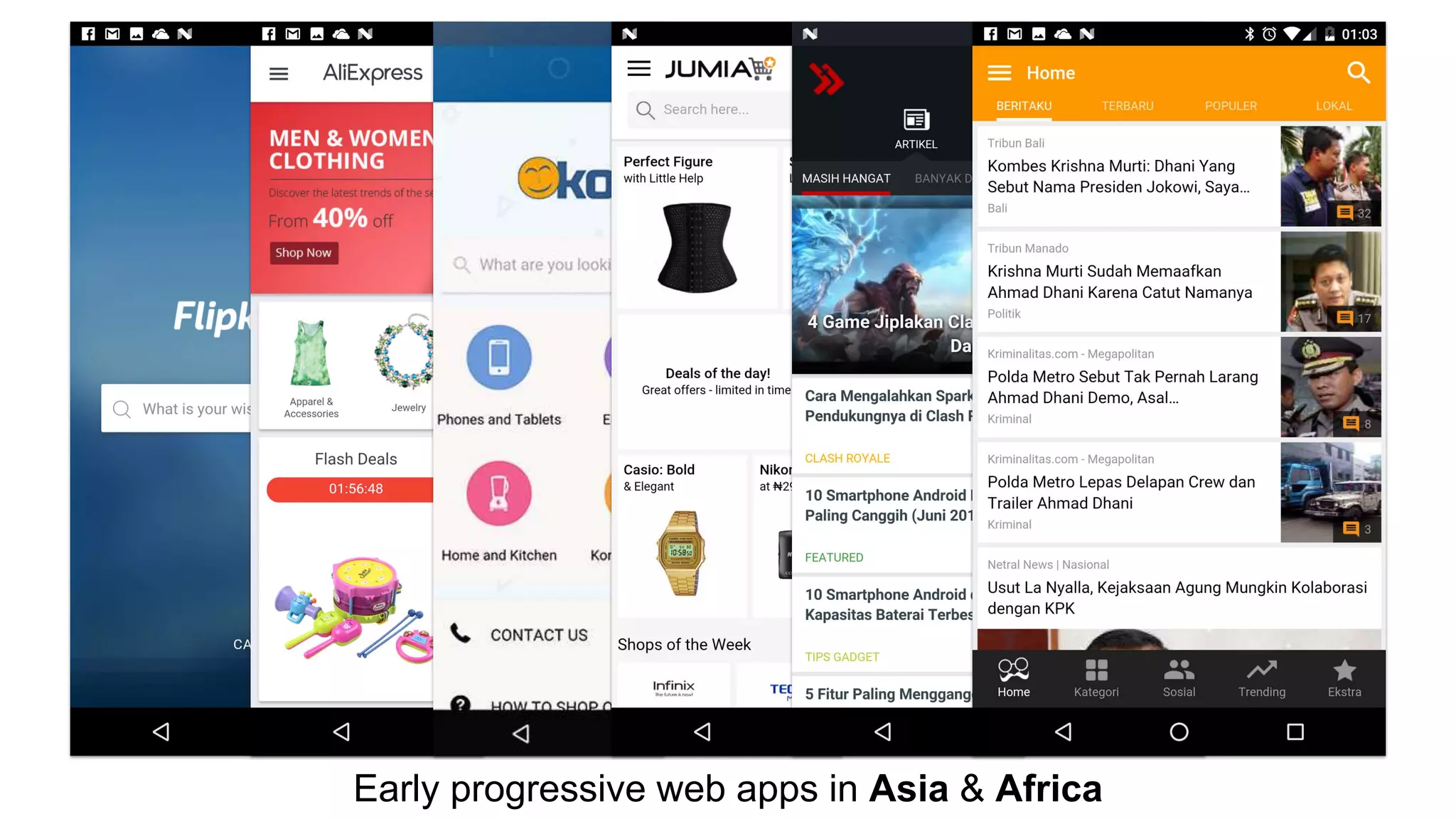
Early progressive web apps in Asia & Africa
And now that we’re talking about data
savings…
Let’s talk about
Almost 250 million people
every month use Opera Mini.
6.5 million of whom live in Kenya,
20.5 million of whom live in Nigeria, and
11 million of whom live in South-Africa.
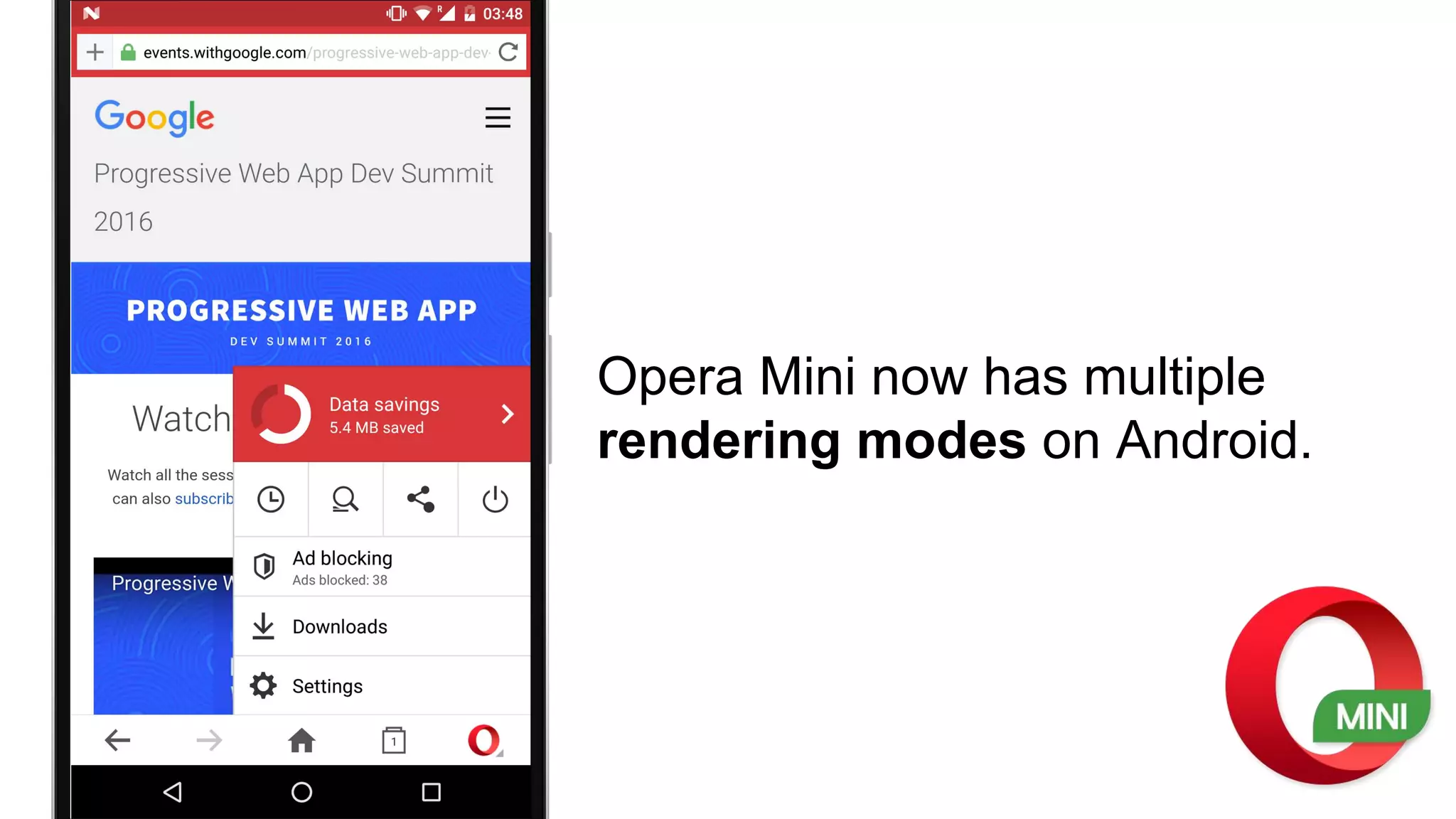
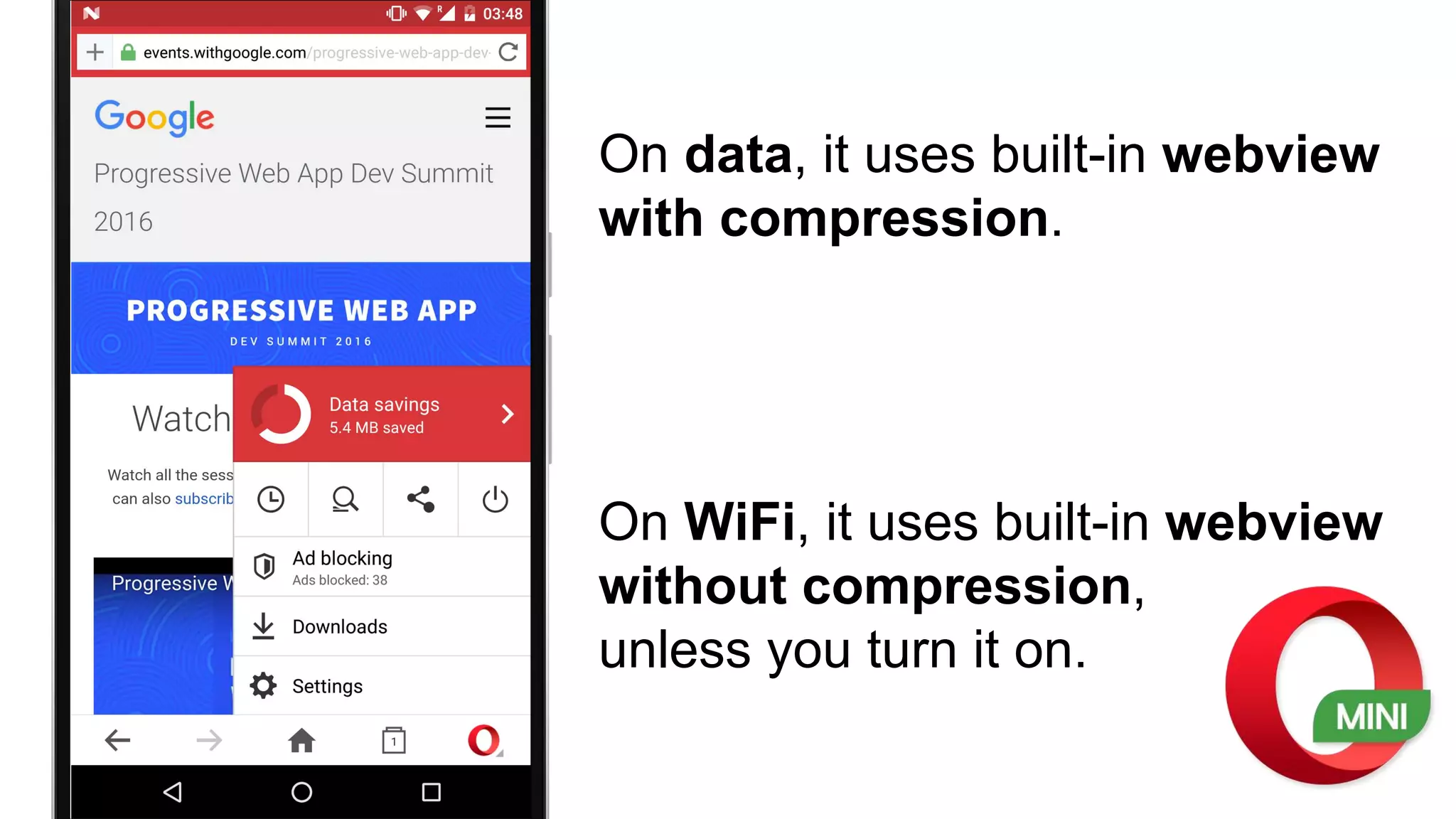
Opera Mini now has multiple
rendering modes on Android.
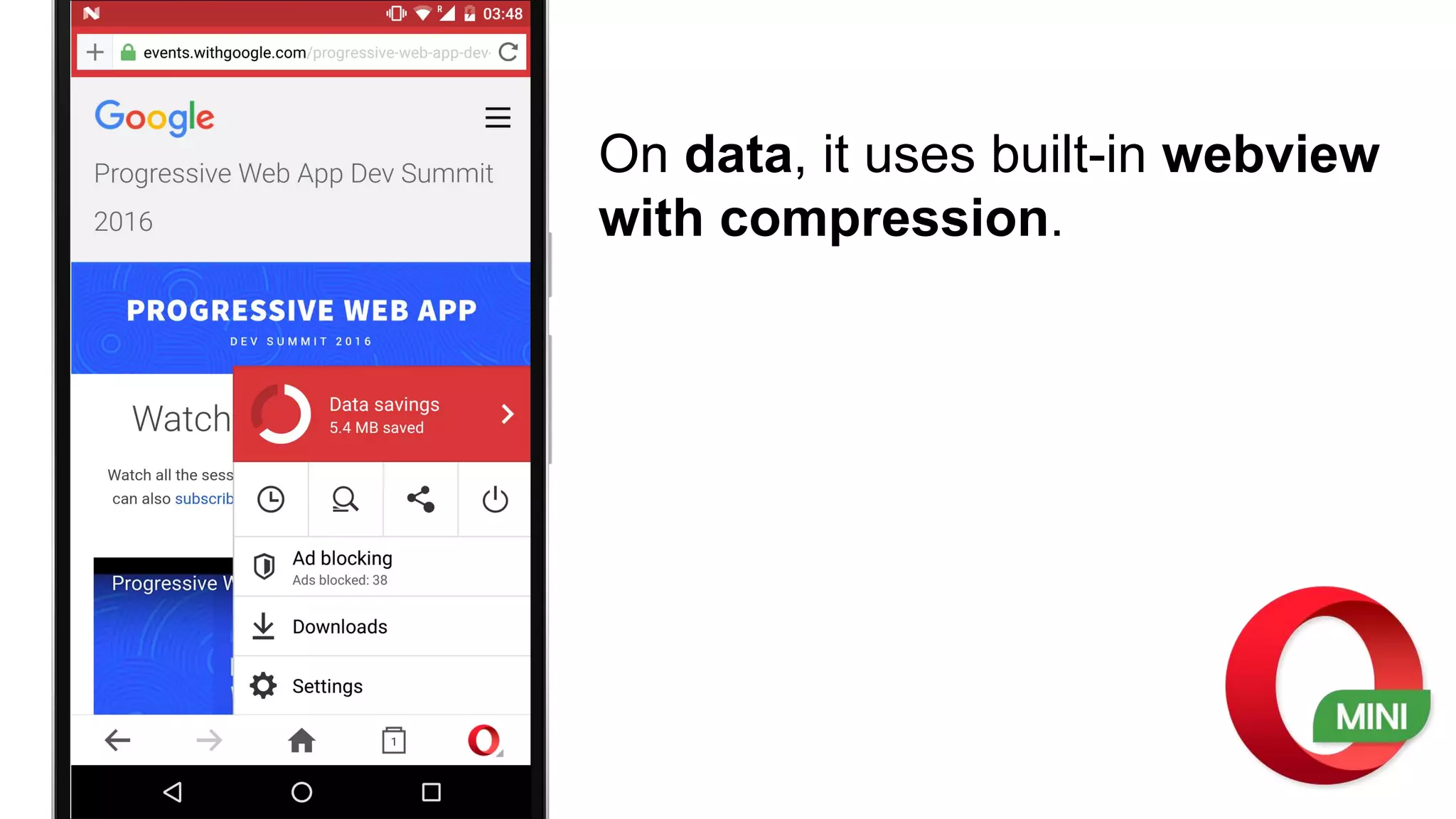
On data, it uses built-in webview
with compression.
On data, it uses built-in webview
with compression.
On WiFi, it uses built-in webview
without compression,
unless you turn it on.
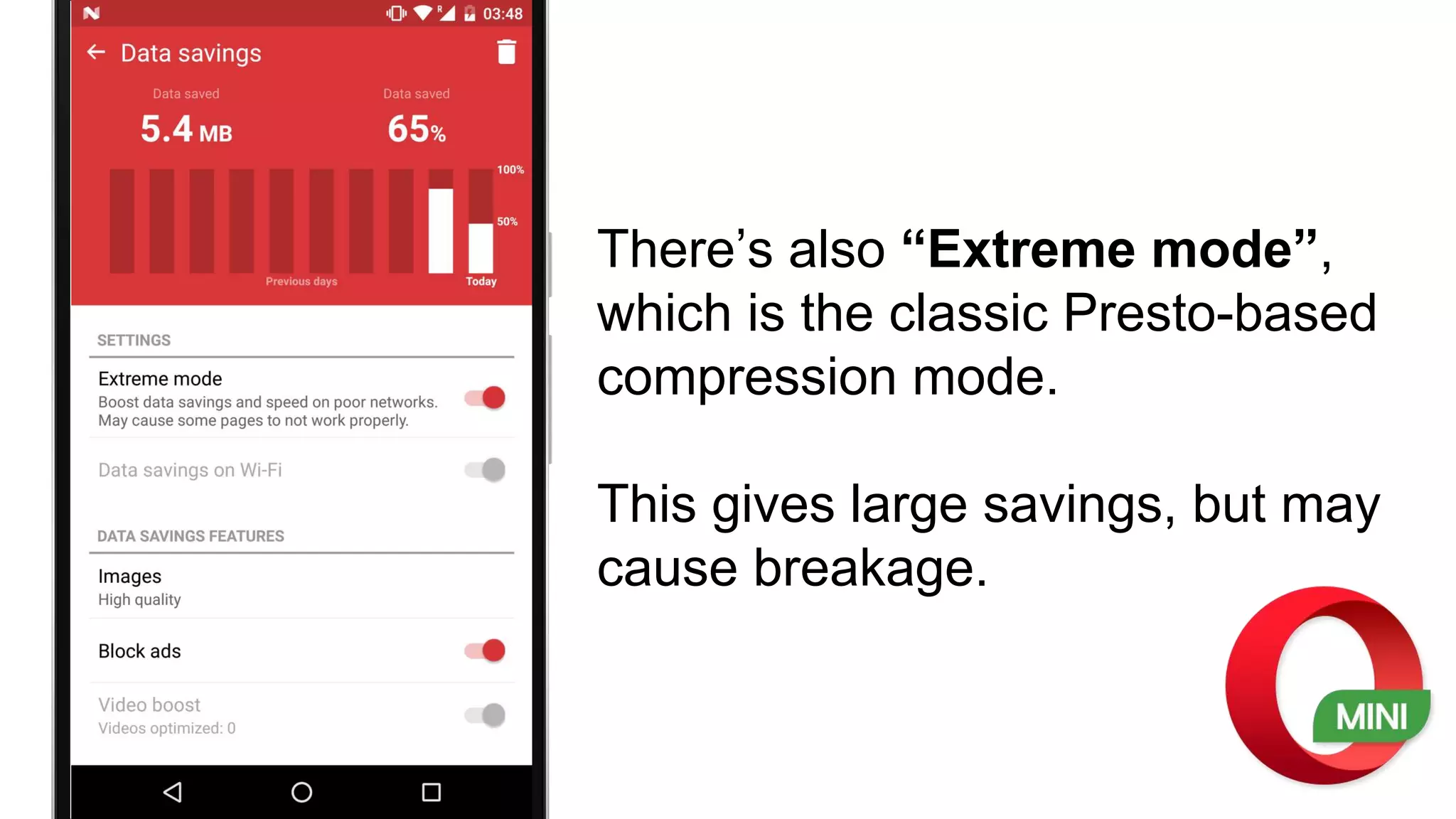
There’s also “Extreme mode”,
which is the classic Presto-based
compression mode.
This gives large savings, but may
cause breakage.
We’re moving users as much as possible over to
the webview-powered modes (sometimes
dynamically), but many still use extreme mode.
Also note: Opera Mini on iOS also ships with multiple modes, whereas Opera Mini
for J2ME & Opera Mini for Windows Phone only ship with extreme mode.
So, what about PWA support?
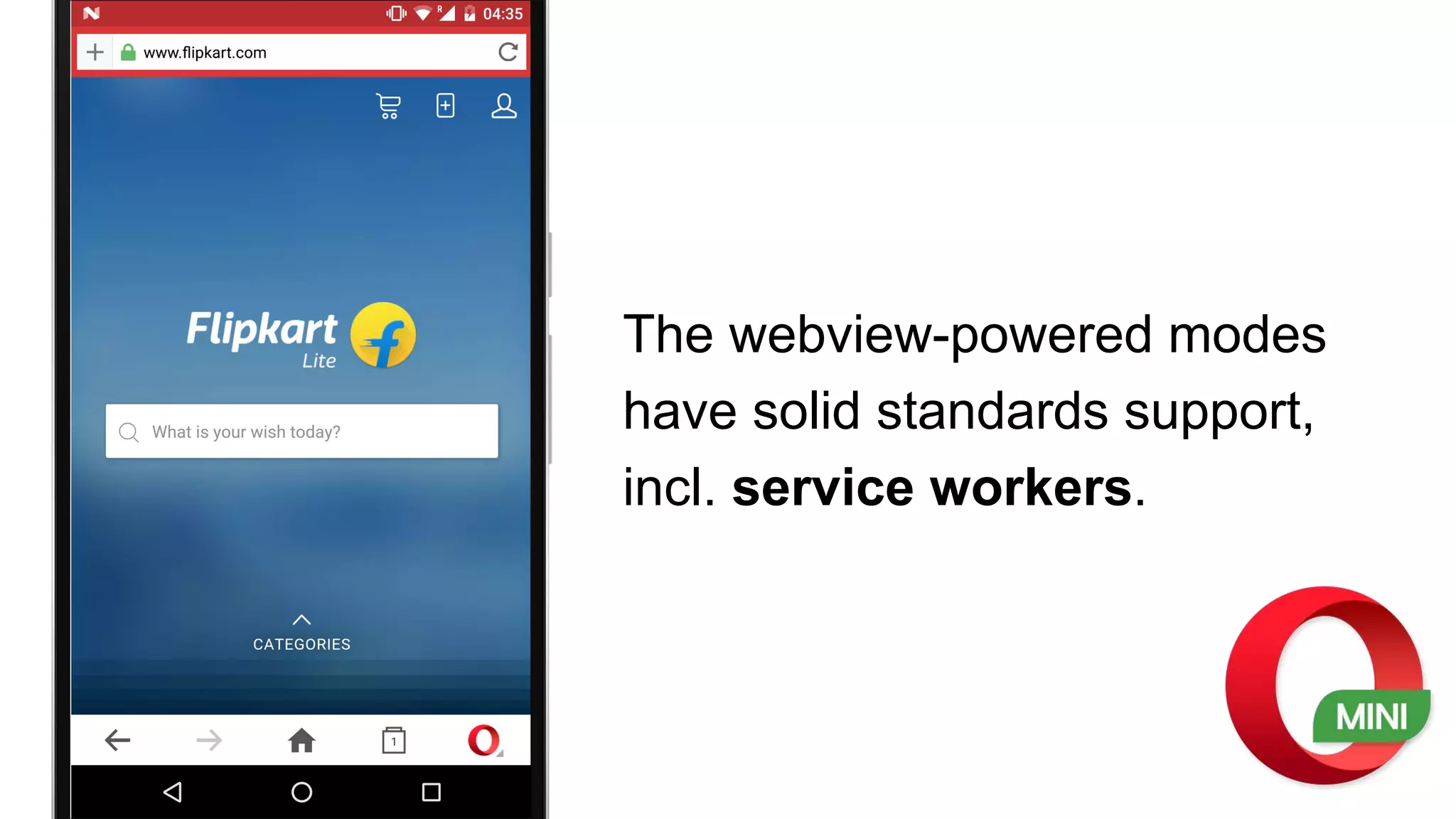
The webview-powered modes
have solid standards support,
incl. service workers.
“Extreme mode” however does not support PWA
features, and comes with limited JS support.
For this reason, it’s important you build your apps
carefully balancing content, presentation and
client-side scripting, following progressive
enhancement principles as much as possible.
https://dev.opera.com/articles/making-sites-work-opera-mini/
# Did you know about…?
… the display-mode media query
{
"name": "Simple web app demo",
"short_name": "Demo",
"icons": [
{
"src": "icon-medium.png",
"sizes": "96x96"
},{
"src": "icon-large.png",
"sizes": "192x192"
}
],
"theme_color": "#3F51B5",
"background_color": "#F5F5F5",
"display": "standalone",
"orientation": "portrait",
"start_url": "/simple-demo/?home=true"
}
{
"name": "Simple web app demo",
"short_name": "Demo",
"icons": [
{
"src": "icon-medium.png",
"sizes": "96x96"
},{
"src": "icon-large.png",
"sizes": "192x192"
}
],
"theme_color": "#3F51B5",
"background_color": "#F5F5F5",
"display": "standalone",
"orientation": "portrait",
"start_url": "/simple-demo/?home=true"
}
CSS
@media (display-mode: standalone) {
h3:after {content: " in standalone mode!"}
}
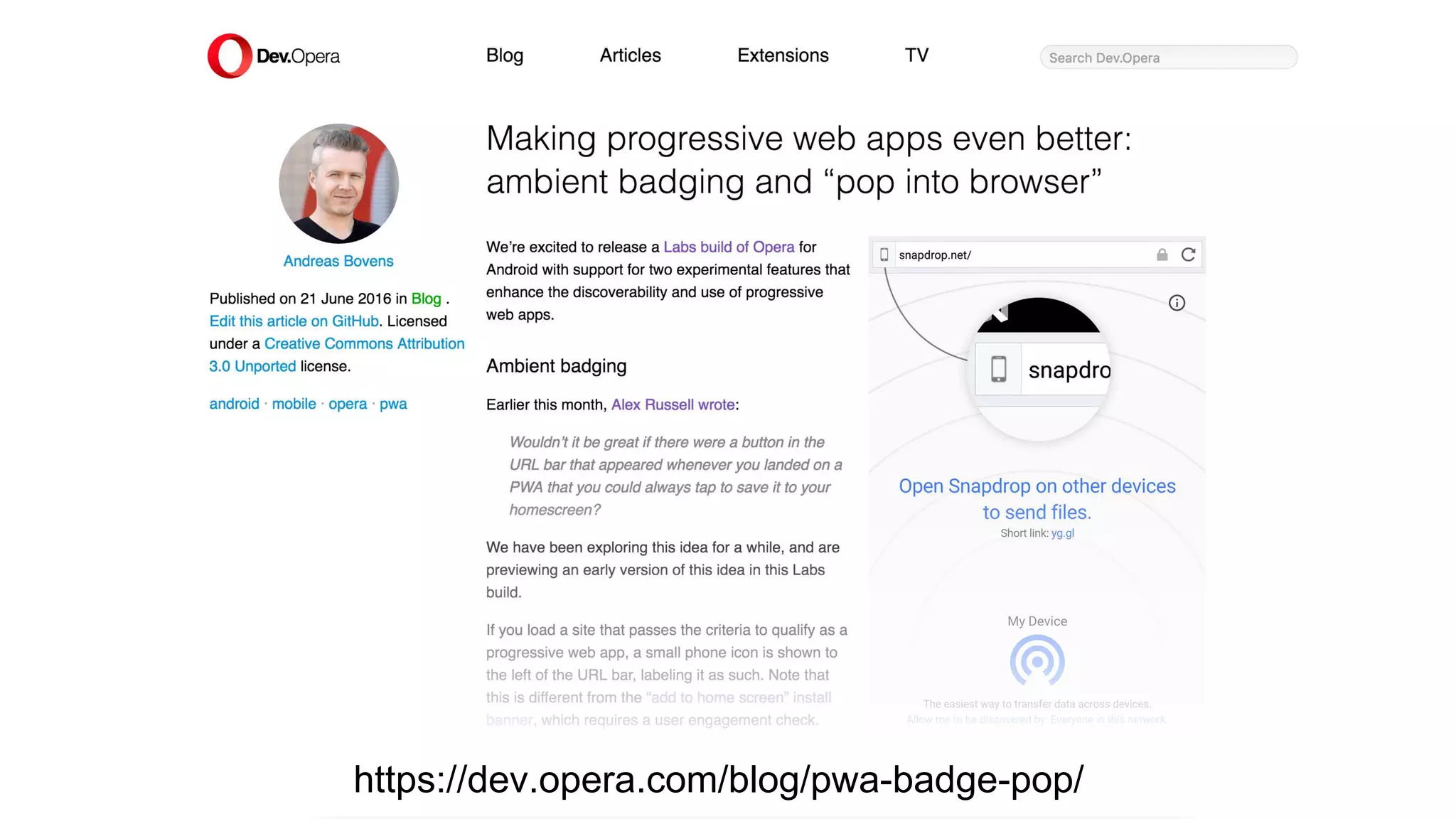
… the “Pop into browser” experiment
Standalone & fullscreen modes
hide the URL bar…
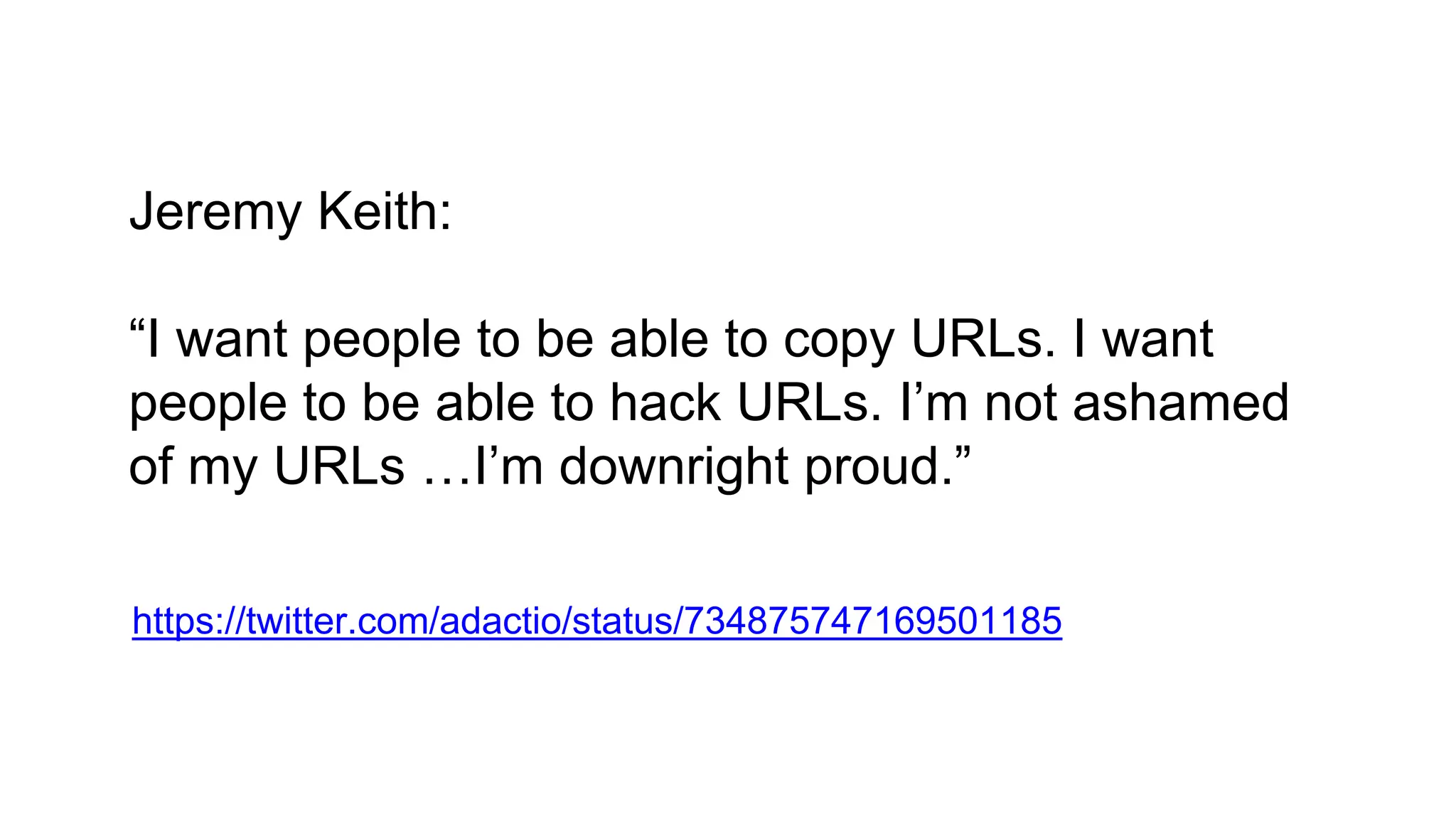
Jeremy Keith:
“I want people to be able to copy URLs. I want
people to be able to hack URLs. I’m not ashamed
of my URLs …I’m downright proud.”
https://twitter.com/adactio/status/734875747169501185
https://dev.opera.com/blog/pwa-badge-pop/
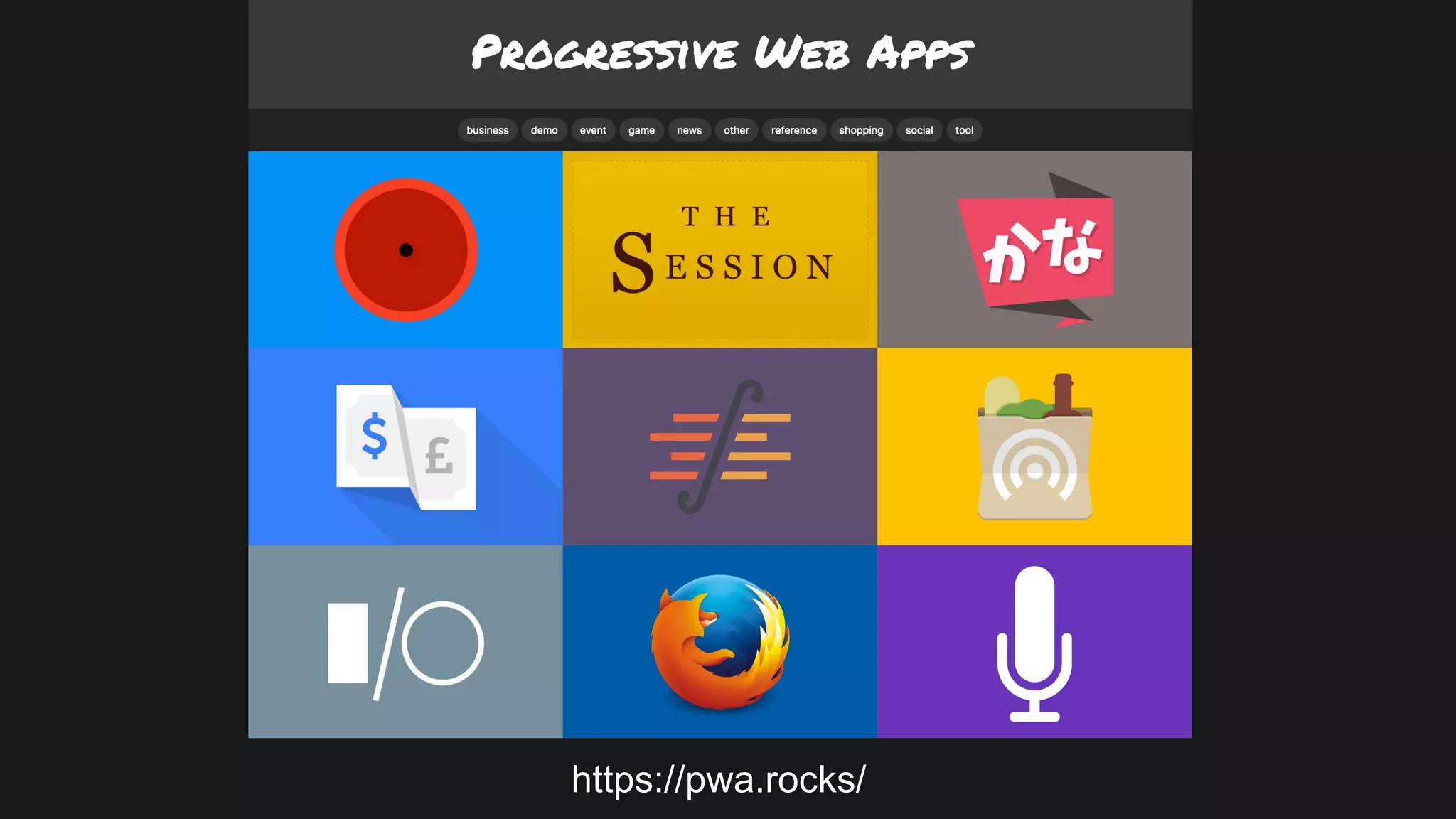
… the pwa.rocks demo site!
https://pwa.rocks/
Thank you!
@andreasbovens
#PWARoadshow
#PWARoadshowNairobi
#PWARoadshowLagos
#PWARoadshowJoburg

Progressive Web Apps: Opera's perspective