Basic Understanding of Progressive
Web Apps
Anjali Tanpure
Software Engineer @Niyuj
Technical Blogger on Medium
Medium: https://medium.com/@tanpure.anjali
Twitter: https://twitter.com/anjali_tanpure
LinkedIn: https://www.linkedin.com/in/anjali-tanpure-35b8b6106/
Agenda
1. History and Idea behind PWA
2. What is PWA ?
3. PWA Pillars
4. Why PWA ?
5. Core building blocks
6. Demo time
7. Measure Performance
8. Case Studies
9. Limitations
“You can write amazing Web 2.0 and Ajax apps that look exactly and behave
exactly like apps on the iPhone. There’s no SDK that you need for these apps!
You’ve got everything you need if you know how to write apps using the most
modern web standards to write amazing apps for the iPhone today.”
- Steve Jobs (2007)
Source: https://divante.com/pwabook/
Alex Russell, Senior Staff Software Engineer at Google, pointed out in his text
“Progressive Web Apps: Escaping Tabs Without Losing Our Soul ”, published on
Infrequently.org in July 2015.
A year later in 2016, during the Google IO conference, Eric Bidelman, Senior
Staff Developers Programs Engineer, introduced “Progressive Web Apps as a
new standard in web development".
Source: https://divante.com/pwabook/
Idea Behind PWA
Universality
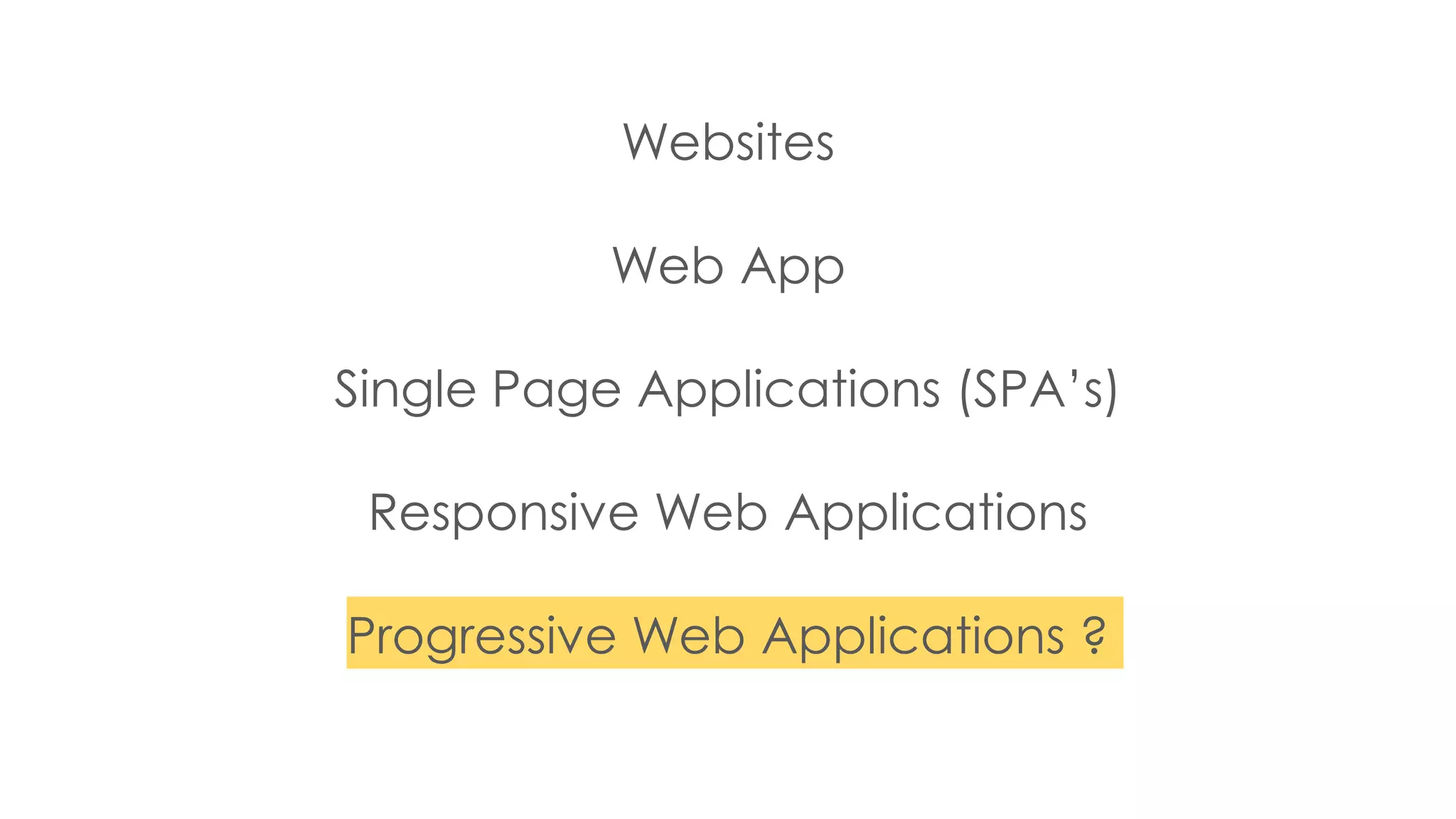
Websites
Web App
Single Page Applications (SPA’s)
Responsive Web Applications
Progressive Web Applications ?
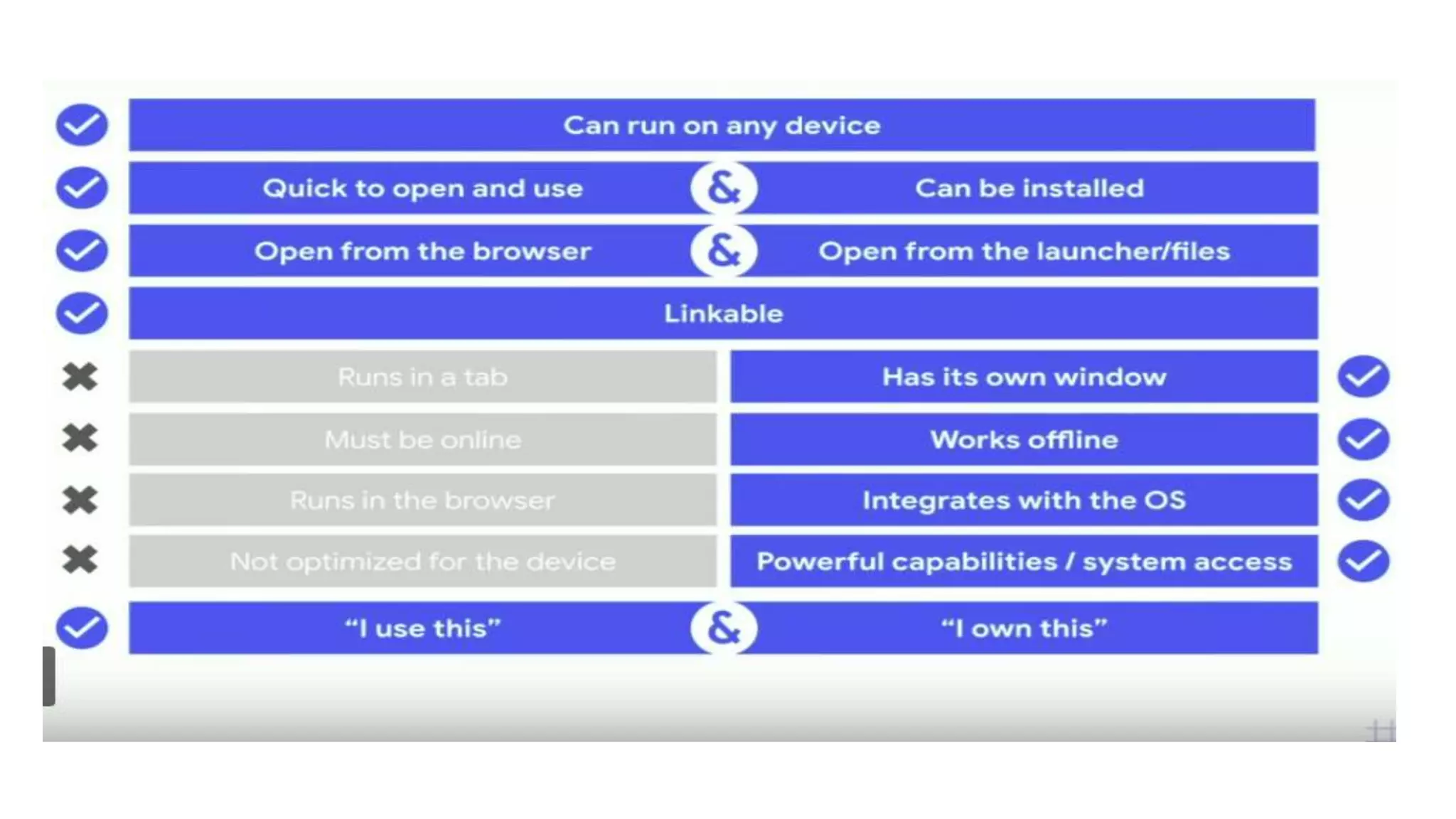
Web
● Can run on any device
● Quick to open and use
● Open from the browser
● Always runs in the browser
● Always runs in a tab
● Probably won’t work offline
● Might Not optimised for the
device
● Linkable
● Approach - “I use this”
Native Apps
● Usually ecosystem-specific
● Download and install
● Open from launcher/file
● [Feels like it] runs from its own
● Has its own window
● Usually works fine offline
● Powerful capabilities or system
access
● Not linkable
● Approach - “I own this”
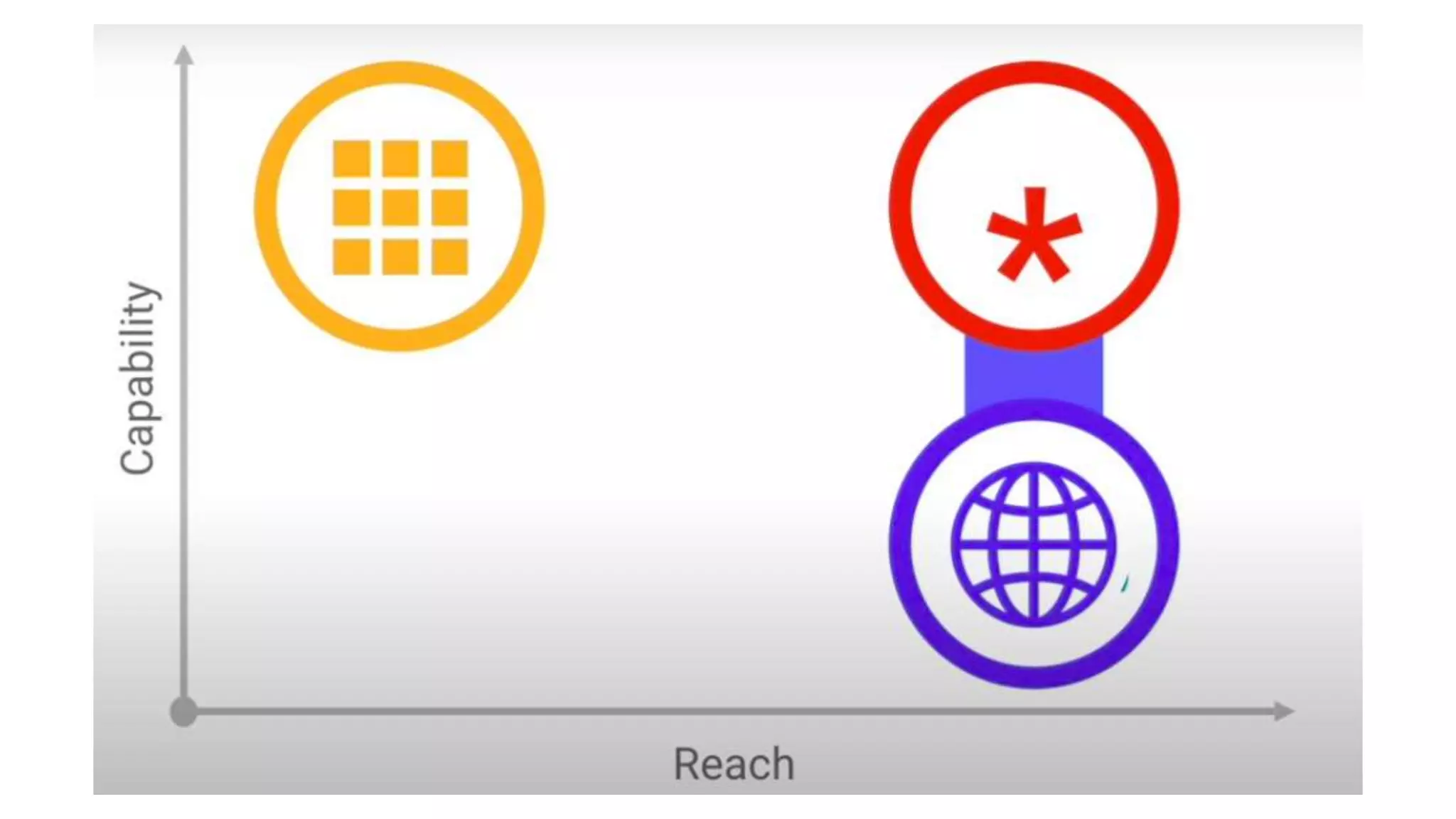
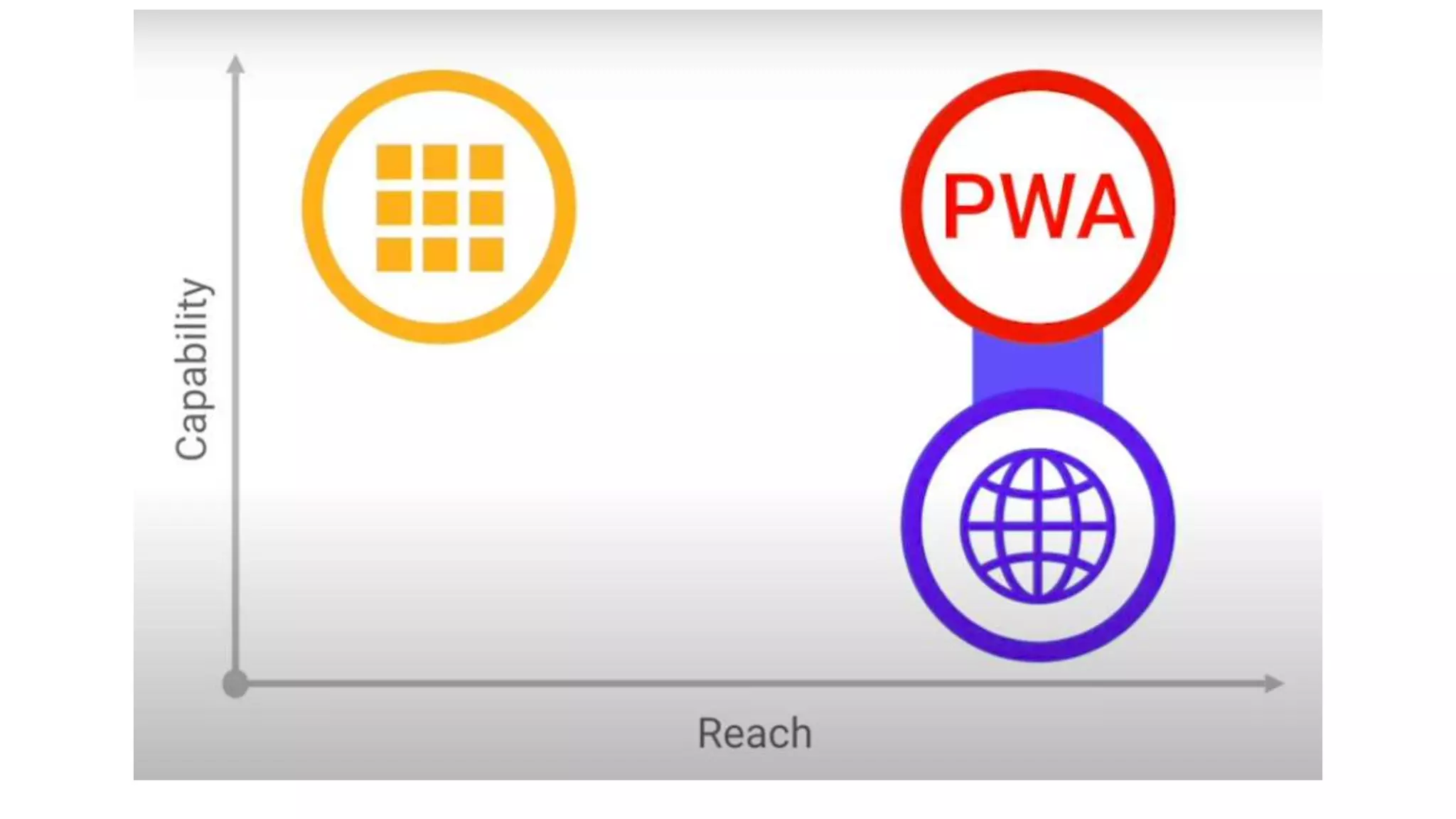
PWA: The best of both worlds
What are Progressive Web Apps ?
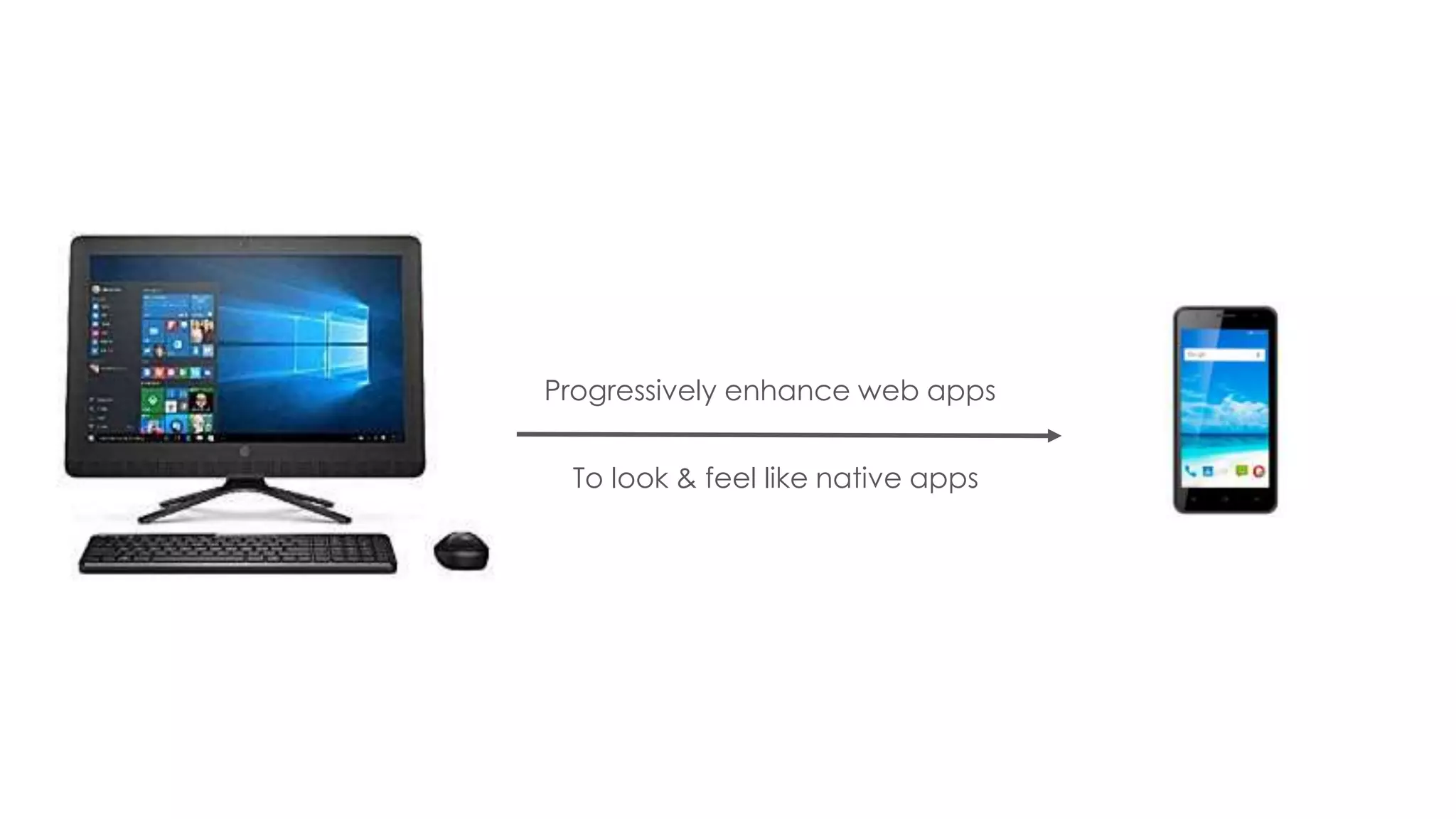
Progressively enhance web apps
To look & feel like native apps
● New software development methodology
● Combines features offered by most modern browsers with the benefits
of mobile experience
● Are a type of mobile app delivered through the web, built using
common web technologies including HTML, CSS and JavaScript
● They are intended to work on any platform that uses a standards-
compliant browser.
● Feels like an app, works like a website. Faster, lighter & personalized.
According to creator of the term PWA (2015) -
“These apps aren’t packaged and deployed through stores, they’re
just websites that took right vitamins.
They progressively becomes apps…”
- Russell Alex (Google)
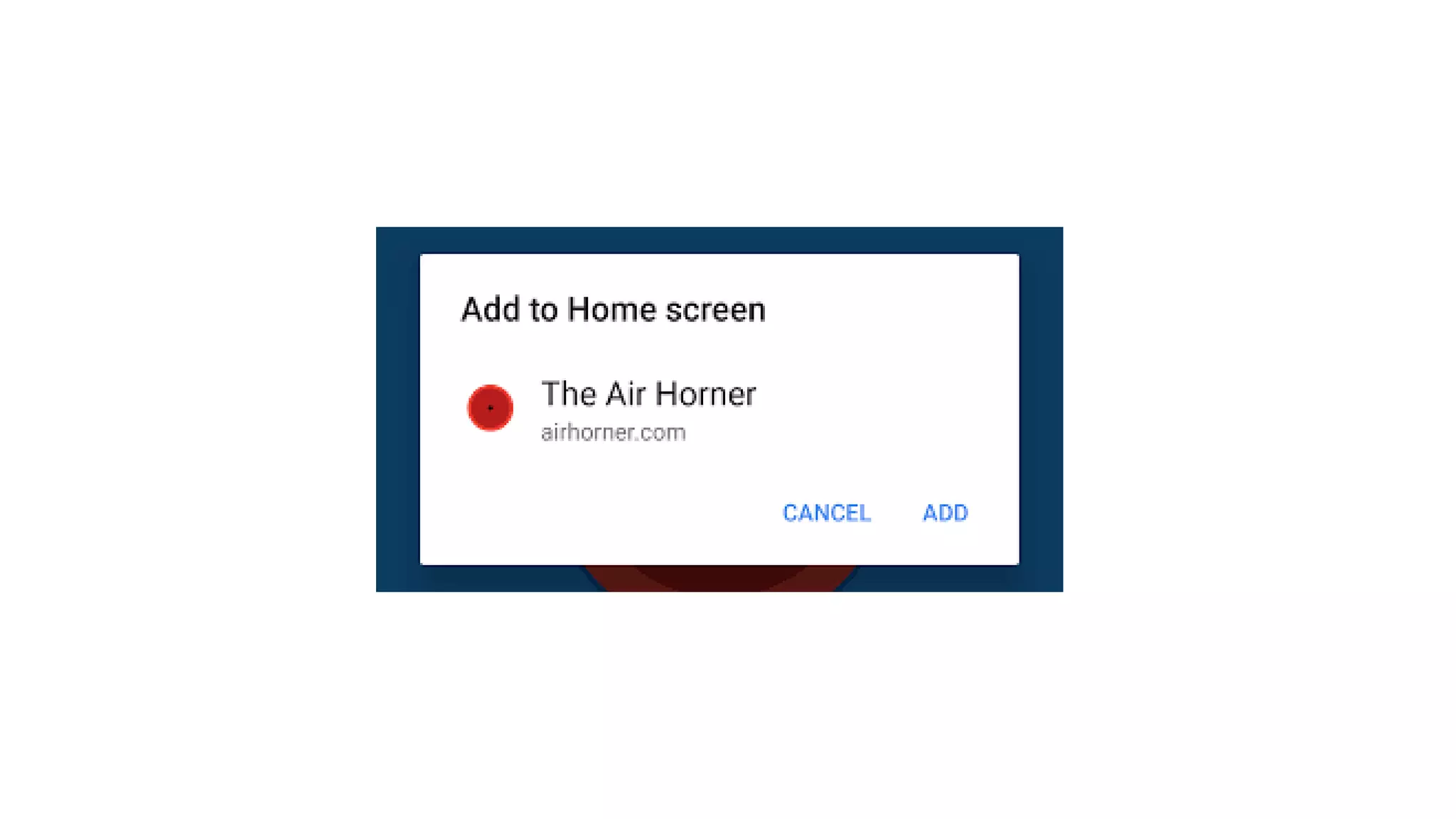
How we install it ?
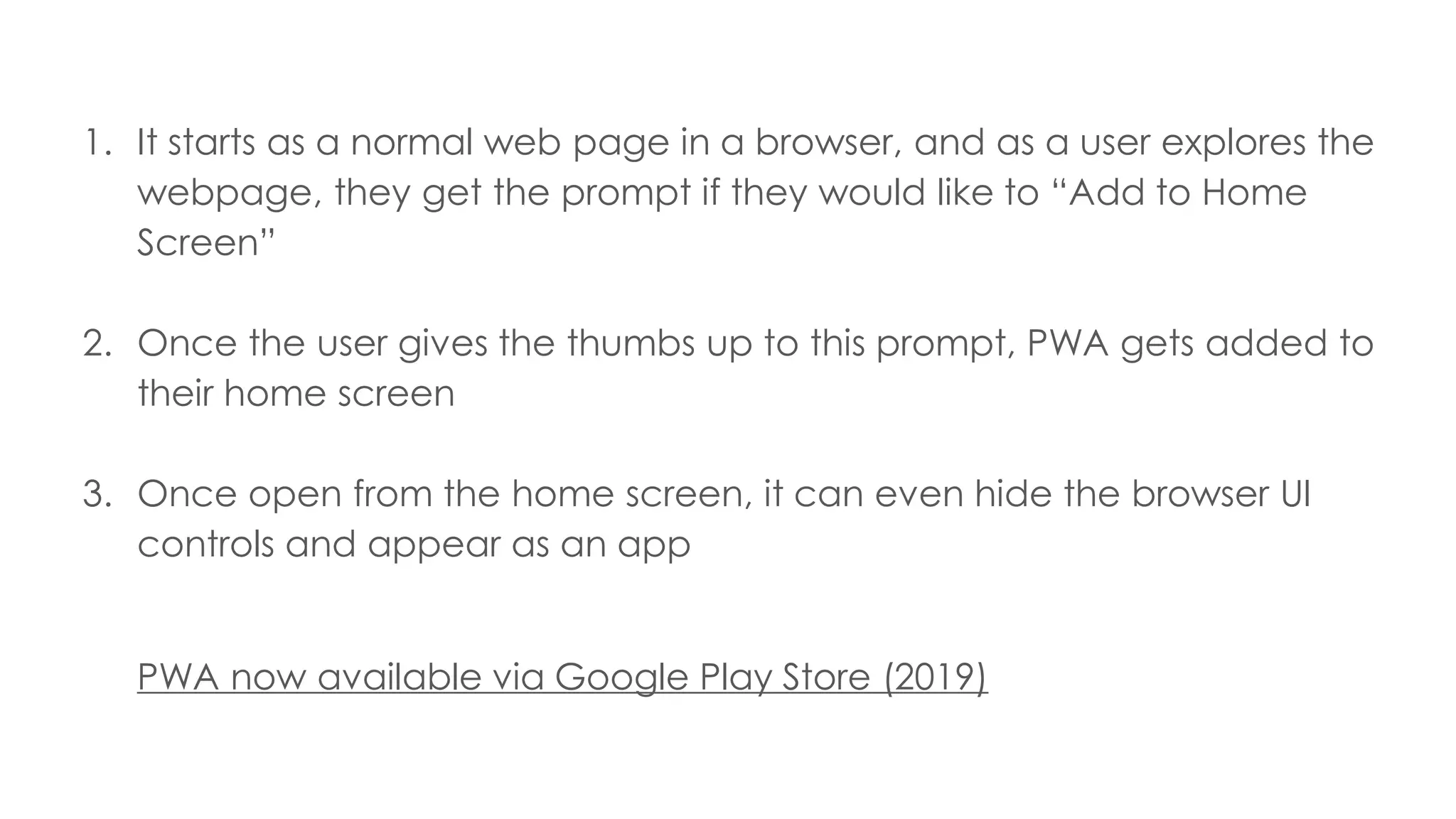
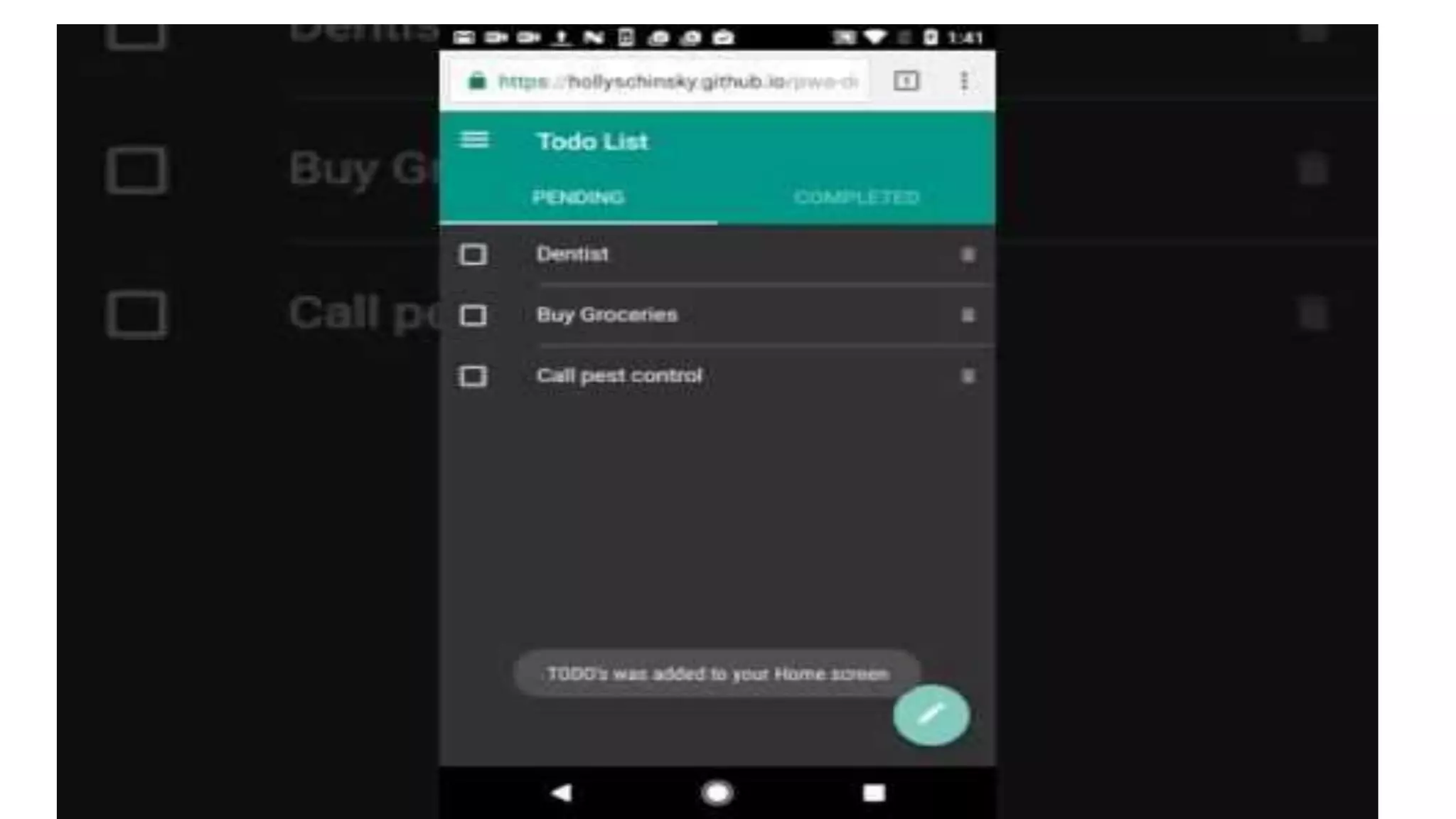
1. It starts as a normal web page in a browser, and as a user explores the
webpage, they get the prompt if they would like to “Add to Home
Screen”
2. Once the user gives the thumbs up to this prompt, PWA gets added to
their home screen
3. Once open from the home screen, it can even hide the browser UI
controls and appear as an app
PWA now available via Google Play Store (2019)
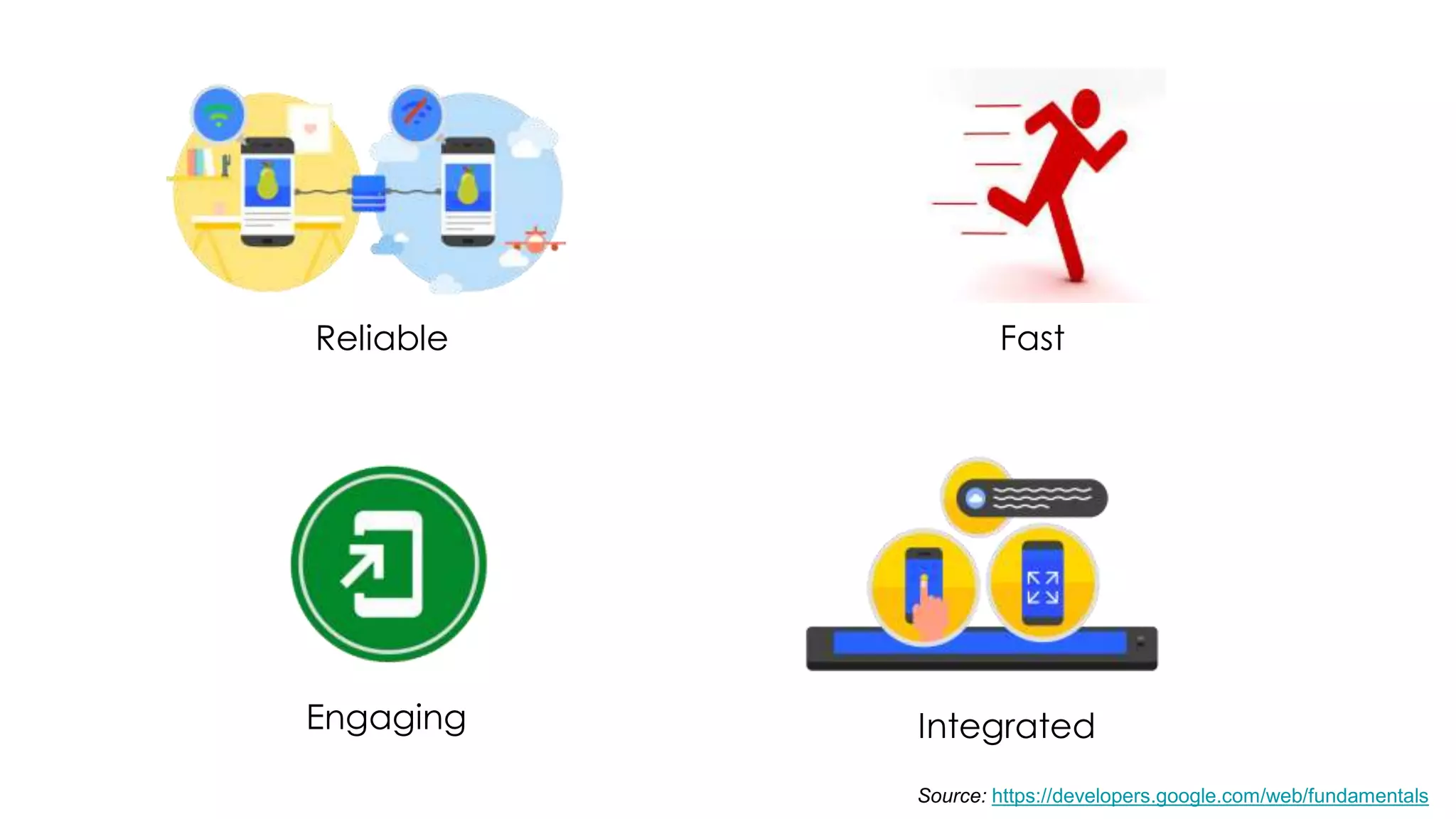
Pillars transform web into an
experience that feels like a native
application.
Reliable Fast
Engaging Integrated
Source: https://developers.google.com/web/fundamentals
Why PWA ?
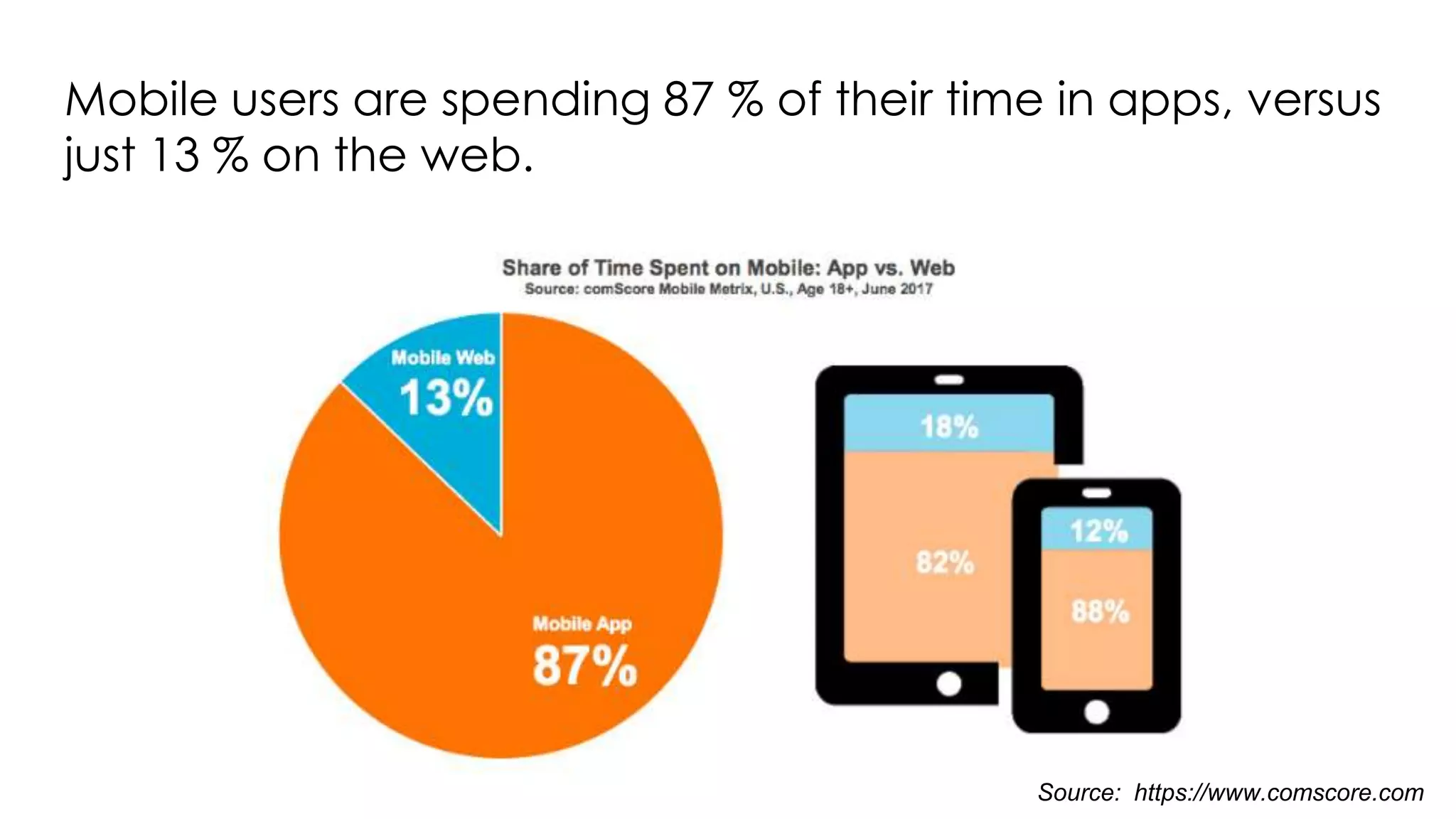
Mobile users are spending 87 % of their time in apps, versus
just 13 % on the web.
Source: https://www.comscore.com
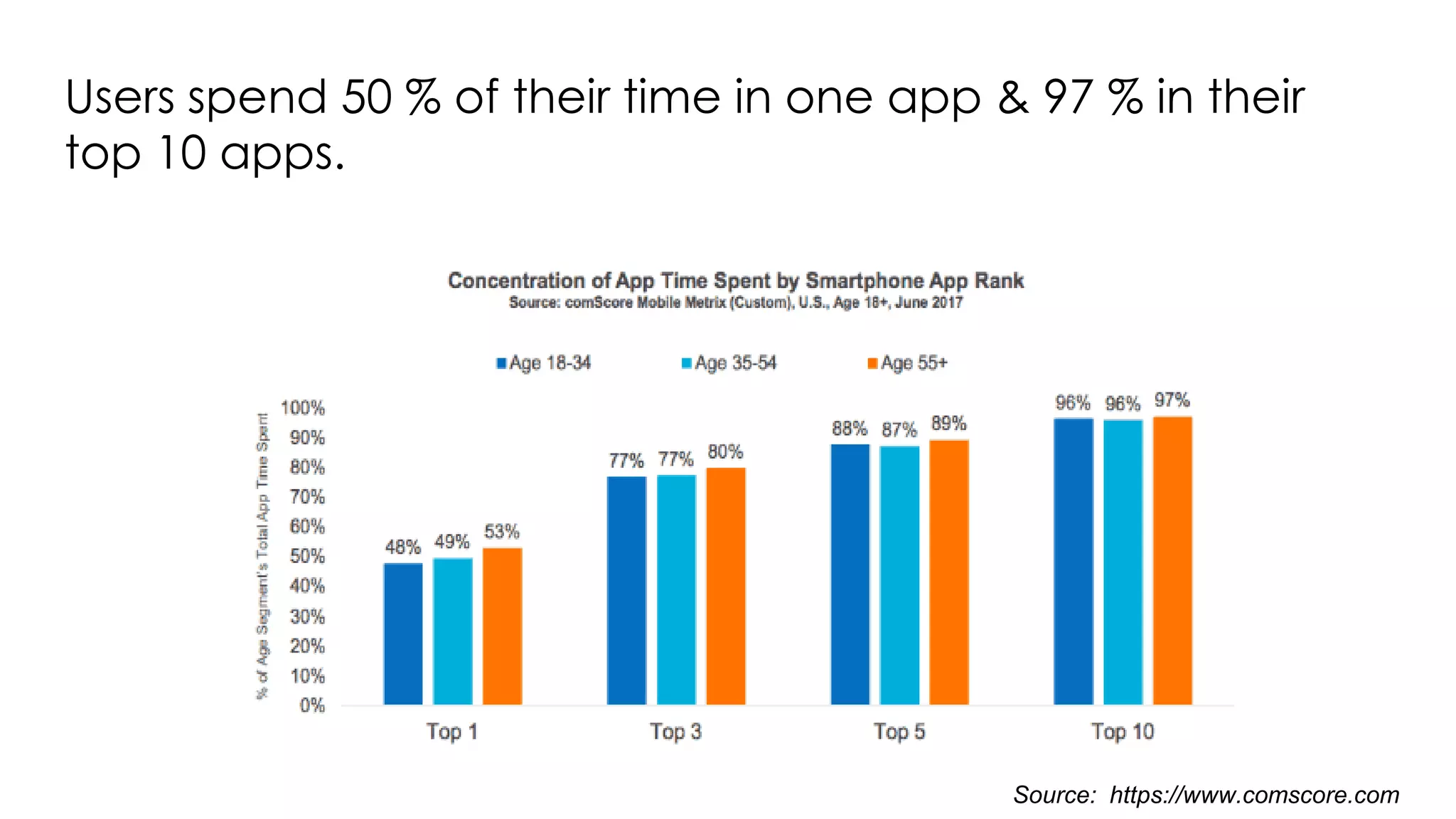
Users spend 50 % of their time in one app & 97 % in their
top 10 apps.
Source: https://www.comscore.com
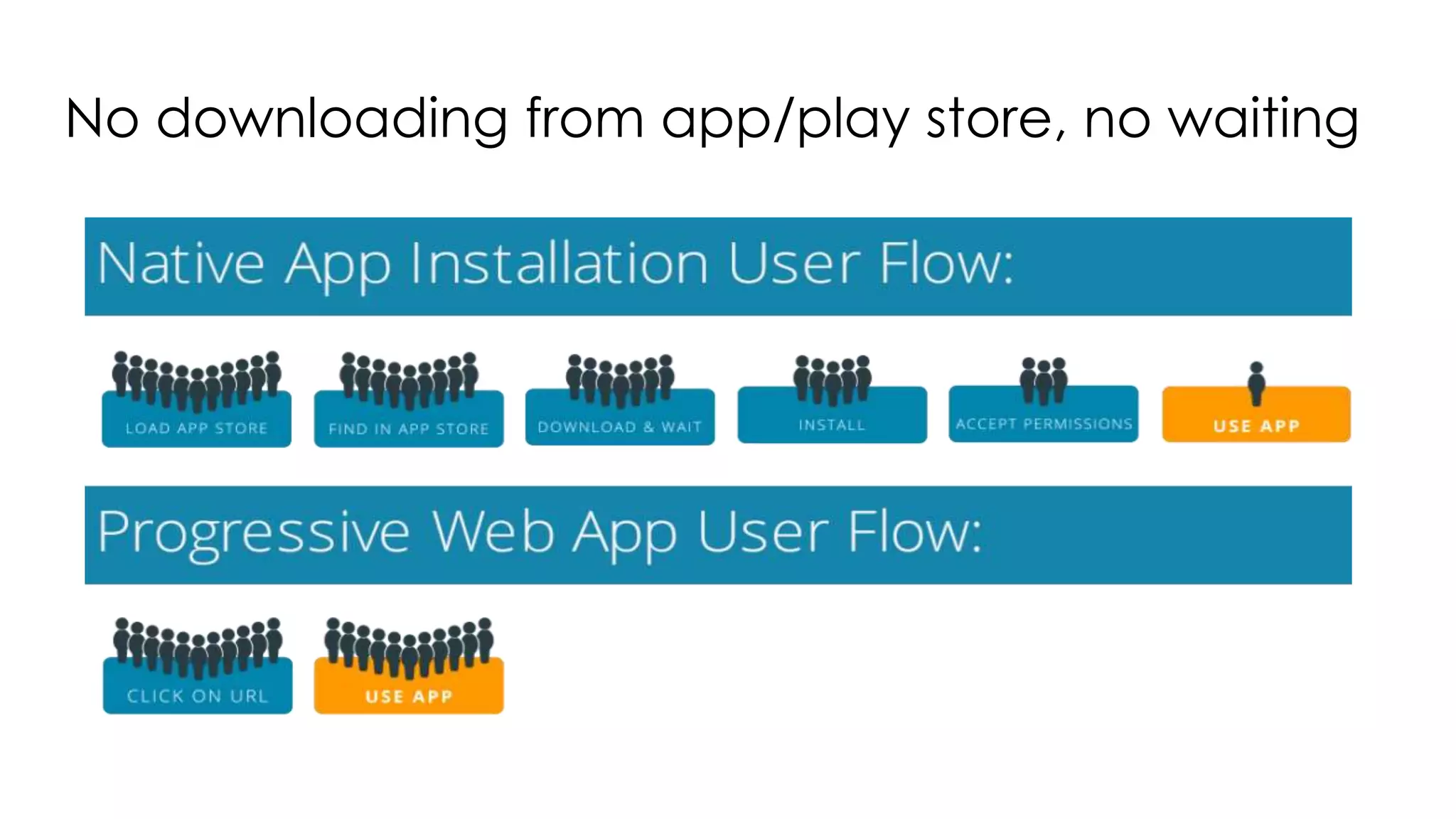
No downloading from app/play store, no waiting
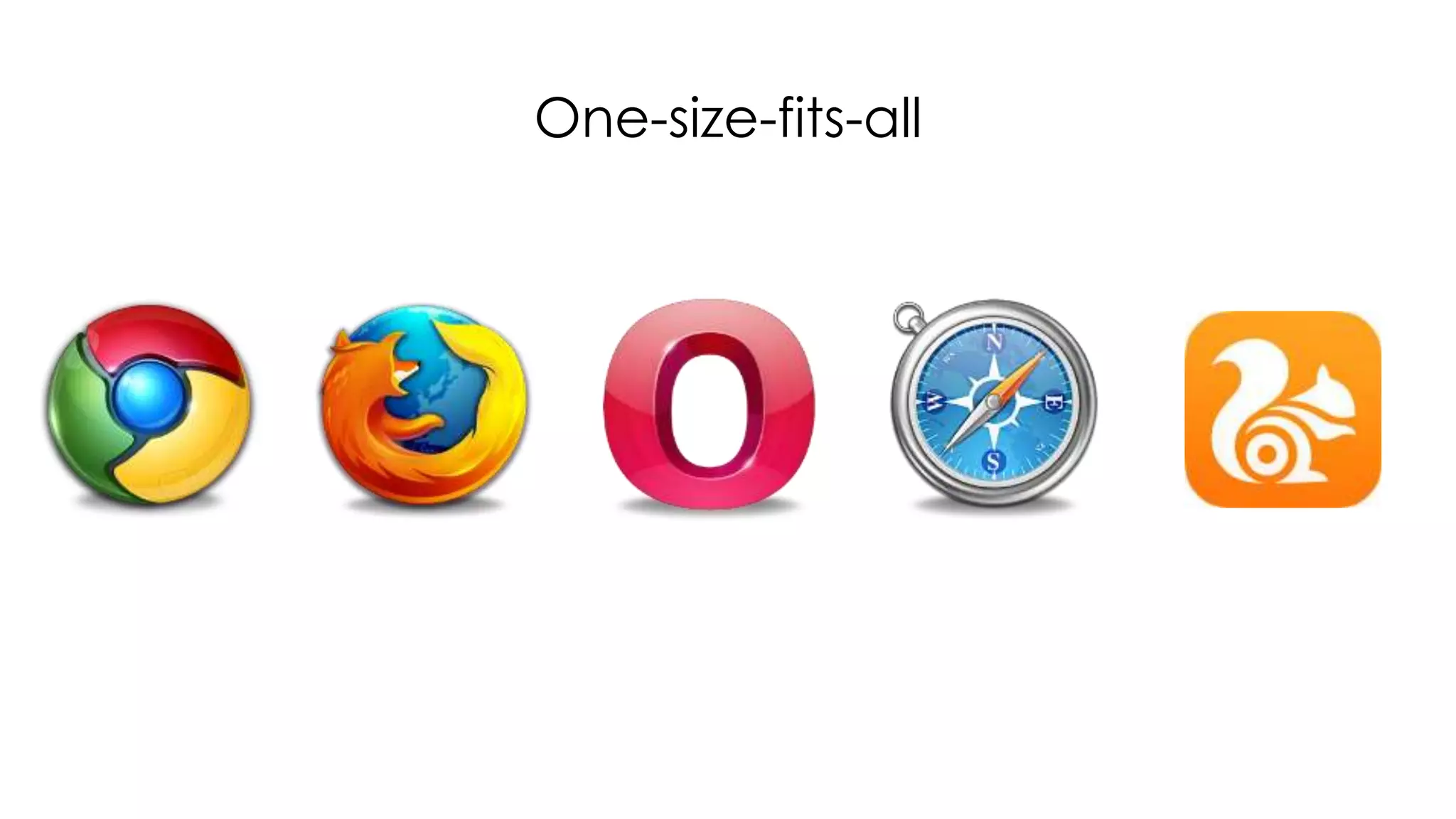
One-size-fits-all
Native app functionality
● Access device features like camera, location etc
● Improved performance
● Easy maintainable (cost, time optimization)
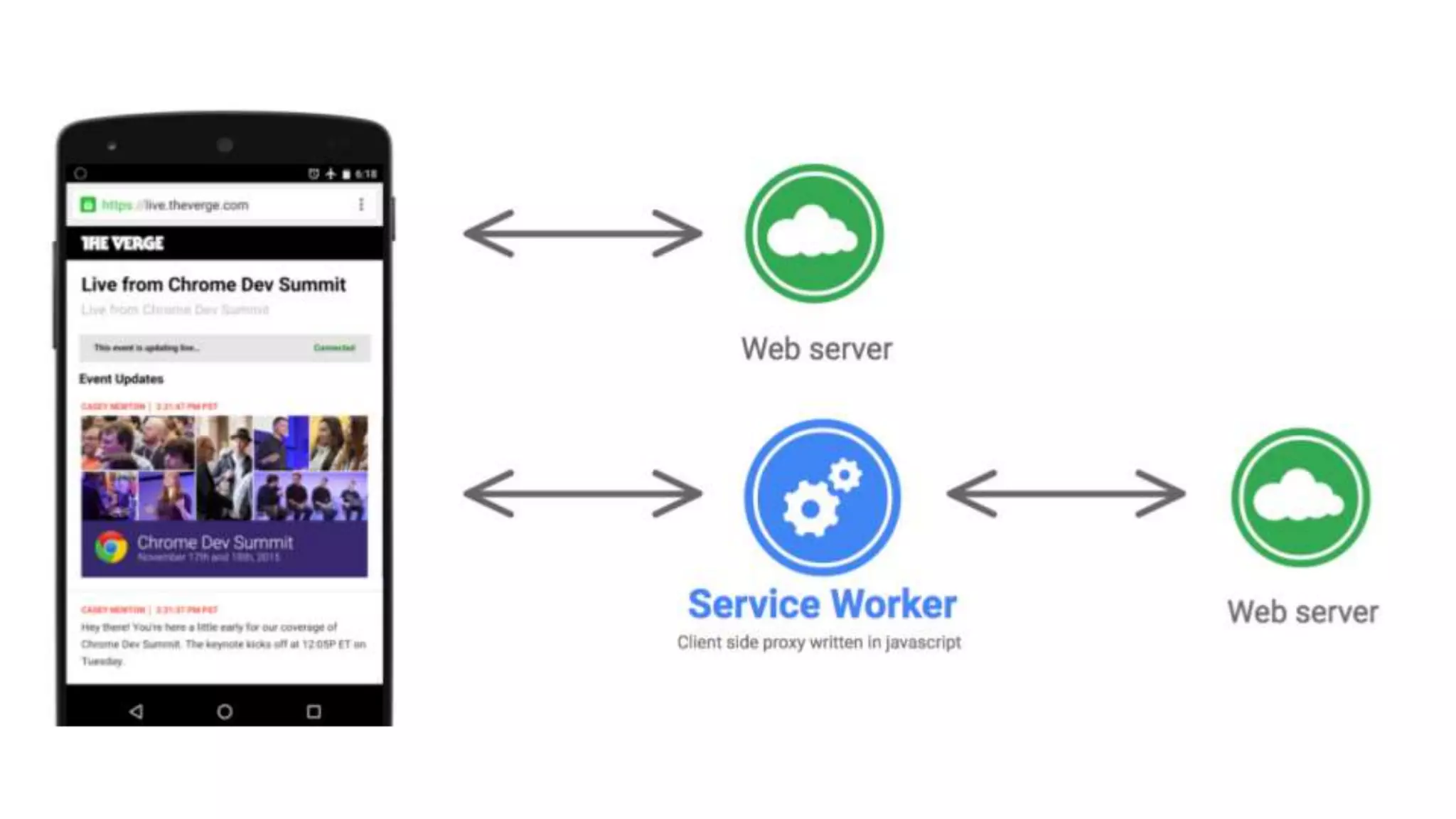
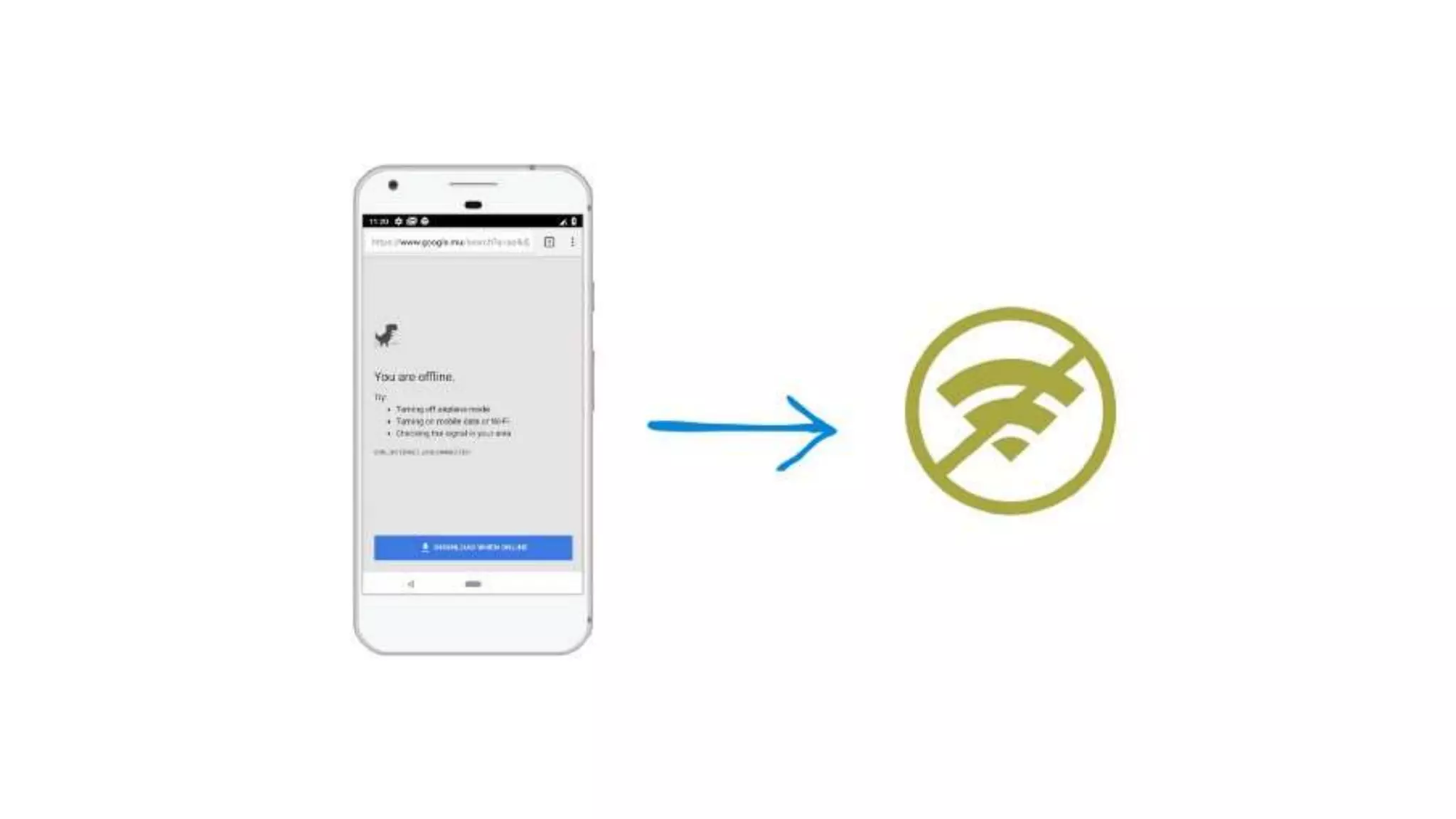
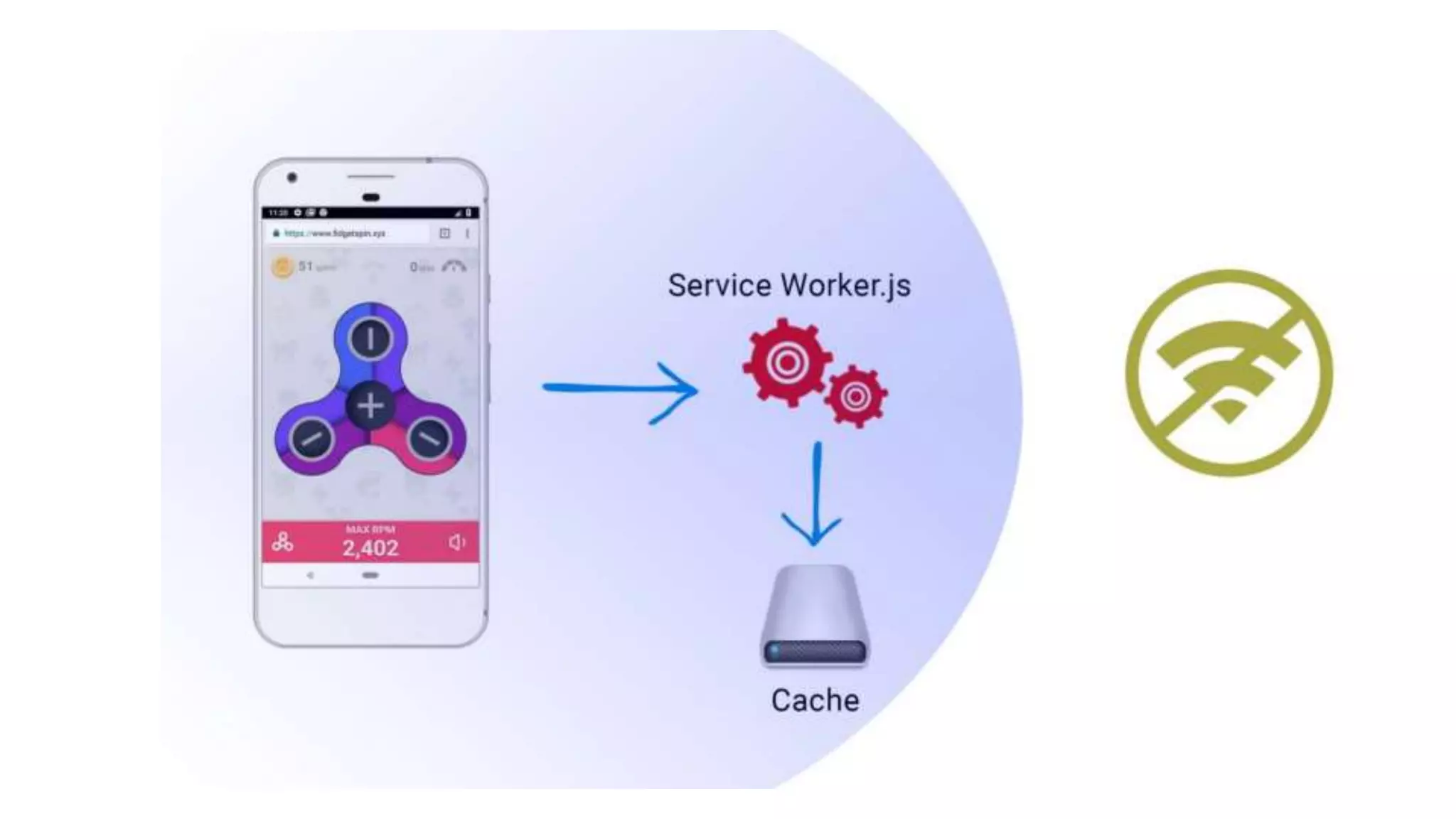
● Offline functionality using service workers
● Security
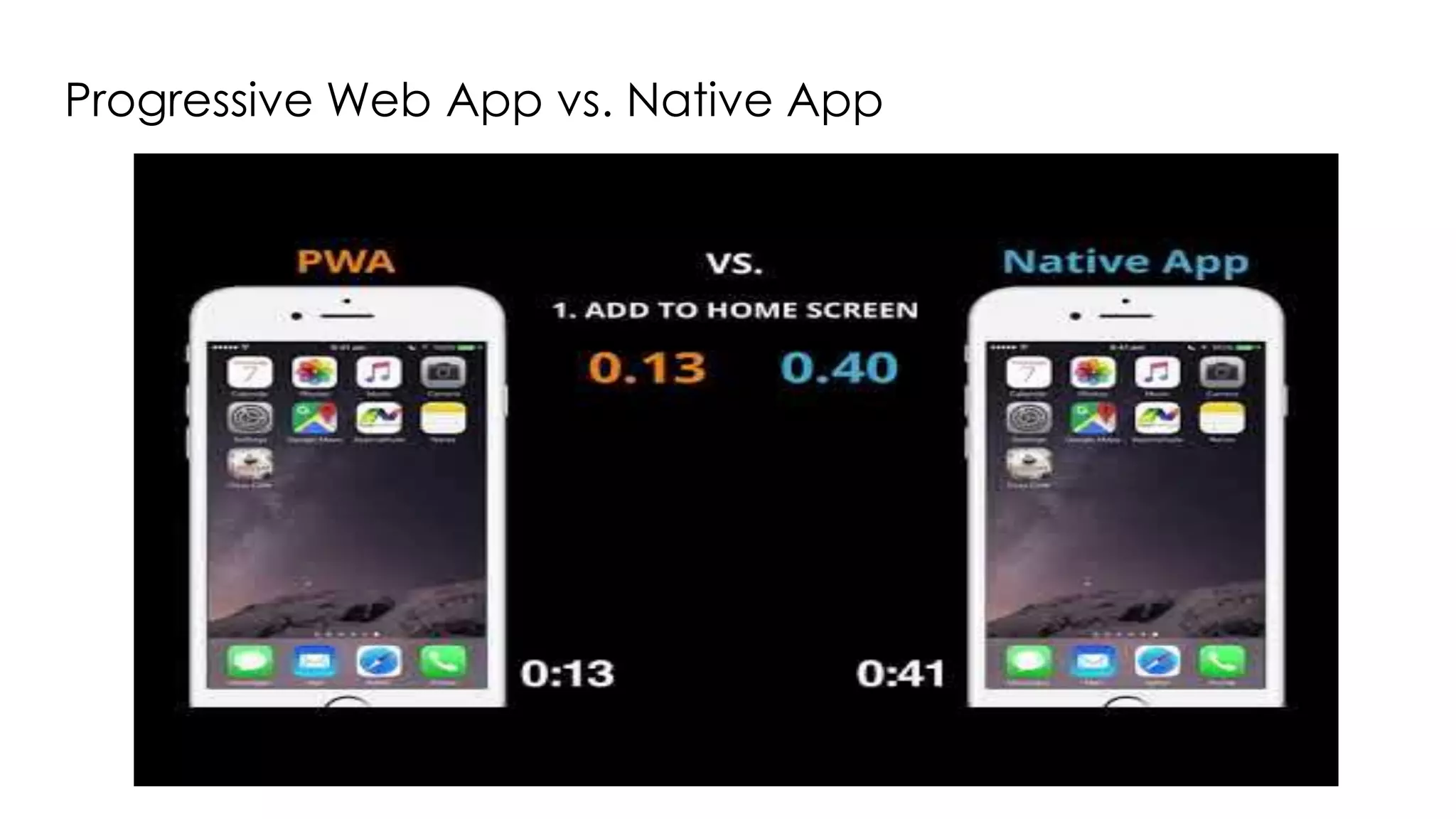
Progressive Web App vs. Native App
Core Building Blocks
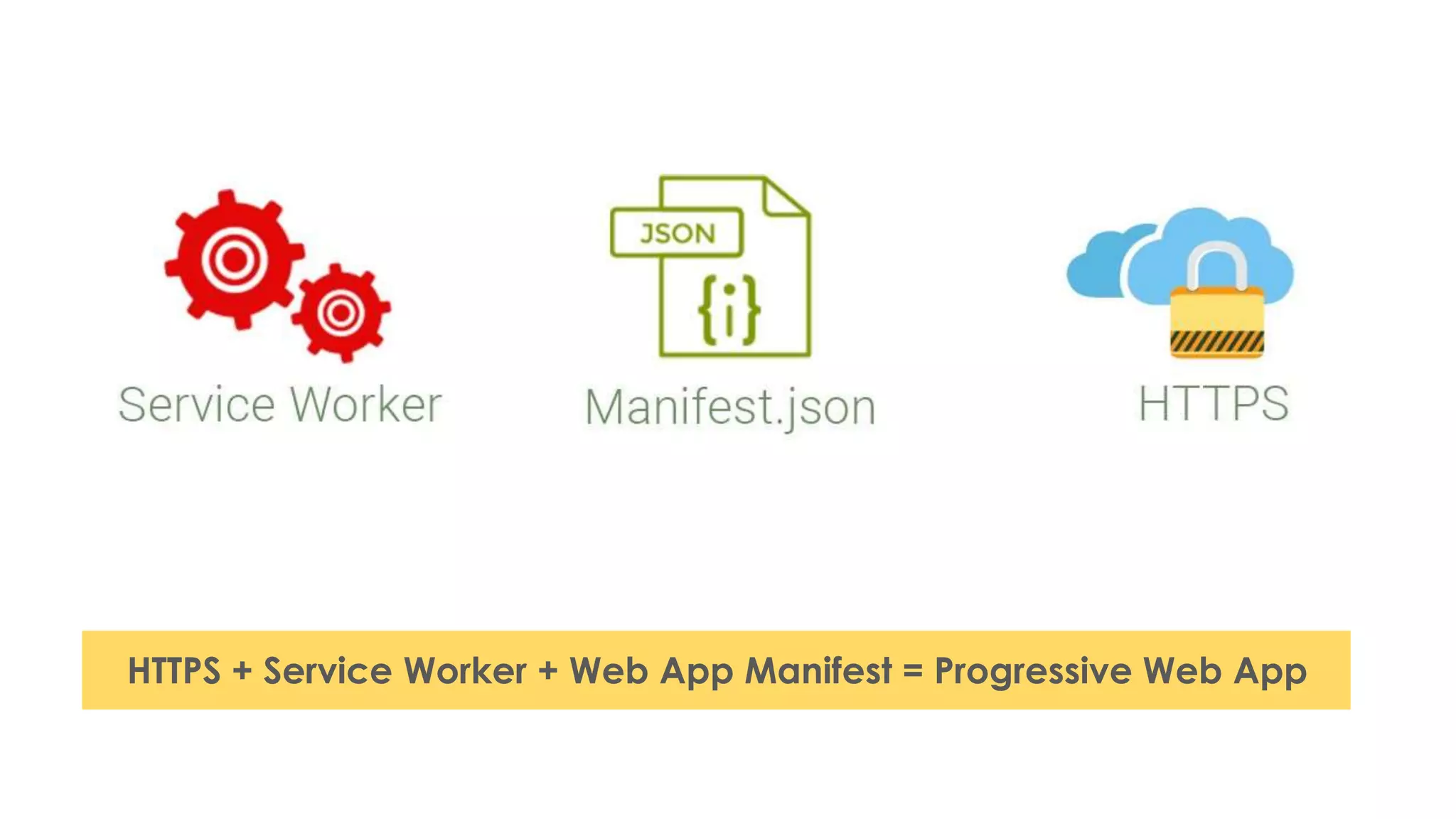
HTTPS + Service Worker + Web App Manifest = Progressive Web App
Web App Manifest
{
"lang": "en",
"dir": "ltr"
"name": "The Air Horner",
"description": "This app helps you donate to worthy causes.",
"icons": [
{ "src": "images/icon.png", "sizes": "192x192"},
{ "src": "images/icon2.png", "sizes": "512x512"} ],
"scope": ".",
"start_url": "/index.html",
"orientation": "landscape",
"theme_color": "aliceblue",
"background_color": "red",
}
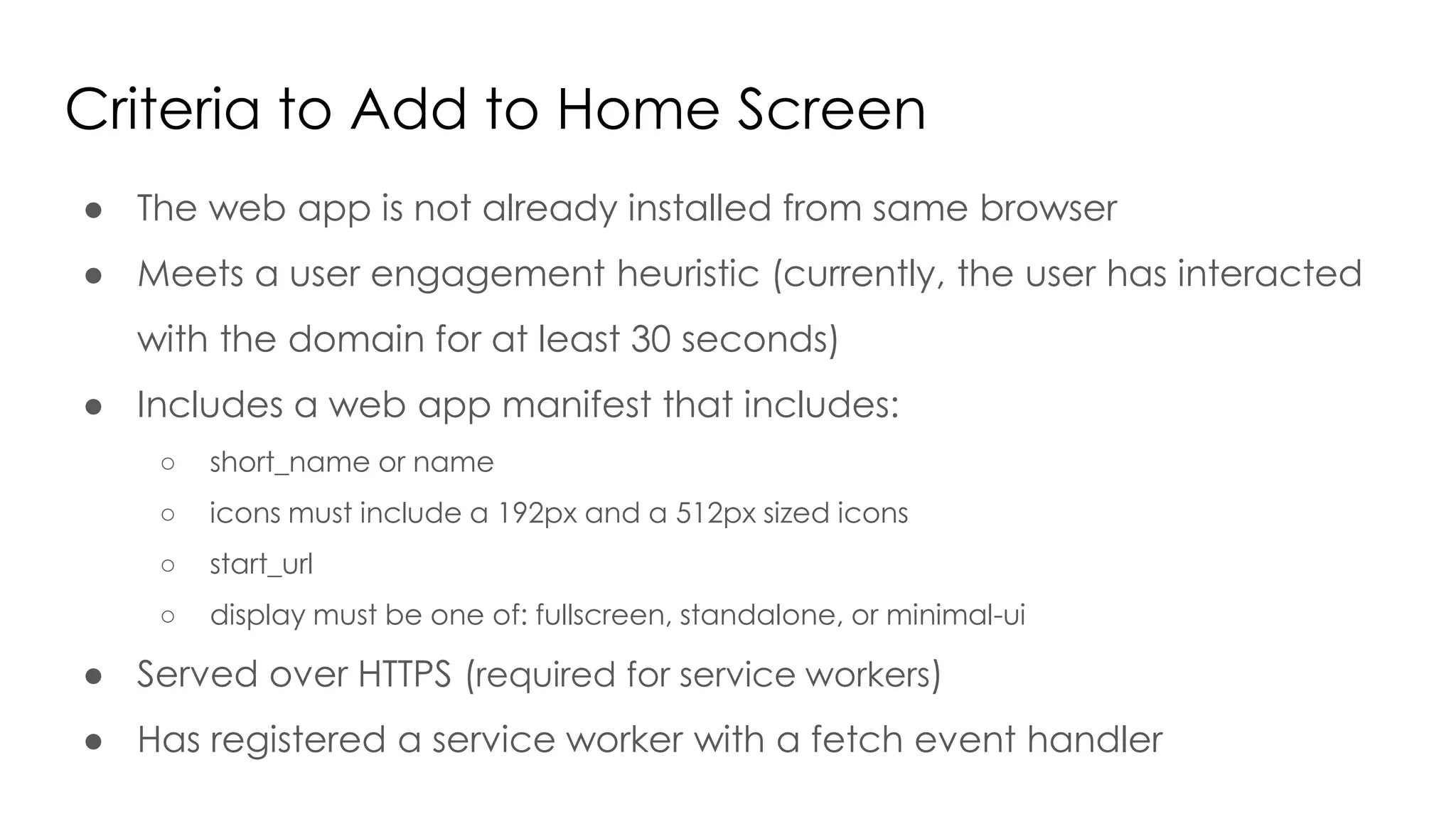
Criteria to Add to Home Screen
● The web app is not already installed from same browser
● Meets a user engagement heuristic (currently, the user has interacted
with the domain for at least 30 seconds)
● Includes a web app manifest that includes:
○ short_name or name
○ icons must include a 192px and a 512px sized icons
○ start_url
○ display must be one of: fullscreen, standalone, or minimal-ui
● Served over HTTPS (required for service workers)
● Has registered a service worker with a fetch event handler
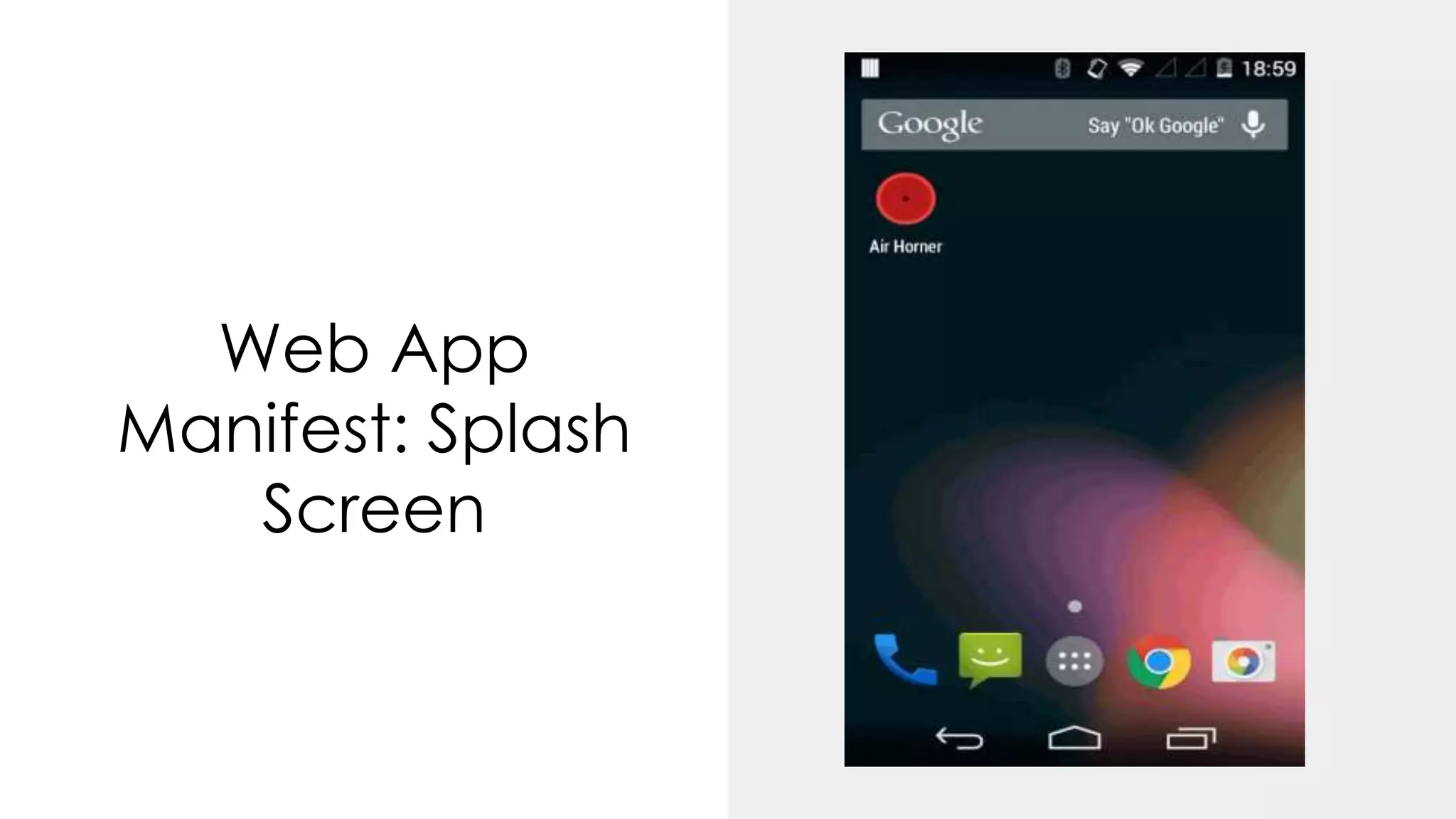
Web App
Manifest: Splash
Screen
Service Workers
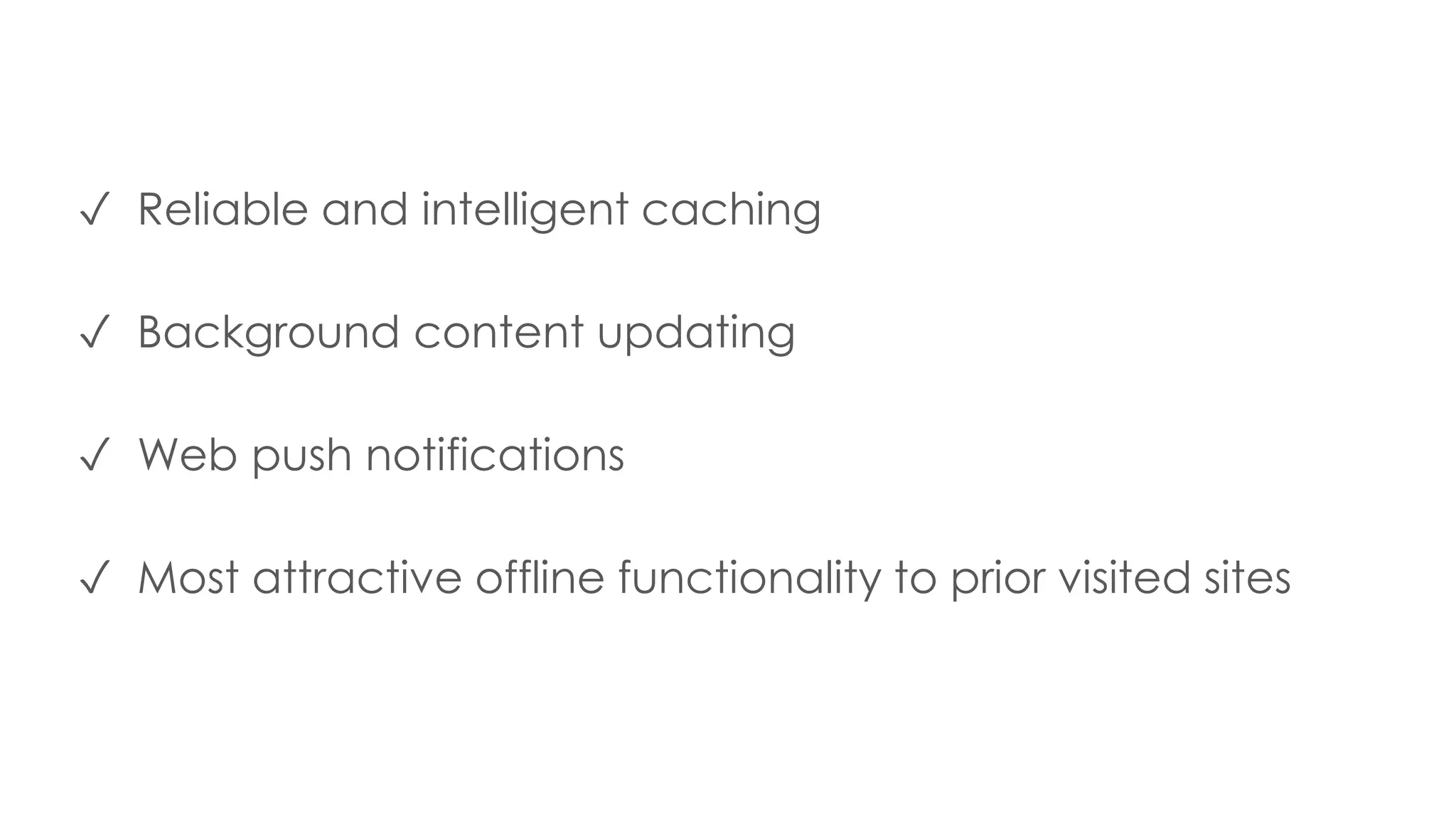
✓ Reliable and intelligent caching
✓ Background content updating
✓ Web push notifications
✓ Most attractive offline functionality to prior visited sites
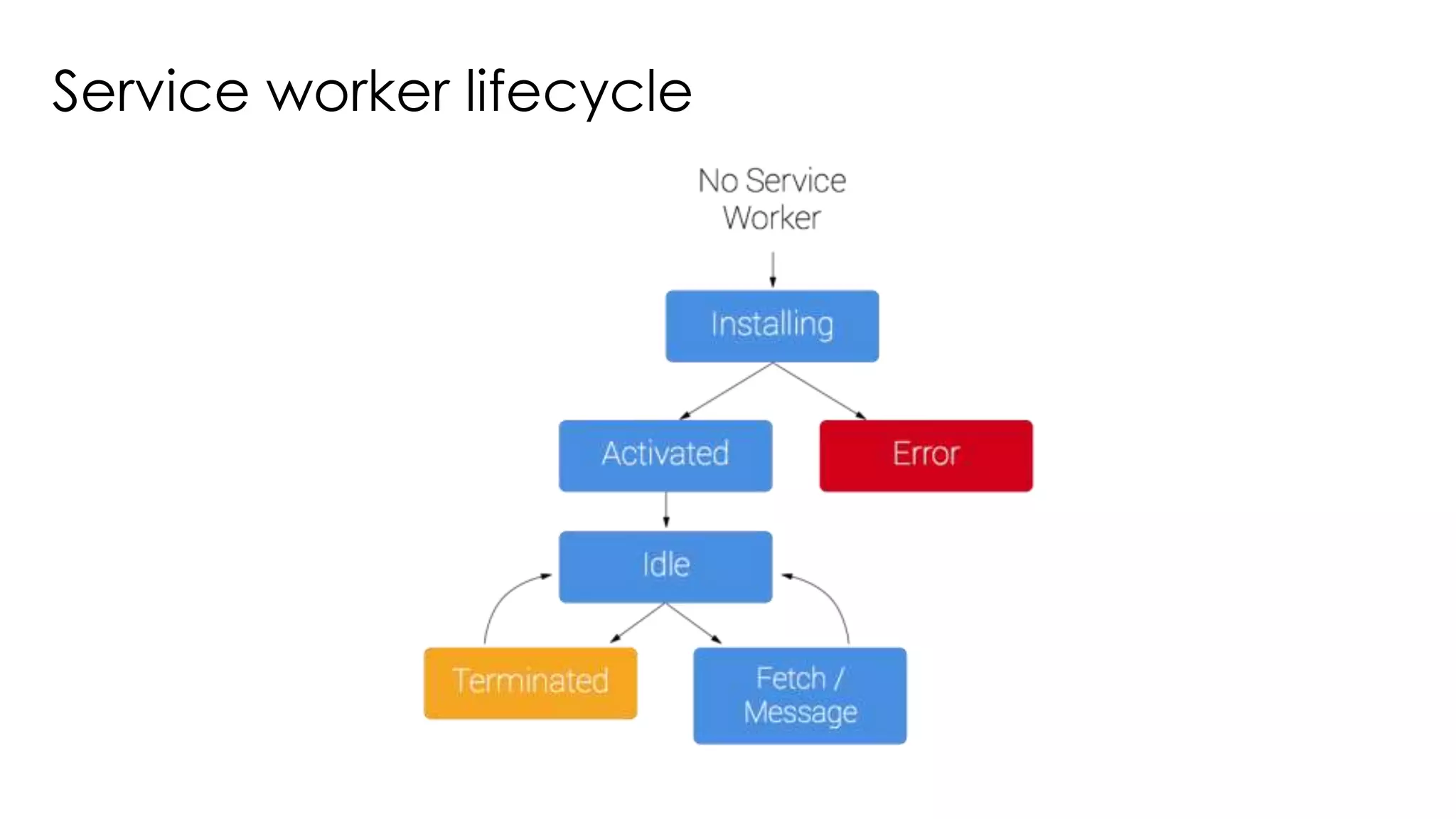
Service worker lifecycle
Demo Time !
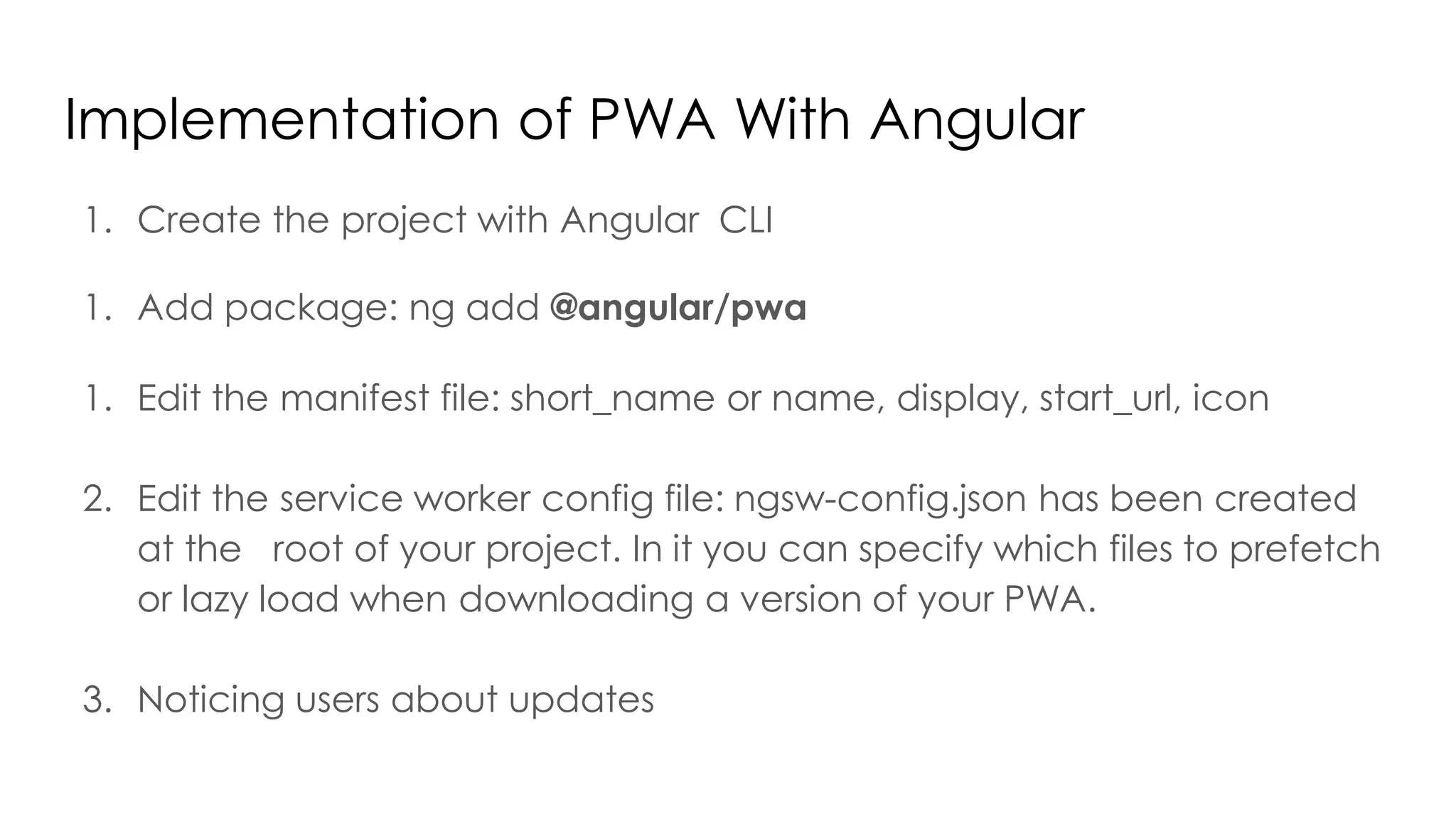
Implementation of PWA With Angular
1. Create the project with Angular CLI
1. Add package: ng add @angular/pwa
1. Edit the manifest file: short_name or name, display, start_url, icon
2. Edit the service worker config file: ngsw-config.json has been created
at the root of your project. In it you can specify which files to prefetch
or lazy load when downloading a version of your PWA.
3. Noticing users about updates
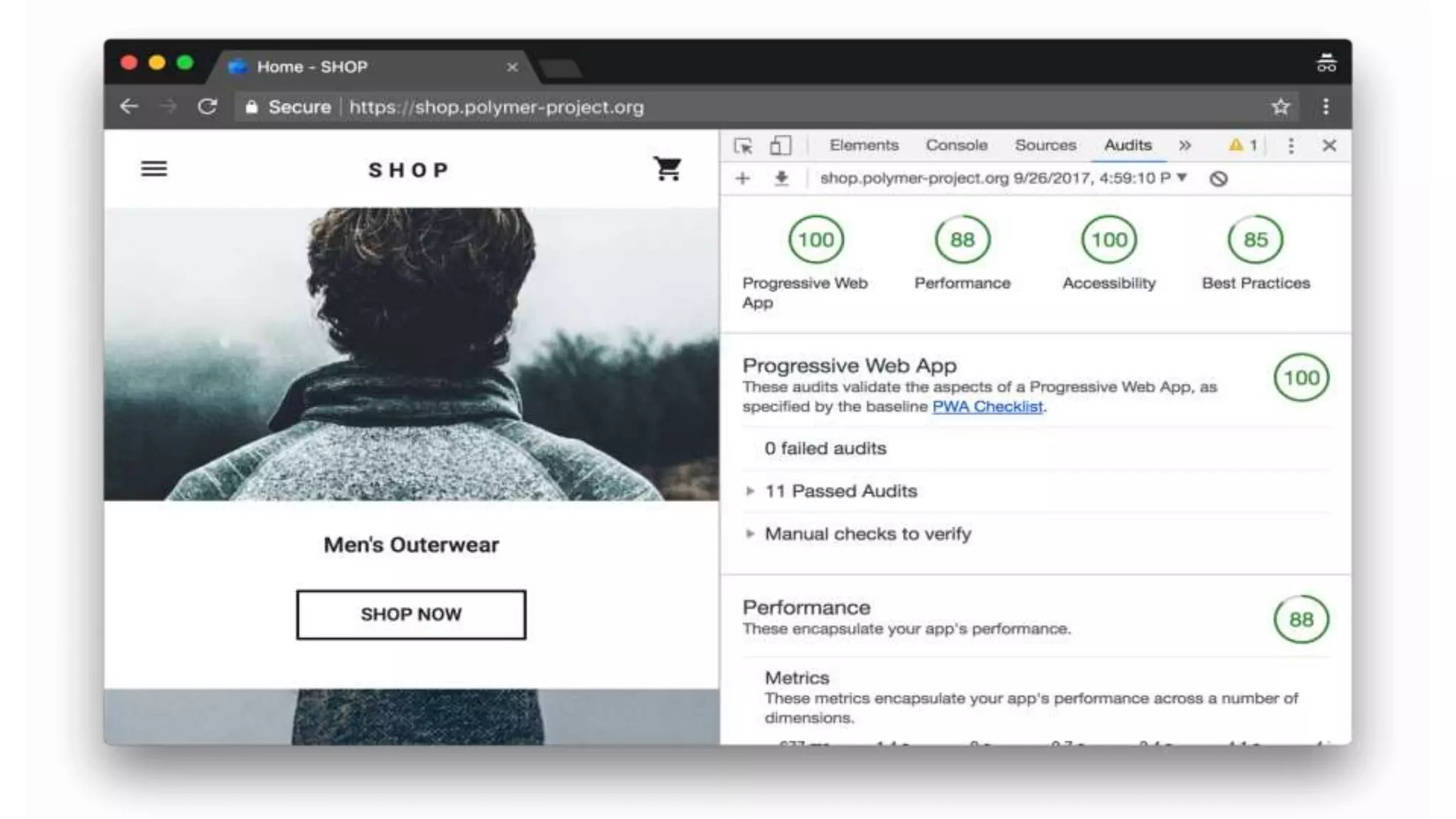
Measure Performance -Lighthouse
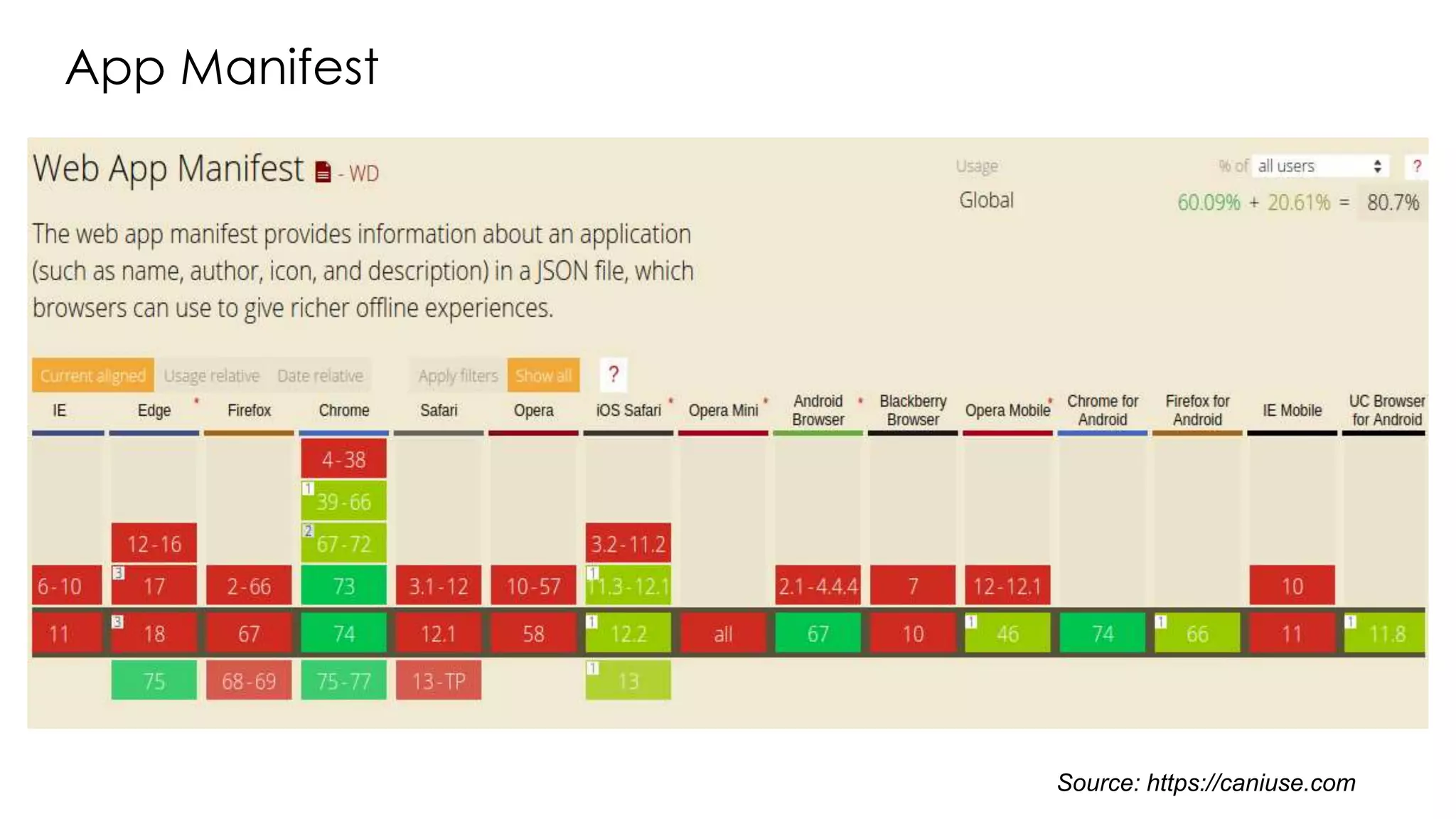
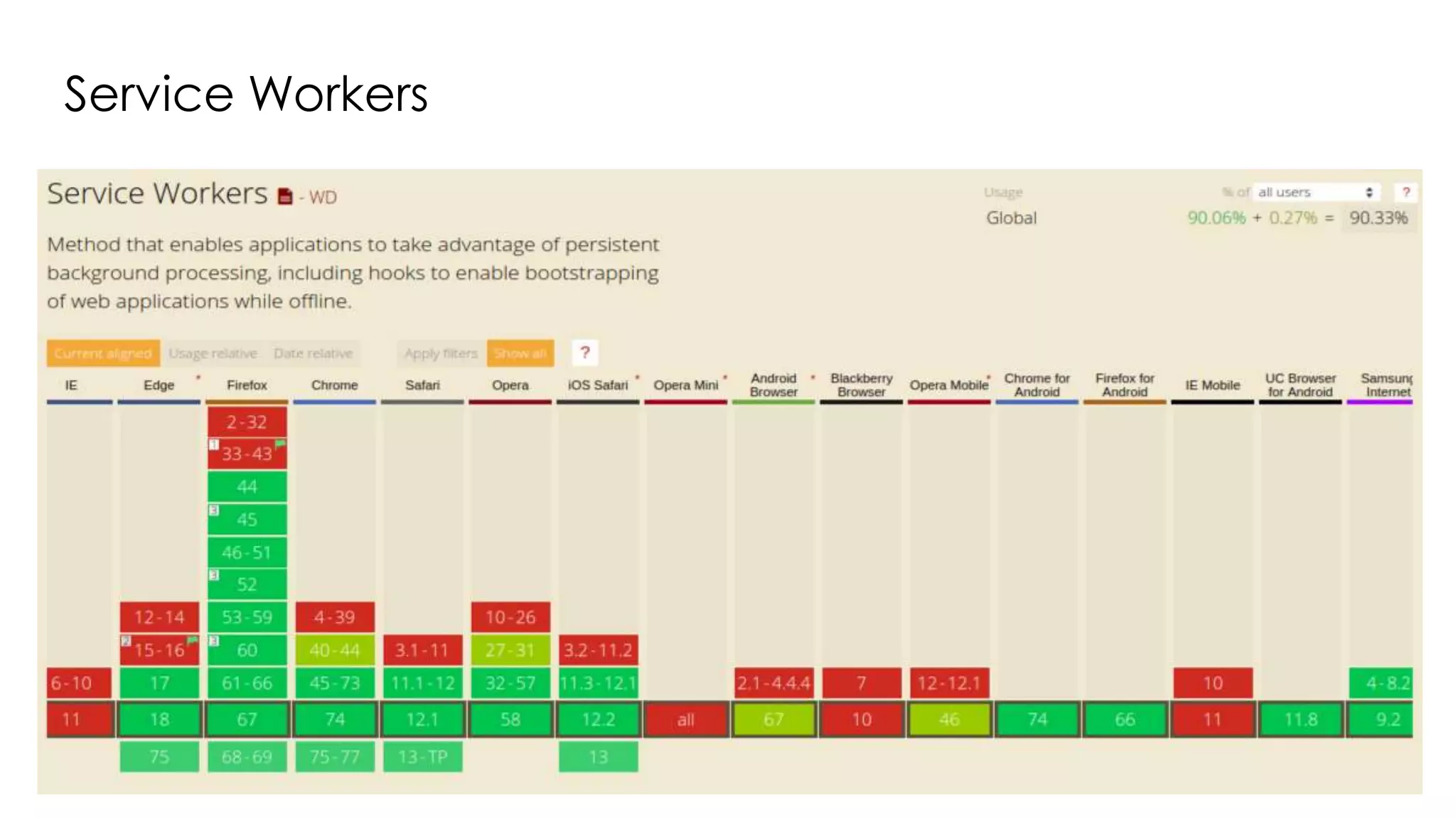
Browser Support
App Manifest
Source: https://caniuse.com
Service Workers
Case Studies
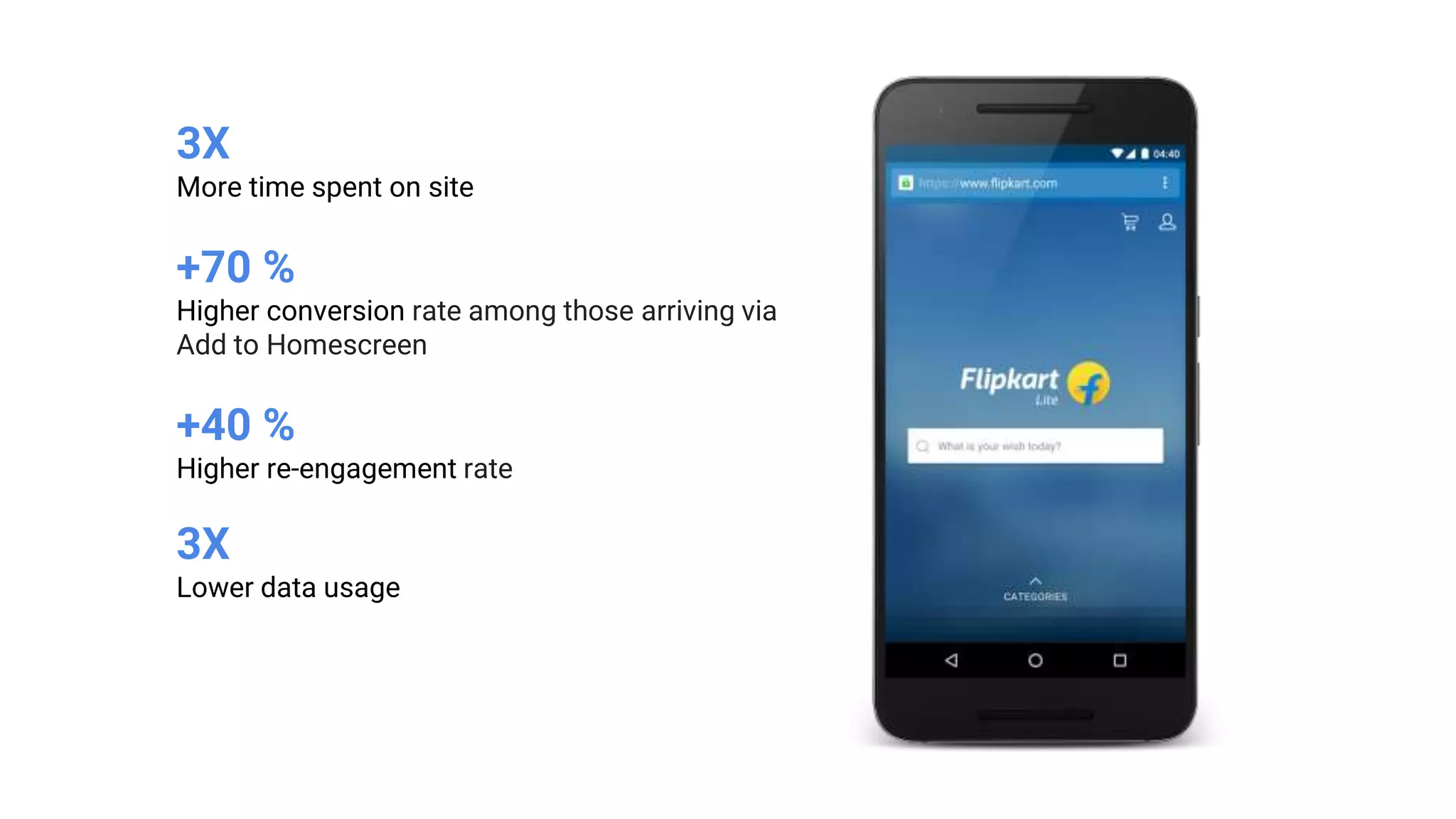
3X
More time spent on site
+70 %
Higher conversion rate among those arriving via
Add to Homescreen
+40 %
Higher re-engagement rate
3X
Lower data usage
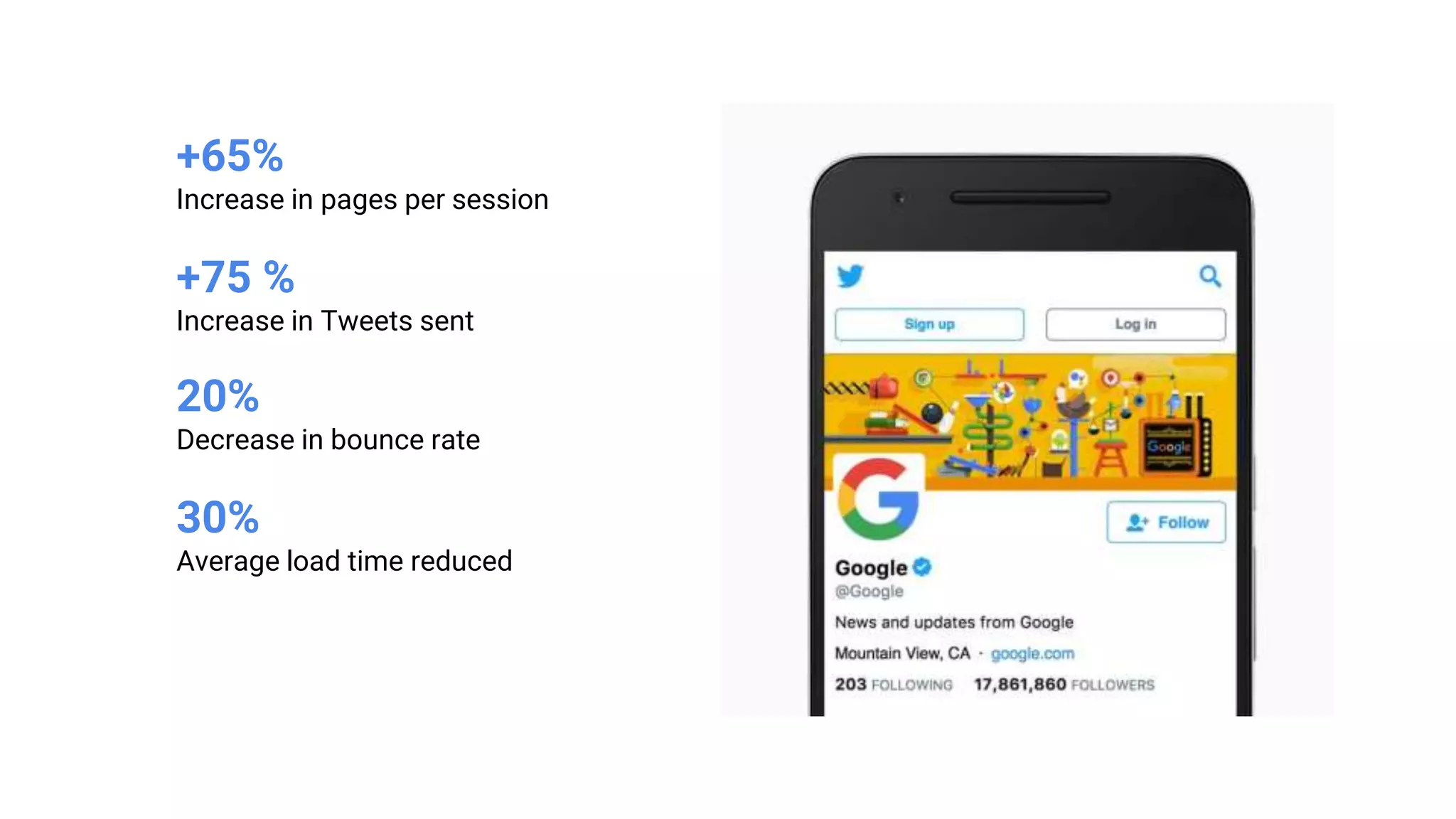
+65%
Increase in pages per session
+75 %
Increase in Tweets sent
20%
Decrease in bounce rate
30%
Average load time reduced
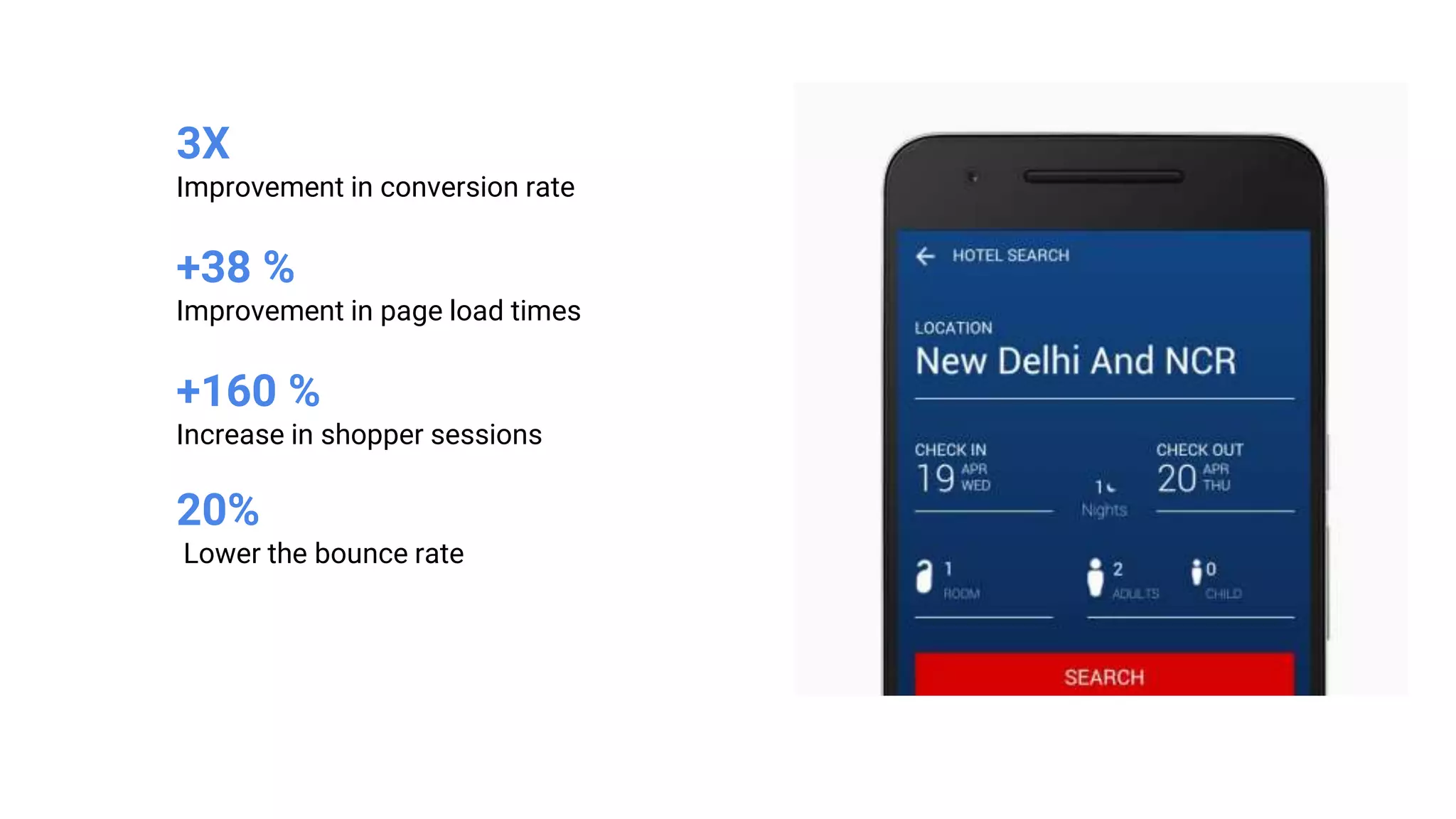
3X
Improvement in conversion rate
+38 %
Improvement in page load times
+160 %
Increase in shopper sessions
20%
Lower the bounce rate
And many more…
● Filpkart-lite
● BookMyShow
● Ola
● Alibaba
● Twitter Lite
● AliExpress
● The Weather Channel
● MakeMyTrip
● Housing.com
● OLX
● Voot
● Trivago
● Pinterest
Limitations
● Web still does not have access to full hardware of device, unlike native
apps
● Support is good in modern browsers, but do not in legacy ones
● Limited Legitimacy
● Cross Application Login Support
● App stops working if respective browsers is uninstalled or disabled
● Adds multiple icons if accessed from different browsers from same
device
Resources
● https://developers.google.com/web/progressive-web-apps/
● https://www.youtube.com/playlist?list=PLNYkxOF6rcIB2xHBZ7opgc2Mv009X
87Hh
● https://codelabs.developers.google.com/dev-pwa-training/
● https://medium.com/@tanpure.anjali/pwa-add-to-home-screen-from-
different-browsers-be8fd0c1be5b
● https://medium.com/@tanpure.anjali/pwa-web-push-notifications-
overview-implementation-6539cd9530ed
Thanks :)

Basic Understanding of Progressive Web Apps

  • 1.
    Basic Understanding ofProgressive Web Apps
  • 2.
    Anjali Tanpure Software Engineer@Niyuj Technical Blogger on Medium Medium: https://medium.com/@tanpure.anjali Twitter: https://twitter.com/anjali_tanpure LinkedIn: https://www.linkedin.com/in/anjali-tanpure-35b8b6106/
  • 3.
    Agenda 1. History andIdea behind PWA 2. What is PWA ? 3. PWA Pillars 4. Why PWA ? 5. Core building blocks 6. Demo time 7. Measure Performance 8. Case Studies 9. Limitations
  • 4.
    “You can writeamazing Web 2.0 and Ajax apps that look exactly and behave exactly like apps on the iPhone. There’s no SDK that you need for these apps! You’ve got everything you need if you know how to write apps using the most modern web standards to write amazing apps for the iPhone today.” - Steve Jobs (2007) Source: https://divante.com/pwabook/
  • 5.
    Alex Russell, SeniorStaff Software Engineer at Google, pointed out in his text “Progressive Web Apps: Escaping Tabs Without Losing Our Soul ”, published on Infrequently.org in July 2015. A year later in 2016, during the Google IO conference, Eric Bidelman, Senior Staff Developers Programs Engineer, introduced “Progressive Web Apps as a new standard in web development". Source: https://divante.com/pwabook/
  • 6.
  • 7.
    Websites Web App Single PageApplications (SPA’s) Responsive Web Applications Progressive Web Applications ?
  • 8.
    Web ● Can runon any device ● Quick to open and use ● Open from the browser ● Always runs in the browser ● Always runs in a tab ● Probably won’t work offline ● Might Not optimised for the device ● Linkable ● Approach - “I use this” Native Apps ● Usually ecosystem-specific ● Download and install ● Open from launcher/file ● [Feels like it] runs from its own ● Has its own window ● Usually works fine offline ● Powerful capabilities or system access ● Not linkable ● Approach - “I own this”
  • 9.
    PWA: The bestof both worlds
  • 11.
  • 12.
    Progressively enhance webapps To look & feel like native apps
  • 13.
    ● New softwaredevelopment methodology ● Combines features offered by most modern browsers with the benefits of mobile experience ● Are a type of mobile app delivered through the web, built using common web technologies including HTML, CSS and JavaScript ● They are intended to work on any platform that uses a standards- compliant browser. ● Feels like an app, works like a website. Faster, lighter & personalized.
  • 14.
    According to creatorof the term PWA (2015) - “These apps aren’t packaged and deployed through stores, they’re just websites that took right vitamins. They progressively becomes apps…” - Russell Alex (Google)
  • 15.
  • 16.
    1. It startsas a normal web page in a browser, and as a user explores the webpage, they get the prompt if they would like to “Add to Home Screen” 2. Once the user gives the thumbs up to this prompt, PWA gets added to their home screen 3. Once open from the home screen, it can even hide the browser UI controls and appear as an app PWA now available via Google Play Store (2019)
  • 18.
    Pillars transform webinto an experience that feels like a native application.
  • 19.
    Reliable Fast Engaging Integrated Source:https://developers.google.com/web/fundamentals
  • 20.
  • 22.
    Mobile users arespending 87 % of their time in apps, versus just 13 % on the web. Source: https://www.comscore.com
  • 23.
    Users spend 50% of their time in one app & 97 % in their top 10 apps. Source: https://www.comscore.com
  • 24.
  • 27.
    No downloading fromapp/play store, no waiting
  • 28.
  • 29.
  • 30.
    ● Access devicefeatures like camera, location etc ● Improved performance ● Easy maintainable (cost, time optimization) ● Offline functionality using service workers ● Security
  • 31.
    Progressive Web Appvs. Native App
  • 32.
  • 33.
    HTTPS + ServiceWorker + Web App Manifest = Progressive Web App
  • 34.
  • 35.
    { "lang": "en", "dir": "ltr" "name":"The Air Horner", "description": "This app helps you donate to worthy causes.", "icons": [ { "src": "images/icon.png", "sizes": "192x192"}, { "src": "images/icon2.png", "sizes": "512x512"} ], "scope": ".", "start_url": "/index.html", "orientation": "landscape", "theme_color": "aliceblue", "background_color": "red", }
  • 37.
    Criteria to Addto Home Screen ● The web app is not already installed from same browser ● Meets a user engagement heuristic (currently, the user has interacted with the domain for at least 30 seconds) ● Includes a web app manifest that includes: ○ short_name or name ○ icons must include a 192px and a 512px sized icons ○ start_url ○ display must be one of: fullscreen, standalone, or minimal-ui ● Served over HTTPS (required for service workers) ● Has registered a service worker with a fetch event handler
  • 38.
  • 39.
  • 43.
    ✓ Reliable andintelligent caching ✓ Background content updating ✓ Web push notifications ✓ Most attractive offline functionality to prior visited sites
  • 44.
  • 45.
  • 46.
    Implementation of PWAWith Angular 1. Create the project with Angular CLI 1. Add package: ng add @angular/pwa 1. Edit the manifest file: short_name or name, display, start_url, icon 2. Edit the service worker config file: ngsw-config.json has been created at the root of your project. In it you can specify which files to prefetch or lazy load when downloading a version of your PWA. 3. Noticing users about updates
  • 47.
  • 49.
  • 50.
  • 51.
  • 52.
  • 53.
    3X More time spenton site +70 % Higher conversion rate among those arriving via Add to Homescreen +40 % Higher re-engagement rate 3X Lower data usage
  • 54.
    +65% Increase in pagesper session +75 % Increase in Tweets sent 20% Decrease in bounce rate 30% Average load time reduced
  • 55.
    3X Improvement in conversionrate +38 % Improvement in page load times +160 % Increase in shopper sessions 20% Lower the bounce rate
  • 56.
    And many more… ●Filpkart-lite ● BookMyShow ● Ola ● Alibaba ● Twitter Lite ● AliExpress ● The Weather Channel ● MakeMyTrip ● Housing.com ● OLX ● Voot ● Trivago ● Pinterest
  • 57.
  • 58.
    ● Web stilldoes not have access to full hardware of device, unlike native apps ● Support is good in modern browsers, but do not in legacy ones ● Limited Legitimacy ● Cross Application Login Support ● App stops working if respective browsers is uninstalled or disabled ● Adds multiple icons if accessed from different browsers from same device
  • 59.
    Resources ● https://developers.google.com/web/progressive-web-apps/ ● https://www.youtube.com/playlist?list=PLNYkxOF6rcIB2xHBZ7opgc2Mv009X 87Hh ●https://codelabs.developers.google.com/dev-pwa-training/ ● https://medium.com/@tanpure.anjali/pwa-add-to-home-screen-from- different-browsers-be8fd0c1be5b ● https://medium.com/@tanpure.anjali/pwa-web-push-notifications- overview-implementation-6539cd9530ed
  • 60.

Editor's Notes

  • #5 Source: https://divante.com/pwabook/chapter/02-the-history-of-pwas
  • #6 Source: https://divante.com/pwabook/chapter/02-the-history-of-pwas
  • #11 Taken from : Going Big: PWAs Come to Desktop and Chrome OS (Google I/O ’19)
  • #23 Source: https://www.comscore.com
  • #29 PWAs can be accessed on any browser including Google Chrome, UC Browser, Opera Mini, Mozilla Firefox, etc. Therefore, we can make them work across all browsers or any specific one of your choice that brings in more traffic to your ecommerce site.
  • #34 We need to make three technical enhancements to the typical website to turn into PWA: HTTPS: Site is served over secure connection (HTTPS) & no mixed contents Service Workers: Script the browser runs in the background Application Manifest: Metadata provided for Add to Home screen Responsive Design: Layout should work & look good across devices
  • #39 When your app first launches, it can take a moment for the browser to spin up, and the initial content to begin rendering. Instead of showing a white screen that may look to the user like the app is stall, Chrome will show a splash screen, until the first paint Chrome will automatically create the splash screen from the manifest properties, including: name background_color Icons
  • #49 Lighthouse is an open-source, automated tool for improving the performance, quality, and correctness of your web apps It has audits for performance, accessibility, progressive web apps, and more It runs a series of audits against the page, and then it generates a report on how well the page did
  • #51 https://caniuse.com
  • #52  Source: https://caniuse.com
  • #55 MakeMyTrip.com
  • #56 MakeMyTrip.com