









![Installable web apps in 2 simple steps
{
"name": "The Airhorner",
"short_name": "Airhorner",
"icons": [],
"start_url": "index.html",
"display": "standalone",
"theme_color": "",
"background_color": ""
}
1. Create a manifest (json)
<link rel="manifest"
href="/manifest.json">
2. Link it to your page](https://image.slidesharecdn.com/progressivewebapps-160805133111/75/Progressive-Web-Apps-20-2048.jpg)
![Flow
{
"name": "The Air Horner",
"short_name": "Air Horner",
"icons": [
{
"src": "images/Airhorner_192.png",
"type": "image/png",
"sizes": "192x192"
}
],
"start_url": "index.html",
"display": "standalone",
"orientation": "portrait",
"theme_color": "#2196F3",
"background_color": "#2196F3"
}](https://image.slidesharecdn.com/progressivewebapps-160805133111/75/Progressive-Web-Apps-21-2048.jpg)
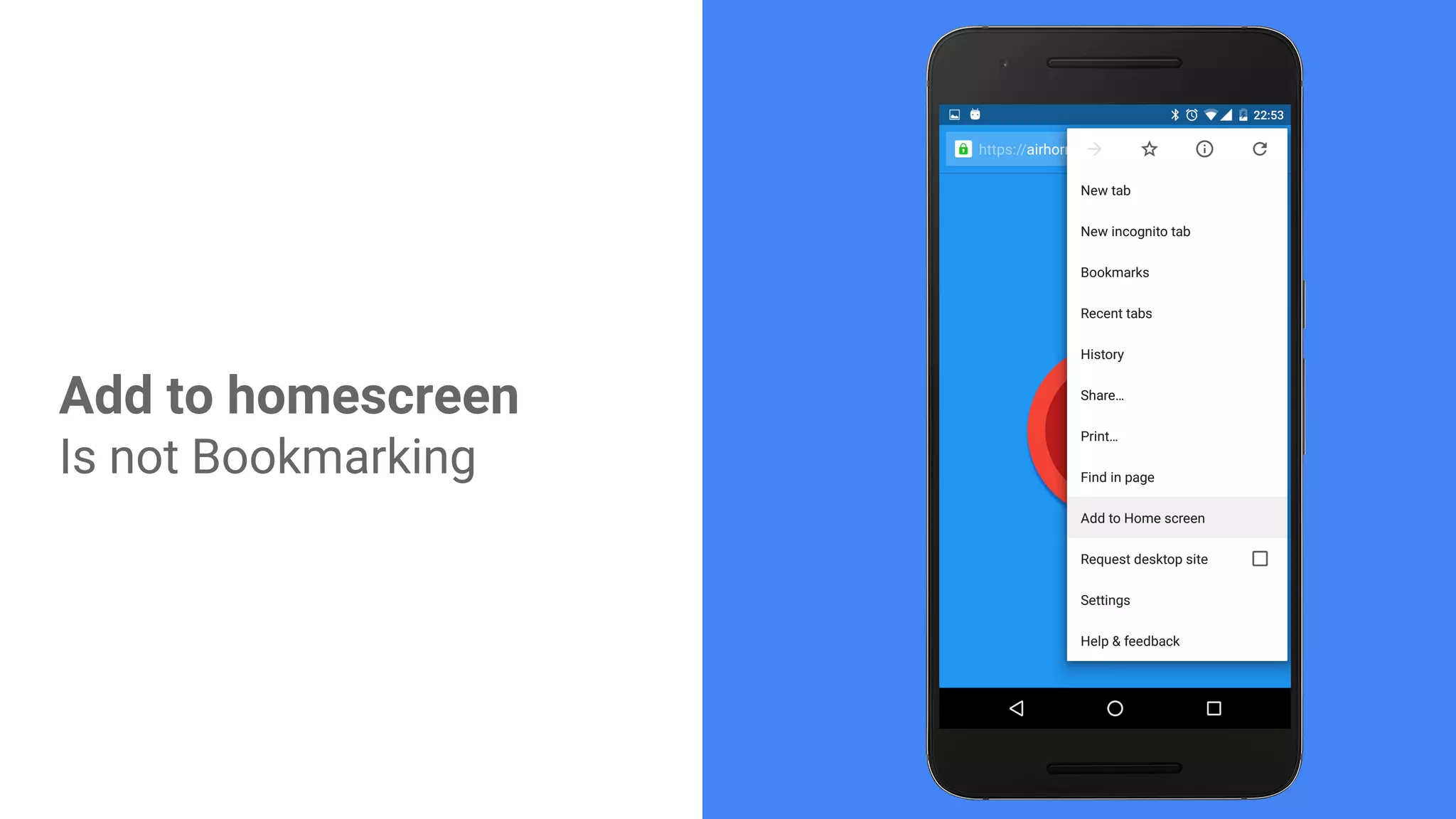
![Homescreen
{
"name": "The Air Horner",
"short_name": "Air Horner",
"icons": [
{
"src": "images/Airhorner_192.png",
"type": "image/png",
"sizes": "192x192"
}
],
"start_url": "index.html",
"display": "standalone",
"orientation": "portrait",
"theme_color": "#2196F3",
"background_color": "#2196F3"
}](https://image.slidesharecdn.com/progressivewebapps-160805133111/75/Progressive-Web-Apps-22-2048.jpg)
![App switcher
{
"name": "The Air Horner",
"short_name": "Air Horner",
"icons": [
{
"src": "images/Airhorner_192.png",
"type": "image/png",
"sizes": "192x192"
}
],
"start_url": "index.html",
"display": "standalone",
"orientation": "portrait",
"theme_color": "#2196F3",
"background_color": "#2196F3"
}](https://image.slidesharecdn.com/progressivewebapps-160805133111/75/Progressive-Web-Apps-23-2048.jpg)
![Splash screen: part 1
{
"name": "The Air Horner",
"short_name": "Air Horner",
"icons": [
{
"src": "images/Airhorner_192.png",
"type": "image/png",
"sizes": "192x192"
}
],
"start_url": "index.html",
"display": "standalone",
"orientation": "portrait",
"theme_color": "#2196F3",
"background_color": "#2196F3"
}](https://image.slidesharecdn.com/progressivewebapps-160805133111/75/Progressive-Web-Apps-24-2048.jpg)
![How to launch: standalone
{
"name": "The Air Horner",
"short_name": "Air Horner",
"icons": [
{
"src": "images/Airhorner_192.png",
"type": "image/png",
"sizes": "192x192"
}
],
"start_url": "index.html",
"display": "standalone",
"orientation": "portrait",
"theme_color": "#2196F3",
"background_color": "#2196F3"
}](https://image.slidesharecdn.com/progressivewebapps-160805133111/75/Progressive-Web-Apps-25-2048.jpg)
![How to launch: browser or fullscreen
{
"name": "The Air Horner",
"short_name": "Air Horner",
"icons": [
{
"src": "images/Airhorner_192.png",
"type": "image/png",
"sizes": "192x192"
}
],
"start_url": "index.html",
"display": "standalone", // browser or fullscreen
"orientation": "portrait",
"theme_color": "#2196F3",
"background_color": "#2196F3"
}](https://image.slidesharecdn.com/progressivewebapps-160805133111/75/Progressive-Web-Apps-26-2048.jpg)
![How to launch: standalone
{
"name": "The Air Horner",
"short_name": "Air Horner",
"icons": [
{
"src": "images/Airhorner_192.png",
"type": "image/png",
"sizes": "192x192"
}
],
"start_url": "index.html",
"display": "standalone",
"orientation": "portrait",
"theme_color": "#2196F3",
"background_color": "#2196F3"
}
@media (display-mode: standalone) {
h3:after { content “ in standalone mode!”}
}](https://image.slidesharecdn.com/progressivewebapps-160805133111/75/Progressive-Web-Apps-27-2048.jpg)
![How to launch: window
{
"name": "The Air Horner",
"short_name": "Air Horner",
"icons": [
{
"src": "images/Airhorner_192.png",
"type": "image/png",
"sizes": "192x192"
}
],
"start_url": "index.html",
"display": "standalone",
"orientation": "portrait",
"theme_color": "#2196F3",
"background_color": "#2196F3"
}](https://image.slidesharecdn.com/progressivewebapps-160805133111/75/Progressive-Web-Apps-28-2048.jpg)
![How to launch: window
{
"name": "The Air Horner",
"short_name": "Air Horner",
"icons": [
{
"src": "images/Airhorner_192.png",
"type": "image/png",
"sizes": "192x192"
}
],
"start_url": "index.html",
"display": "fullscreen",
"orientation": "landscape",
"theme_color": "#2196F3",
"background_color": "#2196F3"
}
andreasbovens.github.io/inbox-attack](https://image.slidesharecdn.com/progressivewebapps-160805133111/75/Progressive-Web-Apps-29-2048.jpg)
![What to Launch
{
"name": "The Air Horner",
"short_name": "Air Horner",
"icons": [
{
"src": "images/Airhorner_192.png",
"type": "image/png",
"sizes": "192x192"
}
],
"start_url": "index.html?homescreen", // statistics....
"display": "standalone",
"orientation": "portrait",
"theme_color": "#2196F3",
"background_color": "#2196F3"
}](https://image.slidesharecdn.com/progressivewebapps-160805133111/75/Progressive-Web-Apps-30-2048.jpg)
![What to Launch
{
"name": "The Air Horner",
"short_name": "Air Horner",
"icons": [
{
"src": "images/Airhorner_192.png",
"type": "image/png",
"sizes": "192x192"
}
],
"start_url": "index.html?homescreen", // statistics....
"display": "standalone",
"orientation": "portrait",
"theme_color": "#2196F3",
"background_color": "#2196F3"
}
Must Match the
ServiceWorker](https://image.slidesharecdn.com/progressivewebapps-160805133111/75/Progressive-Web-Apps-31-2048.jpg)

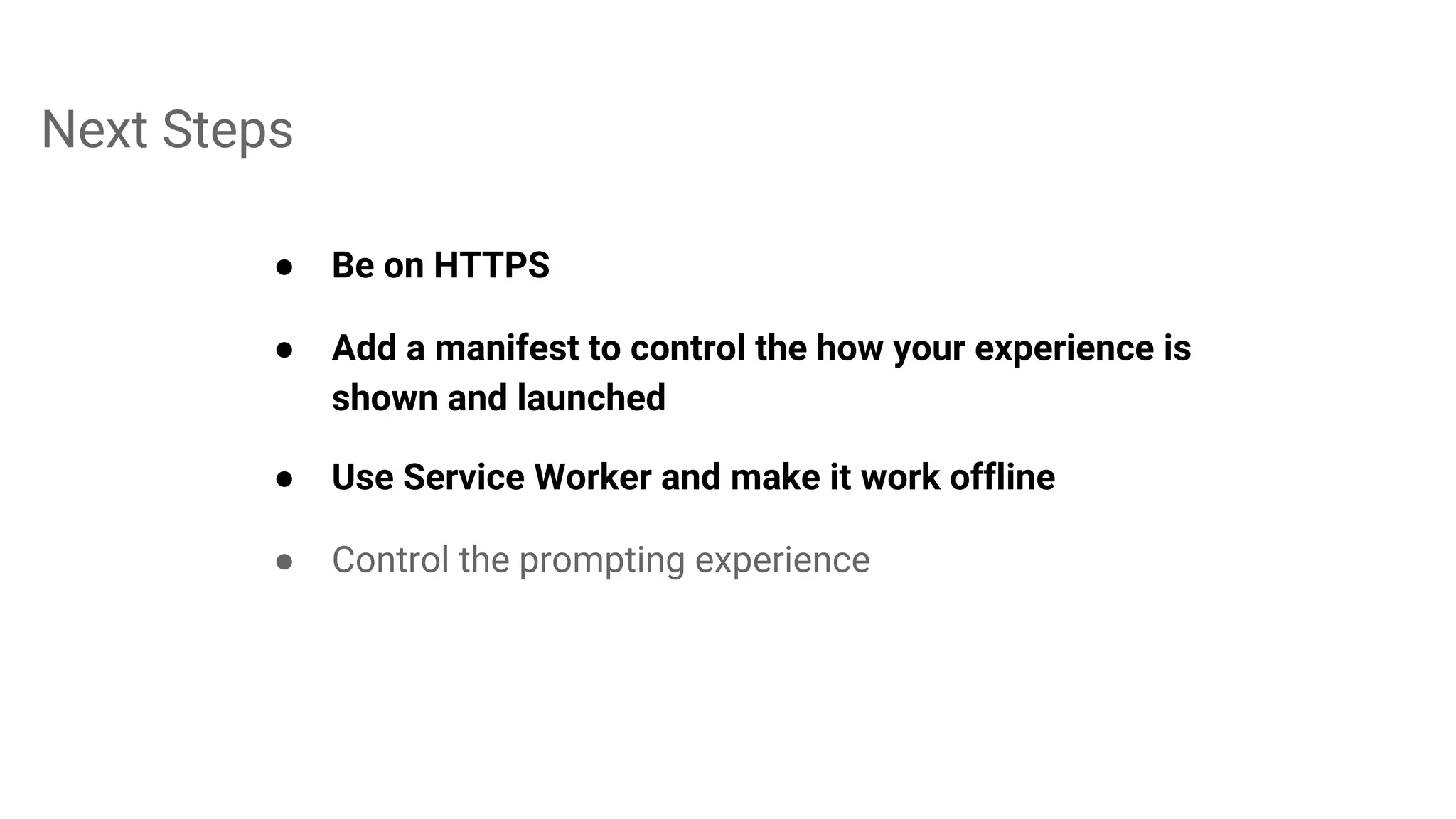

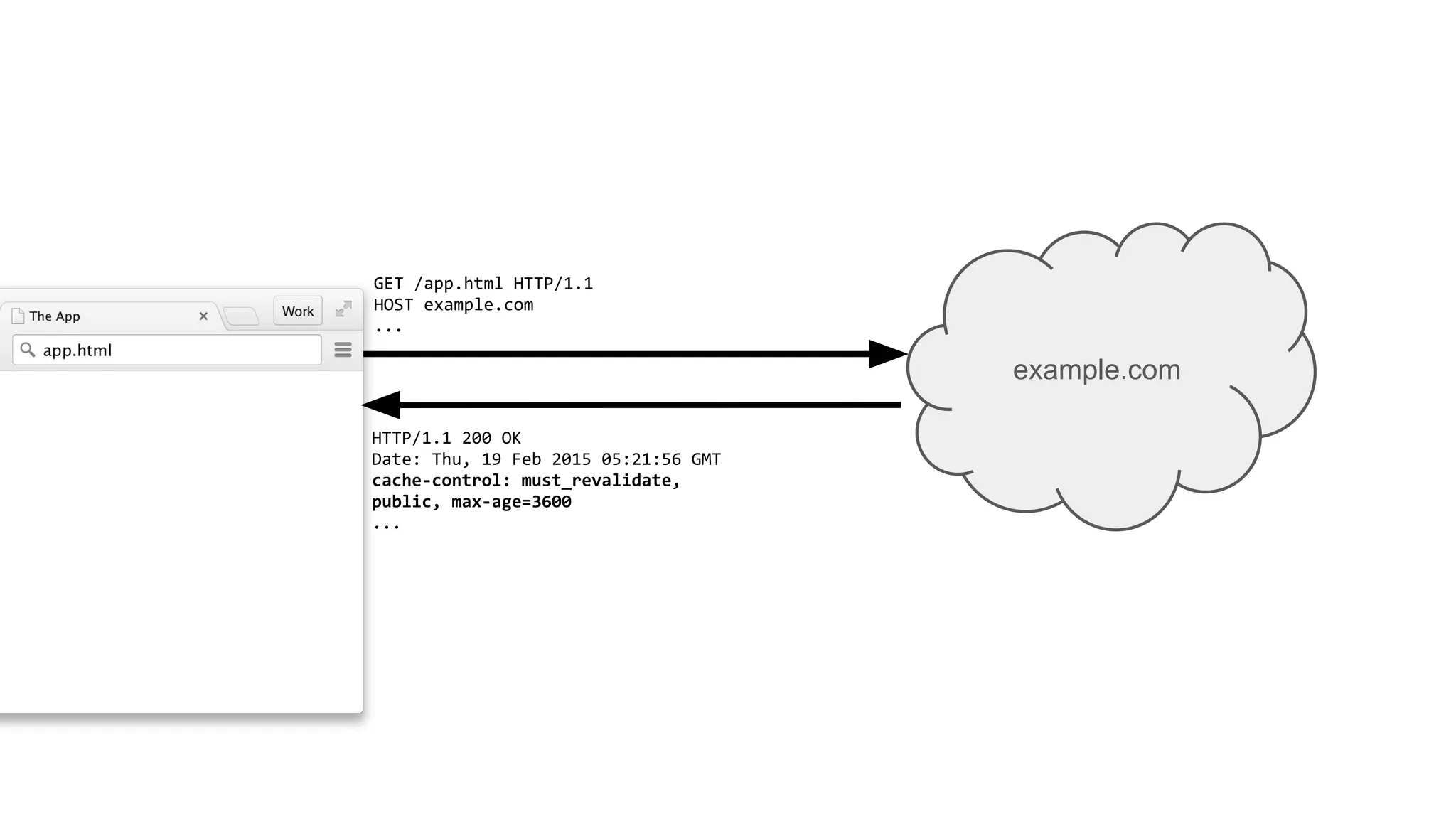
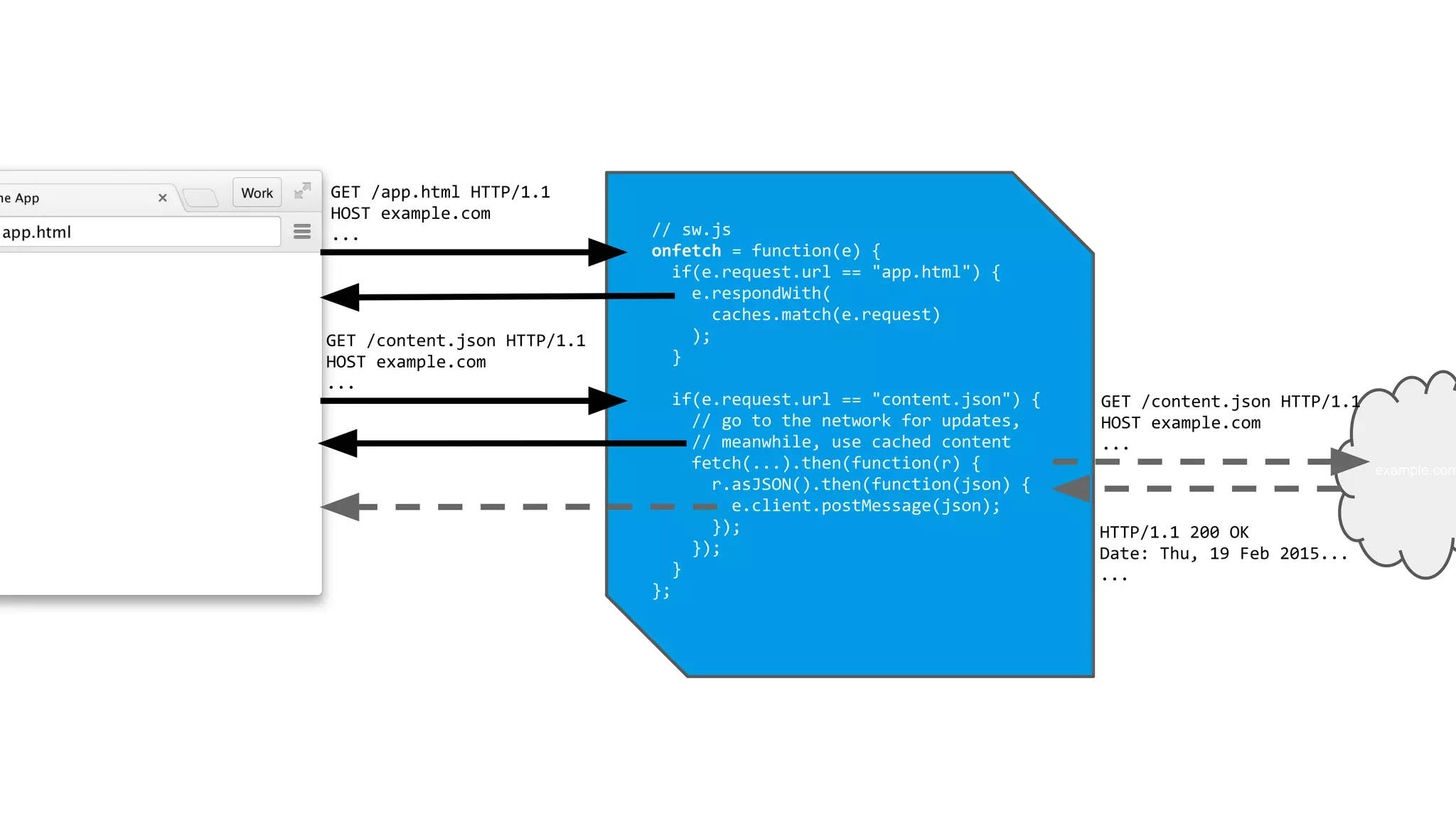
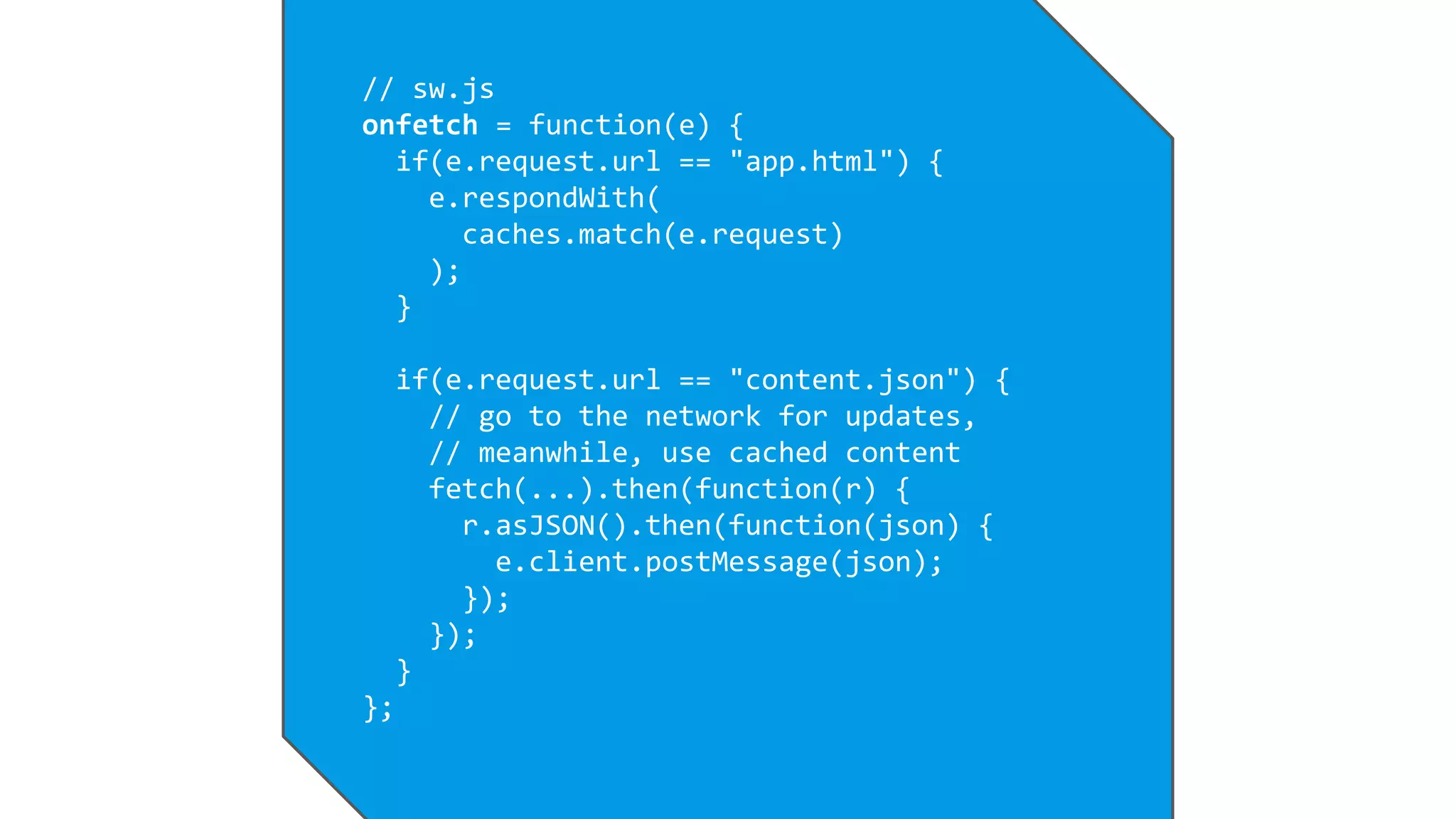
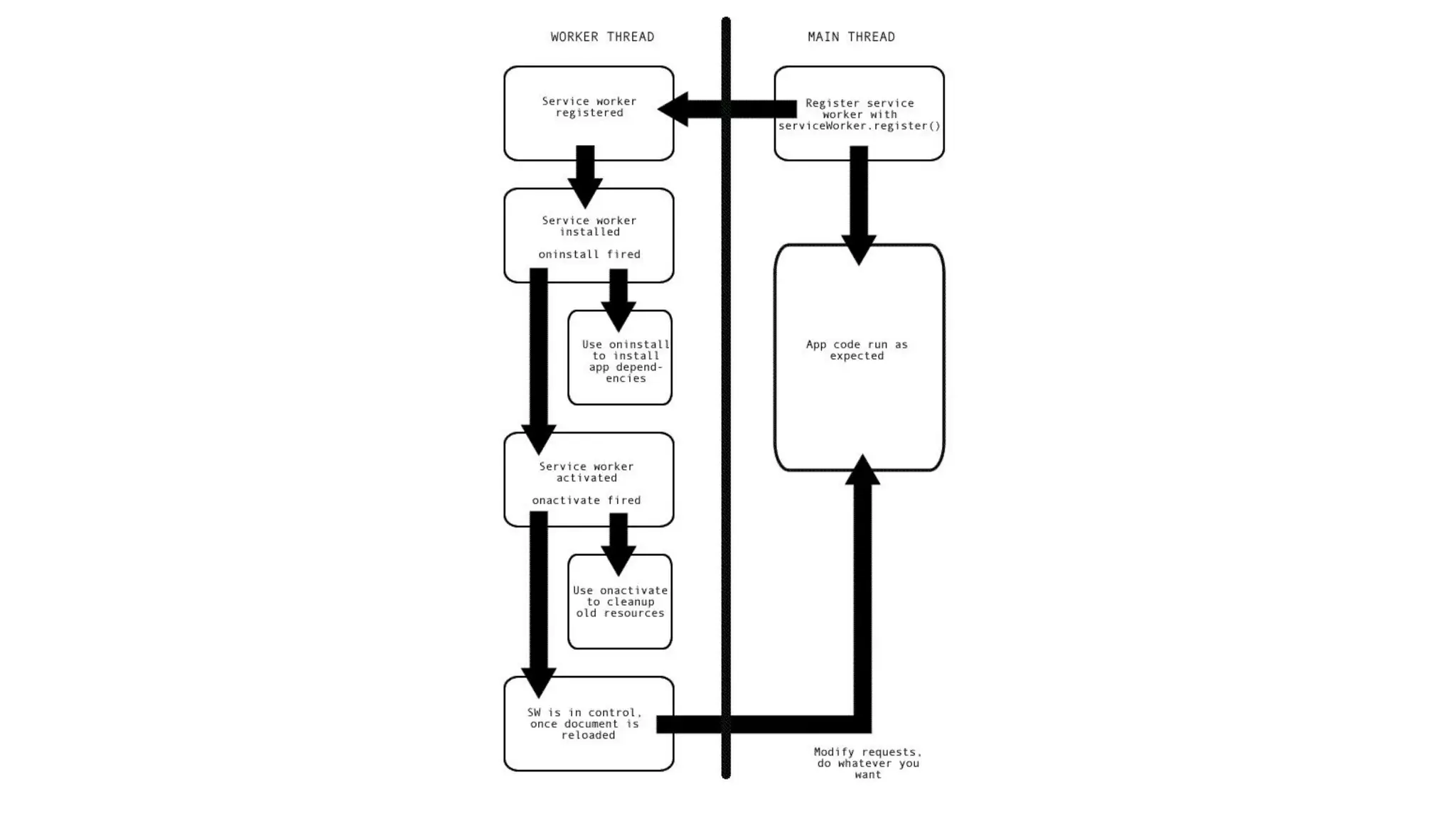
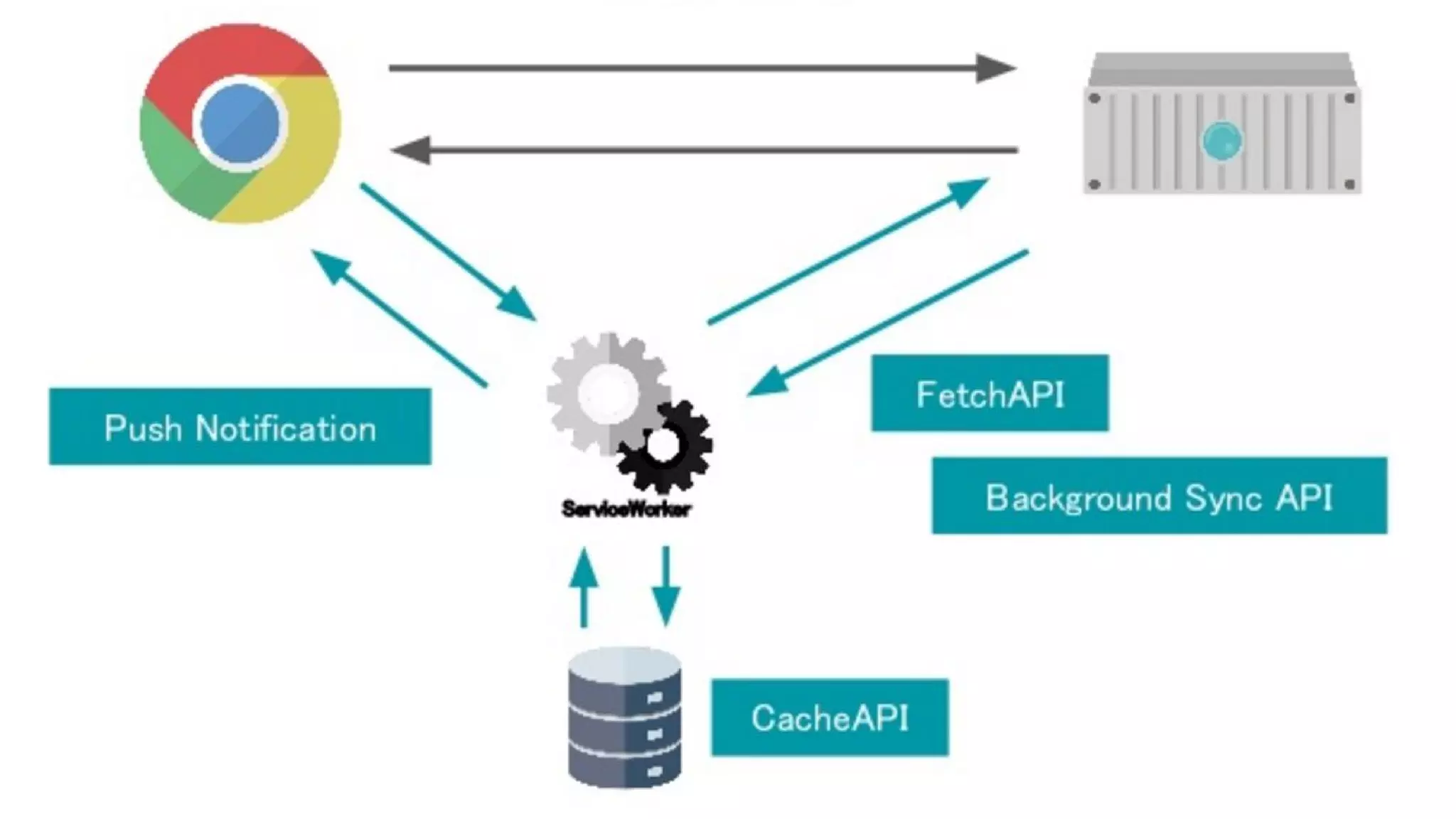

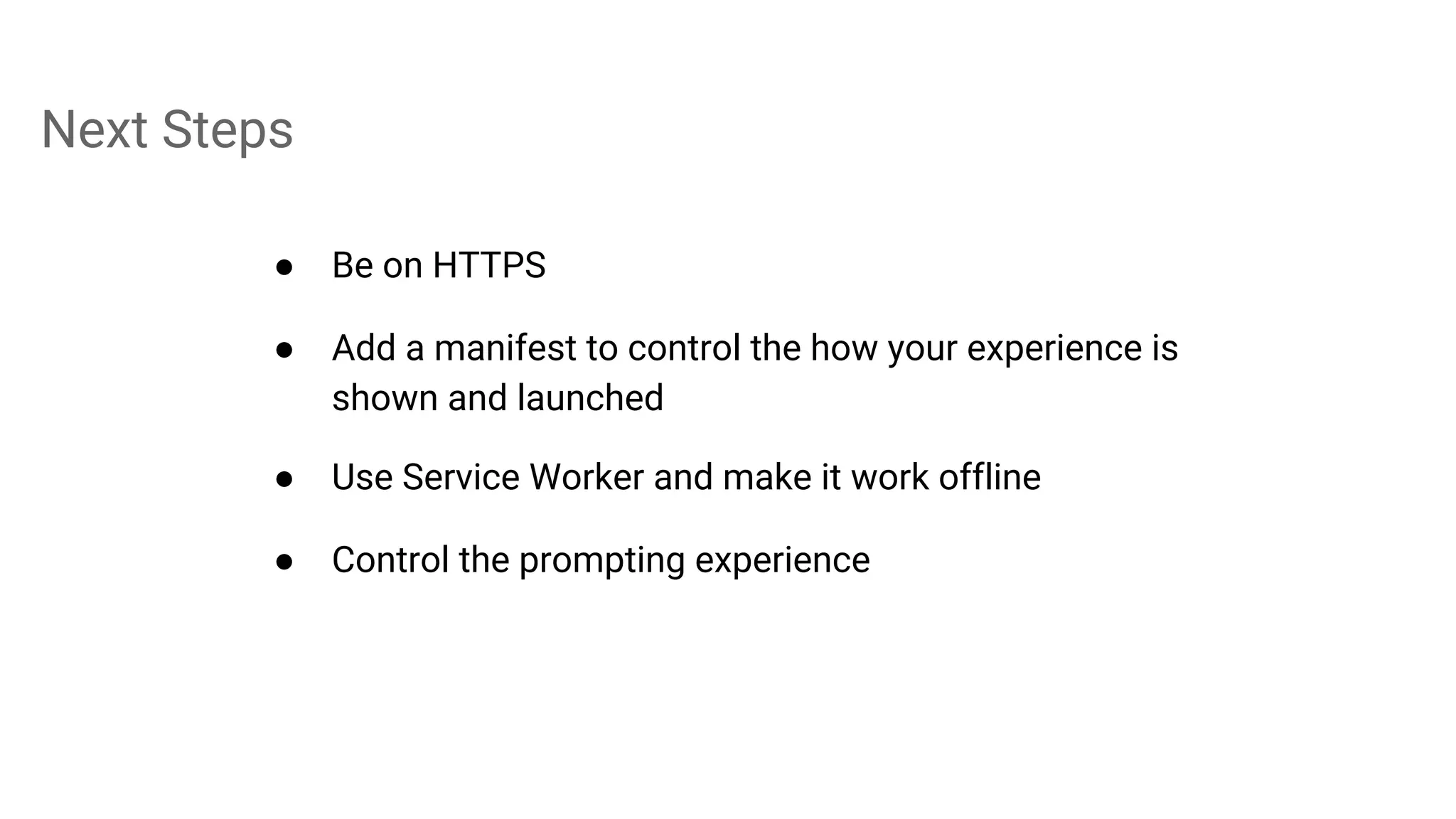

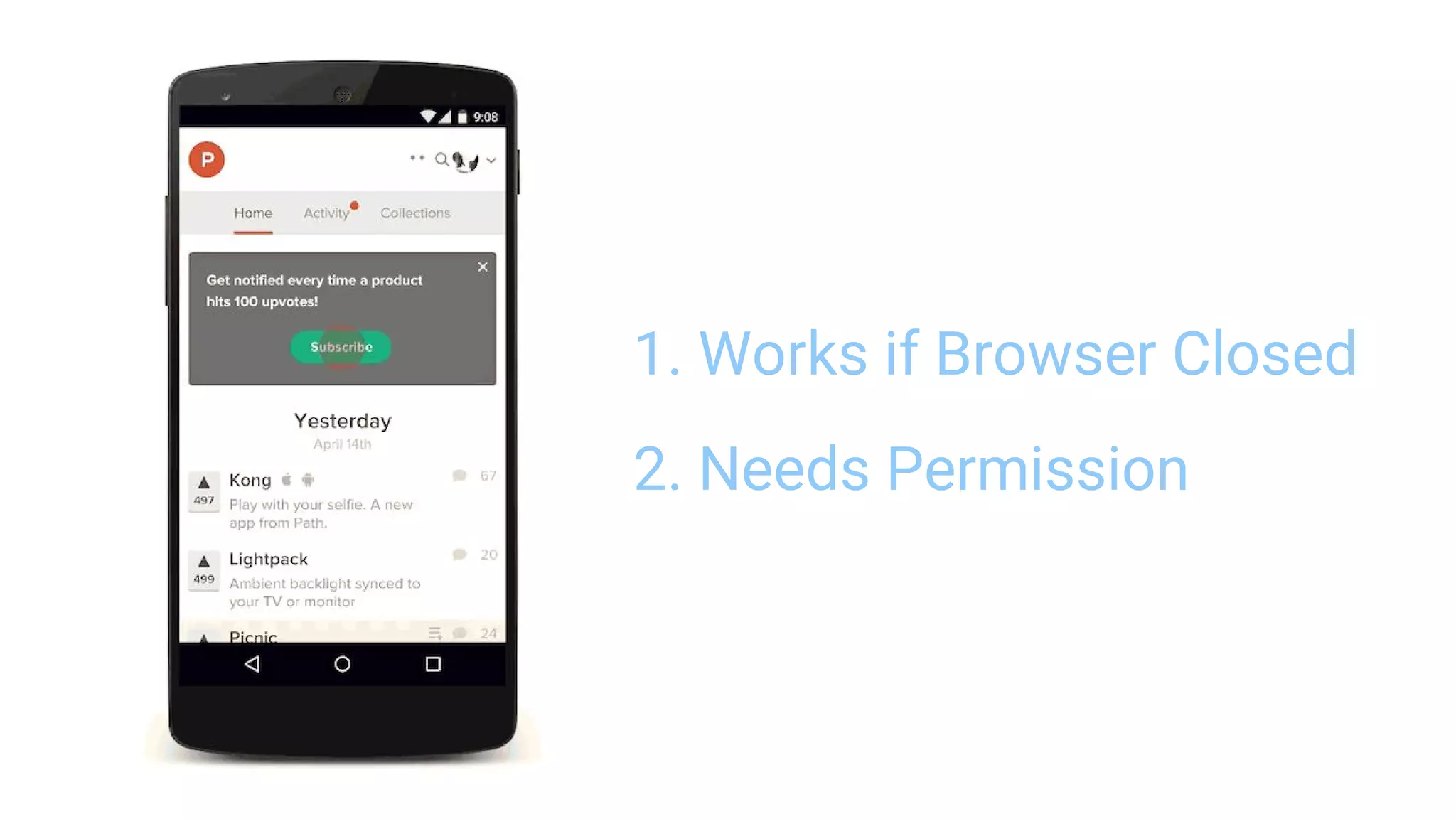


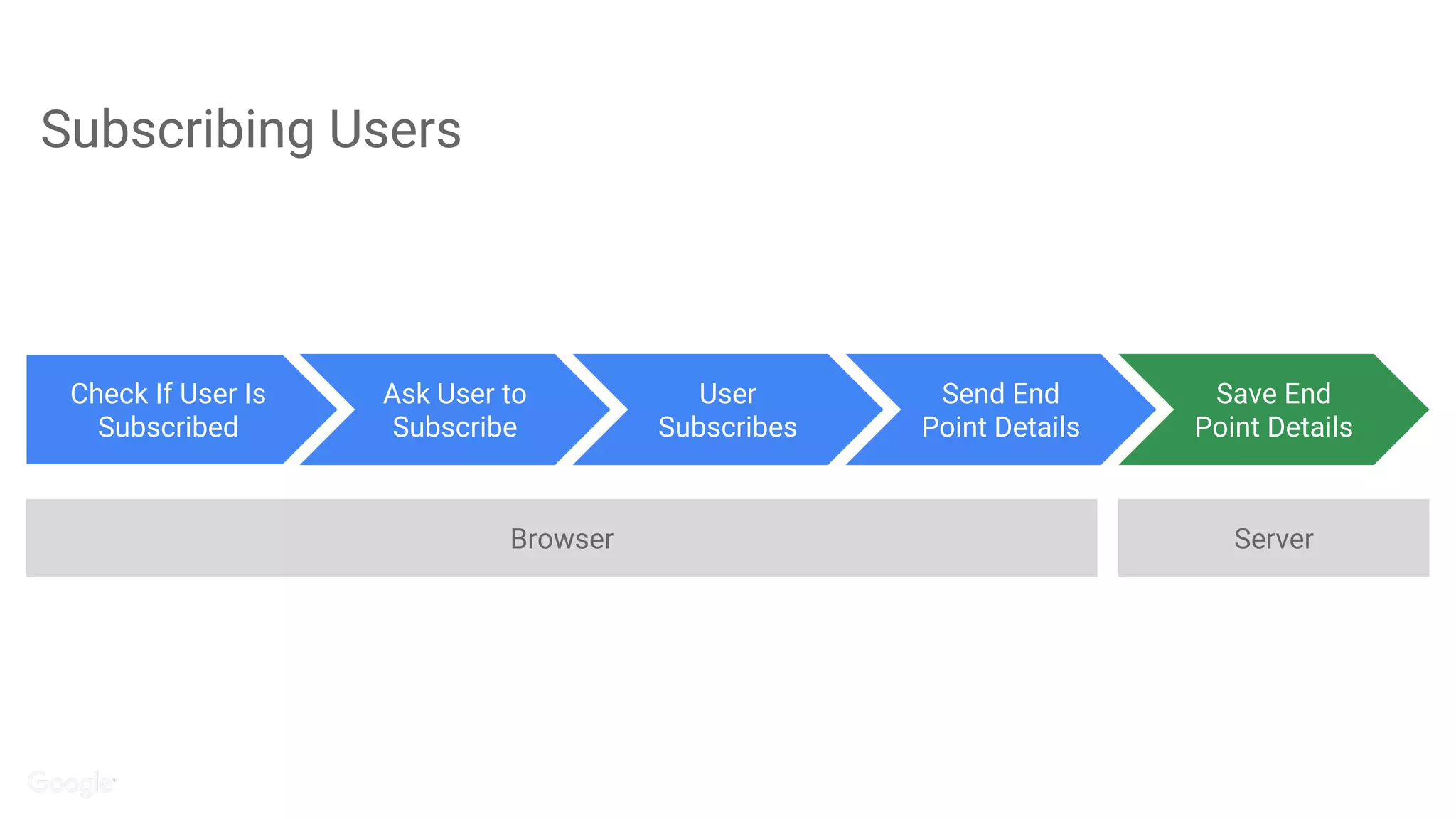
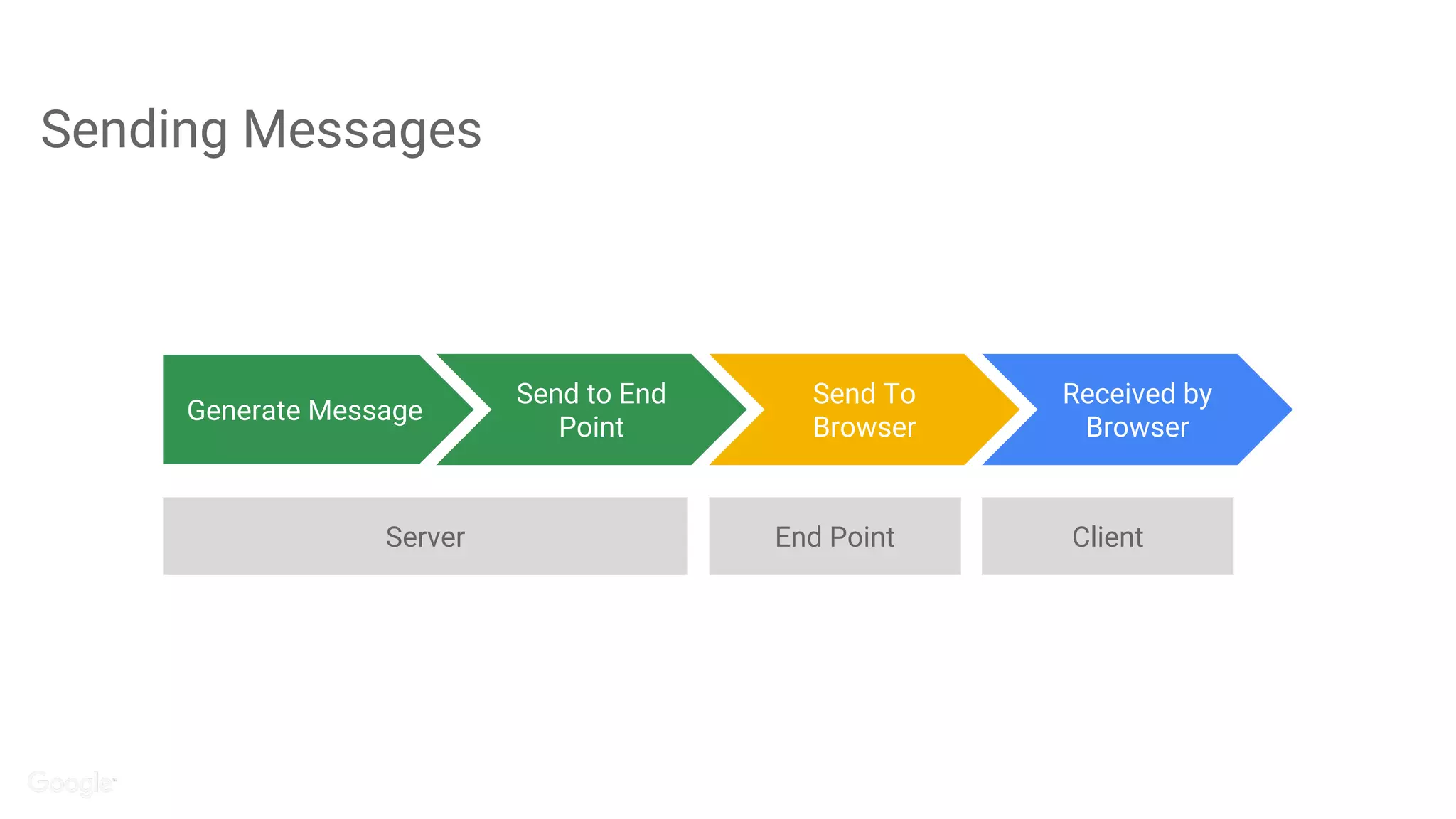
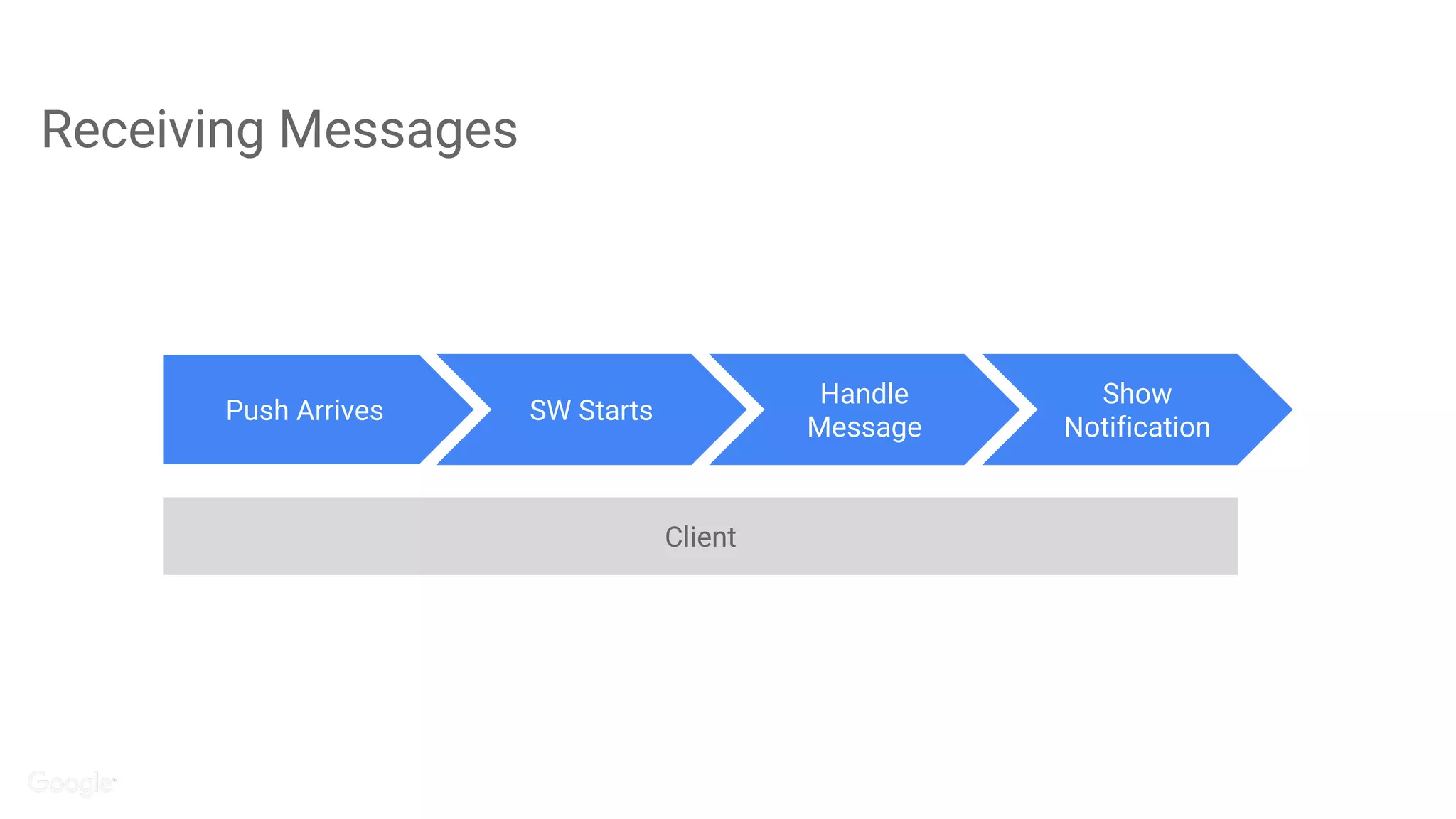
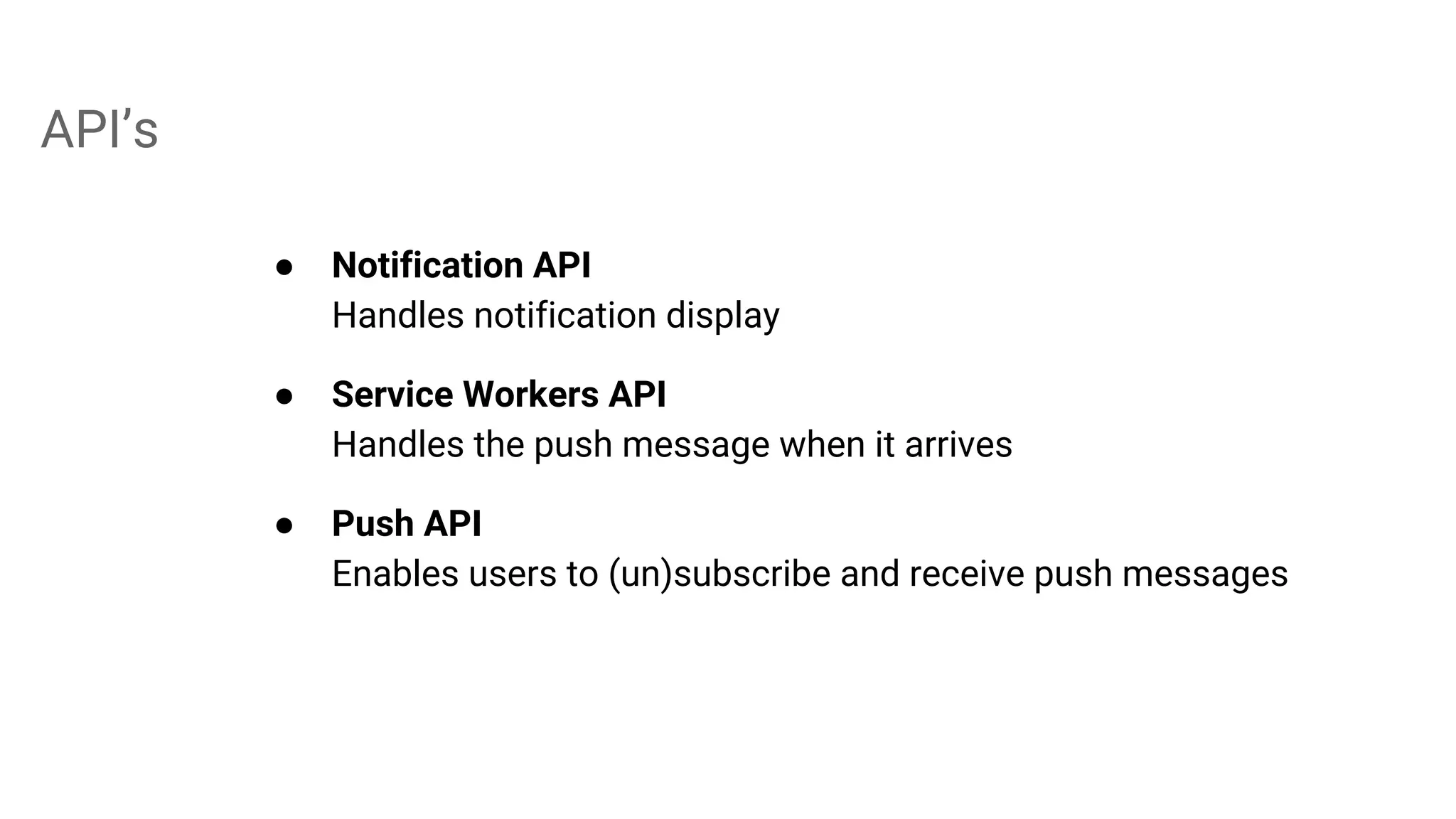
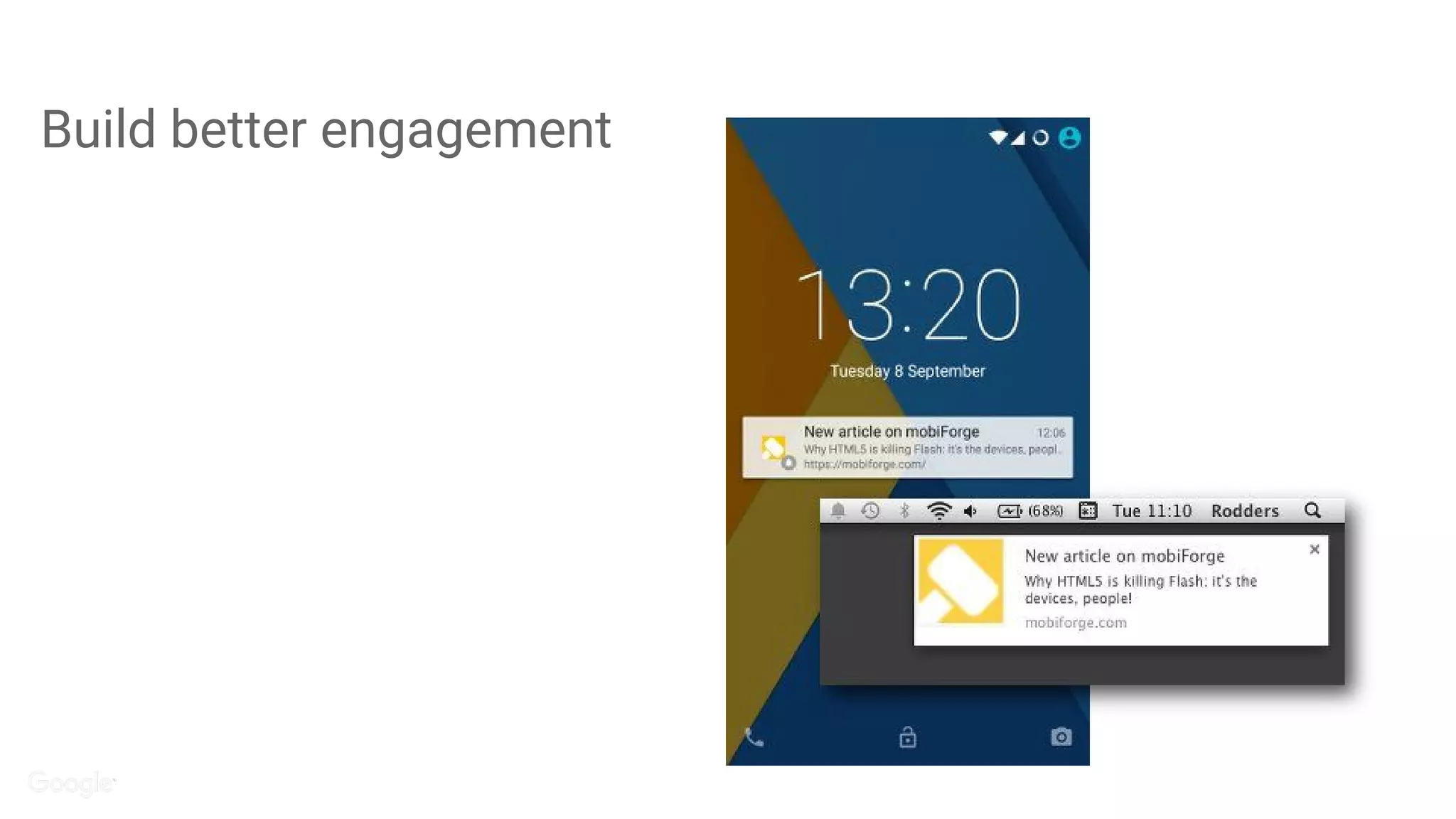
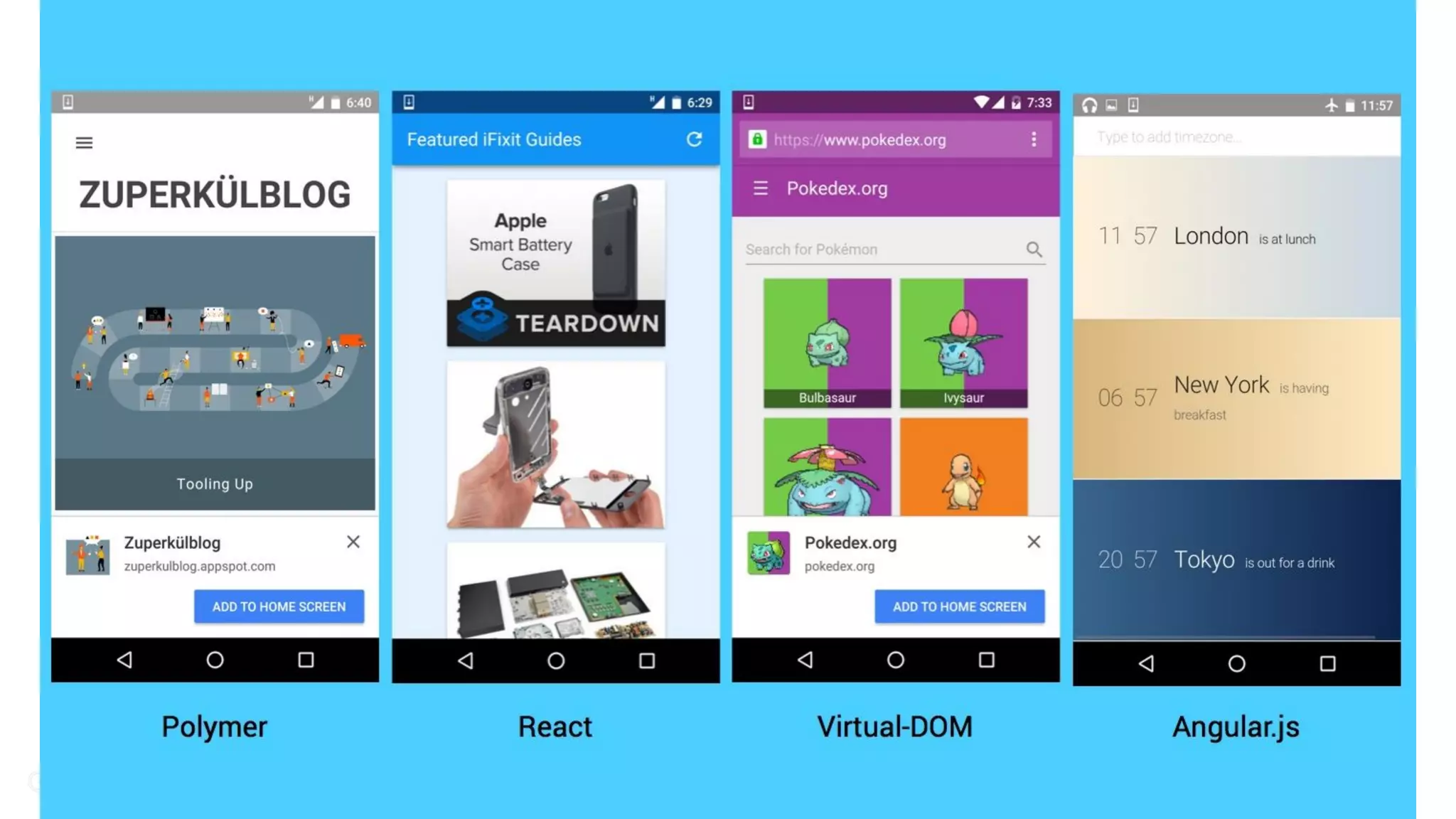
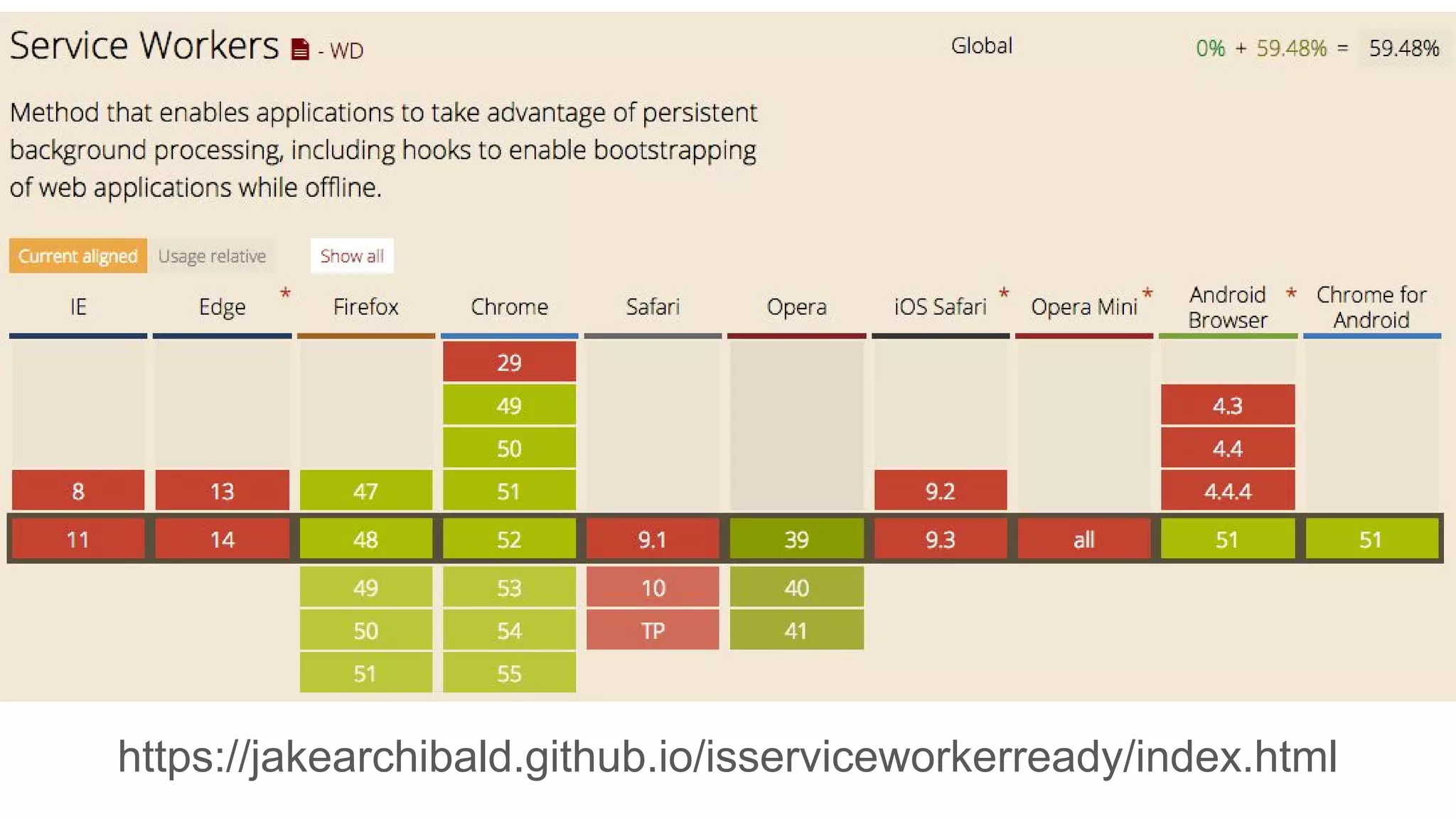
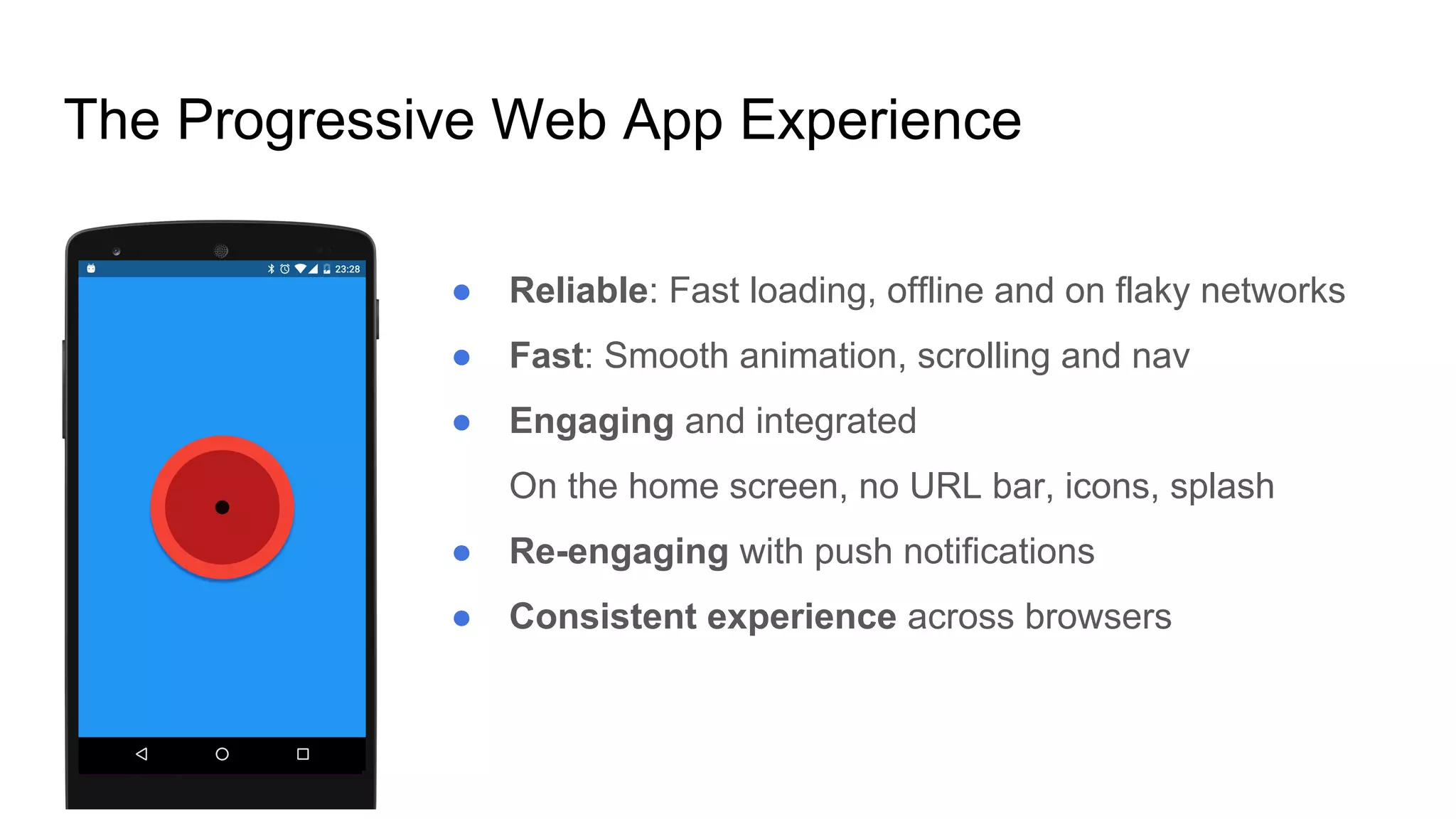


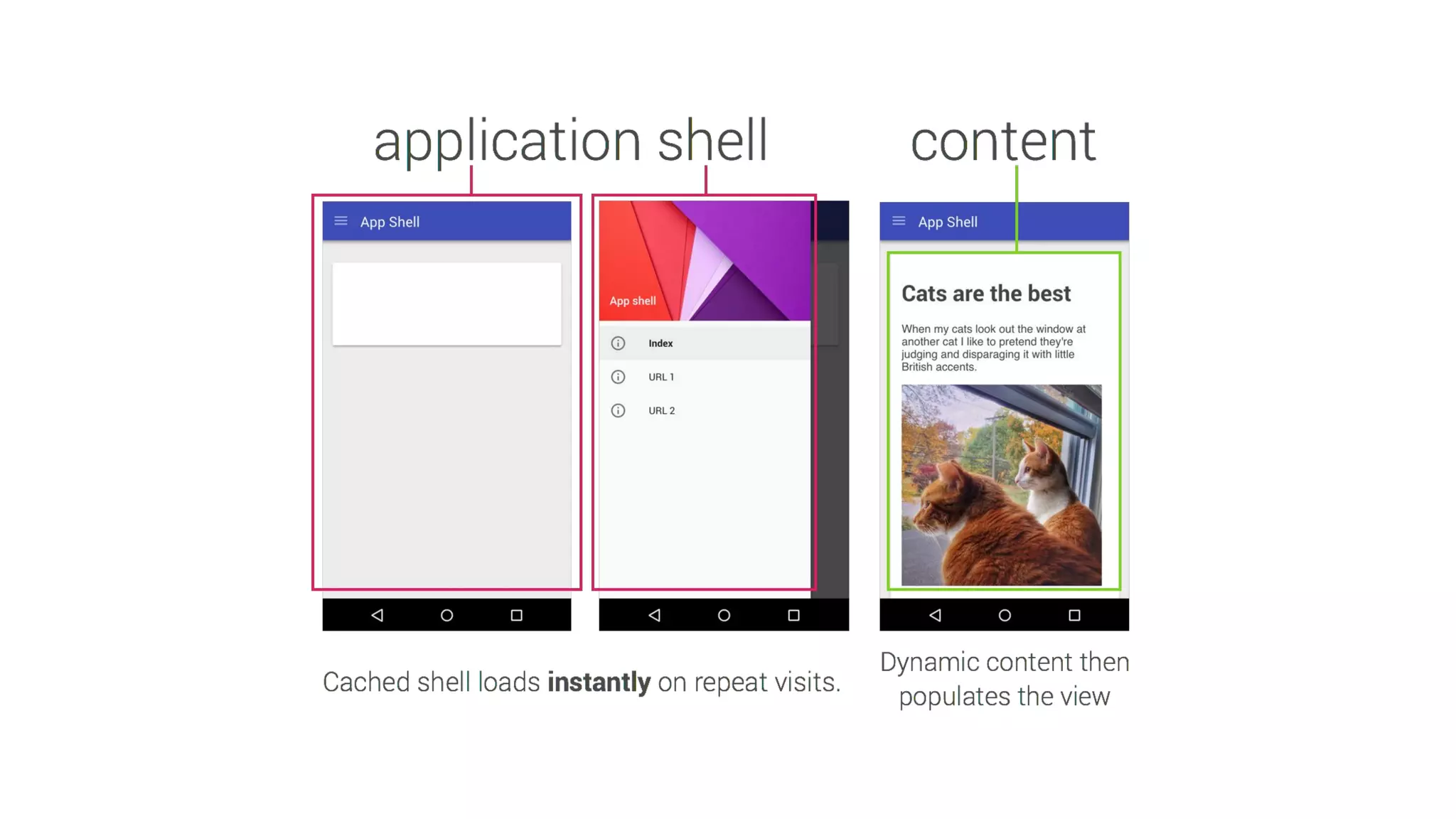
The document discusses the future and benefits of Progressive Web Apps (PWAs), highlighting their ability to work offline, support push notifications, and provide a native app-like experience. Key steps for implementation include using HTTPS, creating a manifest, and integrating service workers. It emphasizes the importance of user engagement through push notifications and provides resources for further learning.


