Modern Workplace | Modern Work Management
Microsoft 365 | Azure | Power Platform
Productivity in an age of
Collaboration
SharePoint Saturday London
Alan Eardley
1st June 2019
Our Sponsors
About Me
• Twitter: @al_eardley
• 20 Years in IT
• Prosci© Change Practitioner
• Scrum Master
• PRINCE2© Practitioner
• MCSA: Office 365
• MCSE: SharePoint (2013)
• MCSE: Productivity (2016)
• MCSE: Cloud Platform
CPS – Microsoft Gold Partner
• Modern Workplace – Office 365, Teams, PowerApps
• Modern Work Management – Project Online, DevOps
What will I cover?
• What is the problem?
• How does it affect me?
• How do I collaborate?
• How can I focus?
• Putting it all together
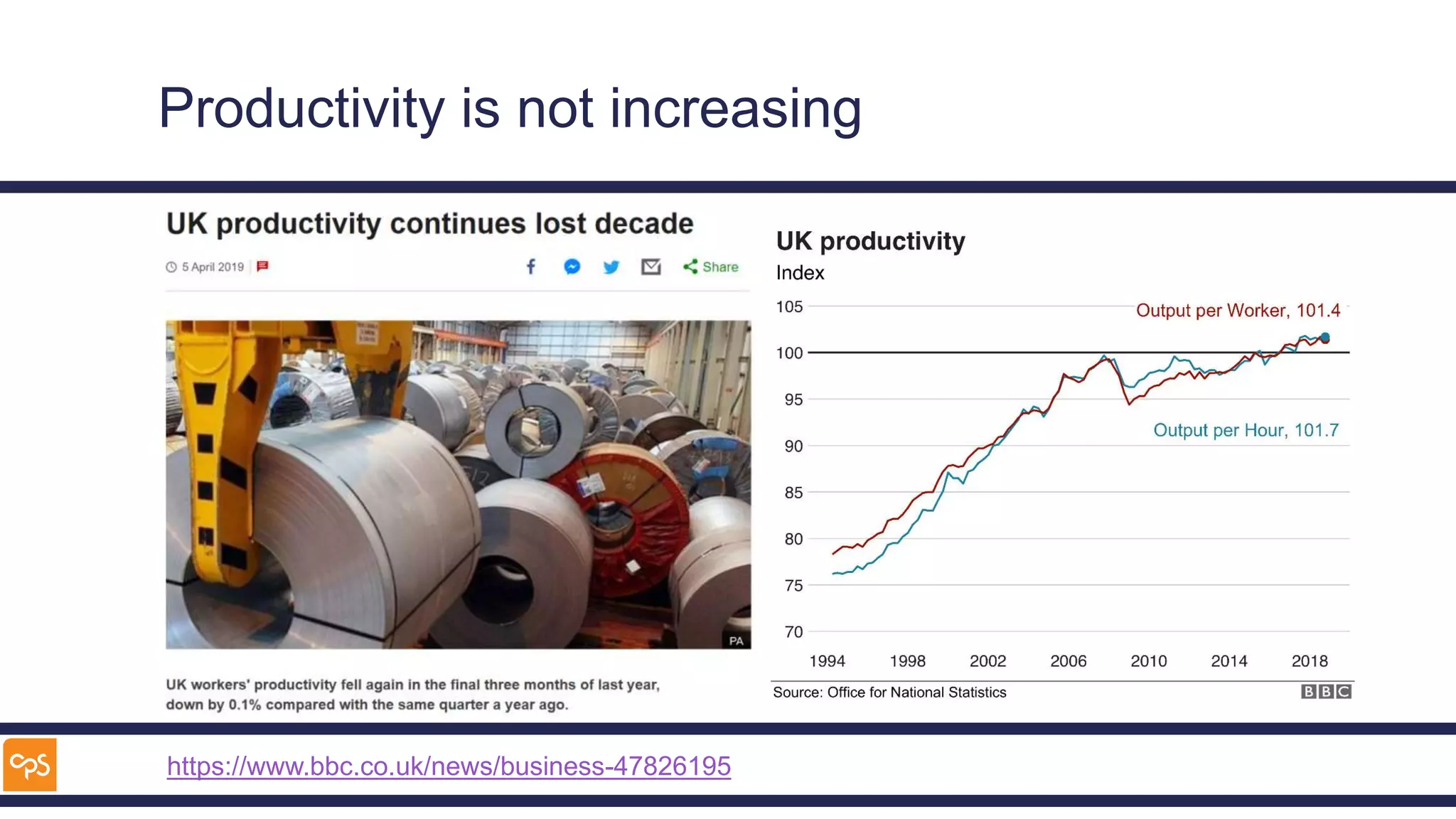
Productivity is not increasing
https://www.bbc.co.uk/news/business-47826195
In the beginning Letters delivered by post
1838 Telegraph
1858 Transatlantic Telegraph
1876 Telephone
1896 Radio Communications
1920 Public Broadcast Radio
1929 Television
1969 Internet
1973 Mobile Phone
1979 Satellite Phone
1981 Email
1979 Usenet Groups
199120062003 World Wide Web
2001 Wikipedia
1998 Google
VOIP
2005 YouTube
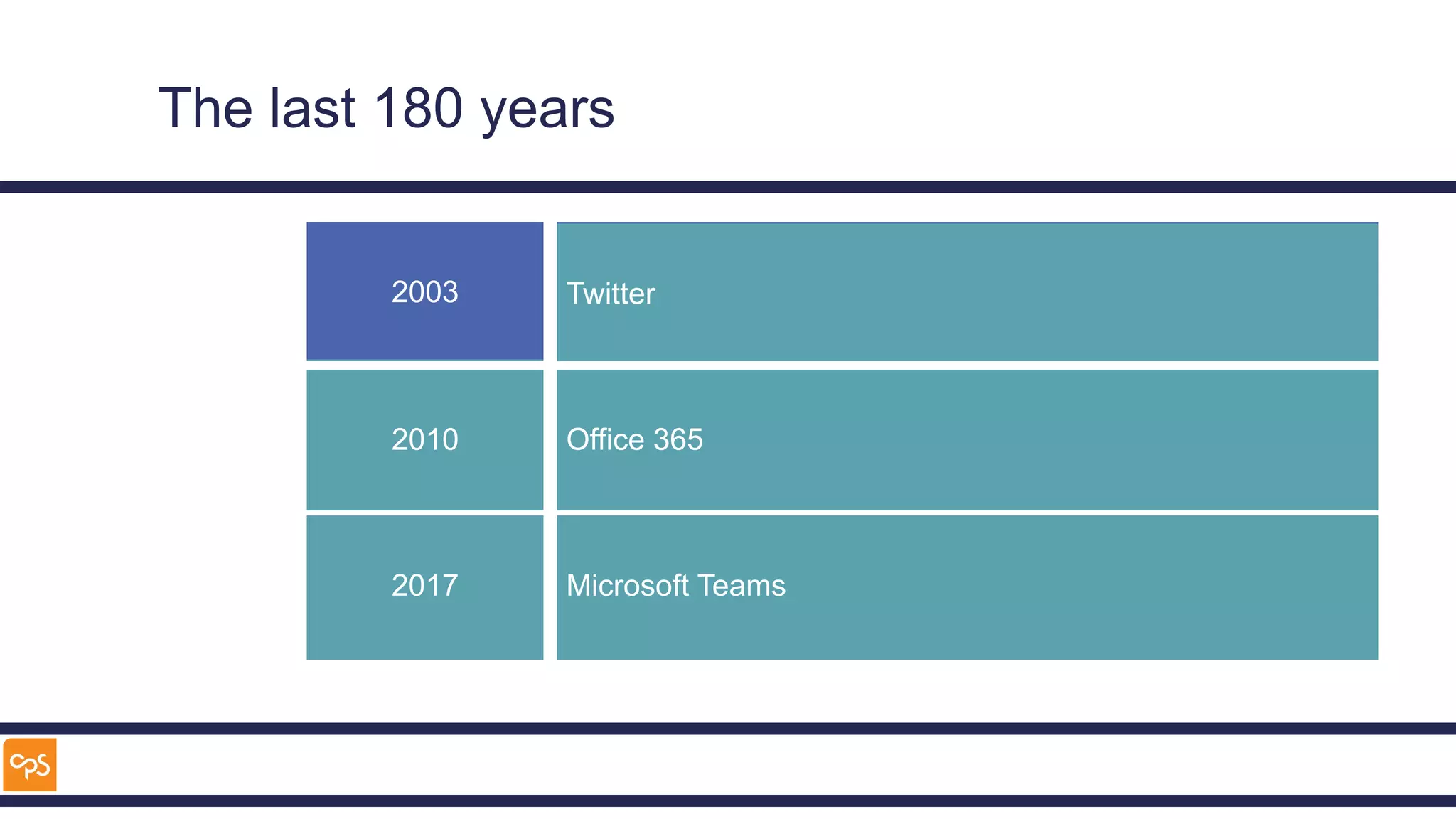
Twitter
2003
Skype
Facebook
2010 Office 365
2017 Microsoft Teams
The last 180 years
Our challenge
Communicate
Focus
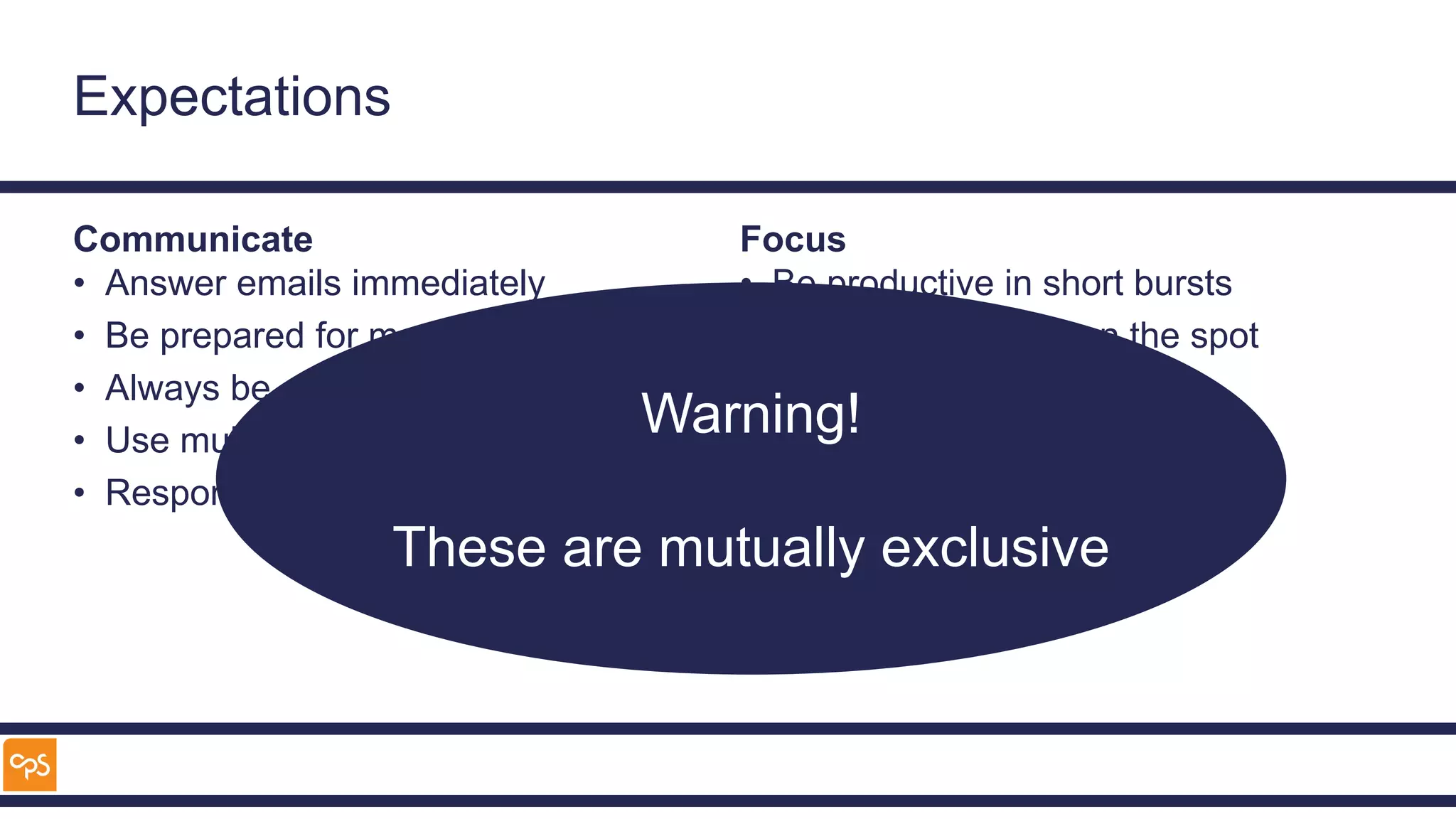
Expectations
Communicate
• Answer emails immediately
• Be prepared for meetings
• Always be accessible
• Use multiple tools
• Respond straight away
Focus
• Be productive in short bursts
• Rise to challenges on the spot
• Solve complex problems
• Deliver high quality work
Warning!
These are mutually exclusive
Focus
What is the answer to the Ultimate Question of Life, the Universe and
Everything?
Imagine how much longer it would
have taken with interruptions from e-
mail, Twitter, Facebook and
Microsoft Teams!
And that only took 7,500,000 years to work out
How does this affect me?
What for I do?
• E-mails
– Who do we work with?
– How fast do we need to
respond?
– Can that be changed?
• Meetings
– How useful are they?
• Tasks
– How are they allocated?
– How do you prioritise them?
• Focus
– What tasks require the most
Focus?
– How long do they take?
– How do you ensure you get
them done?
• Collaboration
– How do you work with
colleagues?
What tools do I use?
E-mail
Tasks
Team
meetings
1-2-1
meetings
Projects
Twitter
Facebook Microsoft
Teams
Skype for
Business
Jabber
Yammer
Demo
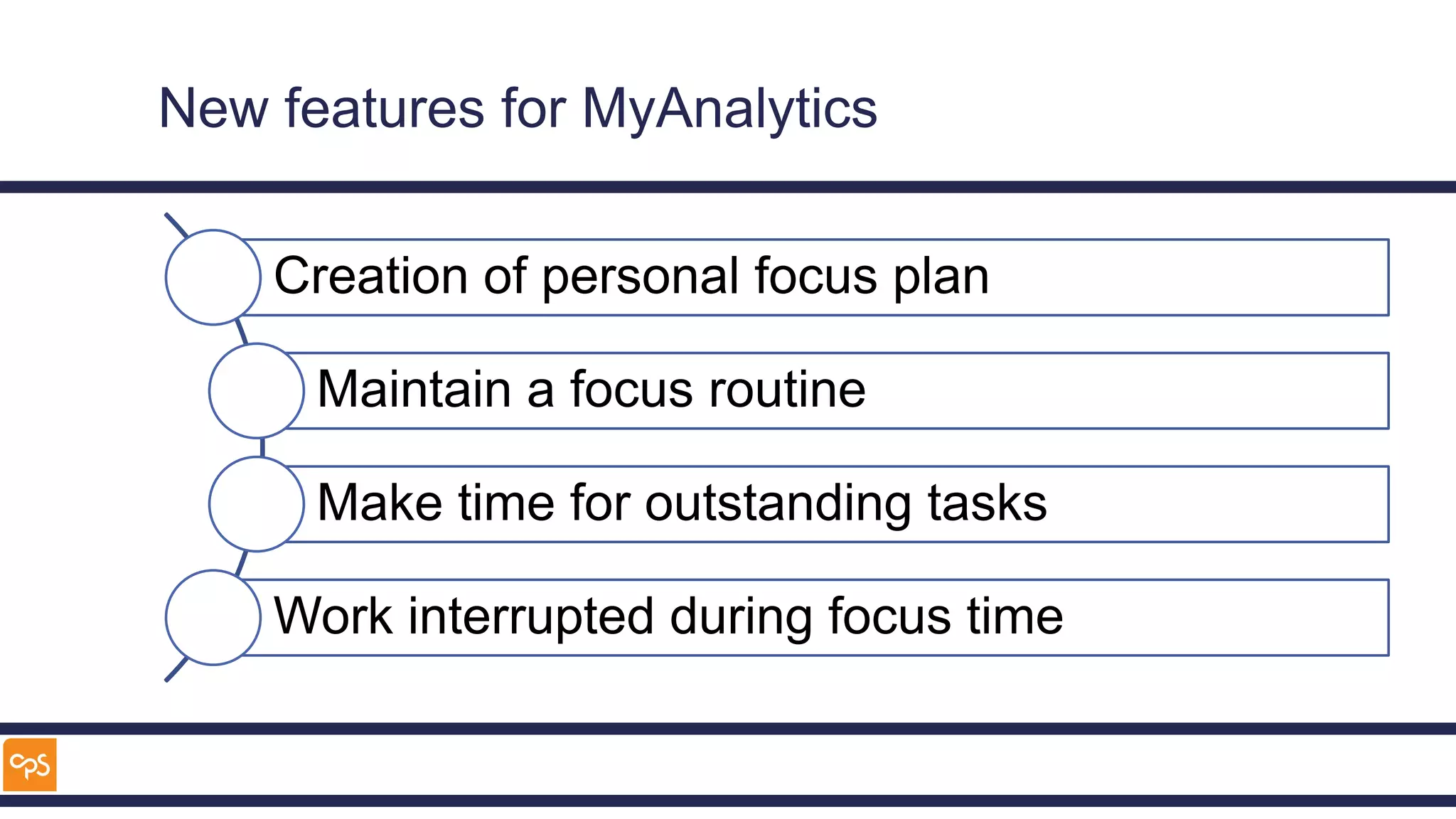
New features for MyAnalytics
Creation of personal focus plan
Maintain a focus routine
Make time for outstanding tasks
Work interrupted during focus time
How can I use my time better?
Meetings
To maximise productivity
• Always have an agenda
• What preparation is expected
• What follow up is expected
• Keep to the agenda
To retain focus
• Share screens
• Use Whiteboards
• Use Video
• Keep meetings short
Would it be rude to not
accept meetings without
clear expectations being
set?
Expectations around E-mails
Set expectations
• Ensure people know how fast you
respond
• Out of office to set response time
• Advance notifications of absence
Respect other people
• TO for action – use @
• CC for info
• Only send in office hours
• Delay send
Prioritise E-mails
Prioritise
• Response time
– Takes < 5 minutes – Now
– Takes longer – Move to #1 - Action folder
– Flag to show up in To-Do
• Waiting for a response
– Move to #2 - Waiting folder
• Read
– Move to #3 – To Read folder
• Dealt with
– Move to #4 – To File folder
• Filed
– Move to Filed folder
Demo
Tasks
• Categorise
– Lists
– Planners
• Prioritise
– Today
– Important
• Schedule
• Planner
– Team tasks
• To-Do
– Personal tasks
– Smart Lists
• Flagged emails
• “Important”
– Integration with some
Pomodoro Apps
Demo
How can I focus?
Find the Balance
Monastic
Complete
isolation
for
prolonged
periods
Bi-Modal
Irregular
prolonged
periods of
time
Rhythmic
Regular
allocation
of time
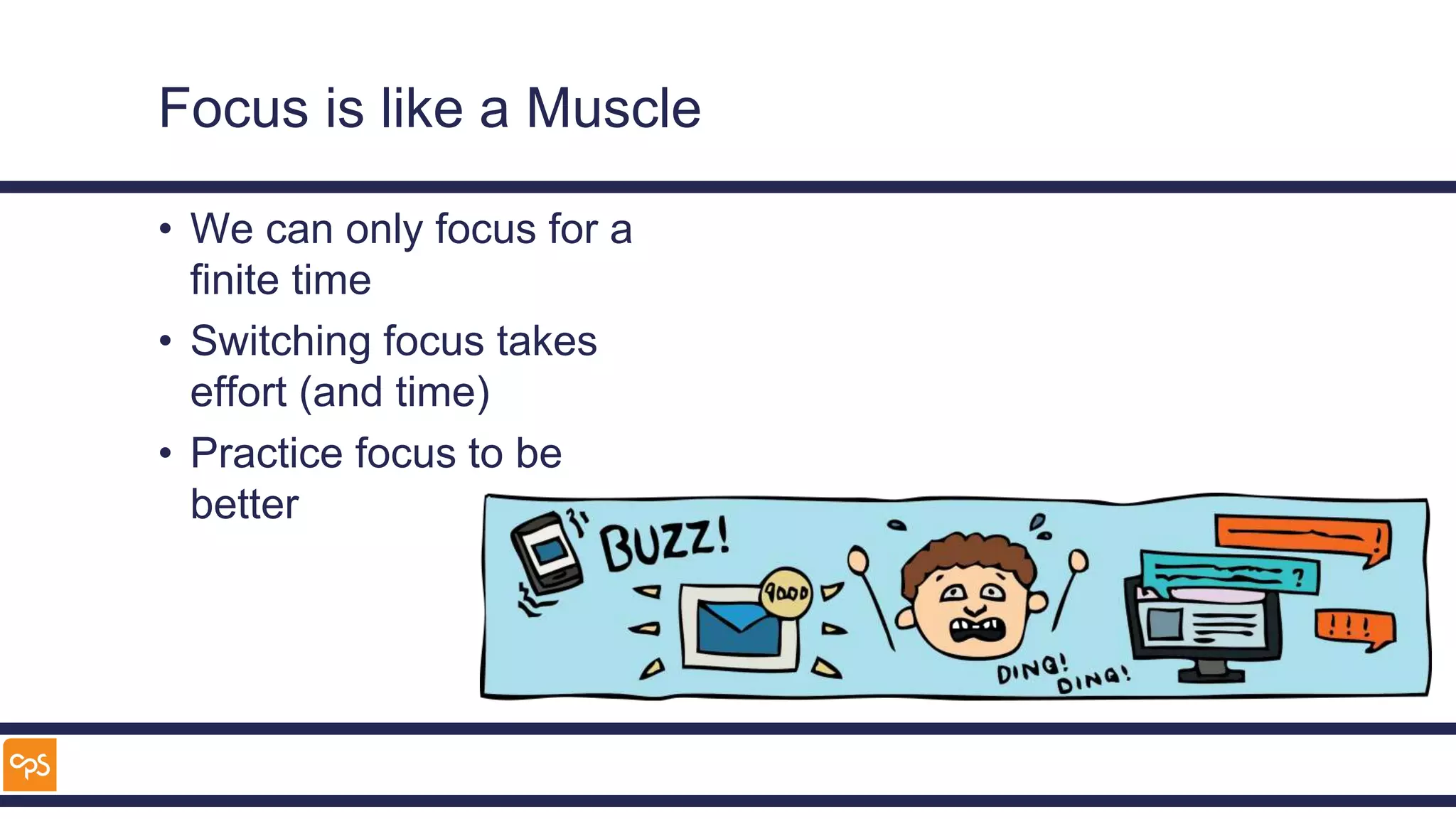
Focus is like a Muscle
• We can only focus for a
finite time
• Switching focus takes
effort (and time)
• Practice focus to be
better
Remove Distractions
Laptop
Outlook
• Disable notifications/sounds
Windows
• Use Focus Assist
Teams
• Do not disturb
Phone
• Turn to silent
• Place out of sight
• Only access Social Media on your
phone
The Pomodoro Technique
• Timed periods to focus
on a task
• Time allocated to rest
between focus periods
• Longer breaks after a
number of focus
periods
• Apps to help
• Some integrate with
To-Do
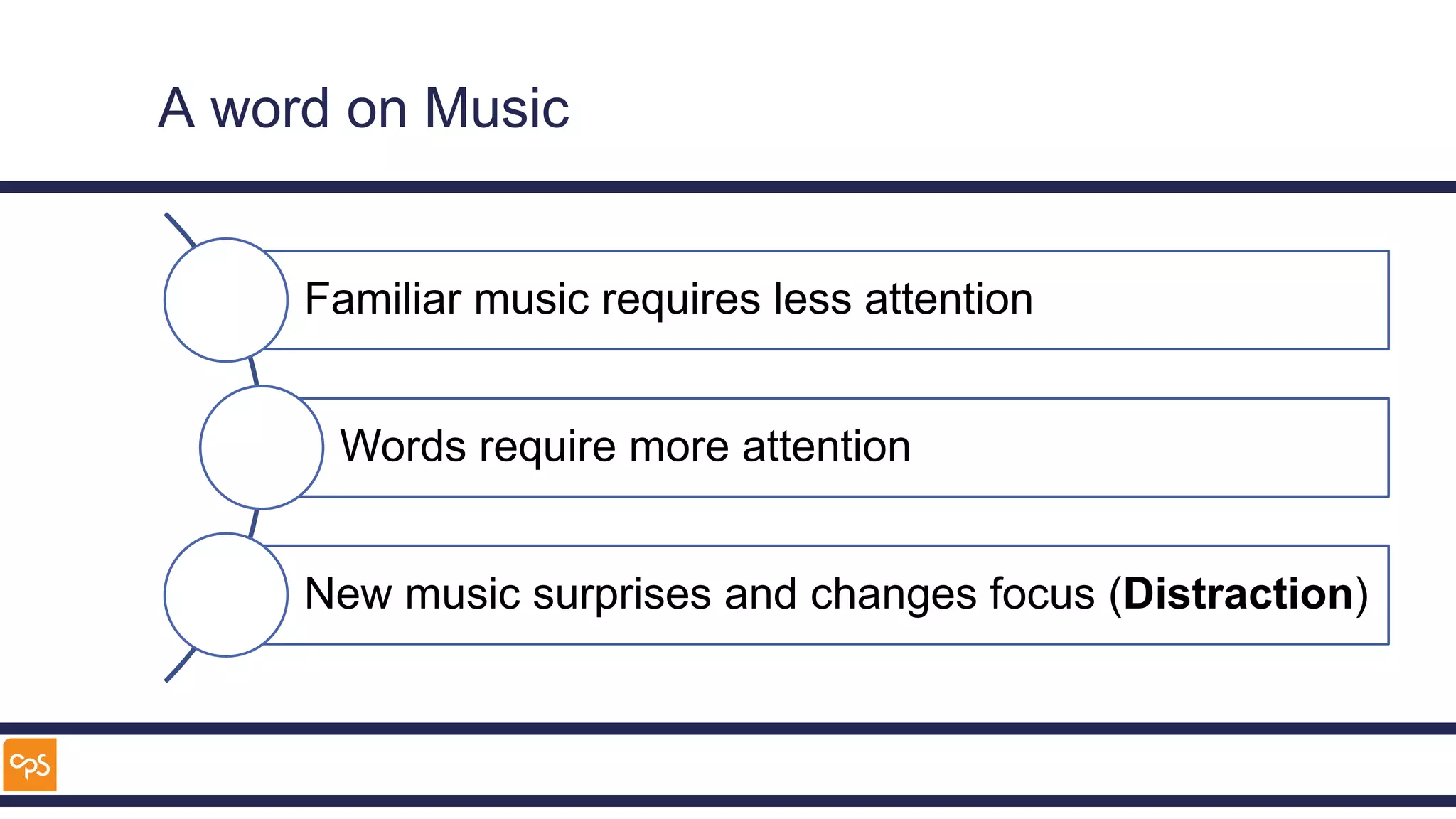
A word on Music
Familiar music requires less attention
Words require more attention
New music surprises and changes focus (Distraction)
Putting it all together
Putting it together
Focus
• Ignore
distractions
• Be productive
• Scheduled time
• Pomodoros to
increase
productivity
Break
• Review incoming
“noise”
• Use phone while
waiting for coffee
Create Tasks
• Filed e-mail
• Flagged e-mails
• Planner tasks
Allocate time
• Respond to
communications
• Focus on tasks
• Tidy inbox
Demo
Summary
Key Take-Aways
Plan your time
Focus or Collaborate
Reduce distractions
Manage expectations
Configure your tools to support your way of working
Sources of inspiration
• Smarter Faster Better – Charles Duhigg
• Deep Work – Cal Newport (http://www.calnewport.com/blog/)
• How to be a Productivity Ninja – Graham Allcott
• The Now Habit – Neil Fiore
• Harvard Business Review (https://hbr.org/topic/productivity)
Turn off when you’re
finished
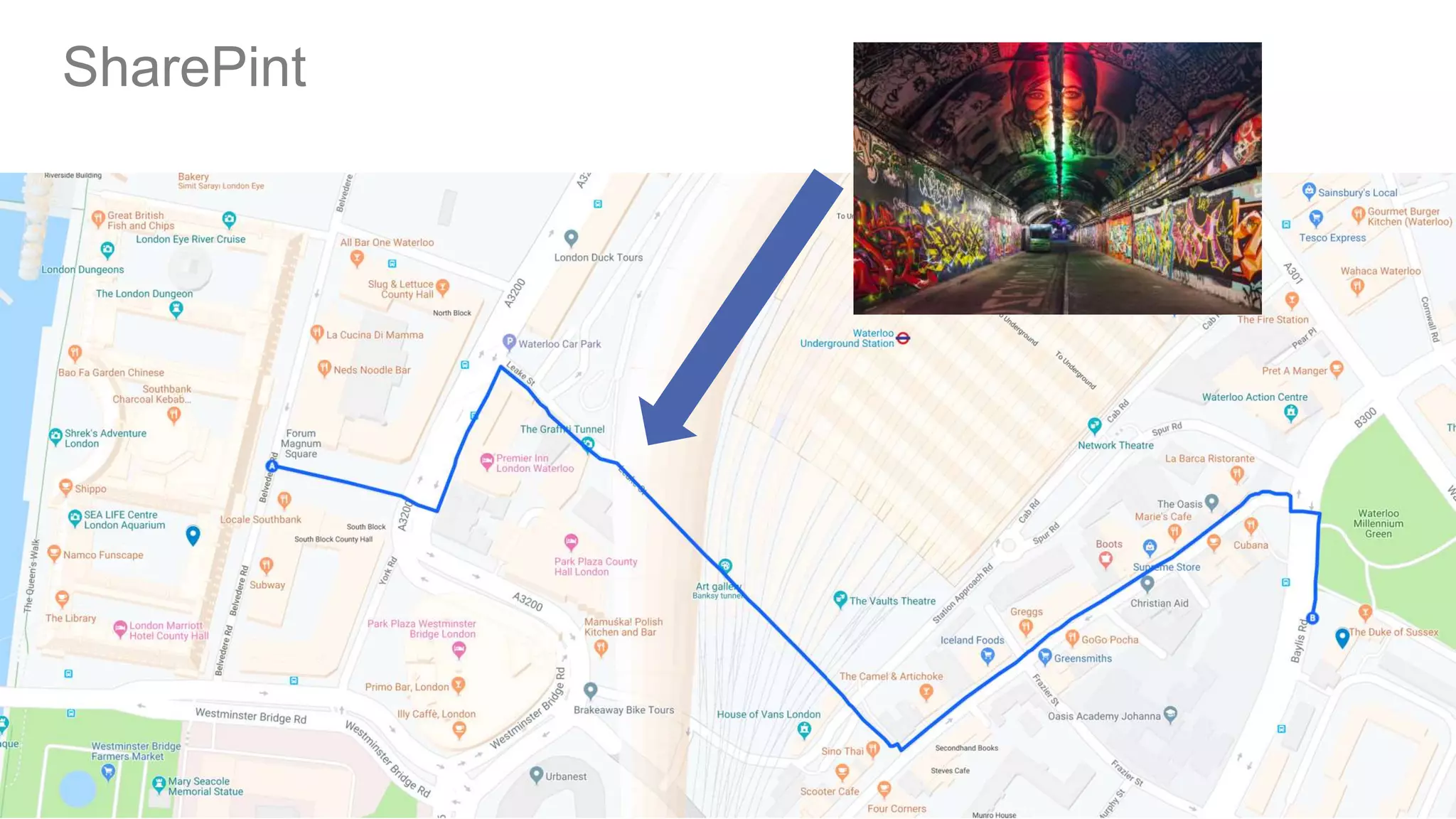
SharePint
 Duke of Sussex
 23 Baylis Road
 London
 SE1 7AY
SharePint
Modern Workplace | Modern Work Management
Microsoft 365 | Azure | Power Platform
Thank-you
Twitter: @al_eardley
LinkedIn: Alan Eardley

Productivity in an age of collaboration sps london 2019

  • 1.
    Modern Workplace |Modern Work Management Microsoft 365 | Azure | Power Platform Productivity in an age of Collaboration SharePoint Saturday London Alan Eardley 1st June 2019
  • 2.
  • 3.
    About Me • Twitter:@al_eardley • 20 Years in IT • Prosci© Change Practitioner • Scrum Master • PRINCE2© Practitioner • MCSA: Office 365 • MCSE: SharePoint (2013) • MCSE: Productivity (2016) • MCSE: Cloud Platform CPS – Microsoft Gold Partner • Modern Workplace – Office 365, Teams, PowerApps • Modern Work Management – Project Online, DevOps
  • 4.
    What will Icover? • What is the problem? • How does it affect me? • How do I collaborate? • How can I focus? • Putting it all together
  • 5.
    Productivity is notincreasing https://www.bbc.co.uk/news/business-47826195
  • 6.
    In the beginningLetters delivered by post 1838 Telegraph 1858 Transatlantic Telegraph 1876 Telephone 1896 Radio Communications 1920 Public Broadcast Radio 1929 Television 1969 Internet 1973 Mobile Phone 1979 Satellite Phone 1981 Email 1979 Usenet Groups 199120062003 World Wide Web 2001 Wikipedia 1998 Google VOIP 2005 YouTube Twitter 2003 Skype Facebook 2010 Office 365 2017 Microsoft Teams The last 180 years
  • 7.
  • 8.
    Expectations Communicate • Answer emailsimmediately • Be prepared for meetings • Always be accessible • Use multiple tools • Respond straight away Focus • Be productive in short bursts • Rise to challenges on the spot • Solve complex problems • Deliver high quality work Warning! These are mutually exclusive
  • 9.
    Focus What is theanswer to the Ultimate Question of Life, the Universe and Everything? Imagine how much longer it would have taken with interruptions from e- mail, Twitter, Facebook and Microsoft Teams! And that only took 7,500,000 years to work out
  • 10.
    How does thisaffect me?
  • 11.
    What for Ido? • E-mails – Who do we work with? – How fast do we need to respond? – Can that be changed? • Meetings – How useful are they? • Tasks – How are they allocated? – How do you prioritise them? • Focus – What tasks require the most Focus? – How long do they take? – How do you ensure you get them done? • Collaboration – How do you work with colleagues?
  • 12.
    What tools doI use? E-mail Tasks Team meetings 1-2-1 meetings Projects Twitter Facebook Microsoft Teams Skype for Business Jabber Yammer
  • 13.
  • 14.
    New features forMyAnalytics Creation of personal focus plan Maintain a focus routine Make time for outstanding tasks Work interrupted during focus time
  • 15.
    How can Iuse my time better?
  • 16.
    Meetings To maximise productivity •Always have an agenda • What preparation is expected • What follow up is expected • Keep to the agenda To retain focus • Share screens • Use Whiteboards • Use Video • Keep meetings short Would it be rude to not accept meetings without clear expectations being set?
  • 17.
    Expectations around E-mails Setexpectations • Ensure people know how fast you respond • Out of office to set response time • Advance notifications of absence Respect other people • TO for action – use @ • CC for info • Only send in office hours • Delay send
  • 18.
    Prioritise E-mails Prioritise • Responsetime – Takes < 5 minutes – Now – Takes longer – Move to #1 - Action folder – Flag to show up in To-Do • Waiting for a response – Move to #2 - Waiting folder • Read – Move to #3 – To Read folder • Dealt with – Move to #4 – To File folder • Filed – Move to Filed folder
  • 19.
  • 20.
    Tasks • Categorise – Lists –Planners • Prioritise – Today – Important • Schedule • Planner – Team tasks • To-Do – Personal tasks – Smart Lists • Flagged emails • “Important” – Integration with some Pomodoro Apps
  • 21.
  • 22.
    How can Ifocus?
  • 23.
  • 24.
    Focus is likea Muscle • We can only focus for a finite time • Switching focus takes effort (and time) • Practice focus to be better
  • 25.
    Remove Distractions Laptop Outlook • Disablenotifications/sounds Windows • Use Focus Assist Teams • Do not disturb Phone • Turn to silent • Place out of sight • Only access Social Media on your phone
  • 26.
    The Pomodoro Technique •Timed periods to focus on a task • Time allocated to rest between focus periods • Longer breaks after a number of focus periods • Apps to help • Some integrate with To-Do
  • 27.
    A word onMusic Familiar music requires less attention Words require more attention New music surprises and changes focus (Distraction)
  • 28.
  • 29.
    Putting it together Focus •Ignore distractions • Be productive • Scheduled time • Pomodoros to increase productivity Break • Review incoming “noise” • Use phone while waiting for coffee Create Tasks • Filed e-mail • Flagged e-mails • Planner tasks Allocate time • Respond to communications • Focus on tasks • Tidy inbox
  • 30.
  • 31.
  • 32.
    Key Take-Aways Plan yourtime Focus or Collaborate Reduce distractions Manage expectations Configure your tools to support your way of working
  • 33.
    Sources of inspiration •Smarter Faster Better – Charles Duhigg • Deep Work – Cal Newport (http://www.calnewport.com/blog/) • How to be a Productivity Ninja – Graham Allcott • The Now Habit – Neil Fiore • Harvard Business Review (https://hbr.org/topic/productivity) Turn off when you’re finished
  • 34.
    SharePint  Duke ofSussex  23 Baylis Road  London  SE1 7AY
  • 35.
  • 36.
    Modern Workplace |Modern Work Management Microsoft 365 | Azure | Power Platform Thank-you Twitter: @al_eardley LinkedIn: Alan Eardley

Editor's Notes

  • #5 Key is the interface
  • #6 The UK has had an issue with productivity – it has been highlighted in the national media for years Is there a co-incidence with the universal use of the web, e-mail, and the ever increasing types of communication? Probably not, but there are certainly new factors that the workforce of today has not had to contend with in the past.
  • #7 How we communicate has changed Email Sent - 269 Billion per day Received – Average Office Worker – 121 https://expandedramblings.com/index.php/email-statistics/
  • #14 How do we get to My Analytics
  • #15 My Analytics used to require an E5 licence, now it is available to E3
  • #16 Notice the hints on how to use time more effectively
  • #17 Relaxation time is as important as focus and collaboration
  • #18 Reference to Cal Newport’s Deep Work
  • #21 Demo Signature @ someone Delay
  • #22 This is really easy to do on the phone – swipe to move, only 4 locations to choose from
  • #23 E-mail
  • #24 Demo Planner To-Do
  • #25 Planner To-Do
  • #27 Neal Stephenson No e-mail address on web-site Carl Jung Coffee Houses to stimulate thought Practice to earn money Isolation to create new theories JK Rowling Booking into a hotel to finish Harry Potter Another writer Booking a business class return to a far off location Bill Gates Scheduled retreats to read and think Sienfeld Write every day – record progress See the chain of commitment increase Don’t break the chain
  • #29 Demo Disbable notifications Focus Assist