MassBay Online:
Universal Design
Quick Tips for Creating Online Materials to Meet
Standards for Americans with Disabilities Act (ADA) 

Wednesday, October 12, 2016 MassBay EdTech
http://www.slideshare.net/WendyWalsh5/presentation-
mass-bayuniversaldesignonlinetips20161006
http://www.massbay.edu/ada-guidelines
Slide Deck:


wwalsh@massbay.edu
781-239-2638
Questions or Follow-up:
Instead of building the same old way and then adding
accommodations for different abilities – just build once
and make it work for everyone right at the start!
http://en.wikipedia.org/wiki/Universal_design
Universal Design Definition:
www.w3.org/TR/wai-aria
www.w3.org/WAI/PF/aria-practices
www.html5accessibility.com/tests/landmarks.html
www.accessible-culture.org
Online Accessibility Resources
Compliance is always a process, and no-one is perfect.
Compliance to Government 508 Standards means your
material meets POUR:
Perceivable
Operable
Understandable
Robust
Universal Design Definition:
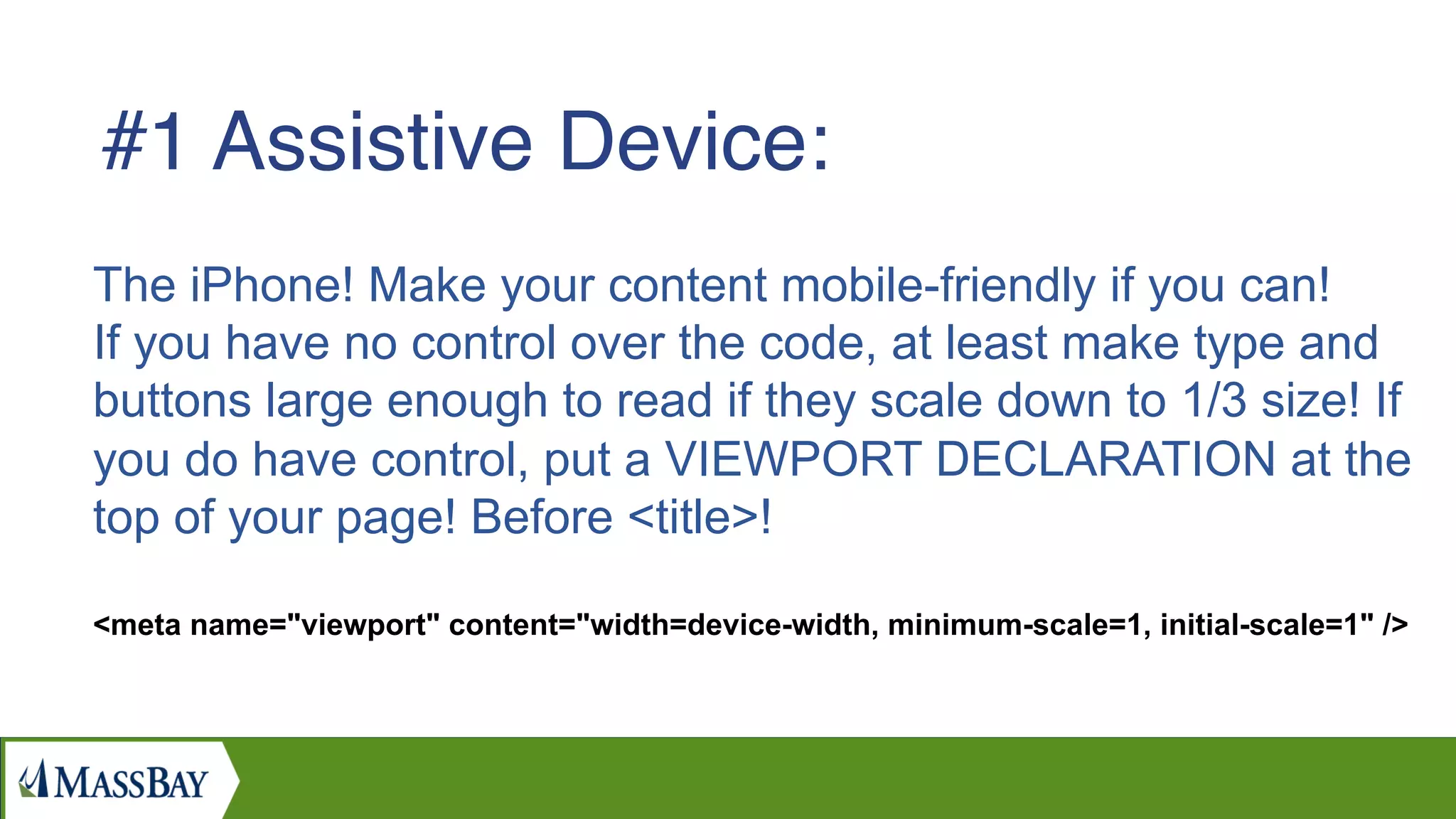
The iPhone! Make your content mobile-friendly if you can!
If you have no control over the code, at least make type and
buttons large enough to read if they scale down to 1/3 size! If
you do have control, put a VIEWPORT DECLARATION at the
top of your page! Before <title>!
<meta name="viewport" content="width=device-width, minimum-scale=1, initial-scale=1" />
#1 Assistive Device:
TEXT
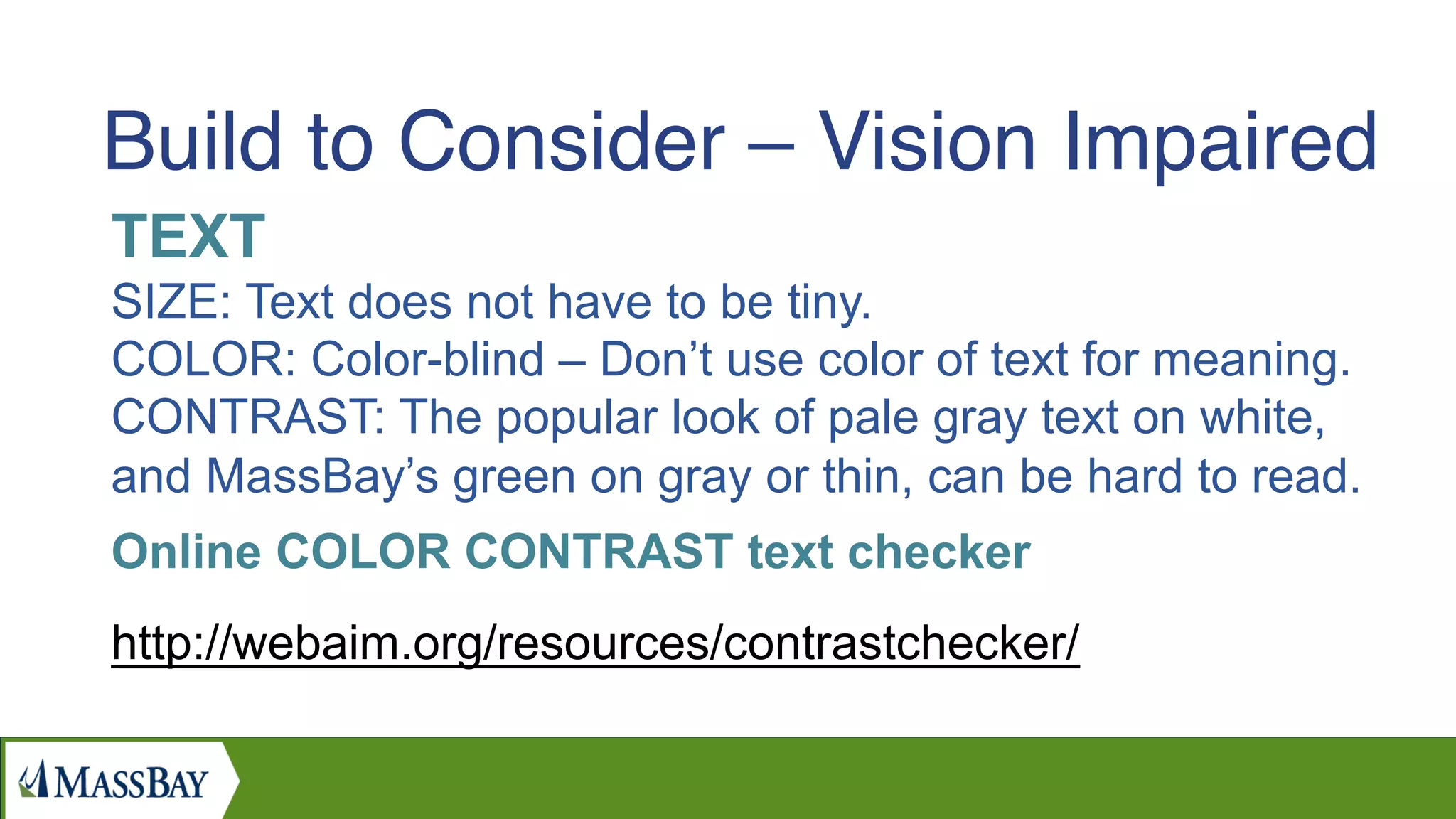
SIZE: Text does not have to be tiny.
COLOR: Color-blind – Don’t use color of text for meaning.
CONTRAST: The popular look of pale gray text on white,
and MassBay’s green on gray or thin, can be hard to read.
Online COLOR CONTRAST text checker
http://webaim.org/resources/contrastchecker/
Build to Consider – Vision Impaired
IMAGES
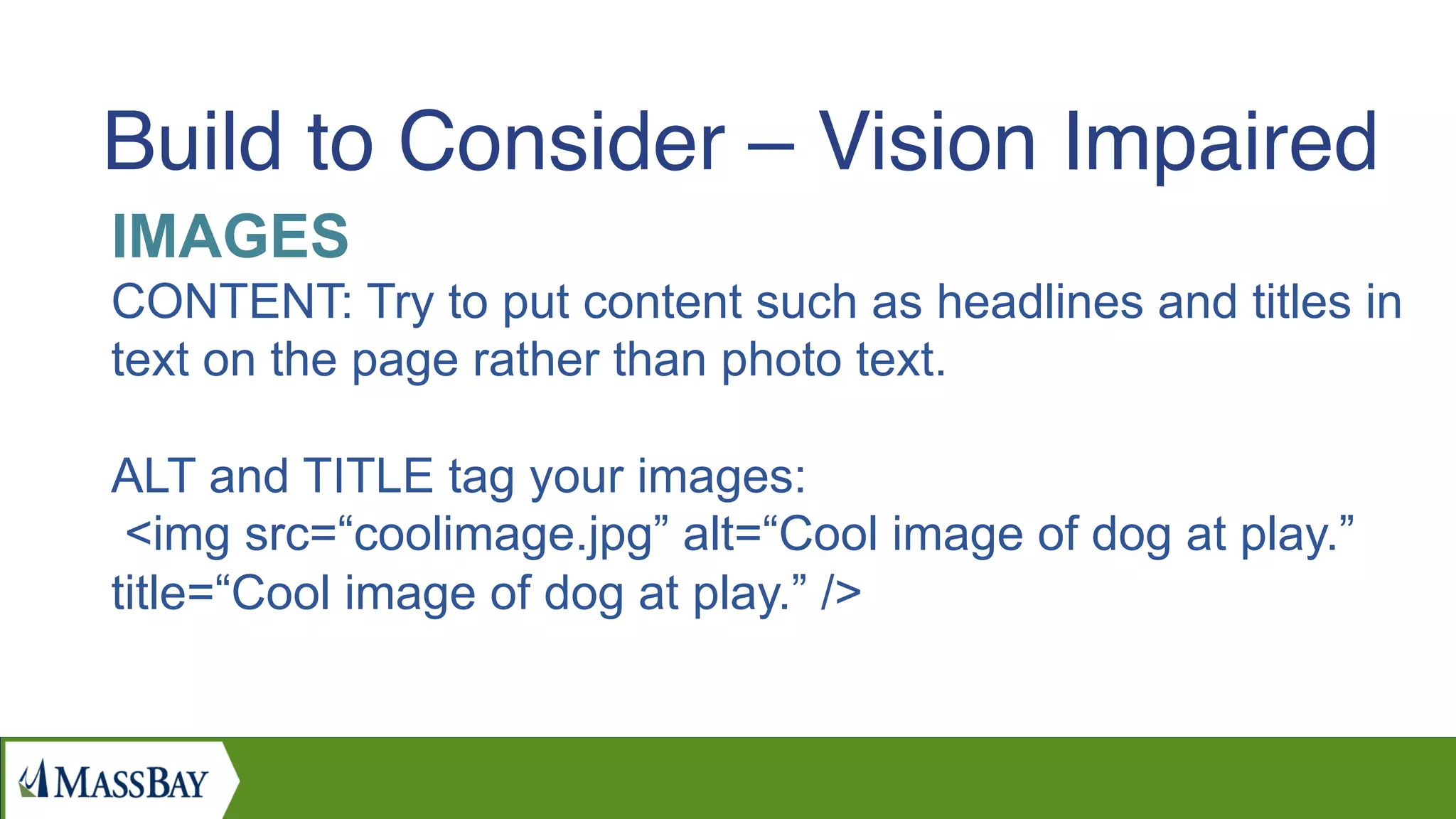
CONTENT: Try to put content such as headlines and titles in
text on the page rather than photo text.
ALT and TITLE tag your images:
<img src=“coolimage.jpg” alt=“Cool image of dog at play.”
title=“Cool image of dog at play.” />
Build to Consider – Vision Impaired
LINKS
CONTENT: Please spell out where the link is going.
The screen reader will read the links before the rest
of the page, so there will be 20 “Read more…”
DESTINATION:
DO NOT use target=_blank to open in separate window!
Vision impaired cannot see it, screen reader either will not
follow or will start entire website again from the beginning!
Build to Consider – Vision Impaired
INTERACTIVE MEDIA
VIDEO and CAROUSEL: Katherine Wahl, Northeastern
University, says that students with ADHD have a hard time
comprehending text near moving images. Make sure Video
and Carousel do not Autoplay.
POP-UP Windows:
Users with screen readers and users who cannot use the
mouse get stuck, unable to click action button OR click X to
close the window!
Build to Consider – Vision Impaired
VIDEO
Professional Closed Captioning is required.
Default YouTube Captioning isn’t accurate enough for ADA
compliance.
This requirement only applies to video with essential
information for a class, admissions, or financial aid.
If it’s a promotional video these rule don’t apply.
Contact I.T. at MassBay to discuss professional captioning.
Build to Consider – Hearing Impaired
SEMANTIC STRUCTURE
Allow SKIP NAVIGATION: Your visitors may want to hear or
tab through the navigation when landing on the website. But
it will play on each page. Put a link right at the top so they
don’t have to hear it every time they click
SKIP Navigation works by adding #main to body of your
page:
<div id=“main”>
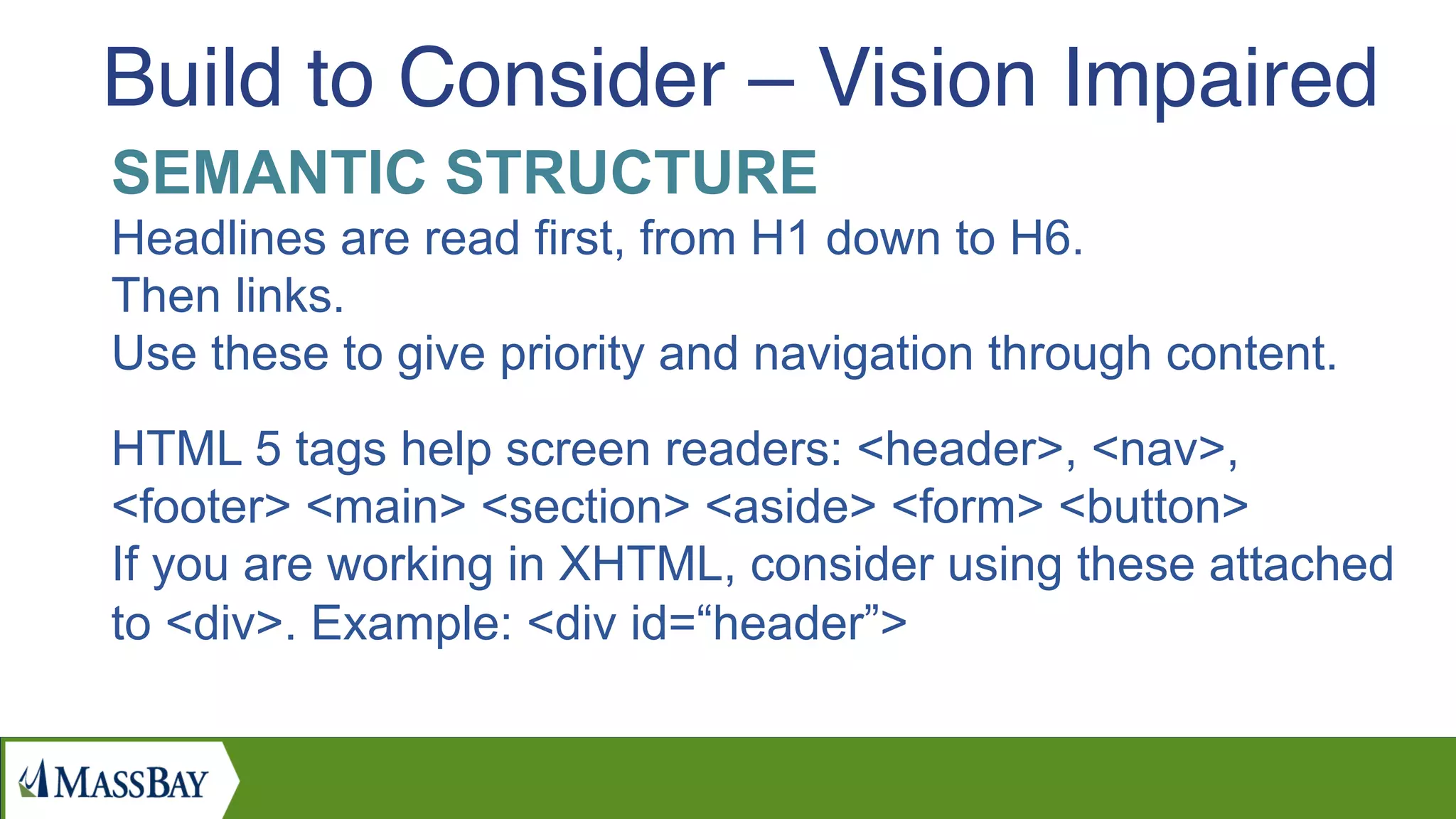
Build to Consider – Vision Impaired
SEMANTIC STRUCTURE
Headlines are read first, from H1 down to H6.
Then links.
Use these to give priority and navigation through content.
HTML 5 tags help screen readers: <header>, <nav>,
<footer> <main> <section> <aside> <form> <button>
If you are working in XHTML, consider using these attached
to <div>. Example: <div id=“header”>
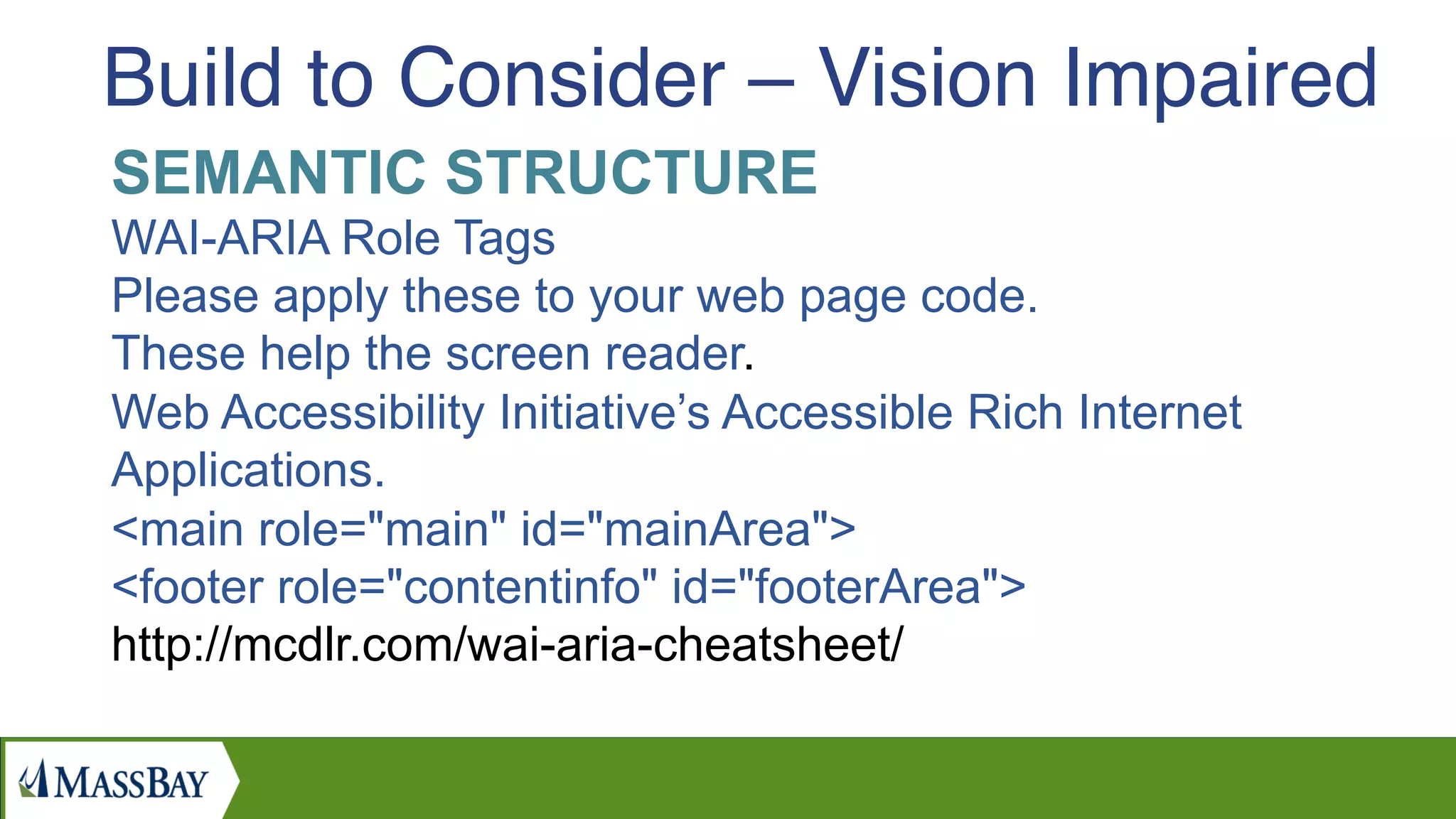
Build to Consider – Vision Impaired
SEMANTIC STRUCTURE
WAI-ARIA Role Tags
Please apply these to your web page code.
These help the screen reader.
Web Accessibility Initiative’s Accessible Rich Internet
Applications.
<main role="main" id="mainArea">
<footer role="contentinfo" id="footerArea">
http://mcdlr.com/wai-aria-cheatsheet/
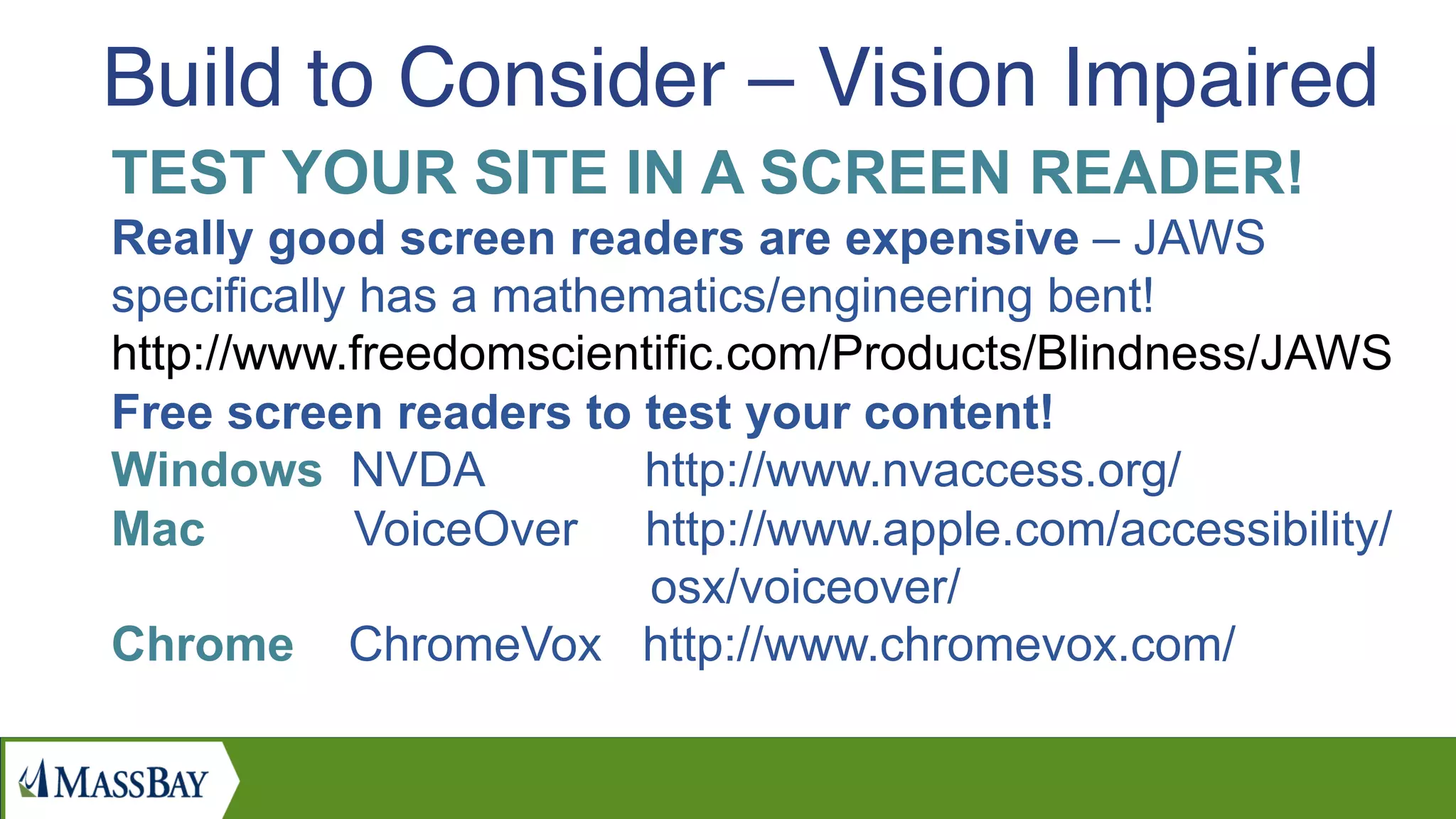
Build to Consider – Vision Impaired
TEST YOUR SITE IN A SCREEN READER!
Really good screen readers are expensive – JAWS
specifically has a mathematics/engineering bent!
http://www.freedomscientific.com/Products/Blindness/JAWS
Free screen readers to test your content!
Windows NVDA http://www.nvaccess.org/
Mac VoiceOver http://www.apple.com/accessibility/
osx/voiceover/
Chrome ChromeVox http://www.chromevox.com/
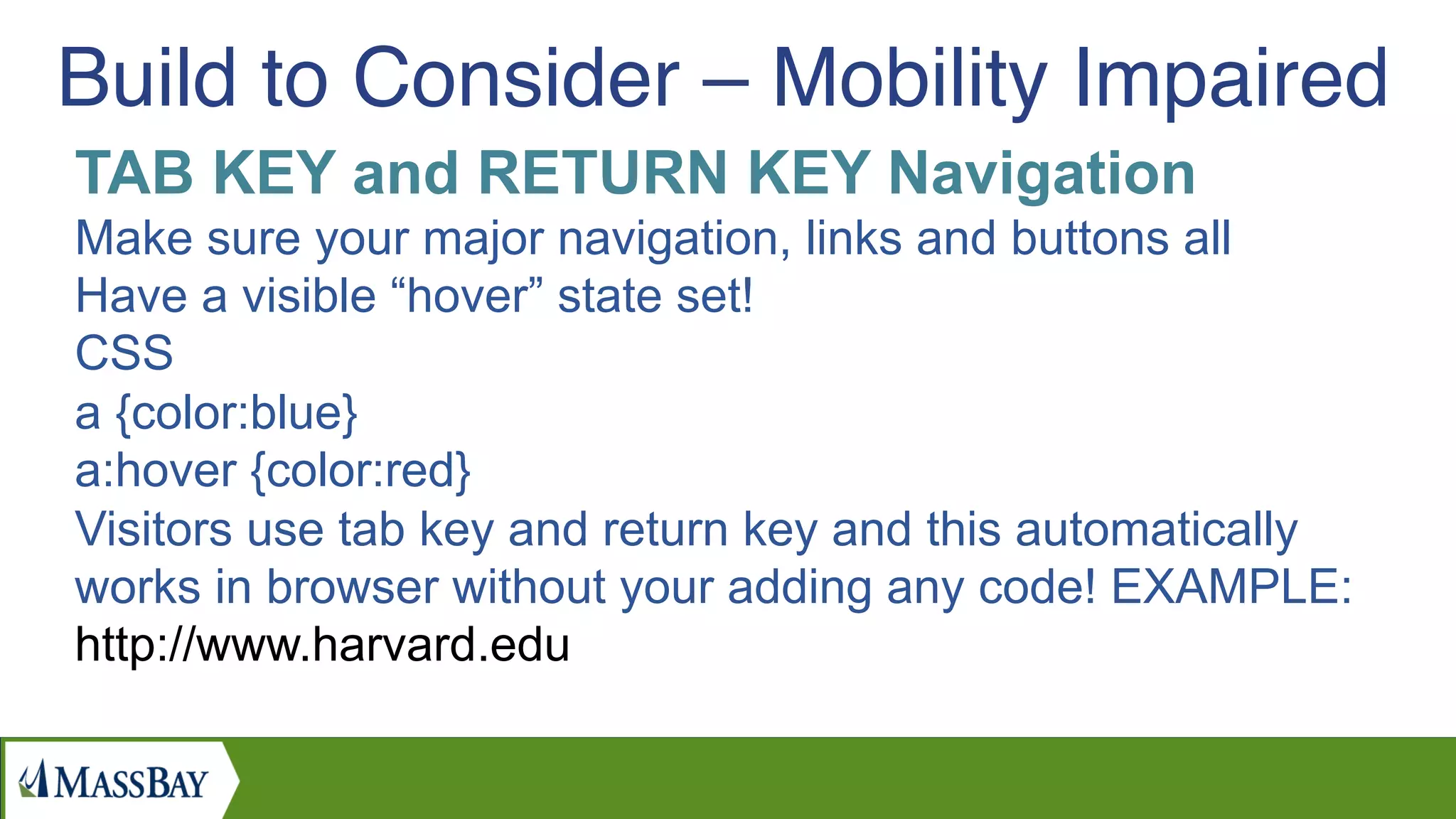
Build to Consider – Vision Impaired
TAB KEY and RETURN KEY Navigation
Make sure your major navigation, links and buttons all
Have a visible “hover” state set!
CSS
a {color:blue}
a:hover {color:red}
Visitors use tab key and return key and this automatically
works in browser without your adding any code! EXAMPLE:
http://www.harvard.edu
Build to Consider – Mobility Impaired

Applying Universal Design Principles Online

  • 1.
    MassBay Online: Universal Design QuickTips for Creating Online Materials to Meet Standards for Americans with Disabilities Act (ADA) 
 Wednesday, October 12, 2016 MassBay EdTech
  • 2.
  • 3.
  • 4.
    Instead of buildingthe same old way and then adding accommodations for different abilities – just build once and make it work for everyone right at the start! http://en.wikipedia.org/wiki/Universal_design Universal Design Definition:
  • 5.
  • 6.
    Compliance is alwaysa process, and no-one is perfect. Compliance to Government 508 Standards means your material meets POUR: Perceivable Operable Understandable Robust Universal Design Definition:
  • 7.
    The iPhone! Makeyour content mobile-friendly if you can! If you have no control over the code, at least make type and buttons large enough to read if they scale down to 1/3 size! If you do have control, put a VIEWPORT DECLARATION at the top of your page! Before <title>! <meta name="viewport" content="width=device-width, minimum-scale=1, initial-scale=1" /> #1 Assistive Device:
  • 8.
    TEXT SIZE: Text doesnot have to be tiny. COLOR: Color-blind – Don’t use color of text for meaning. CONTRAST: The popular look of pale gray text on white, and MassBay’s green on gray or thin, can be hard to read. Online COLOR CONTRAST text checker http://webaim.org/resources/contrastchecker/ Build to Consider – Vision Impaired
  • 9.
    IMAGES CONTENT: Try toput content such as headlines and titles in text on the page rather than photo text. ALT and TITLE tag your images: <img src=“coolimage.jpg” alt=“Cool image of dog at play.” title=“Cool image of dog at play.” /> Build to Consider – Vision Impaired
  • 10.
    LINKS CONTENT: Please spellout where the link is going. The screen reader will read the links before the rest of the page, so there will be 20 “Read more…” DESTINATION: DO NOT use target=_blank to open in separate window! Vision impaired cannot see it, screen reader either will not follow or will start entire website again from the beginning! Build to Consider – Vision Impaired
  • 11.
    INTERACTIVE MEDIA VIDEO andCAROUSEL: Katherine Wahl, Northeastern University, says that students with ADHD have a hard time comprehending text near moving images. Make sure Video and Carousel do not Autoplay. POP-UP Windows: Users with screen readers and users who cannot use the mouse get stuck, unable to click action button OR click X to close the window! Build to Consider – Vision Impaired
  • 12.
    VIDEO Professional Closed Captioningis required. Default YouTube Captioning isn’t accurate enough for ADA compliance. This requirement only applies to video with essential information for a class, admissions, or financial aid. If it’s a promotional video these rule don’t apply. Contact I.T. at MassBay to discuss professional captioning. Build to Consider – Hearing Impaired
  • 13.
    SEMANTIC STRUCTURE Allow SKIPNAVIGATION: Your visitors may want to hear or tab through the navigation when landing on the website. But it will play on each page. Put a link right at the top so they don’t have to hear it every time they click SKIP Navigation works by adding #main to body of your page: <div id=“main”> Build to Consider – Vision Impaired
  • 14.
    SEMANTIC STRUCTURE Headlines areread first, from H1 down to H6. Then links. Use these to give priority and navigation through content. HTML 5 tags help screen readers: <header>, <nav>, <footer> <main> <section> <aside> <form> <button> If you are working in XHTML, consider using these attached to <div>. Example: <div id=“header”> Build to Consider – Vision Impaired
  • 15.
    SEMANTIC STRUCTURE WAI-ARIA RoleTags Please apply these to your web page code. These help the screen reader. Web Accessibility Initiative’s Accessible Rich Internet Applications. <main role="main" id="mainArea"> <footer role="contentinfo" id="footerArea"> http://mcdlr.com/wai-aria-cheatsheet/ Build to Consider – Vision Impaired
  • 16.
    TEST YOUR SITEIN A SCREEN READER! Really good screen readers are expensive – JAWS specifically has a mathematics/engineering bent! http://www.freedomscientific.com/Products/Blindness/JAWS Free screen readers to test your content! Windows NVDA http://www.nvaccess.org/ Mac VoiceOver http://www.apple.com/accessibility/ osx/voiceover/ Chrome ChromeVox http://www.chromevox.com/ Build to Consider – Vision Impaired
  • 17.
    TAB KEY andRETURN KEY Navigation Make sure your major navigation, links and buttons all Have a visible “hover” state set! CSS a {color:blue} a:hover {color:red} Visitors use tab key and return key and this automatically works in browser without your adding any code! EXAMPLE: http://www.harvard.edu Build to Consider – Mobility Impaired