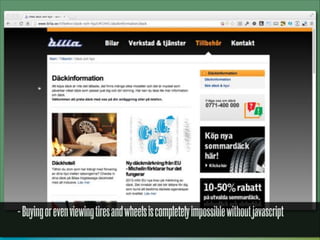
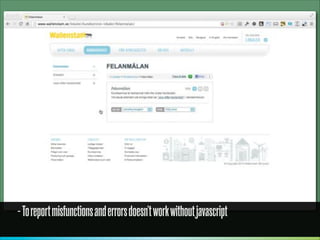
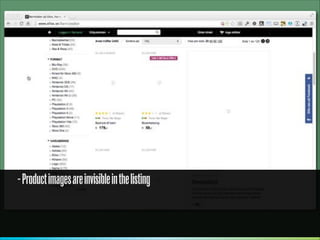
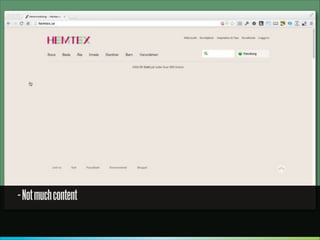
NOW YOU SEE ME...

Adaptive Web Design and Development
Jonas Päckos
@ pekkos

Photo Credit: http://www.flickr.com/photos/pburch_tulane/4192854233/
http://blogs.hbr.org/cs/2013/05/the_rise_of_the_mobile-only_us.html
SIZE MATTERS
Sony Ericsson W610i
1.96”
176 x 220 px

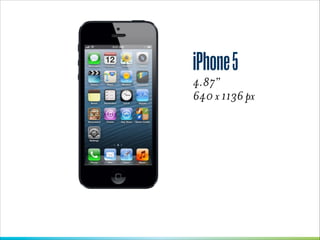
iPhone 5
4.87”
640 x 1136 px

iPad Mini
7.9”
768 x 1024 px

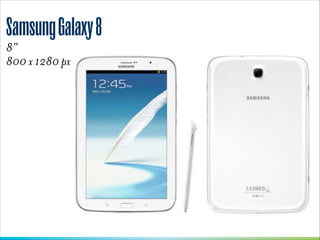
Samsung Galaxy 8
8”
800 x 1280 px

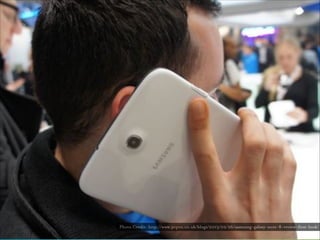
Photo Credit: http://www.pcpro.co.uk/blogs/2013/02/26/samsung-galaxy-note-8-review-first-look/
iPad 3rd Gen
9.5”
1536 x 2048 px

Dell XPS 12
12.5”
1920 x 1080 px

Lenovo Centre Horizon
27”
1920 x 1080 px

Photo Credit: http://blog.dk.sg/wp-content/uploads/2013/04/P1090157.jpg
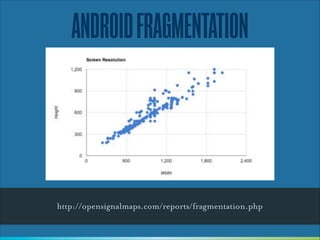
ANDROID FRAGMENTATION

http://opensignalmaps.com/reports/fragmentation.php
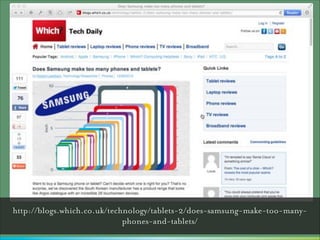
http://blogs.which.co.uk/technology/tablets-2/does-samsung-make-too-manyphones-and-tablets/
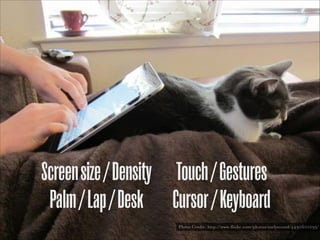
Screen size / Density Touch / Gestures
Palm / Lap / Desk Cursor / Keyboard
Photo Credit: http://www.flickr.com/photos/earlysound/4490601295/
http://globalmoxie.com/blog/desktop-touch-design.shtml
”

After poking at this problem for a
few weeks, my conclusion is:
every desktop UI should be
designed for touch now. When
any desktop machine could have
a touch interface, we have to
proceed as if they all do.
— Josh Clark
http://globalmoxie.com/blog/desktop-touch-design.shtml
http://www.alistapart.com/articles/dao/
”

Make pages which are accessible,
regardless of the browser,
platform or screen that your
reader chooses or must use to
access your pages.
— John Allsop

http://www.alistapart.com/articles/dao/
RESPONSIVE
WEB DESIGN
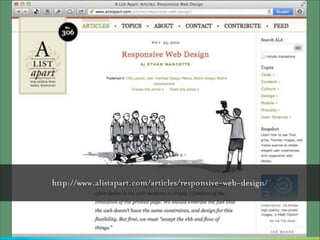
http://www.alistapart.com/articles/responsive-web-design/
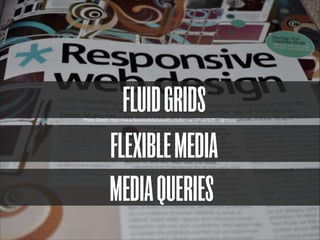
FLUID GRIDS
FLEXIBLE MEDIA
MEDIA QUERIES

Photo Credit: http://www.flickr.com/photos/londonannie/4904832807/lightbox/
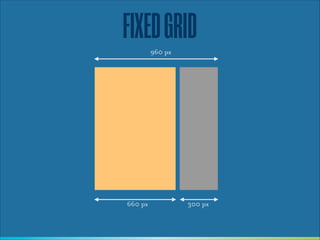
FIXED GRID
960 px

660 px

300 px
FLUID GRID
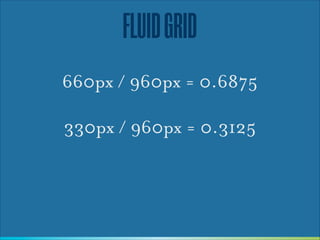
660px / 960px = 0.6875
!

330px / 960px = 0.3125
FLUID GRID
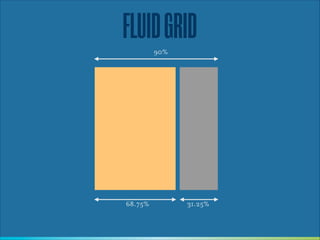
90%

68.75%

31.25%
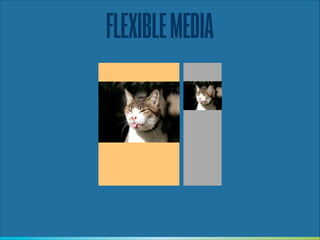
FLEXIBLE MEDIA
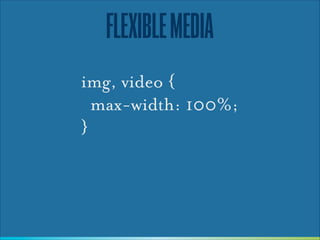
img, video {
max-width: 100%;
}
FLEXIBLE MEDIA
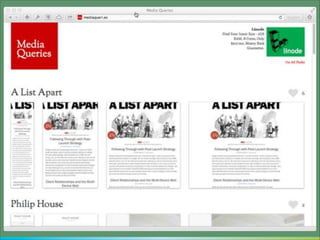
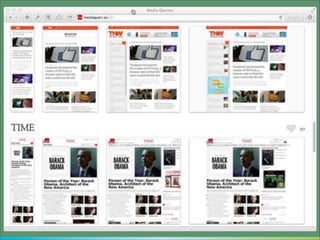
MEDIA QUERIES
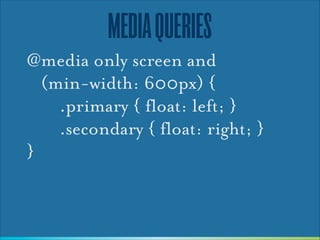
@media only screen and

(min-width: 600px) {


.primary { float: left; }
.secondary { float: right; }
}
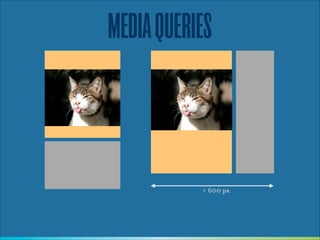
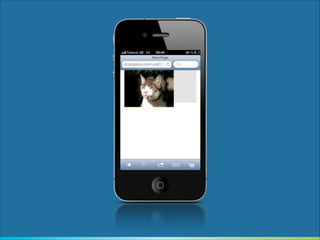
MEDIA QUERIES

> 600 px
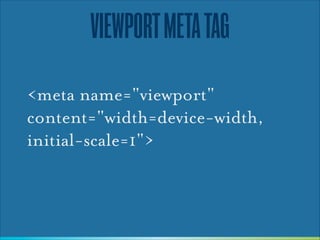
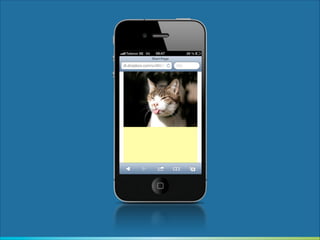
VIEWPORT META TAG
<meta name="viewport"
content="width=device-width,
initial-scale=1">
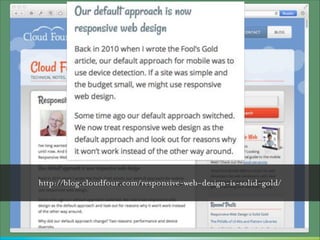
http://blog.cloudfour.com/responsive-web-design-is-solid-gold/
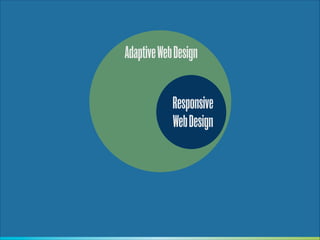
Adaptive Web Design
Responsive
Web Design
This site is best viewed at 800x600 in Internet Explorer 6 or later

Inspired by: http://vimeo.com/64203714
This site is best viewed on WebKit

Inspired by: http://vimeo.com/64203714
This website is best viewed on a $1000 tablet with HD display

Inspired by: http://vimeo.com/64203714
This website is best viewed in the First World

Inspired by: http://vimeo.com/64203714
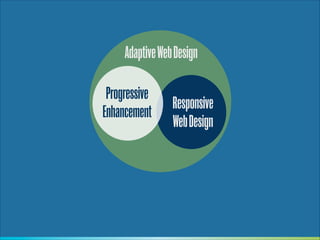
Adaptive Web Design
Progressive
Enhancement

Responsive
Web Design
PROGRESSIVE
ENHANCEMENT
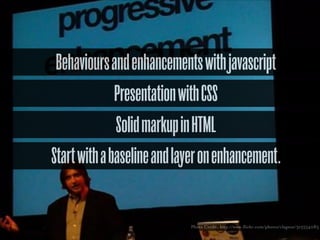
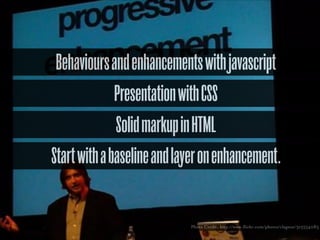
Behaviours and enhancements with javascript
Presentation with CSS
Solid markup in HTML
Start with a baseline and layer on enhancement.

Photo Credit: http://www.flickr.com/photos/clagnut/315554083
”

Progressive enhancement doesn’t
require that you provide the same
experience in different browsers.
[Apply] technologies in an
intelligent way, layer-uponlayer, to craft an amazing
experience.
— Aaron Gustafsson
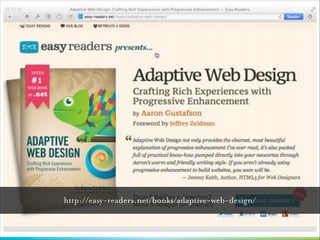
http://easy-readers.net/books/adaptive-web-design/
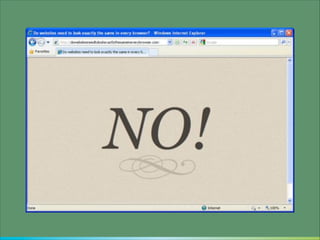
Do web sites need to look exactly the same in every browser?
http://dowebsitesneedtolookexactlythesameineverybrowser.com/

Photo Credit: http://www.flickr.com/photos/timdorr/2096272747/
CODE
HTML
HTML
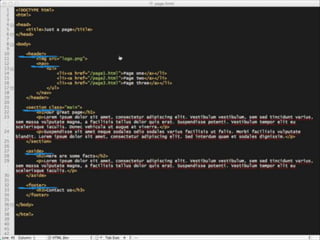
What about the shiny
HTML5 semantic elements ?
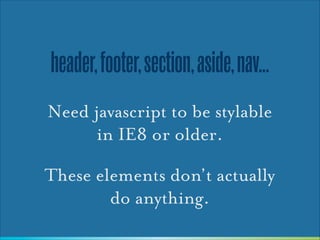
header, footer, section, aside, nav...
Need javascript to be stylable
in IE8 or older.
These elements don’t actually
do anything.
ARIA
http://www.w3.org/TR/wai-aria/
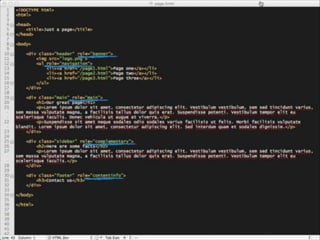
USE ARIA FOR SEMANTICS
By all means, use HTML 5
elements as placeholders if it
makes the code clearer
But don’t use those elements
for styling
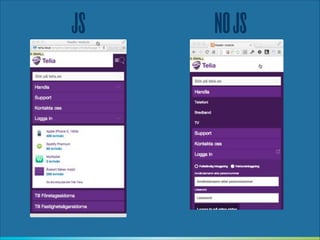
JS

NO JS
collapse
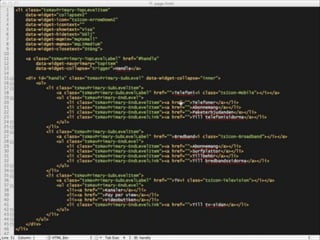
Markup needed by a javascript widget
should be generated by javascript
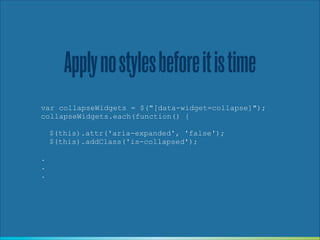
Apply no styles before it is time
var collapseWidgets = $("[data-widget=collapse]");
collapseWidgets.each(function() {
!
$(this).attr('aria-expanded', 'false');
$(this).addClass('is-collapsed');
!
.
.
.
NOW YOU SEE ME...
Photo Credit: http://www.flickr.com/photos/zopeuse/2766206504/
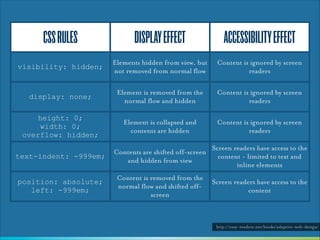
CSS RULES

DISPLAY EFFECT

ACCESSIBILITY EFFECT

visibility: hidden;

Elements hidden from view, but
not removed from normal flow

Content is ignored by screen
readers

display: none;

Element is removed from the
normal flow and hidden

Content is ignored by screen
readers

height: 0;
width: 0;
overflow: hidden;

Element is collapsed and
contents are hidden

Content is ignored by screen
readers

text-indent: -999em;

Contents are shifted off-screen
and hidden from view

Screen readers have access to the
content - limited to text and
inline elements

position: absolute;
left: -999em;

Content is removed from the
normal flow and shifted offscreen

Screen readers have access to the
content

http://easy-readers.net/books/adaptive-web-design/
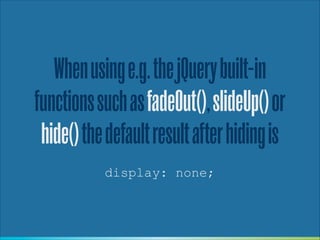
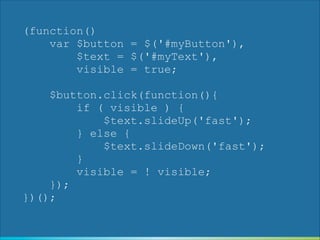
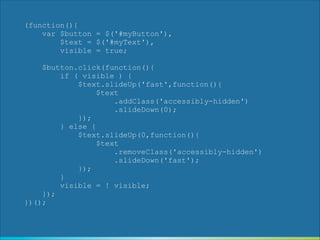
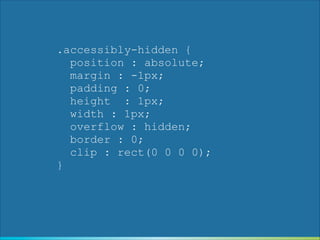
When using e.g. the jQuery built-in
functions such as fadeOut(), slideUp() or
hide() the default result after hiding is
display: none;
(function()
var $button = $('#myButton'),
$text = $('#myText'),
visible = true;
!

$button.click(function(){
if ( visible ) {
$text.slideUp('fast');
} else {
$text.slideDown('fast');
}
visible = ! visible;
});
})();
(function(){
var $button = $('#myButton'),
$text = $('#myText'),
visible = true;
!
$button.click(function(){
if ( visible ) {
$text.slideUp('fast',function(){
$text
.addClass('accessibly-hidden')
.slideDown(0);
});
} else {
$text.slideUp(0,function(){
$text
.removeClass('accessibly-hidden')
.slideDown('fast');
});
}
visible = ! visible;
});
})();
.accessibly-hidden {
position : absolute;
margin : -1px;
padding : 0;
height : 1px;
width : 1px;
overflow : hidden;
border : 0;
clip : rect(0 0 0 0);
}
http://easy-readers.net/books/adaptive-web-design/
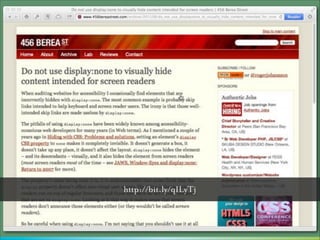
http://bit.ly/qILyTj
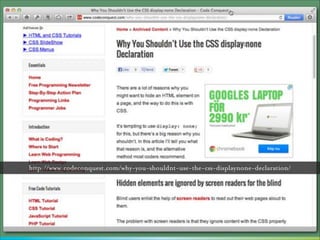
http://www.codeconquest.com/why-you-shouldnt-use-the-css-displaynone-declaration/
However, when building a menu using a
javascript collapse widget
display: none;
!

is actually a good idea
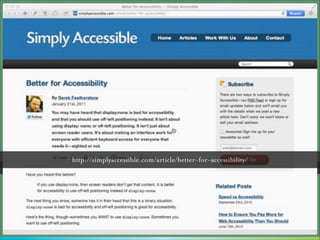
http://simplyaccessible.com/article/better-for-accessibility/
http://www.codeconquest.com/why-you-shouldnt-use-the-css-displaynone-declaration/
Behaviours and enhancements with javascript
Presentation with CSS
Solid markup in HTML
Start with a baseline and layer on enhancement.

Photo Credit: http://www.flickr.com/photos/clagnut/315554083
http://tomdale.net/2013/09/progressive-enhancement-is-dead/
”

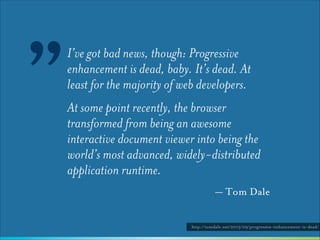
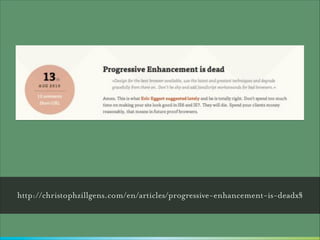
I’ve got bad news, though: Progressive
enhancement is dead, baby. It’s dead. At
least for the majority of web developers.
At some point recently, the browser
transformed from being an awesome
interactive document viewer into being the
world’s most advanced, widely-distributed
application runtime.
— Tom Dale
http://tomdale.net/2013/09/progressive-enhancement-is-dead/
http://christophzillgens.com/en/articles/progressive-enhancement-is-deadx§
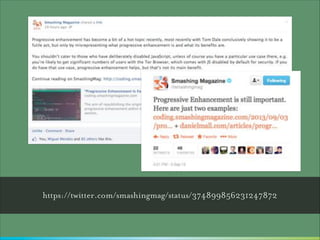
https://twitter.com/smashingmag/status/374899856231247872
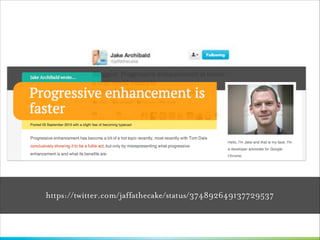
https://twitter.com/jaffathecake/status/374892649137729537
And so, the PE flame
war went on...

“Progressive Enhancement is dead!”
“No it isn’t!”
“Yes it is!”
“No it isn’t!”
“I hate you!”

Photo Credit: http://www.flickr.com/photos/georgo10/3286708793/
Why is Progressive
Enhancement dead ?
”

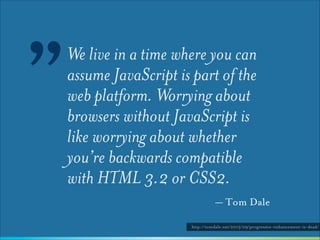
We live in a time where you can
assume JavaScript is part of the
web platform. Worrying about
browsers without JavaScript is
like worrying about whether
you’re backwards compatible
with HTML 3.2 or CSS2.
— Tom Dale
http://tomdale.net/2013/09/progressive-enhancement-is-dead/
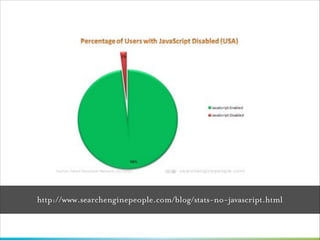
How many users have
javascript disabled ?
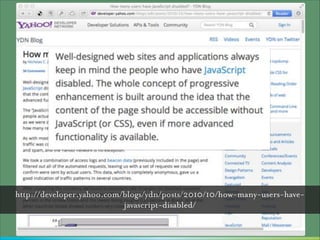
http://developer.yahoo.com/blogs/ydn/posts/2010/10/how-many-users-havejavascript-disabled/
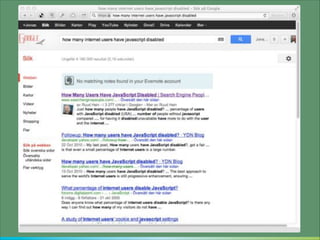
Yes, but how many users have
javascript disabled ?
http://www.searchenginepeople.com/blog/stats-no-javascript.html
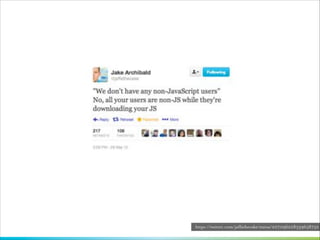
https://twitter.com/jaffathecake/status/207096228339658752
”

Progressive enhancement is not
about supporting people who
turn off Javascript, it is about
avoiding a single point of failure.
— Jeremy Keith

http://www.lukew.com/ff/entry.asp?1776
http://jakearchibald.com/2013/progressive-enhancement-still-important/
http://jakearchibald.com/2013/progressive-enhancement-is-faster/
How most pages load
PE: more or less in parallell,

step 2 blocks rendering

1. HTML downloads
2.CSS downloads
3. CSS fetches additional assets
4. JS downloads
5. JS executes
6. JS fetches additional assets
7. JS updates DOM

JS driven: All 7 steps 

blocks rendering

http://jakearchibald.com/2013/progressive-enhancement-still-important/
563 kb

141 kb
http://tomdale.net/2013/09/progressive-enhancement-is-dead/
“Progressive enhancement isn't for building real apps”
“Ok for web sites to be developed with PE, but web apps don’t need that”
“Yeah, but I'm building a web app, not a website”

Image Credit: http://www.visionmobile.com/blog/2013/07/web-sites-vs-web-apps-what-the-experts-think/
”

[The] distinction isn’t clear. Many sites
morph from one into the other. Is Wikipedia
a website up until the point that I start
editing an article? Are Twitter and Pinterest
websites while I’m browsing through them
but then flip into being web apps the
moment that I post something?
— Jeremy Keith

http://adactio.com/journal/6246/
”

“Check out this web thang I’m
working on.”

“Have you seen this great web
thang?”

“What’s that?”

“It’s a web thang.”
— Jeremy Keith

http://adactio.com/journal/6246/
web thang
https://twitter.com/wilto/status/374947035432366080
Progressive Enhancement is like an Escalator

Photo Credit: http://www.flickr.com/photos/jdn/3365996669/
”

An escalator can never break – it can only
become stairs. You would never see an
“Escalator Temporarily Out Of Order”
sign, just “Escalator Temporarily Stairs.
Sorry for the convenience. We apologize for
the fact that you can still get up there.”
— Mitch Hedberg

http://en.wikiquote.org/wiki/Mitch_Hedberg
https://blog.twitter.com/2012/improving-performancetwittercom
http://www.slideshare.net/nzakas/enoughwiththejavascriptalready
http://requirejs.org
Adaptive Web Design
Progressive
Enhancement

Responsive
Web Design
Being backwards compatible is the best way to ensure your
sites work on future devices.
THANKS
Jonas Päckos
http://about.me/pekkos
http://www.slideshare.net/pekkos
@ pekkos

Now you see me... Adaptive Web Design and Development