Please use the links in blue to navigate our presentation, 
Welcome to Team 3’s Presentation: 
Or feel free to click through slide by slide. 
Development Methods/Tools 
Microsoft Movie Maker – Presented By John Wion 
Audacity – Presented By Kenneth Coleman 
Weebly – Presented By Russell Pawletzk 
Collaboration Methods/Tools 
Skype – Presented By Tashena Young 
Google Docs – Presented By John Alkhoury 
Second Life – Presented By Gerardo Valdez 
Citations
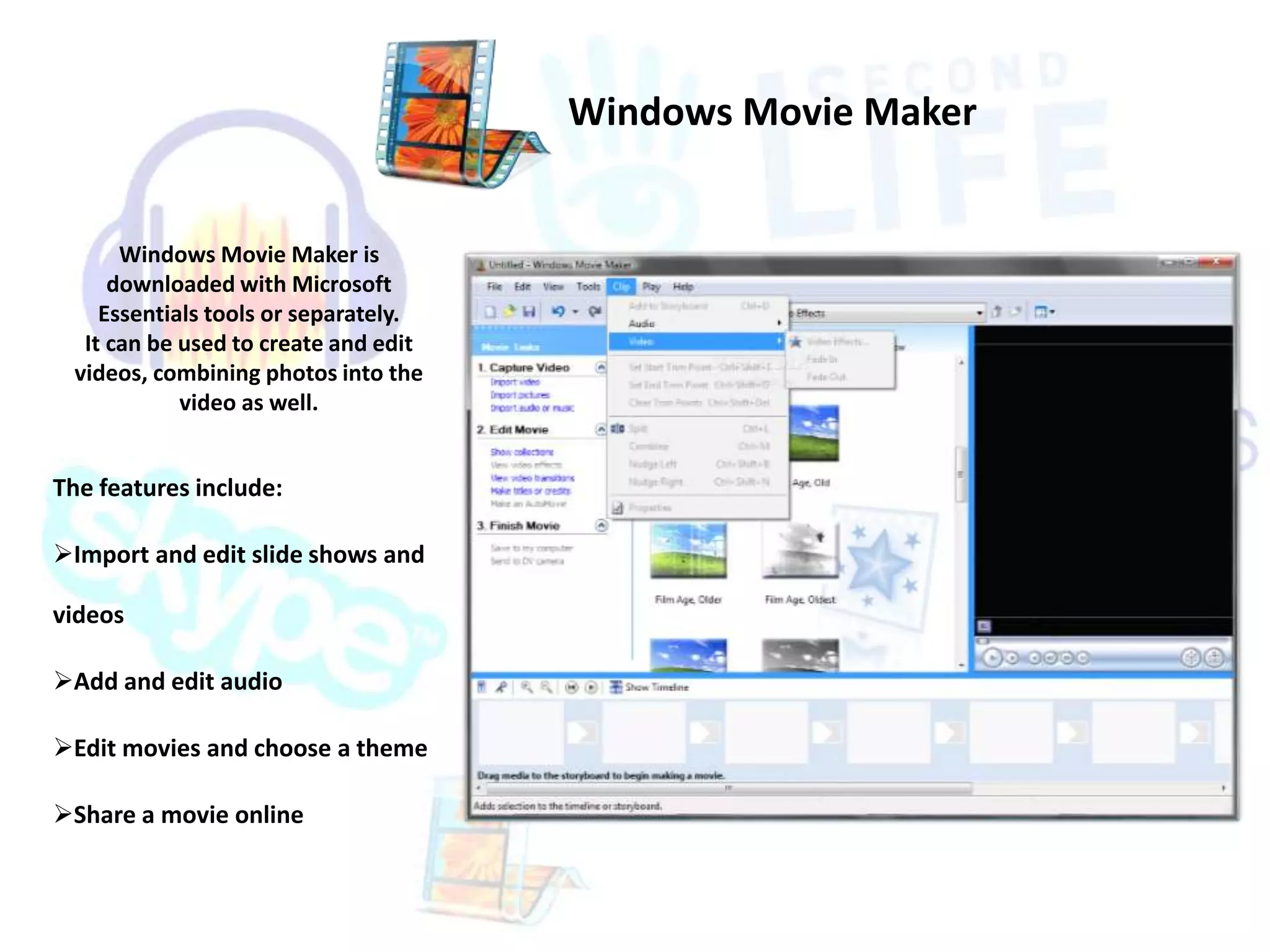
Windows Movie Maker is 
downloaded with Microsoft 
Essentials tools or separately. 
It can be used to create and edit 
videos, combining photos into the 
video as well. 
The features include: 
Import and edit slide shows and 
videos 
Add and edit audio 
Edit movies and choose a theme 
Share a movie online 
Windows Movie Maker
Movie Maker Media Sources 
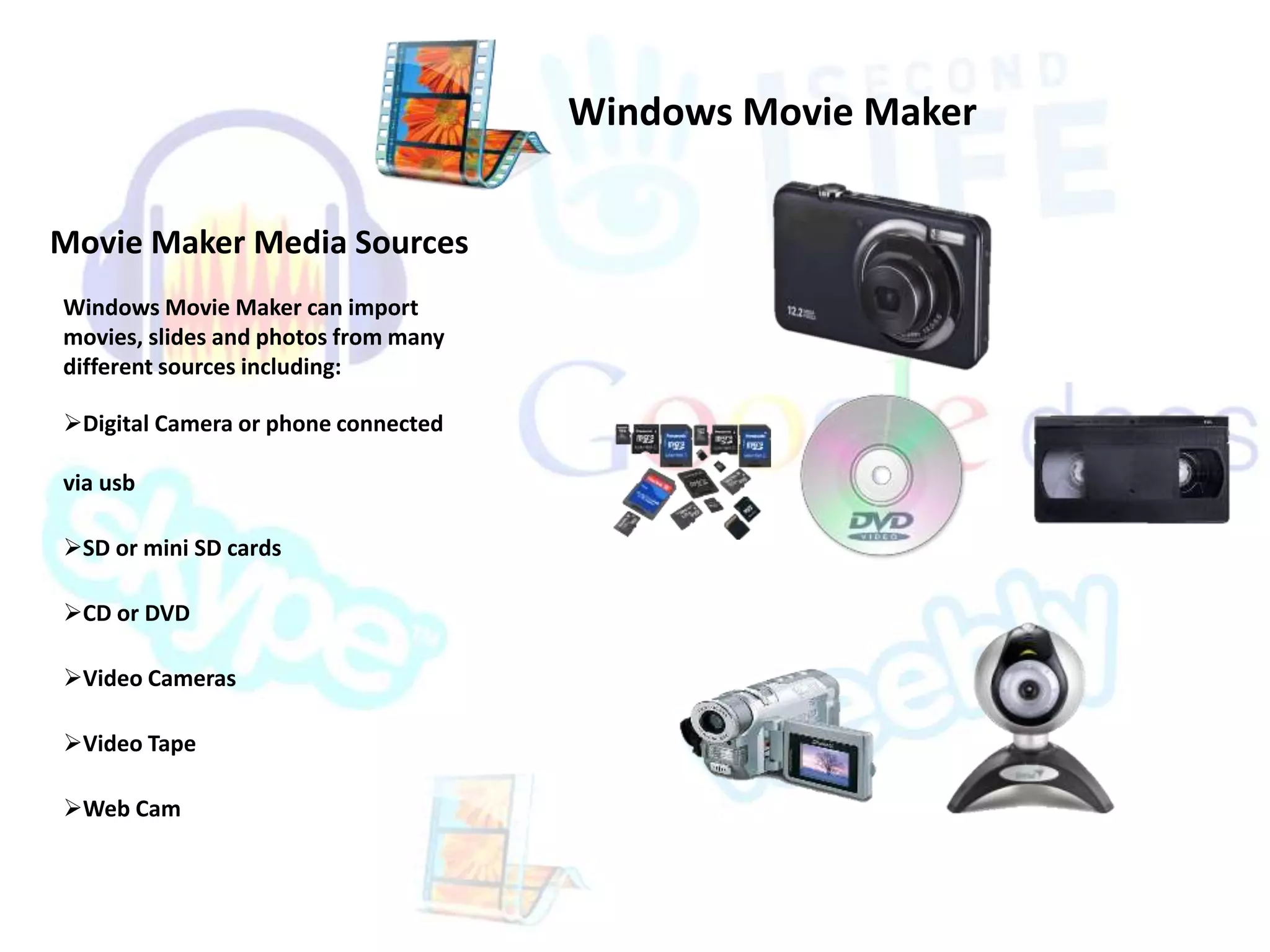
Windows Movie Maker can import 
movies, slides and photos from many 
different sources including: 
Digital Camera or phone connected 
via usb 
SD or mini SD cards 
CD or DVD 
Video Cameras 
Video Tape 
Web Cam 
Windows Movie Maker
Movie Maker Compatibility 
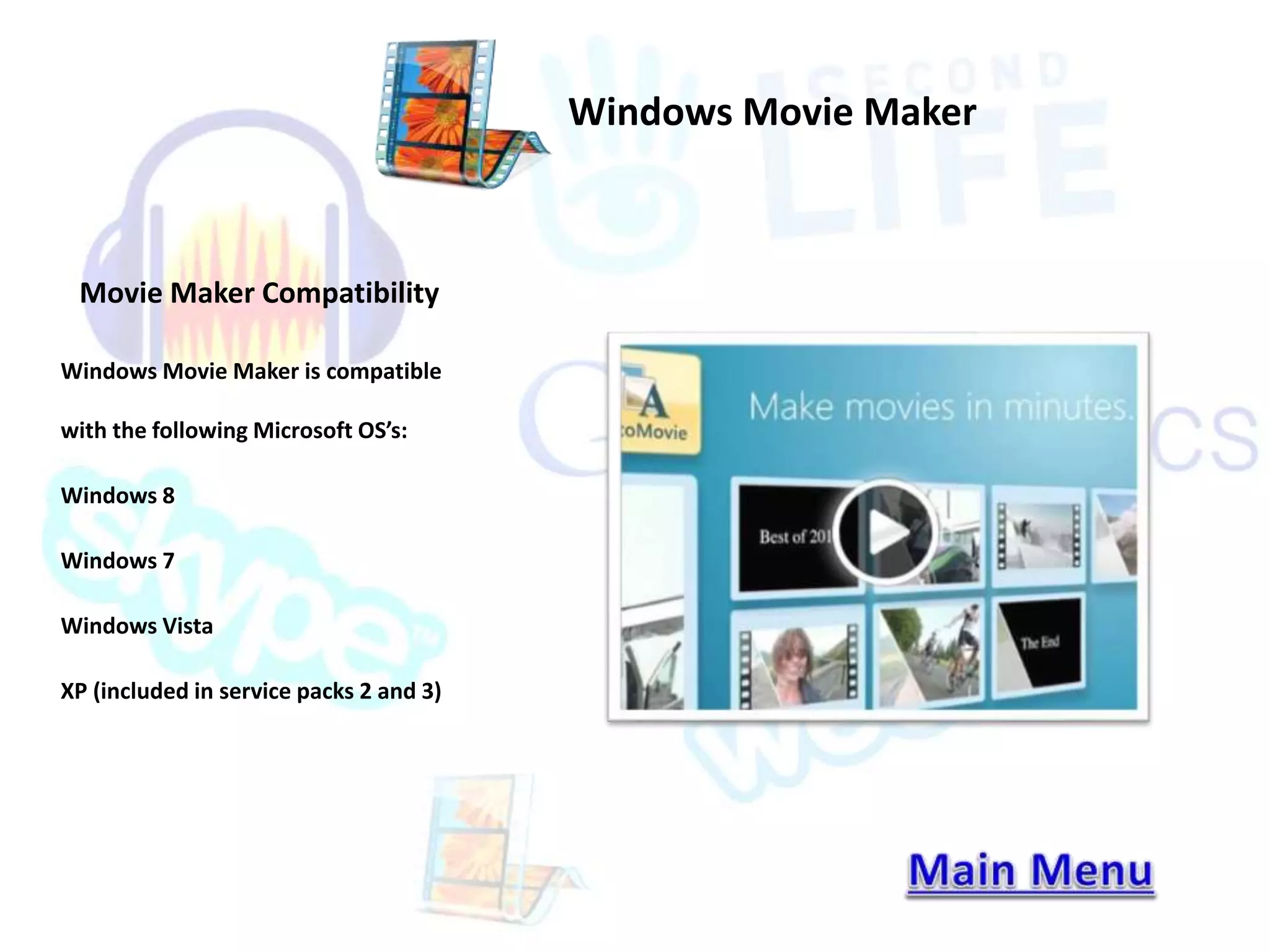
Windows Movie Maker is compatible 
with the following Microsoft OS’s: 
Windows 8 
Windows 7 
Windows Vista 
XP (included in service packs 2 and 3) 
Windows Movie Maker
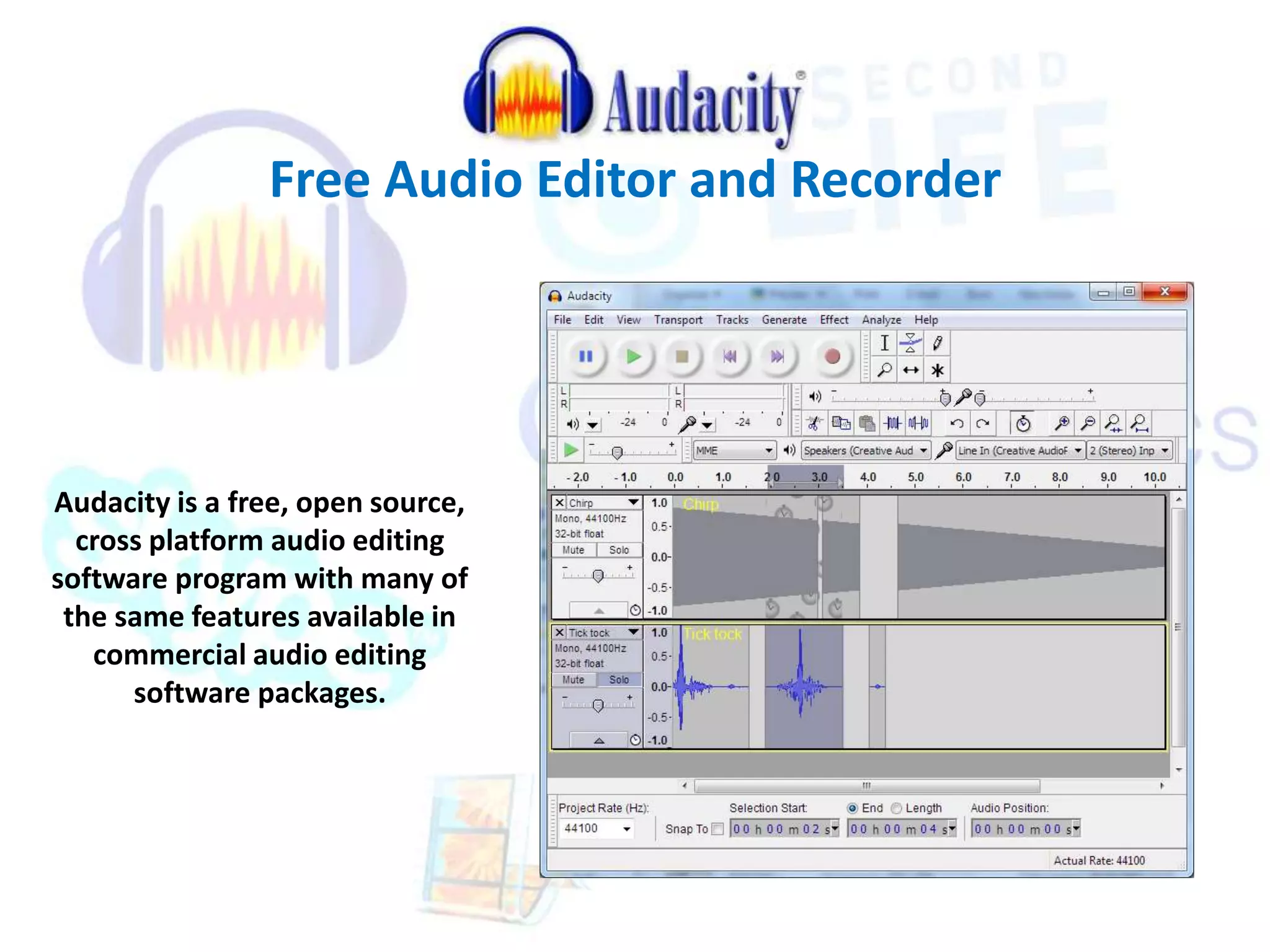
Free Audio Editor and Recorder 
Audacity is a free, open source, 
cross platform audio editing 
software program with many of 
the same features available in 
commercial audio editing 
software packages.
Free Audio Editor and Recorder 
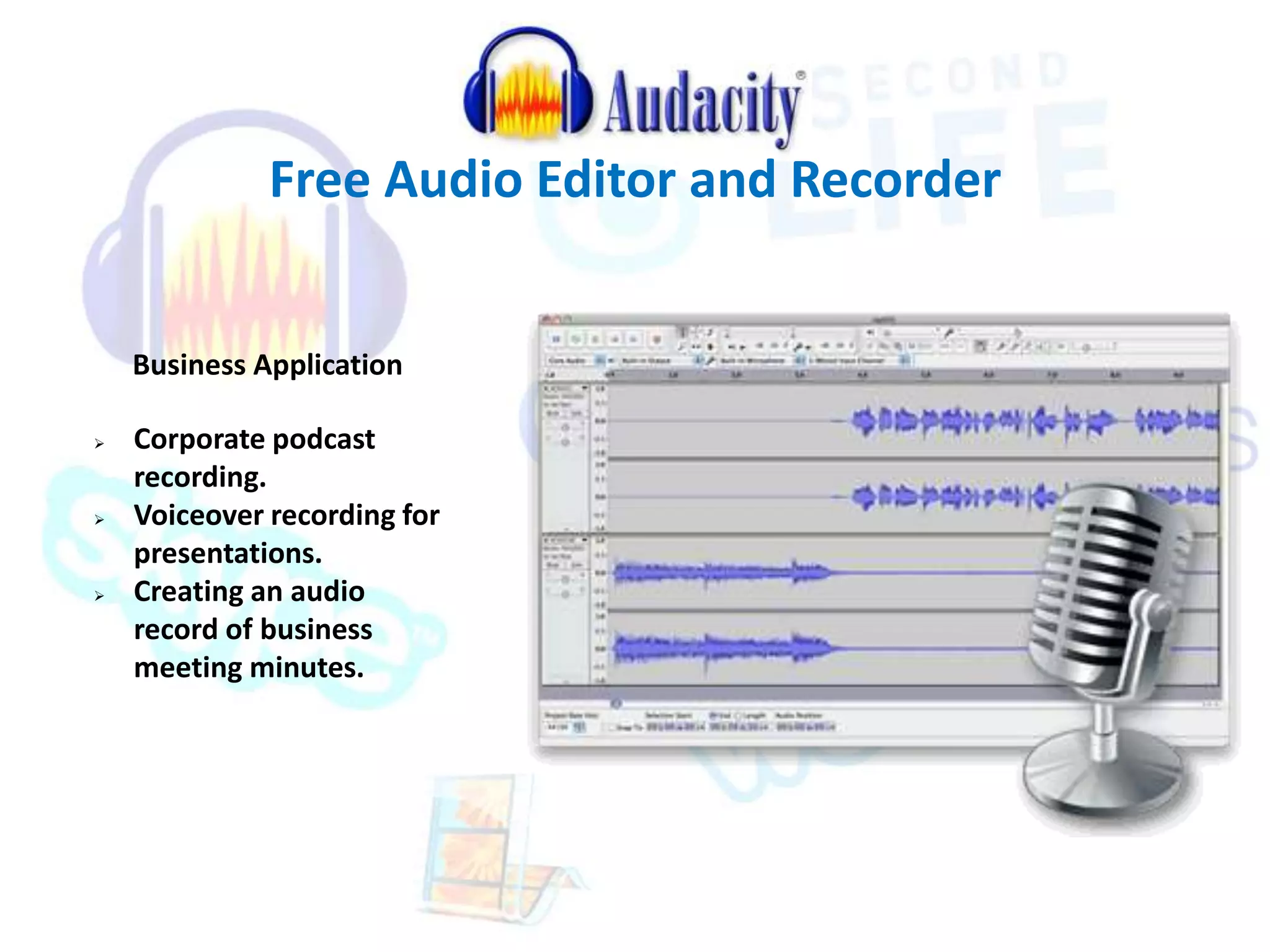
Business Application 
 Corporate podcast 
recording. 
 Voiceover recording for 
presentations. 
 Creating an audio 
record of business 
meeting minutes.
Free Audio Editor and Recorder 
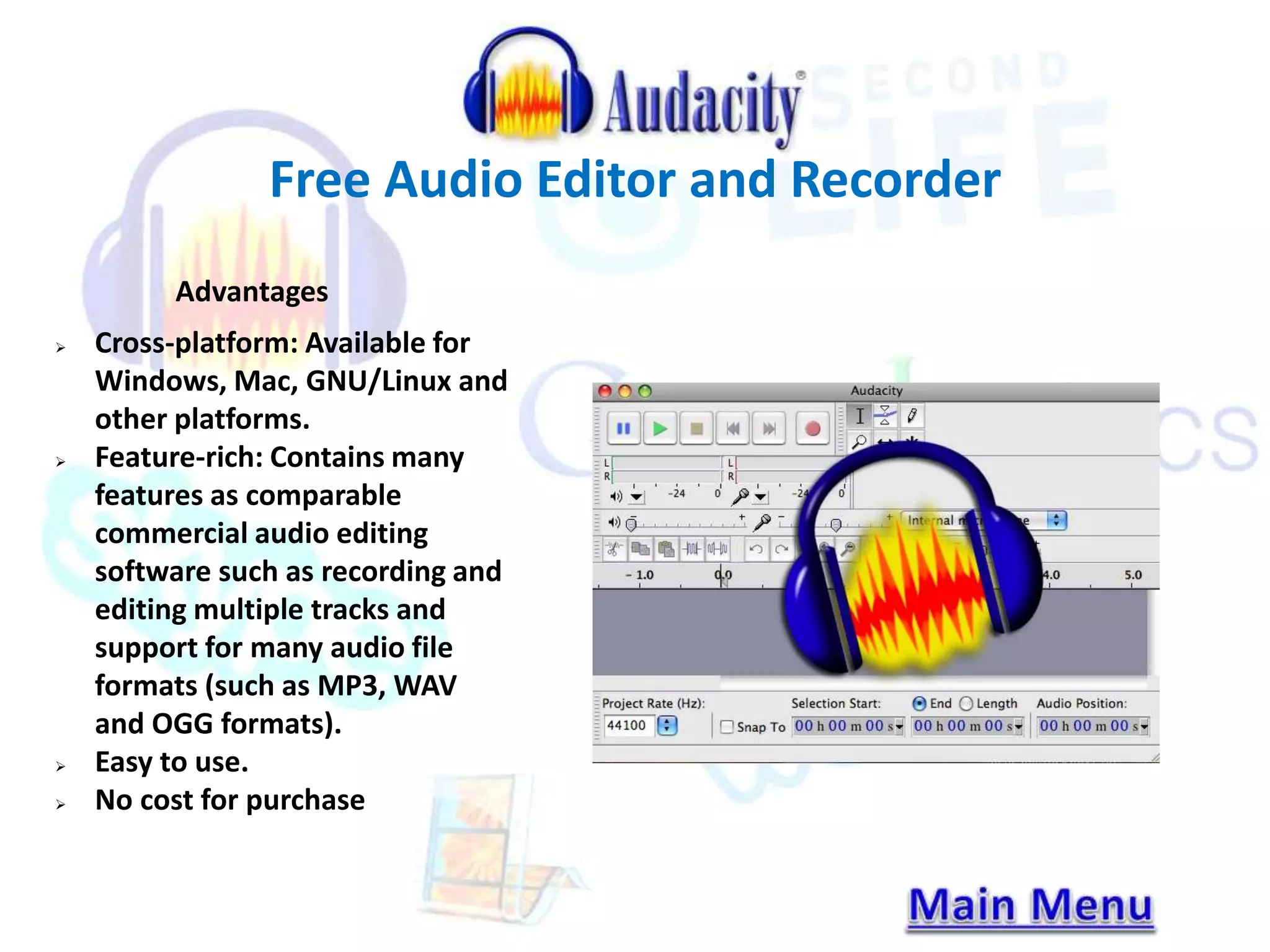
Advantages 
 Cross-platform: Available for 
Windows, Mac, GNU/Linux and 
other platforms. 
 Feature-rich: Contains many 
features as comparable 
commercial audio editing 
software such as recording and 
editing multiple tracks and 
support for many audio file 
formats (such as MP3, WAV 
and OGG formats). 
 Easy to use. 
 No cost for purchase
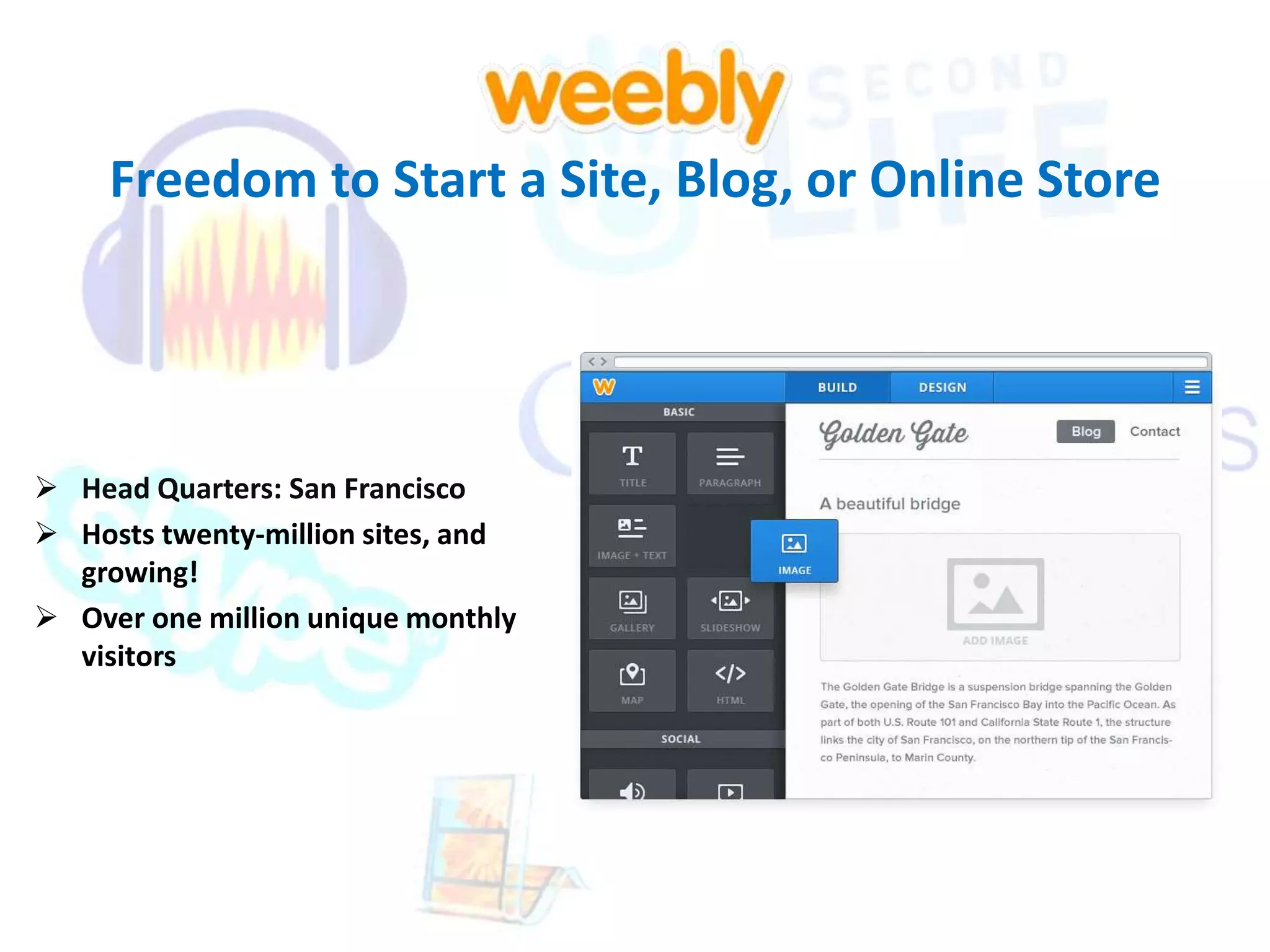
Freedom to Start a Site, Blog, or Online Store 
 Head Quarters: San Francisco 
 Hosts twenty-million sites, and 
growing! 
 Over one million unique monthly 
visitors
Freedom to Start a Site, Blog, or Online Store 
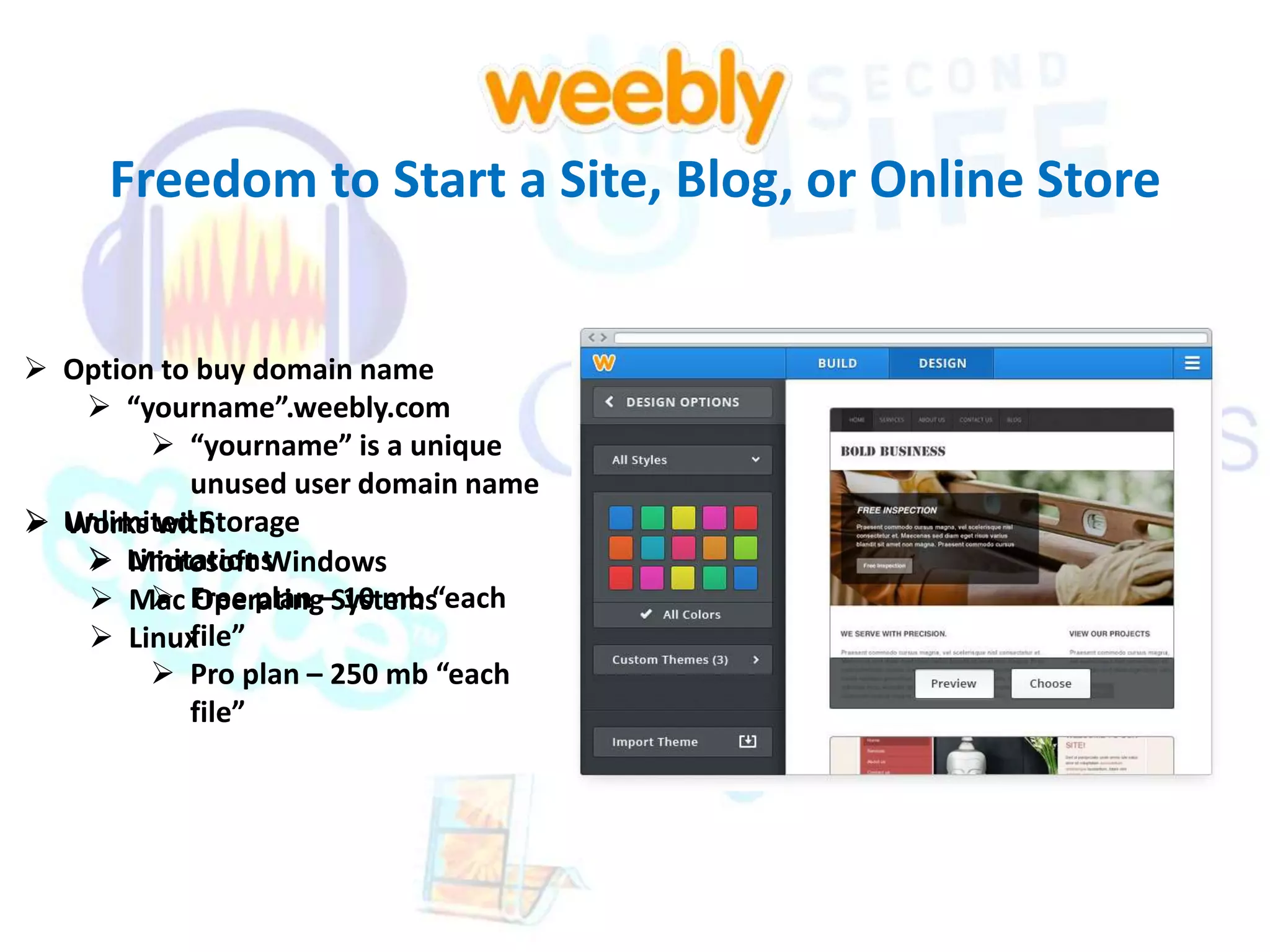
 Option to buy domain name 
 “yourname”.weebly.com 
 “yourname” is a unique 
unused user domain name 
 Unlimited Storage 
Works with 
 Limitations 
Microsoft Windows 
 Free plan – 10 mb “each 
 Mac Operating Systems 
 Linux 
file” 
 Pro plan – 250 mb “each 
file”
Freedom to Start a Site, Blog, or Online Store 
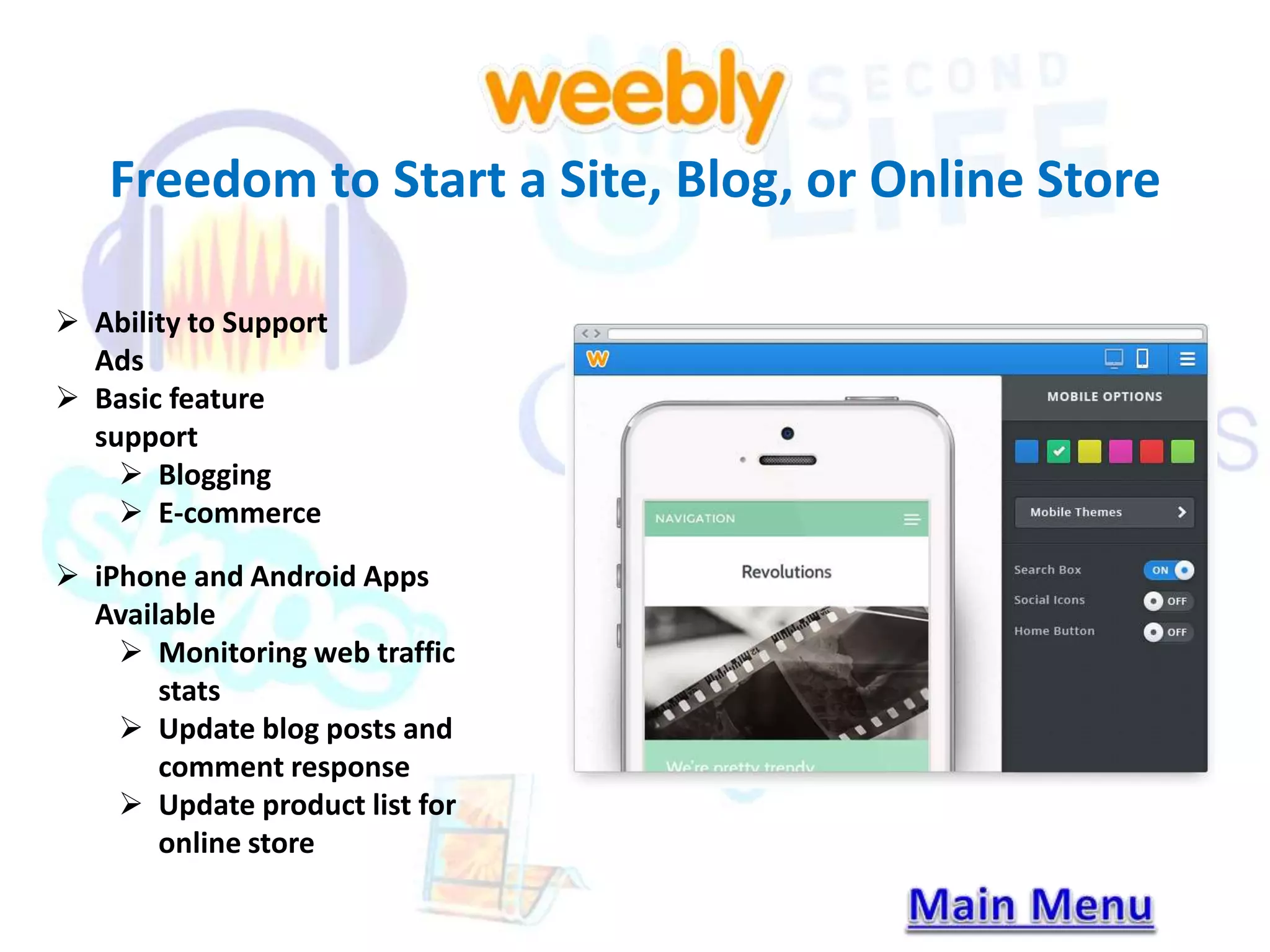
 Ability to Support 
Ads 
 Basic feature 
support 
 Blogging 
 E-commerce 
 iPhone and Android Apps 
Available 
 Monitoring web traffic 
stats 
 Update blog posts and 
comment response 
 Update product list for 
online store
A place for Calling, Video & Messaging With Others 
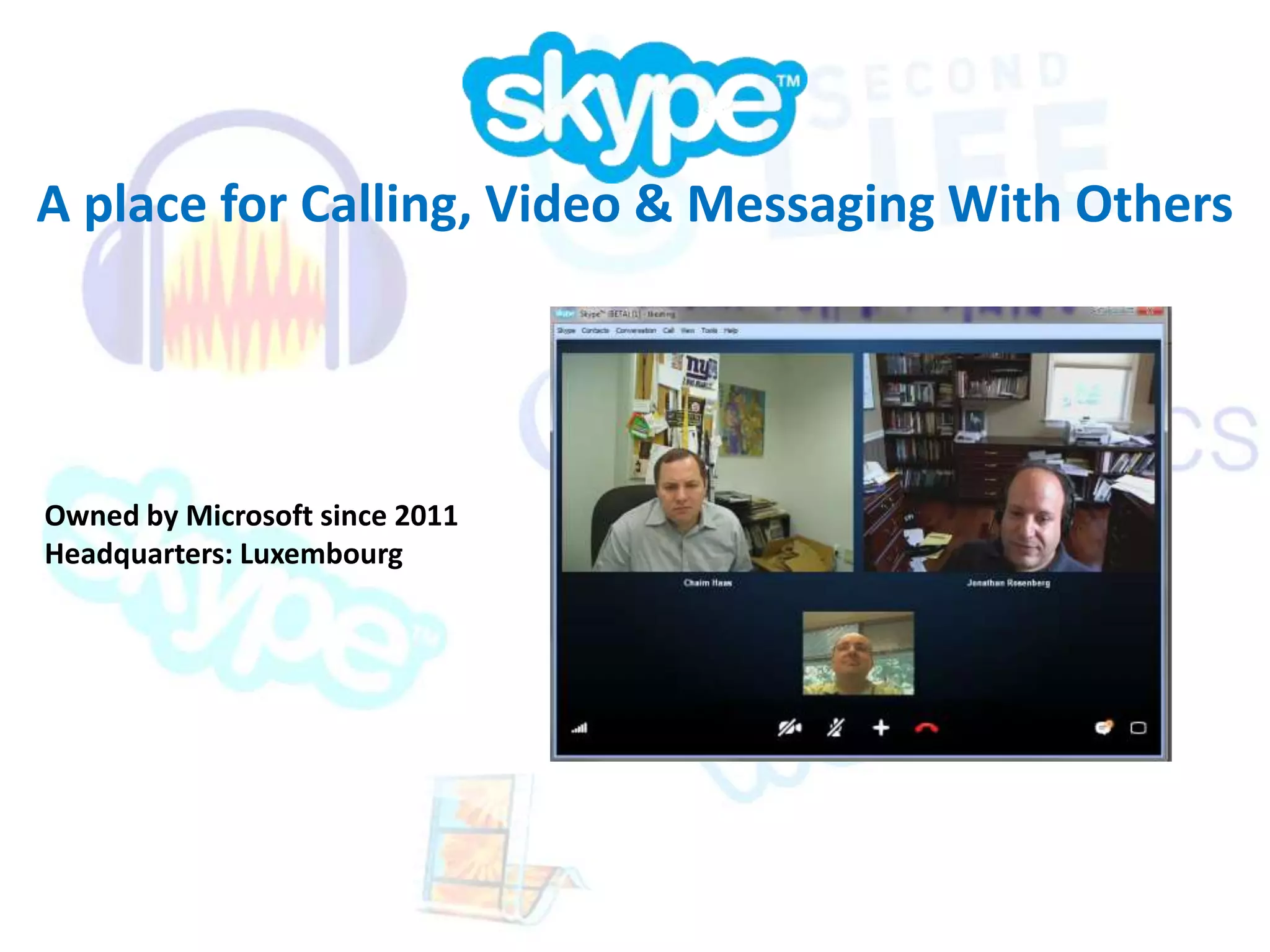
Owned by Microsoft since 2011 
Headquarters: Luxembourg
A place for Calling, Video & Messaging With Others 
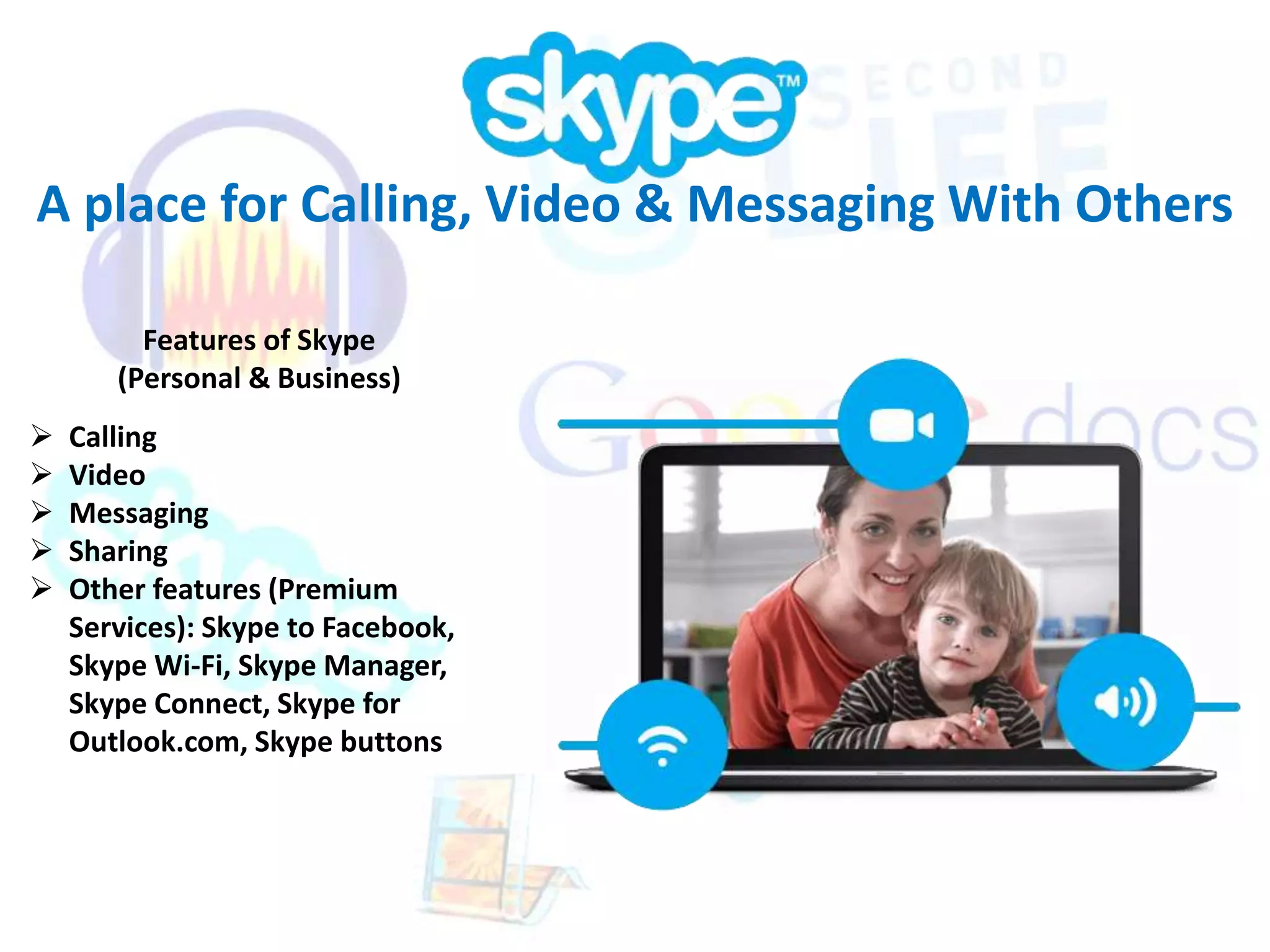
Features of Skype 
(Personal & Business) 
 Calling 
 Video 
 Messaging 
 Sharing 
 Other features (Premium 
Services): Skype to Facebook, 
Skype Wi-Fi, Skype Manager, 
Skype Connect, Skype for 
Outlook.com, Skype buttons
A place for Calling, Video & Messaging With Others 
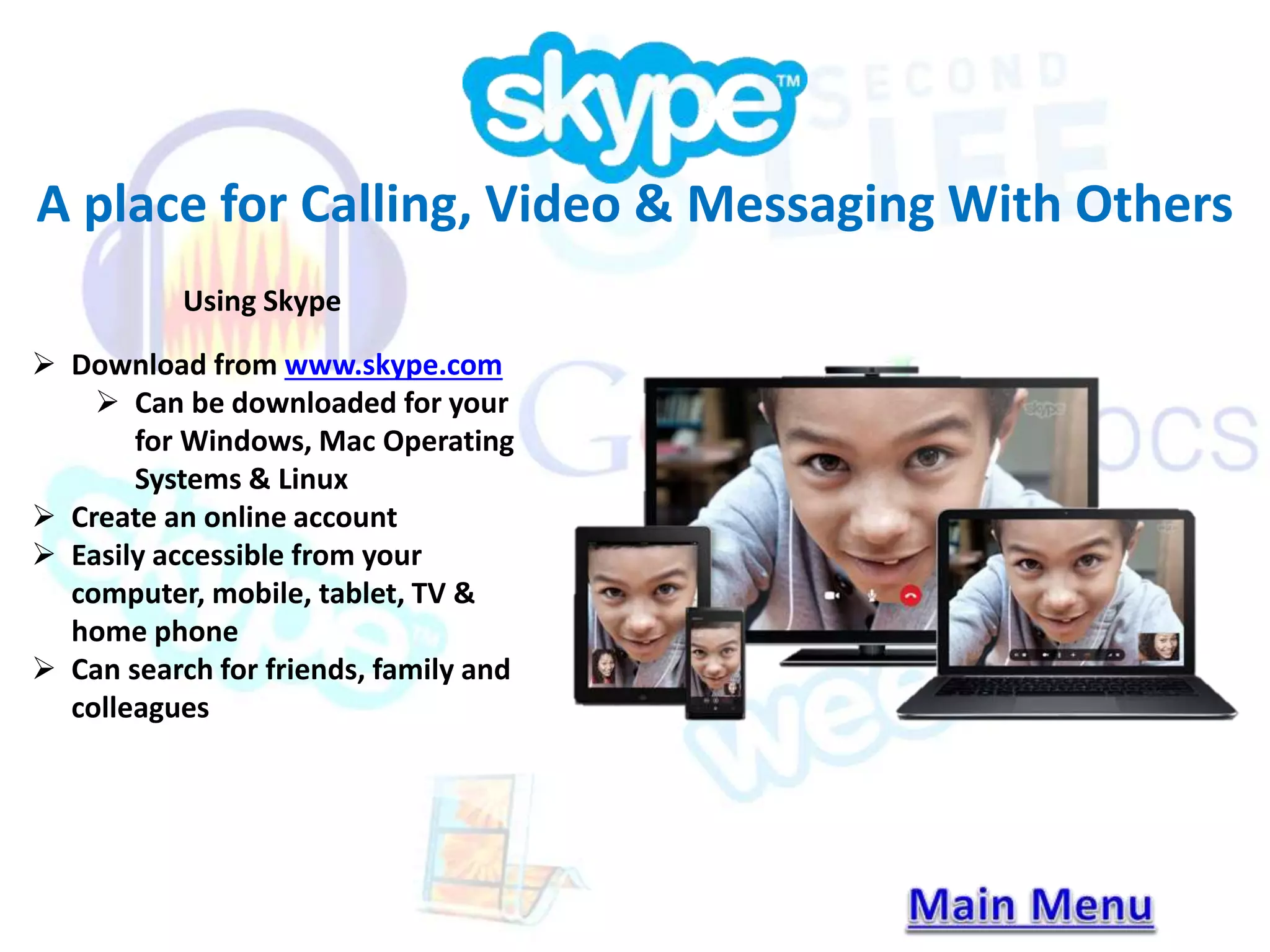
Using Skype 
 Download from www.skype.com 
 Can be downloaded for your 
for Windows, Mac Operating 
Systems & Linux 
 Create an online account 
 Easily accessible from your 
computer, mobile, tablet, TV & 
home phone 
 Can search for friends, family and 
colleagues
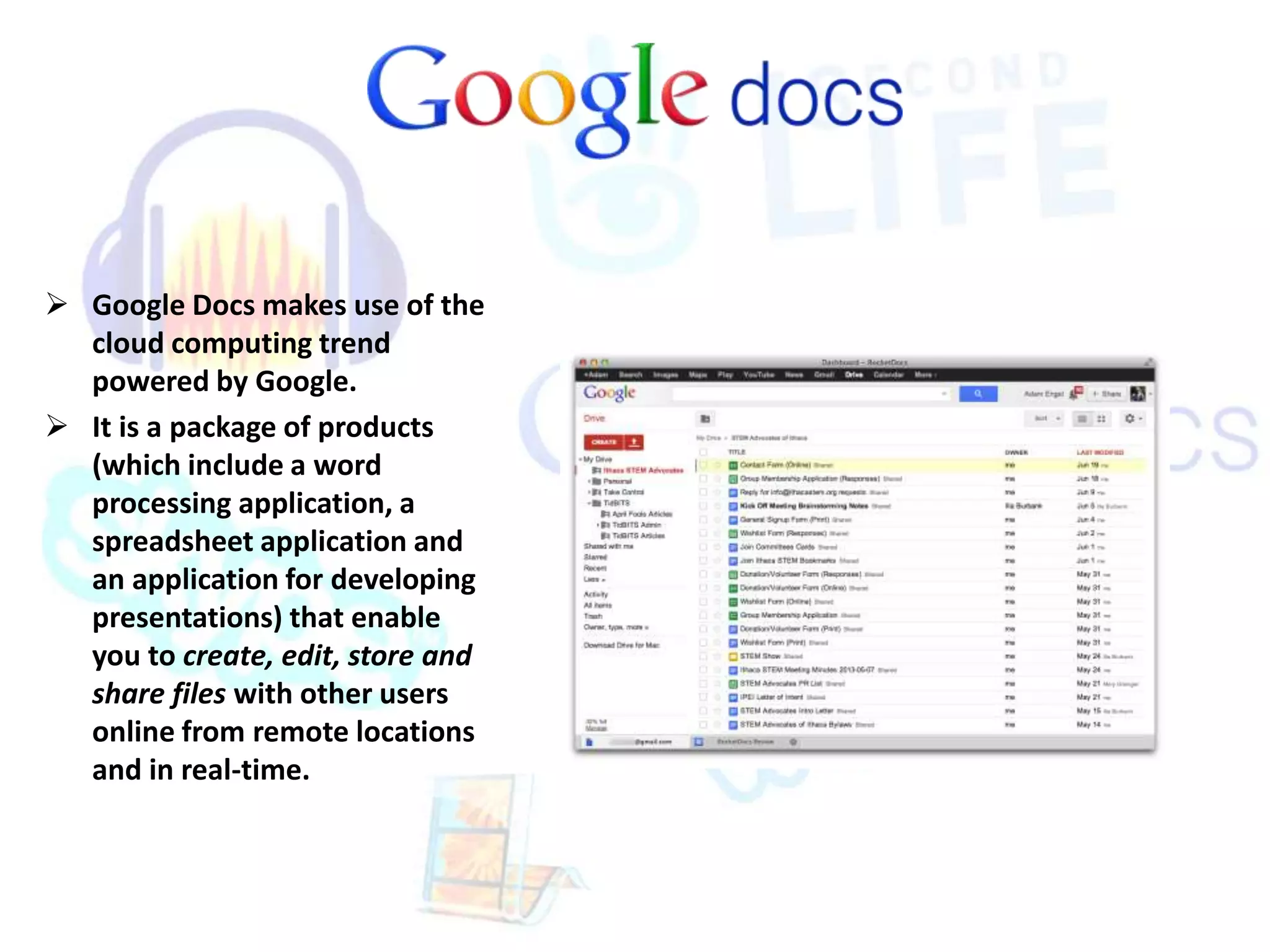
 Google Docs makes use of the 
cloud computing trend 
powered by Google. 
 It is a package of products 
(which include a word 
processing application, a 
spreadsheet application and 
an application for developing 
presentations) that enable 
you to create, edit, store and 
share files with other users 
online from remote locations 
and in real-time.
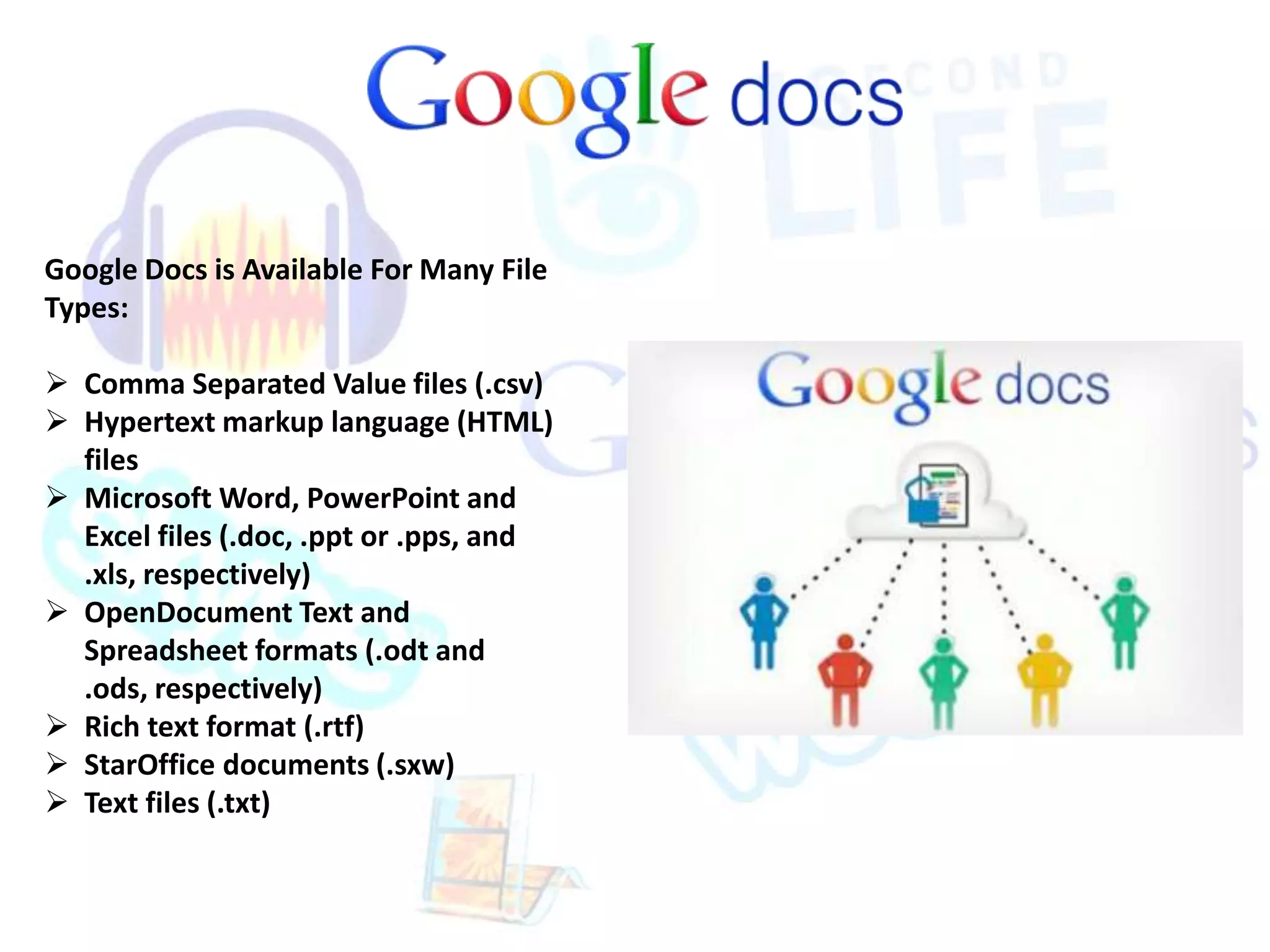
Google Docs is Available For Many File 
Types: 
 Comma Separated Value files (.csv) 
 Hypertext markup language (HTML) 
files 
 Microsoft Word, PowerPoint and 
Excel files (.doc, .ppt or .pps, and 
.xls, respectively) 
 OpenDocument Text and 
Spreadsheet formats (.odt and 
.ods, respectively) 
 Rich text format (.rtf) 
 StarOffice documents (.sxw) 
 Text files (.txt)
Benefits of Google Docs 
 Real time Communication 
 When employees work in remote areas, Google Docs 
lets you all work together on single documents at the 
same time. You can each also access the shared folder 
of files. Feedback and changes save almost instantly. 
Google Docs provides a revision history throughout 
the entire process. 
 Other users see the updated changes instantly. While 
working with documents or presentations, users can 
see who else is in the file. And with spreadsheets, 
users can click on a tab labeled "discuss" to chat in 
real time about the project.
Your World. Your Imagination. 
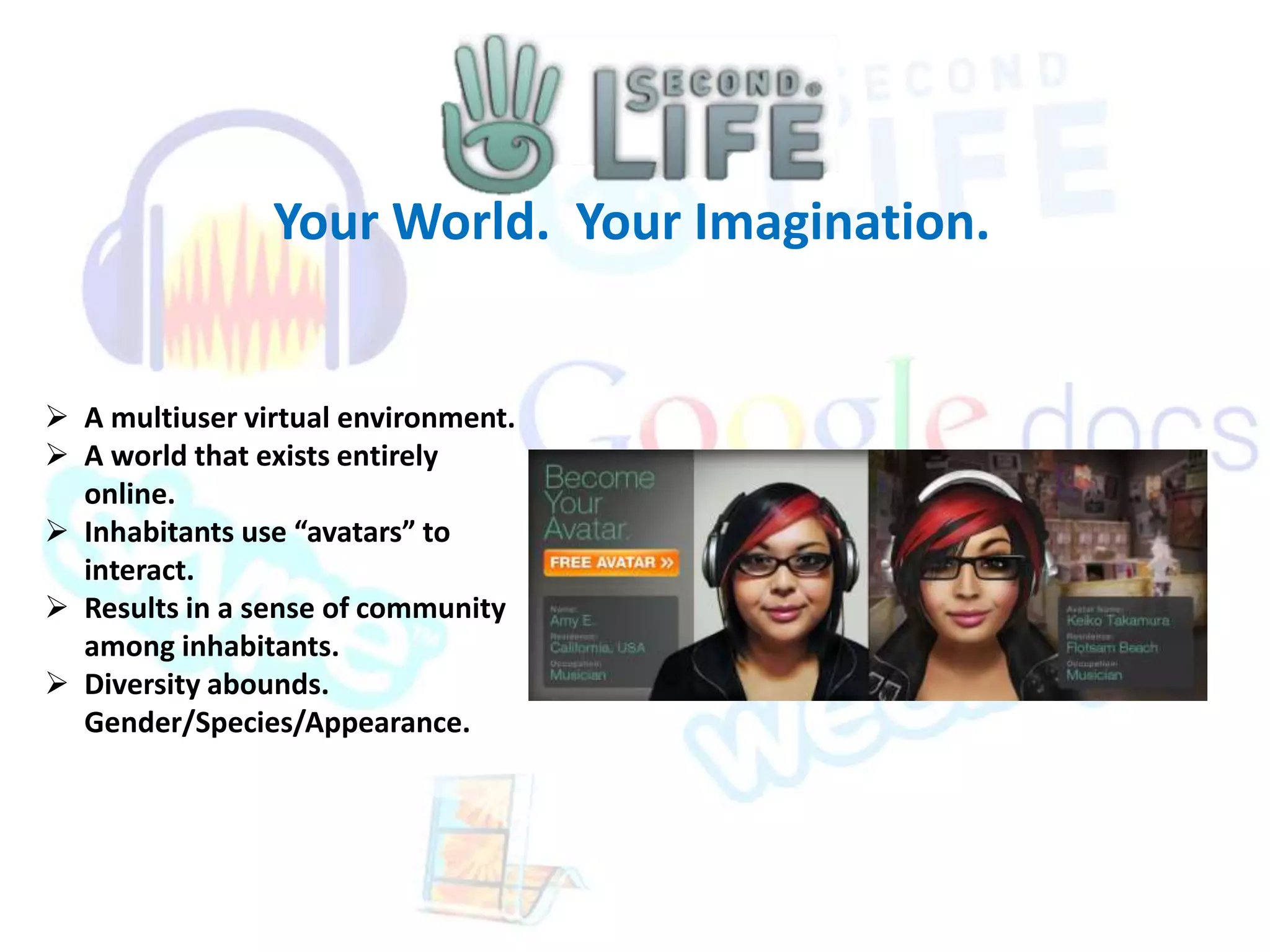
 A multiuser virtual environment. 
 A world that exists entirely 
online. 
 Inhabitants use “avatars” to 
interact. 
 Results in a sense of community 
among inhabitants. 
 Diversity abounds. 
Gender/Species/Appearance.
Your World. Your Imagination. 
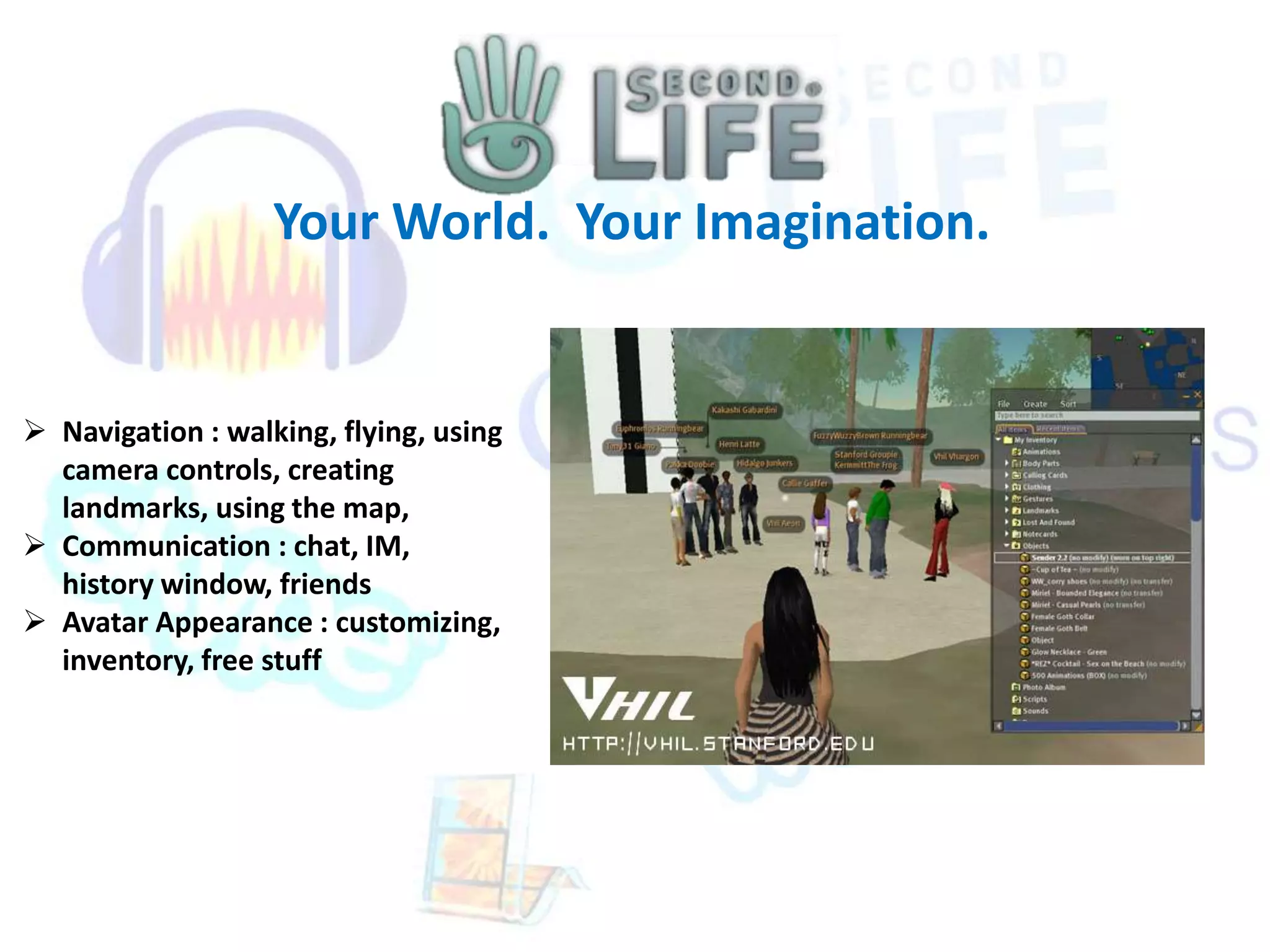
 Navigation : walking, flying, using 
camera controls, creating 
landmarks, using the map, 
 Communication : chat, IM, 
history window, friends 
 Avatar Appearance : customizing, 
inventory, free stuff
Your World. Your Imagination. 
What can we do with SecondLife? 
 Build common resources and 
process 
 Facilitate sharing objects and 
resources 
 Investigate and synthesize best 
marketing, communication, and 
information “Ideas”
Your World. Your Imagination. 
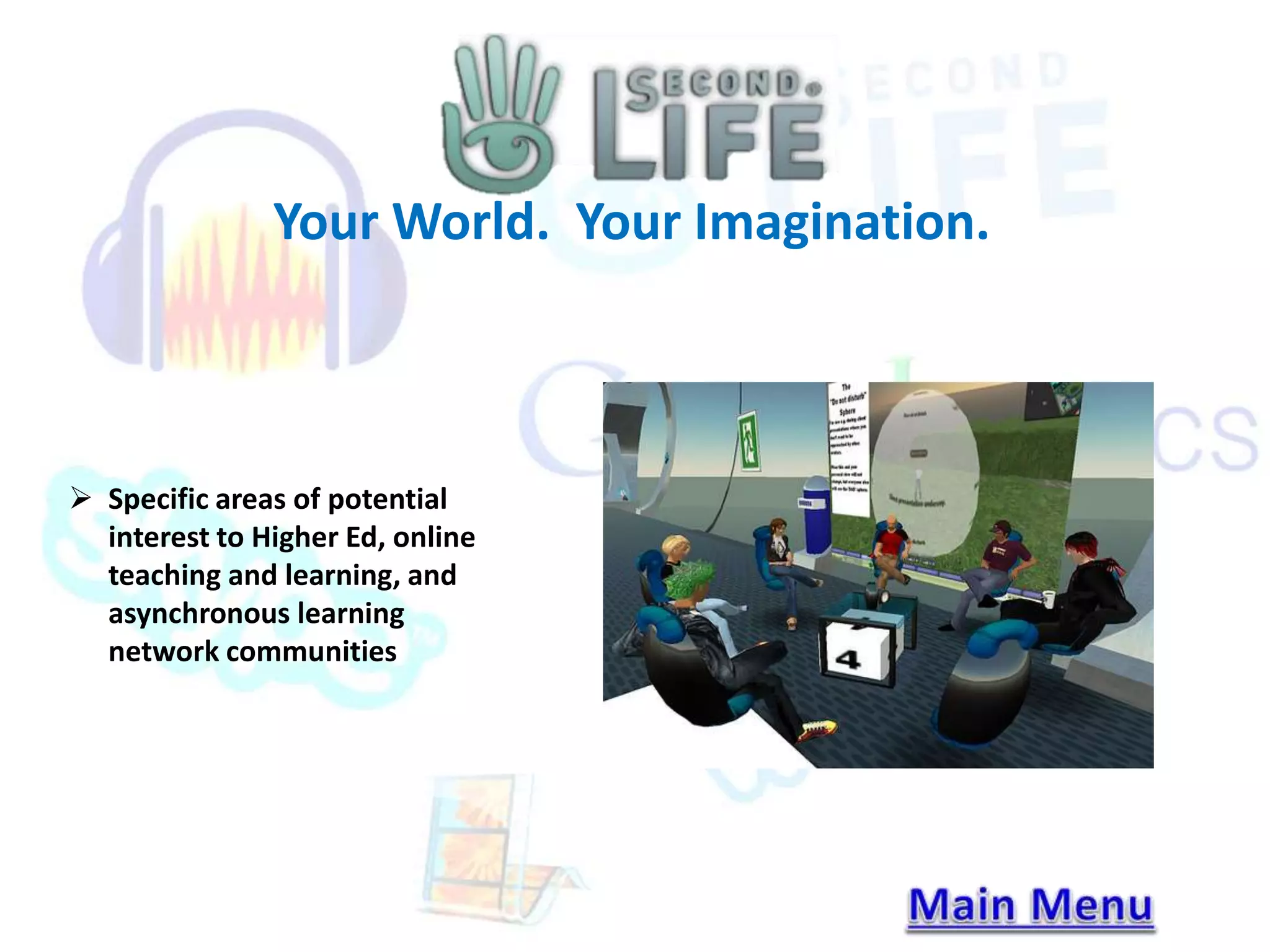
 Specific areas of potential 
interest to Higher Ed, online 
teaching and learning, and 
asynchronous learning 
network communities
Citations 
• Sourceforge.net (2014). Audacity: About audacity. Retrieved 
from http://audacity.sourceforge.net/about/ 
• Brandl, Robert. (2010, May 5). WebsiteToolTester.com: Find The Best Website Builder. 
Retrieved from http://www.websitetooltester.com/en/reviews/weebly-review/ 
• Buner, Mary (2007, July 8) Weebly, Wikipedia. Retrieved from 
http://en.wikipedia.org/wiki/Weebly 
• Weebly Inc. (2014). Weebly. Retrieved from http://www.weebly.com/about/# 
• Weebly Inc. (2014) Weebly. Retrieved from http://www.weebly.com/ 
• Features. (n.d.). Retrieved September 7, 2014, from http://www.skype.com/en/features/ 
• Rates. (n.d.). Retrieved September 7, 2014, from http://www.skype.com/en/rates/ 
• Skype. (n.d.). Retrieved September 7, 2014, from http://en.wikipedia.org/wiki/Skype 
• What is Skype? Learn all about Skype's free and low-cost features. (n.d.). Retrieved 
September 7, 2014, from http://www.skype.com/en/what-is-skype/ 
• Alghini, C. (2012, September 17). 4 Core Benefits of Google Docs. Retrieved 
September 12, 2014. 
• Strickland, J. (2008, June 2). HowStuffWorks "How Google Docs Works" Retrieved 
September 12, 2014.

Presentation final

  • 1.
    Please use thelinks in blue to navigate our presentation, Welcome to Team 3’s Presentation: Or feel free to click through slide by slide. Development Methods/Tools Microsoft Movie Maker – Presented By John Wion Audacity – Presented By Kenneth Coleman Weebly – Presented By Russell Pawletzk Collaboration Methods/Tools Skype – Presented By Tashena Young Google Docs – Presented By John Alkhoury Second Life – Presented By Gerardo Valdez Citations
  • 2.
    Windows Movie Makeris downloaded with Microsoft Essentials tools or separately. It can be used to create and edit videos, combining photos into the video as well. The features include: Import and edit slide shows and videos Add and edit audio Edit movies and choose a theme Share a movie online Windows Movie Maker
  • 3.
    Movie Maker MediaSources Windows Movie Maker can import movies, slides and photos from many different sources including: Digital Camera or phone connected via usb SD or mini SD cards CD or DVD Video Cameras Video Tape Web Cam Windows Movie Maker
  • 4.
    Movie Maker Compatibility Windows Movie Maker is compatible with the following Microsoft OS’s: Windows 8 Windows 7 Windows Vista XP (included in service packs 2 and 3) Windows Movie Maker
  • 5.
    Free Audio Editorand Recorder Audacity is a free, open source, cross platform audio editing software program with many of the same features available in commercial audio editing software packages.
  • 6.
    Free Audio Editorand Recorder Business Application  Corporate podcast recording.  Voiceover recording for presentations.  Creating an audio record of business meeting minutes.
  • 7.
    Free Audio Editorand Recorder Advantages  Cross-platform: Available for Windows, Mac, GNU/Linux and other platforms.  Feature-rich: Contains many features as comparable commercial audio editing software such as recording and editing multiple tracks and support for many audio file formats (such as MP3, WAV and OGG formats).  Easy to use.  No cost for purchase
  • 8.
    Freedom to Starta Site, Blog, or Online Store  Head Quarters: San Francisco  Hosts twenty-million sites, and growing!  Over one million unique monthly visitors
  • 9.
    Freedom to Starta Site, Blog, or Online Store  Option to buy domain name  “yourname”.weebly.com  “yourname” is a unique unused user domain name  Unlimited Storage Works with  Limitations Microsoft Windows  Free plan – 10 mb “each  Mac Operating Systems  Linux file”  Pro plan – 250 mb “each file”
  • 10.
    Freedom to Starta Site, Blog, or Online Store  Ability to Support Ads  Basic feature support  Blogging  E-commerce  iPhone and Android Apps Available  Monitoring web traffic stats  Update blog posts and comment response  Update product list for online store
  • 11.
    A place forCalling, Video & Messaging With Others Owned by Microsoft since 2011 Headquarters: Luxembourg
  • 12.
    A place forCalling, Video & Messaging With Others Features of Skype (Personal & Business)  Calling  Video  Messaging  Sharing  Other features (Premium Services): Skype to Facebook, Skype Wi-Fi, Skype Manager, Skype Connect, Skype for Outlook.com, Skype buttons
  • 13.
    A place forCalling, Video & Messaging With Others Using Skype  Download from www.skype.com  Can be downloaded for your for Windows, Mac Operating Systems & Linux  Create an online account  Easily accessible from your computer, mobile, tablet, TV & home phone  Can search for friends, family and colleagues
  • 14.
     Google Docsmakes use of the cloud computing trend powered by Google.  It is a package of products (which include a word processing application, a spreadsheet application and an application for developing presentations) that enable you to create, edit, store and share files with other users online from remote locations and in real-time.
  • 15.
    Google Docs isAvailable For Many File Types:  Comma Separated Value files (.csv)  Hypertext markup language (HTML) files  Microsoft Word, PowerPoint and Excel files (.doc, .ppt or .pps, and .xls, respectively)  OpenDocument Text and Spreadsheet formats (.odt and .ods, respectively)  Rich text format (.rtf)  StarOffice documents (.sxw)  Text files (.txt)
  • 16.
    Benefits of GoogleDocs  Real time Communication  When employees work in remote areas, Google Docs lets you all work together on single documents at the same time. You can each also access the shared folder of files. Feedback and changes save almost instantly. Google Docs provides a revision history throughout the entire process.  Other users see the updated changes instantly. While working with documents or presentations, users can see who else is in the file. And with spreadsheets, users can click on a tab labeled "discuss" to chat in real time about the project.
  • 17.
    Your World. YourImagination.  A multiuser virtual environment.  A world that exists entirely online.  Inhabitants use “avatars” to interact.  Results in a sense of community among inhabitants.  Diversity abounds. Gender/Species/Appearance.
  • 18.
    Your World. YourImagination.  Navigation : walking, flying, using camera controls, creating landmarks, using the map,  Communication : chat, IM, history window, friends  Avatar Appearance : customizing, inventory, free stuff
  • 19.
    Your World. YourImagination. What can we do with SecondLife?  Build common resources and process  Facilitate sharing objects and resources  Investigate and synthesize best marketing, communication, and information “Ideas”
  • 20.
    Your World. YourImagination.  Specific areas of potential interest to Higher Ed, online teaching and learning, and asynchronous learning network communities
  • 21.
    Citations • Sourceforge.net(2014). Audacity: About audacity. Retrieved from http://audacity.sourceforge.net/about/ • Brandl, Robert. (2010, May 5). WebsiteToolTester.com: Find The Best Website Builder. Retrieved from http://www.websitetooltester.com/en/reviews/weebly-review/ • Buner, Mary (2007, July 8) Weebly, Wikipedia. Retrieved from http://en.wikipedia.org/wiki/Weebly • Weebly Inc. (2014). Weebly. Retrieved from http://www.weebly.com/about/# • Weebly Inc. (2014) Weebly. Retrieved from http://www.weebly.com/ • Features. (n.d.). Retrieved September 7, 2014, from http://www.skype.com/en/features/ • Rates. (n.d.). Retrieved September 7, 2014, from http://www.skype.com/en/rates/ • Skype. (n.d.). Retrieved September 7, 2014, from http://en.wikipedia.org/wiki/Skype • What is Skype? Learn all about Skype's free and low-cost features. (n.d.). Retrieved September 7, 2014, from http://www.skype.com/en/what-is-skype/ • Alghini, C. (2012, September 17). 4 Core Benefits of Google Docs. Retrieved September 12, 2014. • Strickland, J. (2008, June 2). HowStuffWorks "How Google Docs Works" Retrieved September 12, 2014.

Editor's Notes

  • #3 http://windows.microsoft.com/en-us/windows7/products/features/movie-maker http://windows.microsoft.com/en-us/windows-live/movie-maker?T1=t3
  • #4 http://windows.microsoft.com/en-us/windows7/products/features/movie-maker http://windows.microsoft.com/en-us/windows-live/movie-maker?T1=t3
  • #5 http://windows.microsoft.com/en-us/windows7/products/features/movie-maker http://windows.microsoft.com/en-us/windows-live/movie-maker?T1=t3