IT    PROJECTS    2013
Aims
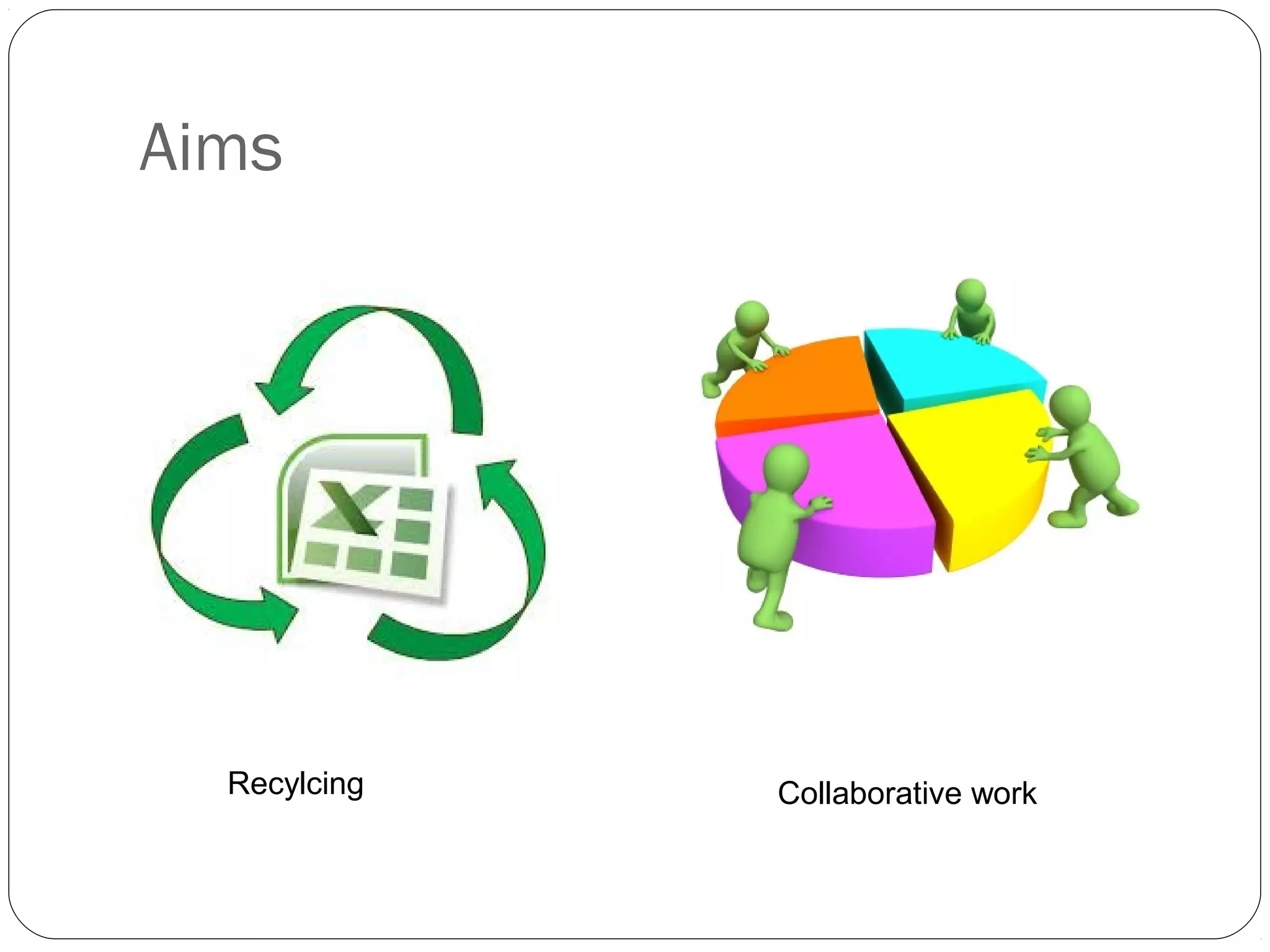
Recylcing Collaborative work
“Reusing and recycling” IT projects
Teachers may use the same project they
developed last year making the necessary
modifications and improvements.
If they have a different course, she/he
may use the corresponding project
developed in 2012 for that level making
the necessary modifications according to
the group. In this case, the teacher/s will
ask for the project to the coordinators.
Social networks  may be used as a
class tool for communication, but they
will not be considered as a webtool for
a project.
Teacher Objectives
Teachers are expected to:
familiarize students with one of the suggested digital tool,
develop the project as part of the course using the language
studied in class. IT Projects are not an “extra” activity. They
must be integrated to the learning process,
make all the necessary language corrections to his/her
students´ works,
stimulate students to use (online) dictionaries and the
language they have learnt so far,
make students aware of the implications of plagiarism.
Student Objectives
Students are expected to:
analyze and evaluate online previous projects paying attention to
language, design and target audience
plan, write, illustrate, and publish their own projects using a web
tool.
be original, avoid “copy and paste” of text.
participate in a review of a project developed by  other students in
the same class or different classes.
upload their works to the corresponding blog (depending on their
technological knowledge) of text and images.
How to present the IT projects
Information required:
Course + Year
Teacher's name/teachers' names
Title of the Project ( Teachers will choose the topic of their
projects )
Brief Description  
Tool
Number of Students
Projects which do not follow the
above guideline will not be
accepted
Considerations about how to
develop and fulfill the project
The time devoted to the projects will be 6 weeks.
Projects are expected to be ready by Set. 30th
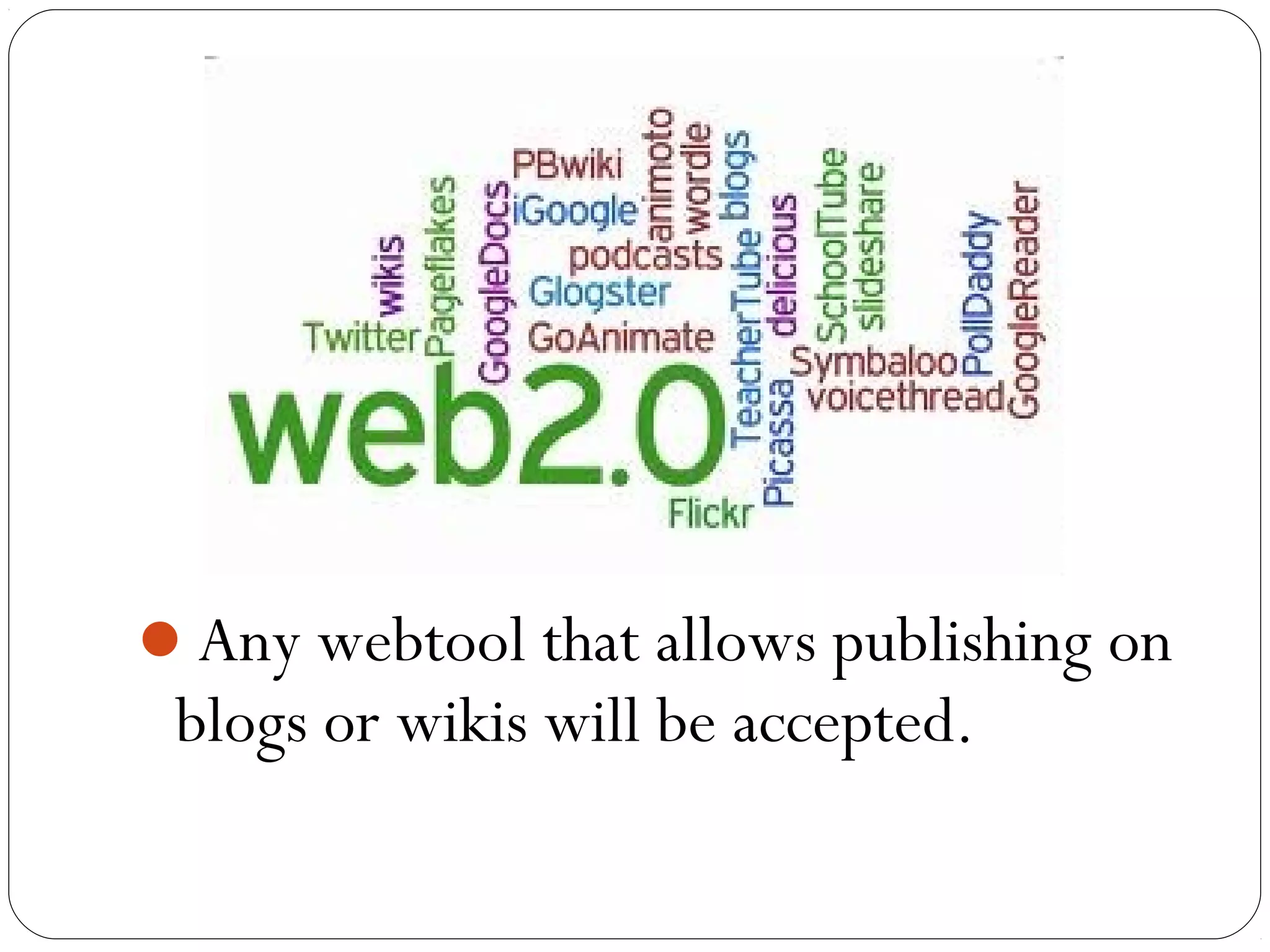
Any webtool that allows publishing on
blogs or wikis will be accepted.
PLACE : The classroom can no longer be viewed as being
within four walls. Project implementation will be carried out
at the computer room and at home. IT projects are supposed
to respond to the concept that the class has no boundaries
and that students have access to unlimited opportunities to
learn anytime and anywhere and that they have the tools that
make this possible.
Comments
Respect the three stages :  warmer , web and what next. To
avoid students’ anxiety, it is advisable to carry out the
warmer step in the common classroom.
Explore the webtool before Students start working on the
project
Start working with the computers if, and only if, Students
have a written draft copy of what they are going to write.
You will lose your precious time if students start thinking
about the project at the computer room.
Make students avoid “copy and paste”
If you have any doubt or need any help,
contact the coordinator of your area
and the IT coordinator via mail
(escuelaunlp@yahoo.com.ar)

ppt TIC 2013

  • 1.
  • 2.
  • 3.
    “Reusing and recycling”IT projects Teachers may use the same project they developed last year making the necessary modifications and improvements. If they have a different course, she/he may use the corresponding project developed in 2012 for that level making the necessary modifications according to the group. In this case, the teacher/s will ask for the project to the coordinators.
  • 4.
    Social networks  maybe used as a class tool for communication, but they will not be considered as a webtool for a project.
  • 5.
  • 6.
    Teachers are expectedto: familiarize students with one of the suggested digital tool, develop the project as part of the course using the language studied in class. IT Projects are not an “extra” activity. They must be integrated to the learning process, make all the necessary language corrections to his/her students´ works, stimulate students to use (online) dictionaries and the language they have learnt so far, make students aware of the implications of plagiarism.
  • 7.
  • 8.
    Students are expectedto: analyze and evaluate online previous projects paying attention to language, design and target audience plan, write, illustrate, and publish their own projects using a web tool. be original, avoid “copy and paste” of text. participate in a review of a project developed by  other students in the same class or different classes. upload their works to the corresponding blog (depending on their technological knowledge) of text and images.
  • 9.
    How to presentthe IT projects Information required: Course + Year Teacher's name/teachers' names Title of the Project ( Teachers will choose the topic of their projects ) Brief Description   Tool Number of Students Projects which do not follow the above guideline will not be accepted
  • 10.
    Considerations about howto develop and fulfill the project
  • 11.
    The time devotedto the projects will be 6 weeks. Projects are expected to be ready by Set. 30th
  • 12.
    Any webtool thatallows publishing on blogs or wikis will be accepted.
  • 13.
    PLACE : Theclassroom can no longer be viewed as being within four walls. Project implementation will be carried out at the computer room and at home. IT projects are supposed to respond to the concept that the class has no boundaries and that students have access to unlimited opportunities to learn anytime and anywhere and that they have the tools that make this possible.
  • 14.
    Comments Respect the threestages :  warmer , web and what next. To avoid students’ anxiety, it is advisable to carry out the warmer step in the common classroom. Explore the webtool before Students start working on the project Start working with the computers if, and only if, Students have a written draft copy of what they are going to write. You will lose your precious time if students start thinking about the project at the computer room. Make students avoid “copy and paste”
  • 15.
    If you haveany doubt or need any help, contact the coordinator of your area and the IT coordinator via mail (escuelaunlp@yahoo.com.ar)