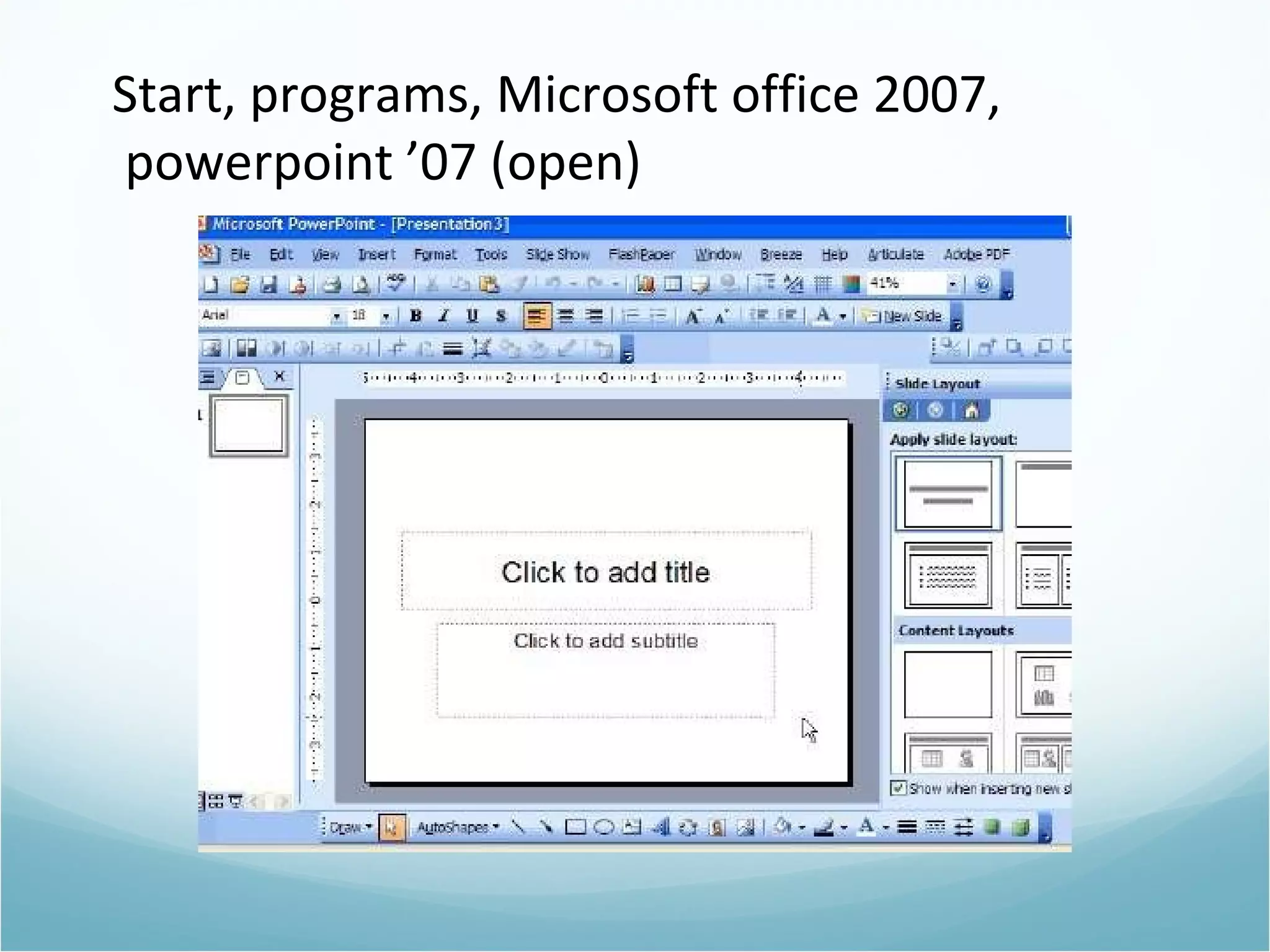
Start, programs, Microsoft office 2007, powerpoint ’07 (open)
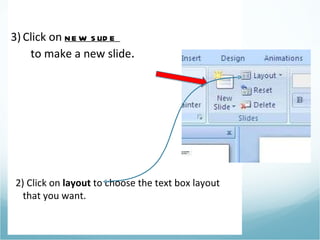
Click on  new slide  to make a new slide . 2) Click on  layout  to choose the text box layout that you want.
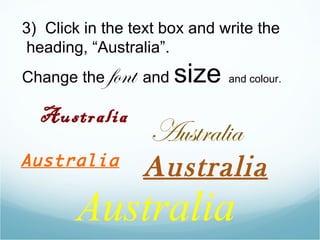
Australia Australia Australia 3)  Click in the text box and write the  heading, “Australia”. Change the  font   and  size  and colour. Australia Australia
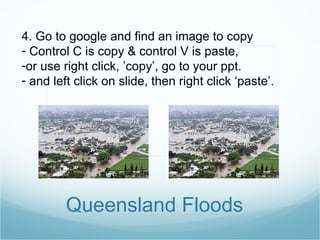
Queensland Floods 4. Go to google and find an image to copy Control C is copy & control V is paste,  or use right click, ’copy’, go to your ppt. and left click on slide, then right click ‘paste’.
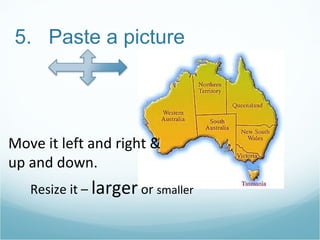
5.  Paste a picture Move it left and right & up and down. Resize it –  larger  or  smaller
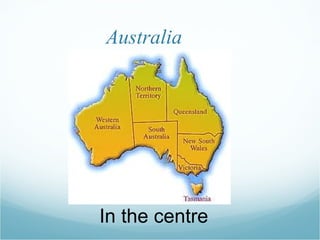
Australia In the centre
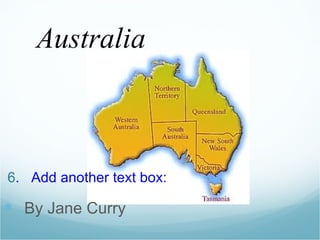
6 .  Add another text box: By Jane Curry Australia
Make 4 different slides Add: 1- the heading 2- an image 3- by _____(your name) Do a slide for three more topics.
Now save this file. Save as… either on your ‘H drive’ or to desktop. Send as an attachment to: j a n e c roydon@gmail.com

Powerpoint: "How to make the first page"

  • 1.
    Start, programs, Microsoftoffice 2007, powerpoint ’07 (open)
  • 2.
    Click on new slide to make a new slide . 2) Click on layout to choose the text box layout that you want.
  • 3.
    Australia Australia Australia3) Click in the text box and write the heading, “Australia”. Change the font and size and colour. Australia Australia
  • 4.
    Queensland Floods 4.Go to google and find an image to copy Control C is copy & control V is paste, or use right click, ’copy’, go to your ppt. and left click on slide, then right click ‘paste’.
  • 5.
    5. Pastea picture Move it left and right & up and down. Resize it – larger or smaller
  • 6.
  • 7.
    6 . Add another text box: By Jane Curry Australia
  • 8.
    Make 4 differentslides Add: 1- the heading 2- an image 3- by _____(your name) Do a slide for three more topics.
  • 9.
    Now save thisfile. Save as… either on your ‘H drive’ or to desktop. Send as an attachment to: j a n e c roydon@gmail.com

Editor's Notes

  • #4 My notes about slide one, Hello , my name is ,…. I want to talk to you today about…..