
Managing my online life or "how to win friends and influence people online - and remain sane!"
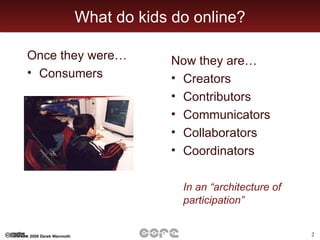
What do kids do online? Once they were… Consumers Now they are… Creators Contributors Communicators Collaborators  Coordinators In an “architecture of participation”
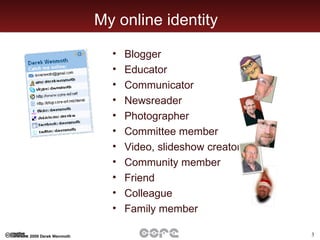
My online identity Blogger  Educator Communicator Newsreader Photographer Committee member Video, slideshow creator Community member Friend Colleague Family member
Where to start?
Step 1 - Immerse yourself Go exploring: Slideshare Teacher Tube Blogs Wikis Social networks Online communities Take note of what you find helpful and why Bookmark those you’d like to visit again Talk to others about what you’re finding
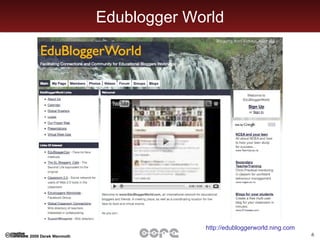
Edublogger World http://edubloggerworld.ning.com
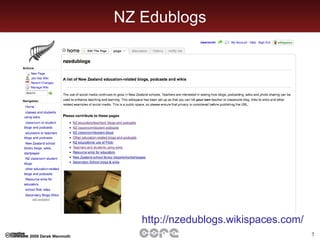
NZ Edublogs http://nzedublogs.wikispaces.com/
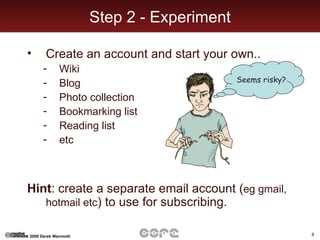
Step 2 - Experiment Create an account and start your own.. Wiki Blog Photo collection Bookmarking list Reading list etc  Hint : create a separate email account ( eg gmail, hotmail etc ) to use for subscribing. Seems risky?
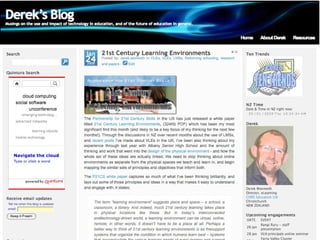
Derek’s blog
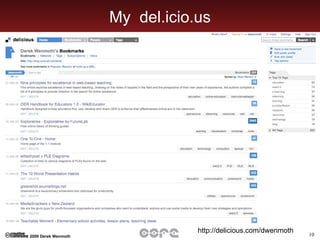
My  del.icio.us http://delicious.com/dwenmoth
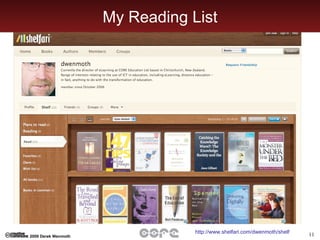
My Reading List http://www.shelfari.com/dwenmoth/shelf
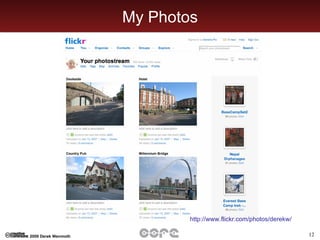
My Photos http://www.flickr.com/photos/derekw/
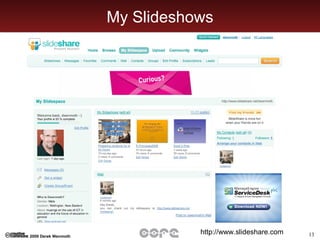
My Slideshows http://www.slideshare.com
Step 3 - Build your network Subscribe to lists Begin an RSS aggregator ‘ Follow’ others  Follow del.icio.us links Take note of who’s watching you Respond to those who comment on your blog
RSS Really Simple Syndication Brings your news and updates to you The key to connectivity in the digital world Set up an aggregator now ( bloglines, netnewswire ), or include feeds into your personal space ( iGoogle, NetVibes, Flock )
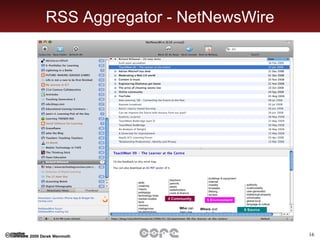
RSS Aggregator - NetNewsWire
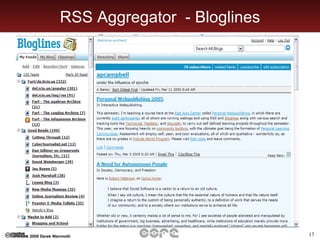
RSS Aggregator  - Bloglines
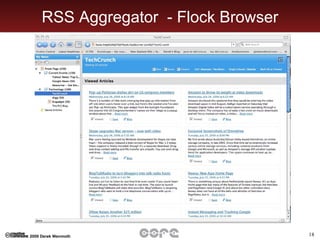
RSS Aggregator  - Flock Browser
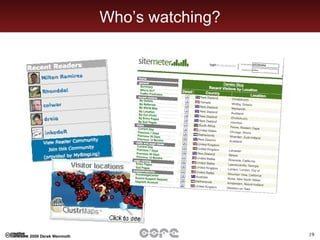
Who’s watching?
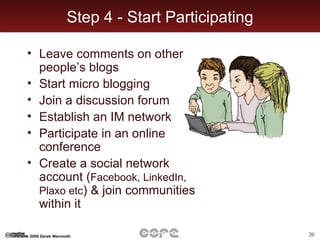
Step 4 - Start Participating Leave comments on other people’s blogs Start micro blogging Join a discussion forum Establish an IM network Participate in an online conference Create a social network account ( Facebook, LinkedIn, Plaxo etc ) & join communities within it
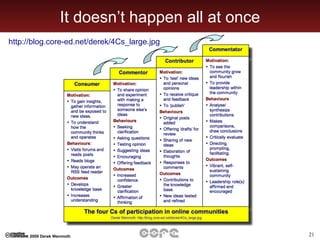
It doesn’t happen all at once http://blog.core-ed.net/derek/4Cs_large.jpg
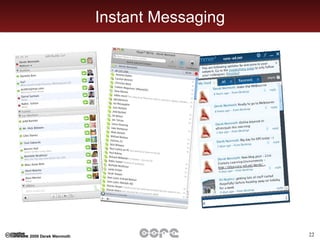
Instant Messaging
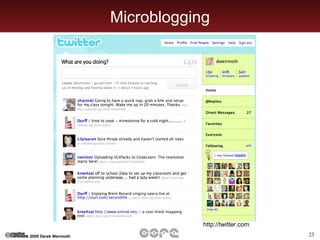
Microblogging http://twitter.com
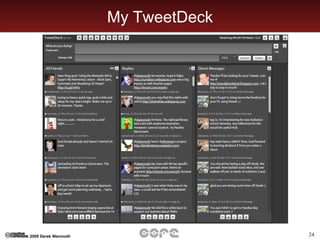
My TweetDeck
Facebook
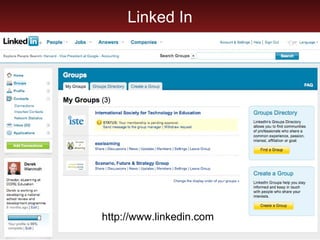
Linked In http://www.linkedin.com
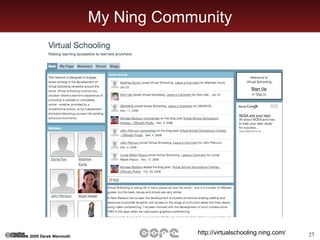
My Ning Community http://virtualschooling.ning.com/
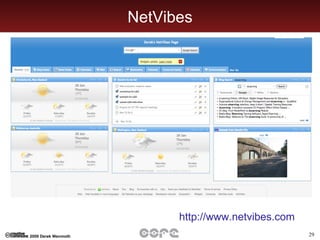
Step 5 - Make it work for you Create your own personalised site ( iGoogle, NetVibes, PageFlakes etc ) Make your personal page your home page Customise your browser Establish routines for use Regularly cull your RSS feeds Integrate your calendar Link to your PDA
NetVibes http://www.netvibes.com
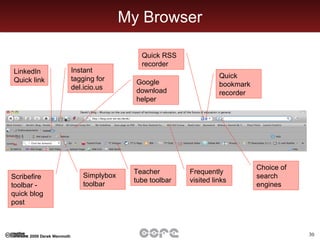
My Browser Instant tagging for del.icio.us Google download helper LinkedIn Quick link Quick RSS recorder Quick bookmark recorder Choice of search engines Frequently visited links Teacher tube toolbar Simplybox  toolbar Scribefire toolbar - quick blog post
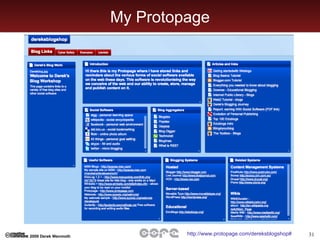
My Protopage http://www.protopage.com/dereksblogshop#
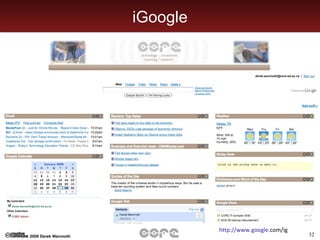
iGoogle http://www. google . com/ig
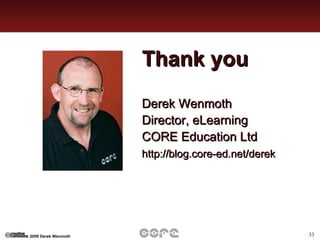
Thank you Derek Wenmoth Director, eLearning CORE Education Ltd http://blog.core-ed.net/derek

Managing My Life Online Ss