WELCOME


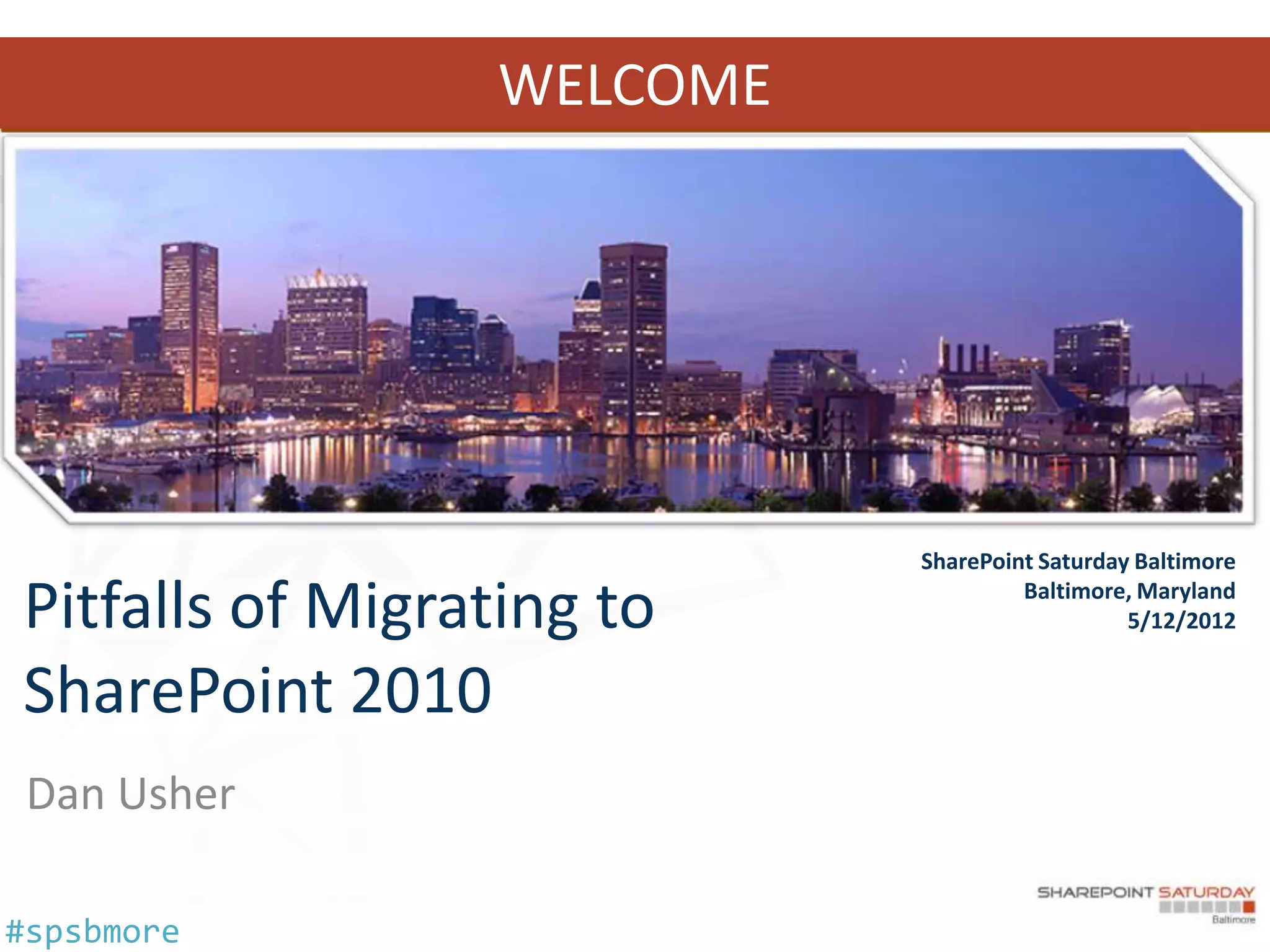
                            SharePoint Saturday Baltimore

Pitfalls of Migrating to             Baltimore, Maryland
                                               5/12/2012


SharePoint 2010
 Dan Usher

#spsbmore
who am I?
                     • Lead Associate, Booz Allen Hamilton
            Dan
                     • SharePoint Architect, Implementation
            Usher      Engineer, and Service Monkey
                     • 7 years of experience with SharePoint
            usher      going back to adventures with STS
                       2001 and SPS 2003 to the present…
                     • Enjoys discussions about Claims AuthZ,
                       SmartCard AuthN, Atomic Molecular
                       Optics & the Walking Dead
                     • Follows the SharePoint Credo - ADIDAS
                       All Day I Dream About SharePoint


#spsbmore
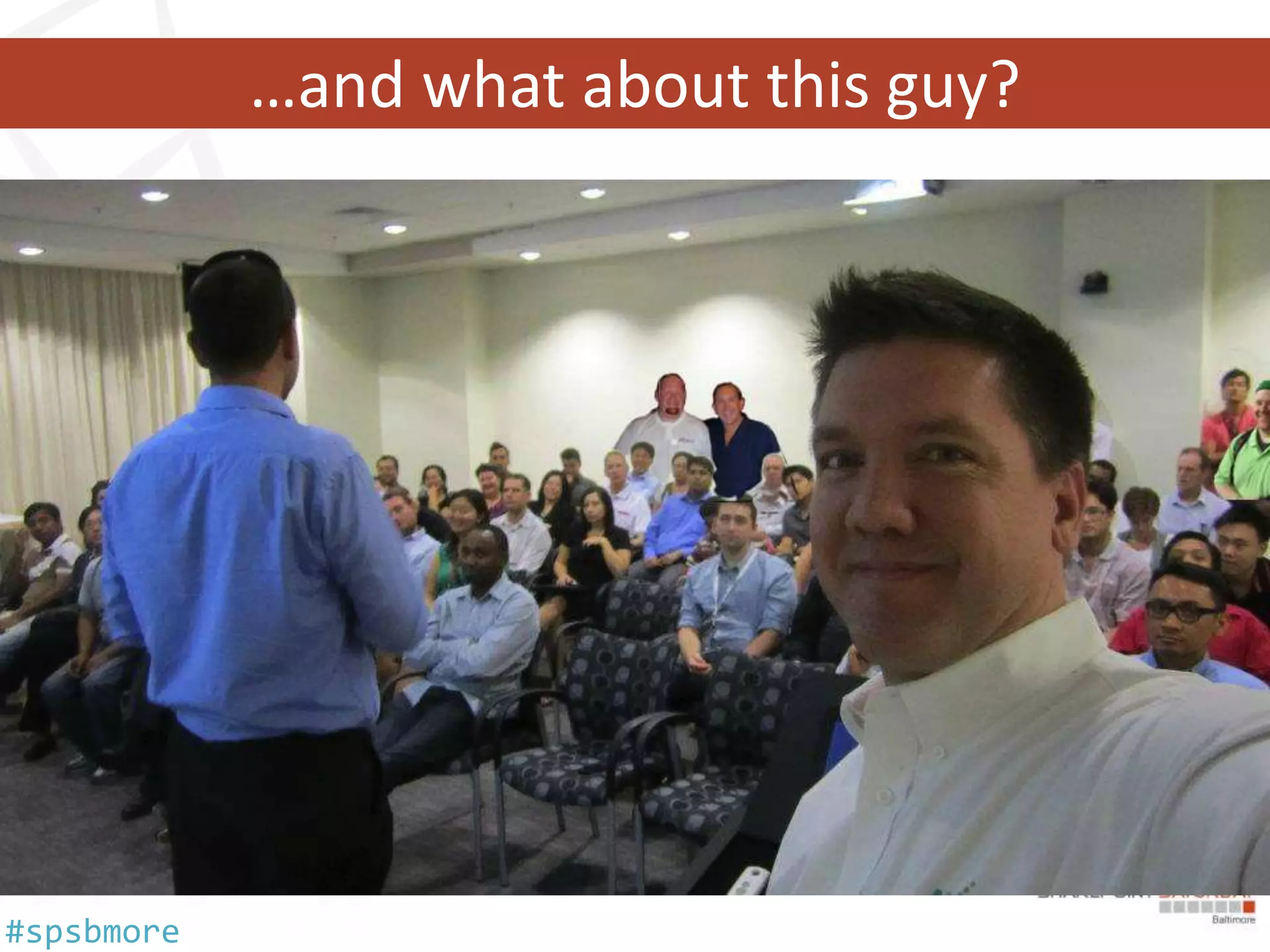
…and what about this guy?


#spsbmore
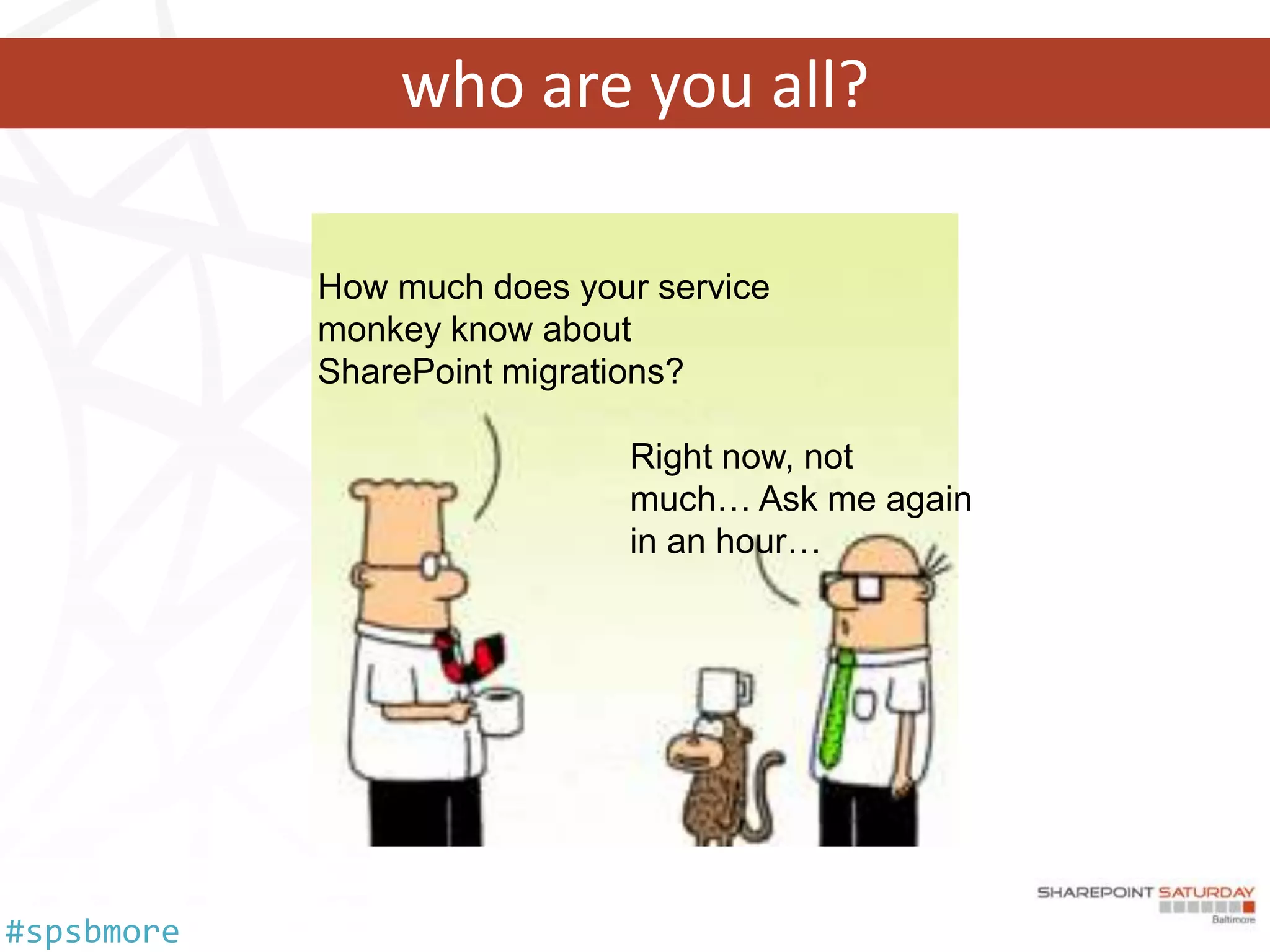
who are you all?


#spsbmore
Warning!!! Warning!!! Warning!!!


#spsbmore
Smithers, fetch my agenda…
   •   Wait, why are we doing this?
   •   Migration vs. Upgrade
   •   3rd Party Tools vs. OOTB Methods
   •   AuthN / AuthZ Changes
   •   Consolidation Considerations
   •   Content Assessments
   •   User Adoption, Experience and Training


#spsbmore
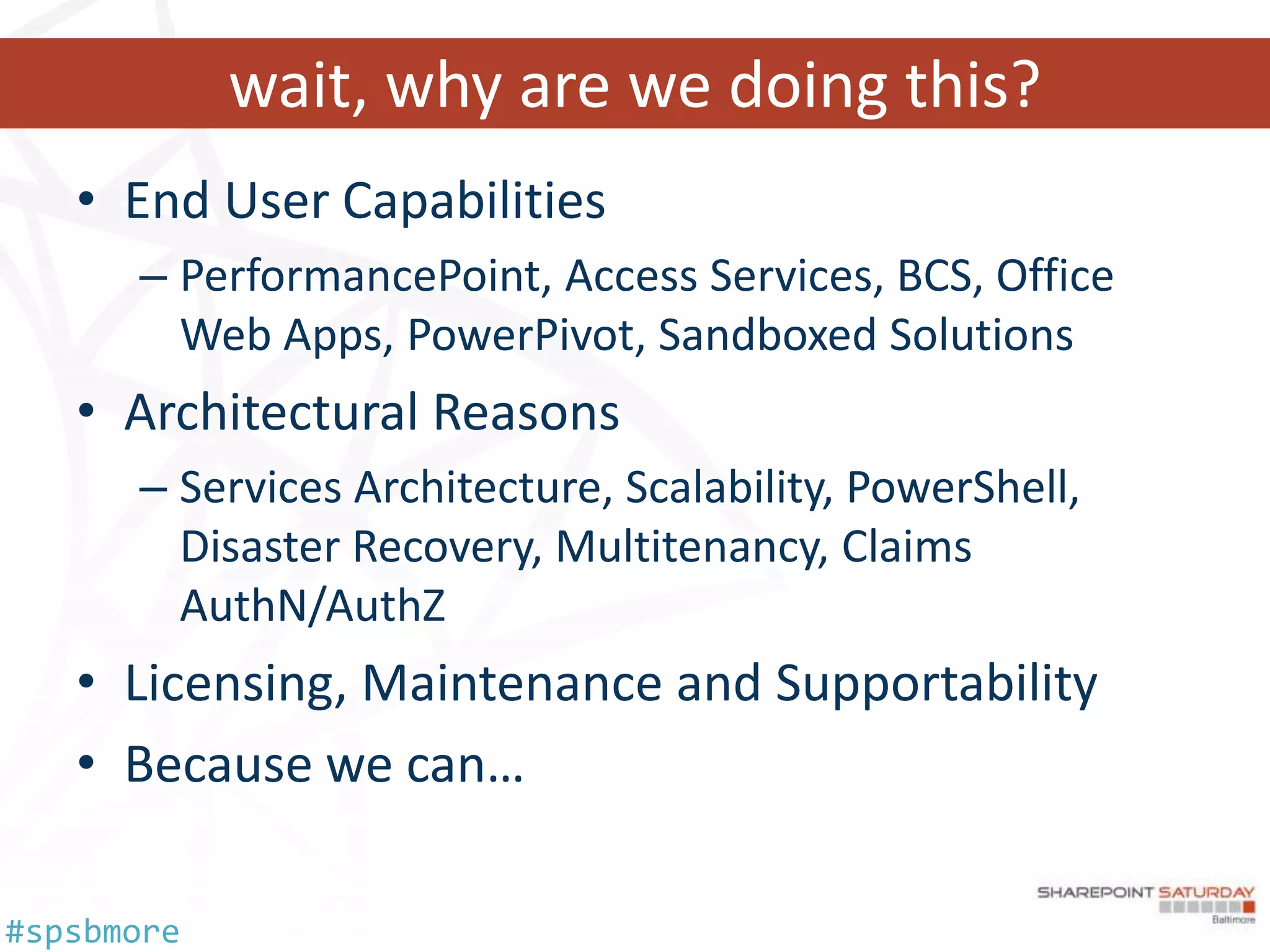
wait, why are we doing this?
   • End User Capabilities
      – PerformancePoint, Access Services, BCS, Office
        Web Apps, PowerPivot, Sandboxed Solutions
   • Architectural Reasons
      – Services Architecture, Scalability, PowerShell,
        Disaster Recovery, Multitenancy, Claims
        AuthN/AuthZ
   • Licensing, Maintenance and Supportability
   • Because we can…

#spsbmore
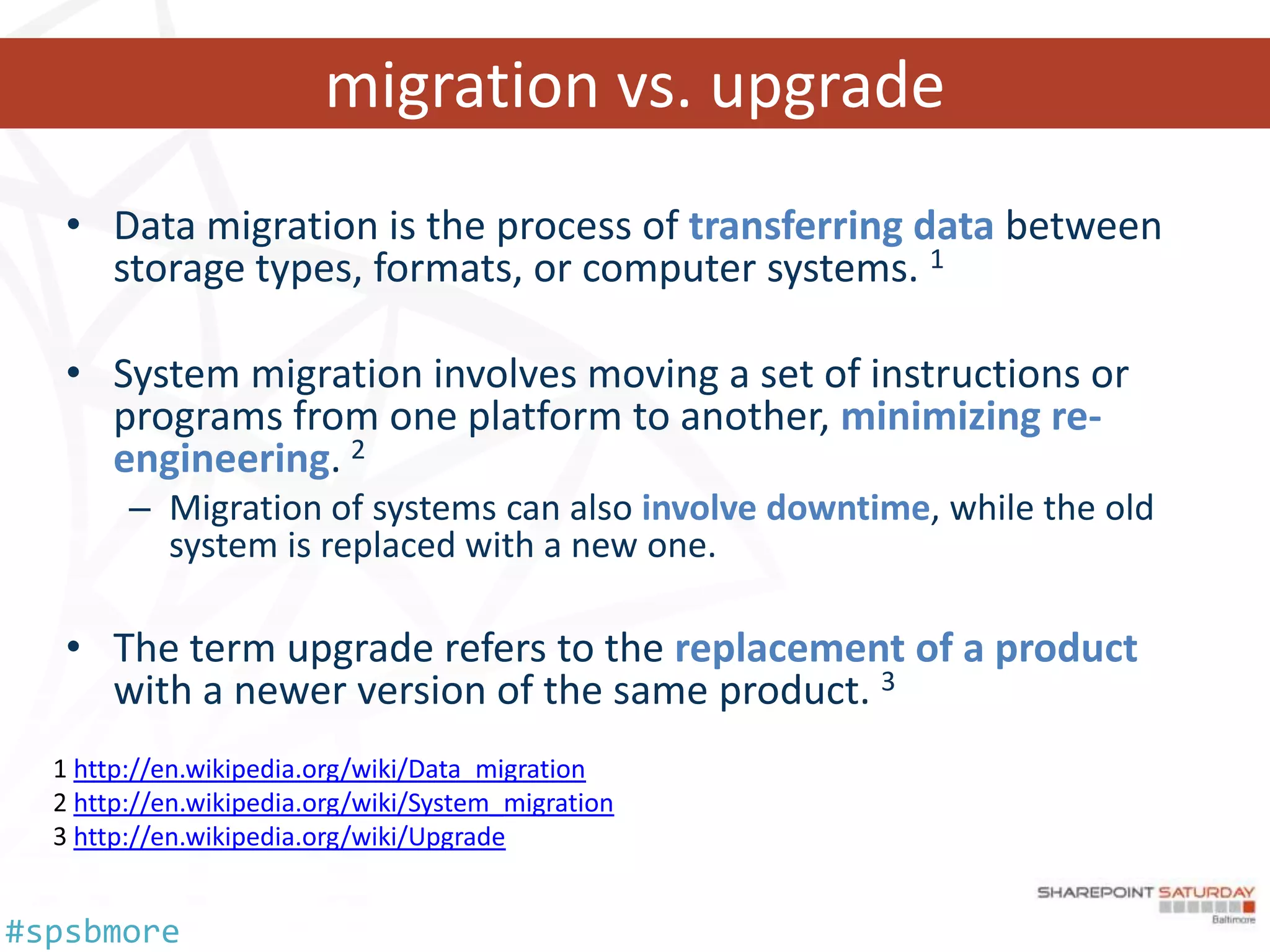
migration vs. upgrade
   • Data migration is the process of transferring data between
     storage types, formats, or computer systems. 1

   • System migration involves moving a set of instructions or
     programs from one platform to another, minimizing re-
     engineering. 2
       – Migration of systems can also involve downtime, while the old
         system is replaced with a new one.

   • The term upgrade refers to the replacement of a product
     with a newer version of the same product. 3
   http://en.wikipedia.org/wiki/Data_migration
   http://en.wikipedia.org/wiki/System_migration
   http://en.wikipedia.org/wiki/Upgrade


#spsbmore
we need a plan?


            You’re pretty funny…
            you must be new here…
            we don’t do plans…


#spsbmore
it’s all technical… right?

    • Implement a Training Plan
    • Implement a Communications Plan
    • Decide on a Content Migration Strategy
    • Have a User Support Plan
    • Provide Incentives and Rewards
    • Enable End-user Feedback
    • Align Business Objectives
    Make sure that you’ve successfully incorporated the
    technology components that help drive adoption


#spsbmore
lets get technical…

   • Hardware and Software Requirements
  Web Front End(s)                           SQL Server(s)
  Component    Minimum Requirement           Component       Minimum Requirement
  Hardware     64-bit, four cores            Hardware        64-bit, four cores (small
                                                             deployments)
                                                             64-bit, eight cores (medium
                                                             deployments)
  Memory       8 GB
                                             Memory          8 GB (small deployments)
                                                             16 GB (medium deployments)
  Operation    Windows Server 2008 R2 with
                                             Operation       Windows Server 2008 R2 with SP1
  System       SP1
                                             System          Windows Server 2008 with SP2
               Windows Server 2008 with
               SP2                           SQL Server      SQL Server 2008 R2
                                                             SQL Server 2008 with SP1 (SP1)
                                                             and CU2 (or CU5 or later)
                                                             SQL Server 2005 with SP3 and CU3


#spsbmore
other preparation
    Version                           Migration Preparation
    SharePoint Portal Server 2001     Hire a consultant
                                      Consider a 3rd party migration tool
    Windows SharePoint Services 3.0   Hire a consultant
                                      Prescan.exe / ReGhost.net / GhostHunter Web Parts
    Office SharePoint Server 2007     STSADM –o preupgradecheck
    SharePoint Server 2010            test-spcontentdatabase cmdlet

    • Other Resources
         – TechNet Documentation (Capacity Planning / Hardware
           and Software Requirements)
         – Blogs (Joel Oleson, Todd Klindt and Shane Young)
         – Axceler Migration Toolkit (no cost)


#spsbmore
3rd Party Tools vs. OOTB
   • Out of the Box
      – In-place
      – Database Attach
      – Hybrid
   • 3rd Party
      –   Axceler Davinci Migrator
      –   AvePoint DocAve
      –   Metalogix Migration Manager
      –   Idera SharePoint Migration Suite (OEM’d by Quest)
      –   Tzunami Migration
      –   Kapow Solutions
      –   Xavor Solutions


#spsbmore
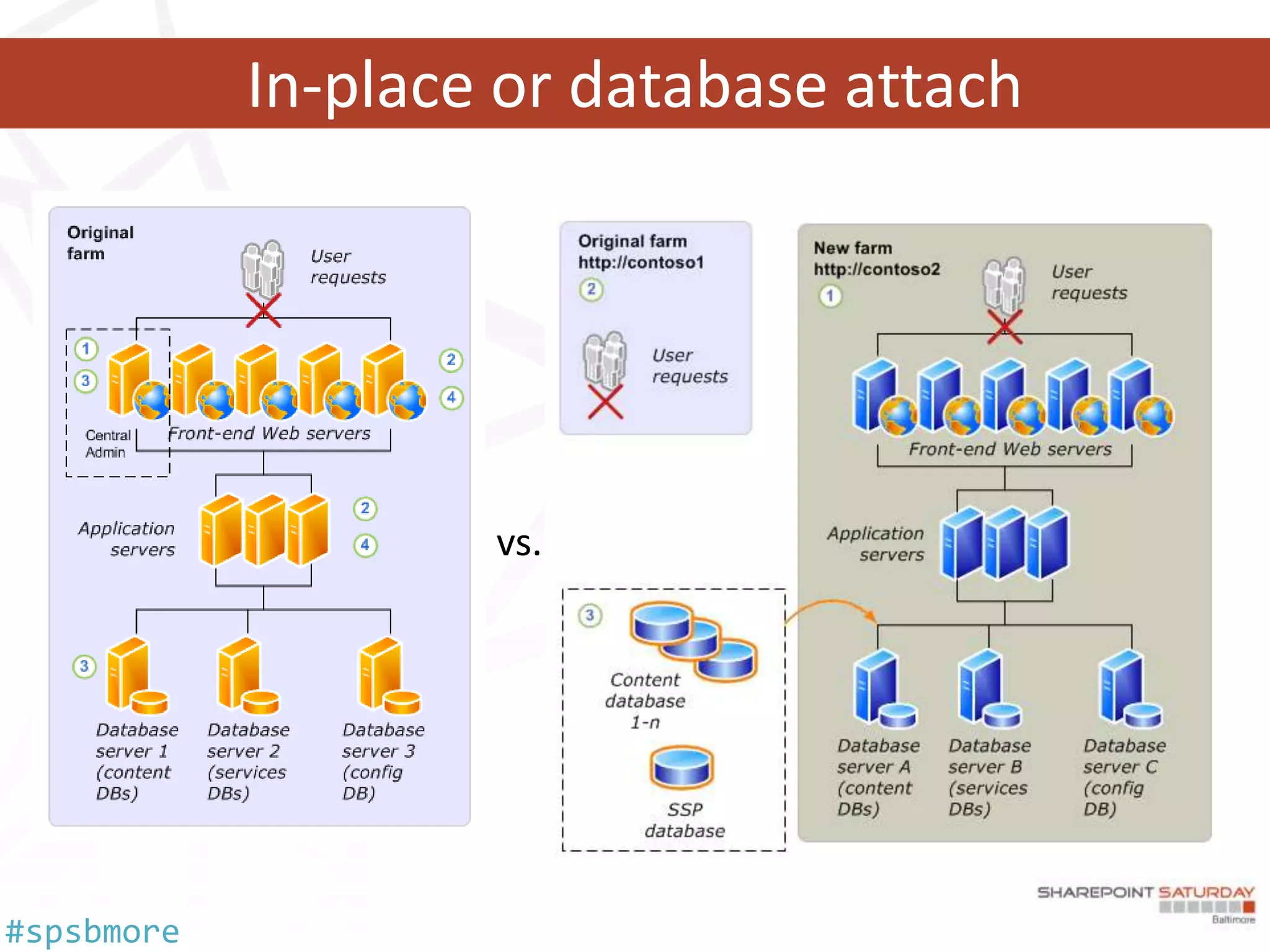
in-place or database attach
   • In-place
      –   Same operating system (x64 required)
      –   Same hardware (x64 required)
      –   Content and settings come along
      –   Farm is offline while upgrading
   • Database Attach
      –   New hardware
      –   Only content comes along
      –   Content is not available while upgrading, but you get to pick the order!
      –   Parallel upgrades of content
      –   Combine multiple farms
   • Hybrid
      – Database attach read-only databases
      – In-place upgrade with detached databases


#spsbmore
In-place or database attach


#spsbmore
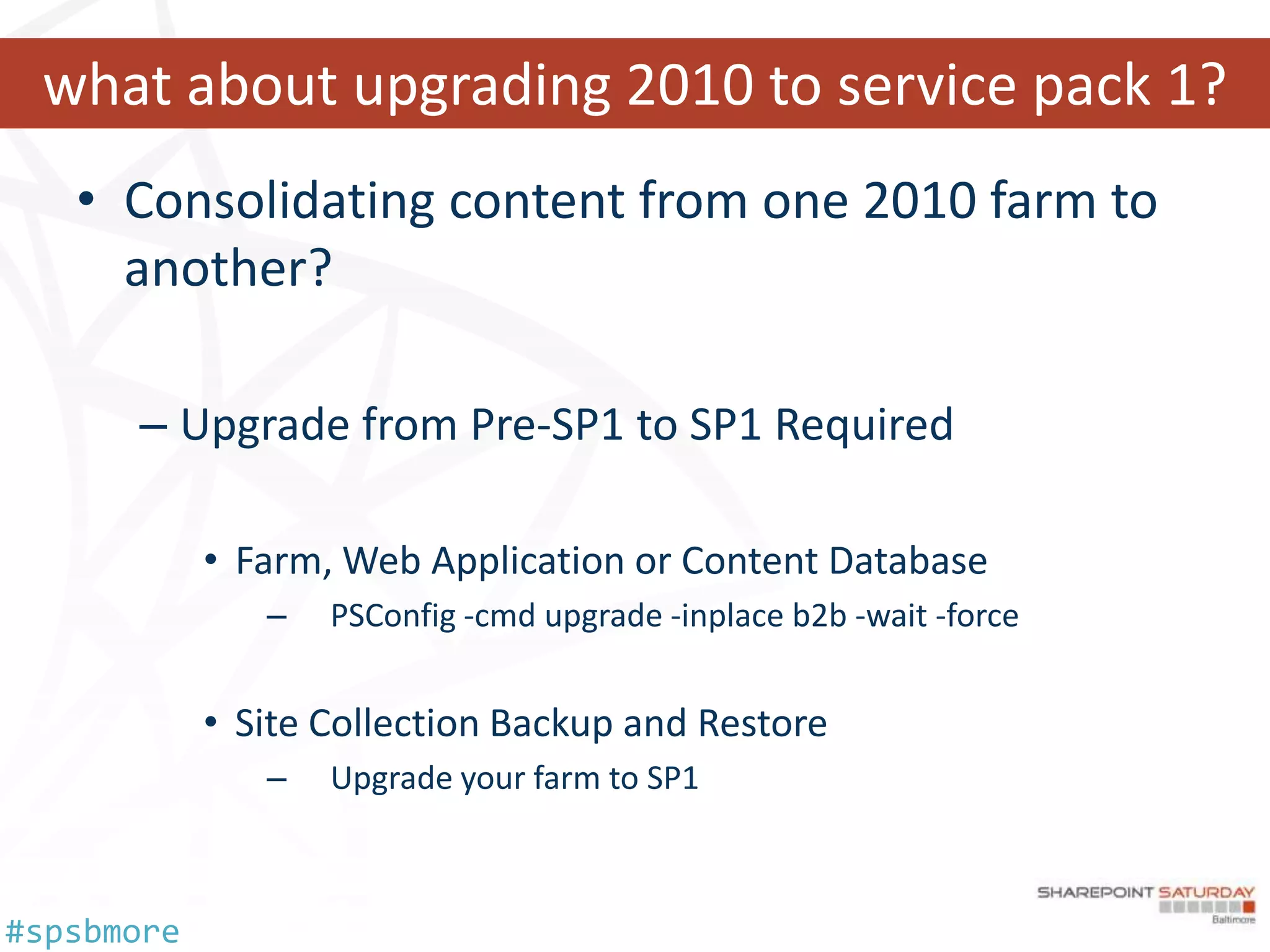
what about upgrading 2010 to service pack 1?
   • Consolidating content from one 2010 farm to
     another?

      – Upgrade from Pre-SP1 to SP1 Required

            • Farm, Web Application or Content Database
               –   PSConfig -cmd upgrade -inplace b2b -wait -force


            • Site Collection Backup and Restore
               –   Upgrade your farm to SP1


#spsbmore
authentication changes
   • SharePoint 2003
      – Classic Authentication (IIS)
            • Anonymous
            • Basic Authentication
            • Integrated Windows AuthN
                – NTLM & Kerberos
            • Client Certificate AuthN
   • SharePoint 2007
      – Classic Authentication (IIS)
      – ASP.NET Forms
            • LDAP, SQL, other ASP.NET FBA solns
      – Web Single Sign-On (SSO)
            • AD FS
            • Other Identity Management Systems

#spsbmore
mr. fusion meet SharePoint 2010…

    • SharePoint 2010
      • Classic
      • •Claims
           Integrated Windows AuthN with NTLM & Kerberos
        • No Client Certificate Authentication

        • Integrated Windows AuthN with NTLM
          & Kerberos
        • Forms Based Authentication
        • Trusted Identity Provider (SAML & WS-Fed)
        • Client Certificate Authentication through
          AD FS v2


#spsbmore
why would I choose claims auth?

    • It’s the new shiny…
    • Microsoft recommends it for
      new implementations…
    • Multiple Authentication
      Providers – One URL…
    • Handy for extranets and
      partner access…
    • Role Based and Attribute
      Based Access Control…
    • Vive la Fédération!
#spsbmore
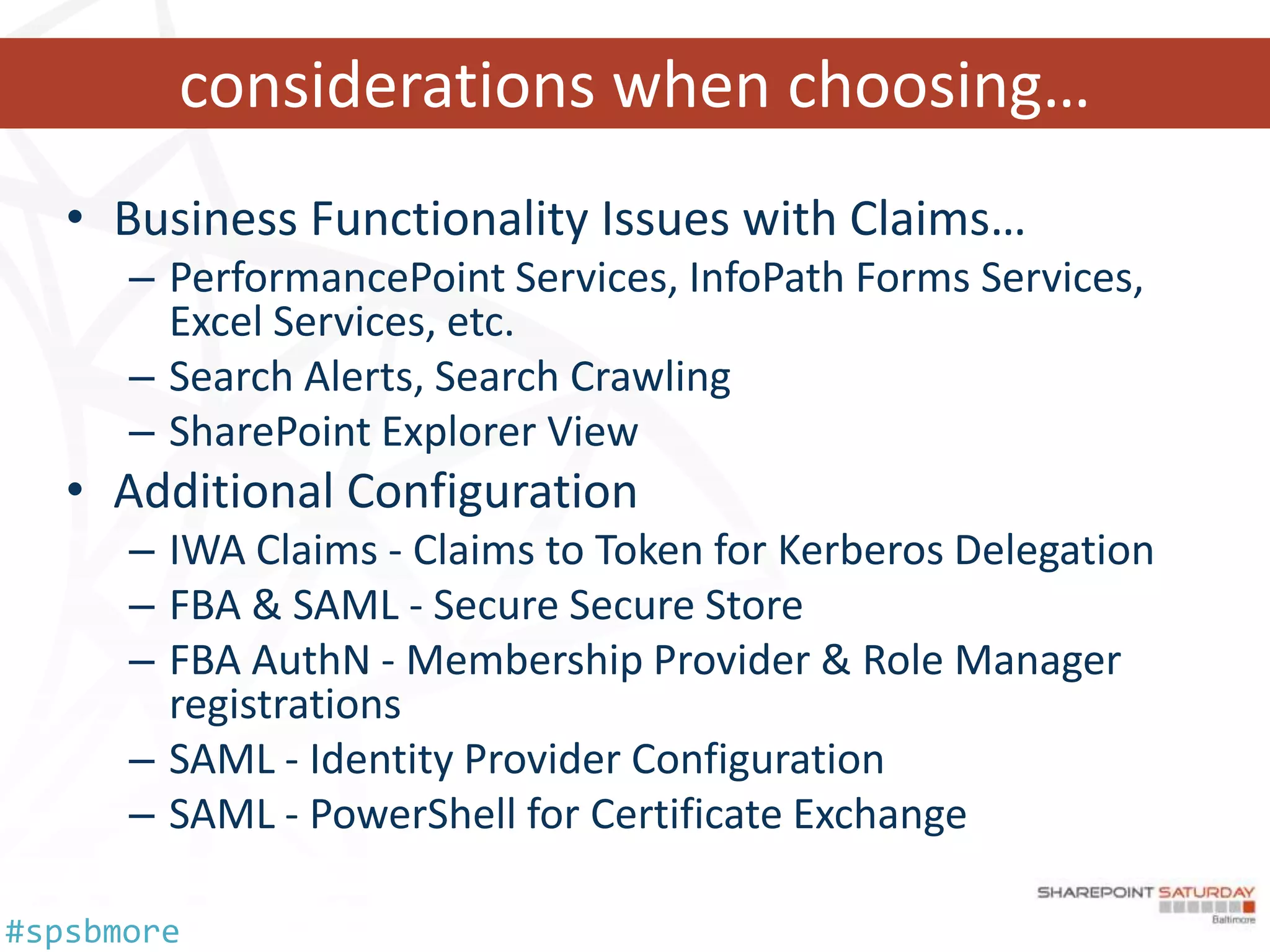
considerations when choosing…
   • Business Functionality Issues with Claims…
      – PerformancePoint Services, InfoPath Forms Services,
        Excel Services, etc.
      – Search Alerts, Search Crawling
      – SharePoint Explorer View
   • Additional Configuration
      – IWA Claims - Claims to Token for Kerberos Delegation
      – FBA & SAML - Secure Secure Store
      – FBA AuthN - Membership Provider & Role Manager
        registrations
      – SAML - Identity Provider Configuration
      – SAML - PowerShell for Certificate Exchange

#spsbmore
more considerations…
   • Be prepared to figure out your AuthZ side of things
      – IWA leverages NT Security Token
      – Forms Role Manager information mapped
      – Group Claims information

   • Identities with one Claim Provider aren’t the same as with another…
      – c:0j.c|claimprovider|useraccount != c:0#.f|claimprovider|useraccount
      – Similar to Domain A and Domain B user objects in Classic

   • What about Multitenancy…
      –   Single zone…
      –   Partitioned search…
      –   Partitioned user profiles…
      –   Partitioned Managed MetaData…


#spsbmore
what’s that mean to me?
   • Classic to Classic
      – Mapping “should” stay intact

   • Classic to Claims
      – Mapping update required
      – Classic Provider Identity to Claim Provider Identity

   • Migrate a web application…
      – http://technet.microsoft.com/en-us/library/gg251985.aspx

   • Client Certificate AuthN
      – Requires Proxy (IWA/KCD) or AD FS v2 (SAML)
      – Office 2007 w/o Persistent Cookies = Integration Issues


#spsbmore
what about search?
   • Have you updated your Information Architecture?

   • Should be able to find information in any of 3
     scenarios:
      – I know it exists and I know where it is
      – I know it exists, but I don’t know where it is
      – I don’t know if it exists

   • Talk to your users! Relevancy optimization is an
     ongoing process.

#spsbmore
what about custom solutions?
   • Web Templates and Site Definitions

   • BDC -> Application Registry Database

   • Custom Solutions
      – .Net version – recompile for appropriate framework
      – Farm Solutions to Sandboxed Solutions

   • Third Party Tools

#spsbmore
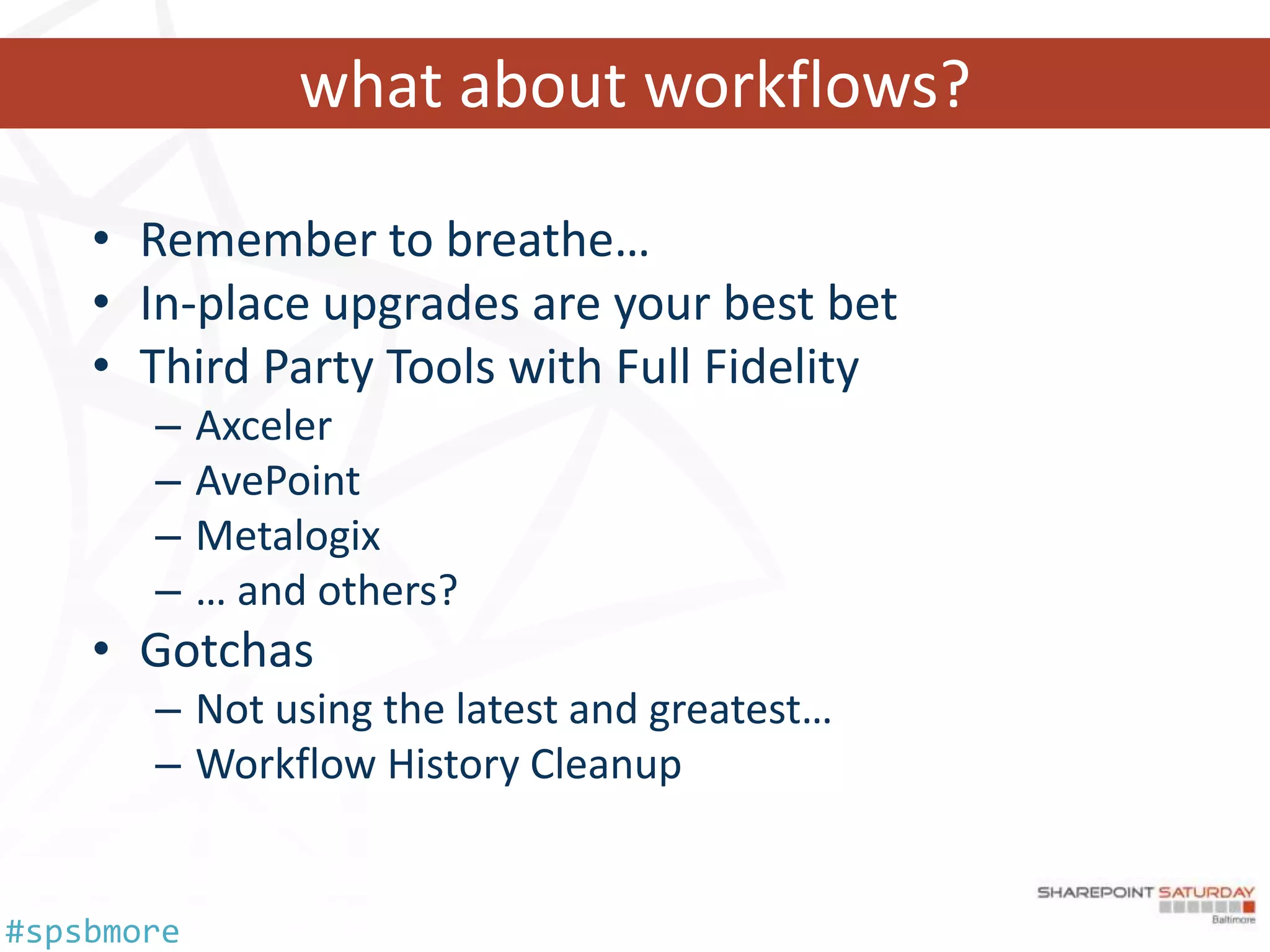
what about workflows?

    • Remember to breathe…
    • In-place upgrades are your best bet
    • Third Party Tools with Full Fidelity
       –    Axceler
       –    AvePoint
       –    Metalogix
       –    … and others?
    • Gotchas
       – Not using the latest and greatest…
       – Workflow History Cleanup


#spsbmore
content assessment
   • How much data do we have and where does it reside?
      – If we’re migrating, how will the transfer occur?
      – How long will it take?

   • Considerations for Search
      – Corpus size
      – Multilingual?

   • Does your content need to change in the new system?
      – Choice fields vs. Managed Metadata
      – Content Type authoring in a Content Hub?

#spsbmore
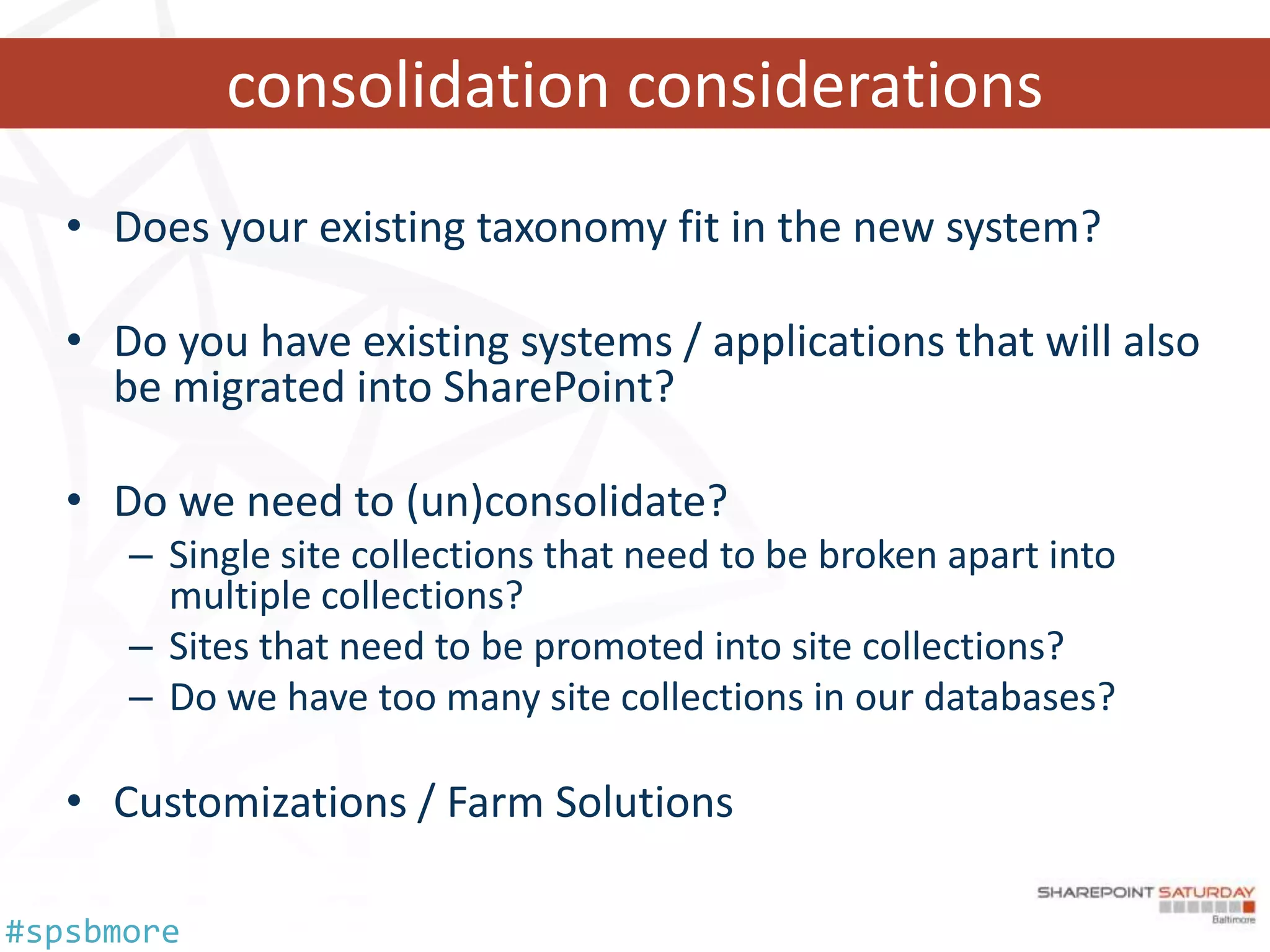
consolidation considerations
   • Does your existing taxonomy fit in the new system?

   • Do you have existing systems / applications that will also
     be migrated into SharePoint?

   • Do we need to (un)consolidate?
      – Single site collections that need to be broken apart into
        multiple collections?
      – Sites that need to be promoted into site collections?
      – Do we have too many site collections in our databases?

   • Customizations / Farm Solutions

#spsbmore
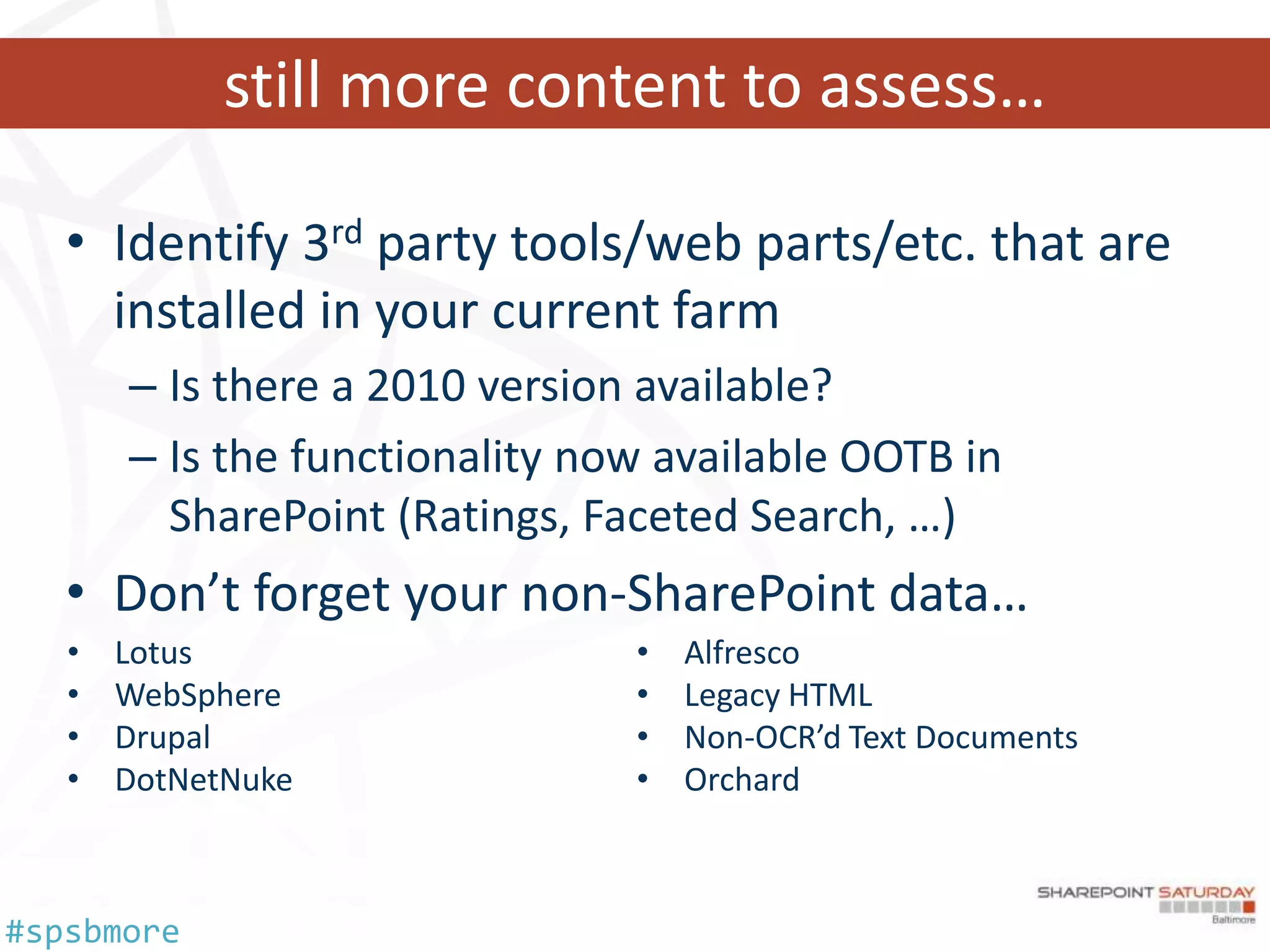
still more content to assess…

   • Identify 3rd party tools/web parts/etc. that are
     installed in your current farm
       – Is there a 2010 version available?
       – Is the functionality now available OOTB in
         SharePoint (Ratings, Faceted Search, …)
   • Don’t forget your non-SharePoint data…
   •   Lotus                    •   Alfresco
   •   WebSphere                •   Legacy HTML
   •   Drupal                   •   Non-OCR’d Text Documents
   •   DotNetNuke               •   Orchard


#spsbmore
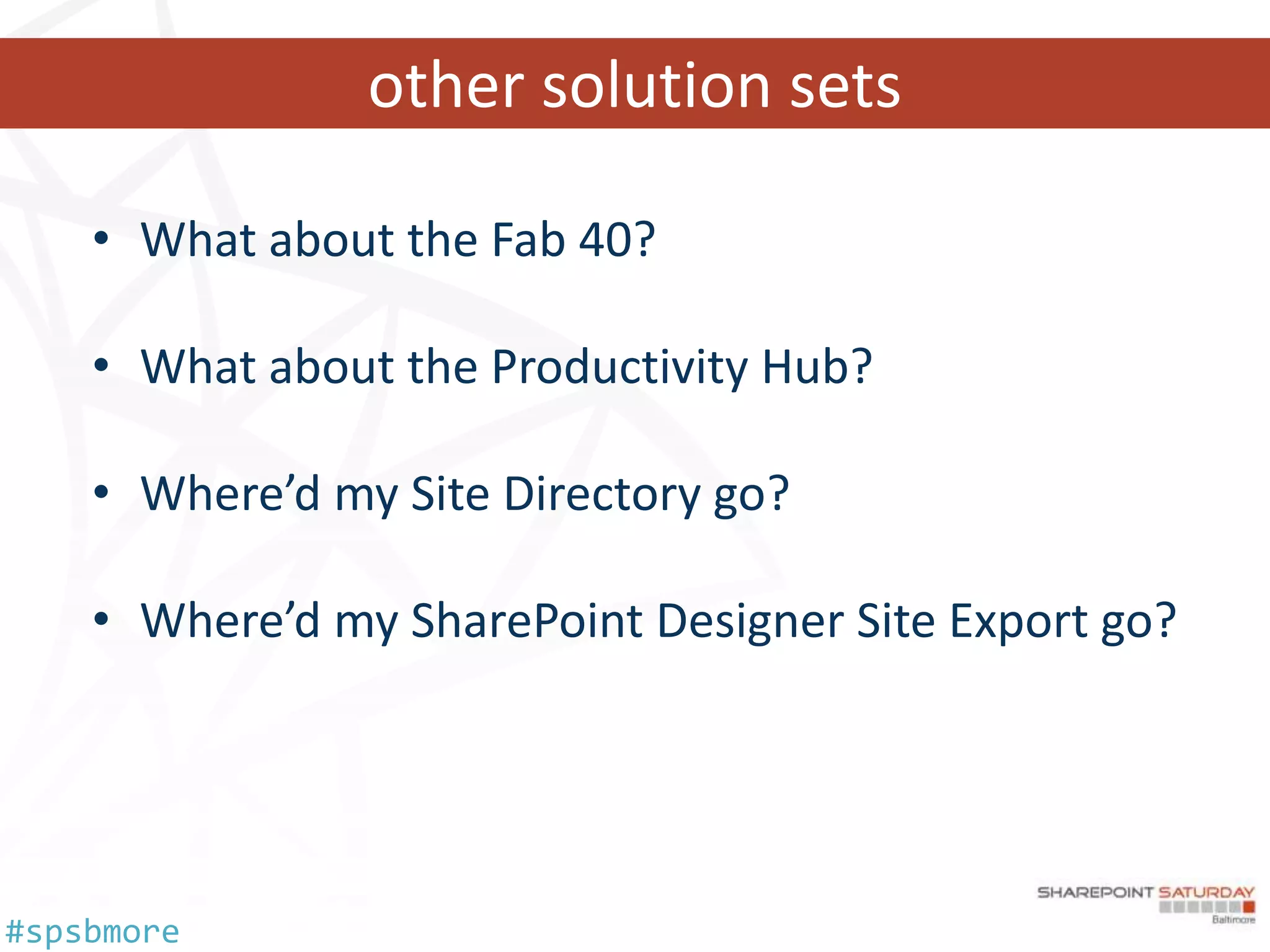
other solution sets

    • What about the Fab 40?

    • What about the Productivity Hub?

    • Where’d my Site Directory go?

    • Where’d my SharePoint Designer Site Export go?


#spsbmore
prepping for migration… disaster recovery

    •   Do you have plans?
    •   Have you tested your plans?
    •   Mirroring? Clustering?
    •   Regression Plans
    •   Log Shipping (wait, what?)


#spsbmore
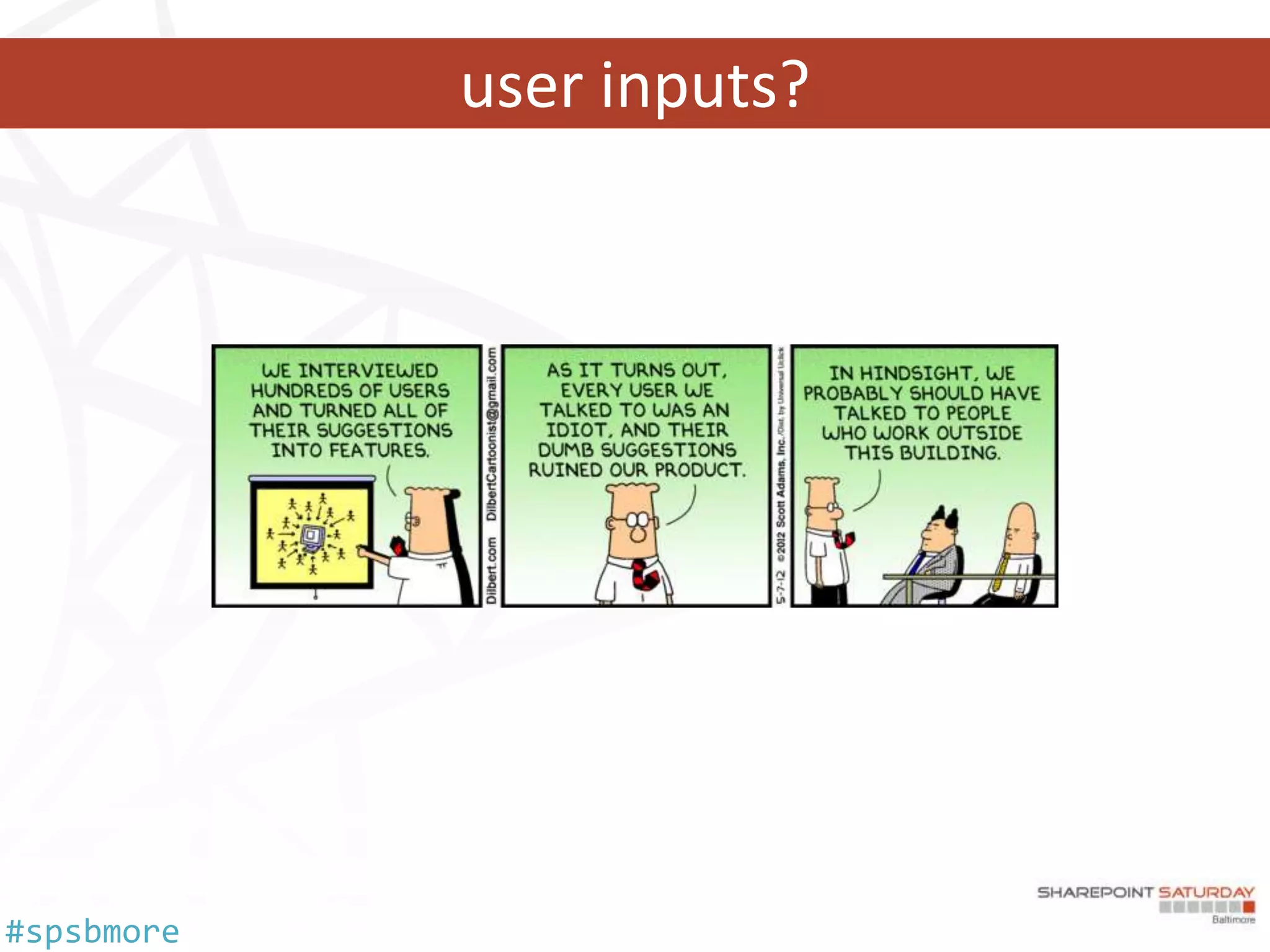
user inputs?


#spsbmore
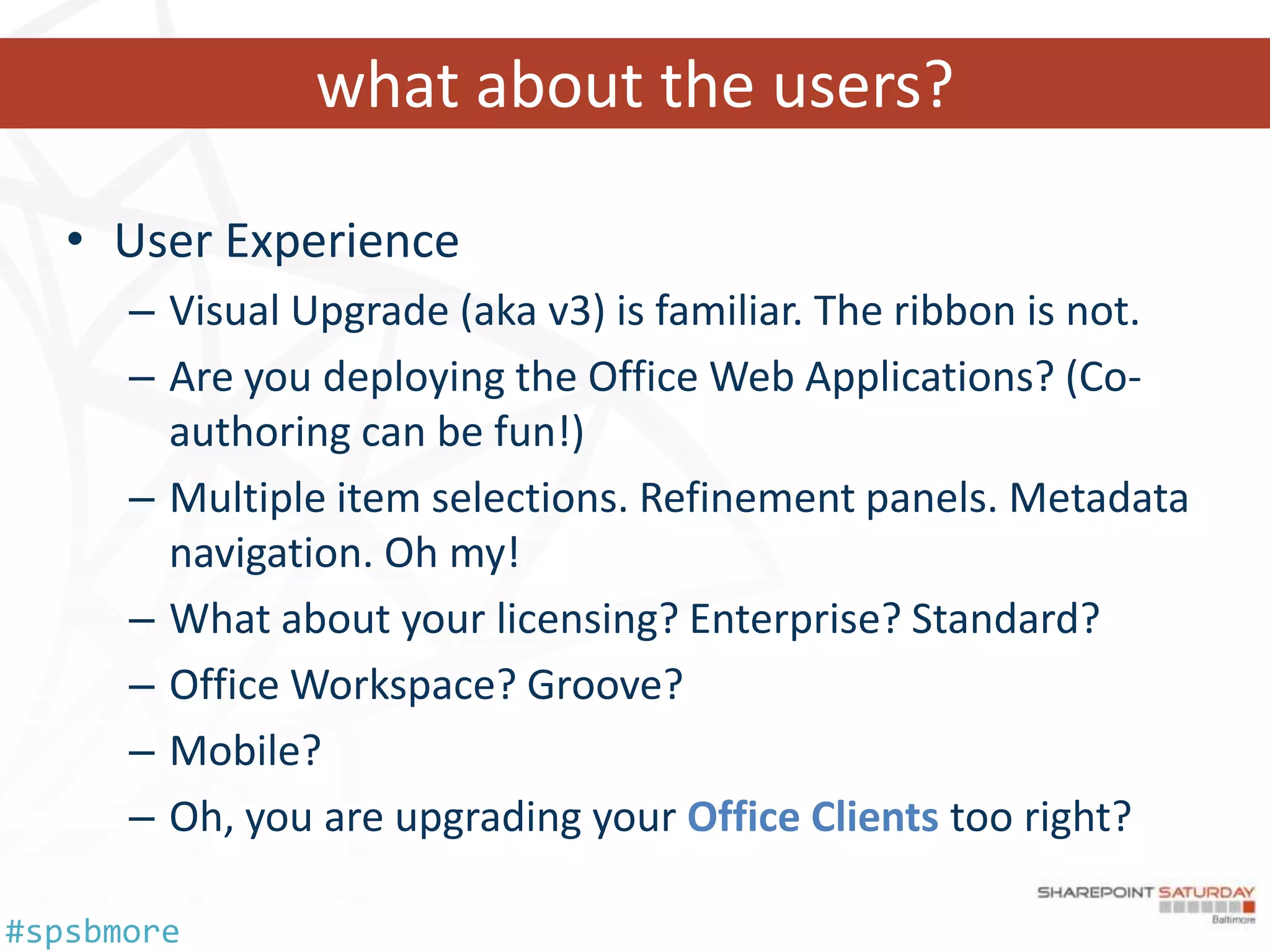
what about the users?

   • User Experience
      – Visual Upgrade (aka v3) is familiar. The ribbon is not.
      – Are you deploying the Office Web Applications? (Co-
        authoring can be fun!)
      – Multiple item selections. Refinement panels. Metadata
        navigation. Oh my!
      – What about your licensing? Enterprise? Standard?
      – Office Workspace? Groove?
      – Mobile?
      – Oh, you are upgrading your Office Clients too right?

#spsbmore
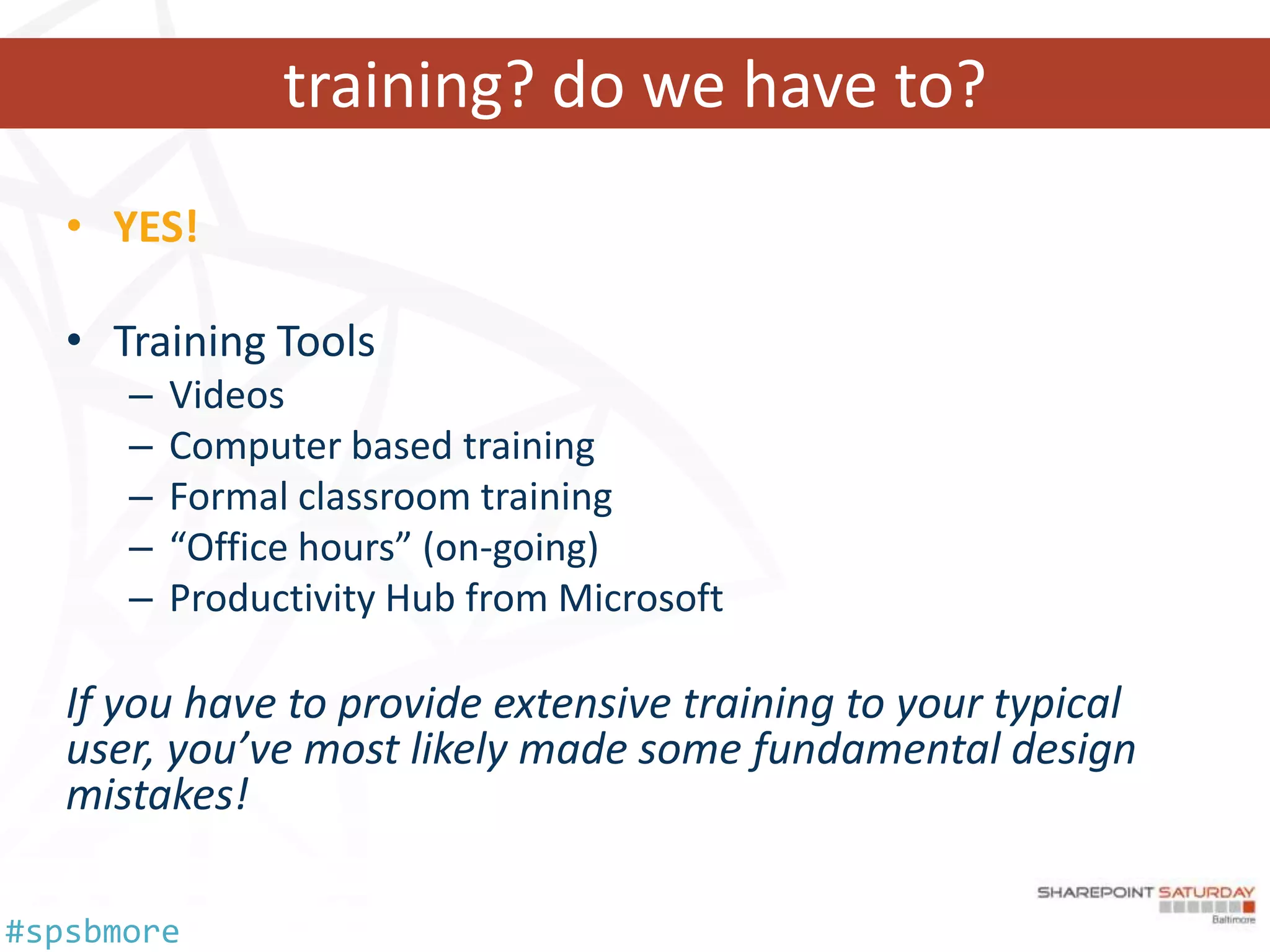
training? do we have to?
   • YES!

   • Training Tools
      –   Videos
      –   Computer based training
      –   Formal classroom training
      –   “Office hours” (on-going)
      –   Productivity Hub from Microsoft

   If you have to provide extensive training to your typical
   user, you’ve most likely made some fundamental design
   mistakes!

#spsbmore
something to remember

   SharePoint Implementations today consist of a
   race between Architects, Developers and IT Pros
   striving to build well planned out, bigger and
   better idiot-proof solutions, and the Universe
   trying to produce requirements of entropy with
   bigger and better idiots.

                 …so far, the Universe is winning.


#spsbmore
Questions and Evals…


#spsbmore
Thank you Sponsors!


#spsbmore
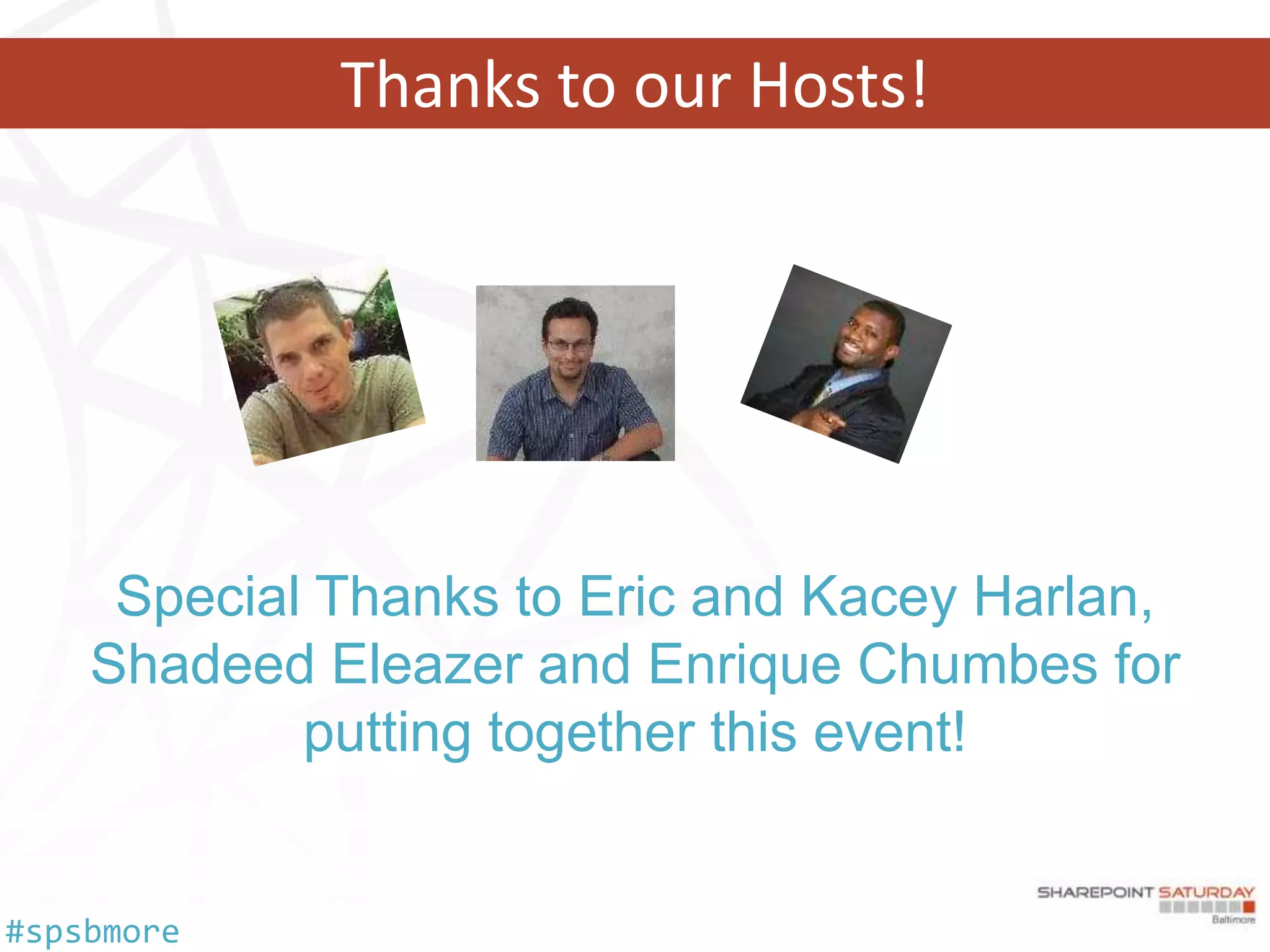
Thanks to our Hosts!


     Special Thanks to Eric and Kacey Harlan,
    Shadeed Eleazer and Enrique Chumbes for
            putting together this event!


#spsbmore
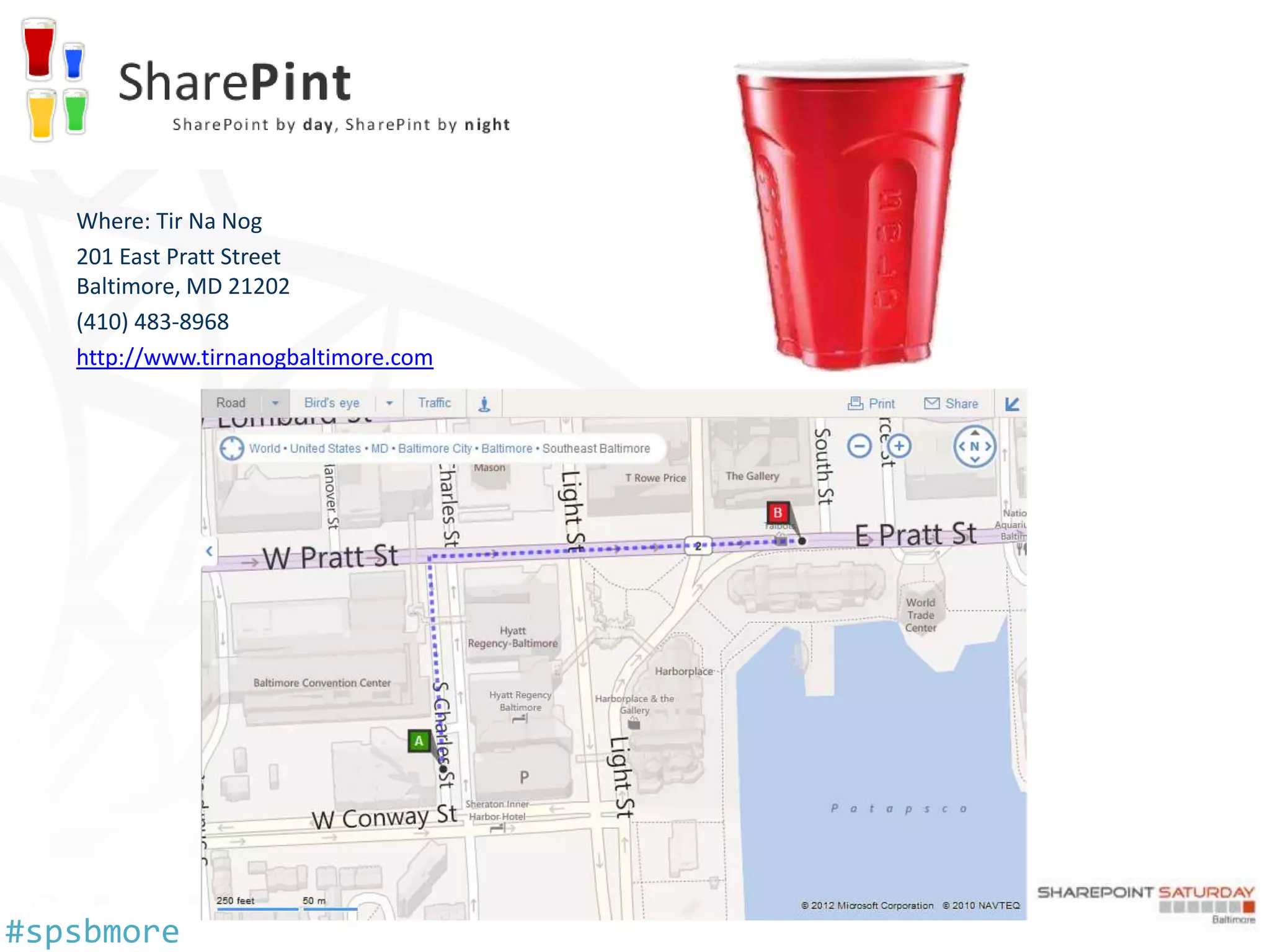
Where: Tir Na Nog
   201 East Pratt Street
   Baltimore, MD 21202
   (410) 483-8968
   http://www.tirnanogbaltimore.com


#spsbmore
Reference

   • What's new in upgrade
   • Determine upgrade approach
   • SharePoint Server 2010 capacity management:
     Software boundaries and limits
   • Video demos and training for SharePoint Server
     2010
   • SharePoint 2010 Adoption Best Practices


#spsbmore

Pitfalls of Migrating to SharePoint 2010

  • 1.
    WELCOME SharePoint Saturday Baltimore Pitfalls of Migrating to Baltimore, Maryland 5/12/2012 SharePoint 2010 Dan Usher #spsbmore
  • 2.
    who am I? • Lead Associate, Booz Allen Hamilton Dan • SharePoint Architect, Implementation Usher Engineer, and Service Monkey • 7 years of experience with SharePoint usher going back to adventures with STS 2001 and SPS 2003 to the present… • Enjoys discussions about Claims AuthZ, SmartCard AuthN, Atomic Molecular Optics & the Walking Dead • Follows the SharePoint Credo - ADIDAS All Day I Dream About SharePoint #spsbmore
  • 3.
    …and what aboutthis guy? #spsbmore
  • 4.
    who are youall? #spsbmore
  • 5.
  • 6.
    Smithers, fetch myagenda… • Wait, why are we doing this? • Migration vs. Upgrade • 3rd Party Tools vs. OOTB Methods • AuthN / AuthZ Changes • Consolidation Considerations • Content Assessments • User Adoption, Experience and Training #spsbmore
  • 7.
    wait, why arewe doing this? • End User Capabilities – PerformancePoint, Access Services, BCS, Office Web Apps, PowerPivot, Sandboxed Solutions • Architectural Reasons – Services Architecture, Scalability, PowerShell, Disaster Recovery, Multitenancy, Claims AuthN/AuthZ • Licensing, Maintenance and Supportability • Because we can… #spsbmore
  • 8.
    migration vs. upgrade • Data migration is the process of transferring data between storage types, formats, or computer systems. 1 • System migration involves moving a set of instructions or programs from one platform to another, minimizing re- engineering. 2 – Migration of systems can also involve downtime, while the old system is replaced with a new one. • The term upgrade refers to the replacement of a product with a newer version of the same product. 3 http://en.wikipedia.org/wiki/Data_migration http://en.wikipedia.org/wiki/System_migration http://en.wikipedia.org/wiki/Upgrade #spsbmore
  • 9.
    we need aplan? You’re pretty funny… you must be new here… we don’t do plans… #spsbmore
  • 10.
    it’s all technical…right? • Implement a Training Plan • Implement a Communications Plan • Decide on a Content Migration Strategy • Have a User Support Plan • Provide Incentives and Rewards • Enable End-user Feedback • Align Business Objectives Make sure that you’ve successfully incorporated the technology components that help drive adoption #spsbmore
  • 11.
    lets get technical… • Hardware and Software Requirements Web Front End(s) SQL Server(s) Component Minimum Requirement Component Minimum Requirement Hardware 64-bit, four cores Hardware 64-bit, four cores (small deployments) 64-bit, eight cores (medium deployments) Memory 8 GB Memory 8 GB (small deployments) 16 GB (medium deployments) Operation Windows Server 2008 R2 with Operation Windows Server 2008 R2 with SP1 System SP1 System Windows Server 2008 with SP2 Windows Server 2008 with SP2 SQL Server SQL Server 2008 R2 SQL Server 2008 with SP1 (SP1) and CU2 (or CU5 or later) SQL Server 2005 with SP3 and CU3 #spsbmore
  • 12.
    other preparation Version Migration Preparation SharePoint Portal Server 2001 Hire a consultant Consider a 3rd party migration tool Windows SharePoint Services 3.0 Hire a consultant Prescan.exe / ReGhost.net / GhostHunter Web Parts Office SharePoint Server 2007 STSADM –o preupgradecheck SharePoint Server 2010 test-spcontentdatabase cmdlet • Other Resources – TechNet Documentation (Capacity Planning / Hardware and Software Requirements) – Blogs (Joel Oleson, Todd Klindt and Shane Young) – Axceler Migration Toolkit (no cost) #spsbmore
  • 13.
    3rd Party Toolsvs. OOTB • Out of the Box – In-place – Database Attach – Hybrid • 3rd Party – Axceler Davinci Migrator – AvePoint DocAve – Metalogix Migration Manager – Idera SharePoint Migration Suite (OEM’d by Quest) – Tzunami Migration – Kapow Solutions – Xavor Solutions #spsbmore
  • 14.
    in-place or databaseattach • In-place – Same operating system (x64 required) – Same hardware (x64 required) – Content and settings come along – Farm is offline while upgrading • Database Attach – New hardware – Only content comes along – Content is not available while upgrading, but you get to pick the order! – Parallel upgrades of content – Combine multiple farms • Hybrid – Database attach read-only databases – In-place upgrade with detached databases #spsbmore
  • 15.
    In-place or databaseattach #spsbmore
  • 16.
    what about upgrading2010 to service pack 1? • Consolidating content from one 2010 farm to another? – Upgrade from Pre-SP1 to SP1 Required • Farm, Web Application or Content Database – PSConfig -cmd upgrade -inplace b2b -wait -force • Site Collection Backup and Restore – Upgrade your farm to SP1 #spsbmore
  • 17.
    authentication changes • SharePoint 2003 – Classic Authentication (IIS) • Anonymous • Basic Authentication • Integrated Windows AuthN – NTLM & Kerberos • Client Certificate AuthN • SharePoint 2007 – Classic Authentication (IIS) – ASP.NET Forms • LDAP, SQL, other ASP.NET FBA solns – Web Single Sign-On (SSO) • AD FS • Other Identity Management Systems #spsbmore
  • 18.
    mr. fusion meetSharePoint 2010… • SharePoint 2010 • Classic • •Claims Integrated Windows AuthN with NTLM & Kerberos • No Client Certificate Authentication • Integrated Windows AuthN with NTLM & Kerberos • Forms Based Authentication • Trusted Identity Provider (SAML & WS-Fed) • Client Certificate Authentication through AD FS v2 #spsbmore
  • 19.
    why would Ichoose claims auth? • It’s the new shiny… • Microsoft recommends it for new implementations… • Multiple Authentication Providers – One URL… • Handy for extranets and partner access… • Role Based and Attribute Based Access Control… • Vive la Fédération! #spsbmore
  • 20.
    considerations when choosing… • Business Functionality Issues with Claims… – PerformancePoint Services, InfoPath Forms Services, Excel Services, etc. – Search Alerts, Search Crawling – SharePoint Explorer View • Additional Configuration – IWA Claims - Claims to Token for Kerberos Delegation – FBA & SAML - Secure Secure Store – FBA AuthN - Membership Provider & Role Manager registrations – SAML - Identity Provider Configuration – SAML - PowerShell for Certificate Exchange #spsbmore
  • 21.
    more considerations… • Be prepared to figure out your AuthZ side of things – IWA leverages NT Security Token – Forms Role Manager information mapped – Group Claims information • Identities with one Claim Provider aren’t the same as with another… – c:0j.c|claimprovider|useraccount != c:0#.f|claimprovider|useraccount – Similar to Domain A and Domain B user objects in Classic • What about Multitenancy… – Single zone… – Partitioned search… – Partitioned user profiles… – Partitioned Managed MetaData… #spsbmore
  • 22.
    what’s that meanto me? • Classic to Classic – Mapping “should” stay intact • Classic to Claims – Mapping update required – Classic Provider Identity to Claim Provider Identity • Migrate a web application… – http://technet.microsoft.com/en-us/library/gg251985.aspx • Client Certificate AuthN – Requires Proxy (IWA/KCD) or AD FS v2 (SAML) – Office 2007 w/o Persistent Cookies = Integration Issues #spsbmore
  • 23.
    what about search? • Have you updated your Information Architecture? • Should be able to find information in any of 3 scenarios: – I know it exists and I know where it is – I know it exists, but I don’t know where it is – I don’t know if it exists • Talk to your users! Relevancy optimization is an ongoing process. #spsbmore
  • 24.
    what about customsolutions? • Web Templates and Site Definitions • BDC -> Application Registry Database • Custom Solutions – .Net version – recompile for appropriate framework – Farm Solutions to Sandboxed Solutions • Third Party Tools #spsbmore
  • 25.
    what about workflows? • Remember to breathe… • In-place upgrades are your best bet • Third Party Tools with Full Fidelity – Axceler – AvePoint – Metalogix – … and others? • Gotchas – Not using the latest and greatest… – Workflow History Cleanup #spsbmore
  • 26.
    content assessment • How much data do we have and where does it reside? – If we’re migrating, how will the transfer occur? – How long will it take? • Considerations for Search – Corpus size – Multilingual? • Does your content need to change in the new system? – Choice fields vs. Managed Metadata – Content Type authoring in a Content Hub? #spsbmore
  • 27.
    consolidation considerations • Does your existing taxonomy fit in the new system? • Do you have existing systems / applications that will also be migrated into SharePoint? • Do we need to (un)consolidate? – Single site collections that need to be broken apart into multiple collections? – Sites that need to be promoted into site collections? – Do we have too many site collections in our databases? • Customizations / Farm Solutions #spsbmore
  • 28.
    still more contentto assess… • Identify 3rd party tools/web parts/etc. that are installed in your current farm – Is there a 2010 version available? – Is the functionality now available OOTB in SharePoint (Ratings, Faceted Search, …) • Don’t forget your non-SharePoint data… • Lotus • Alfresco • WebSphere • Legacy HTML • Drupal • Non-OCR’d Text Documents • DotNetNuke • Orchard #spsbmore
  • 29.
    other solution sets • What about the Fab 40? • What about the Productivity Hub? • Where’d my Site Directory go? • Where’d my SharePoint Designer Site Export go? #spsbmore
  • 30.
    prepping for migration…disaster recovery • Do you have plans? • Have you tested your plans? • Mirroring? Clustering? • Regression Plans • Log Shipping (wait, what?) #spsbmore
  • 31.
  • 32.
    what about theusers? • User Experience – Visual Upgrade (aka v3) is familiar. The ribbon is not. – Are you deploying the Office Web Applications? (Co- authoring can be fun!) – Multiple item selections. Refinement panels. Metadata navigation. Oh my! – What about your licensing? Enterprise? Standard? – Office Workspace? Groove? – Mobile? – Oh, you are upgrading your Office Clients too right? #spsbmore
  • 33.
    training? do wehave to? • YES! • Training Tools – Videos – Computer based training – Formal classroom training – “Office hours” (on-going) – Productivity Hub from Microsoft If you have to provide extensive training to your typical user, you’ve most likely made some fundamental design mistakes! #spsbmore
  • 34.
    something to remember SharePoint Implementations today consist of a race between Architects, Developers and IT Pros striving to build well planned out, bigger and better idiot-proof solutions, and the Universe trying to produce requirements of entropy with bigger and better idiots. …so far, the Universe is winning. #spsbmore
  • 35.
  • 36.
  • 37.
    Thanks to ourHosts! Special Thanks to Eric and Kacey Harlan, Shadeed Eleazer and Enrique Chumbes for putting together this event! #spsbmore
  • 38.
    Where: Tir NaNog 201 East Pratt Street Baltimore, MD 21202 (410) 483-8968 http://www.tirnanogbaltimore.com #spsbmore
  • 39.
    Reference • What's new in upgrade • Determine upgrade approach • SharePoint Server 2010 capacity management: Software boundaries and limits • Video demos and training for SharePoint Server 2010 • SharePoint 2010 Adoption Best Practices #spsbmore