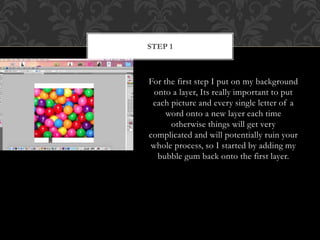
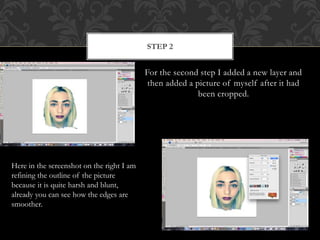
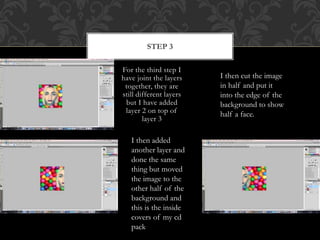
In this slideshow demonstration, Rebecca Bennett shows the technical steps taken to create a professional CD cover inspired by artist Charli XCX in Photoshop. The first step was adding a bubblegum background image to the first layer. Next, Bennett added her cropped photo to the second layer and refined the edges. Finally, she joined the background and photo layers together, cutting the photo in half and placing each half on opposite sides of the background to represent the inside of a CD cover.