Threading
Britt Barak
14.9.16
First,
Britt Barak
Britt Barak
@BrittBarak
● Figure 8 - Mobile Lead
● Android Academy TLV
Jonathan Yarkoni
Android Developer & Advocate
Ironsource
Android Academy Staff
Yonatan Levin
Google Developer Expert &
Android @ Gett
Britt Barak
Android Lead
Figure8
Yossi Segev
Android Developer
Crave
Largest Android Community
Android Academy - TLV
TLV - Android Academy
~ 1500 members Join Us:
Upcoming Events
● Android Beginners - on 30/10 !
● Android UI / UX
● Community Hackathon
● Share your knowledge
● Give back to the community
● Grow professionally
& personally
● Apply:
goo.gl/5qJ4nK
Mentors Program
….And Yourself?
- Threading primitives
- Dos & Don’ts
- Interacting with UI Thread
Threading
- Async task
- Loader
- Handler thread
- ThreadpoolExecutor
- Intent service
- Services performance
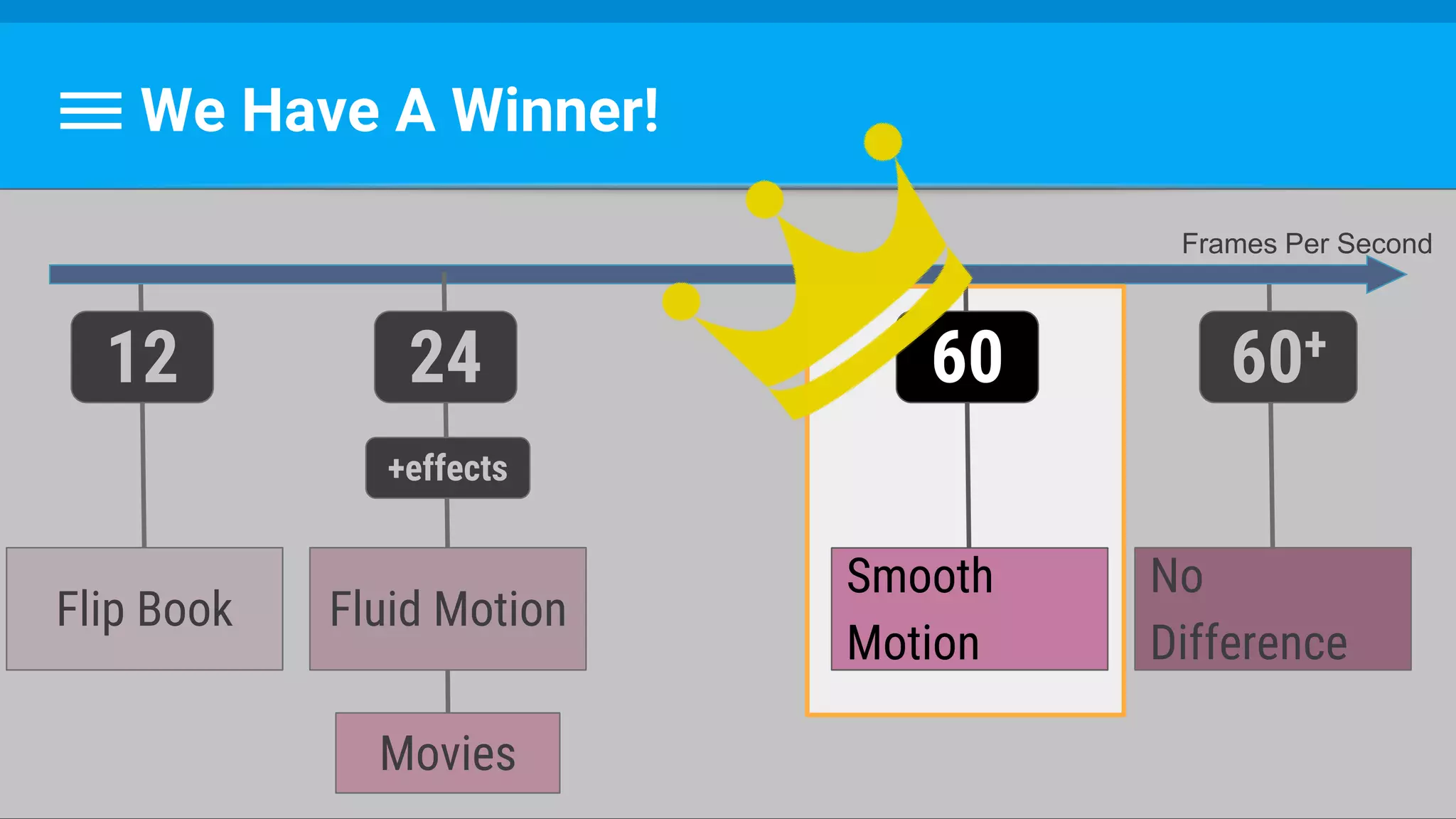
We Have A Winner!
Smooth
Motion
60
No
Difference
60+
Flip Book
12
Movies
Frames Per Second
Fluid Motion
24
+effects
Smooth
Motion
60
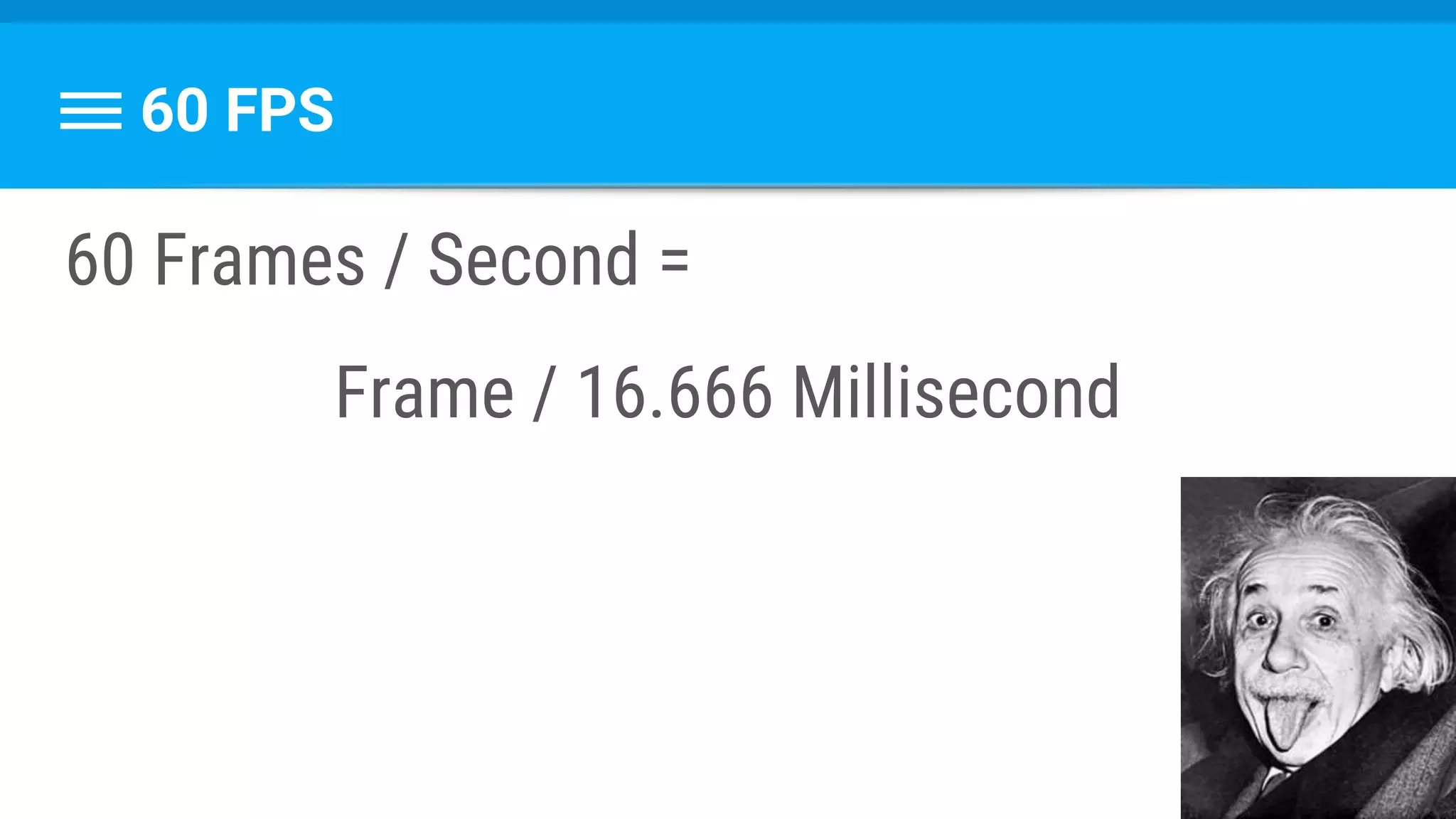
60 FPS
60 Frames / Second =
Frame / 16.666 Millisecond
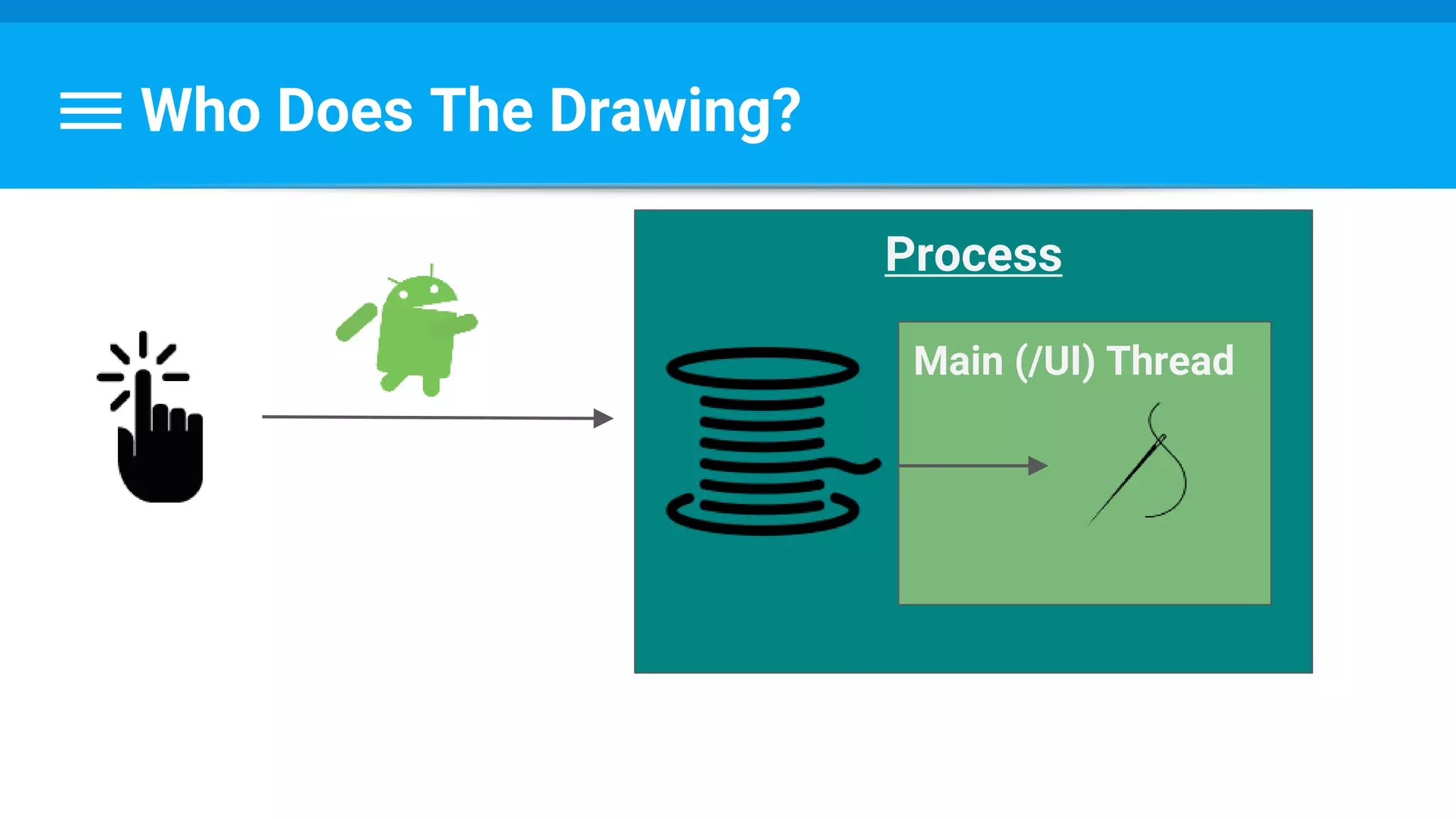
Who Does The Drawing?
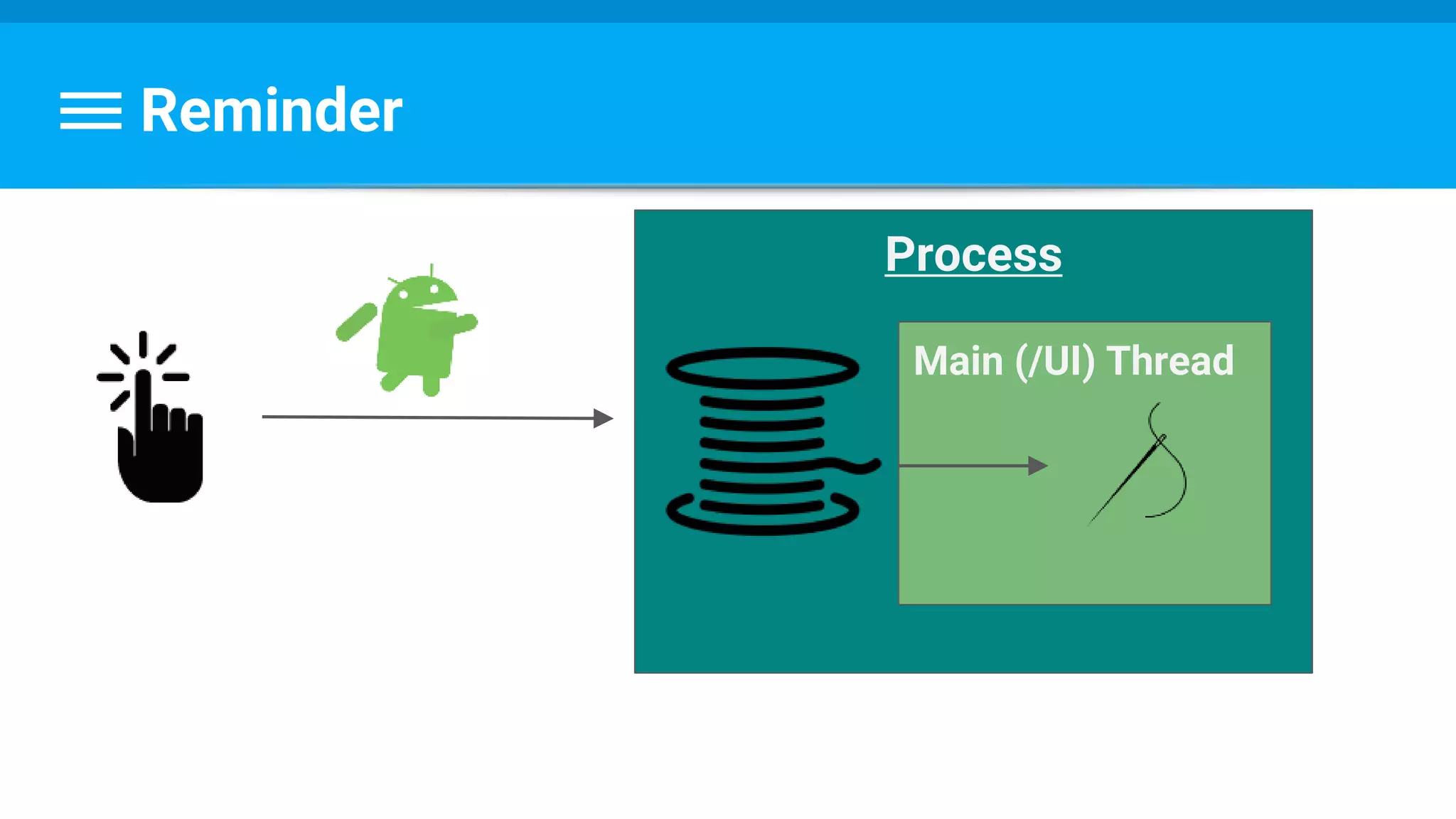
Process
Main (/UI) Thread
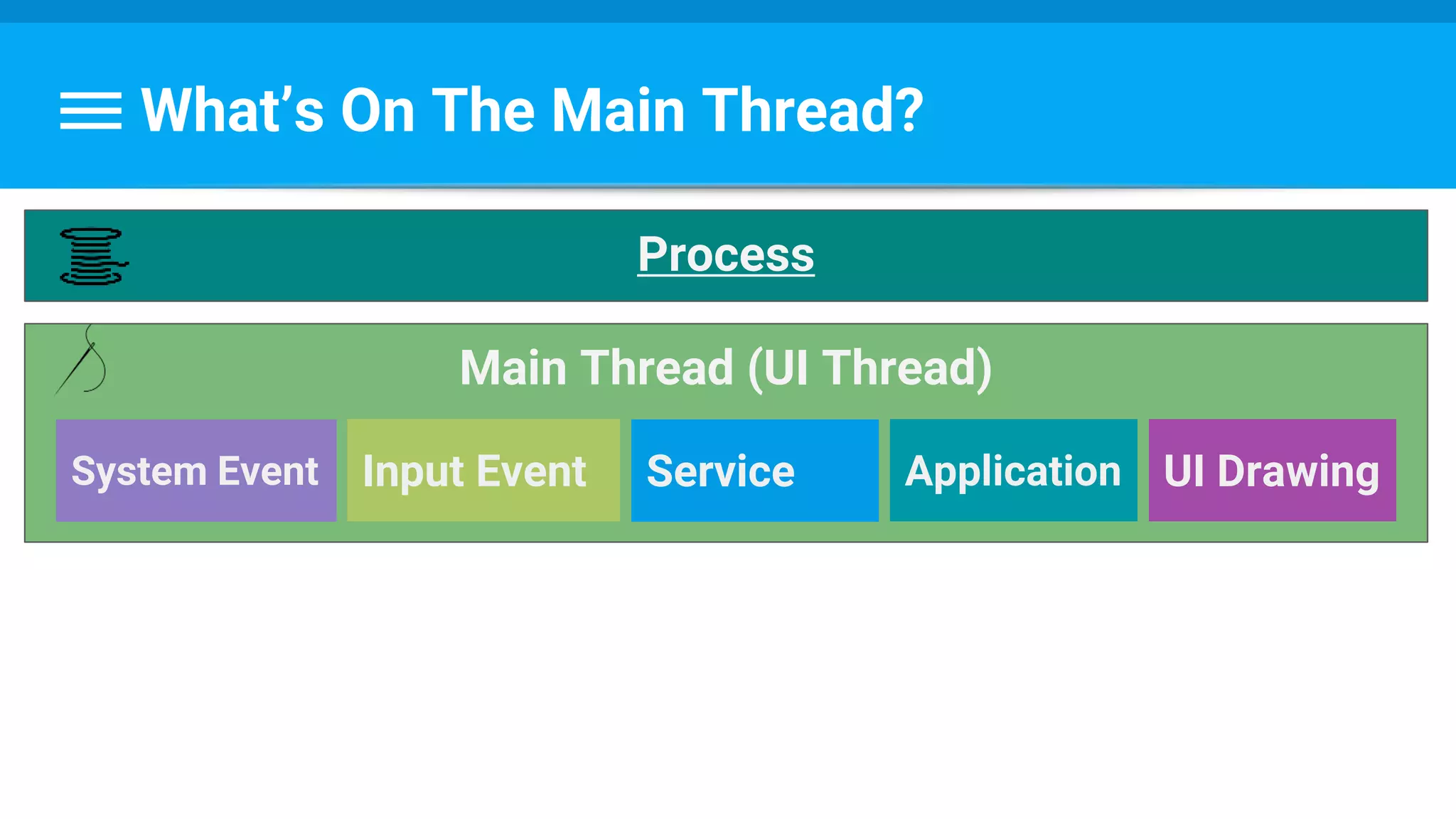
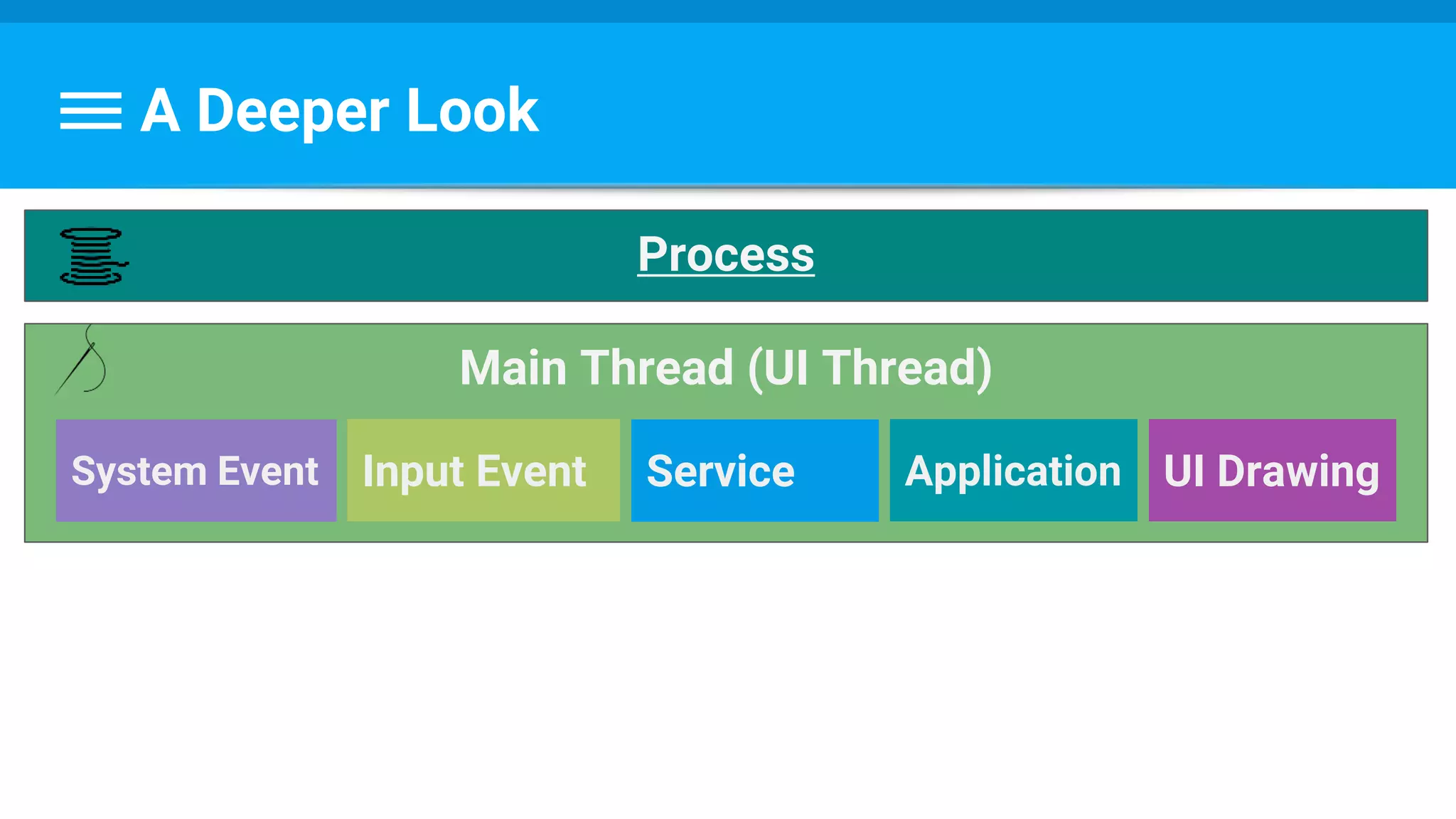
What’s On The Main Thread?
Main Thread (UI Thread)
Process
System Event Input Event Service Application UI Drawing
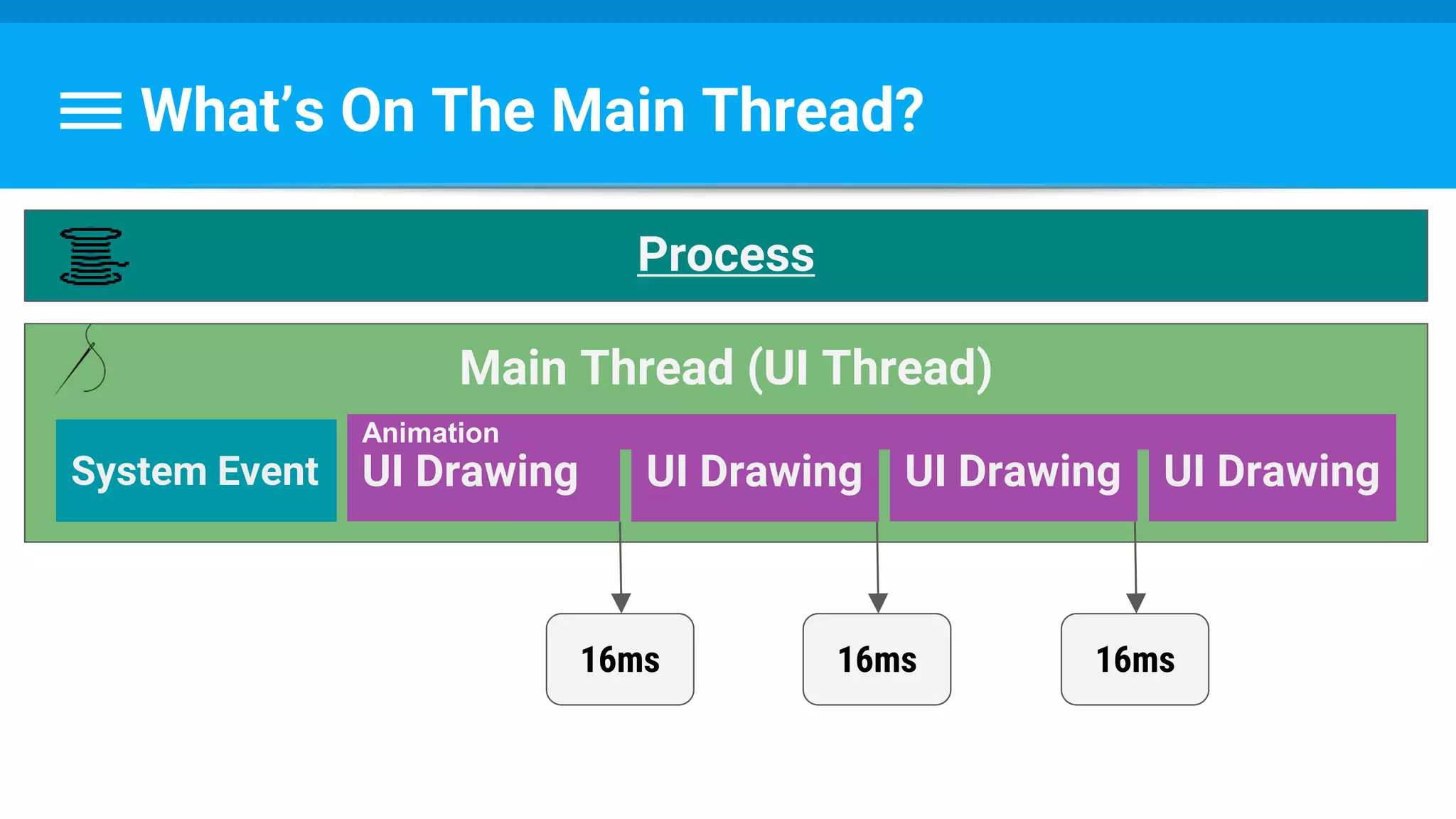
What’s On The Main Thread?
Main Thread (UI Thread)
Process
System Event UI Drawing UI Drawing UI Drawing UI Drawing
16ms 16ms 16ms
Animation
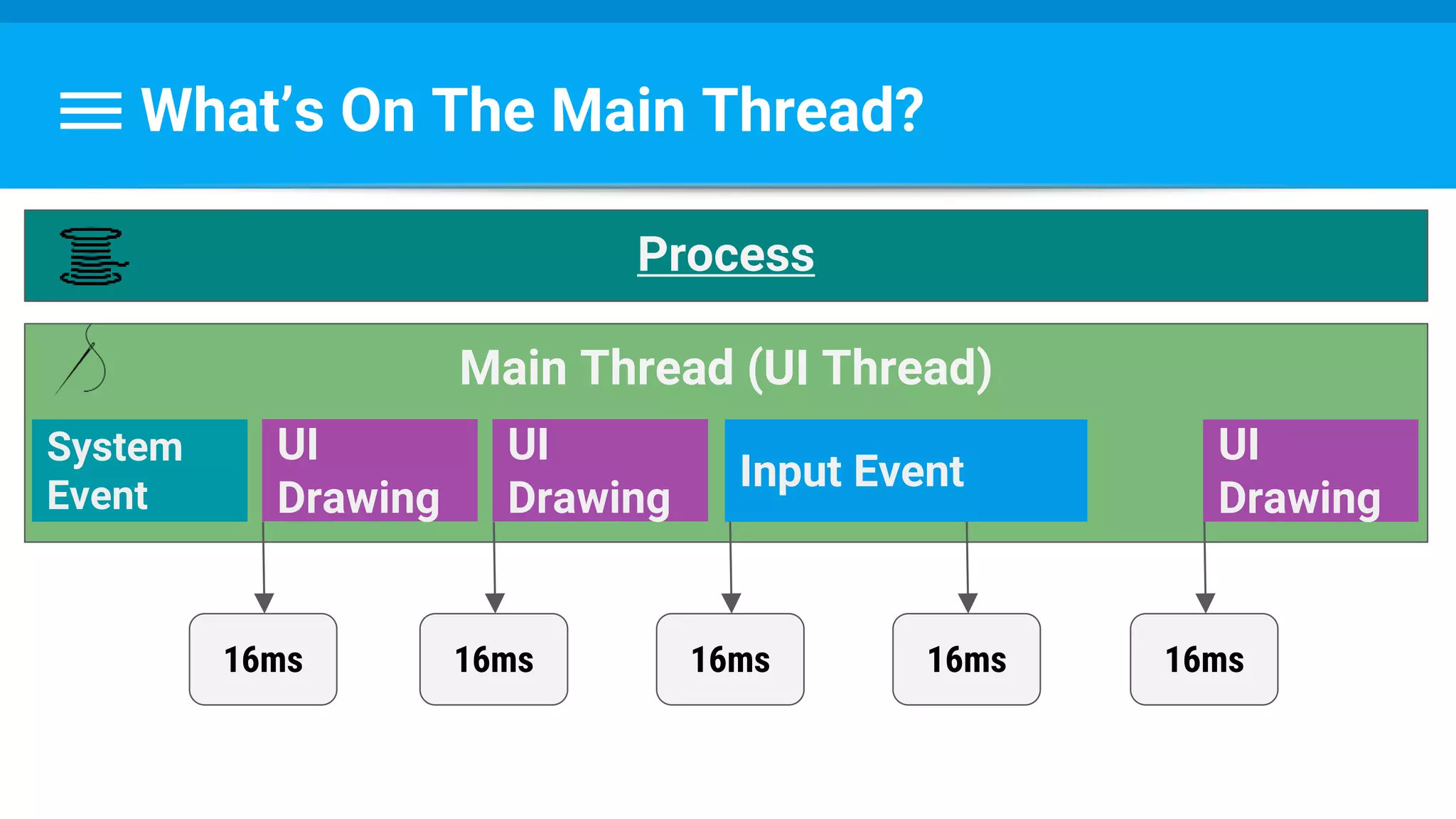
What’s On The Main Thread?
Main Thread (UI Thread)
Process
System
Event
UI
Drawing
Input Event
16ms 16ms 16ms
UI
Drawing
UI
Drawing
16ms 16ms
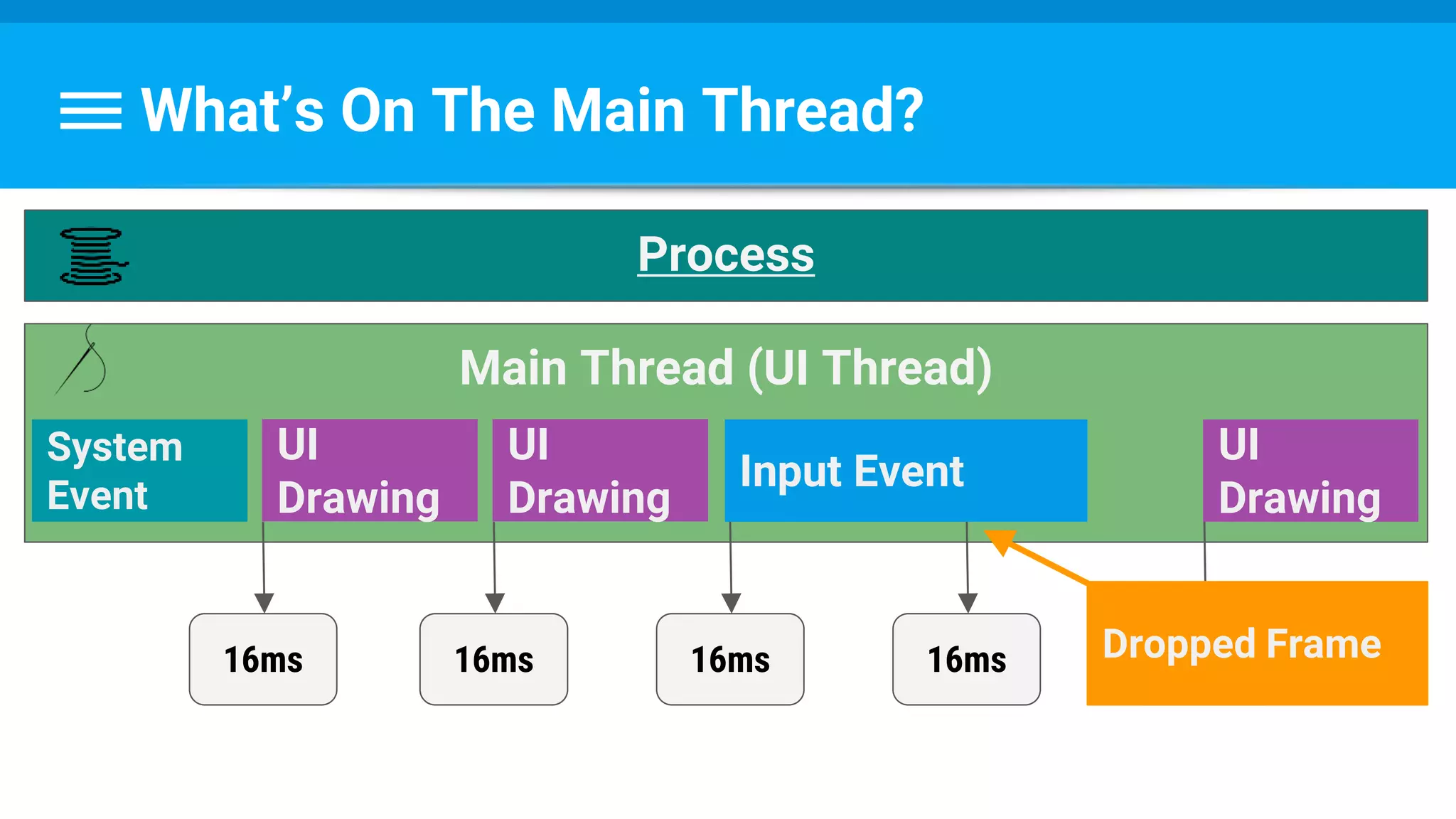
What’s On The Main Thread?
Main Thread (UI Thread)
Process
System
Event
UI
Drawing
Input Event
16ms 16ms 16ms
UI
Drawing
UI
Drawing
16ms 16msDropped Frame
What Can We Do?
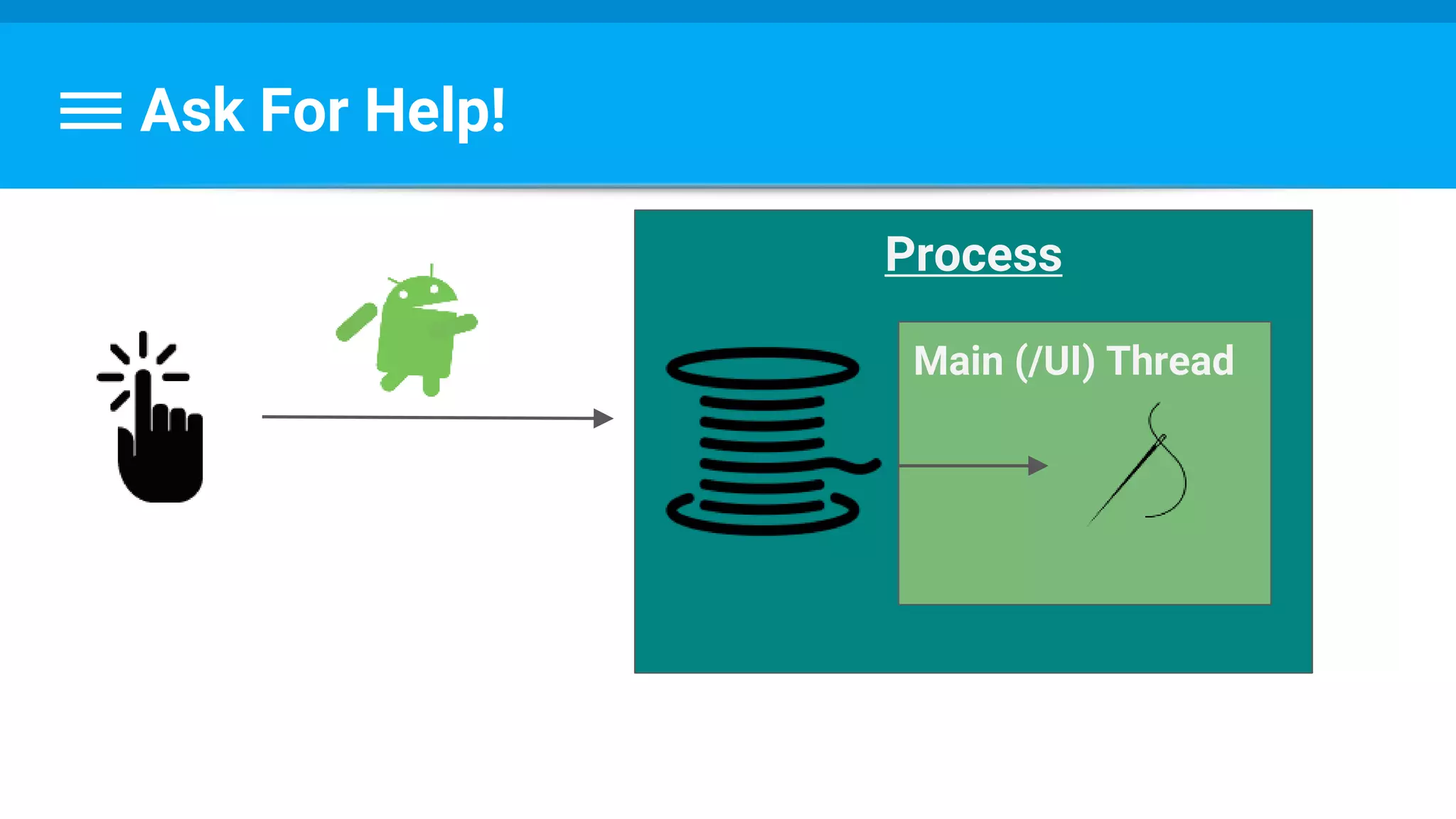
Ask For Help!
Process
Main (/UI) Thread
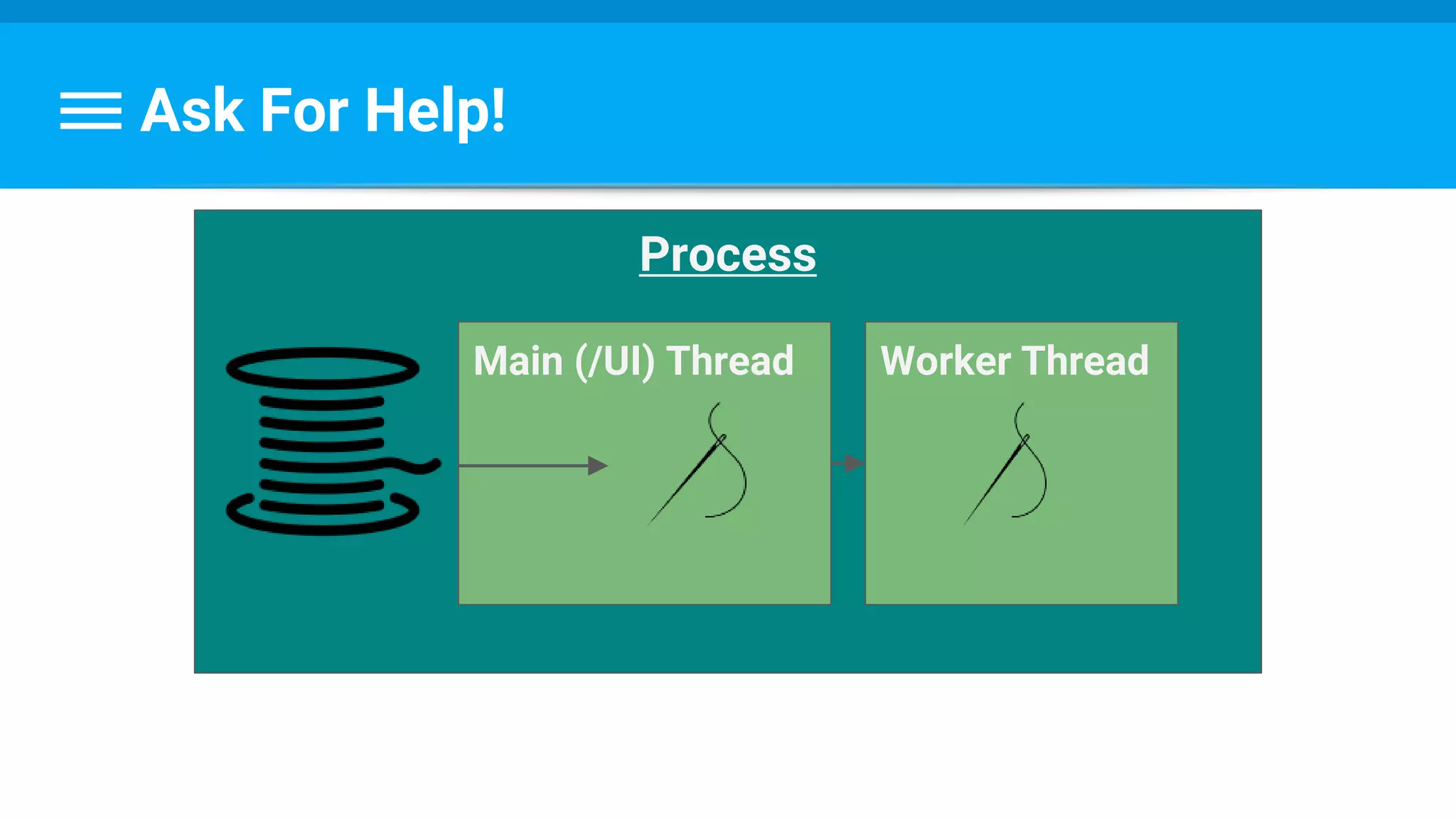
Ask For Help!
Process
Main (/UI) Thread Worker Thread
So What’s The Catch?Only the UI thread can draw the UI !
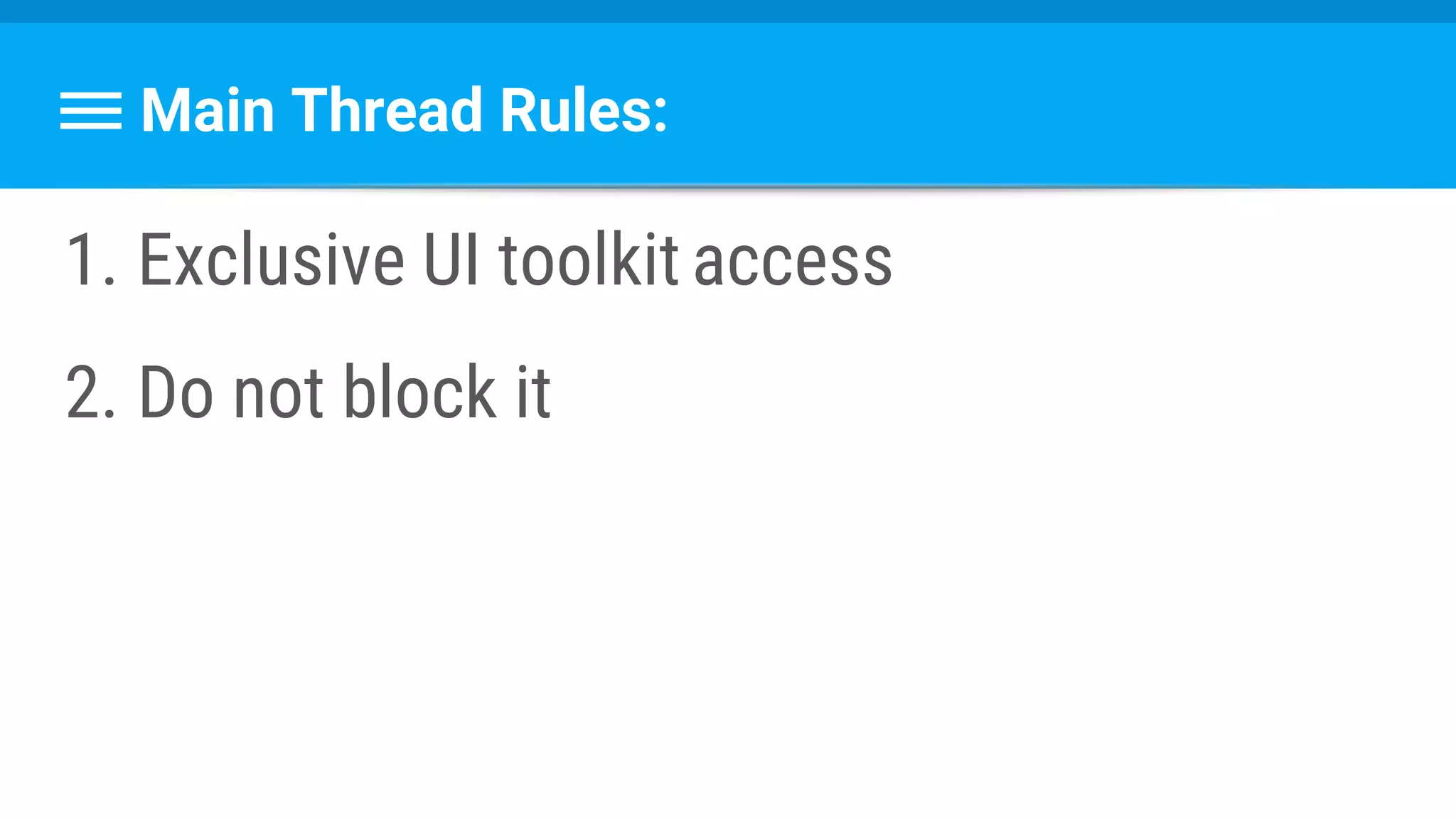
Main Thread Rules:
1. Exclusive UI toolkit access
2. Do not block it
So How To Offload A Task?
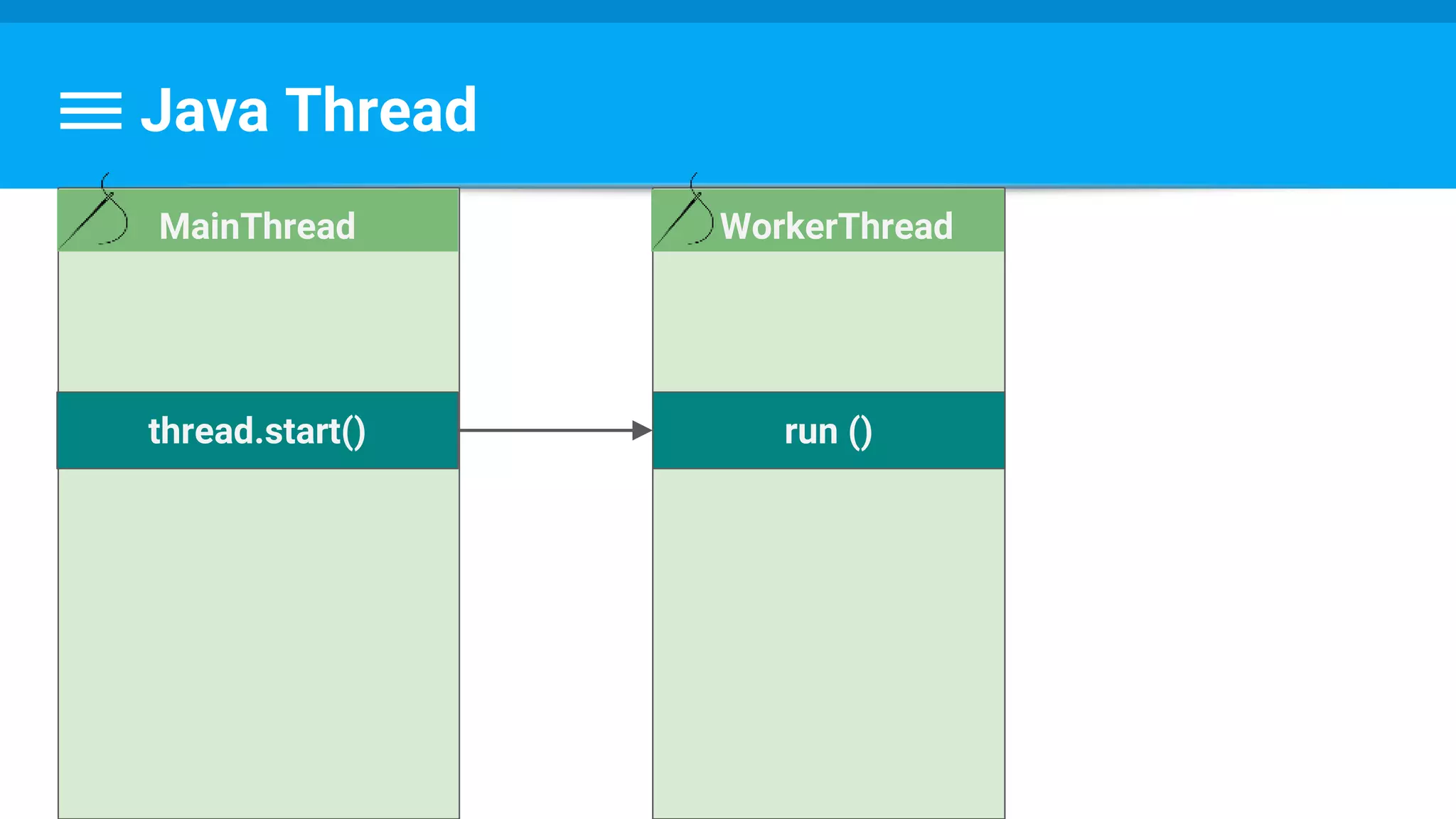
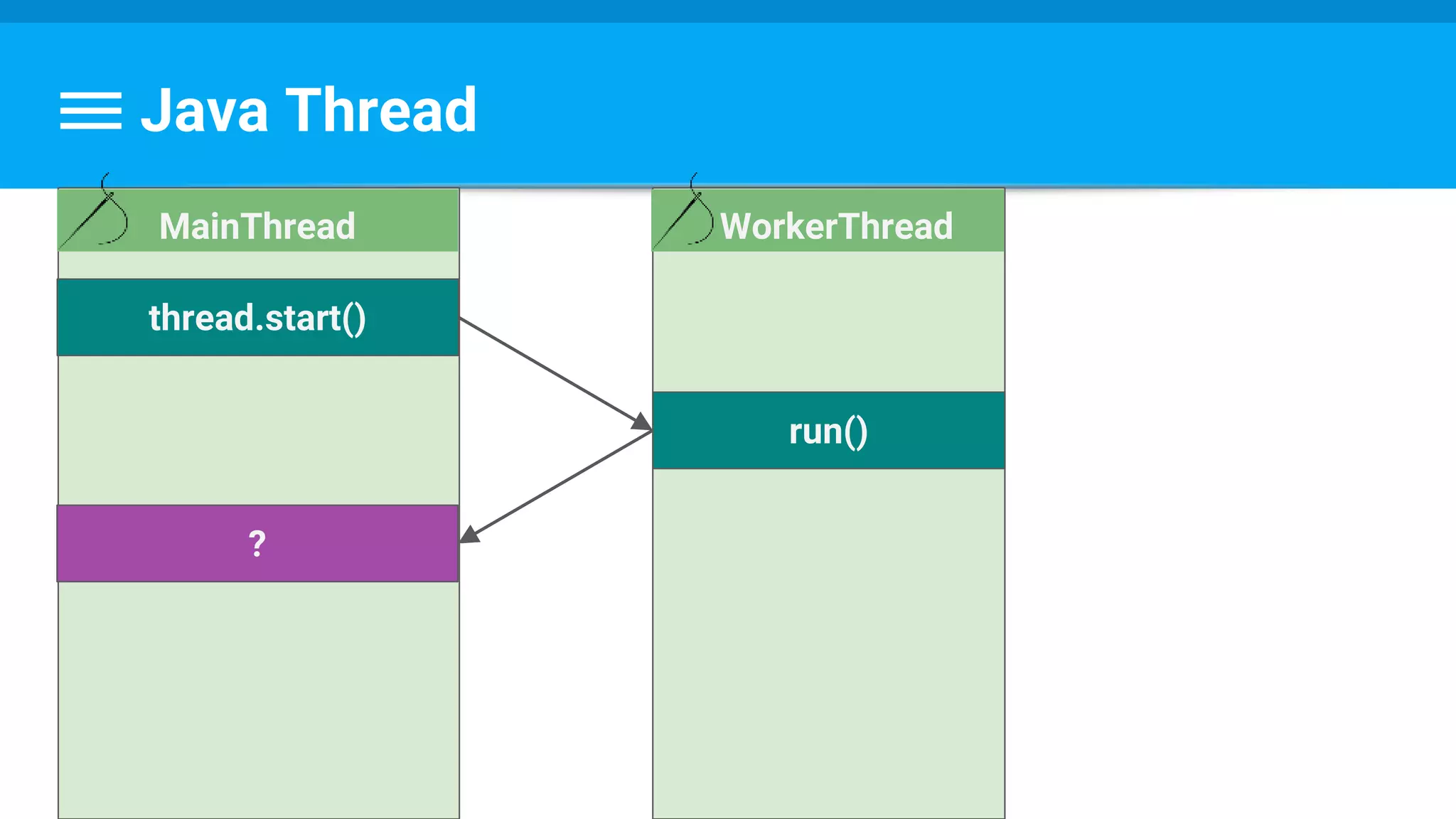
Java Thread
WorkerThread
run ()thread.start()
MainThread
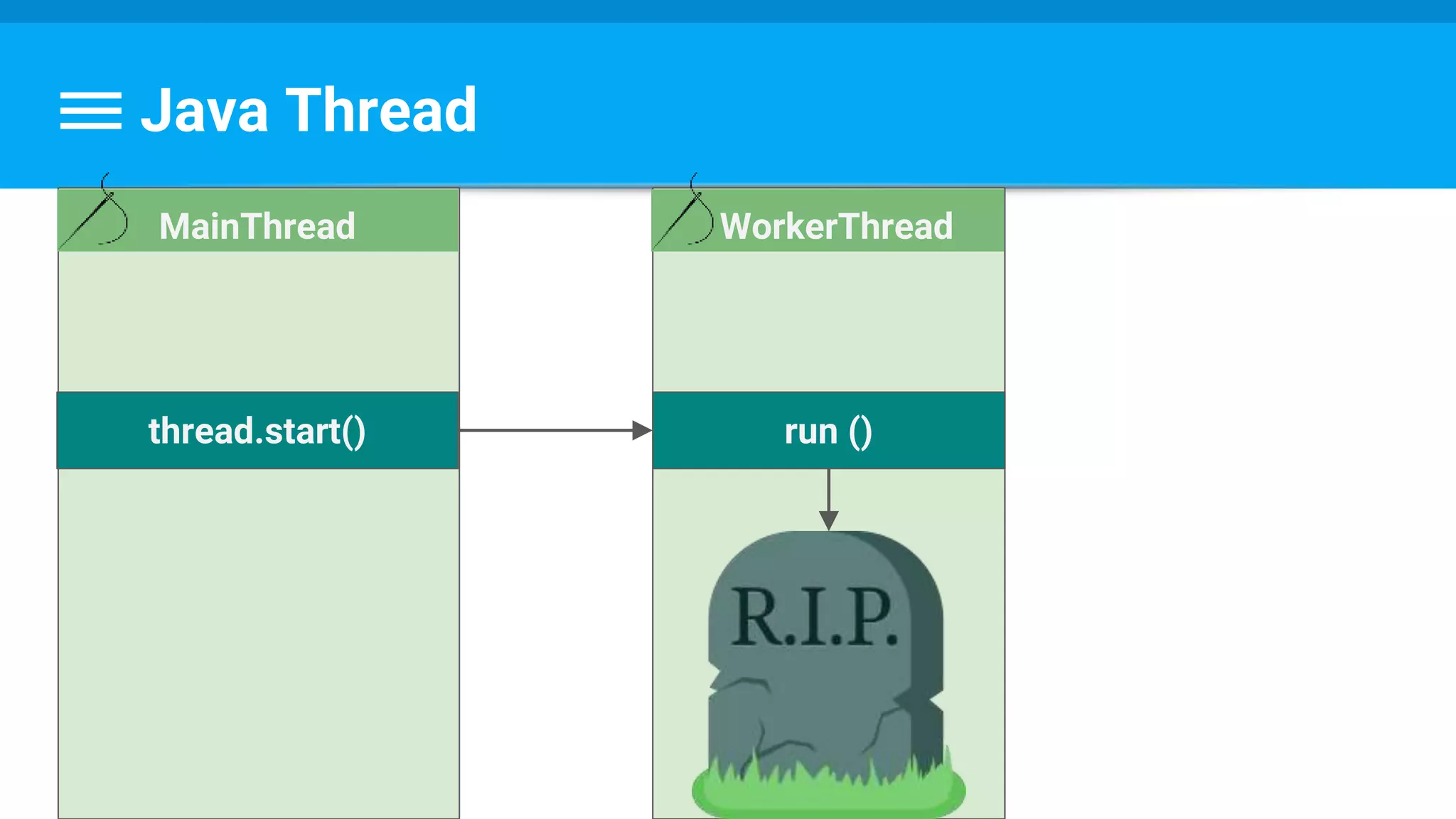
Java Thread
WorkerThread
run ()thread.start()
MainThread
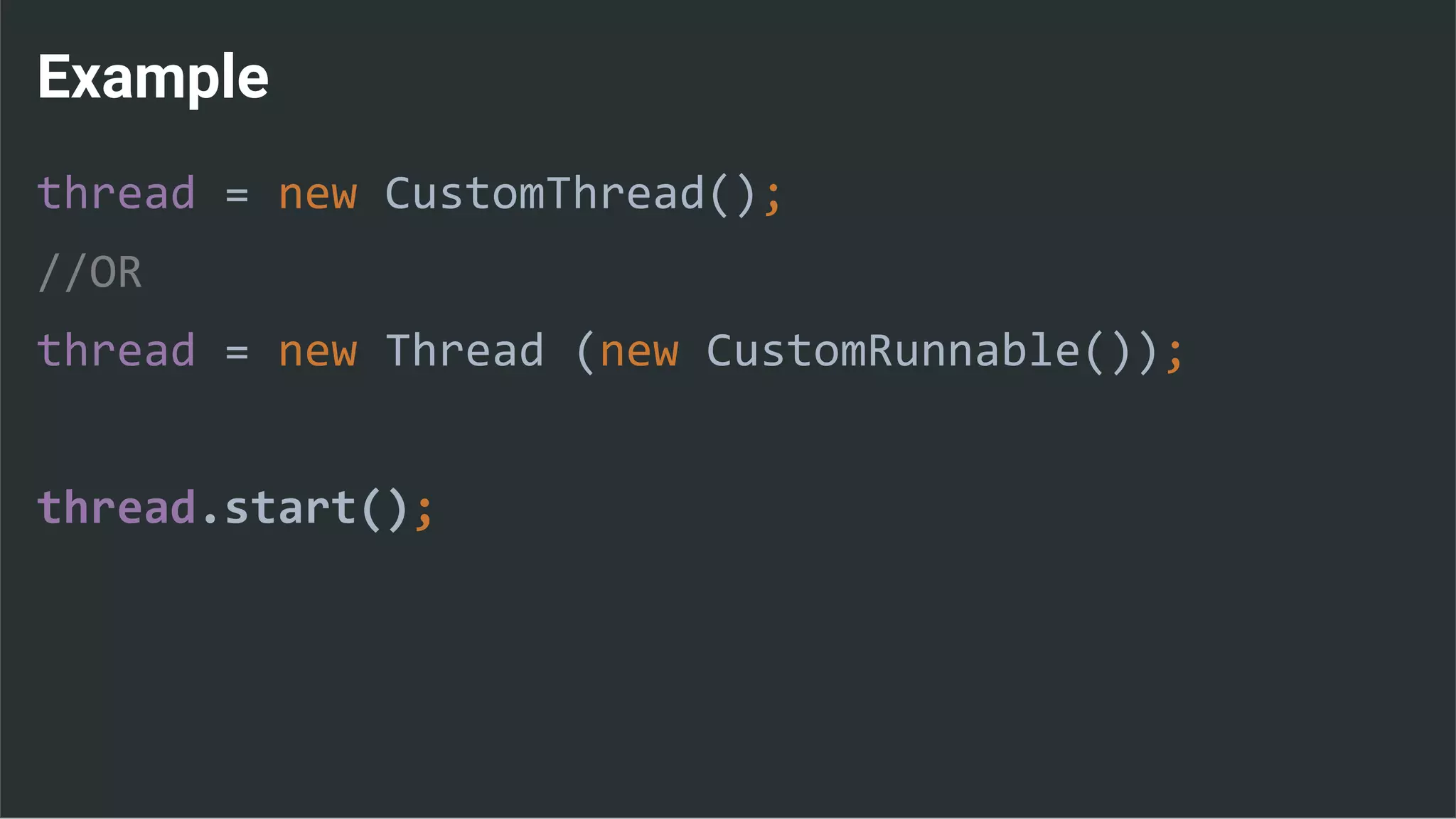
Example
thread = new CustomThread();
//OR
thread = new Thread (new CustomRunnable());
thread.start();
Example
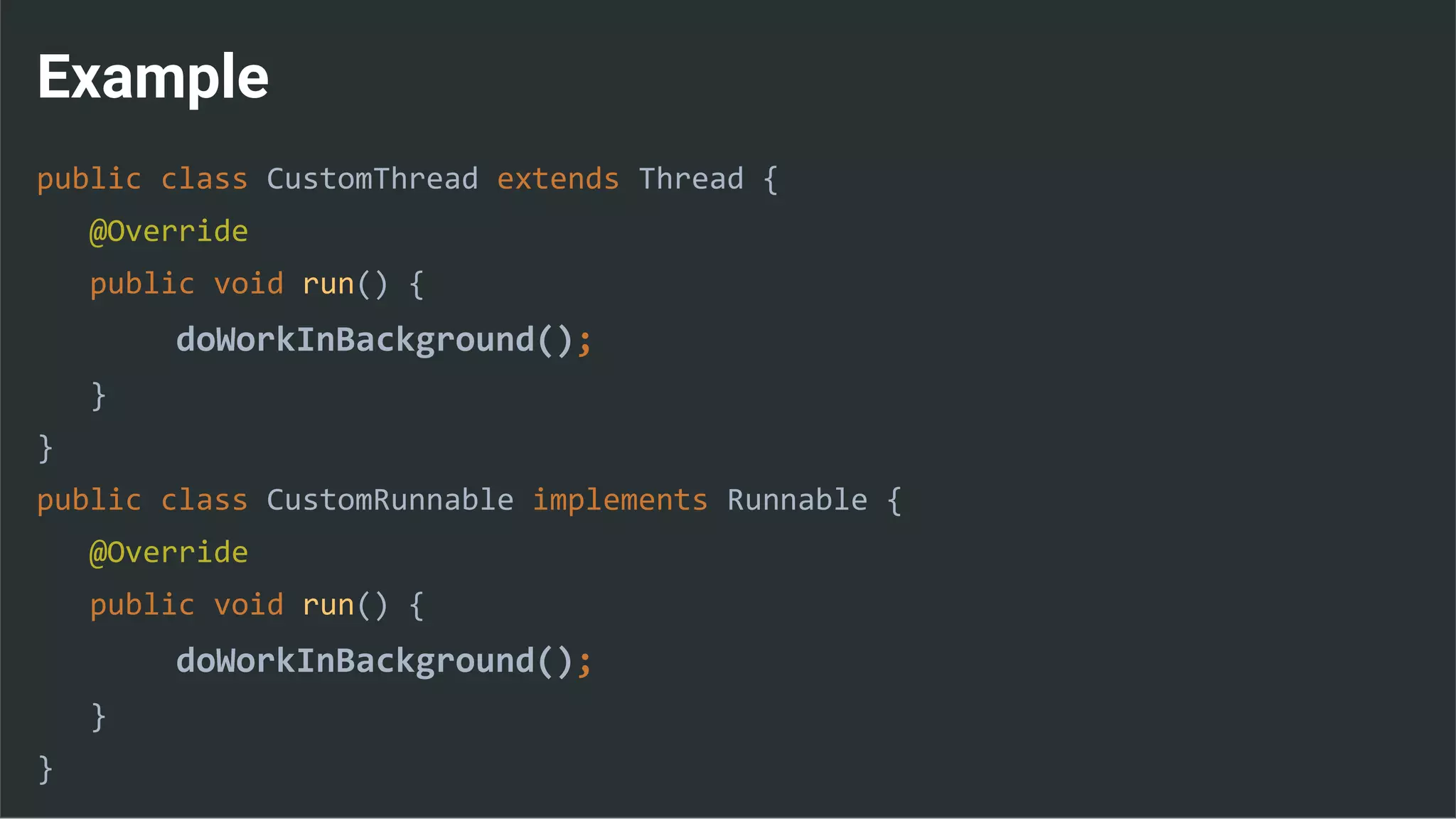
public class CustomThread extends Thread {
@Override
public void run() {
doWorkInBackground();
}
}
public class CustomRunnable implements Runnable {
@Override
public void run() {
doWorkInBackground();
}
}
Java Thread
WorkerThread
run()
thread.start()
MainThread
?
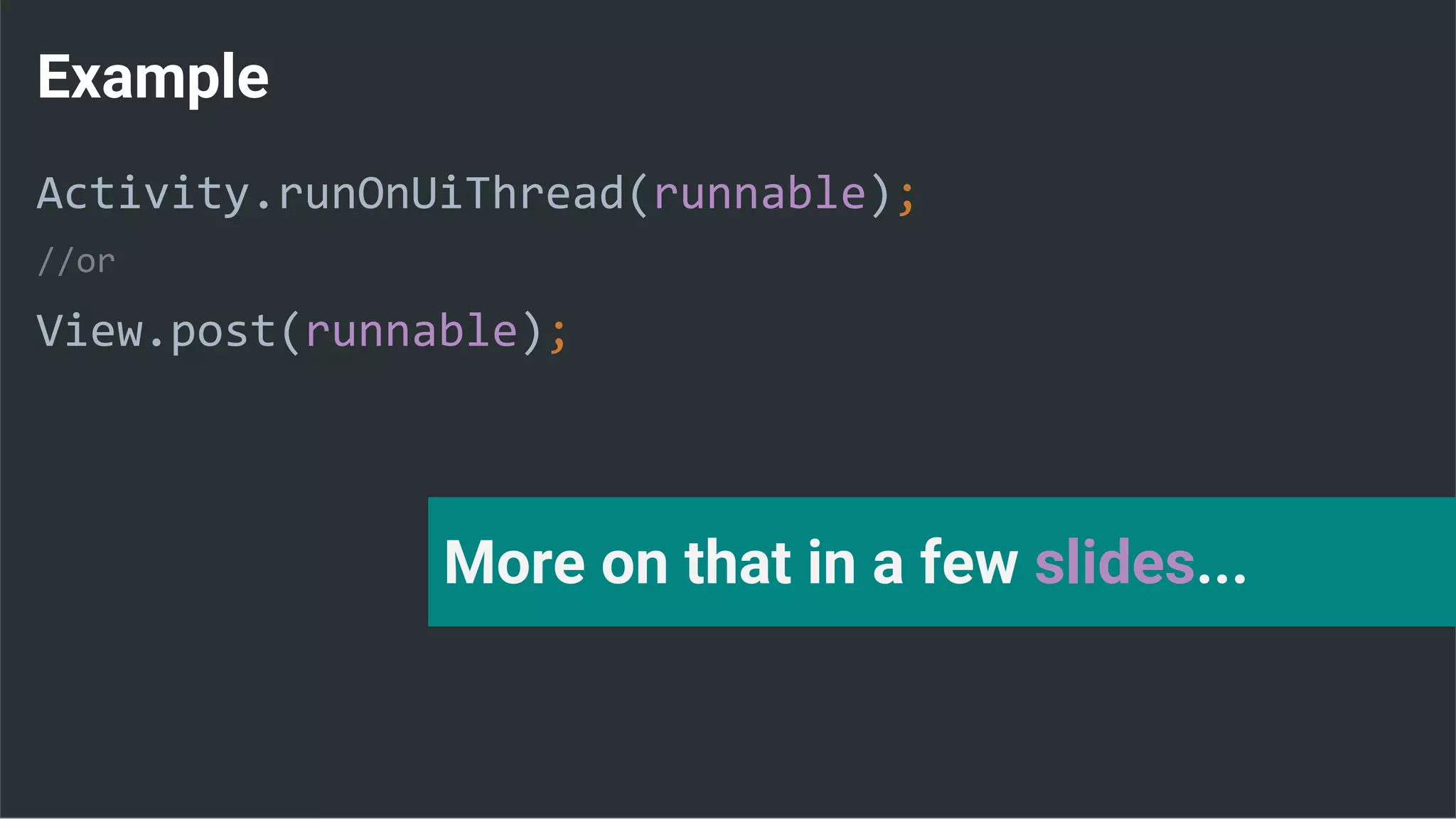
Example
Activity.runOnUiThread(runnable);
//or
View.post(runnable);
More on that in a few slides...
Things can get ugly quite fast….
...any ideas?
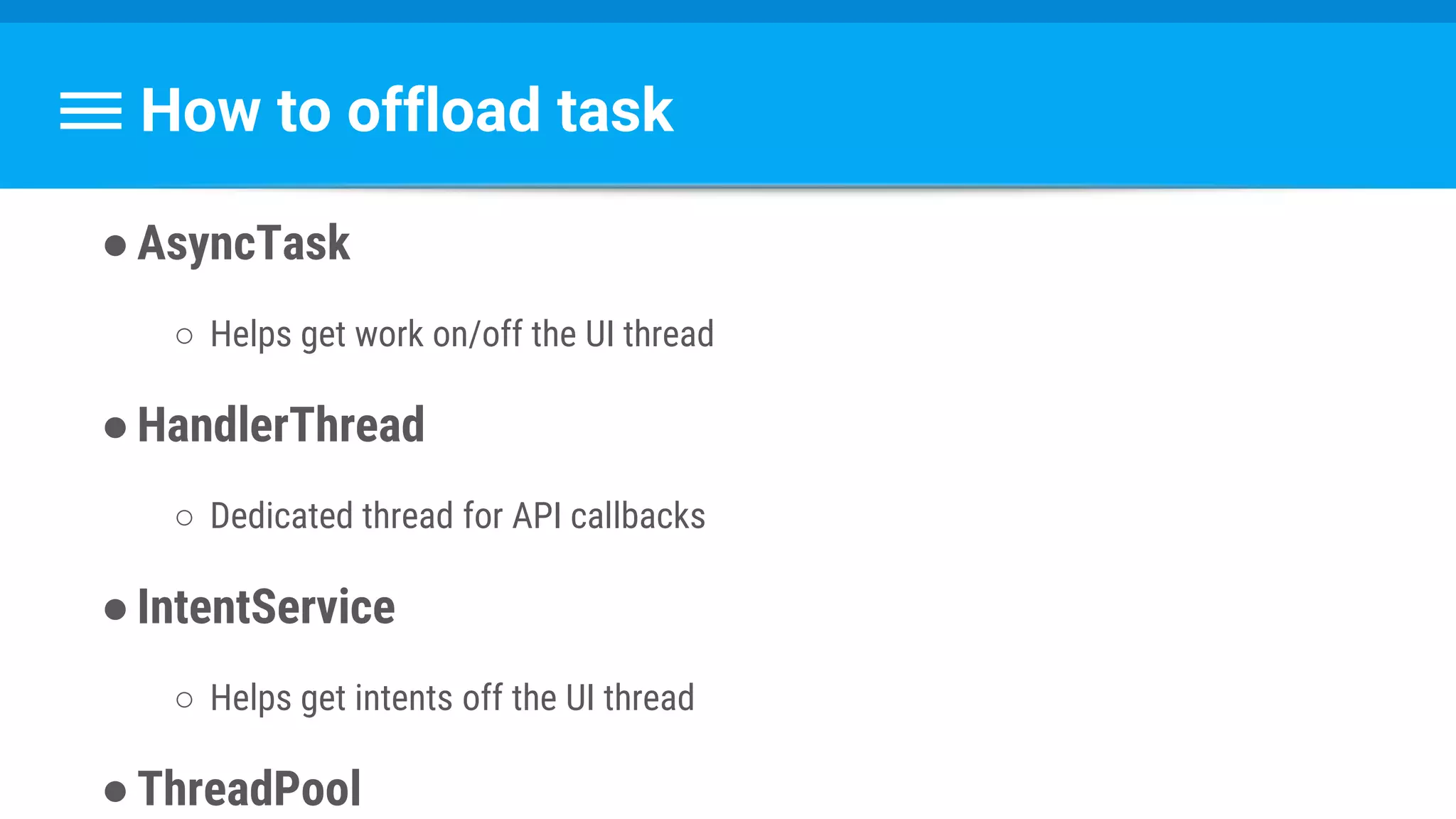
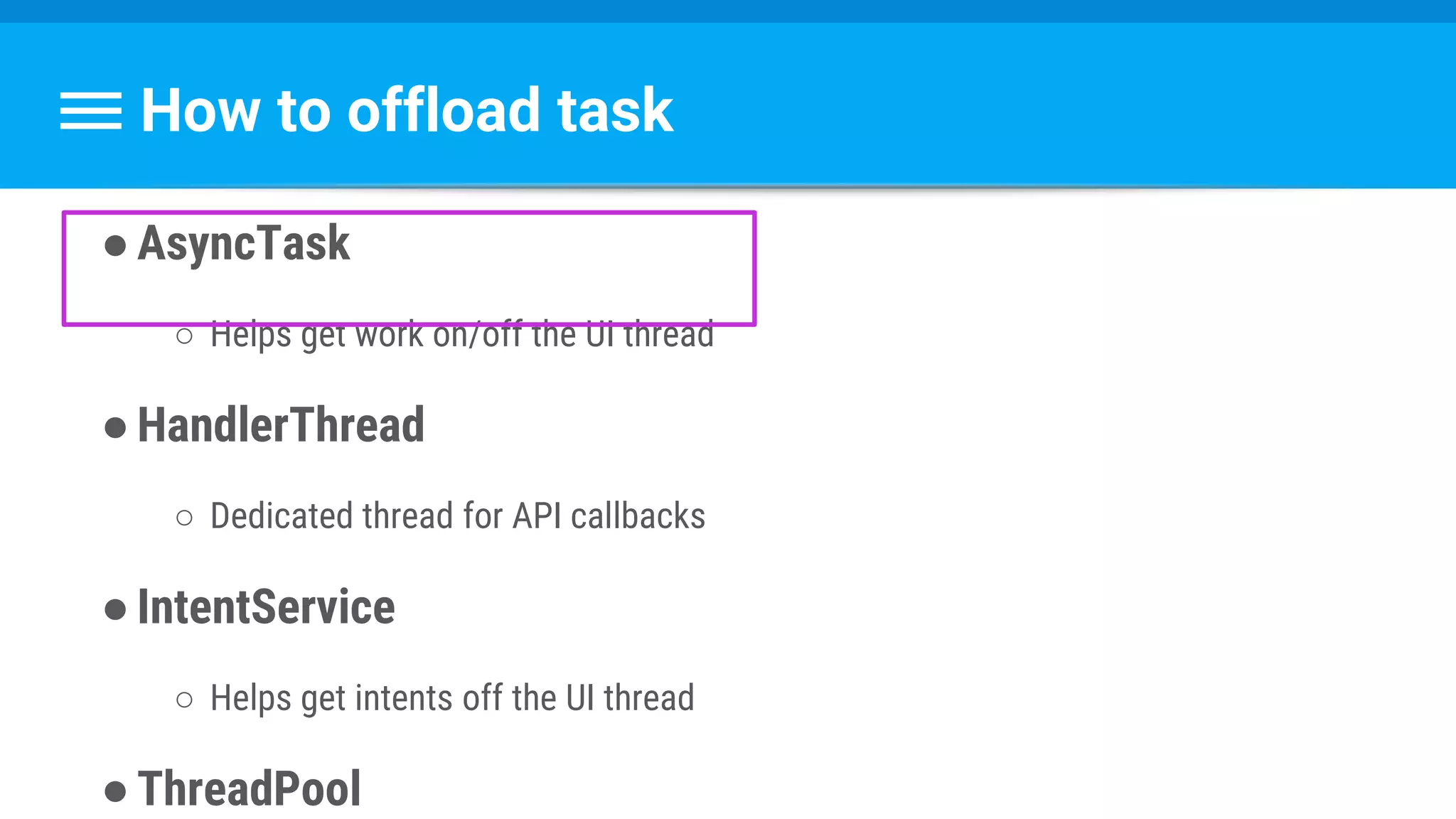
How to offload task
●AsyncTask
○ Helps get work on/off the UI thread
●HandlerThread
○ Dedicated thread for API callbacks
●IntentService
○ Helps get intents off the UI thread
●ThreadPool
How to offload task
●AsyncTask
○ Helps get work on/off the UI thread
●HandlerThread
○ Dedicated thread for API callbacks
●IntentService
○ Helps get intents off the UI thread
●ThreadPool
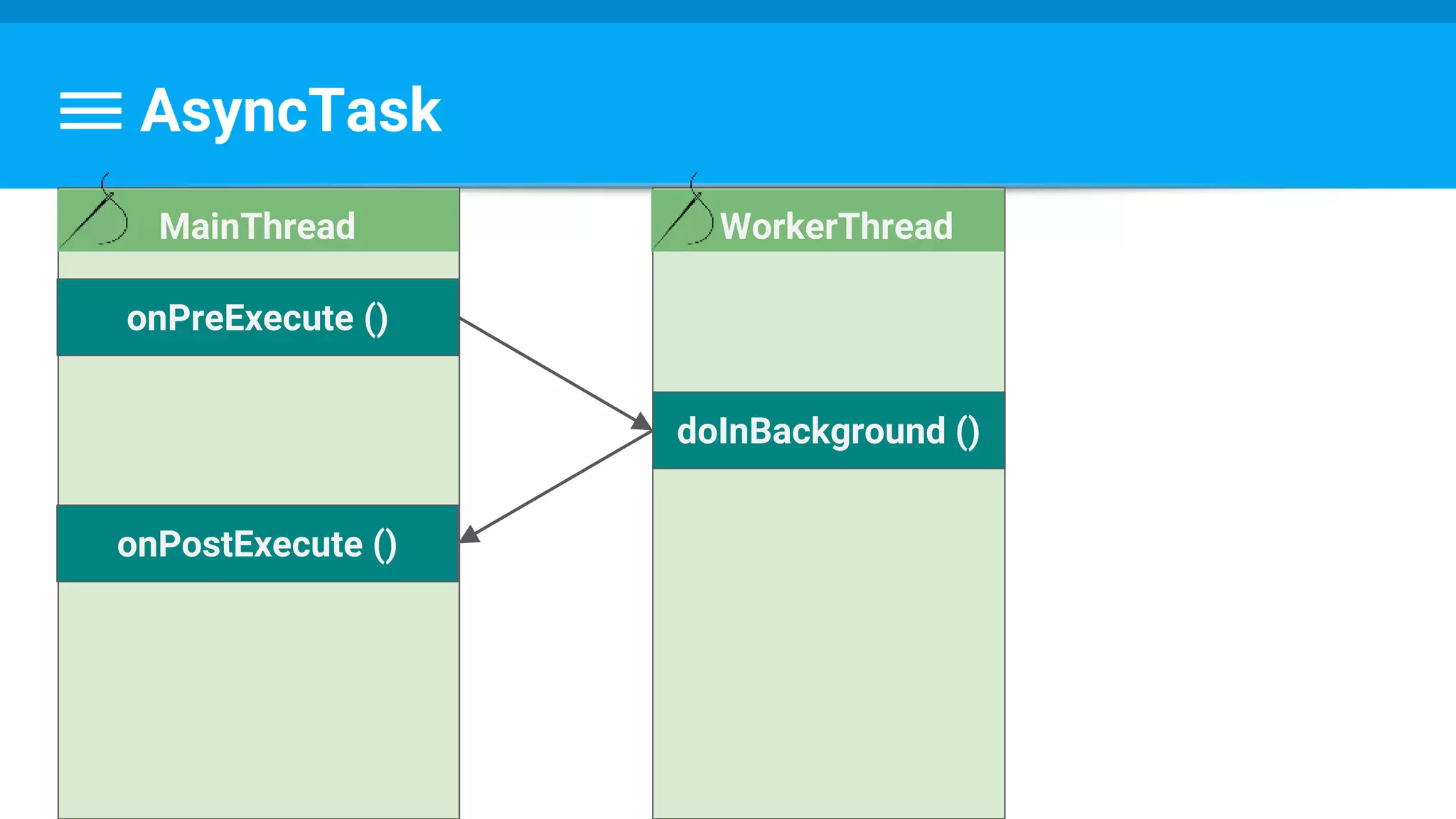
AsyncTask
AsyncTask
WorkerThread
doInBackground ()
onPreExecute ()
MainThread
onPostExecute ()
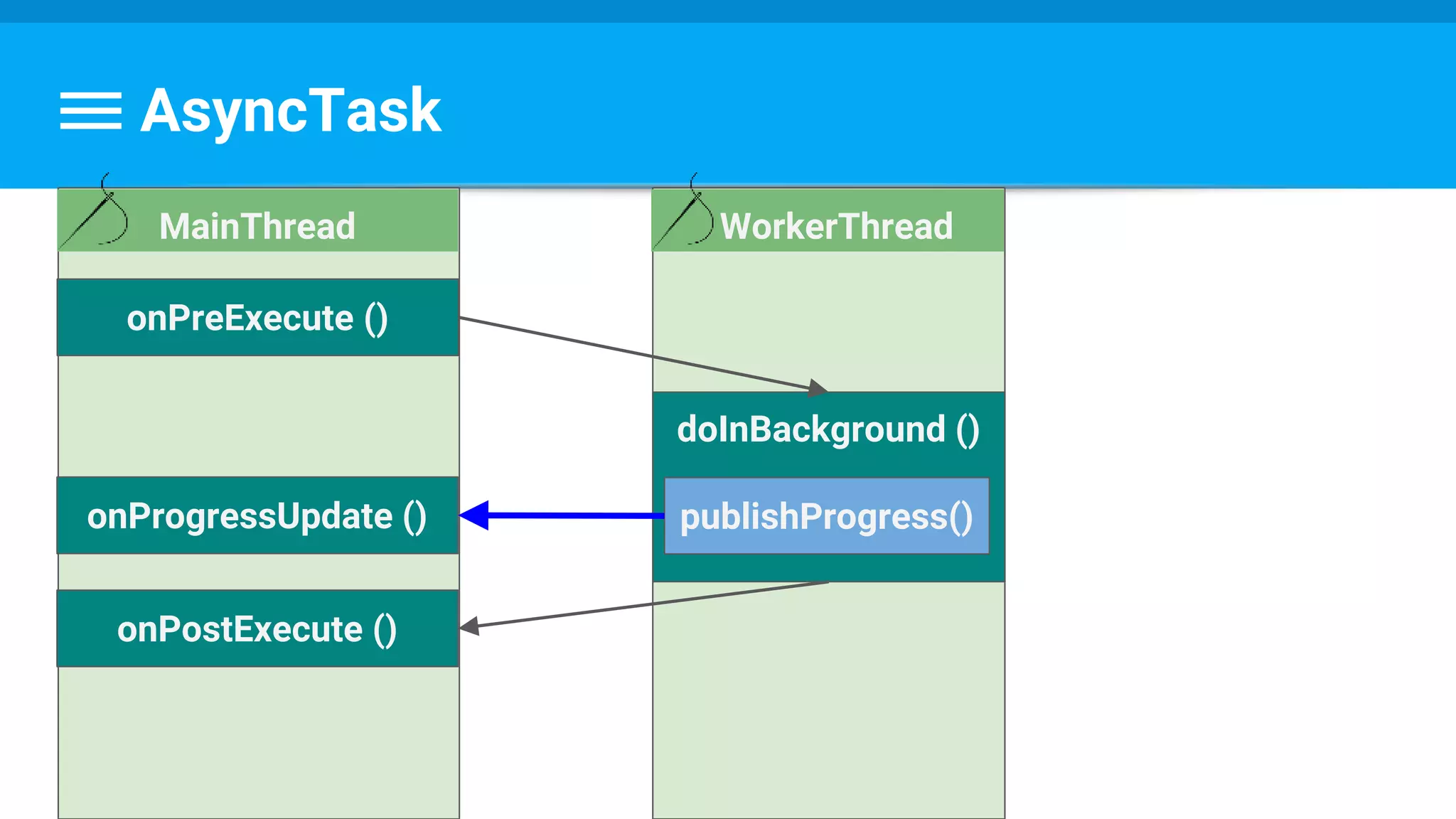
AsyncTask
WorkerThread
doInBackground ()
onPreExecute ()
MainThread
onProgressUpdate ()
onPostExecute ()
publishProgress()
Example
public class DownloadFilesTask extends AsyncTask<URL, Integer, Long> {
protected Long doInBackground(URL... urls) {
int count = urls.length;
long totalSize = 0;
for (int i = 0; i < count; i++) {
totalSize += Downloader.downloadFile(urls[i]);
publishProgress((int) ((i / (float) count) * 100));
}
return totalSize;
}
Example
public class DownloadFilesTask extends AsyncTask<URL, Integer, Long> {
// ...
protected void onProgressUpdate(Integer... progress) {
setProgressPercent(progress[0]);
}
protected void onPostExecute(Long result) {
showDialog("Downloaded " + result + " bytes");
}
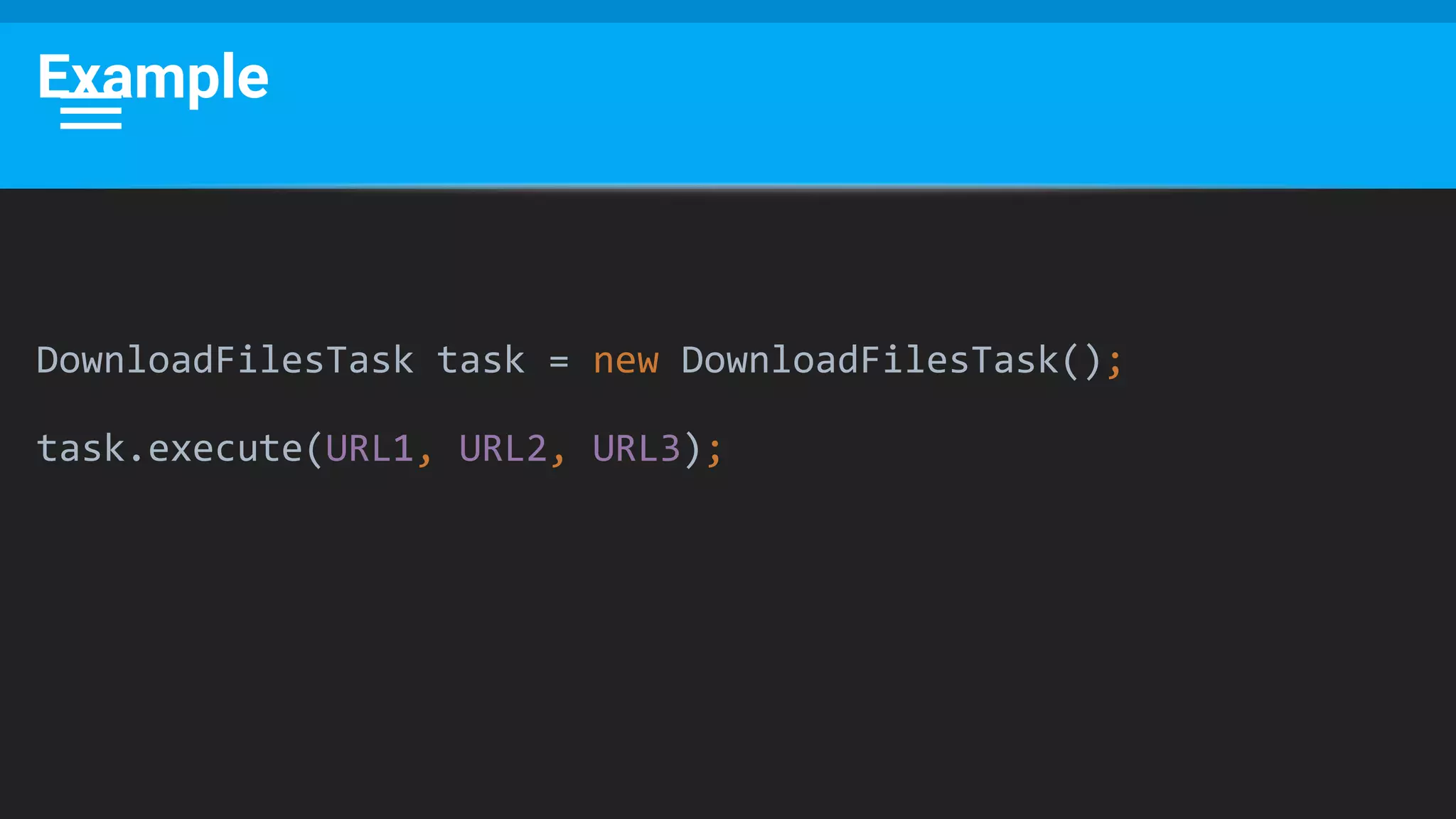
Example
DownloadFilesTask task = new DownloadFilesTask();
task.execute(URL1, URL2, URL3);
This Would Also Work
DownloadFilesTask task = new DownloadFilesTask(URL1, URL2, URL3);
task.execute();
public class DownloadFilesTask extends AsyncTask<Void, Integer, Long> {
private URL[] urls;
public DownloadFilesTask(URL... urls) {
this.urls = urls;
}
…
}
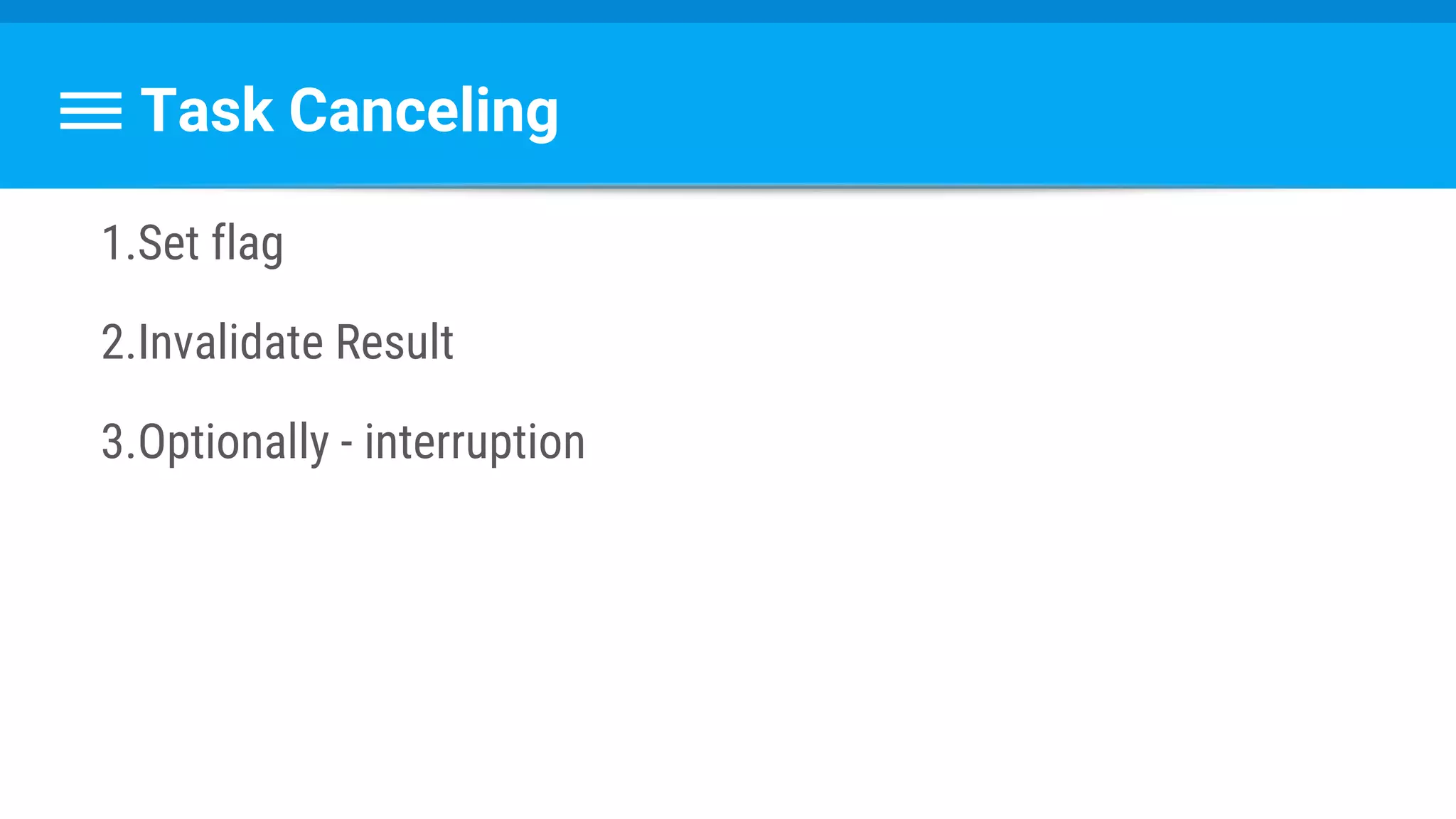
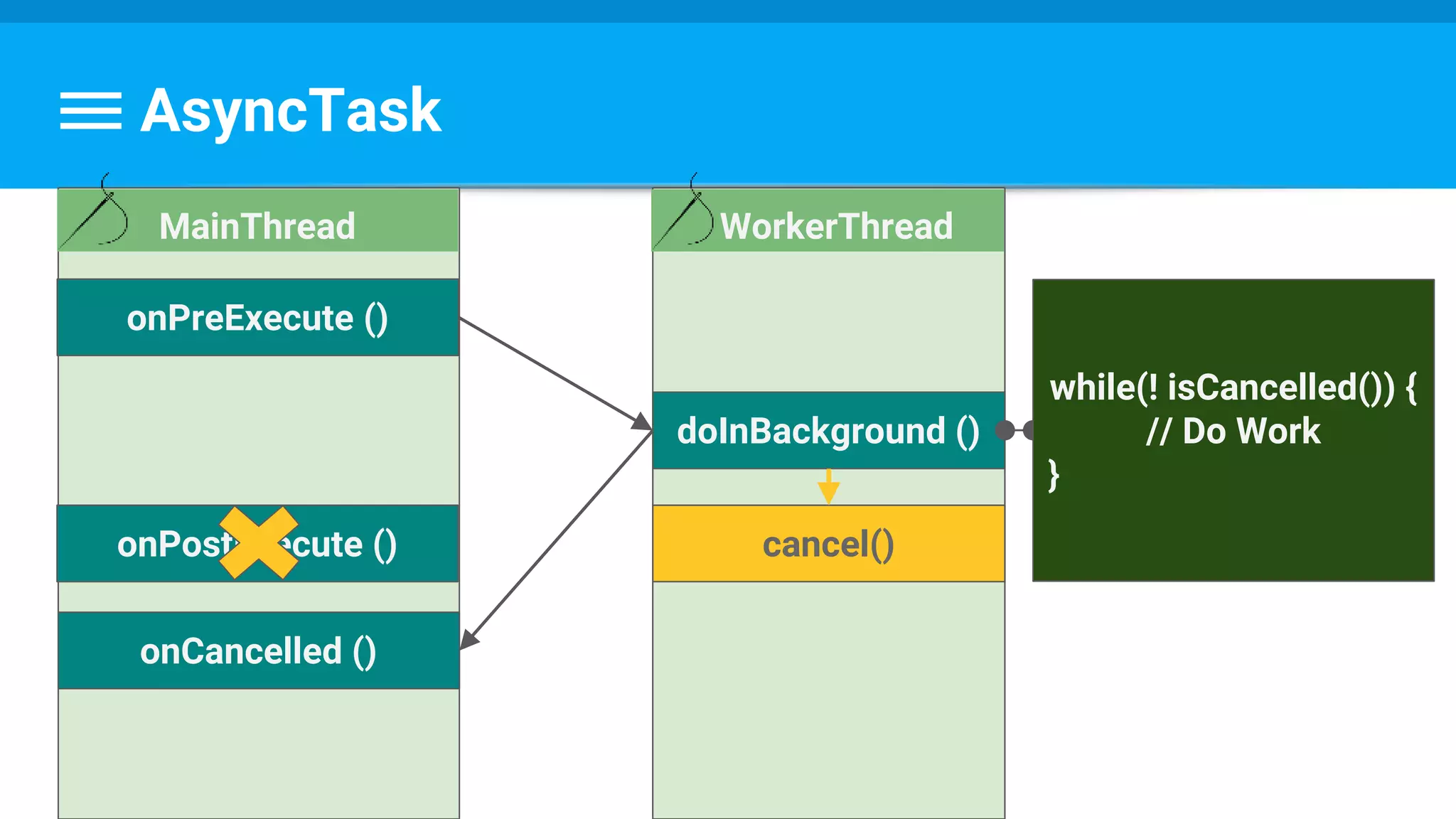
Task Canceling
1.Set flag
2.Invalidate Result
3.Optionally - interruption
AsyncTask
WorkerThread
doInBackground ()
onPreExecute ()
MainThread
onPostExecute ()
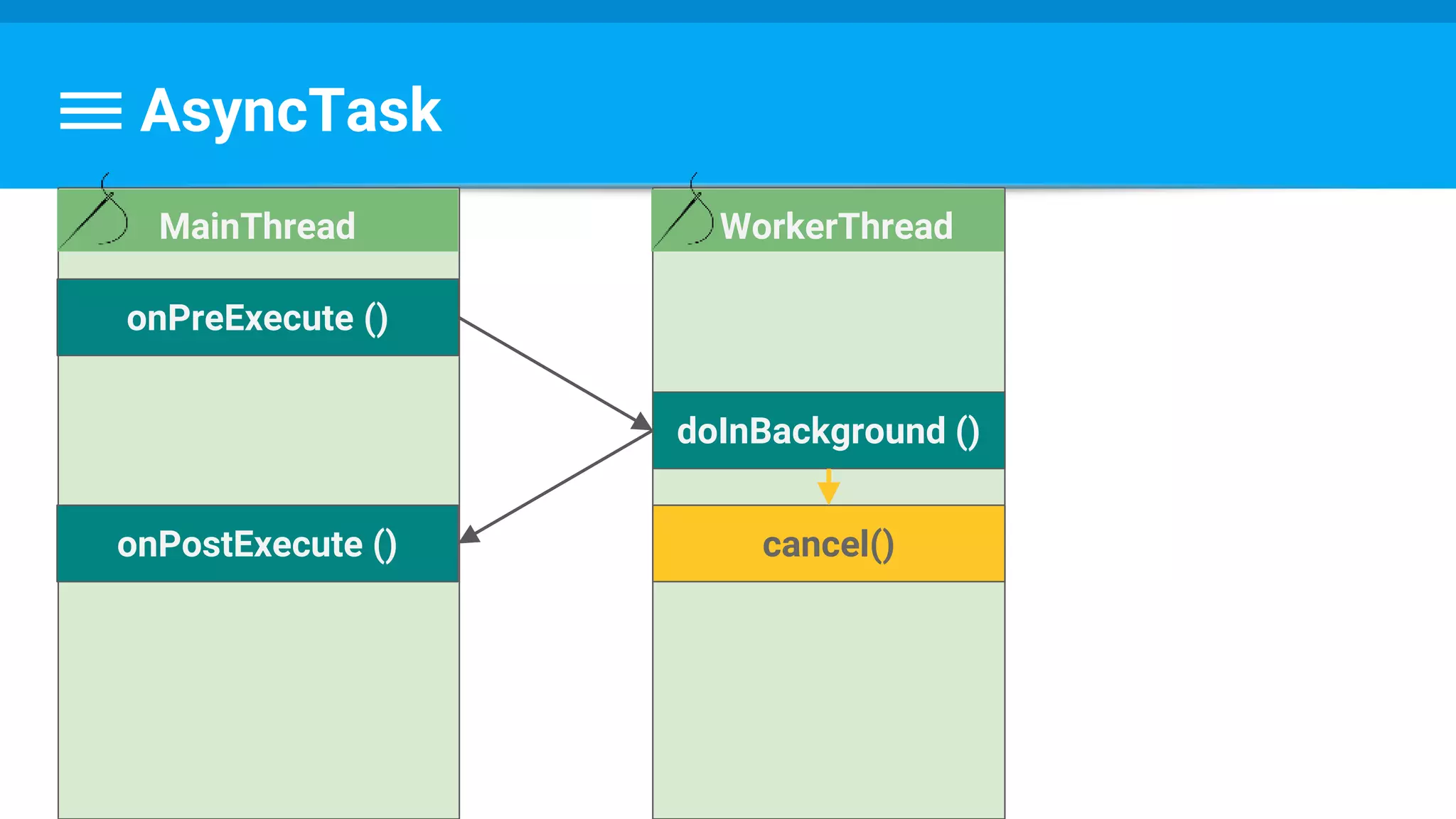
AsyncTask
WorkerThread
doInBackground ()
onPreExecute ()
MainThread
onPostExecute () cancel()
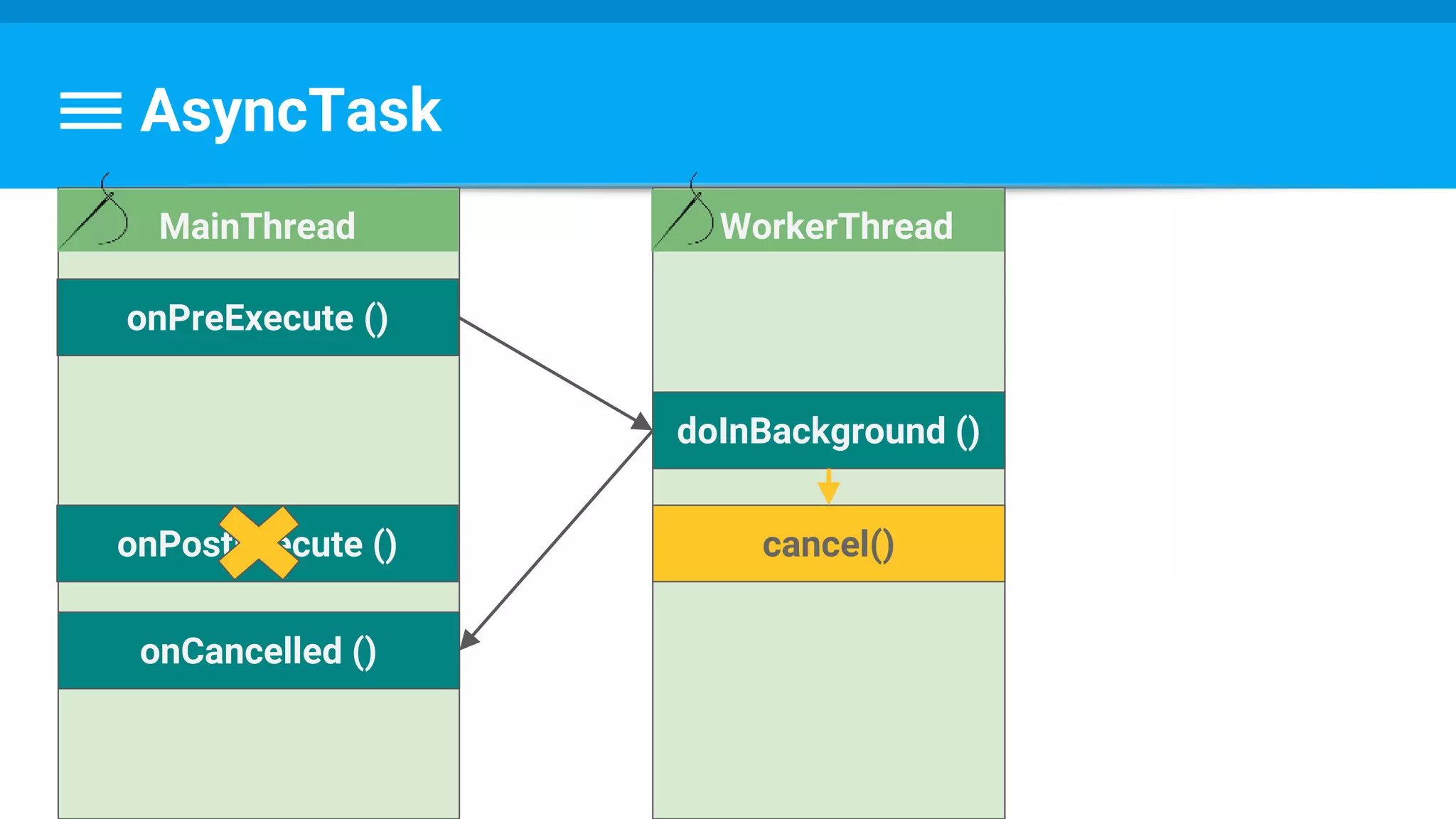
AsyncTask
WorkerThread
doInBackground ()
onPreExecute ()
MainThread
onPostExecute ()
onCancelled ()
cancel()
AsyncTask
WorkerThread
doInBackground ()
onPreExecute ()
MainThread
onPostExecute ()
onCancelled ()
cancel()
while(! isCancelled()) {
// Do Work
}
Example
protected Long doInBackground(URL... urls) {
int count = urls.length;
long totalSize = 0;
for (int i = 0; i < count; i++) {
totalSize += Downloader.downloadFile(urls[i]);
publishProgress((int) ((i / (float) count) * 100));
// Escape early if cancel() is called
if (isCancelled()) break;
}
return totalSize;
}
@Override
protected void onCancelled(Long result) {
showDialog("Downloaded was cancelled after " + result + " bytes");
}
AsyncTask
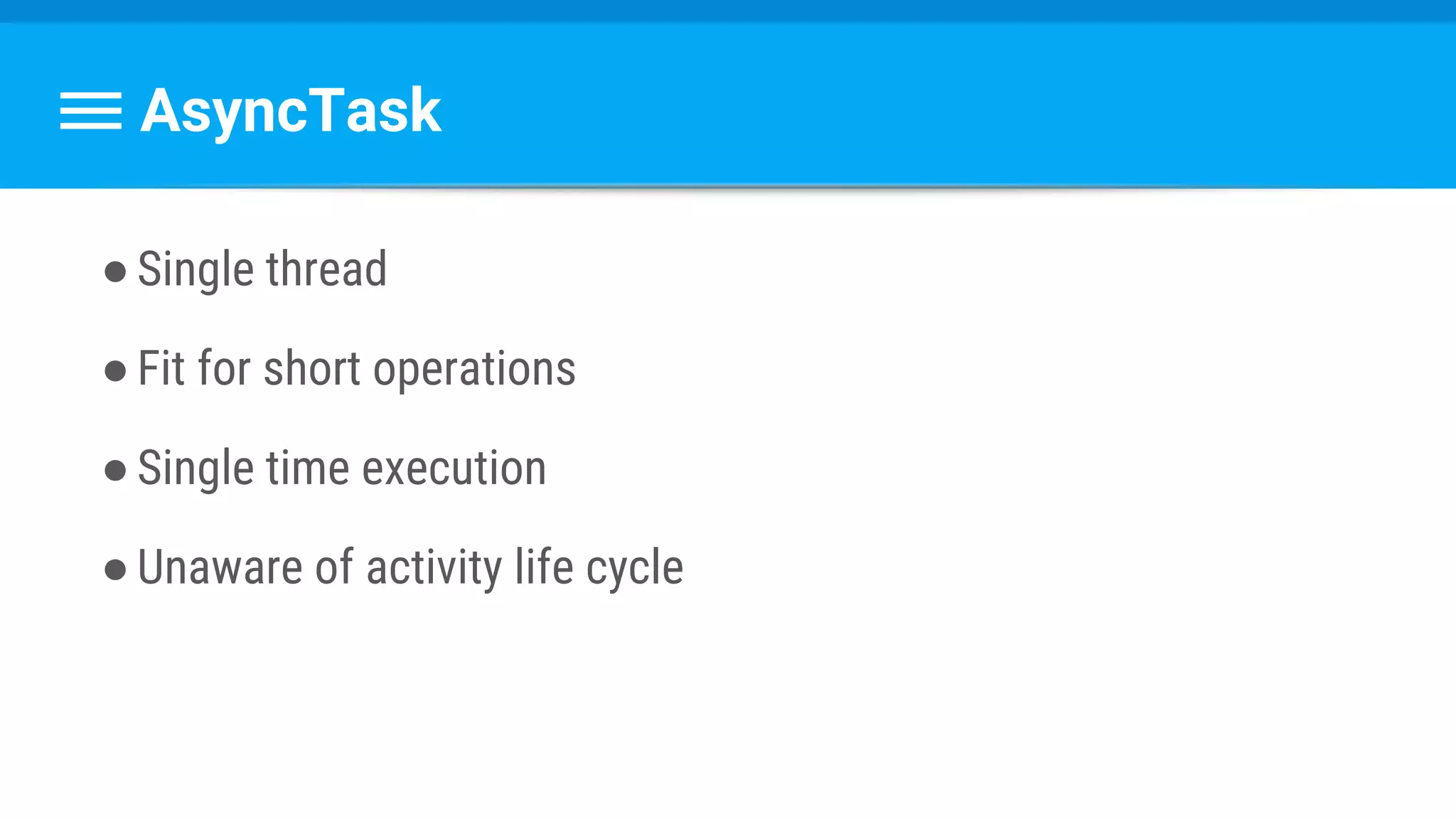
●Single thread
●Fit for short operations
●Single time execution
●Unaware of activity life cycle
Questions ?
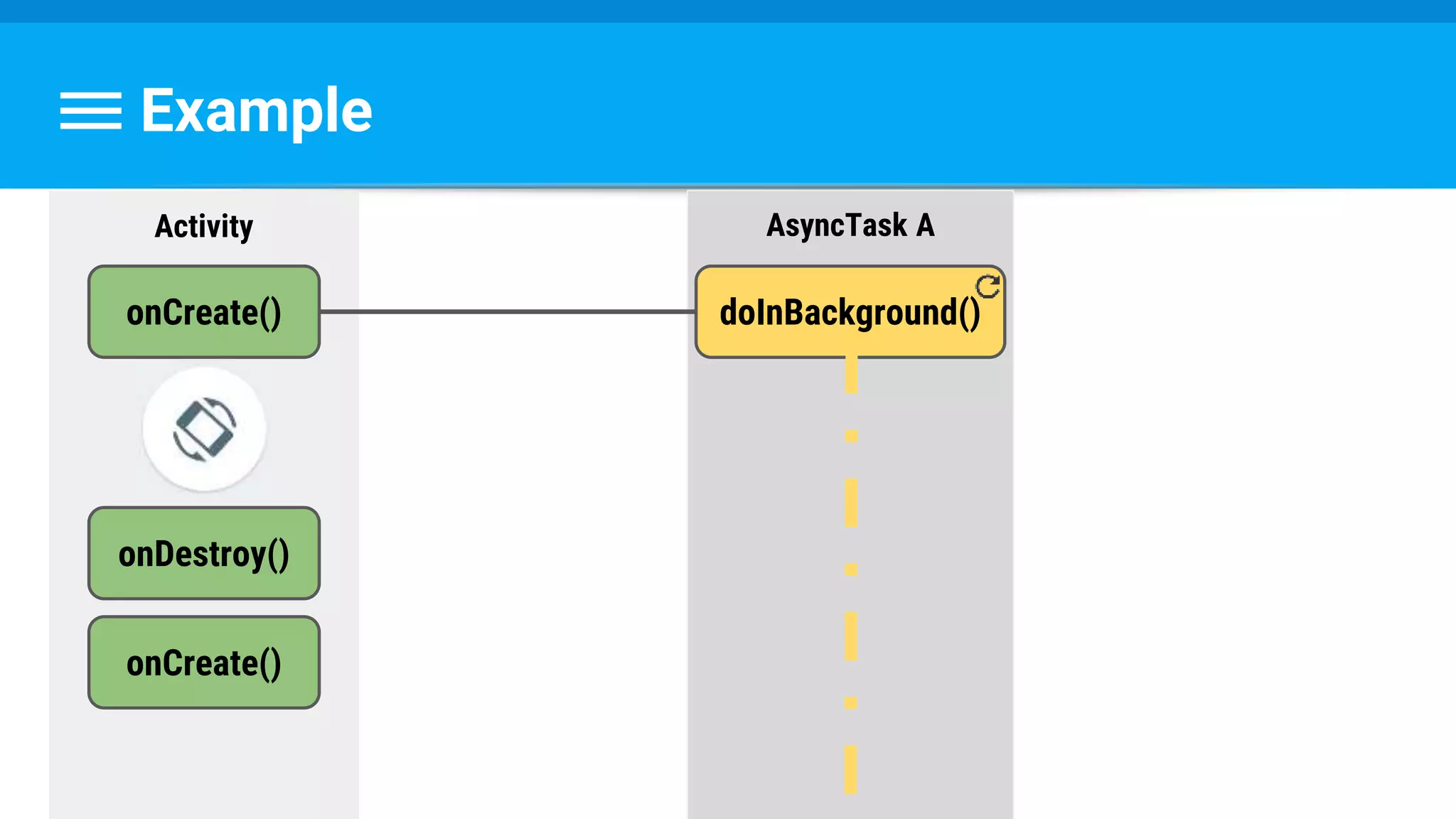
Now, Imagine:
Example
Activity
onCreate()
Example
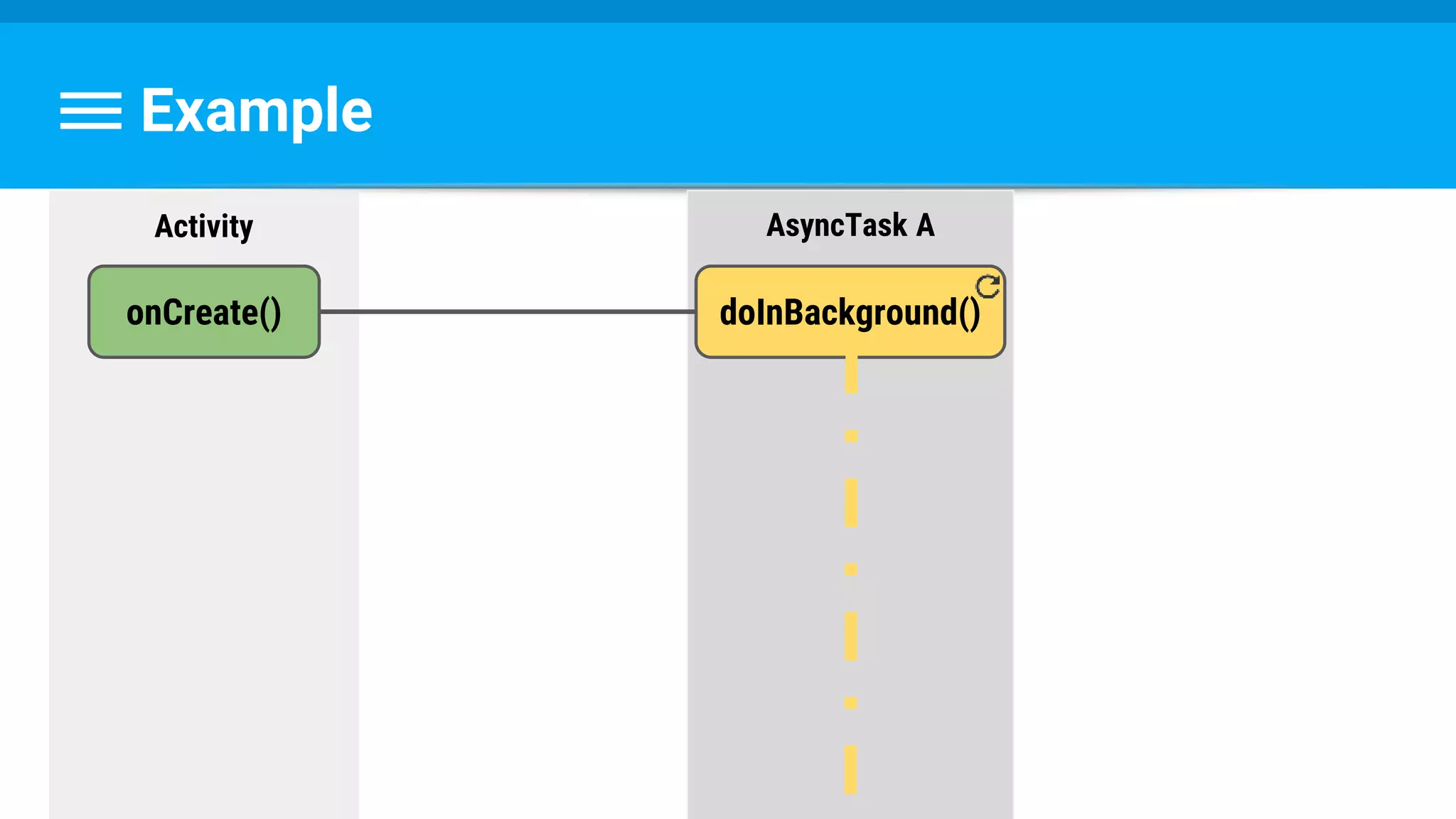
Activity AsyncTask A
onCreate() doInBackground()
Example
Activity AsyncTask A
onCreate() doInBackground()
onDestroy()
onCreate()
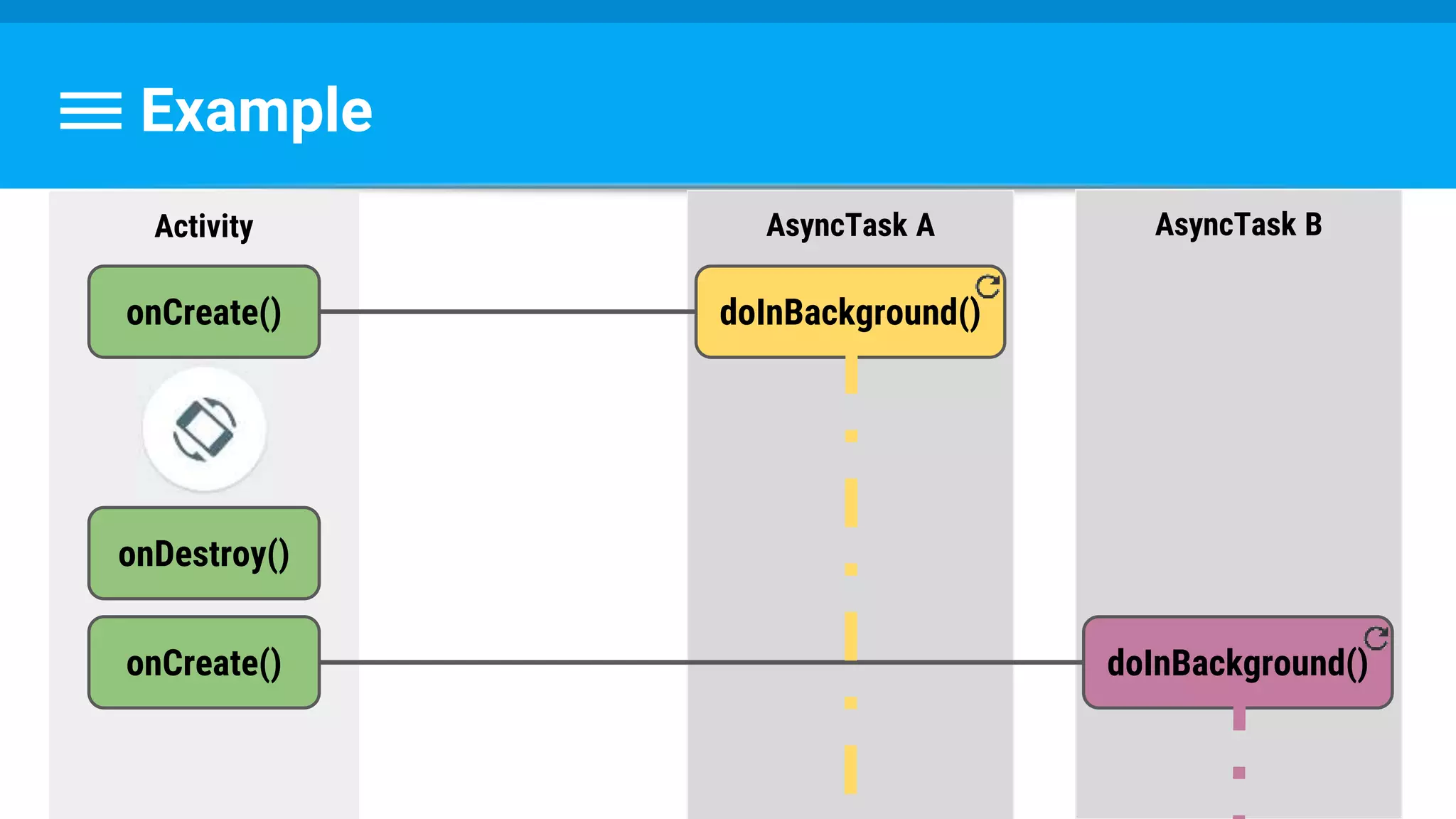
Example
Activity AsyncTask A
onCreate() doInBackground()
onDestroy()
onCreate()
AsyncTask B
doInBackground()
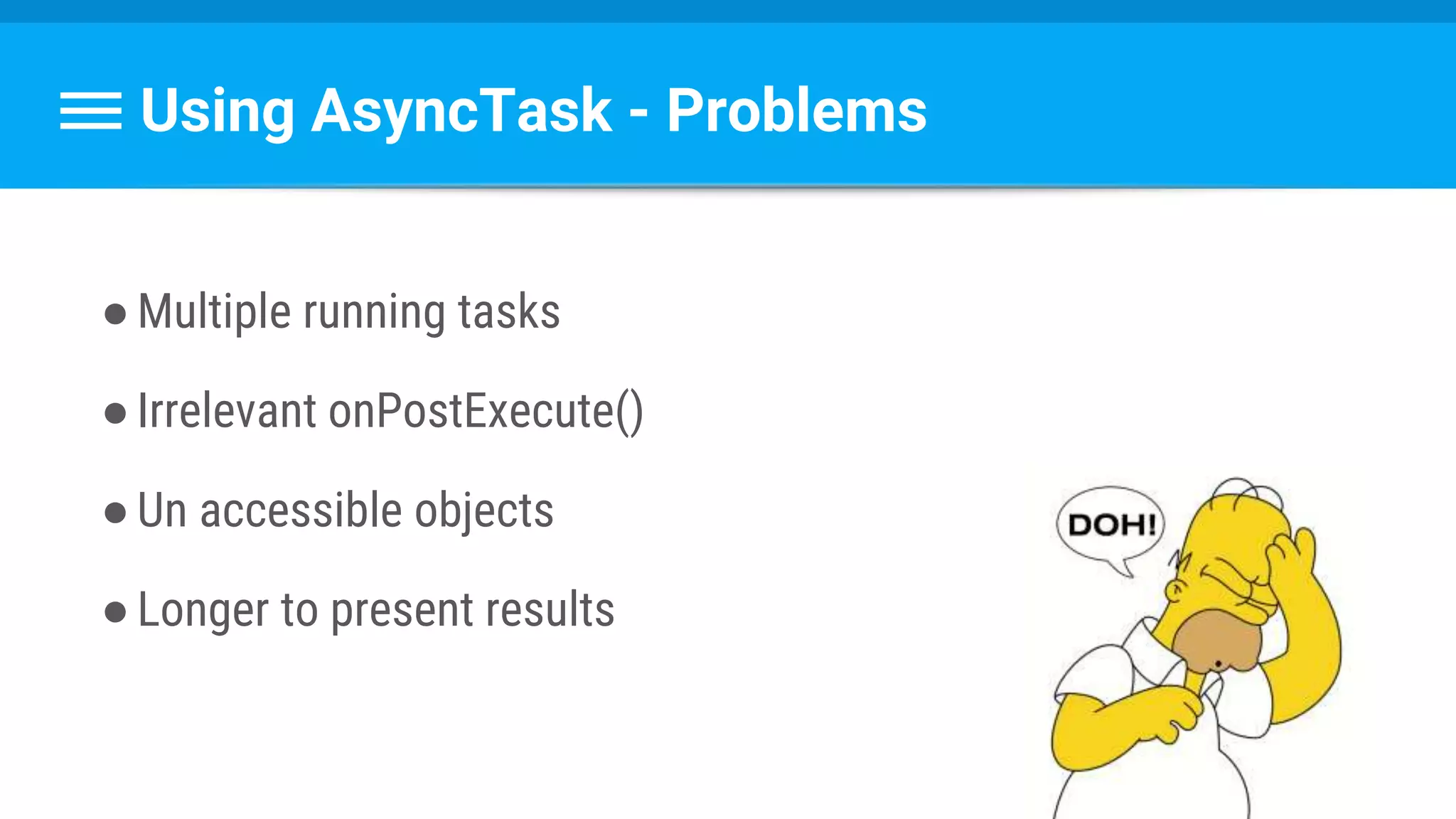
Using AsyncTask - Problems
●Multiple running tasks
●Irrelevant onPostExecute()
●Un accessible objects
●Longer to present results
Idea:
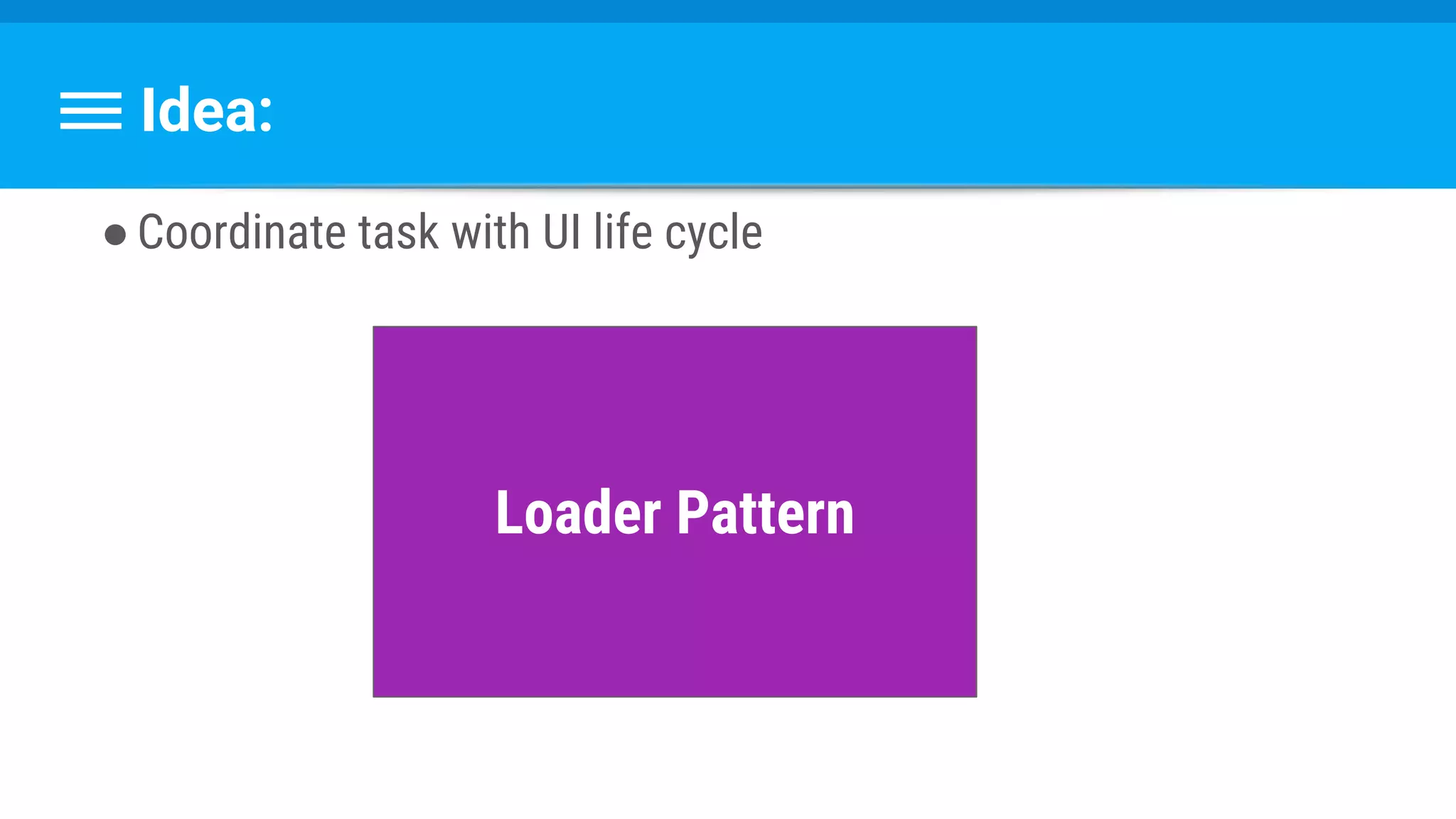
●Coordinate task with UI life cycle
Idea:
●Coordinate task with UI life cycle
Loader Pattern
Idea:
●Coordinate task with UI life cycle
Loader Pattern
30.10 -
New Course!
Previous: goo.gl/rCIPRQ
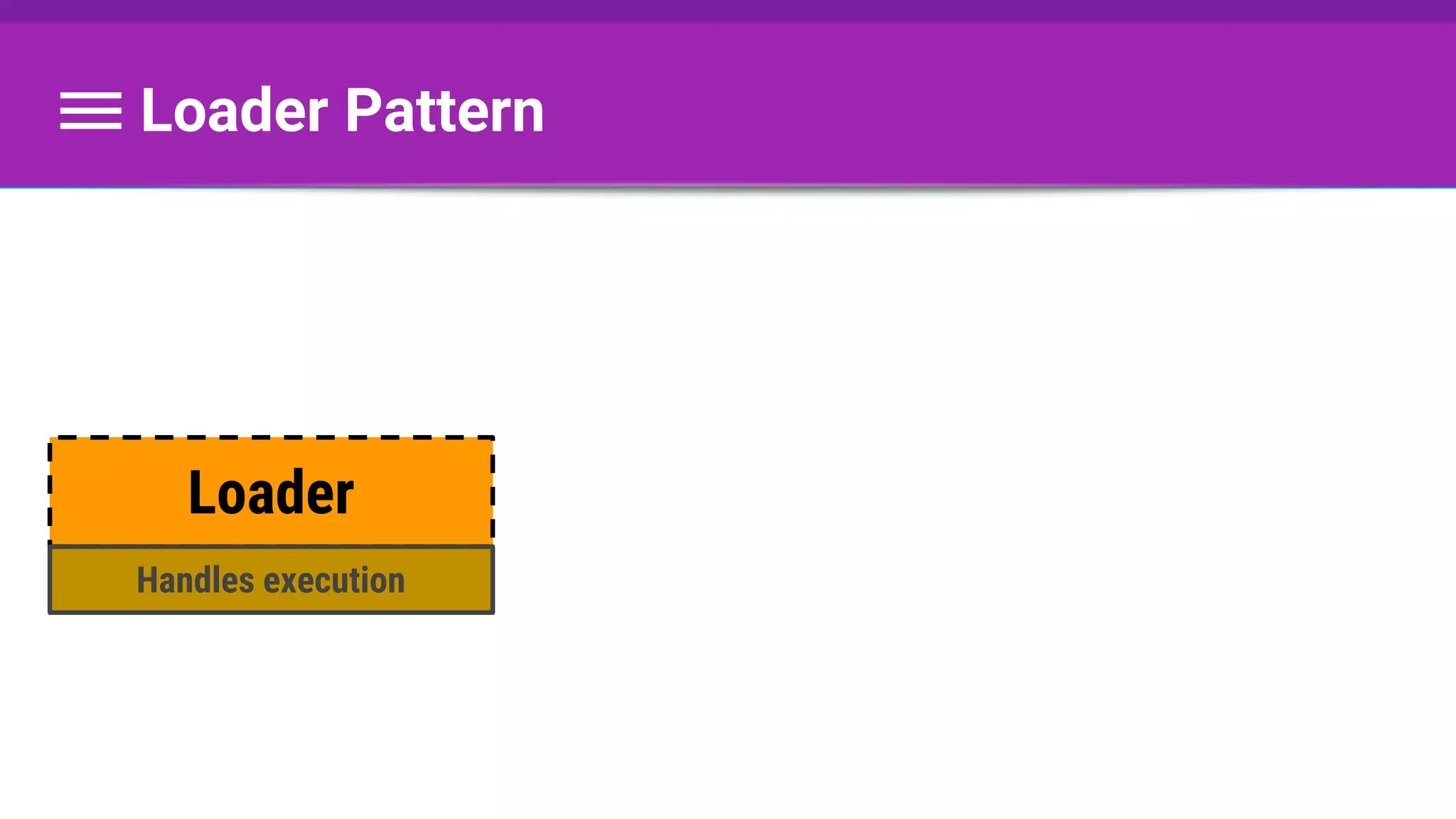
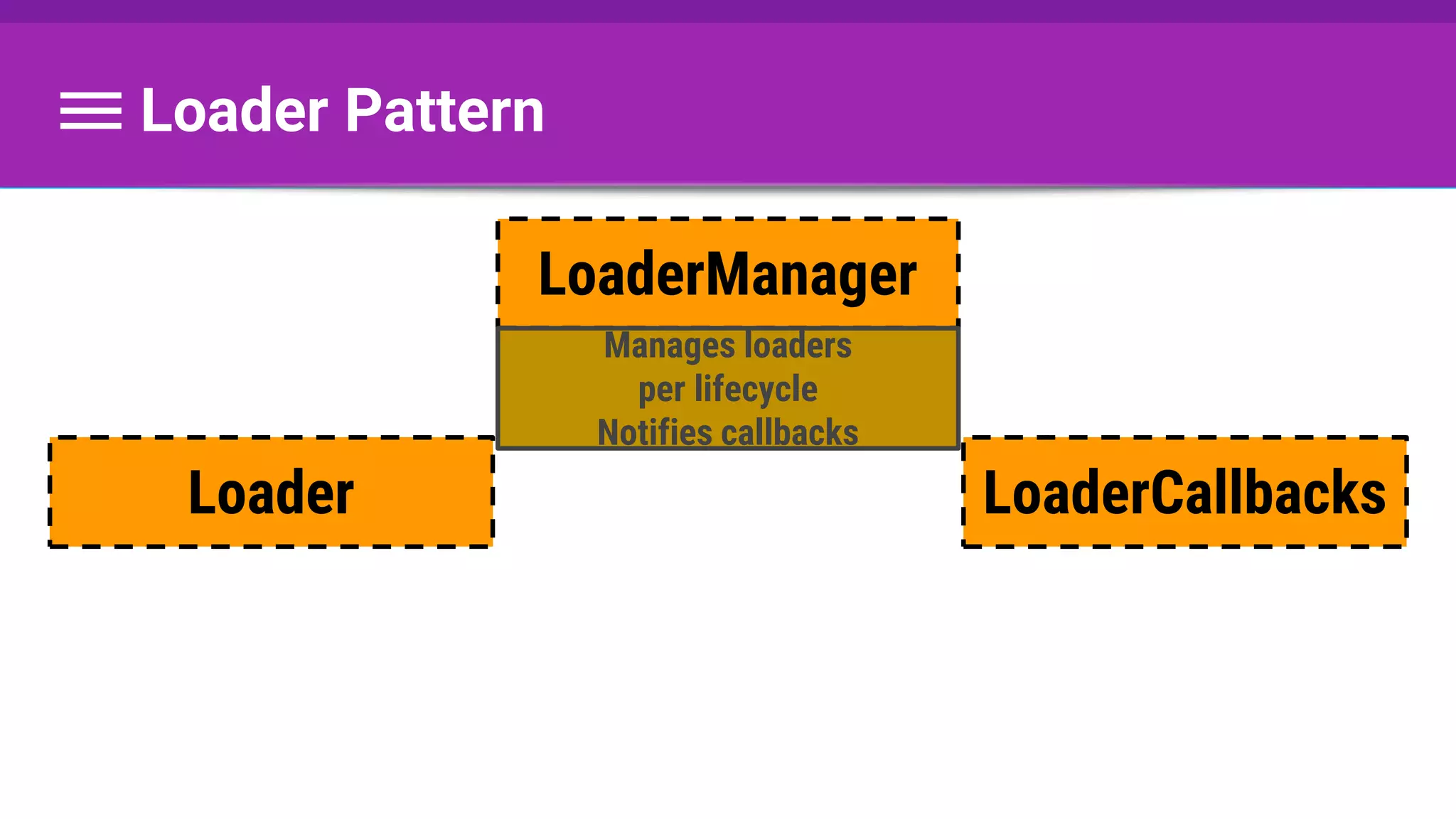
Loader Pattern
Loader
Handles execution
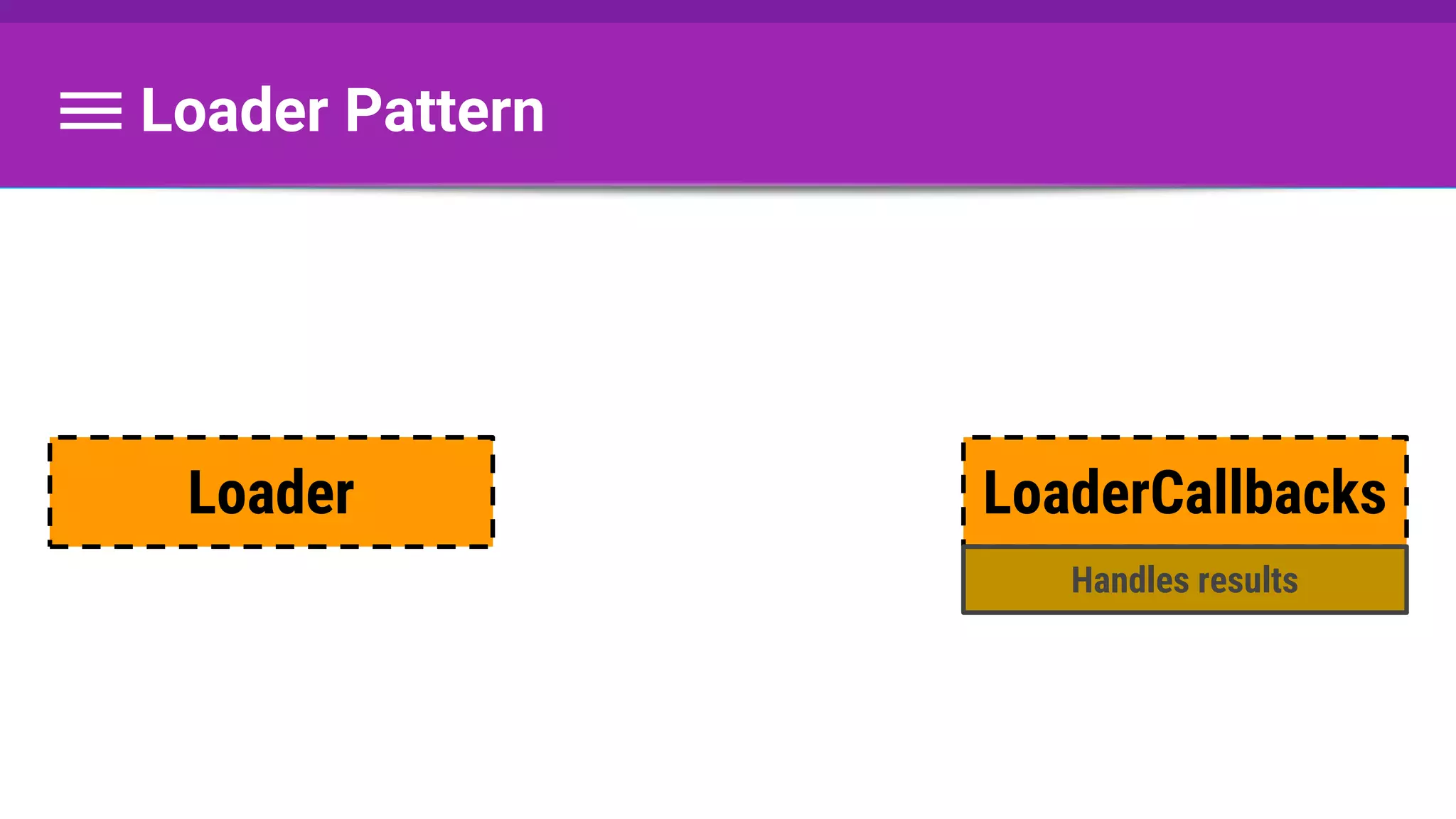
Loader Pattern
LoaderCallbacksLoader
Handles results
Loader Pattern
LoaderCallbacks
LoaderManager
Loader
Manages loaders
per lifecycle
Notifies callbacks
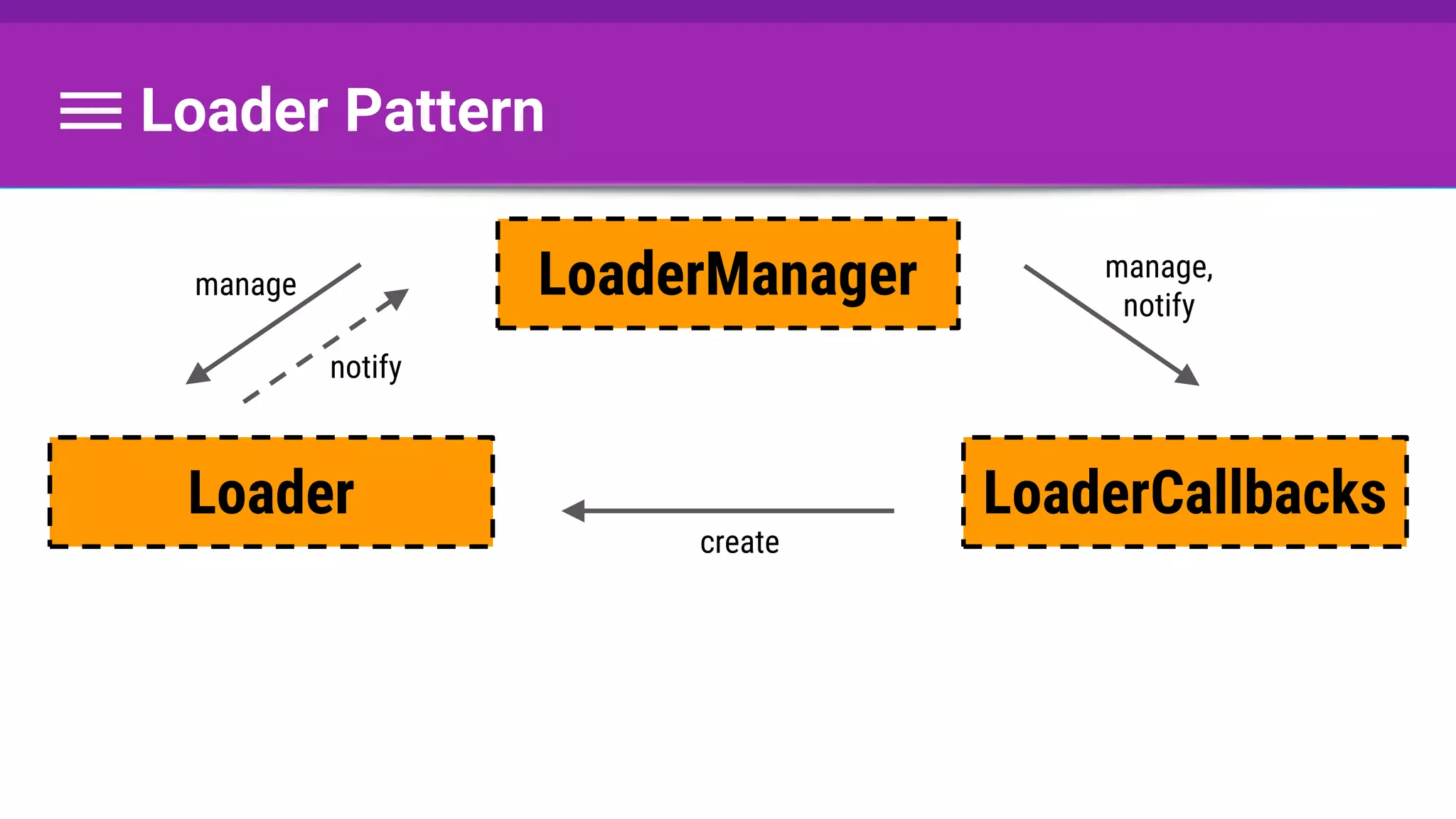
Loader Pattern
LoaderCallbacks
LoaderManager
Loader
manage
notify
manage,
notify
create
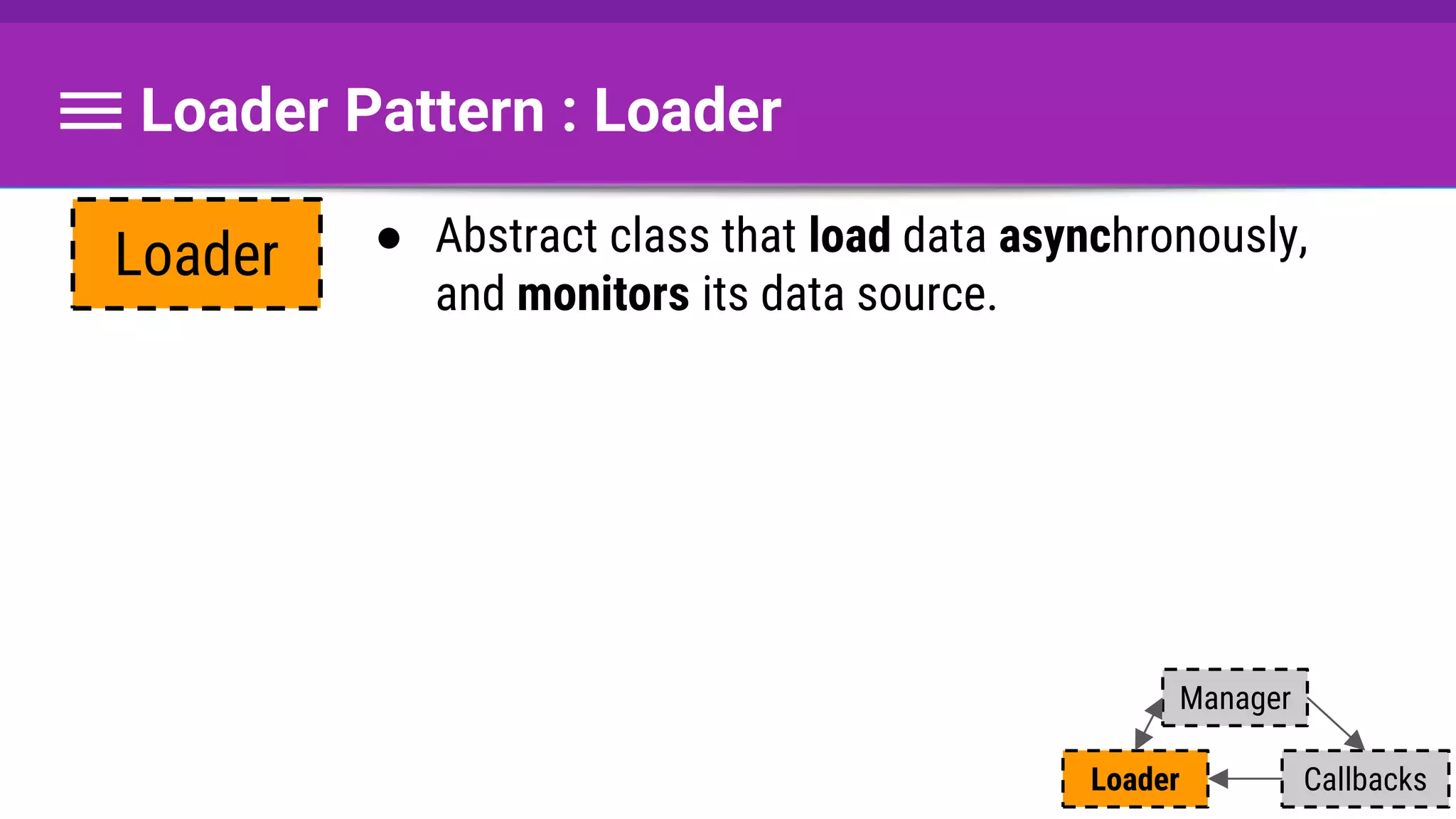
Loader Pattern : Loader
● Abstract class that load data asynchronously,
and monitors its data source.
Loader
Callbacks
Manager
Loader
Loader Pattern : Loader
● Abstract class that load data asynchronously,
and monitors its data source.
● Loader that uses AsyncTask
Loader
Async Task
Loader
Callbacks
Manager
Loader
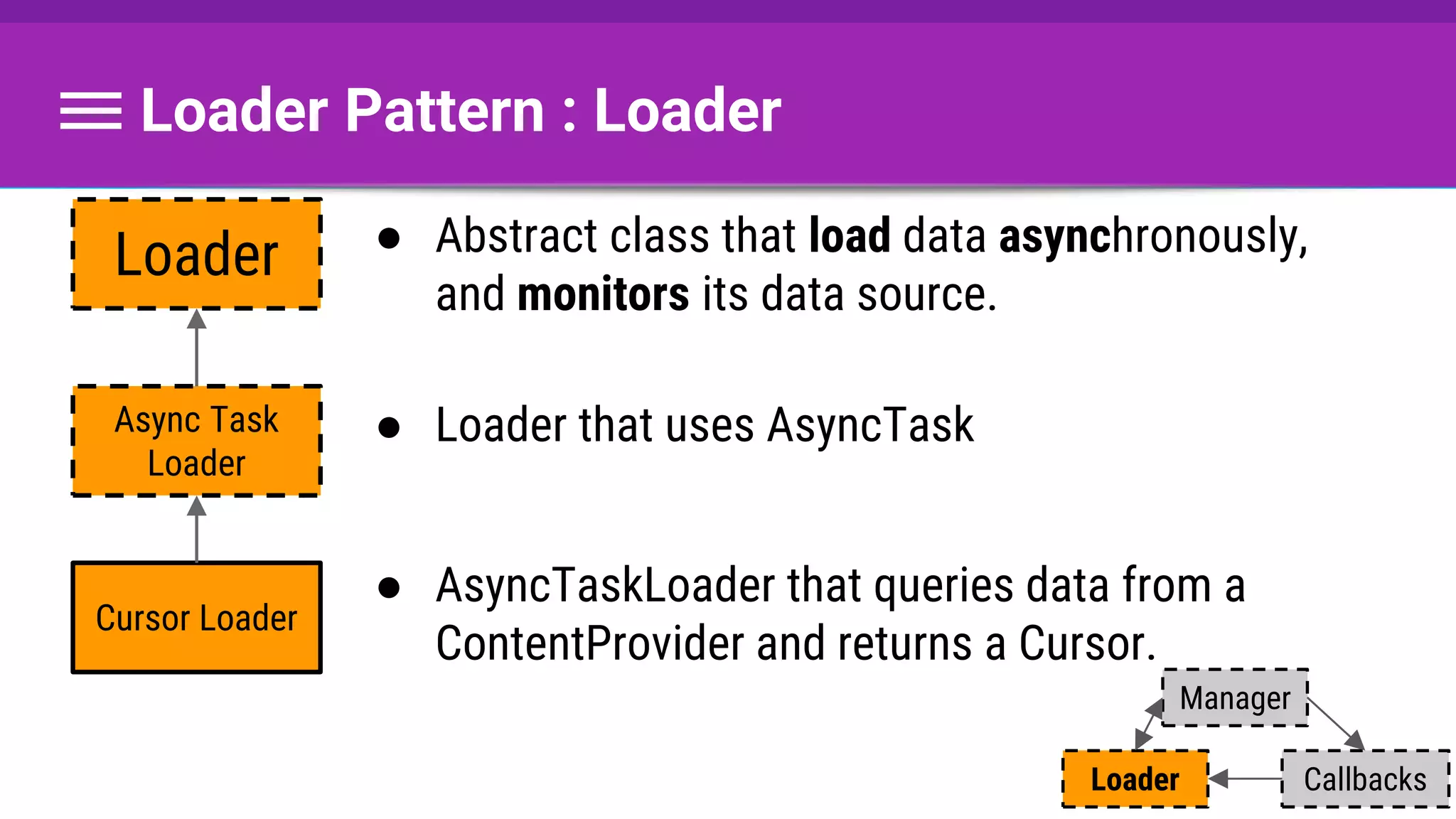
Loader Pattern : Loader
● Abstract class that load data asynchronously,
and monitors its data source.
● Loader that uses AsyncTask
● AsyncTaskLoader that queries data from a
ContentProvider and returns a Cursor.
Loader
Async Task
Loader
Cursor Loader
Callbacks
Manager
Loader
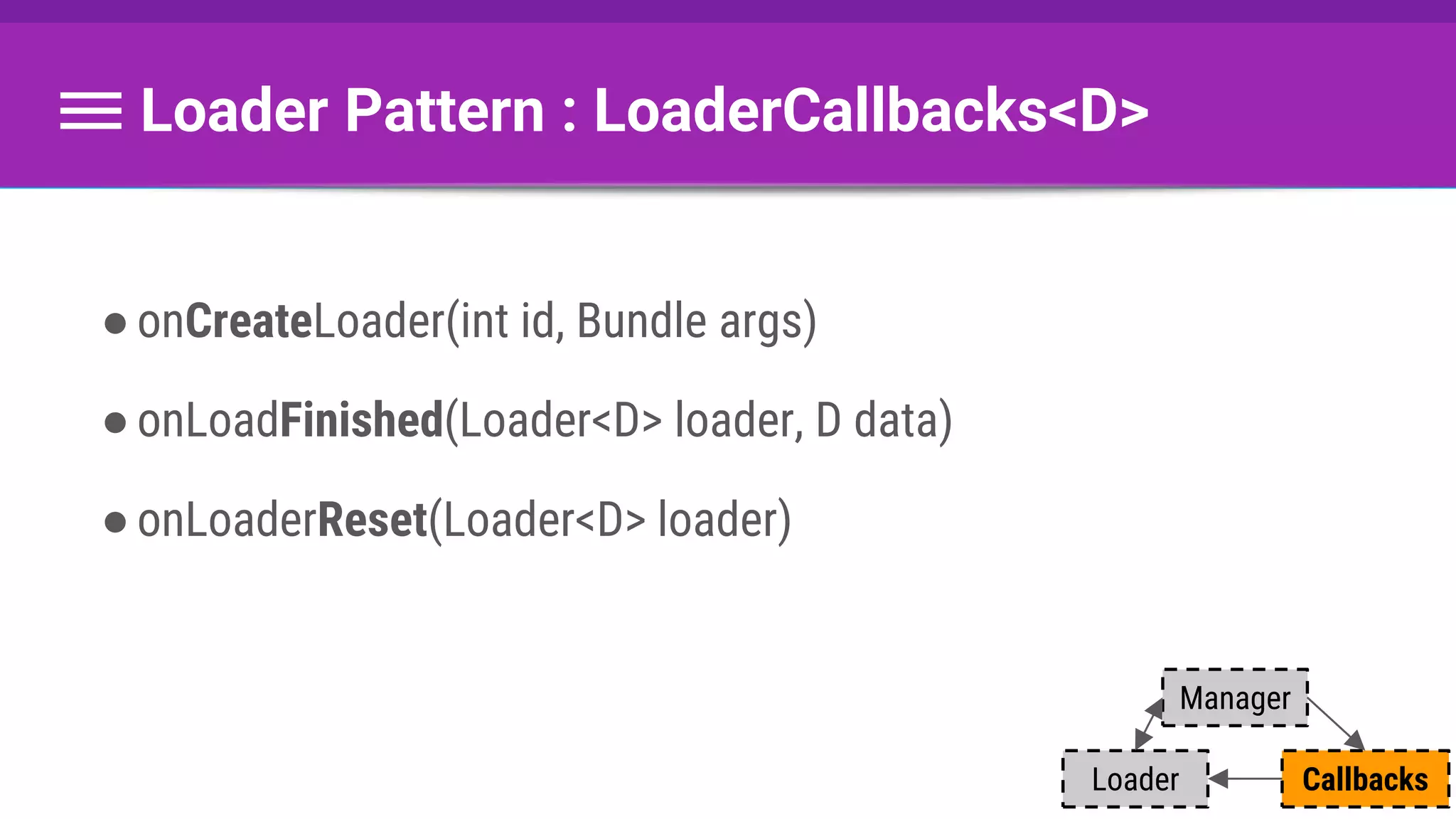
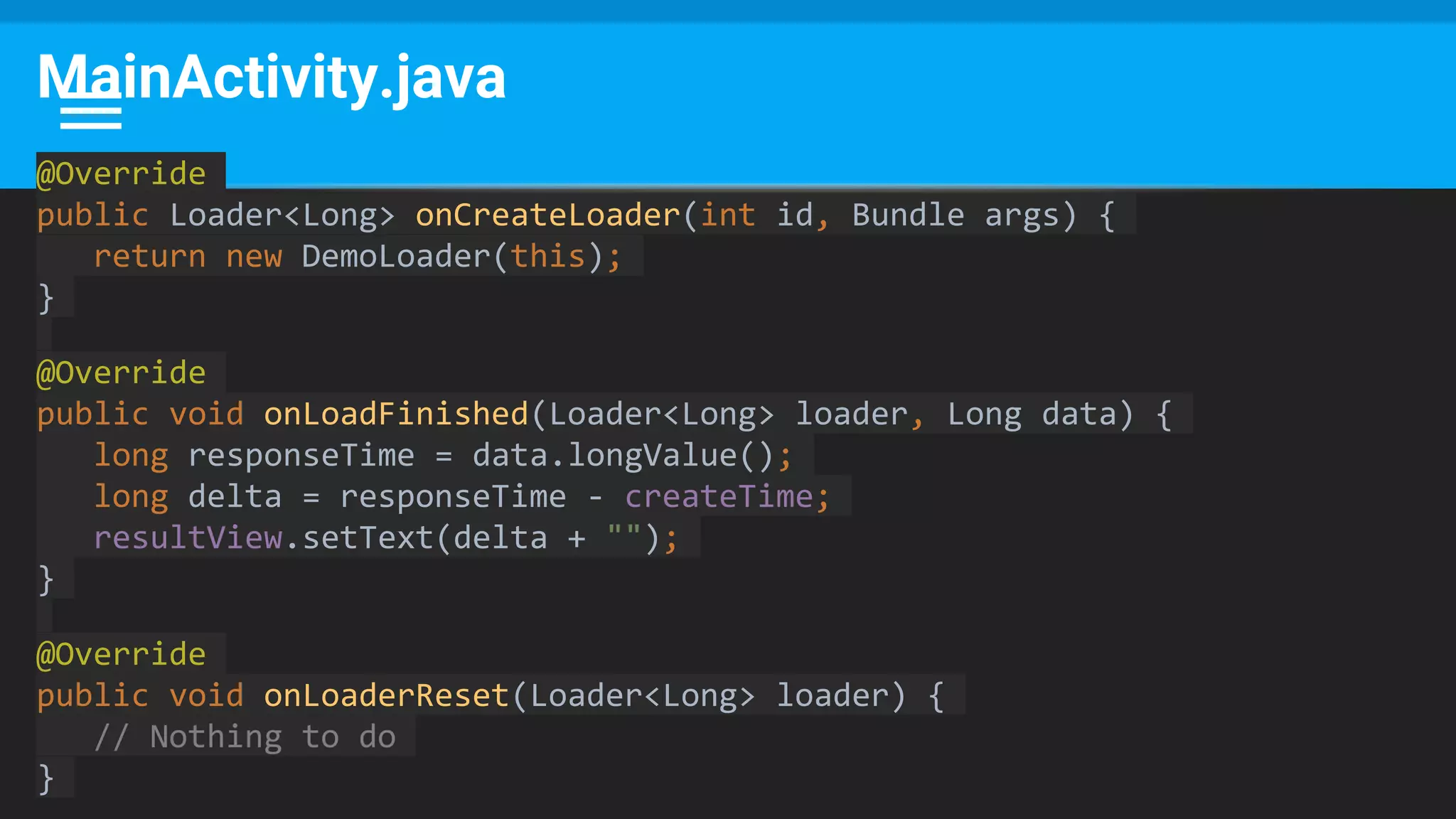
Loader Pattern : LoaderCallbacks<D>
●onCreateLoader(int id, Bundle args)
●onLoadFinished(Loader<D> loader, D data)
●onLoaderReset(Loader<D> loader)
Callbacks
Manager
Loader
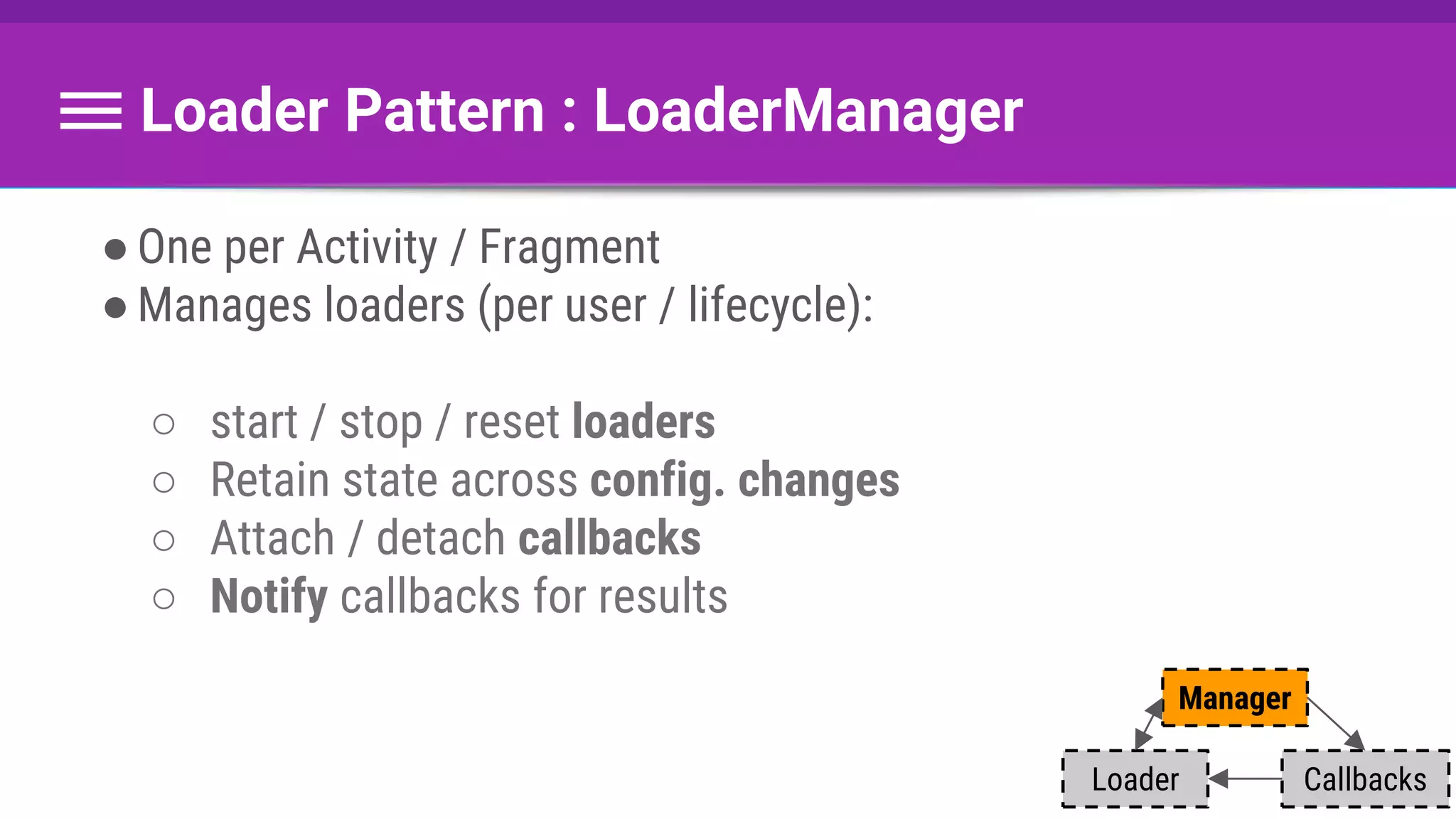
Loader Pattern : LoaderManager
●One per Activity / Fragment
●Manages loaders (per user / lifecycle):
○ start / stop / reset loaders
○ Retain state across config. changes
○ Attach / detach callbacks
○ Notify callbacks for results
Callbacks
Manager
Loader
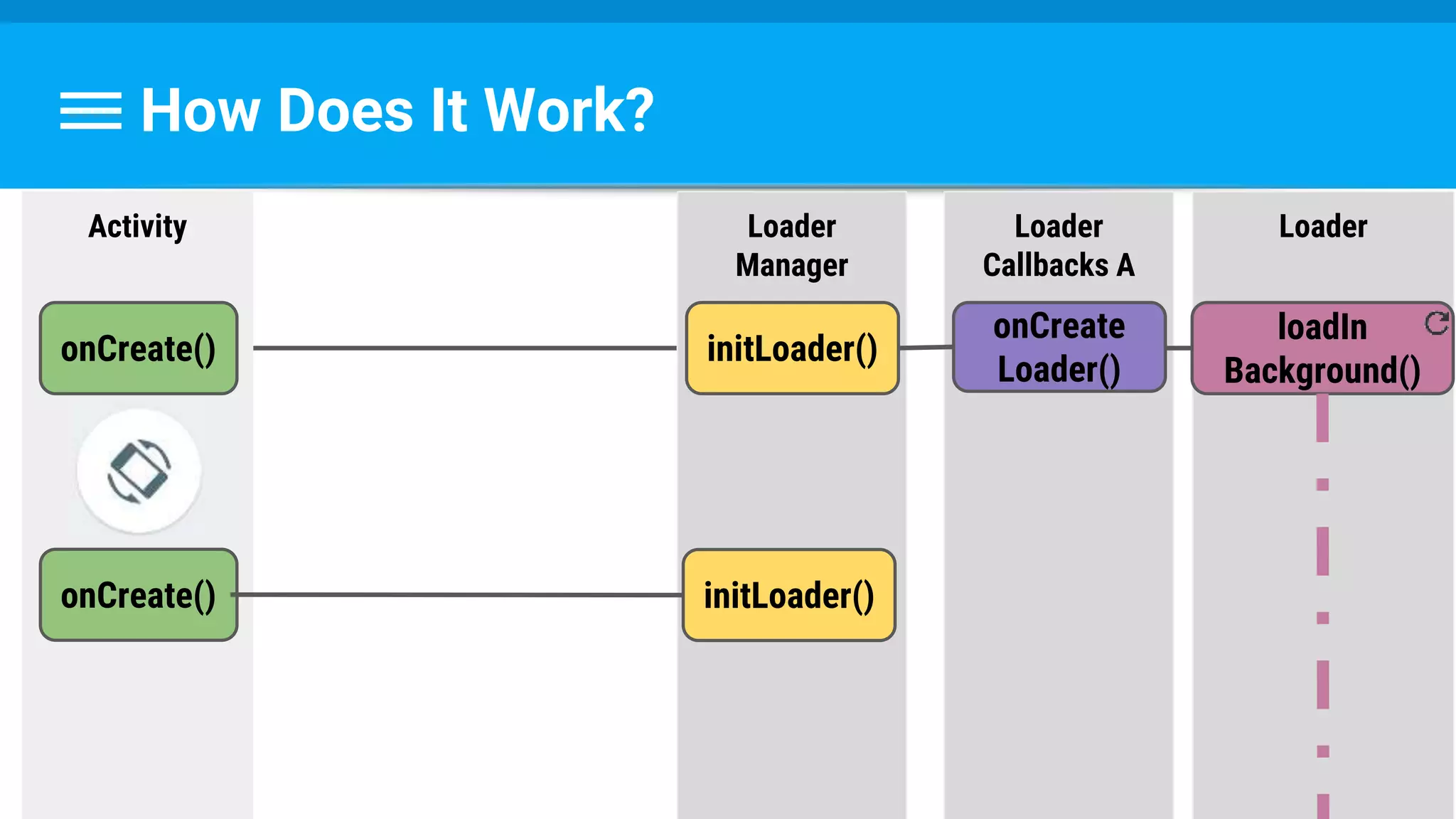
How Does It Work?
How Does It Work?
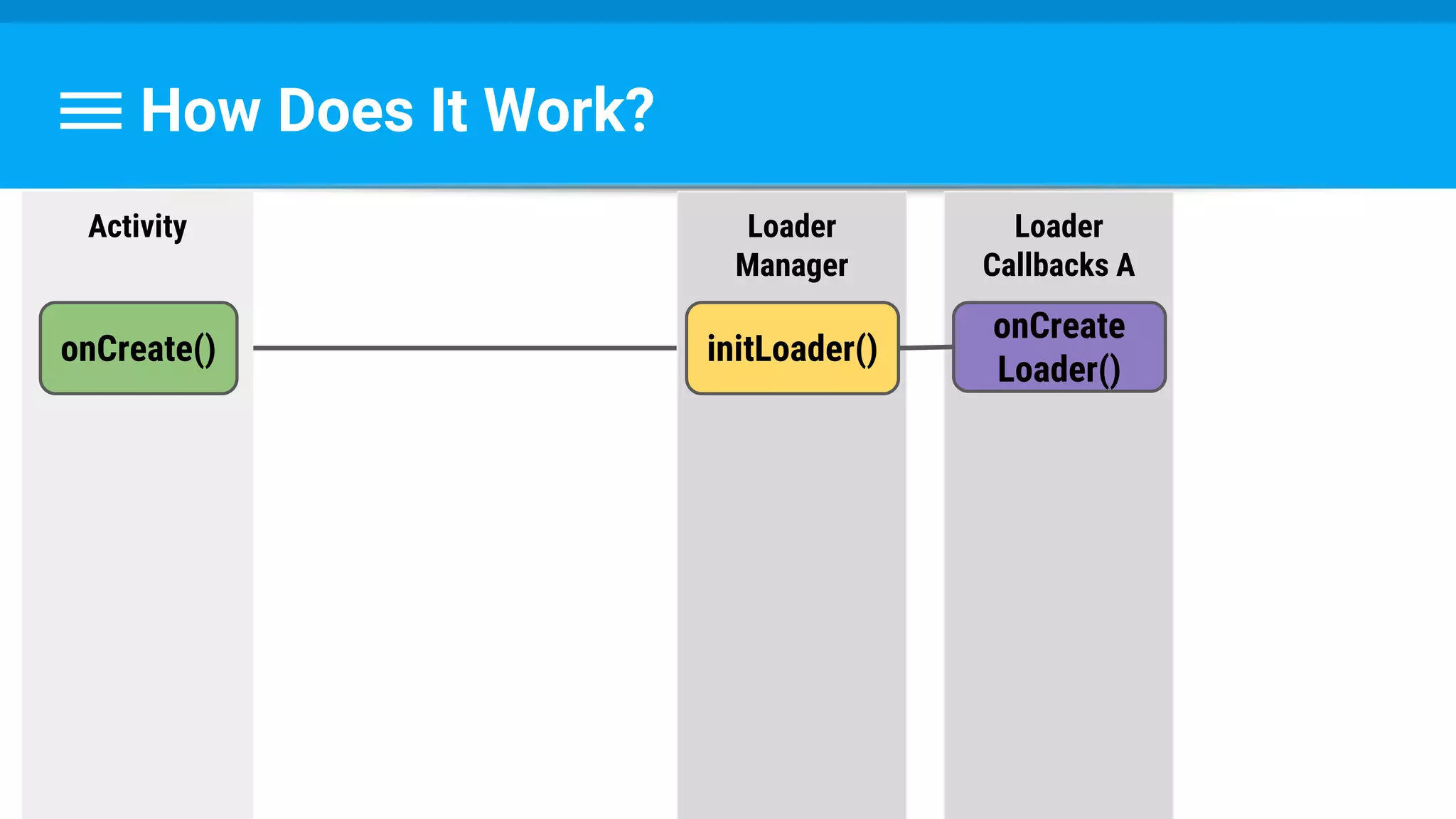
Activity
onCreate()
Loader
Manager
initLoader()
How Does It Work?
Activity
onCreate()
Loader
Manager
initLoader()
Loader
Callbacks A
onCreate
Loader()
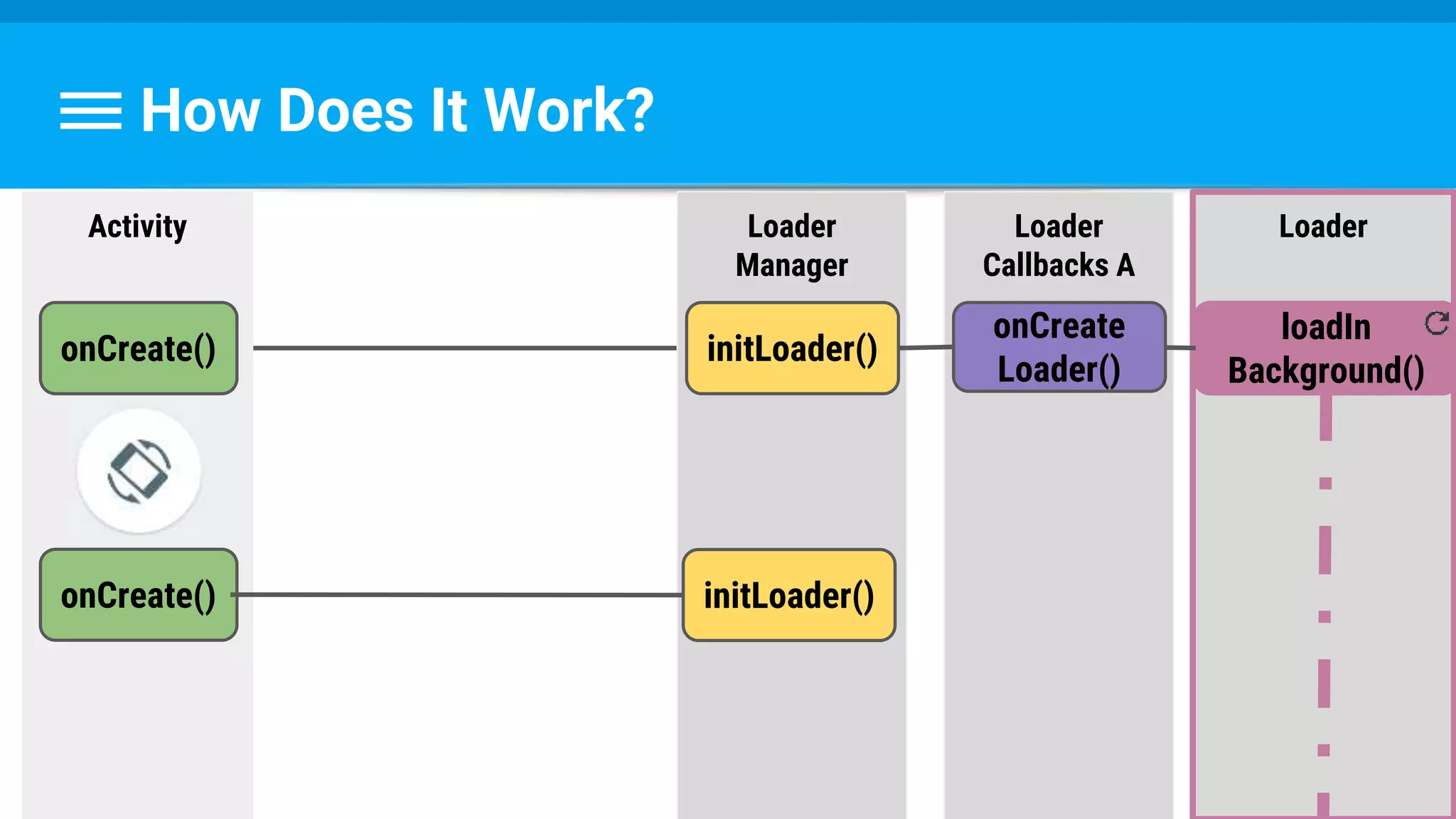
How Does It Work?
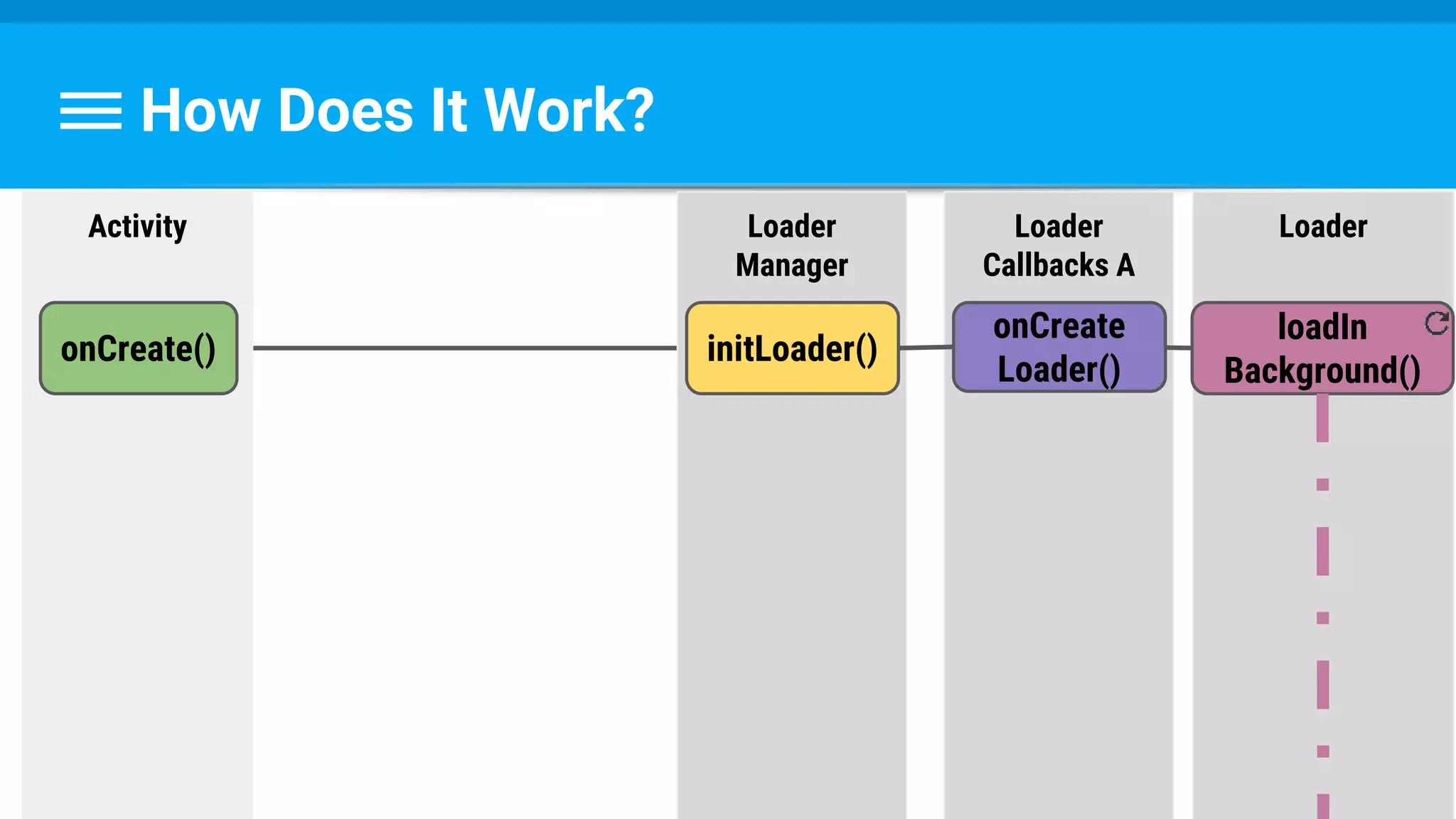
Loader
loadIn
Background()
Activity
onCreate()
Loader
Manager
initLoader()
Loader
Callbacks A
onCreate
Loader()
How Does It Work?
Loader
loadIn
Background()
Activity
onCreate()
Loader
Manager
initLoader()
Loader
Callbacks A
onCreate() initLoader()
onCreate
Loader()
How Does It Work?
Loader
loadIn
Background()
Activity
onCreate()
Loader
Manager
initLoader()
Loader
Callbacks A
onCreate() initLoader()
onCreate
Loader()
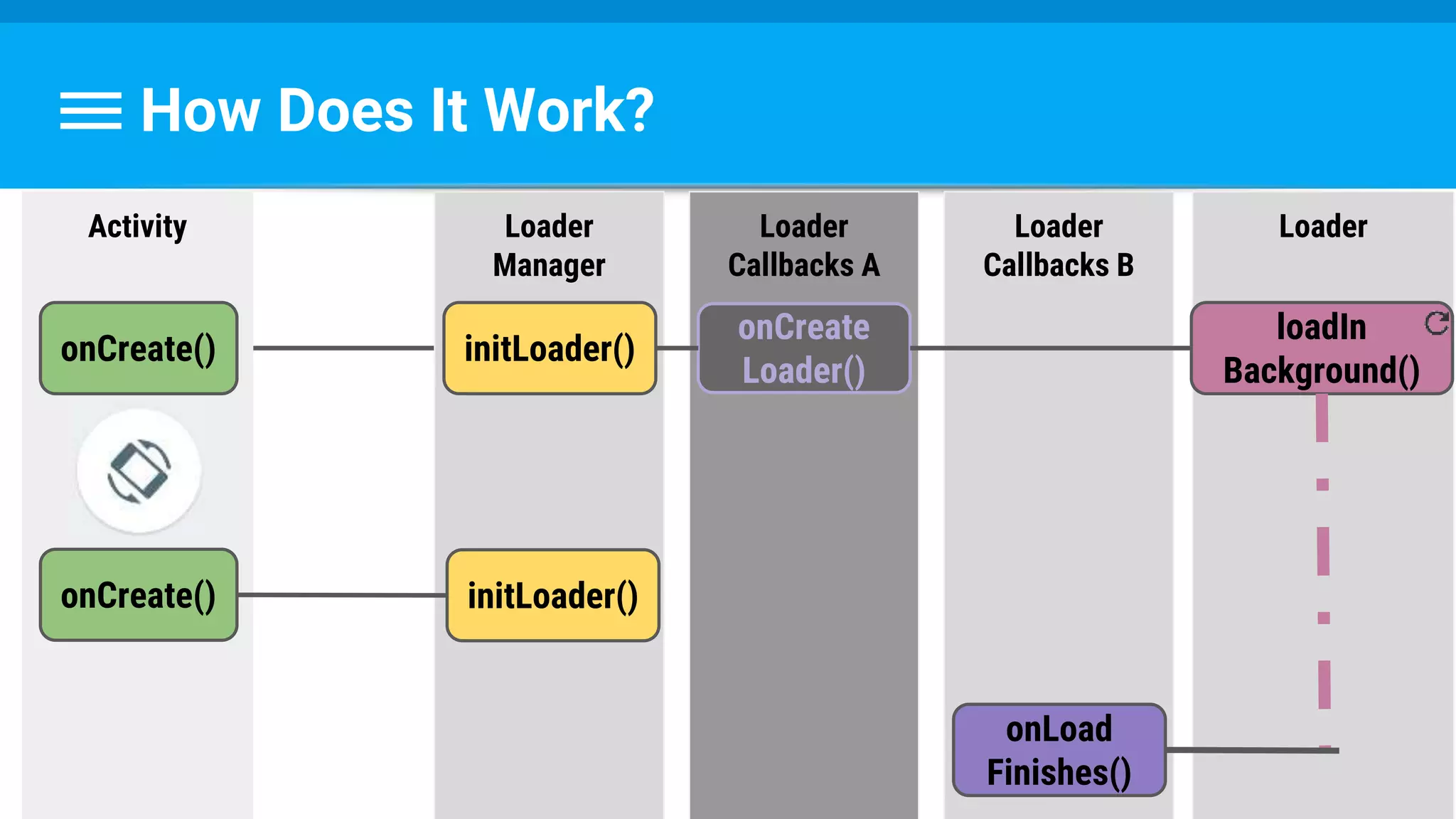
How Does It Work?
Loader
loadIn
Background()
Activity
onCreate()
onCreate()
Loader
Manager
initLoader()
initLoader()
Loader
Callbacks A
onCreate
Loader()
Loader
Callbacks B
onLoad
Finishes()
So How Do We Use It ?
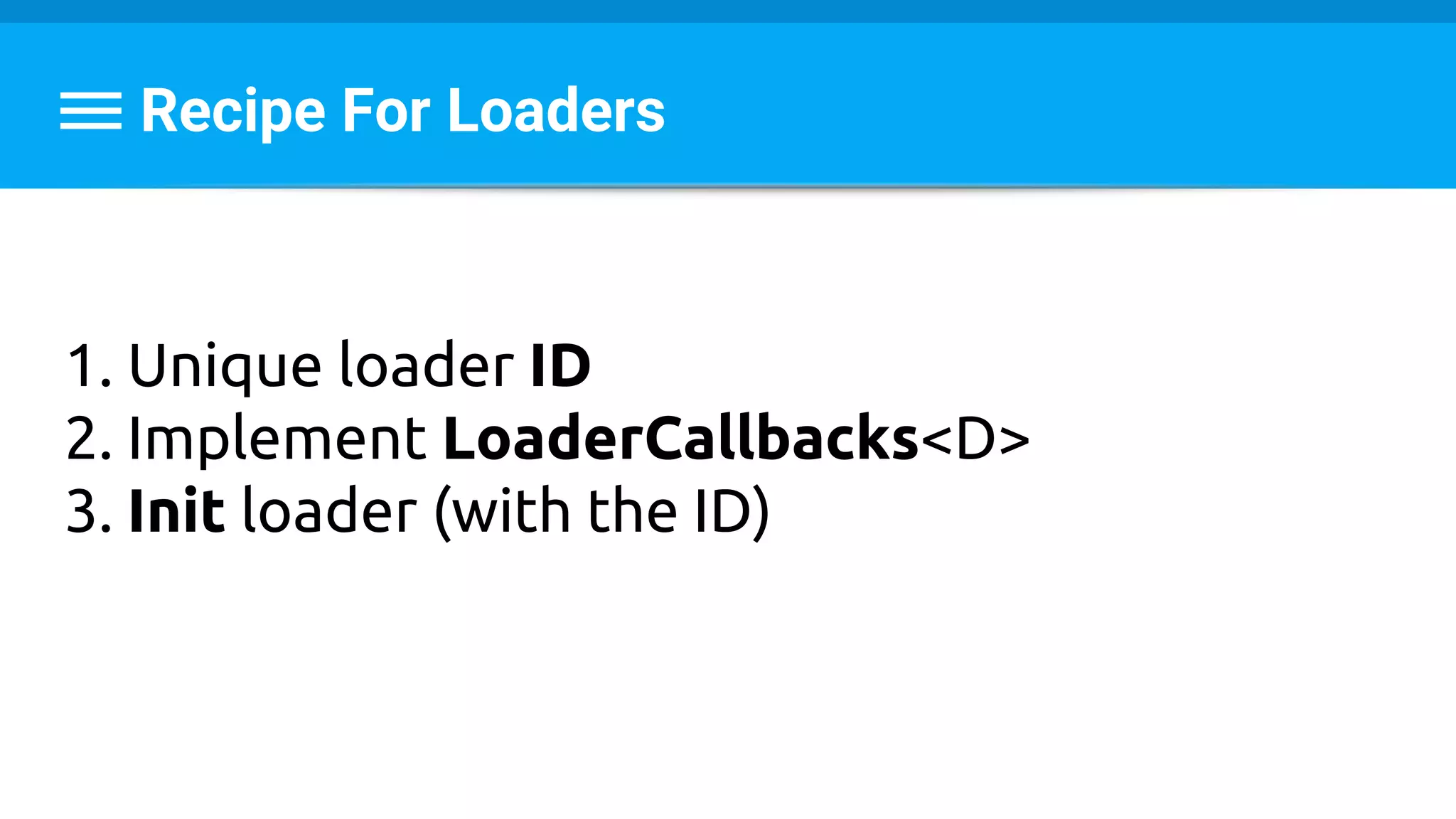
Recipe For Loaders
1. Unique loader ID
2. Implement LoaderCallbacks<D>
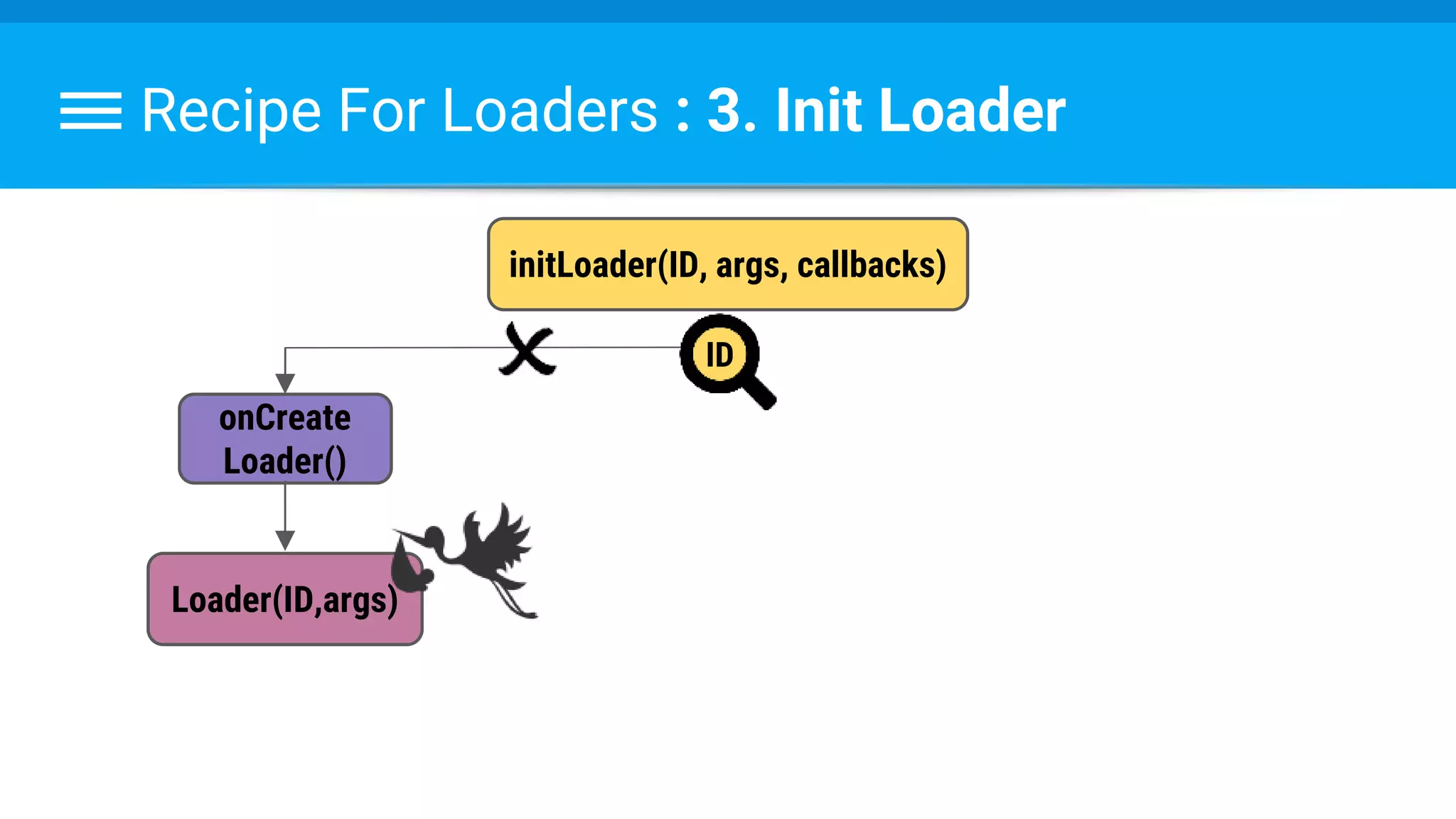
3. Init loader (with the ID)
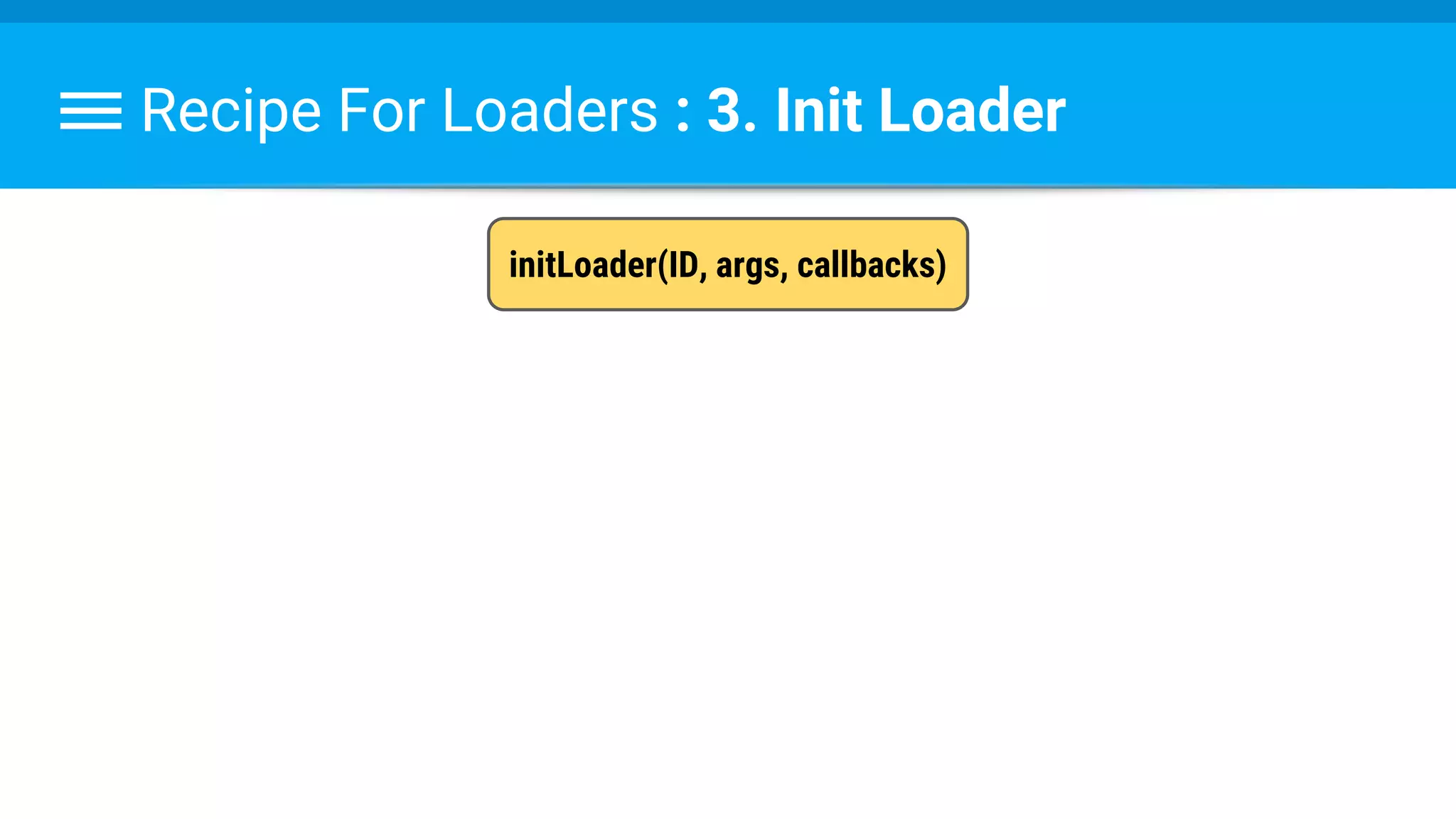
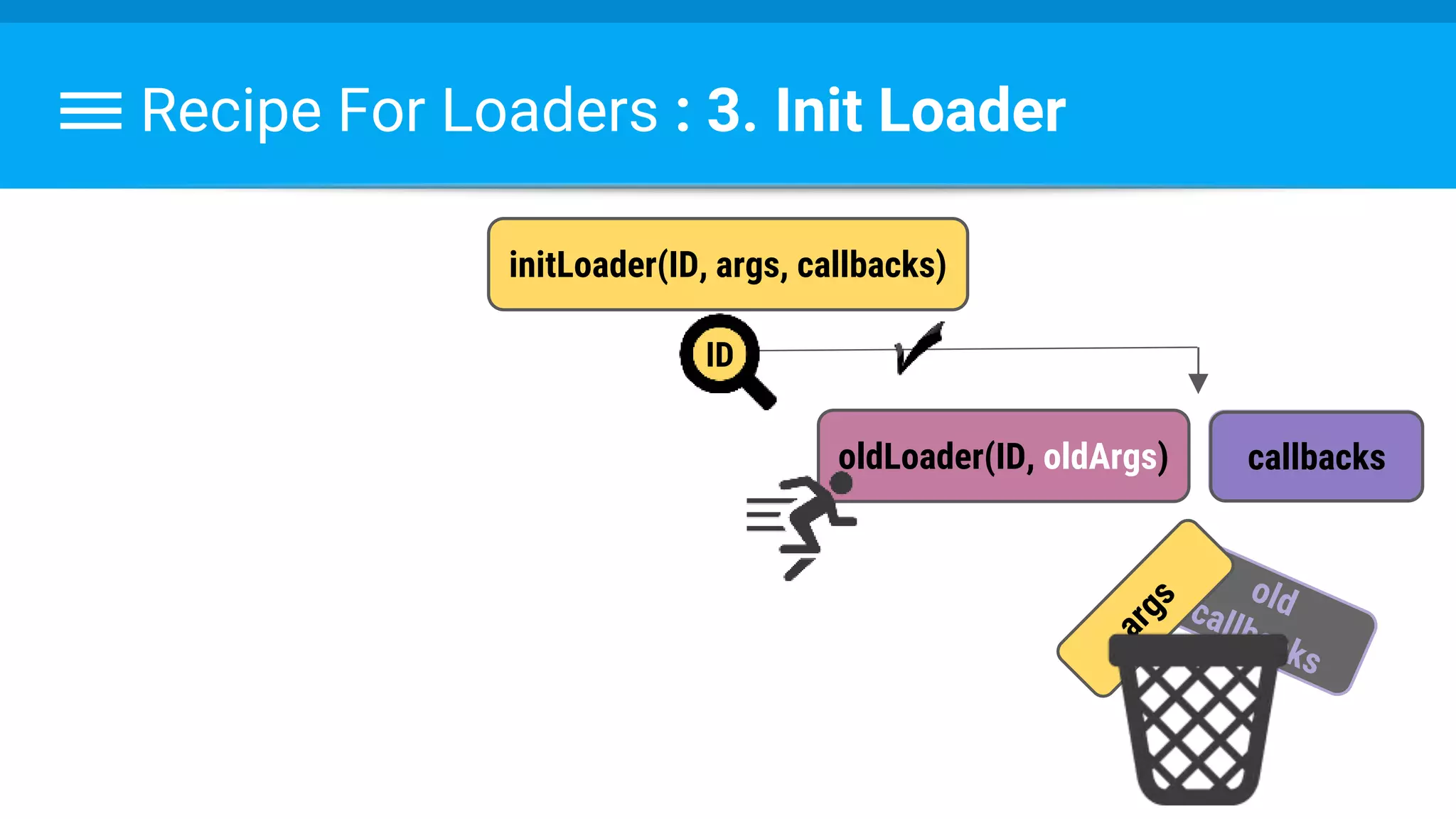
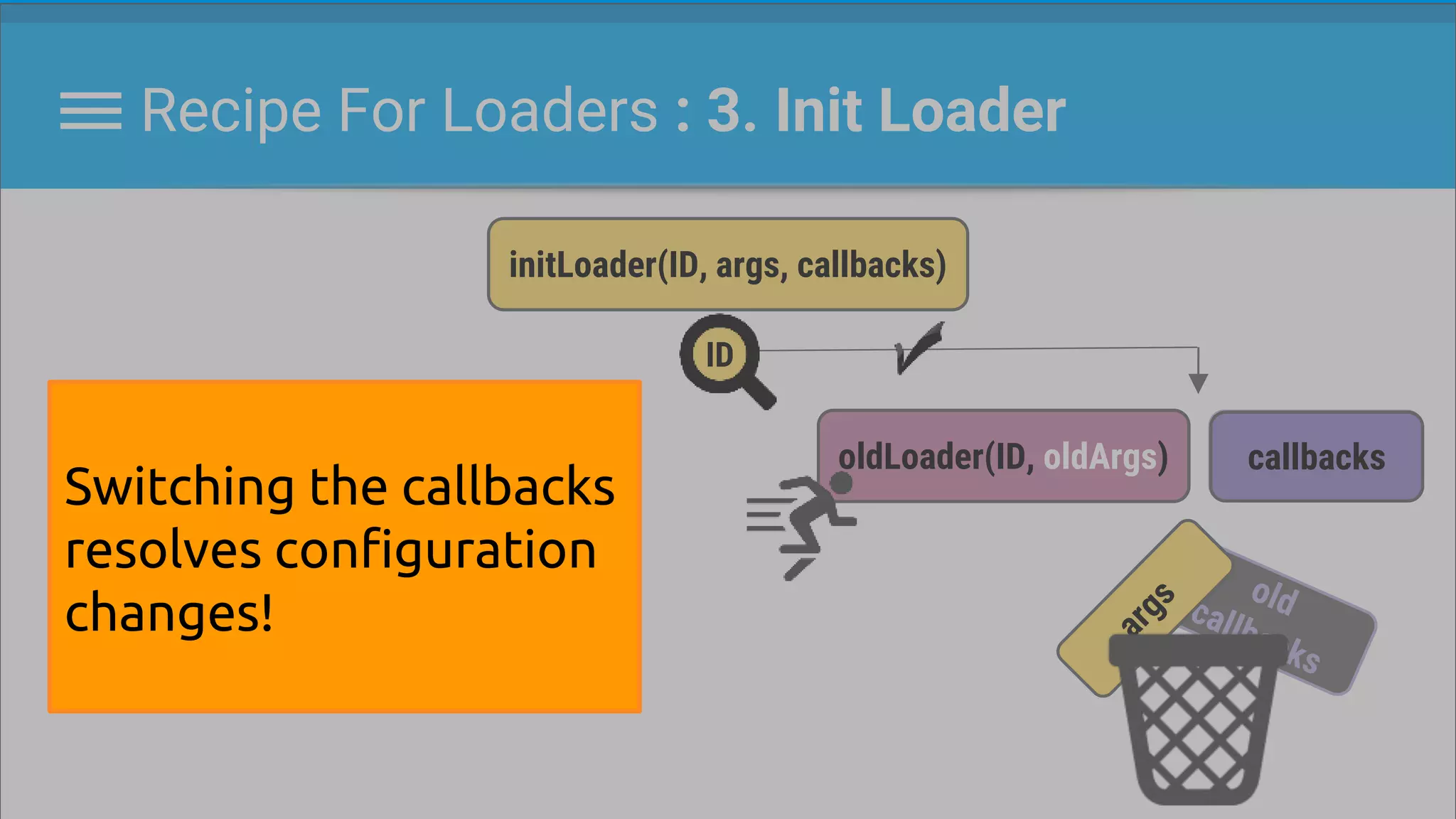
Recipe For Loaders : 3. Init Loader
initLoader(ID, args, callbacks)
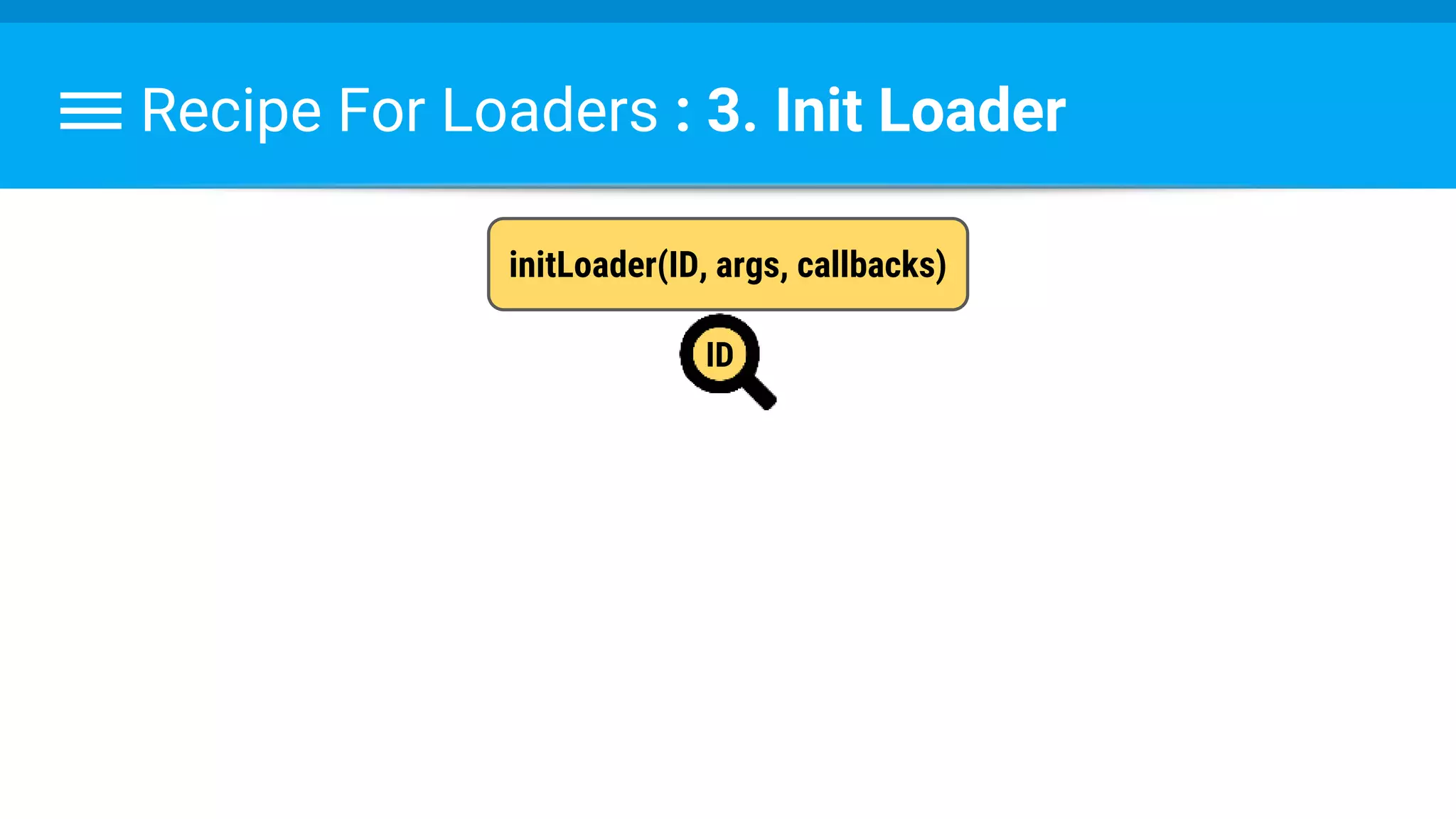
Recipe For Loaders : 3. Init Loader
initLoader(ID, args, callbacks)
ID
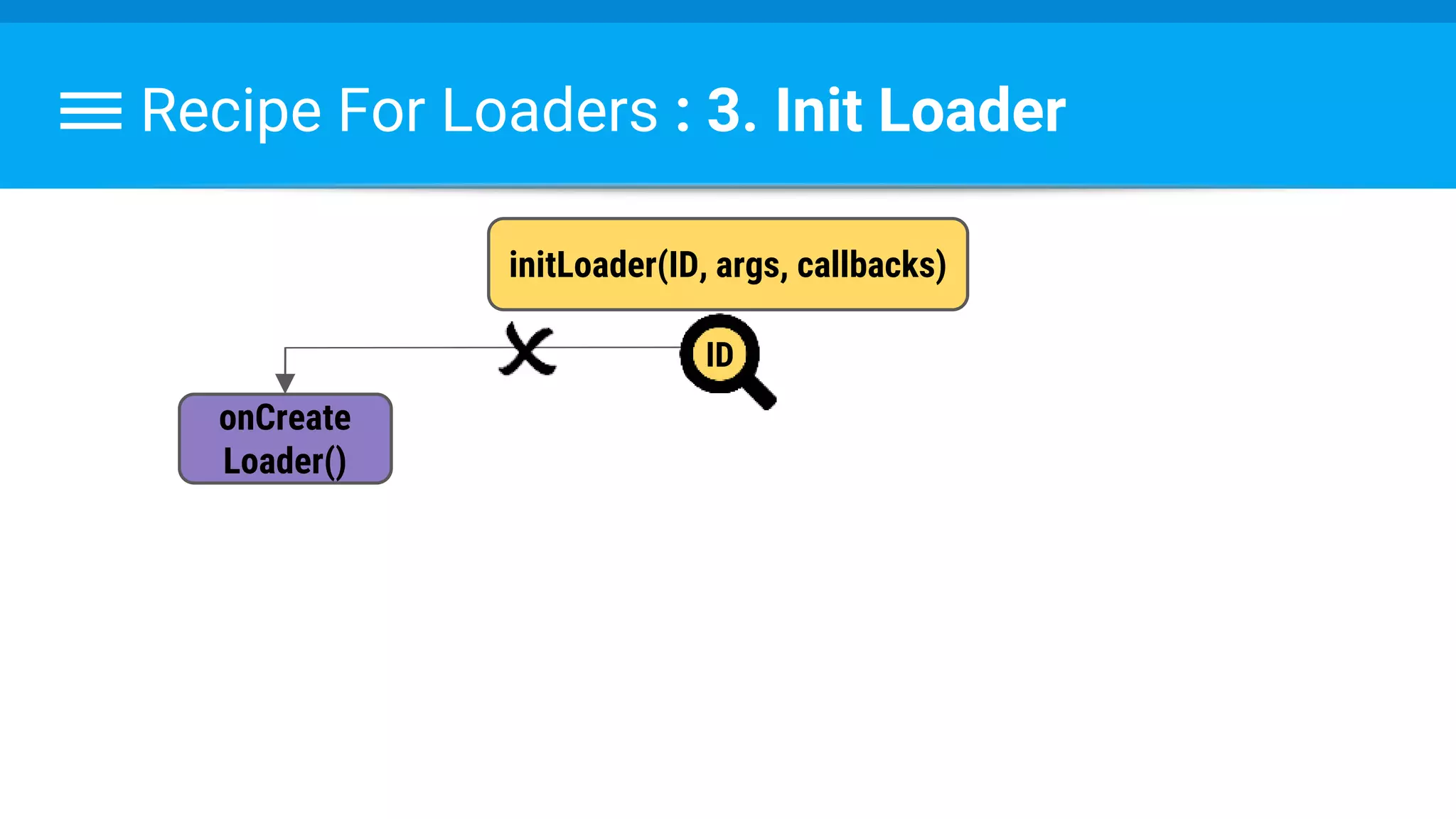
Recipe For Loaders : 3. Init Loader
initLoader(ID, args, callbacks)
onCreate
Loader()
ID
Recipe For Loaders : 3. Init Loader
initLoader(ID, args, callbacks)
onCreate
Loader()
Loader(ID,args)
ID
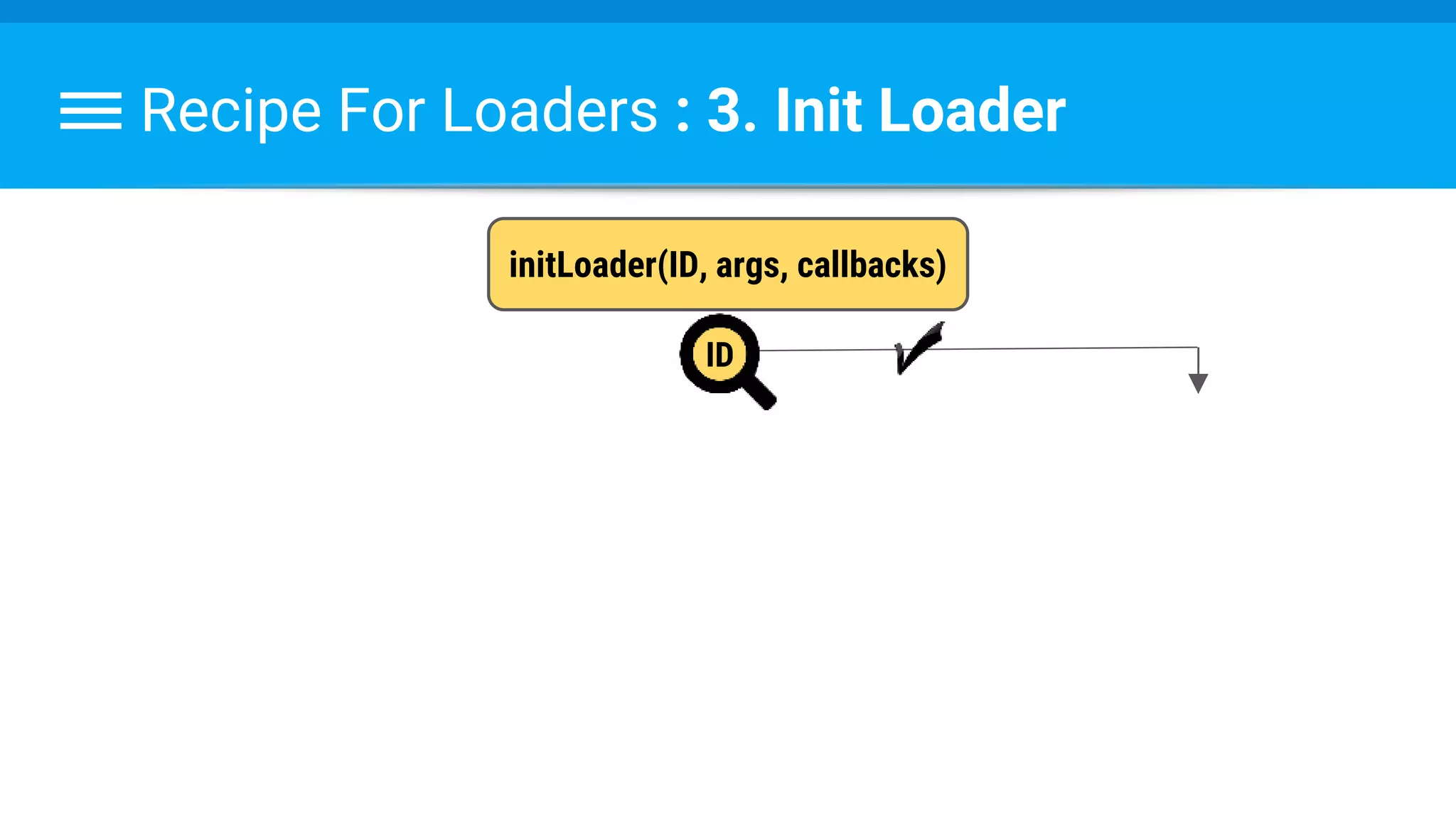
Recipe For Loaders : 3. Init Loader
initLoader(ID, args, callbacks)
ID
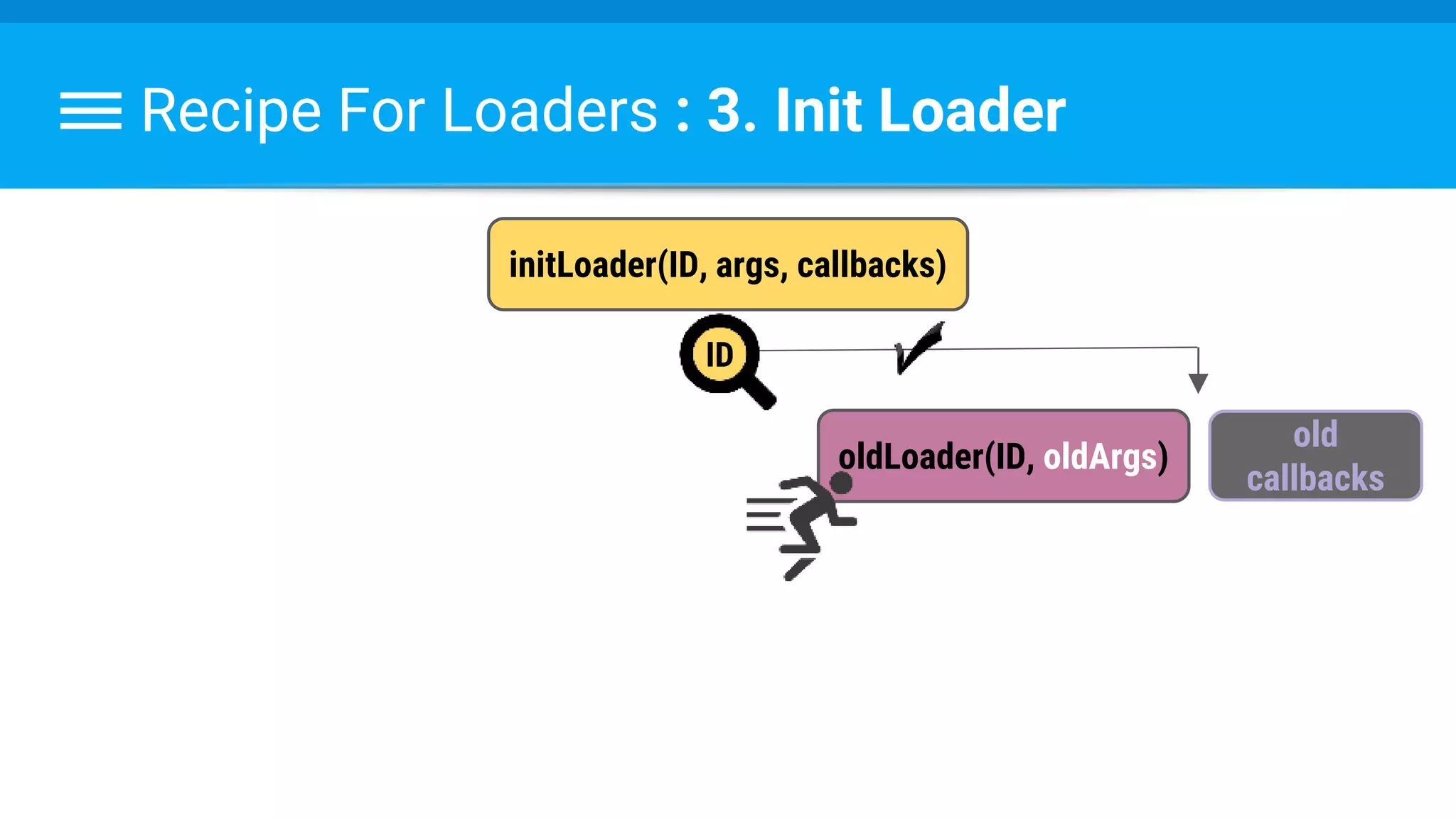
Recipe For Loaders : 3. Init Loader
initLoader(ID, args, callbacks)
oldLoader(ID, oldArgs)
old
callbacks
ID
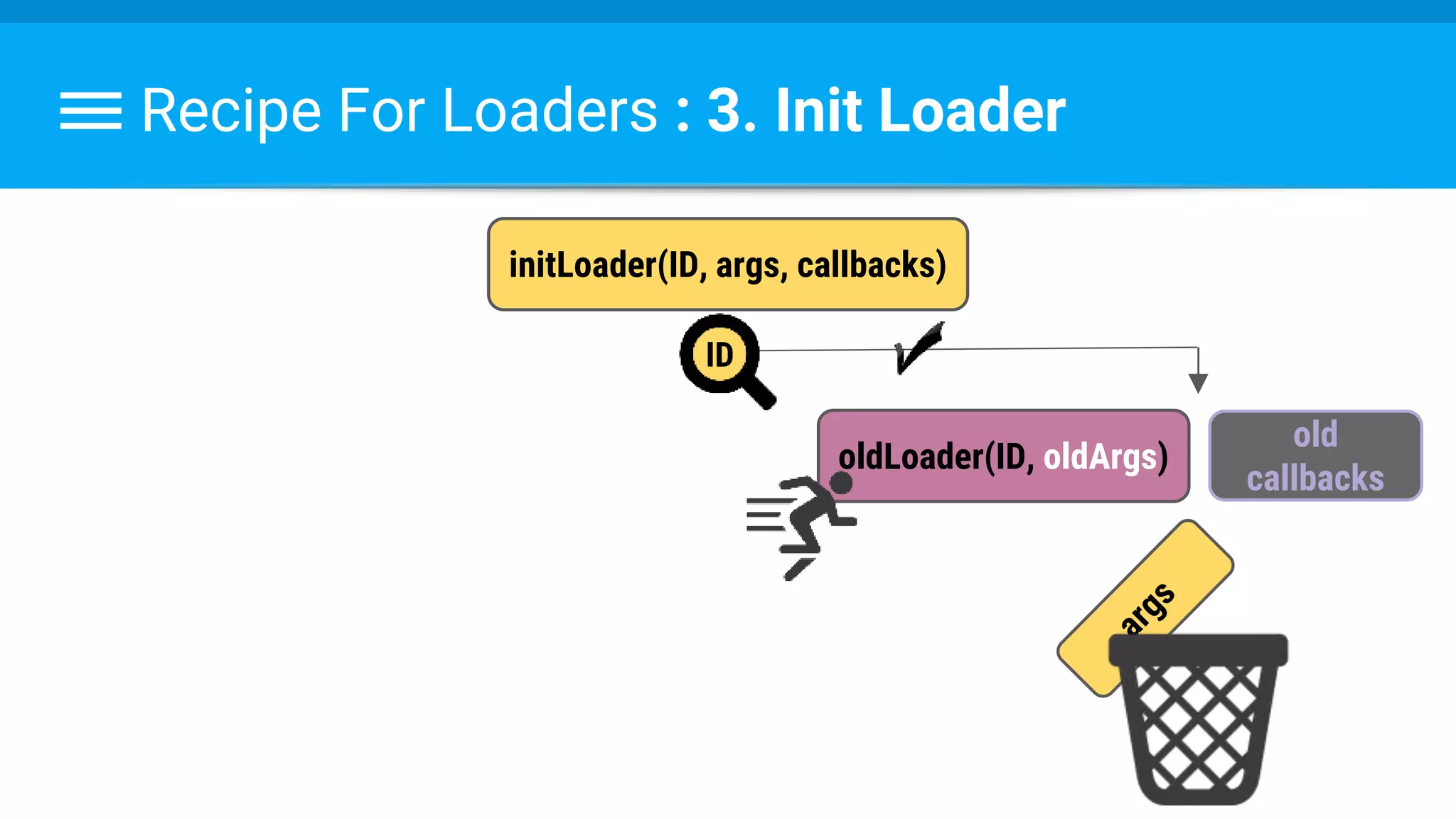
Recipe For Loaders : 3. Init Loader
initLoader(ID, args, callbacks)
oldLoader(ID, oldArgs)
ID
old
callbacks
Recipe For Loaders : 3. Init Loader
initLoader(ID, args, callbacks)
oldLoader(ID, oldArgs)
old
callbacks
callbacks
ID
Recipe For Loaders : 3. Init Loader
initLoader(ID, args, callbacks)
oldLoader(ID, oldArgs)
old
callbacks
callbacks
ID
Switching the callbacks
resolves configuration
changes!
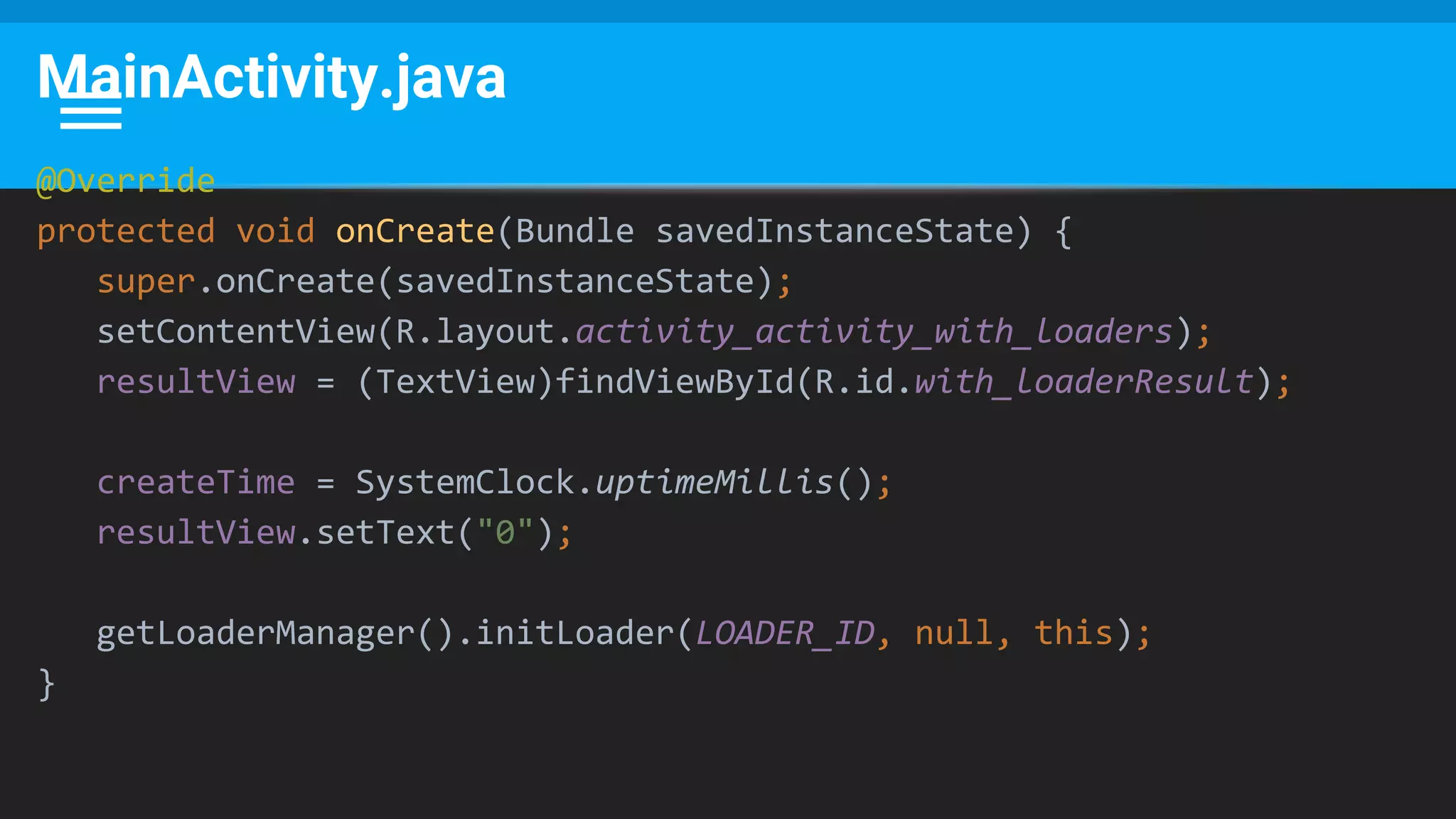
MainActivity.java
@Override
protected void onCreate(Bundle savedInstanceState) {
super.onCreate(savedInstanceState);
setContentView(R.layout.activity_activity_with_loaders);
resultView = (TextView)findViewById(R.id.with_loaderResult);
createTime = SystemClock.uptimeMillis();
resultView.setText("0");
getLoaderManager().initLoader(LOADER_ID, null, this);
}
MainActivity.java
@Override
public Loader<Long> onCreateLoader(int id, Bundle args) {
return new DemoLoader(this);
}
@Override
public void onLoadFinished(Loader<Long> loader, Long data) {
long responseTime = data.longValue();
long delta = responseTime - createTime;
resultView.setText(delta + "");
}
@Override
public void onLoaderReset(Loader<Long> loader) {
// Nothing to do
}
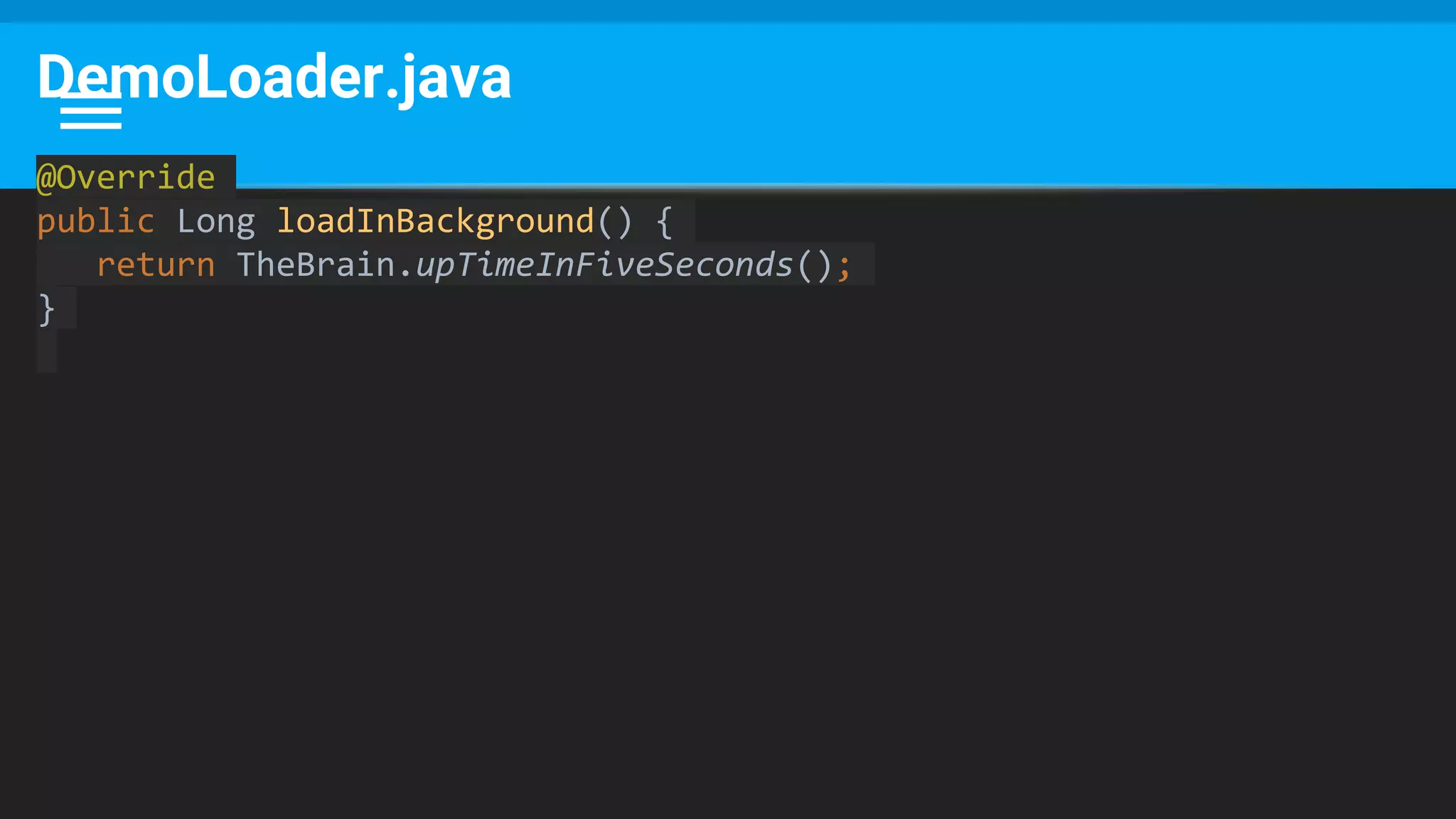
DemoLoader.java
@Override
public Long loadInBackground() {
return TheBrain.upTimeInFiveSeconds();
}
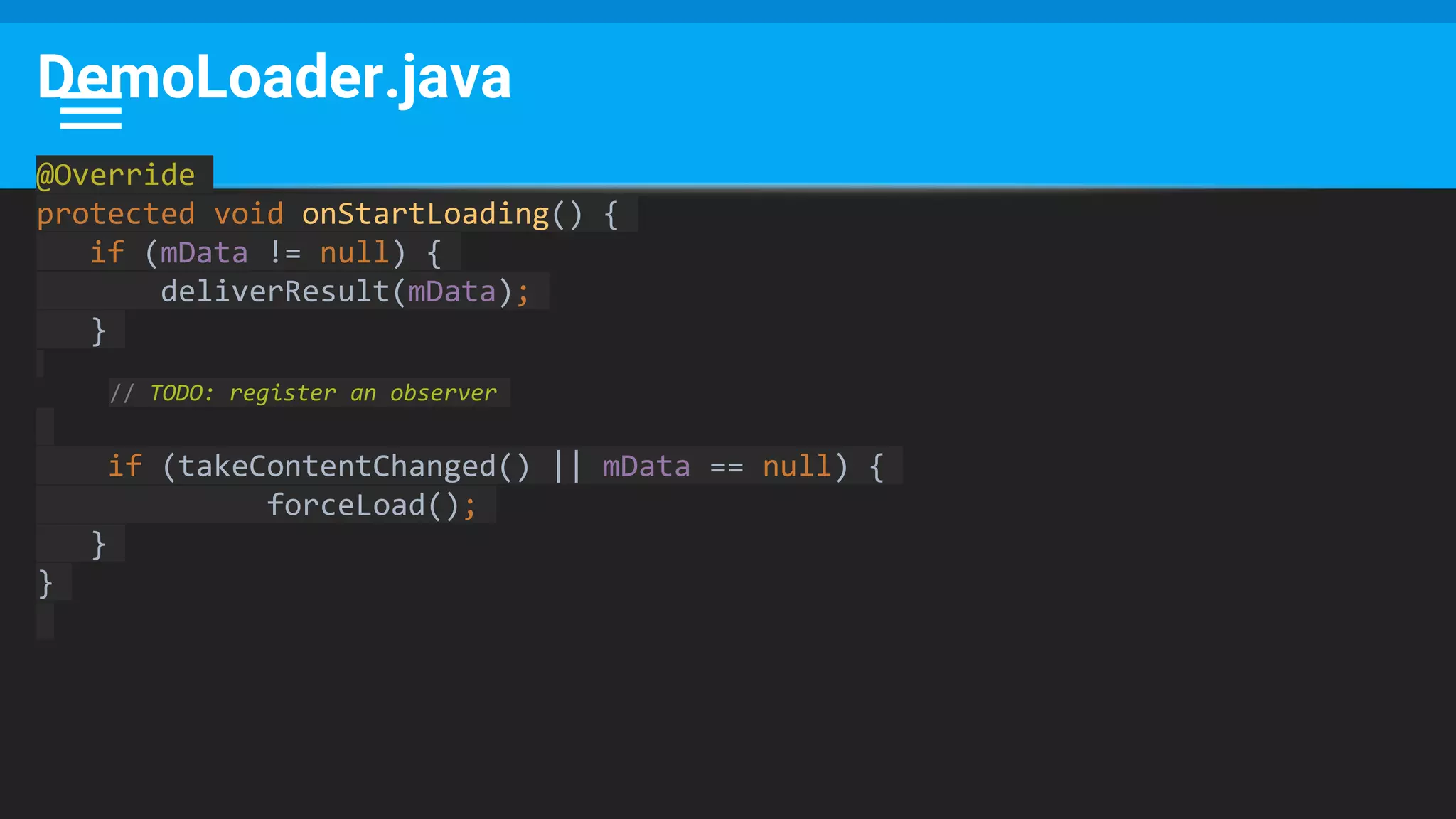
DemoLoader.java
@Override
protected void onStartLoading() {
if (mData != null) {
deliverResult(mData);
}
// TODO: register an observer
if (takeContentChanged() || mData == null) {
forceLoad();
}
}
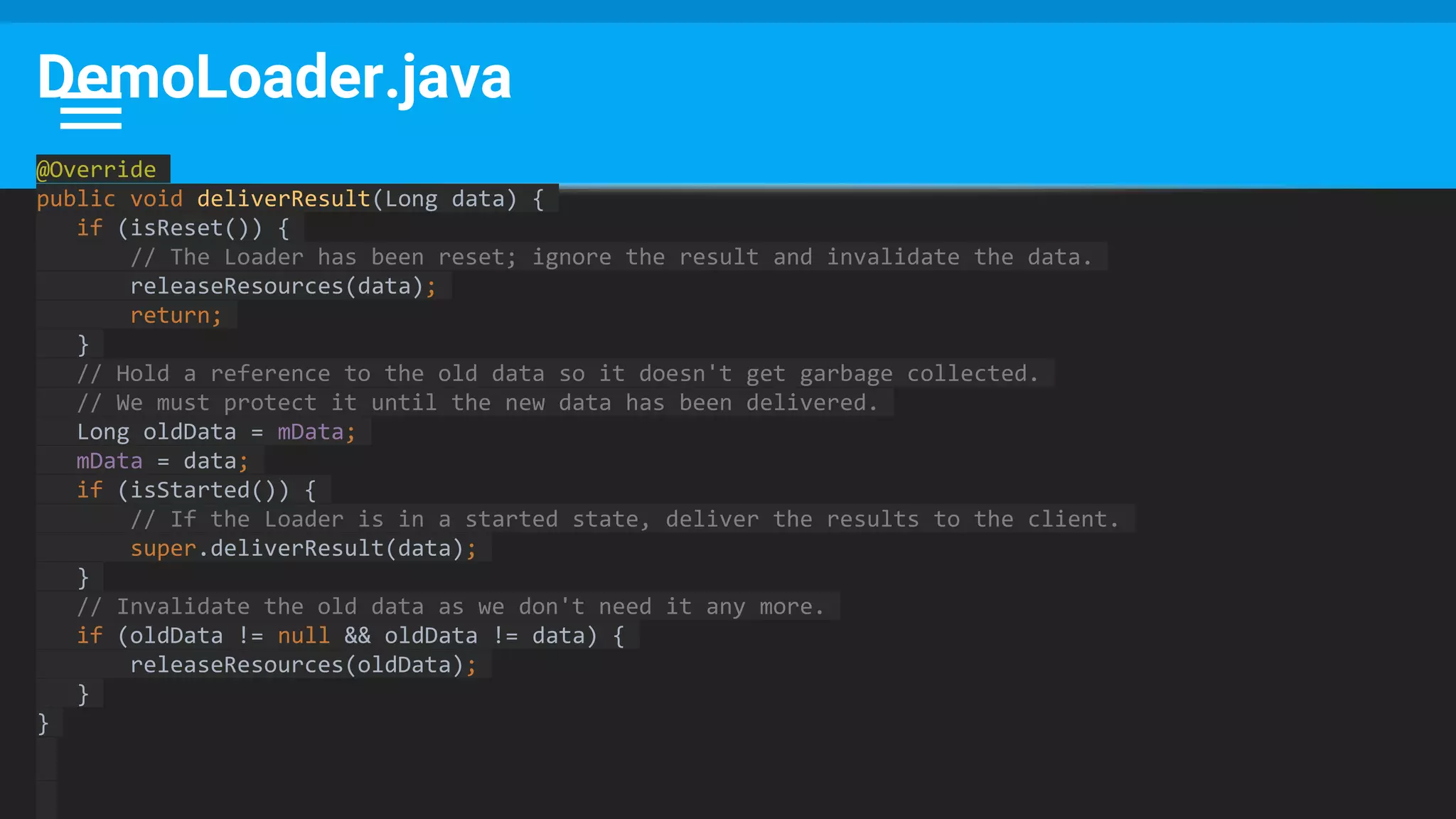
DemoLoader.java
@Override
public void deliverResult(Long data) {
if (isReset()) {
// The Loader has been reset; ignore the result and invalidate the data.
releaseResources(data);
return;
}
// Hold a reference to the old data so it doesn't get garbage collected.
// We must protect it until the new data has been delivered.
Long oldData = mData;
mData = data;
if (isStarted()) {
// If the Loader is in a started state, deliver the results to the client.
super.deliverResult(data);
}
// Invalidate the old data as we don't need it any more.
if (oldData != null && oldData != data) {
releaseResources(oldData);
}
}
Some Notes
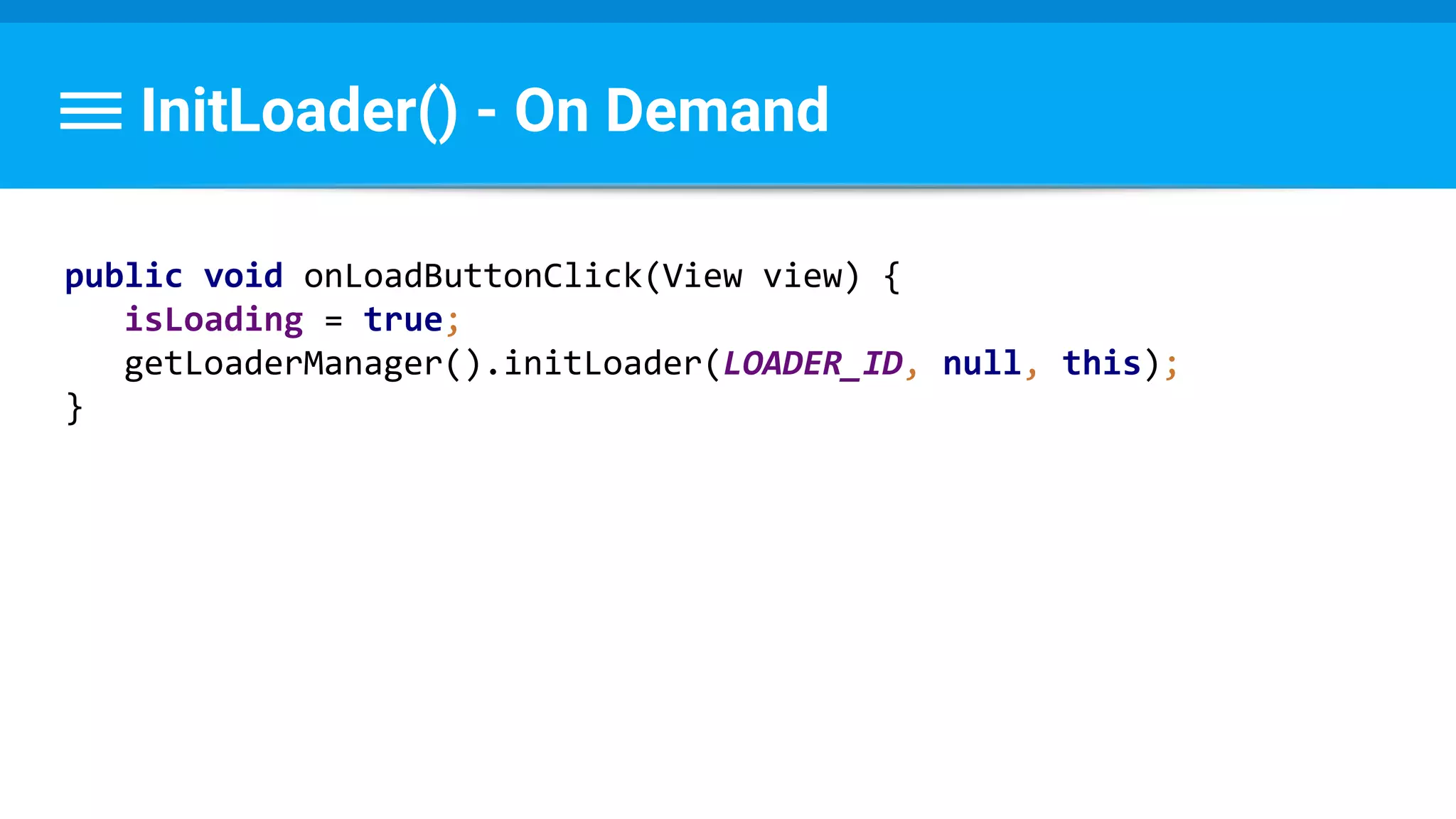
InitLoader() - On Demand
public void onLoadButtonClick(View view) {
isLoading = true;
getLoaderManager().initLoader(LOADER_ID, null, this);
}
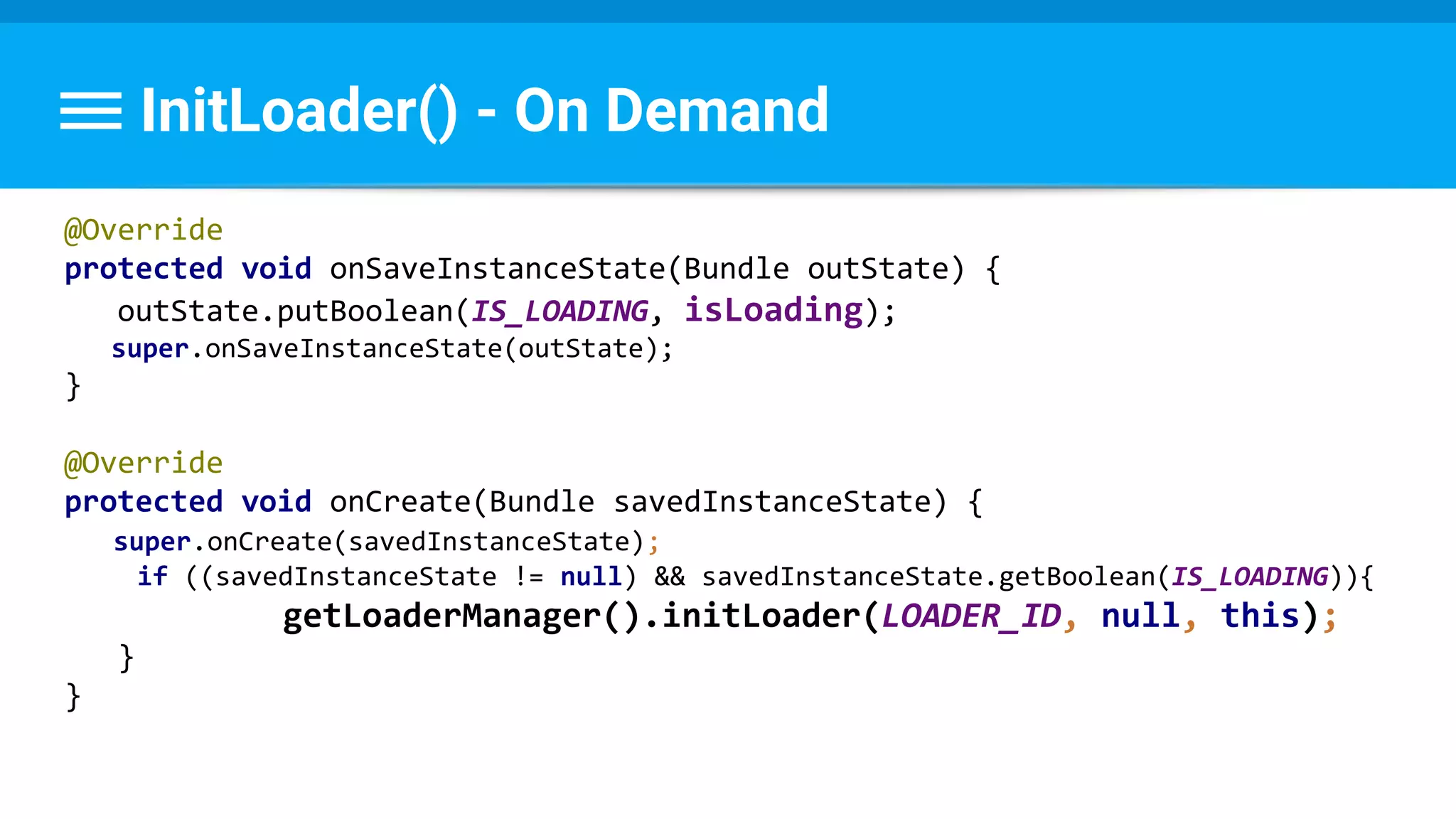
InitLoader() - On Demand
@Override
protected void onSaveInstanceState(Bundle outState) {
outState.putBoolean(IS_LOADING, isLoading);
super.onSaveInstanceState(outState);
}
@Override
protected void onCreate(Bundle savedInstanceState) {
super.onCreate(savedInstanceState);
if ((savedInstanceState != null) && savedInstanceState.getBoolean(IS_LOADING)){
getLoaderManager().initLoader(LOADER_ID, null, this);
}
}
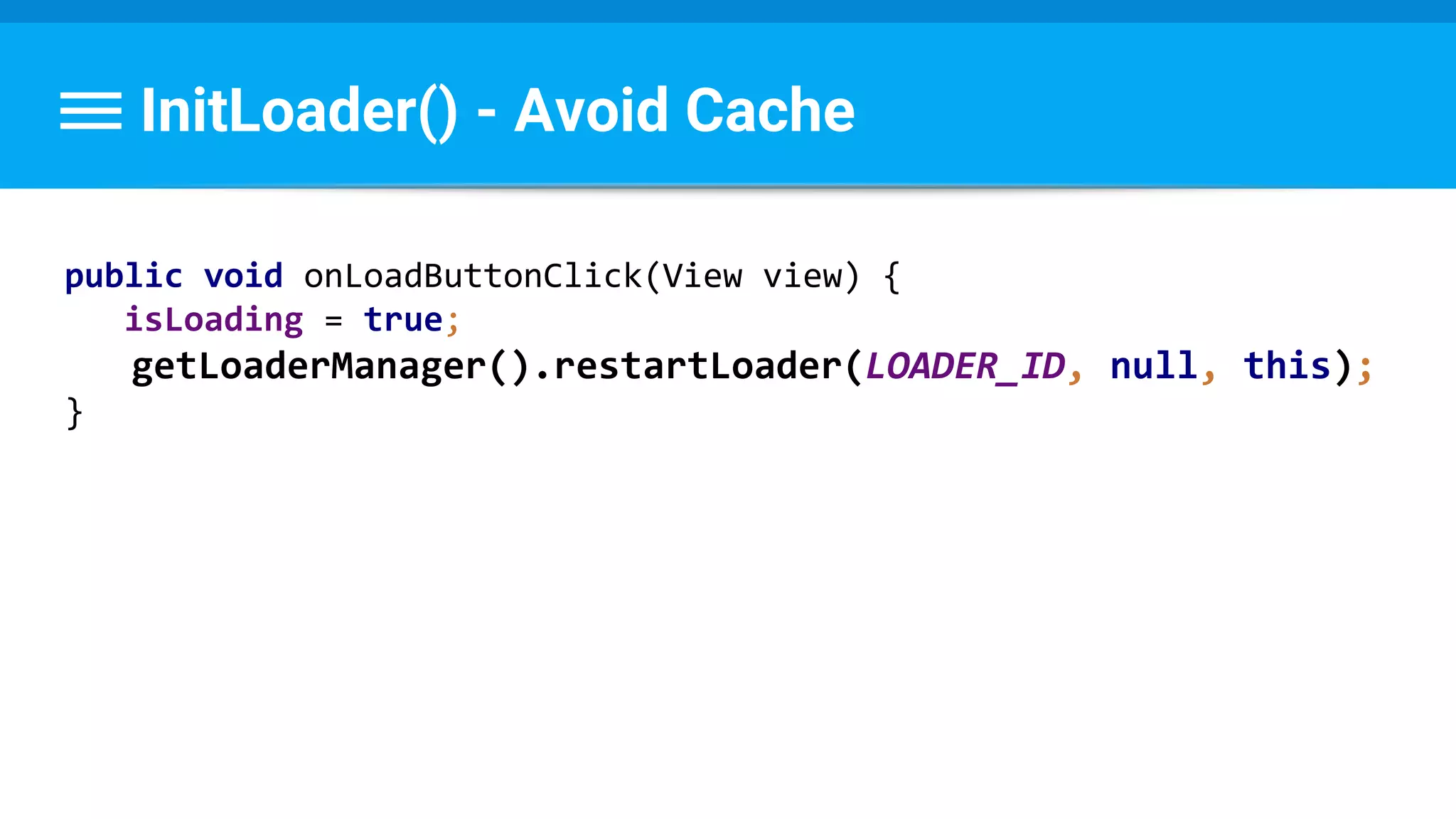
InitLoader() - Avoid Cache
public void onLoadButtonClick(View view) {
isLoading = true;
getLoaderManager().restartLoader(LOADER_ID, null, this);
}
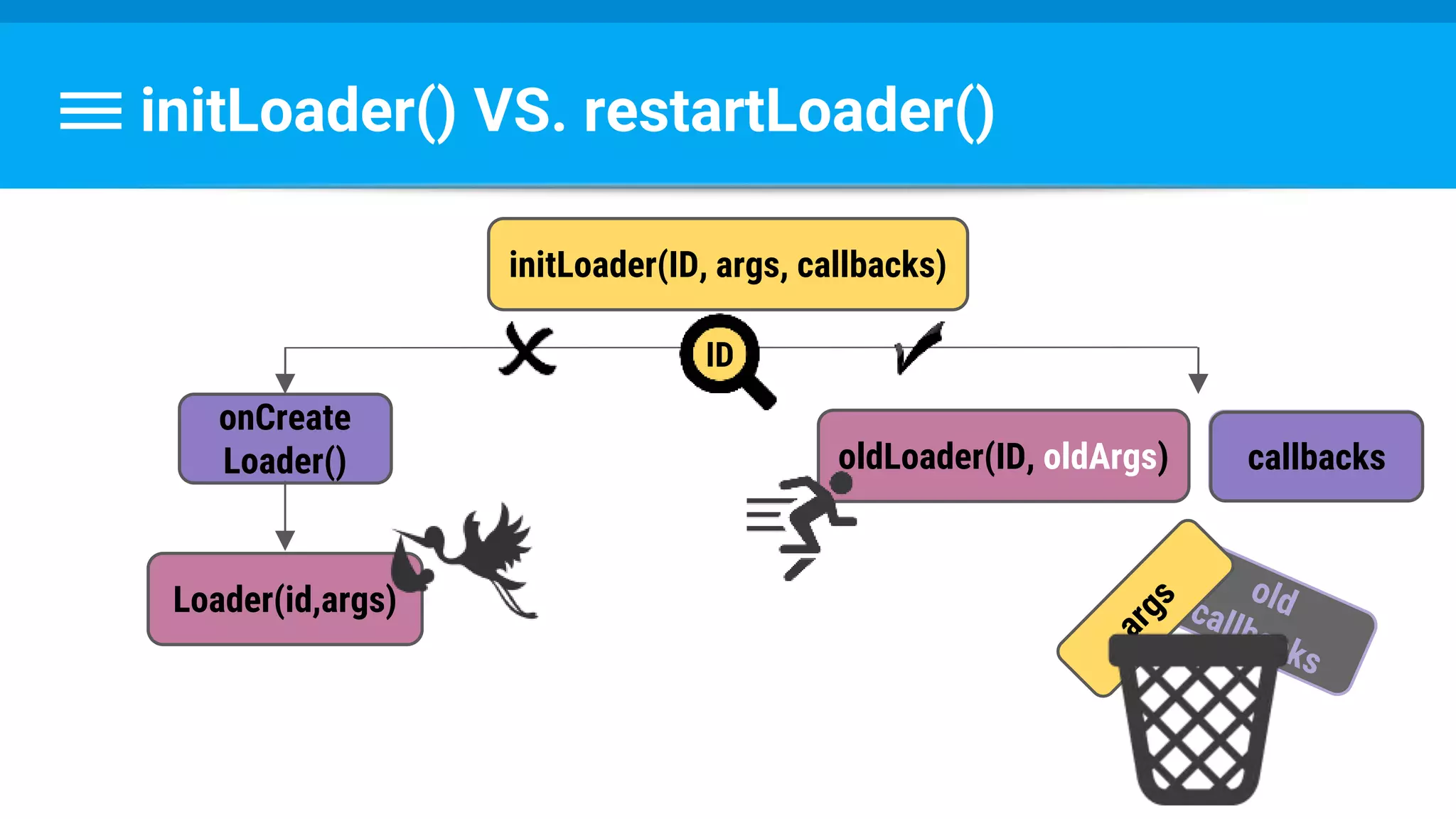
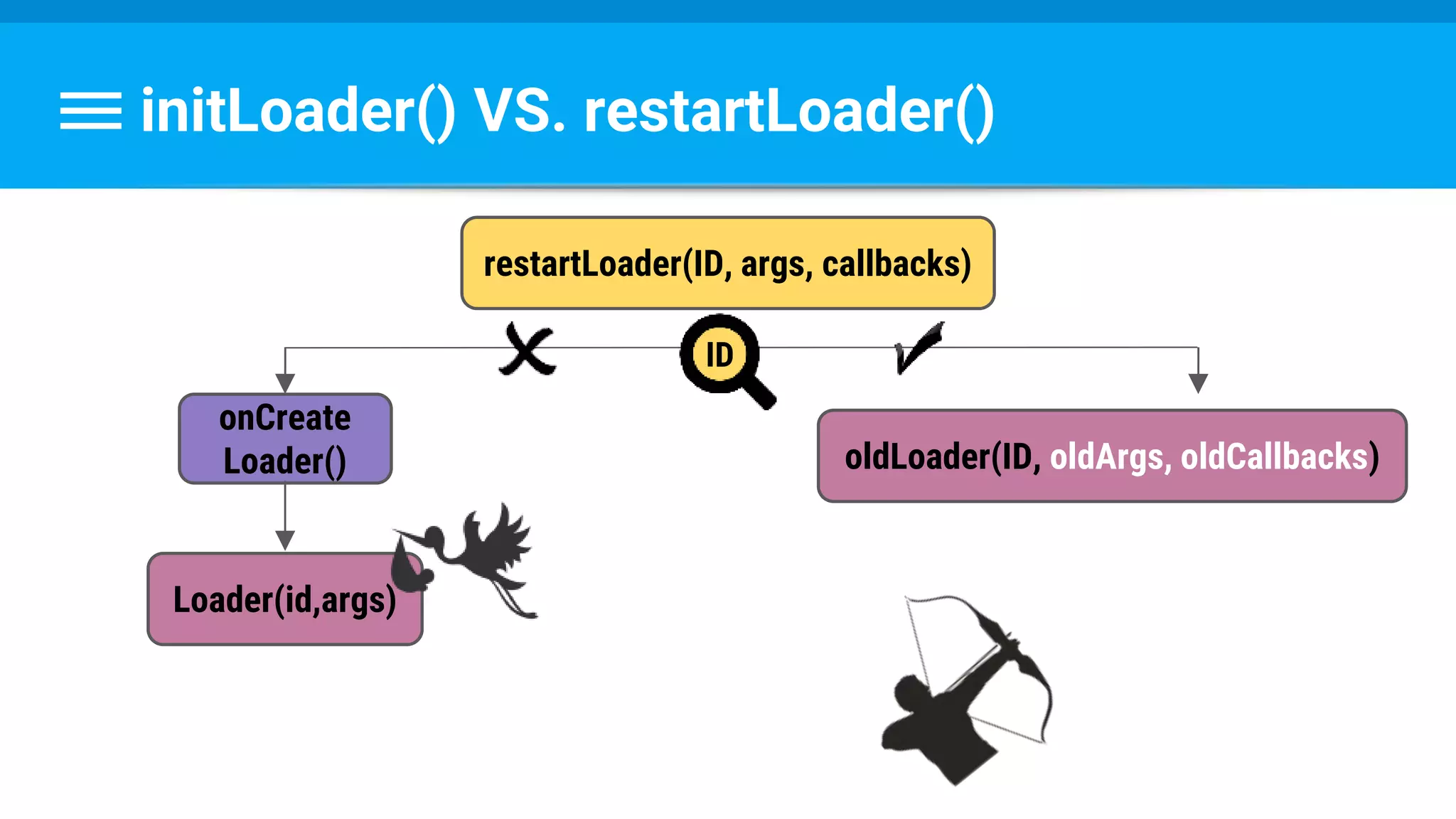
initLoader() VS. restartLoader()
initLoader(ID, args, callbacks)
onCreate
Loader()
Loader(id,args)
oldLoader(ID, oldArgs)
ID
old
callbacks
callbacks
initLoader() VS. restartLoader()
restartLoader(ID, args, callbacks)
onCreate
Loader()
Loader(id,args)
oldLoader(ID, oldArgs, oldCallbacks)
ID
initLoader() VS. restartLoader()
restartLoader(ID, args, callbacks)
onCreate
Loader()
Loader(id,args)
ID
Any questions?
Now I have a question...
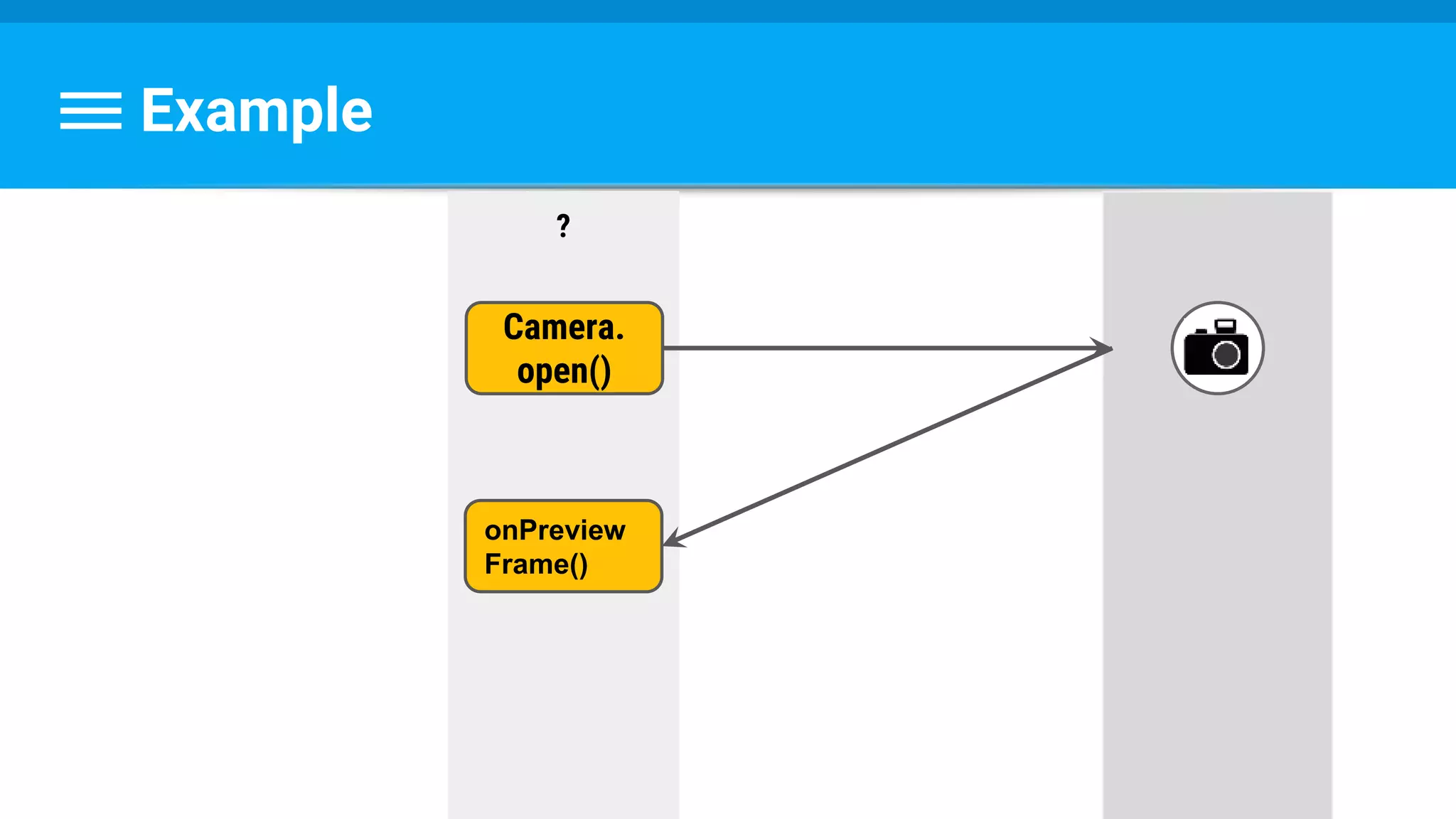
Example
?
Camera.
open()
onPreview
Frame()
Which Thread?
- UI ?
- AsyncTask ?
- New Thread() ?
Let’s Take A Deeper Look
Reminder
Process
Main (/UI) Thread
A Deeper Look
Main Thread (UI Thread)
Process
System Event Input Event Service Application UI Drawing
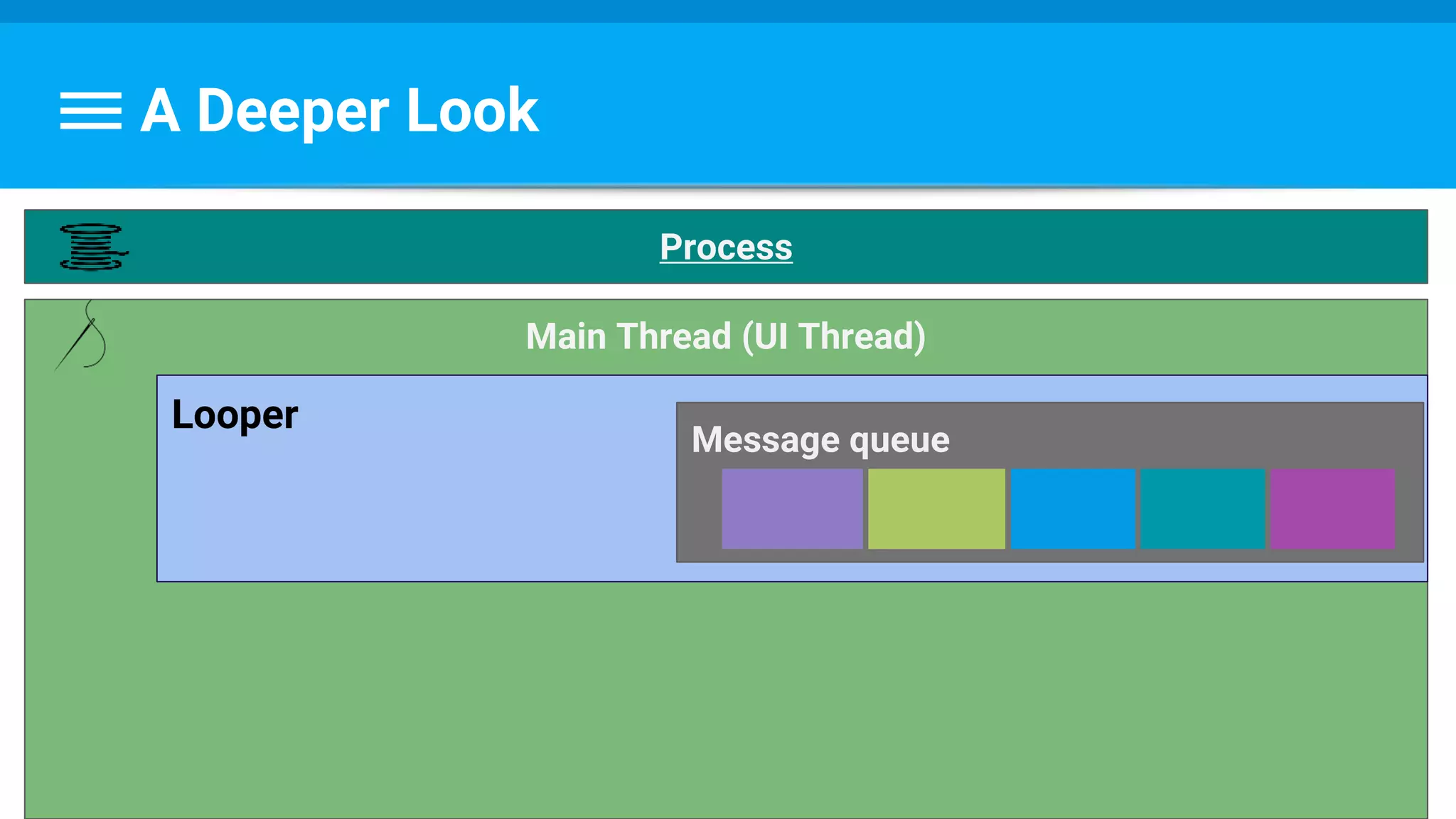
A Deeper Look
Main Thread (UI Thread)
Looper
Message queue
Process
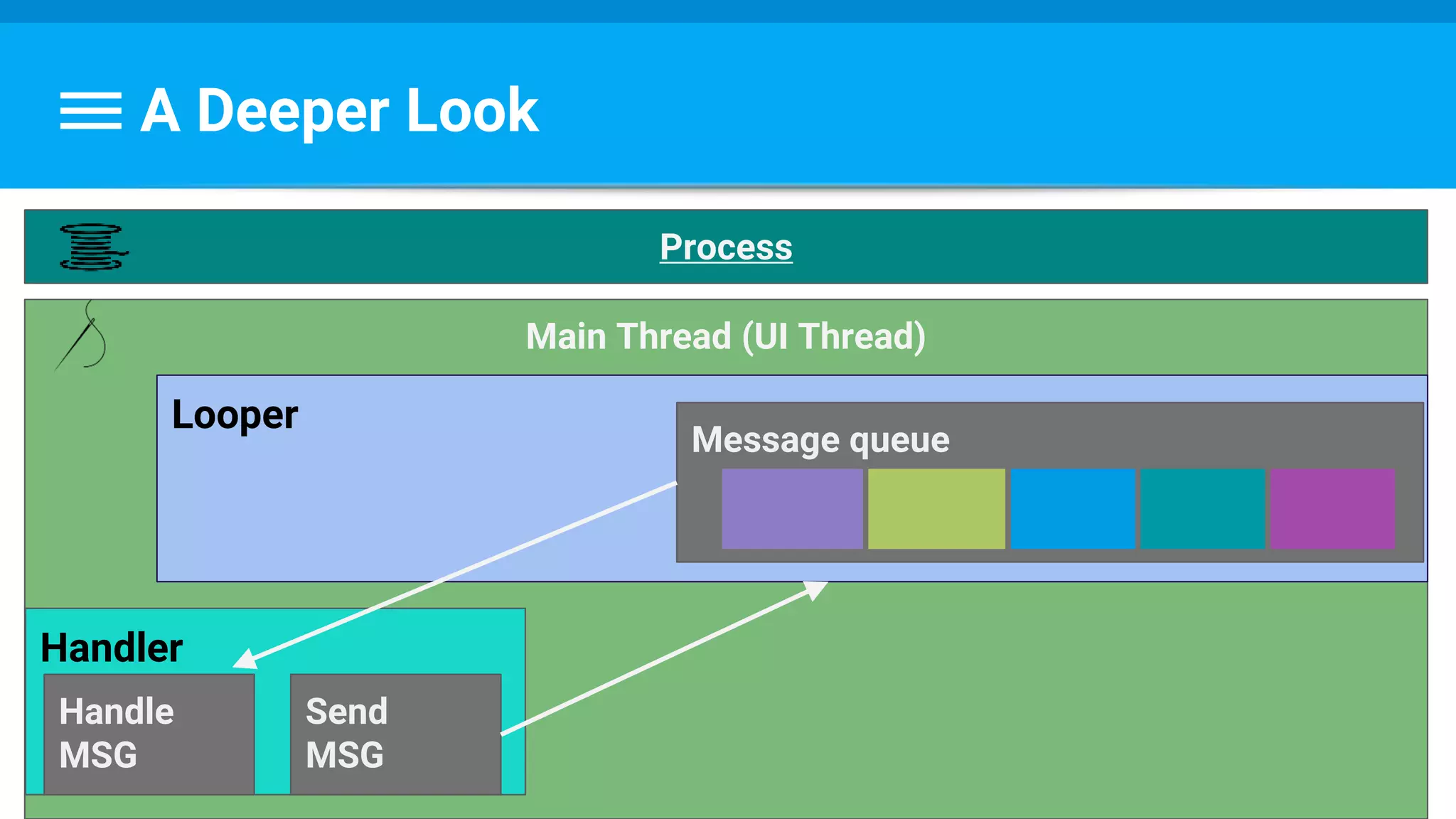
A Deeper Look
Main Thread (UI Thread)
Looper
Message queue
Handler
Handle
MSG
Send
MSG
Process
A Deeper Look
Main Thread (UI Thread)
Looper
Process
Handler Handle MSG
Send MSG
Worker Thread
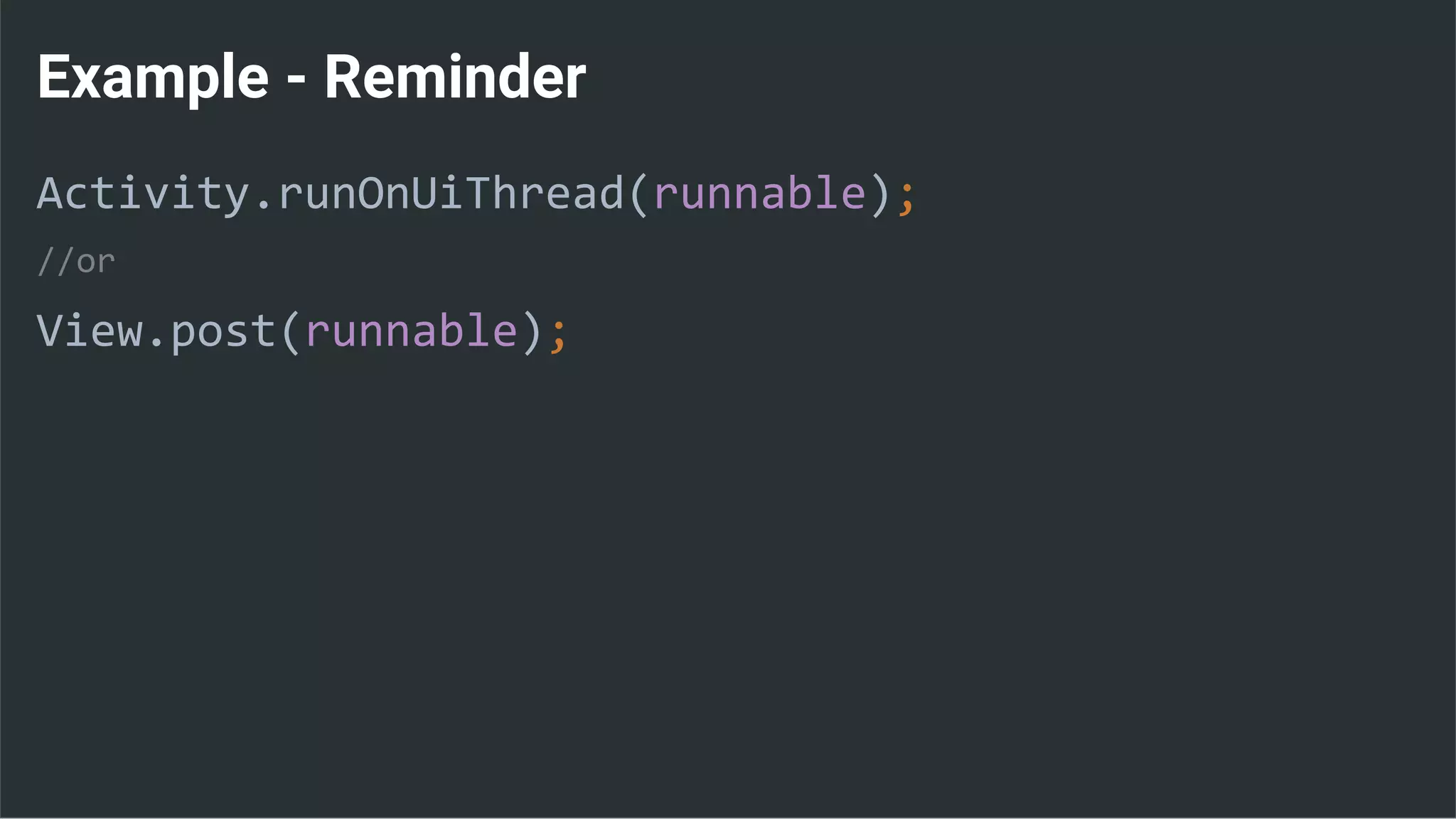
Example - Reminder
Activity.runOnUiThread(runnable);
//or
View.post(runnable);
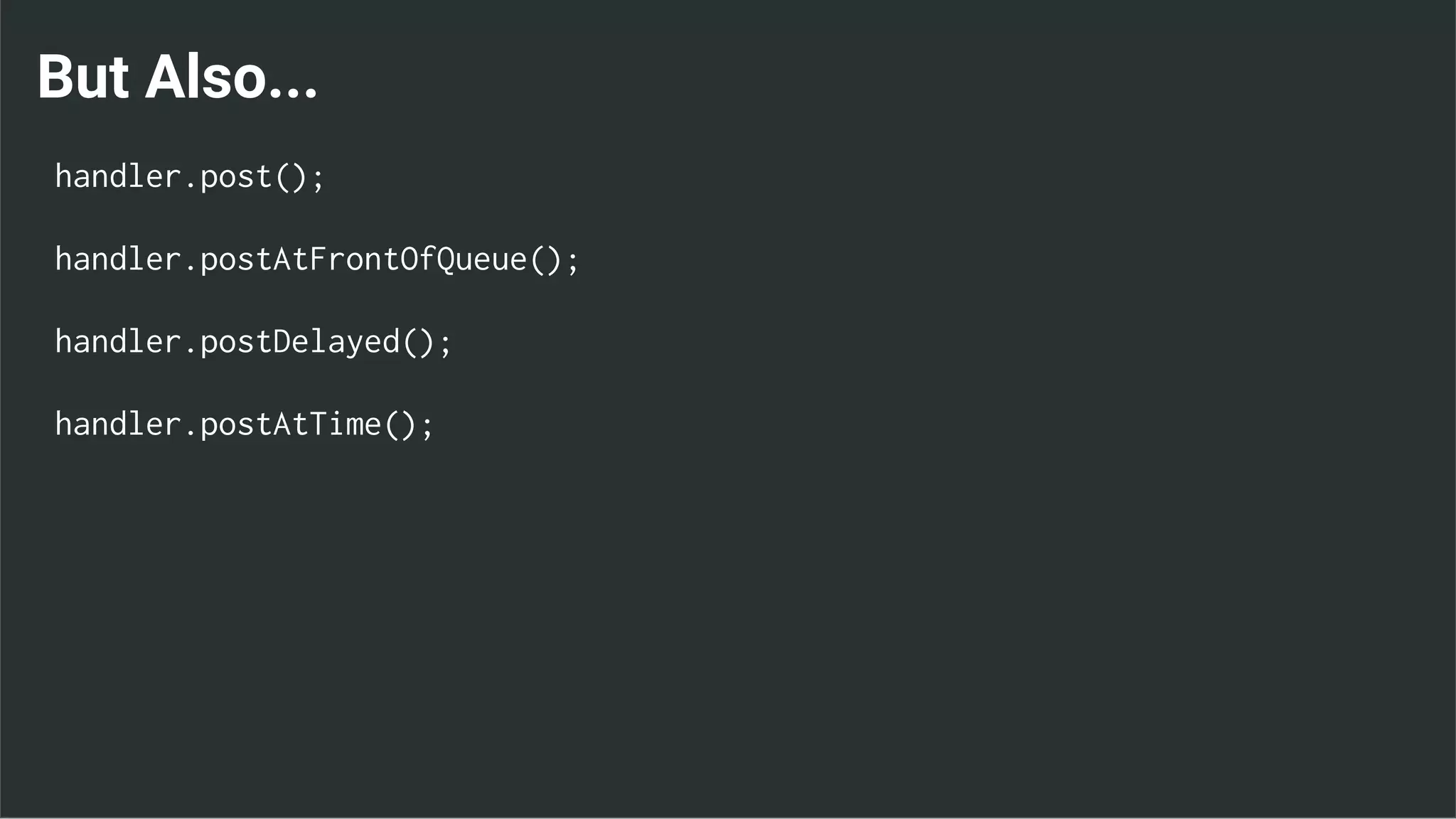
But Also...
handler.post();
handler.postAtFrontOfQueue();
handler.postDelayed();
handler.postAtTime();
This is called a HandlerThread
Why Am I Telling You This?
1.Better understand UI Thread
2.Use for background work
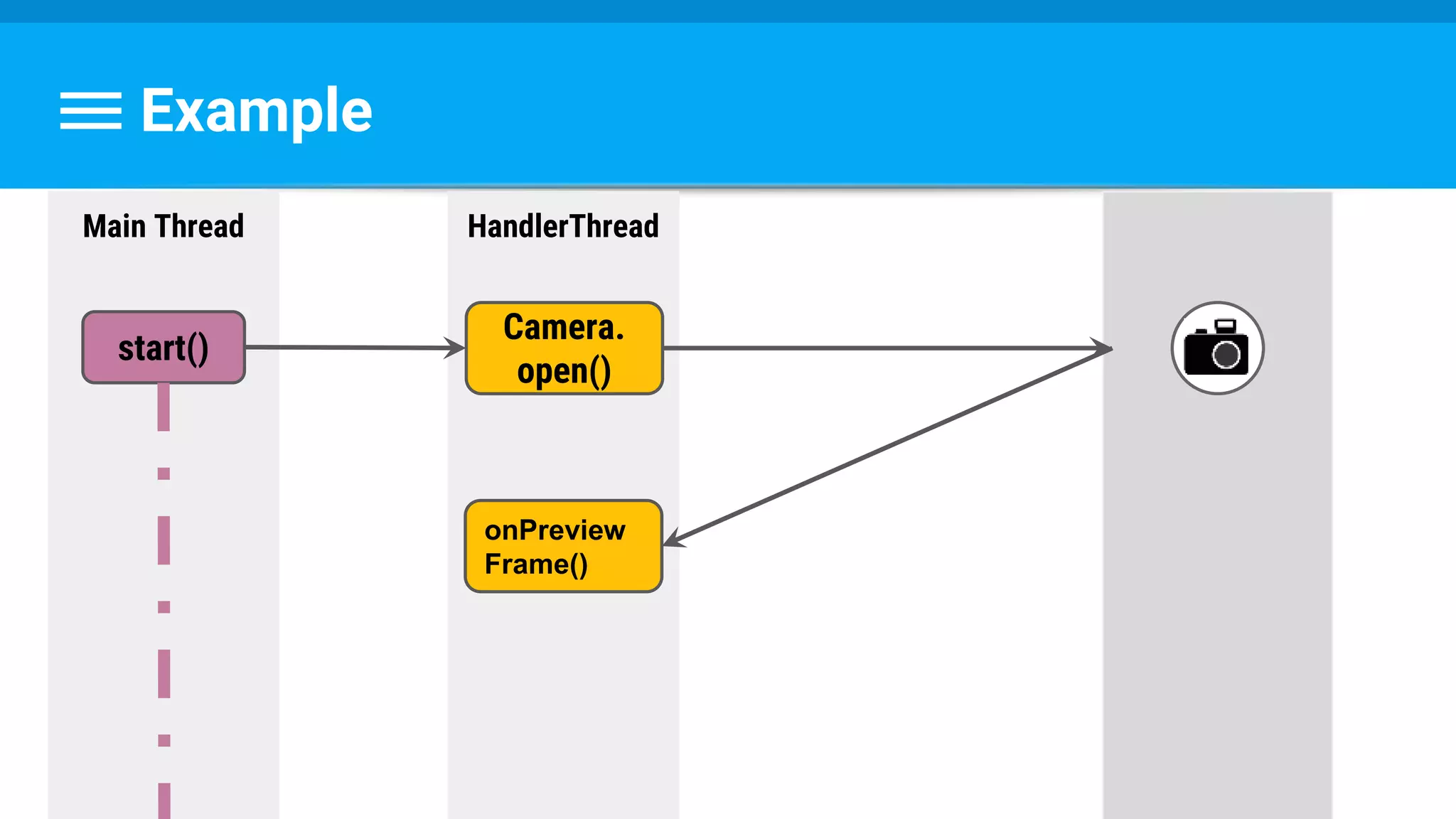
Example
HandlerThread
Camera.
open()
onPreview
Frame()
Main Thread
start()
By The Way...
Camera.class is deprecated on API 21
Use CameraManager.openCamera(String cameraId,
CameraDevice.StateCallback callback,
Handler handler)
Example
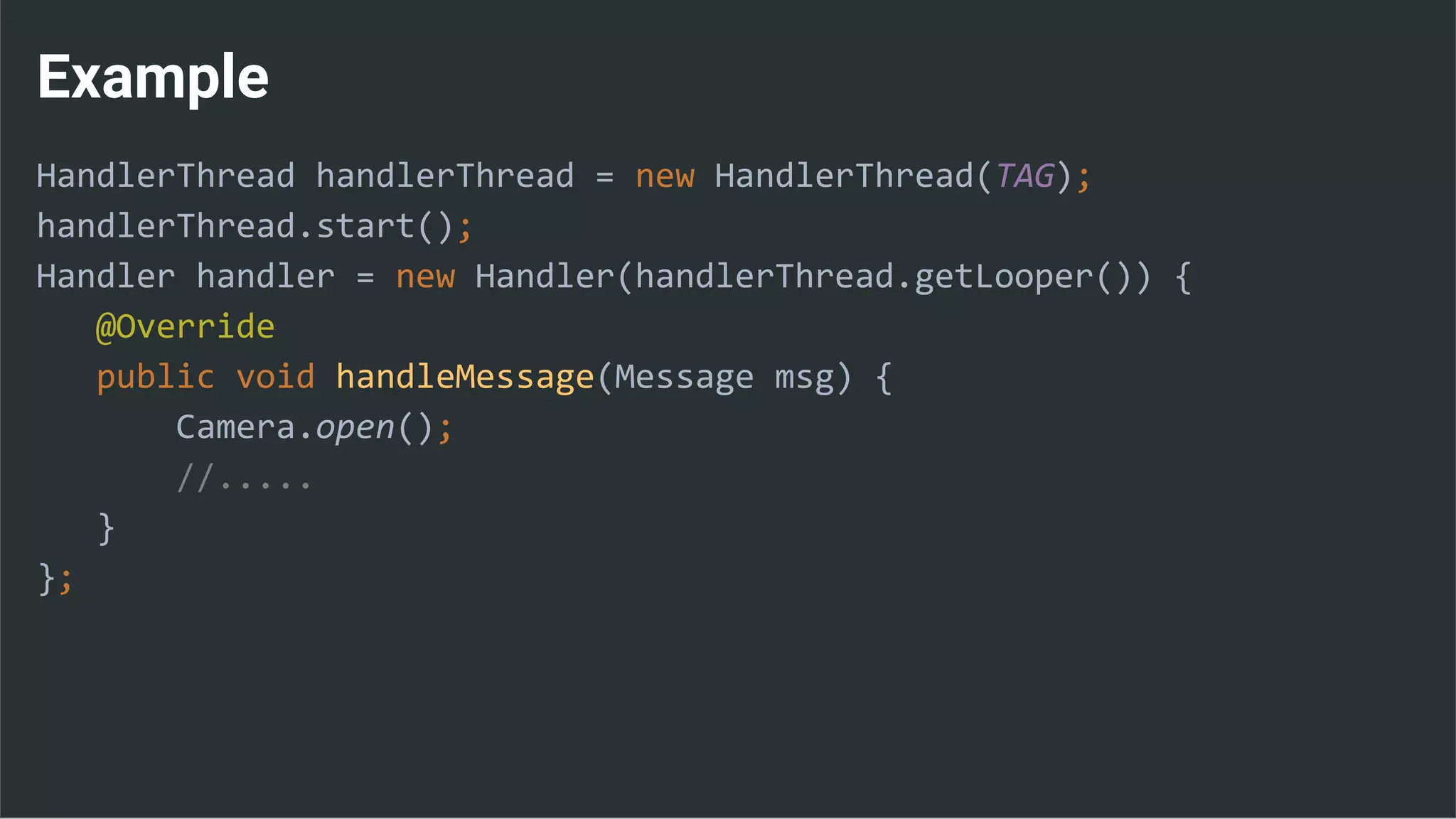
HandlerThread handlerThread = new HandlerThread(TAG);
handlerThread.start();
Handler handler = new Handler(handlerThread.getLooper()) {
@Override
public void handleMessage(Message msg) {
Camera.open();
//.....
}
};
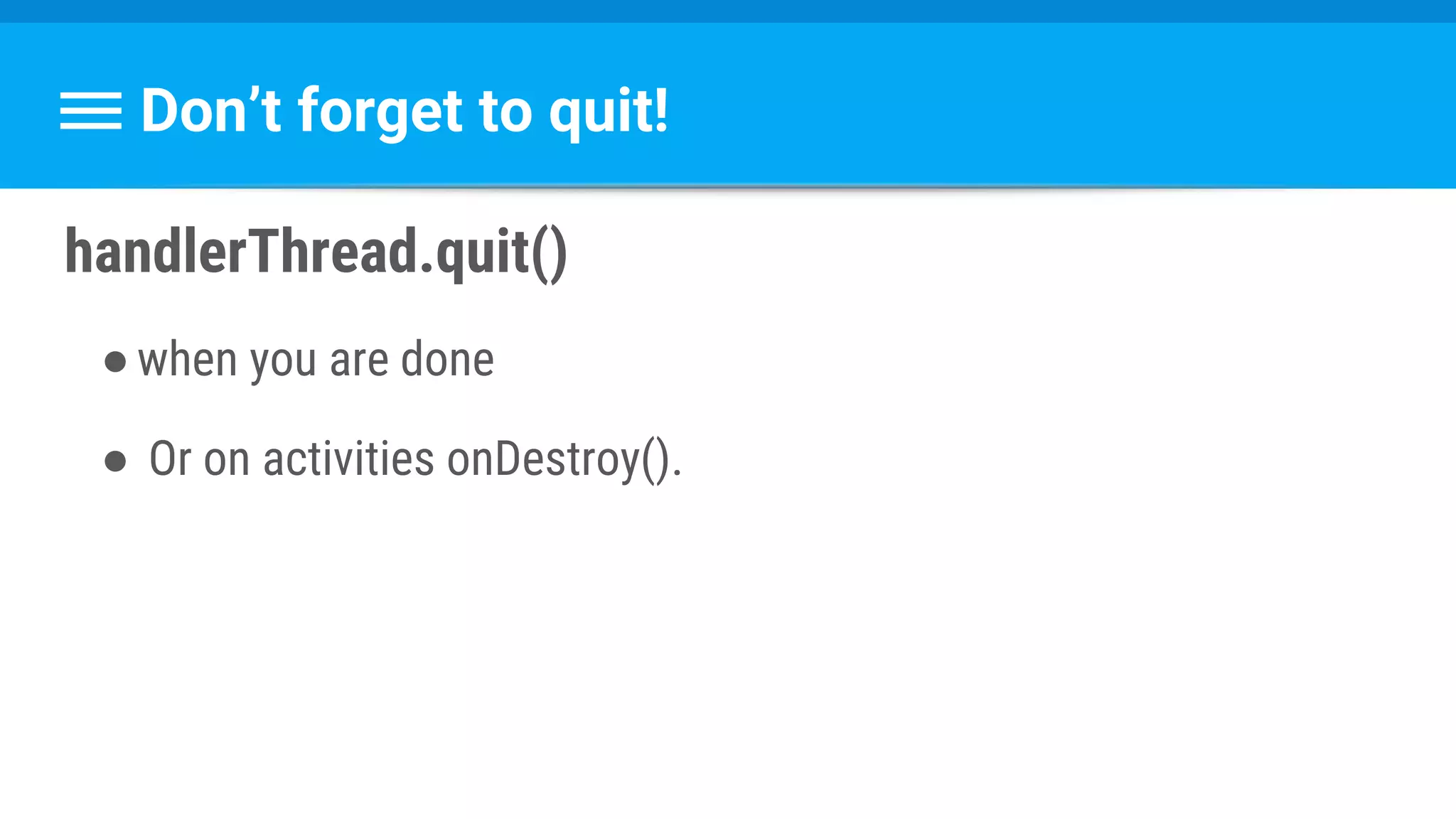
Don’t forget to quit!
handlerThread.quit()
●when you are done
● Or on activities onDestroy().
Questions ?
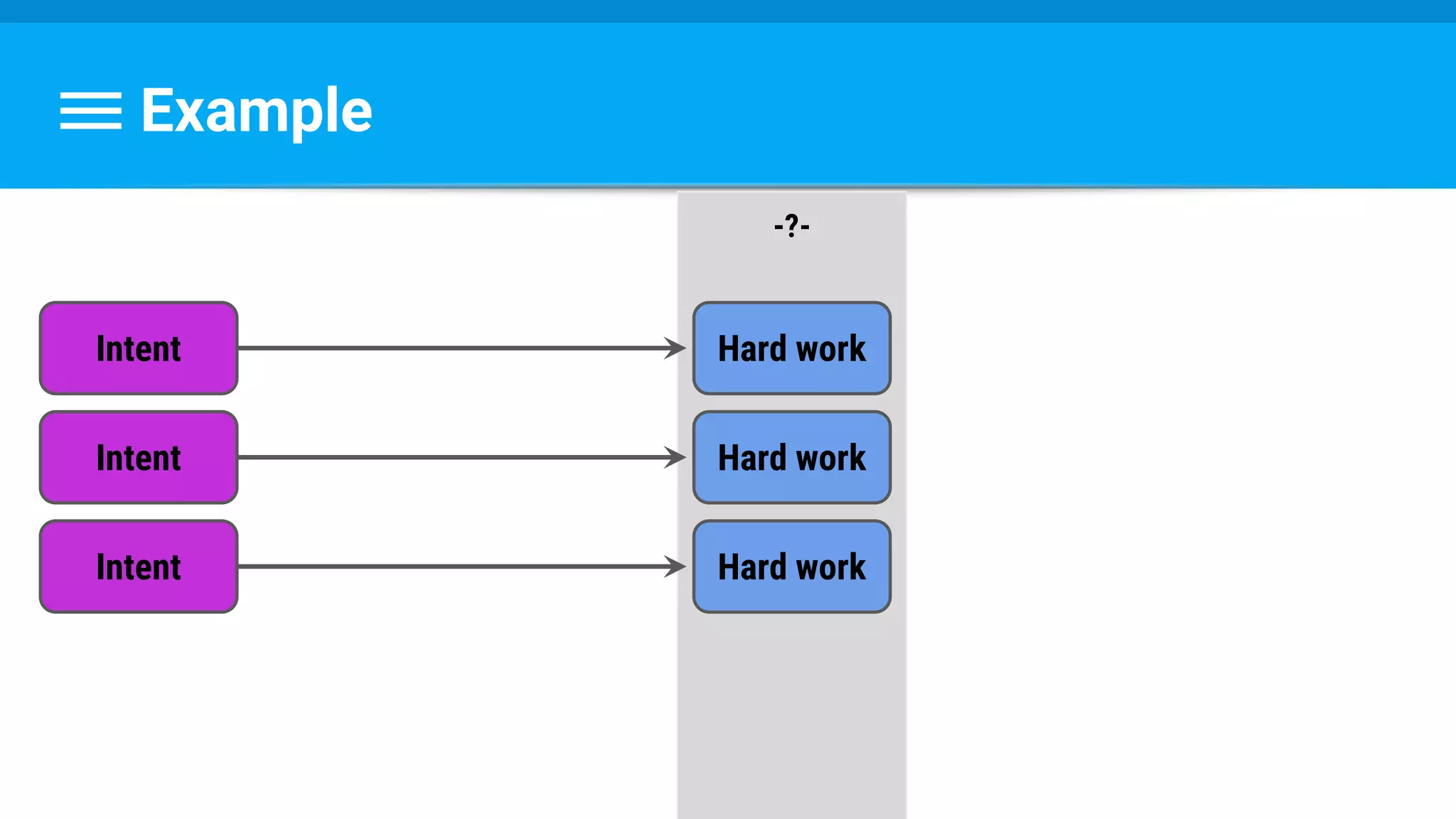
One more question:
Example
Intent
-?-
Hard work
Intent Hard work
Intent Hard work
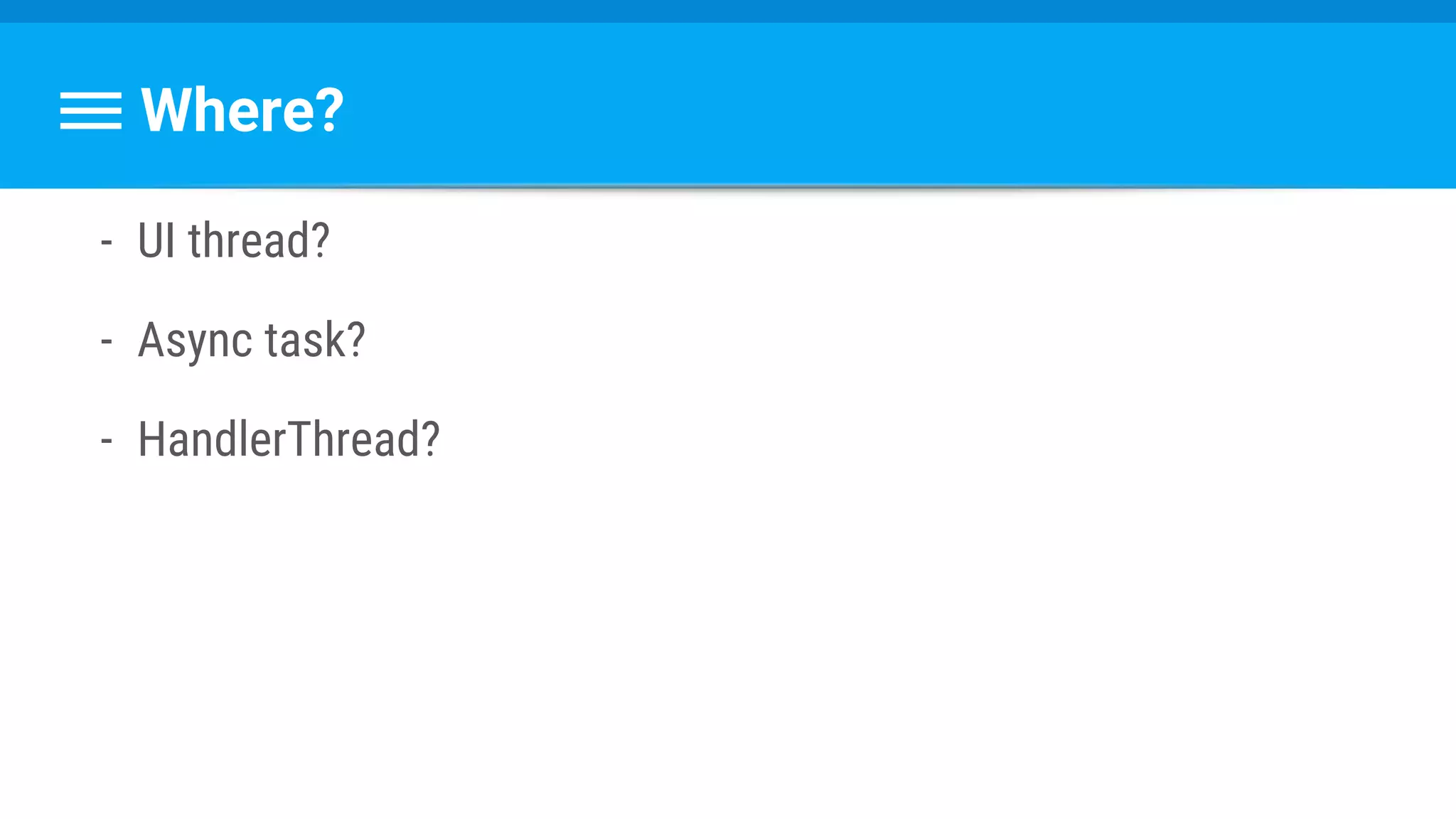
Where?
- UI thread?
- Async task?
- HandlerThread?
Enters IntentService!
IntentService
- Extends Service
- Handles intents on a HandlerThread
- Stops when finishes
Service Benefits
- Alarms for repeated work
- (refreshing, updating, logging analytics….)
- Less killable
Process Priority
https://developer.android.com/guide/components/processes-and-threads.html
M o r e K i l l a b l e
Foreground Activity
No Activity,
Running Service
No Activity,
No running Service
Be Aware:
- Work queue (potential blocking)
- One instance at a time
Should you extend Service yourself?
Service Performance
●Services cost time and memory.
○ Creating, scheduling, running, and even destroying services
●Run on the UI thread
Make Sure You Need A Service
●Listen and respond to events
○ BroadcastReceiver (even on background)
●Poll a server for data
○ FCM / GCM
●Work detached from UI
○ Use other primitive (saves scheduling)
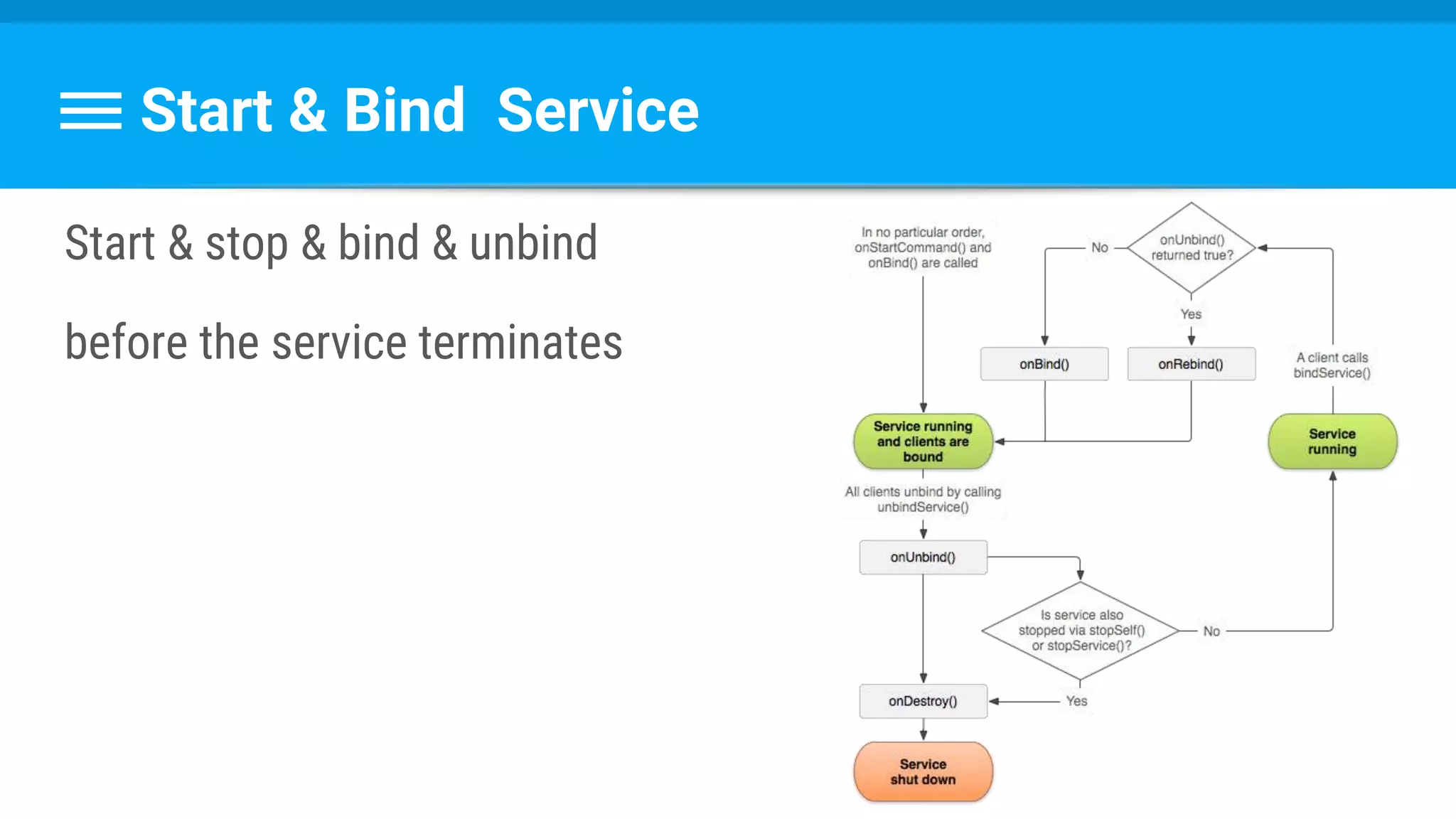
Stopping
- stopSelf() or stopService()
- On BoundService : unbindService() by all clients
Start & Bind Service
Start & stop & bind & unbind
before the service terminates
Services Rules
●Avoid if possible
●Stop when possible
Questions ?
Last question:
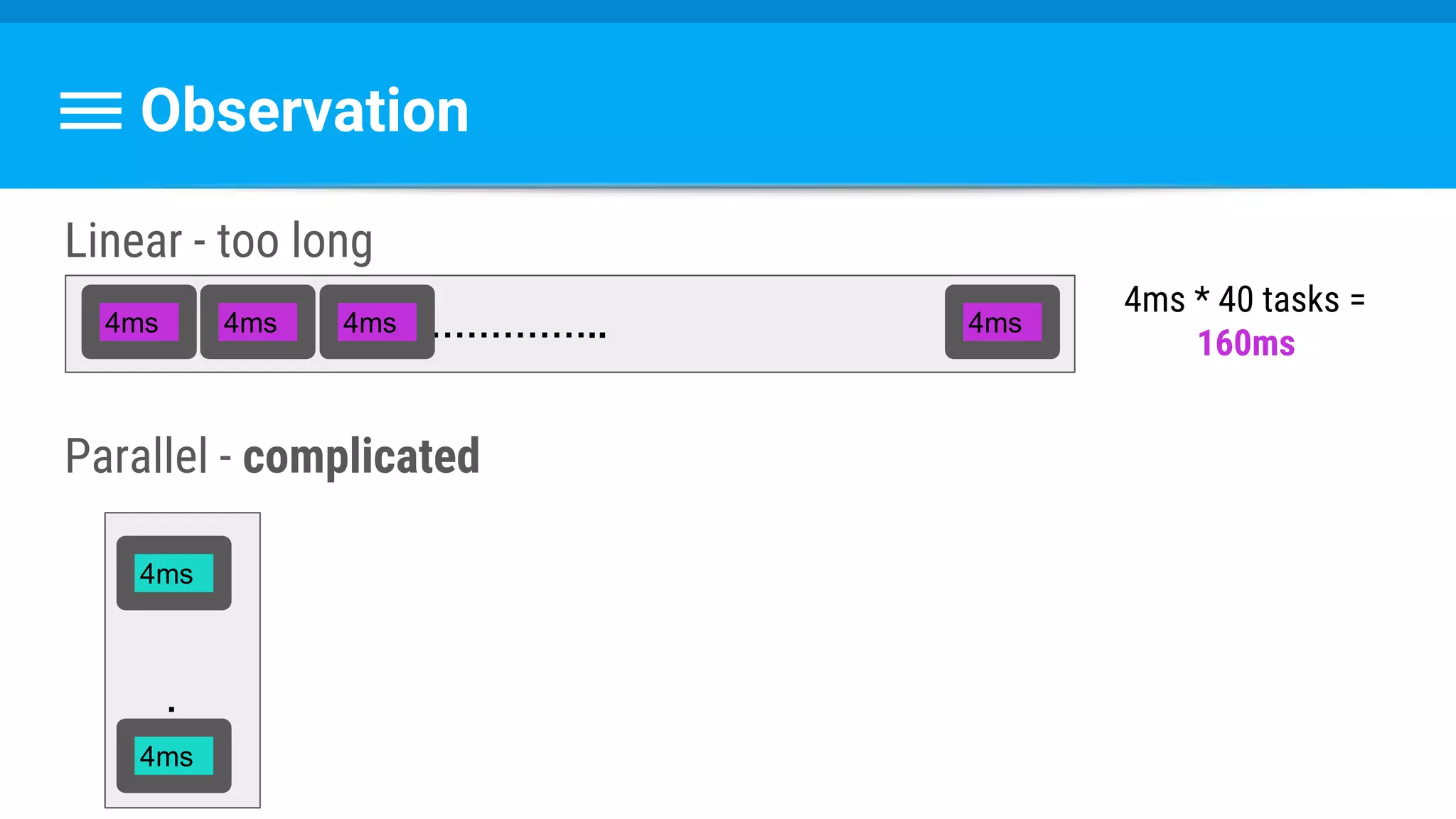
Decoding 40 bitmaps, 4 millis each
Which Thread?
AsyncTask?
IntentService?
HandlerThread?
Observation
Linear - too long
Parallel - complicated
…………………..4ms 4ms 4ms 4ms
…...
4ms * 40 tasks =
160ms
4ms
4ms
Managing Threads
●Creation
●Priorities
●Work distribution
●Destruction
●Load balancing
ThreadPoolExecutor
So How Do We Use It ?
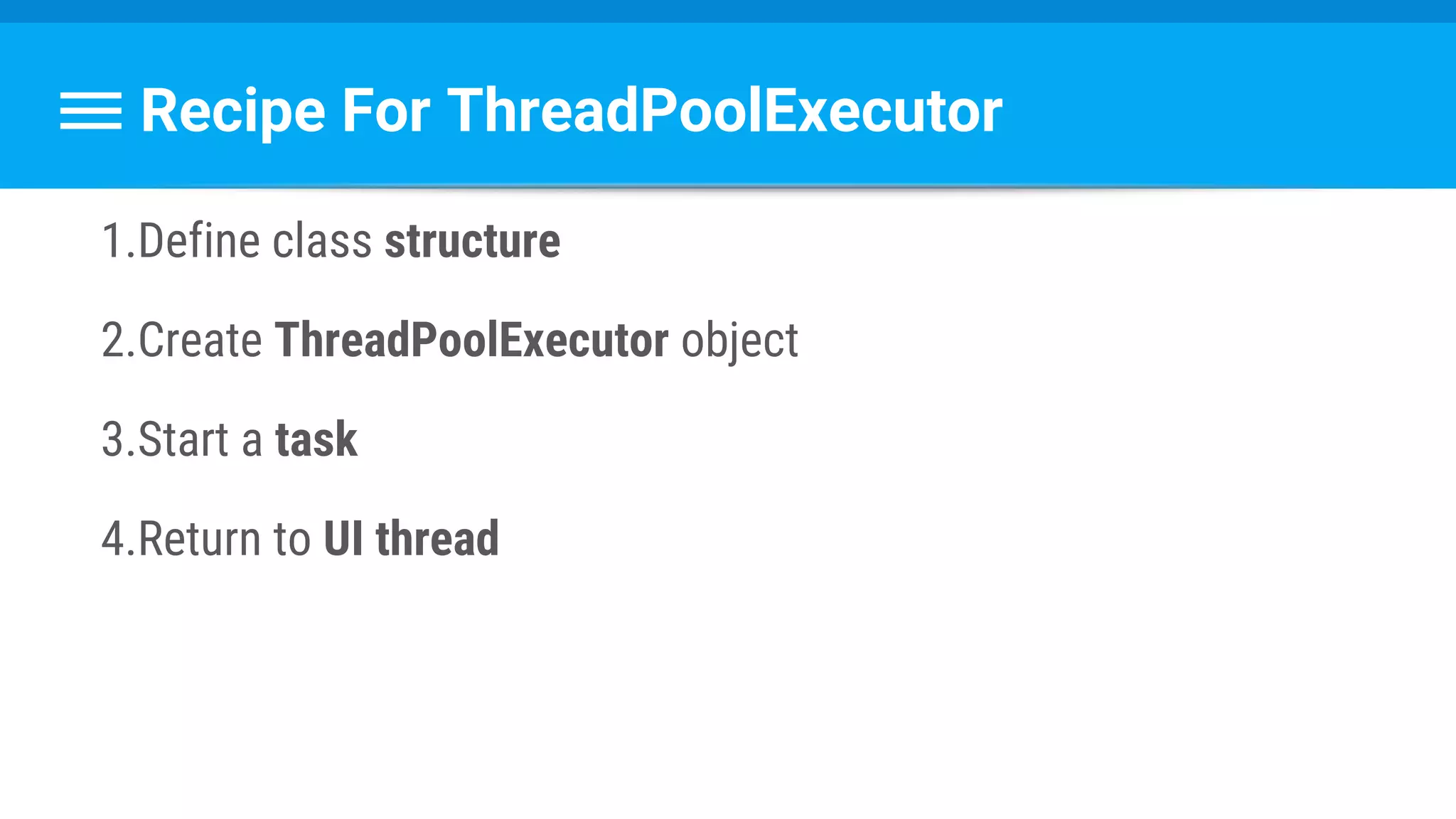
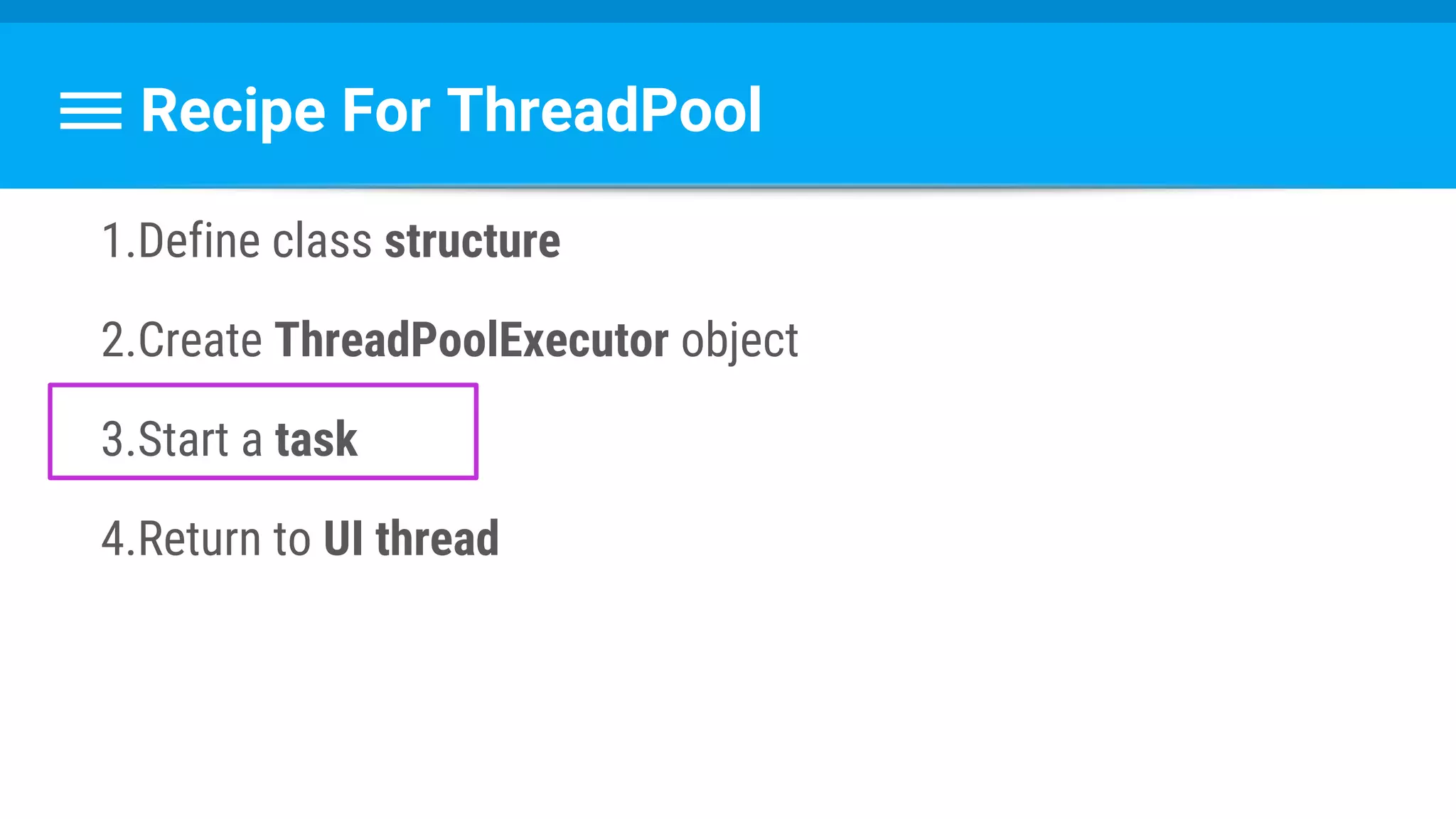
Recipe For ThreadPoolExecutor
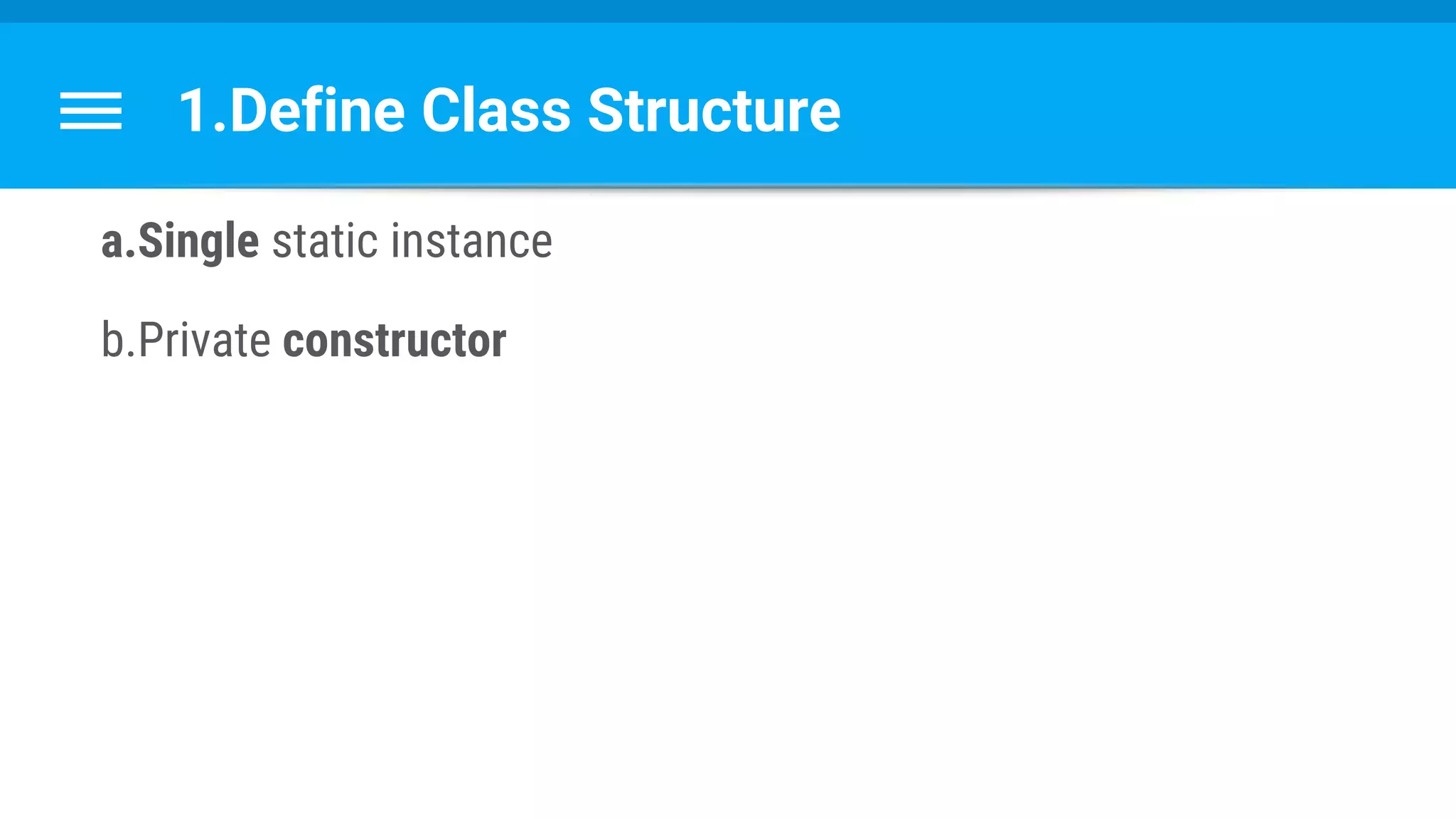
1.Define class structure
2.Create ThreadPoolExecutor object
3.Start a task
4.Return to UI thread
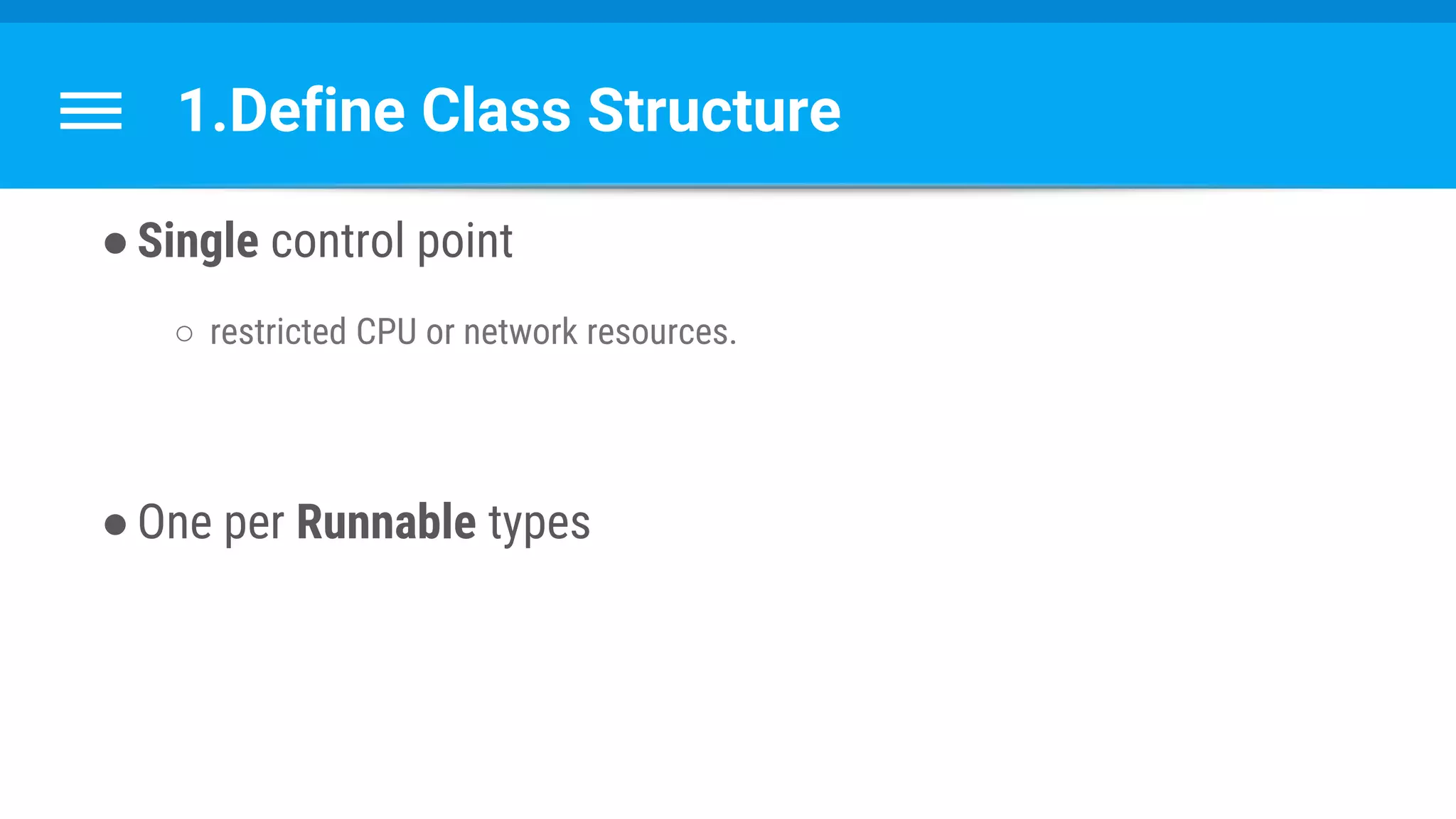
1.Define Class Structure
●Single control point
○ restricted CPU or network resources.
●One per Runnable types
1.Define Class Structure
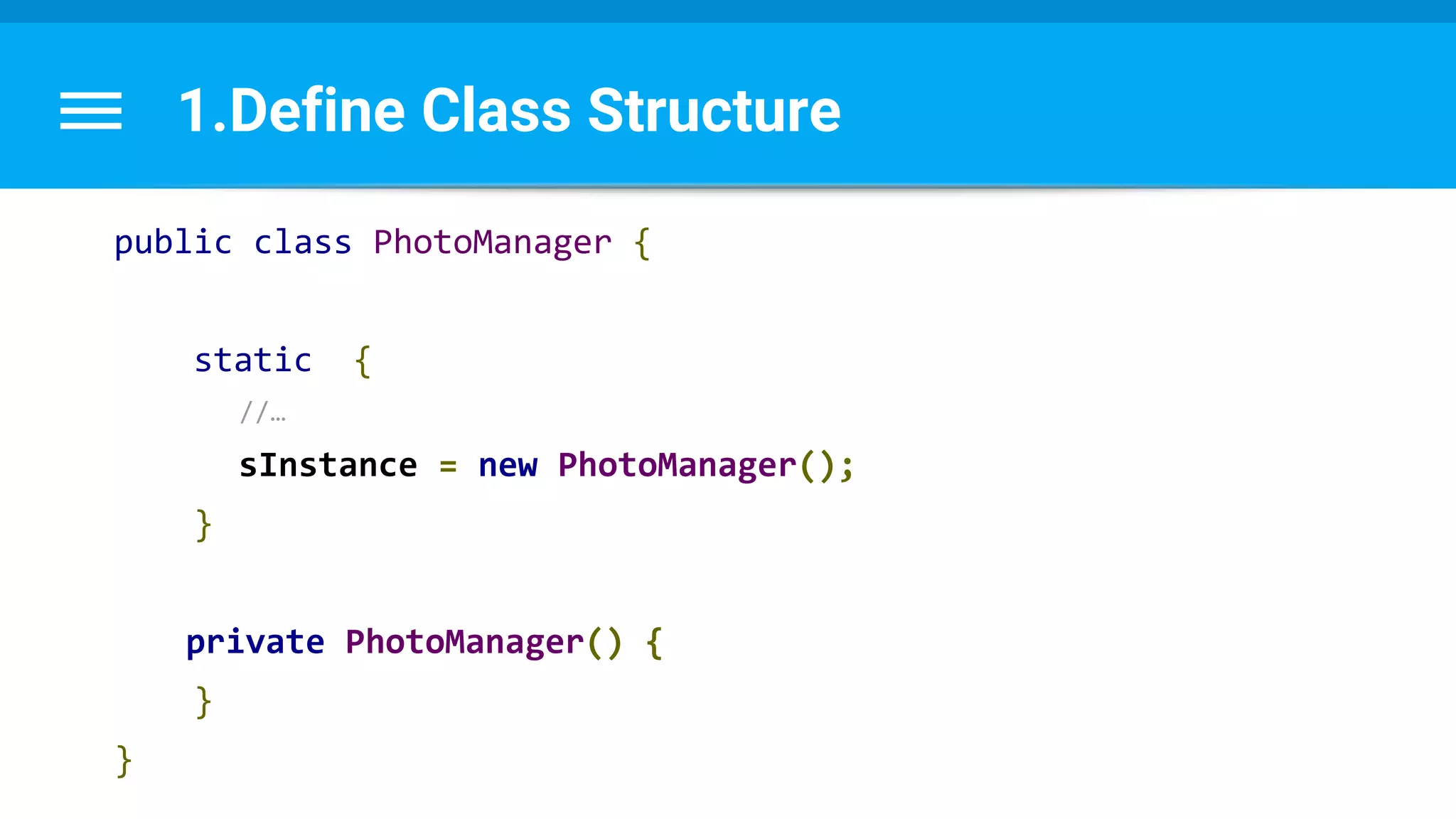
a.Single static instance
b.Private constructor
1.Define Class Structure
public class PhotoManager {
static {
//…
sInstance = new PhotoManager();
}
private PhotoManager() {
}
}
2. Create ThreadPoolExecutor object
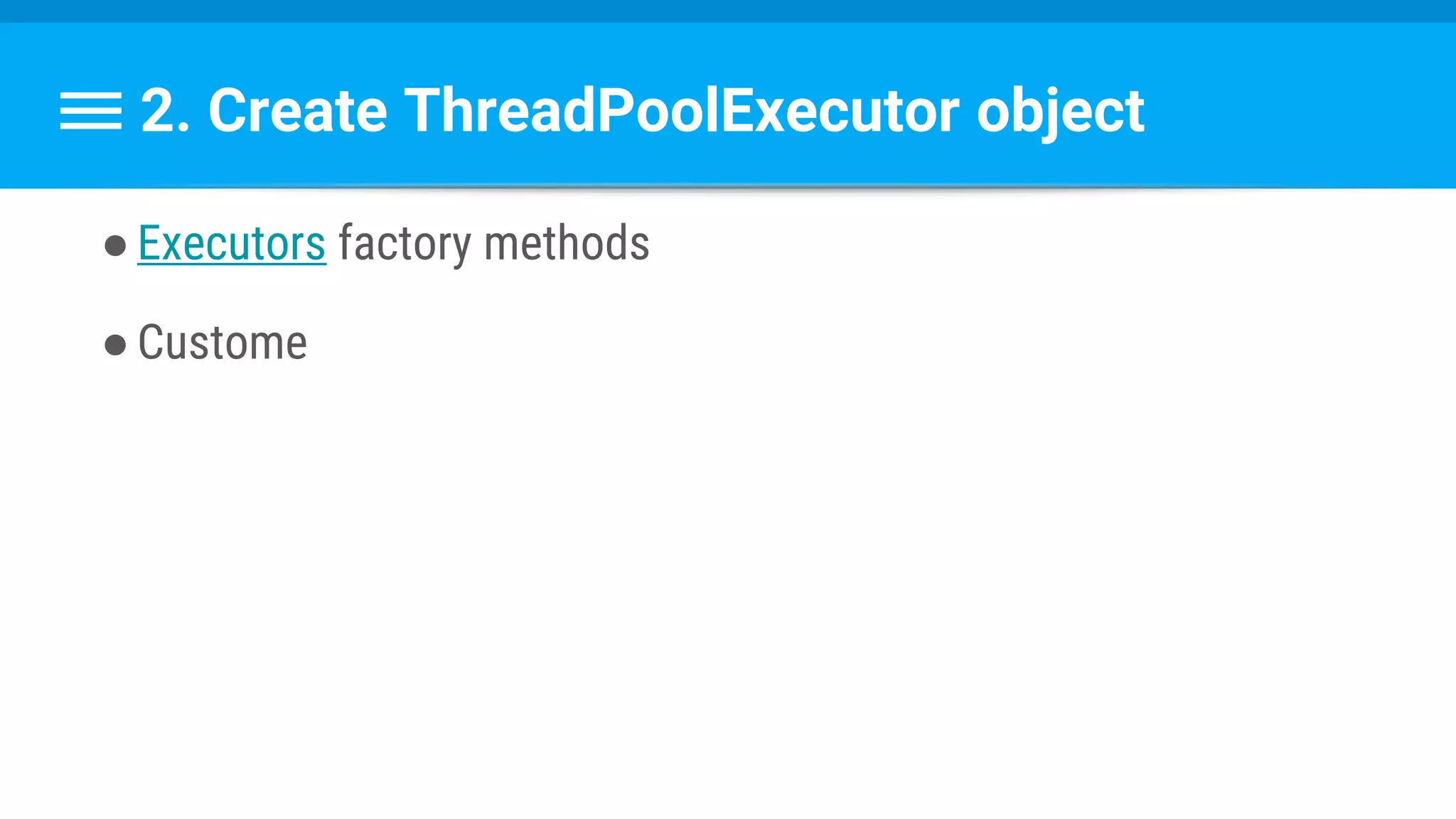
●Executors factory methods
●Custome
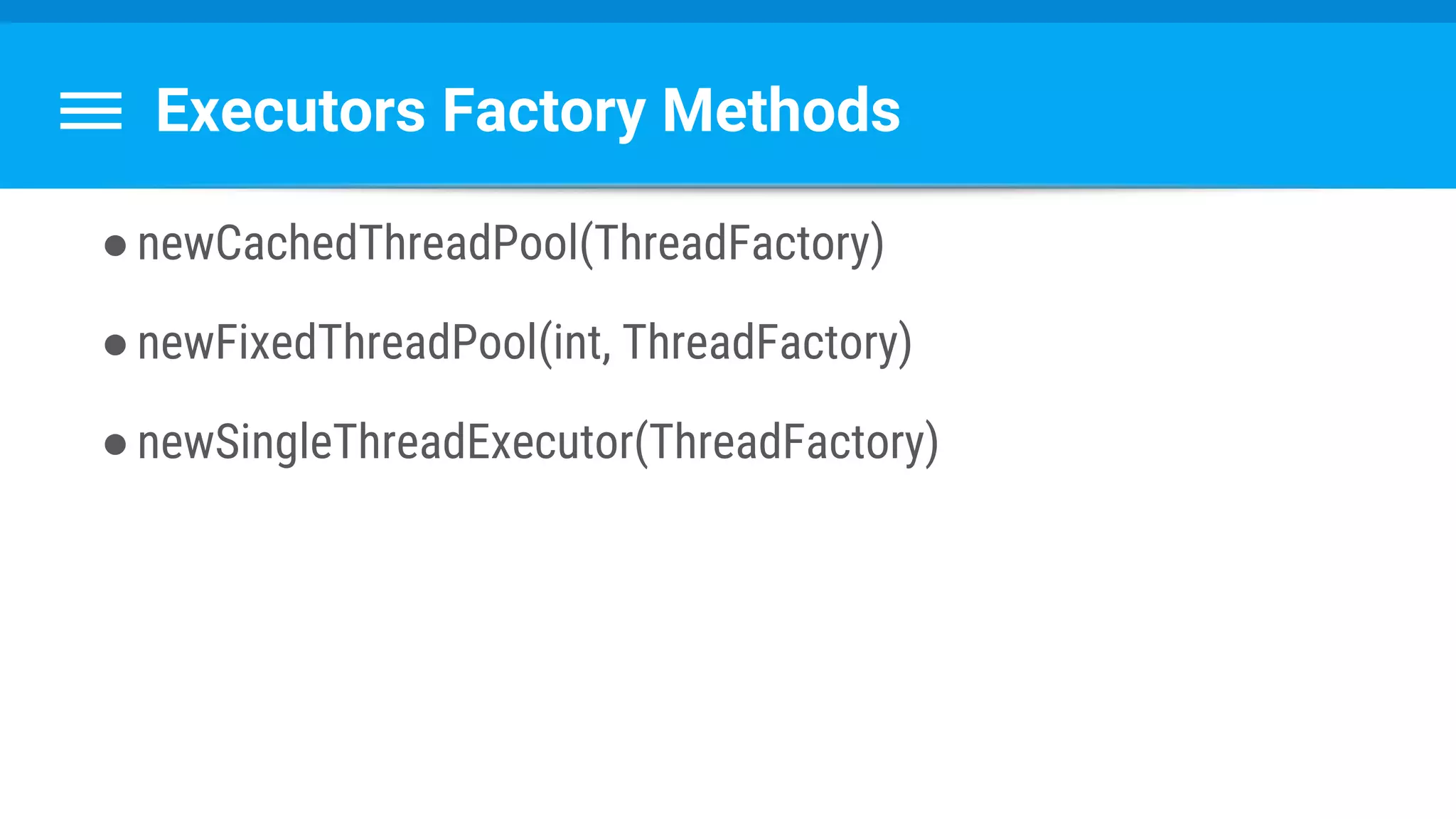
Executors Factory Methods
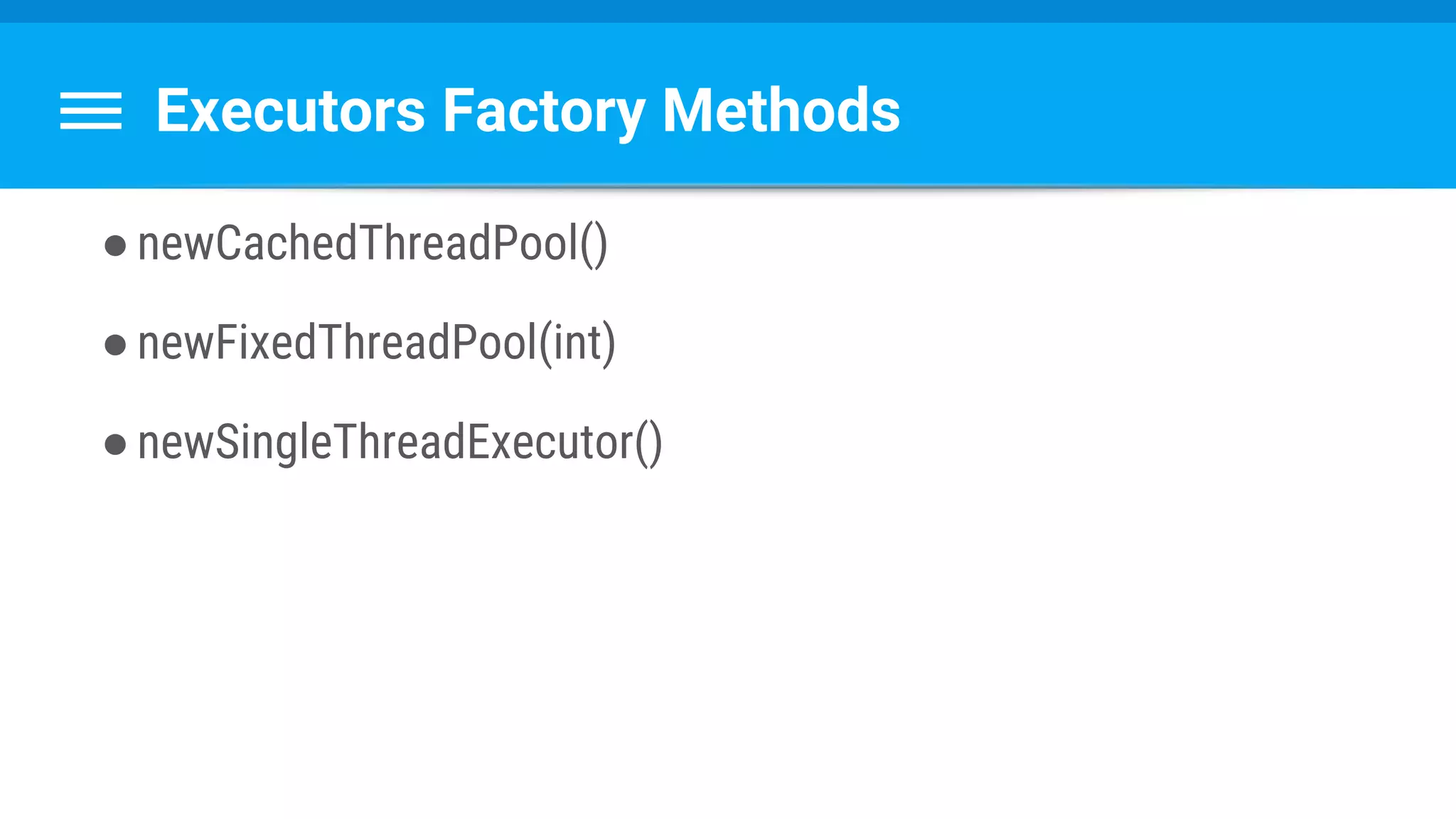
●newCachedThreadPool()
●newFixedThreadPool(int)
●newSingleThreadExecutor()
Executors Factory Methods
●newCachedThreadPool(ThreadFactory)
●newFixedThreadPool(int, ThreadFactory)
●newSingleThreadExecutor(ThreadFactory)
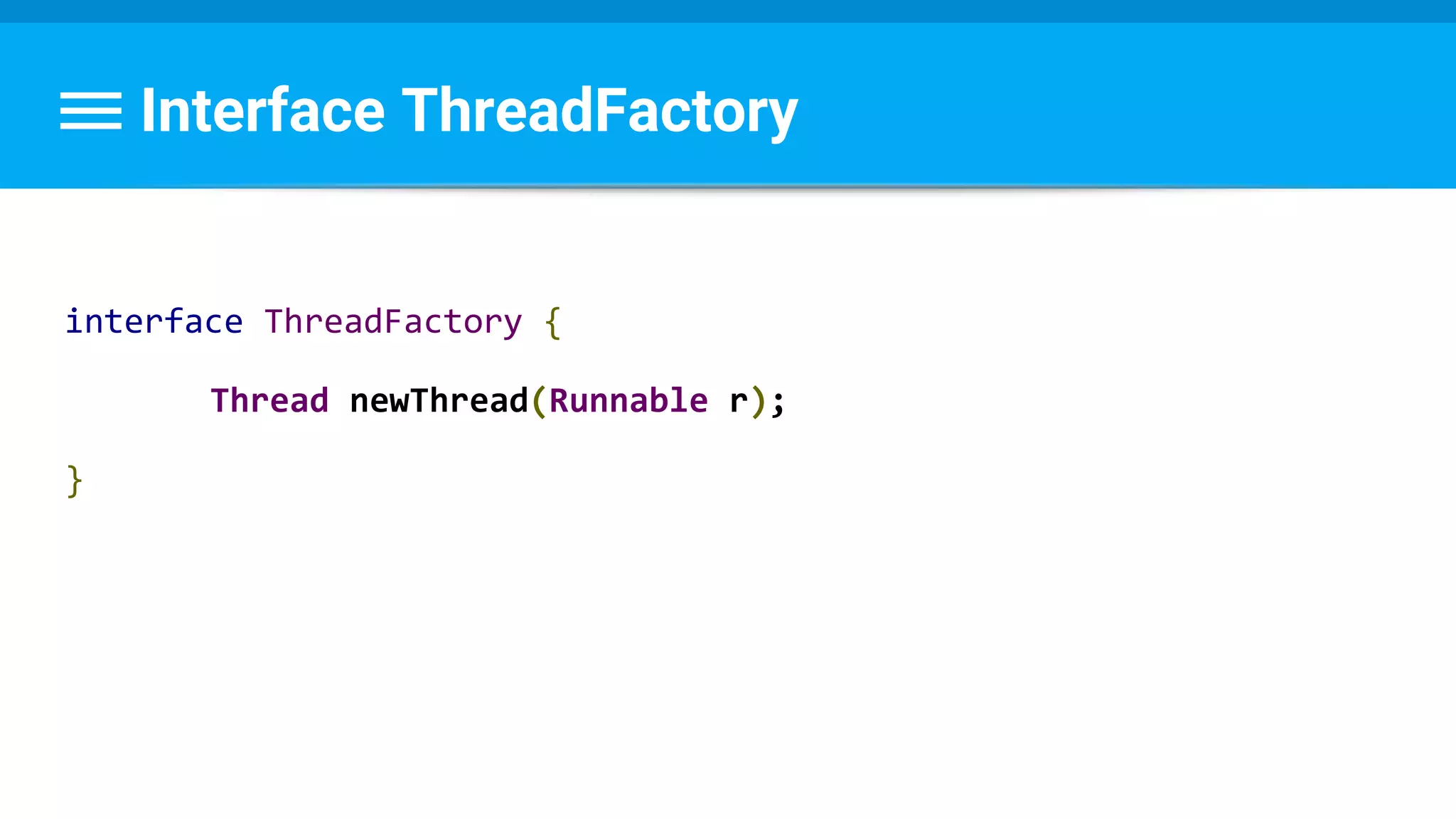
Interface ThreadFactory
interface ThreadFactory {
Thread newThread(Runnable r);
}
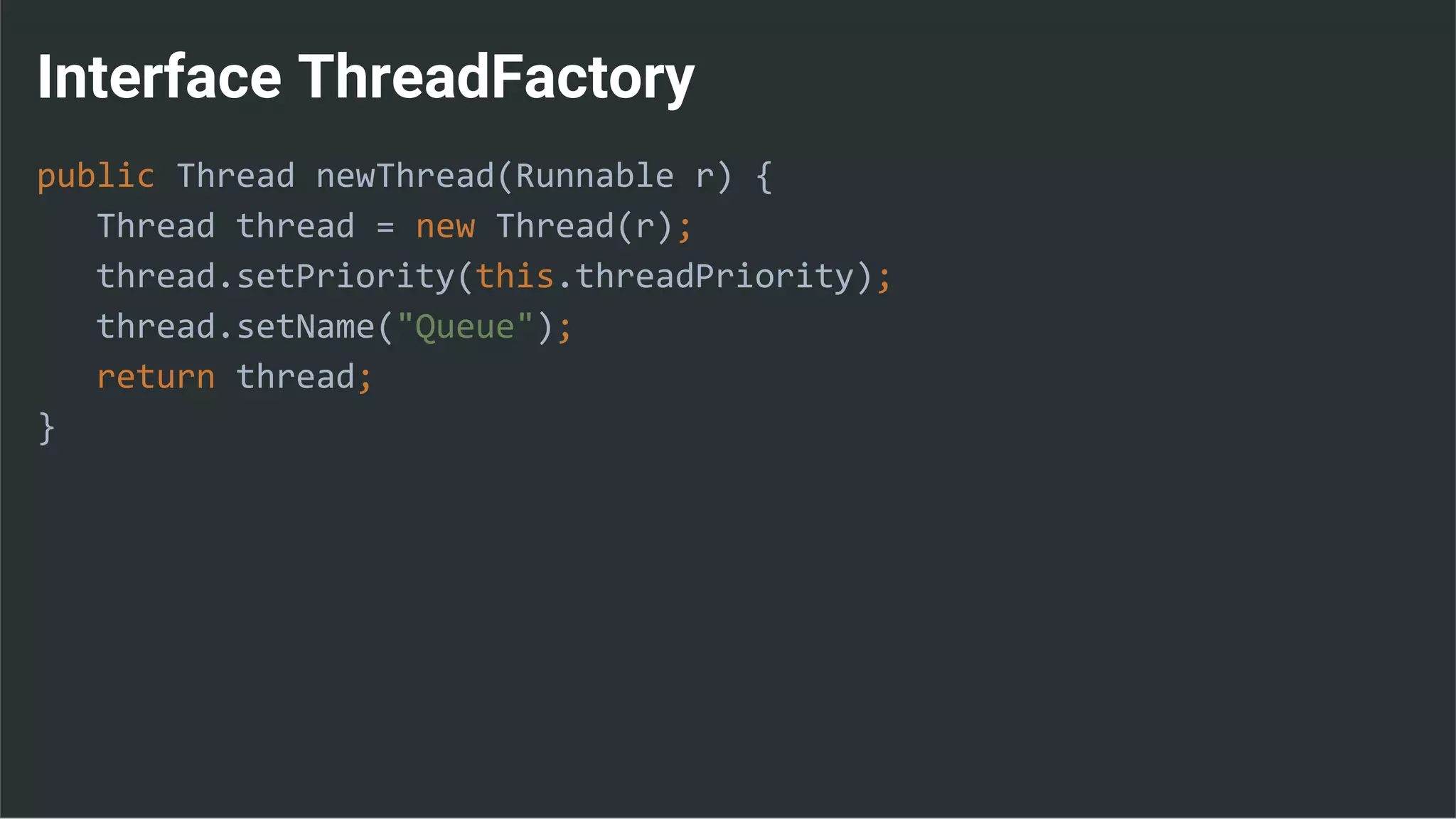
Interface ThreadFactory
public Thread newThread(Runnable r) {
Thread thread = new Thread(r);
thread.setPriority(this.threadPriority);
thread.setName("Queue");
return thread;
}
2. Create ThreadPoolExecutor object
●Executors factory methods
●Custome
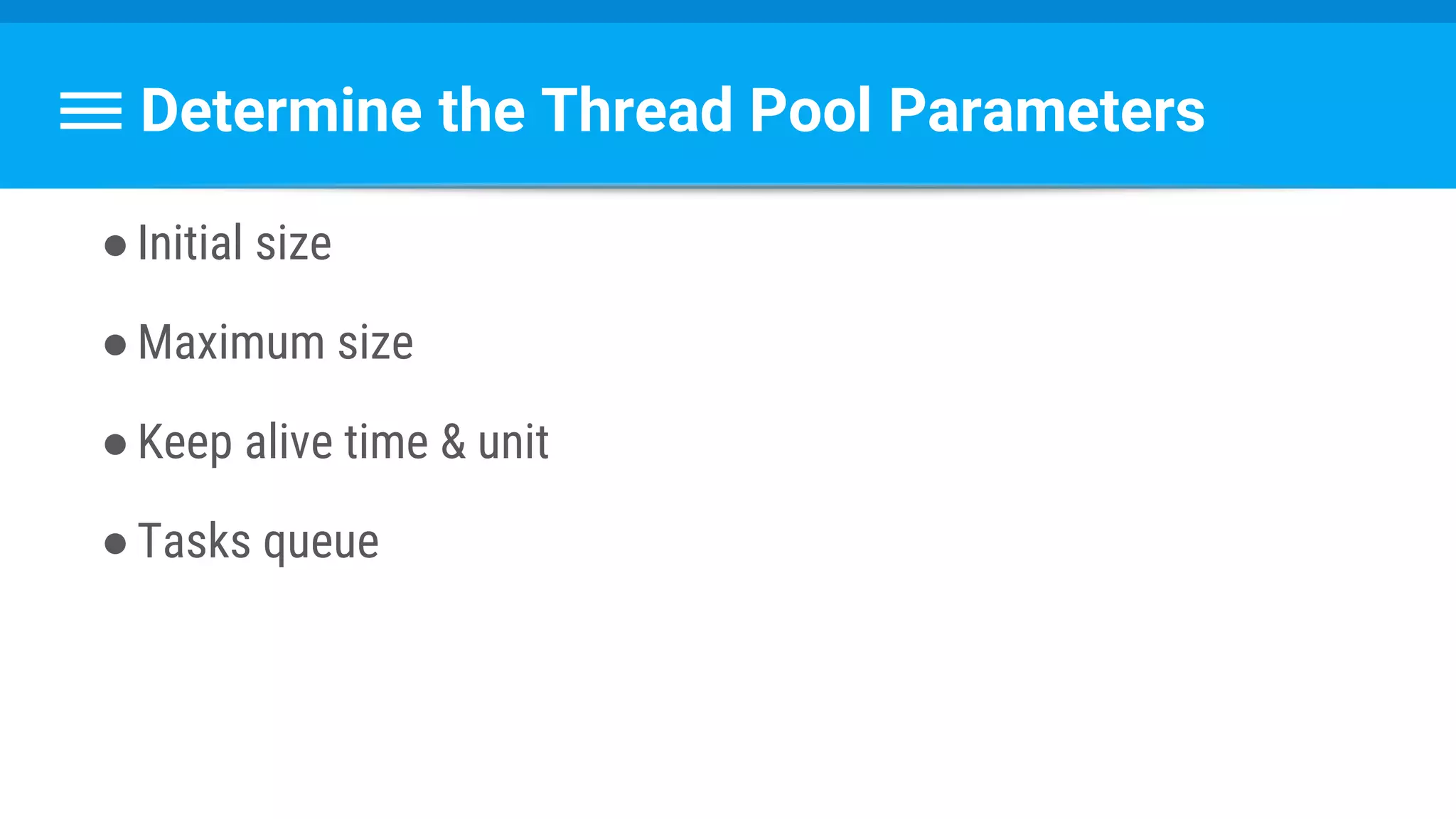
Determine the Thread Pool Parameters
●Initial size
●Maximum size
●Keep alive time & unit
●Tasks queue
Determine the Thread Pool Parameters
●Initial size
●Maximum size
●Keep alive time & unit
●Tasks queue
How many threads should you create?
can
How many threads should can you create?
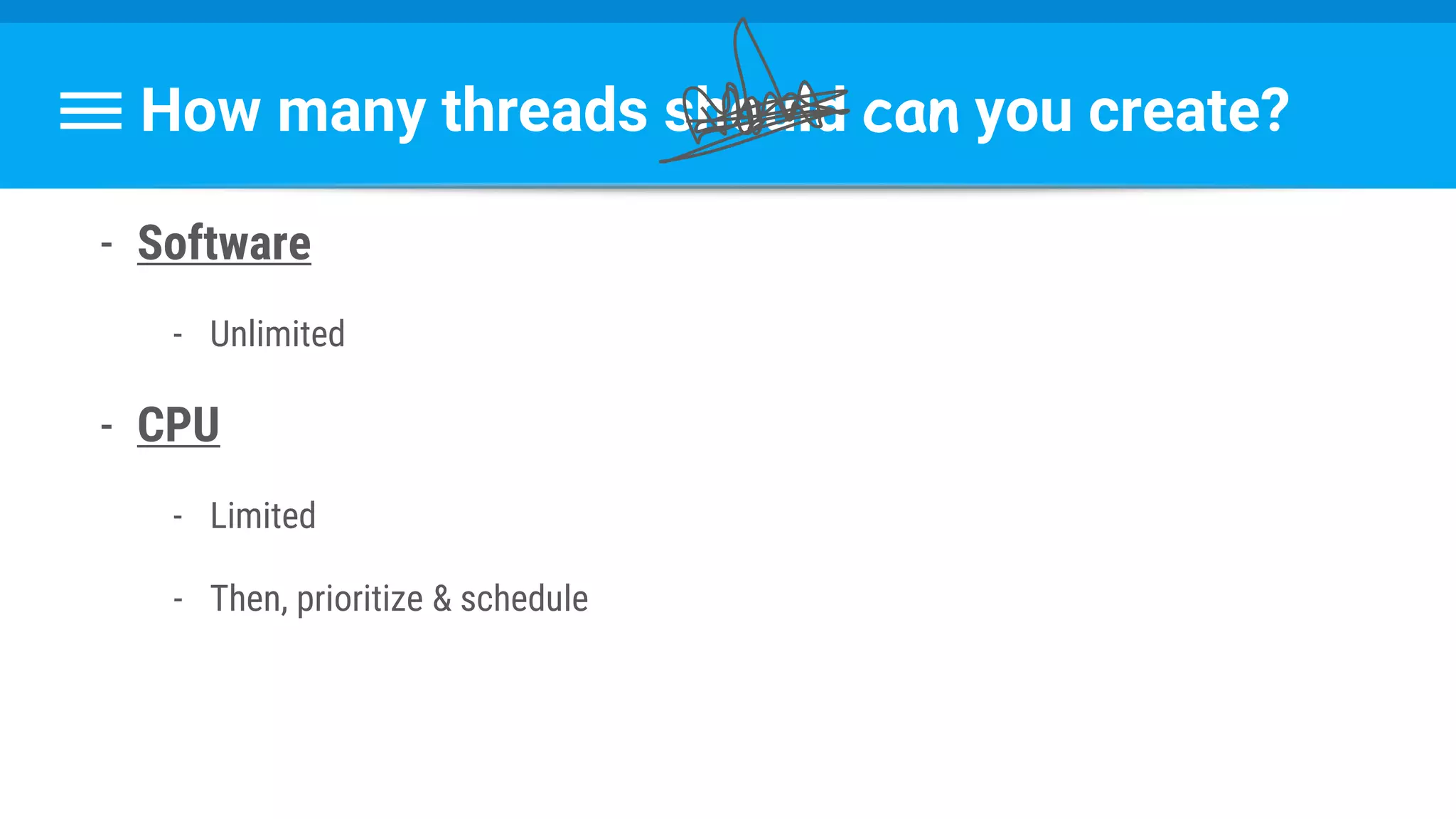
- Software
- Unlimited
- CPU
- Limited
- Then, prioritize & schedule
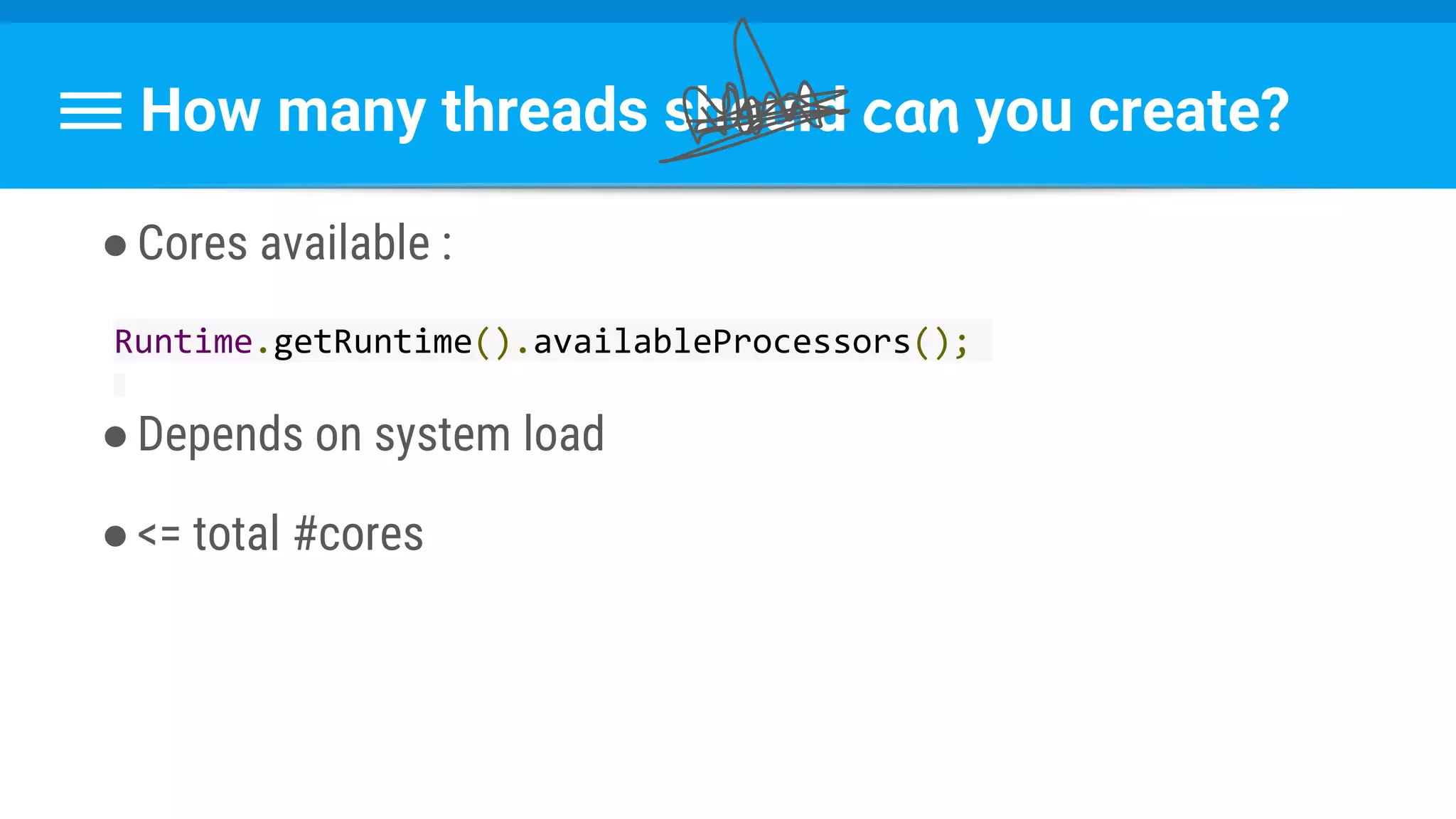
How many threads should can you create?
●Cores available :
Runtime.getRuntime().availableProcessors();
●Depends on system load
●<= total #cores
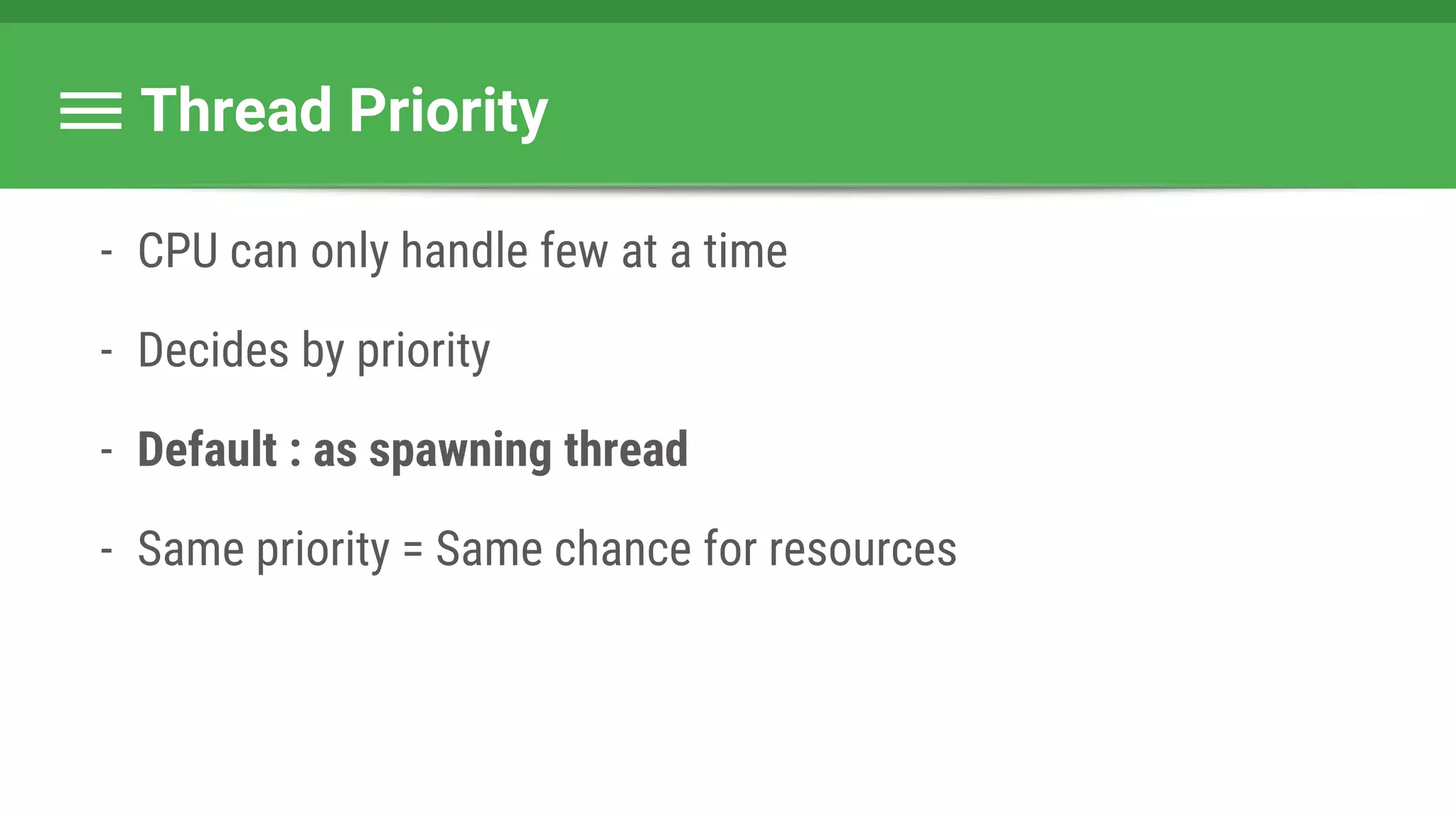
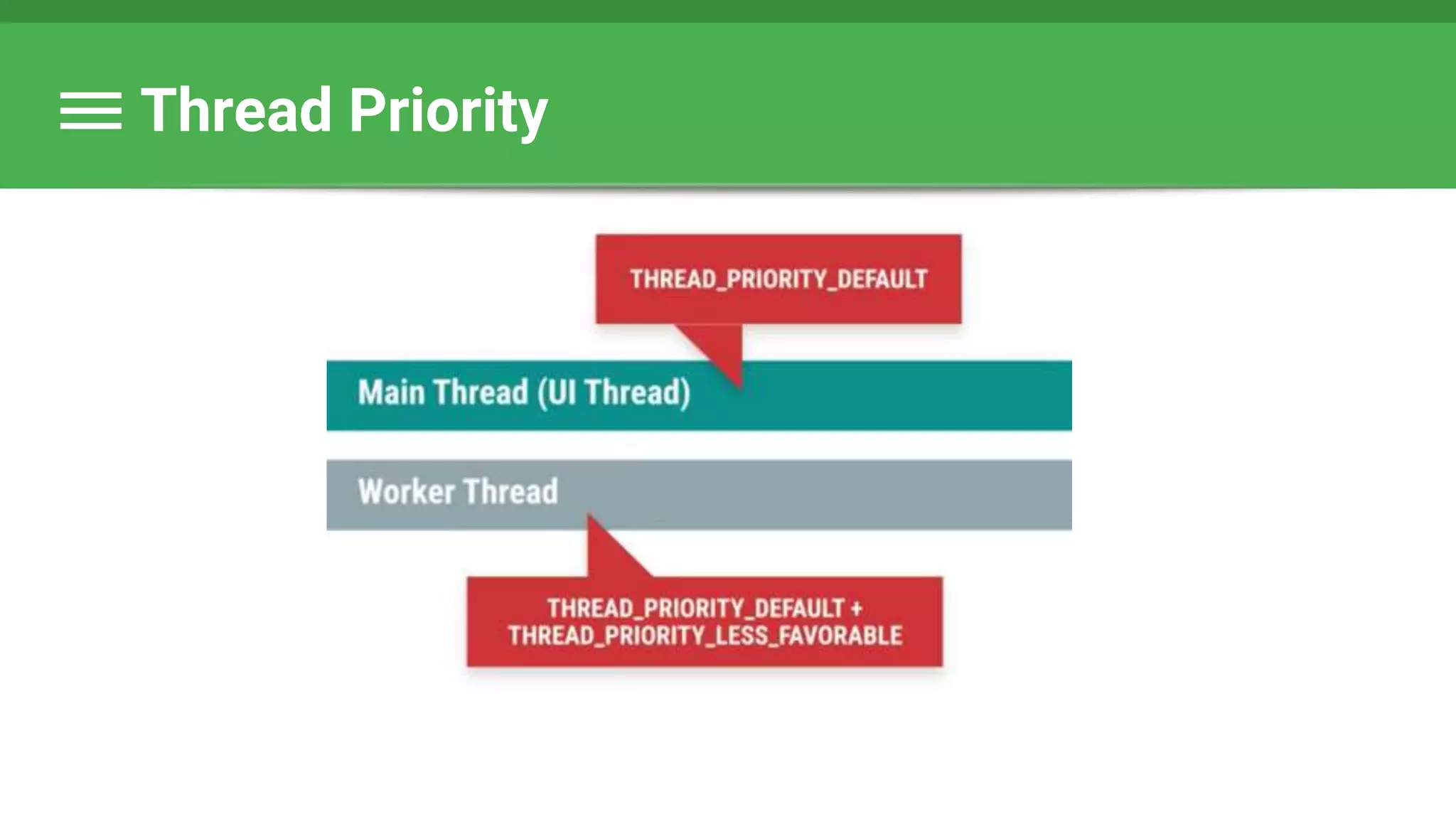
Thread Priority
- CPU can only handle few at a time
- Decides by priority
- Default : as spawning thread
- Same priority = Same chance for resources
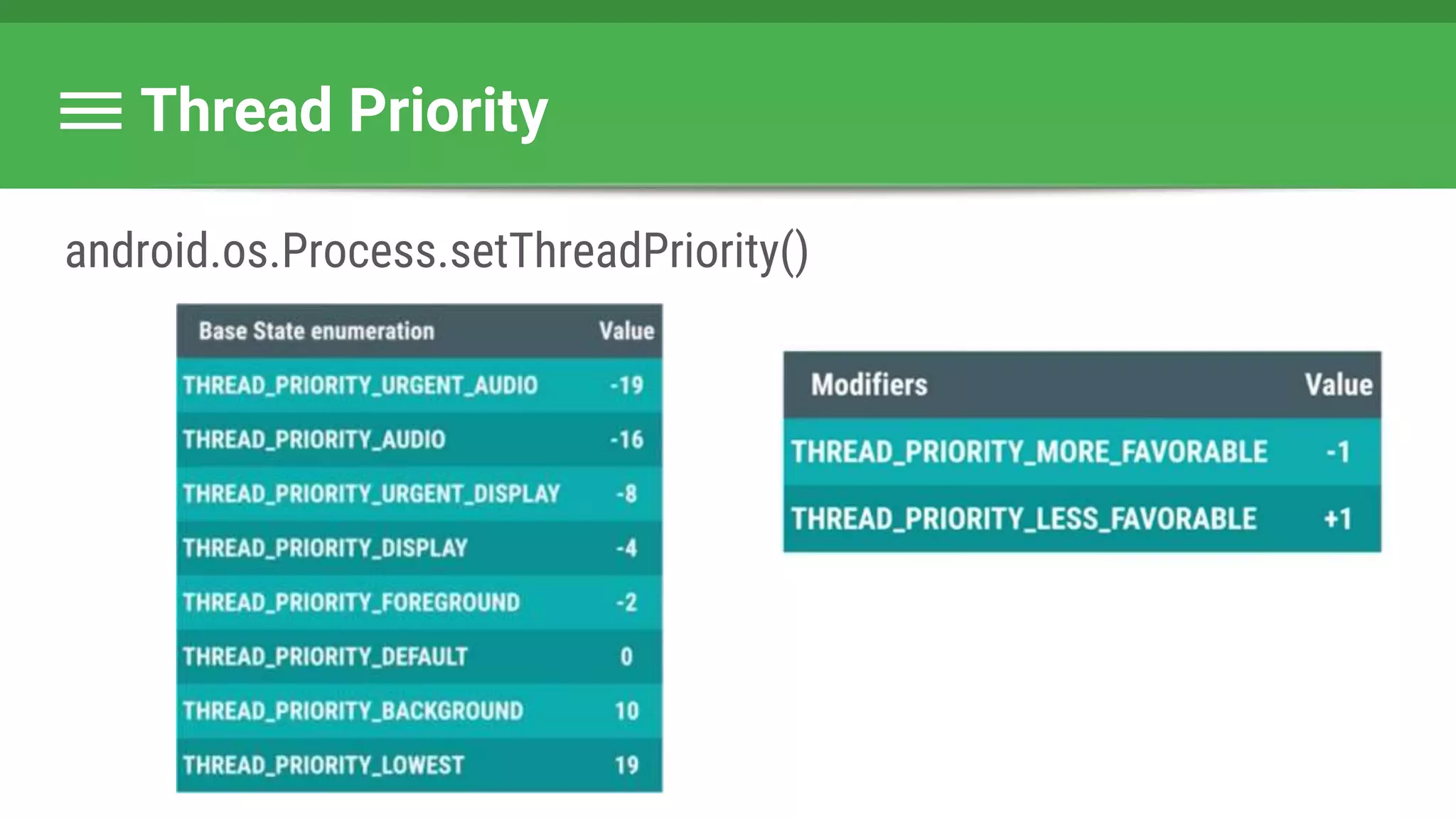
Thread Priority
android.os.Process.setThreadPriority()
Thread Priority
Thread Priority
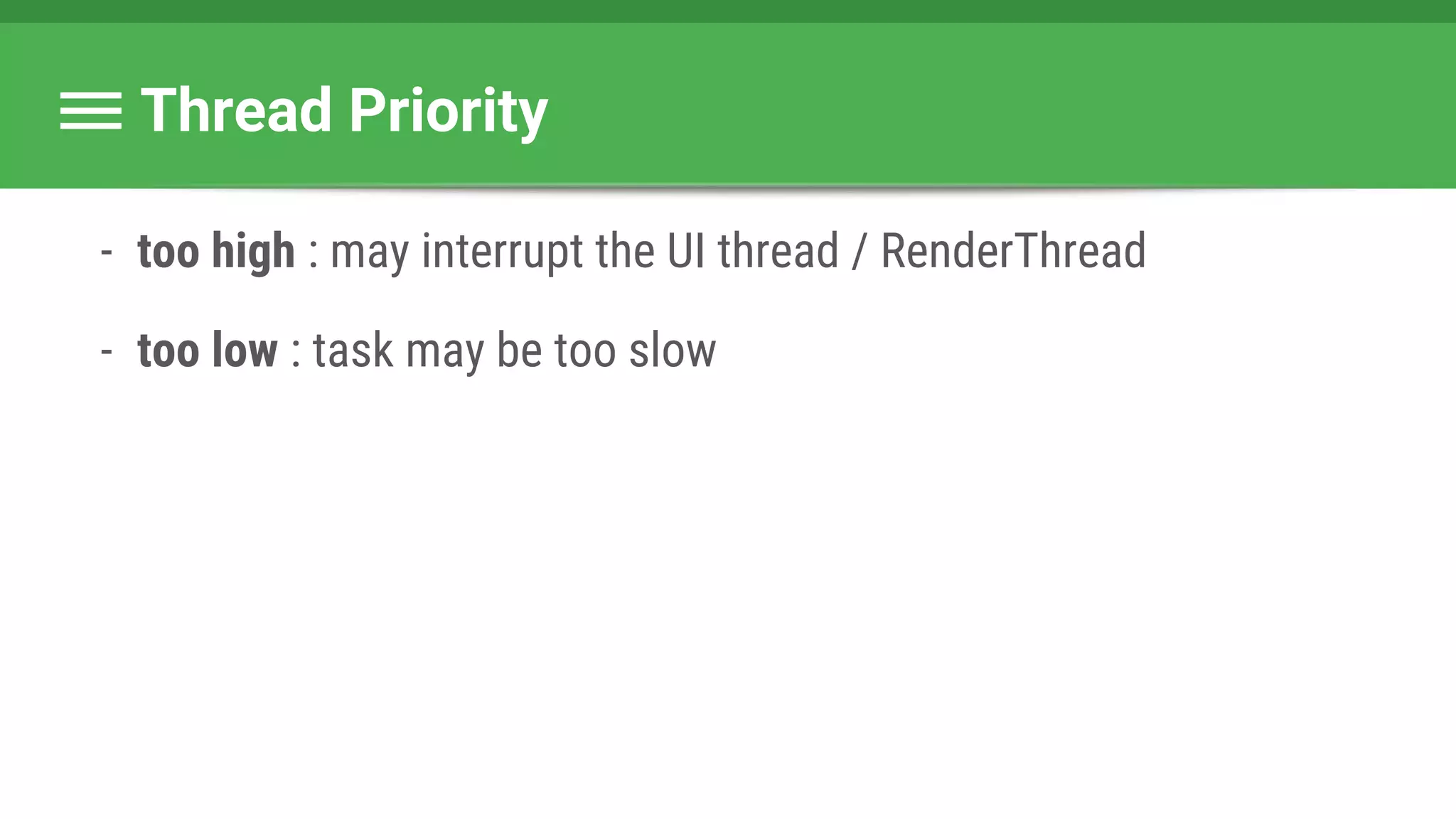
- too high : may interrupt the UI thread / RenderThread
- too low : task may be too slow
Thread Priority
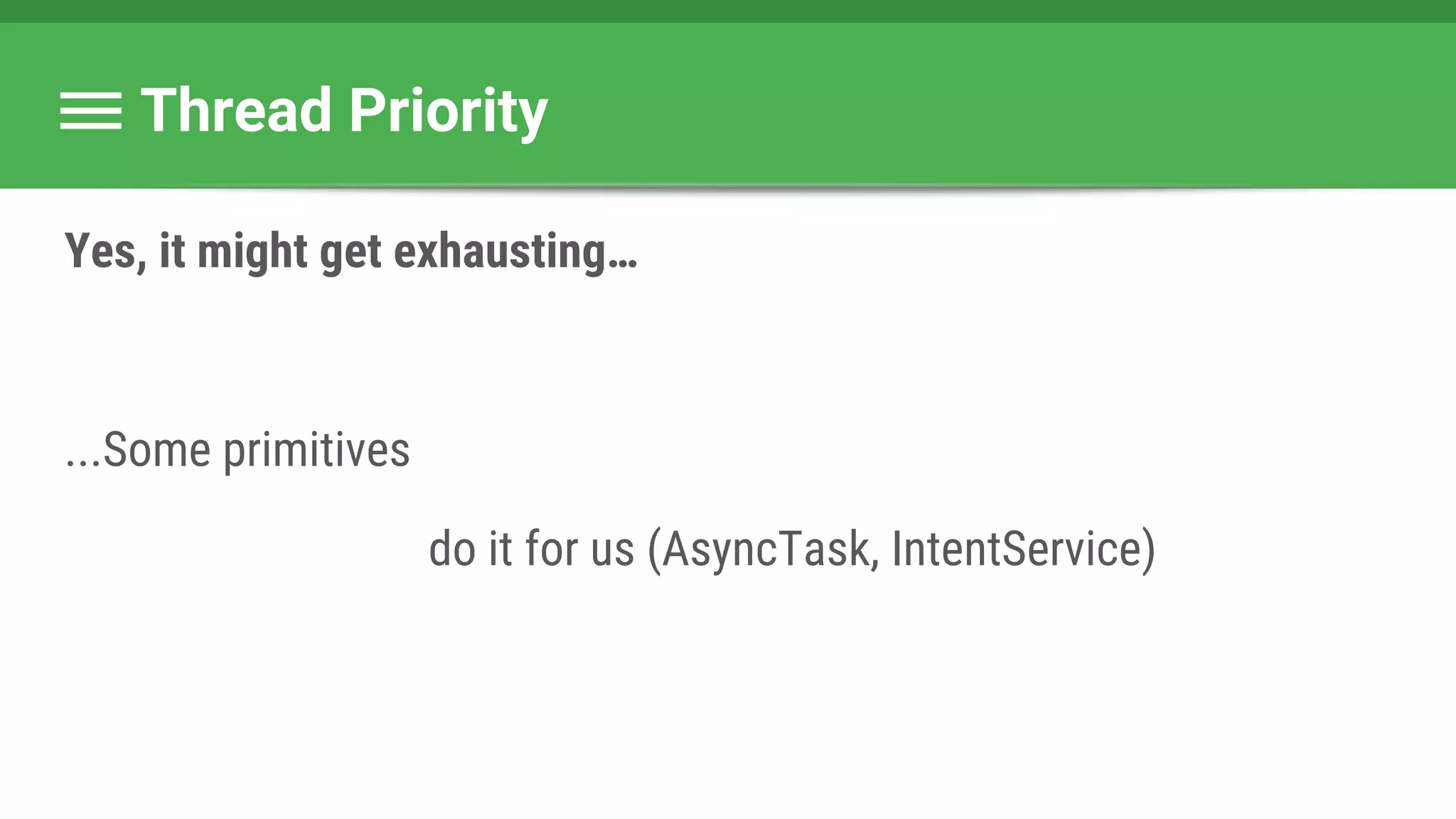
Yes, it might get exhausting…
...Some primitives
do it for us (AsyncTask, IntentService)
How many threads should you create?
- Memory
- Thread >= 64k
- Reuse!
- Trial & error
- Systrace
Pool Size Notes
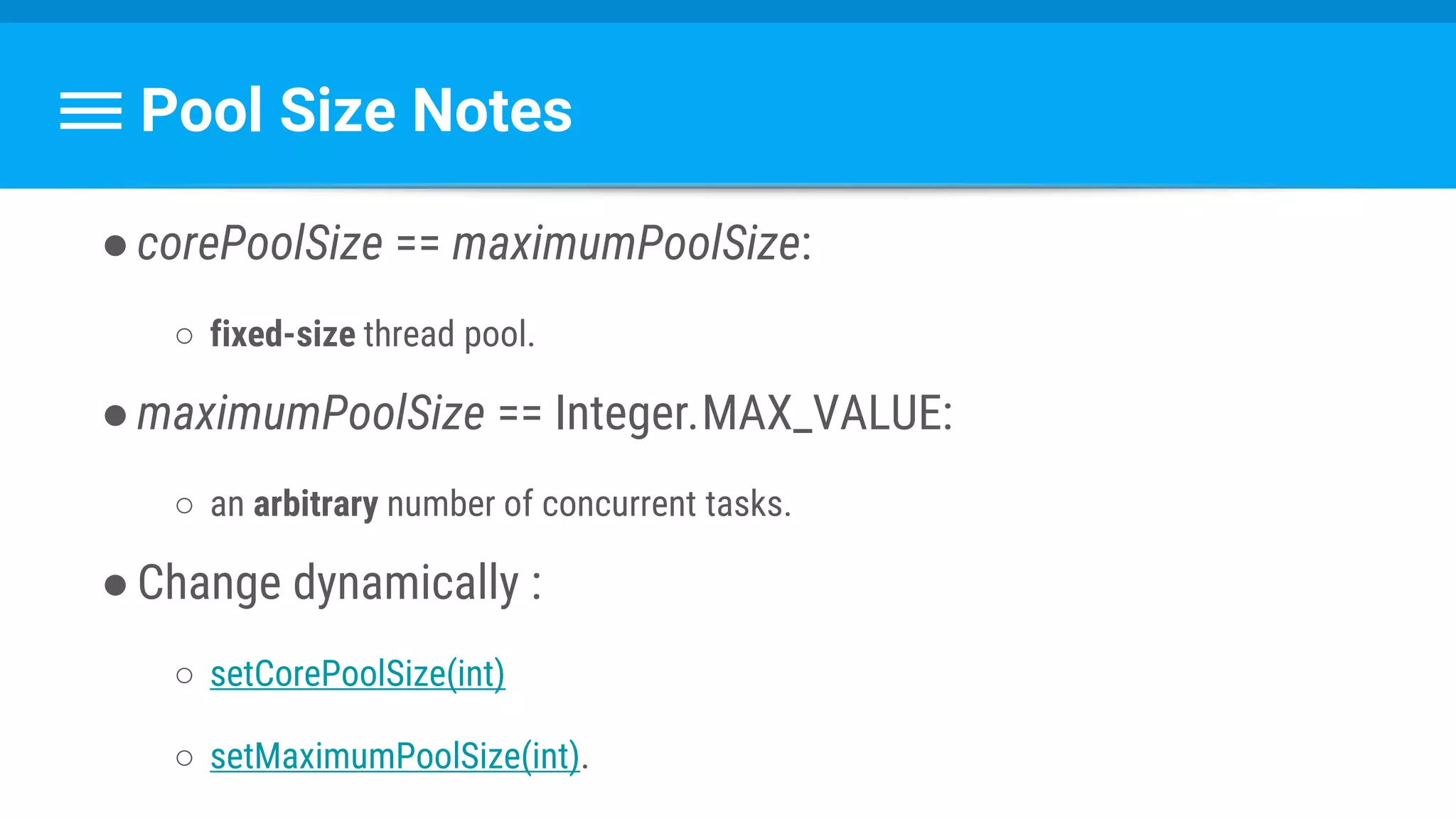
●corePoolSize == maximumPoolSize:
○ fixed-size thread pool.
●maximumPoolSize == Integer.MAX_VALUE:
○ an arbitrary number of concurrent tasks.
●Change dynamically :
○ setCorePoolSize(int)
○ setMaximumPoolSize(int).
Questions ?
Determine the Thread Pool Parameters
●Initial size
●Maximum size
●Keep alive time & unit
●Tasks queue
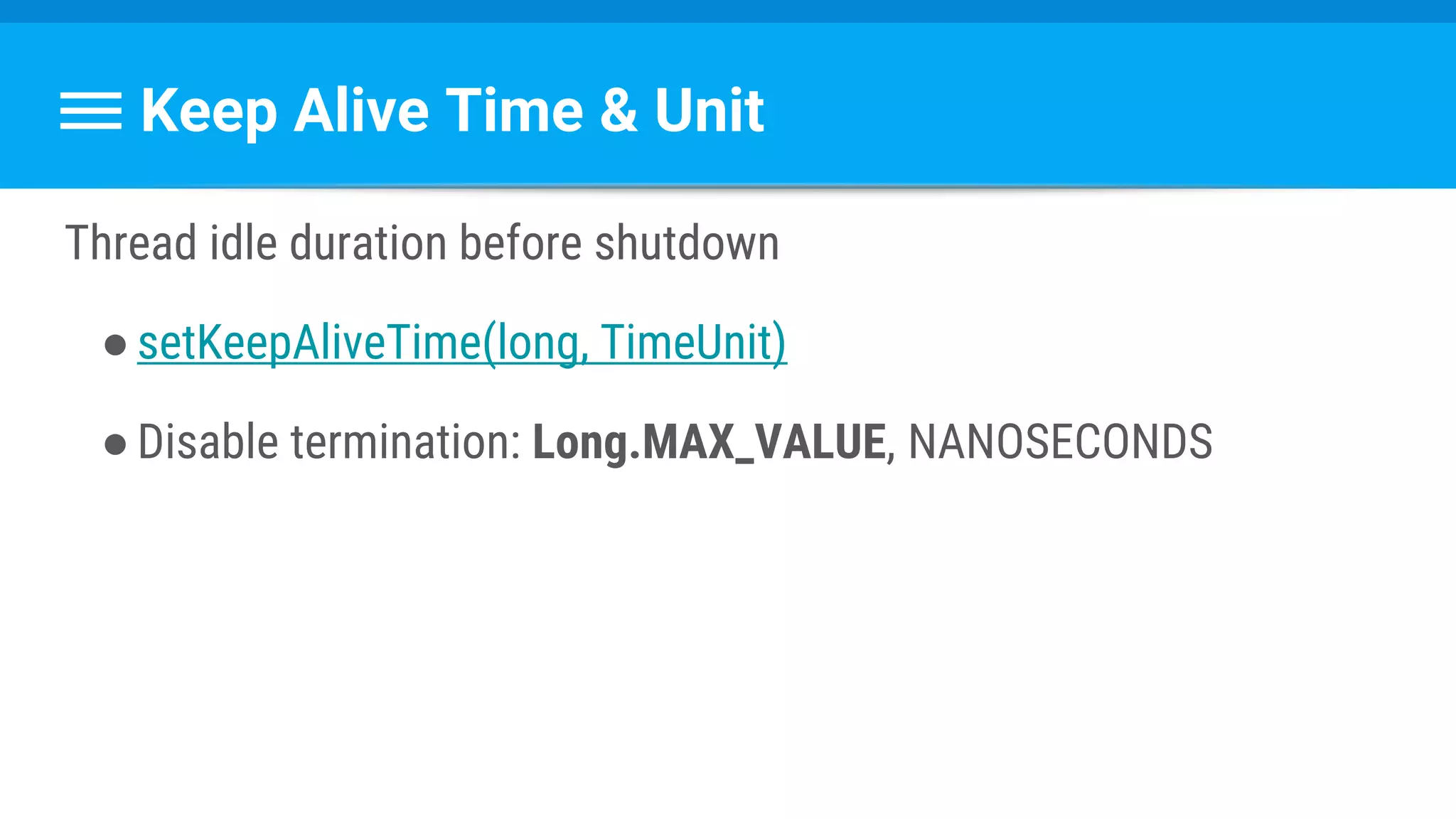
Keep Alive Time & Unit
Thread idle duration before shutdown
●setKeepAliveTime(long, TimeUnit)
●Disable termination: Long.MAX_VALUE, NANOSECONDS
Keep Alive Time & Unit
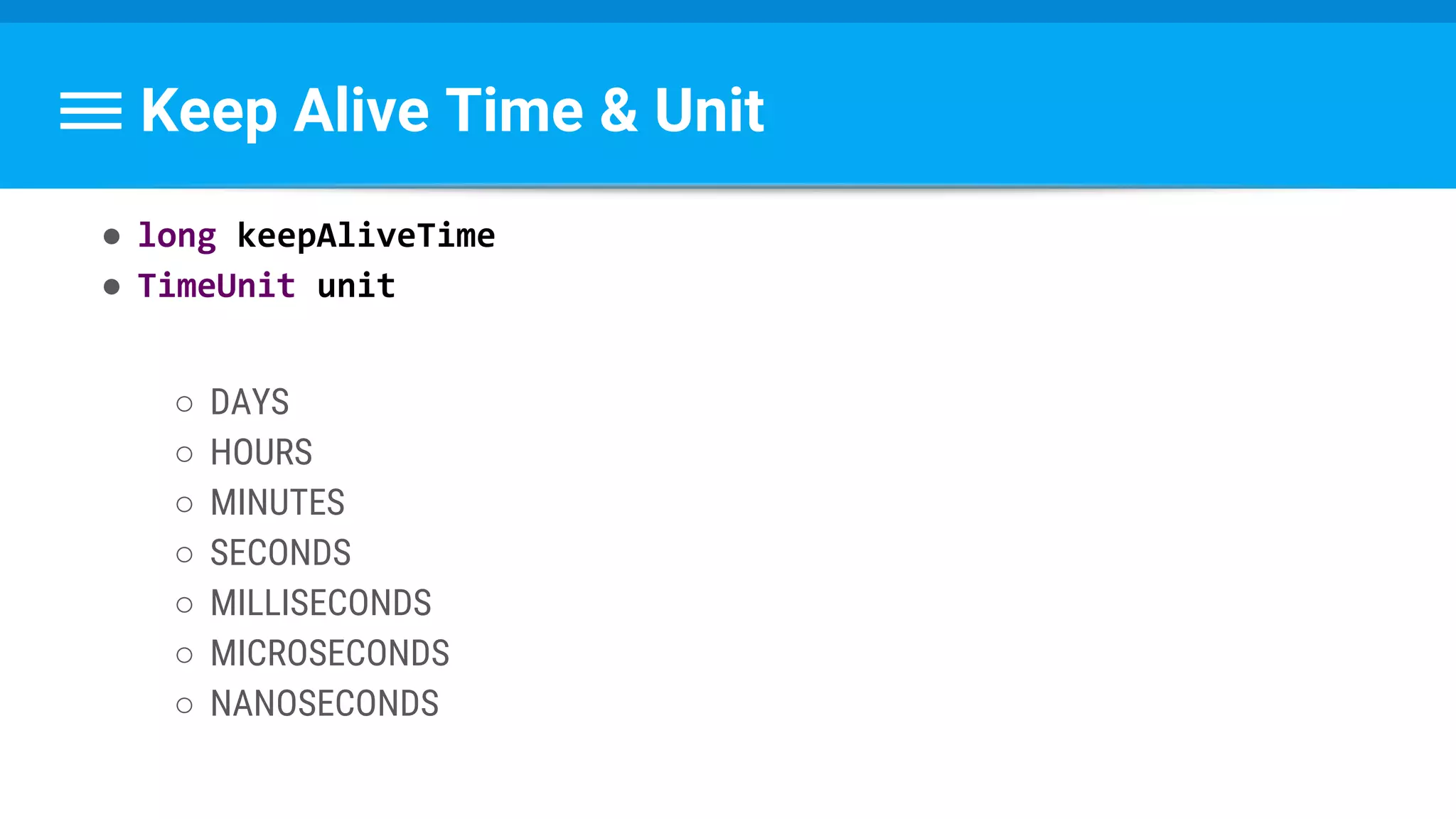
● long keepAliveTime
● TimeUnit unit
○ DAYS
○ HOURS
○ MINUTES
○ SECONDS
○ MILLISECONDS
○ MICROSECONDS
○ NANOSECONDS
Determine the Thread Pool Parameters
●Initial size
●Maximum size
●Keep alive time & unit
●Tasks queue
Tasks Queue
●Runnables FIFO queue
●Implements BlockingQueue interface.
Blocking Queue
Blocks when
●Trying to dequeue and is empty
●Trying to enqueue and is full
Hook methods
beforeExecute(Thread, Runnable)
afterExecute(Runnable, Throwable)
terminated()
Recipe For ThreadPool
1.Define class structure
2.Create ThreadPoolExecutor object
3.Start a task
4.Return to UI thread
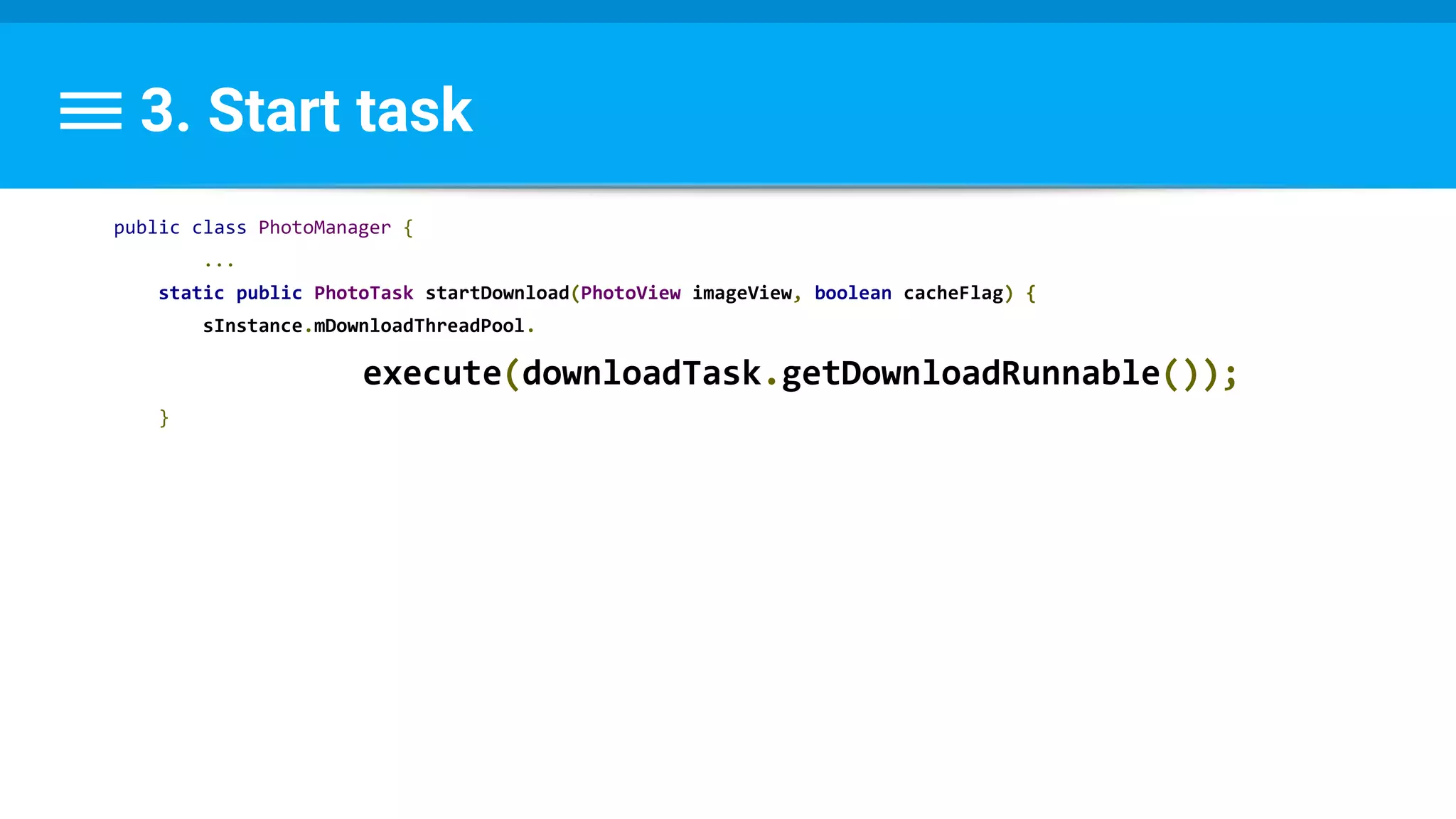
3. Start task
public class PhotoManager {
...
static public PhotoTask startDownload(PhotoView imageView, boolean cacheFlag) {
sInstance.mDownloadThreadPool.
execute(downloadTask.getDownloadRunnable());
}
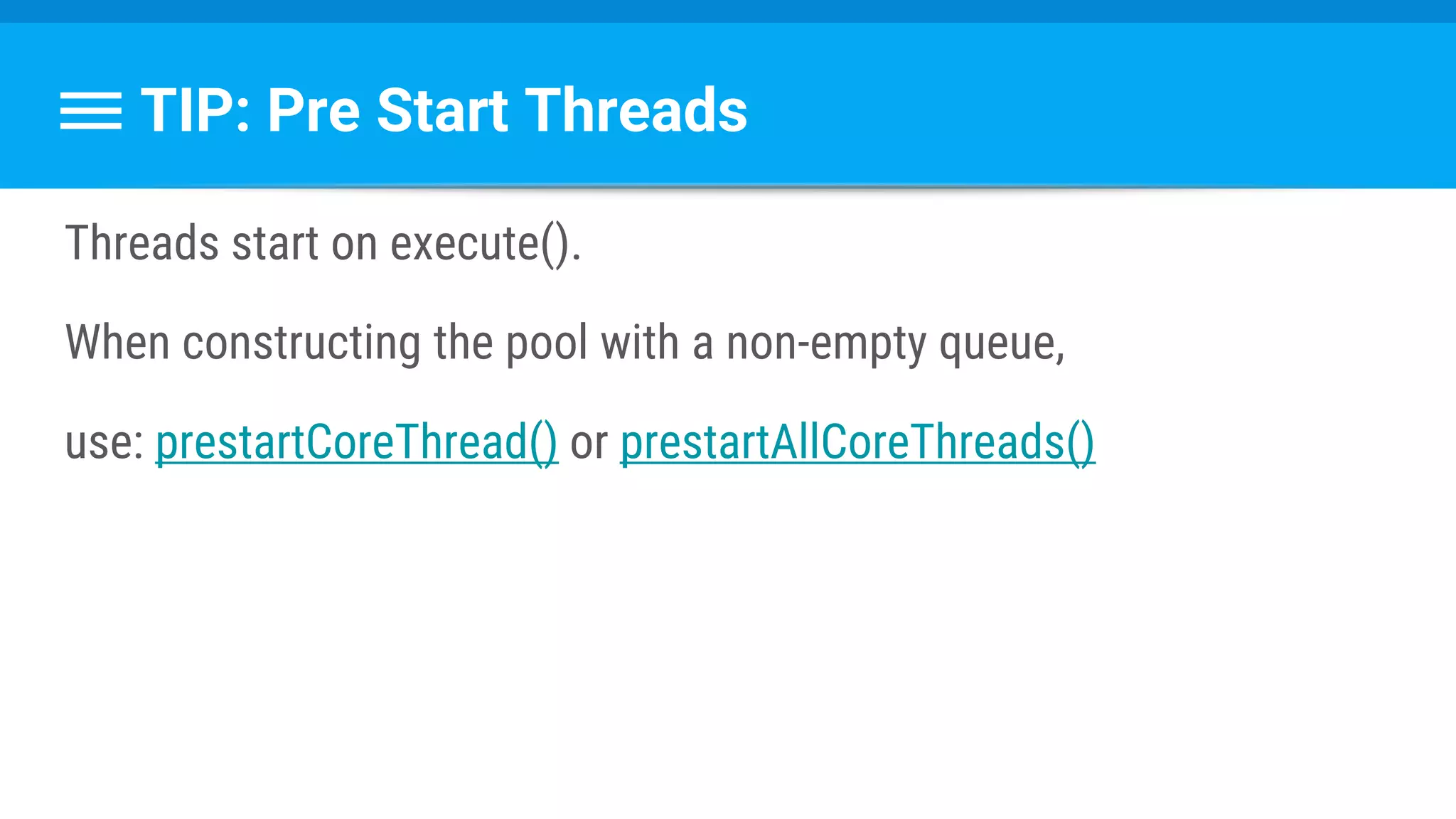
TIP: Pre Start Threads
Threads start on execute().
When constructing the pool with a non-empty queue,
use: prestartCoreThread() or prestartAllCoreThreads()
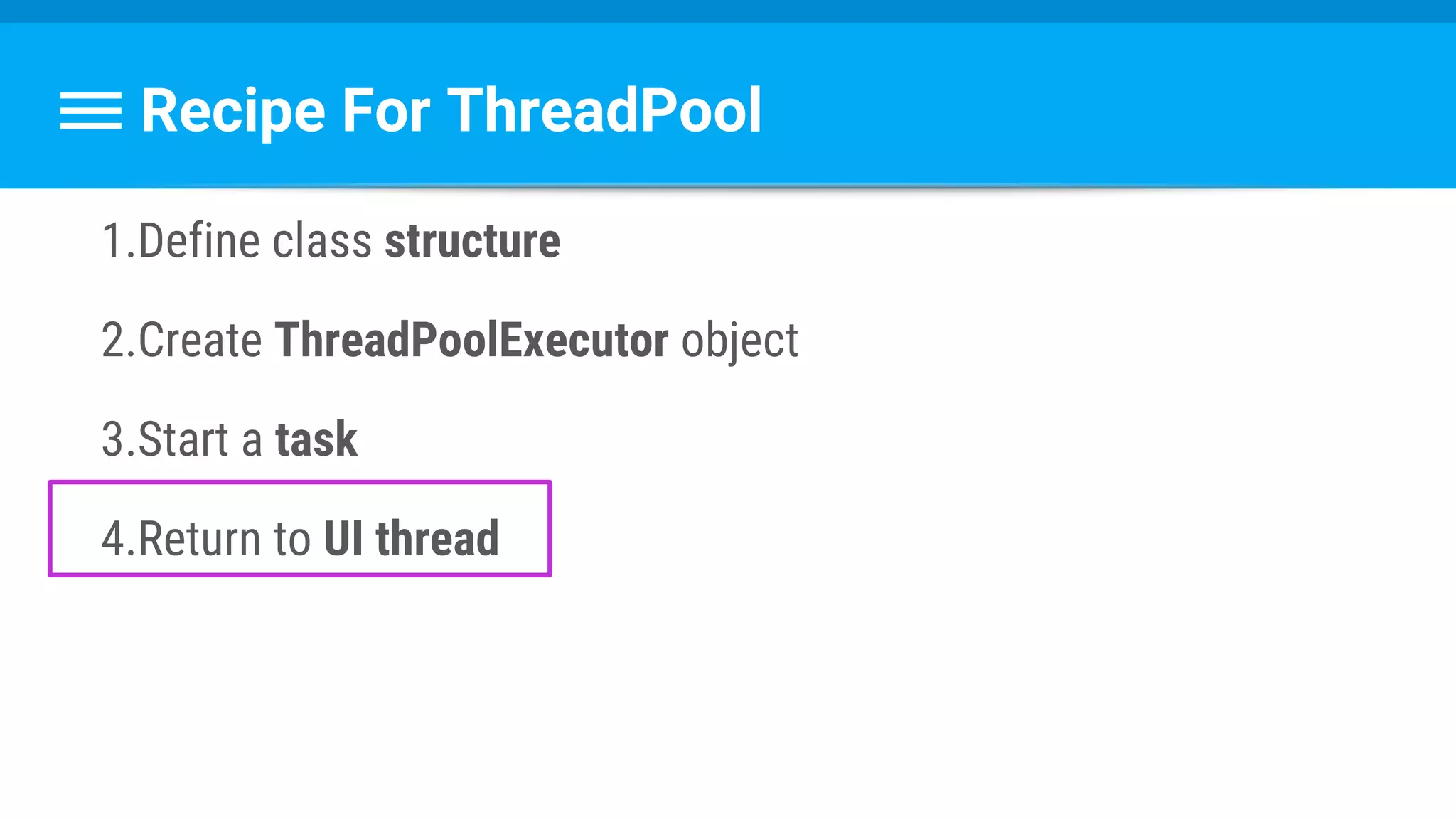
Recipe For ThreadPool
1.Define class structure
2.Create ThreadPoolExecutor object
3.Start a task
4.Return to UI thread
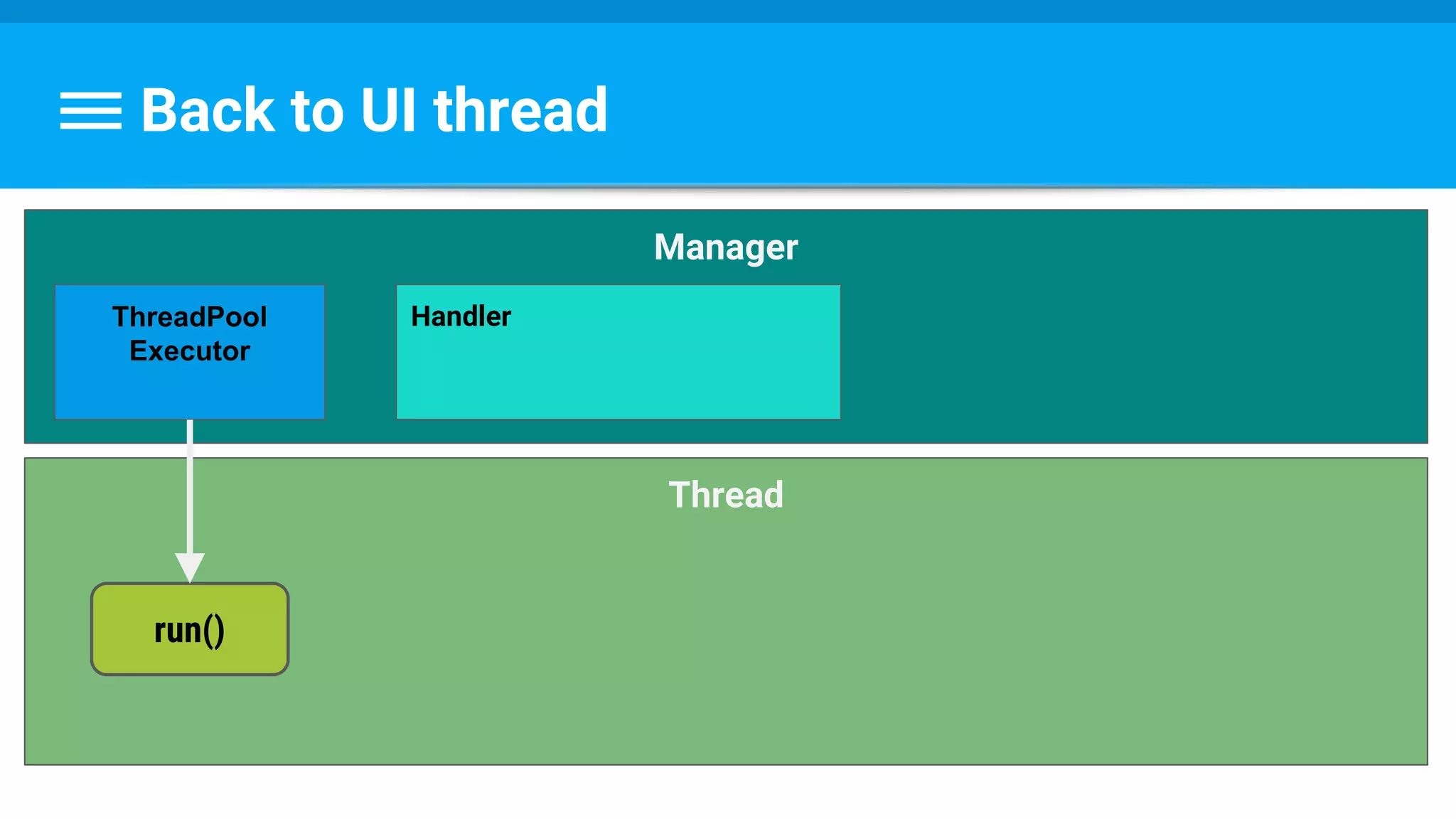
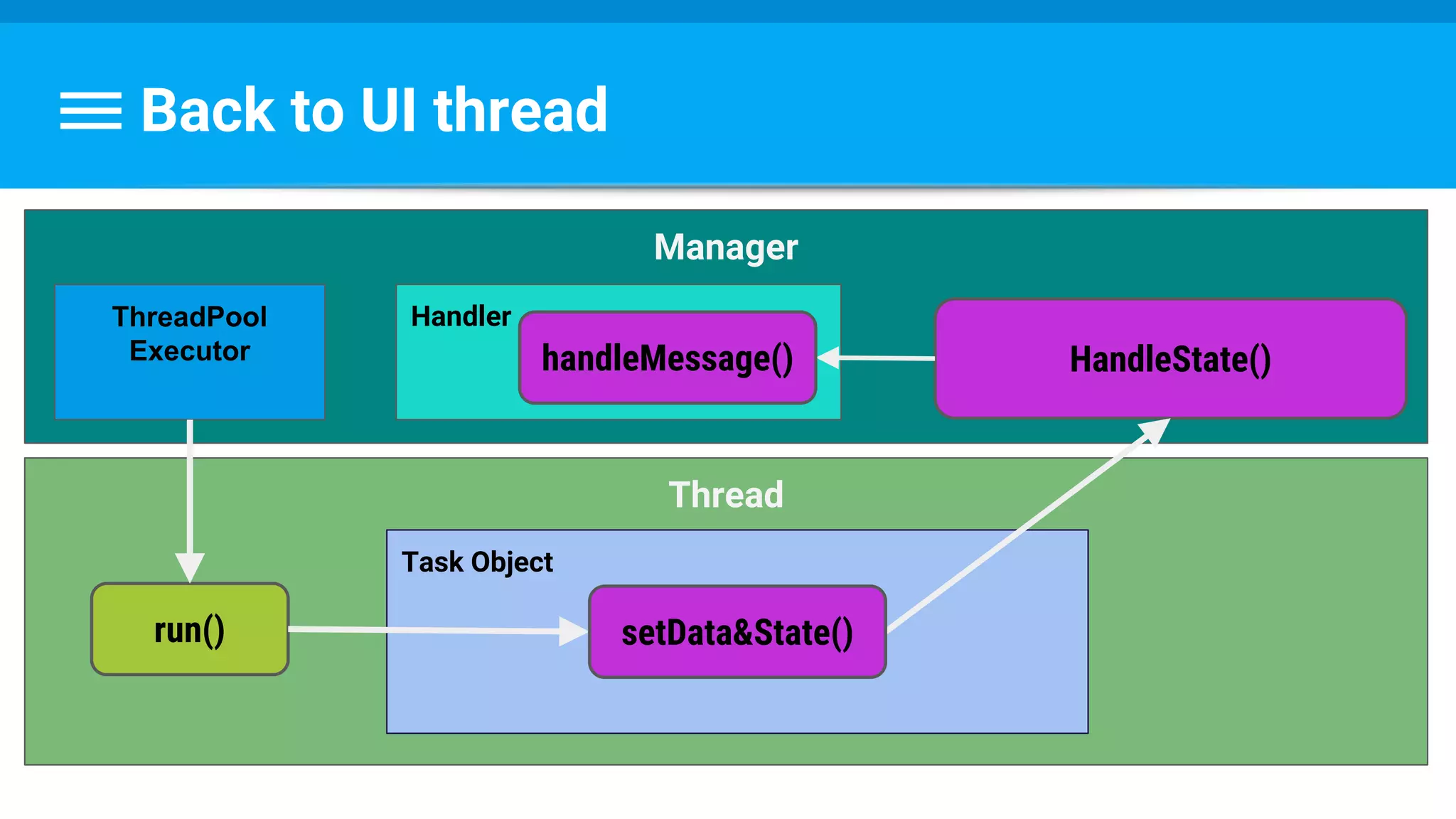
Back to UI thread
Back to UI thread
Thread
Manager
Handler
run()
ThreadPool
Executor
Back to UI thread
Thread
Task Object
Manager
Handler
run()
ThreadPool
Executor
setData&State()
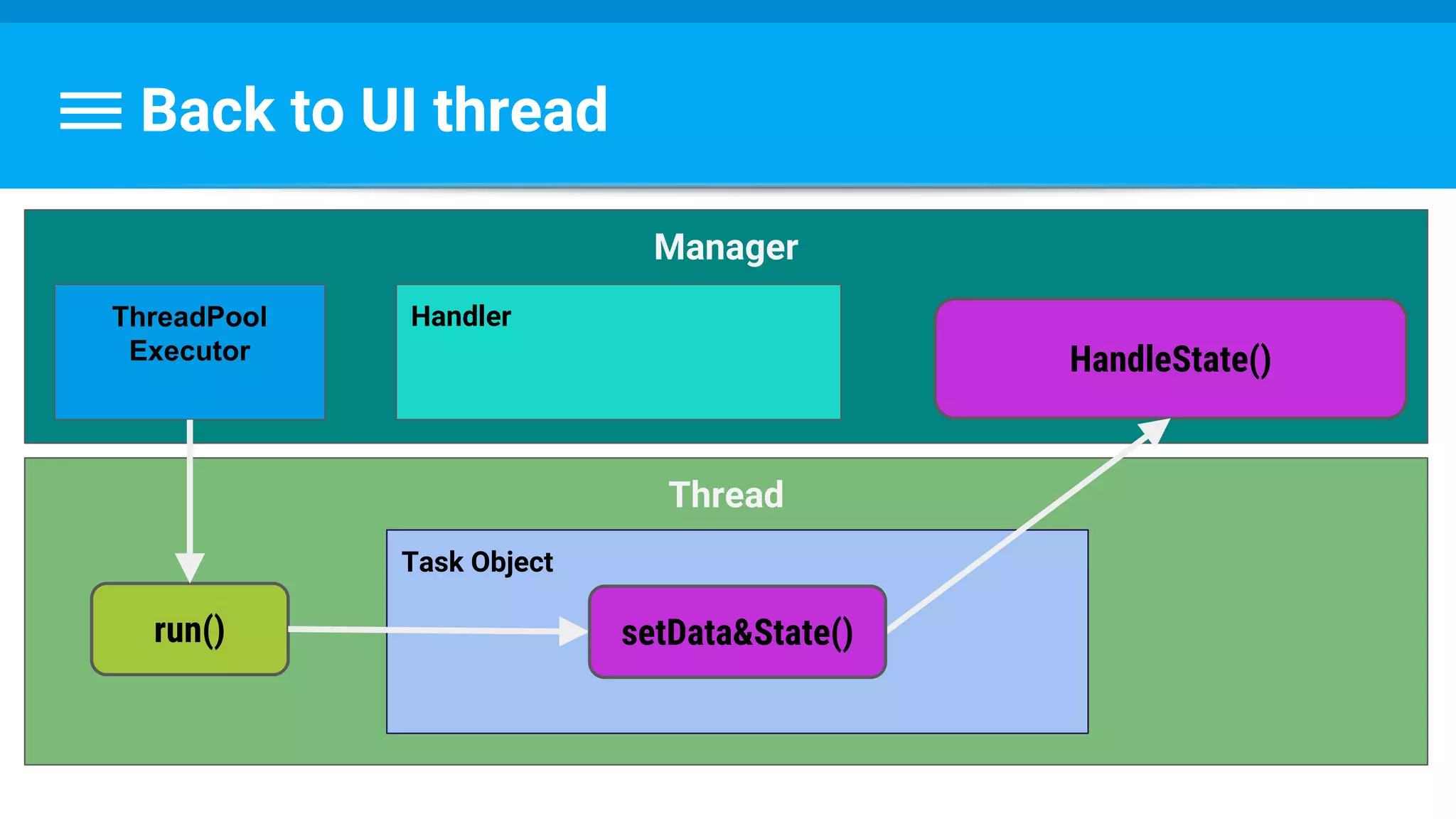
Back to UI thread
Thread
Task Object
Manager
HandleState()
Handler
run()
ThreadPool
Executor
setData&State()
Back to UI thread
Thread
Task Object
Manager
HandleState()
Handler
run()
handleMessage()
ThreadPool
Executor
setData&State()
Runnable : Task → Set Data & State
class PhotoDecodeRunnable implements Runnable {
PhotoDecodeRunnable(PhotoTask downloadTask) {
mPhotoTask = downloadTask;
}
byte[] imageBuffer = mPhotoTask.getByteBuffer();
...
public void run() {
returnBitmap = BitmapFactory.decodeByteArray(imageBuffer, 0,
imageBuffer.length, bitmapOptions);
mPhotoTask.setImage(returnBitmap);
mPhotoTask.handleState(DECODE_STATE_COMPLETED);
...
}
...
}
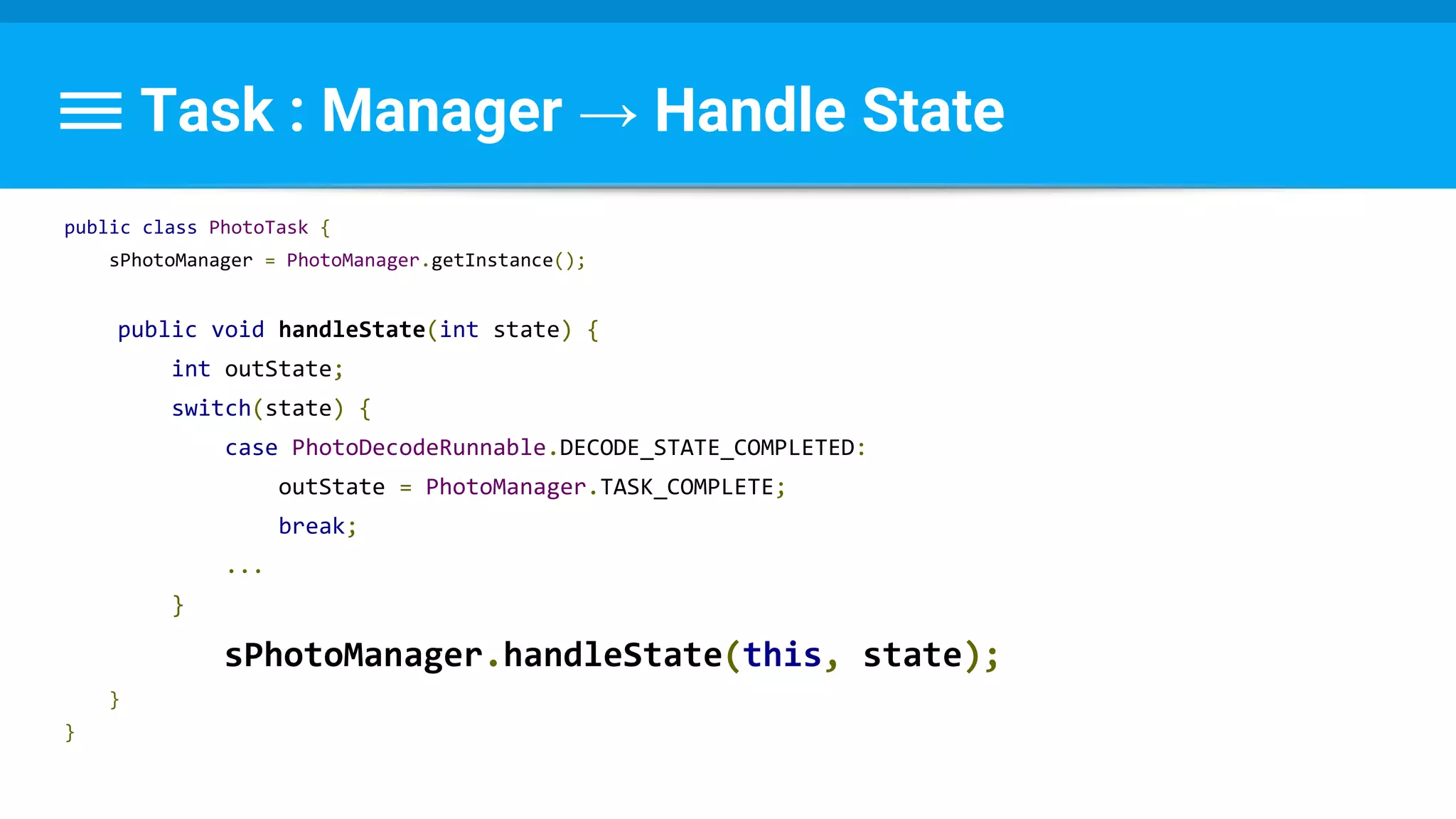
Task : Manager → Handle State
public class PhotoTask {
sPhotoManager = PhotoManager.getInstance();
public void handleState(int state) {
int outState;
switch(state) {
case PhotoDecodeRunnable.DECODE_STATE_COMPLETED:
outState = PhotoManager.TASK_COMPLETE;
break;
...
}
sPhotoManager.handleState(this, state);
}
}
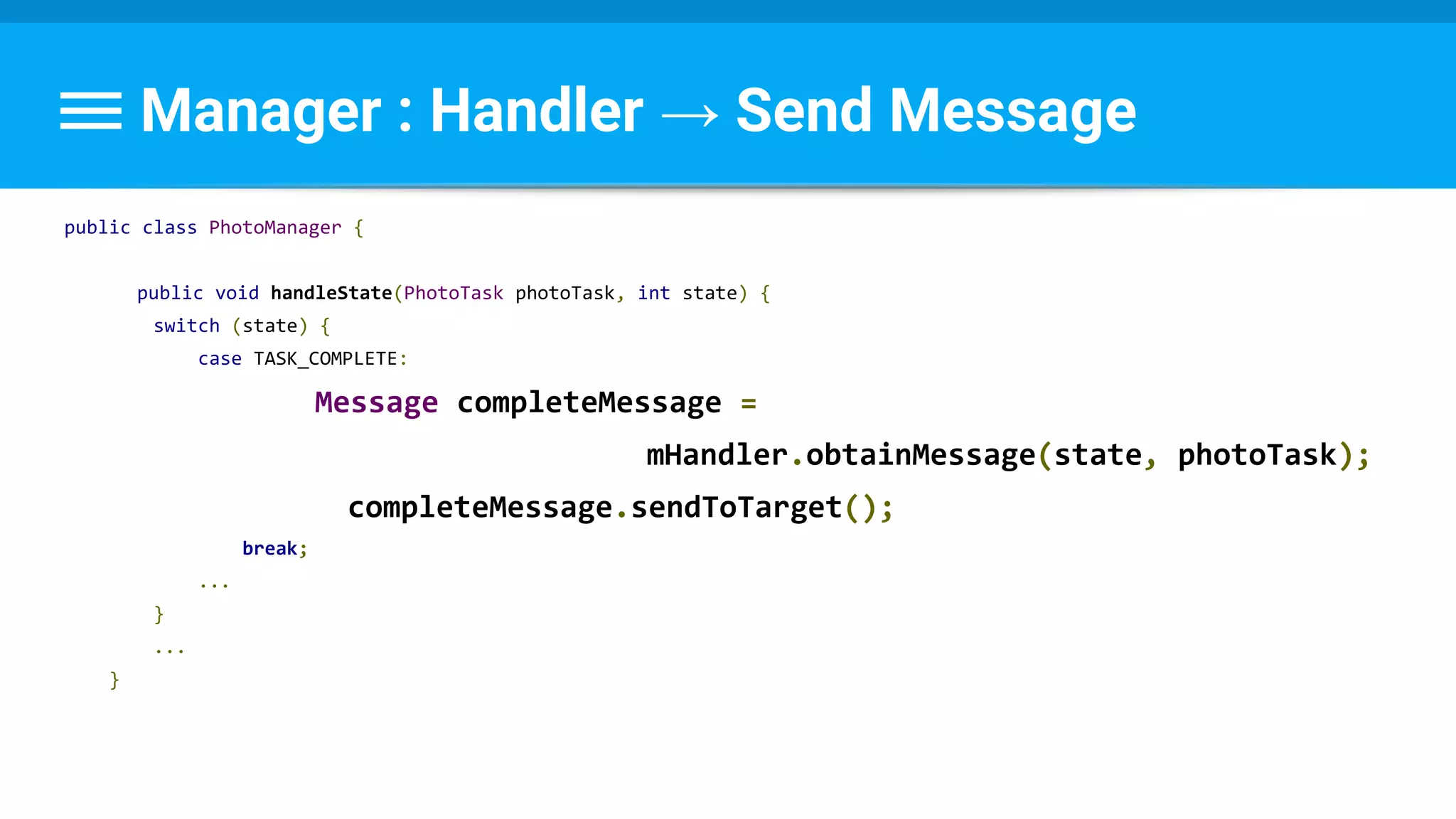
Manager : Handler → Send Message
public class PhotoManager {
public void handleState(PhotoTask photoTask, int state) {
switch (state) {
case TASK_COMPLETE:
Message completeMessage =
mHandler.obtainMessage(state, photoTask);
completeMessage.sendToTarget();
break;
...
}
...
}
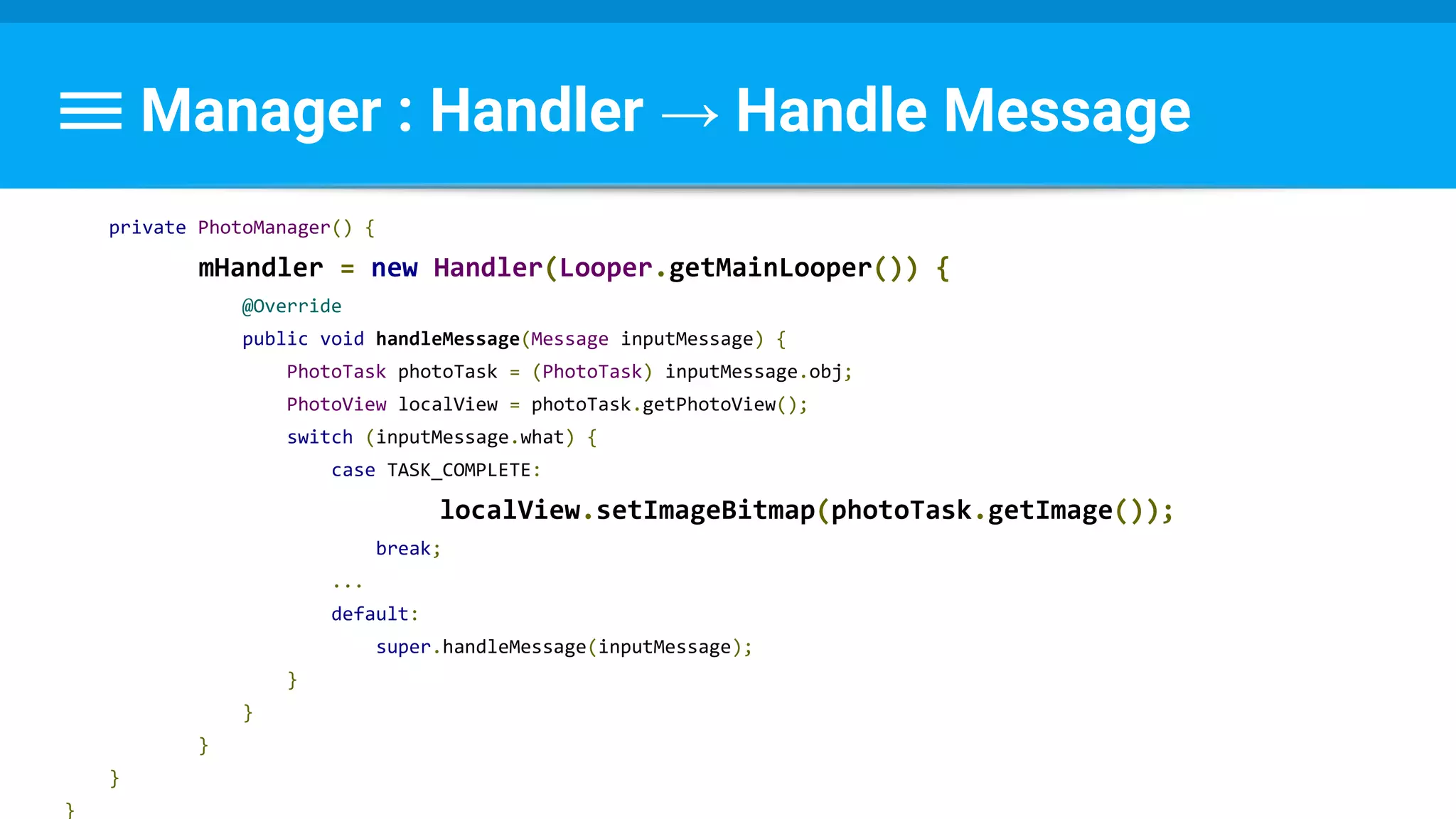
Manager : Handler → Handle Message
private PhotoManager() {
mHandler = new Handler(Looper.getMainLooper()) {
@Override
public void handleMessage(Message inputMessage) {
PhotoTask photoTask = (PhotoTask) inputMessage.obj;
PhotoView localView = photoTask.getPhotoView();
switch (inputMessage.what) {
case TASK_COMPLETE:
localView.setImageBitmap(photoTask.getImage());
break;
...
default:
super.handleMessage(inputMessage);
}
}
}
}
}
Questions ?
When to use?
Only for massive computing problems.
How to offload task
●AsyncTask
○ Helps get work on/off the UI thread
●HandlerThread
○ Dedicated thread for API callbacks
●IntentService
○ Helps get intents off the UI thread
●ThreadPool
Important Tips
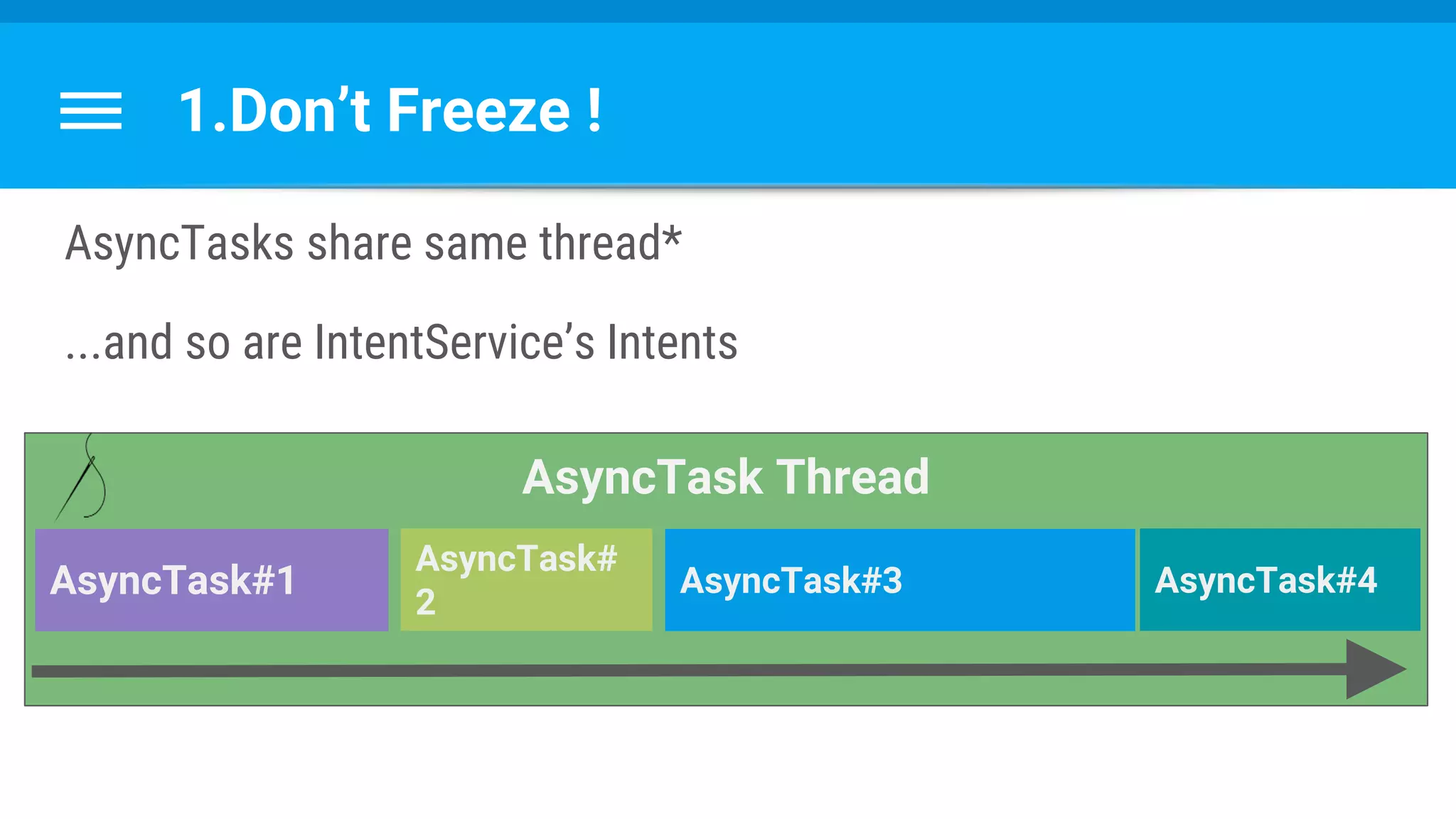
1.Don’t Freeze !
AsyncTasks share same thread*
...and so are IntentService’s Intents
AsyncTask Thread
AsyncTask#1
AsyncTask#
2
AsyncTask#3 AsyncTask#4
2. Don’t Leak!
What Is A Memory Leak ?
Reminder:
Performance Course
#1 Lecture : Memory
goo.gl/QeGRP4
What Is A Memory Leak ?
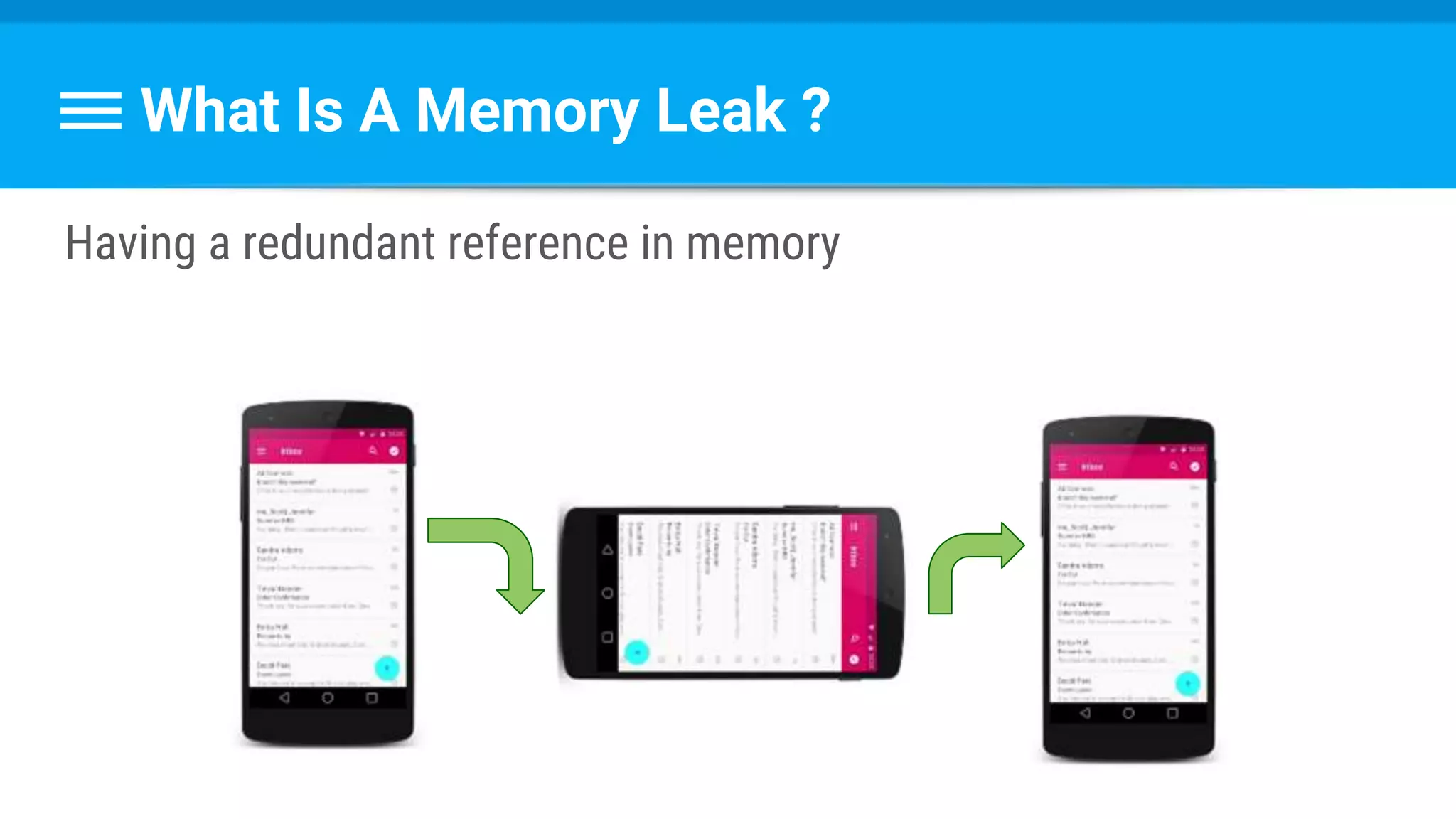
Having a redundant reference in memory
What Is A Memory Leak ?
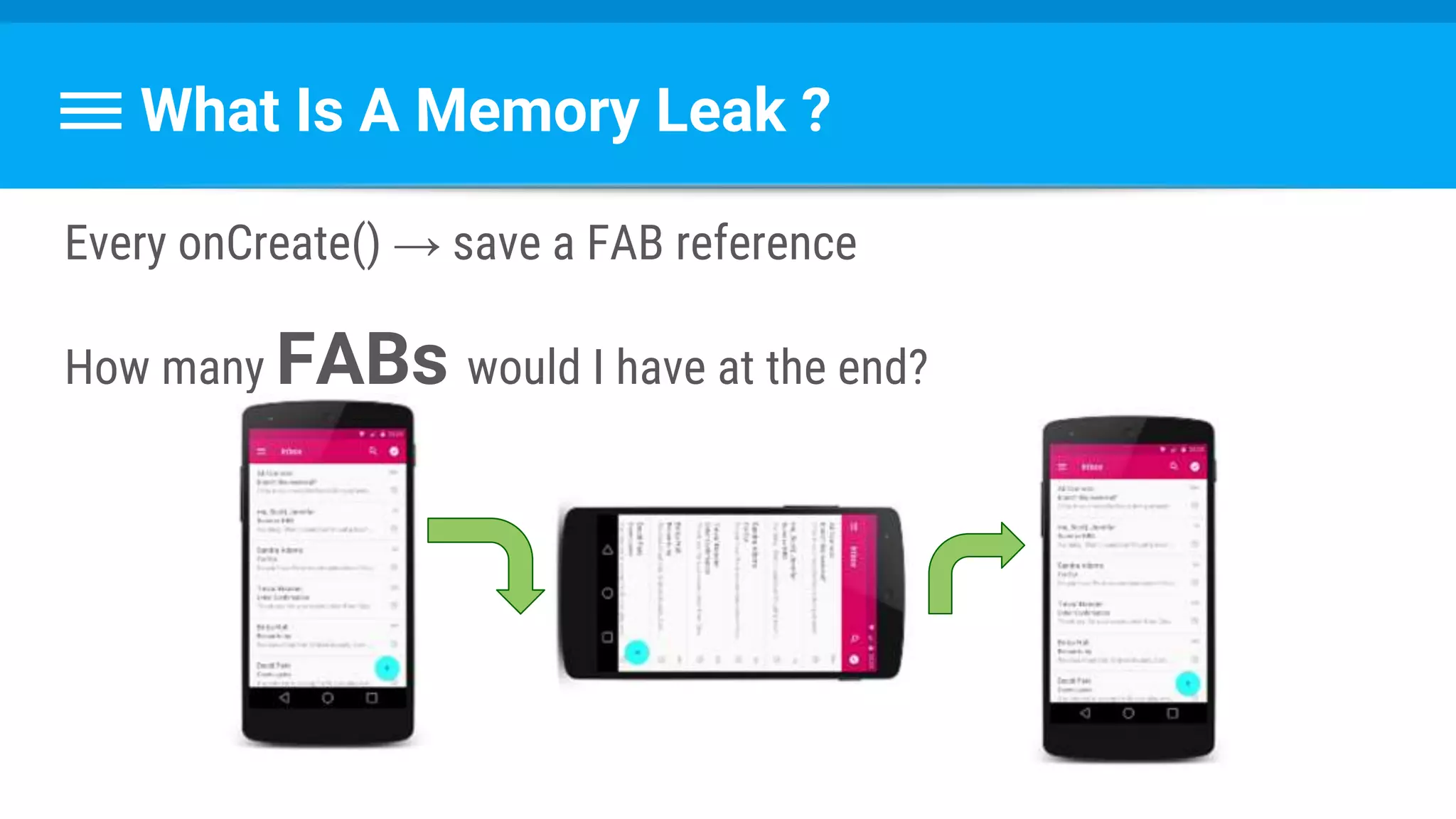
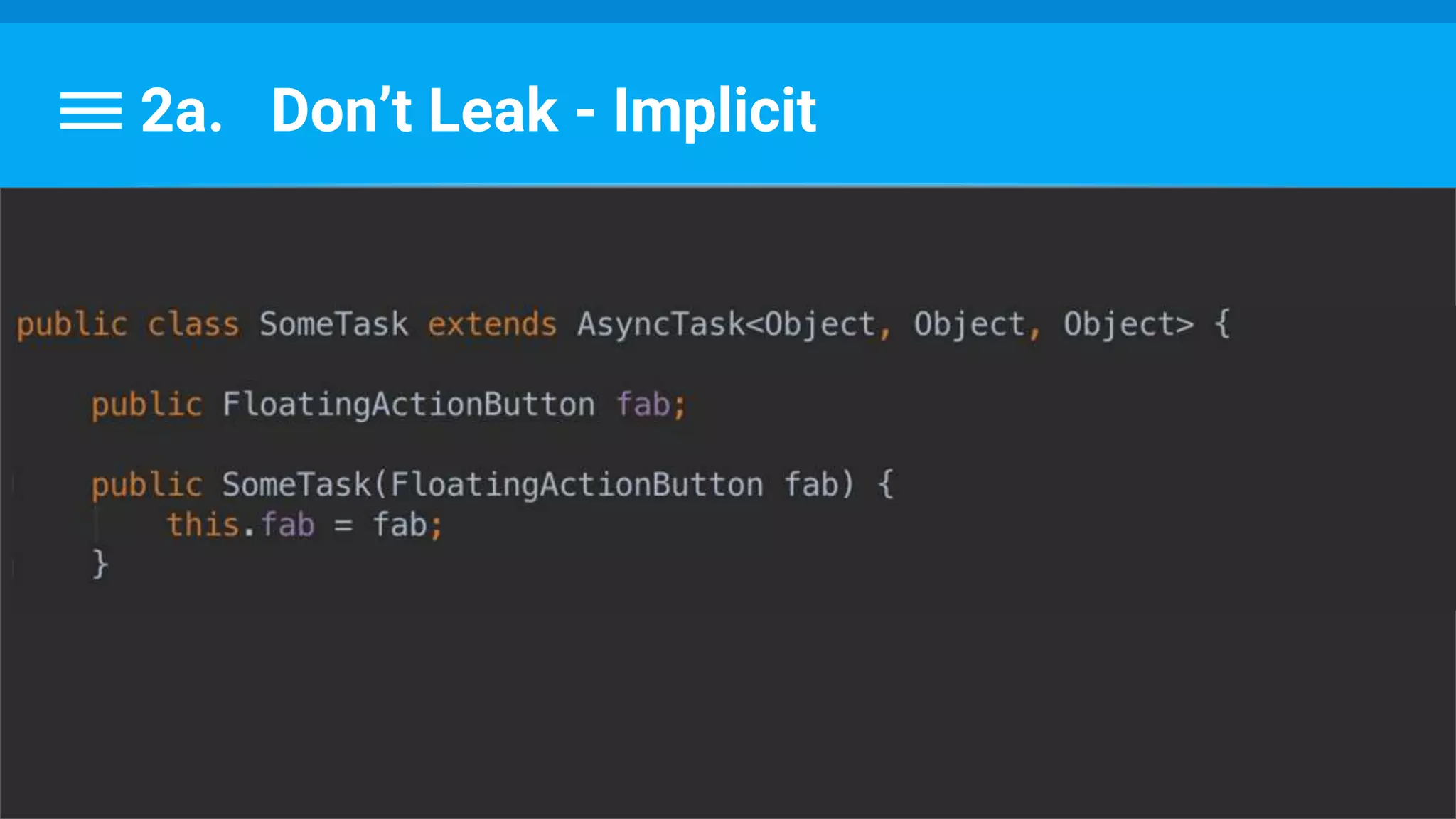
Every onCreate() → save a FAB reference
How many FABs would I have at the end?
A VIEW references its ACTIVITY,
which references its view HIERARCHY!
What Is A Memory Leak ?
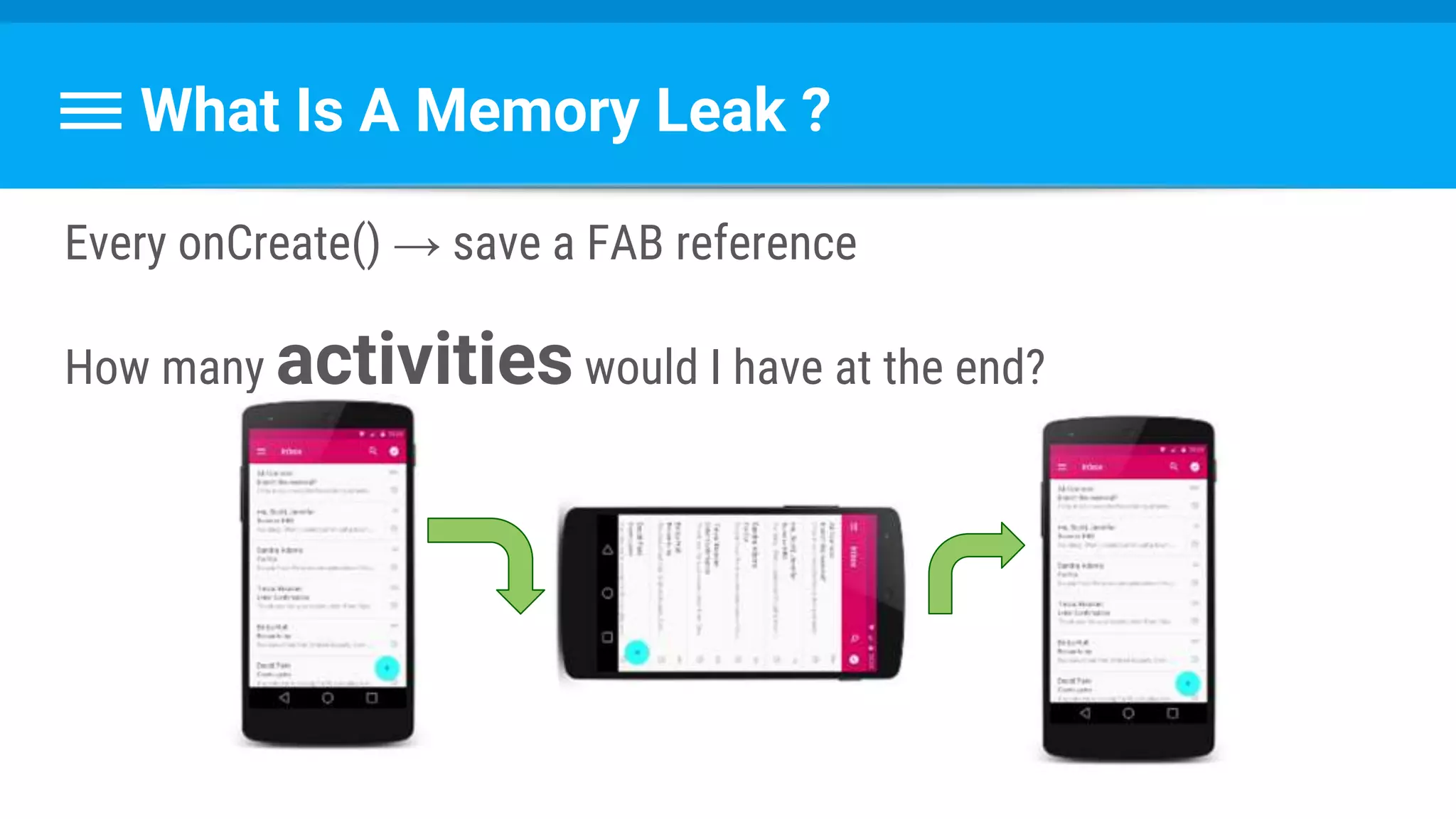
Every onCreate() → save a FAB reference
How many activitieswould I have at the end?
Remember :
Task lifecycle is SEPARATE
from the activity’s lifecycle !
2a. Don’t Leak - Implicit
Questions ?
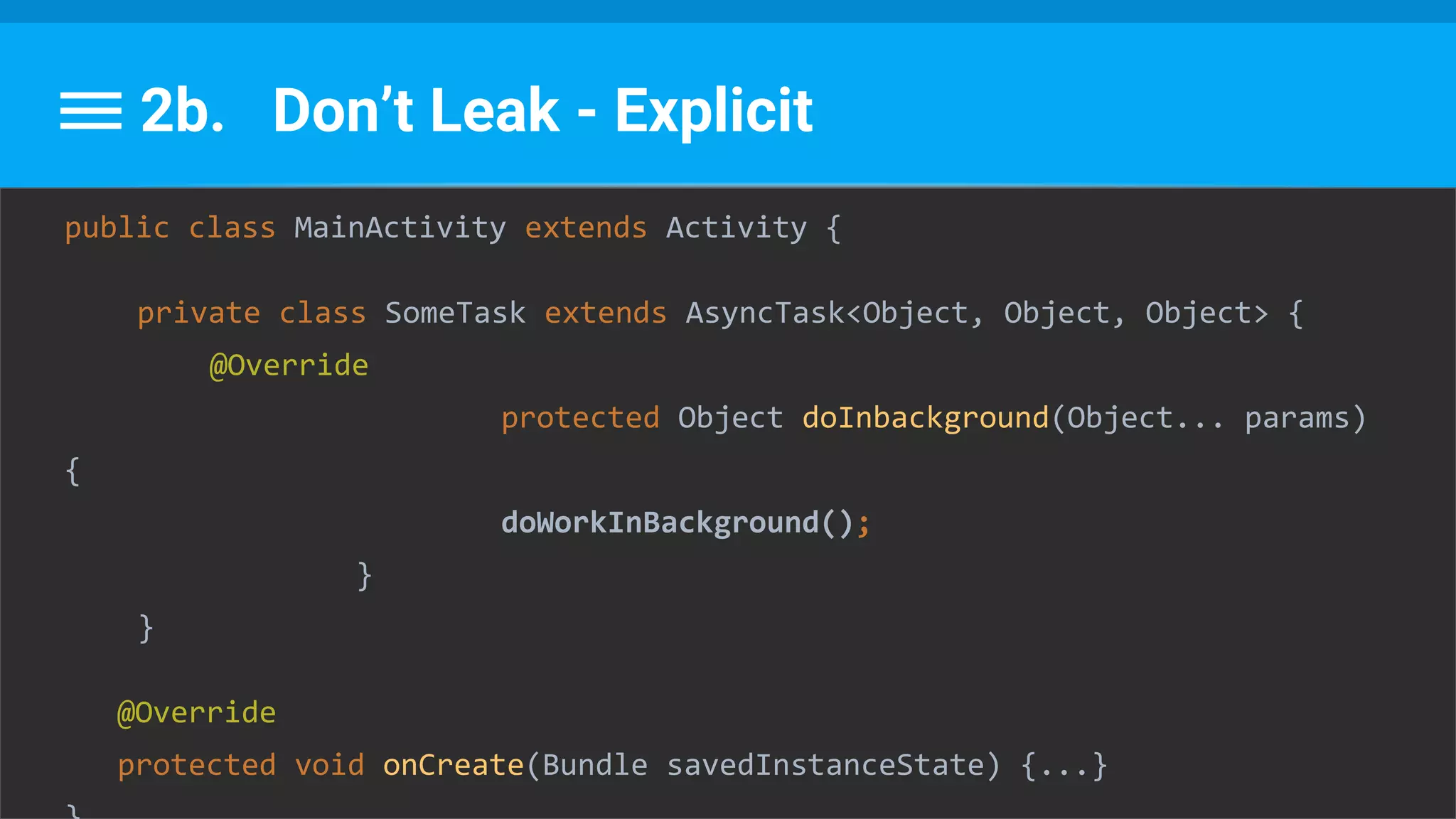
2b. Don’t Leak - Explicit
public class MainActivity extends Activity {
private class SomeTask extends AsyncTask<Object, Object, Object> {
@Override
protected Object doInbackground(Object... params)
{
doWorkInBackground();
}
}
@Override
protected void onCreate(Bundle savedInstanceState) {...}
Inner non-static class
references the outer class !
Important !
2b. Don’t Leak - Explicit
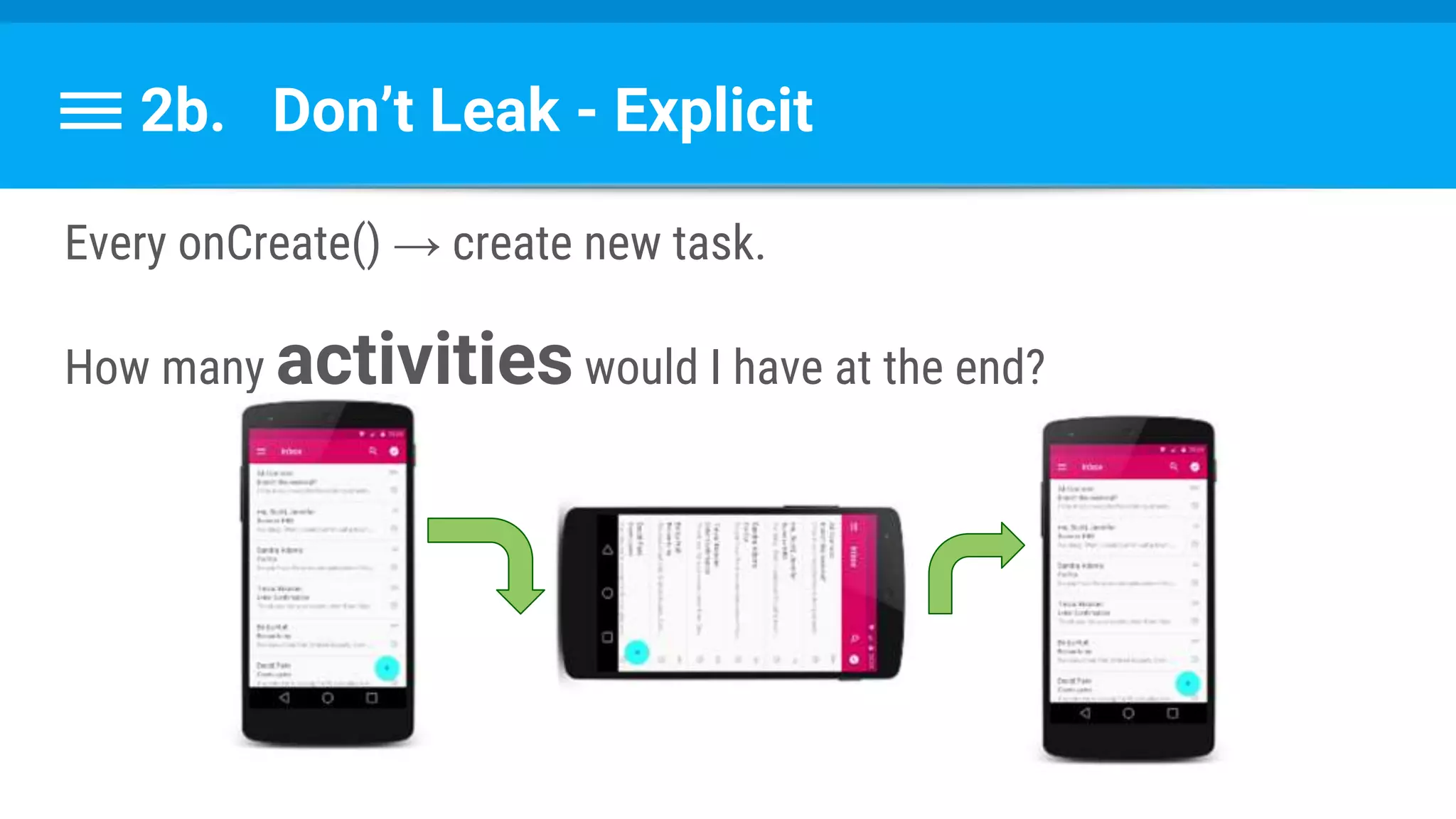
Every onCreate() → create new task.
How many activitieswould I have at the end?
2b. Don’t Leak - Explicit
●Be parent class
- Or -
●Be static class
If You Must...
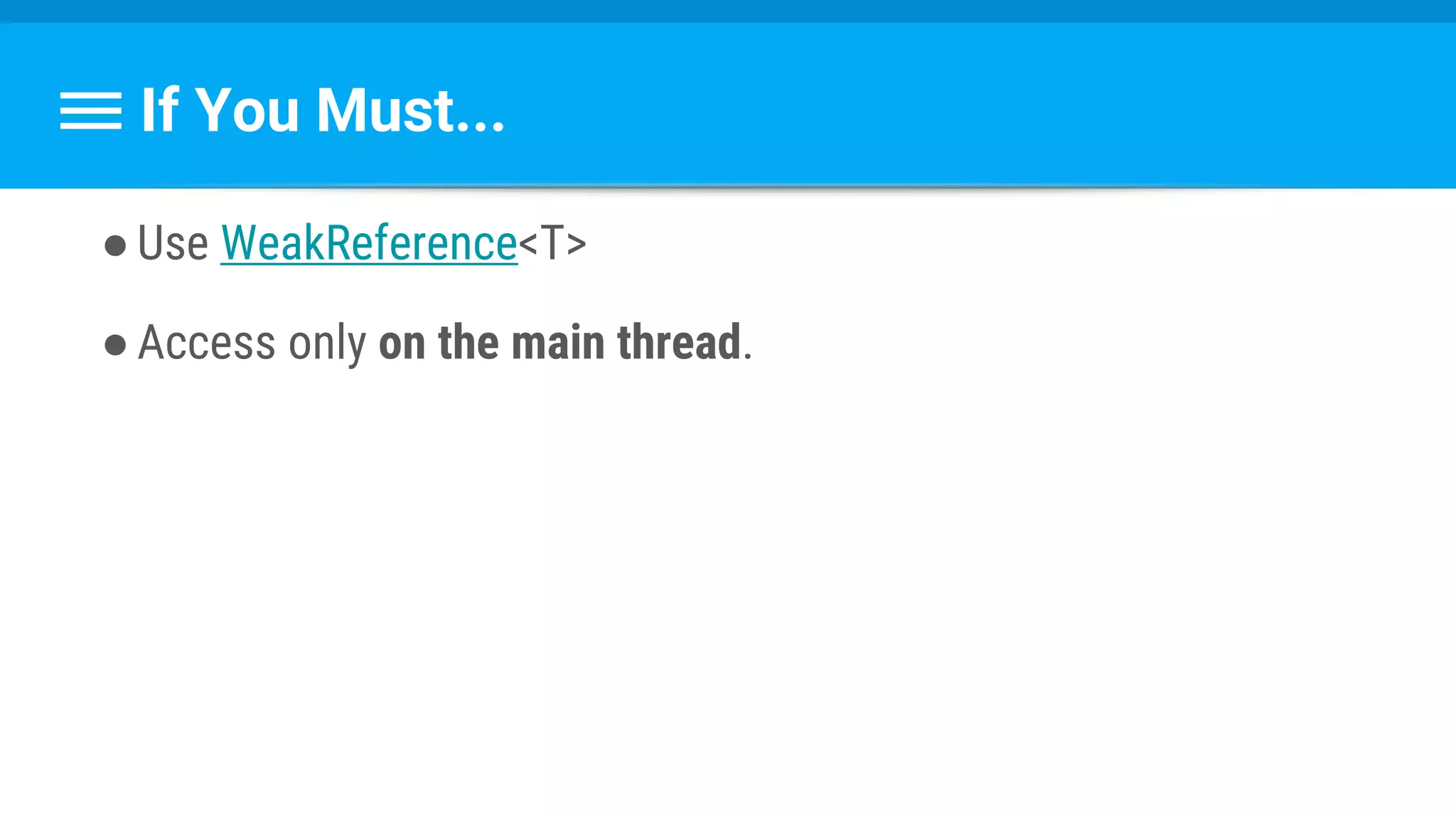
●Use WeakReference<T>
●Access only on the main thread.
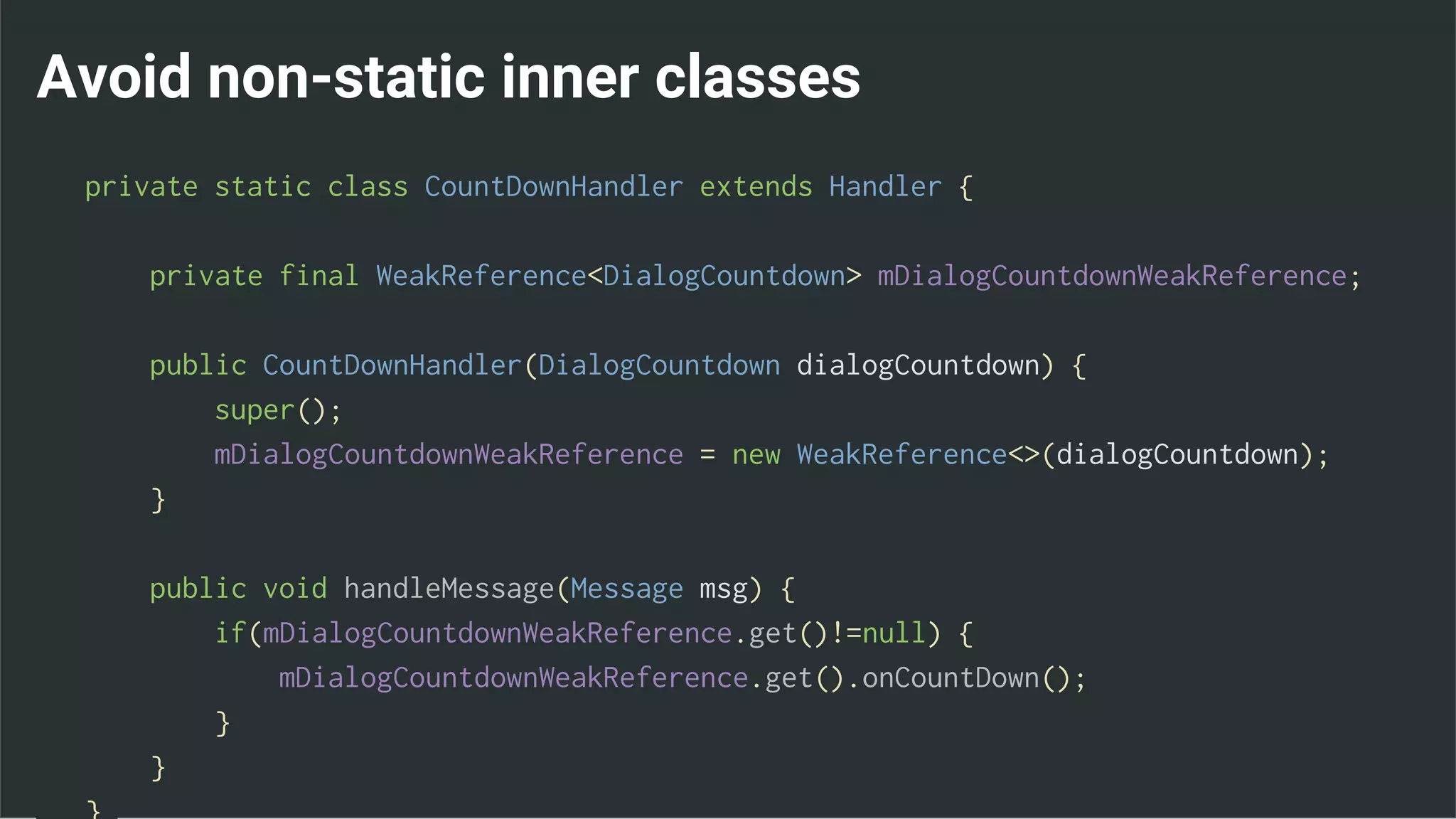
Avoid non-static inner classes
private static class CountDownHandler extends Handler {
private final WeakReference<DialogCountdown> mDialogCountdownWeakReference;
public CountDownHandler(DialogCountdown dialogCountdown) {
super();
mDialogCountdownWeakReference = new WeakReference<>(dialogCountdown);
}
public void handleMessage(Message msg) {
if(mDialogCountdownWeakReference.get()!=null) {
mDialogCountdownWeakReference.get().onCountDown();
}
}
3. Don’t Cling
●Separate lifecycle from activity’s!
●When back to UI thread, View can be:
○ Removed
○ Distroyed
○ Change properties
●But task still runs and call callbacks
3. Don’t Cling
●Cancel tasks
●Use callbacks / intents / events / … to return results
●Use correct primitive
Return Results
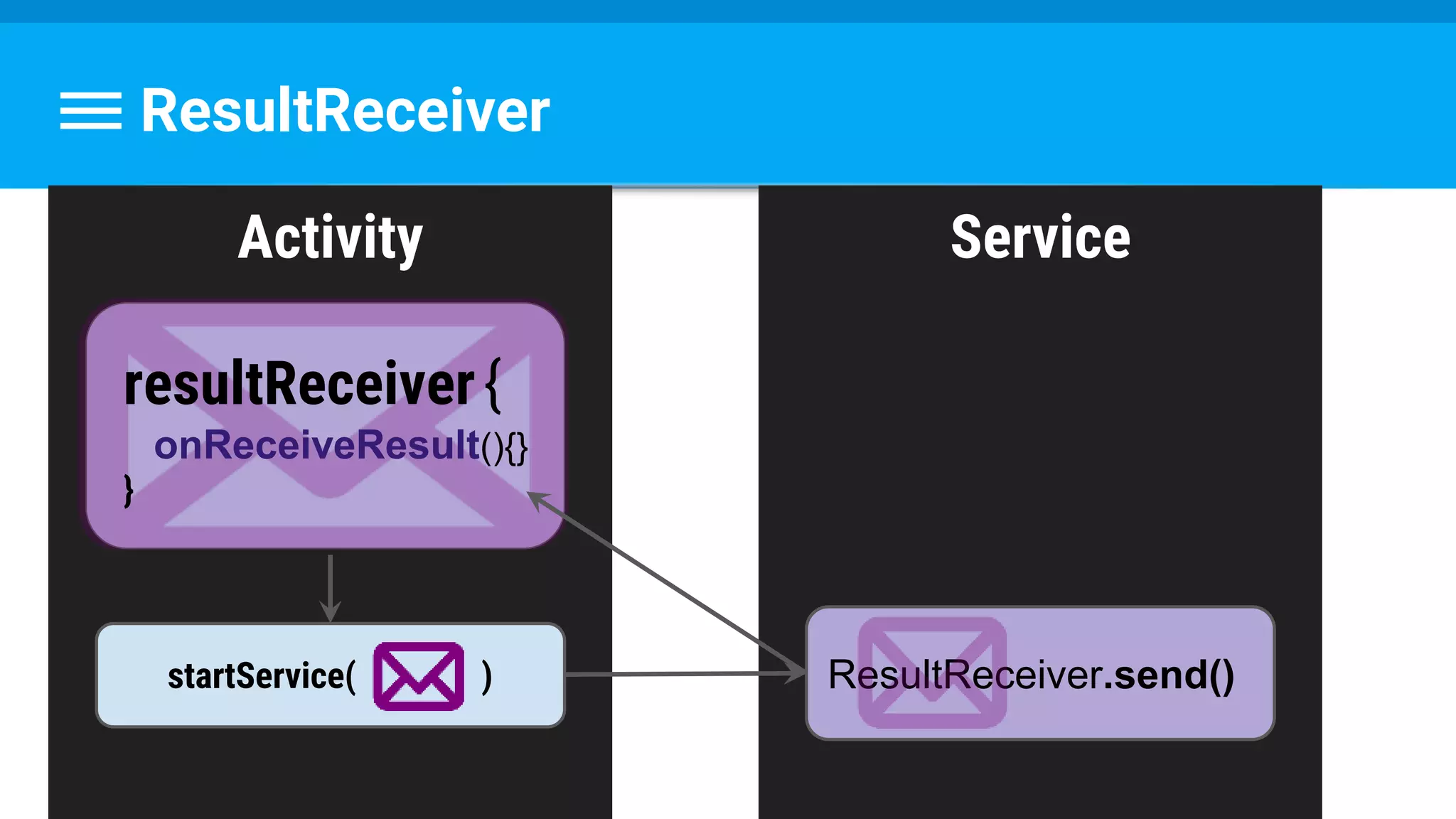
1.ResultReciever
2.BroadcastReciever
3.EventBus
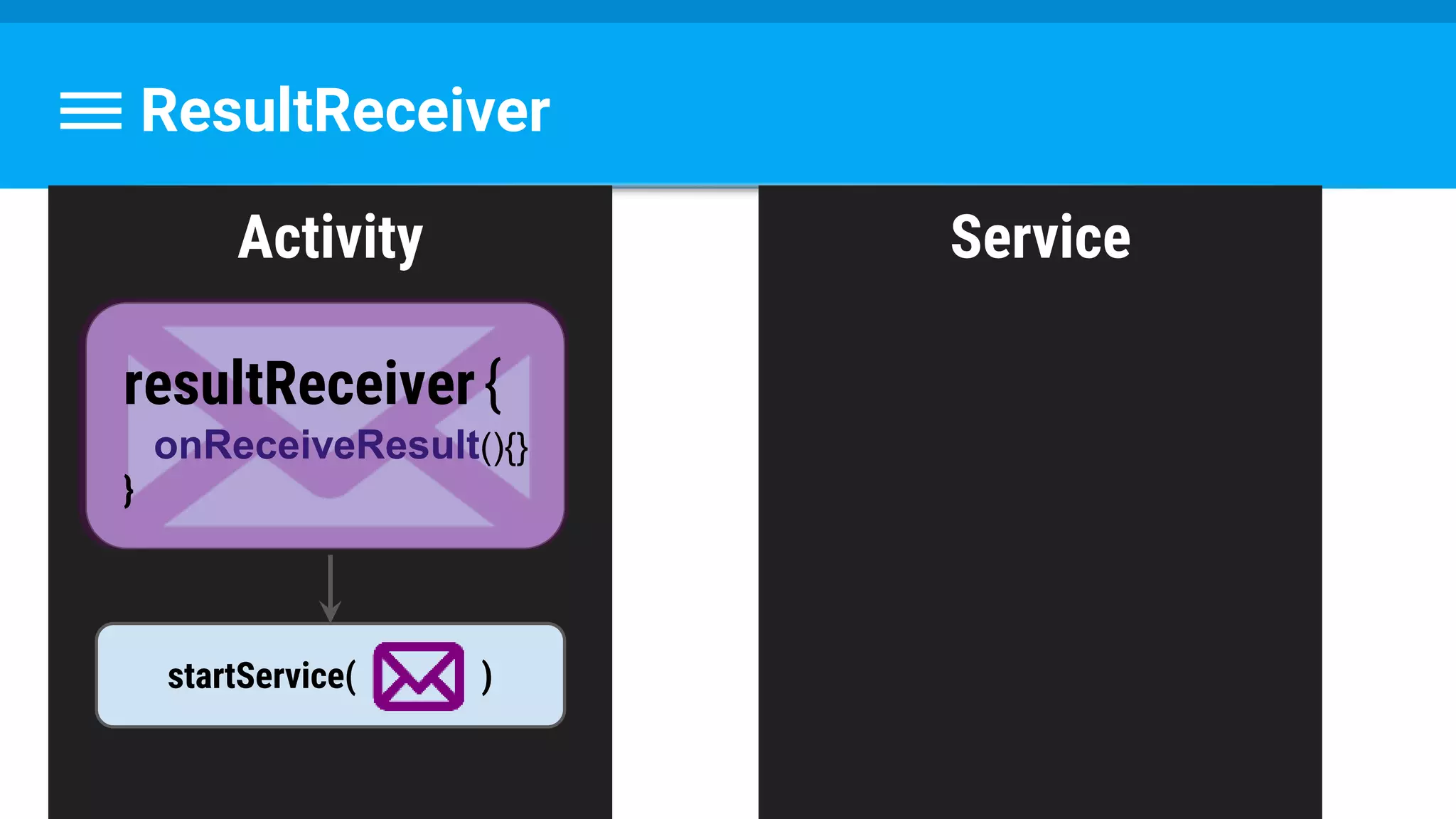
Activity Service
ResultReceiver
startService( )
resultReceiver{
onReceiveResult(){}
}
Activity Service
ResultReceiver
ResultReceiver.send()startService( )
resultReceiver{
onReceiveResult(){}
}
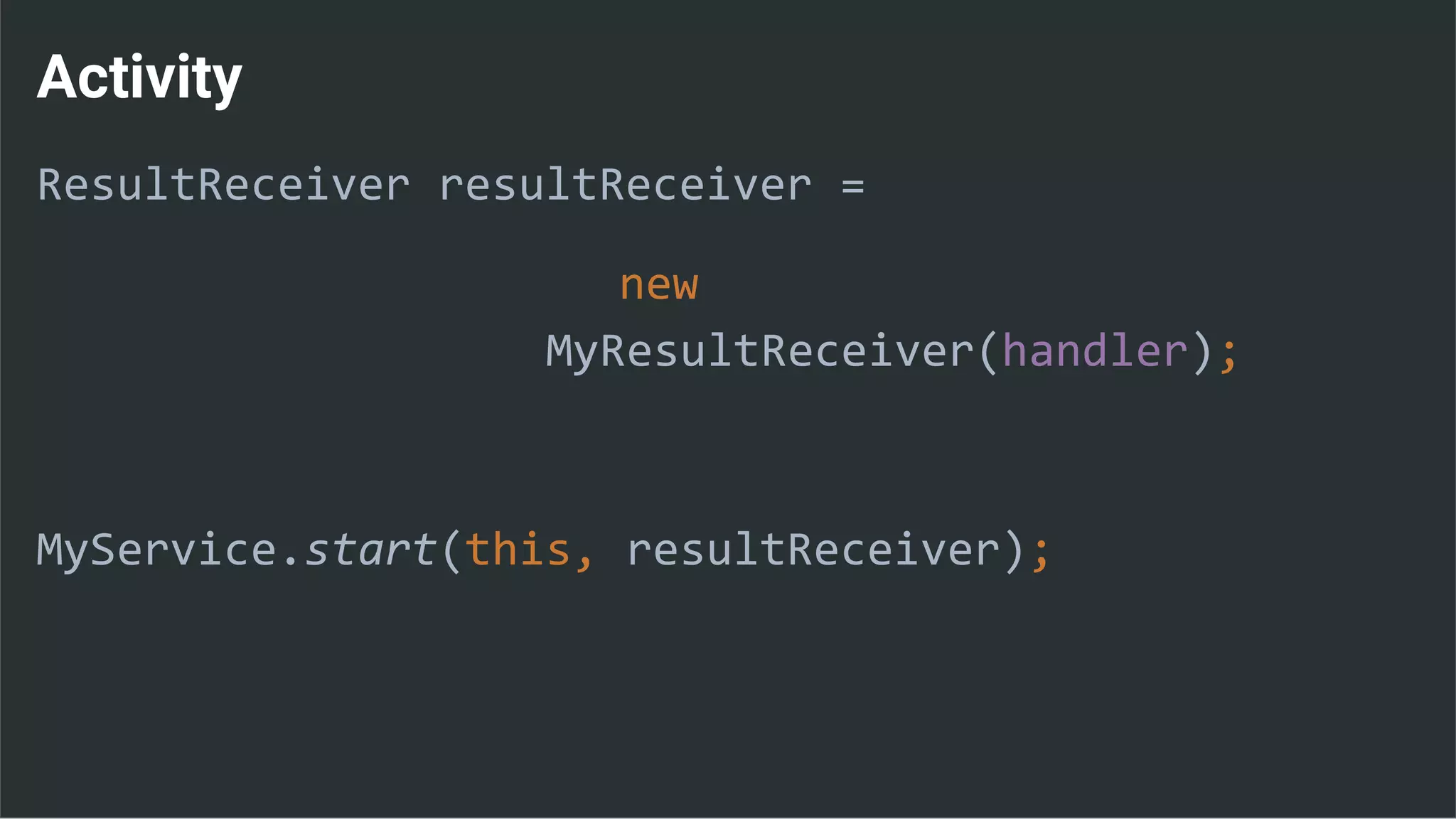
Activity
ResultReceiver resultReceiver =
new
MyResultReceiver(handler);
MyService.start(this, resultReceiver);
MyResultReceiver
private class MyResultReceiver extends ResultReceiver {
//...
@Override
protected void onReceiveResult
(int resultCode, Bundle resultData) {
handleResults();
}
}
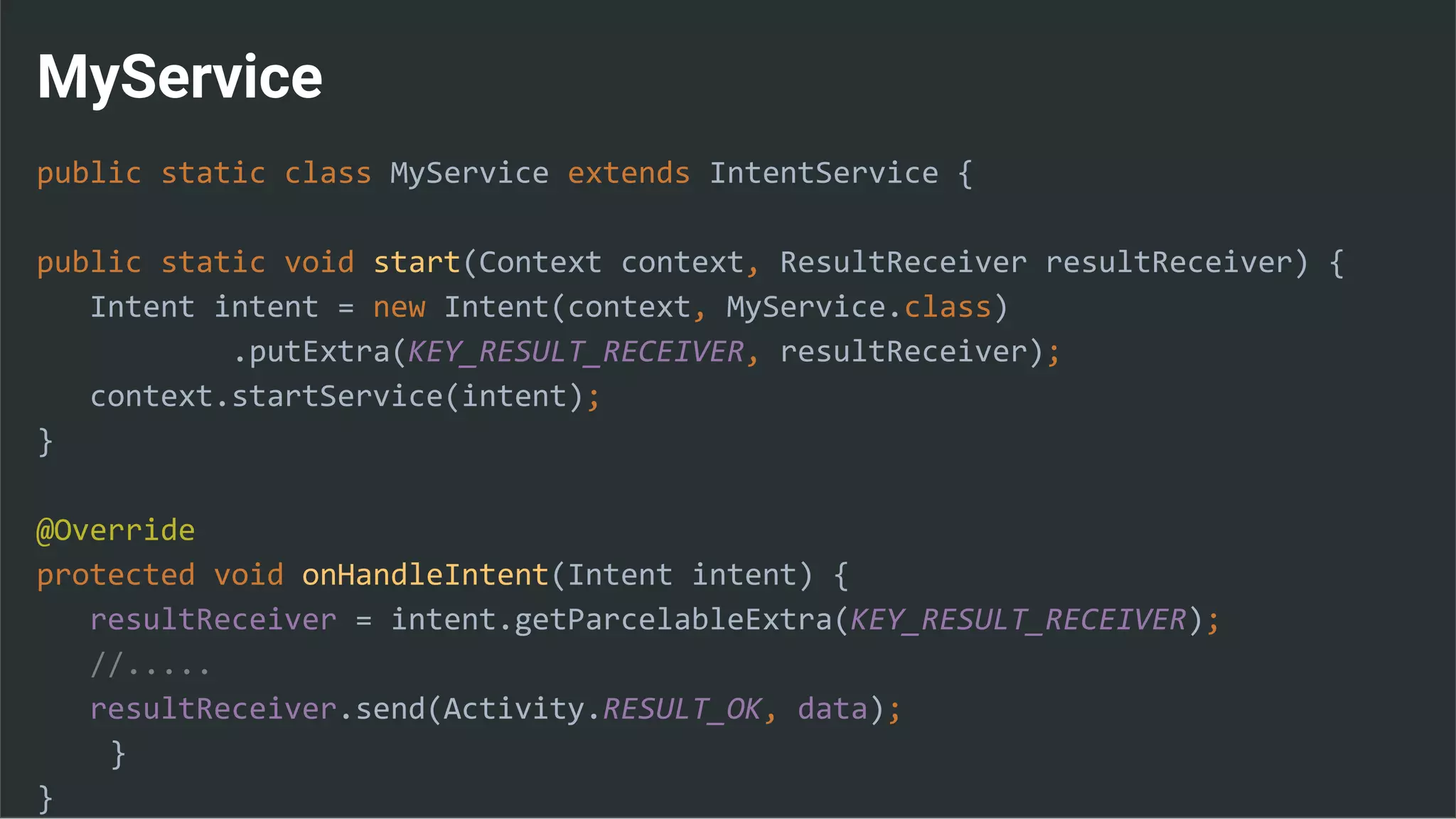
MyService
public static class MyService extends IntentService {
public static void start(Context context, ResultReceiver resultReceiver) {
Intent intent = new Intent(context, MyService.class)
.putExtra(KEY_RESULT_RECEIVER, resultReceiver);
context.startService(intent);
}
@Override
protected void onHandleIntent(Intent intent) {
resultReceiver = intent.getParcelableExtra(KEY_RESULT_RECEIVER);
//.....
resultReceiver.send(Activity.RESULT_OK, data);
}
}
Questions ?
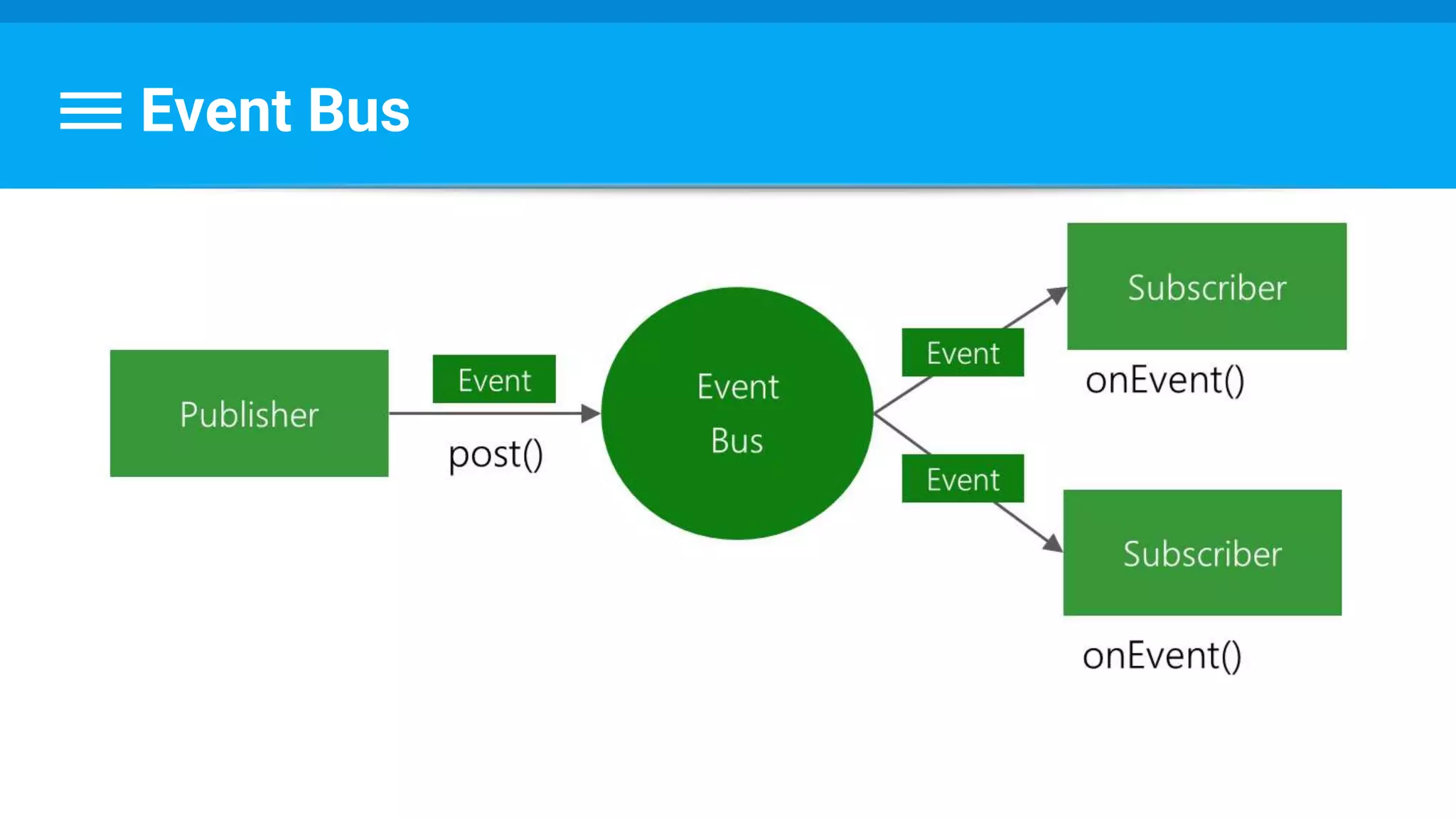
Event Bus
Event Bus
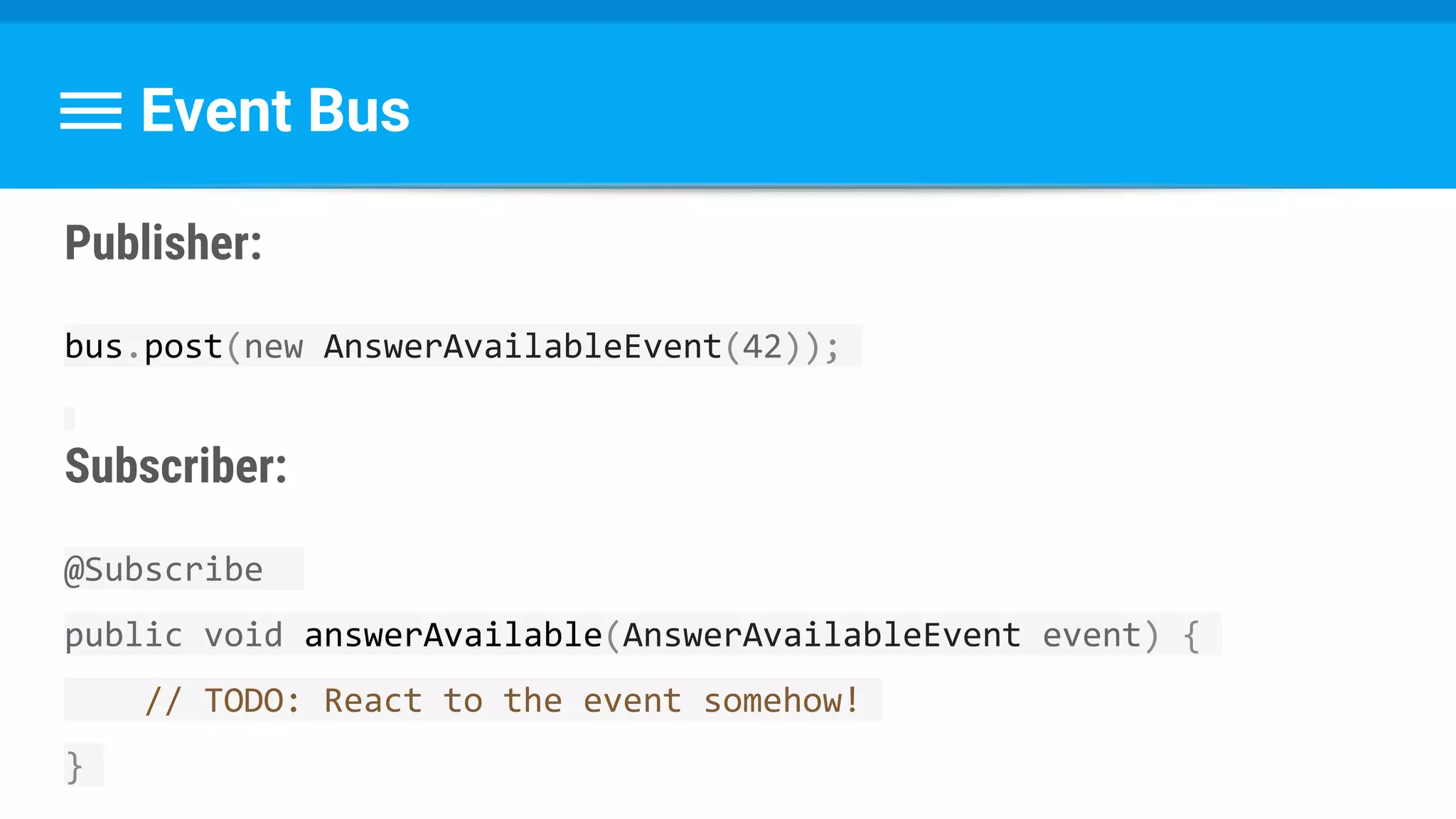
Publisher:
bus.post(new AnswerAvailableEvent(42));
Subscriber:
@Subscribe
public void answerAvailable(AnswerAvailableEvent event) {
// TODO: React to the event somehow!
}
Event Bus
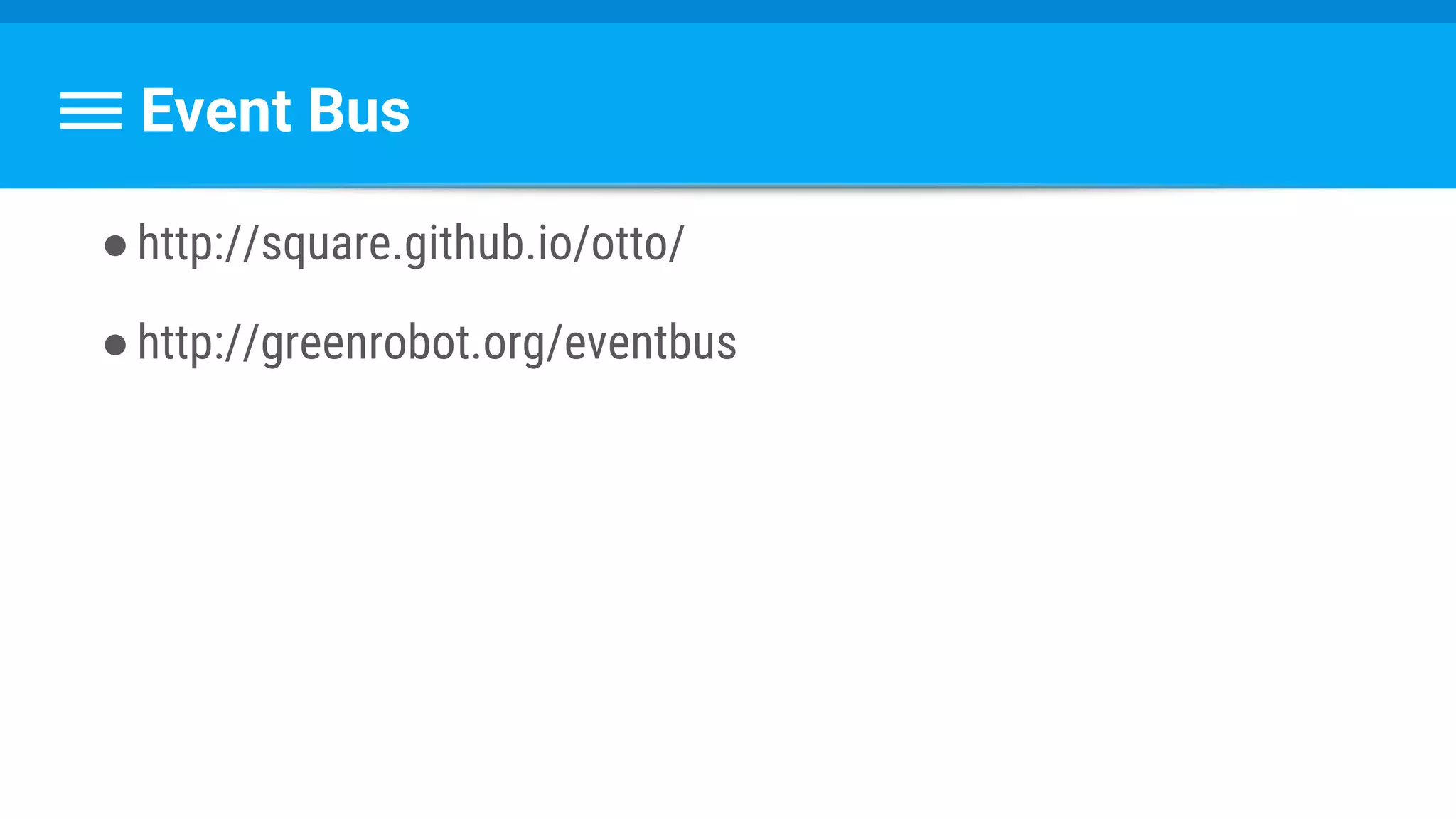
●http://square.github.io/otto/
●http://greenrobot.org/eventbus
Questions ?
What Did We Have Today?
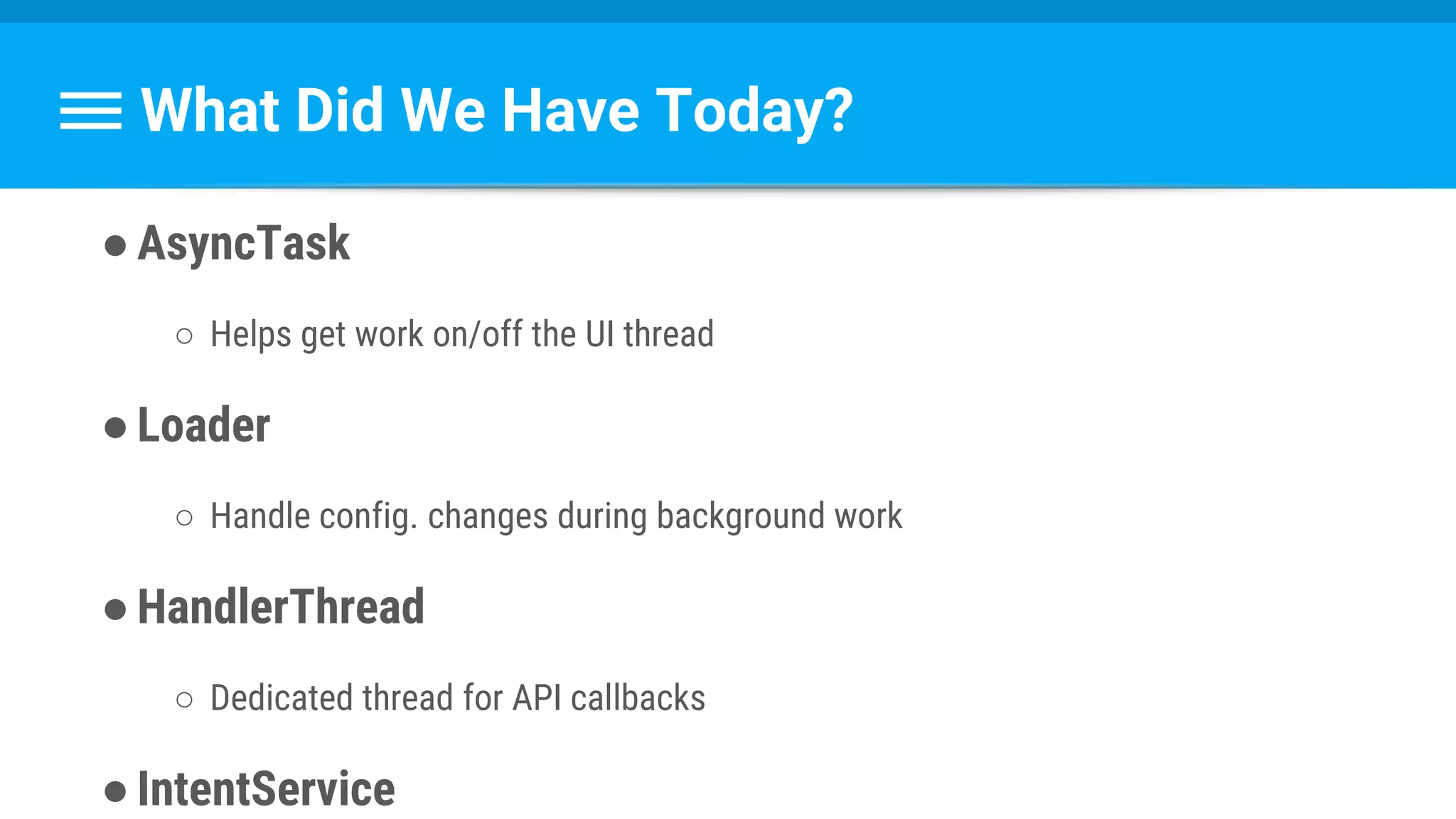
●AsyncTask
○ Helps get work on/off the UI thread
●Loader
○ Handle config. changes during background work
●HandlerThread
○ Dedicated thread for API callbacks
●IntentService
What Did We Have Today?
● Services
● Threads priority
●Memory leaks
●Back to UI thread
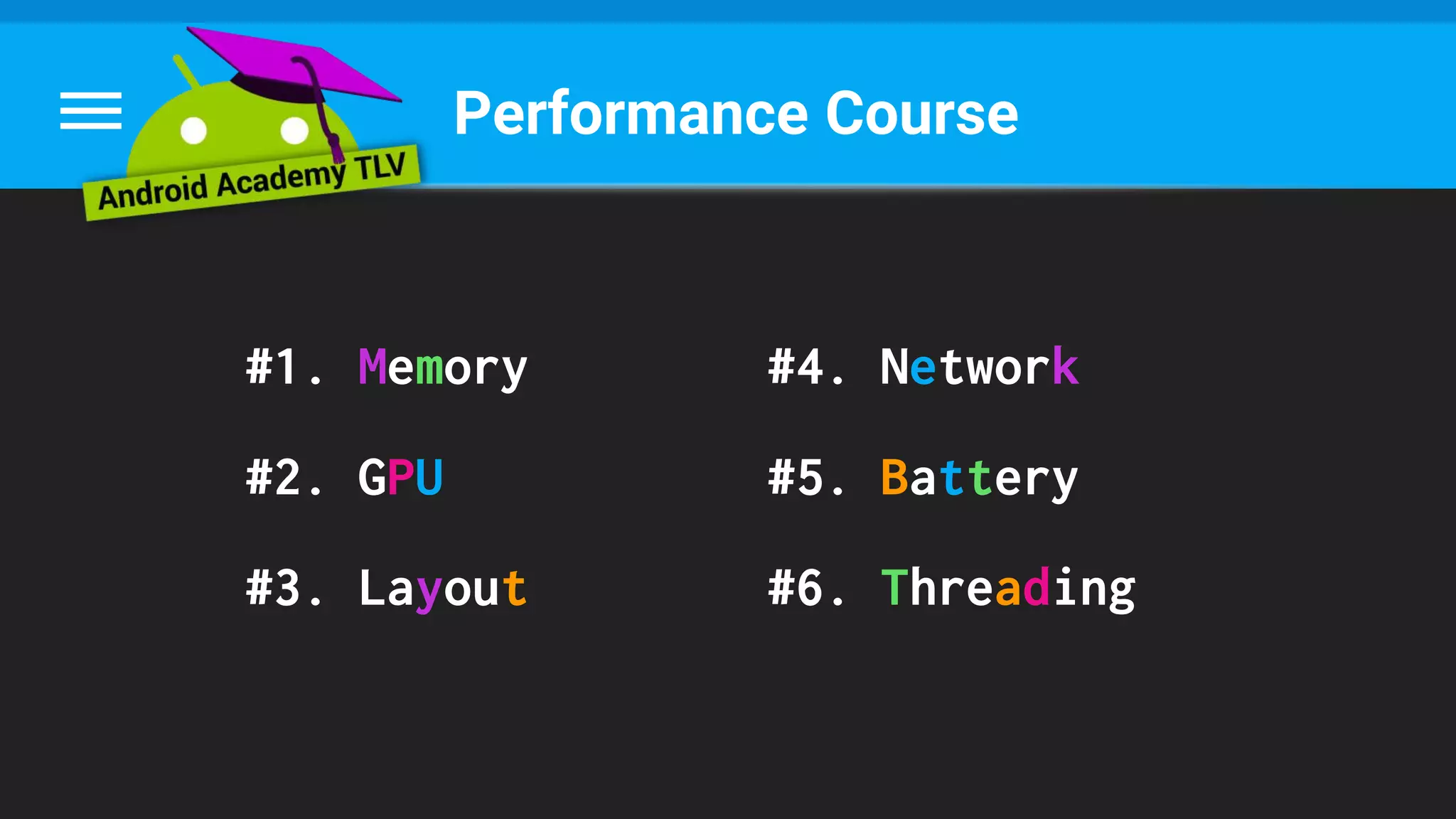
Performance Course
#1. Memory
#2. GPU
#3. Layout
#4. Network
#5. Battery
#6. Threading
What’s Next?
● Android Beginners - on 30/10 !
→ Android UI / UX → Community Hackathon
● Mentors Program - goo.gl/5qJ4nK
● Facebook Group - goo.gl/wBWxVF
Thank You !
See you soon ;)

Performance #6 threading