Email : ashockroy99@gmail.com
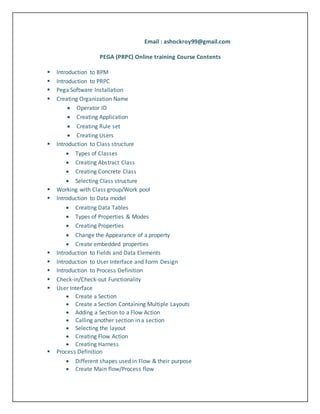
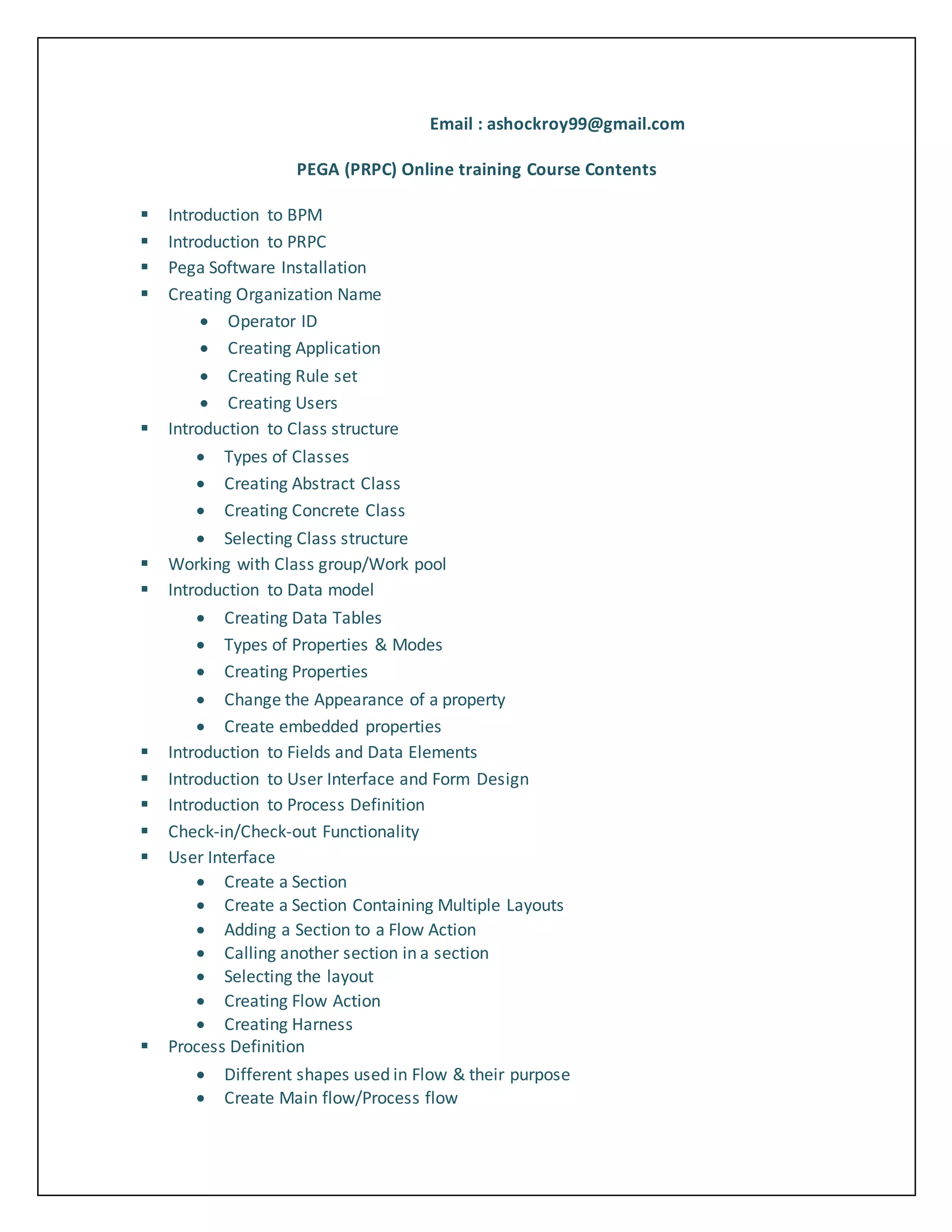
PEGA (PRPC) Online training Course Contents
 Introduction to BPM
 Introduction to PRPC
 Pega Software Installation
 Creating Organization Name
 Operator ID
 Creating Application
 Creating Rule set
 Creating Users
 Introduction to Class structure
 Types of Classes
 Creating Abstract Class
 Creating Concrete Class
 Selecting Class structure
 Working with Class group/Work pool
 Introduction to Data model
 Creating Data Tables
 Types of Properties & Modes
 Creating Properties
 Change the Appearance of a property
 Create embedded properties
 Introduction to Fields and Data Elements
 Introduction to User Interface and Form Design
 Introduction to Process Definition
 Check-in/Check-out Functionality
 User Interface
 Create a Section
 Create a Section Containing Multiple Layouts
 Adding a Section to a Flow Action
 Calling another section in a section
 Selecting the layout
 Creating Flow Action
 Creating Harness
 Process Definition
 Different shapes used in Flow & their purpose
 Create Main flow/Process flow
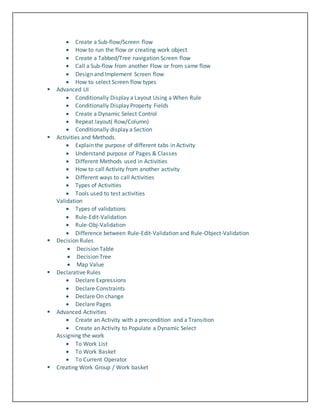
 Create a Sub-flow/Screen flow
 How to run the flow or creating work object
 Create a Tabbed/Tree navigation Screen flow
 Call a Sub-flow from another Flow or from same flow
 Design and Implement Screen flow
 How to select Screen flow types
 Advanced UI
 Conditionally Display a Layout Using a When Rule
 Conditionally Display Property Fields
 Create a Dynamic Select Control
 Repeat layout( Row/Column)
 Conditionally display a Section
 Activities and Methods.
 Explain the purpose of different tabs in Activity
 Understand purpose of Pages & Classes
 Different Methods used in Activities
 How to call Activity from another activity
 Different ways to call Activities
 Types of Activities
 Tools used to test activities
Validation
 Types of validations
 Rule-Edit-Validation
 Rule-Obj-Validation
 Difference between Rule-Edit-Validation and Rule-Object-Validation
 Decision Rules
 Decision Table
 Decision Tree
 Map Value
 Declarative Rules
 Declare Expressions
 Declare Constraints
 Declare On change
 Declare Pages
 Advanced Activities
 Create an Activity with a precondition and a Transition
 Create an Activity to Populate a Dynamic Select
Assigning the work
 To Work List
 To Work Basket
 To Current Operator
 Creating Work Group / Work basket
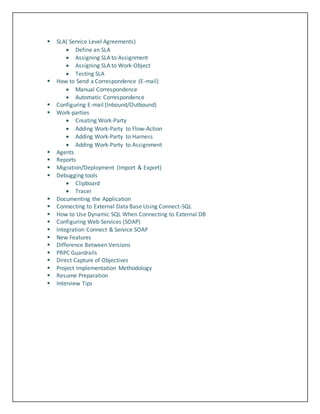
 SLA( Service Level Agreements)
 Define an SLA
 Assigning SLA to Assignment
 Assigning SLA to Work-Object
 Testing SLA
 How to Send a Correspondence (E-mail)
 Manual Correspondence
 Automatic Correspondence
 Configuring E-mail (Inbound/Outbound)
 Work-parties
 Creating Work-Party
 Adding Work-Party to Flow-Action
 Adding Work-Party to Harness
 Adding Work-Party to Assignment
 Agents
 Reports
 Migration/Deployment (Import & Export)
 Debugging tools
 Clipboard
 Tracer
 Documenting the Application
 Connecting to External Data Base Using Connect-SQL
 How to Use Dynamic SQL When Connecting to External DB
 Configuring Web Services (SOAP)
 Integration Connect & Service SOAP
 New Features
 Difference Between Versions
 PRPC Guardrails
 Direct Capture of Objectives
 Project Implementation Methodology
 Resume Preparation
 Interview Tips

Pega prpc tutorials for beginners

  • 1.
    Email : ashockroy99@gmail.com PEGA(PRPC) Online training Course Contents  Introduction to BPM  Introduction to PRPC  Pega Software Installation  Creating Organization Name  Operator ID  Creating Application  Creating Rule set  Creating Users  Introduction to Class structure  Types of Classes  Creating Abstract Class  Creating Concrete Class  Selecting Class structure  Working with Class group/Work pool  Introduction to Data model  Creating Data Tables  Types of Properties & Modes  Creating Properties  Change the Appearance of a property  Create embedded properties  Introduction to Fields and Data Elements  Introduction to User Interface and Form Design  Introduction to Process Definition  Check-in/Check-out Functionality  User Interface  Create a Section  Create a Section Containing Multiple Layouts  Adding a Section to a Flow Action  Calling another section in a section  Selecting the layout  Creating Flow Action  Creating Harness  Process Definition  Different shapes used in Flow & their purpose  Create Main flow/Process flow
  • 2.
     Create aSub-flow/Screen flow  How to run the flow or creating work object  Create a Tabbed/Tree navigation Screen flow  Call a Sub-flow from another Flow or from same flow  Design and Implement Screen flow  How to select Screen flow types  Advanced UI  Conditionally Display a Layout Using a When Rule  Conditionally Display Property Fields  Create a Dynamic Select Control  Repeat layout( Row/Column)  Conditionally display a Section  Activities and Methods.  Explain the purpose of different tabs in Activity  Understand purpose of Pages & Classes  Different Methods used in Activities  How to call Activity from another activity  Different ways to call Activities  Types of Activities  Tools used to test activities Validation  Types of validations  Rule-Edit-Validation  Rule-Obj-Validation  Difference between Rule-Edit-Validation and Rule-Object-Validation  Decision Rules  Decision Table  Decision Tree  Map Value  Declarative Rules  Declare Expressions  Declare Constraints  Declare On change  Declare Pages  Advanced Activities  Create an Activity with a precondition and a Transition  Create an Activity to Populate a Dynamic Select Assigning the work  To Work List  To Work Basket  To Current Operator  Creating Work Group / Work basket
  • 3.
     SLA( ServiceLevel Agreements)  Define an SLA  Assigning SLA to Assignment  Assigning SLA to Work-Object  Testing SLA  How to Send a Correspondence (E-mail)  Manual Correspondence  Automatic Correspondence  Configuring E-mail (Inbound/Outbound)  Work-parties  Creating Work-Party  Adding Work-Party to Flow-Action  Adding Work-Party to Harness  Adding Work-Party to Assignment  Agents  Reports  Migration/Deployment (Import & Export)  Debugging tools  Clipboard  Tracer  Documenting the Application  Connecting to External Data Base Using Connect-SQL  How to Use Dynamic SQL When Connecting to External DB  Configuring Web Services (SOAP)  Integration Connect & Service SOAP  New Features  Difference Between Versions  PRPC Guardrails  Direct Capture of Objectives  Project Implementation Methodology  Resume Preparation  Interview Tips