2015 Pebble Developer Retreat
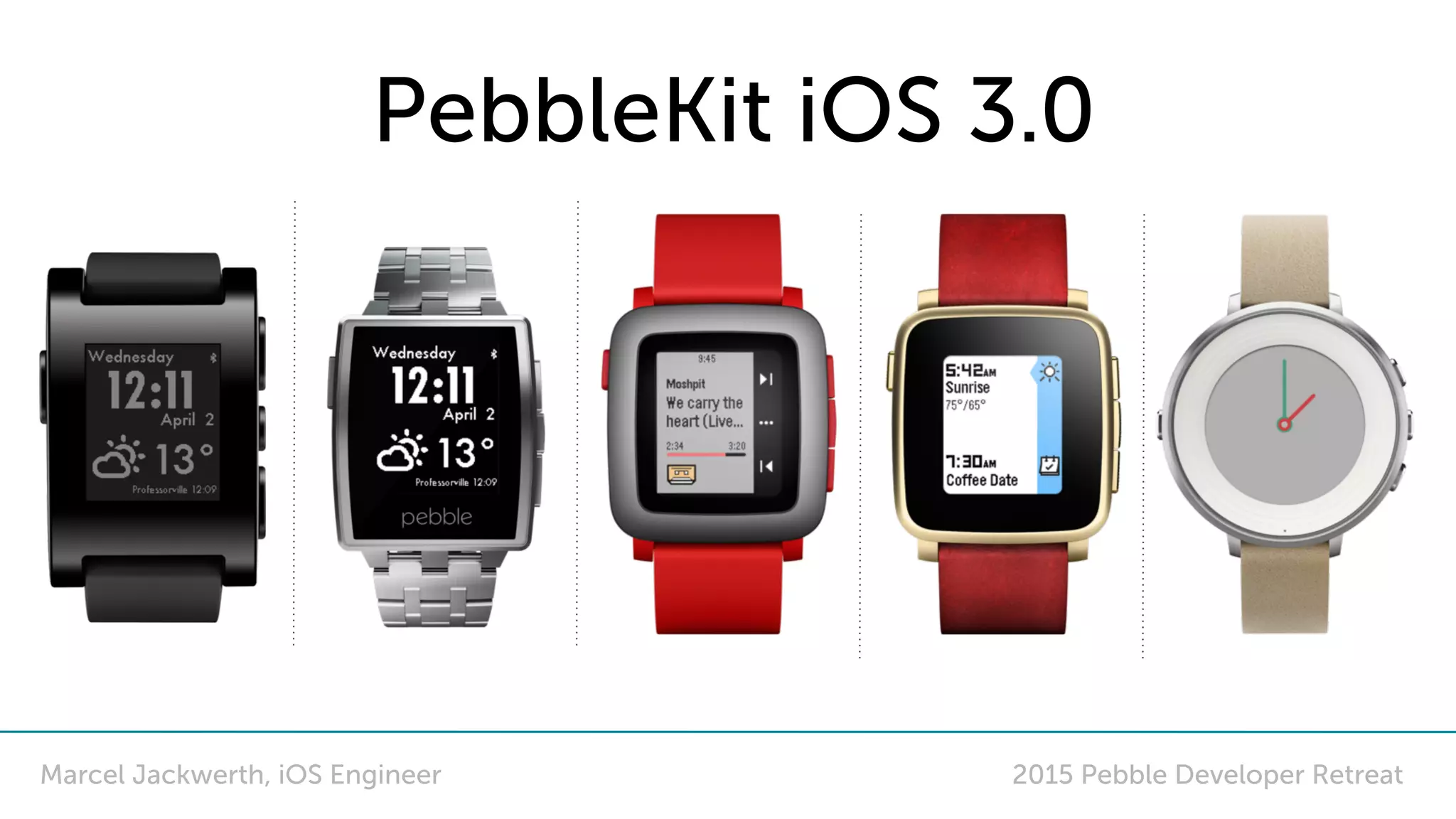
PebbleKit iOS 3.0
Marcel Jackwerth, iOS Engineer
Outline
• Recap: What is PebbleKit?
• What is new?
• 8K App Messages
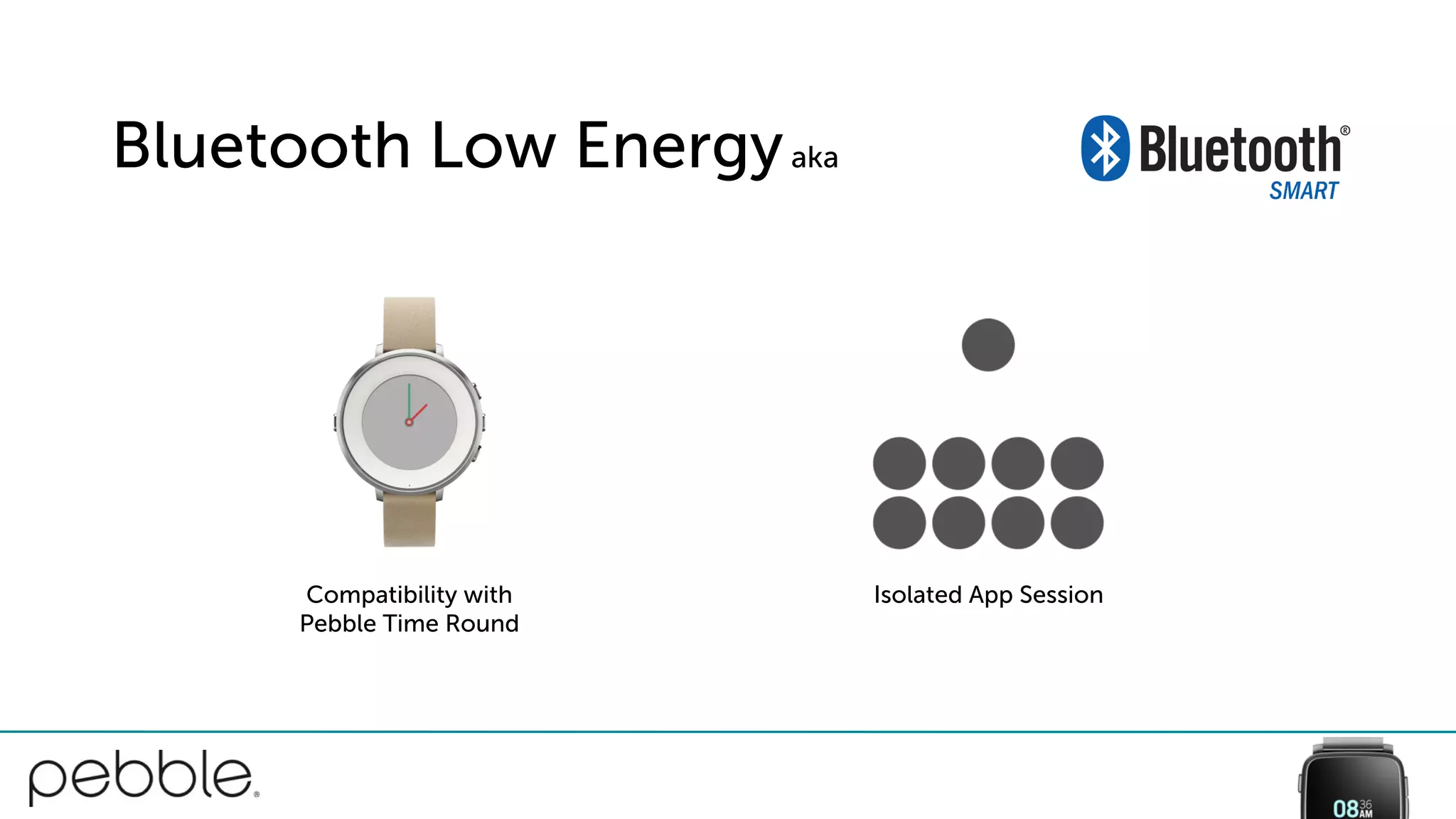
• Support for Pebble Time Round
• Isolated Sessions via Bluetooth Low Energy
• Swift 2.0, Bitcode
• What are the breaking API changes?
• How do I upgrade?
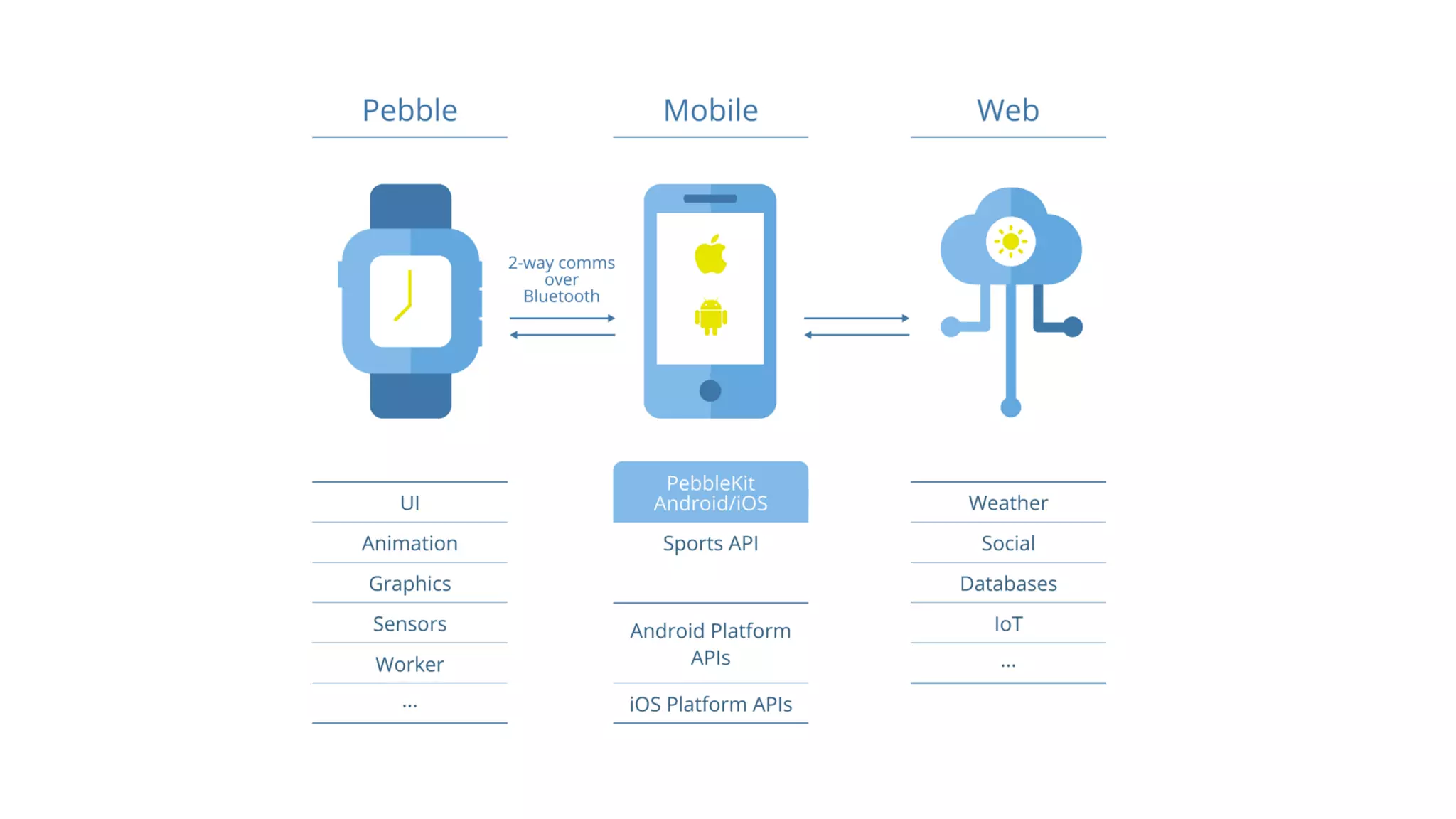
What is PebbleKit?
And when should I use it?
What’s new?
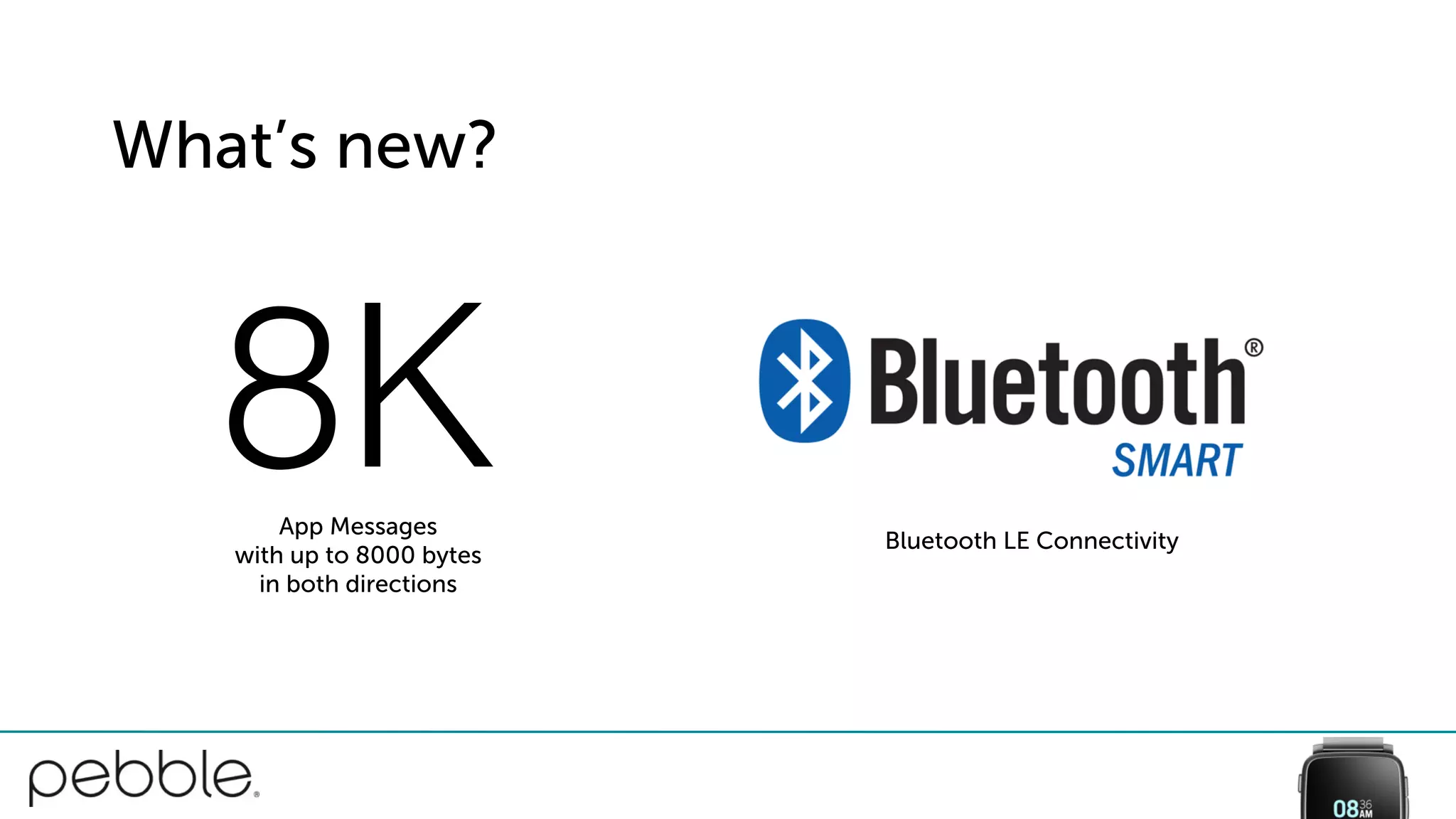
8KApp Messages
with up to 8000 bytes
in both directions
Bluetooth LE Connectivity
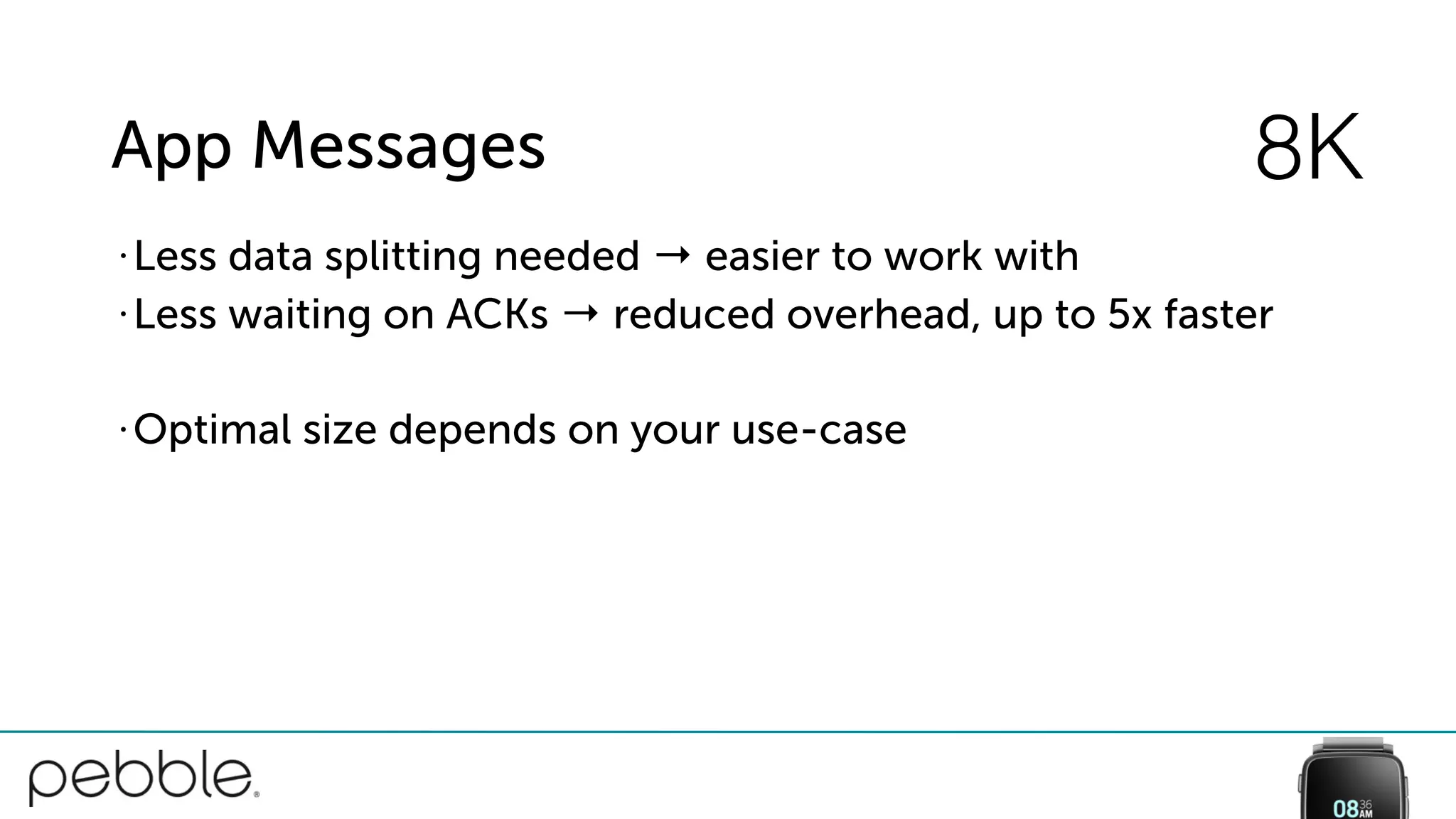
App Messages
• Less data splitting needed → easier to work with
• Less waiting on ACKs → reduced overhead, up to 5x faster
• Optimal size depends on your use-case
8K
Good: Check Capabilities 8K
[watch getVersionInfo:^(PBWatch *watch, PBVersionInfo *info) {
BOOL supports8k =
(info.remoteProtocolCapabilitiesFlags &
PBRemoteProtocolCapabilitiesFlagsAppMessage8kSupported) != 0;
if (supports8k) {
// …
}
} onTimeout:nil];
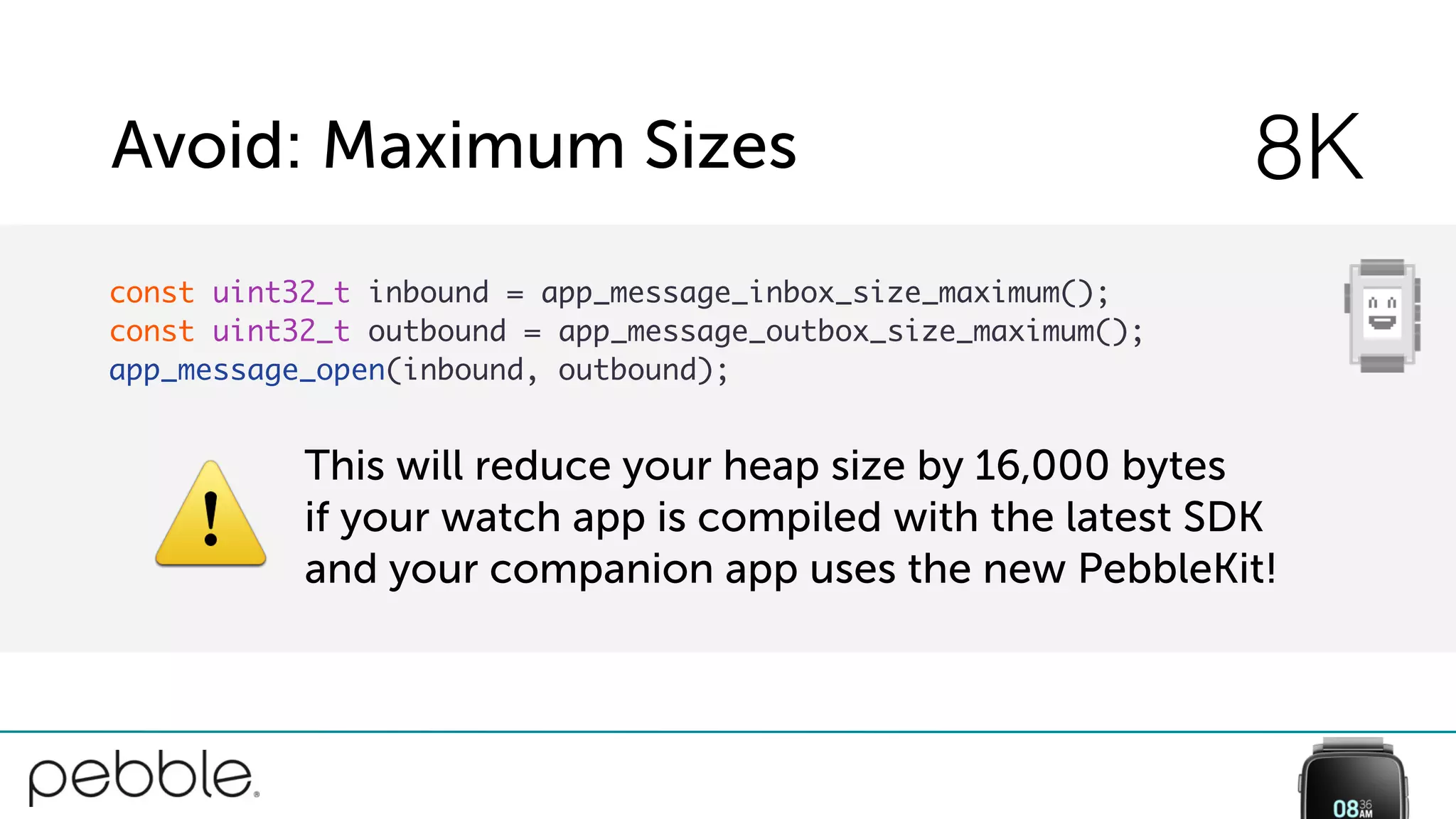
Avoid: Maximum Sizes 8K
const uint32_t inbound = app_message_inbox_size_maximum();
const uint32_t outbound = app_message_outbox_size_maximum();
app_message_open(inbound, outbound);
⚠
This will reduce your heap size by 16,000 bytes
if your watch app is compiled with the latest SDK
and your companion app uses the new PebbleKit!
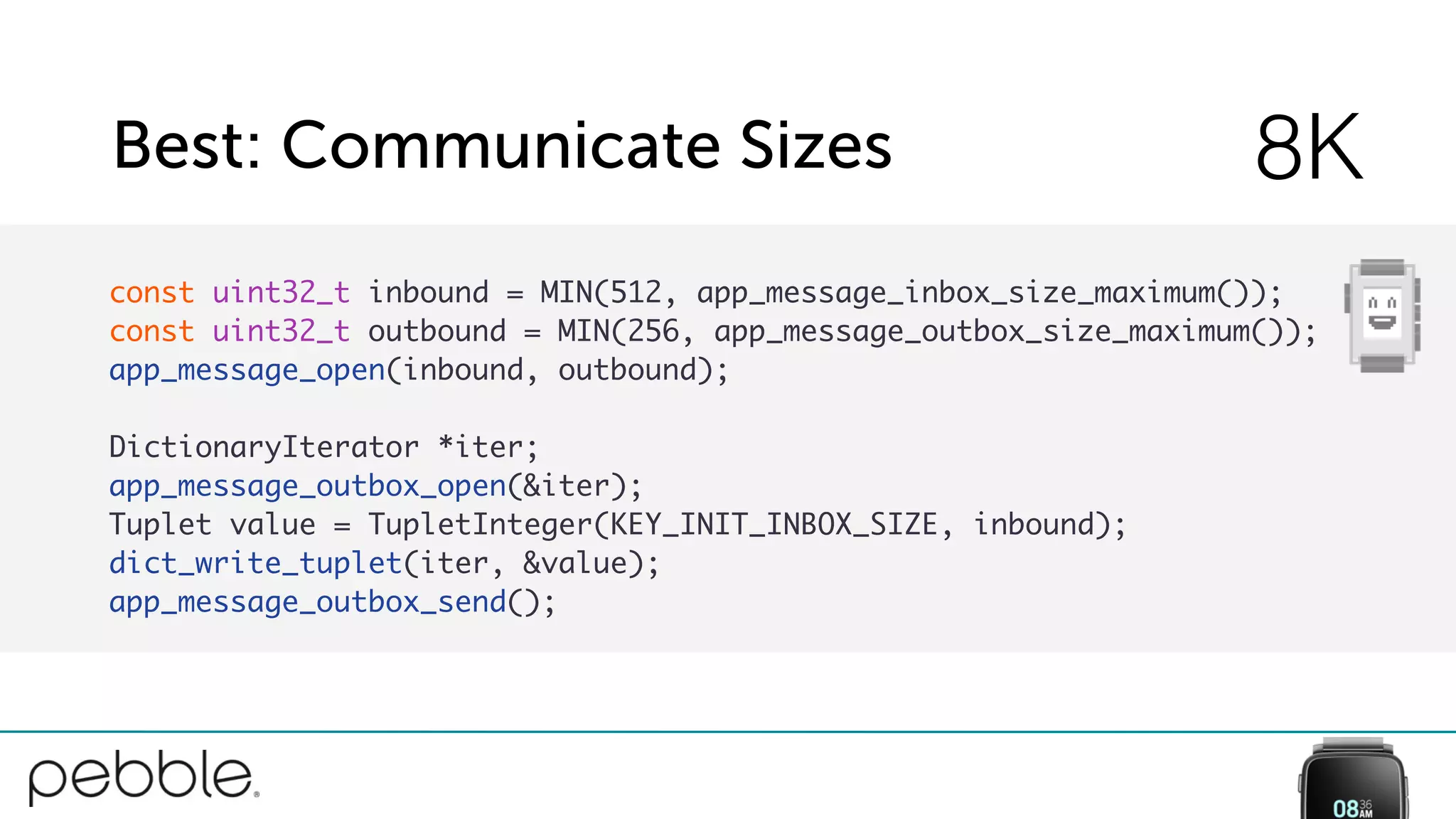
Best: Communicate Sizes 8K
const uint32_t inbound = MIN(512, app_message_inbox_size_maximum());
const uint32_t outbound = MIN(256, app_message_outbox_size_maximum());
app_message_open(inbound, outbound);
DictionaryIterator *iter;
app_message_outbox_open(&iter);
Tuplet value = TupletInteger(KEY_INIT_INBOX_SIZE, inbound);
dict_write_tuplet(iter, &value);
app_message_outbox_send();
What’s new?
8KApp Messages
with up to 8000 bytes
in both directions
Bluetooth LE Connectivity
Bluetooth Low Energyaka
Isolated App SessionCompatibility with
Pebble Time Round
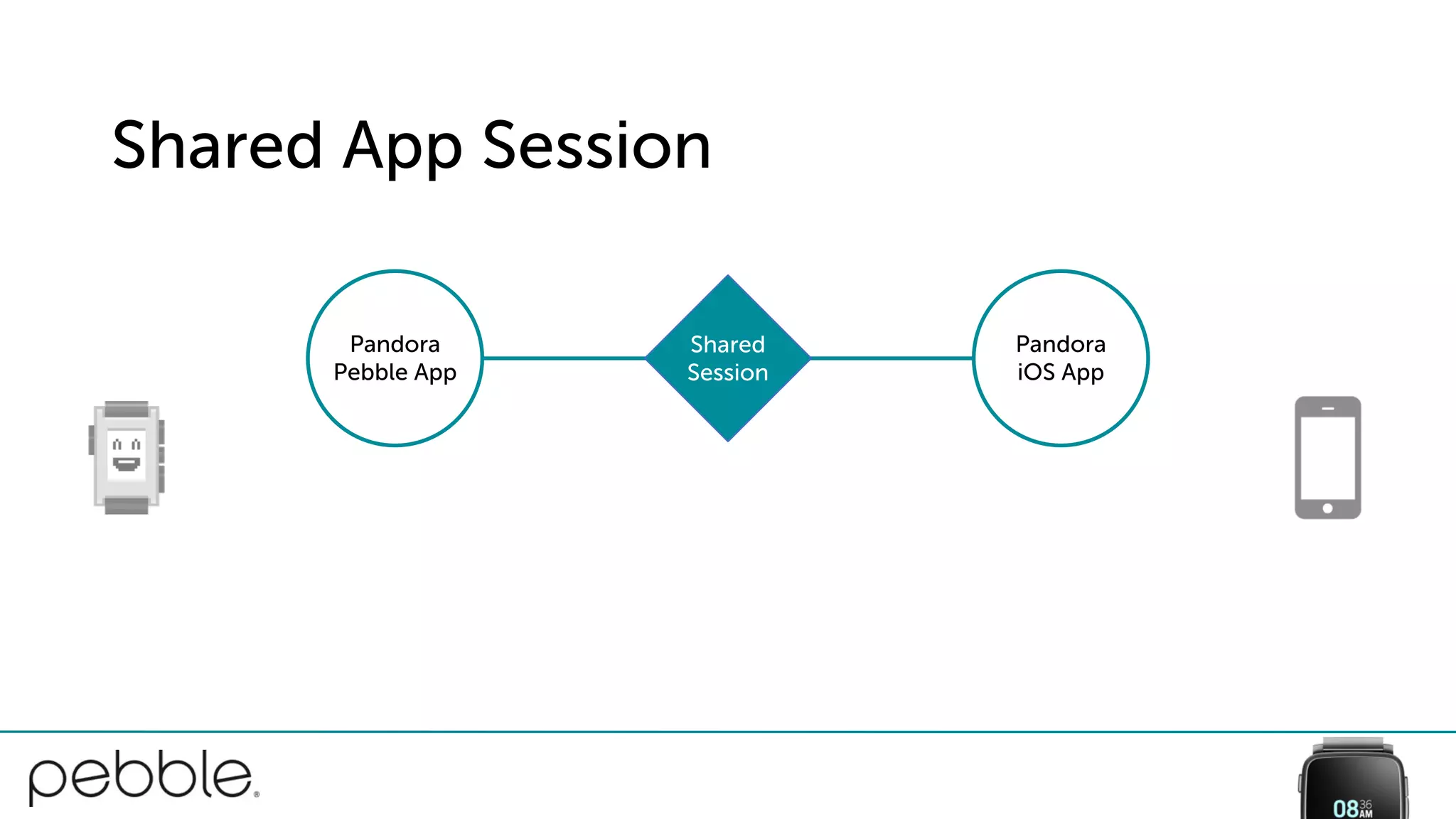
Shared App Session
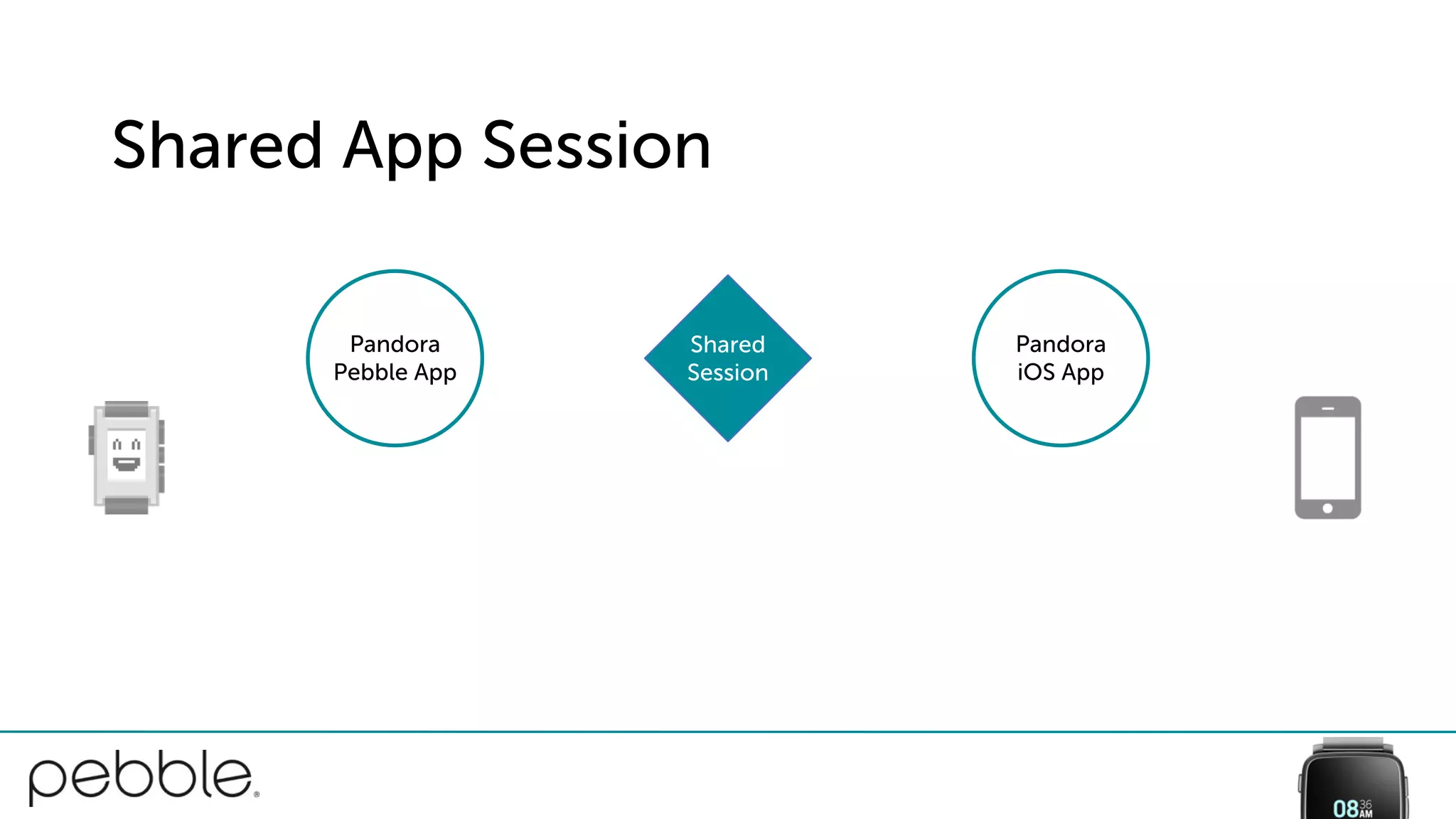
Shared App Session
Pandora
iOS App
Shared
Session
Pandora
Pebble App
Shared App Session
Pandora
iOS App
Shared
Session
Pandora
Pebble App
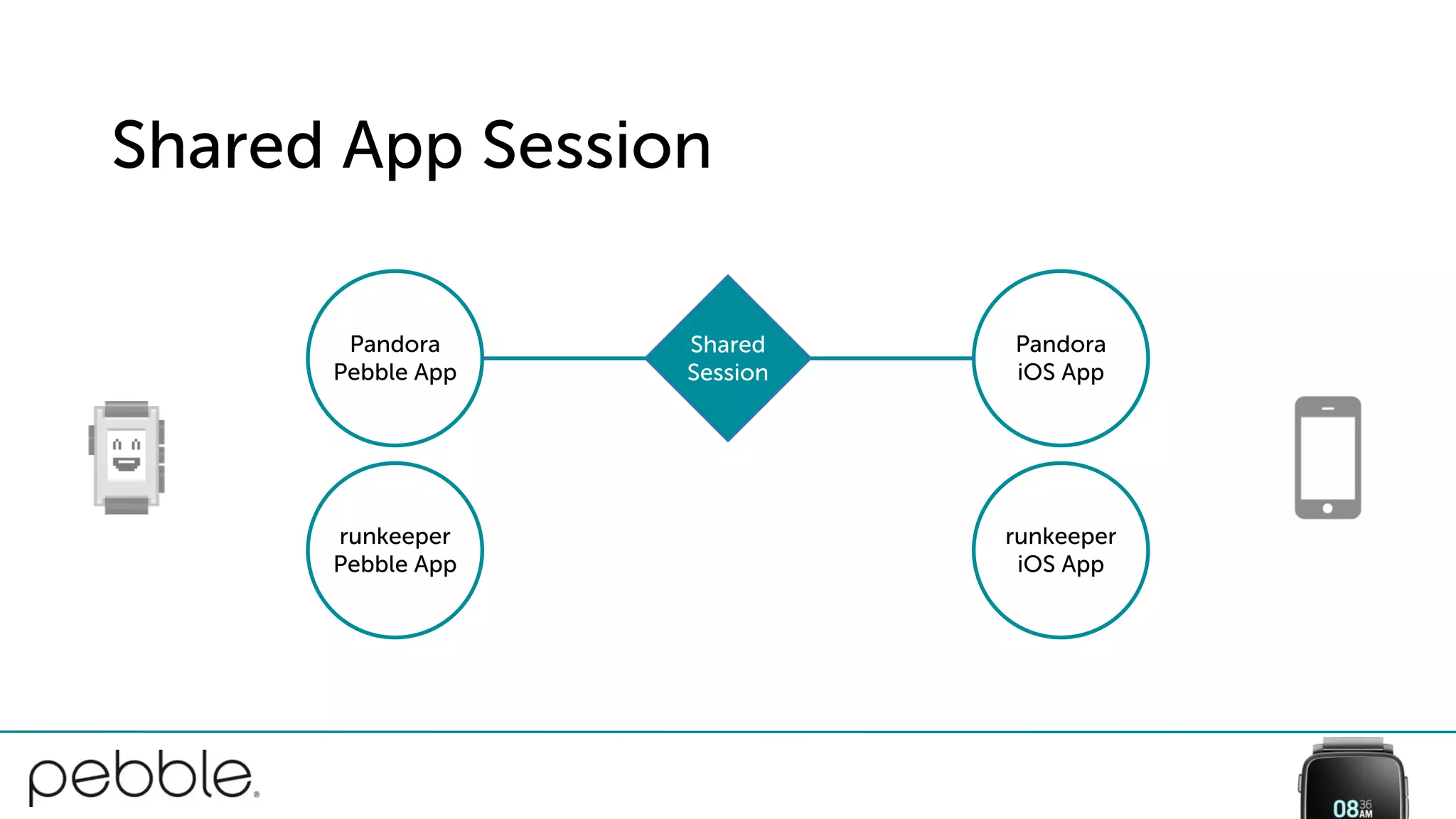
Shared App Session
Pandora
iOS App
runkeeper
iOS App
Shared
Session
Pandora
Pebble App
runkeeper
Pebble App
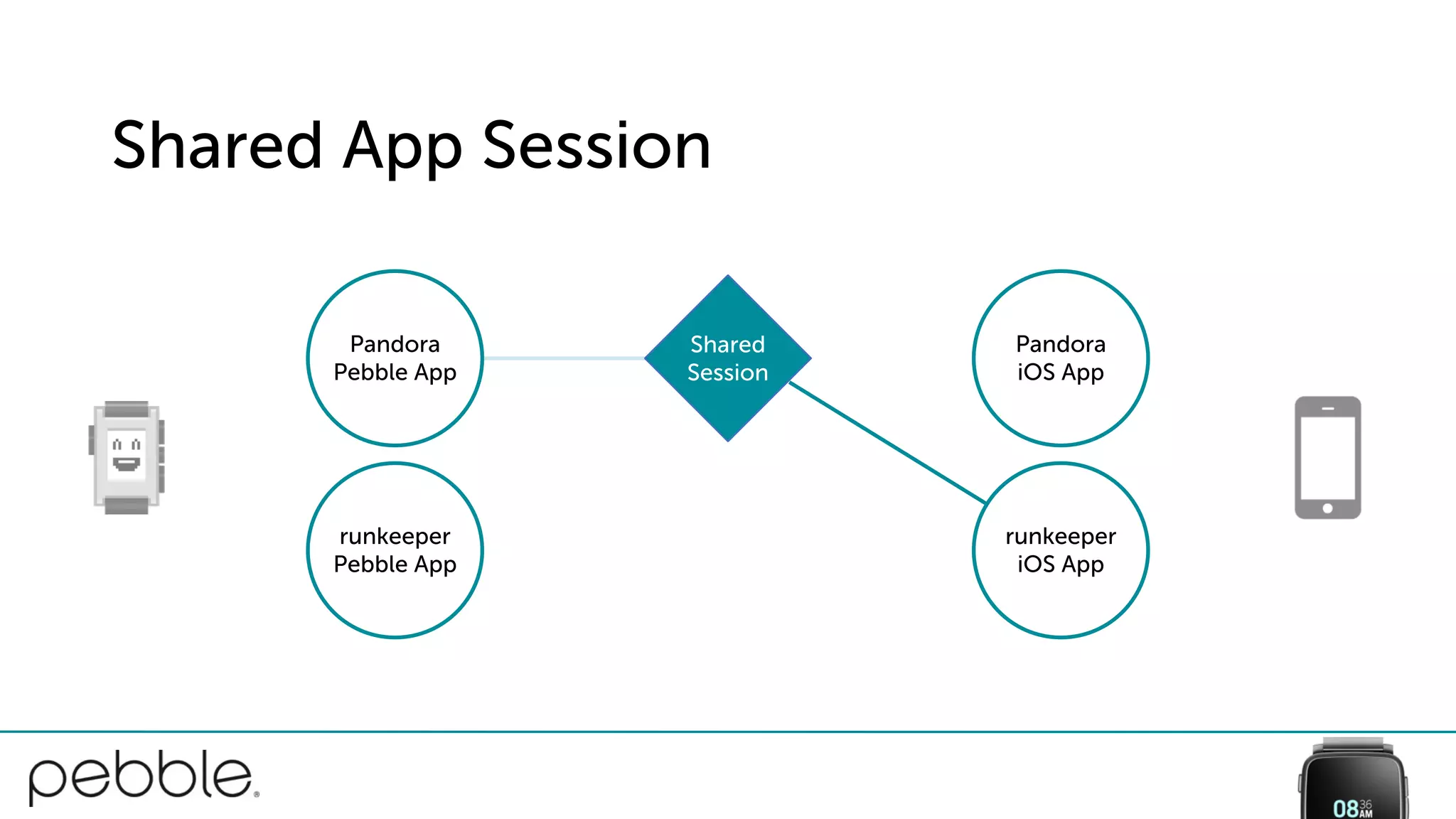
Shared App Session
Pandora
iOS App
runkeeper
iOS App
Shared
Session
Pandora
Pebble App
runkeeper
Pebble App
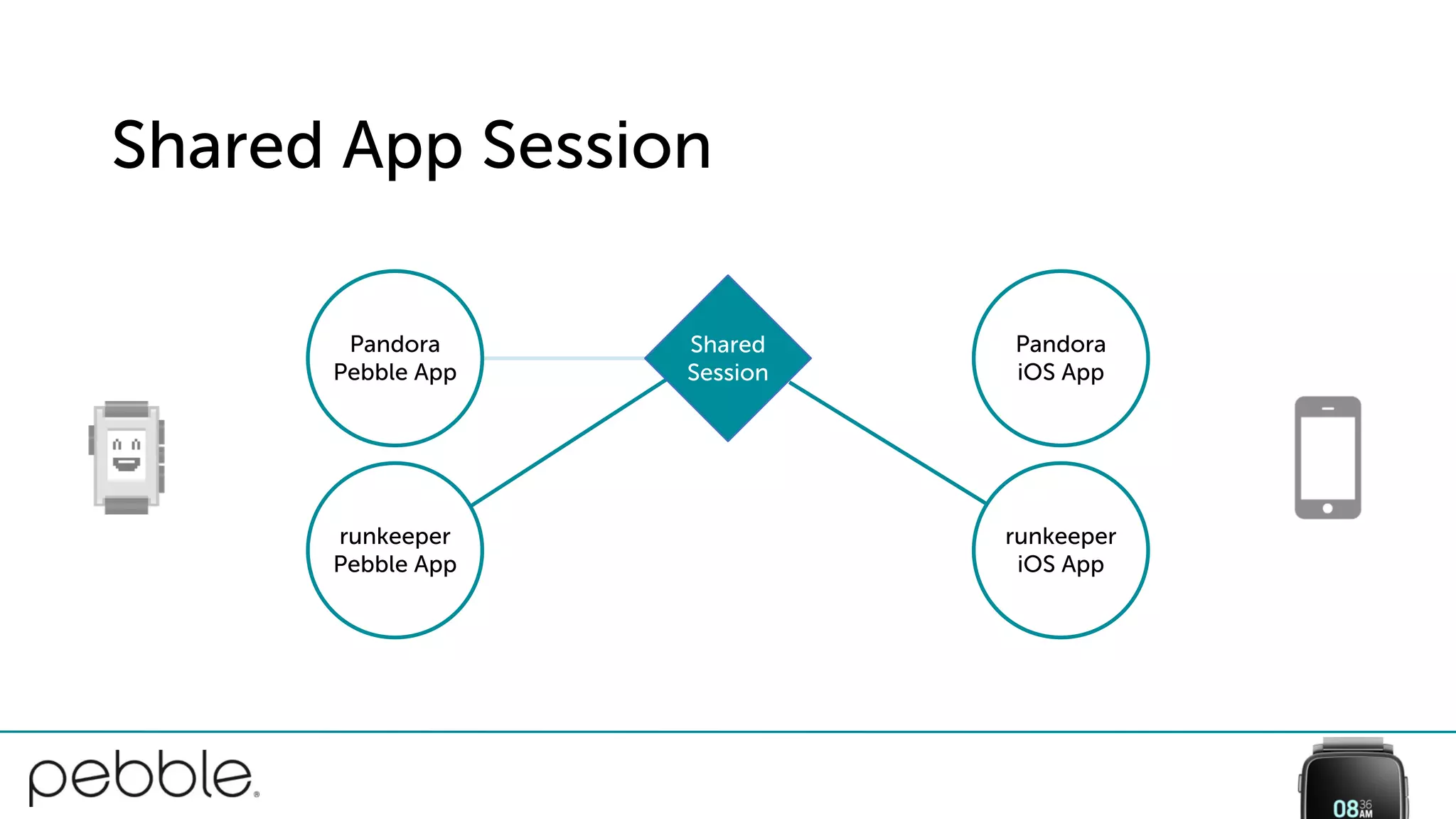
Shared App Session
Pandora
iOS App
runkeeper
iOS App
Shared
Session
Pandora
Pebble App
runkeeper
Pebble App
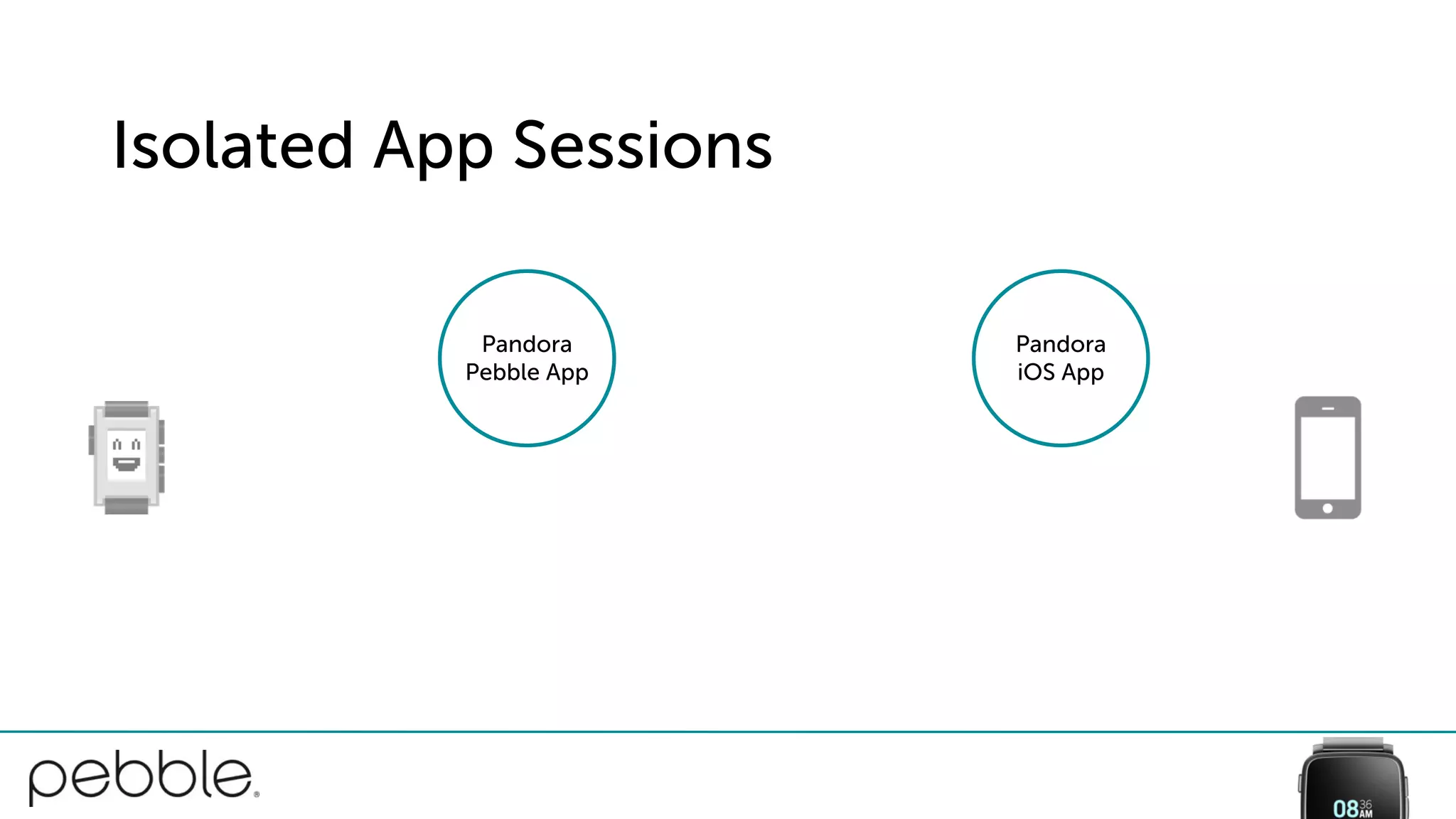
Isolated App Sessions
Pandora
iOS App
Pandora
Pebble App
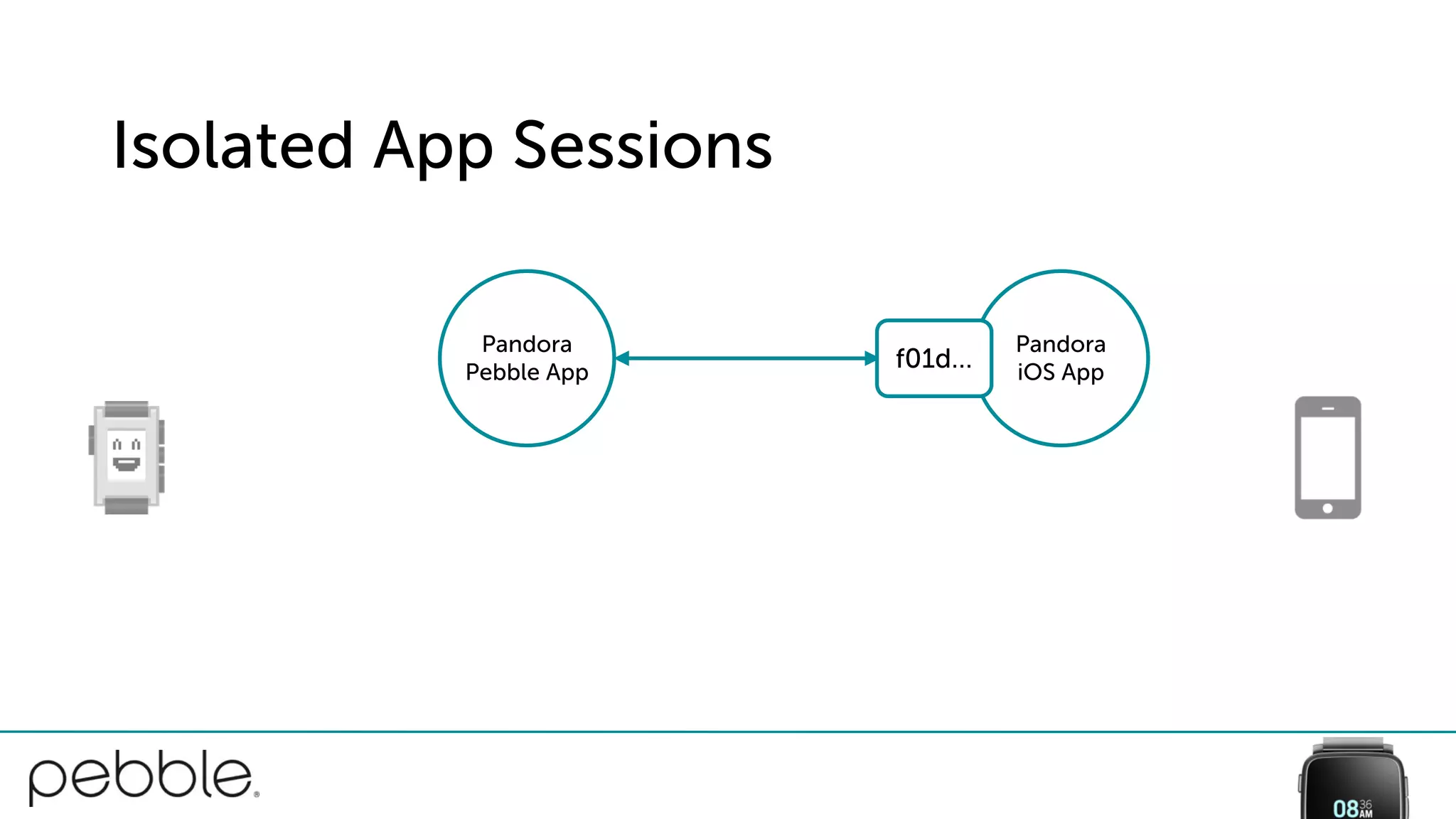
Isolated App Sessions
Pandora
iOS App
Pandora
Pebble App
f01d…
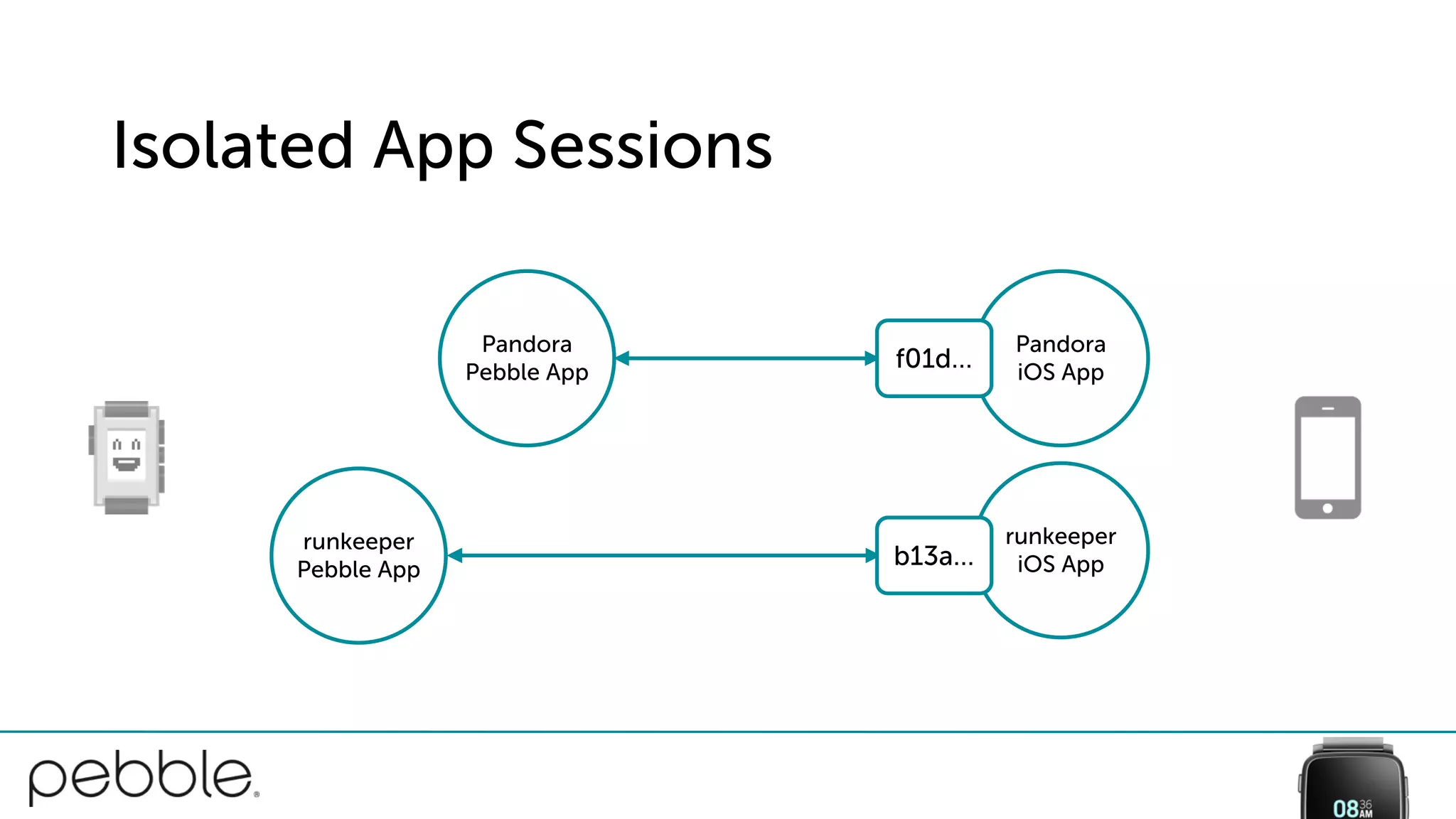
Isolated App Sessions
Pandora
iOS App
runkeeper
iOS App
Pandora
Pebble App
f01d…
runkeeper
Pebble App
b13a…
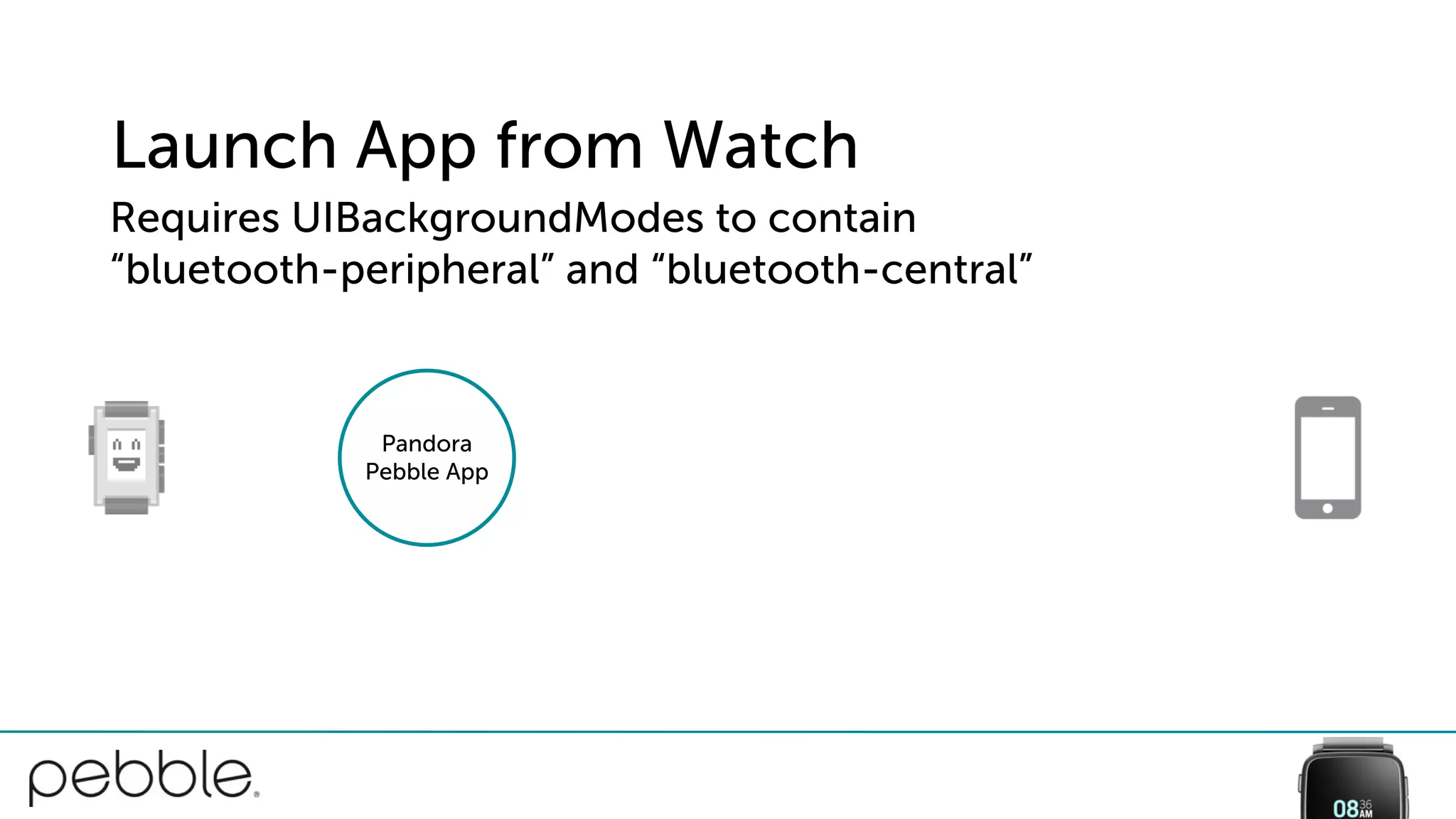
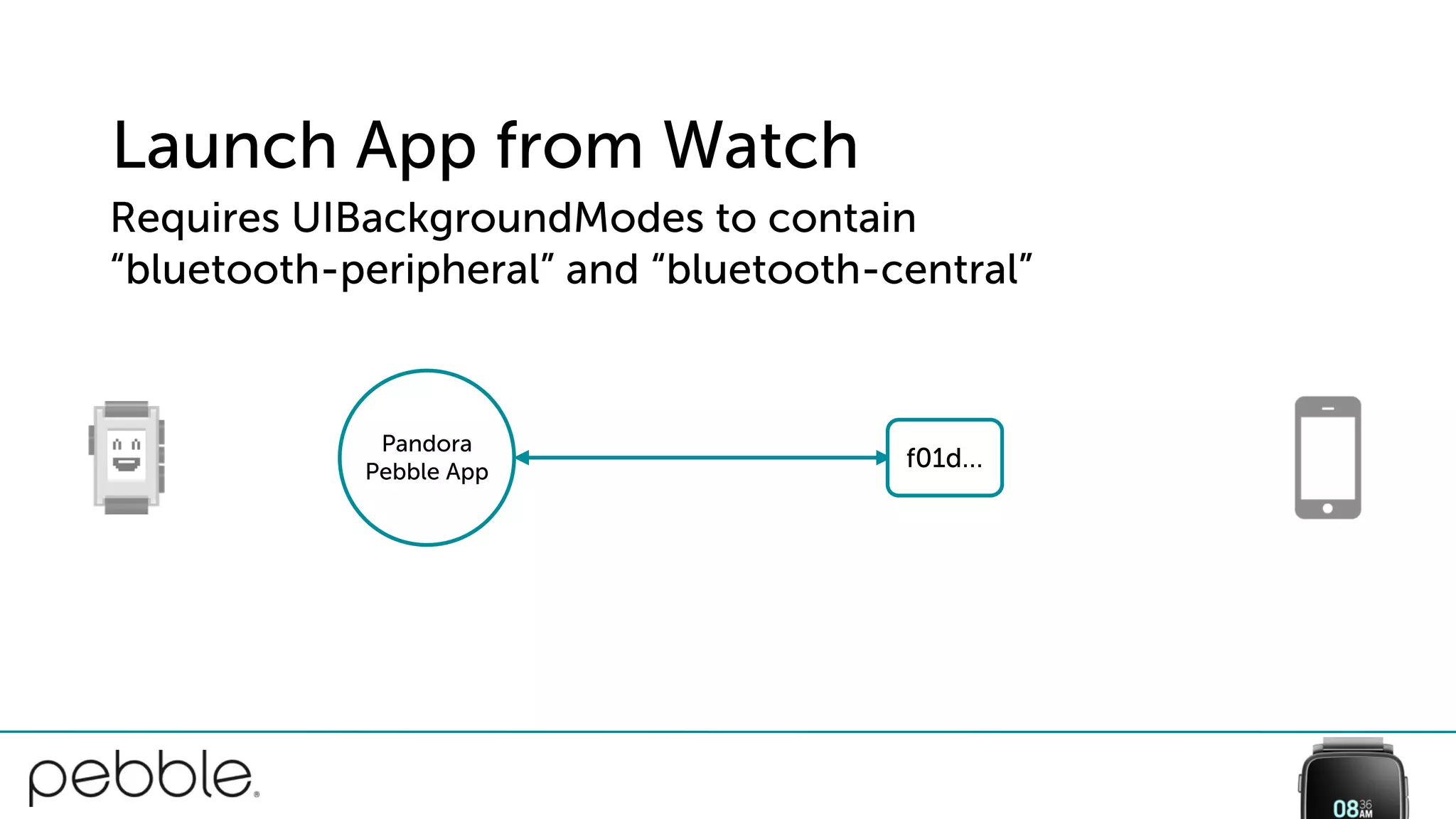
Launch App from Watch
Pandora
Pebble App
Requires UIBackgroundModes to contain
“bluetooth-peripheral” and “bluetooth-central”
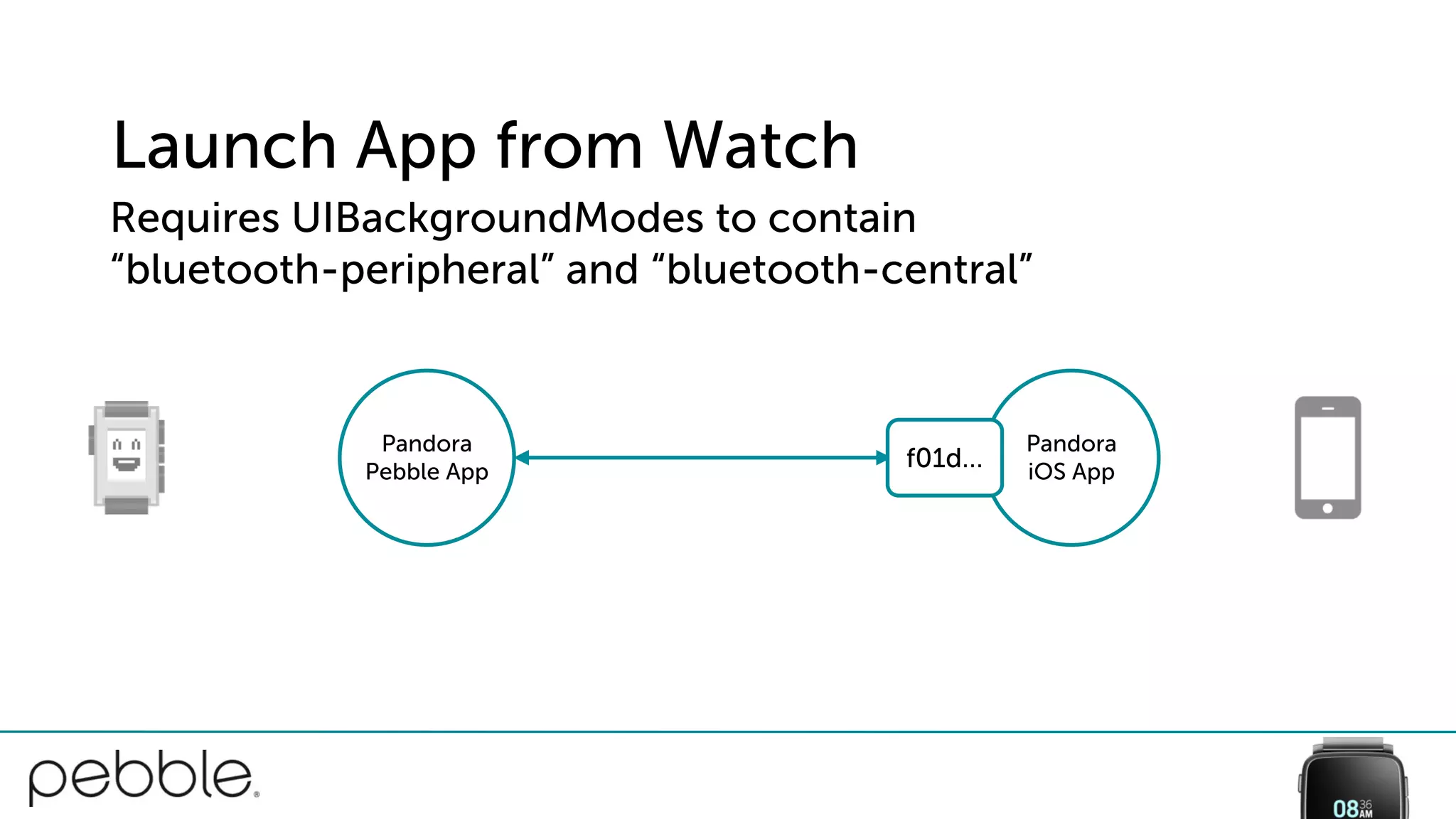
Launch App from Watch
Pandora
Pebble App
f01d…
Requires UIBackgroundModes to contain
“bluetooth-peripheral” and “bluetooth-central”
Launch App from Watch
Pandora
iOS App
Pandora
Pebble App
f01d…
Requires UIBackgroundModes to contain
“bluetooth-peripheral” and “bluetooth-central”
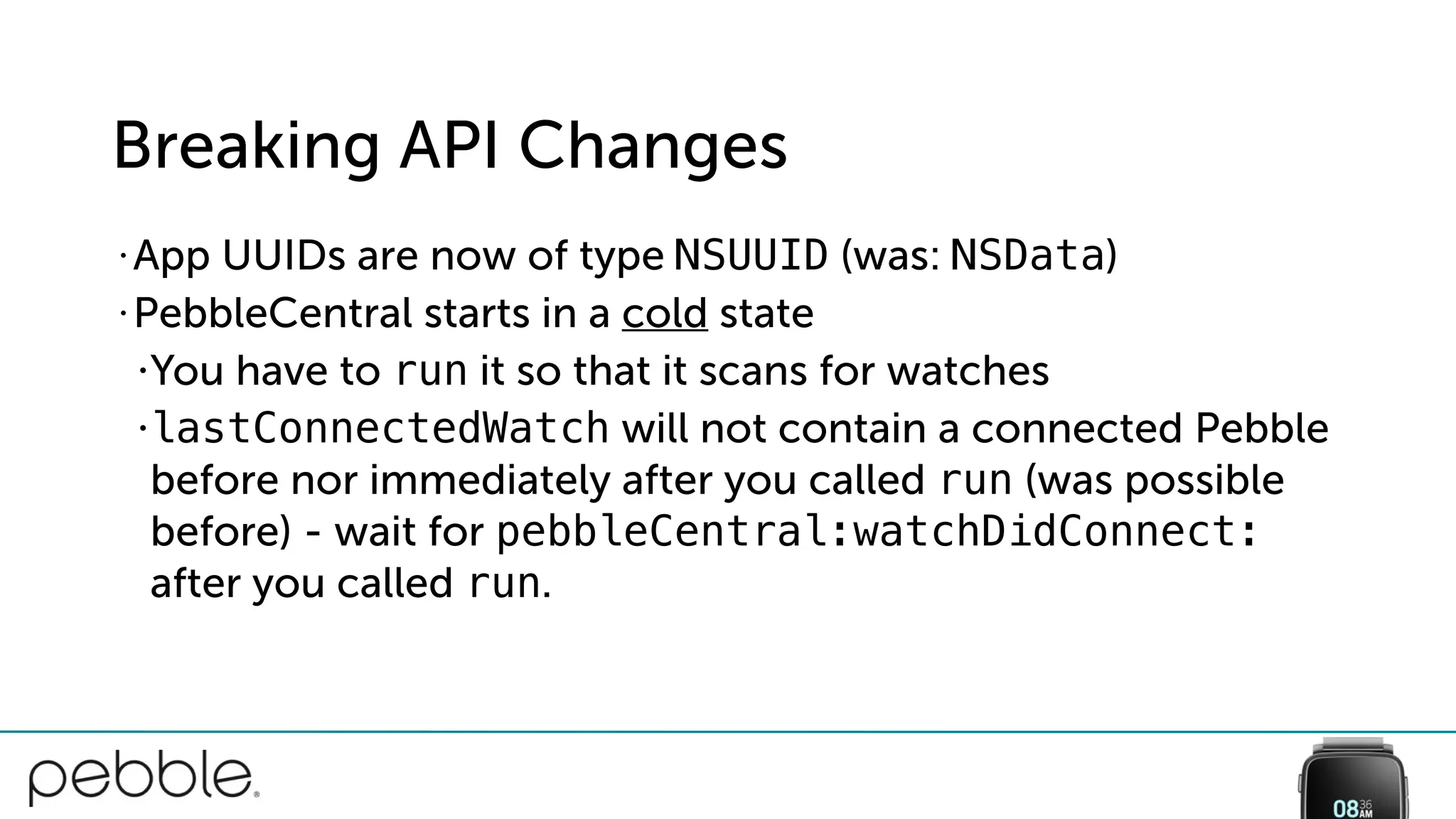
Breaking API Changes
• App UUIDs are now of type NSUUID (was: NSData)
• PebbleCentral starts in a cold state
•You have to run it so that it scans for watches
•lastConnectedWatch will not contain a connected Pebble
before nor immediately after you called run (was possible
before) - wait for pebbleCentral:watchDidConnect:
after you called run.
Breaking API Changes
central.delegate = self;
uuid_t appUUIDBytes;
NSUUID *appUUID = [[NSUUID alloc] initWithUUIDString:”f00d…”];
[appUUID getUUIDBytes:appUUIDBytes];
central.appUUID = appUUIDBytes;
Before
Breaking API Changes
After
central.delegate = self;
NSUUID *appUUID = [[NSUUID alloc] initWithUUIDString:”f00d…”];
central.appUUID = appUUID;
[central run];
Bad: Run, Configure, Manual Check
- (BOOL)application:(UIApplication *)application
didFinishLaunchingWithOptions:(NSDictionary *)launchOptions {
[[PBPebbleCentral defaultCentral] run];
[PBPebbleCentral defaultCentral].appUUID = [NSUUID …];
PBWatch *watch = [PBPebbleCentral defaultCentral].lastConnectedWatch;
if (watch.isConnected) { … }
return YES;
}
Good: Configure, Run, React
- (BOOL)application:(UIApplication *)application
willFinishLaunchingWithOptions:(NSDictionary *)launchOptions {
[PBPebbleCentral defaultCentral].delegate = self;
[PBPebbleCentral defaultCentral].appUUID = [NSUUID …];
[[PBPebbleCentral defaultCentral] run];
}
- (void)pebbleCentral:(PBPebbleCentral *)central
watchDidConnect:(PBWatch *)watch { … }
• Nullability Annotations
• Generics
Swift 2.0
• Xcode 7.0.1 started to claim that
it isn’t (when using CocoaPods
and building an Archive)
• If you run into any issues we
recommend that you disable it
with ENABLE_BITCODE=NO
Bitcode included
$
Still necessary to be
compatible with Pebble and
Pebble Steel
MFi

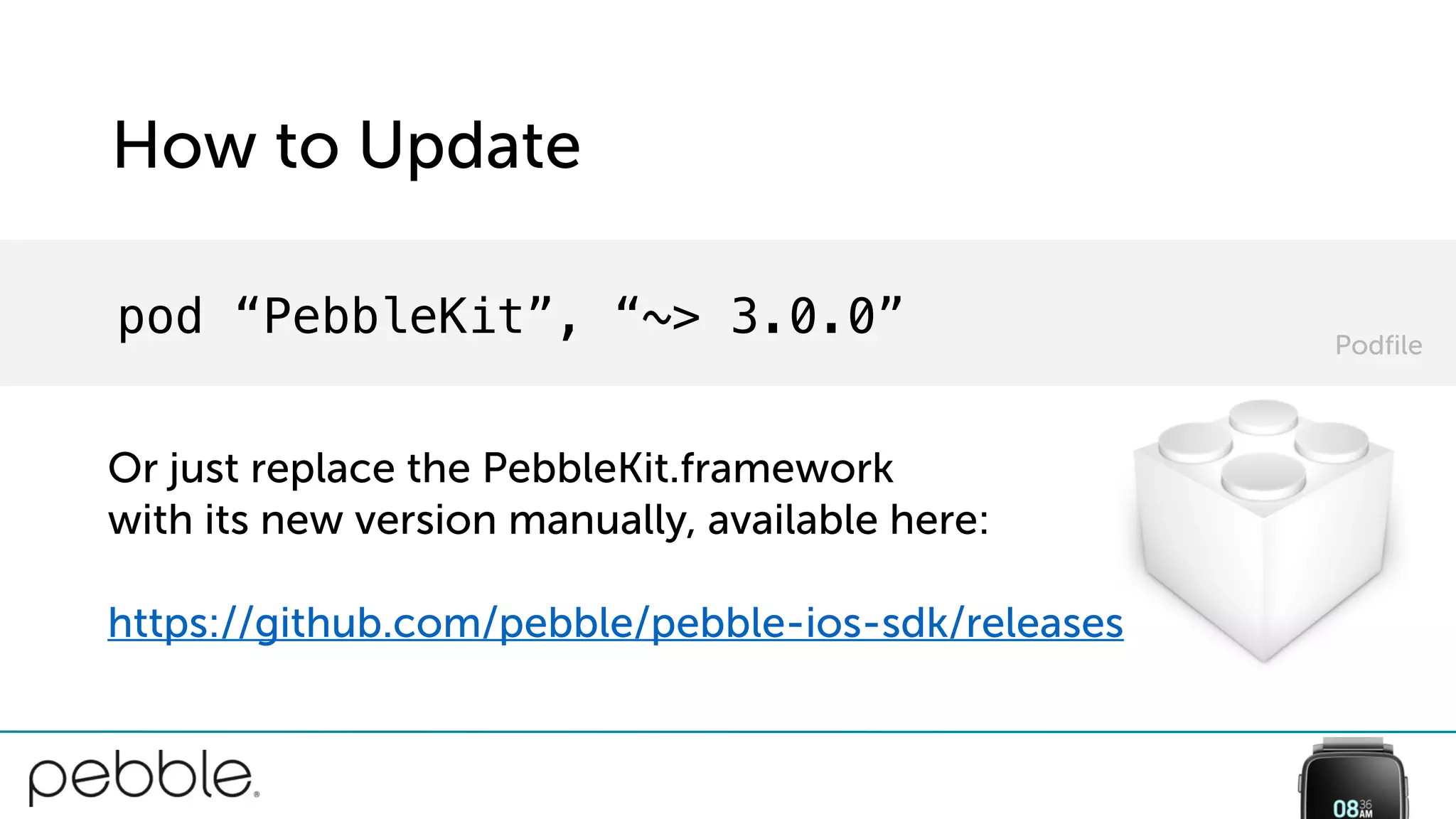
How to Update
pod “PebbleKit”, “~> 3.0.0”
Or just replace the PebbleKit.framework
with its new version manually, available here:
https://github.com/pebble/pebble-ios-sdk/releases
Podfile
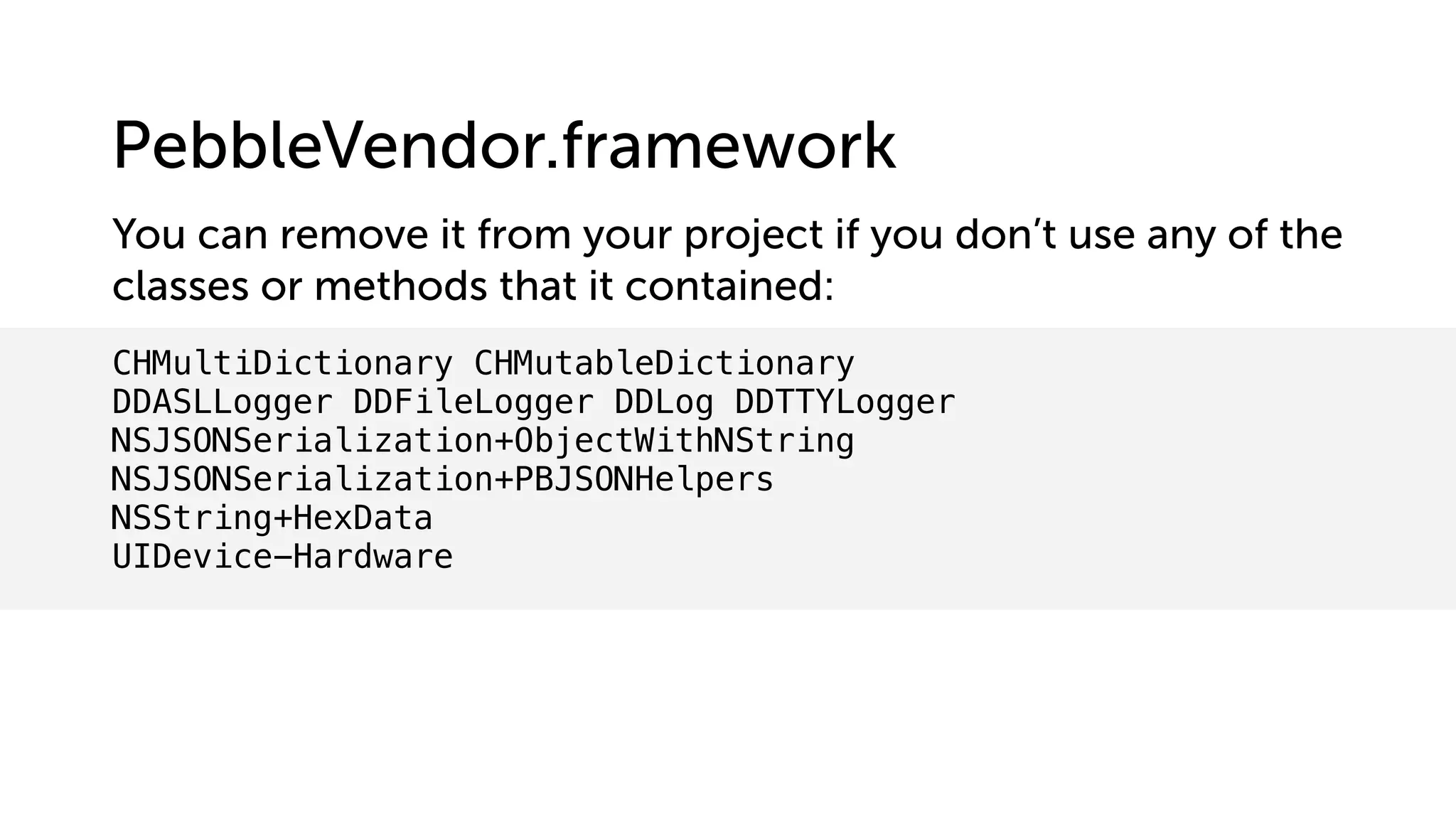
CHMultiDictionary CHMutableDictionary
DDASLLogger DDFileLogger DDLog DDTTYLogger
NSJSONSerialization+ObjectWithNString
NSJSONSerialization+PBJSONHelpers
NSString+HexData
UIDevice-Hardware
You can remove it from your project if you don’t use any of the
classes or methods that it contained:
PebbleVendor.framework
Recap
• Why?
•8K App Messages, Better Background Experience
•Support Pebble Time Round and be ready when other
Pebble models switch to Bluetooth Low Energy
• How?
•Get the new PebbleKit.framework
•Set appUUID, then [central run]
Questions?
Licenses & Attribution
• Isolation Icon by Griffin Mullins
%

#PDR15 - PebbleKit iOS 3.0

  • 1.
    2015 Pebble DeveloperRetreat PebbleKit iOS 3.0 Marcel Jackwerth, iOS Engineer
  • 2.
    Outline • Recap: Whatis PebbleKit? • What is new? • 8K App Messages • Support for Pebble Time Round • Isolated Sessions via Bluetooth Low Energy • Swift 2.0, Bitcode • What are the breaking API changes? • How do I upgrade?
  • 3.
    What is PebbleKit? Andwhen should I use it?
  • 5.
    What’s new? 8KApp Messages withup to 8000 bytes in both directions Bluetooth LE Connectivity
  • 6.
    App Messages • Lessdata splitting needed → easier to work with • Less waiting on ACKs → reduced overhead, up to 5x faster • Optimal size depends on your use-case 8K
  • 7.
    Good: Check Capabilities8K [watch getVersionInfo:^(PBWatch *watch, PBVersionInfo *info) { BOOL supports8k = (info.remoteProtocolCapabilitiesFlags & PBRemoteProtocolCapabilitiesFlagsAppMessage8kSupported) != 0; if (supports8k) { // … } } onTimeout:nil];
  • 8.
    Avoid: Maximum Sizes8K const uint32_t inbound = app_message_inbox_size_maximum(); const uint32_t outbound = app_message_outbox_size_maximum(); app_message_open(inbound, outbound); ⚠ This will reduce your heap size by 16,000 bytes if your watch app is compiled with the latest SDK and your companion app uses the new PebbleKit!
  • 9.
    Best: Communicate Sizes8K const uint32_t inbound = MIN(512, app_message_inbox_size_maximum()); const uint32_t outbound = MIN(256, app_message_outbox_size_maximum()); app_message_open(inbound, outbound); DictionaryIterator *iter; app_message_outbox_open(&iter); Tuplet value = TupletInteger(KEY_INIT_INBOX_SIZE, inbound); dict_write_tuplet(iter, &value); app_message_outbox_send();
  • 10.
    What’s new? 8KApp Messages withup to 8000 bytes in both directions Bluetooth LE Connectivity
  • 11.
    Bluetooth Low Energyaka IsolatedApp SessionCompatibility with Pebble Time Round
  • 12.
  • 13.
    Shared App Session Pandora iOSApp Shared Session Pandora Pebble App
  • 14.
    Shared App Session Pandora iOSApp Shared Session Pandora Pebble App
  • 15.
    Shared App Session Pandora iOSApp runkeeper iOS App Shared Session Pandora Pebble App runkeeper Pebble App
  • 16.
    Shared App Session Pandora iOSApp runkeeper iOS App Shared Session Pandora Pebble App runkeeper Pebble App
  • 17.
    Shared App Session Pandora iOSApp runkeeper iOS App Shared Session Pandora Pebble App runkeeper Pebble App
  • 18.
    Isolated App Sessions Pandora iOSApp Pandora Pebble App
  • 19.
    Isolated App Sessions Pandora iOSApp Pandora Pebble App f01d…
  • 20.
    Isolated App Sessions Pandora iOSApp runkeeper iOS App Pandora Pebble App f01d… runkeeper Pebble App b13a…
  • 21.
    Launch App fromWatch Pandora Pebble App Requires UIBackgroundModes to contain “bluetooth-peripheral” and “bluetooth-central”
  • 22.
    Launch App fromWatch Pandora Pebble App f01d… Requires UIBackgroundModes to contain “bluetooth-peripheral” and “bluetooth-central”
  • 23.
    Launch App fromWatch Pandora iOS App Pandora Pebble App f01d… Requires UIBackgroundModes to contain “bluetooth-peripheral” and “bluetooth-central”
  • 24.
    Breaking API Changes •App UUIDs are now of type NSUUID (was: NSData) • PebbleCentral starts in a cold state •You have to run it so that it scans for watches •lastConnectedWatch will not contain a connected Pebble before nor immediately after you called run (was possible before) - wait for pebbleCentral:watchDidConnect: after you called run.
  • 25.
    Breaking API Changes central.delegate= self; uuid_t appUUIDBytes; NSUUID *appUUID = [[NSUUID alloc] initWithUUIDString:”f00d…”]; [appUUID getUUIDBytes:appUUIDBytes]; central.appUUID = appUUIDBytes; Before
  • 26.
    Breaking API Changes After central.delegate= self; NSUUID *appUUID = [[NSUUID alloc] initWithUUIDString:”f00d…”]; central.appUUID = appUUID; [central run];
  • 27.
    Bad: Run, Configure,Manual Check - (BOOL)application:(UIApplication *)application didFinishLaunchingWithOptions:(NSDictionary *)launchOptions { [[PBPebbleCentral defaultCentral] run]; [PBPebbleCentral defaultCentral].appUUID = [NSUUID …]; PBWatch *watch = [PBPebbleCentral defaultCentral].lastConnectedWatch; if (watch.isConnected) { … } return YES; }
  • 28.
    Good: Configure, Run,React - (BOOL)application:(UIApplication *)application willFinishLaunchingWithOptions:(NSDictionary *)launchOptions { [PBPebbleCentral defaultCentral].delegate = self; [PBPebbleCentral defaultCentral].appUUID = [NSUUID …]; [[PBPebbleCentral defaultCentral] run]; } - (void)pebbleCentral:(PBPebbleCentral *)central watchDidConnect:(PBWatch *)watch { … }
  • 29.
  • 30.
    • Xcode 7.0.1started to claim that it isn’t (when using CocoaPods and building an Archive) • If you run into any issues we recommend that you disable it with ENABLE_BITCODE=NO Bitcode included $
  • 31.
    Still necessary tobe compatible with Pebble and Pebble Steel MFi 
  • 32.
    How to Update pod“PebbleKit”, “~> 3.0.0” Or just replace the PebbleKit.framework with its new version manually, available here: https://github.com/pebble/pebble-ios-sdk/releases Podfile
  • 33.
    CHMultiDictionary CHMutableDictionary DDASLLogger DDFileLoggerDDLog DDTTYLogger NSJSONSerialization+ObjectWithNString NSJSONSerialization+PBJSONHelpers NSString+HexData UIDevice-Hardware You can remove it from your project if you don’t use any of the classes or methods that it contained: PebbleVendor.framework
  • 34.
    Recap • Why? •8K AppMessages, Better Background Experience •Support Pebble Time Round and be ready when other Pebble models switch to Bluetooth Low Energy • How? •Get the new PebbleKit.framework •Set appUUID, then [central run]
  • 35.
  • 36.
    Licenses & Attribution •Isolation Icon by Griffin Mullins %