PASSPORT STATUS TRACKING
SYSTEM S u bmit ted B y
S . S U V I T H A
R . K . V I D H YA
S . N I S H A
N . P. VA R S H A
This Photo by Unknown Author is licensed under CC BY
INTRODUTIO
N
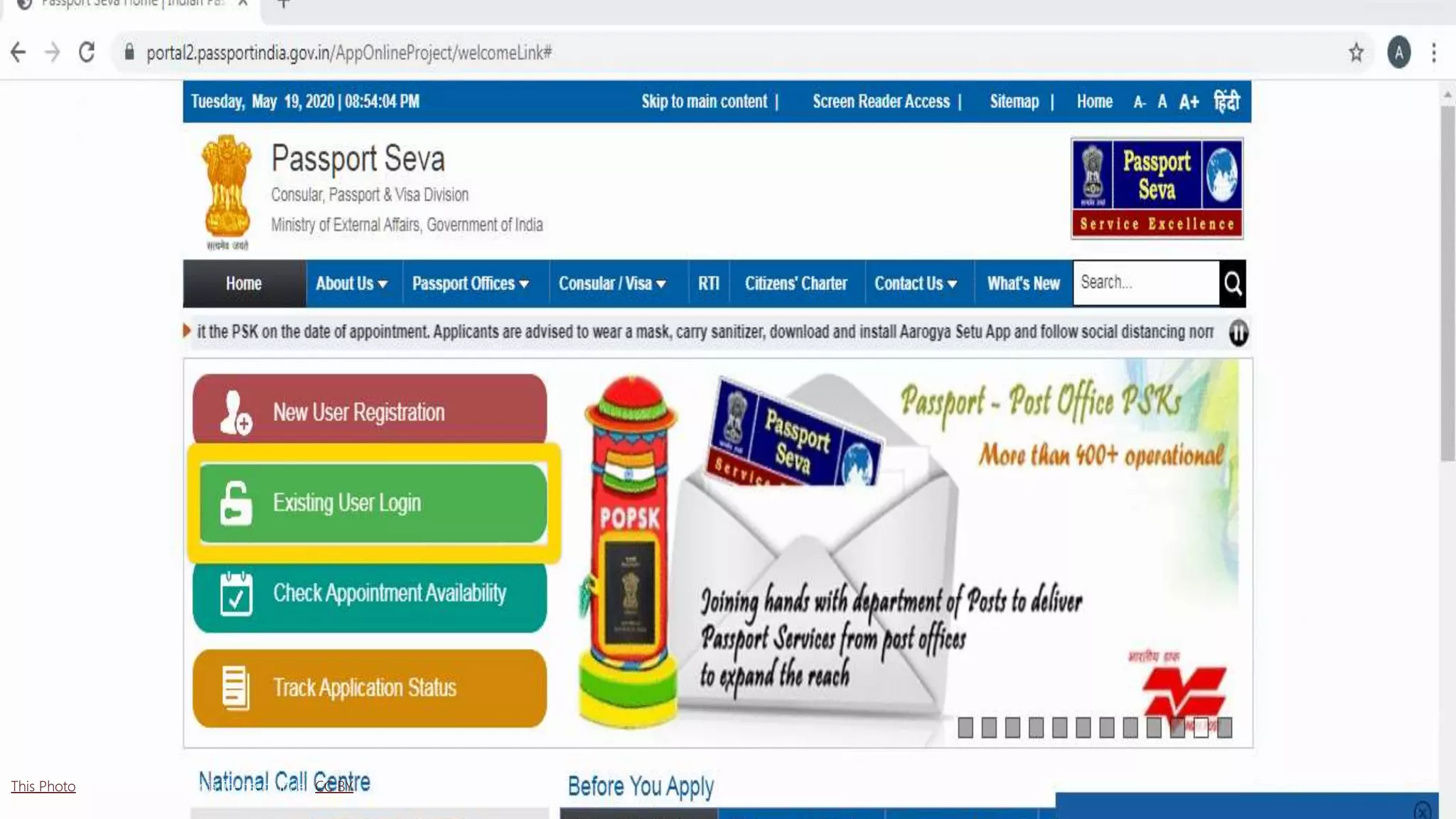
Ever since the entire passport application process is done online, it has become
incredibly easy for applicants to track their application status. Applicants can get real time
status updates on their passport application. They can even get SMS updates on the
status.
It is important to be updated with the application status so that you can take timely
action if needed. One can easily check their application status on the ‘Passport Seva’
portal.
There are different kinds of status tracking available on the Passport Seva portal:
1. Passport Applications
2. Police Clearance Certificate (PCC)
3. RTI Application
4. Diplomatic or Official Passport Application
5. Surrender Certificate Click Here https://oke.io/Vef4
 This project provides a clear Passport status
tracking for the end users.
 It provides a single user interface for both
the administrators and also the passport
officer.
 Project covers the end to end
communication of applying passport to
Status tracking.
 It involves the case officer can represent the
user to apply for passport and also the end
user can access it and track the status of
the application.
 This application is used only by the passport
officer.
ABSTRACT
This Photo by Unknown Author is licensed under CC BY-SA-NC
EXISTING SYSTEM
• Passport can be provided by the
admin department.
• Admin Department updated the status.
• Finally User check the updated status.
PROPOSED SYSTEM
• A single user can interact both the end user and the passport officer.
• This simplify the process of multiple application to a single purpose.
• The updated system is made in one single point.
This Photo by Unknown Author is licensed under CC BY
Click to add title here
This Photo by Unknown Author is licensed under CC BY
 Constraints of type (>=) : for each constraint ݅ i of this type, we
add surplus variable ݅ ei, such that ݅ ei is nonnegative.
 Set n-m variables equal to zero. These variables are called non-
basic variables (N.B.V).
 Solve the system for the m remaining variables. These variables
are called basic variables (B.V.)
 The vector of variables obtained is called the basic solution (it
contains both basic and non-basic variables)
SIMPLEX ALGORITHM
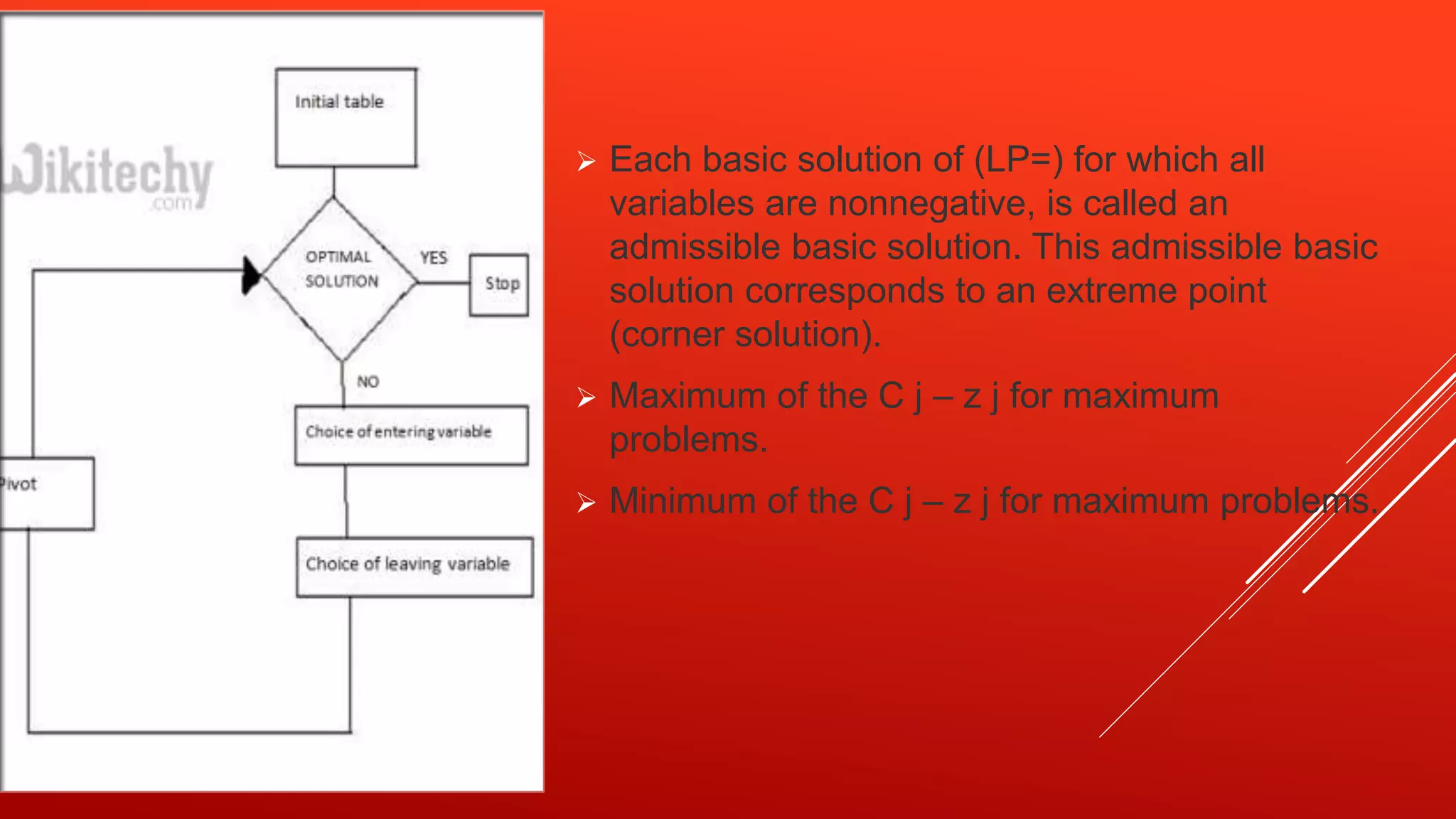
 Each basic solution of (LP=) for which all
variables are nonnegative, is called an
admissible basic solution. This admissible basic
solution corresponds to an extreme point
(corner solution).
 Maximum of the C j – z j for maximum
problems.
 Minimum of the C j – z j for maximum problems.
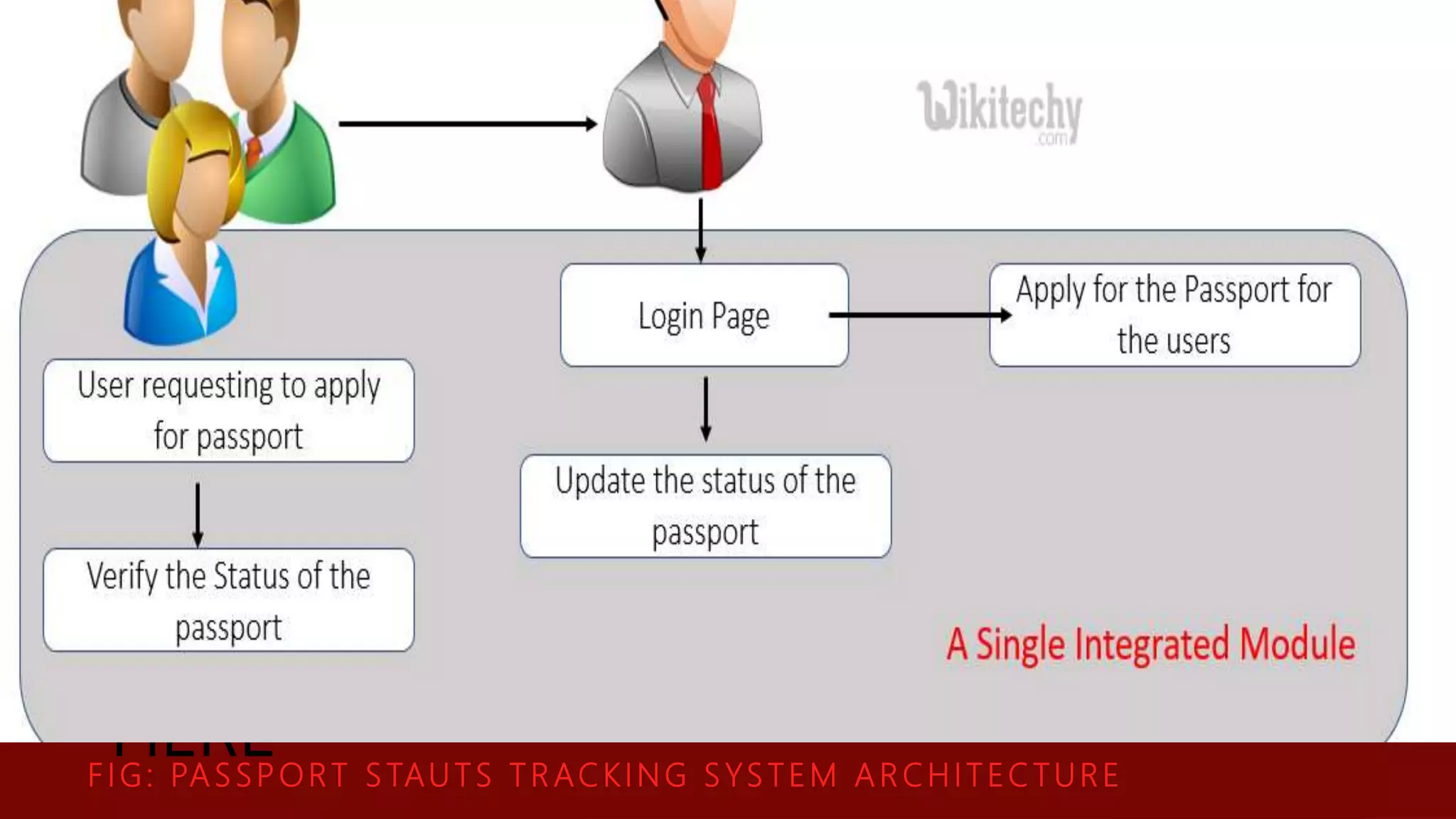
ARCHITECTURE DIAGRAM
 For system developers, they need system architecture
diagrams to understand, clarify, and communicate ideas about
the system structure and the user requirements that the
system must support.
 It's a basic framework can be used at the system planning
phase helping partners understand the architecture, discuss
changes, and communicate intentions clearly.
CLICK TO ADD TEAM SLIDE TITLE
HERE
F I G: PA S S PORT S TAUTS T R ACKING S YS TEM A R CHITECTURE
 ADD NAME
 Lorem ipsum dolor sit amet,
consectetur adipiscing elit.
 ADD NAME
 ADD NAME  ADD NAME
SYSTEM STUDY
Technical Feasibility:
 This study is carried out to check the technical feasibility, that
is, the technical requirements of the system.
 Any system developed must not have a high demand on the
available technical resources.
 This will lead to high demands on the available technical
resources.
 This will lead to high demands being placed on the client.
 The developed system must have a modest requirement, as
only minimal or null changes are required for implementing
this system.
Social Feasibility
 The aspect of study is to check the level of acceptance of the system
by the user.
 This includes the process of training the user to use the system
efficiently.
 The user must not feel threatened by the system, instead must
it as a necessity.
 The level of acceptance by the users solely depends on the methods
that are employed to educate the user about the system and to make
him familiar with it. His level of confidence must be raised so that he is
also able to make some constructive criticism, which is welcomed, as
is the final user of the system.
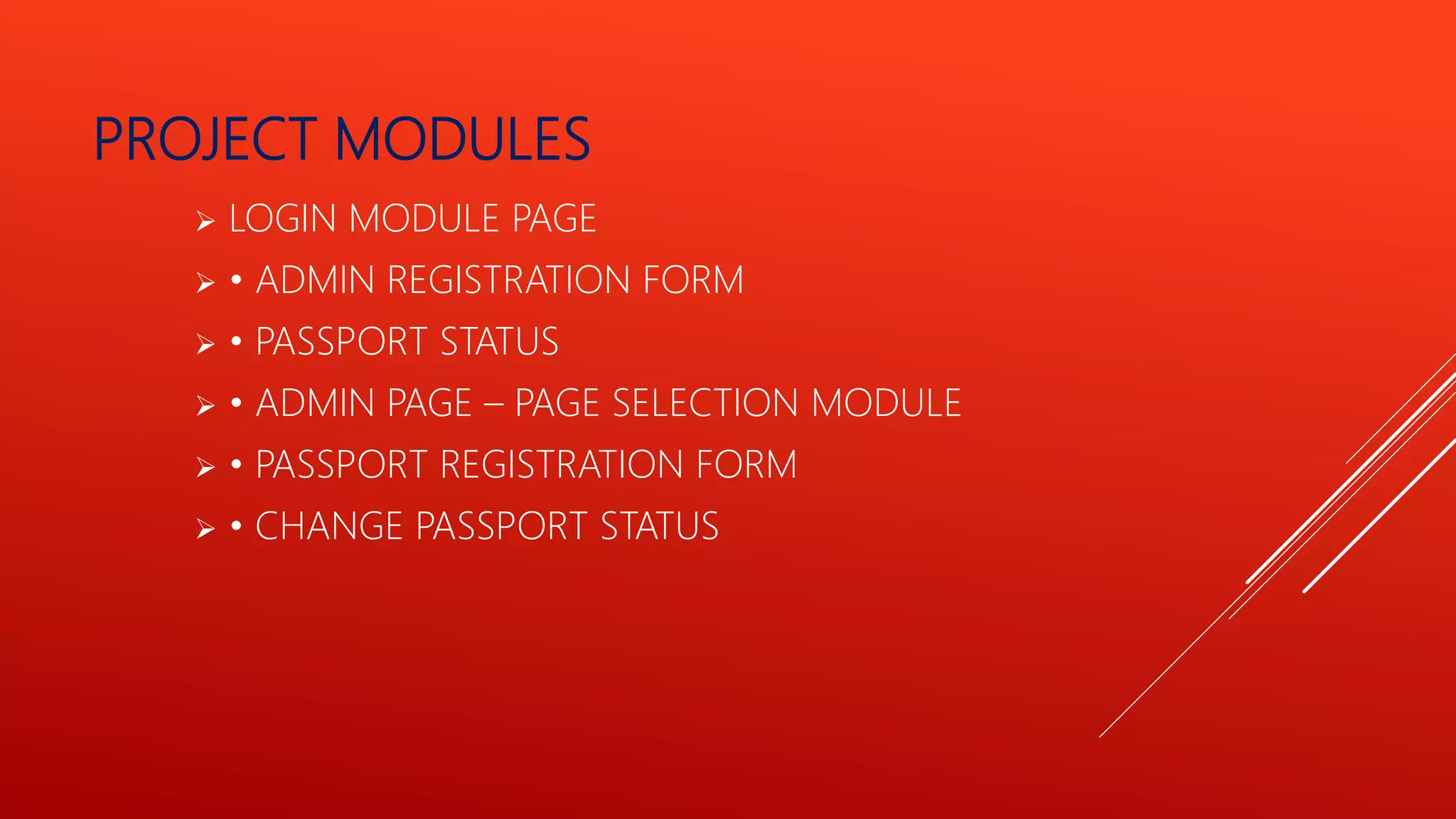
PROJECT MODULES
 LOGIN MODULE PAGE
 • ADMIN REGISTRATION FORM
 • PASSPORT STATUS
 • ADMIN PAGE – PAGE SELECTION MODULE
 • PASSPORT REGISTRATION FORM
 • CHANGE PASSPORT STATUS
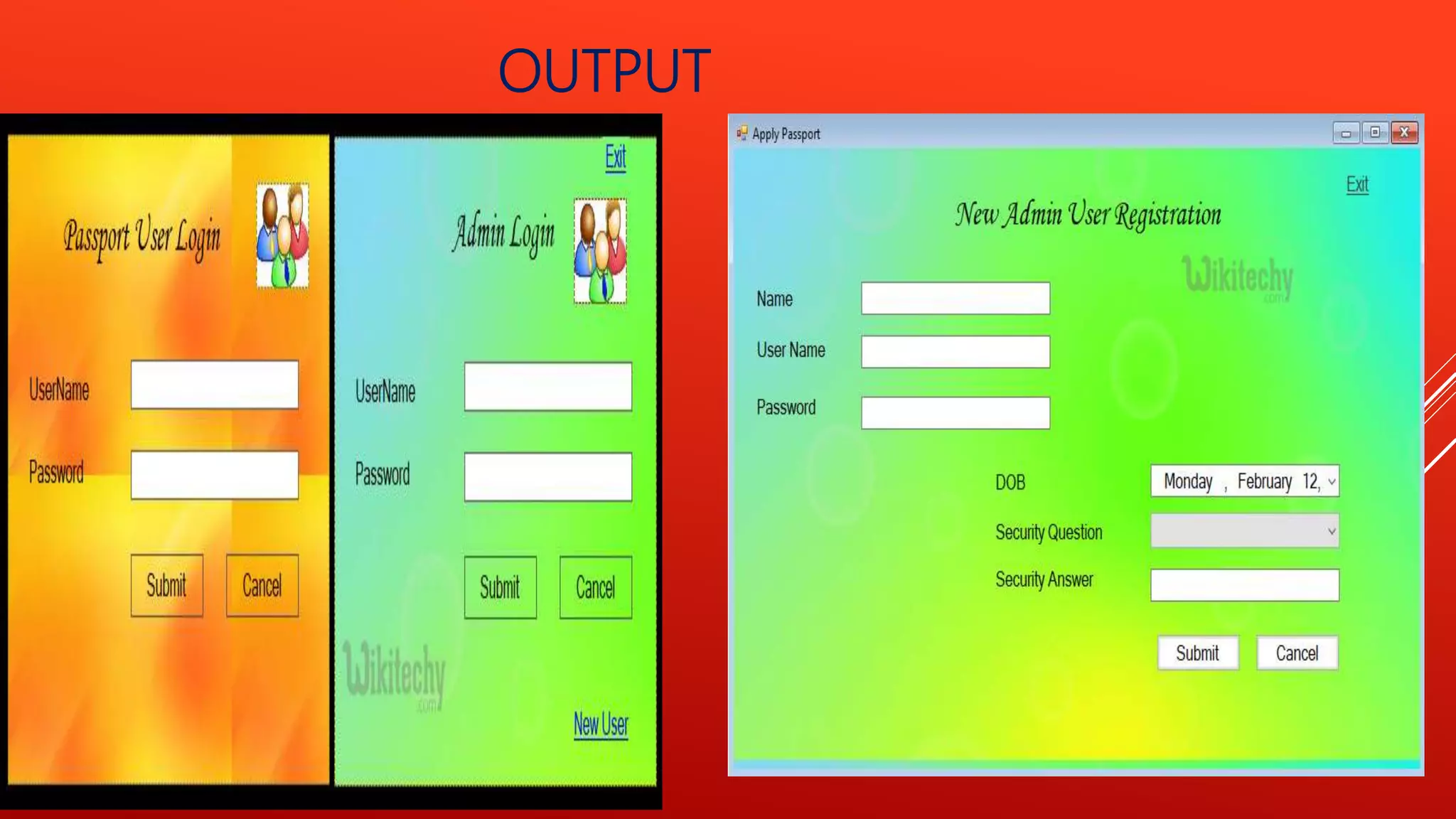
LOGIN MODULE PAGE
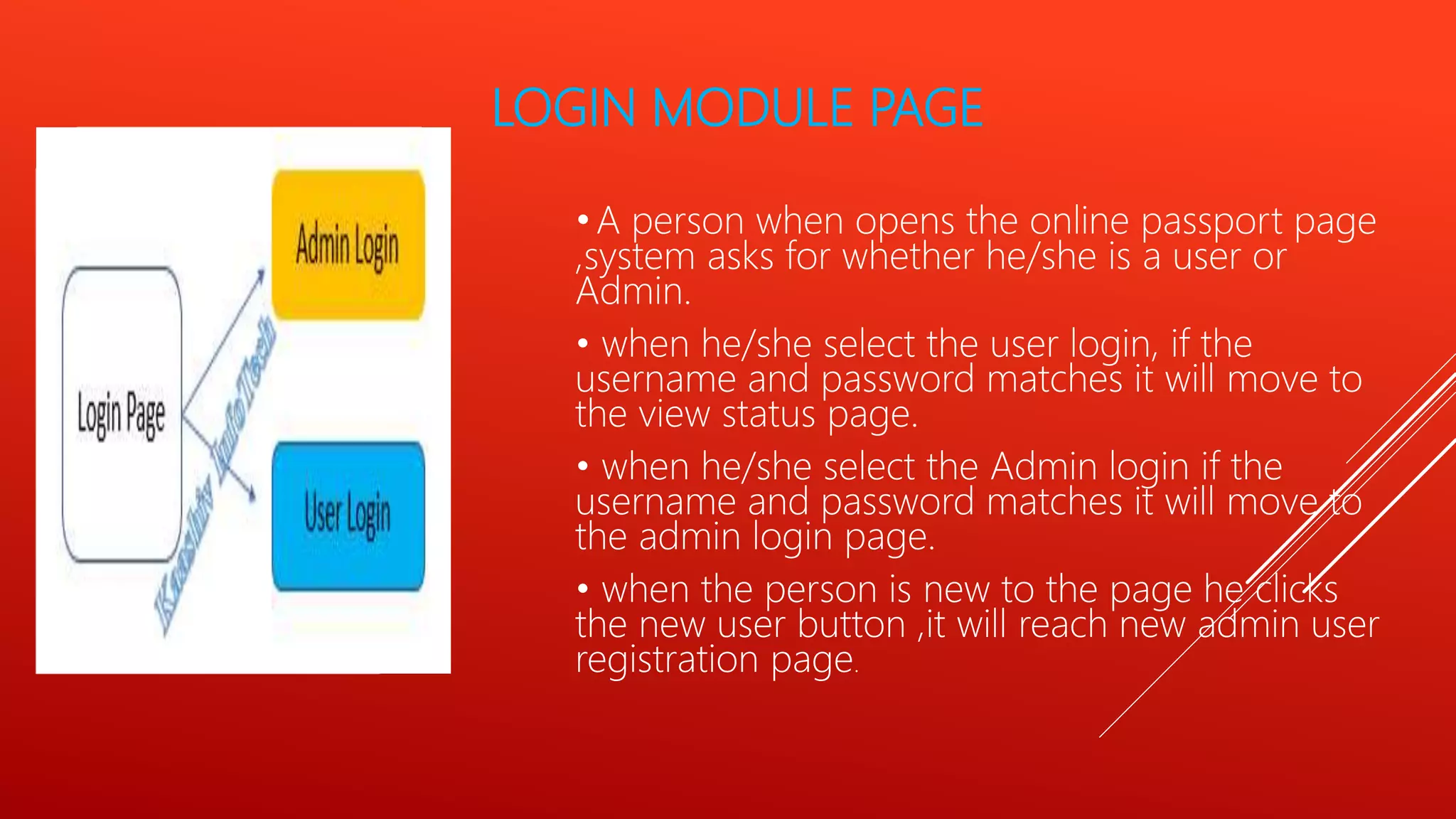
•A person when opens the online passport page
,system asks for whether he/she is a user or
Admin.
• when he/she select the user login, if the
username and password matches it will move to
the view status page.
• when he/she select the Admin login if the
username and password matches it will move to
the admin login page.
• when the person is new to the page he clicks
the new user button ,it will reach new admin user
registration page.
ADMIN REGISTRATION FORM
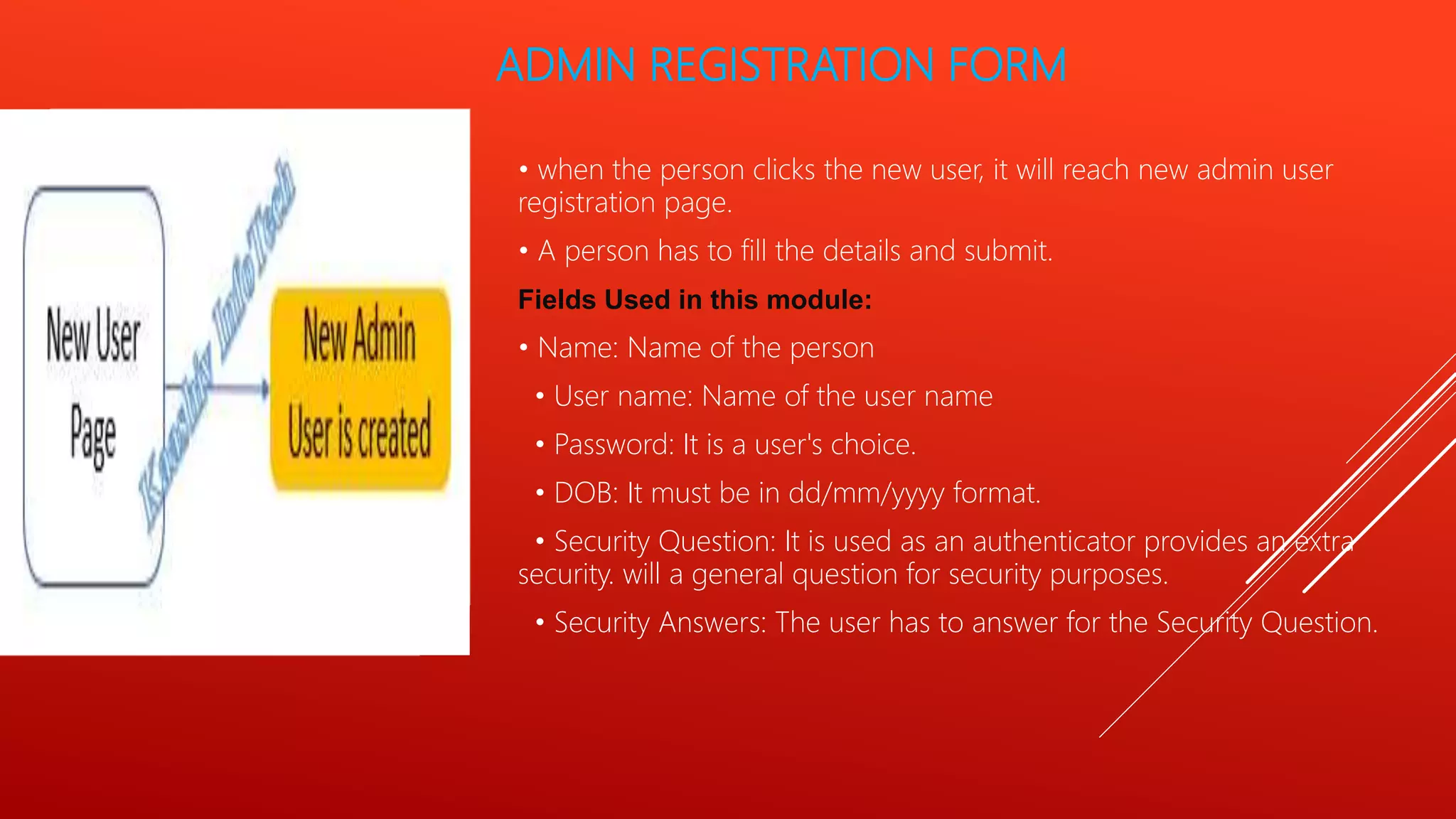
• when the person clicks the new user, it will reach new admin user
registration page.
• A person has to fill the details and submit.
Fields Used in this module:
• Name: Name of the person
• User name: Name of the user name
• Password: It is a user's choice.
• DOB: It must be in dd/mm/yyyy format.
• Security Question: It is used as an authenticator provides an extra
security. will a general question for security purposes.
• Security Answers: The user has to answer for the Security Question.
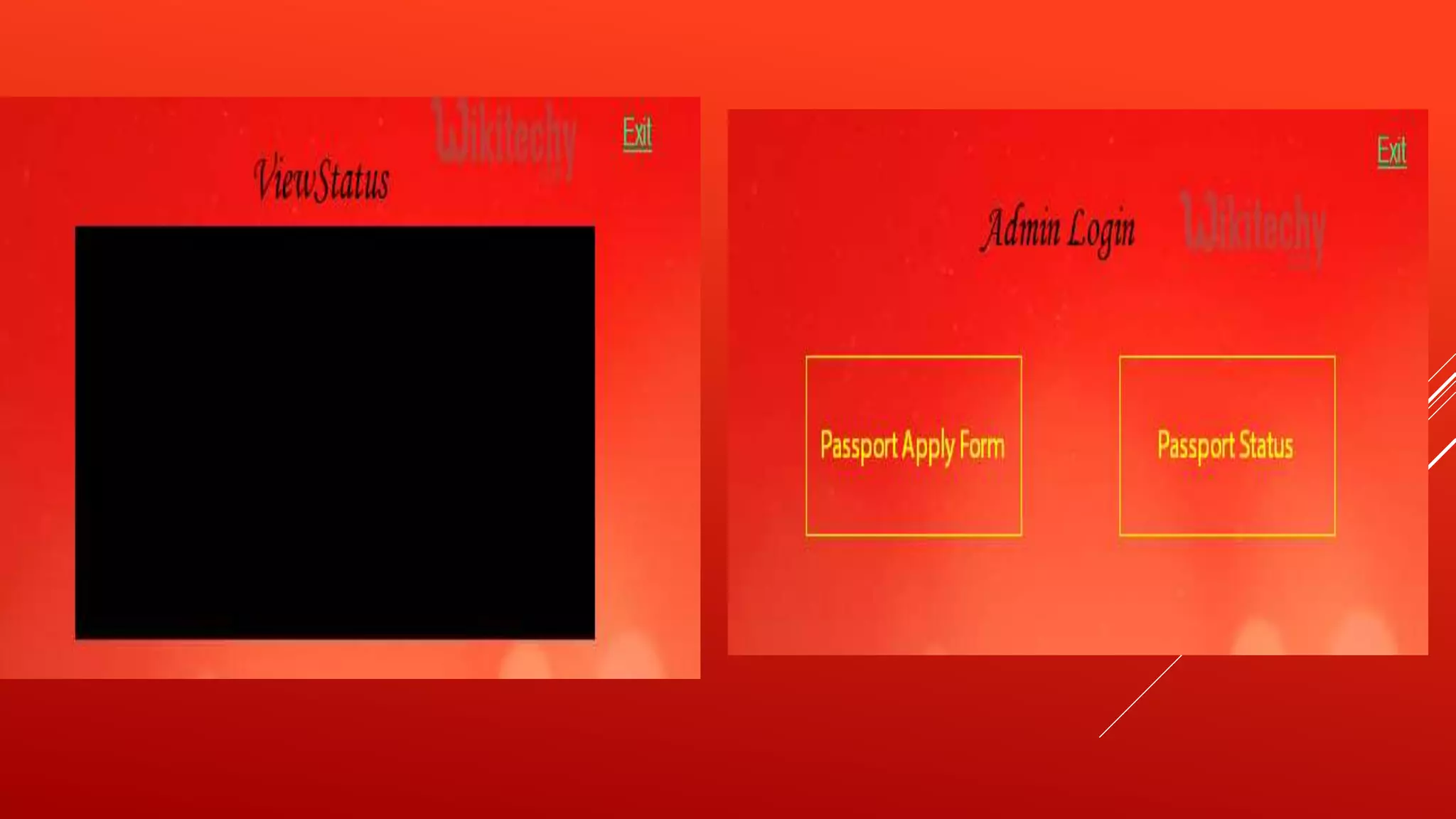
PASSPORT STATUS
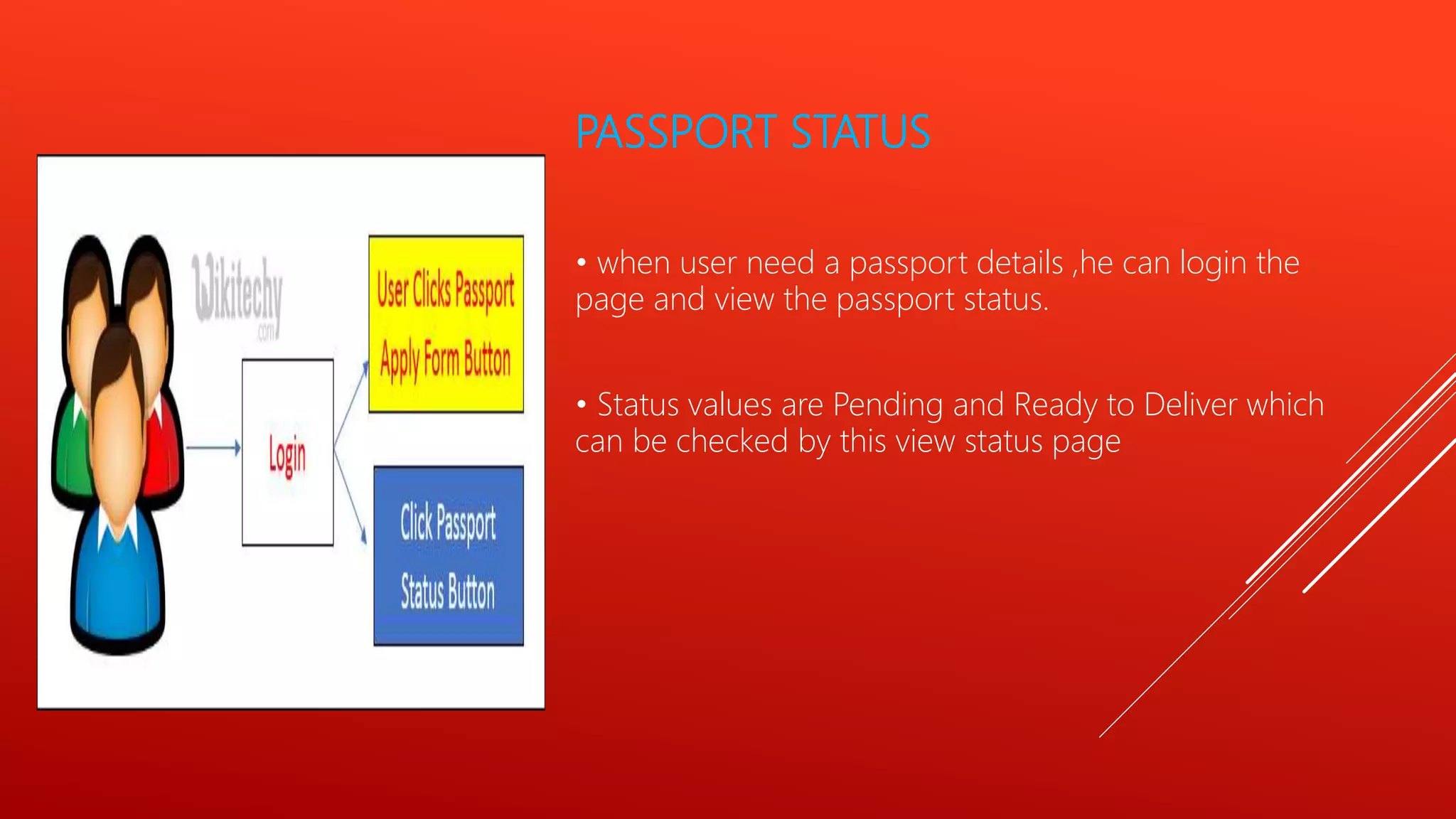
• when user need a passport details ,he can login the
page and view the passport status.
• Status values are Pending and Ready to Deliver which
can be checked by this view status page
ADMIN PAGE – PAGE SELECTION
MODULE
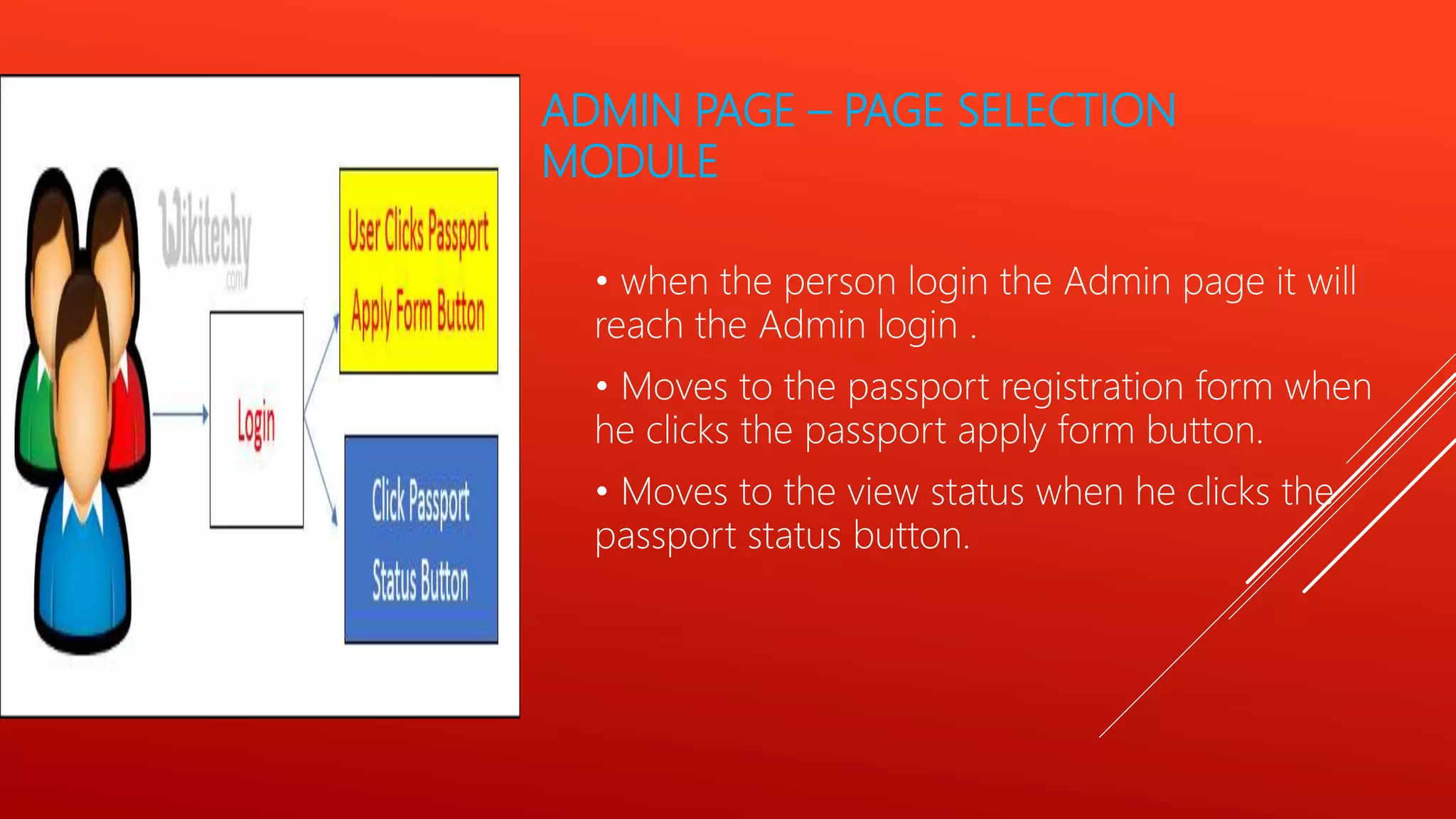
• when the person login the Admin page it will
reach the Admin login .
• Moves to the passport registration form when
he clicks the passport apply form button.
• Moves to the view status when he clicks the
passport status button.
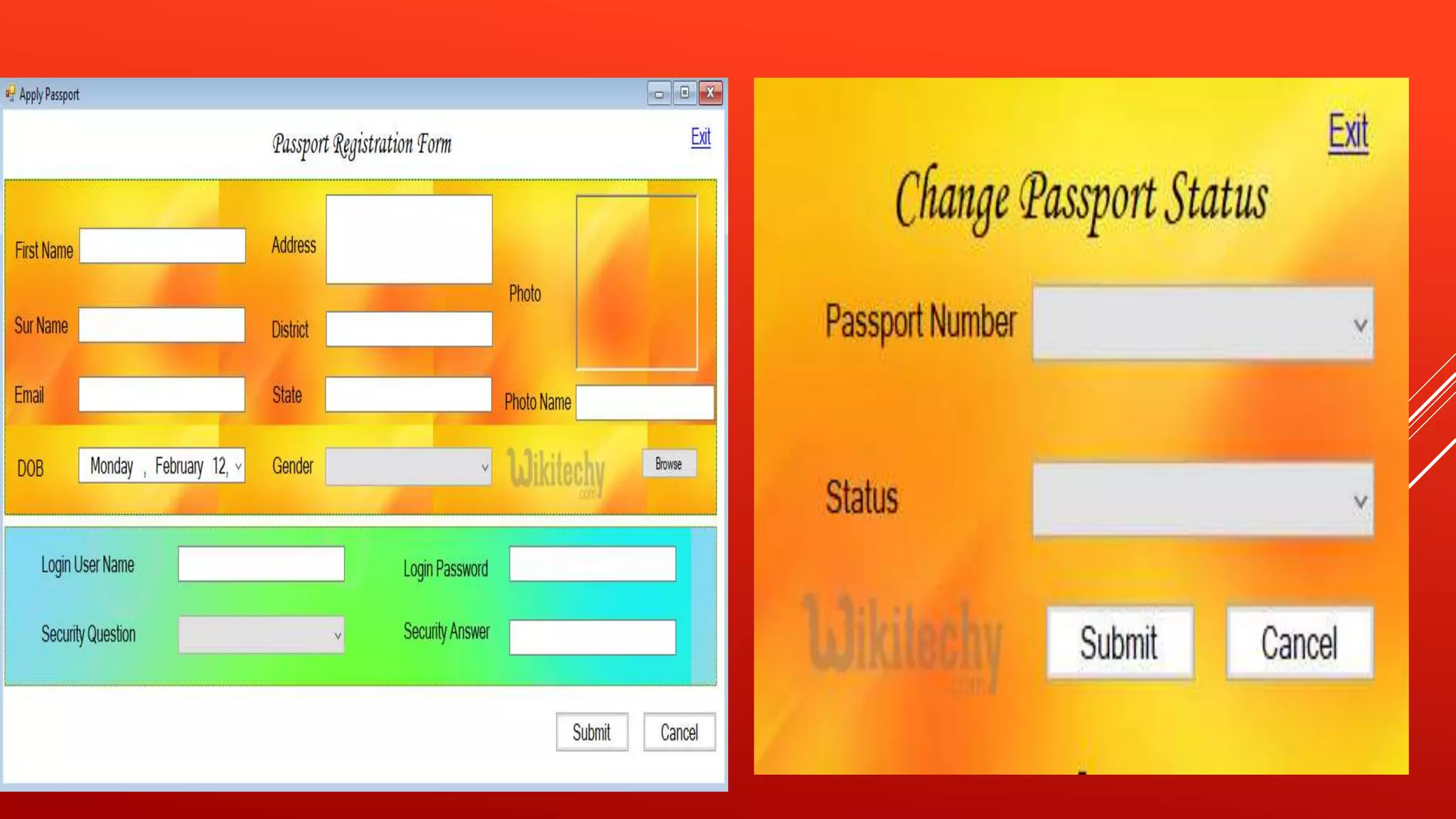
PASSPORT REGISTRATION FORM
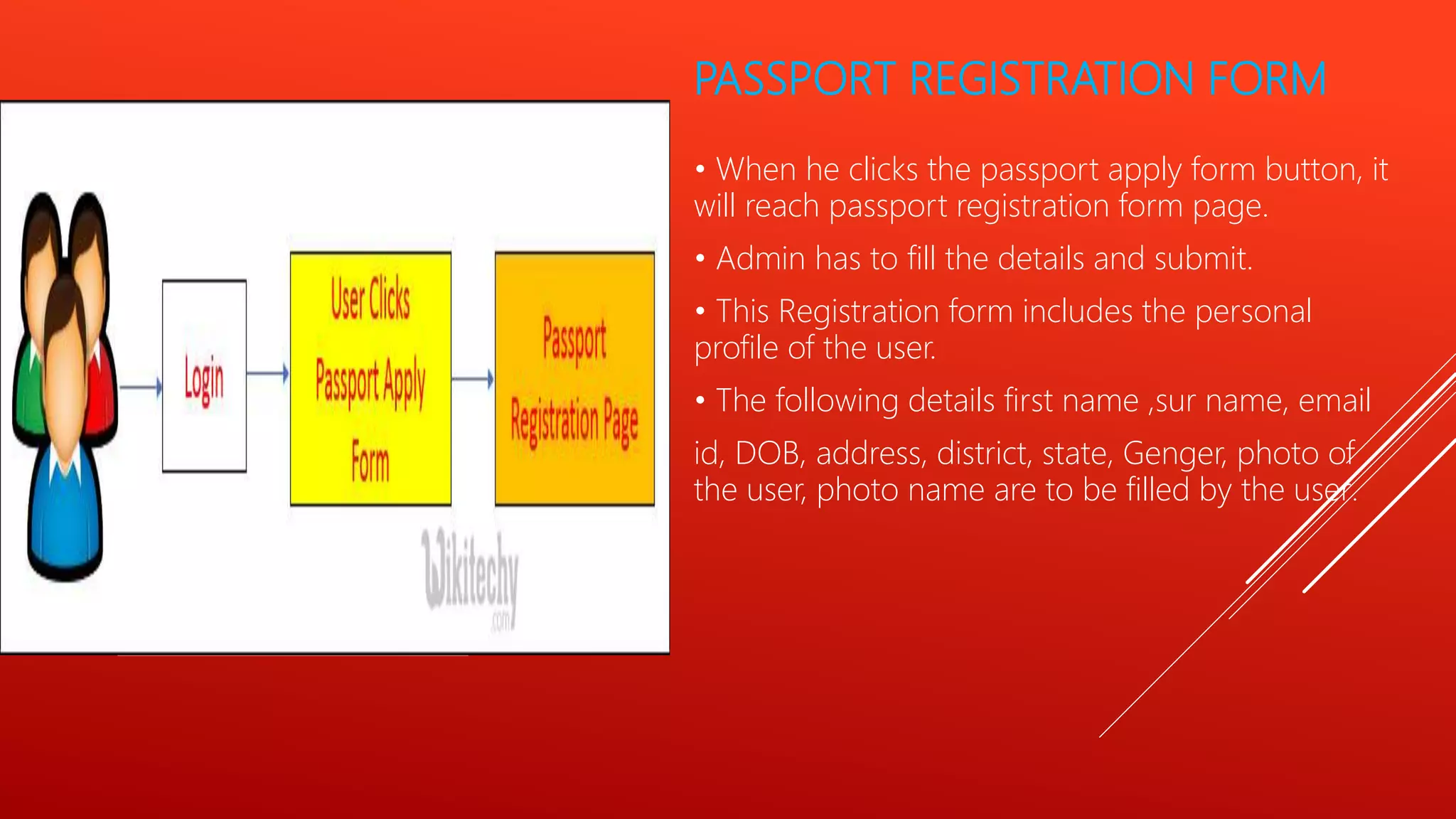
• When he clicks the passport apply form button, it
will reach passport registration form page.
• Admin has to fill the details and submit.
• This Registration form includes the personal
profile of the user.
• The following details first name ,sur name, email
id, DOB, address, district, state, Genger, photo of
the user, photo name are to be filled by the user.
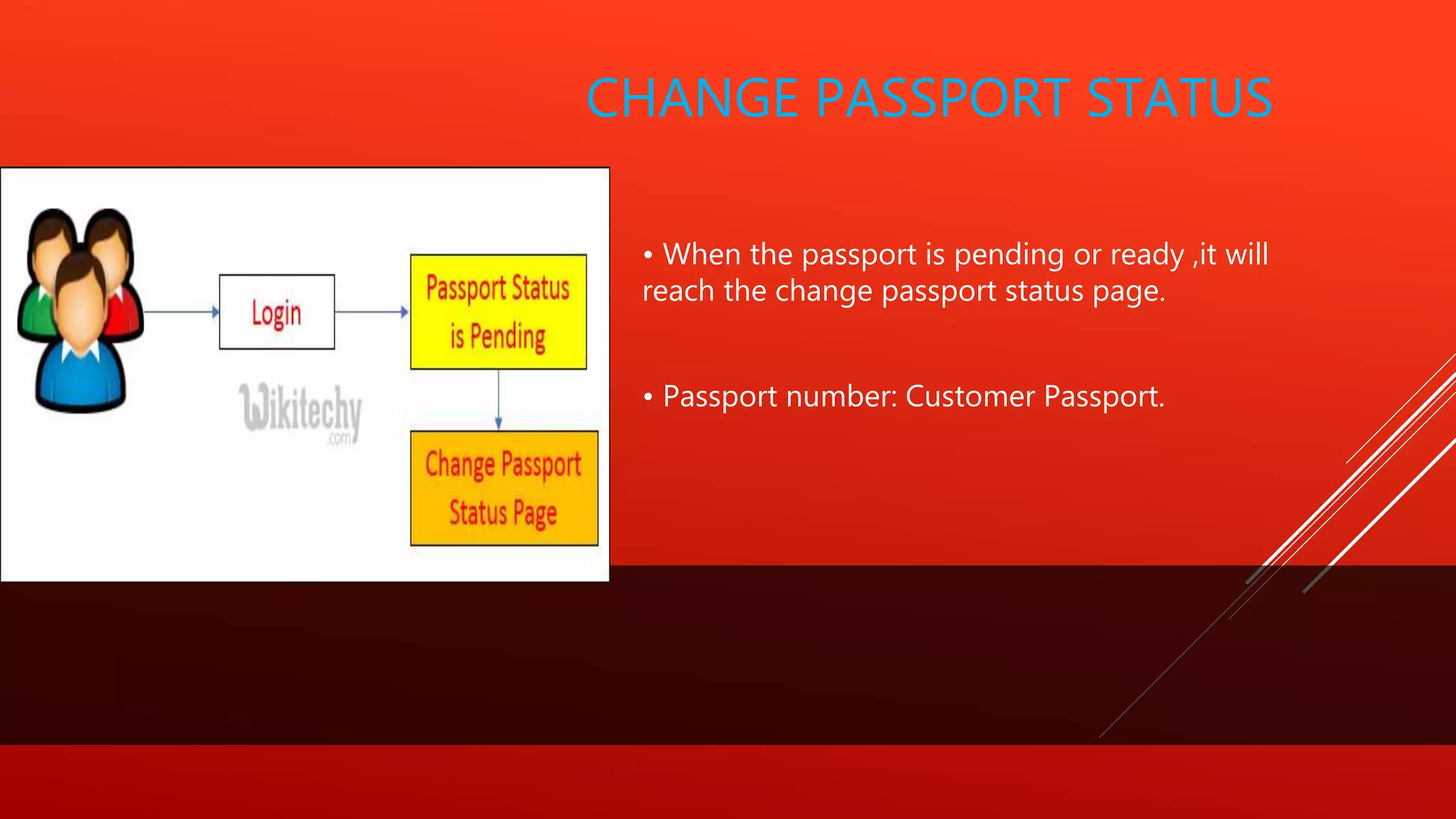
CHANGE PASSPORT STATUS
• When the passport is pending or ready ,it will
reach the change passport status page.
• Passport number: Customer Passport.
OUTPUT
CONCLUSION
 It is concluded that the application works well and satisfy the users.
 The application is tested very well and errors are properly
debugged.
 The site is simultaneously accessed from more than one system.
Simultaneous login from more than one place is tested.
 The site works according to the restrictions provided in their
respective browsers.
 Further enhancements can be made to the application, so that the
web site functions very attractive and useful manner than the
present one.
 The speed of the transactions become more enough now.
THANK YOU

Passport status tracking system (1)

  • 1.
    PASSPORT STATUS TRACKING SYSTEMS u bmit ted B y S . S U V I T H A R . K . V I D H YA S . N I S H A N . P. VA R S H A This Photo by Unknown Author is licensed under CC BY
  • 2.
    INTRODUTIO N Ever since theentire passport application process is done online, it has become incredibly easy for applicants to track their application status. Applicants can get real time status updates on their passport application. They can even get SMS updates on the status. It is important to be updated with the application status so that you can take timely action if needed. One can easily check their application status on the ‘Passport Seva’ portal. There are different kinds of status tracking available on the Passport Seva portal: 1. Passport Applications 2. Police Clearance Certificate (PCC) 3. RTI Application 4. Diplomatic or Official Passport Application 5. Surrender Certificate Click Here https://oke.io/Vef4
  • 3.
     This projectprovides a clear Passport status tracking for the end users.  It provides a single user interface for both the administrators and also the passport officer.  Project covers the end to end communication of applying passport to Status tracking.  It involves the case officer can represent the user to apply for passport and also the end user can access it and track the status of the application.  This application is used only by the passport officer. ABSTRACT This Photo by Unknown Author is licensed under CC BY-SA-NC
  • 4.
    EXISTING SYSTEM • Passportcan be provided by the admin department. • Admin Department updated the status. • Finally User check the updated status. PROPOSED SYSTEM • A single user can interact both the end user and the passport officer. • This simplify the process of multiple application to a single purpose. • The updated system is made in one single point. This Photo by Unknown Author is licensed under CC BY
  • 5.
    Click to addtitle here This Photo by Unknown Author is licensed under CC BY
  • 6.
     Constraints oftype (>=) : for each constraint ݅ i of this type, we add surplus variable ݅ ei, such that ݅ ei is nonnegative.  Set n-m variables equal to zero. These variables are called non- basic variables (N.B.V).  Solve the system for the m remaining variables. These variables are called basic variables (B.V.)  The vector of variables obtained is called the basic solution (it contains both basic and non-basic variables) SIMPLEX ALGORITHM
  • 7.
     Each basicsolution of (LP=) for which all variables are nonnegative, is called an admissible basic solution. This admissible basic solution corresponds to an extreme point (corner solution).  Maximum of the C j – z j for maximum problems.  Minimum of the C j – z j for maximum problems.
  • 8.
    ARCHITECTURE DIAGRAM  Forsystem developers, they need system architecture diagrams to understand, clarify, and communicate ideas about the system structure and the user requirements that the system must support.  It's a basic framework can be used at the system planning phase helping partners understand the architecture, discuss changes, and communicate intentions clearly.
  • 9.
    CLICK TO ADDTEAM SLIDE TITLE HERE F I G: PA S S PORT S TAUTS T R ACKING S YS TEM A R CHITECTURE  ADD NAME  Lorem ipsum dolor sit amet, consectetur adipiscing elit.  ADD NAME  ADD NAME  ADD NAME
  • 10.
    SYSTEM STUDY Technical Feasibility: This study is carried out to check the technical feasibility, that is, the technical requirements of the system.  Any system developed must not have a high demand on the available technical resources.  This will lead to high demands on the available technical resources.  This will lead to high demands being placed on the client.  The developed system must have a modest requirement, as only minimal or null changes are required for implementing this system.
  • 11.
    Social Feasibility  Theaspect of study is to check the level of acceptance of the system by the user.  This includes the process of training the user to use the system efficiently.  The user must not feel threatened by the system, instead must it as a necessity.  The level of acceptance by the users solely depends on the methods that are employed to educate the user about the system and to make him familiar with it. His level of confidence must be raised so that he is also able to make some constructive criticism, which is welcomed, as is the final user of the system.
  • 12.
    PROJECT MODULES  LOGINMODULE PAGE  • ADMIN REGISTRATION FORM  • PASSPORT STATUS  • ADMIN PAGE – PAGE SELECTION MODULE  • PASSPORT REGISTRATION FORM  • CHANGE PASSPORT STATUS
  • 13.
    LOGIN MODULE PAGE •Aperson when opens the online passport page ,system asks for whether he/she is a user or Admin. • when he/she select the user login, if the username and password matches it will move to the view status page. • when he/she select the Admin login if the username and password matches it will move to the admin login page. • when the person is new to the page he clicks the new user button ,it will reach new admin user registration page.
  • 14.
    ADMIN REGISTRATION FORM •when the person clicks the new user, it will reach new admin user registration page. • A person has to fill the details and submit. Fields Used in this module: • Name: Name of the person • User name: Name of the user name • Password: It is a user's choice. • DOB: It must be in dd/mm/yyyy format. • Security Question: It is used as an authenticator provides an extra security. will a general question for security purposes. • Security Answers: The user has to answer for the Security Question.
  • 15.
    PASSPORT STATUS • whenuser need a passport details ,he can login the page and view the passport status. • Status values are Pending and Ready to Deliver which can be checked by this view status page
  • 16.
    ADMIN PAGE –PAGE SELECTION MODULE • when the person login the Admin page it will reach the Admin login . • Moves to the passport registration form when he clicks the passport apply form button. • Moves to the view status when he clicks the passport status button.
  • 17.
    PASSPORT REGISTRATION FORM •When he clicks the passport apply form button, it will reach passport registration form page. • Admin has to fill the details and submit. • This Registration form includes the personal profile of the user. • The following details first name ,sur name, email id, DOB, address, district, state, Genger, photo of the user, photo name are to be filled by the user.
  • 18.
    CHANGE PASSPORT STATUS •When the passport is pending or ready ,it will reach the change passport status page. • Passport number: Customer Passport.
  • 19.
  • 22.
    CONCLUSION  It isconcluded that the application works well and satisfy the users.  The application is tested very well and errors are properly debugged.  The site is simultaneously accessed from more than one system. Simultaneous login from more than one place is tested.  The site works according to the restrictions provided in their respective browsers.  Further enhancements can be made to the application, so that the web site functions very attractive and useful manner than the present one.  The speed of the transactions become more enough now.
  • 23.