




The World’s Most Advanced Operating System for Educators

OS X Mavericks
❖

Martin Cisneros

Academic Technology Specialist

mcisneros@sccoe.org
Register for this Class

bit.ly/BUSDsignin
Workshop Resources & Presentation

!

bit.ly/OSXBUSD!
!
Martin Cisneros
mcisneros@sccoe.org
Academic Technology Specialist
Instructional Technology & Online Programs
Santa Clara County Office of Education
Power of OS X

What is OS X
Mavericks?

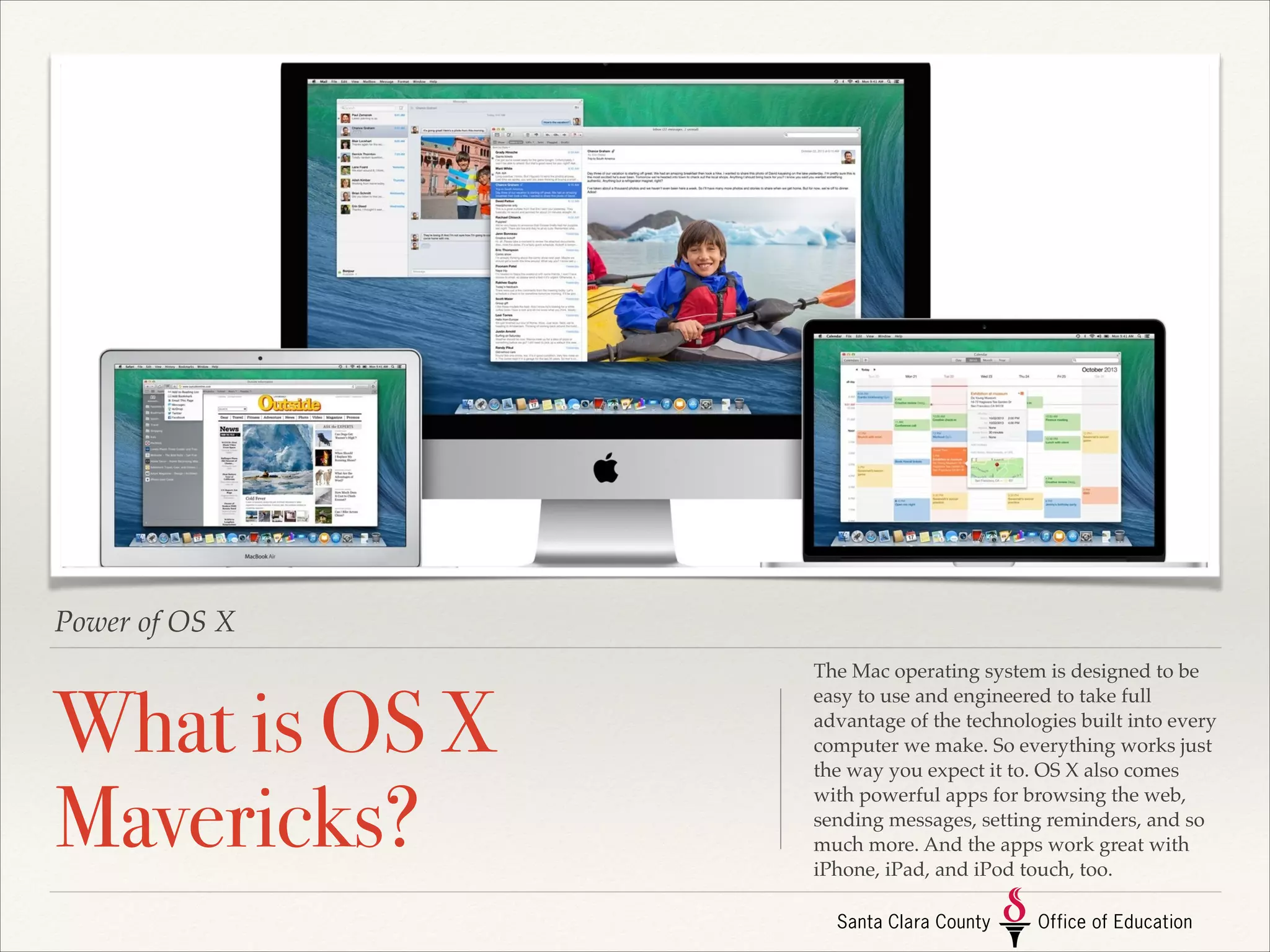
The Mac operating system is designed to be
easy to use and engineered to take full
advantage of the technologies built into every
computer we make. So everything works just
the way you expect it to. OS X also comes
with powerful apps for browsing the web,
sending messages, setting reminders, and so
much more. And the apps work great with
iPhone, iPad, and iPod touch, too.
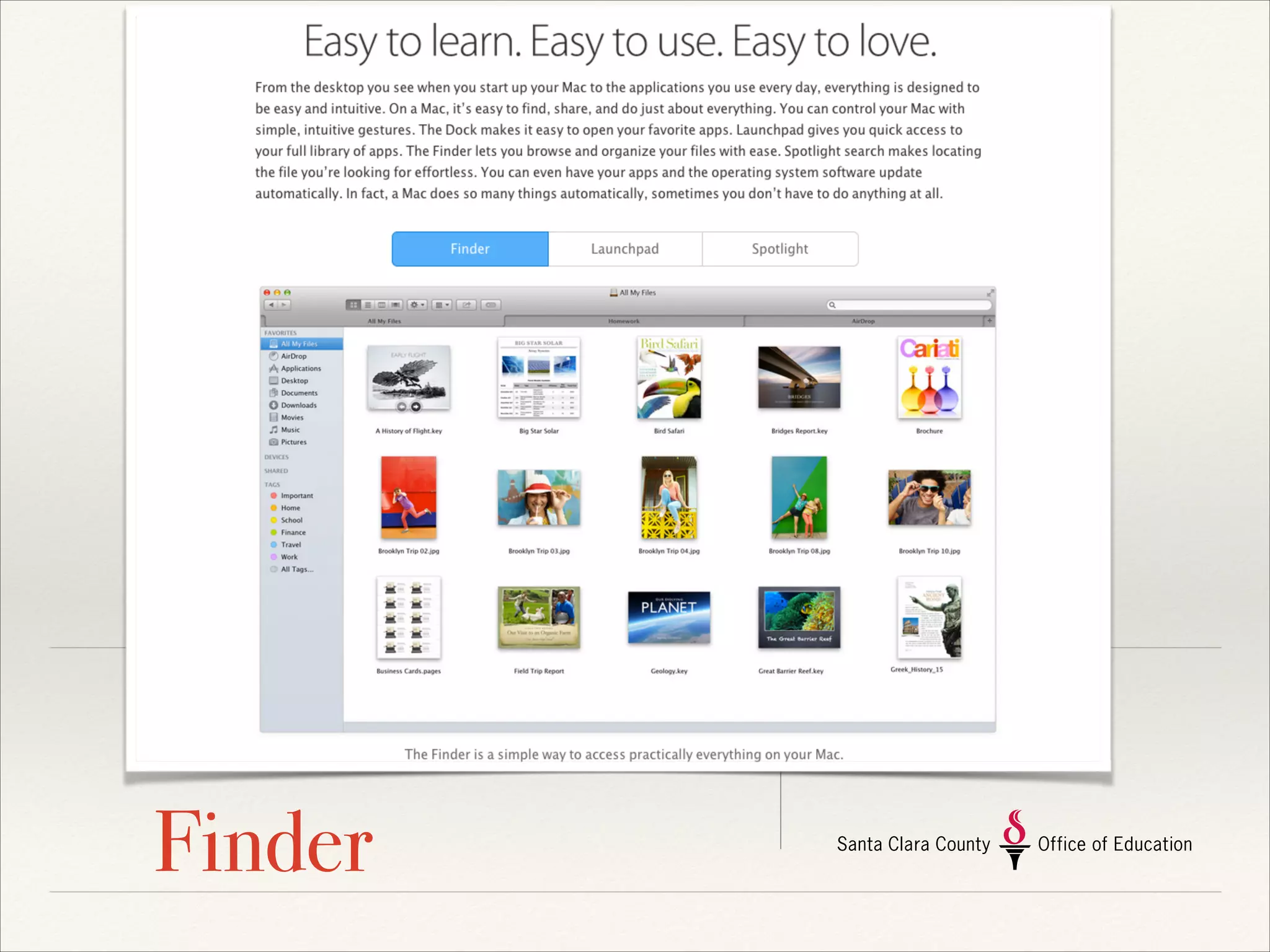
Finder
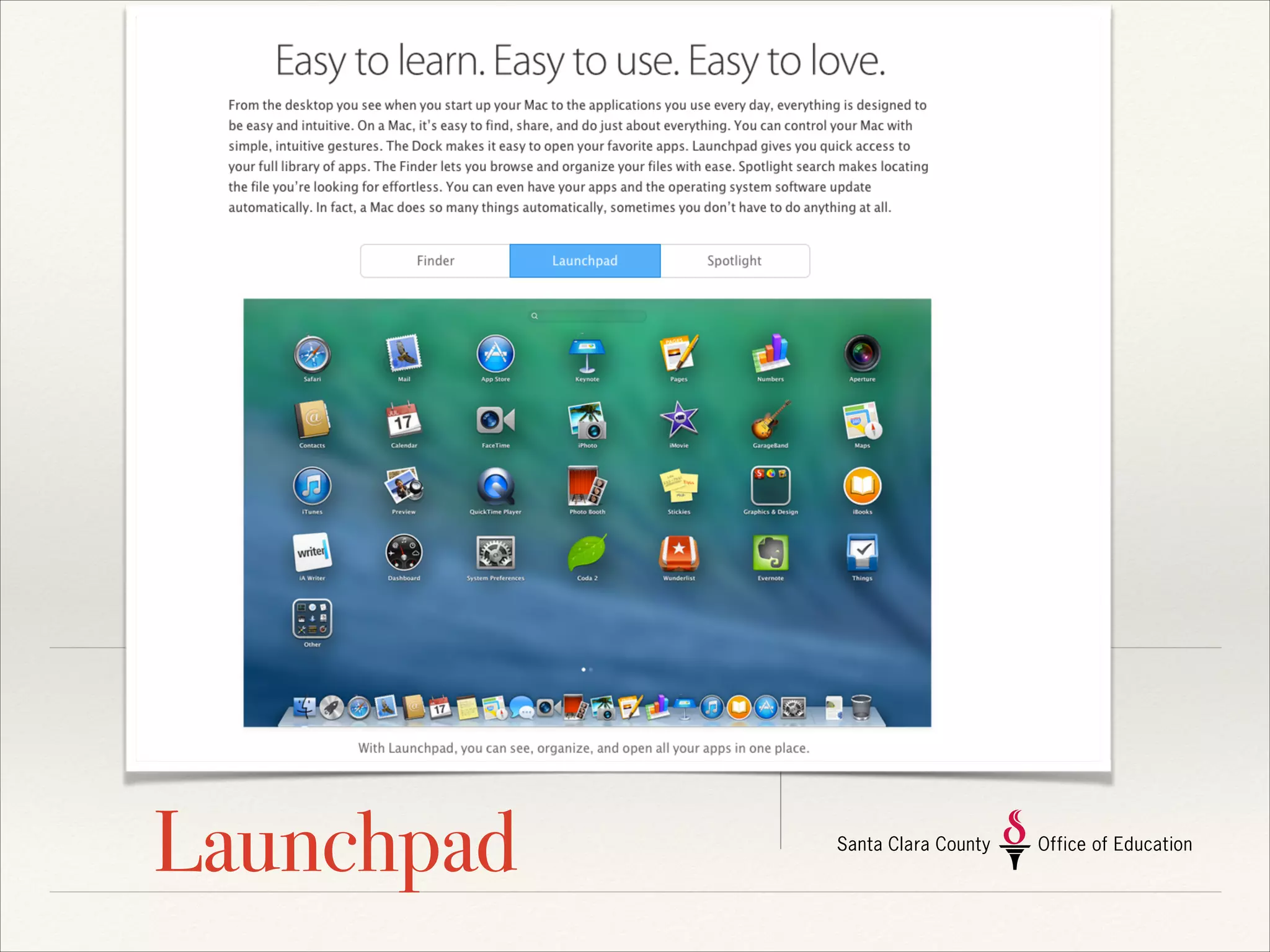
Launchpad
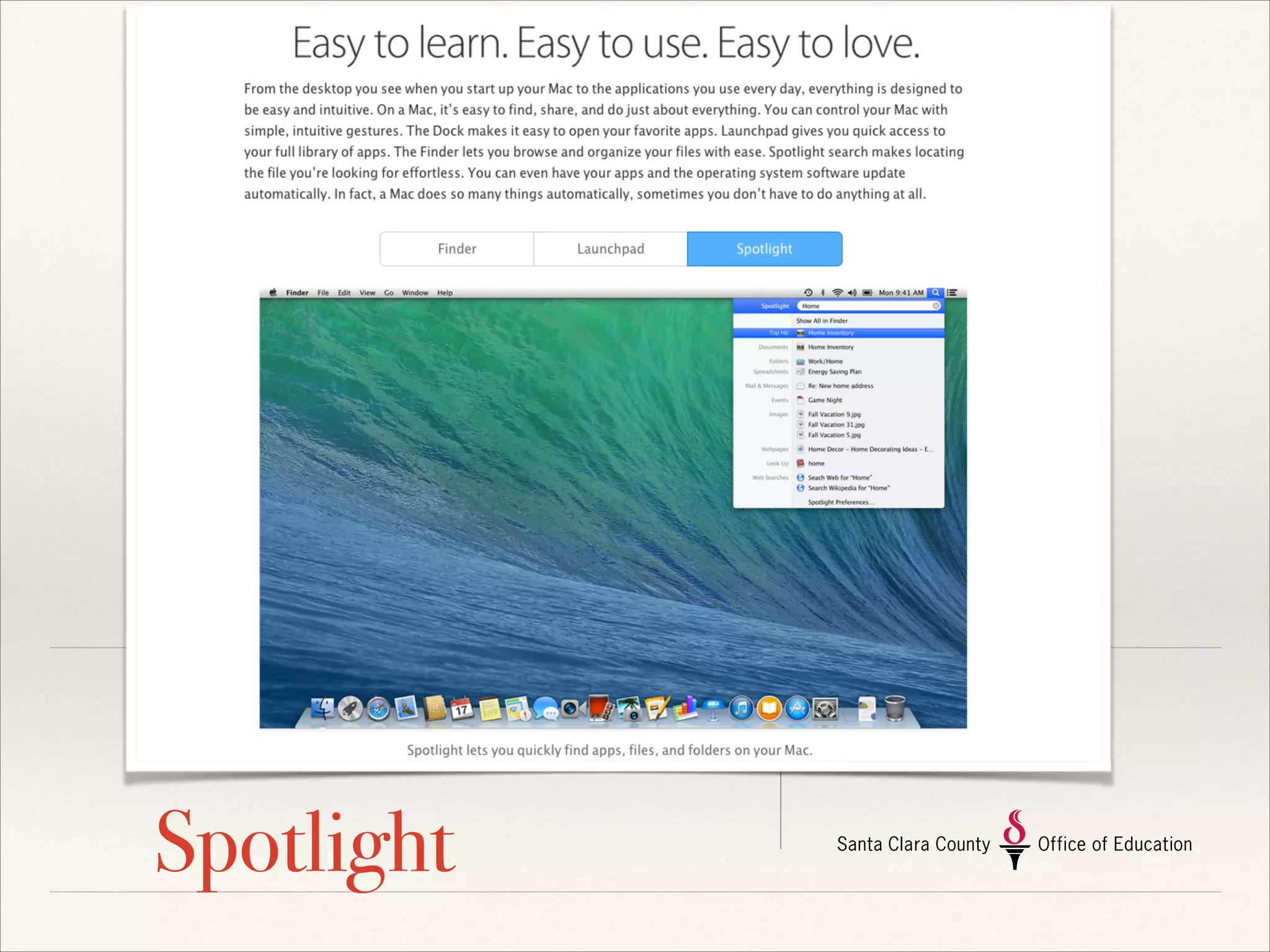
Spotlight
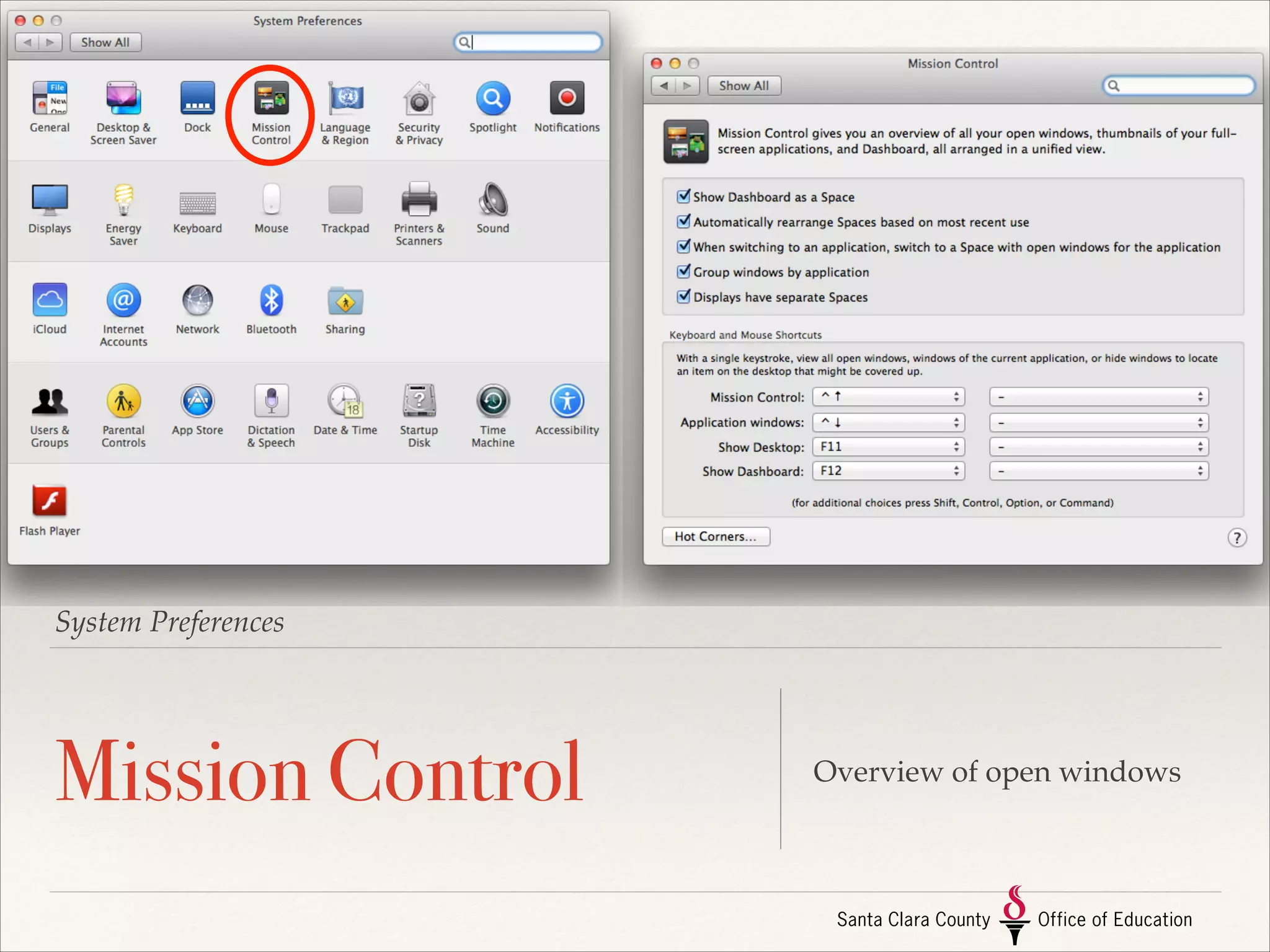
System Preferences

Mission Control

Overview of open windows
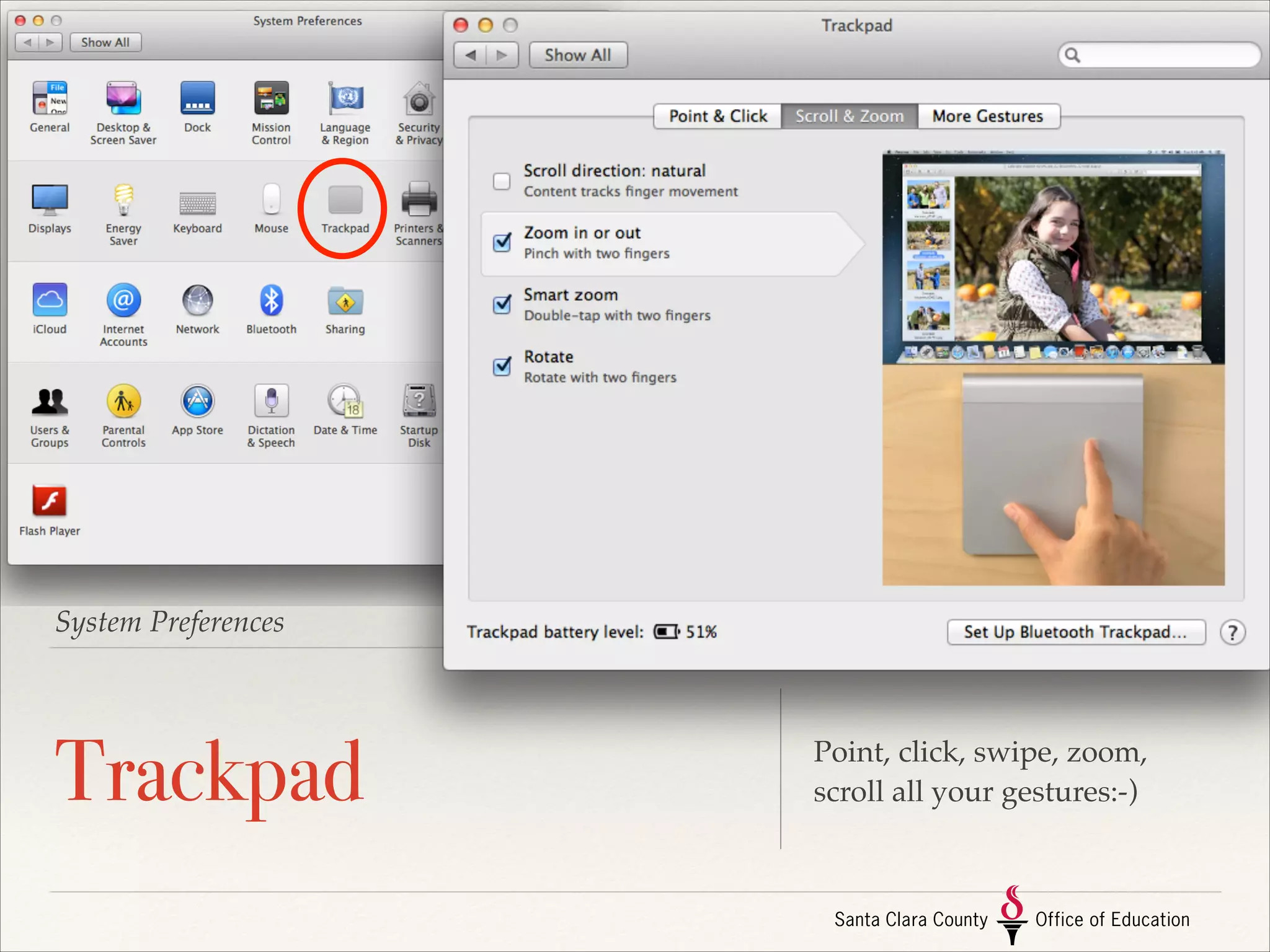
System Preferences

Trackpad

Point, click, swipe, zoom,
scroll all your gestures:-)
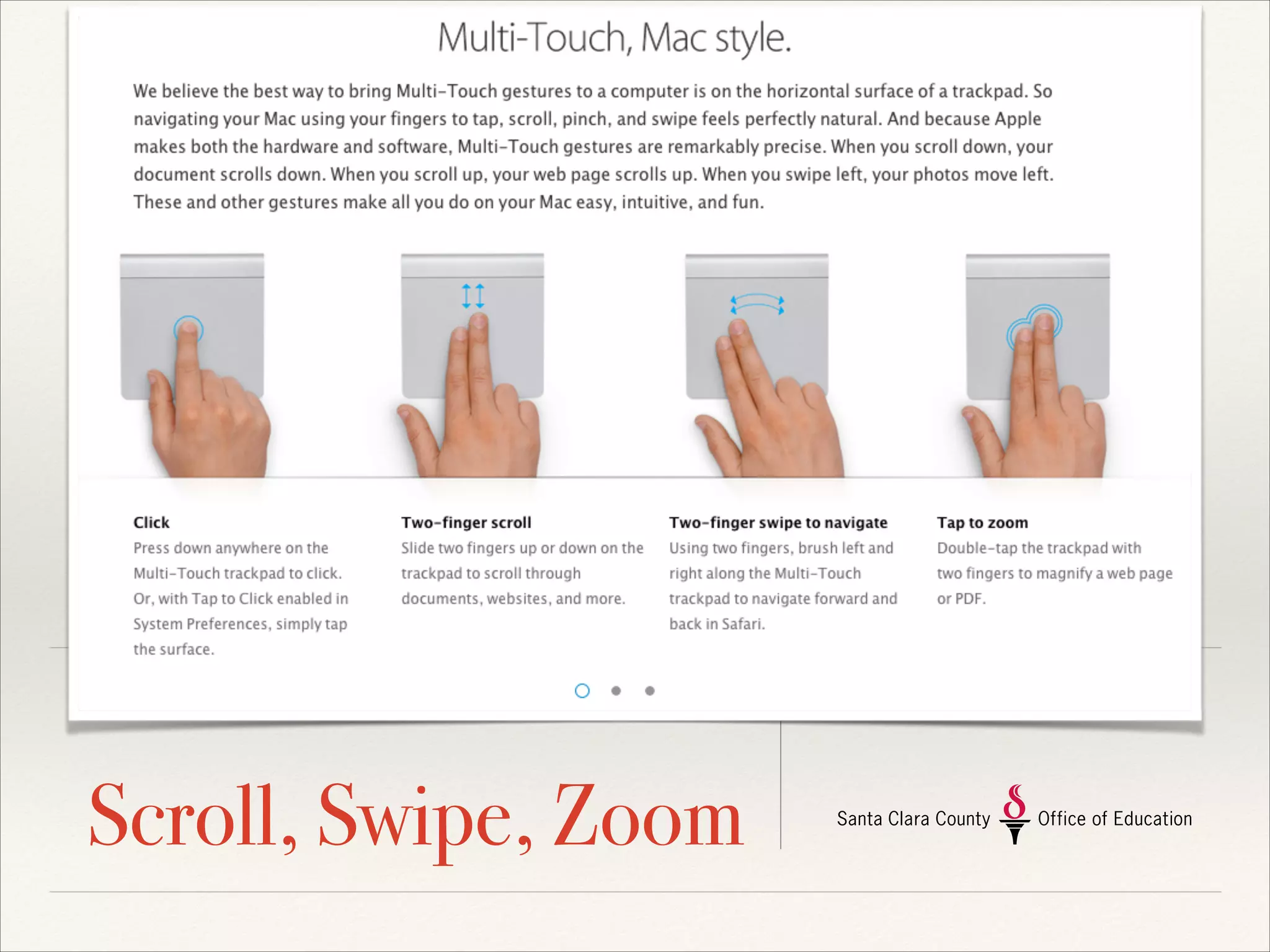
Scroll, Swipe, Zoom
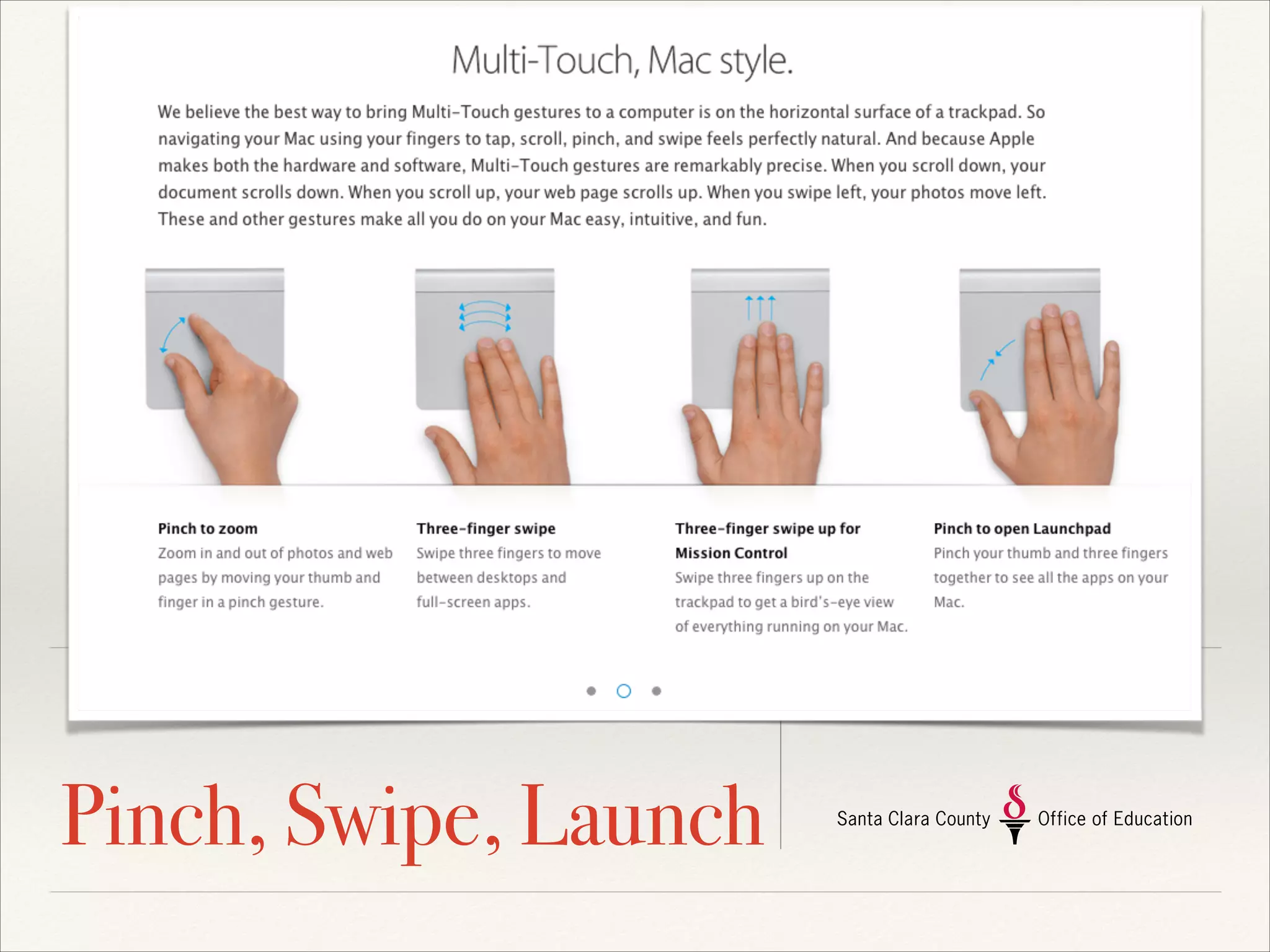
Pinch, Swipe, Launch
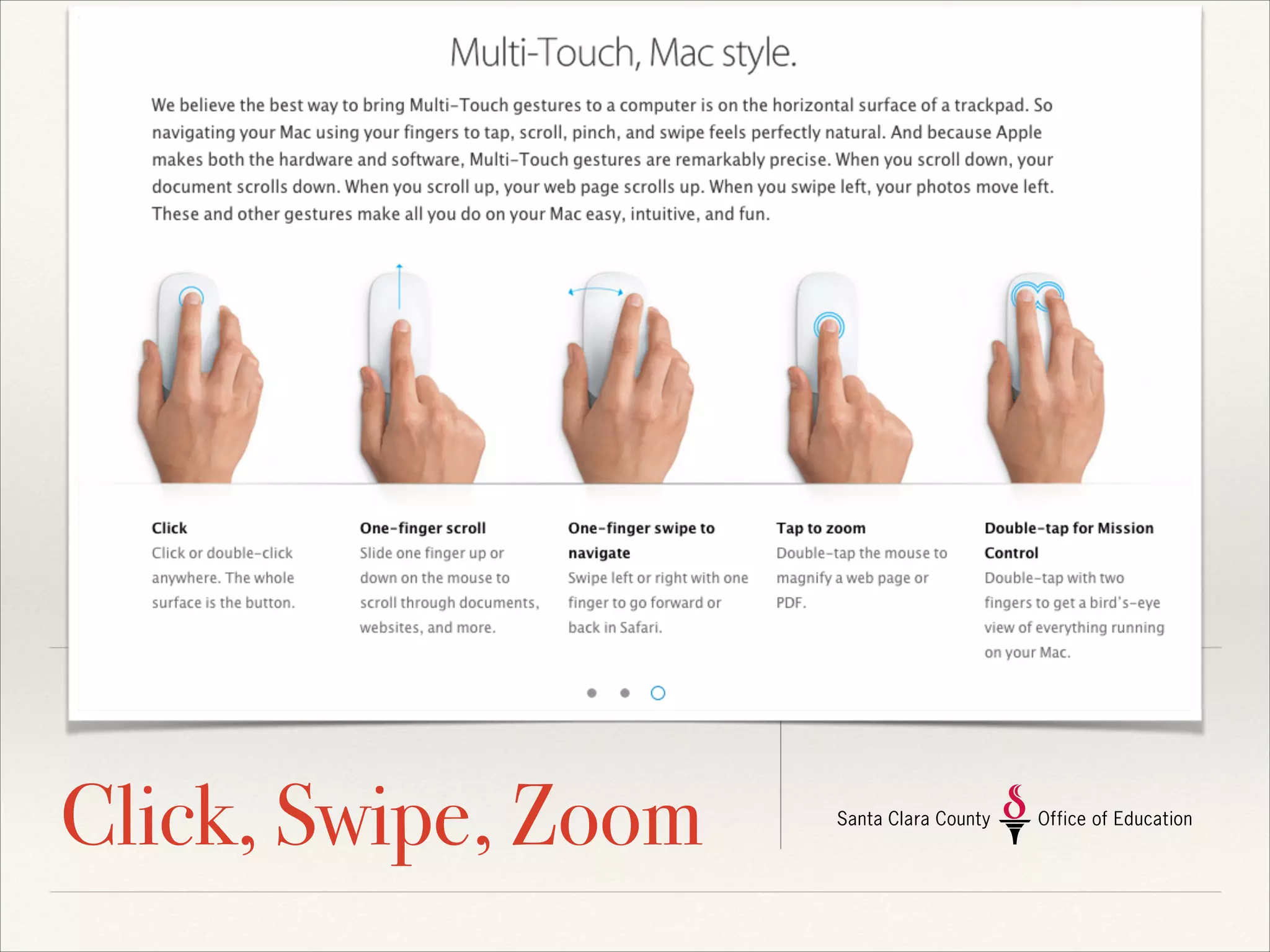
Click, Swipe, Zoom
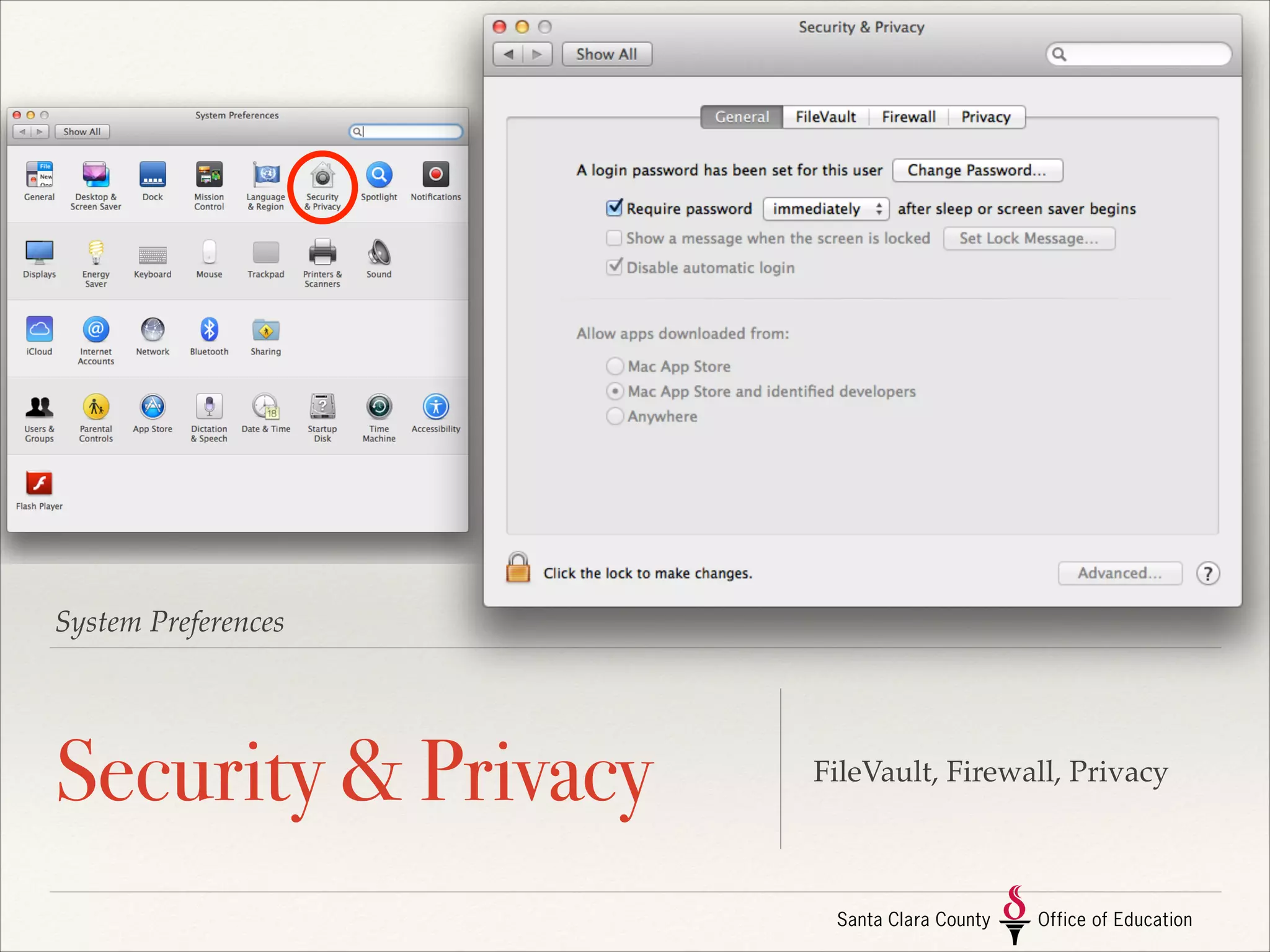
System Preferences

Security & Privacy

FileVault, Firewall, Privacy
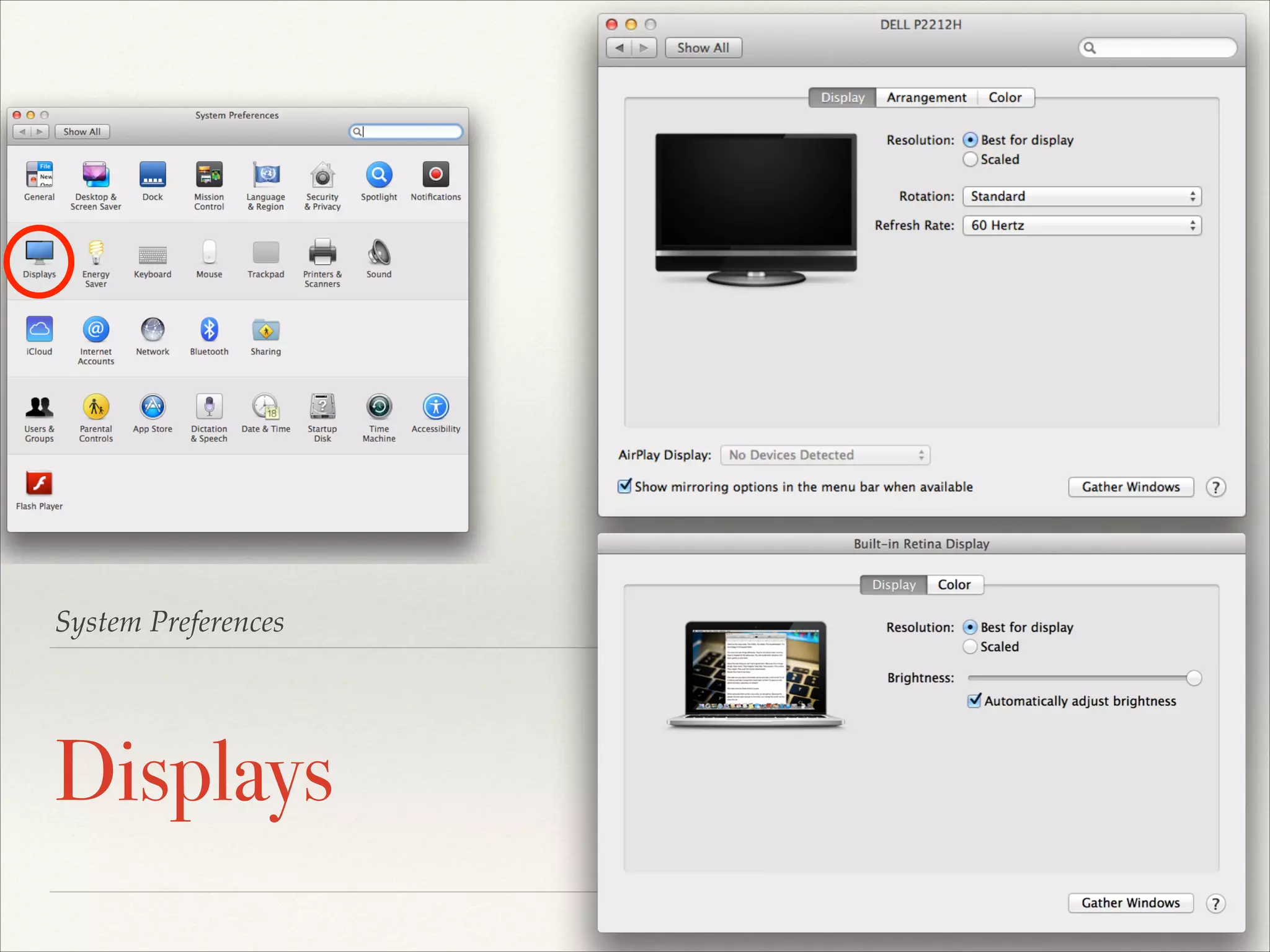
System Preferences

Displays

FileVault, Firewall, Privacy
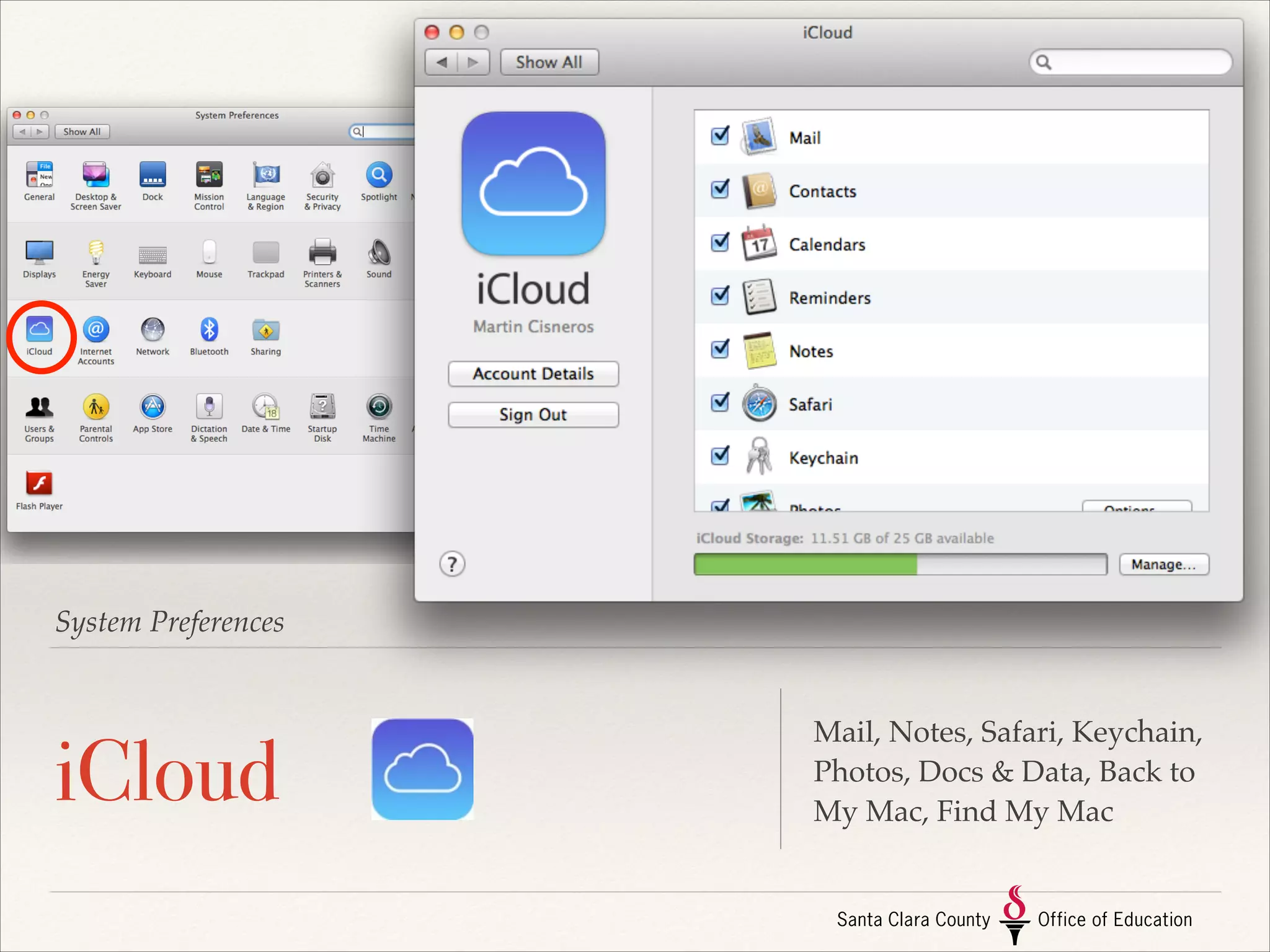
System Preferences

iCloud

Mail, Notes, Safari, Keychain,
Photos, Docs & Data, Back to
My Mac, Find My Mac
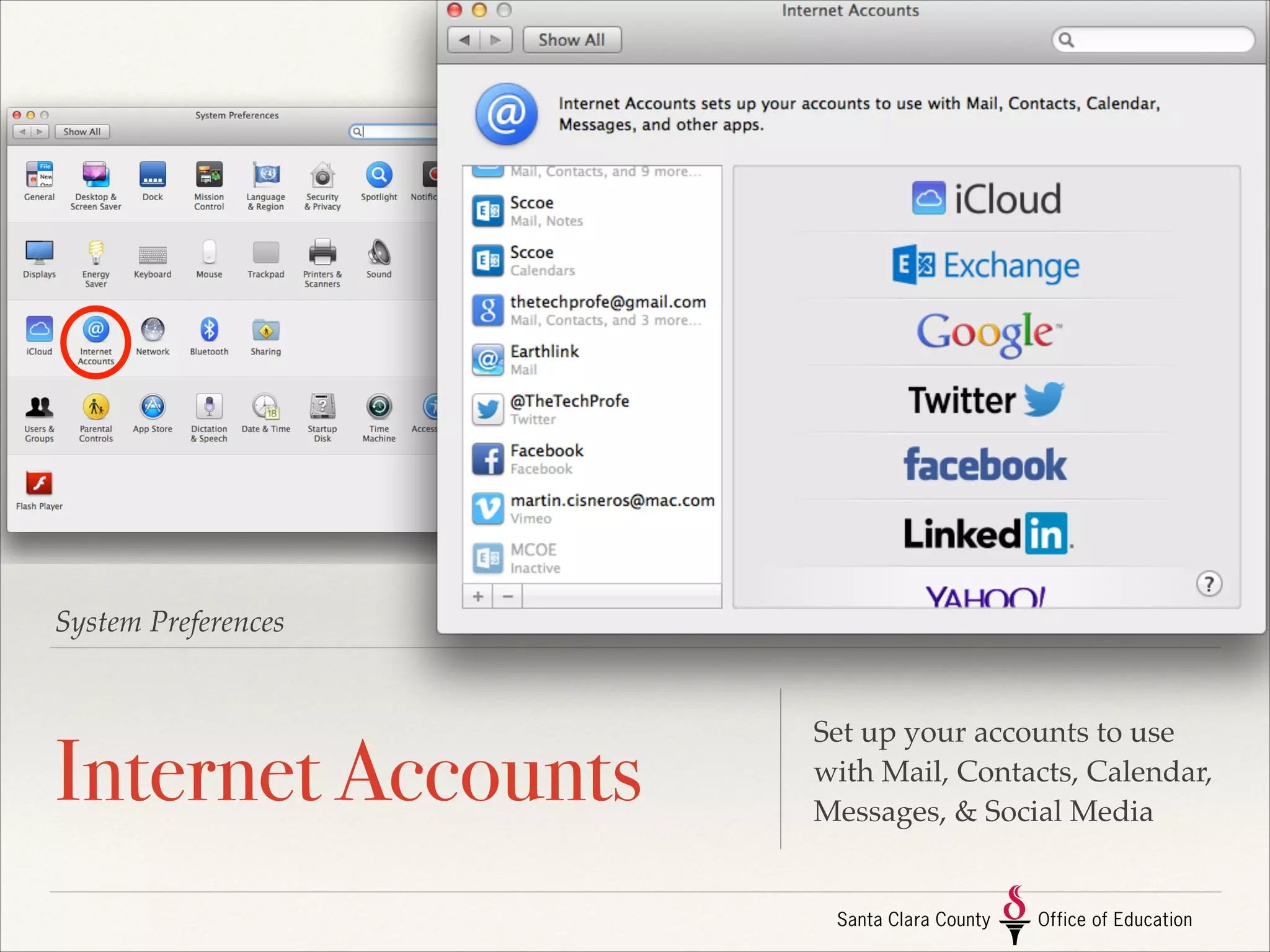
System Preferences

Internet Accounts

Set up your accounts to use
with Mail, Contacts, Calendar,
Messages, & Social Media
System Preferences

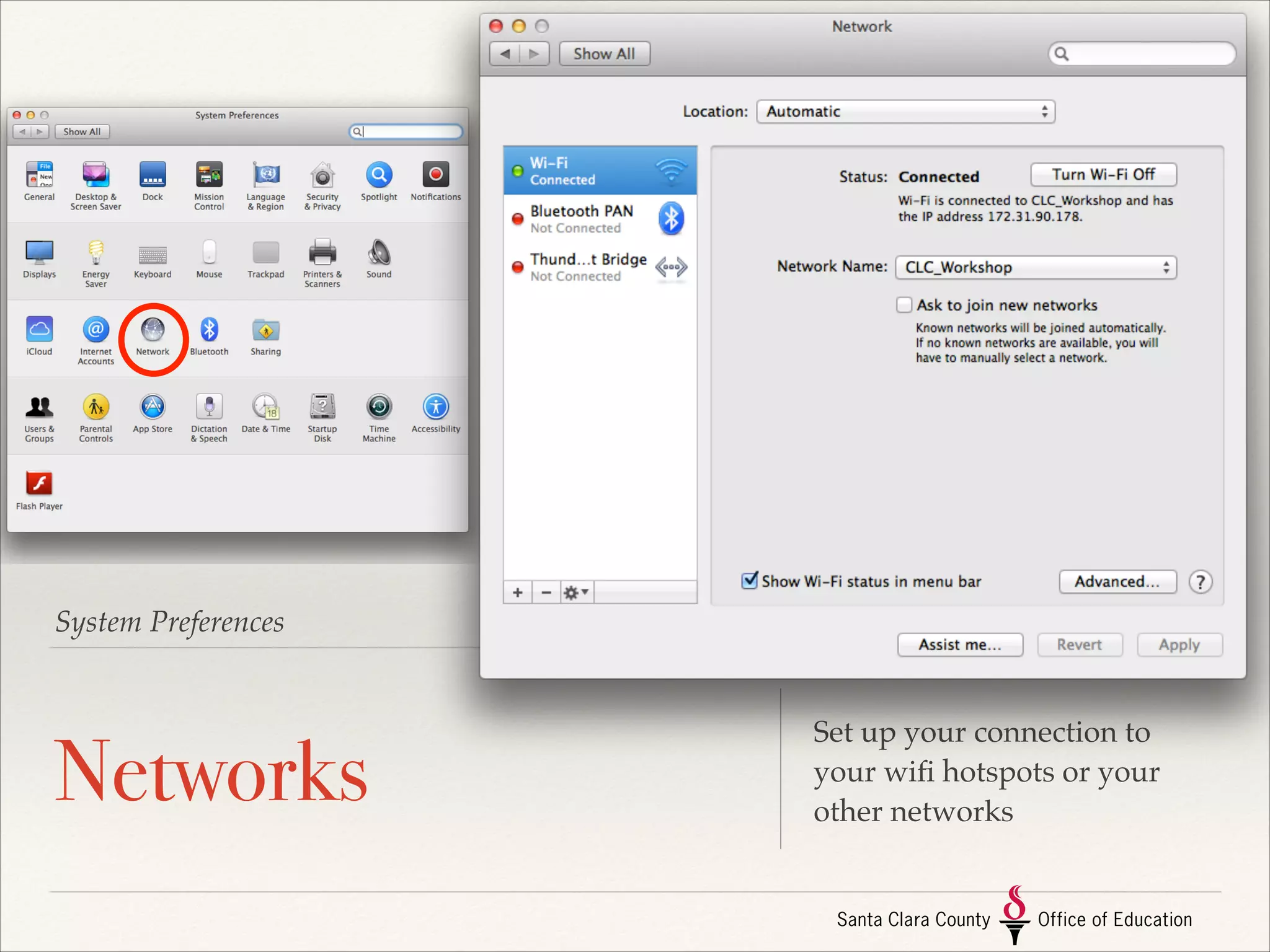
Networks

Set up your connection to
your wifi hotspots or your
other networks
System Preferences

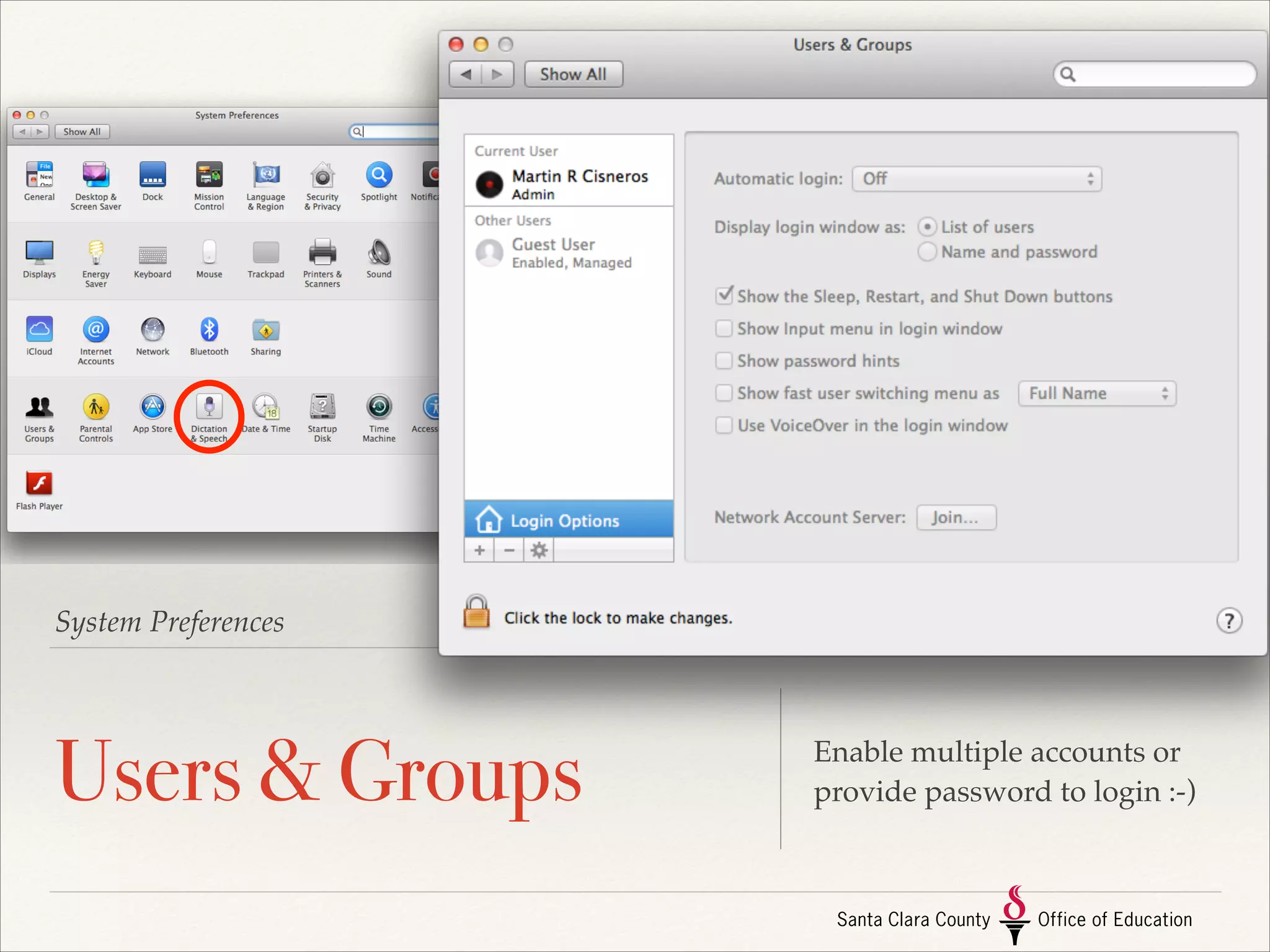
Users & Groups

Enable multiple accounts or
provide password to login :-)
System Preferences

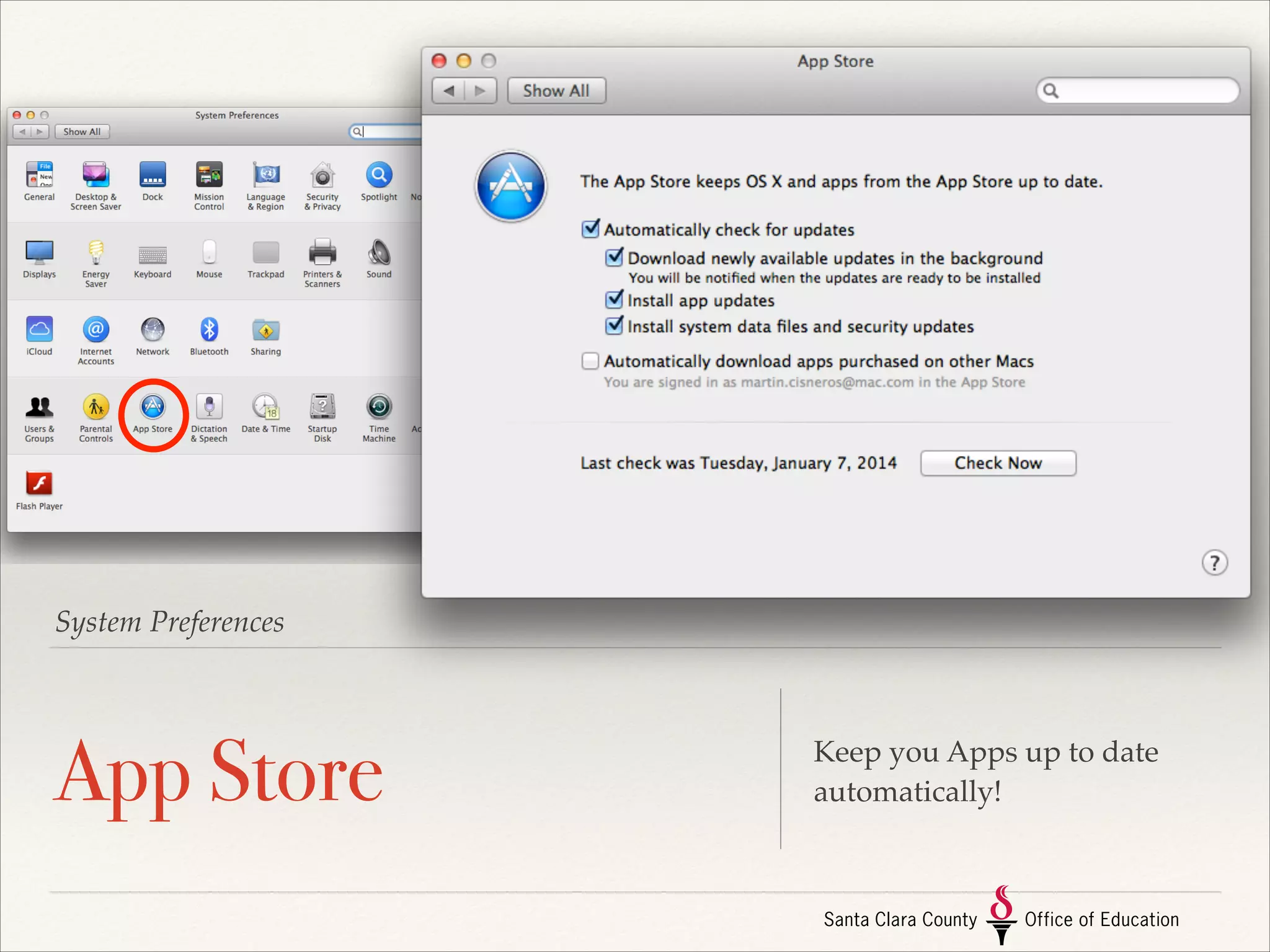
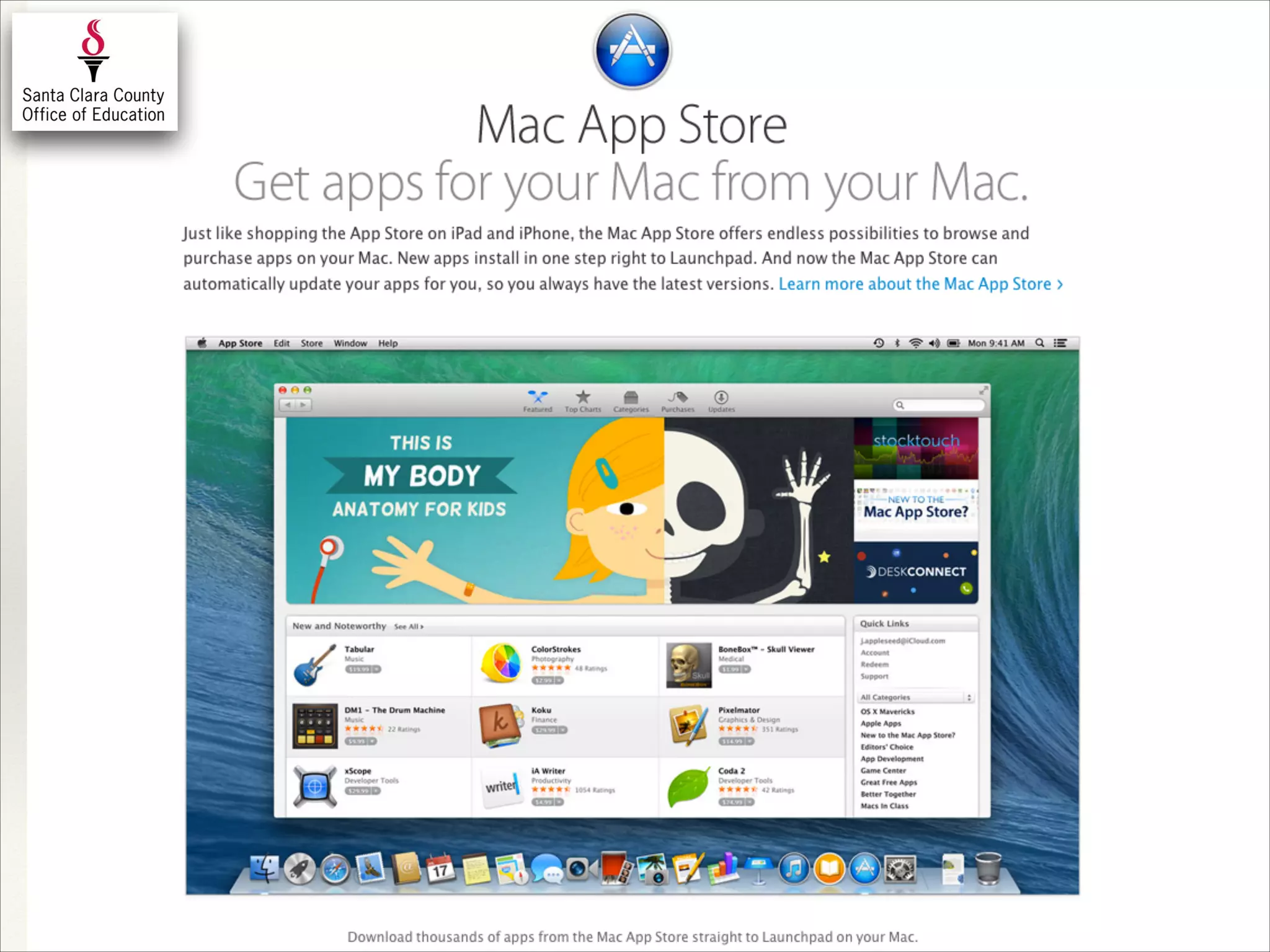
App Store

Keep you Apps up to date
automatically!
System Preferences

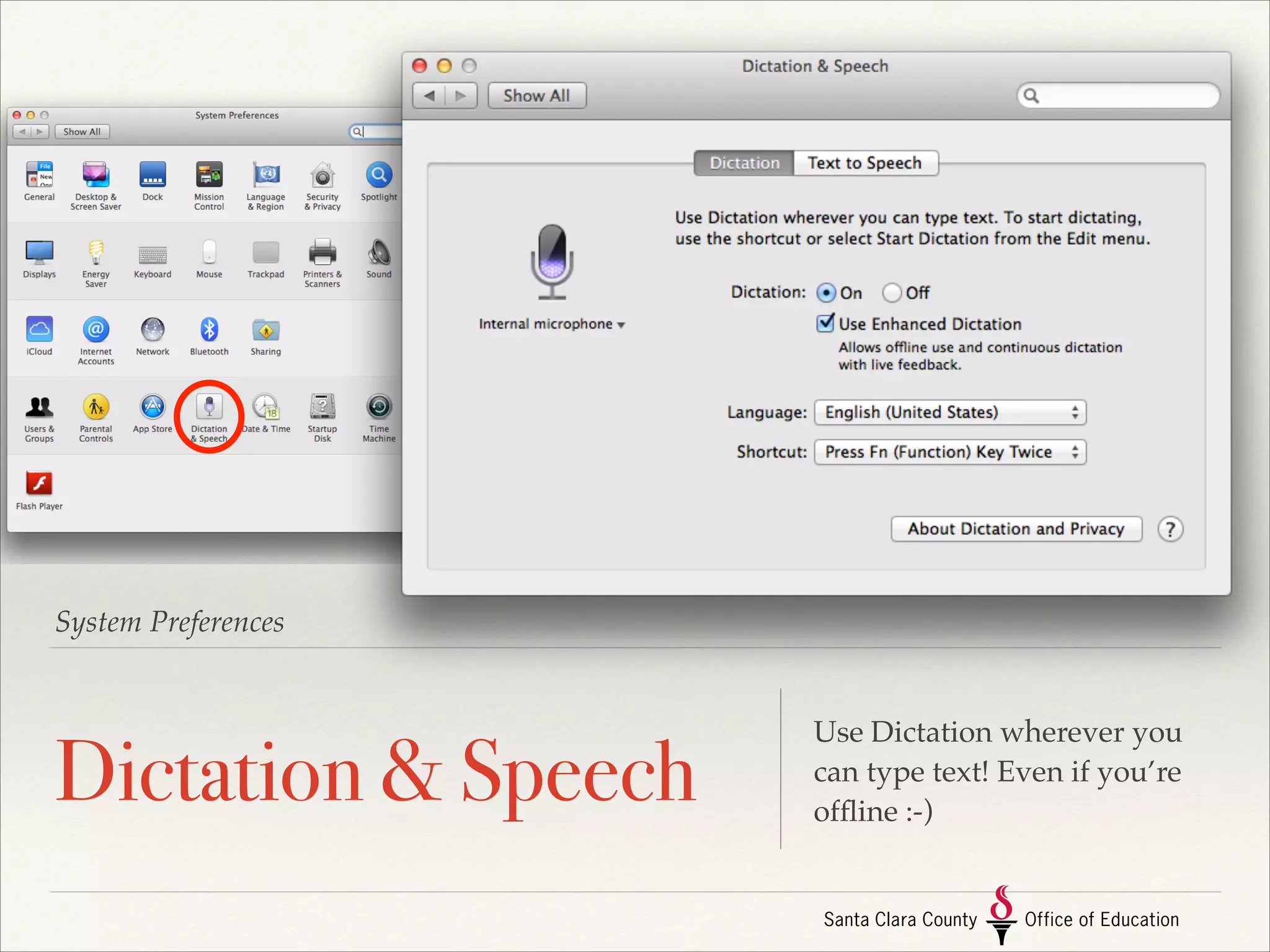
Dictation & Speech

Use Dictation wherever you
can type text! Even if you’re
offline :-)
System Preferences

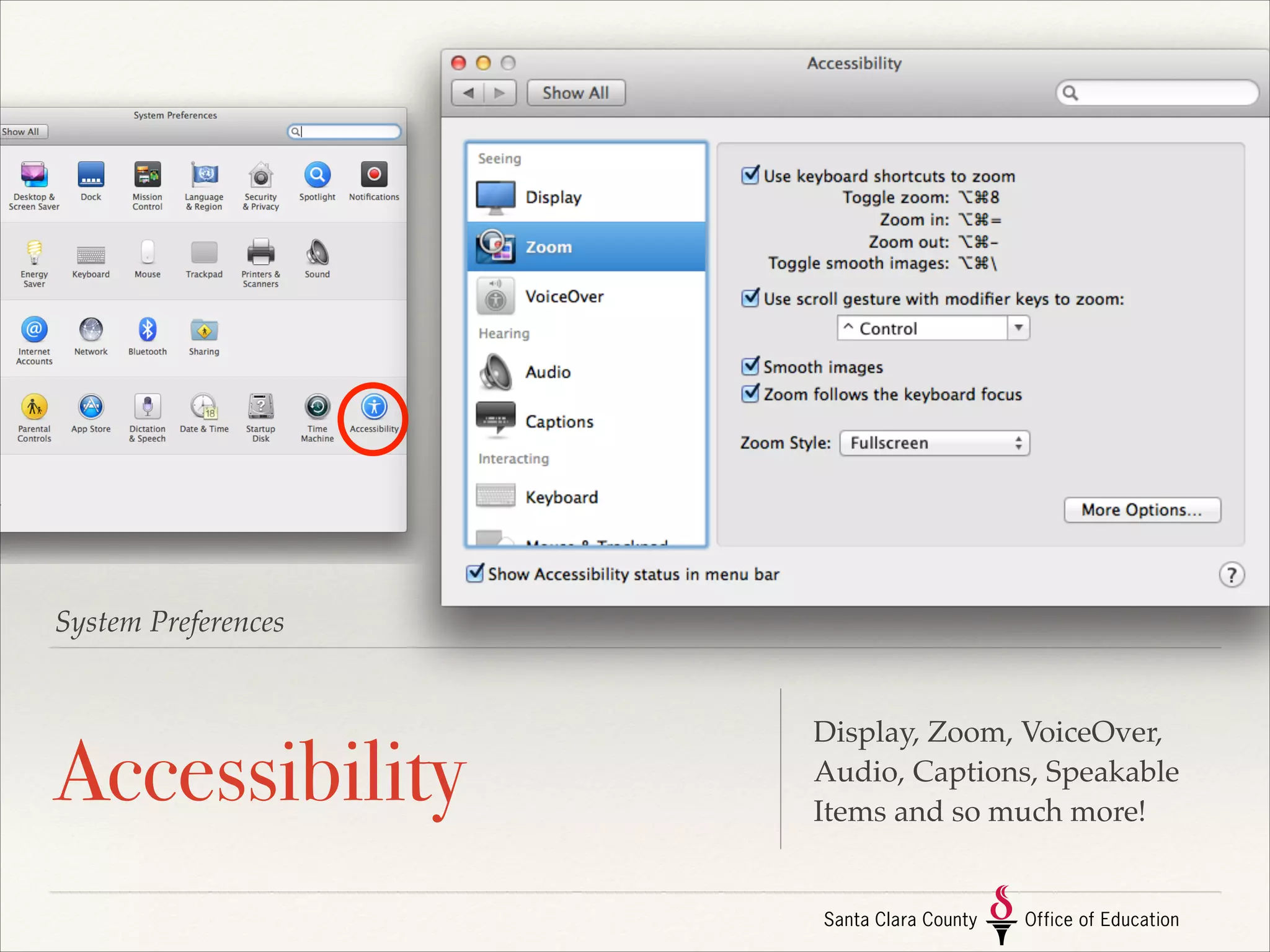
Accessibility

Display, Zoom, VoiceOver,
Audio, Captions, Speakable
Items and so much more!
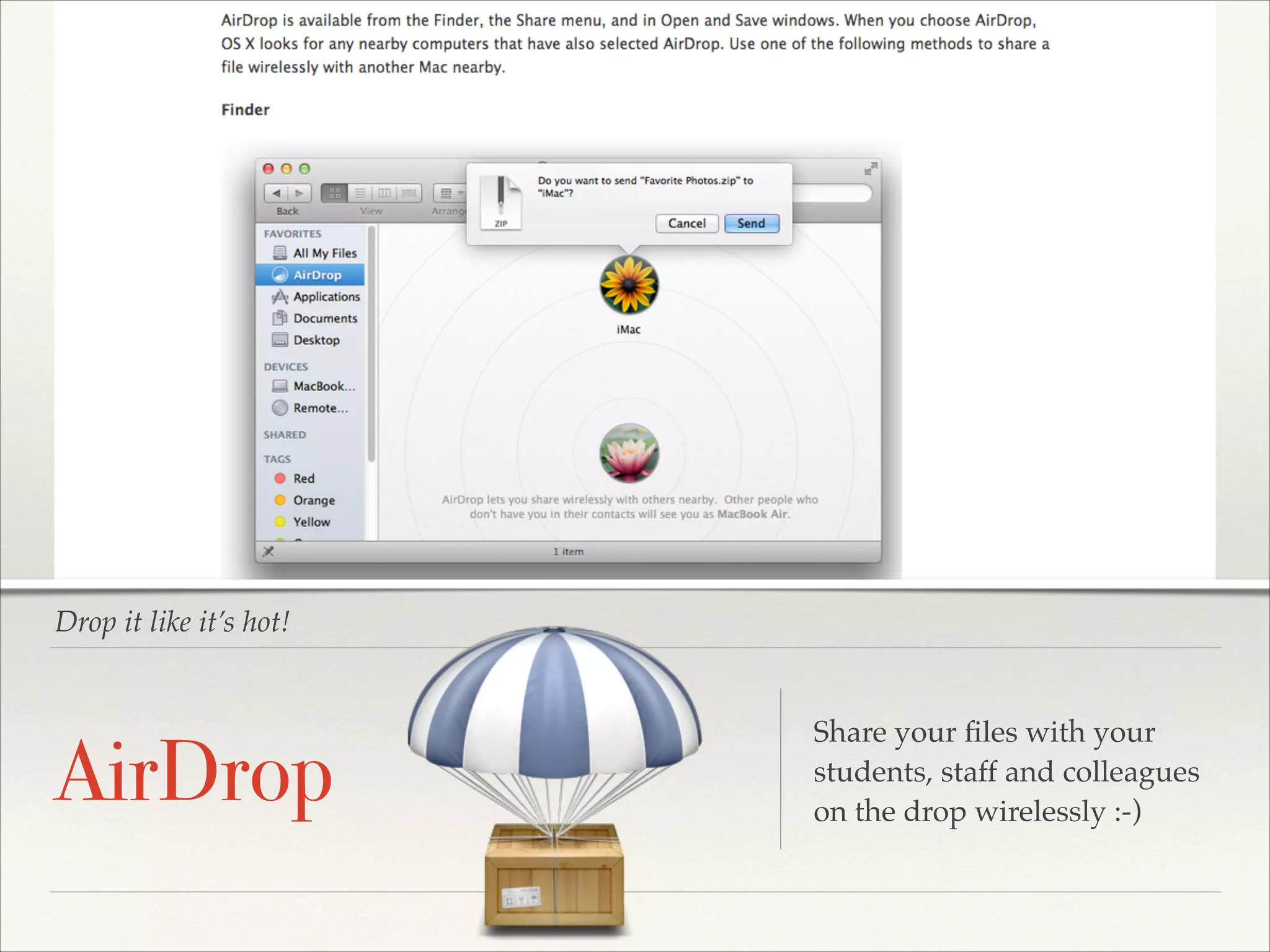
Drop it like it’s hot!

AirDrop

Share your files with your
students, staff and colleagues!
on the drop wirelessly :-)
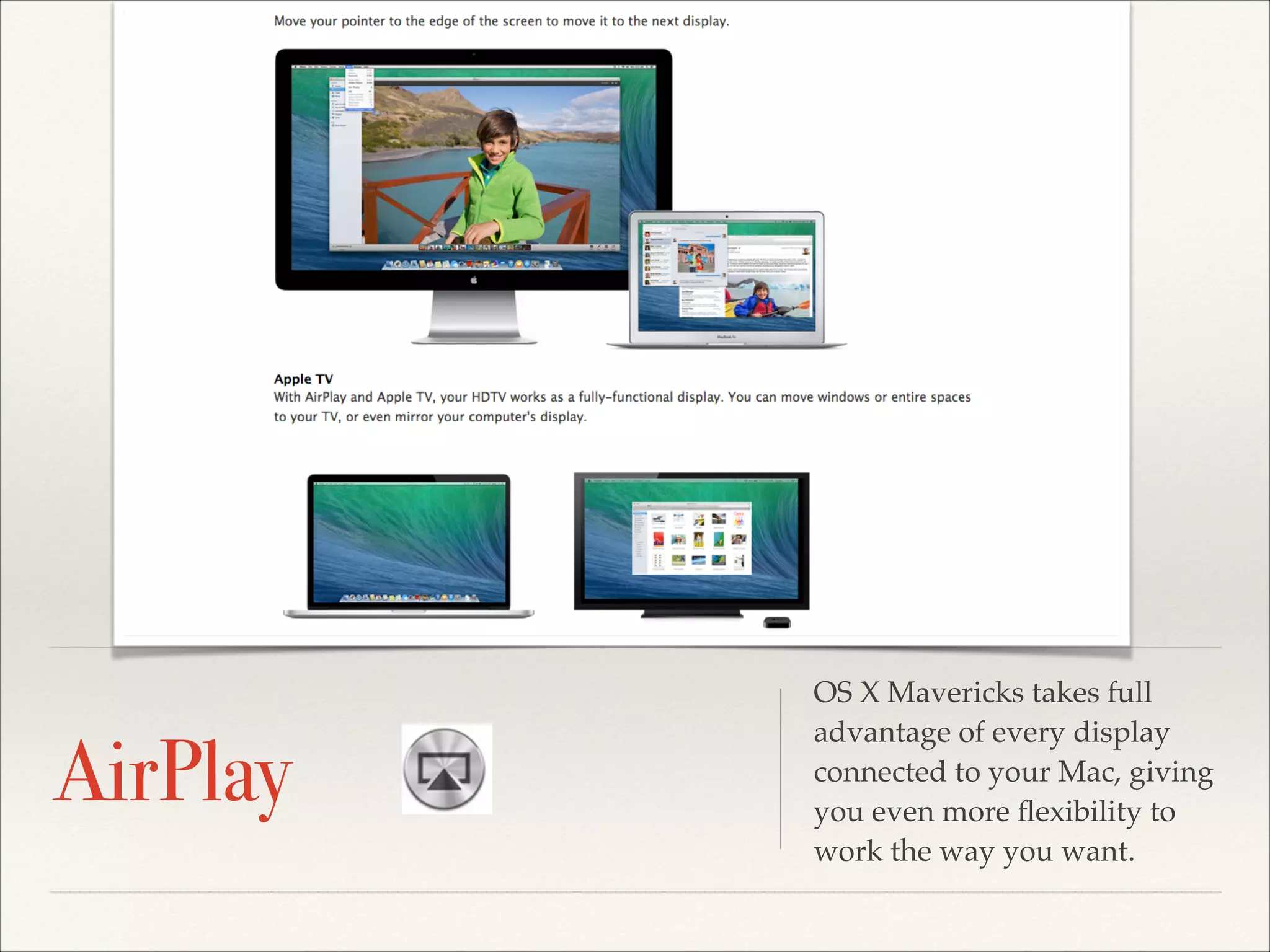
AirPlay

OS X Mavericks takes full
advantage of every display
connected to your Mac, giving
you even more flexibility to
work the way you want.
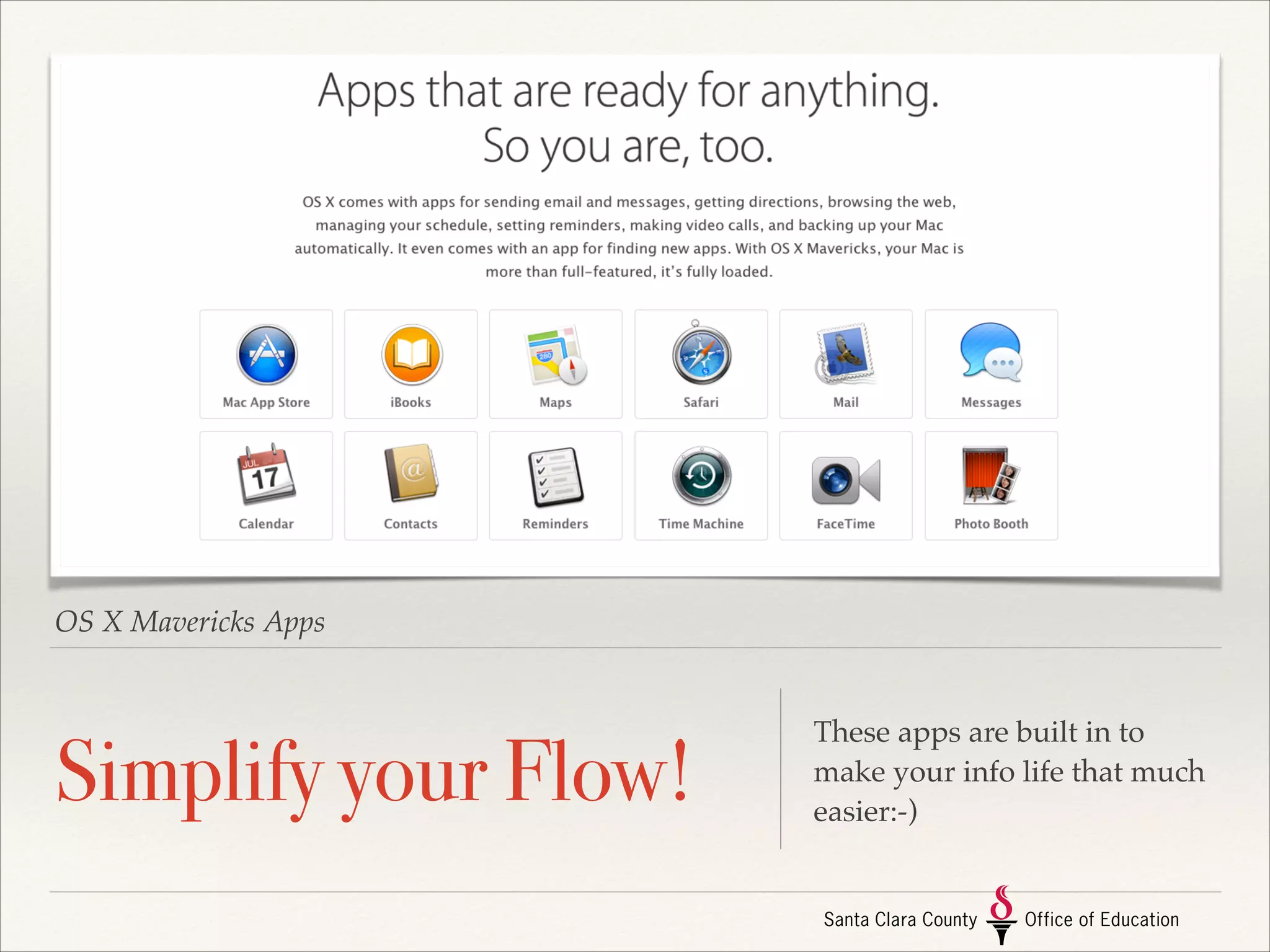
OS X Mavericks Apps

Simplify your Flow!

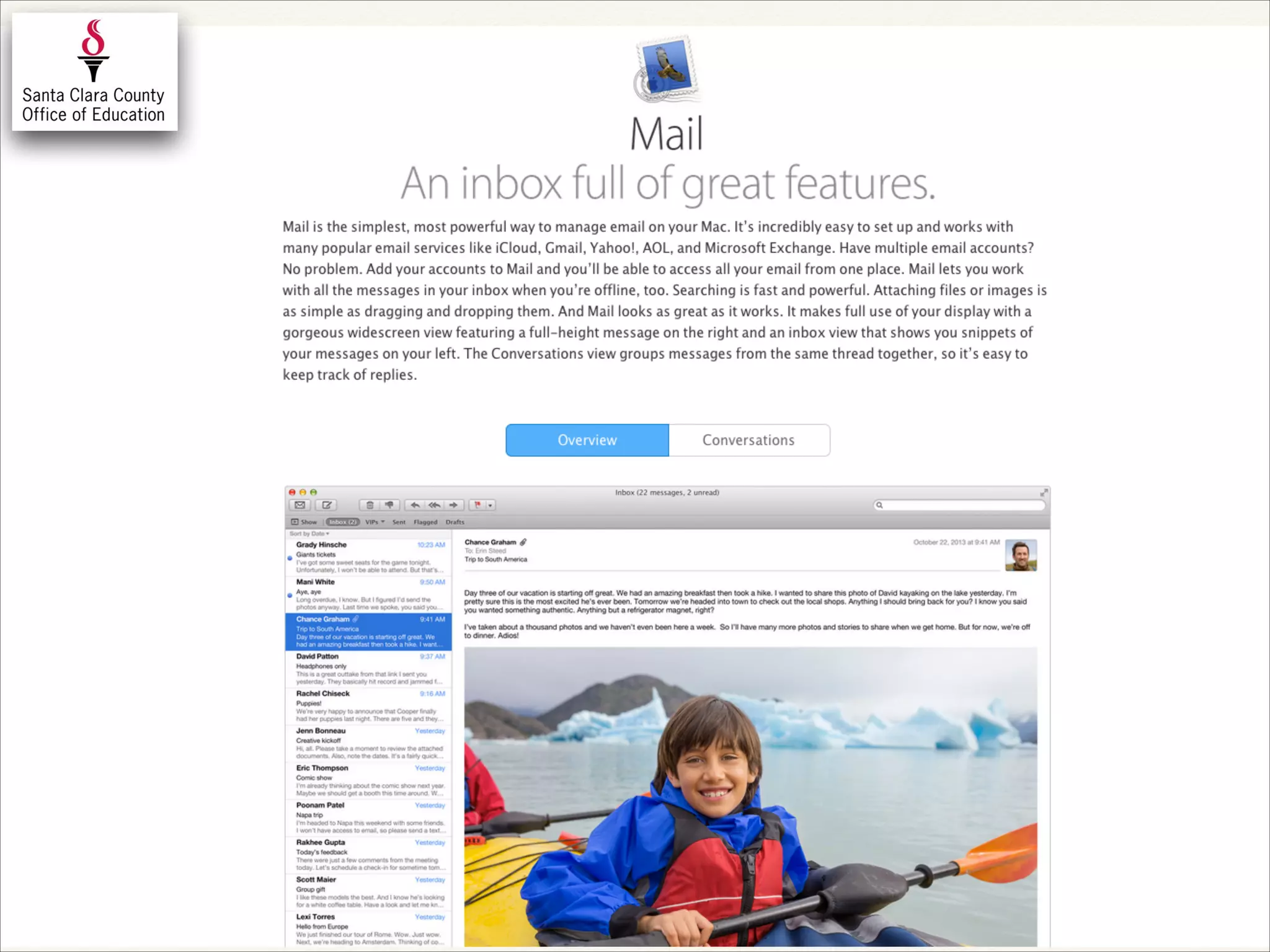
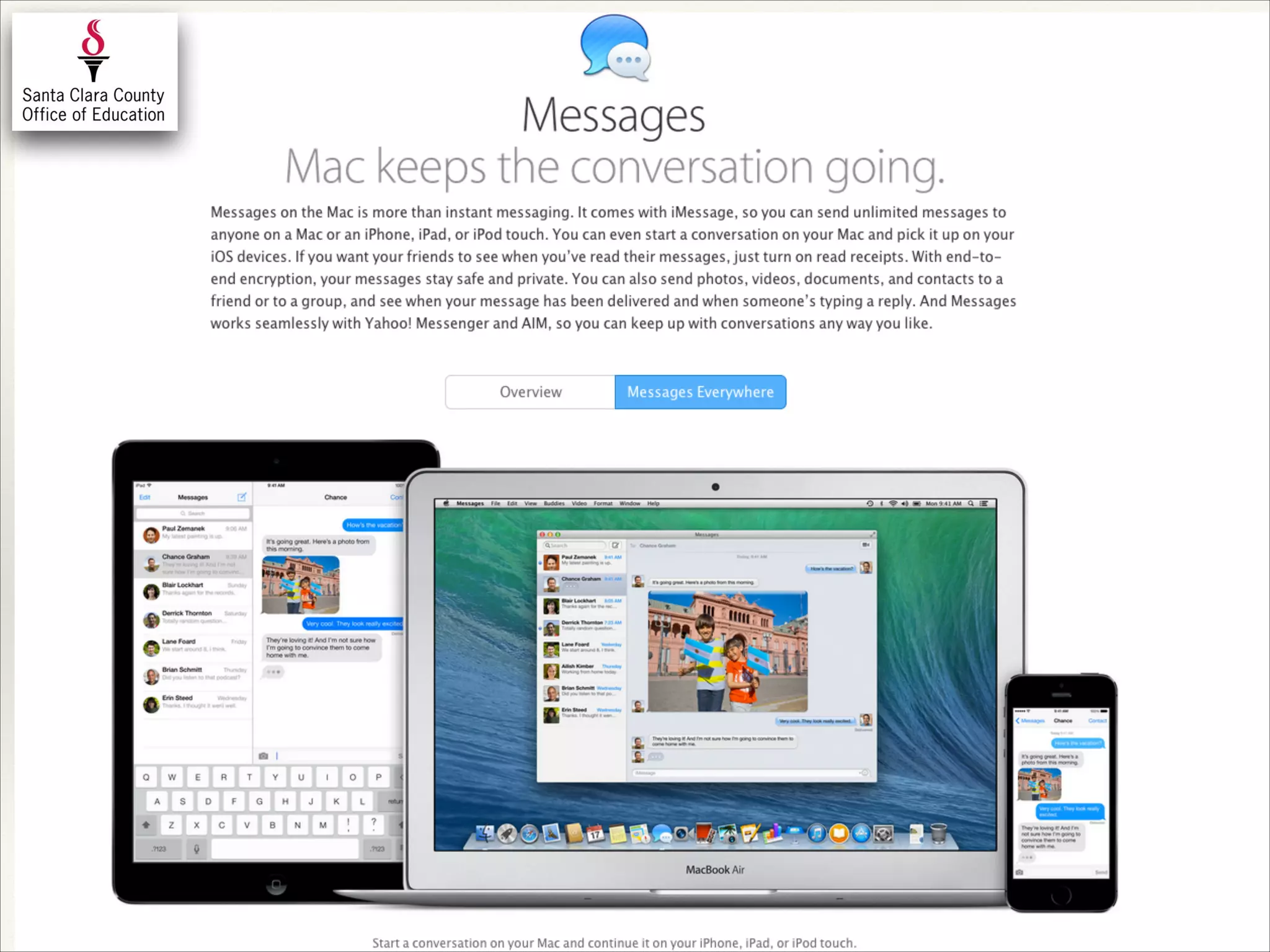
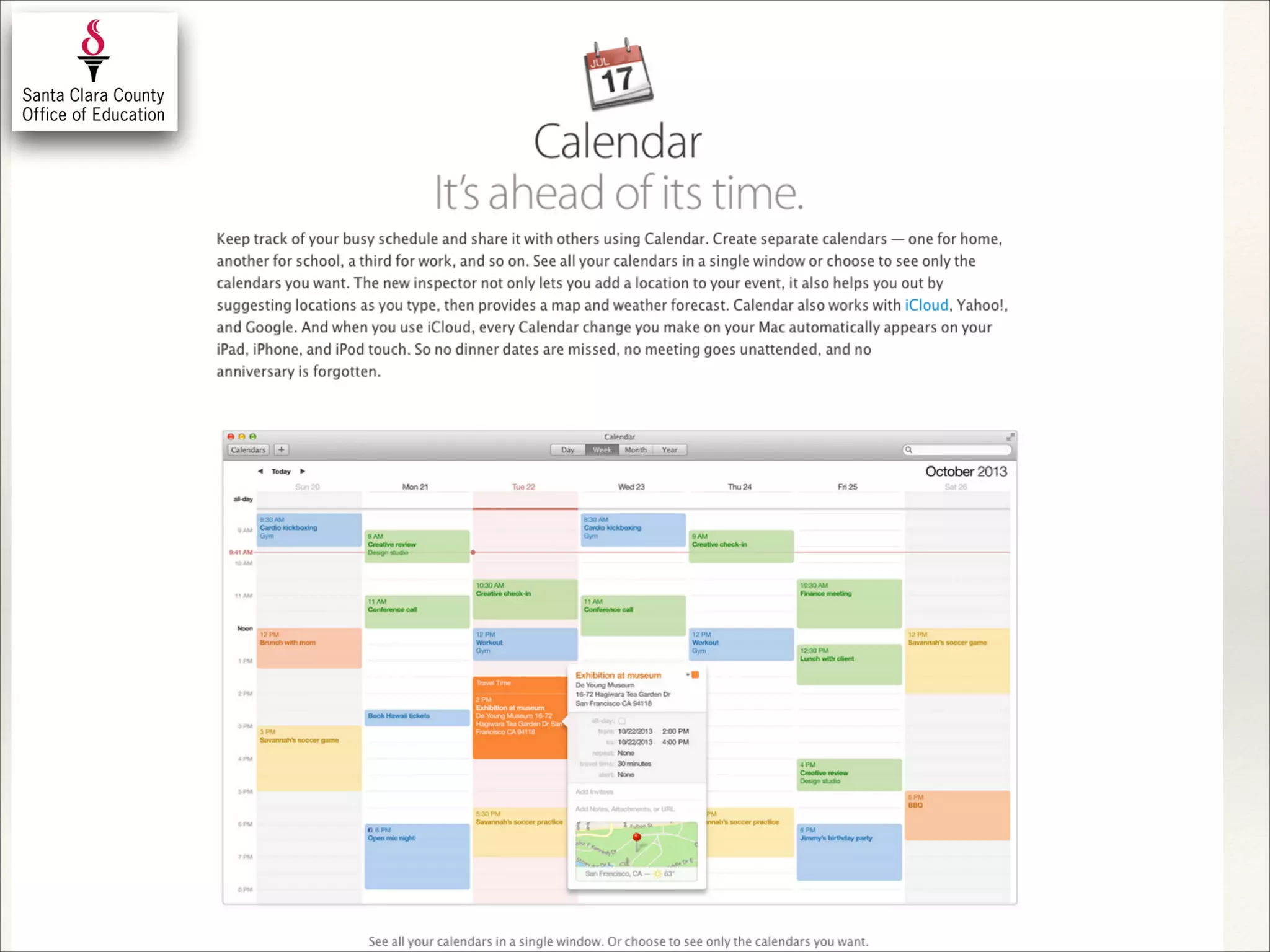
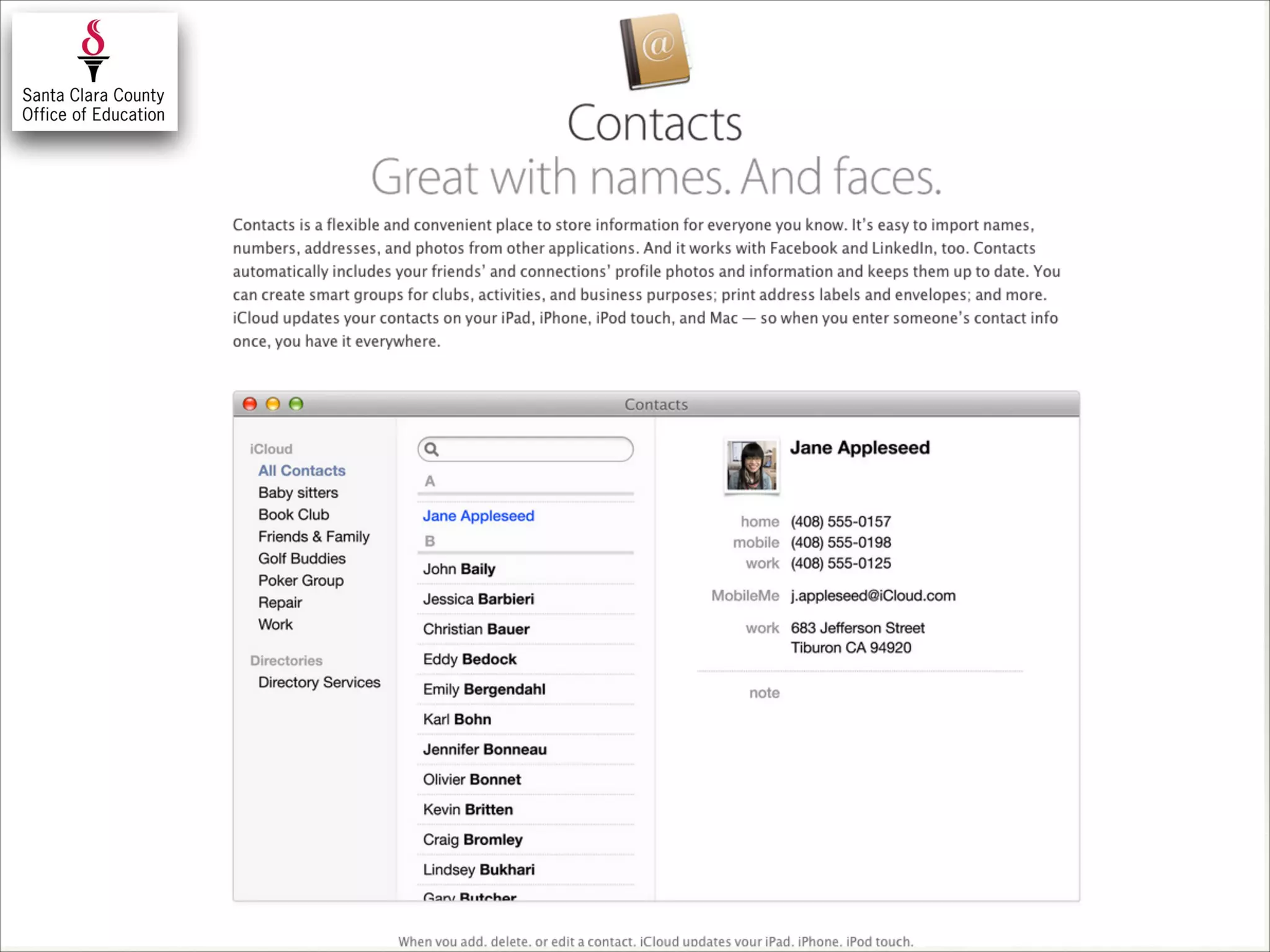
These apps are built in to
make your info life that much
easier:-)
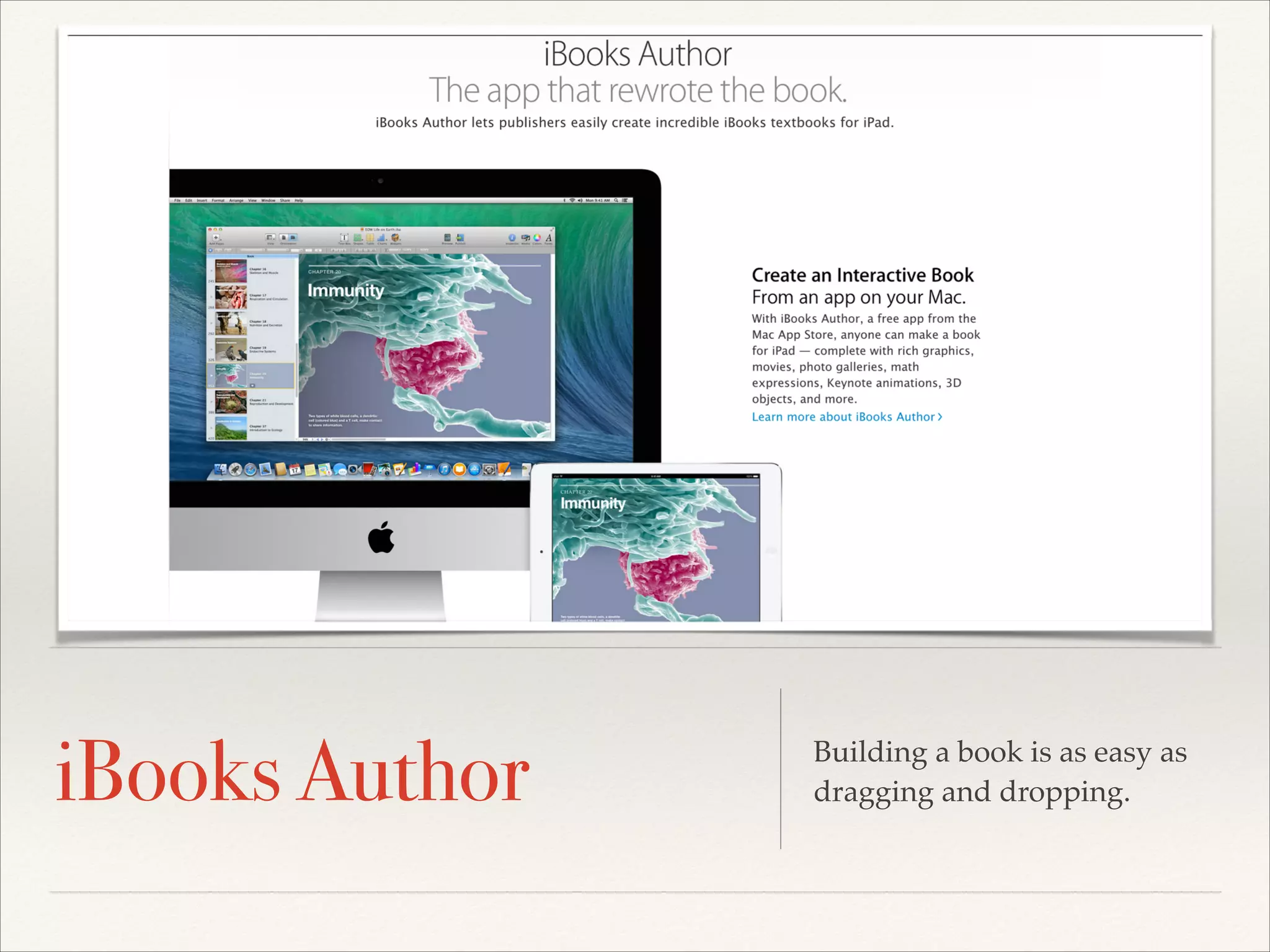
iBooks Author

Building a book is as easy as
dragging and dropping.
BLENDED/ONLINE TEACHING IS LIKE
YOUR FIRST YEAR OF TEACHING…
MARTIN
RICARDO
CISNEROS
ACADEMIC TECHNOLOGY SPECIALIST

!

E: mcisneros@sccoe.org

Web: sccoe.org/edtech

G+: google.com/+MartinCisneros

@THETECHPROFE
What!? We can haz more time?
Add Your Signature to PDF’s
•

Open up a PDF!

•

Click Edit button!

•

Click Signature button!

•

Sign you name on a piece of
paper!

•

Take Pic with Mac Camera!

•

Move your signature to your
desired PDF location:-)
Google Voice

Use technology that the majority
of your staff and students have
access to to 24/7
Google+ Hangouts

Connect your staff, students,
parents together and allow your
engaged conversations to be
extended outside your school walls
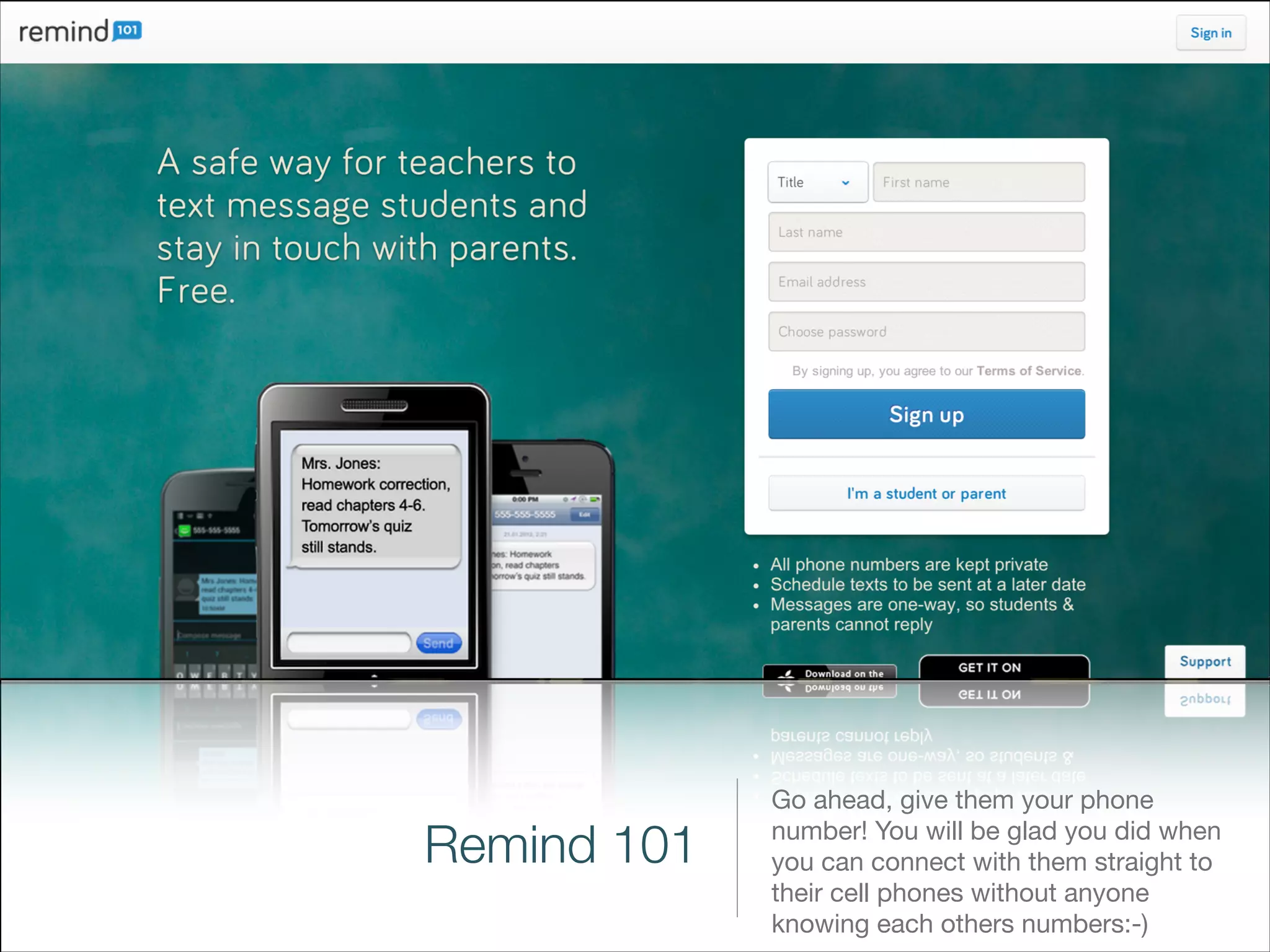
Remind 101

Go ahead, give them your phone
number! You will be glad you did when
you can connect with them straight to
their cell phones without anyone
knowing each others numbers:-)
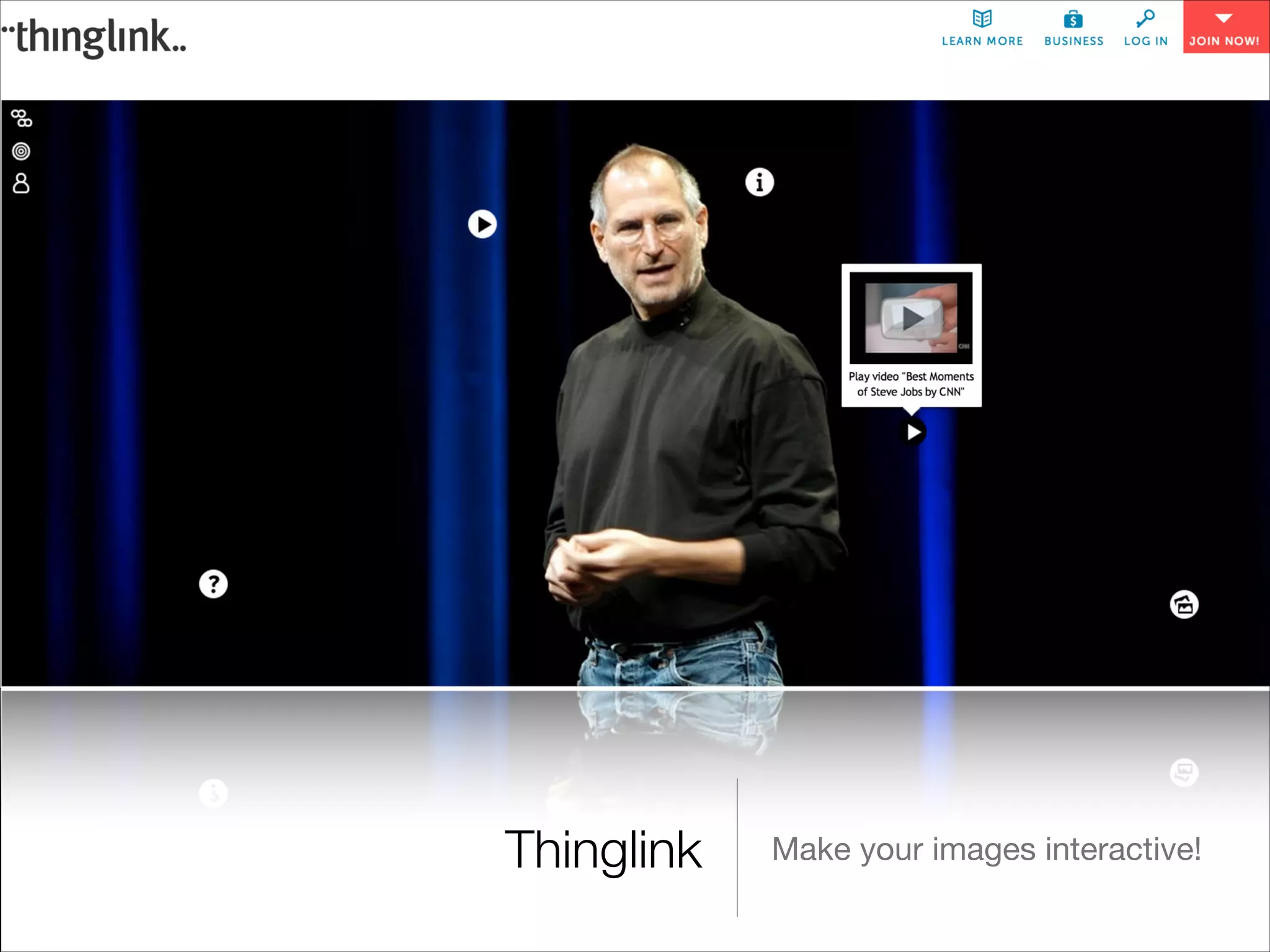
Thinglink

Make your images interactive!
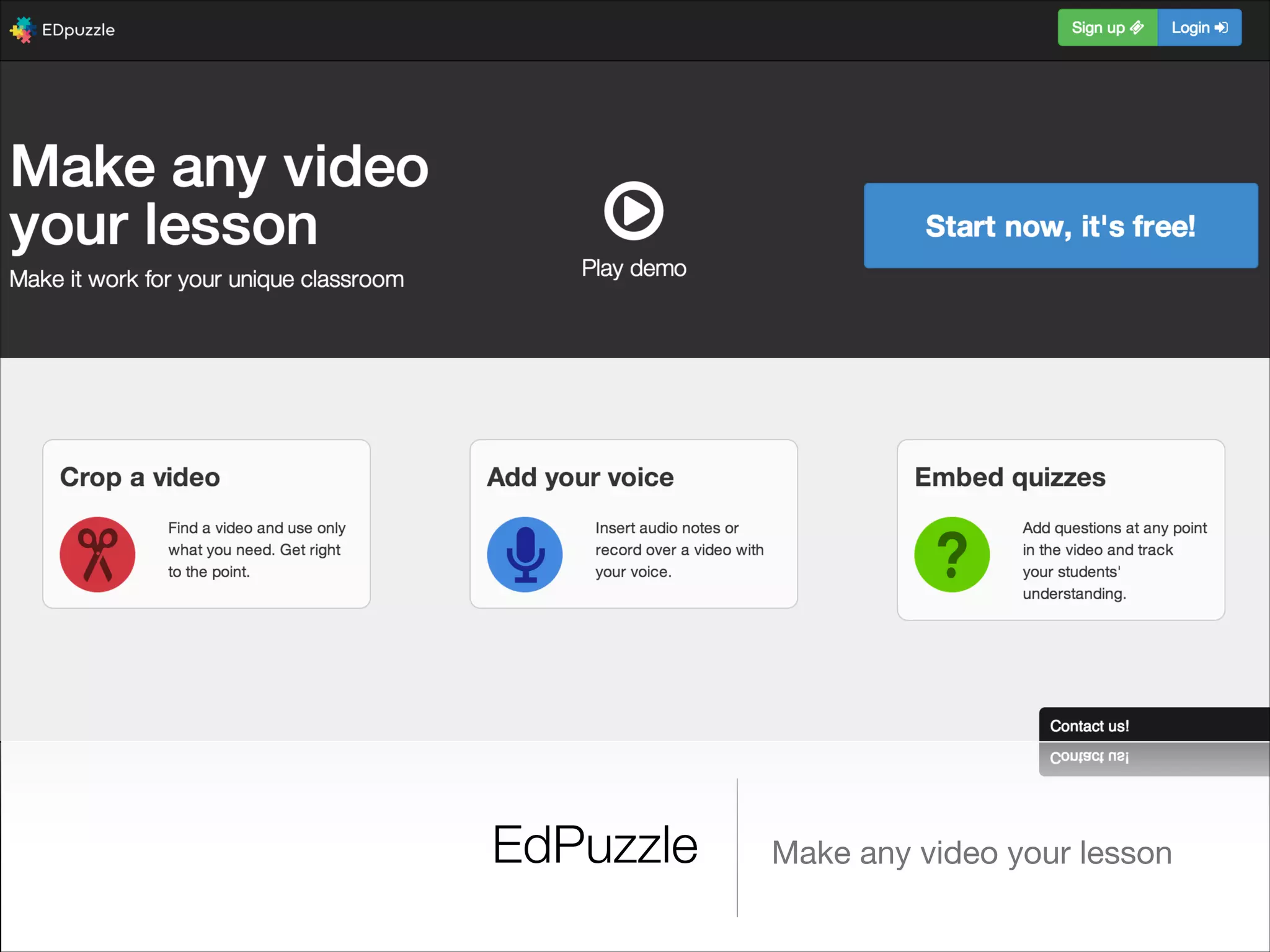
EdPuzzle

Make any video your lesson
Feedly

Curate your digital sources and
share them with your
students :-)
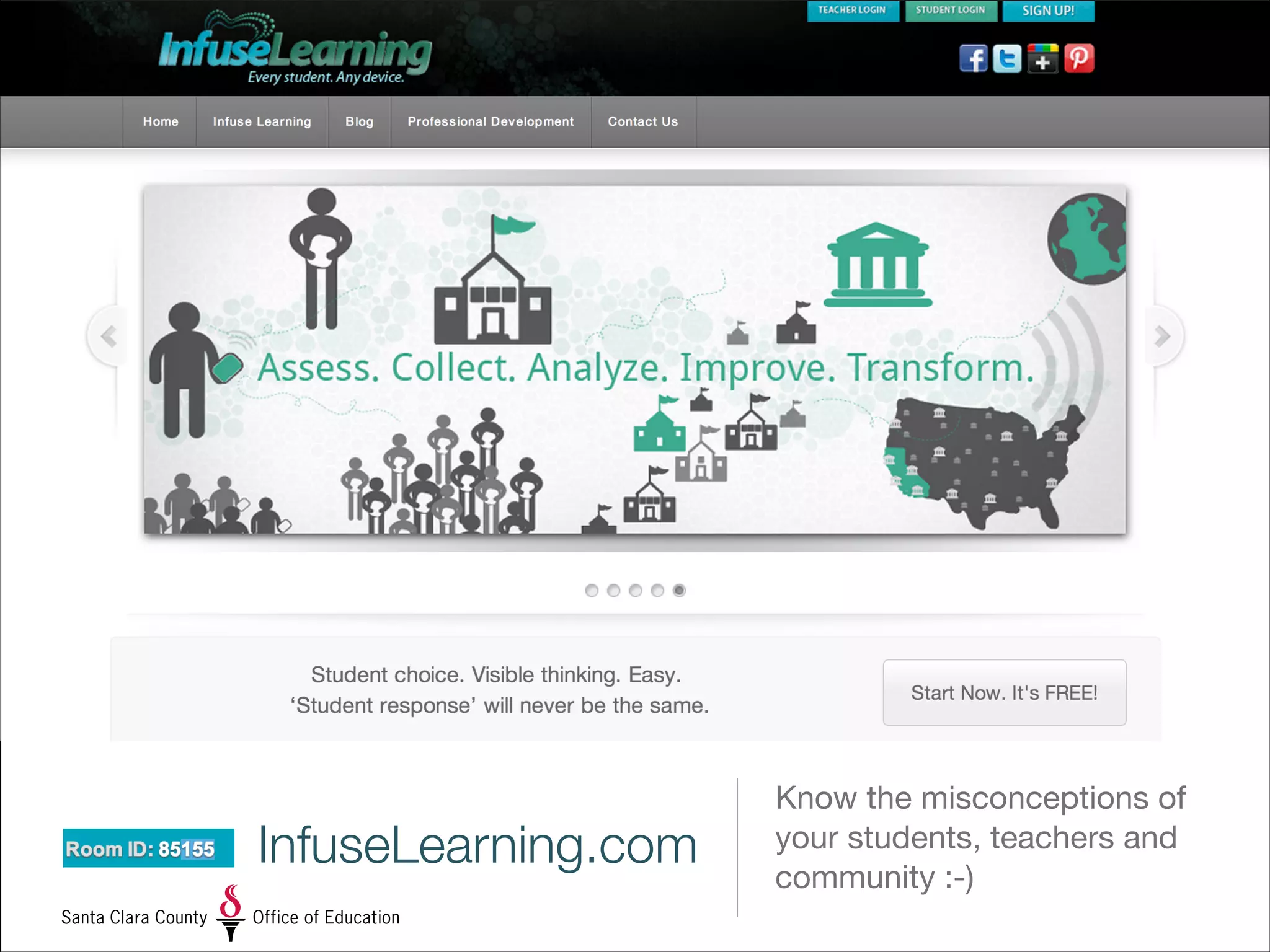
InfuseLearning.com

Know the misconceptions of
your students, teachers and
community :-)
OS X Mavericks: The World’s Most Advanced Operating System for Educators

OS X Mavericks: The World’s Most Advanced Operating System for Educators