Oracle Integration Cloud Course
1. Oracle Cloud Overview
2. OIC Overview
• What is OIC and capabilities
• OIC architecture
• Integration workflow
• OIC built-in adapter’s
• Integration Scenarios
3. Oracle Cloud Subscription
• Subscribe Oracle Cloud
• Access and Customize Oracle Cloud Dashboard
• Create and Access an OIC instance
4. OIC Navigation Walkthrough
• Integrations
1. Designer
2. Monitoring
3. Settings
• Processes (PCS)
• Visual Builder Cloud Service (VBCS)
5. OIC Integration Patters, Adapters & Adapters Role, Web Services
• Integration Patterns
• Oracle Cloud Adapters
• Triggering and invoking adapter properties
• What is Web Service
• REST & SOAP Adapters
• Lookups
6. Create Connection, Integrations and Packages
• Message Exchange Pattern
• Create Connection
• Editing ICS connection
• Create OIC integrations
• Mapping
• Activate / Deactivate integrations
• Actions in OIC
7. OIC Agents
• OIC Agent
• Agent framework implementation for connectivity
• Understand the steps for installing a connectivity agent
• Creating connection to on-premise endpoints
• Describe the steps to perform an agent management task
8. Administration and Monitoring of Integrations
• How to use OIC dashboard to monitor and understand the main tasks
available
• Getting runtime data and metrics through OIC dashboard
• Learn to filter and track messages
• Usage and configuration of business identifiers for tracking
• Managing and monitoring runtime integration errors
9. Promote, Versioning & Cloning Integration
• Export and Import Integrations
• Versioning of Integration
• Cloning of Integration
10.Schedules, Security & Additional Features
• Security certificates management
• User & Roles
• How to use integration schedules and jobs
• Additional Features
11.Lab Classes
• Technology Adapters
1. REST
2. SOAP
3. FTP
4. File
5. Oracle ATP
• Application Adapters
1. Salesforce
2. ServiceNow
3. ERP adapter
4. HCM adapter
• Case Studies
1. Real time Integrations
2. Expose REST API
3. Expose SOAP API
4. Scheduled based Integrations
5. File based Integrations, Read/Write CSV/XML files
6. Publisher & Subscriber Integrations
7. Installation of Connectivity Agent
8. ATP instance provisioning and adapter configuration
9. ATP DB CRUD Operation
10.Integration with Salesforce to get opportunity in real time and
push into Database
11.Exception Handling
12.Poll file from local machine
13.Encrypt and Decrypt files using Pretty Good Privacy (PGP)
14.Capture business events from ERP
15.FBDI approach to load data into ERP
16.Subscribe HCM Atom feeds
17.Looping, Switch, Transformations, Lookups, Call Javascript,
Stage, Logging, Send Email Notifications
18.Promote code from one to another instance
19.Versioning & Cloning of Integrations & APIs
20.Integration between VBCS and Integration Cloud
12.VBCS & Lab
• VBCS Basics
• Developing Web applications in VBCS
• Business Objects in VBCS
• Dependent list in VBCS
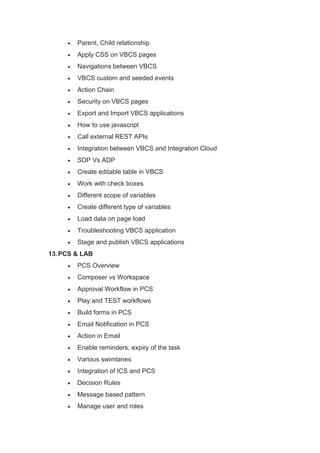
• Parent, Child relationship
• Apply CSS on VBCS pages
• Navigations between VBCS
• VBCS custom and seeded events
• Action Chain
• Security on VBCS pages
• Export and Import VBCS applications
• How to use javascript
• Call external REST APIs
• Integration between VBCS and Integration Cloud
• SDP Vs ADP
• Create editable table in VBCS
• Work with check boxes
• Different scope of variables
• Create different type of variables
• Load data on page load
• Troubleshooting VBCS application
• Stage and publish VBCS applications
13.PCS & LAB
• PCS Overview
• Composer vs Workspace
• Approval Workflow in PCS
• Play and TEST workflows
• Build forms in PCS
• Email Notification in PCS
• Action in Email
• Enable reminders, expiry of the task
• Various swimlanes
• Integration of ICS and PCS
• Decision Rules
• Message based pattern
• Manage user and roles
• Activate your application on PCS server

Oracle Fusion OIC Course Content.pdf

  • 1.
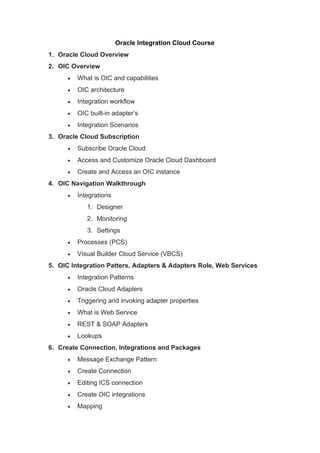
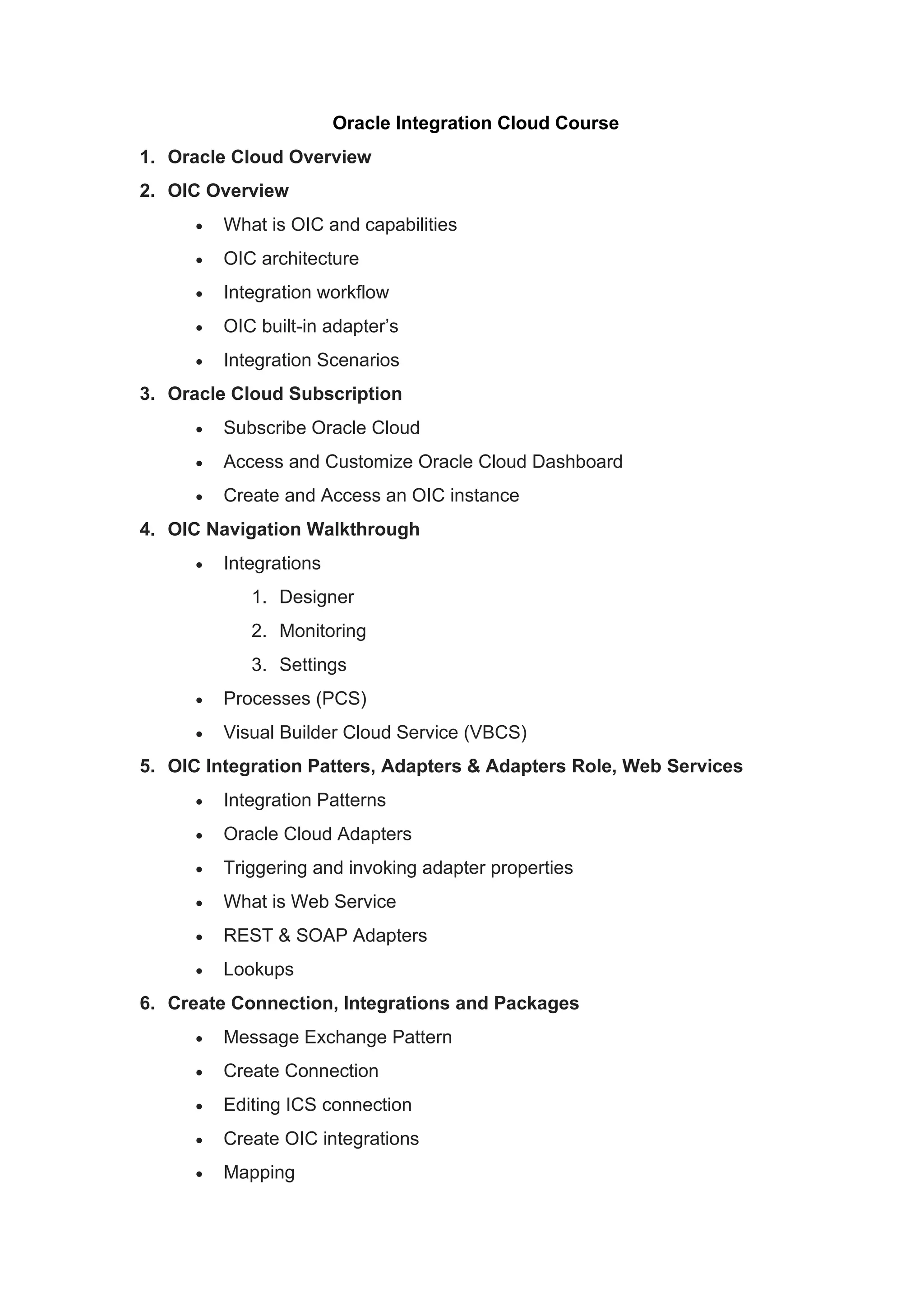
    Oracle Integration CloudCourse 1. Oracle Cloud Overview 2. OIC Overview • What is OIC and capabilities • OIC architecture • Integration workflow • OIC built-in adapter’s • Integration Scenarios 3. Oracle Cloud Subscription • Subscribe Oracle Cloud • Access and Customize Oracle Cloud Dashboard • Create and Access an OIC instance 4. OIC Navigation Walkthrough • Integrations 1. Designer 2. Monitoring 3. Settings • Processes (PCS) • Visual Builder Cloud Service (VBCS) 5. OIC Integration Patters, Adapters & Adapters Role, Web Services • Integration Patterns • Oracle Cloud Adapters • Triggering and invoking adapter properties • What is Web Service • REST & SOAP Adapters • Lookups 6. Create Connection, Integrations and Packages • Message Exchange Pattern • Create Connection • Editing ICS connection • Create OIC integrations • Mapping
  • 2.
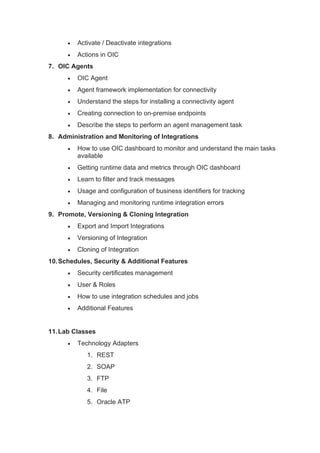
    • Activate /Deactivate integrations • Actions in OIC 7. OIC Agents • OIC Agent • Agent framework implementation for connectivity • Understand the steps for installing a connectivity agent • Creating connection to on-premise endpoints • Describe the steps to perform an agent management task 8. Administration and Monitoring of Integrations • How to use OIC dashboard to monitor and understand the main tasks available • Getting runtime data and metrics through OIC dashboard • Learn to filter and track messages • Usage and configuration of business identifiers for tracking • Managing and monitoring runtime integration errors 9. Promote, Versioning & Cloning Integration • Export and Import Integrations • Versioning of Integration • Cloning of Integration 10.Schedules, Security & Additional Features • Security certificates management • User & Roles • How to use integration schedules and jobs • Additional Features 11.Lab Classes • Technology Adapters 1. REST 2. SOAP 3. FTP 4. File 5. Oracle ATP
  • 3.
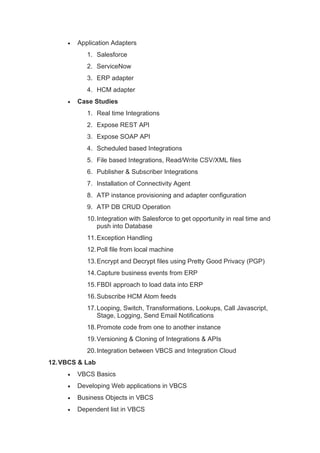
    • Application Adapters 1.Salesforce 2. ServiceNow 3. ERP adapter 4. HCM adapter • Case Studies 1. Real time Integrations 2. Expose REST API 3. Expose SOAP API 4. Scheduled based Integrations 5. File based Integrations, Read/Write CSV/XML files 6. Publisher & Subscriber Integrations 7. Installation of Connectivity Agent 8. ATP instance provisioning and adapter configuration 9. ATP DB CRUD Operation 10.Integration with Salesforce to get opportunity in real time and push into Database 11.Exception Handling 12.Poll file from local machine 13.Encrypt and Decrypt files using Pretty Good Privacy (PGP) 14.Capture business events from ERP 15.FBDI approach to load data into ERP 16.Subscribe HCM Atom feeds 17.Looping, Switch, Transformations, Lookups, Call Javascript, Stage, Logging, Send Email Notifications 18.Promote code from one to another instance 19.Versioning & Cloning of Integrations & APIs 20.Integration between VBCS and Integration Cloud 12.VBCS & Lab • VBCS Basics • Developing Web applications in VBCS • Business Objects in VBCS • Dependent list in VBCS
  • 4.
    • Parent, Childrelationship • Apply CSS on VBCS pages • Navigations between VBCS • VBCS custom and seeded events • Action Chain • Security on VBCS pages • Export and Import VBCS applications • How to use javascript • Call external REST APIs • Integration between VBCS and Integration Cloud • SDP Vs ADP • Create editable table in VBCS • Work with check boxes • Different scope of variables • Create different type of variables • Load data on page load • Troubleshooting VBCS application • Stage and publish VBCS applications 13.PCS & LAB • PCS Overview • Composer vs Workspace • Approval Workflow in PCS • Play and TEST workflows • Build forms in PCS • Email Notification in PCS • Action in Email • Enable reminders, expiry of the task • Various swimlanes • Integration of ICS and PCS • Decision Rules • Message based pattern • Manage user and roles
  • 5.
    • Activate yourapplication on PCS server