OPERATING SYSTEM
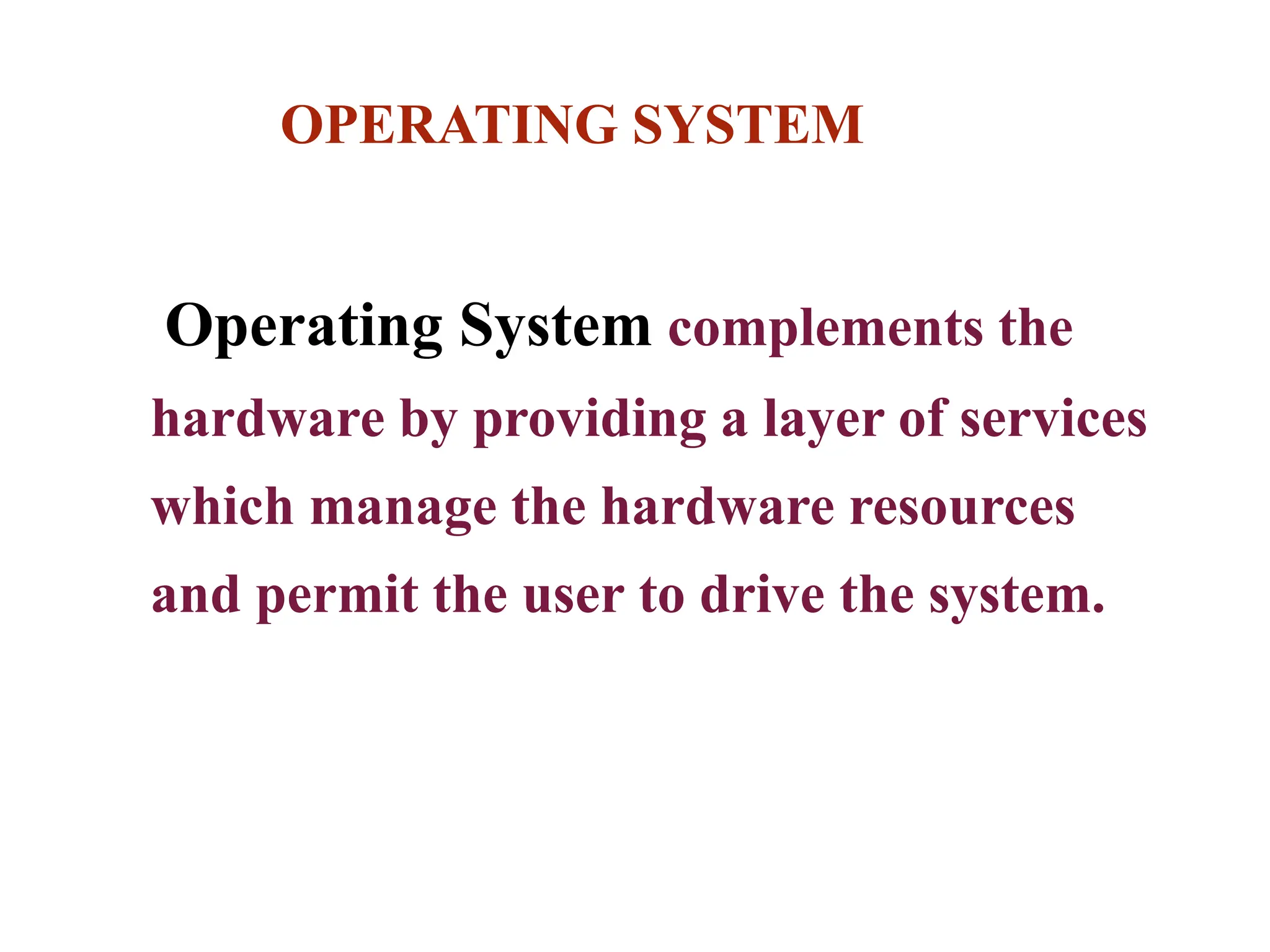
Operating System complements the
hardware by providing a layer of services
which manage the hardware resources
and permit the user to drive the system.
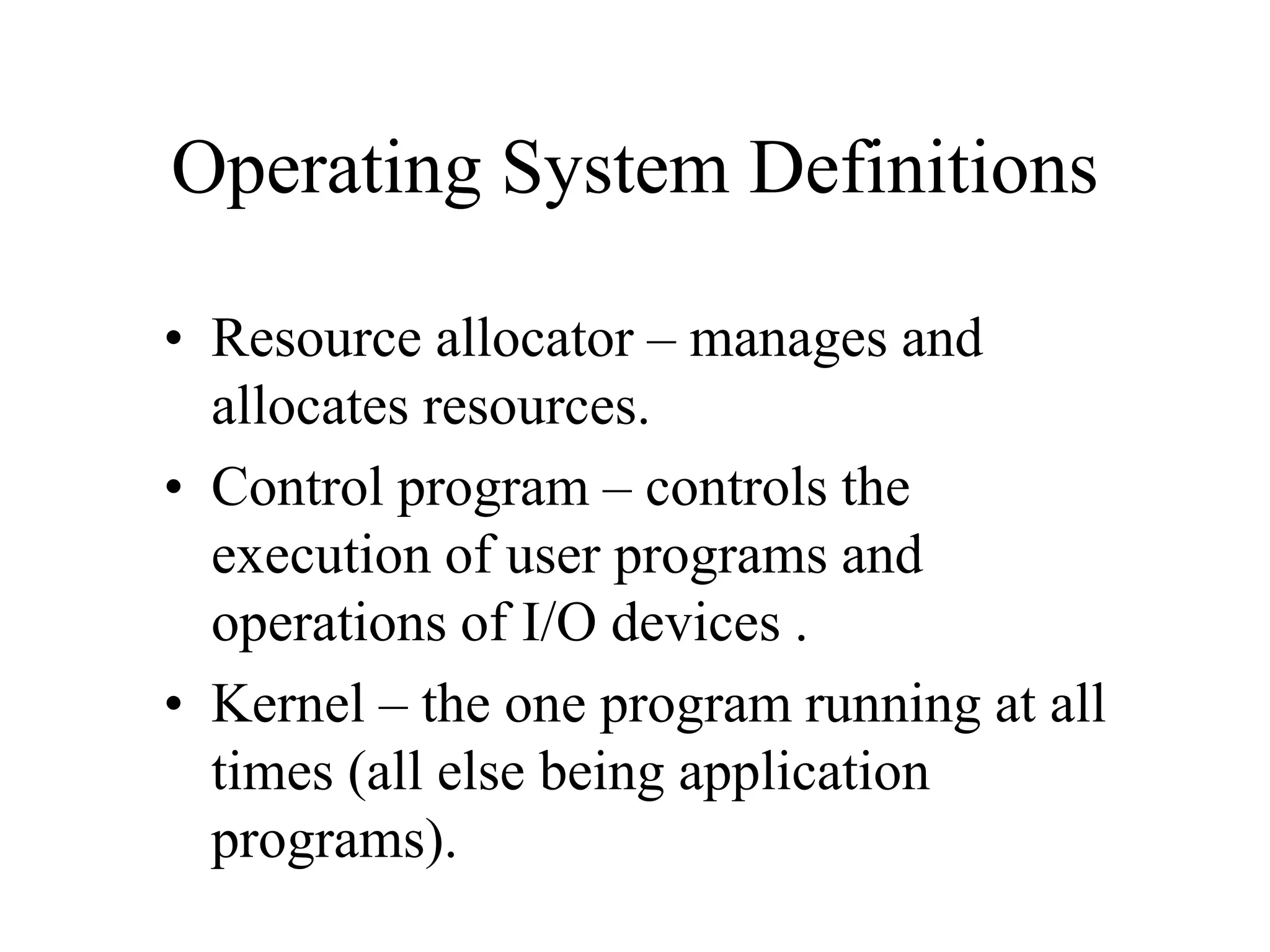
Operating System Definitions
• Resource allocator – manages and
allocates resources.
• Control program – controls the
execution of user programs and
operations of I/O devices .
• Kernel – the one program running at all
times (all else being application
programs).
OPERATING SYSTEM
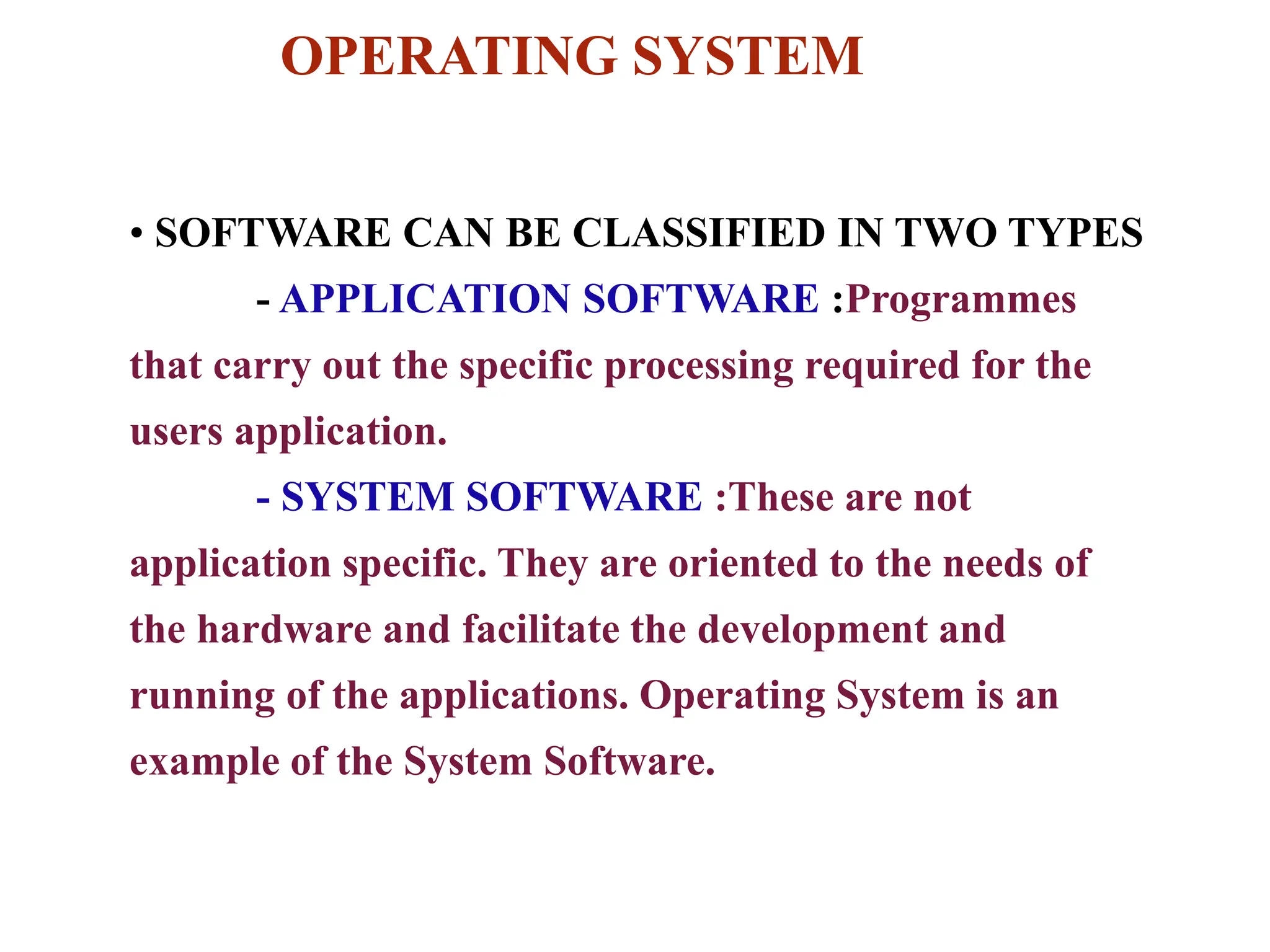
• SOFTWARE CAN BE CLASSIFIED IN TWO TYPES
- APPLICATION SOFTWARE :Programmes
that carry out the specific processing required for the
users application.
- SYSTEM SOFTWARE :These are not
application specific. They are oriented to the needs of
the hardware and facilitate the development and
running of the applications. Operating System is an
example of the System Software.
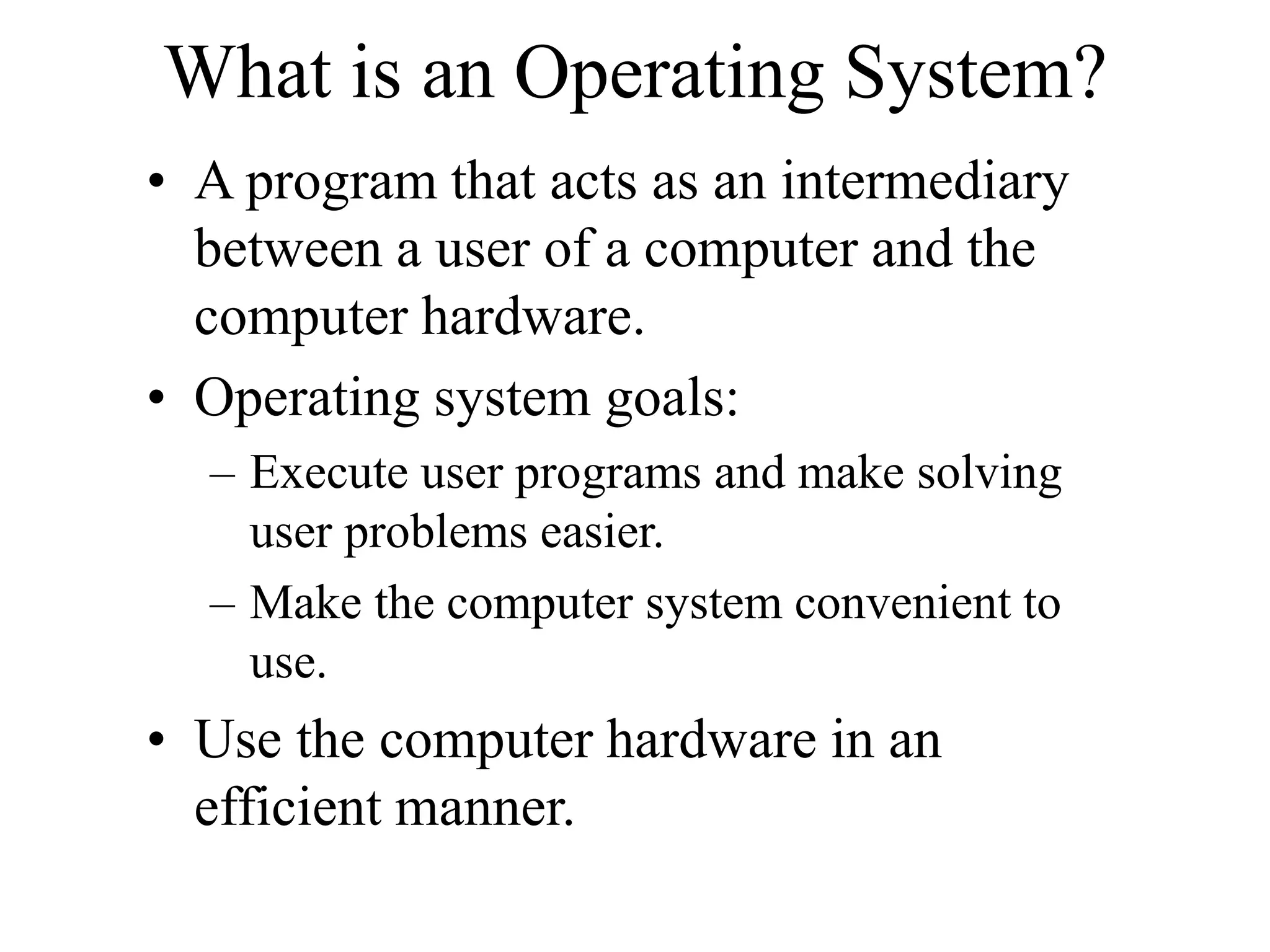
What is an Operating System?
• A program that acts as an intermediary
between a user of a computer and the
computer hardware.
• Operating system goals:
– Execute user programs and make solving
user problems easier.
– Make the computer system convenient to
use.
• Use the computer hardware in an
efficient manner.
OPERATING SYSTEM
The operating system provides :
• Machine Resource Management
• I/O & Interrupt Management
• The File System and File Management
•The Virtual Machine Environment
• The Command Interpreter
• Miscellaneous Services
Functions of Operating System
Computer System Components
1.Hardware – provides basic computing
resources (CPU, memory, I/O devices).
2.Operating system – controls and coordinates
the use of the hardware among the various
application programs for the various users.
3.Applications programs – define the ways in
which the system resources are used to
solve the computing problems of the users
(compilers, database systems, video games,
business programs).
4.Users (people, machines, other computers).
Linux - Strengths
• Powerful but not resource hungry
• Networking and e-business capability
– Associated with Apache Web server
• Reliable (almost Crash Proof)
• Free to download
– Or ‘affordable” through distribution CDs
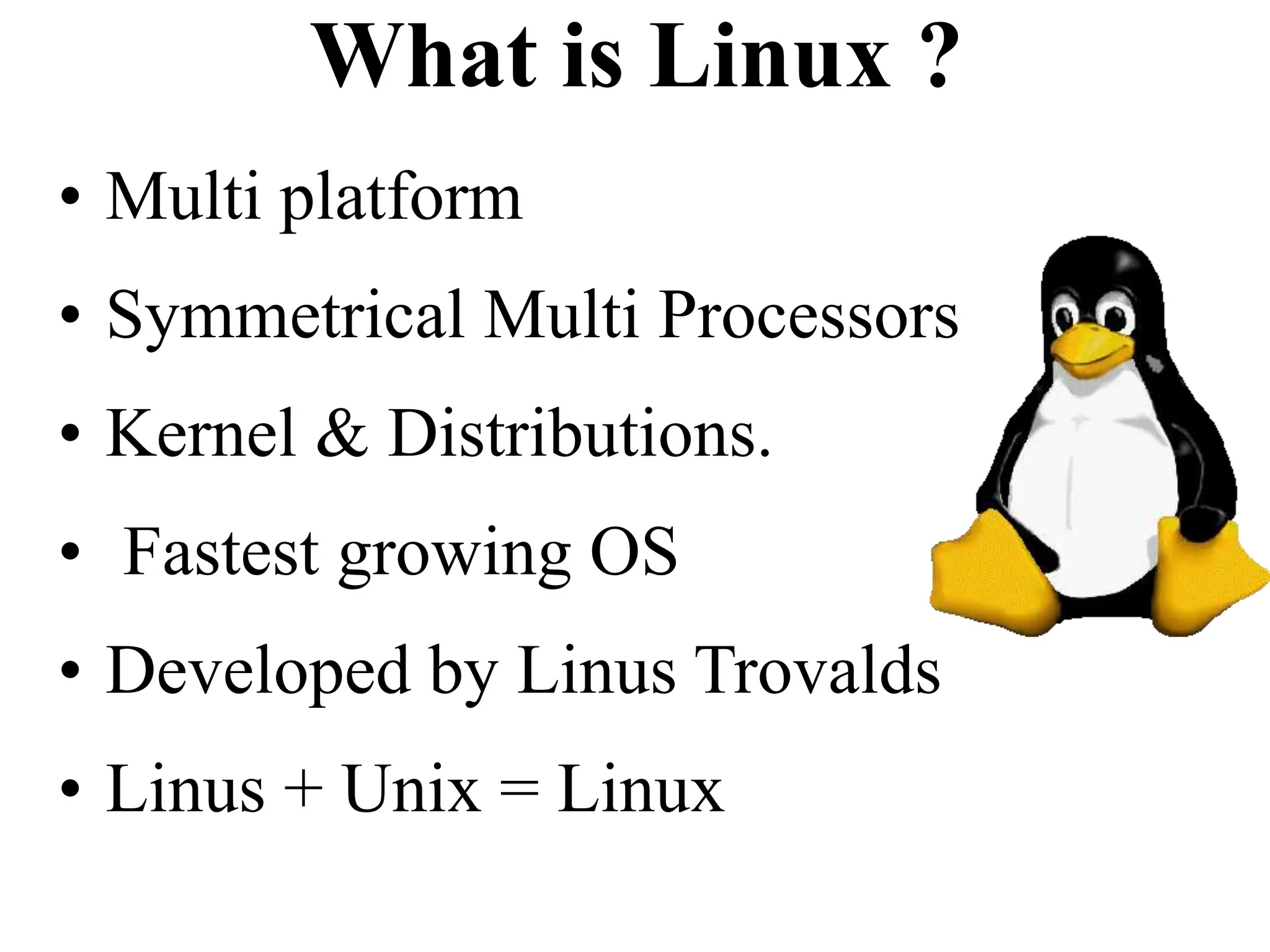
What is Linux ?
• Unix Like Operating System
• Free for every one to use
• Multi user
• Multi Tasking
• Internet ready
• Robust
• 32/64 bits
What is Linux ?
• Multi platform
• Symmetrical Multi Processors
• Kernel & Distributions.
• Fastest growing OS
• Developed by Linus Trovalds
• Linus + Unix = Linux
Where Did it come from ?
• Linus Trovalds created it
– With assistance from programmers around the world, b’cos of
which the source code is free
• First posted on Internet on October 5, 1991
• Linux 1.0 in 1994, Linux 2.2 in 1999
• Today is running in access of 7-10 million computers
across the world.
• With thousands of programmers still working to improve
it.
• Has moved beyond the ‘enthusiast stage’ to business,
ISP, and into corporate world.
File Systems
• To the user, Linux’s file system appears as a
hierarchical directory tree obeying UNIX
semantics.
• Internally, the kernel hides implementation
details and manages the multiple different
file systems via an abstraction layer, that is,
the virtual file system (VFS).
• The Linux VFS is designed around object-
oriented principles and is composed of two
components:
– A set of definitions that define what a file
The Linux Ext2fs File System
• Ext2fs uses a mechanism similar to
that of BSD Fast File System (ffs) for
locating data blocks belonging to a
specific file.
• The main differences between ext2fs
and ffs concern their disk allocation
policies.
– In ffs, the disk is allocated to files in
blocks of 8Kb, with blocks being
subdivided into fragments of 1Kb to
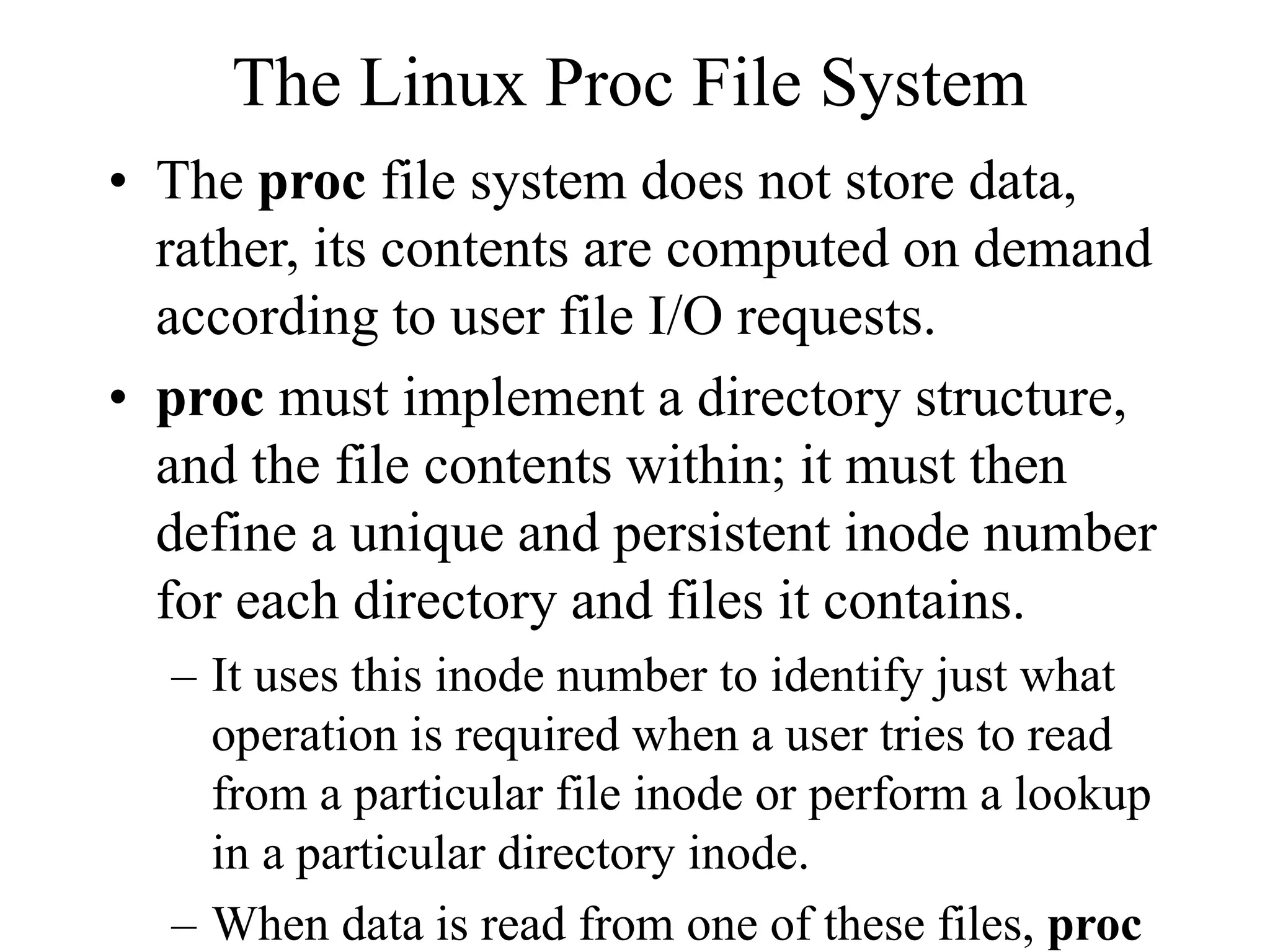
The Linux Proc File System
• The proc file system does not store data,
rather, its contents are computed on demand
according to user file I/O requests.
• proc must implement a directory structure,
and the file contents within; it must then
define a unique and persistent inode number
for each directory and files it contains.
– It uses this inode number to identify just what
operation is required when a user tries to read
from a particular file inode or perform a lookup
in a particular directory inode.
– When data is read from one of these files, proc

operating system ondesktop computer ( laptop)

  • 1.
    OPERATING SYSTEM Operating Systemcomplements the hardware by providing a layer of services which manage the hardware resources and permit the user to drive the system.
  • 2.
    Operating System Definitions •Resource allocator – manages and allocates resources. • Control program – controls the execution of user programs and operations of I/O devices . • Kernel – the one program running at all times (all else being application programs).
  • 3.
    OPERATING SYSTEM • SOFTWARECAN BE CLASSIFIED IN TWO TYPES - APPLICATION SOFTWARE :Programmes that carry out the specific processing required for the users application. - SYSTEM SOFTWARE :These are not application specific. They are oriented to the needs of the hardware and facilitate the development and running of the applications. Operating System is an example of the System Software.
  • 4.
    What is anOperating System? • A program that acts as an intermediary between a user of a computer and the computer hardware. • Operating system goals: – Execute user programs and make solving user problems easier. – Make the computer system convenient to use. • Use the computer hardware in an efficient manner.
  • 5.
    OPERATING SYSTEM The operatingsystem provides : • Machine Resource Management • I/O & Interrupt Management • The File System and File Management •The Virtual Machine Environment • The Command Interpreter • Miscellaneous Services Functions of Operating System
  • 6.
    Computer System Components 1.Hardware– provides basic computing resources (CPU, memory, I/O devices). 2.Operating system – controls and coordinates the use of the hardware among the various application programs for the various users. 3.Applications programs – define the ways in which the system resources are used to solve the computing problems of the users (compilers, database systems, video games, business programs). 4.Users (people, machines, other computers).
  • 7.
    Linux - Strengths •Powerful but not resource hungry • Networking and e-business capability – Associated with Apache Web server • Reliable (almost Crash Proof) • Free to download – Or ‘affordable” through distribution CDs
  • 8.
    What is Linux? • Unix Like Operating System • Free for every one to use • Multi user • Multi Tasking • Internet ready • Robust • 32/64 bits
  • 9.
    What is Linux? • Multi platform • Symmetrical Multi Processors • Kernel & Distributions. • Fastest growing OS • Developed by Linus Trovalds • Linus + Unix = Linux
  • 10.
    Where Did itcome from ? • Linus Trovalds created it – With assistance from programmers around the world, b’cos of which the source code is free • First posted on Internet on October 5, 1991 • Linux 1.0 in 1994, Linux 2.2 in 1999 • Today is running in access of 7-10 million computers across the world. • With thousands of programmers still working to improve it. • Has moved beyond the ‘enthusiast stage’ to business, ISP, and into corporate world.
  • 11.
    File Systems • Tothe user, Linux’s file system appears as a hierarchical directory tree obeying UNIX semantics. • Internally, the kernel hides implementation details and manages the multiple different file systems via an abstraction layer, that is, the virtual file system (VFS). • The Linux VFS is designed around object- oriented principles and is composed of two components: – A set of definitions that define what a file
  • 12.
    The Linux Ext2fsFile System • Ext2fs uses a mechanism similar to that of BSD Fast File System (ffs) for locating data blocks belonging to a specific file. • The main differences between ext2fs and ffs concern their disk allocation policies. – In ffs, the disk is allocated to files in blocks of 8Kb, with blocks being subdivided into fragments of 1Kb to
  • 13.
    The Linux ProcFile System • The proc file system does not store data, rather, its contents are computed on demand according to user file I/O requests. • proc must implement a directory structure, and the file contents within; it must then define a unique and persistent inode number for each directory and files it contains. – It uses this inode number to identify just what operation is required when a user tries to read from a particular file inode or perform a lookup in a particular directory inode. – When data is read from one of these files, proc