Types of Computer
Types of Computer
CATEGORIES
based on data handling
capabilities
based on its Size
Types of Computers
Types of Computers
based on data
based on data
handling capabilities
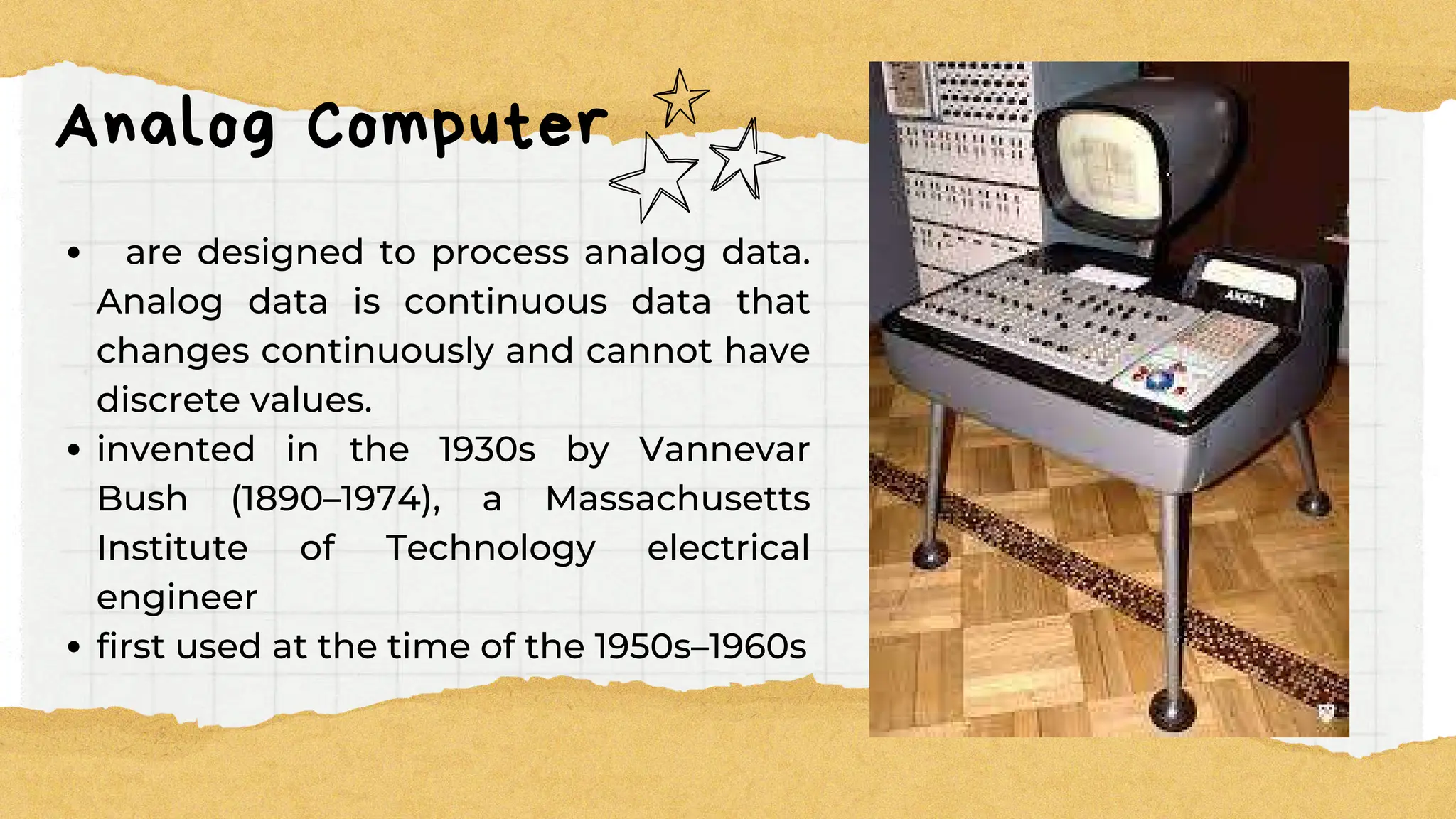
Analog Computer
are designed to process analog data.
Analog data is continuous data that
changes continuously and cannot have
discrete values.
invented in the 1930s by Vannevar
Bush (1890–1974), a Massachusetts
Institute of Technology electrical
engineer
first used at the time of the 1950s–1960s
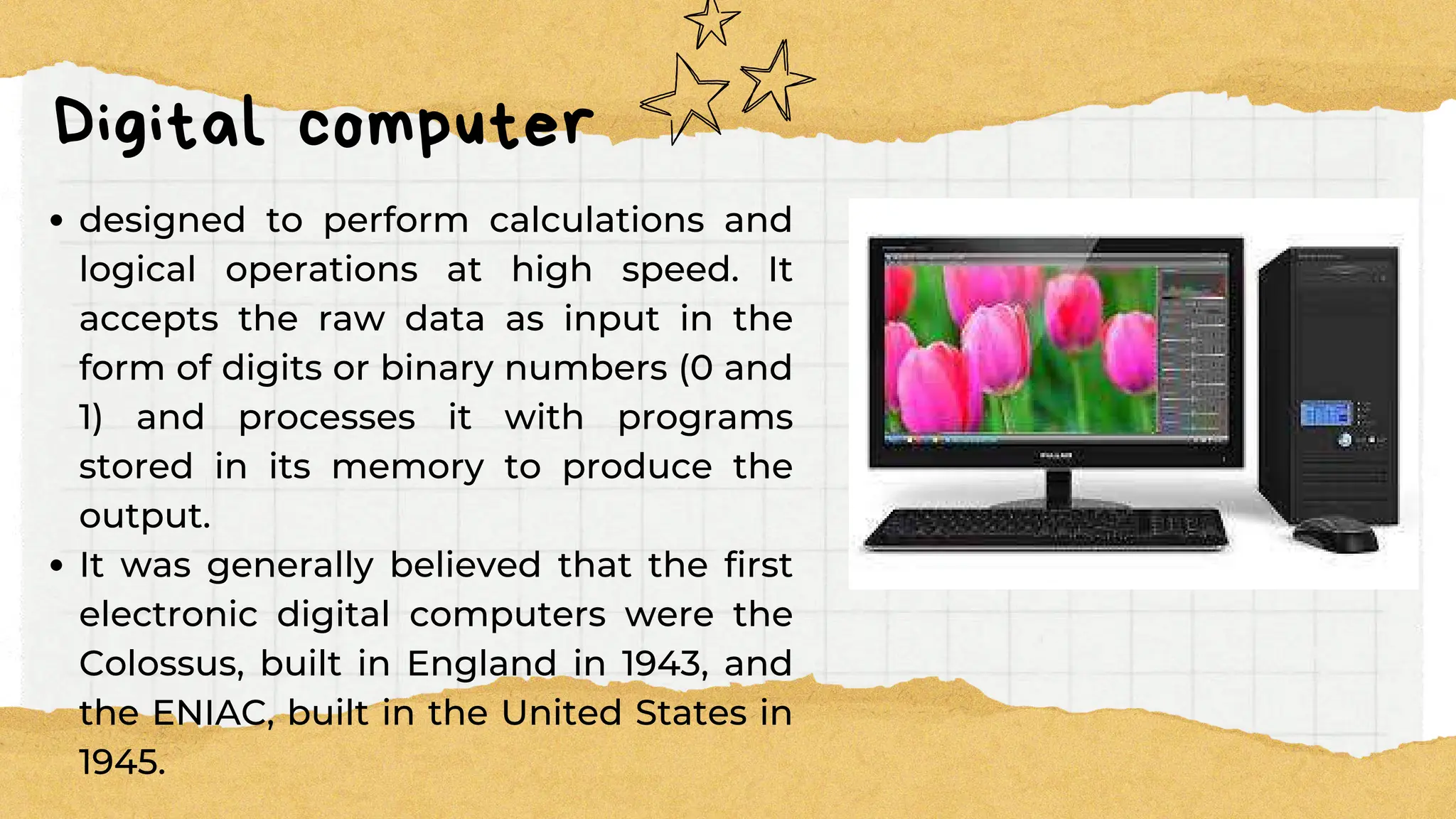
Digital computer
designed to perform calculations and
logical operations at high speed. It
accepts the raw data as input in the
form of digits or binary numbers (0 and
1) and processes it with programs
stored in its memory to produce the
output.
It was generally believed that the first
electronic digital computers were the
Colossus, built in England in 1943, and
the ENIAC, built in the United States in
1945.
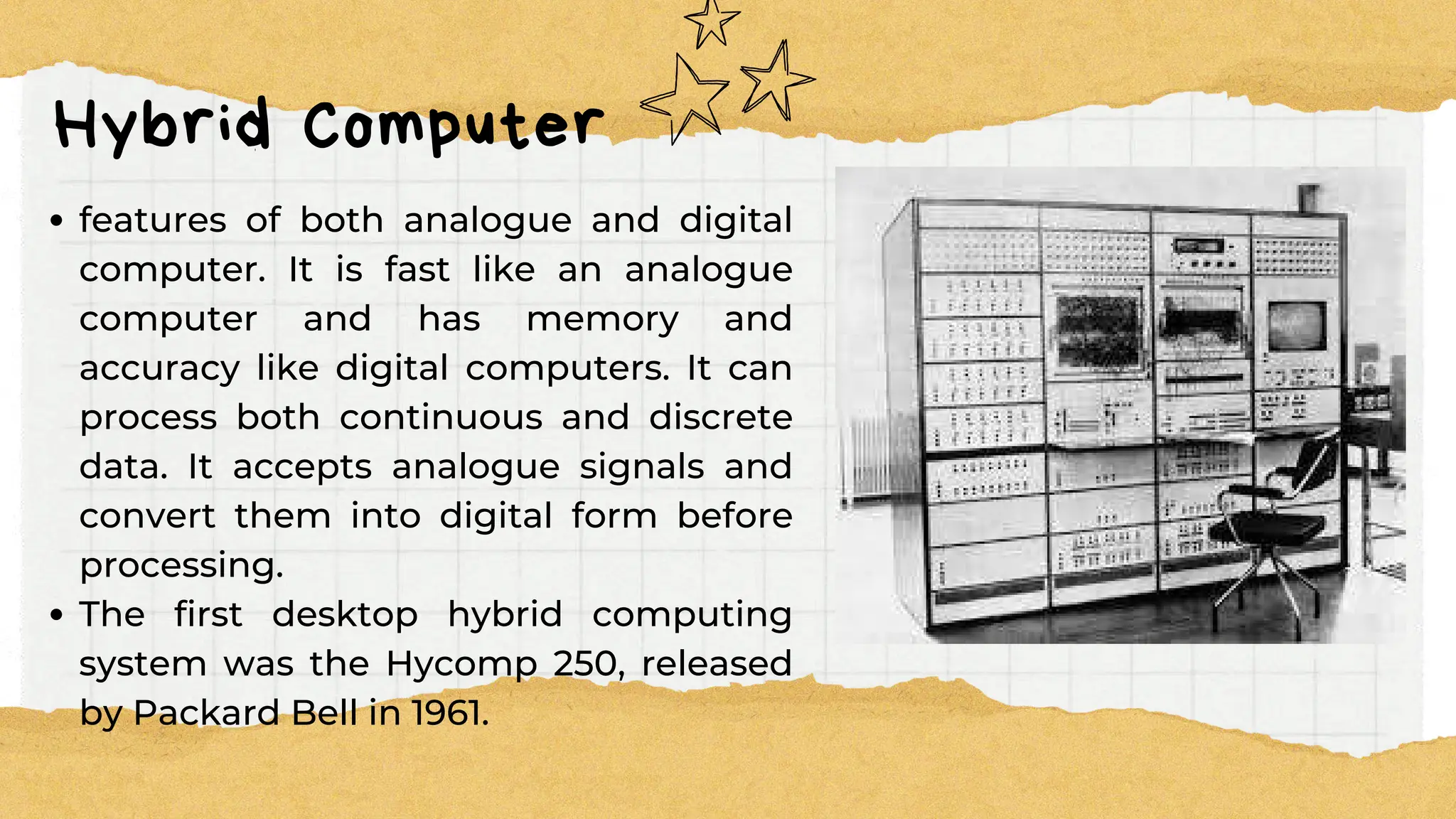
Hybrid Computer
features of both analogue and digital
computer. It is fast like an analogue
computer and has memory and
accuracy like digital computers. It can
process both continuous and discrete
data. It accepts analogue signals and
convert them into digital form before
processing.
The first desktop hybrid computing
system was the Hycomp 250, released
by Packard Bell in 1961.
Types of Computer
Types of Computer
based on its Size
based on its Size
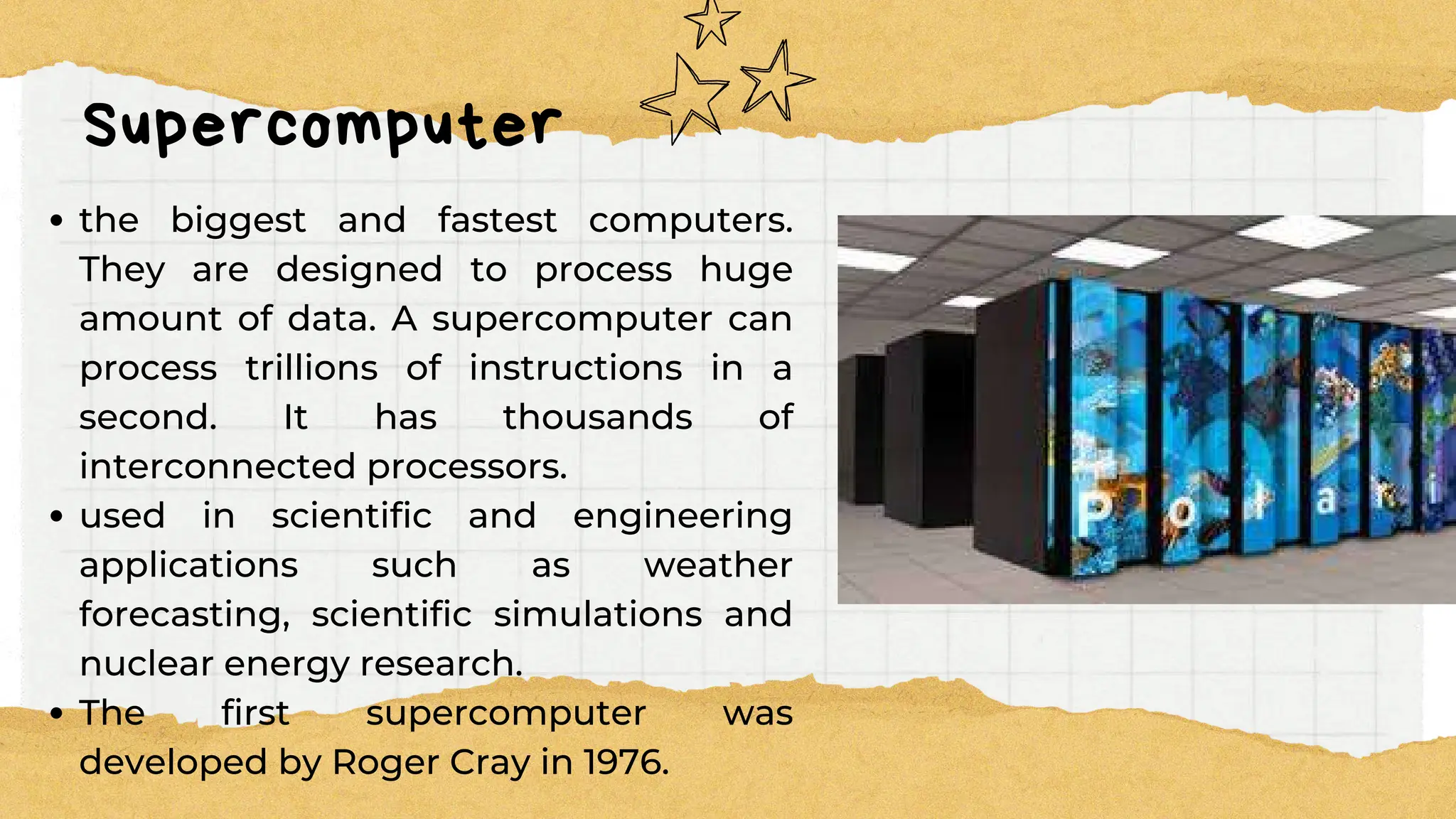
Supercomputer
the biggest and fastest computers.
They are designed to process huge
amount of data. A supercomputer can
process trillions of instructions in a
second. It has thousands of
interconnected processors.
used in scientific and engineering
applications such as weather
forecasting, scientific simulations and
nuclear energy research.
The first supercomputer was
developed by Roger Cray in 1976.
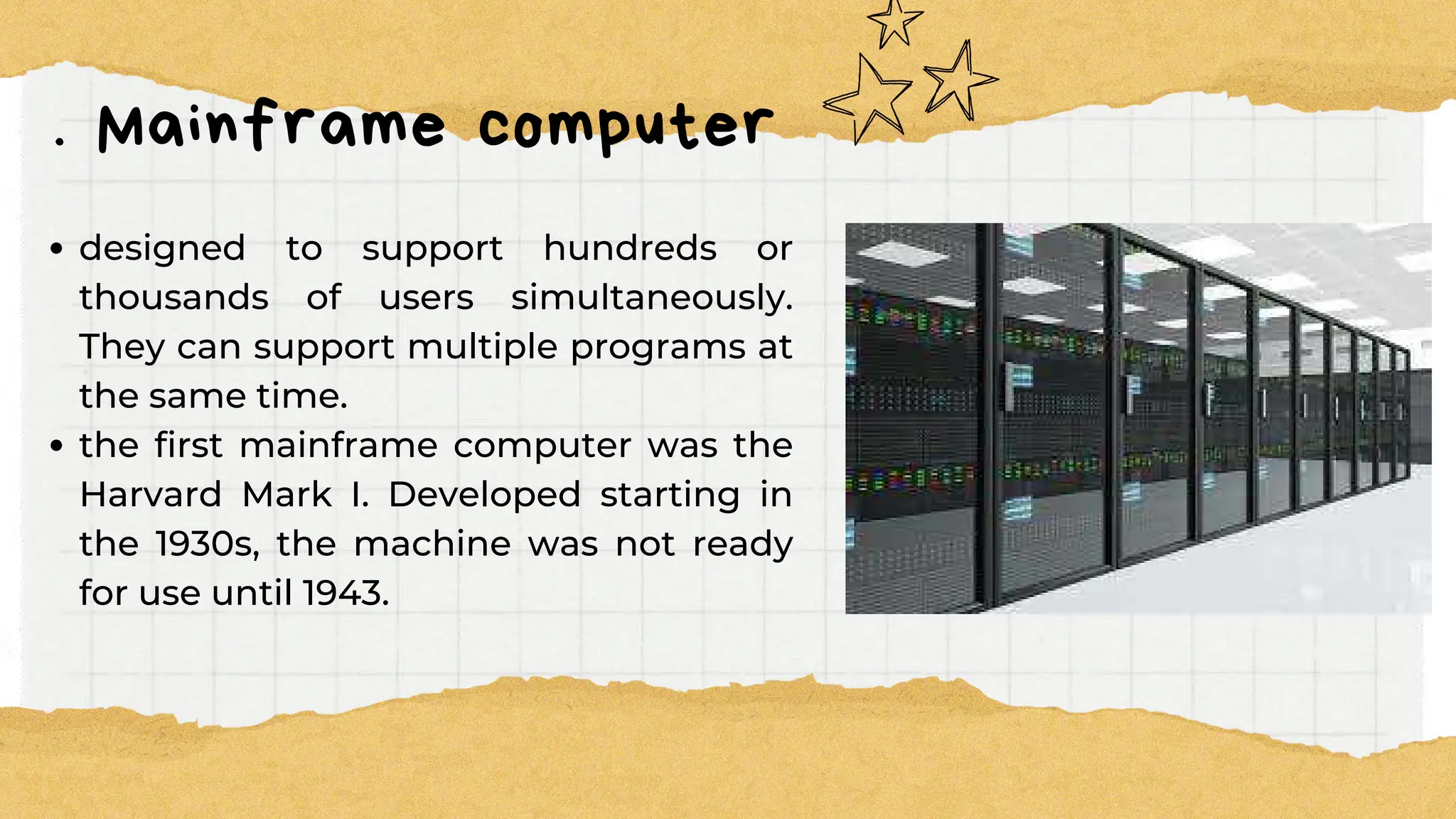
. Mainframe computer
designed to support hundreds or
thousands of users simultaneously.
They can support multiple programs at
the same time.
the first mainframe computer was the
Harvard Mark I. Developed starting in
the 1930s, the machine was not ready
for use until 1943.
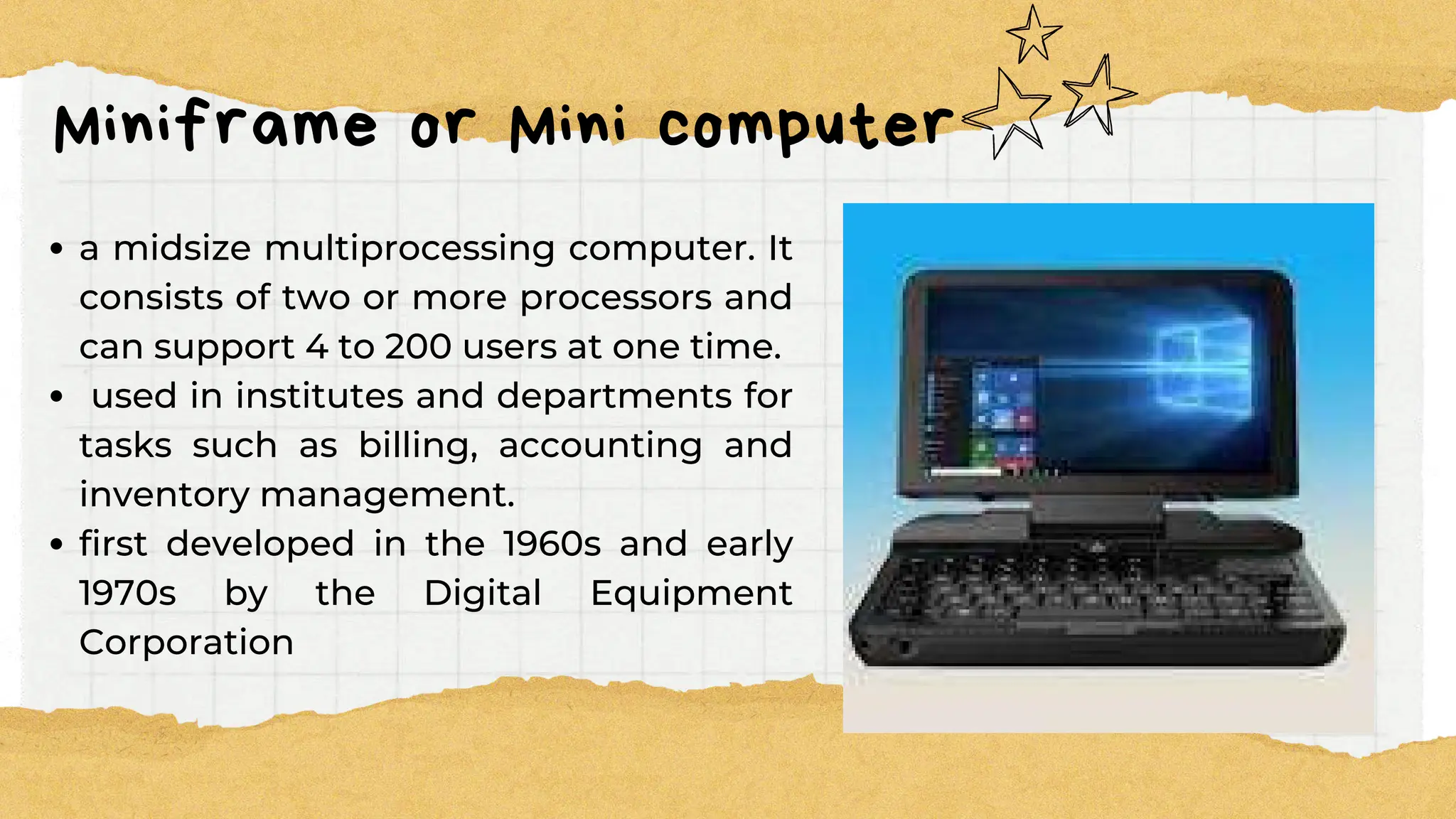
Miniframe or Mini computer
a midsize multiprocessing computer. It
consists of two or more processors and
can support 4 to 200 users at one time.
used in institutes and departments for
tasks such as billing, accounting and
inventory management.
first developed in the 1960s and early
1970s by the Digital Equipment
Corporation
Microcomputer
also known as a personal computer. It
is a general-purpose computer that is
designed for individual use. It has a
microprocessor as a central processing
unit, memory, storage area, input unit
and output unit.
first microcomputer was the Micral,
released in 1973 by Réalisation d'Études
Électroniques (R2E).
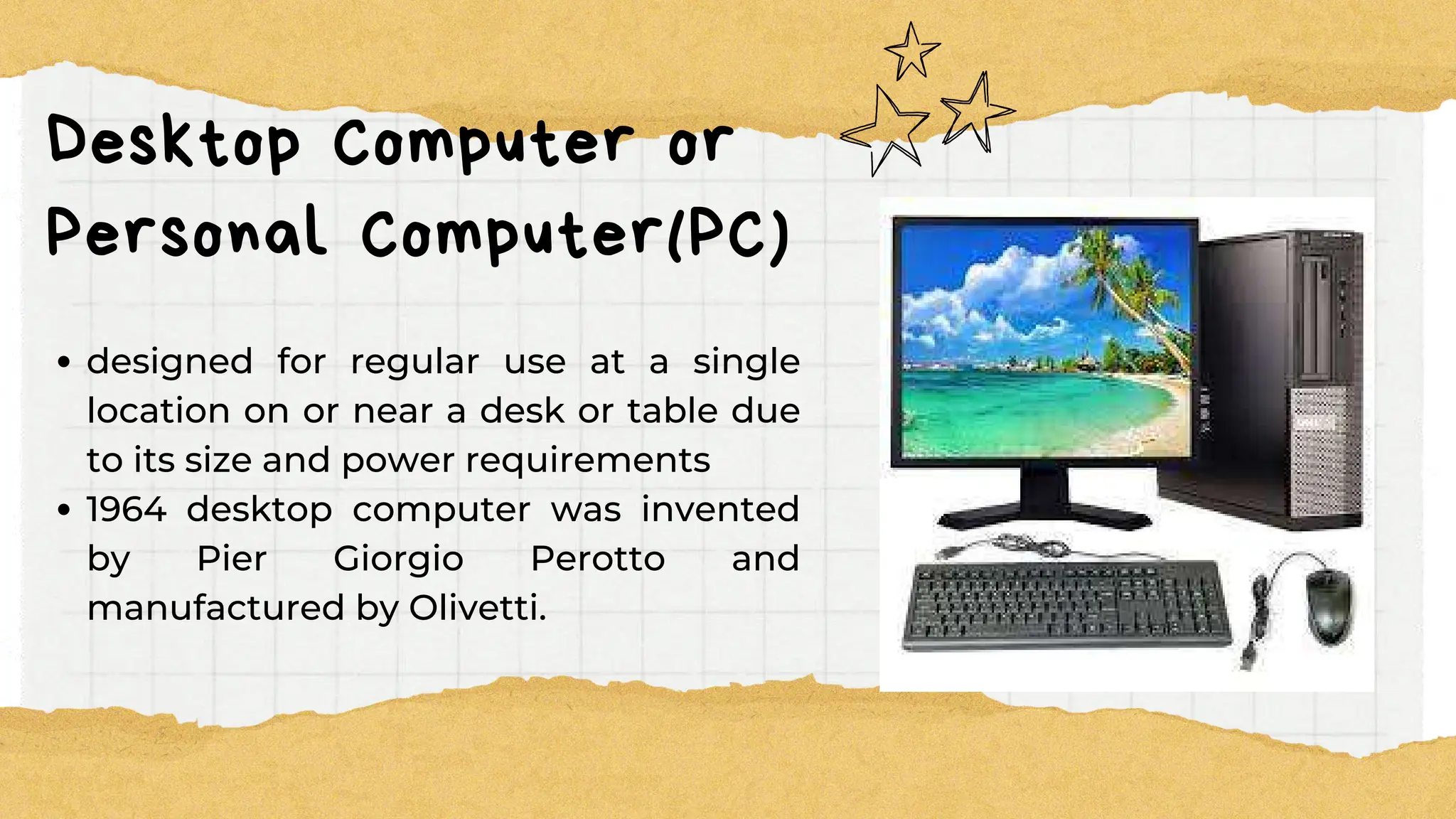
Desktop Computer or
Personal Computer(PC)
designed for regular use at a single
location on or near a desk or table due
to its size and power requirements
1964 desktop computer was invented
by Pier Giorgio Perotto and
manufactured by Olivetti.
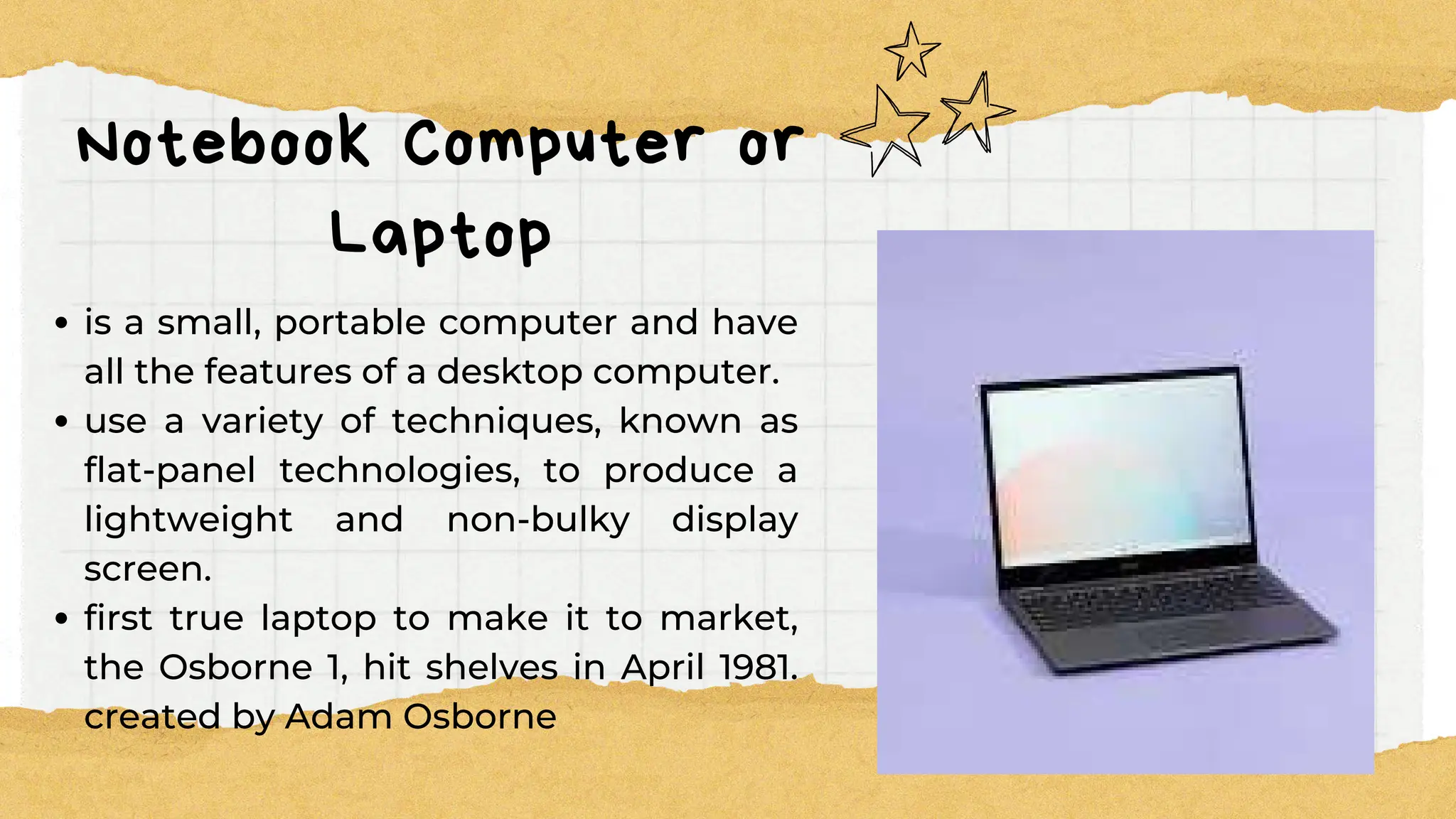
Notebook Computer or
Laptop
is a small, portable computer and have
all the features of a desktop computer.
use a variety of techniques, known as
flat-panel technologies, to produce a
lightweight and non-bulky display
screen.
first true laptop to make it to market,
the Osborne 1, hit shelves in April 1981.
created by Adam Osborne
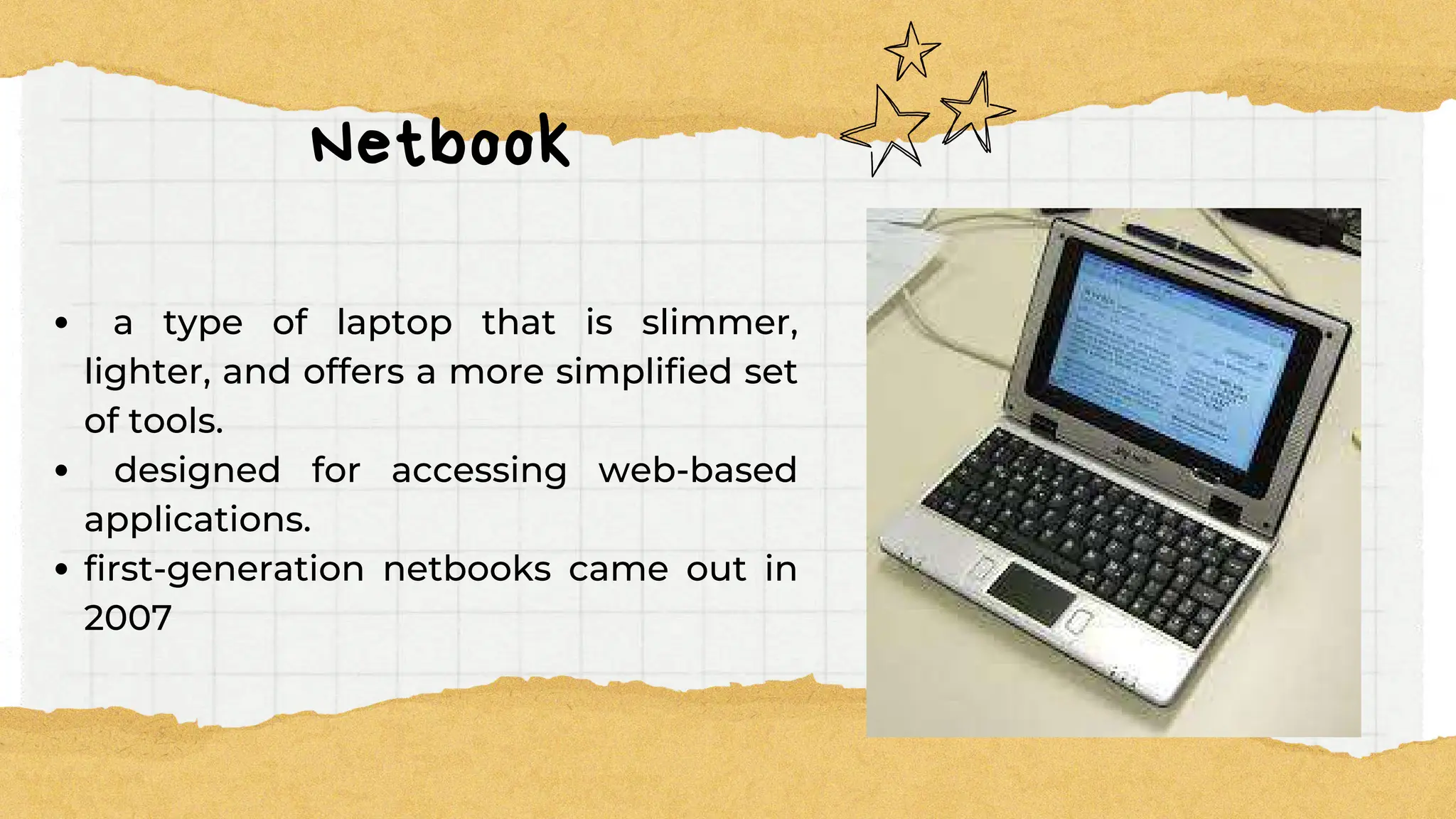
Netbook
a type of laptop that is slimmer,
lighter, and offers a more simplified set
of tools.
designed for accessing web-based
applications.
first-generation netbooks came out in
2007
Types of Micro
Types of Micro
Computer
Computer
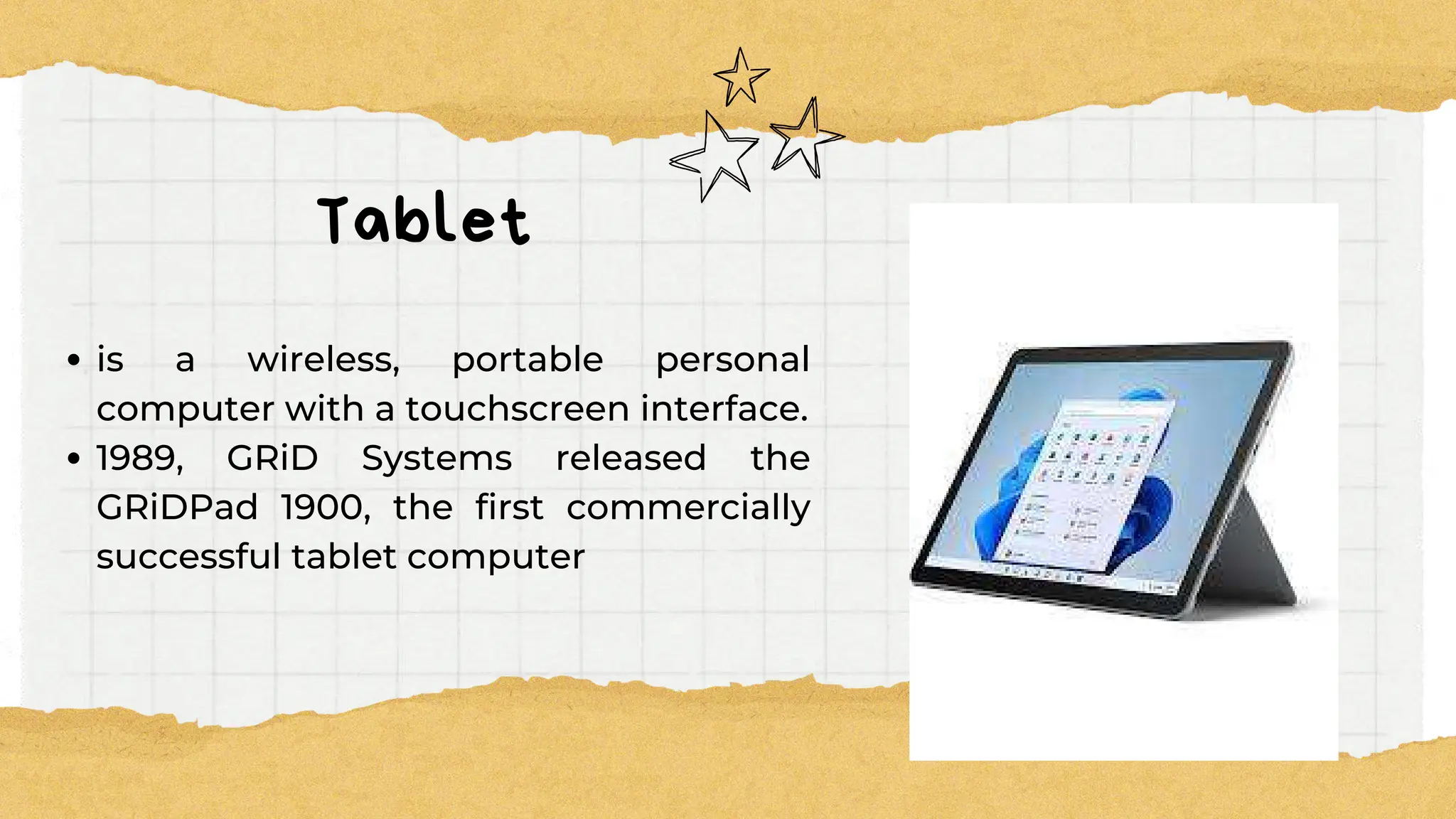
Tablet
is a wireless, portable personal
computer with a touchscreen interface.
1989, GRiD Systems released the
GRiDPad 1900, the first commercially
successful tablet computer
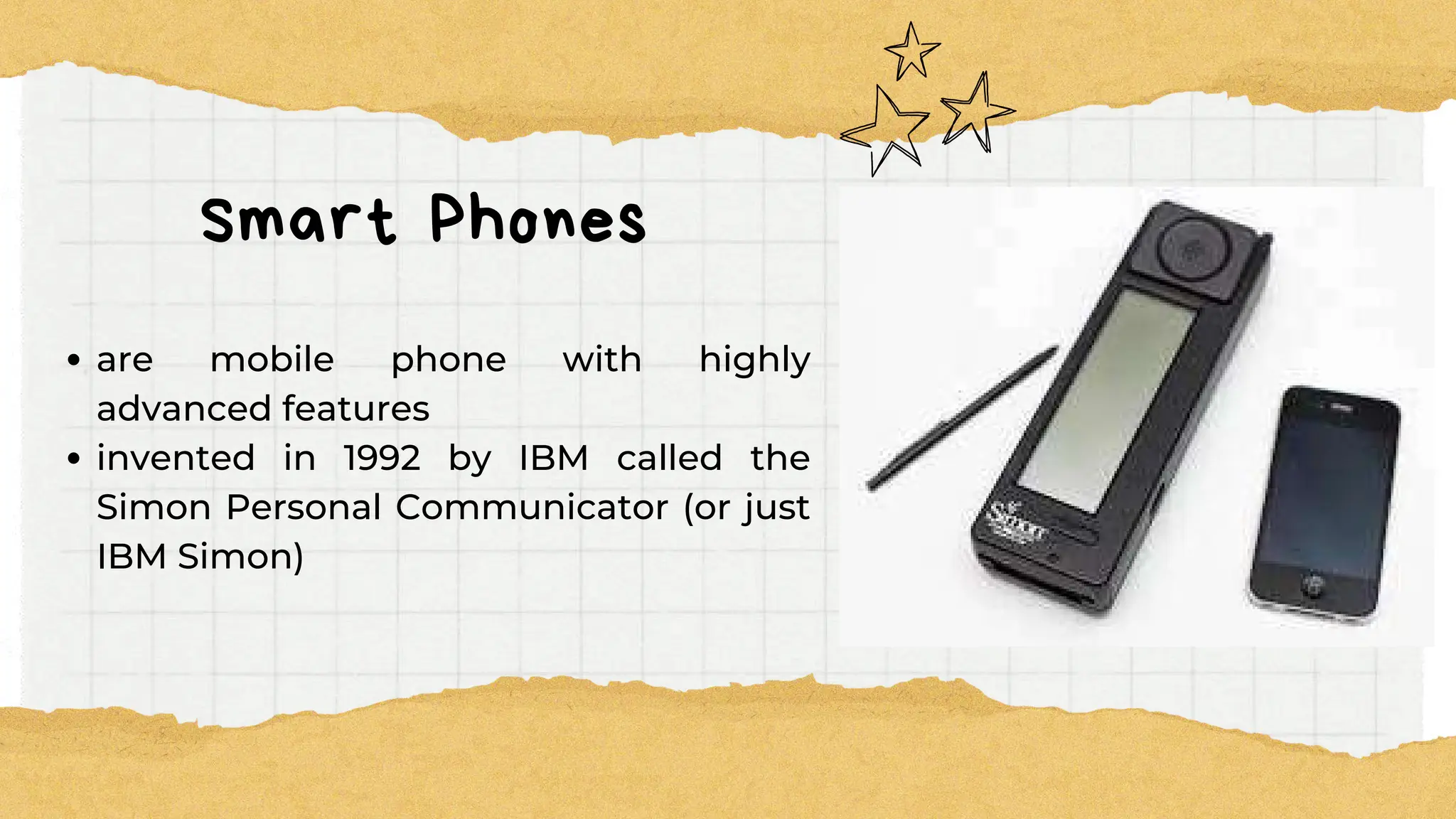
Smart Phones
are mobile phone with highly
advanced features
invented in 1992 by IBM called the
Simon Personal Communicator (or just
IBM Simon)
PERIPHERAL
PERIPHERAL
DEVICES
DEVICES
are connected directly to a computer but it does
not contribute to the computer's primary
function, such as computing. It helps end users
access and use the functionalities of a computer.
It is commonly divided into three kinds:
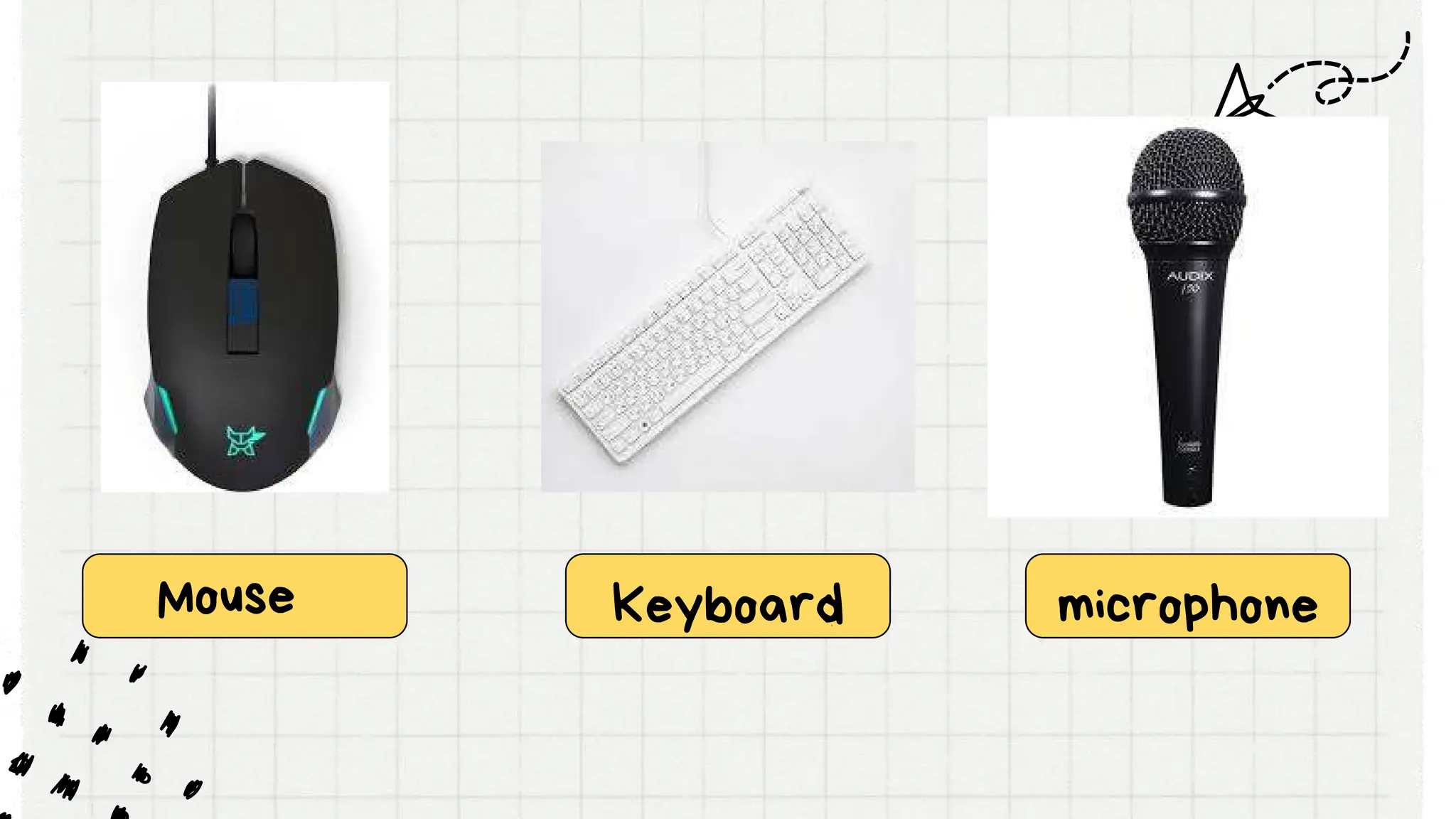
input devices
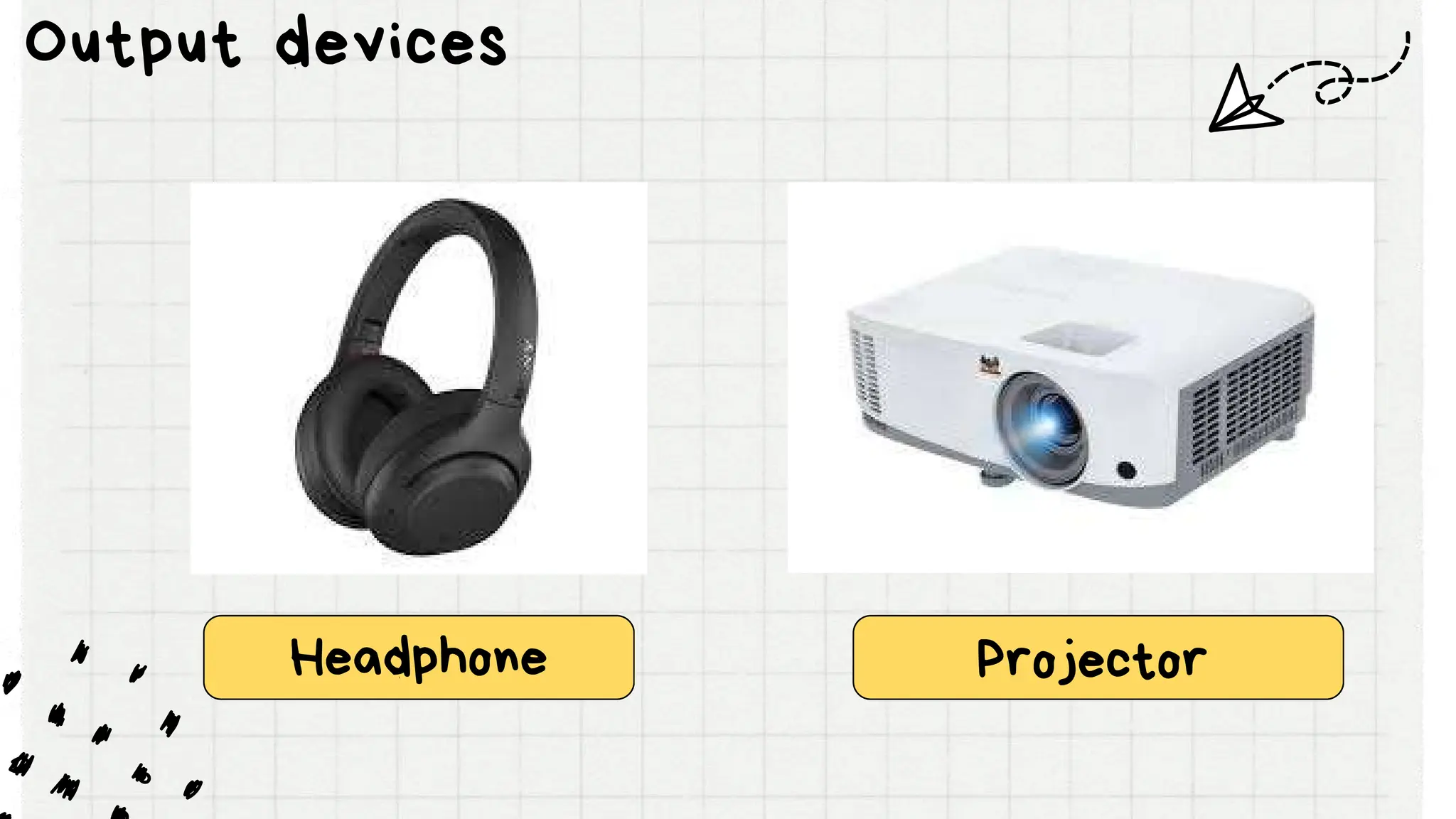
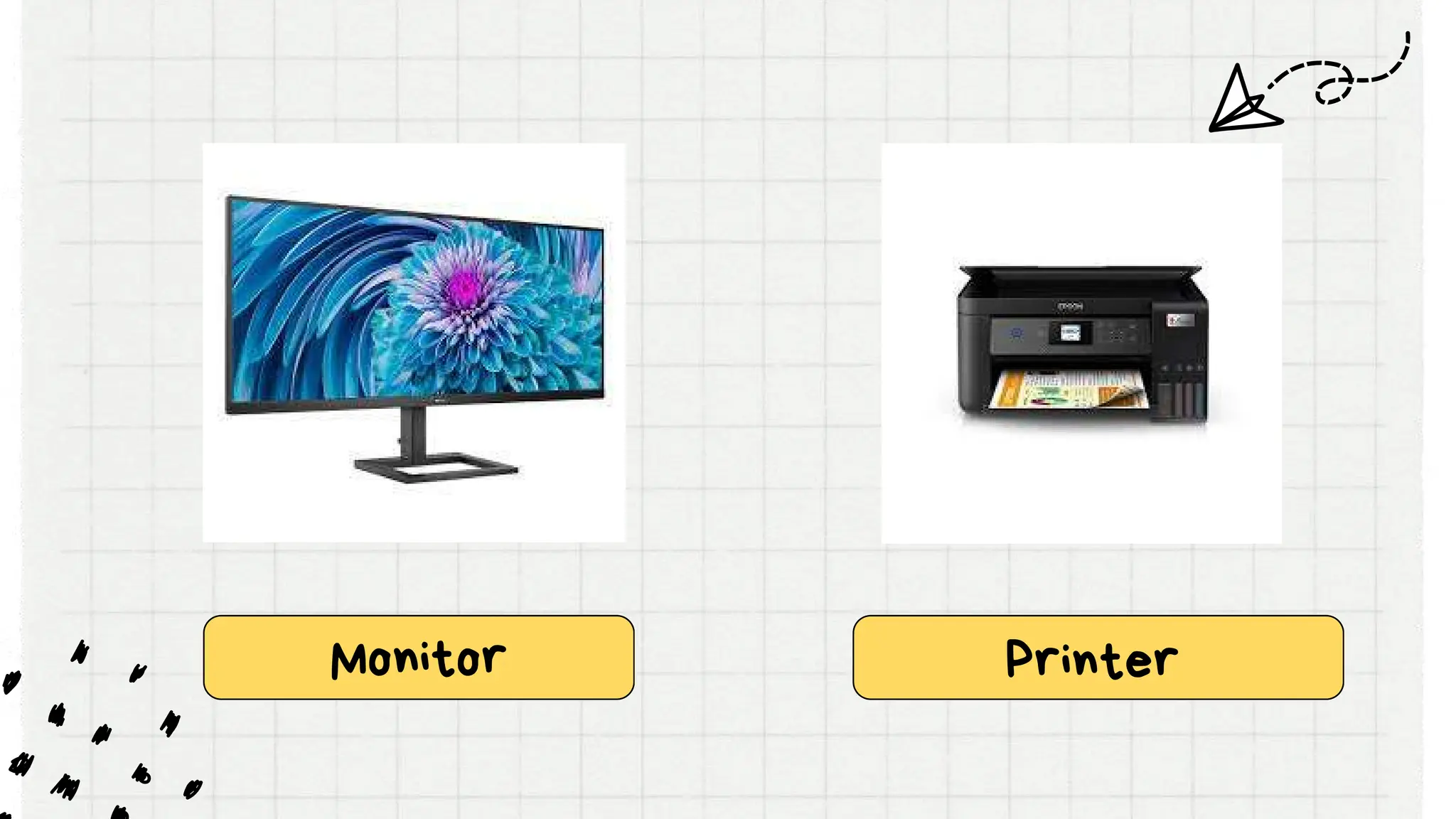
output devices
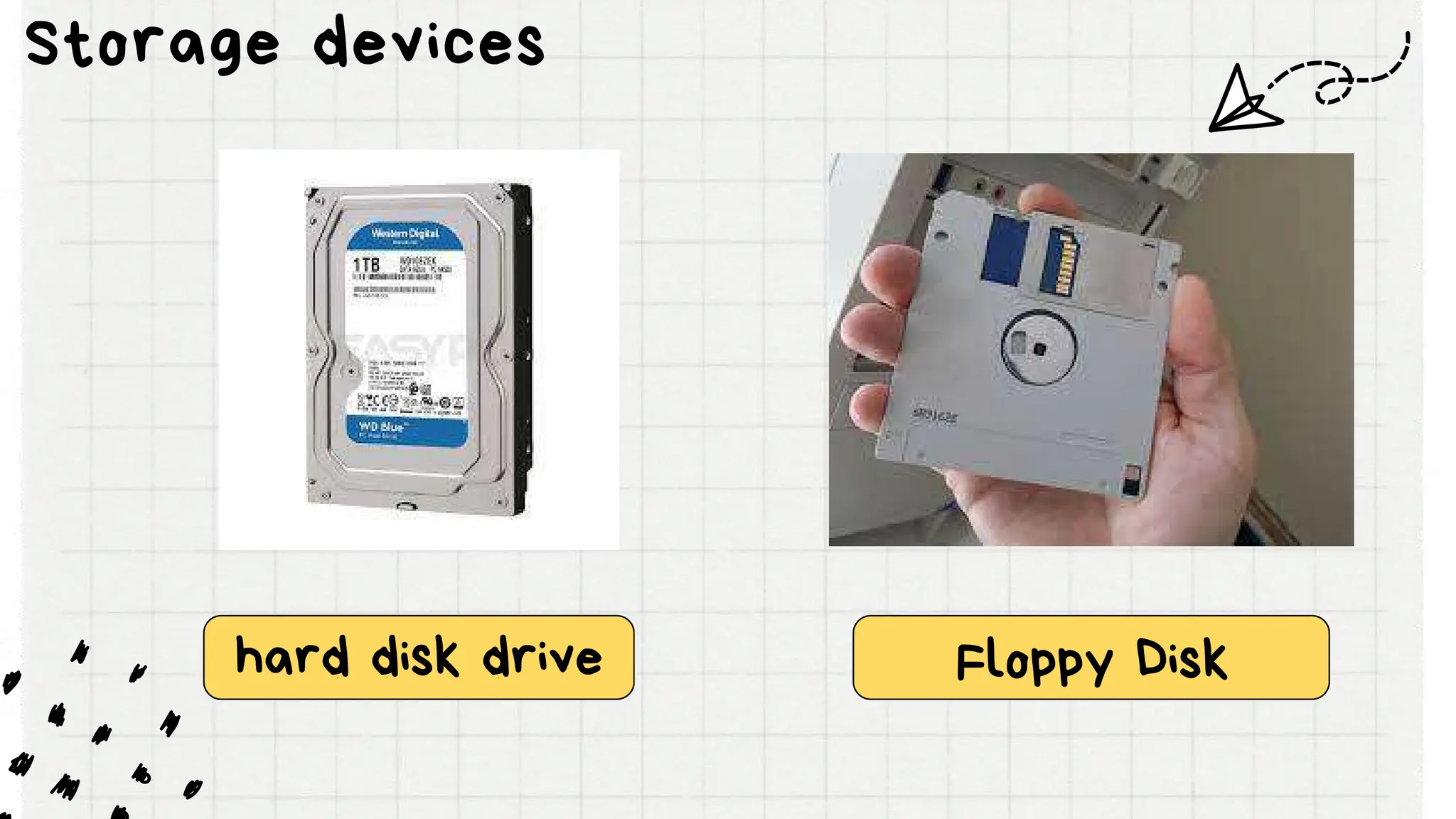
storage devices.
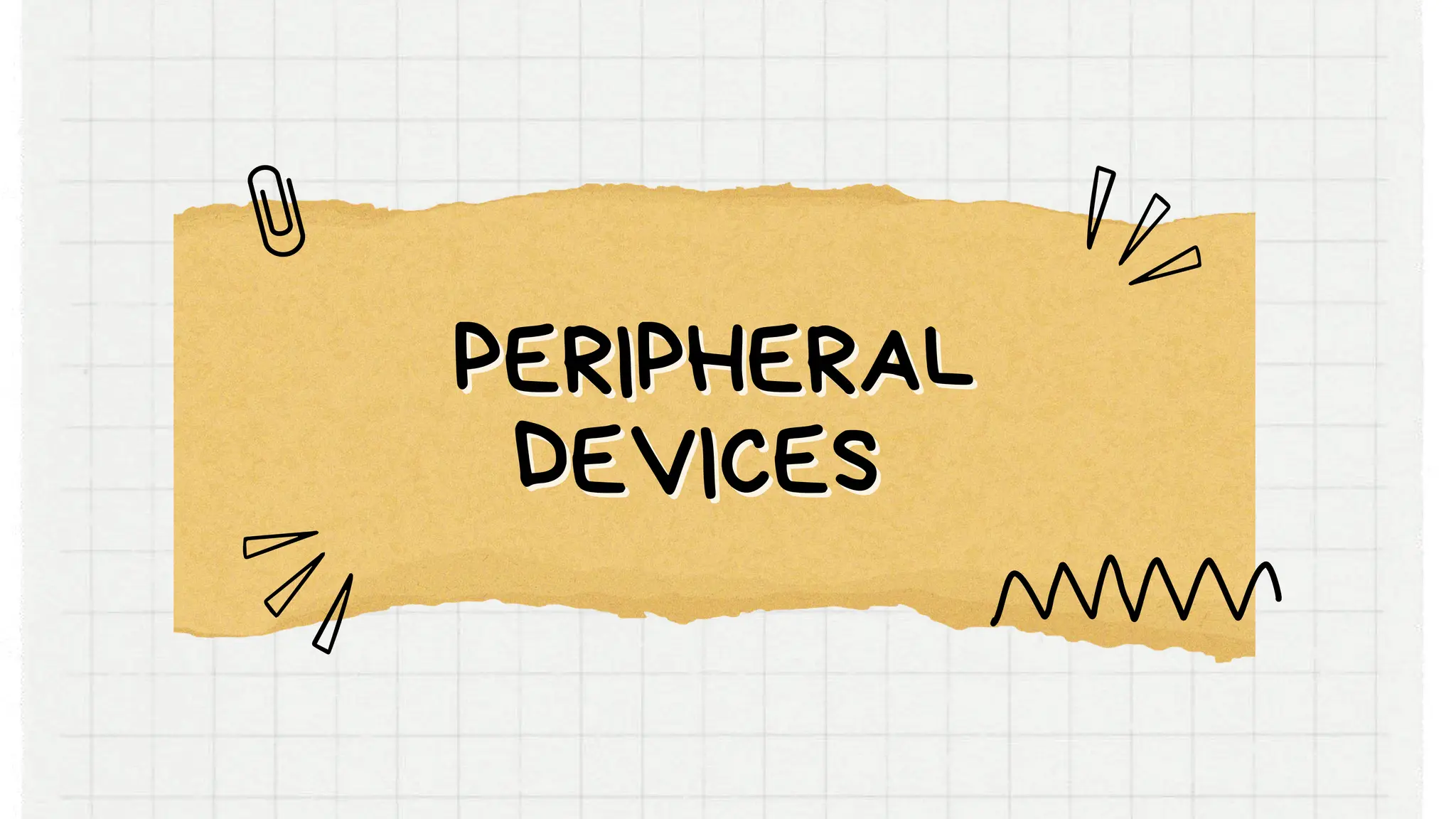
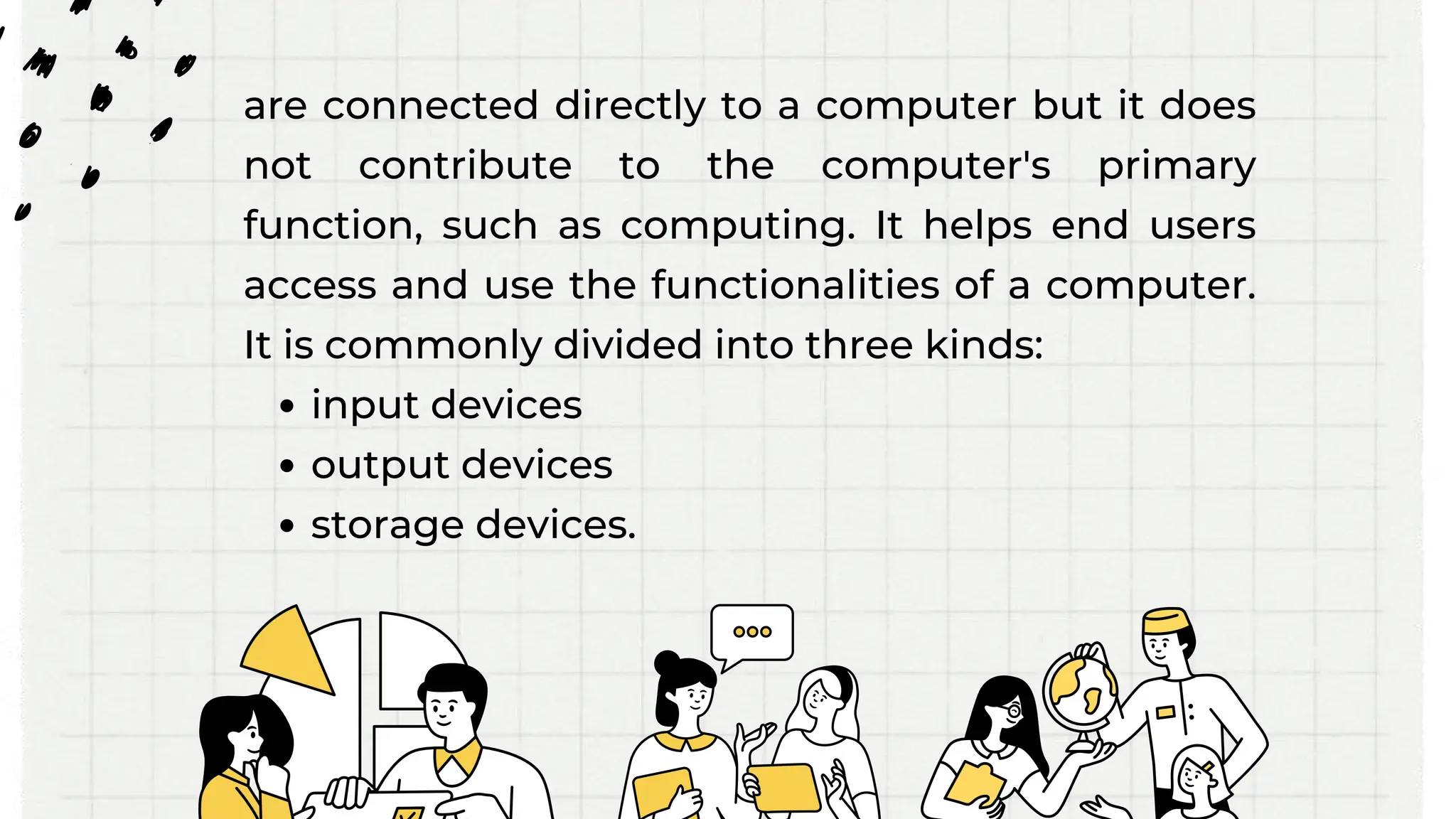
Scanner Digitizer/
graphic Tablet
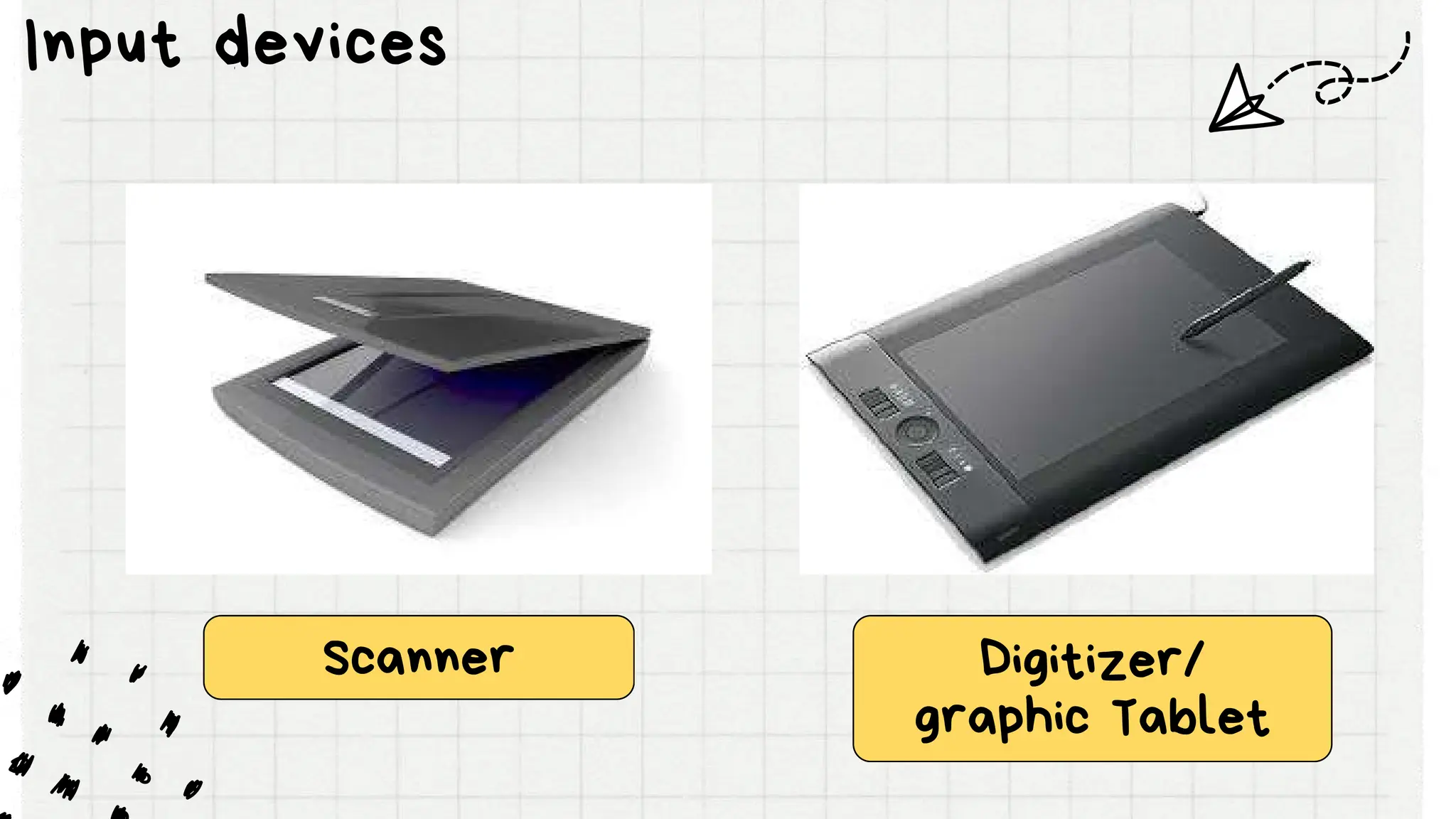
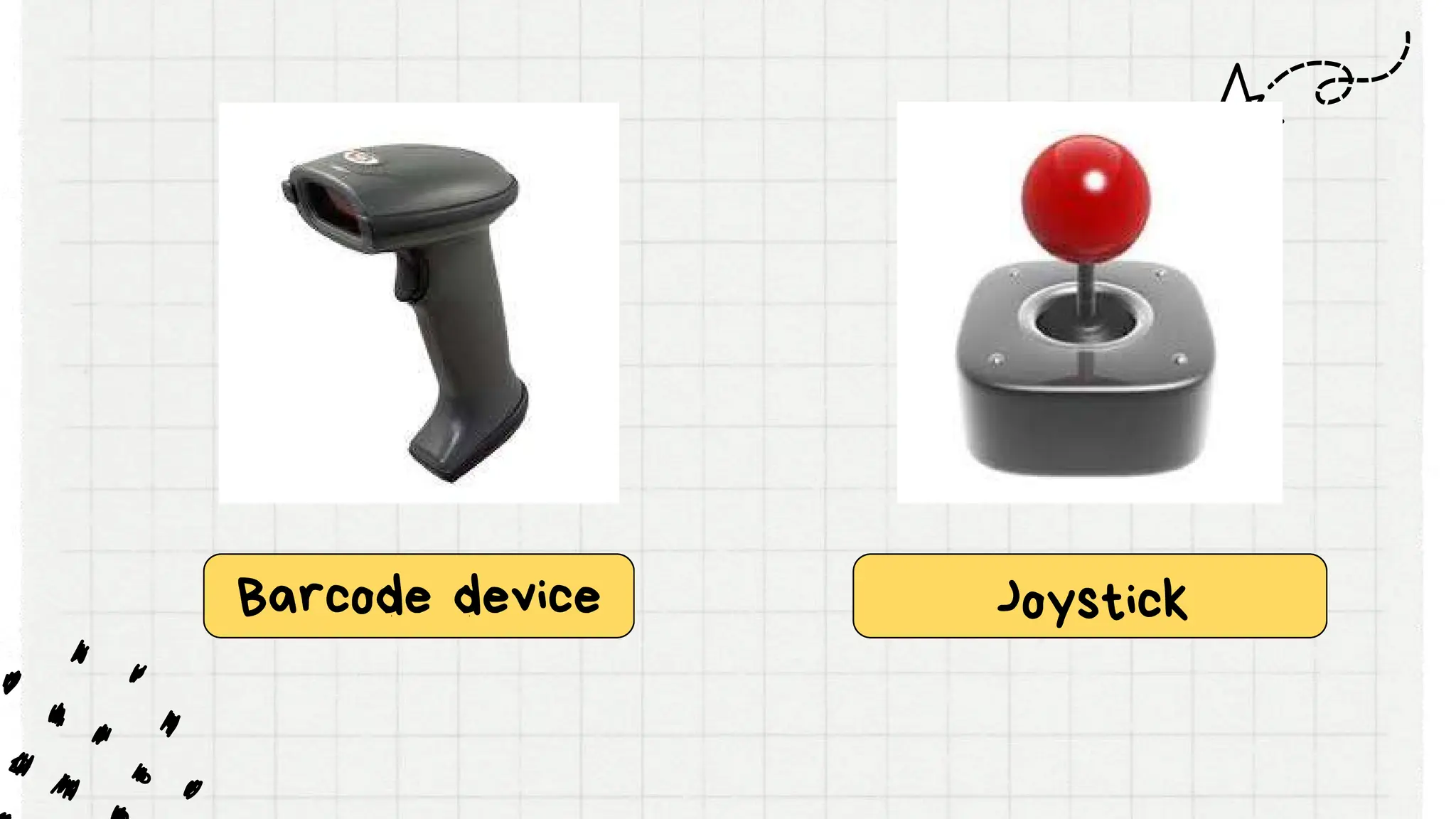
Input devices
Barcode device Joystick
Mouse microphone
Keyboard
Headphone Projector
Output devices
Monitor Printer
hard disk drive Floppy Disk
Storage devices
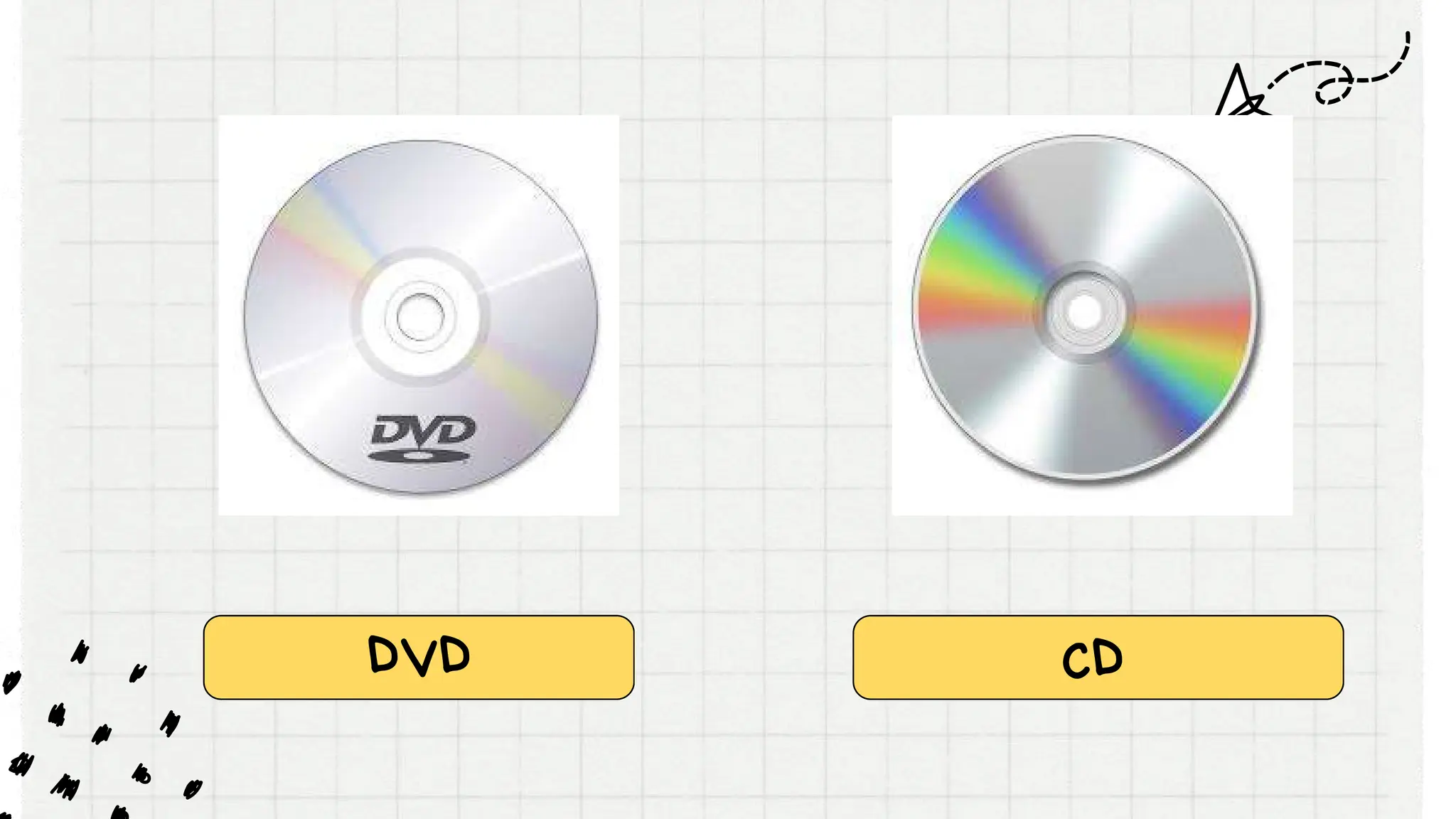
DVD CD
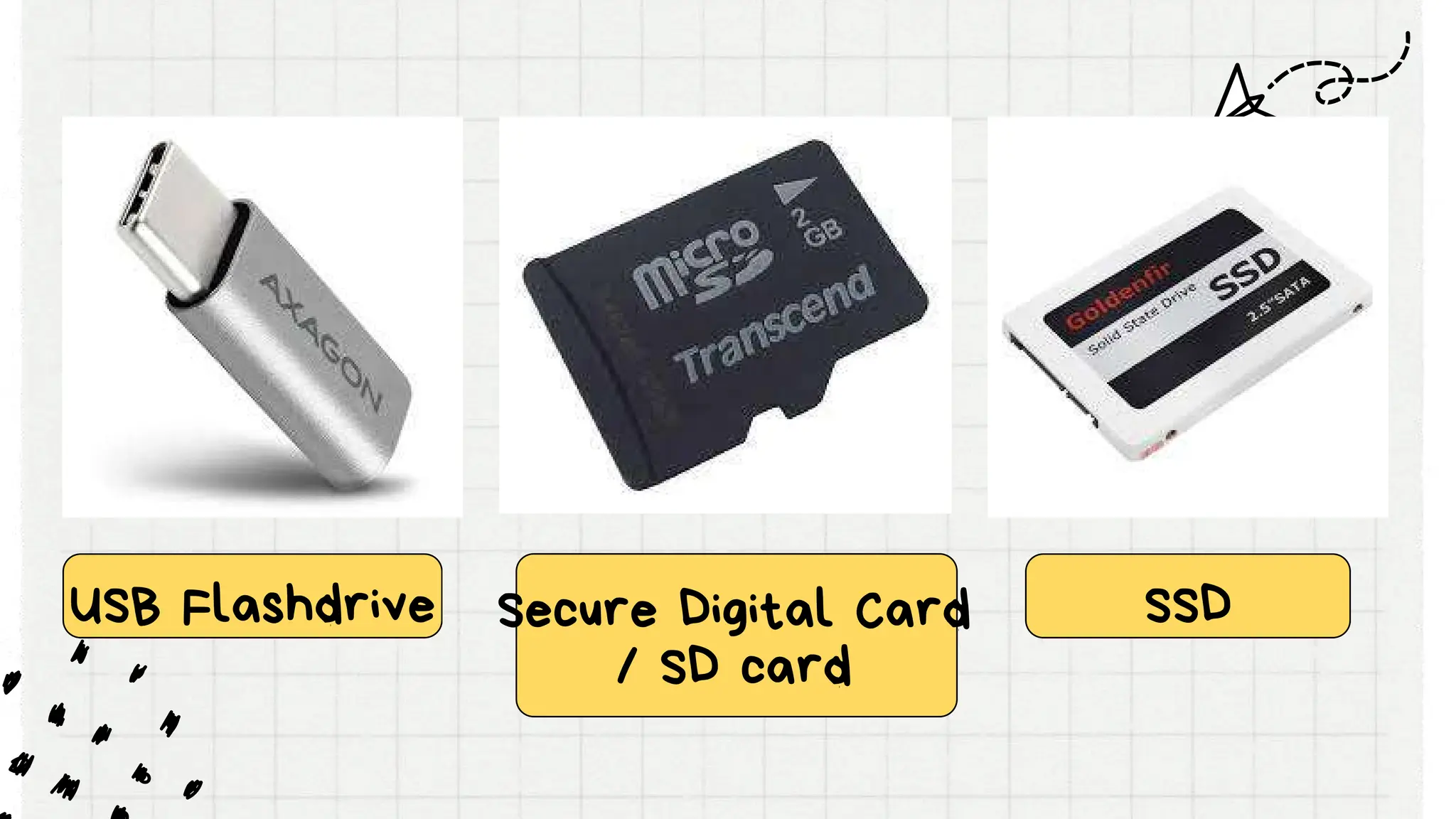
USB Flashdrive SSD
Secure Digital Card
/ SD card
Operating system
Operating system
An operating system or OS is
software installed on a computer's
hard drive that enables the computer
hardware to communicate and
operate with the computer software.
Without a computer operating
system, a computer and software
programs would be useless.
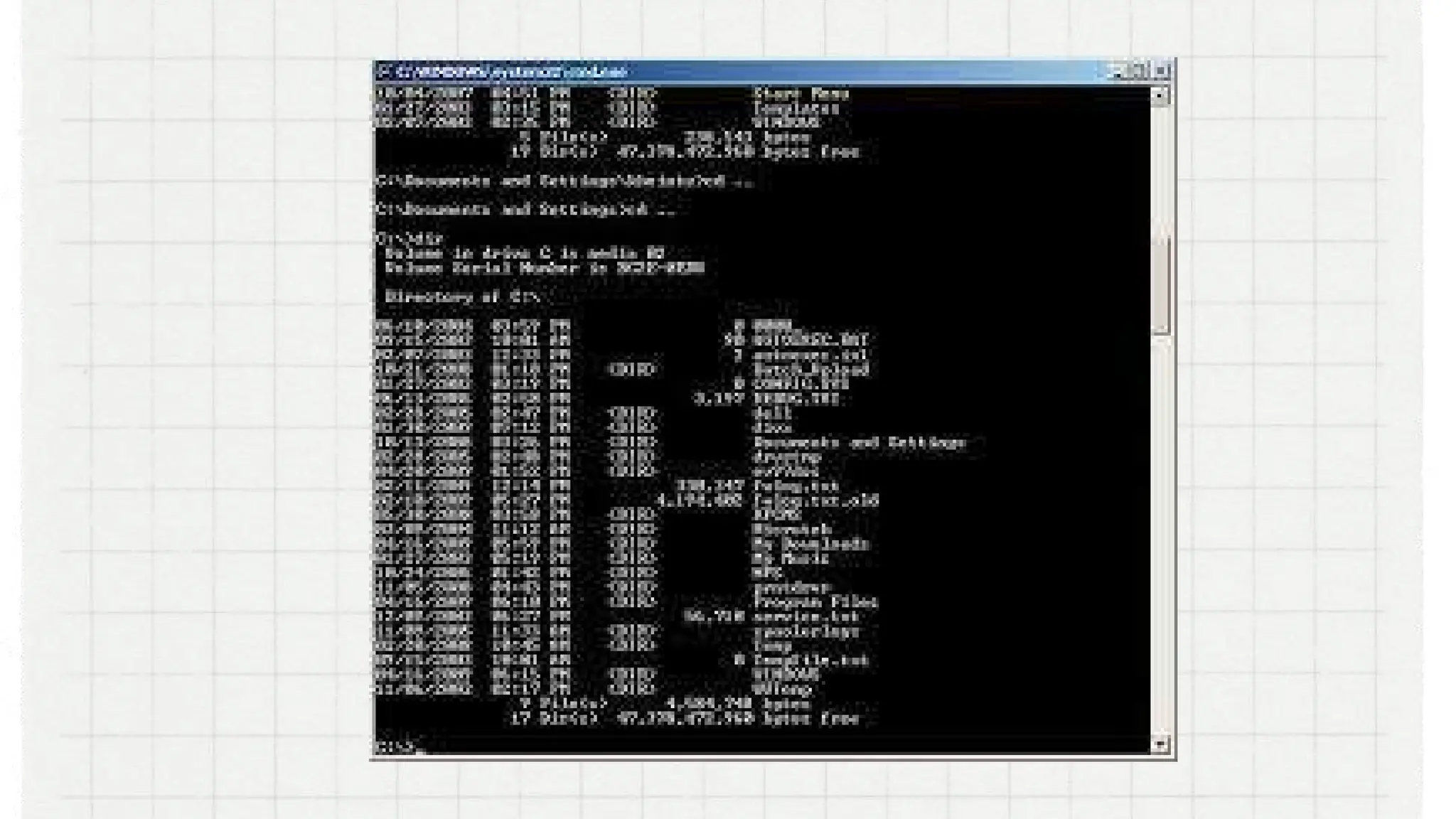
Character User Interface or
Command-Line User Interface, CUI
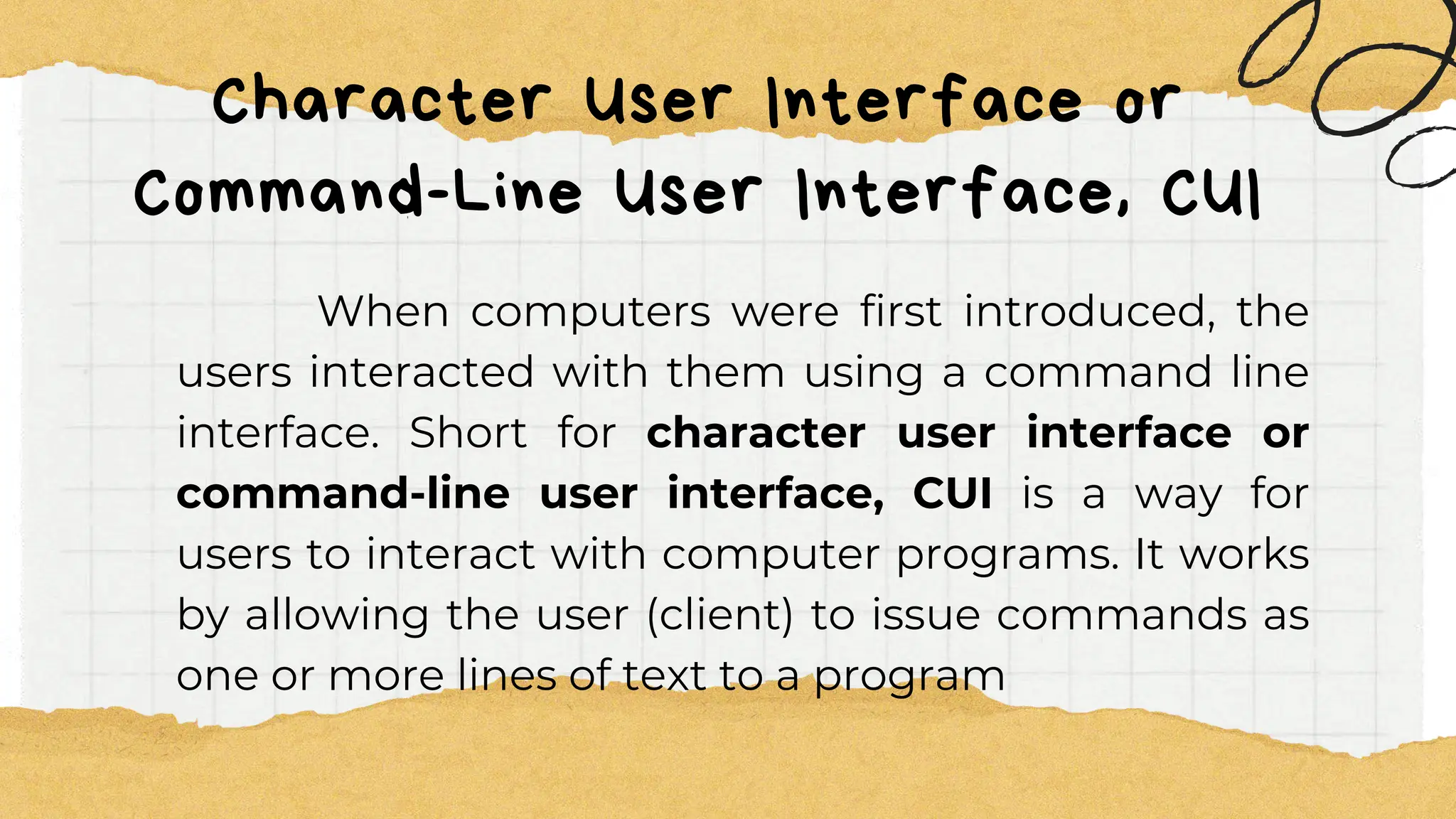
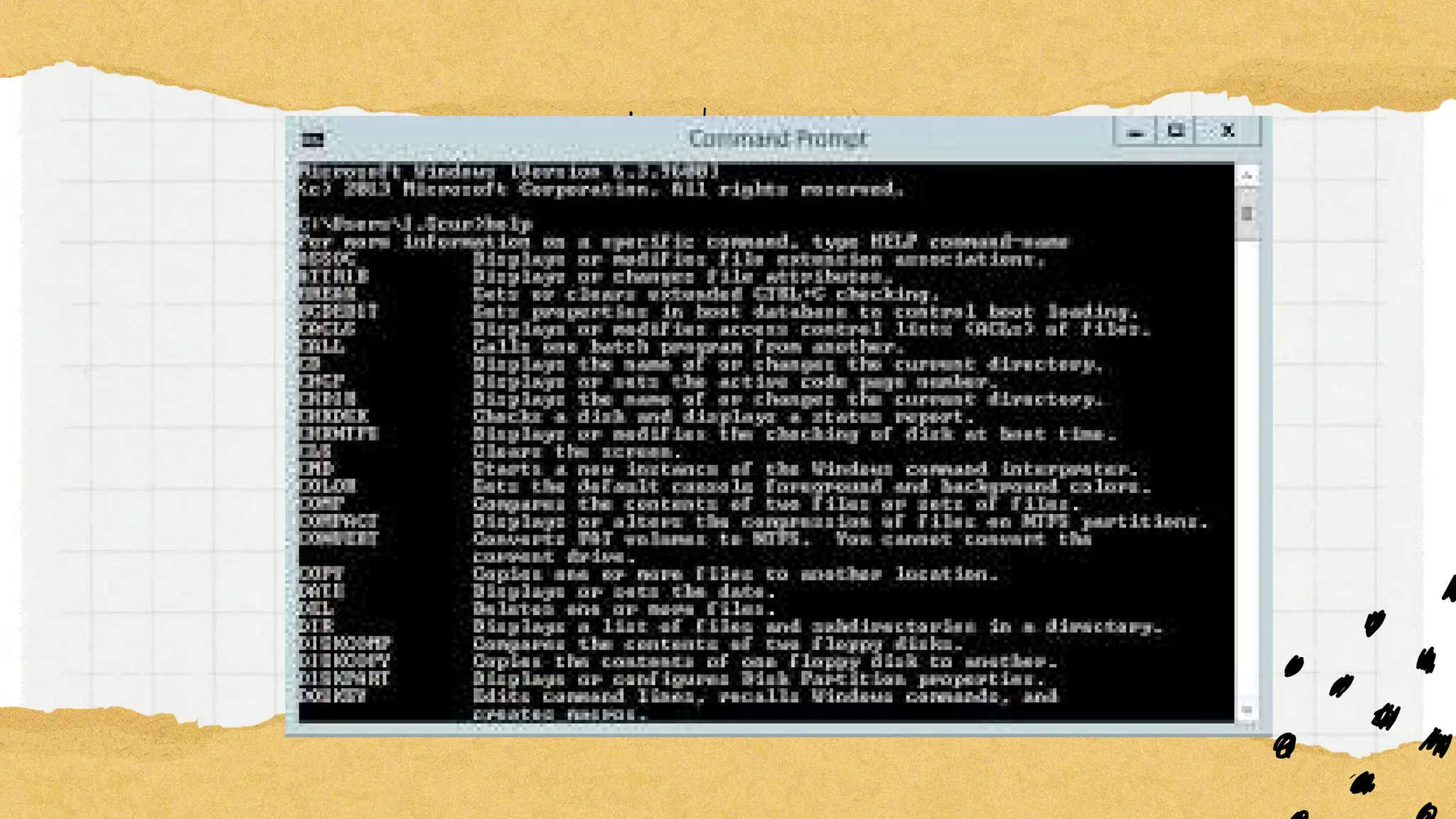
When computers were first introduced, the
users interacted with them using a command line
interface. Short for character user interface or
command-line user interface, CUI is a way for
users to interact with computer programs. It works
by allowing the user (client) to issue commands as
one or more lines of text to a program
Graphical User Interface, or GUI
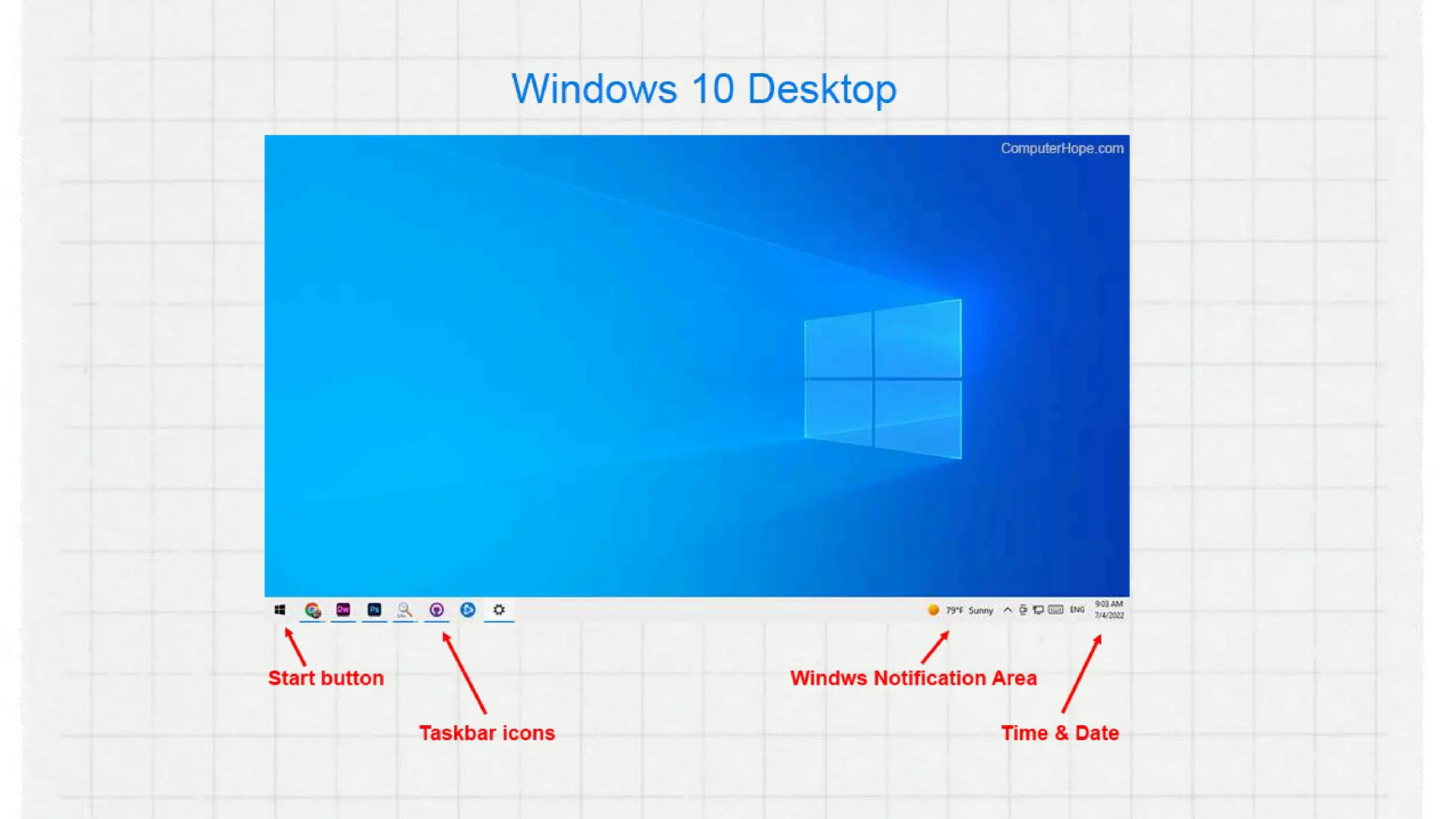
Modern operating systems use a graphical user
interface, or GUI (pronounced gooey). It lets you use
your mouse to click icons, buttons, and menus, and
everything is clearly displayed on the screen using
a combination of graphics and text.
Functions of
Functions of
an Operating
an Operating
System
System
Memory Management
Processor Management
Device Management
File Management
Security
. Control Over System
Performance
Networking
Job Accounting
. Control Over System
Performance
Interaction with the
Operators
Error-detecting Aids
Coordination Between
Other Software and
Users
3 Common
3 Common
Computer
Computer
Operating Systems
Operating Systems
MICROSOFT WINDOWS
also called Windows and Windows OS, computer
operating system was developed by Microsoft
Corporation to run personal computers. Microsoft
was founded by Bill Gates and Paul Allen on April 4,
1975
Evolution of
Evolution of
Operating
Operating
Systems
Systems
DOS or Disk Operating System was the first
operating system used by IBM-compatible
computers. It was originally available in two
versions that were essentially the same, but
marketed under two different names.
PC-DOS was the version developed by IBM and sold
to the first IBMcompatible manufacturers
throughout 1980s. MS-DOS was the version that
Microsoft bought the rights to, and was bundled
with the first versions of Windows.
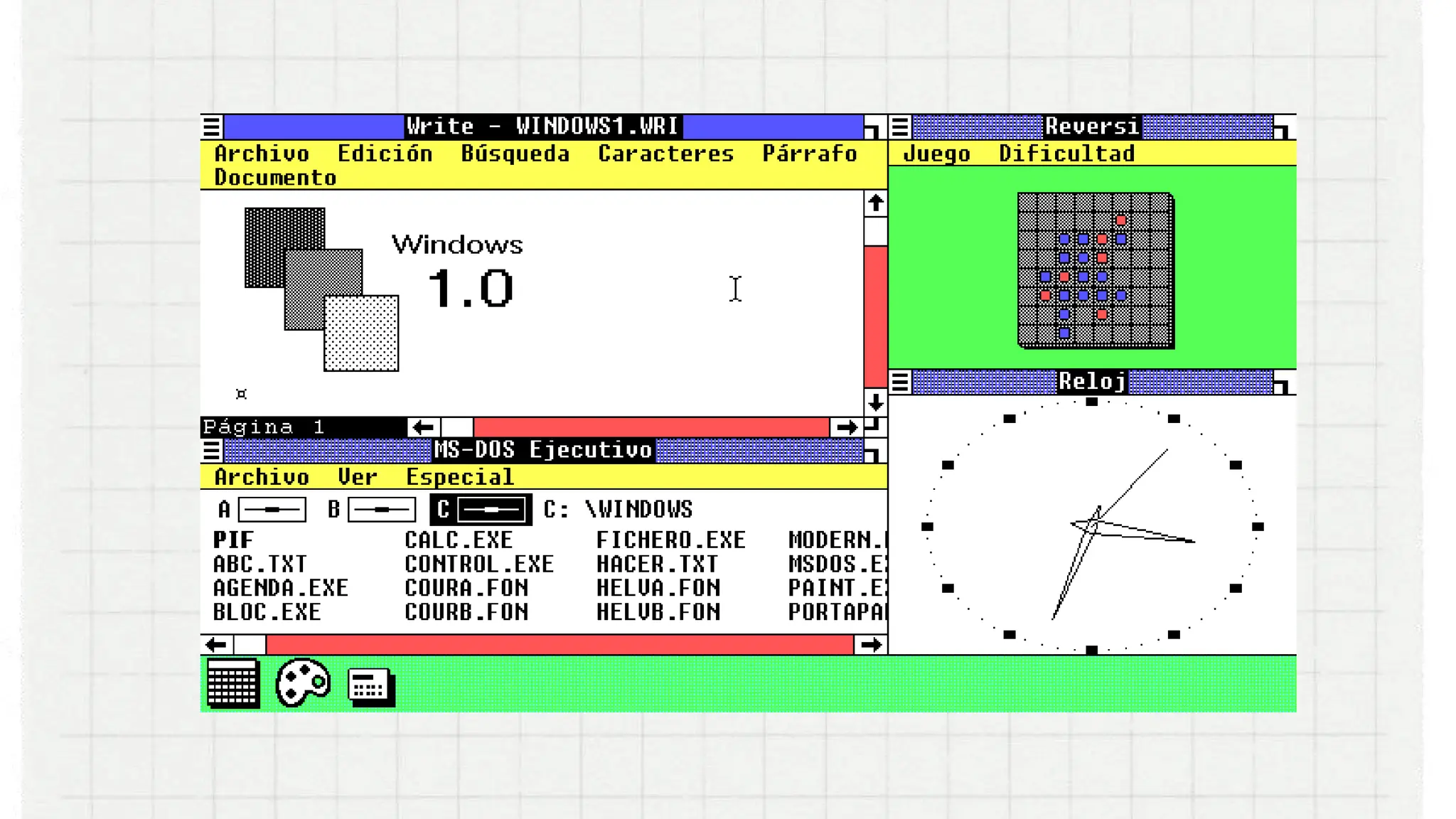
Windows 1.0
was introduced in November 20, 1985. It was initially
sold for $100. The use of Windows 1.0 as a GUI meant
that MS-DOS users didn’t have to manually enter text
commands just to complete basic tasks. Now, they
could carry out tasks and browse their own files by
just pointing and clicking on icons and menus.
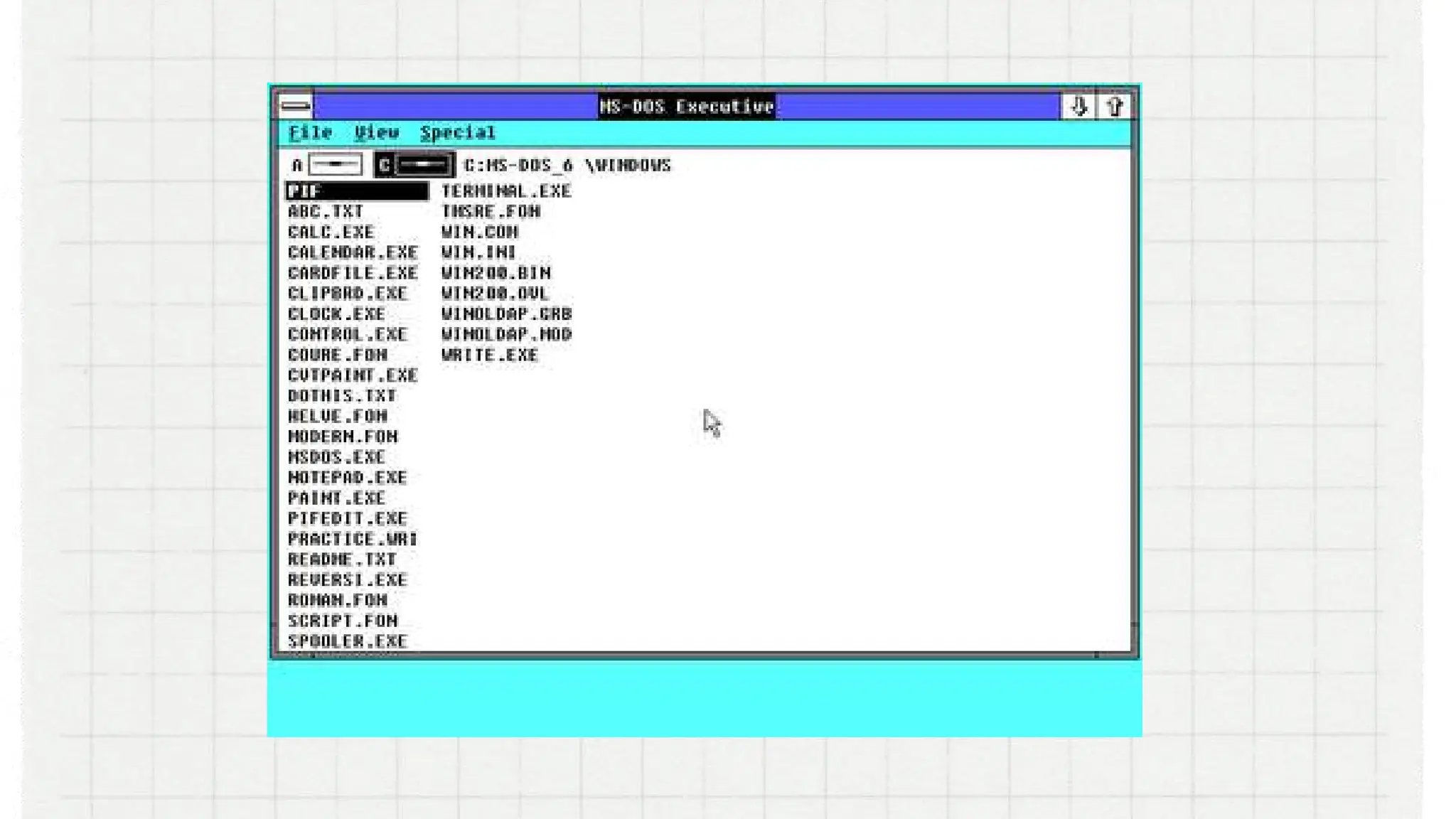
Windows 2.0.
the technology company released just two years
later, in 1987. This version of Windows included such
notable features as overlapping windows, resizable
windows, keyboard shortcuts, and support for VGA
graphics. The first Windows versions of Word and
Excel also made their debut with Windows 2.0.
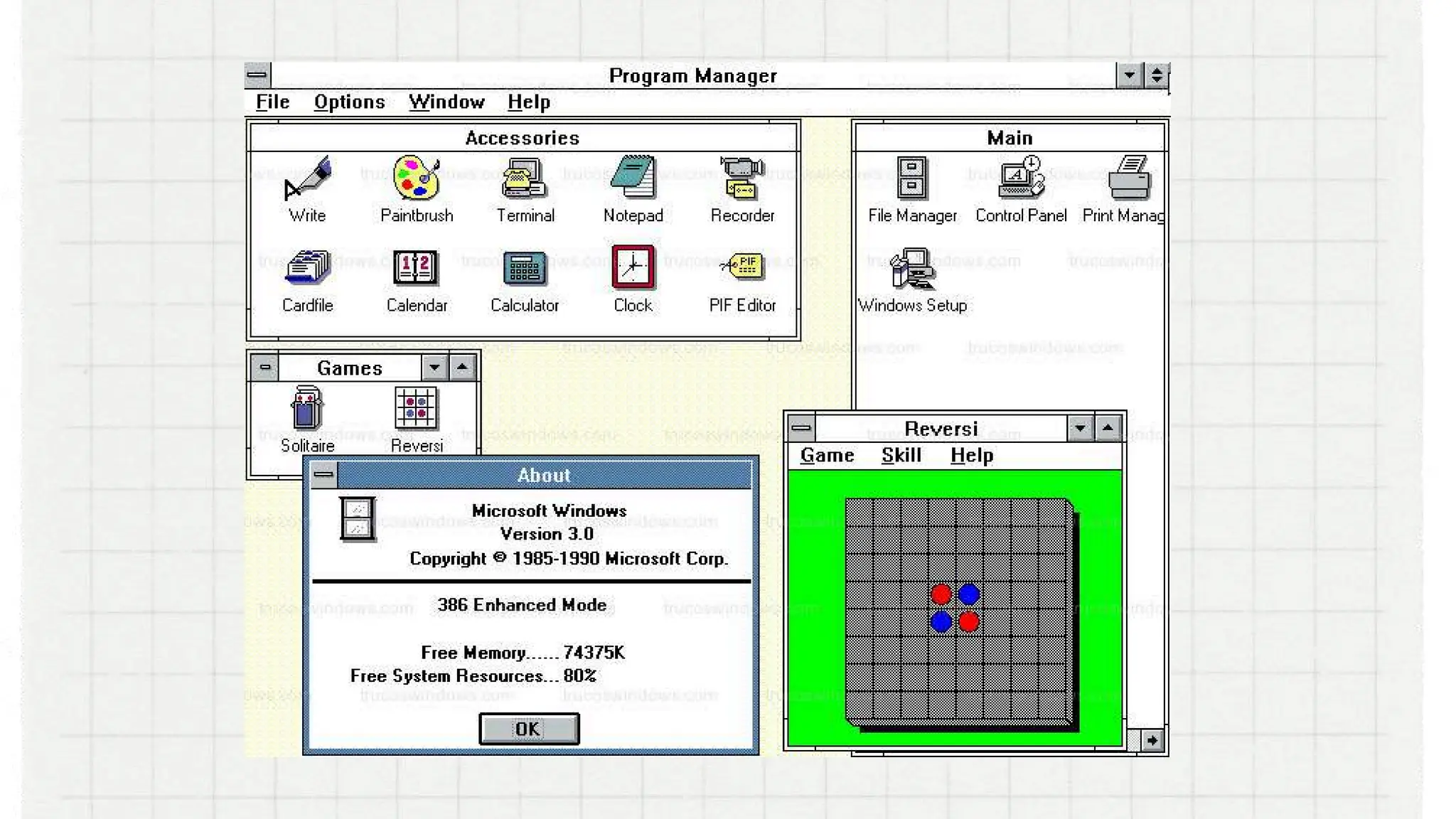
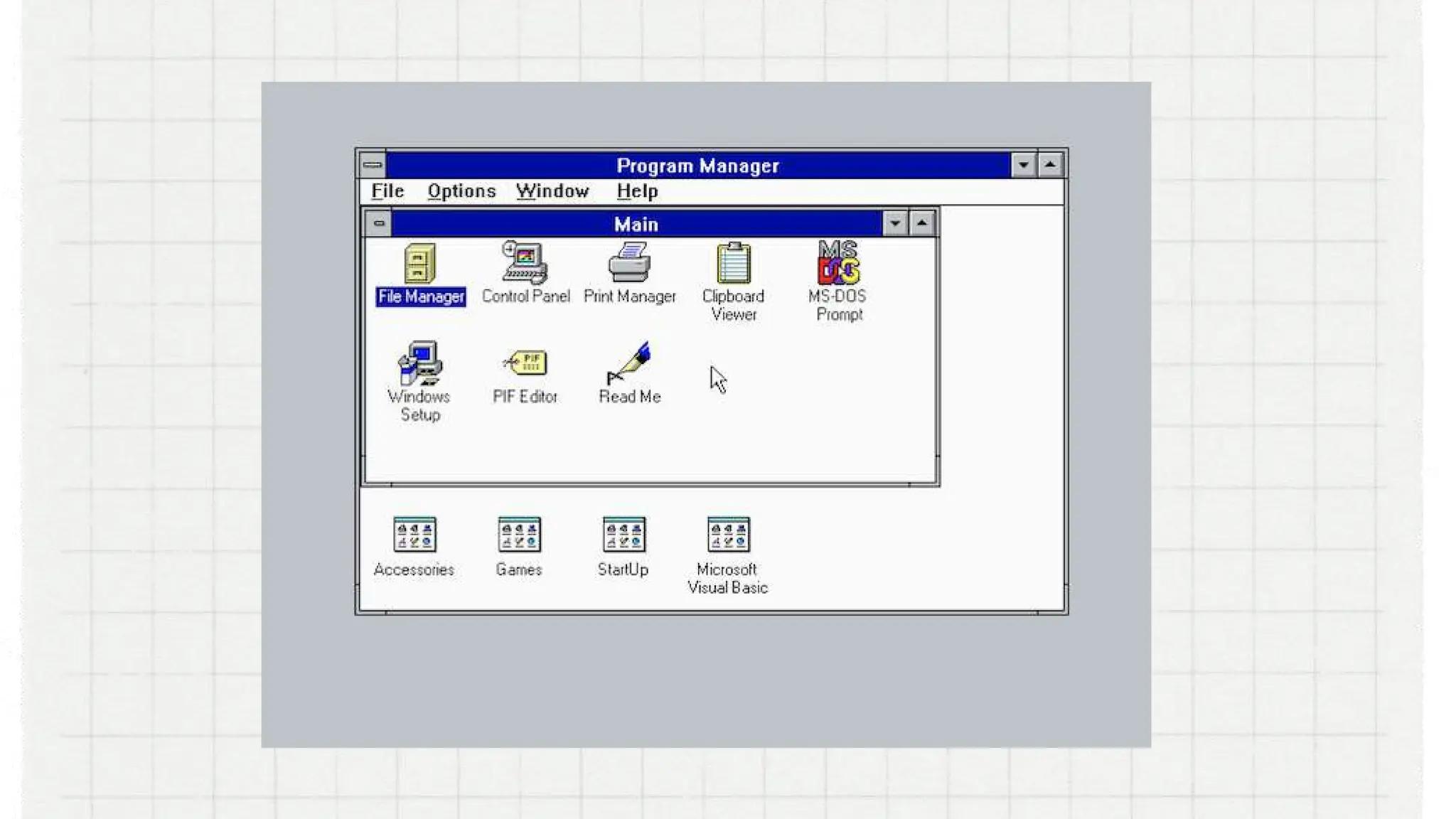
Windows 3.0.
came out in 1990 and offered 256 color support. It
features multitasking DOS programs which may
have contributed to Windows’ flow in popularity.
Another notable feature of Windows 3.0 is that it’s
the version that saw the first appearance of the
classic desktop game Solitaire.
Windows 3.1
In 1992, Windows 3.1 delivered quite a
few new and essential features, such as
support for TrueType fonts, the ability to
drag and drop icons,
Windows 95
came out in 1995. It was the first 32-bit version of
Windows (previous versions had been 16- bit) new
features include the taskbar, the Start menu, long
file names, and plug-and-play capabilities in
which peripheral devices only needed to be
connected to a PC in order to work properly.
Windows 95 also saw the introduction of
Microsoft’s web browser, Internet Explorer
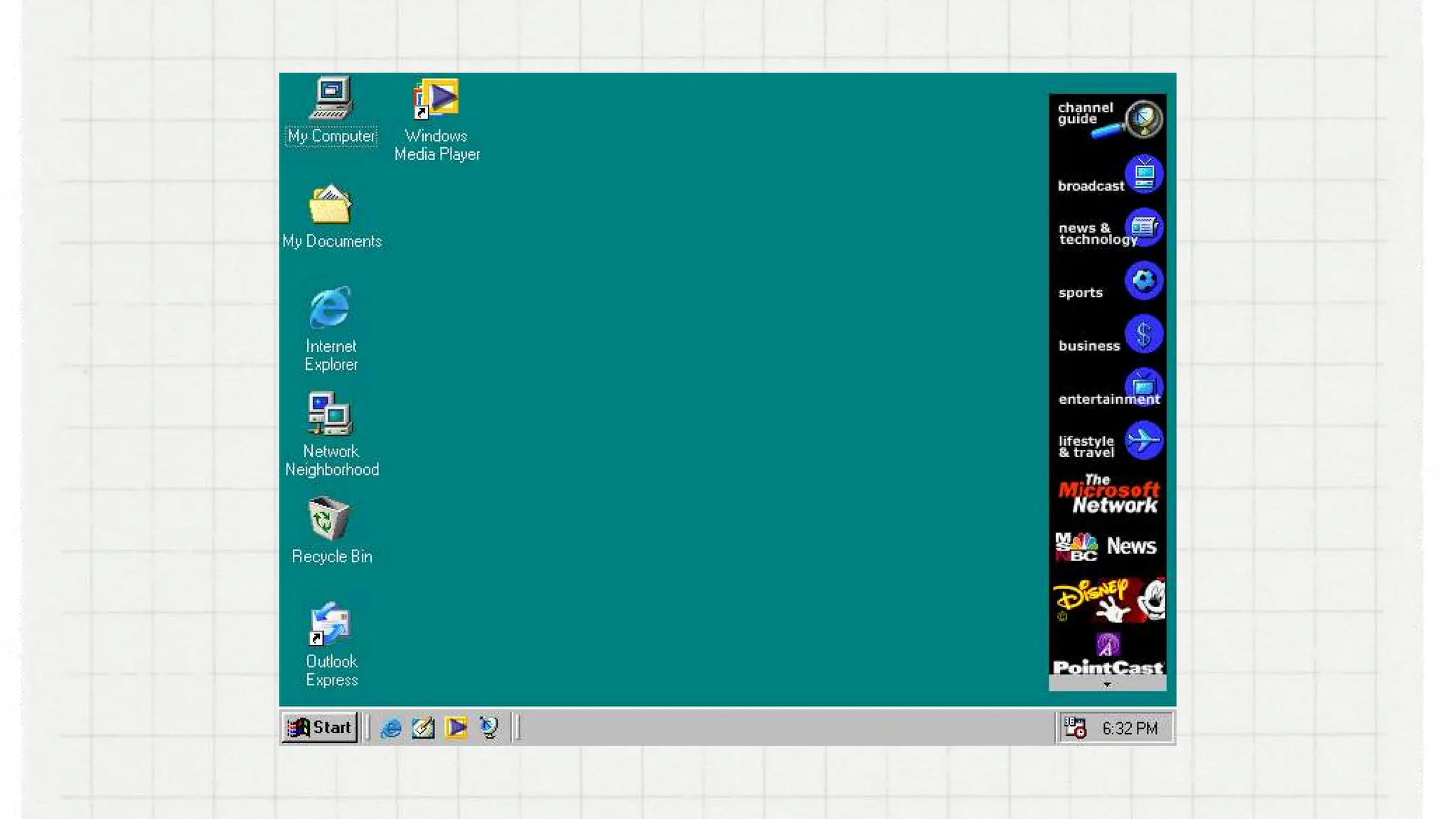
Windows 98
came out in 1998. It offers support for a number of
new technologies. It’s most visible feature is the
web browser’s and other internet-based programs
and tools, such as Outlook Express, Microsoft Chat.
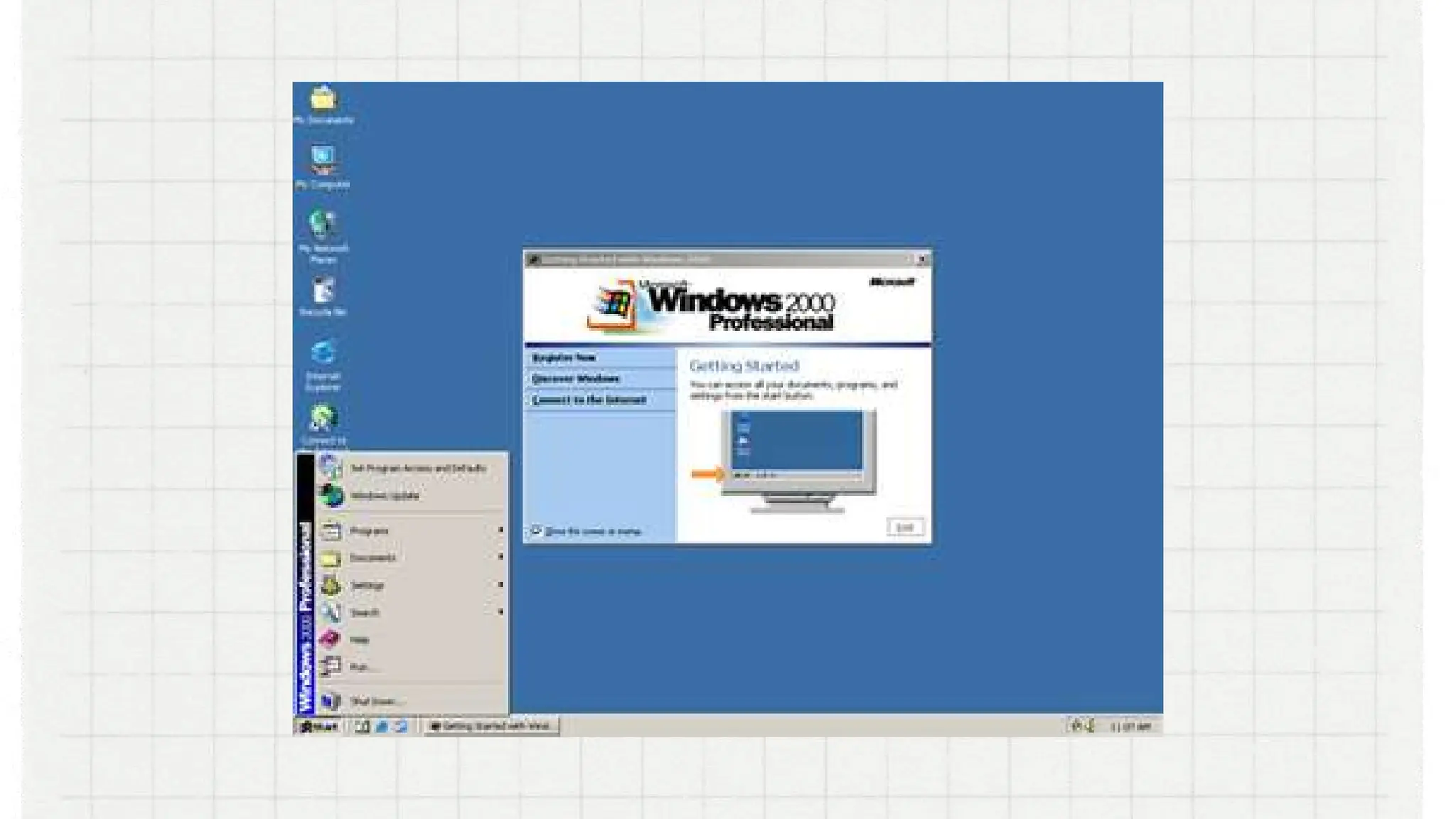
Windows 2000
had a real focus on accessibility and introduced several
features to the OS, including Sticky Keys, a high-contrast
theme, Microsoft Magnifier, an on-screen keyboard, and a
screen reader known as Microsoft Narrator. It allows users
to choose the language in which their display would be
viewed. The users could choose from a variety of
languages, including Arabic, Japanese, and Greek.
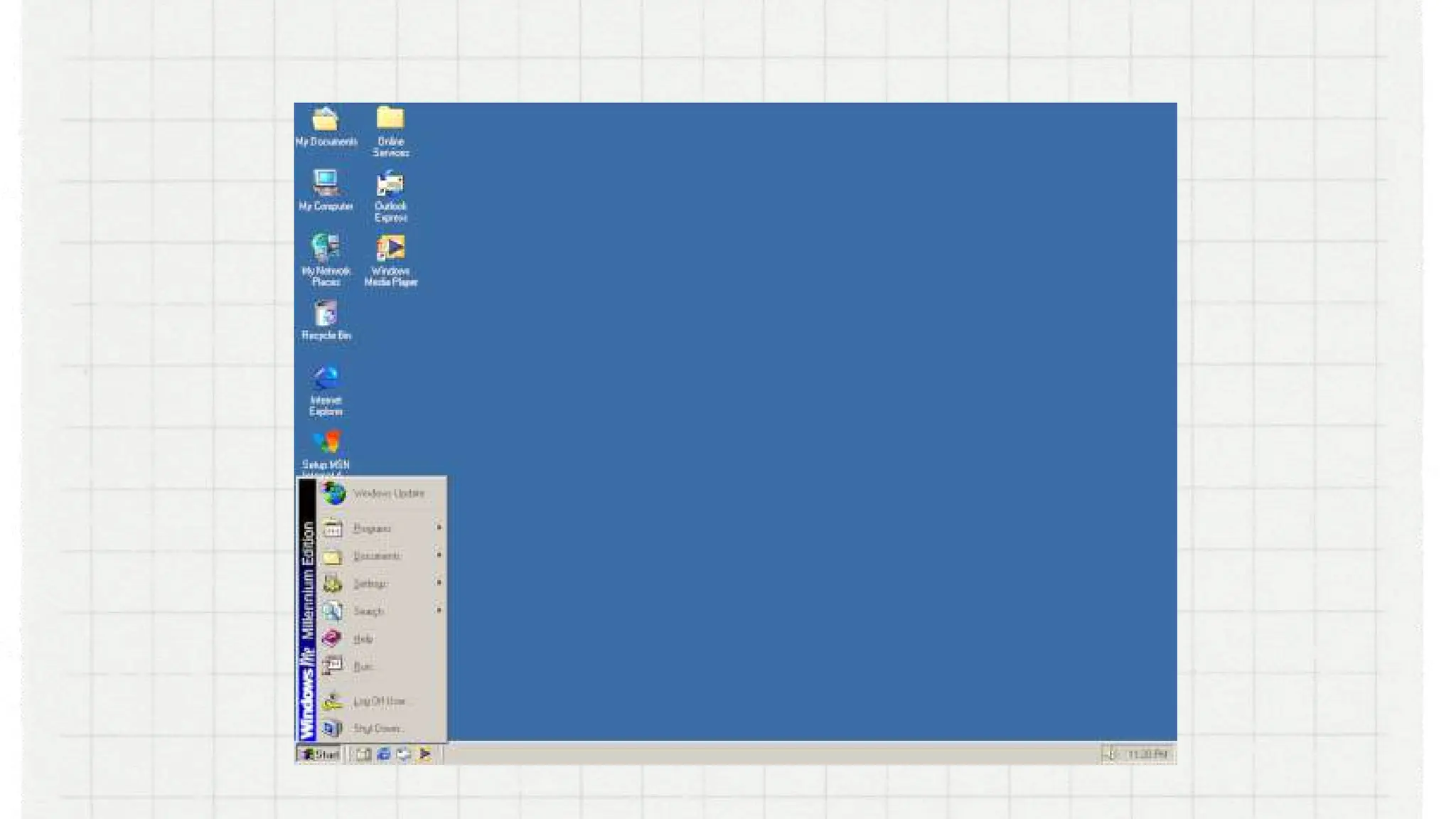
Windows ME
stands for ―Millennium Edition. Some of its useful tool
includes System Restore, a recovery feature that, in the
event your computer starts having problems due to a
poorly executed installation of a program or update,
updates can be remove and restore your computer
back to how it was before .
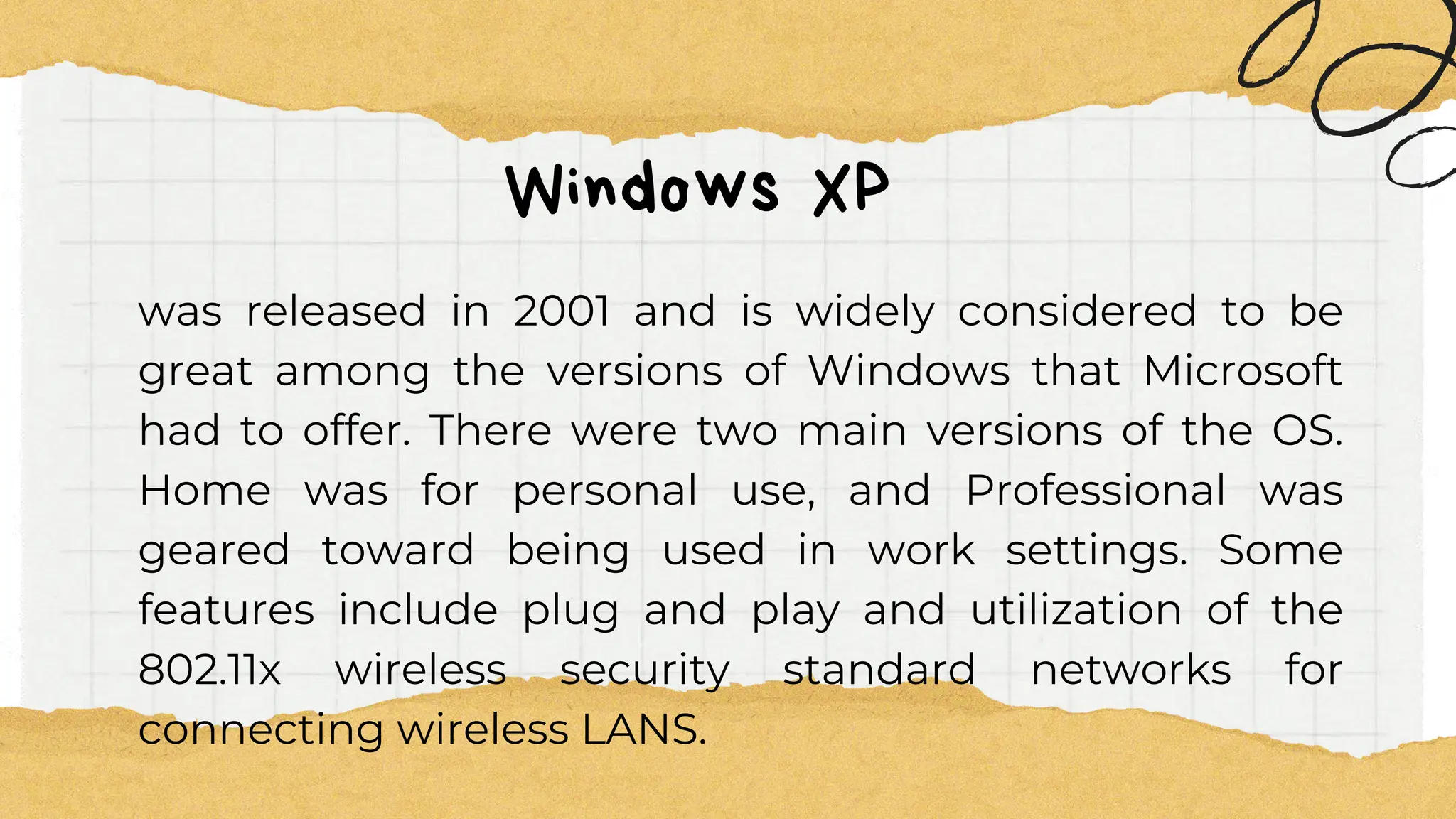
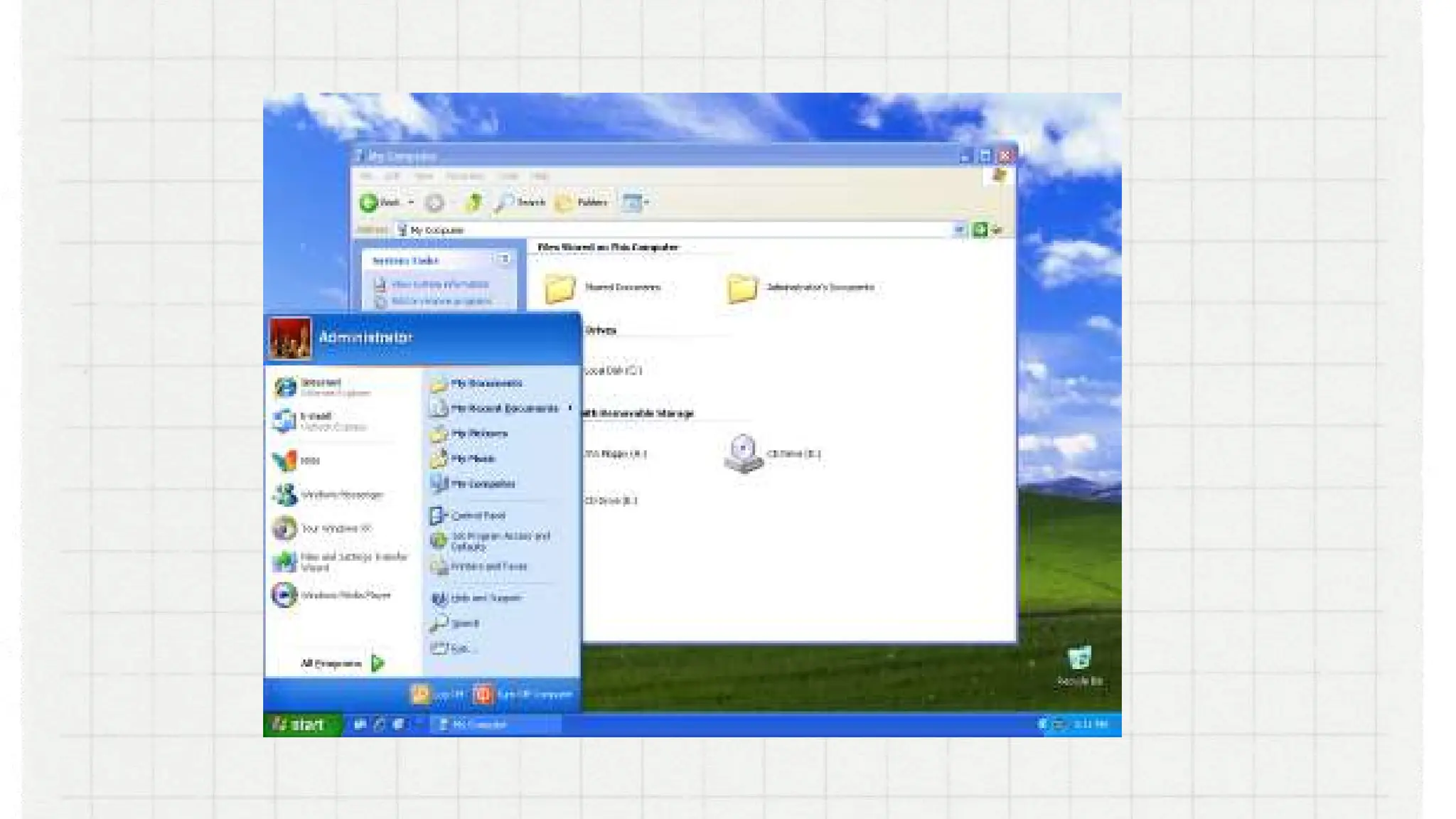
Windows XP
was released in 2001 and is widely considered to be
great among the versions of Windows that Microsoft
had to offer. There were two main versions of the OS.
Home was for personal use, and Professional was
geared toward being used in work settings. Some
features include plug and play and utilization of the
802.11x wireless security standard networks for
connecting wireless LANS.
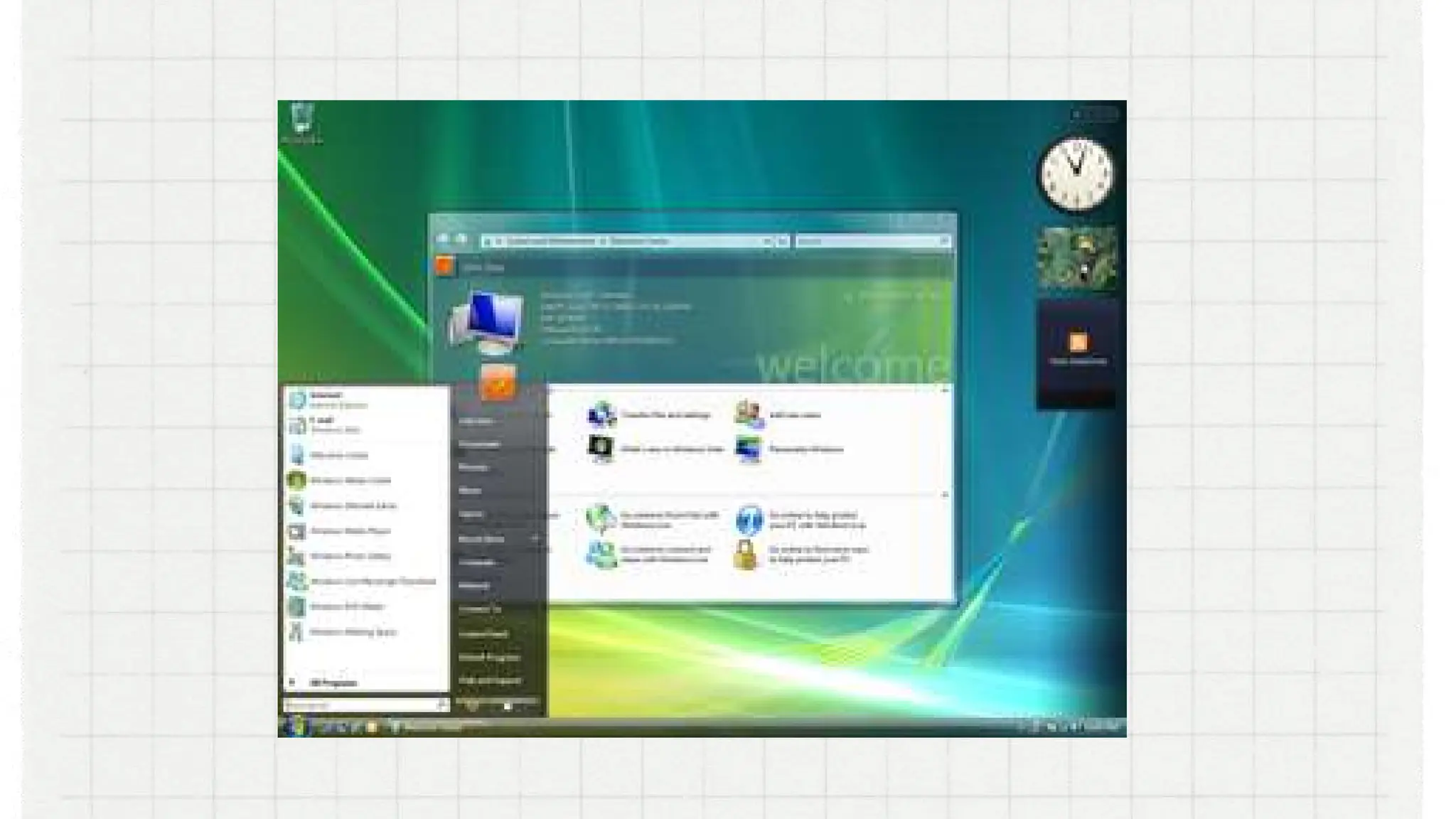
VISTA
was released in 2007. It introduced some helpful
features, though, like Windows Defender, DirectX 10 (for
PC gaming), speech recognition, and Windows DVD
Maker.
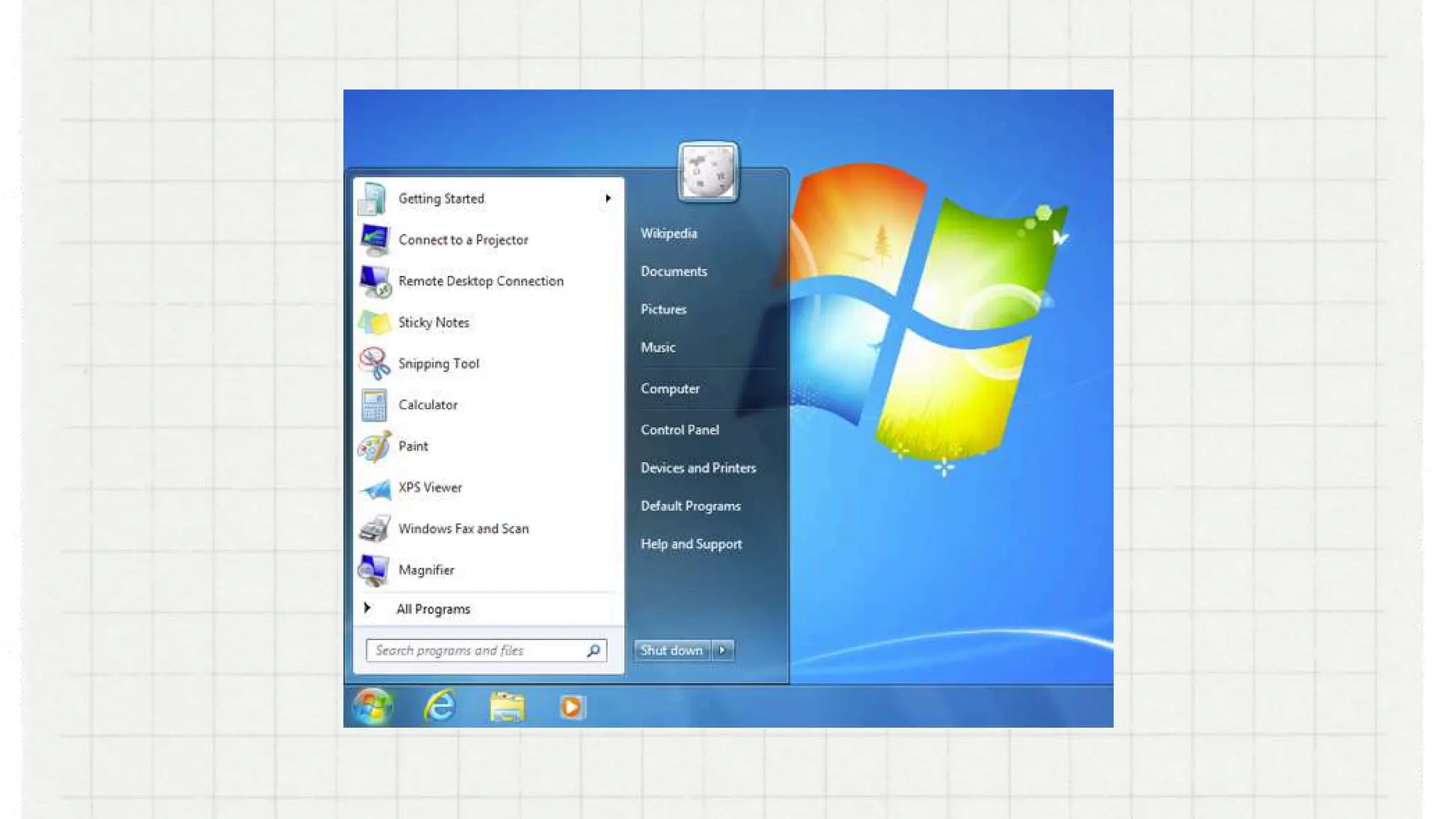
Windows 7
was launched on 2009. Enhancements and new
features include multi-touch support, Internet Explorer
8, improved performance and start-up time, Aero Snap,
Aero Shake, support for virtual hard disks, a new and
improved Windows Media Center, and improved
security.
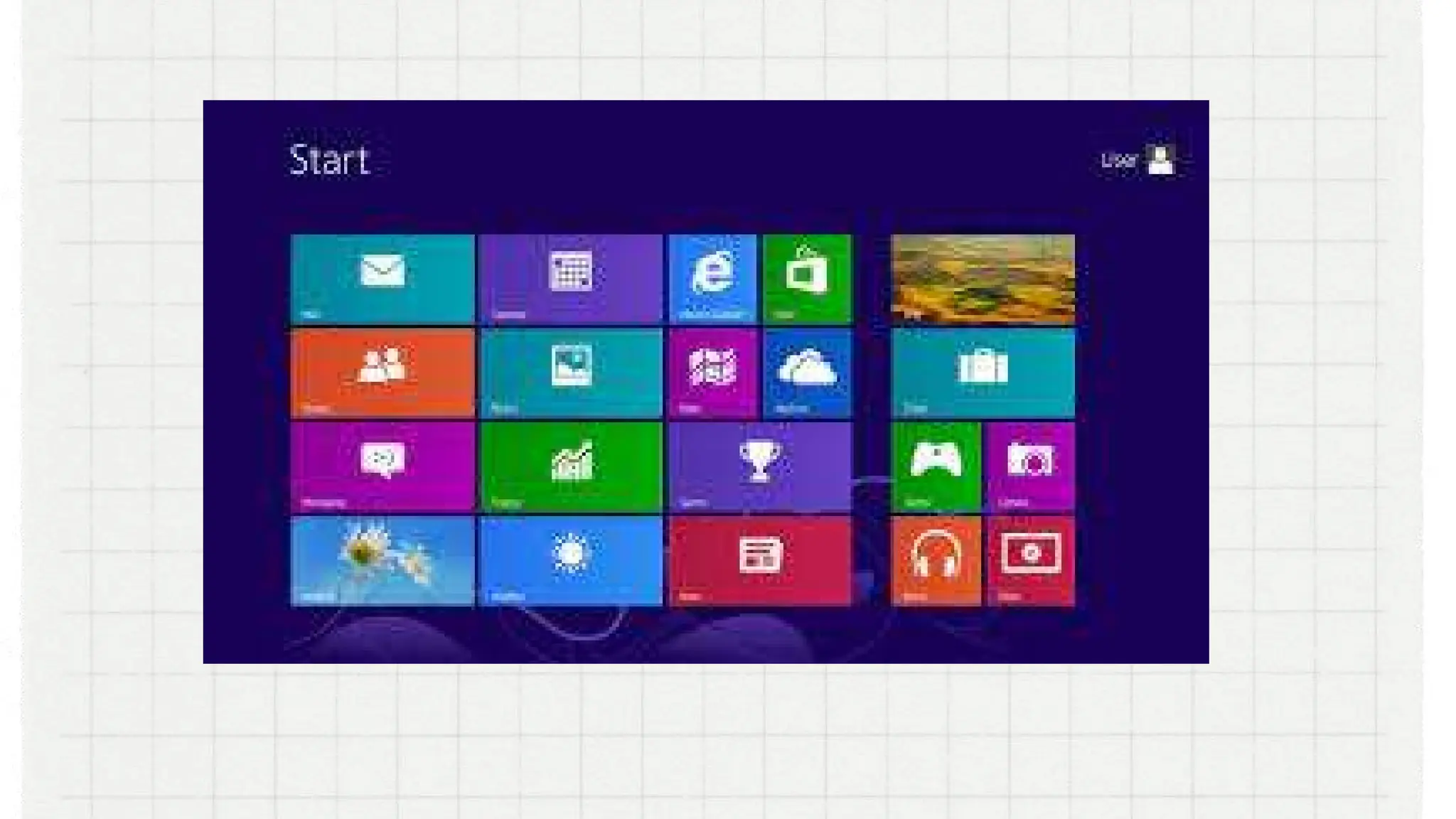
Windows 8
was released on 2012 and is a completely redesigned
operating system. User interface primarily consists of a
Start screen made up of Live Tiles, which links to
applications and features that are dynamic and
updated in real time, the ability to log in with a
Microsoft account, support for USB 3.0 and an actual
lock screen.
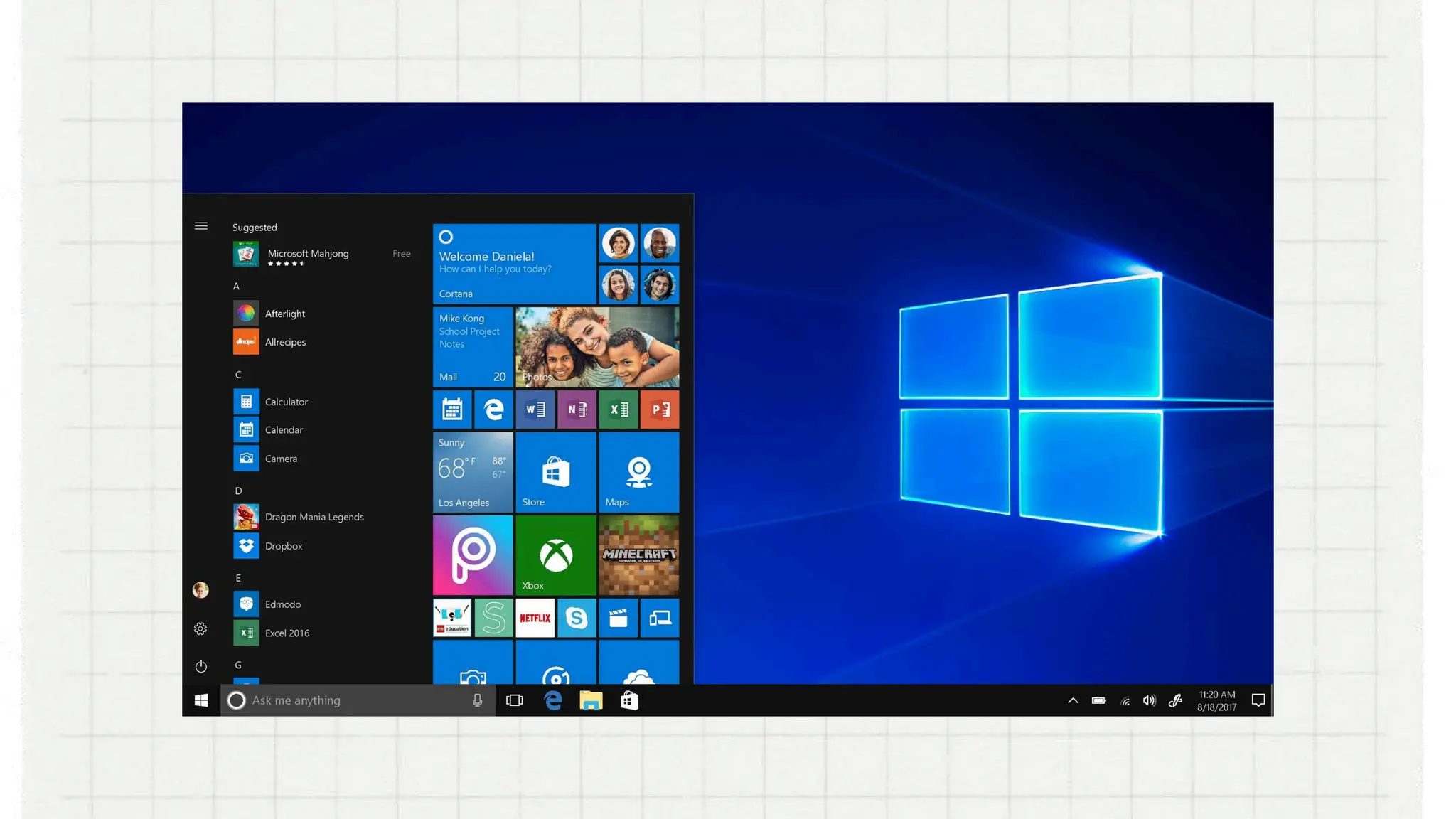
Windows 10
came out in 2015. Some features of Windows 10
included the introduction of Cortana, a native digital
personal assistant; the ability to switch between tablet
and desktop mode; and a new web browser called
Microsoft Edge.
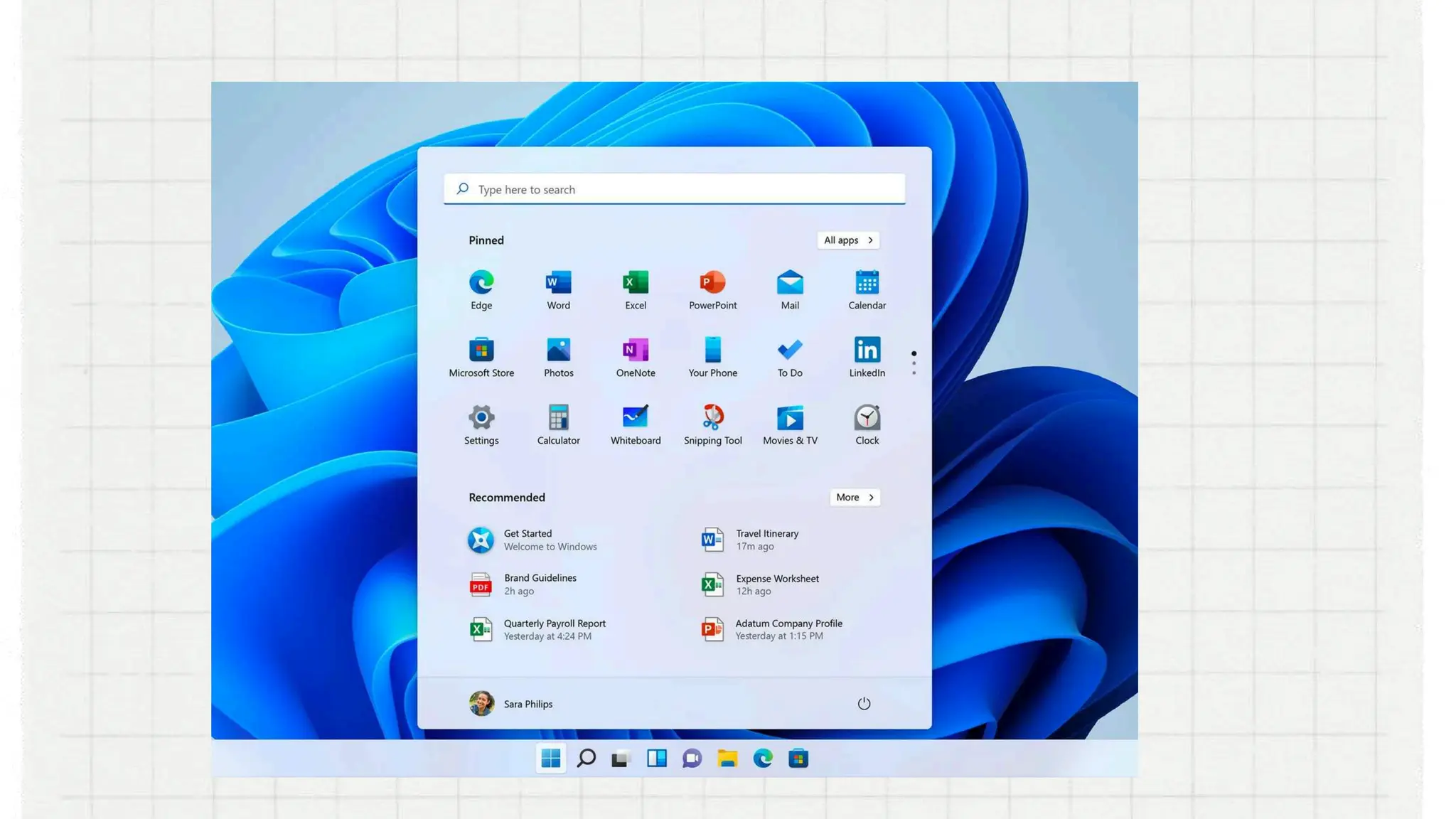
Windows 11
is the latest major release of Microsoft's Windows NT
operating system, released on October 5, 2021. Navigate
using voice recognition1, see what's being said with live
captions, or have on-screen text read aloud by a
narrator in a natural, human voice
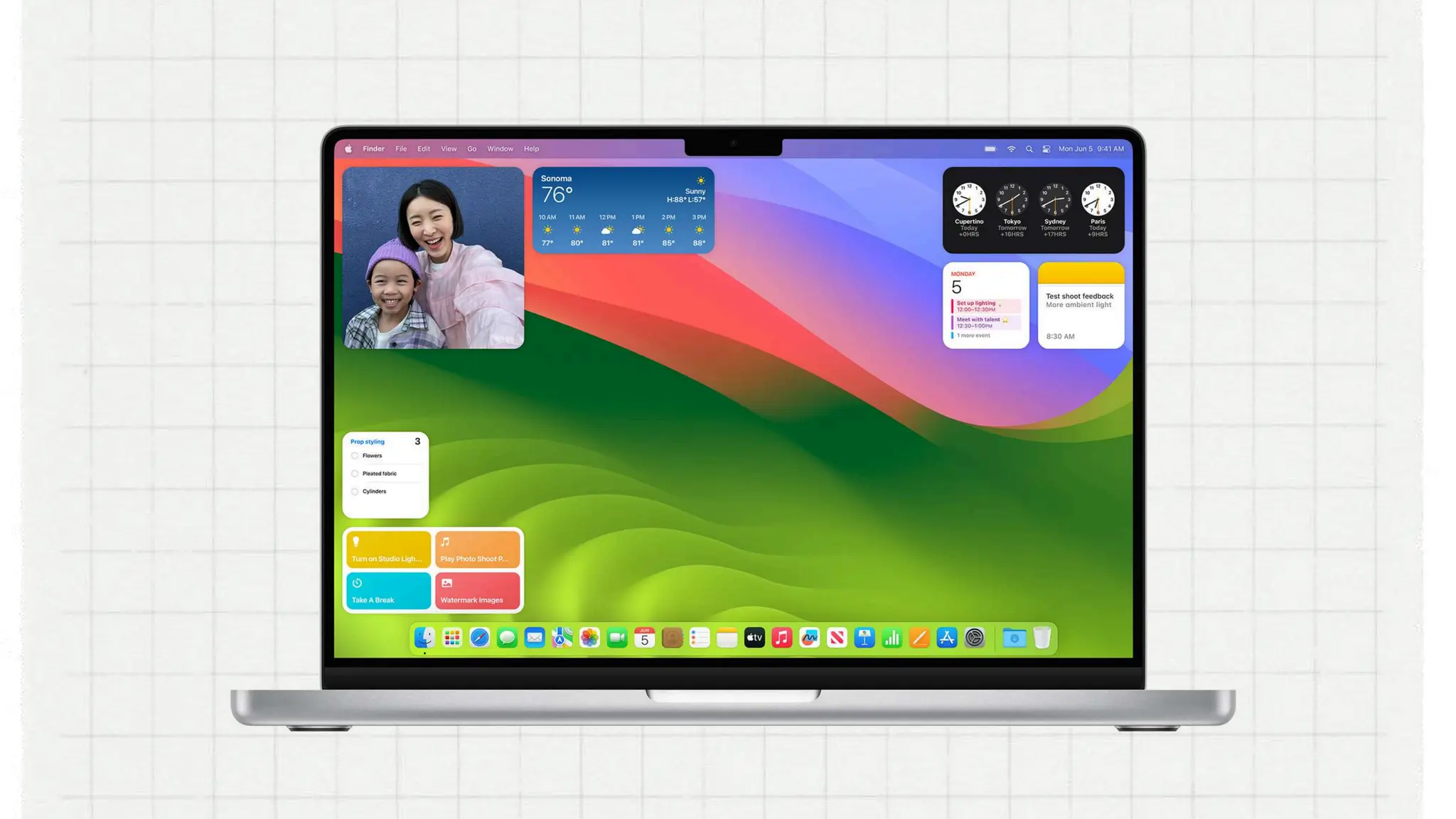
2. MACOS
Macintosh OS previously called OS X, is a line of
operating systems created by Apple. It comes
preloaded on all Macintosh computers, or Macs. Some
of the specific versions include Mojave (released in
2018), High Sierra (2017), and Sierra (2016). Steve Jobs is
the co-founder and chief executive officer of Apple
Company.
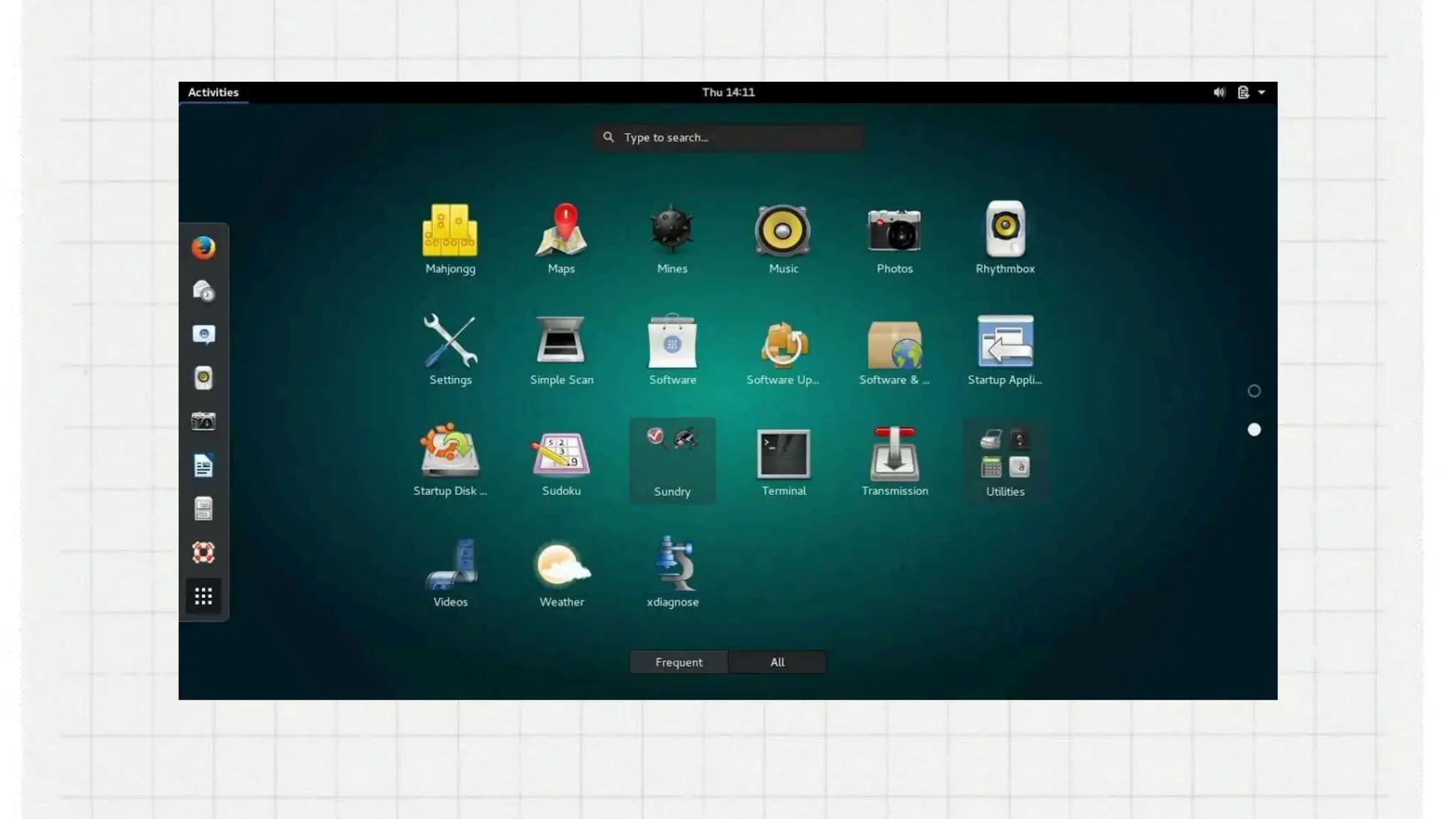
3. Linux
(pronounced LINN-ux) is a family of open-source
operating systems, which means they can be modified
and distributed by anyone around the world. This is
different from proprietary software like Windows, which
can only be modified by the company that owns it. The
advantages of Linux are that it is free, and there are
many different distributions or versions you can choose
from.
OPERATING-SYSTEM lesson for Junior and senior HS

OPERATING-SYSTEM lesson for Junior and senior HS

  • 1.
  • 2.
    CATEGORIES based on datahandling capabilities based on its Size
  • 3.
    Types of Computers Typesof Computers based on data based on data handling capabilities handling capabilities
  • 4.
    Analog Computer are designedto process analog data. Analog data is continuous data that changes continuously and cannot have discrete values. invented in the 1930s by Vannevar Bush (1890–1974), a Massachusetts Institute of Technology electrical engineer first used at the time of the 1950s–1960s
  • 5.
    Digital computer designed toperform calculations and logical operations at high speed. It accepts the raw data as input in the form of digits or binary numbers (0 and 1) and processes it with programs stored in its memory to produce the output. It was generally believed that the first electronic digital computers were the Colossus, built in England in 1943, and the ENIAC, built in the United States in 1945.
  • 6.
    Hybrid Computer features ofboth analogue and digital computer. It is fast like an analogue computer and has memory and accuracy like digital computers. It can process both continuous and discrete data. It accepts analogue signals and convert them into digital form before processing. The first desktop hybrid computing system was the Hycomp 250, released by Packard Bell in 1961.
  • 7.
    Types of Computer Typesof Computer based on its Size based on its Size
  • 8.
    Supercomputer the biggest andfastest computers. They are designed to process huge amount of data. A supercomputer can process trillions of instructions in a second. It has thousands of interconnected processors. used in scientific and engineering applications such as weather forecasting, scientific simulations and nuclear energy research. The first supercomputer was developed by Roger Cray in 1976.
  • 9.
    . Mainframe computer designedto support hundreds or thousands of users simultaneously. They can support multiple programs at the same time. the first mainframe computer was the Harvard Mark I. Developed starting in the 1930s, the machine was not ready for use until 1943.
  • 10.
    Miniframe or Minicomputer a midsize multiprocessing computer. It consists of two or more processors and can support 4 to 200 users at one time. used in institutes and departments for tasks such as billing, accounting and inventory management. first developed in the 1960s and early 1970s by the Digital Equipment Corporation
  • 11.
    Microcomputer also known asa personal computer. It is a general-purpose computer that is designed for individual use. It has a microprocessor as a central processing unit, memory, storage area, input unit and output unit. first microcomputer was the Micral, released in 1973 by Réalisation d'Études Électroniques (R2E).
  • 12.
    Desktop Computer or PersonalComputer(PC) designed for regular use at a single location on or near a desk or table due to its size and power requirements 1964 desktop computer was invented by Pier Giorgio Perotto and manufactured by Olivetti.
  • 13.
    Notebook Computer or Laptop isa small, portable computer and have all the features of a desktop computer. use a variety of techniques, known as flat-panel technologies, to produce a lightweight and non-bulky display screen. first true laptop to make it to market, the Osborne 1, hit shelves in April 1981. created by Adam Osborne
  • 14.
    Netbook a type oflaptop that is slimmer, lighter, and offers a more simplified set of tools. designed for accessing web-based applications. first-generation netbooks came out in 2007
  • 15.
    Types of Micro Typesof Micro Computer Computer
  • 16.
    Tablet is a wireless,portable personal computer with a touchscreen interface. 1989, GRiD Systems released the GRiDPad 1900, the first commercially successful tablet computer
  • 17.
    Smart Phones are mobilephone with highly advanced features invented in 1992 by IBM called the Simon Personal Communicator (or just IBM Simon)
  • 18.
  • 19.
    are connected directlyto a computer but it does not contribute to the computer's primary function, such as computing. It helps end users access and use the functionalities of a computer. It is commonly divided into three kinds: input devices output devices storage devices.
  • 20.
  • 21.
  • 22.
  • 23.
  • 24.
  • 25.
    hard disk driveFloppy Disk Storage devices
  • 26.
  • 27.
    USB Flashdrive SSD SecureDigital Card / SD card
  • 28.
  • 29.
    An operating systemor OS is software installed on a computer's hard drive that enables the computer hardware to communicate and operate with the computer software. Without a computer operating system, a computer and software programs would be useless.
  • 30.
    Character User Interfaceor Command-Line User Interface, CUI When computers were first introduced, the users interacted with them using a command line interface. Short for character user interface or command-line user interface, CUI is a way for users to interact with computer programs. It works by allowing the user (client) to issue commands as one or more lines of text to a program
  • 32.
    Graphical User Interface,or GUI Modern operating systems use a graphical user interface, or GUI (pronounced gooey). It lets you use your mouse to click icons, buttons, and menus, and everything is clearly displayed on the screen using a combination of graphics and text.
  • 34.
    Functions of Functions of anOperating an Operating System System
  • 35.
    Memory Management Processor Management DeviceManagement File Management Security . Control Over System Performance Networking Job Accounting . Control Over System Performance Interaction with the Operators Error-detecting Aids Coordination Between Other Software and Users
  • 36.
  • 37.
    MICROSOFT WINDOWS also calledWindows and Windows OS, computer operating system was developed by Microsoft Corporation to run personal computers. Microsoft was founded by Bill Gates and Paul Allen on April 4, 1975
  • 38.
  • 39.
    DOS or DiskOperating System was the first operating system used by IBM-compatible computers. It was originally available in two versions that were essentially the same, but marketed under two different names. PC-DOS was the version developed by IBM and sold to the first IBMcompatible manufacturers throughout 1980s. MS-DOS was the version that Microsoft bought the rights to, and was bundled with the first versions of Windows.
  • 41.
    Windows 1.0 was introducedin November 20, 1985. It was initially sold for $100. The use of Windows 1.0 as a GUI meant that MS-DOS users didn’t have to manually enter text commands just to complete basic tasks. Now, they could carry out tasks and browse their own files by just pointing and clicking on icons and menus.
  • 43.
    Windows 2.0. the technologycompany released just two years later, in 1987. This version of Windows included such notable features as overlapping windows, resizable windows, keyboard shortcuts, and support for VGA graphics. The first Windows versions of Word and Excel also made their debut with Windows 2.0.
  • 45.
    Windows 3.0. came outin 1990 and offered 256 color support. It features multitasking DOS programs which may have contributed to Windows’ flow in popularity. Another notable feature of Windows 3.0 is that it’s the version that saw the first appearance of the classic desktop game Solitaire.
  • 47.
    Windows 3.1 In 1992,Windows 3.1 delivered quite a few new and essential features, such as support for TrueType fonts, the ability to drag and drop icons,
  • 49.
    Windows 95 came outin 1995. It was the first 32-bit version of Windows (previous versions had been 16- bit) new features include the taskbar, the Start menu, long file names, and plug-and-play capabilities in which peripheral devices only needed to be connected to a PC in order to work properly. Windows 95 also saw the introduction of Microsoft’s web browser, Internet Explorer
  • 51.
    Windows 98 came outin 1998. It offers support for a number of new technologies. It’s most visible feature is the web browser’s and other internet-based programs and tools, such as Outlook Express, Microsoft Chat.
  • 53.
    Windows 2000 had areal focus on accessibility and introduced several features to the OS, including Sticky Keys, a high-contrast theme, Microsoft Magnifier, an on-screen keyboard, and a screen reader known as Microsoft Narrator. It allows users to choose the language in which their display would be viewed. The users could choose from a variety of languages, including Arabic, Japanese, and Greek.
  • 55.
    Windows ME stands for―Millennium Edition. Some of its useful tool includes System Restore, a recovery feature that, in the event your computer starts having problems due to a poorly executed installation of a program or update, updates can be remove and restore your computer back to how it was before .
  • 57.
    Windows XP was releasedin 2001 and is widely considered to be great among the versions of Windows that Microsoft had to offer. There were two main versions of the OS. Home was for personal use, and Professional was geared toward being used in work settings. Some features include plug and play and utilization of the 802.11x wireless security standard networks for connecting wireless LANS.
  • 59.
    VISTA was released in2007. It introduced some helpful features, though, like Windows Defender, DirectX 10 (for PC gaming), speech recognition, and Windows DVD Maker.
  • 61.
    Windows 7 was launchedon 2009. Enhancements and new features include multi-touch support, Internet Explorer 8, improved performance and start-up time, Aero Snap, Aero Shake, support for virtual hard disks, a new and improved Windows Media Center, and improved security.
  • 63.
    Windows 8 was releasedon 2012 and is a completely redesigned operating system. User interface primarily consists of a Start screen made up of Live Tiles, which links to applications and features that are dynamic and updated in real time, the ability to log in with a Microsoft account, support for USB 3.0 and an actual lock screen.
  • 65.
    Windows 10 came outin 2015. Some features of Windows 10 included the introduction of Cortana, a native digital personal assistant; the ability to switch between tablet and desktop mode; and a new web browser called Microsoft Edge.
  • 67.
    Windows 11 is thelatest major release of Microsoft's Windows NT operating system, released on October 5, 2021. Navigate using voice recognition1, see what's being said with live captions, or have on-screen text read aloud by a narrator in a natural, human voice
  • 69.
    2. MACOS Macintosh OSpreviously called OS X, is a line of operating systems created by Apple. It comes preloaded on all Macintosh computers, or Macs. Some of the specific versions include Mojave (released in 2018), High Sierra (2017), and Sierra (2016). Steve Jobs is the co-founder and chief executive officer of Apple Company.
  • 71.
    3. Linux (pronounced LINN-ux)is a family of open-source operating systems, which means they can be modified and distributed by anyone around the world. This is different from proprietary software like Windows, which can only be modified by the company that owns it. The advantages of Linux are that it is free, and there are many different distributions or versions you can choose from.