Download to read offline

![Project Source Code:
#!/bin/bash
if [ $# -lt 1 ]
then
echo "Time Needed in Seconds"
echo "Usage: $0 <seconds>"
echo "Example: $0 10"
exit 1
fi
time="$1"
start="$SECONDS"
s=1
function main(){
echo "Welcome..."
while [ $s -gt 0 ]
do
s="$((time - (SECONDS - start)))"
echo -ne "r r"
echo -ne "r$s seconds left"
sleep 1
done
echo -e "nTimes Up"
exit 0
}
main](https://image.slidesharecdn.com/operatingsystemlabproject-210812132200/85/Operating-system-lab-project-4-320.jpg)
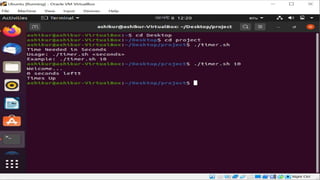

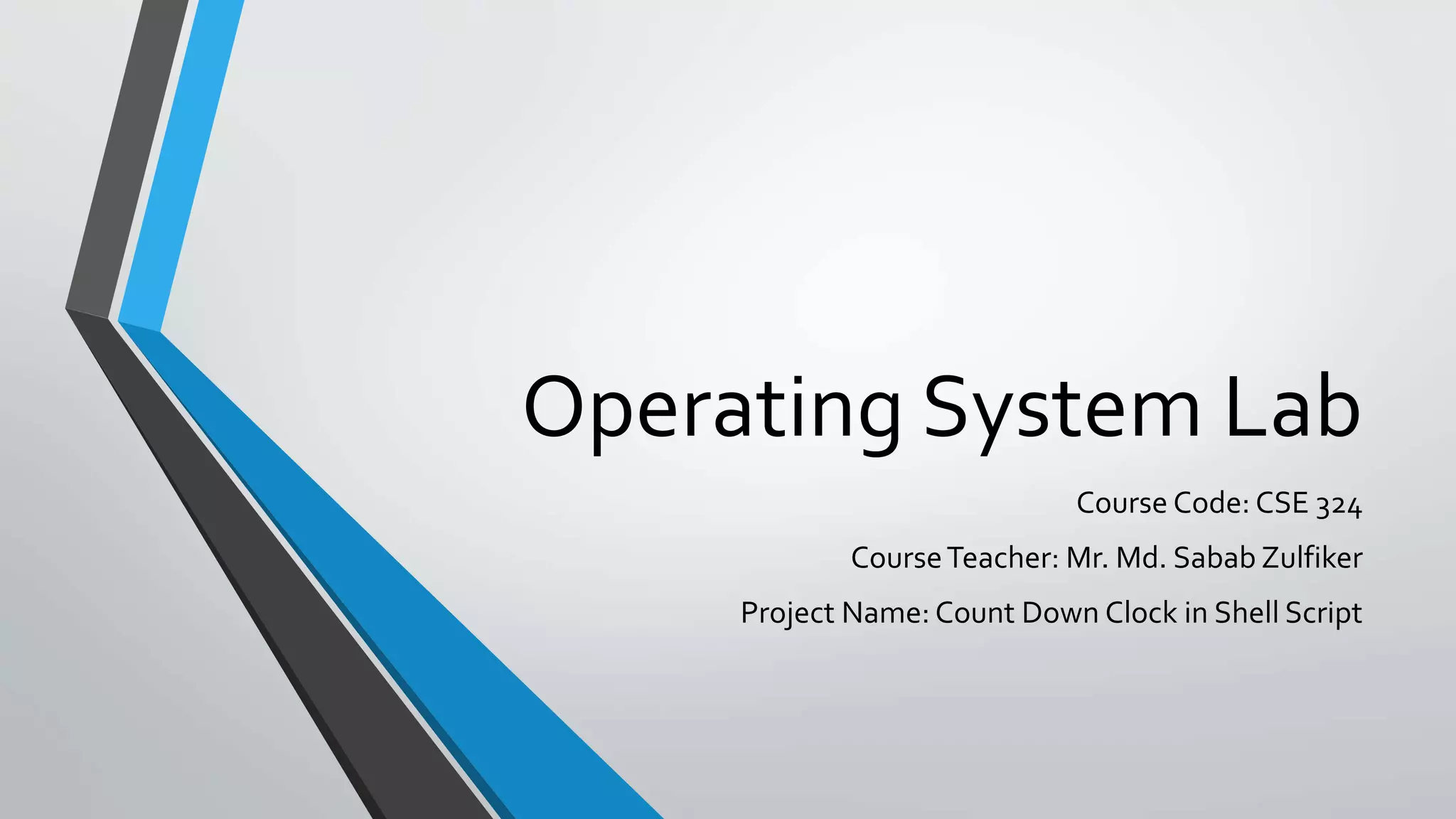
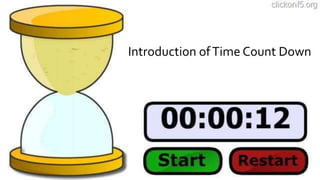
The document summarizes a course project to create a countdown clock shell script. A team of 3 students - Md. Ashikur Rahman, Yousuf Mia, and Mizanur Rahman Masum - created a shell script that takes a time in seconds as a command line argument. It displays a countdown from that time, printing the seconds remaining each second until it reaches zero and displays "Times Up". The script checks for the required argument, sets the start time and time remaining variables, and uses a while loop and sleep to continuously decrement and display the countdown until finished.


![Depth first search [dfs]](https://cdn.slidesharecdn.com/ss_thumbnails/depthfirstsearchdfs-190926145304-thumbnail.jpg?width=640&height=640&fit=bounds)


![[Deck] What's New in Spark-Iceberg Integration via DSV2.pptx](https://cdn.slidesharecdn.com/ss_thumbnails/deckwhatsnewinspark-icebergintegrationviadsv2-260210005337-25955b12-thumbnail.jpg?width=640&height=640&fit=bounds)
