Operating System (OS)
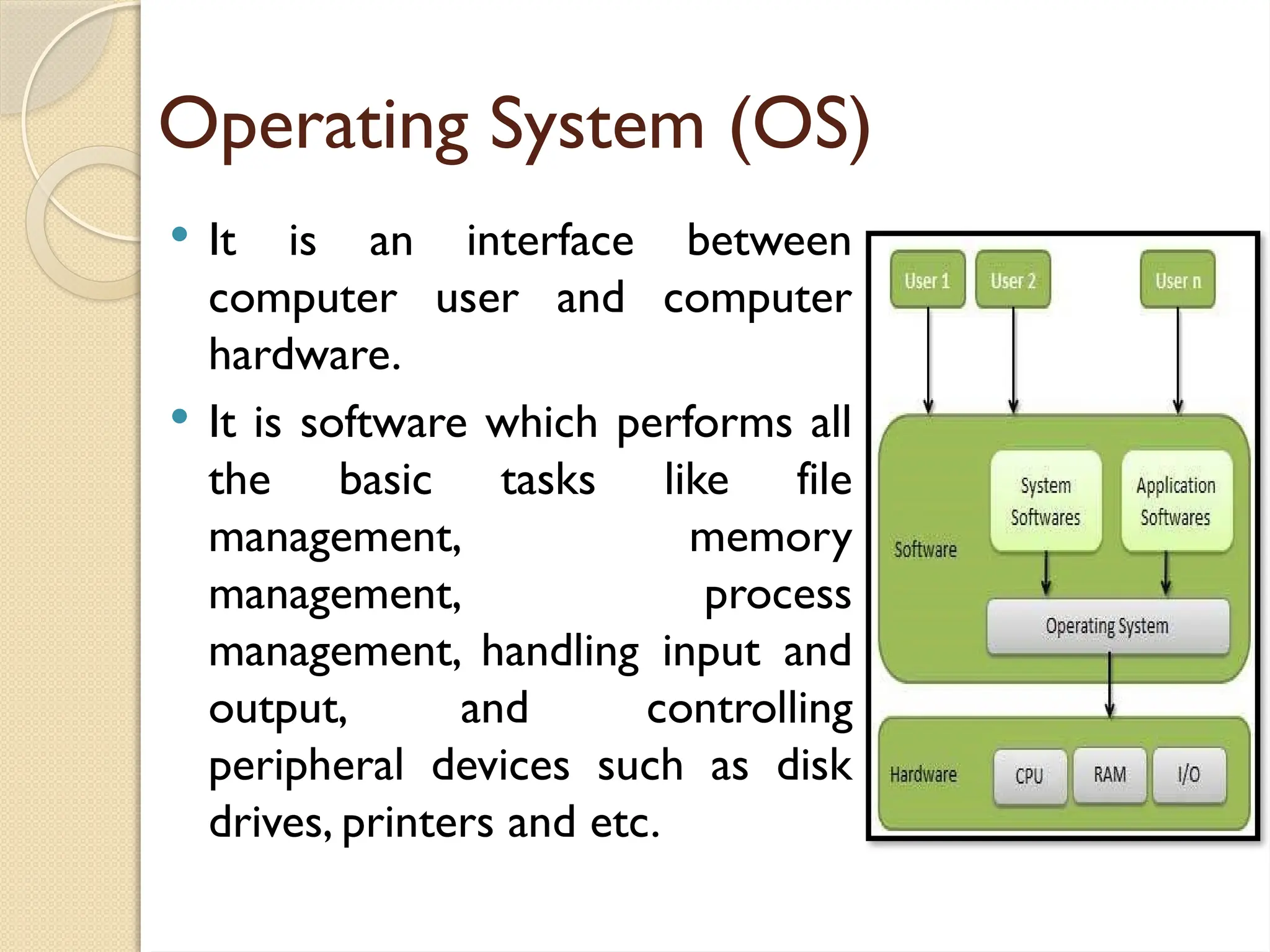
It is an interface between
computer user and computer
hardware.
It is software which performs all
the basic tasks like file
management, memory
management, process
management, handling input and
output, and controlling
peripheral devices such as disk
drives, printers and etc.
3.
Operating System (OS)
It is the most important program that runs on a
computer.
It is considered as the “brain” of the computer
system.
It is used to run other programs such as MS Office
and all other programs installed in the computer
system.
Without the OS the computer system is practically
useless.
Is a collection of programs that controls how the
CPU, memory, and I/O devices work together.
4.
Operating System (OS)
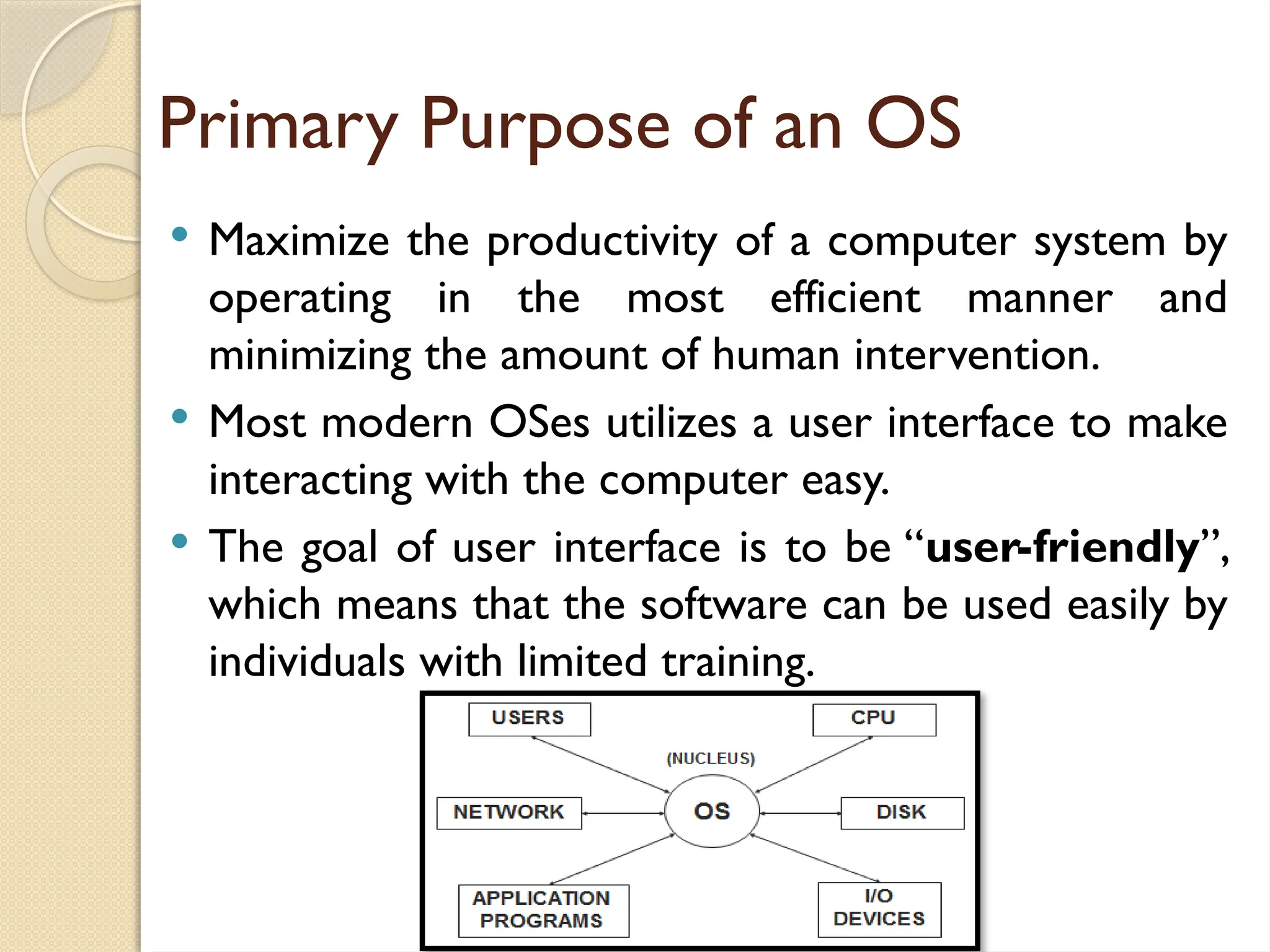
The OS is the manager of all the computer system’s
hardware and software.
In layman’s term, the OS is a computer program that
provides an interface for the user to communicate
with the computer.
5.
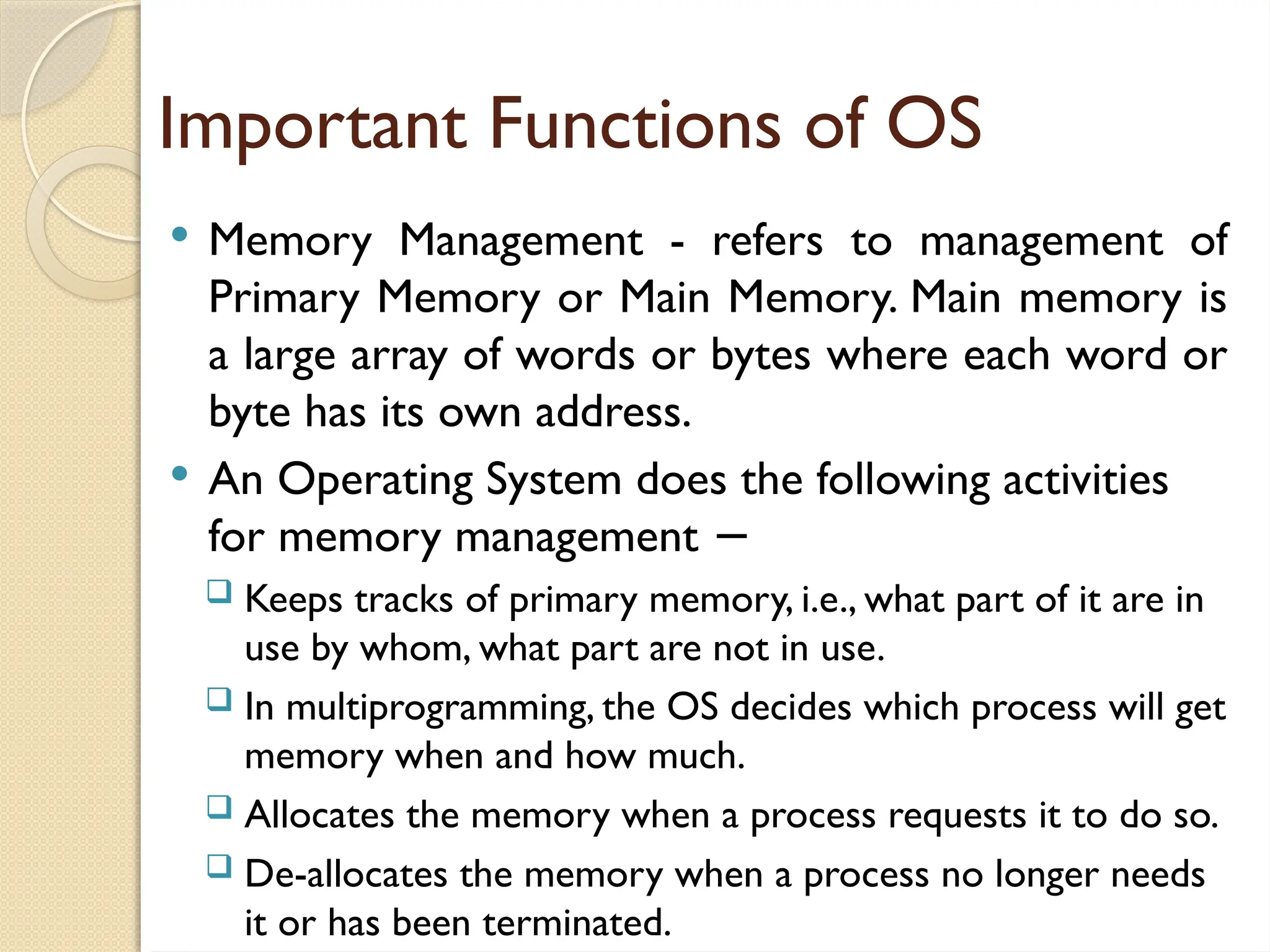
Important Functions ofOS
Memory Management - refers to management of
Primary Memory or Main Memory. Main memory is
a large array of words or bytes where each word or
byte has its own address.
An Operating System does the following activities
for memory management −
Keeps tracks of primary memory, i.e., what part of it are in
use by whom, what part are not in use.
In multiprogramming, the OS decides which process will get
memory when and how much.
Allocates the memory when a process requests it to do so.
De-allocates the memory when a process no longer needs
it or has been terminated.
6.
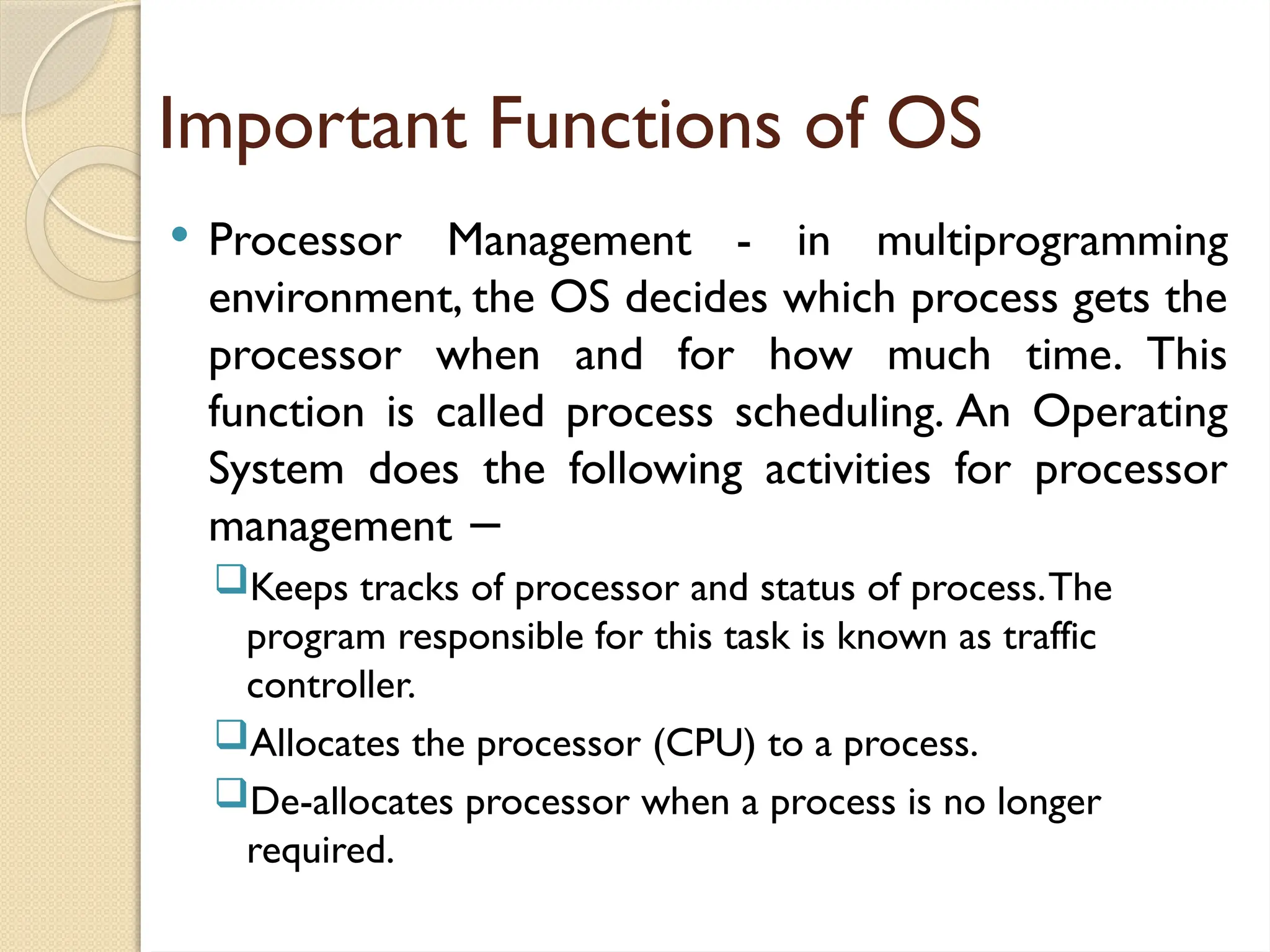
Important Functions ofOS
Processor Management - in multiprogramming
environment, the OS decides which process gets the
processor when and for how much time. This
function is called process scheduling. An Operating
System does the following activities for processor
management −
Keeps tracks of processor and status of process.The
program responsible for this task is known as traffic
controller.
Allocates the processor (CPU) to a process.
De-allocates processor when a process is no longer
required.
7.
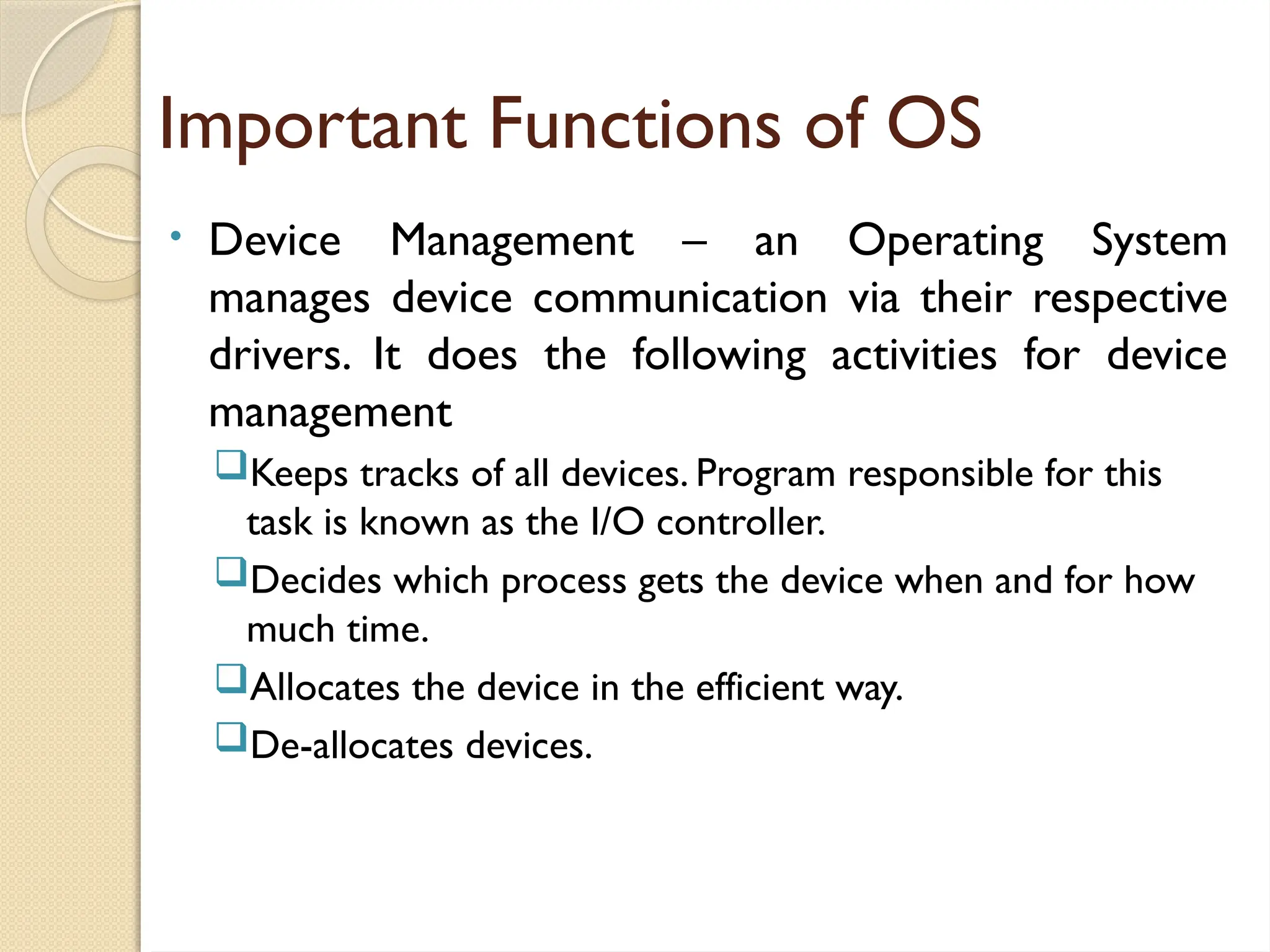
Important Functions ofOS
• Device Management – an Operating System
manages device communication via their respective
drivers. It does the following activities for device
management
Keeps tracks of all devices. Program responsible for this
task is known as the I/O controller.
Decides which process gets the device when and for how
much time.
Allocates the device in the efficient way.
De-allocates devices.
8.
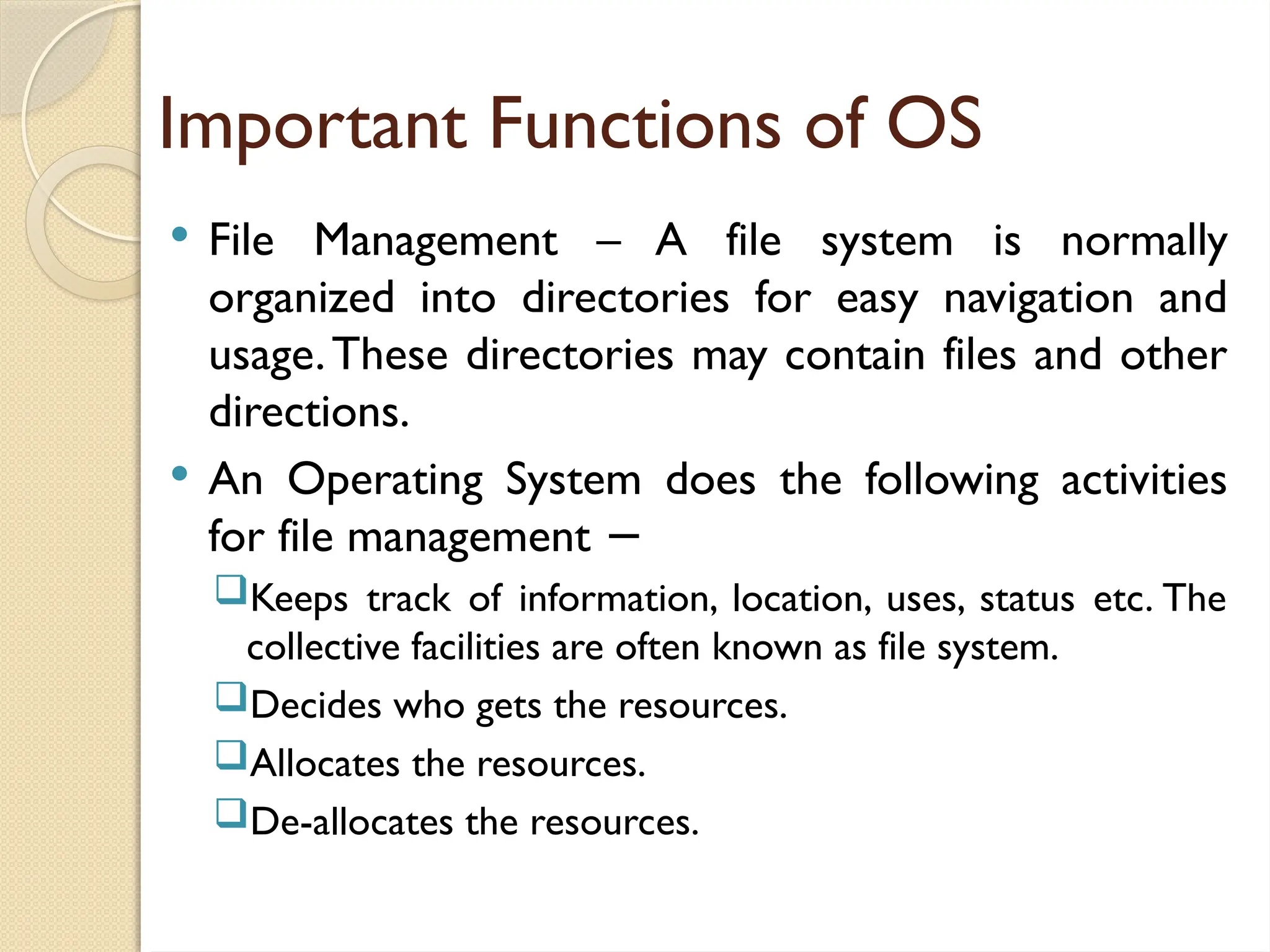
Important Functions ofOS
File Management – A file system is normally
organized into directories for easy navigation and
usage.These directories may contain files and other
directions.
An Operating System does the following activities
for file management −
Keeps track of information, location, uses, status etc. The
collective facilities are often known as file system.
Decides who gets the resources.
Allocates the resources.
De-allocates the resources.
9.
Important Functions ofOS
Security – By means of password and similar other
techniques, it prevents unauthorized access to
programs and data.
Control Over System Performance – Recording
delays between request for a service and response
from the system.
Job Accounting – Keeping track of time and
resources used by various jobs and users.
10.
Important Functions ofOS
Error Detecting Aids – Production of dumps, traces,
error messages, and other debugging and error
detecting aids.
Coordination Between Other Software And Users –
Coordination and assignment of compilers,
interpreters, assemblers and other software to the
various users of the computer systems.
11.
Primary Purpose ofan OS
Maximize the productivity of a computer system by
operating in the most efficient manner and
minimizing the amount of human intervention.
Most modern OSes utilizes a user interface to make
interacting with the computer easy.
The goal of user interface is to be “user-friendly”,
which means that the software can be used easily by
individuals with limited training.
12.
Graphical User Interface(GUI)
A user interface that displays graphics in addition to
text when it communicates with the user.
It utilizes windows, icons, menus, and pointers.
13.
ComputerVirus
Is amalicious program that self-replicates by copying
itself to another program. In other words, the
computer virus spreads by itself into other
executable code or documents.
The purpose of creating a computer virus is to
infect vulnerable systems, gain admin control and
steal user sensitive data. Hackers design computer
viruses with malicious intent and prey on online
users by tricking them.
In the process, a virus has the potential to cause
unexpected or damaging effects, such as harming the
system software by corrupting or destroying data.
14.
How does acomputer virus attack?
A computer virus attacks in two ways.
The first kind, as soon as it lands on a new
computer, begins to replicate.
The second type plays dead until the trigger kick
starts the malicious code. In other words, the
infected program needs to run to be executed.
Therefore, it is highly significant to stay shielded by
installing a robust antivirus program.
15.
What are thesigns of a computer virus?
A computer virus attack can produce a variety of
symptoms. Here are some of them:
Frequent pop-up windows. Pop-ups might
encourage you to visit unusual sites. Or they might
prod you to download antivirus or other software
programs.
Changes to your homepage.Your usual homepage
may change to another website, for instance. Plus,
you may be unable to reset it.
16.
What are thesigns of a computer virus?
Mass emails being sent from your email account.A
criminal may take control of your account or send
emails in your name from another infected
computer.
Frequent crashes.A virus can inflict major damage
on your hard drive.This may cause your device to
freeze or crash. It may also prevent your device
from coming back on.
Unusually slow computer performance. A sudden
change of processing speed could signal that your
computer has a virus.
17.
What are thesigns of a computer virus?
Unknown programs that start up when you turn
on your computer.You may become aware of the
unfamiliar program when you start your computer.
Or you might notice it by checking your
computer’s list of active applications.
Unusual activities like password changes. This
could prevent you from logging into your
computer.
Disks or disk drives are inaccessible. Your flash
drive won’t open and there’s an error message
occur “Disk drive is inaccessible”.
18.
How to helpprotect against computer
viruses?
How can you help protect your devices against
computer viruses? Here are some of the things you
can do to help keep your computer safe.
Use a trusted antivirus product, such as Norton
AntiVirus Basic, Windows Defender, and keep it
updated with the latest virus definitions.
Avoid clicking on any pop-up advertisements.
Always scan your email attachments before
opening them.
Always scan the files that you download using file
sharing programs.
19.
Types of ComputerViruses
Boot Sector Virus – This type of virus infects the
master boot record and it is challenging and a
complex task to remove this virus and often
requires the system to be formatted. Mostly it
spreads through removable media.
Direct Action Virus – This is also called non-resident
virus, it gets installed or stays hidden in the
computer memory. It stays attached to the specific
type of files that it infect. It does not affect the user
experience and system’s performance.
20.
Types of ComputerViruses
Resident Virus – Unlike direct action viruses,
resident viruses get installed on the computer. It is
difficult to identify the virus and it is even difficult to
remove a resident virus. The resident viruses are
troublesome due to the reason they can run
unnoticed by antivirus and antimalware software by
hiding in the system’s RAM.
Multipartite Virus – This type of virus spreads
through multiple ways. It infects both the boot
sector and executable files at the same time.
Spacefiller Virus – This is also called “Cavity Viruses”.
This is called so as they fill up the empty spaces
between the codes and hence does not cause any
damage to the file.
21.
Types of ComputerViruses
Polymorphic Virus – These types of viruses are
difficult to identify with a traditional anti-virus
program. This is because the polymorphic virus
alters its signature pattern whenever it replicates.
Since virus removal programs depend on identifying
signatures of malware, these viruses are carefully
designed to escape detection and identification.
When security software detects a polymorphic
virus, the virus modifies itself thereby; it is no longer
detectable using the previous signature.
22.
Types of ComputerViruses
Overwrite Virus – This type of virus deletes all the
files that it infects. The only possible mechanism to
remove is to delete the infected files and the end-
user has to lose all the contents in it. Identifying the
overwrite virus is difficult as it spreads through
emails.
23.
Types of ComputerViruses
File Infectors – Few file infector viruses come
attached with program files, such as .com or .exe
files. Some file infector viruses infect any program
for which execution is requested,
including .sys, .ovl, .prg, and .mnu files. Consequently,
when the particular program is loaded, the virus is
also loaded. Besides these, the other file infector
viruses come as a completely included program or
script sent in email attachments.
24.
Types of ComputerViruses
Macro Viruses – As the name suggests, the macro
viruses particularly target macro language commands
in applications like Microsoft Word. The same is
implied on other programs too.
In MS Word, the macros are keystrokes that are
embedded in the documents or saved sequences for
commands. The macro viruses are designed to add
their malicious code to the genuine macro sequences
in a Word file. However, as the years went by,
Microsoft Word witnessed disabling of macros by
default in more recent versions. Thus, the
cybercriminals started to use social engineering
schemes to target users. In the process, they trick the
user and enable macros to launch the virus.
25.
Types of ComputerViruses
Rootkit Viruses – a malware type which secretly
installs an illegal rootkit on an infected system. This
opens the door for attackers and gives them full
control of the system. The attacker will be able to
fundamentally modify or disable functions and
programs. Like other sophisticated viruses, the rootkit
virus is also created to bypass antivirus software.The
latest versions of major antivirus and antimalware
programs include rootkit scanning.
26.
Types of ComputerViruses
System or Boot-record Infectors – The Boot-record
Infectors infect executable code found in specific
system areas on a disk. As the name implies, they
attach to the USB thumb drives and DOS boot sector
on diskettes or the Master Boot Record on hard
disks. Boot viruses are no more common these days
as the latest devices rely less on physical storage
media.
27.
Origin of ComputerVirus
Late 1940s, John von Neumann proposed that it
was theoretically possible for a computer program to
replicate.
1950s, the theory was tested at Bell Laboratories
through the development of Core Wars, where
players created tiny computer programs that attacked,
erased, and tried to propagate on an opponent's
system.
28.
Origin of ComputerVirus
1971, the Creeper program, often regarded as the
first virus, was created by Bob Thomas of BBN.
Creeper was actually designed as a security test to
see if a self-replicating program was possible. It was—
sort of. With each new hard drive infected, Creeper
would try to remove itself from the previous host.
Creeper had no malicious intent and only displayed a
simple message: "I'M THE CREEPER. CATCH ME
IFYOU CAN!"
29.
Origin of ComputerVirus
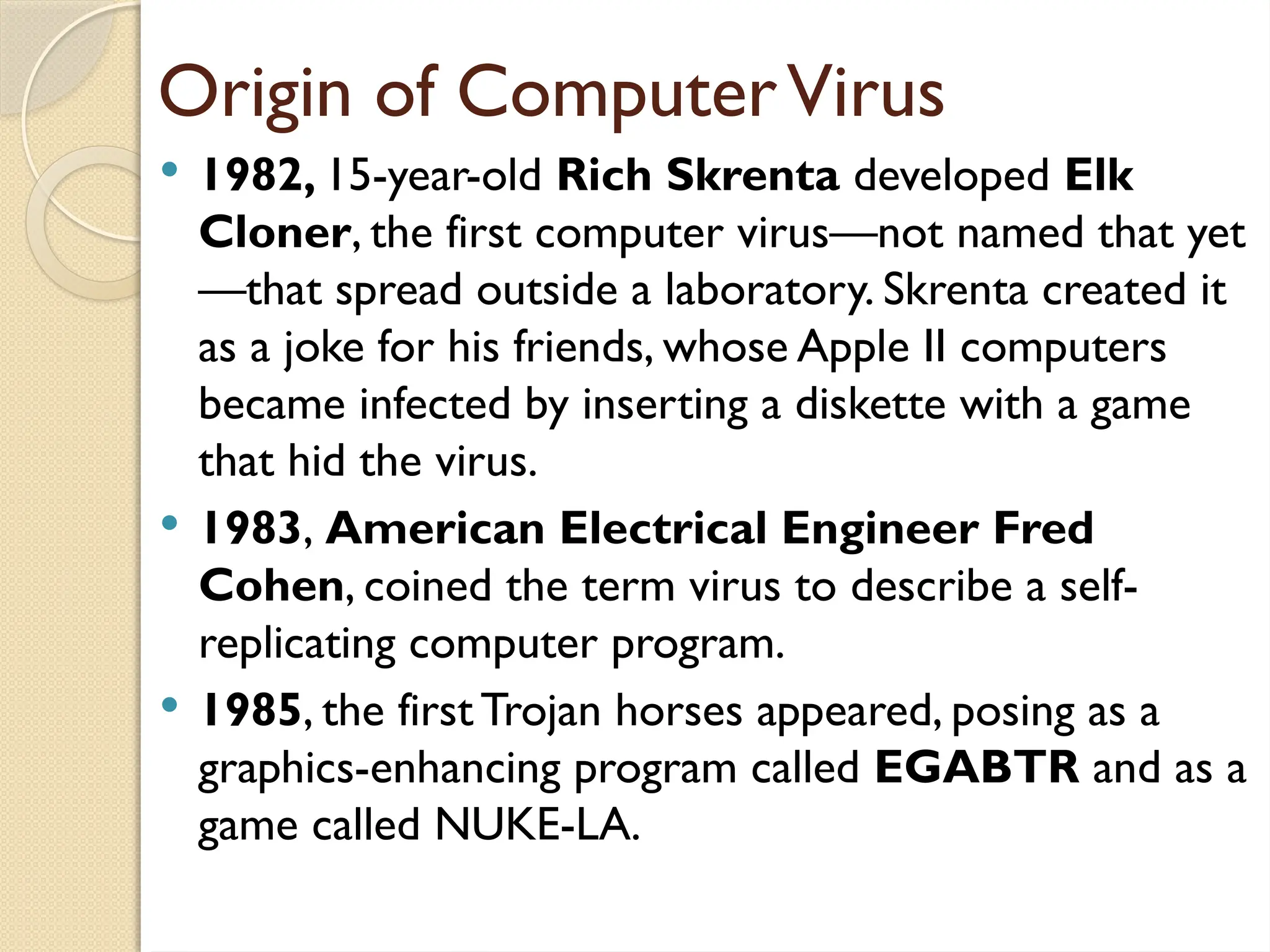
1982, 15-year-old Rich Skrenta developed Elk
Cloner, the first computer virus—not named that yet
—that spread outside a laboratory. Skrenta created it
as a joke for his friends, whose Apple II computers
became infected by inserting a diskette with a game
that hid the virus.
1983, American Electrical Engineer Fred
Cohen, coined the term virus to describe a self-
replicating computer program.
1985, the firstTrojan horses appeared, posing as a
graphics-enhancing program called EGABTR and as a
game called NUKE-LA.
30.
Origin of ComputerVirus
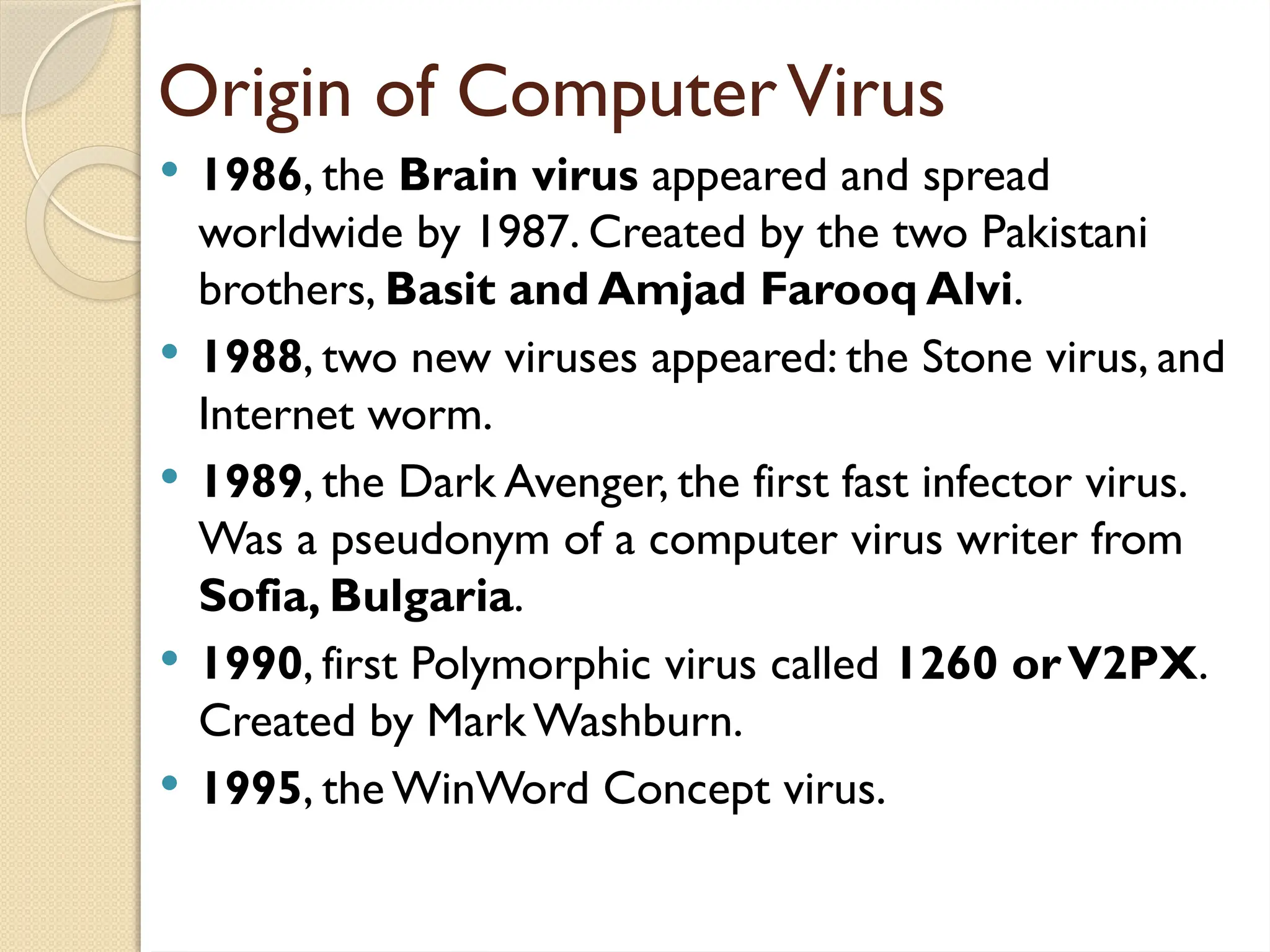
1986, the Brain virus appeared and spread
worldwide by 1987. Created by the two Pakistani
brothers, Basit and Amjad Farooq Alvi.
1988, two new viruses appeared: the Stone virus, and
Internet worm.
1989, the Dark Avenger, the first fast infector virus.
Was a pseudonym of a computer virus writer from
Sofia, Bulgaria.
1990, first Polymorphic virus called 1260 orV2PX.
Created by Mark Washburn.
1995, the WinWord Concept virus.
31.
Origin of ComputerVirus
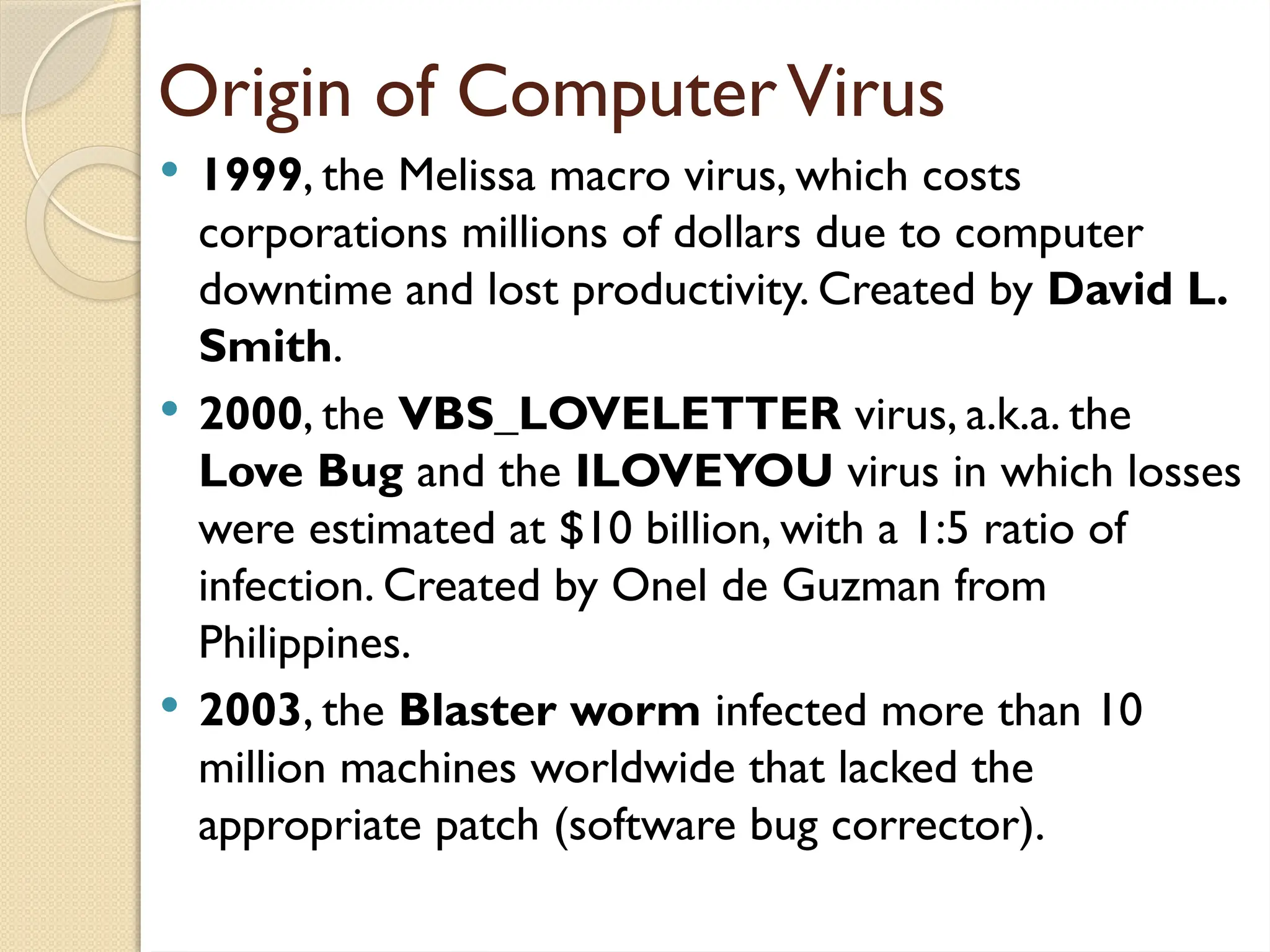
1999, the Melissa macro virus, which costs
corporations millions of dollars due to computer
downtime and lost productivity. Created by David L.
Smith.
2000, the VBS_LOVELETTER virus, a.k.a. the
Love Bug and the ILOVEYOU virus in which losses
were estimated at $10 billion, with a 1:5 ratio of
infection. Created by Onel de Guzman from
Philippines.
2003, the Blaster worm infected more than 10
million machines worldwide that lacked the
appropriate patch (software bug corrector).
32.
Origin of ComputerVirus
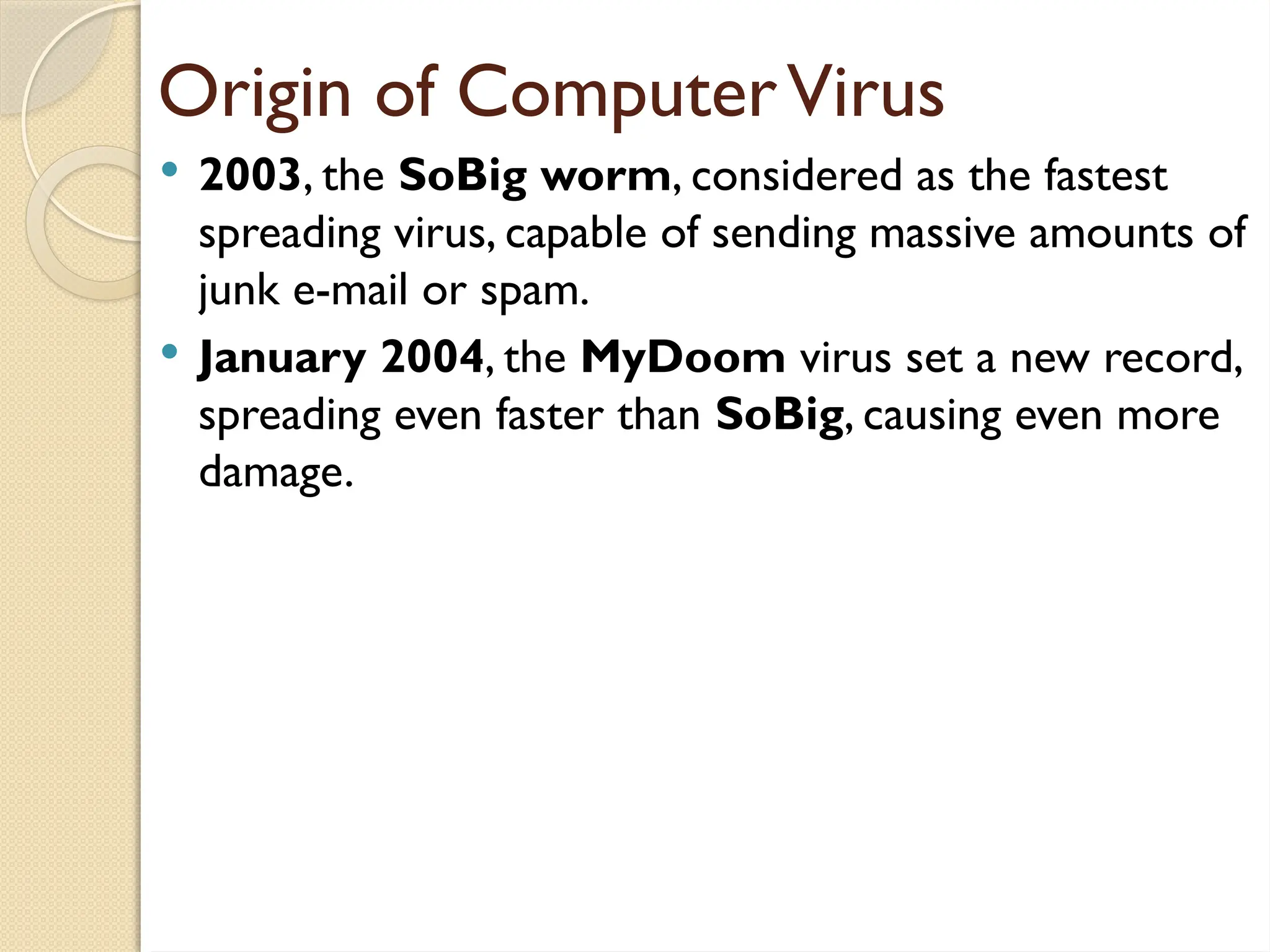
2003, the SoBig worm, considered as the fastest
spreading virus, capable of sending massive amounts of
junk e-mail or spam.
January 2004, the MyDoom virus set a new record,
spreading even faster than SoBig, causing even more
damage.
33.
Origin of ComputerVirus
2014, One of the most recent of the major viruses came
out, Heartbleed burst onto the scene and put servers
across the Internet at risk. Heartbleed, unlike viruses or
worms, stems from vulnerability in OpenSSL, a general
purpose, open source cryptographic library used by
companies worldwide. OpenSSL periodically sends out
"heartbeats" to ensure that secure endpoints are still
connected. Users can send OpenSSL a specific amount of
data and then ask for the same amount back—for example,
one byte. If users claim they're sending the maximum
allowed, 64 kilobytes, but only send a single byte, the server
will respond with the last 64 kilobytes of data stored in
RAM, notes security technologist, Bruce Schneier, which
could include anything from user names to passwords to
secure encryption keys.