Downloaded 13 times
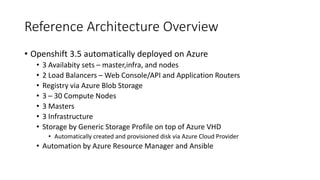
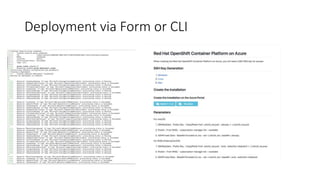
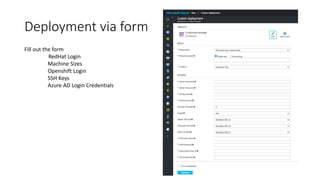
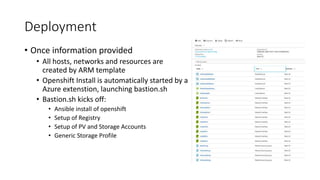
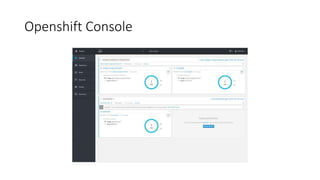
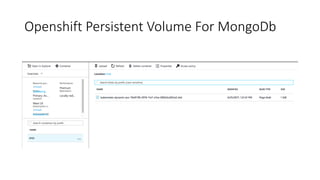
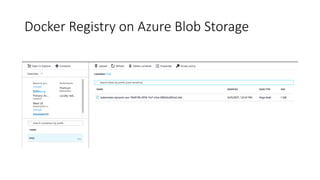
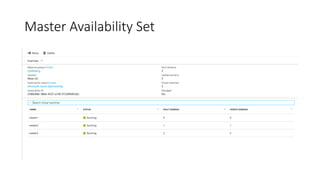
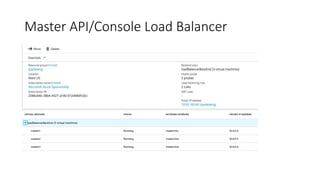

The document provides an overview of the OpenShift 3.5 reference architecture deployed on Azure, detailing its components such as availability sets, load balancers, and storage solutions. It describes the automated processes involved in deployment using Azure Resource Manager and Ansible, including the creation of necessary resources and installation of OpenShift. Key features include the use of Azure Blob Storage for registry and support for compute nodes, infrastructure, and master setups.


![[Spark Summit 2017 NA] Apache Spark on Kubernetes](https://cdn.slidesharecdn.com/ss_thumbnails/apachesparkonkubernetespublic1-170929072840-thumbnail.jpg?width=640&height=640&fit=bounds)


