Maintaining the rhythm of learning
Online tools for Remote Teaching
Presentation Courtesy:
Annapurna Madhuri,ACT - SATT, Sandur
&
Dr. Deepa Verma, VIVA College of Arts, Commerce & Science,
Virar, Maharashtra
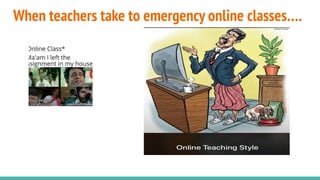
When teachers take to emergency online classes….
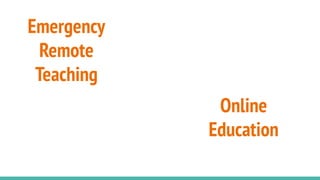
Emergency
Remote
Teaching
Online
Education
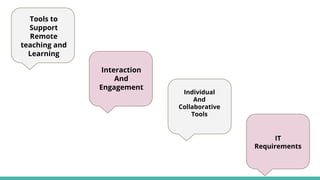
Tools to
Support
Remote
teaching and
Learning
Interaction
And
Engagement
Individual
And
Collaborative
Tools
IT
Requirements
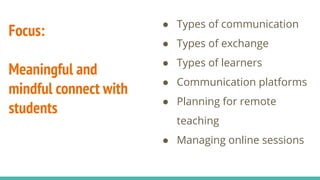
Focus:
Meaningful and
mindful connect with
students
● Types of communication
● Types of exchange
● Types of learners
● Communication platforms
● Planning for remote
teaching
● Managing online sessions
https://jamboard.google.com/d/https://jamboard.google.com/d/1pLCgR5CykL8J7tuuREOmWpHuyZEUEscJ4BOVP3DjcTw/edit?usp=sharing/edit?usp=sharing
Maintaining the rhythm of
learning
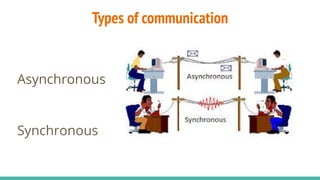
Types of communication
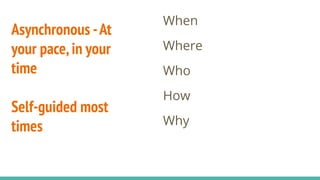
Asynchronous
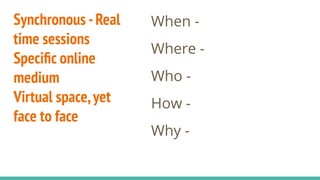
Synchronous
Synchronous -Real
time sessions
Specific online
medium
Virtual space,yet
face to face
When -
Where -
Who -
How -
Why -
Asynchronous -At
your pace,in your
time
Self-guided most
times
When
Where
Who
How
Why
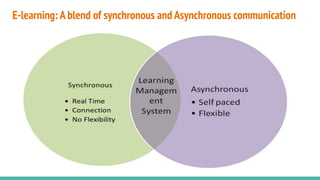
E-learning: A blend of synchronous and Asynchronous communication
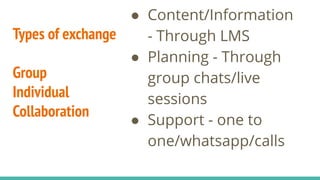
Types of exchange
Group
Individual
Collaboration
● Content/Information
- Through LMS
● Planning - Through
group chats/live
sessions
● Support - one to
one/whatsapp/calls
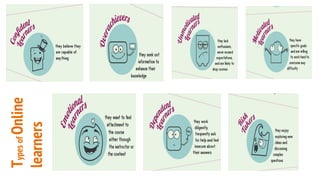
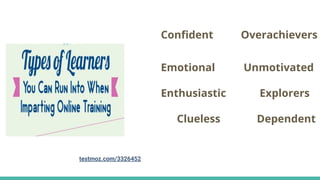
TypesofOnline
learners
Confident Overachievers
Emotional Unmotivated
Enthusiastic Explorers
Clueless Dependent
testmoz.com/3326452
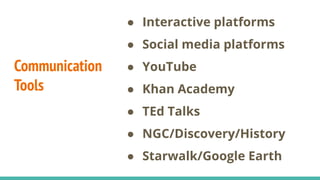
Communication
Tools
● Interactive platforms
● Social media platforms
● YouTube
● Khan Academy
● TEd Talks
● NGC/Discovery/History
● Starwalk/Google Earth
Interactive Platforms
Purpose:
Live interactions
Discussions
Planning
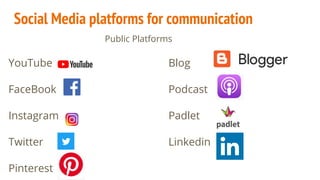
Social Media platforms for communication
Public Platforms
YouTube Blog
FaceBook Podcast
Instagram Padlet
Twitter Linkedin
Pinterest
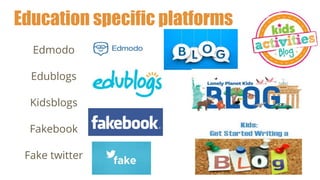
Education specific platforms
Edmodo
Edublogs
Kidsblogs
Fakebook
Fake twitter
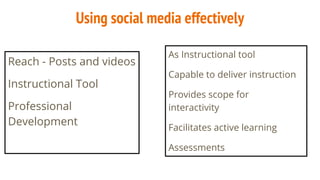
Using social media effectively
Reach - Posts and videos
Instructional Tool
Professional
Development
As Instructional tool
Capable to deliver instruction
Provides scope for
interactivity
Facilitates active learning
Assessments
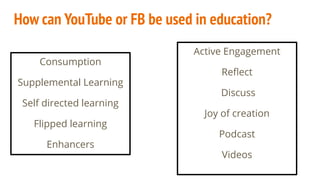
How can YouTube or FB be used in education?
Consumption
Supplemental Learning
Self directed learning
Flipped learning
Enhancers
Active Engagement
Reflect
Discuss
Joy of creation
Podcast
Videos
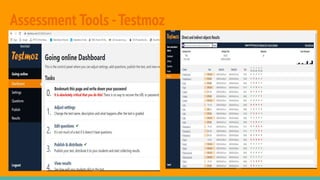
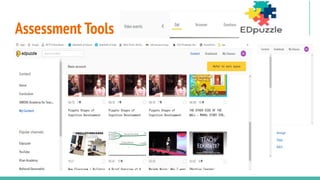
Assessment Tools -Testmoz
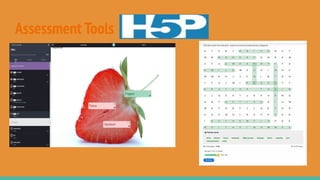
Assessment Tools
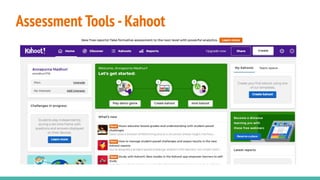
Assessment Tools -Kahoot
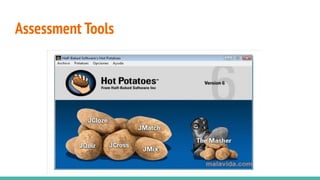
Assessment Tools
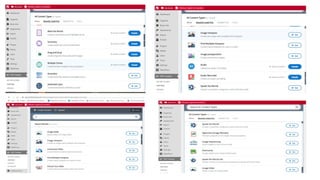
Assessment Tools
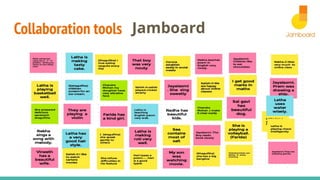
Collaboration tools Jamboard
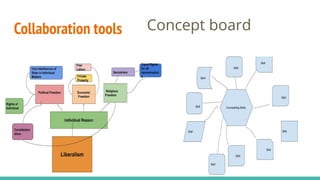
Collaboration tools Concept board
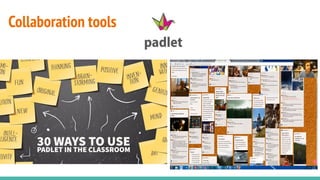
Collaboration tools
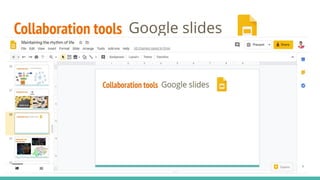
Collaboration tools Google slides
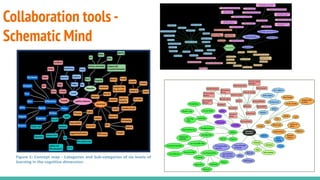
Collaboration tools -
Schematic Mind
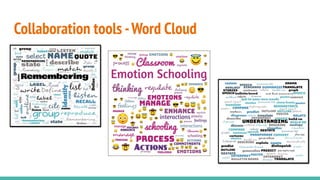
Collaboration tools -Word Cloud
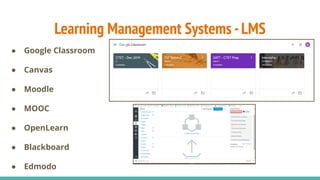
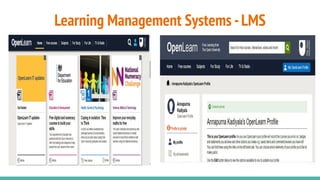
Learning Management Systems -LMS
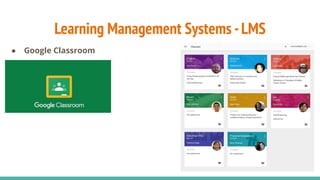
● Google Classroom
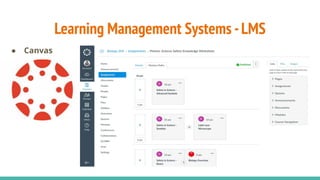
● Canvas
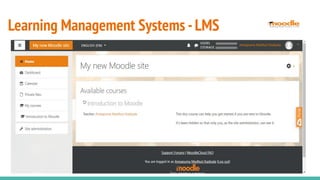
● Moodle
● MOOC
● OpenLearn
● Blackboard
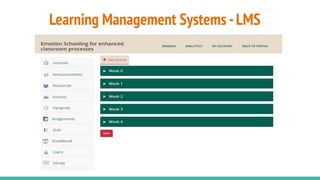
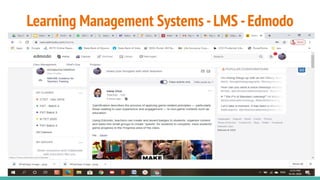
● Edmodo
Learning Management Systems -LMS
● Google Classroom
Learning Management Systems -LMS
● Canvas
Learning Management Systems -LMS
Learning Management Systems -LMS -Edmodo
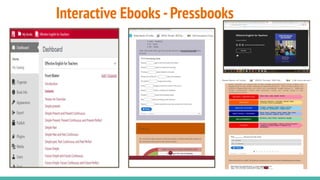
Interactive Ebooks -Pressbooks
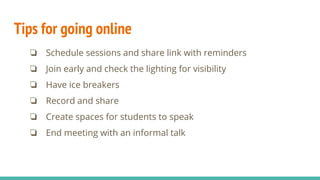
Tips for going online
❏ Schedule sessions and share link with reminders
❏ Join early and check the lighting for visibility
❏ Have ice breakers
❏ Record and share
❏ Create spaces for students to speak
❏ End meeting with an informal talk
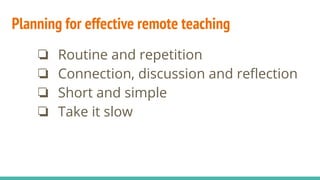
Planning for effective remote teaching
❏ Routine and repetition
❏ Connection, discussion and reflection
❏ Short and simple
❏ Take it slow
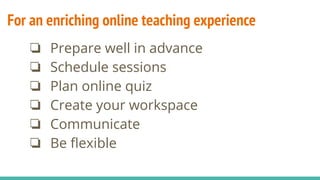
For an enriching online teaching experience
❏ Prepare well in advance
❏ Schedule sessions
❏ Plan online quiz
❏ Create your workspace
❏ Communicate
❏ Be flexible
THANK YOU

Online tools for remote teaching