Features and configuration of
your
Odoo Point of Sale
Najlaa El Khayat, Functional consultant Odoo
● Introduction: Why using Odoo's point of
sale?
● Features
● Use case and different flows
● Demonstration
● References
Topics
Introduction :
Why using Odoo's point of
sale?
● Easy implementation
● Out of the box
● Easy to learn
● Low cost
● Multiple plateforms
● Multiple hardware materials
Why using Odoo's PoS ?
Features
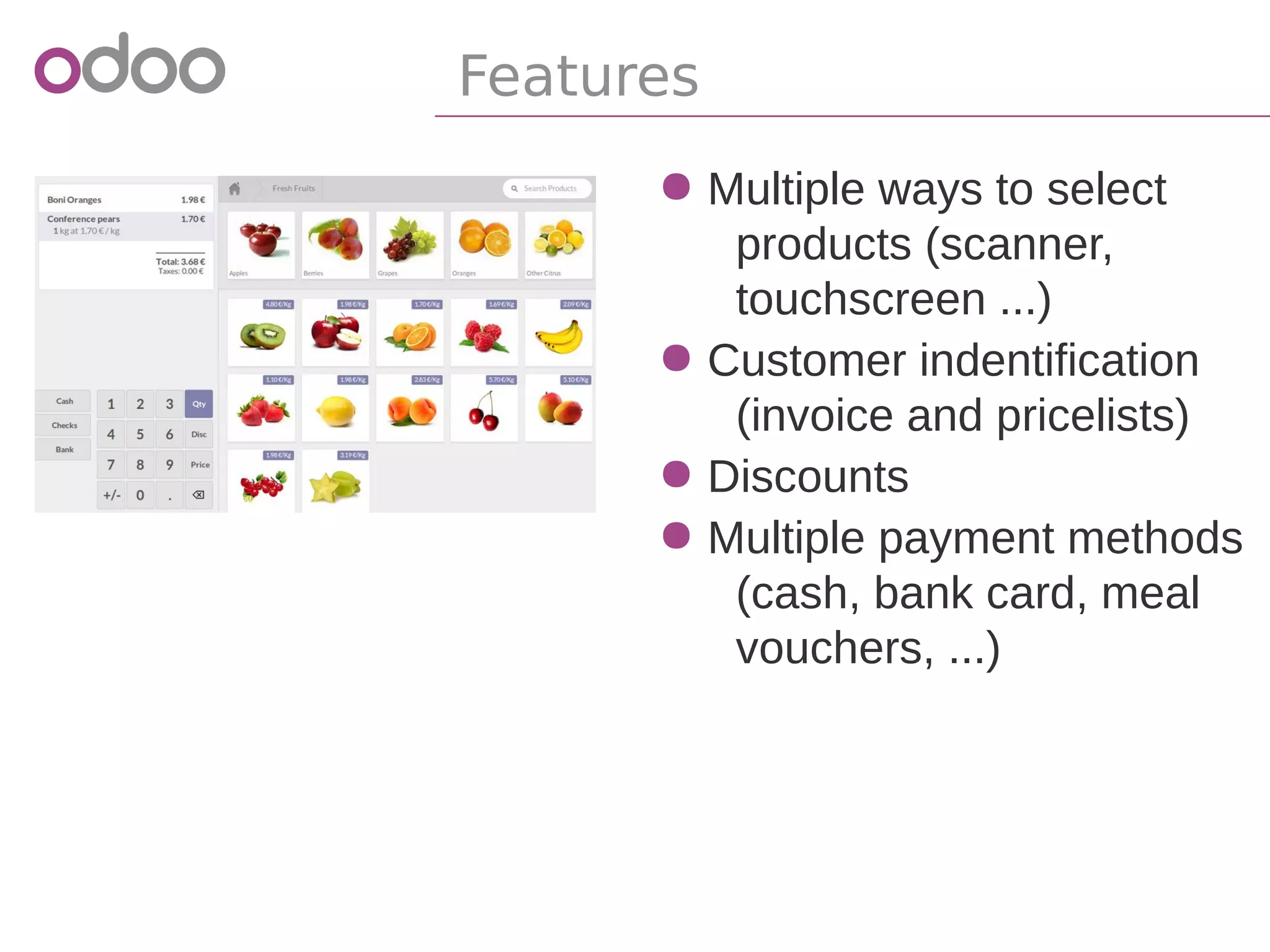
● Multiple ways to select
products (scanner,
touchscreen ...)
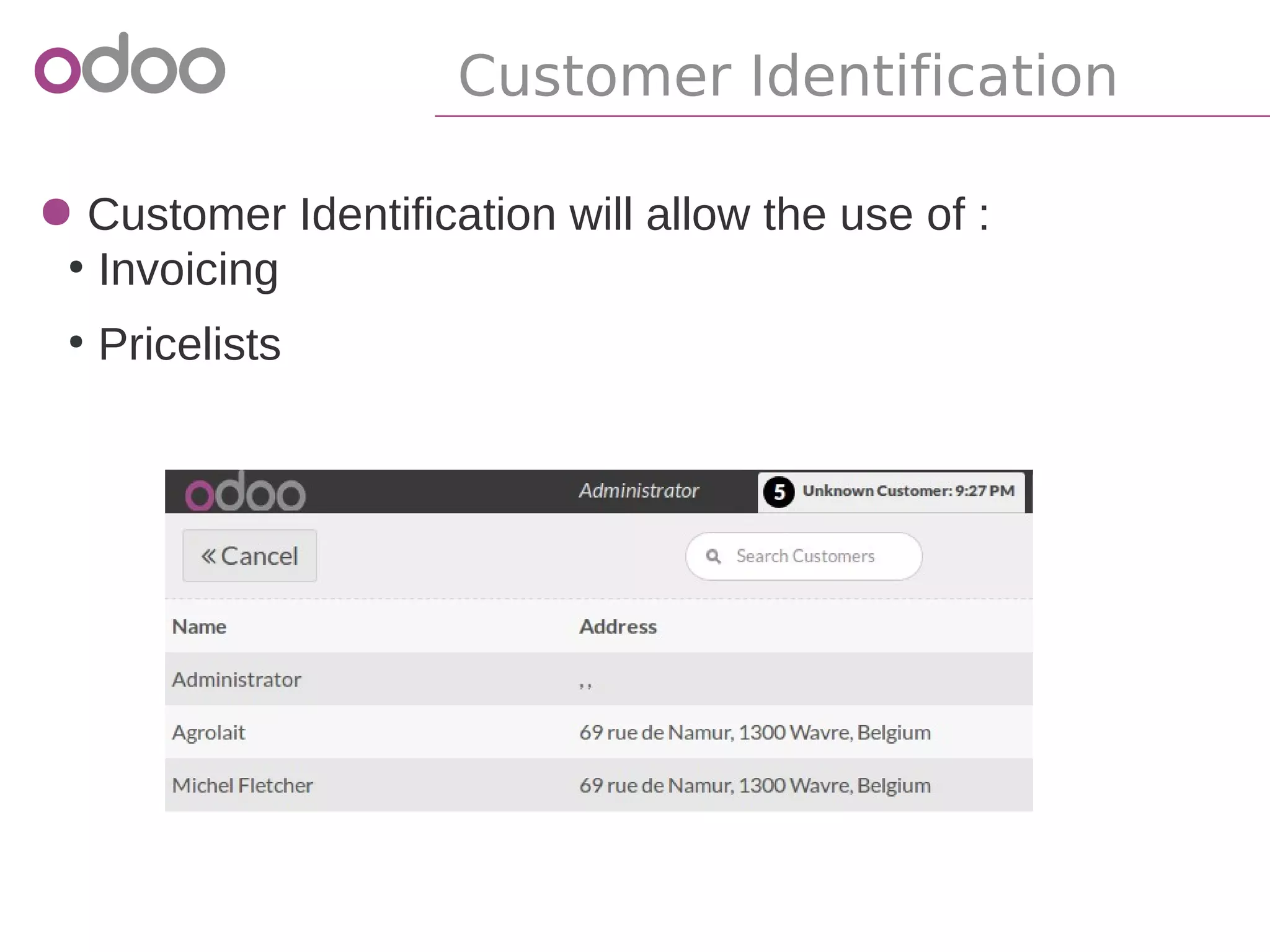
● Customer indentification
● Invoice
● Pricelists
● Discounts
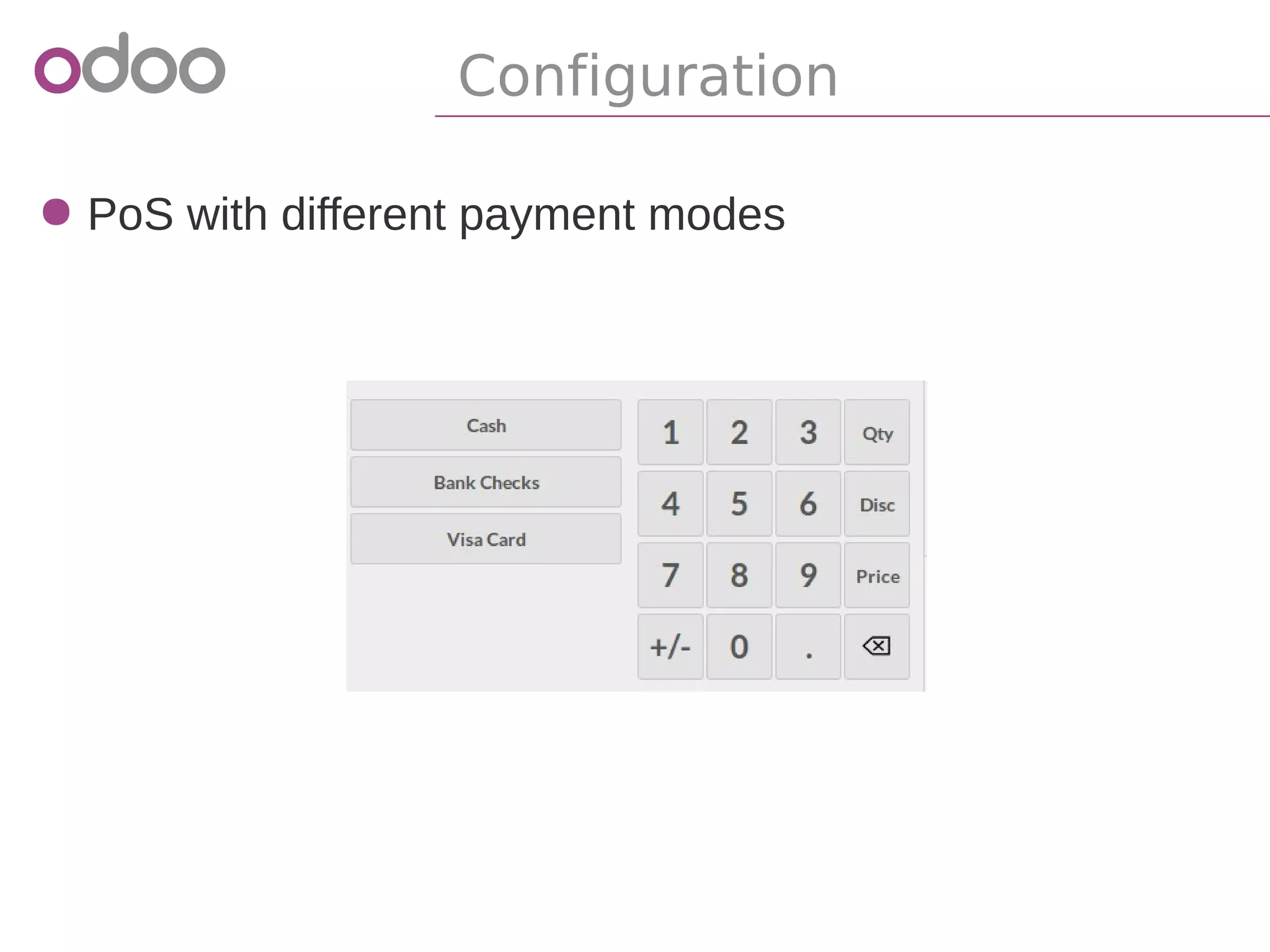
● Multiple payment methods
(cash, bank card, meal
vouchers, ...)
Features
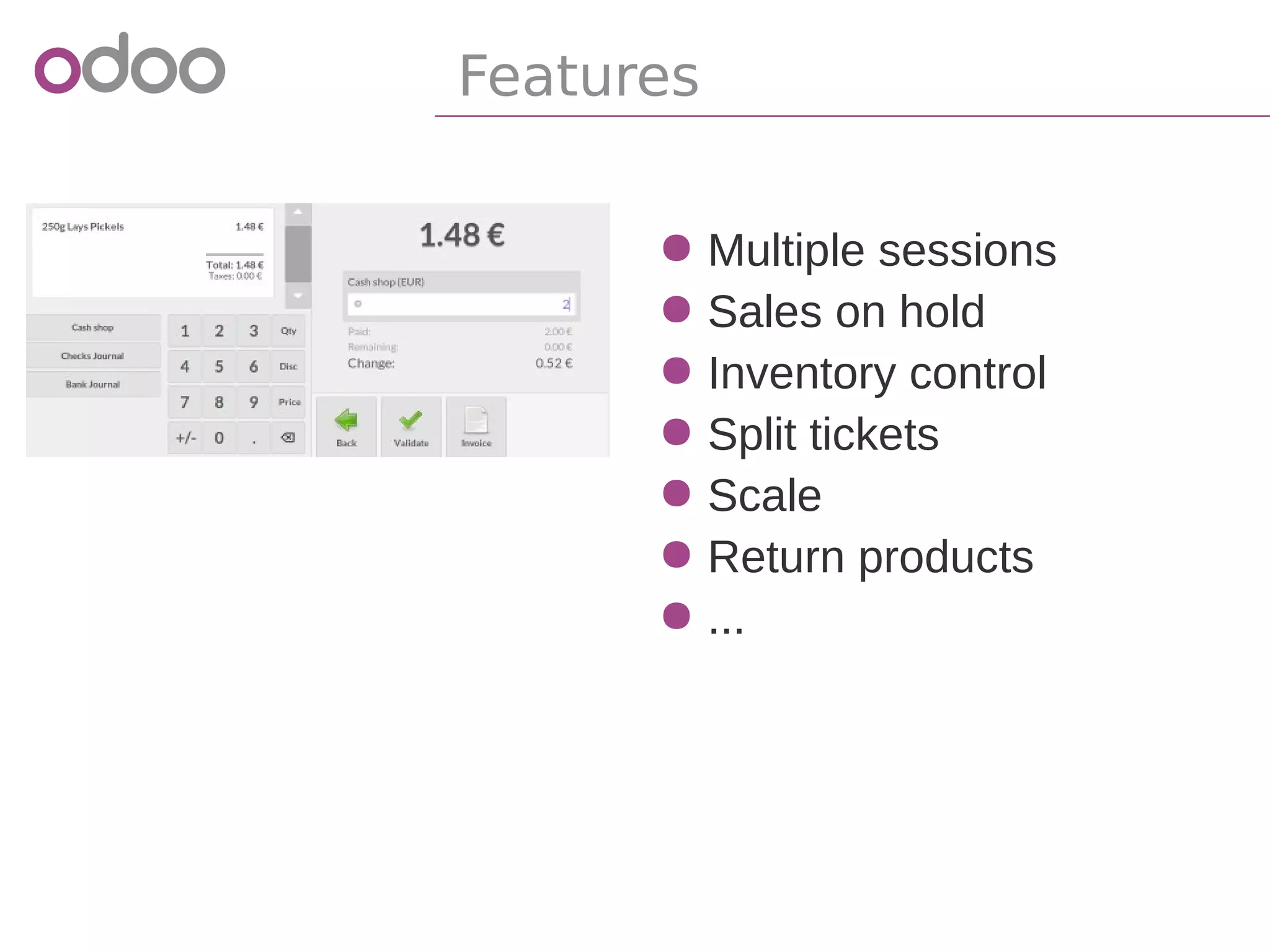
● Multiple sessions
● Sales on hold
● Inventory control
● Split tickets
● Scale
● Return products
● ...
Features
Use case and different flows
"
"
Your small corner shop is growing fast these last
years, and you decide to replace your traditional
cash register by a modern Point of Sale.
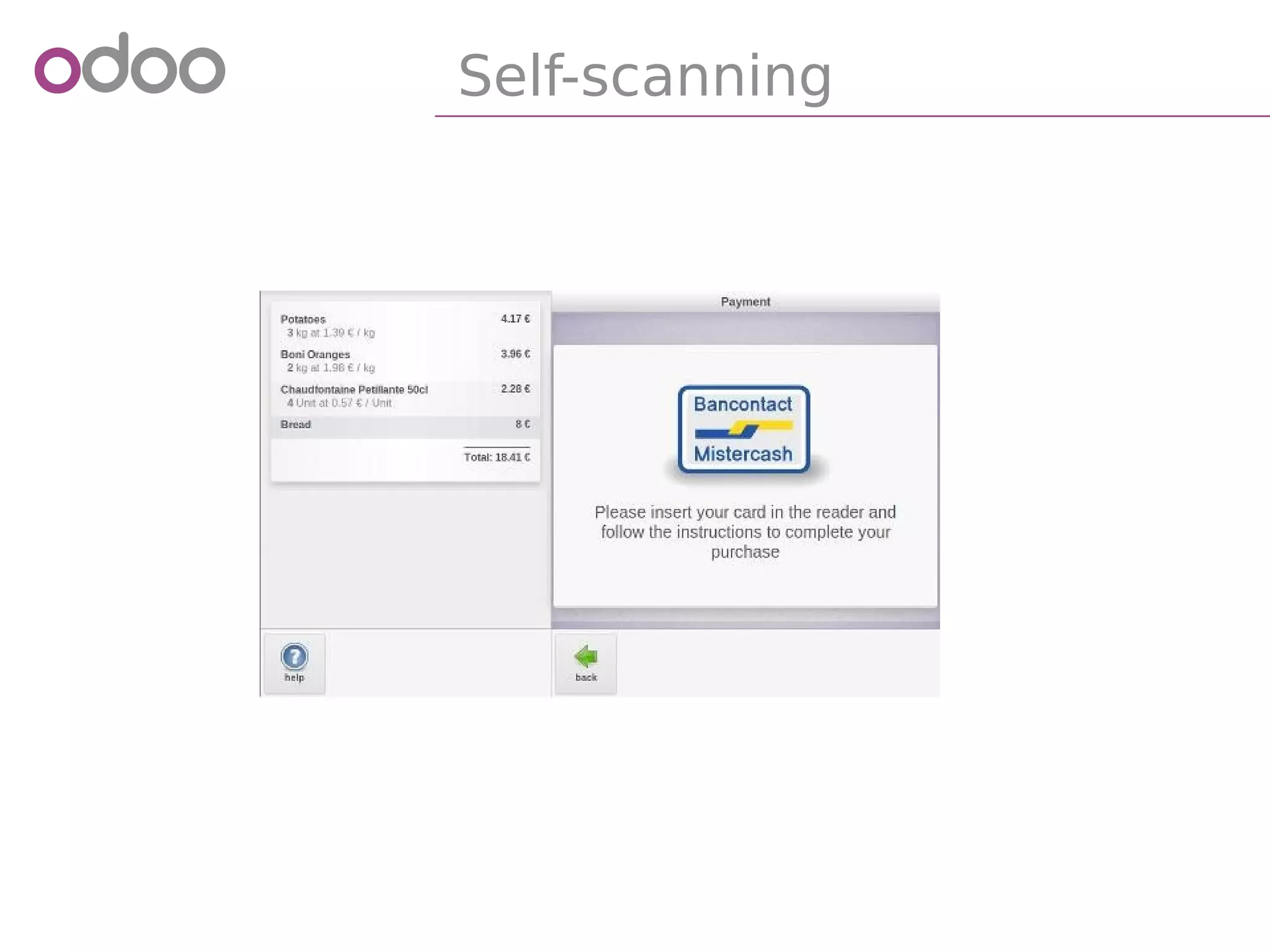
In your shop, you have 2 cashiers and 1 self
scanning cash register where you can pay only
by bank card.
Use case
● PoS with different payment modes
Configuration
● Customer Identification will allow the use of :
●
Fidelity Card
●
Invoicing
Customer Identification
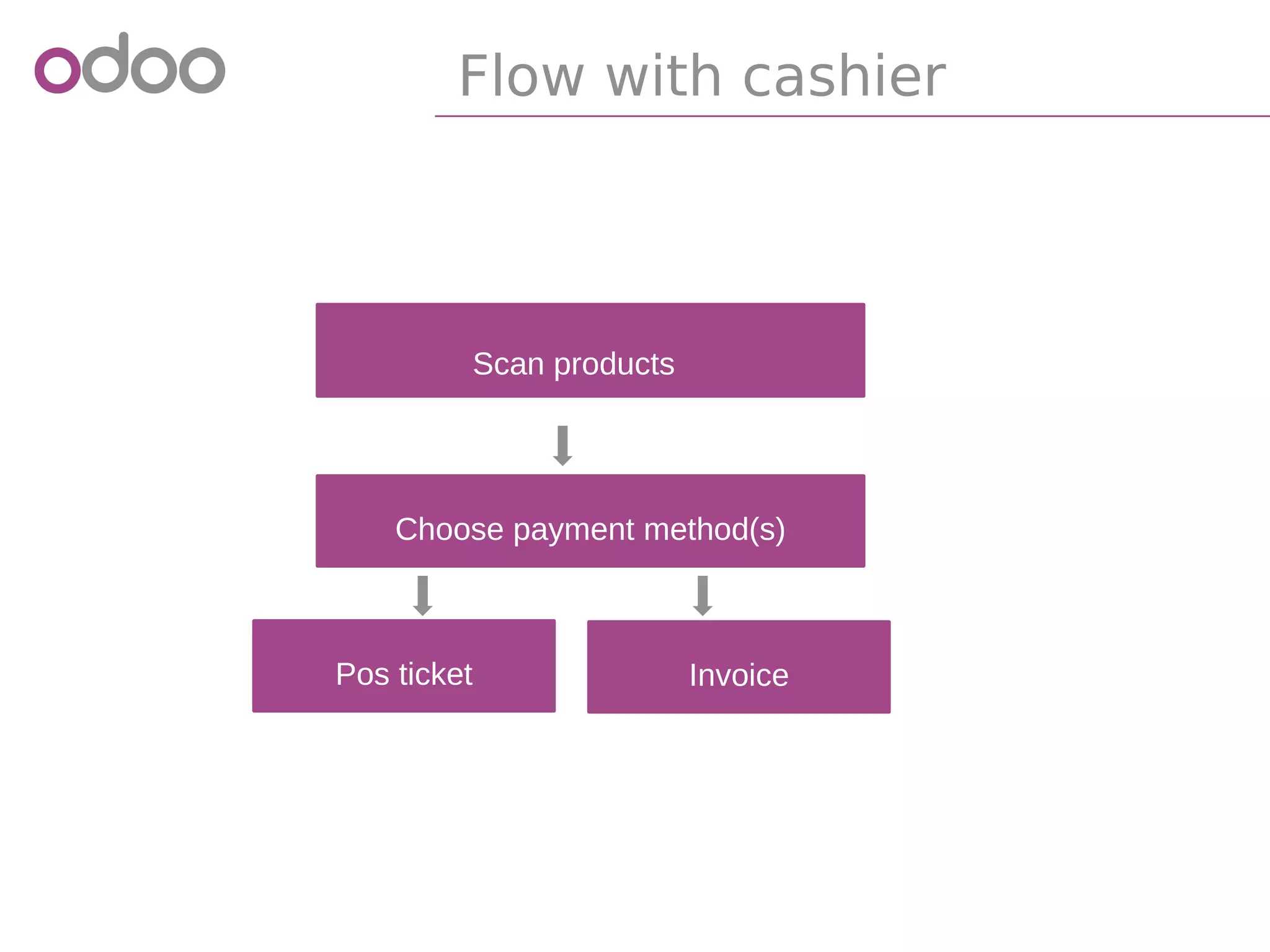
Flow with cashier
Scan products
Choose payment method(s)
InvoicePos ticket
Self-scanning
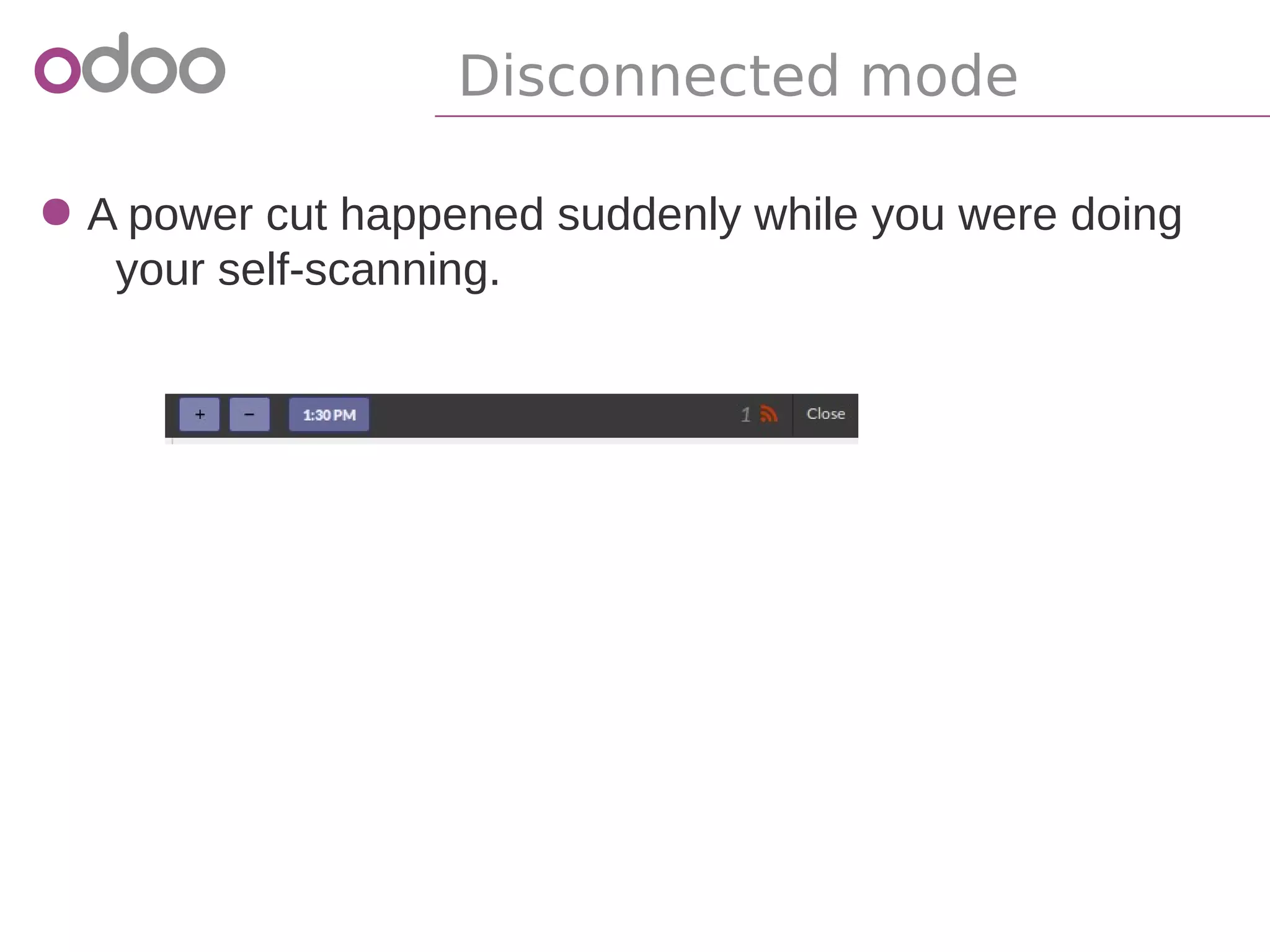
Disconnected mode
● A power cut happened suddenly while you were doing
your self-scanning.
Demonstration
References
●
odoo.com/start
●
https://www.odoo.com/shop/category/Point-
of-Sale-Hardware-3
●
nightly.odoo.com/trunk/posbox/manual.pdf
Odoo
sales@odoo.com
+32 (0) 2 290 34 90
www.odoo.com
R&D and services office
Chaussée de Namur 40
B-1367 Grand Rosière
Sales office
Avenue Van Nieuwenhuyse 5
B-1160 Brussels
Thank You

Odoo - Features and configuration of your Odoo Point of Sale