





11 Strategic Considerations
 for SharePoint Migrations
      Christian Buckley

        cbuck@axceler.com
         @buckleyPLANET
My Background
Christian Buckley, Director of Product Evangelism at Axceler

•   Most recently at Microsoft
       •   Microsoft Managed Services (now BPOS-Dedicated)
       •   Advertising Operations, ad platform API program
•   Prior to Microsoft, was a senior consultant, working in the software, supply chain, and grid
    technology spaces focusing on collaboration
•   Co-founded and sold a collaboration software company to Rational Software. Also co-authored
    3 books on software configuration management and defect tracking for Rational and IBM
•   At another startup (E2open), helped design, build, and deploy a
    SharePoint-like collaboration platform (Collaboration Manager), managing
    deployment teams to onboard numerous high-tech manufacturing companies,
    including Hitachi, Matsushita, Seagate, Nortel, Sony, and Cisco
•   I live in a small town just east of Seattle, have a daughter in college and 3 boys at home
Axceler Overview
• Improving Collaboration for 16+ Years
    –   Mission: To enable enterprises to simplify, optimize, and
        secure their collaborative platforms
    –   Delivered award-winning administration and migration
        software since 1994
    –   Over 2,000 global customers

• Dramatically improve the management
  of SharePoint
    –   Innovative products that improve security, scalability,
        reliability, “deployability”
    –   Making IT more effective and efficient and lower the total
        cost of ownership

• Focus on solving specific SharePoint problems
  (Administration & Migration)
    –   Coach enterprises on SharePoint best practices
    –   Give administrators the most innovative tools available
    –   Anticipate customers’ needs
    –   Deliver best of breed offerings
    –   Stay in lock step with SharePoint development and market trends
Why is this presentation important?

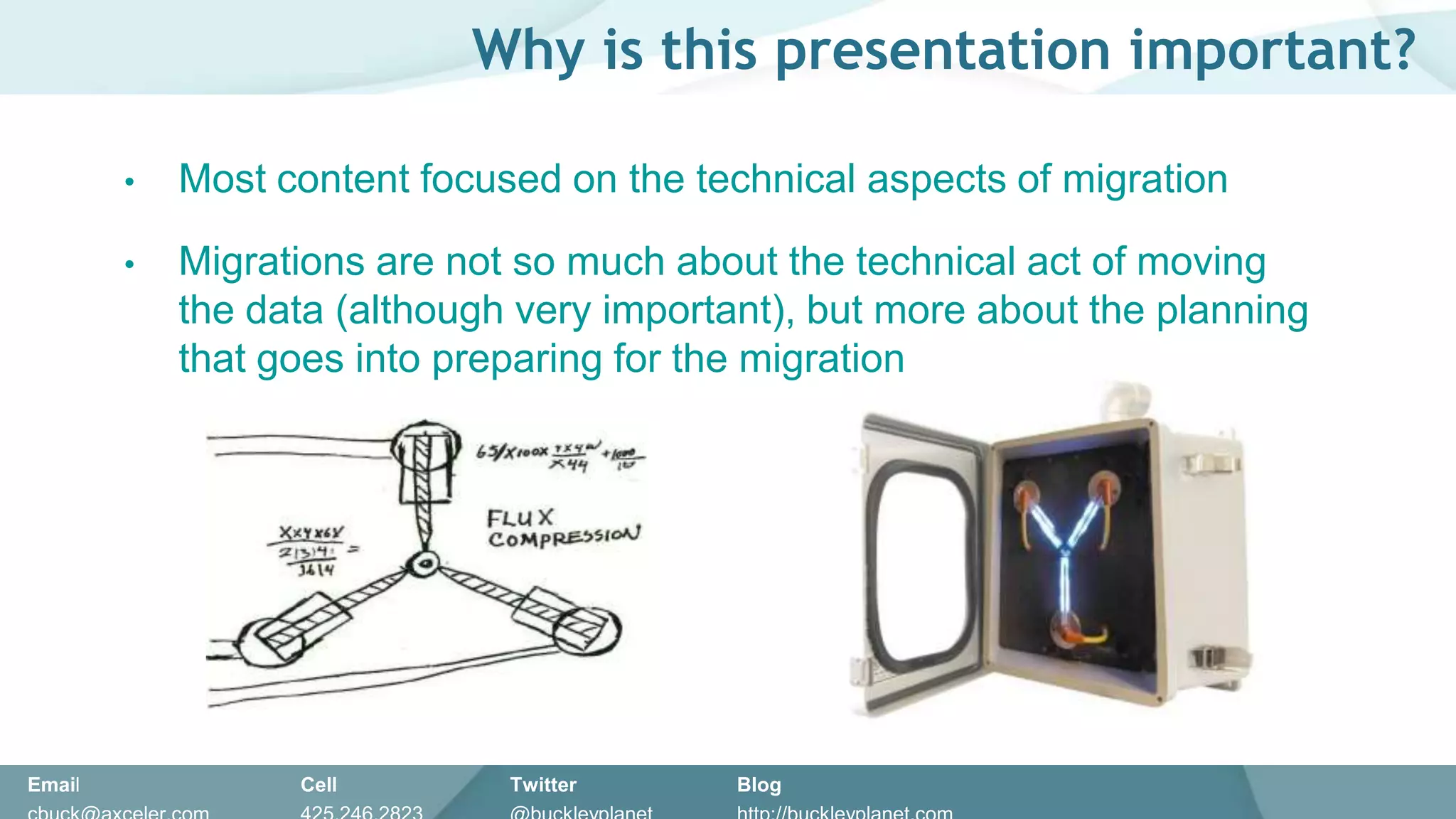
        •   Most content focused on the technical aspects of migration

        •   Migrations are not so much about the technical act of moving
            the data (although very important), but more about the planning
            that goes into preparing for the migration


Email             Cell        Twitter      Blog
Email   10/19/2011   Cell   Twitter   Blog   5
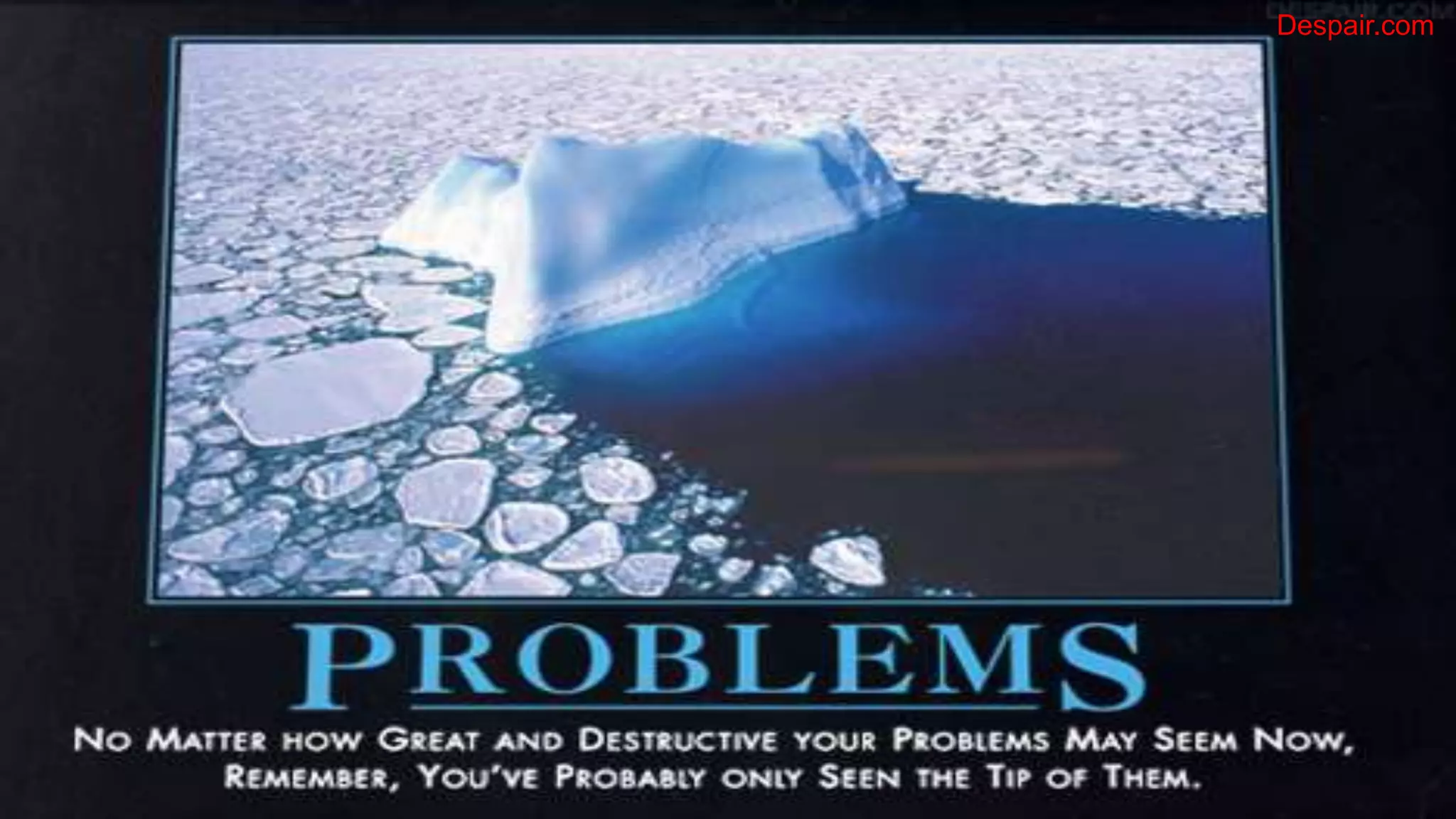
Despair.com


Email   10/19/2011   Cell   Twitter   Blog        6
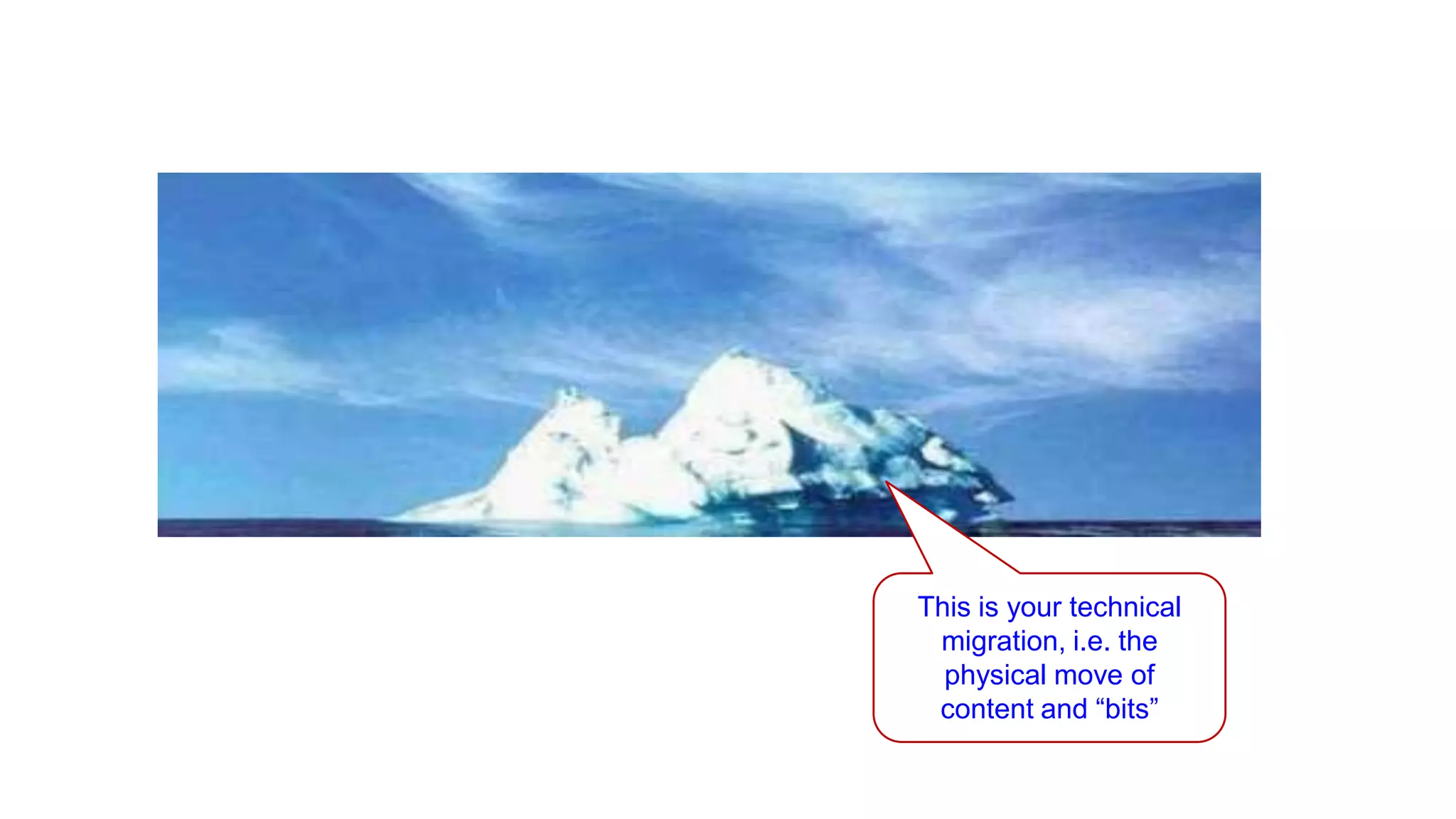
This is your technical
                                                               migration, i.e. the
                                                                physical move of
                                                               content and “bits”

Email                      Cell           Twitter          Blog
cbuck@echotechnology.com   425.246.2823   @buckleyplanet   http://buckleyplanet.net
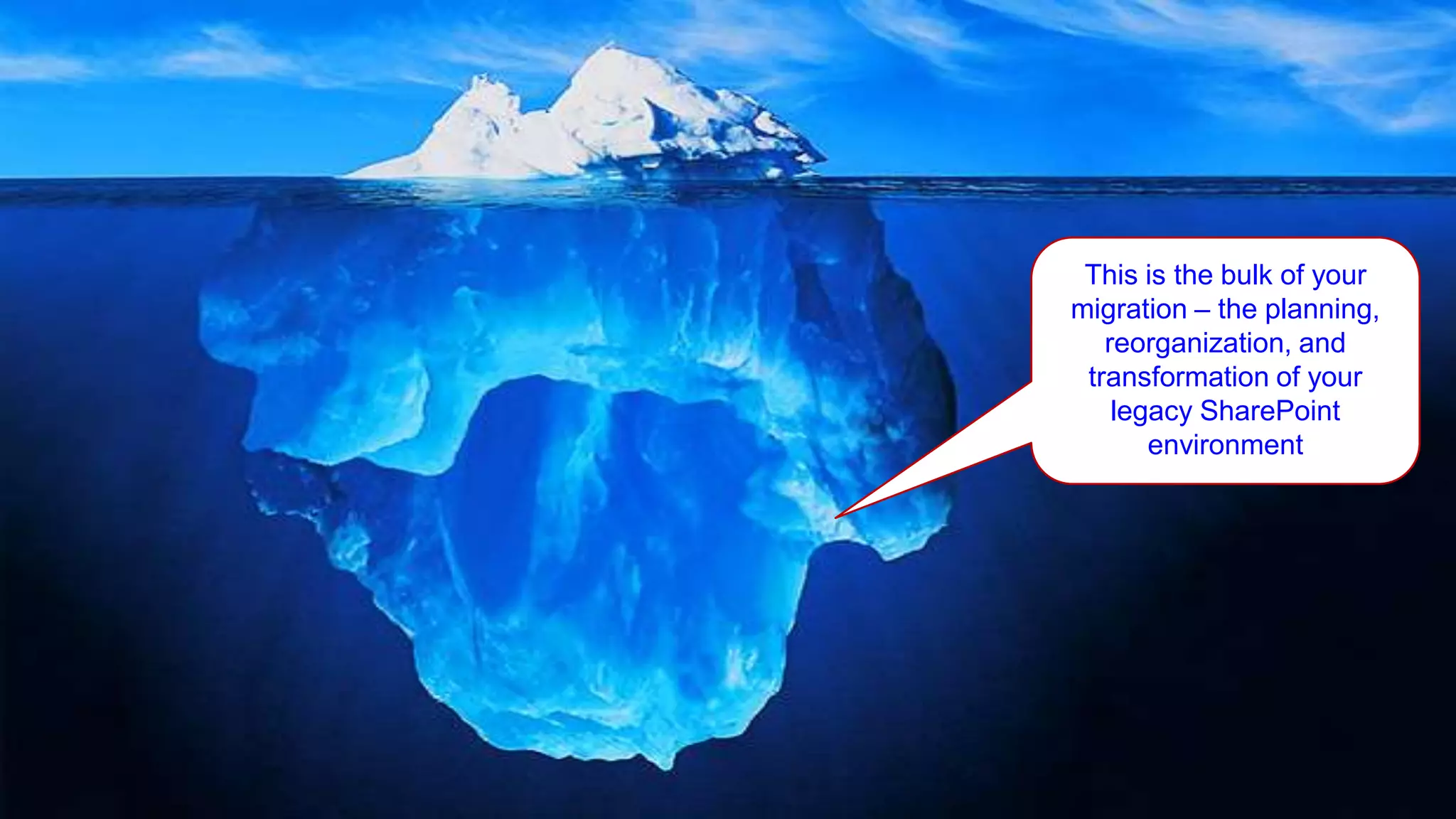
This is the bulk of your
             migration – the planning,
                reorganization, and
              transformation of your
                 legacy SharePoint
                    environment


10/19/2011                          8
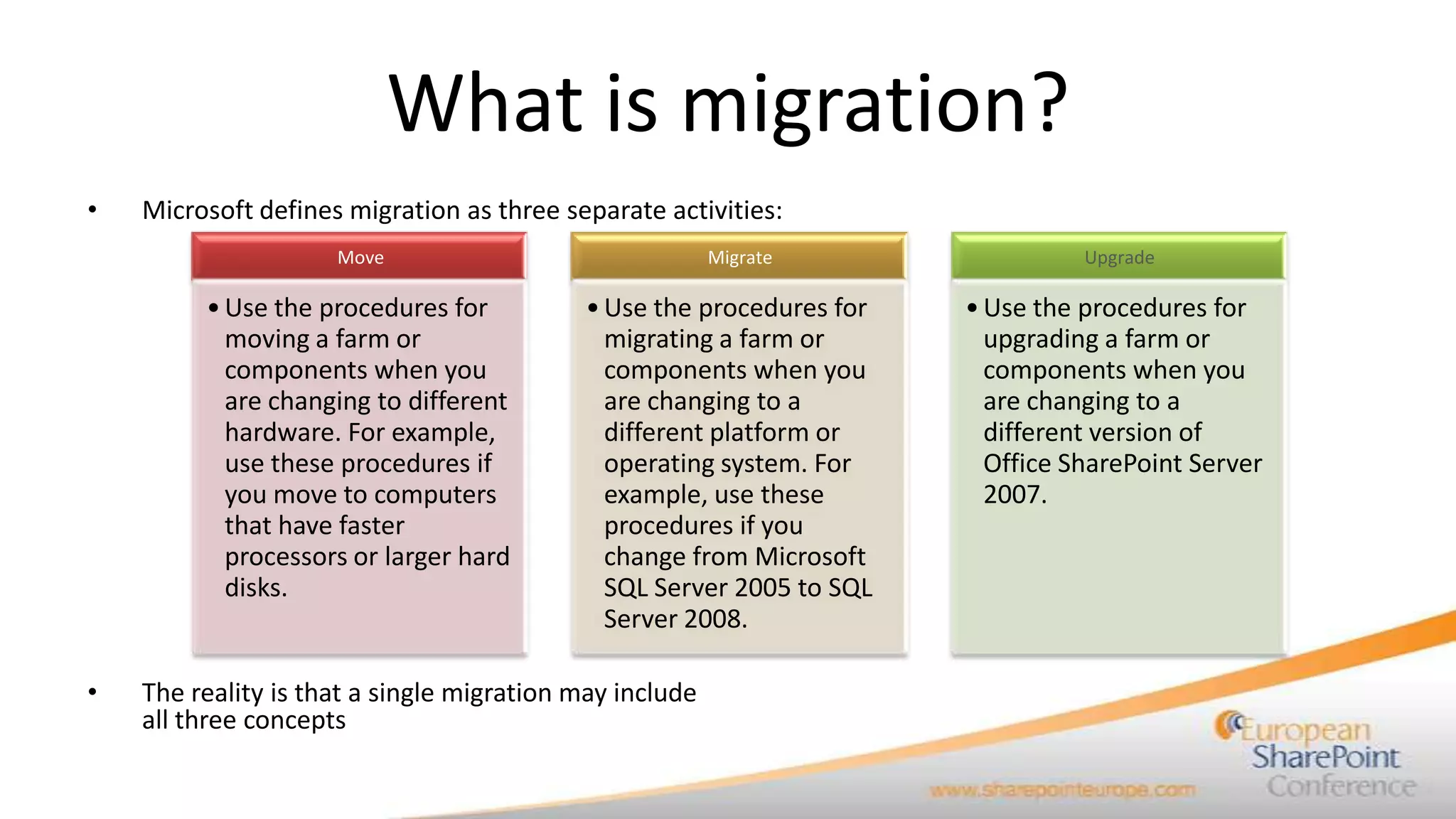
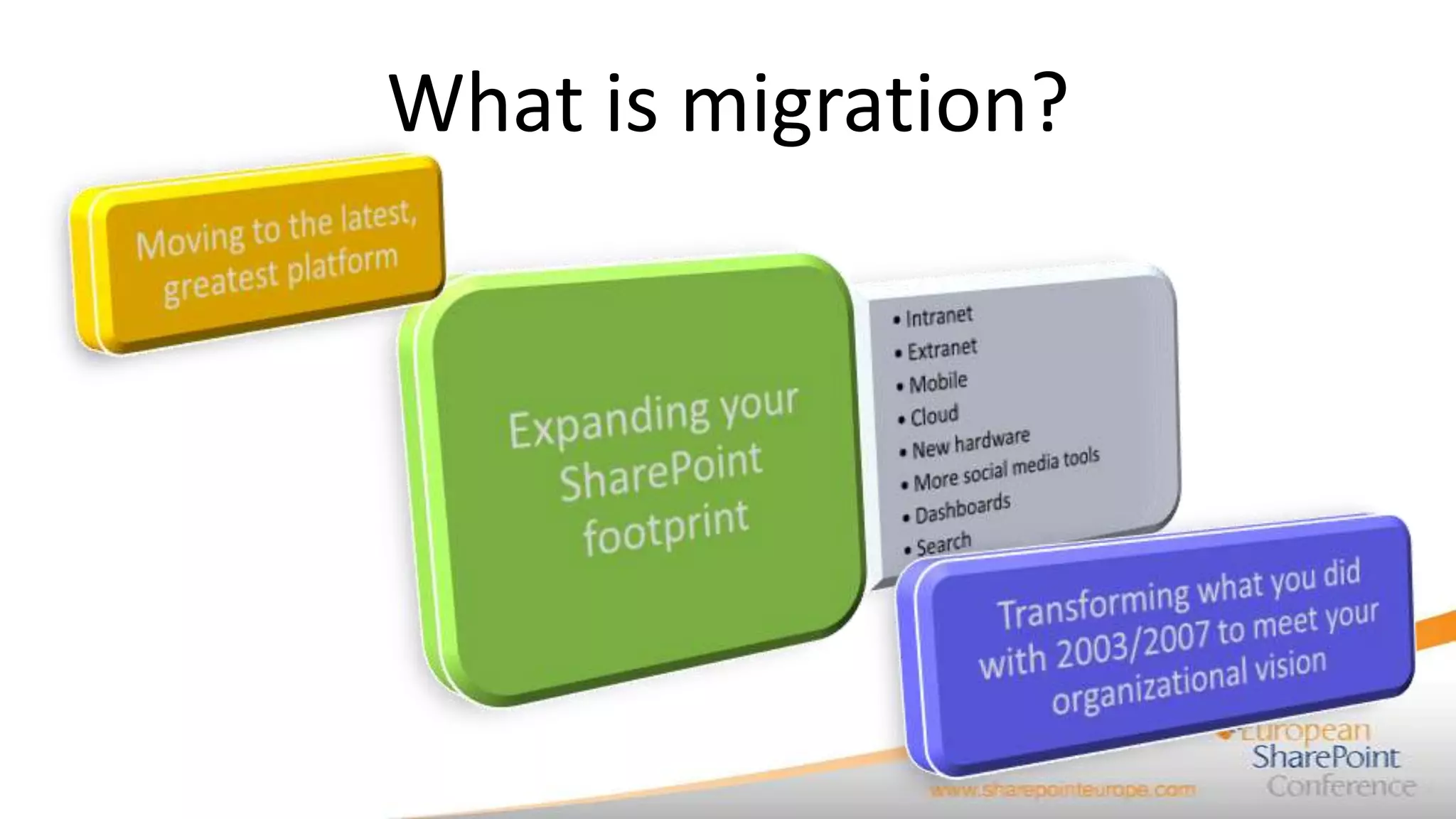
What is migration?
•   Microsoft defines migration as three separate activities:
                     Move                                Migrate                Upgrade

         • Use the procedures for          • Use the procedures for   • Use the procedures for
           moving a farm or                  migrating a farm or        upgrading a farm or
           components when you               components when you        components when you
           are changing to different         are changing to a          are changing to a
           hardware. For example,            different platform or      different version of
           use these procedures if           operating system. For      Office SharePoint Server
           you move to computers             example, use these         2007.
           that have faster                  procedures if you
           processors or larger hard         change from Microsoft
           disks.                            SQL Server 2005 to SQL
                                             Server 2008.

•   The reality is that a single migration may include
    all three concepts
What is migration?
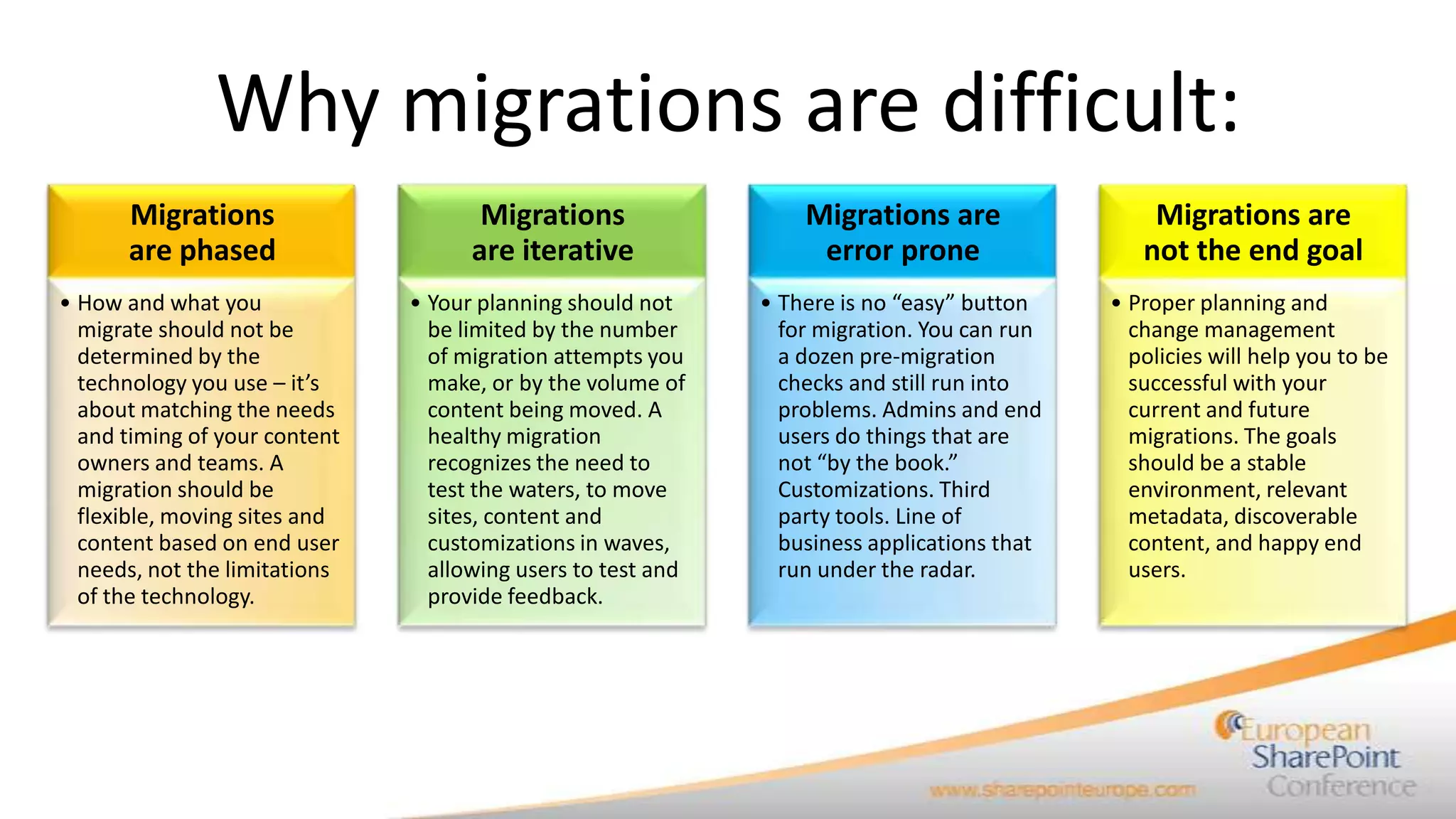
Why migrations are difficult:
      Migrations                      Migrations                  Migrations are                 Migrations are
      are phased                     are iterative                 error prone                  not the end goal
• How and what you             • Your planning should not     • There is no “easy” button    • Proper planning and
  migrate should not be          be limited by the number       for migration. You can run     change management
  determined by the              of migration attempts you      a dozen pre-migration          policies will help you to be
  technology you use – it’s      make, or by the volume of      checks and still run into      successful with your
  about matching the needs       content being moved. A         problems. Admins and end       current and future
  and timing of your content     healthy migration              users do things that are       migrations. The goals
  owners and teams. A            recognizes the need to         not “by the book.”             should be a stable
  migration should be            test the waters, to move       Customizations. Third          environment, relevant
  flexible, moving sites and     sites, content and             party tools. Line of           metadata, discoverable
  content based on end user      customizations in waves,       business applications that     content, and happy end
  needs, not the limitations     allowing users to test and     run under the radar.           users.
  of the technology.             provide feedback.
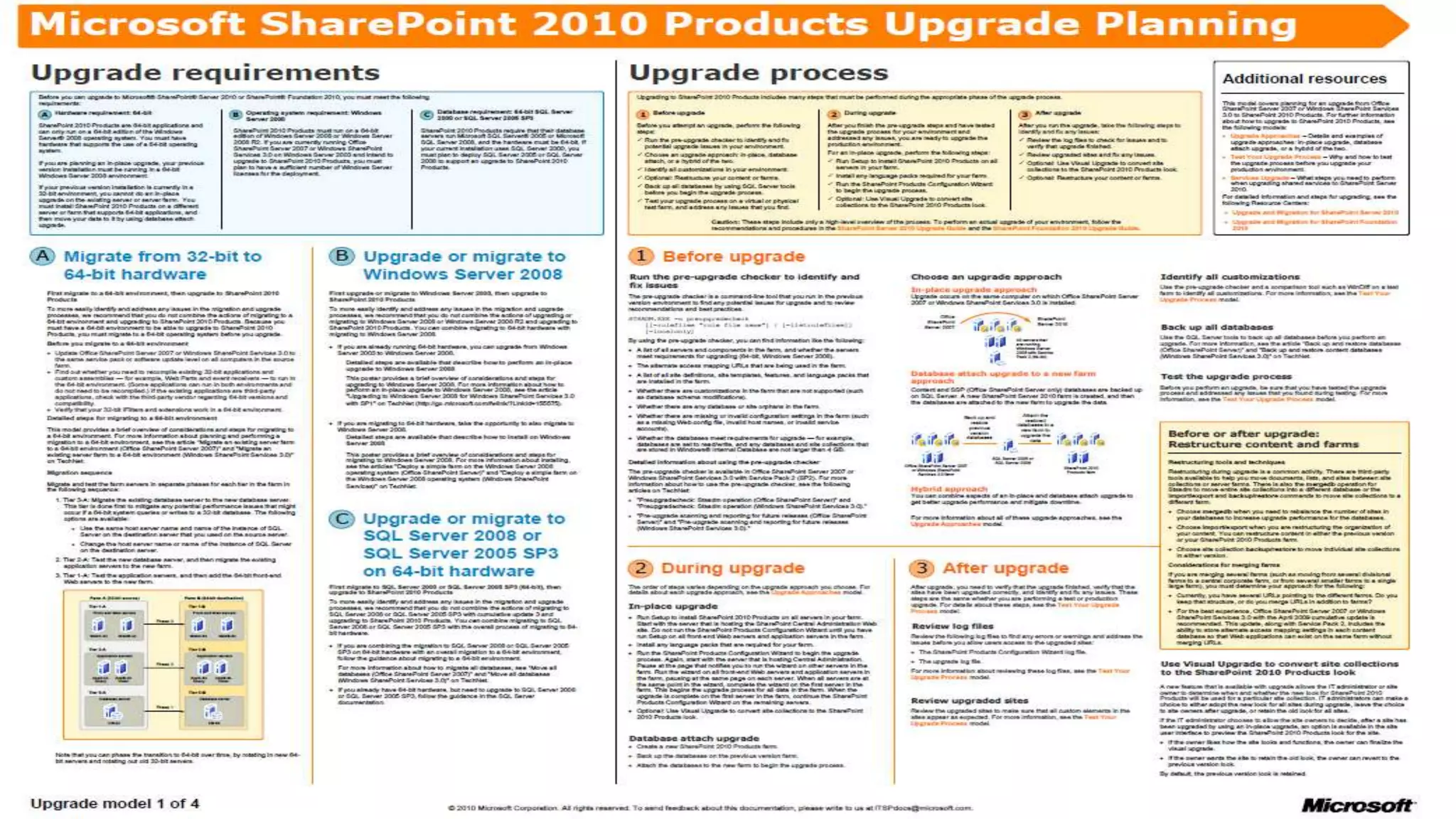
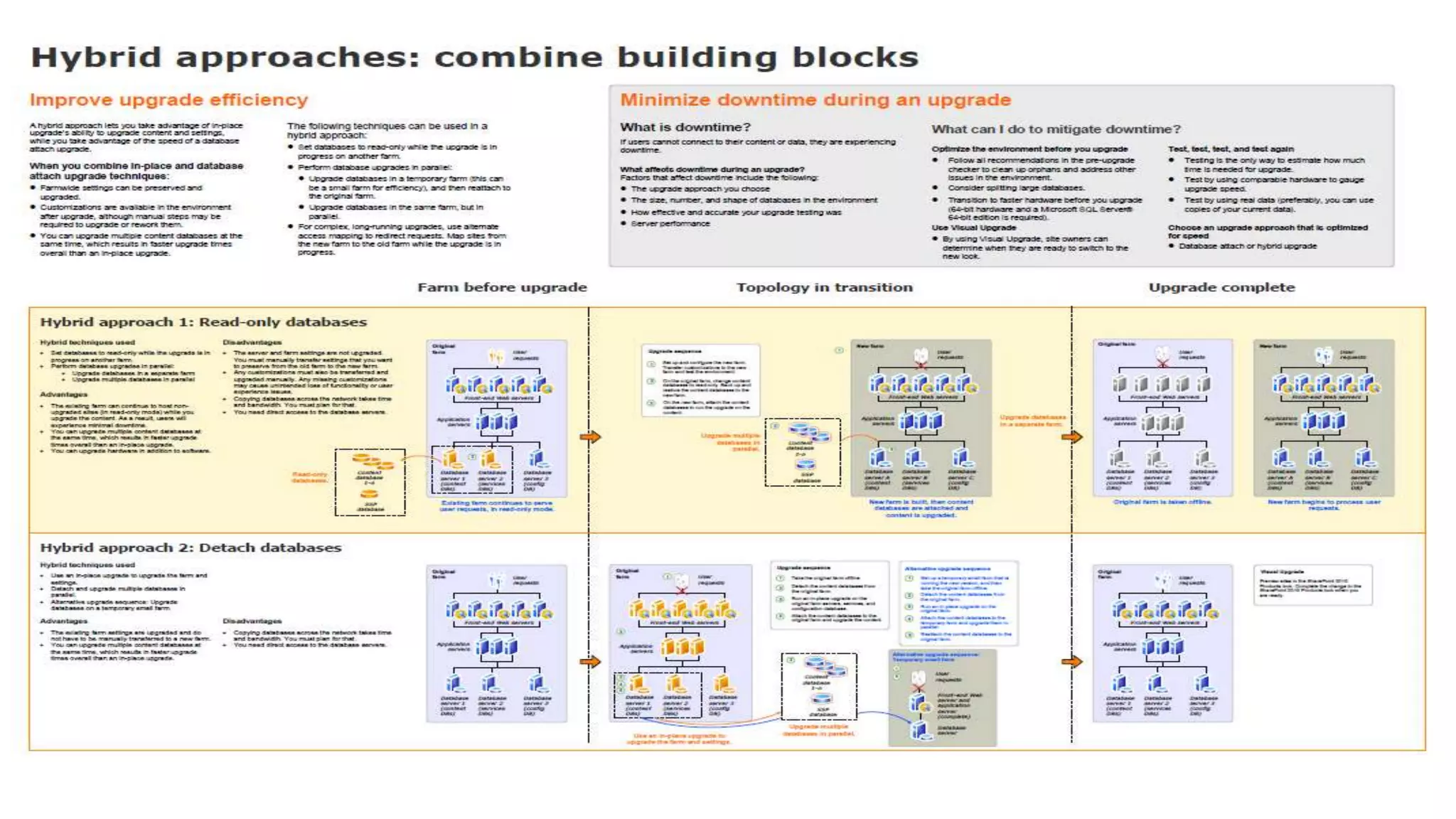
What are the Microsoft options?
Email                      Cell           Twitter          Blog
cbuck@echotechnology.com   425.246.2823   @buckleyplanet   http://buckleyplanet.net
Email                      Cell           Twitter          Blog
cbuck@echotechnology.com   425.246.2823   @buckleyplanet   http://buckleyplanet.net
Email                      Cell           Twitter          Blog
cbuck@echotechnology.com   425.246.2823   @buckleyplanet   http://buckleyplanet.net
For more information
•   Contact me at
     – Christian Buckley, cbuck@axceler.com, 425-246-2823
     – On Twitter at @buckleyplanet

•   Resources available from Axceler.com
     – White papers
          •    Mastering SharePoint Migration Planning
          •    The Insider’s Guide to Upgrading to SharePoint 2010
          •    What to Look for in a SharePoint Management Tool
          •    The Five Secrets to Controlling Your
               SharePoint Environment
     – Tools
          • ReadyPoint (free)
          • Davinci Migrator
          • echo for SharePoint 2007
Email                      Cell           Twitter          Blog
cbuck@echotechnology.com   425.246.2823   @buckleyplanet   http://buckleyplanet.net
11 strategies you should
                                    consider as part of your
                                    migration planning


1.    Understand the as-is and to-be environments
2.    Conduct proper capacity planning
3.    Understand the customizations on your source system
4.    Understand the migration schedule
5.    Plan for the right kind of migration
6.    Plan for file shares
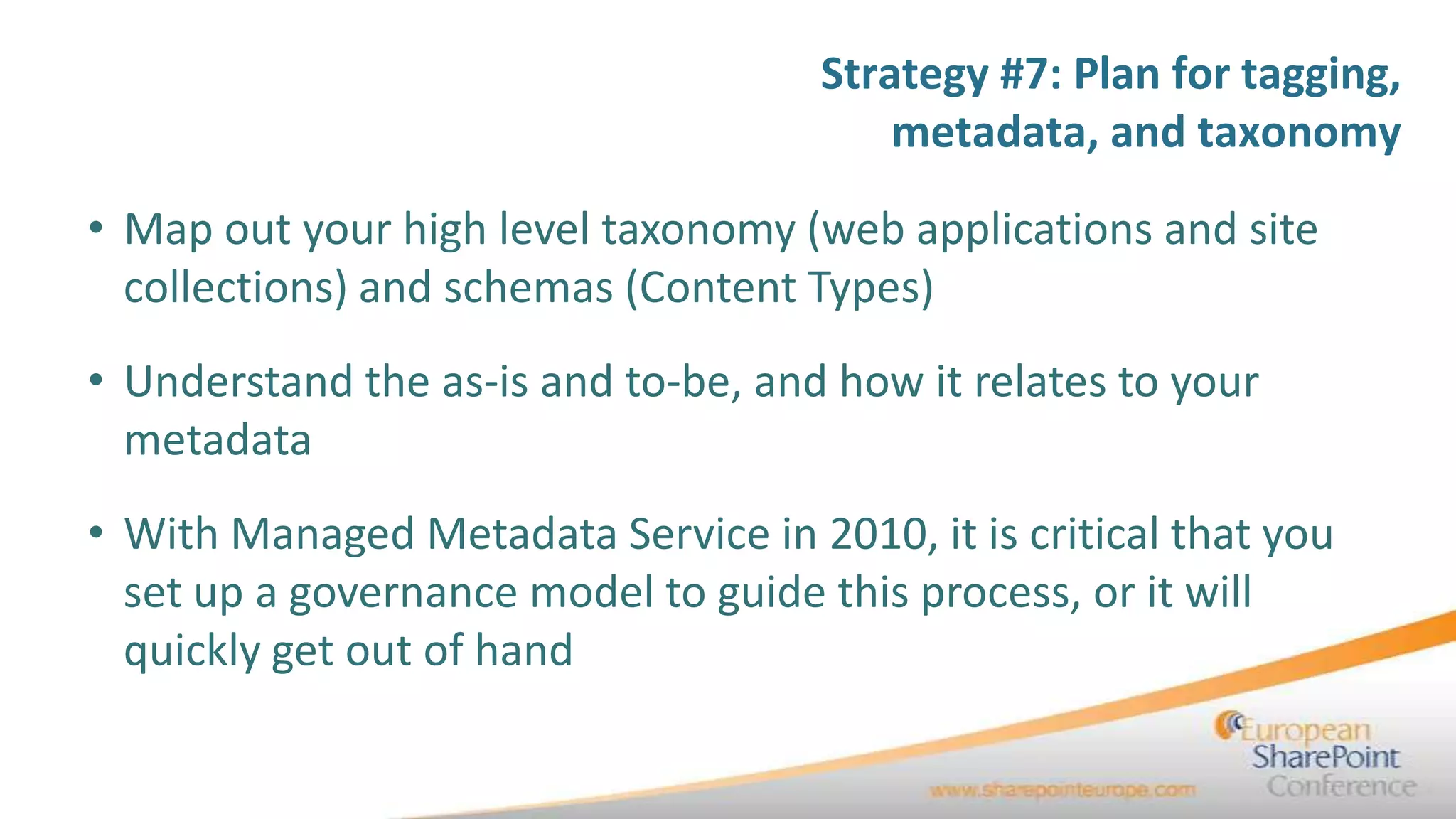
7.    Plan for tagging, metadata, and taxonomy
8.    Understand centrally managed and decentralized environments
9.    Stage your platform for migration
10.   Decide where and when to involve the users
11.   Determine that your migration is successful
Strategy #1:
                                              Understand
                                           as-is and to-be
                                            environments


Email   Email Cell   Twitter
                       Cell    Twitter
                                Blog     Blog
Strategy #1: Understand as-is
                                                              and to-be environments
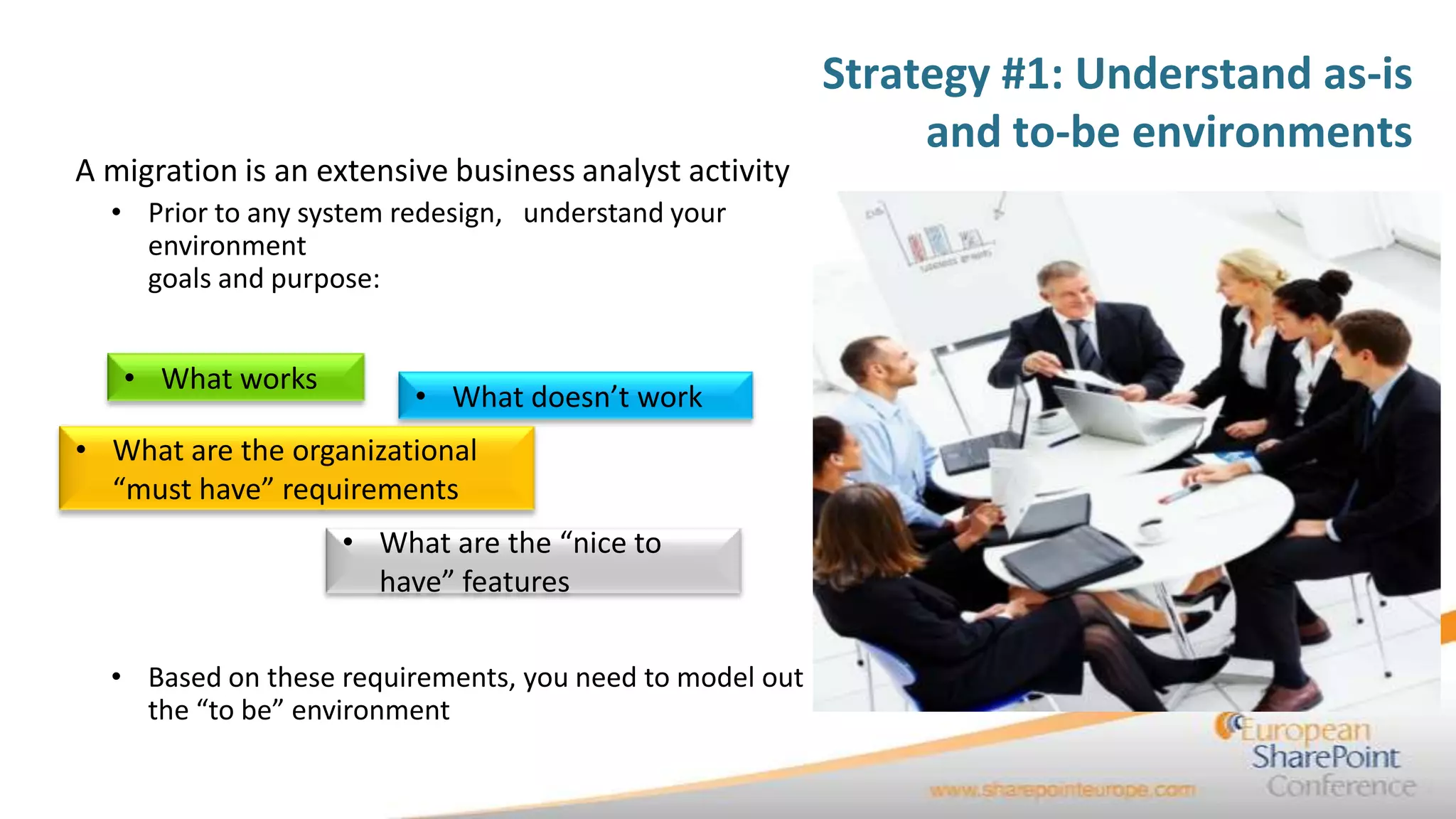
A migration is an extensive business analyst activity
  • Prior to any system redesign, understand your
    environment
    goals and purpose:


   • What works
                         • What doesn’t work
• What are the organizational
  “must have” requirements
                   • What are the “nice to
                     have” features

  • Based on these requirements, you need to model out
    the “to be” environment
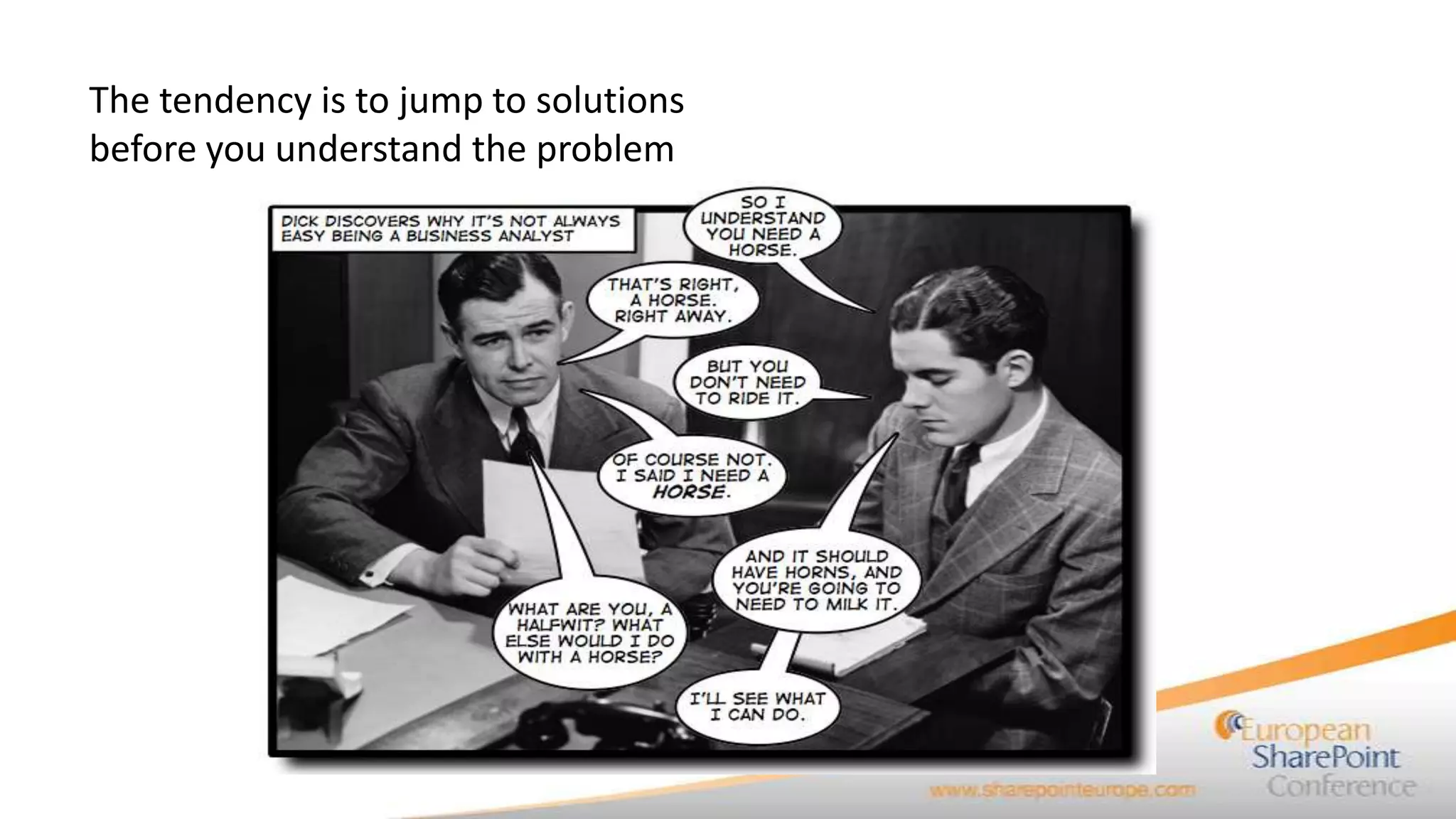
The tendency is to jump to solutions
before you understand the problem
Strategy #1: Understand as-is
                                 and to-be environments

• What is your goal?
• What is your mission statement
           (Just kidding)
• What are you key use cases?
• What are your priorities?
Strategy #1: Understand as-is
                   and to-be environments
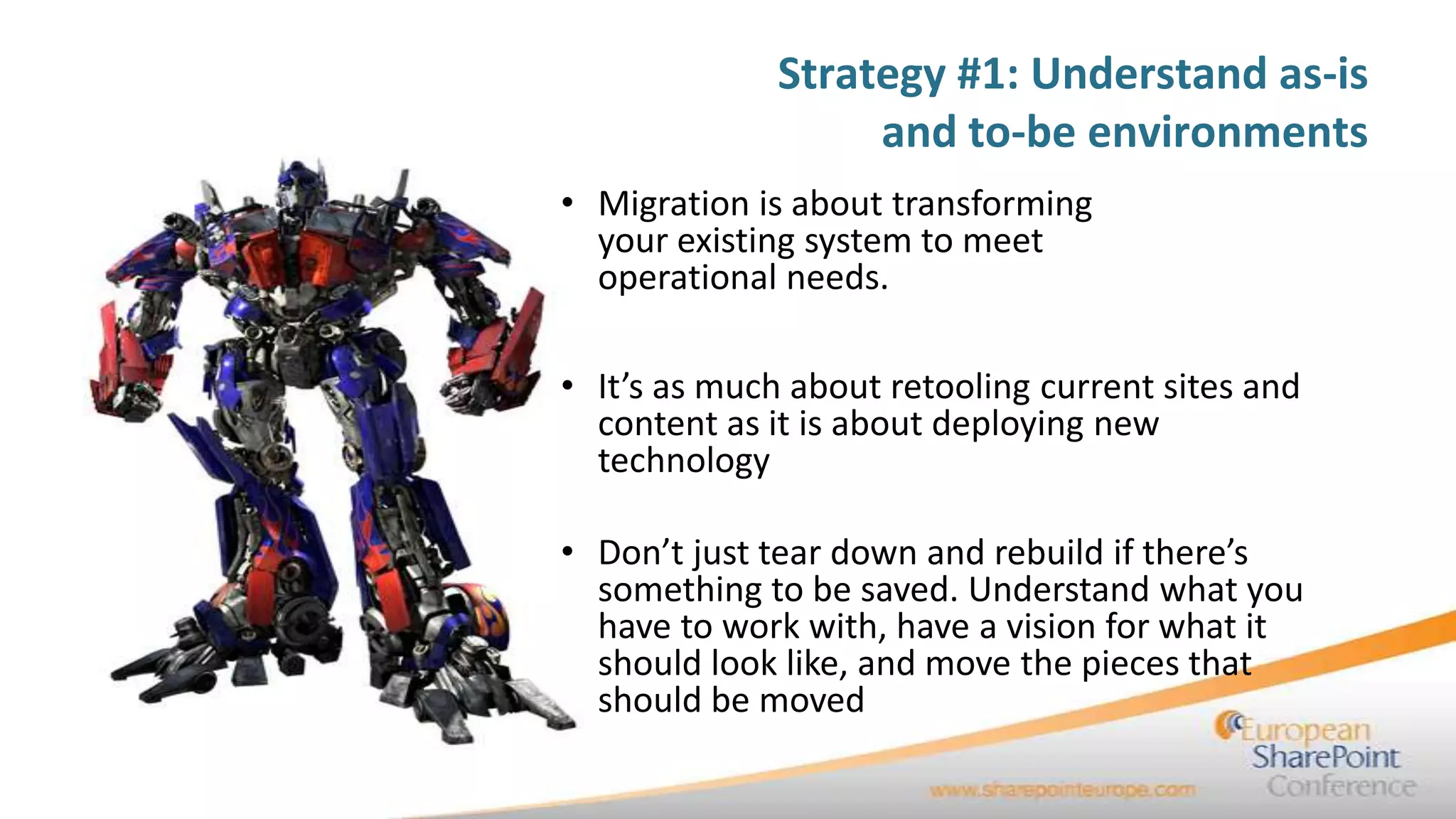
• Migration is about transforming
  your existing system to meet
  operational needs.

• It’s as much about retooling current sites and
  content as it is about deploying new
  technology

• Don’t just tear down and rebuild if there’s
  something to be saved. Understand what you
  have to work with, have a vision for what it
  should look like, and move the pieces that
  should be moved
Strategy #2:
Conduct proper
capacity planning


10/19/2011          24
Strategy #2: Conduct proper
                                                     capacity planning

• Understand your current environment:
   • Number of users
   • Number of sites
   • Number of site collections
   • Database size
   • Geographical needs of your organization
     (how many sites, what are their usage patterns)
   • Line of business application integration
Strategy #2: Conduct proper
                                              capacity planning

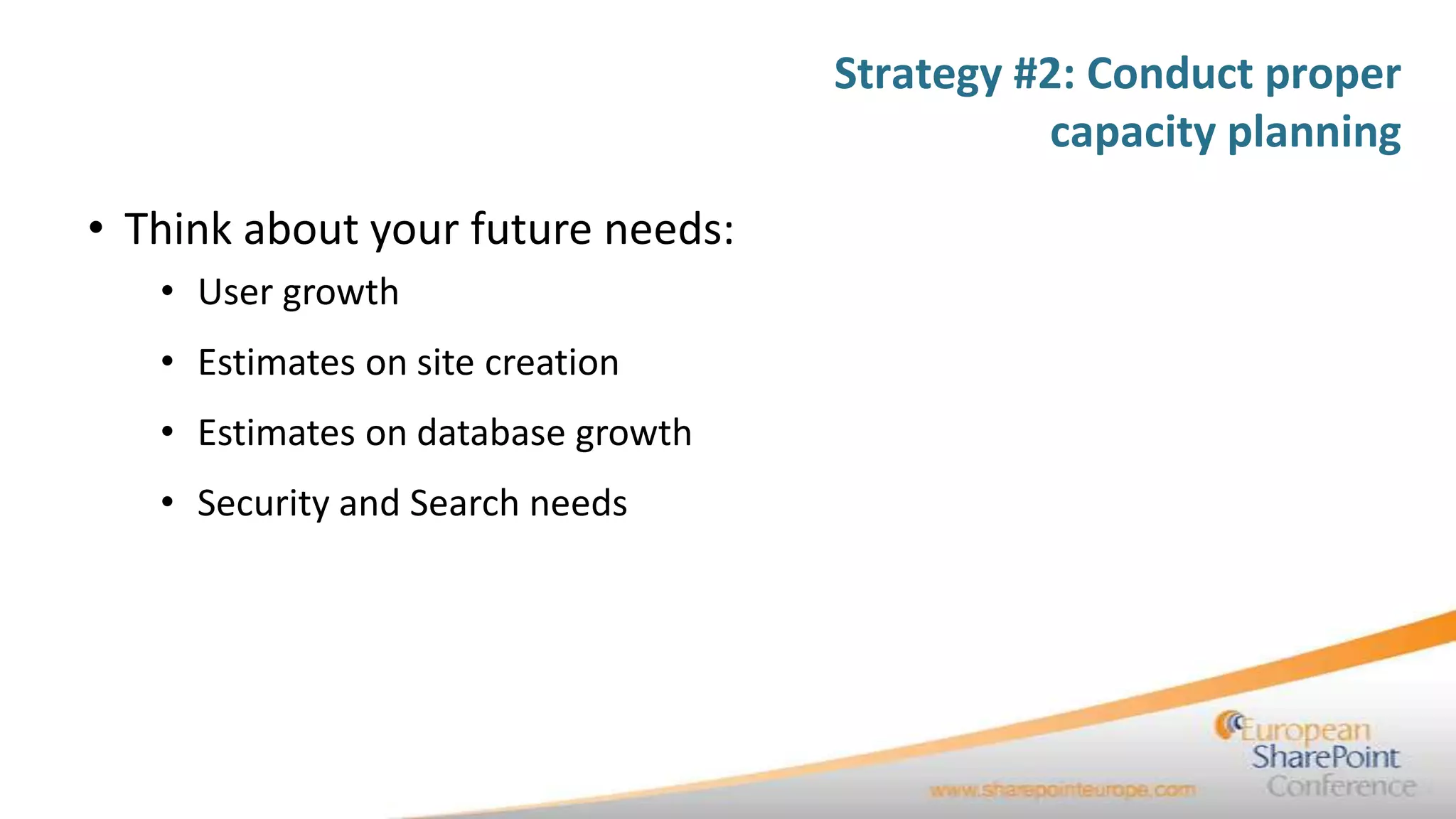
• Think about your future needs:
   • User growth
   • Estimates on site creation
   • Estimates on database growth
   • Security and Search needs
Strategy #2: Conduct proper
                                            capacity planning

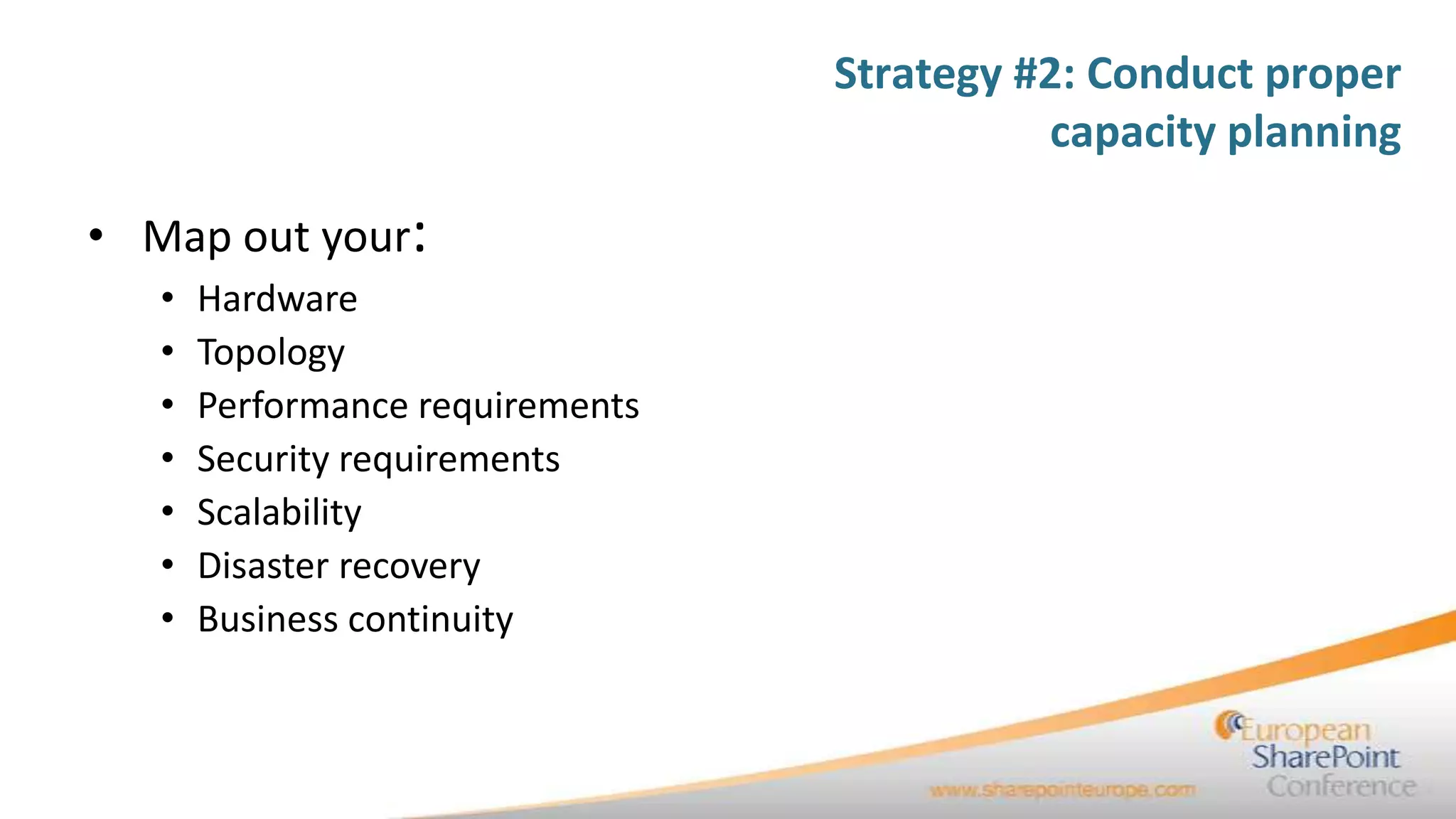
• Map out your:
   •   Hardware
   •   Topology
   •   Performance requirements
   •   Security requirements
   •   Scalability
   •   Disaster recovery
   •   Business continuity
Strategy #3:
Understand the
customizations on your
source system


 10/19/2011              28
Strategy #3: Understand the
                                                       customizations on your source system
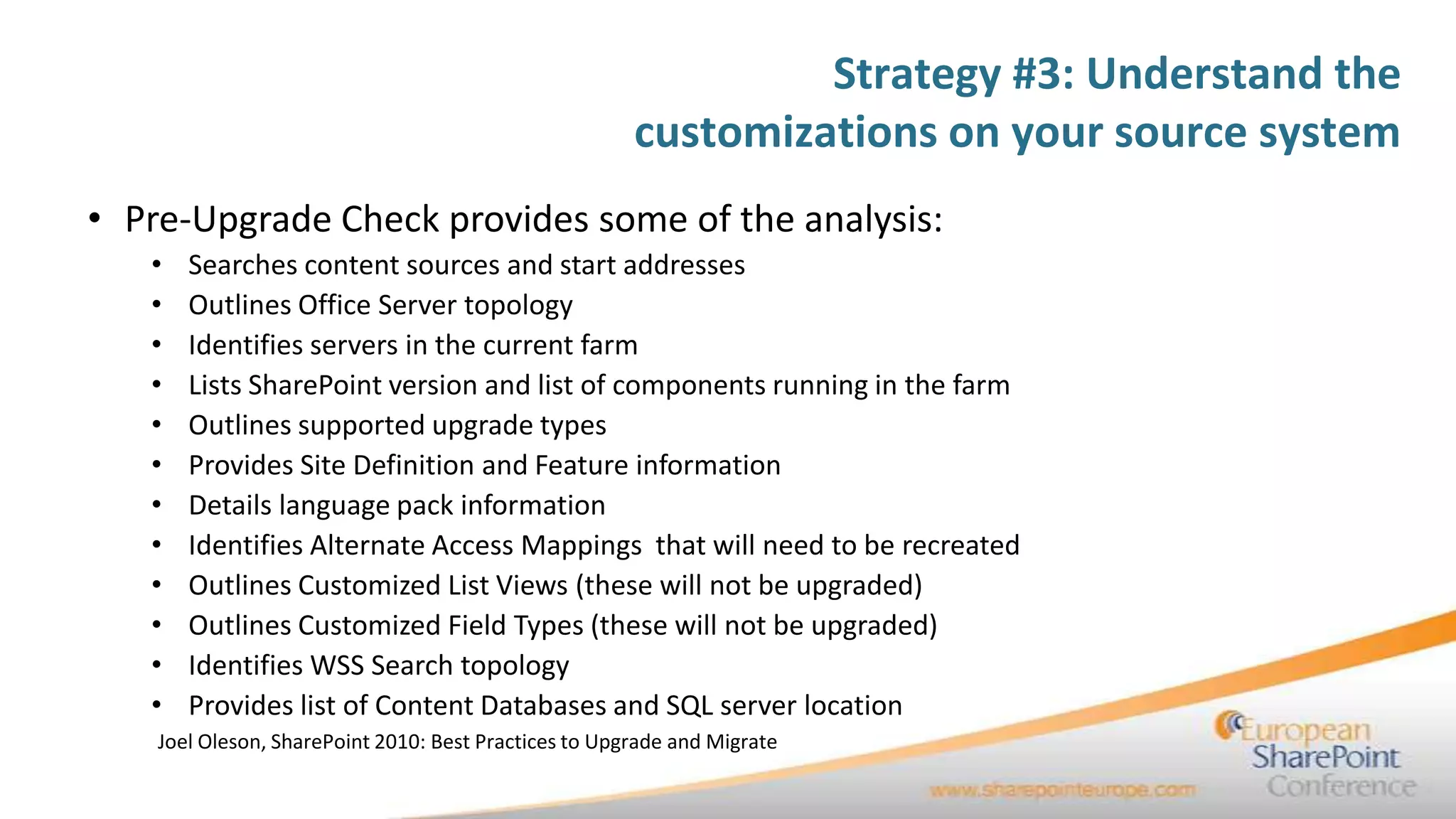
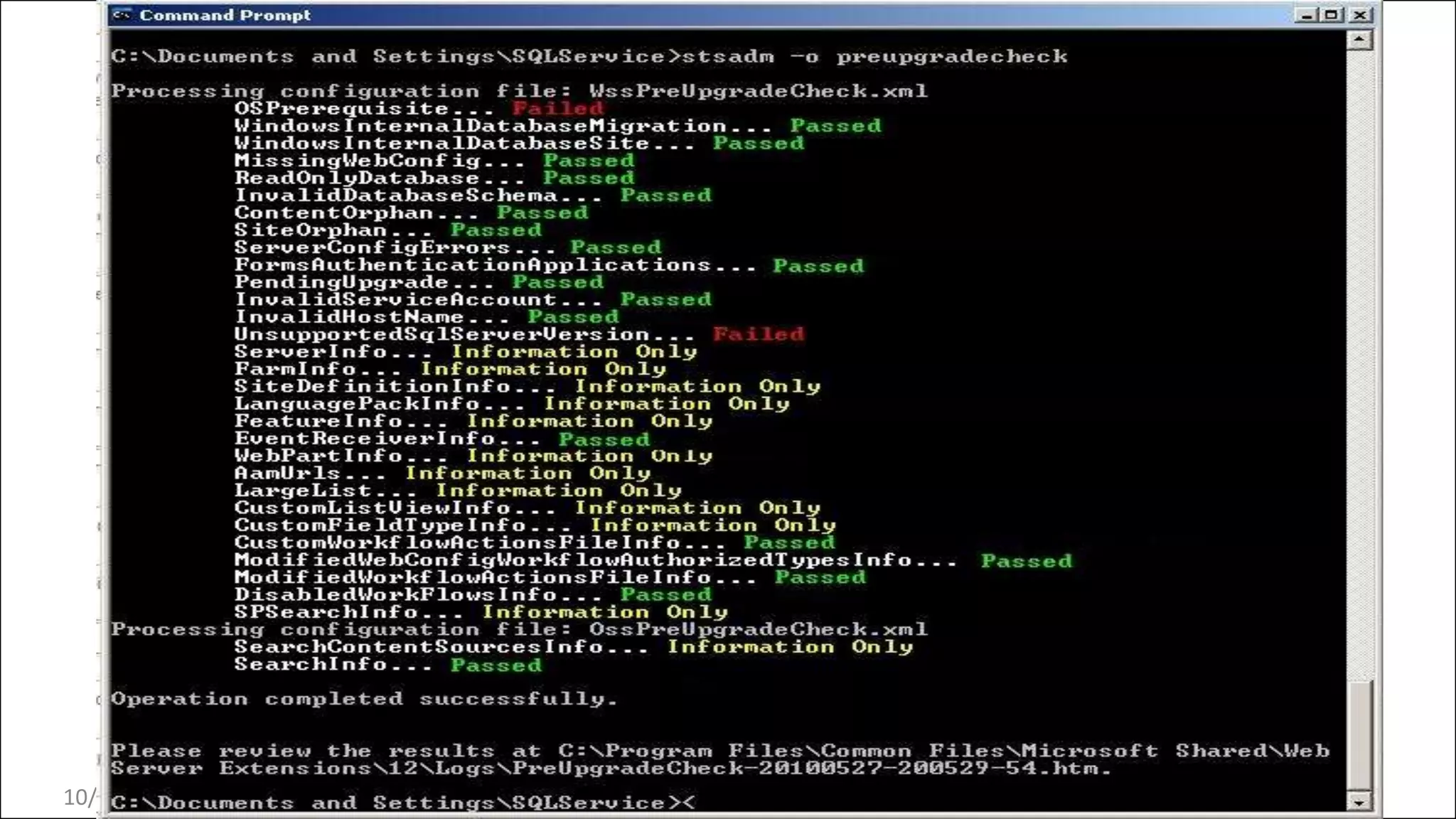
• Pre-Upgrade Check provides some of the analysis:
   •   Searches content sources and start addresses
   •   Outlines Office Server topology
   •   Identifies servers in the current farm
   •   Lists SharePoint version and list of components running in the farm
   •   Outlines supported upgrade types
   •   Provides Site Definition and Feature information
   •   Details language pack information
   •   Identifies Alternate Access Mappings that will need to be recreated
   •   Outlines Customized List Views (these will not be upgraded)
   •   Outlines Customized Field Types (these will not be upgraded)
   •   Identifies WSS Search topology
   •   Provides list of Content Databases and SQL server location
    Joel Oleson, SharePoint 2010: Best Practices to Upgrade and Migrate
10/19/2011
Strategy #3: Understand the
                                                   customizations on your source system
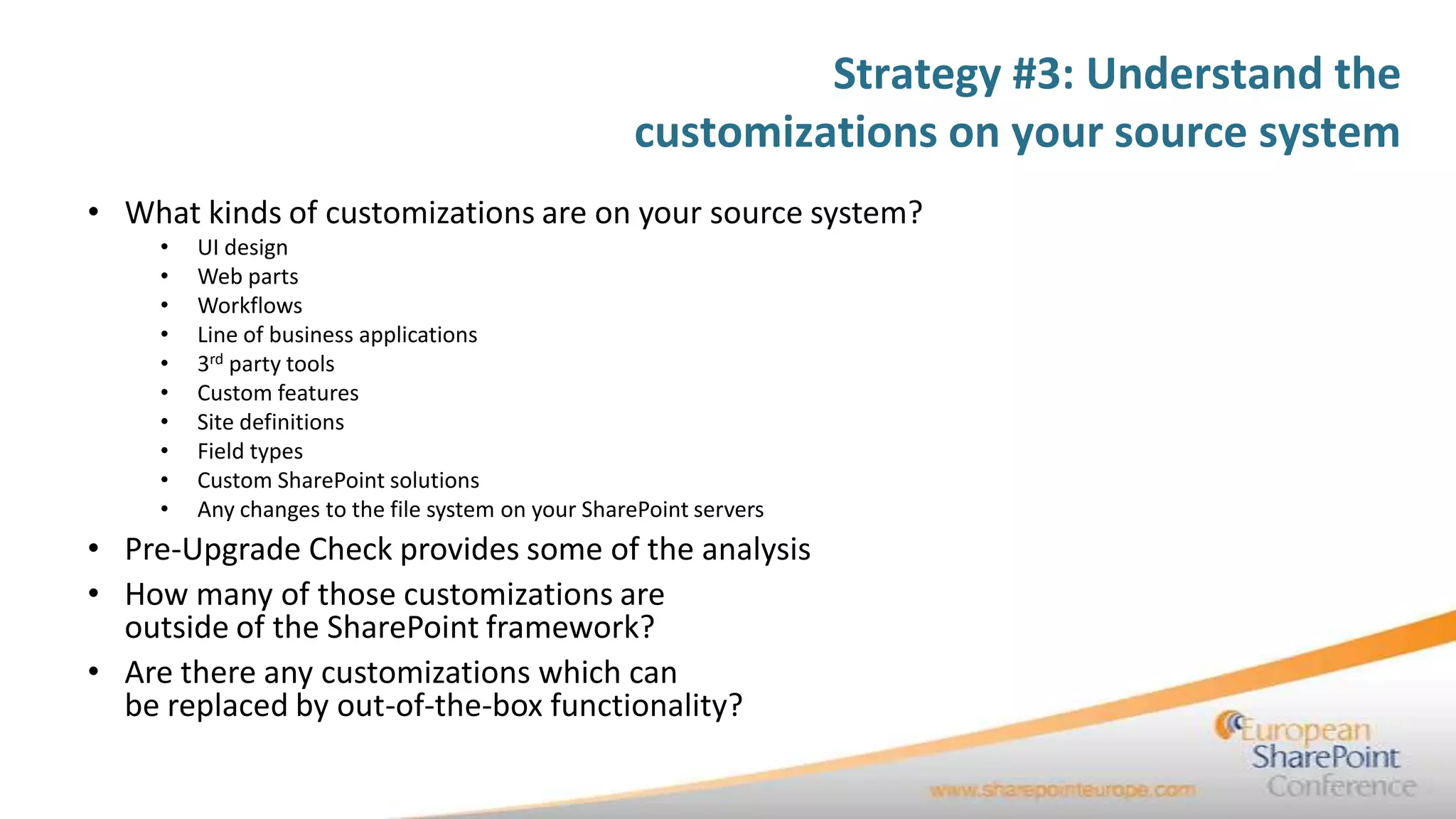
• What kinds of customizations are on your source system?
    •   UI design
    •   Web parts
    •   Workflows
    •   Line of business applications
    •   3rd party tools
    •   Custom features
    •   Site definitions
    •   Field types
    •   Custom SharePoint solutions
    •   Any changes to the file system on your SharePoint servers
• Pre-Upgrade Check provides some of the analysis
• How many of those customizations are
  outside of the SharePoint framework?
• Are there any customizations which can
  be replaced by out-of-the-box functionality?
Strategy #4:
              Understand the
             migration schedule


10/19/2011                        32
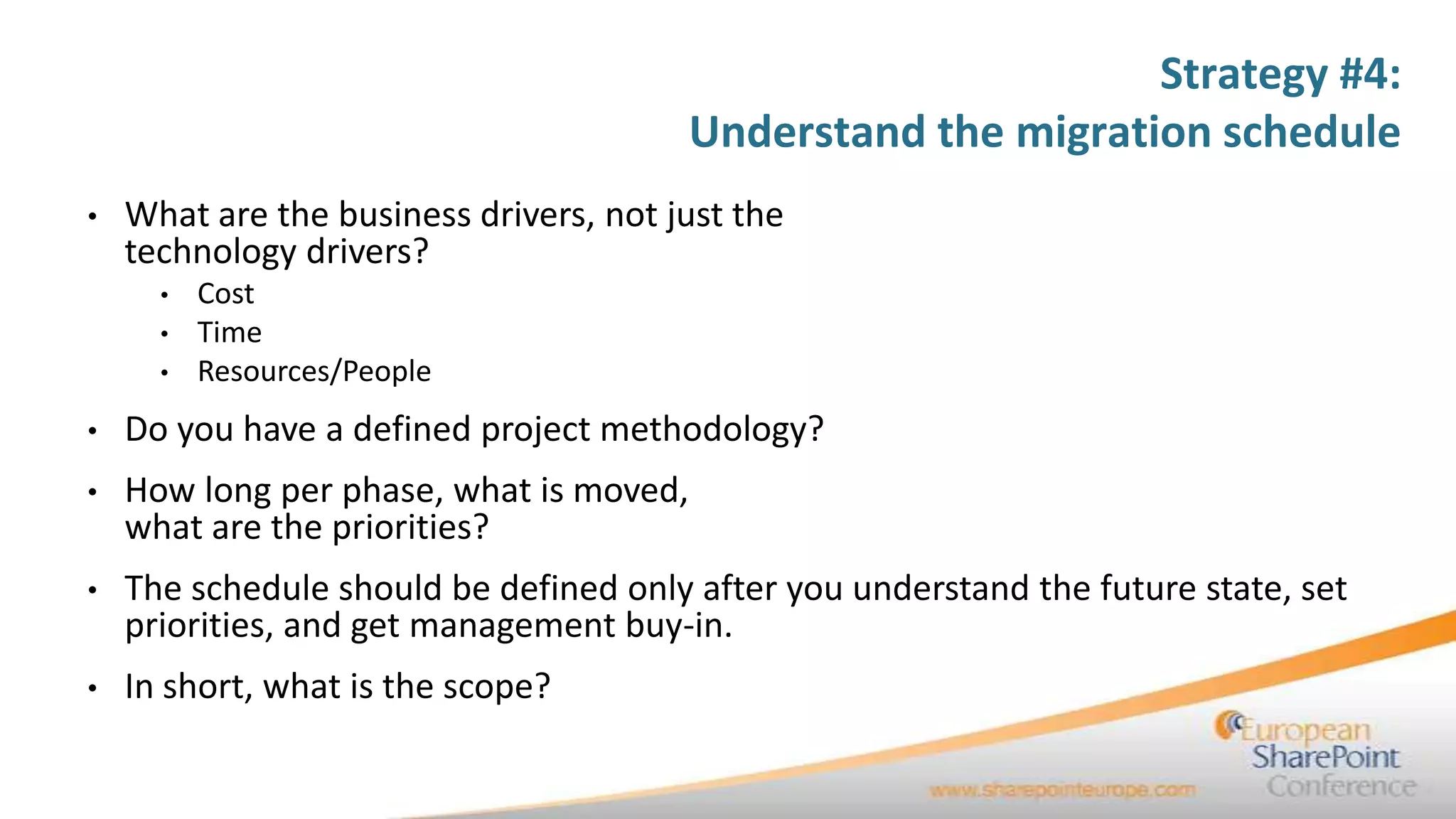
Strategy #4:
                                         Understand the migration schedule
•   What are the business drivers, not just the
    technology drivers?
      •   Cost
      •   Time
      •   Resources/People
•   Do you have a defined project methodology?
•   How long per phase, what is moved,
    what are the priorities?
•   The schedule should be defined only after you understand the future state, set
    priorities, and get management buy-in.
•   In short, what is the scope?
Strategy #5:
             Plan for the right
10/19/2011
             kind of migration    34
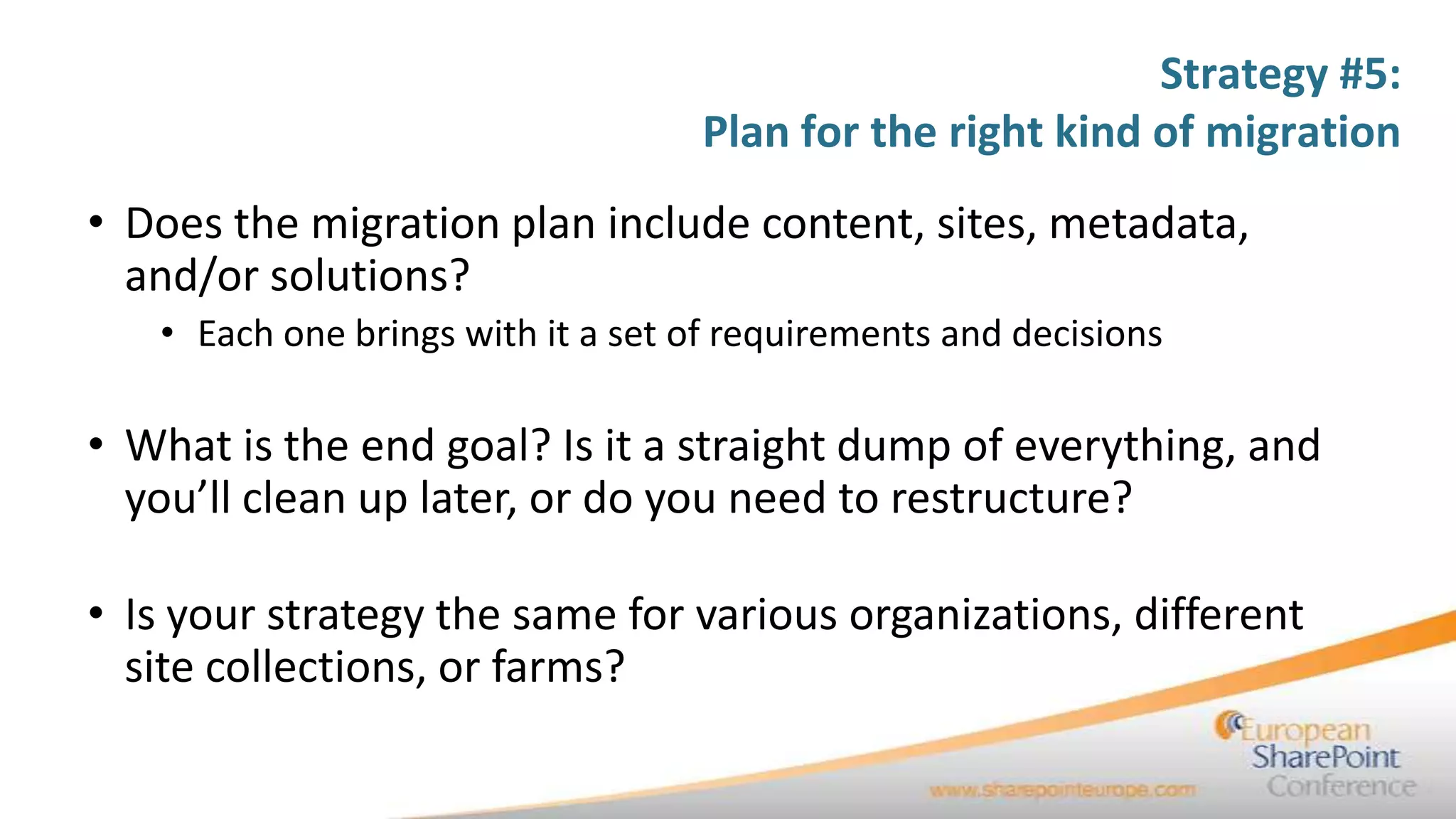
Strategy #5:
                                   Plan for the right kind of migration
• Does the migration plan include content, sites, metadata,
  and/or solutions?
   • Each one brings with it a set of requirements and decisions

• What is the end goal? Is it a straight dump of everything, and
  you’ll clean up later, or do you need to restructure?

• Is your strategy the same for various organizations, different
  site collections, or farms?
Strategy #6:
     Plan for
  file shares

10/19/2011      36
Strategy #6:
                                                     Plan for file shares
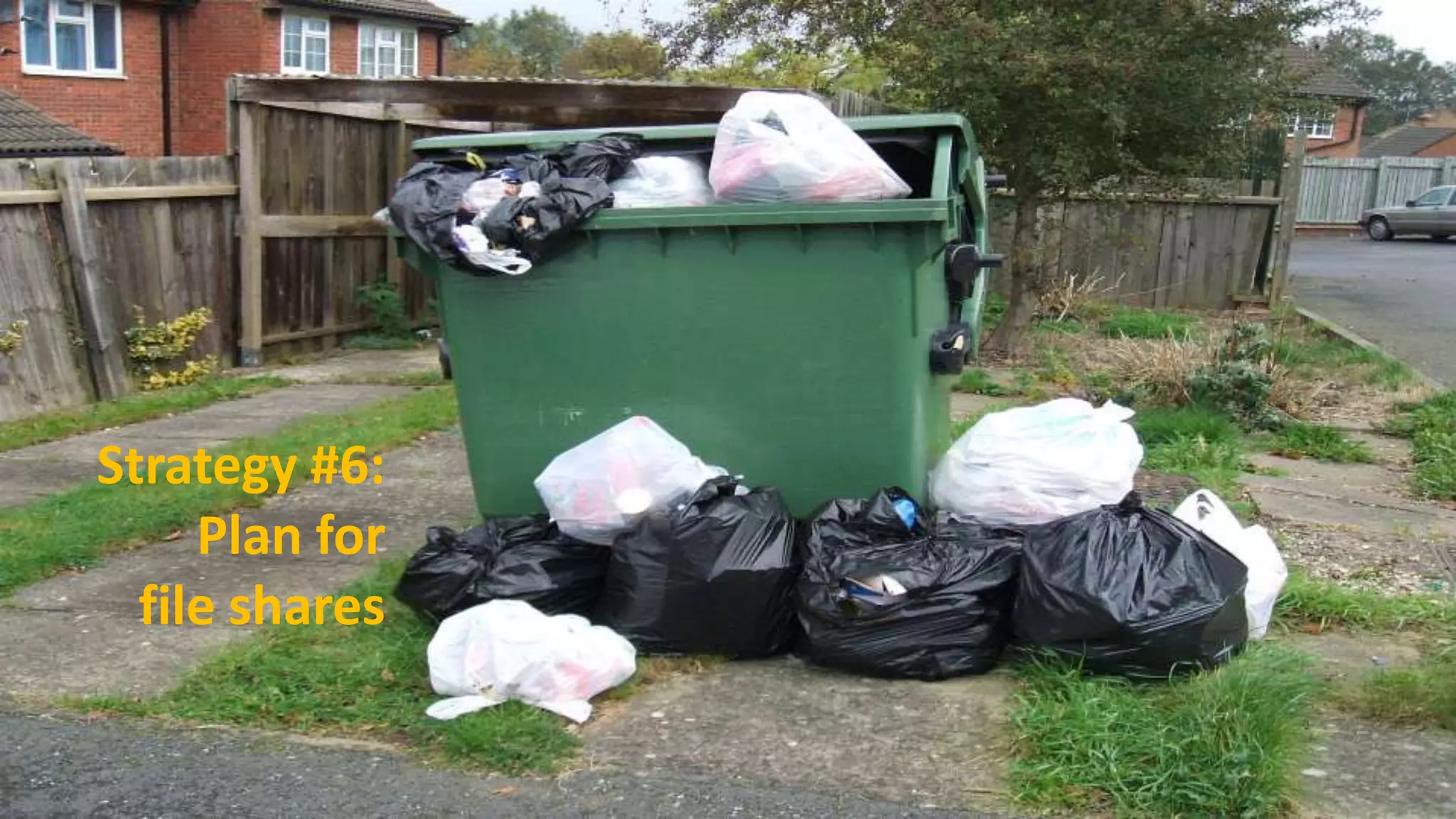
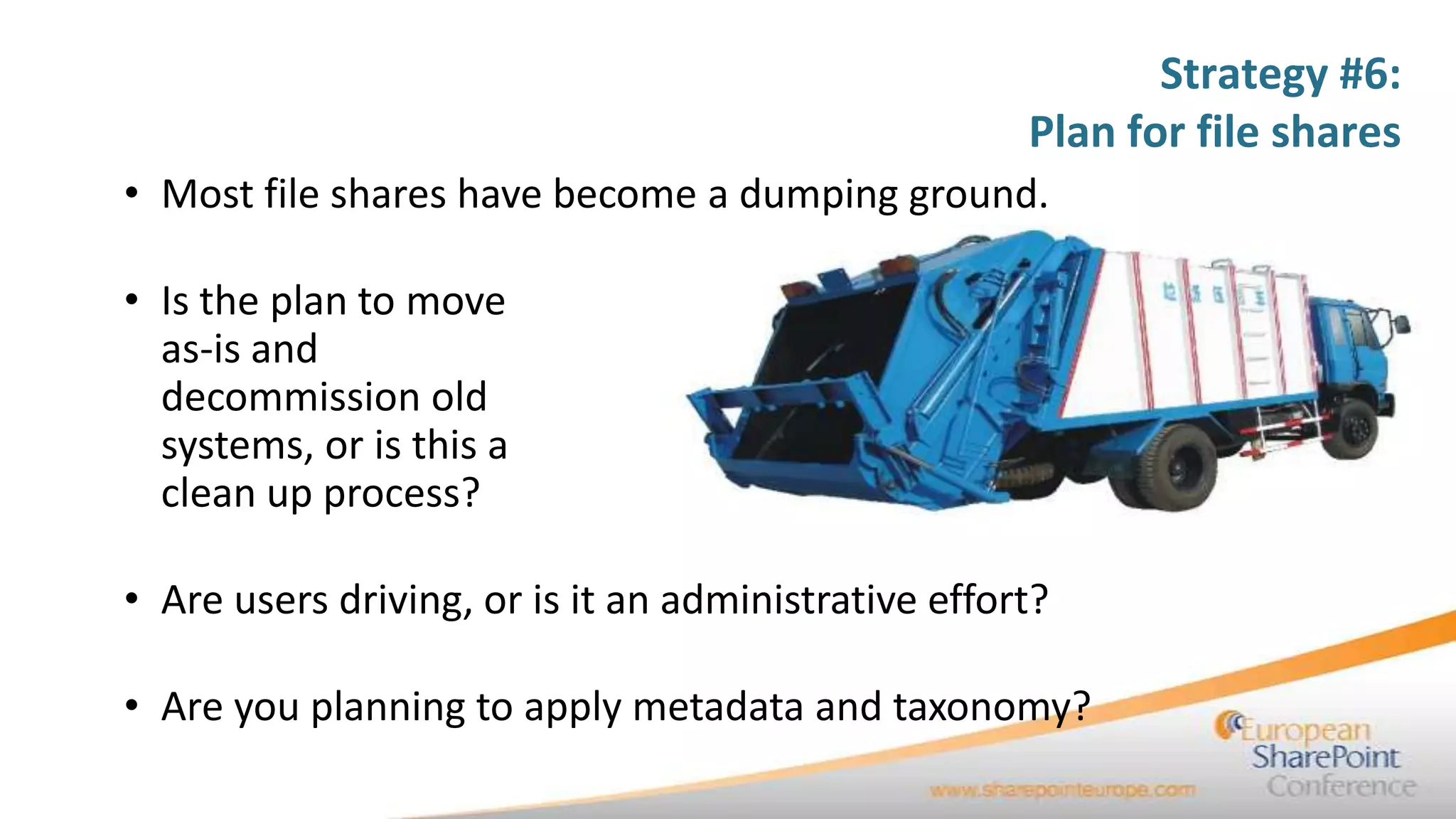
• Most file shares have become a dumping ground.

• Is the plan to move
  as-is and
  decommission old
  systems, or is this a
  clean up process?

• Are users driving, or is it an administrative effort?

• Are you planning to apply metadata and taxonomy?
Strategy #6:
                                               Plan for file shares
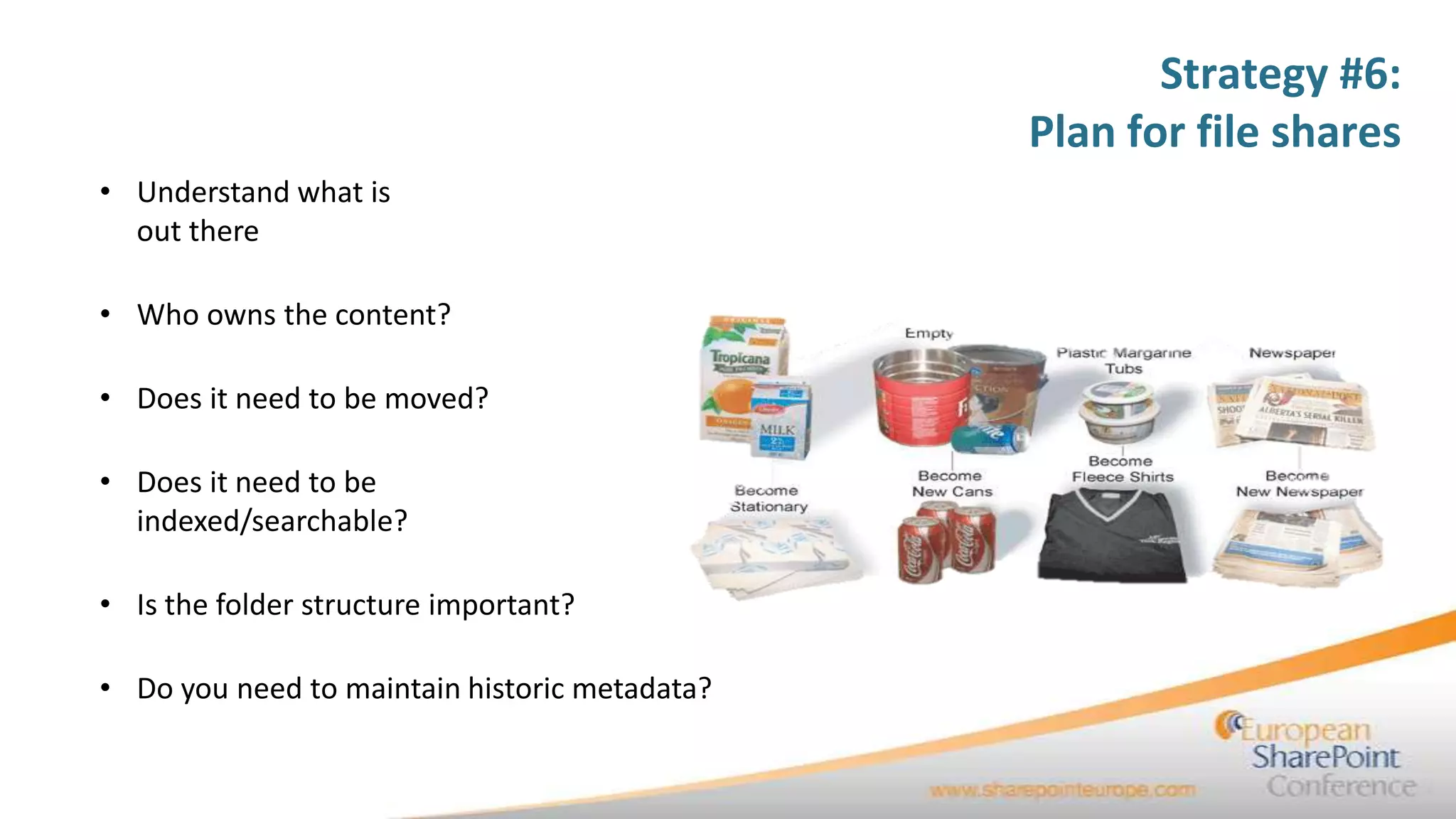
• Understand what is
  out there

• Who owns the content?

• Does it need to be moved?

• Does it need to be
  indexed/searchable?

• Is the folder structure important?

• Do you need to maintain historic metadata?
Strategy #6:
                                                                     Plan for file shares
• Users generally have three options:
   • Move content, as-is, into SharePoint and clean up there

   • Clean and organize content first, then move to a new structure in SharePoint

   • Migrate content in waves, using the iterations to sort through and organize your content
     while in transit, moving some content as-is, reorganizing and transforming others

• To be honest, option 3 is very difficult to manage in
  SharePoint, but 3rd party tools do a great job here
Strategy #7:
         Plan for
agging, metadata, an
    d taxonomy
    10/19/2011         40
Strategy #7: Plan for tagging,
                                                   metadata, and taxonomy


In Biology, taxonomy is the science dealing with the description, identification,
naming, and classification of organisms. “however, the term is now applied in a
wider, more general sense and now may refer to a classification of things, as well
as to the principles underlying such a classification.”

“Metadata provides context for data. Metadata is used to facilitate the
understanding, characteristics, and management usage of data. The metadata
required for effective data management varies with the type of data and context
of use.” Wikipedia.org
Strategy #7: Plan for tagging,
                                             metadata, and taxonomy
Common Migraines
• Ad-hoc content migration leads to junk in portal
• Legacy content gets migrated slowly, if at all
• Inconsistent taxonomy across farms and site collections
• People author locally - multiplies problems globally
• Authors don’t apply metadata= “shotgun” approach to search OR Authors
  apply metadata without common classification = better search, but worse
  authoring experience
• Portal lacks high fidelity search
• User can’t find the right content
• As a result, poor portal adoption and low user satisfaction
Strategy #7: Plan for tagging,
                                       metadata, and taxonomy
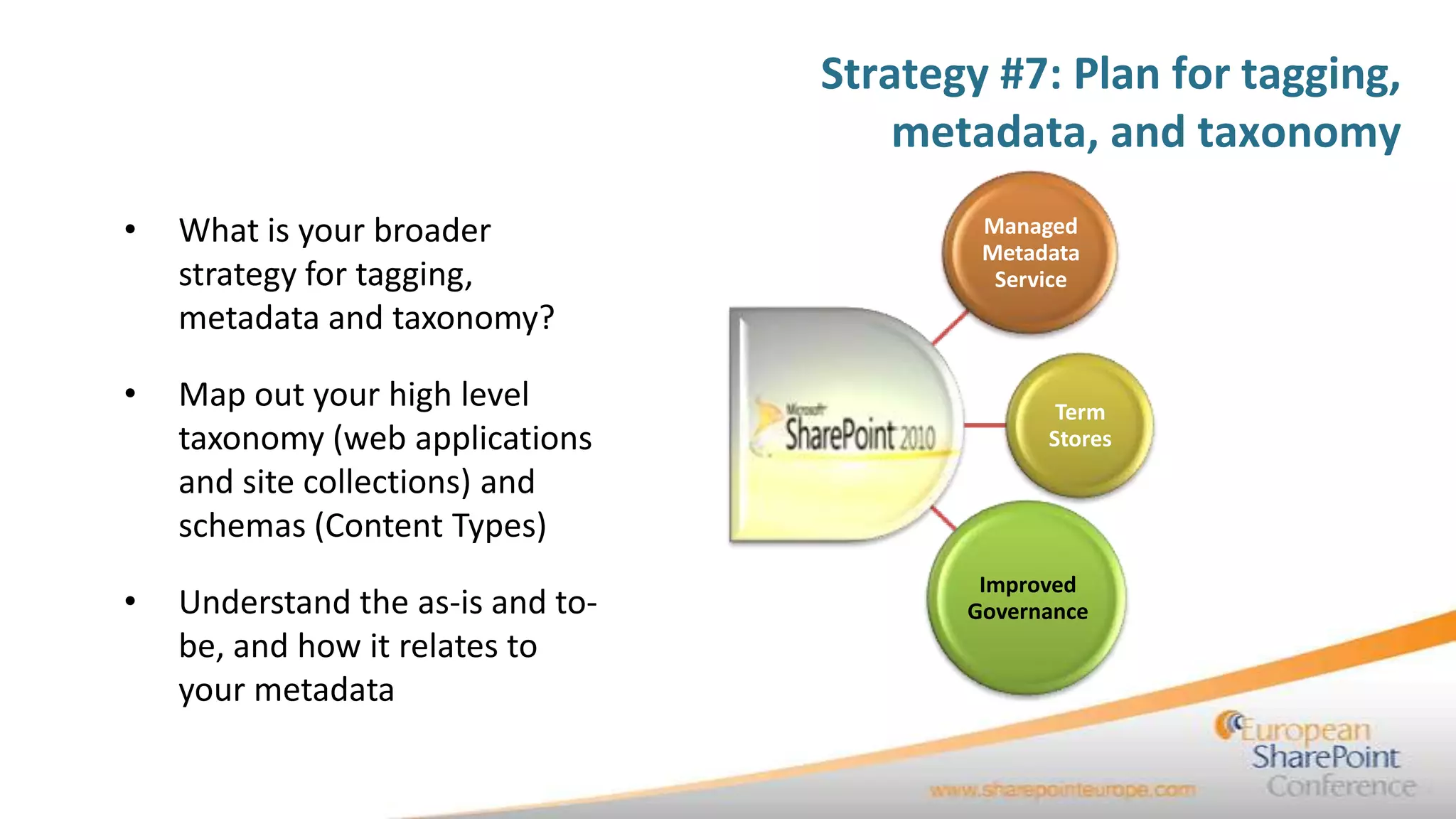
•   What is your broader                   Managed
                                           Metadata
    strategy for tagging,                   Service
    metadata and taxonomy?

•   Map out your high level                      Term
    taxonomy (web applications                  Stores
    and site collections) and
    schemas (Content Types)
                                           Improved
•   Understand the as-is and to-          Governance
    be, and how it relates to
    your metadata
Strategy #7: Plan for tagging,
                                         metadata, and taxonomy

• Map out your high level taxonomy (web applications and site
  collections) and schemas (Content Types)
• Understand the as-is and to-be, and how it relates to your
  metadata
• With Managed Metadata Service in 2010, it is critical that you
  set up a governance model to guide this process, or it will
  quickly get out of hand
Strategy #8:
   Understand
centrally managed
and decentralized
  environments


 10/19/2011         45
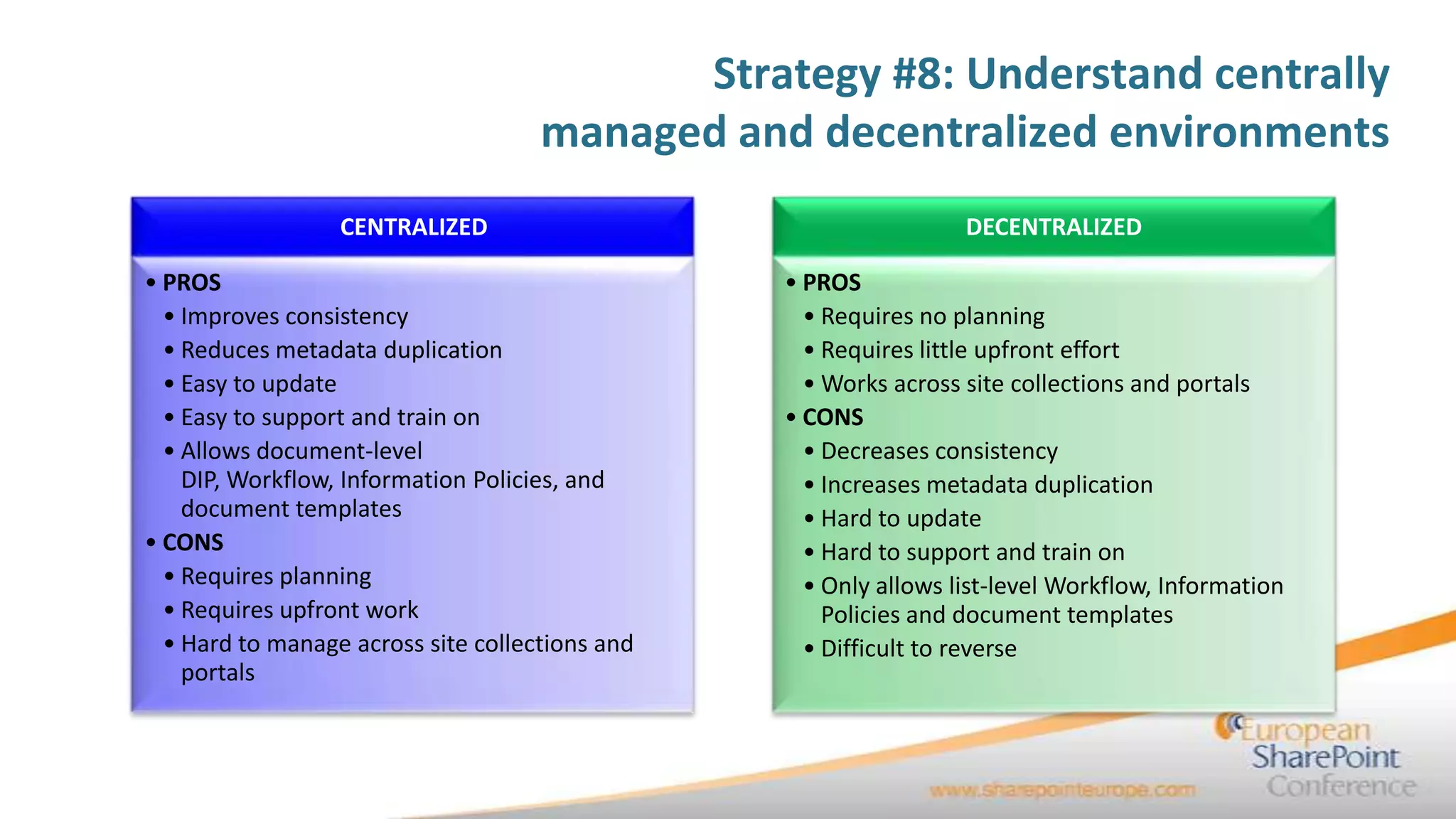
Strategy #8: Understand centrally
                                     managed and decentralized environments
                  CENTRALIZED                                     DECENTRALIZED

• PROS                                           • PROS
  • Improves consistency                           • Requires no planning
  • Reduces metadata duplication                   • Requires little upfront effort
  • Easy to update                                 • Works across site collections and portals
  • Easy to support and train on                 • CONS
  • Allows document-level                          • Decreases consistency
    DIP, Workflow, Information Policies, and       • Increases metadata duplication
    document templates                             • Hard to update
• CONS                                             • Hard to support and train on
  • Requires planning                              • Only allows list-level Workflow, Information
  • Requires upfront work                            Policies and document templates
  • Hard to manage across site collections and     • Difficult to reverse
    portals
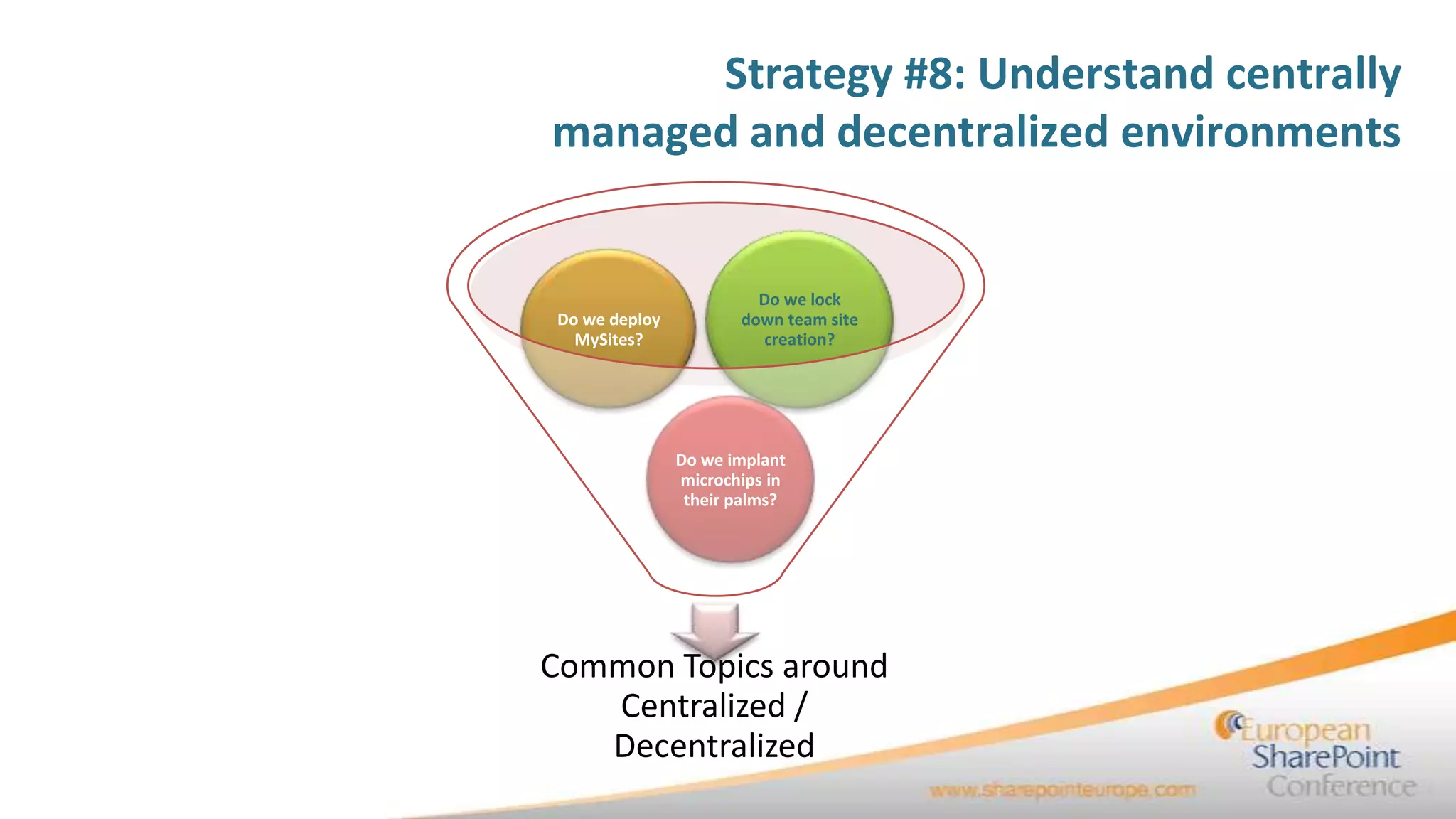
Strategy #8: Understand centrally
managed and decentralized environments


                        Do we lock
Do we deploy          down team site
  MySites?              creation?


               Do we implant
               microchips in
                their palms?


Common Topics around
   Centralized /
   Decentralized
Strategy #8: Understand centrally
                             managed and decentralized environments
• Use of services greatly improves concerns over the
  decentralized model:
      • Services can be centrally managed
      • Sites and Site Collections can consume these services, within certain
        boundaries

• You still need to understand the administrative impacts

• You need to clearly define roles and
  service owners

• Define your governance model / change control board
Strategy #9:
              Stage your
             platform for
10/19/2011    migration     49
Strategy #9:
                                       Stage your platform for migration
• Understanding your requirements:
     •   Hardware / software
     •   Network
     •   Virtual environments
     •   Hosting / datacenter
     •   Downtime / end user impacts
     •   Communication
     •   Location of your teams
     •   Backup/recovery


• Coordinate your planning with the operations team
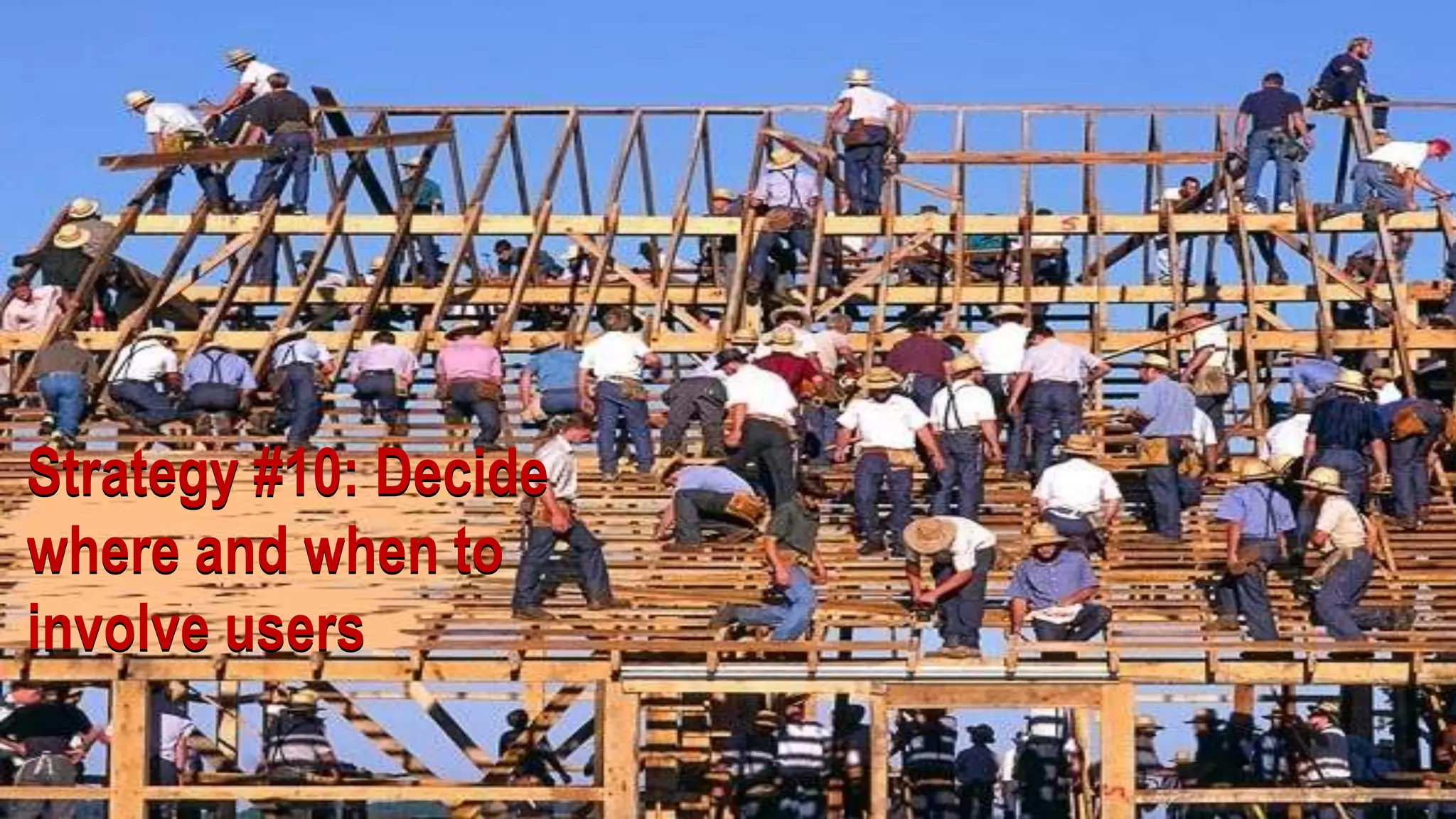
Strategy #10: Decide
where and when to
involve users

  10/19/2011           51
Strategy #10:
Decide where and when to involve users

       • This is the most fluid of the
         strategic considerations, as it
         really just depends

       • At a high-level, end users who
         participate in the creation of a
         system are more likely to
         accept / support that system
         once deployed
Strategy #10:
                                     Decide where and when to involve users
• Where end users should be involved:
 •   Creation of use cases
 •   Creation of as-is documentation
 •   Prioritization of requirements for to-be environment
 •   They know their content – let them drive
       •   File share migrations, or organization
       •   Taxonomy development
       •   Metadata assignment
       •   Signoff on overall project plan
Strategy #11:
       Define what
  success looks like
             (probably not this)


10/19/2011                         54
Strategy #11:
Define what success looks like


 Definitely not this
Strategy #11:
                                                Define what success looks like

• Possible success metrics:
    • Target number of end users migrated
    • Target number of sites migrated
    • Databases migrated
    • File shares migrated and decommissioned
    • 2010 live, users able to manually migrate their content
Strategy #11:
                      Define what success looks like

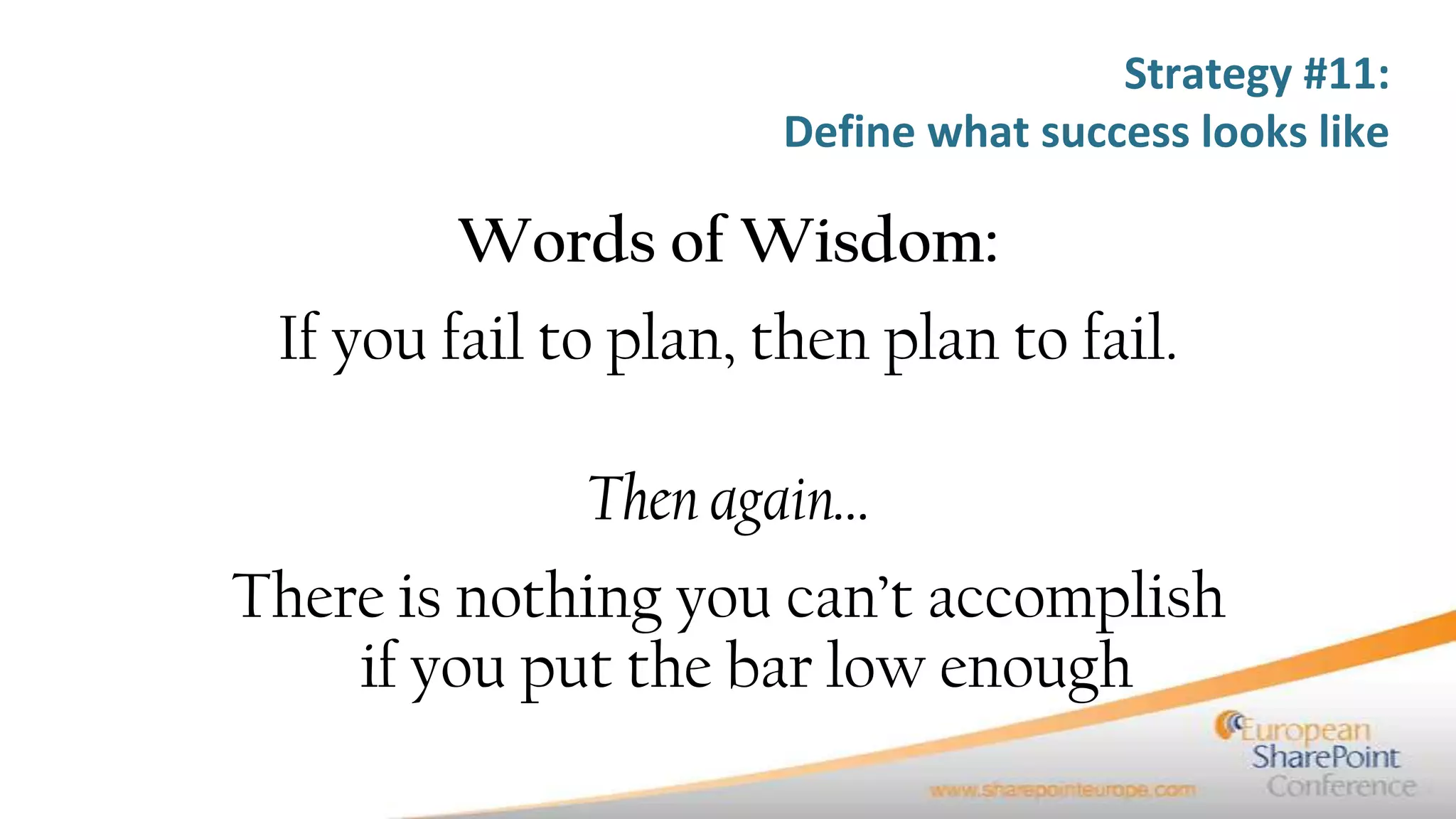
        Words of Wisdom:
 If you fail to plan, then plan to fail.

              Then again…
There is nothing you can’t accomplish
    if you put the bar low enough
Online and offline resources
•   11 Strategic Considerations for SharePoint Migrations (Buckley), http://slidesha.re/d3RHNH
•   Upgrading SharePoint 2007 to SharePoint 2010 (Anders Rask), http://bit.ly/bjWXMS
•   Migrating to SharePoint 2010 (Randy Williams), http://bit.ly/bNgX0U
•   Upgrading to SharePoint 2010 (Microsoft), http://bit.ly/dm2kDO
•   Hardware and software requirements for 2010 (Microsoft), http://bit.ly/bTGe2b
•   Capacity Planning and Sizing for Microsoft SharePoint Products and Technologies, http://bit.ly/eXf0Cy
•   SharePoint 2010: Best Practices to Upgrade and Migrate (O’Reilly, Safari), http://oreil.ly/chSHli
•   Migrating to MOSS 2007 (Stephen Cummins), http://bit.ly/9Ismfp
•   Planning to Upgrade to SharePoint 2010 (Joel Oleson), http://slidesha.re/16iiUX
•   What’s New in SharePoint 2010 Capacity Planning (Joel Oleson), http://bit.ly/9cT9aa
•   ReadyPoint migration planning tool for 2007 to 2010 migrations (Axceler), http://bit.ly/9GgDuY
•   PreUpgradeCheck (Microsoft), http://bit.ly/cIHIlA
•   SharePoint 2010 Products Upgrade Approaches (Microsoft), http://bit.ly/dphQ2W
For more information
•   Contact me at
     – Christian Buckley, cbuck@axceler.com, 425-246-2823
     – On Twitter at @buckleyplanet

•   Resources available from Axceler.com
     – White papers
          •    Mastering SharePoint Migration Planning
          •    The Insider’s Guide to Upgrading to SharePoint 2010
          •    What to Look for in a SharePoint Management Tool
          •    The Five Secrets to Controlling Your
               SharePoint Environment
     – Tools
          • ReadyPoint (free)
          • Davinci Migrator
          • echo for SharePoint 2007

#EuropeanSP--11 Strategic Considerations for SharePoint Migrations

  • 1.
    11 Strategic Considerations for SharePoint Migrations Christian Buckley cbuck@axceler.com @buckleyPLANET
  • 2.
    My Background Christian Buckley,Director of Product Evangelism at Axceler • Most recently at Microsoft • Microsoft Managed Services (now BPOS-Dedicated) • Advertising Operations, ad platform API program • Prior to Microsoft, was a senior consultant, working in the software, supply chain, and grid technology spaces focusing on collaboration • Co-founded and sold a collaboration software company to Rational Software. Also co-authored 3 books on software configuration management and defect tracking for Rational and IBM • At another startup (E2open), helped design, build, and deploy a SharePoint-like collaboration platform (Collaboration Manager), managing deployment teams to onboard numerous high-tech manufacturing companies, including Hitachi, Matsushita, Seagate, Nortel, Sony, and Cisco • I live in a small town just east of Seattle, have a daughter in college and 3 boys at home
  • 3.
    Axceler Overview • ImprovingCollaboration for 16+ Years – Mission: To enable enterprises to simplify, optimize, and secure their collaborative platforms – Delivered award-winning administration and migration software since 1994 – Over 2,000 global customers • Dramatically improve the management of SharePoint – Innovative products that improve security, scalability, reliability, “deployability” – Making IT more effective and efficient and lower the total cost of ownership • Focus on solving specific SharePoint problems (Administration & Migration) – Coach enterprises on SharePoint best practices – Give administrators the most innovative tools available – Anticipate customers’ needs – Deliver best of breed offerings – Stay in lock step with SharePoint development and market trends
  • 4.
    Why is thispresentation important? • Most content focused on the technical aspects of migration • Migrations are not so much about the technical act of moving the data (although very important), but more about the planning that goes into preparing for the migration Email Cell Twitter Blog
  • 5.
    Email 10/19/2011 Cell Twitter Blog 5
  • 6.
    Despair.com Email 10/19/2011 Cell Twitter Blog 6
  • 7.
    This is yourtechnical migration, i.e. the physical move of content and “bits” Email Cell Twitter Blog cbuck@echotechnology.com 425.246.2823 @buckleyplanet http://buckleyplanet.net
  • 8.
    This is thebulk of your migration – the planning, reorganization, and transformation of your legacy SharePoint environment 10/19/2011 8
  • 9.
    What is migration? • Microsoft defines migration as three separate activities: Move Migrate Upgrade • Use the procedures for • Use the procedures for • Use the procedures for moving a farm or migrating a farm or upgrading a farm or components when you components when you components when you are changing to different are changing to a are changing to a hardware. For example, different platform or different version of use these procedures if operating system. For Office SharePoint Server you move to computers example, use these 2007. that have faster procedures if you processors or larger hard change from Microsoft disks. SQL Server 2005 to SQL Server 2008. • The reality is that a single migration may include all three concepts
  • 10.
  • 11.
    Why migrations aredifficult: Migrations Migrations Migrations are Migrations are are phased are iterative error prone not the end goal • How and what you • Your planning should not • There is no “easy” button • Proper planning and migrate should not be be limited by the number for migration. You can run change management determined by the of migration attempts you a dozen pre-migration policies will help you to be technology you use – it’s make, or by the volume of checks and still run into successful with your about matching the needs content being moved. A problems. Admins and end current and future and timing of your content healthy migration users do things that are migrations. The goals owners and teams. A recognizes the need to not “by the book.” should be a stable migration should be test the waters, to move Customizations. Third environment, relevant flexible, moving sites and sites, content and party tools. Line of metadata, discoverable content based on end user customizations in waves, business applications that content, and happy end needs, not the limitations allowing users to test and run under the radar. users. of the technology. provide feedback.
  • 12.
    What are theMicrosoft options?
  • 13.
    Email Cell Twitter Blog cbuck@echotechnology.com 425.246.2823 @buckleyplanet http://buckleyplanet.net
  • 14.
    Email Cell Twitter Blog cbuck@echotechnology.com 425.246.2823 @buckleyplanet http://buckleyplanet.net
  • 15.
    Email Cell Twitter Blog cbuck@echotechnology.com 425.246.2823 @buckleyplanet http://buckleyplanet.net
  • 16.
    For more information • Contact me at – Christian Buckley, cbuck@axceler.com, 425-246-2823 – On Twitter at @buckleyplanet • Resources available from Axceler.com – White papers • Mastering SharePoint Migration Planning • The Insider’s Guide to Upgrading to SharePoint 2010 • What to Look for in a SharePoint Management Tool • The Five Secrets to Controlling Your SharePoint Environment – Tools • ReadyPoint (free) • Davinci Migrator • echo for SharePoint 2007
  • 17.
    Email Cell Twitter Blog cbuck@echotechnology.com 425.246.2823 @buckleyplanet http://buckleyplanet.net
  • 18.
    11 strategies youshould consider as part of your migration planning 1. Understand the as-is and to-be environments 2. Conduct proper capacity planning 3. Understand the customizations on your source system 4. Understand the migration schedule 5. Plan for the right kind of migration 6. Plan for file shares 7. Plan for tagging, metadata, and taxonomy 8. Understand centrally managed and decentralized environments 9. Stage your platform for migration 10. Decide where and when to involve the users 11. Determine that your migration is successful
  • 19.
    Strategy #1: Understand as-is and to-be environments Email Email Cell Twitter Cell Twitter Blog Blog
  • 20.
    Strategy #1: Understandas-is and to-be environments A migration is an extensive business analyst activity • Prior to any system redesign, understand your environment goals and purpose: • What works • What doesn’t work • What are the organizational “must have” requirements • What are the “nice to have” features • Based on these requirements, you need to model out the “to be” environment
  • 21.
    The tendency isto jump to solutions before you understand the problem
  • 22.
    Strategy #1: Understandas-is and to-be environments • What is your goal? • What is your mission statement (Just kidding) • What are you key use cases? • What are your priorities?
  • 23.
    Strategy #1: Understandas-is and to-be environments • Migration is about transforming your existing system to meet operational needs. • It’s as much about retooling current sites and content as it is about deploying new technology • Don’t just tear down and rebuild if there’s something to be saved. Understand what you have to work with, have a vision for what it should look like, and move the pieces that should be moved
  • 24.
  • 25.
    Strategy #2: Conductproper capacity planning • Understand your current environment: • Number of users • Number of sites • Number of site collections • Database size • Geographical needs of your organization (how many sites, what are their usage patterns) • Line of business application integration
  • 26.
    Strategy #2: Conductproper capacity planning • Think about your future needs: • User growth • Estimates on site creation • Estimates on database growth • Security and Search needs
  • 27.
    Strategy #2: Conductproper capacity planning • Map out your: • Hardware • Topology • Performance requirements • Security requirements • Scalability • Disaster recovery • Business continuity
  • 28.
    Strategy #3: Understand the customizationson your source system 10/19/2011 28
  • 29.
    Strategy #3: Understandthe customizations on your source system • Pre-Upgrade Check provides some of the analysis: • Searches content sources and start addresses • Outlines Office Server topology • Identifies servers in the current farm • Lists SharePoint version and list of components running in the farm • Outlines supported upgrade types • Provides Site Definition and Feature information • Details language pack information • Identifies Alternate Access Mappings that will need to be recreated • Outlines Customized List Views (these will not be upgraded) • Outlines Customized Field Types (these will not be upgraded) • Identifies WSS Search topology • Provides list of Content Databases and SQL server location Joel Oleson, SharePoint 2010: Best Practices to Upgrade and Migrate
  • 30.
  • 31.
    Strategy #3: Understandthe customizations on your source system • What kinds of customizations are on your source system? • UI design • Web parts • Workflows • Line of business applications • 3rd party tools • Custom features • Site definitions • Field types • Custom SharePoint solutions • Any changes to the file system on your SharePoint servers • Pre-Upgrade Check provides some of the analysis • How many of those customizations are outside of the SharePoint framework? • Are there any customizations which can be replaced by out-of-the-box functionality?
  • 32.
    Strategy #4: Understand the migration schedule 10/19/2011 32
  • 33.
    Strategy #4: Understand the migration schedule • What are the business drivers, not just the technology drivers? • Cost • Time • Resources/People • Do you have a defined project methodology? • How long per phase, what is moved, what are the priorities? • The schedule should be defined only after you understand the future state, set priorities, and get management buy-in. • In short, what is the scope?
  • 34.
    Strategy #5: Plan for the right 10/19/2011 kind of migration 34
  • 35.
    Strategy #5: Plan for the right kind of migration • Does the migration plan include content, sites, metadata, and/or solutions? • Each one brings with it a set of requirements and decisions • What is the end goal? Is it a straight dump of everything, and you’ll clean up later, or do you need to restructure? • Is your strategy the same for various organizations, different site collections, or farms?
  • 36.
    Strategy #6: Plan for file shares 10/19/2011 36
  • 37.
    Strategy #6: Plan for file shares • Most file shares have become a dumping ground. • Is the plan to move as-is and decommission old systems, or is this a clean up process? • Are users driving, or is it an administrative effort? • Are you planning to apply metadata and taxonomy?
  • 38.
    Strategy #6: Plan for file shares • Understand what is out there • Who owns the content? • Does it need to be moved? • Does it need to be indexed/searchable? • Is the folder structure important? • Do you need to maintain historic metadata?
  • 39.
    Strategy #6: Plan for file shares • Users generally have three options: • Move content, as-is, into SharePoint and clean up there • Clean and organize content first, then move to a new structure in SharePoint • Migrate content in waves, using the iterations to sort through and organize your content while in transit, moving some content as-is, reorganizing and transforming others • To be honest, option 3 is very difficult to manage in SharePoint, but 3rd party tools do a great job here
  • 40.
    Strategy #7: Plan for agging, metadata, an d taxonomy 10/19/2011 40
  • 41.
    Strategy #7: Planfor tagging, metadata, and taxonomy In Biology, taxonomy is the science dealing with the description, identification, naming, and classification of organisms. “however, the term is now applied in a wider, more general sense and now may refer to a classification of things, as well as to the principles underlying such a classification.” “Metadata provides context for data. Metadata is used to facilitate the understanding, characteristics, and management usage of data. The metadata required for effective data management varies with the type of data and context of use.” Wikipedia.org
  • 42.
    Strategy #7: Planfor tagging, metadata, and taxonomy Common Migraines • Ad-hoc content migration leads to junk in portal • Legacy content gets migrated slowly, if at all • Inconsistent taxonomy across farms and site collections • People author locally - multiplies problems globally • Authors don’t apply metadata= “shotgun” approach to search OR Authors apply metadata without common classification = better search, but worse authoring experience • Portal lacks high fidelity search • User can’t find the right content • As a result, poor portal adoption and low user satisfaction
  • 43.
    Strategy #7: Planfor tagging, metadata, and taxonomy • What is your broader Managed Metadata strategy for tagging, Service metadata and taxonomy? • Map out your high level Term taxonomy (web applications Stores and site collections) and schemas (Content Types) Improved • Understand the as-is and to- Governance be, and how it relates to your metadata
  • 44.
    Strategy #7: Planfor tagging, metadata, and taxonomy • Map out your high level taxonomy (web applications and site collections) and schemas (Content Types) • Understand the as-is and to-be, and how it relates to your metadata • With Managed Metadata Service in 2010, it is critical that you set up a governance model to guide this process, or it will quickly get out of hand
  • 45.
    Strategy #8: Understand centrally managed and decentralized environments 10/19/2011 45
  • 46.
    Strategy #8: Understandcentrally managed and decentralized environments CENTRALIZED DECENTRALIZED • PROS • PROS • Improves consistency • Requires no planning • Reduces metadata duplication • Requires little upfront effort • Easy to update • Works across site collections and portals • Easy to support and train on • CONS • Allows document-level • Decreases consistency DIP, Workflow, Information Policies, and • Increases metadata duplication document templates • Hard to update • CONS • Hard to support and train on • Requires planning • Only allows list-level Workflow, Information • Requires upfront work Policies and document templates • Hard to manage across site collections and • Difficult to reverse portals
  • 47.
    Strategy #8: Understandcentrally managed and decentralized environments Do we lock Do we deploy down team site MySites? creation? Do we implant microchips in their palms? Common Topics around Centralized / Decentralized
  • 48.
    Strategy #8: Understandcentrally managed and decentralized environments • Use of services greatly improves concerns over the decentralized model: • Services can be centrally managed • Sites and Site Collections can consume these services, within certain boundaries • You still need to understand the administrative impacts • You need to clearly define roles and service owners • Define your governance model / change control board
  • 49.
    Strategy #9: Stage your platform for 10/19/2011 migration 49
  • 50.
    Strategy #9: Stage your platform for migration • Understanding your requirements: • Hardware / software • Network • Virtual environments • Hosting / datacenter • Downtime / end user impacts • Communication • Location of your teams • Backup/recovery • Coordinate your planning with the operations team
  • 51.
    Strategy #10: Decide whereand when to involve users 10/19/2011 51
  • 52.
    Strategy #10: Decide whereand when to involve users • This is the most fluid of the strategic considerations, as it really just depends • At a high-level, end users who participate in the creation of a system are more likely to accept / support that system once deployed
  • 53.
    Strategy #10: Decide where and when to involve users • Where end users should be involved: • Creation of use cases • Creation of as-is documentation • Prioritization of requirements for to-be environment • They know their content – let them drive • File share migrations, or organization • Taxonomy development • Metadata assignment • Signoff on overall project plan
  • 54.
    Strategy #11: Define what success looks like (probably not this) 10/19/2011 54
  • 55.
    Strategy #11: Define whatsuccess looks like Definitely not this
  • 56.
    Strategy #11: Define what success looks like • Possible success metrics: • Target number of end users migrated • Target number of sites migrated • Databases migrated • File shares migrated and decommissioned • 2010 live, users able to manually migrate their content
  • 57.
    Strategy #11: Define what success looks like Words of Wisdom: If you fail to plan, then plan to fail. Then again… There is nothing you can’t accomplish if you put the bar low enough
  • 58.
    Online and offlineresources • 11 Strategic Considerations for SharePoint Migrations (Buckley), http://slidesha.re/d3RHNH • Upgrading SharePoint 2007 to SharePoint 2010 (Anders Rask), http://bit.ly/bjWXMS • Migrating to SharePoint 2010 (Randy Williams), http://bit.ly/bNgX0U • Upgrading to SharePoint 2010 (Microsoft), http://bit.ly/dm2kDO • Hardware and software requirements for 2010 (Microsoft), http://bit.ly/bTGe2b • Capacity Planning and Sizing for Microsoft SharePoint Products and Technologies, http://bit.ly/eXf0Cy • SharePoint 2010: Best Practices to Upgrade and Migrate (O’Reilly, Safari), http://oreil.ly/chSHli • Migrating to MOSS 2007 (Stephen Cummins), http://bit.ly/9Ismfp • Planning to Upgrade to SharePoint 2010 (Joel Oleson), http://slidesha.re/16iiUX • What’s New in SharePoint 2010 Capacity Planning (Joel Oleson), http://bit.ly/9cT9aa • ReadyPoint migration planning tool for 2007 to 2010 migrations (Axceler), http://bit.ly/9GgDuY • PreUpgradeCheck (Microsoft), http://bit.ly/cIHIlA • SharePoint 2010 Products Upgrade Approaches (Microsoft), http://bit.ly/dphQ2W
  • 59.
    For more information • Contact me at – Christian Buckley, cbuck@axceler.com, 425-246-2823 – On Twitter at @buckleyplanet • Resources available from Axceler.com – White papers • Mastering SharePoint Migration Planning • The Insider’s Guide to Upgrading to SharePoint 2010 • What to Look for in a SharePoint Management Tool • The Five Secrets to Controlling Your SharePoint Environment – Tools • ReadyPoint (free) • Davinci Migrator • echo for SharePoint 2007

Editor's Notes

  • #10 “While Microsoft can provide options for automating migration, these options work best with implementations which have no customizations and a simple structure.” Stephen Cummins, echoTechnologyThe challenge is to do this quickly, so that you minimize user impact and environment downtime.
  • #13 SharePoint 2010 replaces the SSP concept with service applications, each creating several databases. These services include Search Service application User profiles Service application Excel Service application App Registry (for backwards compatibility)(Joel Oleson, SharePoint 2010: Best Practices to Upgrade and Migrate, pg. 69)Visual Upgrade includes three options: Display the previous UI Preview the new UI Use the new UI
  • #18 Planning is the key. Let’s discuss the activities leading up to migration, which will drive your method for migration.
  • #19 My background is technical project management. My company comes from a service background, and our team has participated in hundreds of migrations. From this experience, we’ve created a list of strategic considerations that will help ensure that your migrations are successful.I’d like to walk through them in detail, and I want your thoughts and feedback.And up front, aside from this presentation being available post-conference, I’d like to provide you with a free download of our 11 Strategic Considerations Checklist.
  • #20 Before I go through this list, I would like to point out that many of these items have circular dependencies. They need to be done in parallel. They’re not meant to be run in order necessarily, but to help guide your planning activities and make your plan more robust and thorough.
  • #34 Refer to ondemand event by Dux Raymond Sy about SharePoint project planning
  • #36 There is some consideration of in-place versus database attach, or some hybrid approach.
  • #40 A strong value proposition of SharePoint is the ability to better organize your content, improve discoverability, and clarify authorship and accessibility by mapping to SharePoint’s permissions. However, one of the primary reasons for delaying a file share migration is the need to go through and “clean up” content so that it can better fit into the SharePoint paradigm.  As with any spring cleaning, migrating your file shares presents an opportunity for users and administrators to clean up document versions, reorganize folder structures, clarify content ownership, and update relevant metadata. But is it easier to clean up this content inside or outside of SharePoint?
  • #41 Why a tortoise? This big guy is from the Galapagos Islands. I was thinking about Darwin’s classification of animals on the islands. Well – specifically, I was thinking about the movie Master and Commander with Russell Crowe and how they stopped on the islands and then had discussions about Darwin, classifications and taxonomy… but that’s neither here nor there.