NON-GENERICS COLLECTION
WHAT ARE COLLECTIONS?
• Collections store arbitrary objects in a
structured manner. Types of collections
available within the .NET Framework are:
• ARRAYS
• ADVANCED COLLECTIONS -
i) Non - Generics
ii) Generics
Comparing Arrays to Collections
• An array cannot resize itself when full
– A collection class, such as ArrayList, can resize
• An array is intended to store elements of one
type
– A collection is designed to store elements of different
types
• Elements of an array cannot have read-only
access
– A collection can have read-only access
• In general, arrays are faster but less flexible
– Collections are slightly slower but more flexible
Non – Generic Collections
• A part of .Net - Framework since version 1.0
• Defined in the System.Collections namespace.
• General purpose data structures that operate
on OBJECT REFERENCES.
• Collections that hold the elements of different
datatypes.
Boxing and UnBoxing
• Boxing - The process of converting a value type to
the type object. When the CLR boxes a value type
,it wraps the value inside a System.Object and
stores it on the heap . Boxing is implicit .
• UnBoxing – It extracts the value type from object
type. UnBoxing is explicit.
• Disadvantage- It degrades the system
performance.
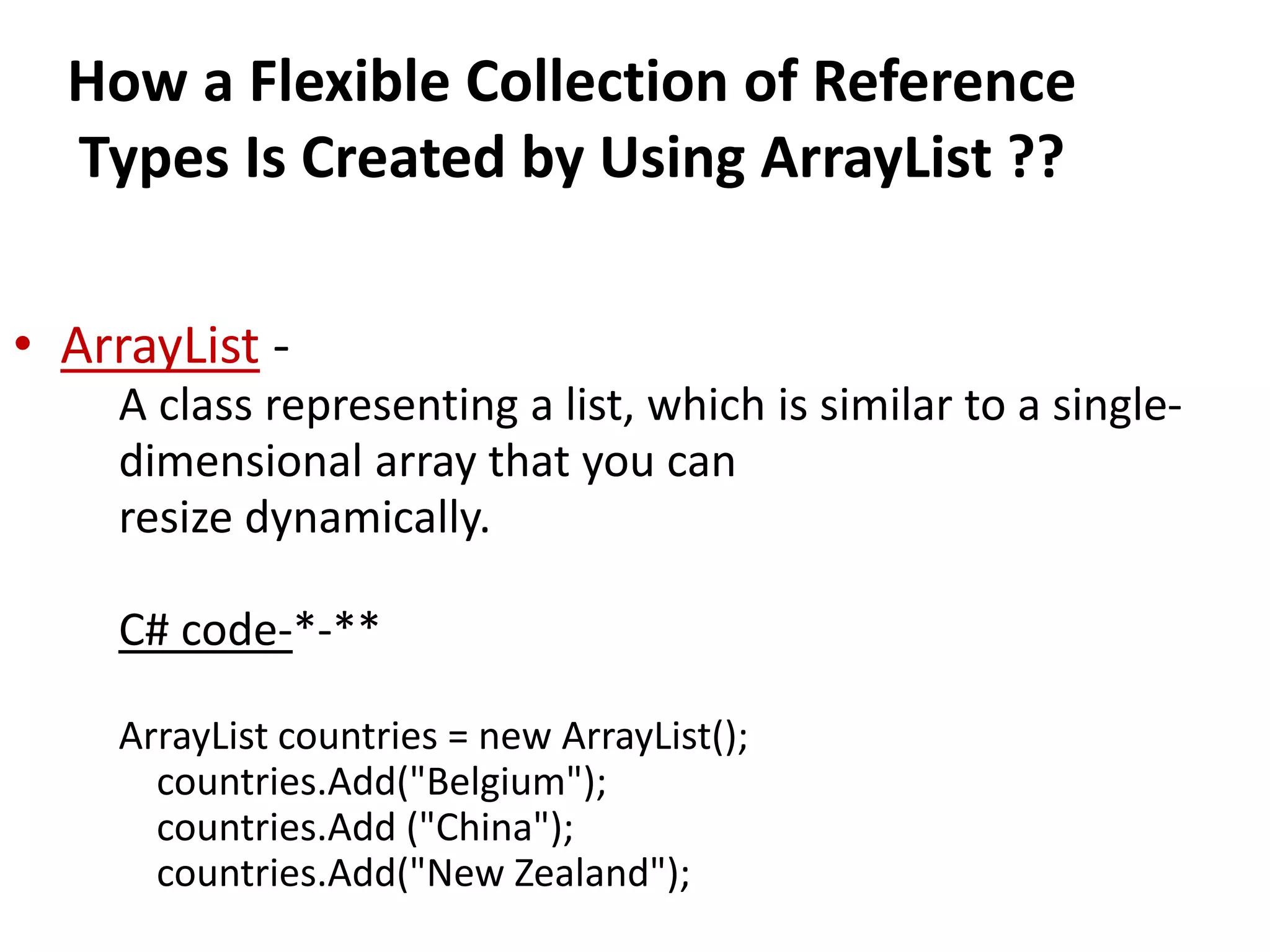
How a Flexible Collection of Reference
Types Is Created by Using ArrayList ??
• ArrayList -
A class representing a list, which is similar to a single-
dimensional array that you can
resize dynamically.
C# code-*-**
ArrayList countries = new ArrayList();
countries.Add("Belgium");
countries.Add ("China");
countries.Add("New Zealand");
Class ArrayList-
•Provides dynamic resizing of the collection
through the class’s method
•Property Capacity
•Manipulate the capacity of the ArrayList
•When ArrayList needs to grow, it by default
doubles its Capacity
•Store references to objects
•All classes derive from class object
•Can contain objects of any type
•A stack can be visualized as a stack of books
arranged one on top of the other.
• You can pick or access the top-most book in
the stack because it was the last book added.
The Stack class works on the same principle.
Stack
•A queue can be visualized as a line in a grocery store,
where customers enter the queue from the rear and
exit the queue from the front.
• Therefore, the first customer to enter the queue is
the first to exit it. The Queue class follows the same
principle.
Queue
STACK
• Class Stack
– Contains methods Push and Pop to perform the basic stack
operations.
– Method Push
• Takes and inserts an object to the top of the Stack
• Grows to accommodate more objects
– When the number of items on the Stack (the Count
property) is equal to the capacity at the time of the Push
operation
• Can store only references to objects
– Value types are implicitly boxed before they are added
– Method Pop
• Removes and returns the object current on the top of the
Stack
– Method Peek
• Returns the value of the top stack element
• Does not remove the element from the Stack
– Note on methods Pop and Peek
• Throws InvalidOperationException if the Stack is empty
– Property Count
• Obtain the number of elements in Stack
10
1 // Fig. 27.6: StackTest.cs
2 // Demonstrating class Stack.
3 using System;
4 using System.Collections;
5
6 public class StackTest
7 {
8 public static void Main( string[] args )
9 {
10 Stack stack = new Stack(); // default Capacity of 10
11
12 // create objects to store in the stack
13 bool aBoolean = true;
14 char aCharacter = '$';
15 int anInteger = 34567;
16 string aString = "hello";
17
18 // use method Push to add items to (the top of) the stack
19 stack.Push( aBoolean );
20 PrintStack( stack );
21 stack.Push( aCharacter );
22 PrintStack( stack );
23 stack.Push( anInteger );
24 PrintStack( stack );
25 stack.Push( aString );
26 PrintStack( stack );
27
28 // check the top element of the stack
29 Console.WriteLine( "The top element of the stack is {0}n",
30 stack.Peek() );
Outline
StackTest.cs
(1 of 3)
Create a stack with the default
initial capacity of 10
elements
Add four elements to the
stack
Obtain the value of the top stack
element
HASHTABLE
• Class HashTable
– Hashing
• Convert the application key rapidly to an index and the
information could be store/retrieve at that location in
the array
• The data is stored in a data structure called a hash table
• Convert a key into an array subscript
– Literally scramble the bits
» Makes a “hash” of the number
Adding entries to hashtable and
display them
Using System;
Using System.Collections;
Class Program
{
Static void main()
{
Hashtable hashtable = new Hashtable();
hashtable[1]=“one”;
hashtable[2]=“two”;
hashtable[13]=“thirteen”;
foreach(DictionaryEntry entry in hashtable)
{
Console.Writeline(“{0},{1}”, entry.key , entry.value);
}
}
}
COLLOSION
– The load factor
• The ratio of the number of objects stored in the hash
table to the total number of cells of the hash table
• Affects the performance of hashing schemes
–The chance of collisions tends to increase as this
ratio gets higher
– A hash function
• Performs a calculation that determines where to place
data in the hash table
• Applied to the key in a key–value pair of objects
– Class Hashtable can accept any object as a key
• Class object defines method GetHashCode that all
objects inherit.
DISADVANTAGES OF NON-GENERIC
COLLECTION
• Problems with Non-Generic Collections
– Hashtable stores its keys and data as object
references
• Say we store only string keys and int values by
convention
– Inefficient!
– Cannot control what is being put into the
Hashtable
Continue..
• Due to this disadvantages, they do not have
the type safety , therefore we go for generic
collections.
THANK YOU..

C# Non generics collection

  • 1.
  • 2.
    WHAT ARE COLLECTIONS? •Collections store arbitrary objects in a structured manner. Types of collections available within the .NET Framework are: • ARRAYS • ADVANCED COLLECTIONS - i) Non - Generics ii) Generics
  • 3.
    Comparing Arrays toCollections • An array cannot resize itself when full – A collection class, such as ArrayList, can resize • An array is intended to store elements of one type – A collection is designed to store elements of different types • Elements of an array cannot have read-only access – A collection can have read-only access • In general, arrays are faster but less flexible – Collections are slightly slower but more flexible
  • 4.
    Non – GenericCollections • A part of .Net - Framework since version 1.0 • Defined in the System.Collections namespace. • General purpose data structures that operate on OBJECT REFERENCES. • Collections that hold the elements of different datatypes.
  • 5.
    Boxing and UnBoxing •Boxing - The process of converting a value type to the type object. When the CLR boxes a value type ,it wraps the value inside a System.Object and stores it on the heap . Boxing is implicit . • UnBoxing – It extracts the value type from object type. UnBoxing is explicit. • Disadvantage- It degrades the system performance.
  • 6.
    How a FlexibleCollection of Reference Types Is Created by Using ArrayList ?? • ArrayList - A class representing a list, which is similar to a single- dimensional array that you can resize dynamically. C# code-*-** ArrayList countries = new ArrayList(); countries.Add("Belgium"); countries.Add ("China"); countries.Add("New Zealand");
  • 7.
    Class ArrayList- •Provides dynamicresizing of the collection through the class’s method •Property Capacity •Manipulate the capacity of the ArrayList •When ArrayList needs to grow, it by default doubles its Capacity •Store references to objects •All classes derive from class object •Can contain objects of any type
  • 8.
    •A stack canbe visualized as a stack of books arranged one on top of the other. • You can pick or access the top-most book in the stack because it was the last book added. The Stack class works on the same principle. Stack •A queue can be visualized as a line in a grocery store, where customers enter the queue from the rear and exit the queue from the front. • Therefore, the first customer to enter the queue is the first to exit it. The Queue class follows the same principle. Queue
  • 9.
    STACK • Class Stack –Contains methods Push and Pop to perform the basic stack operations. – Method Push • Takes and inserts an object to the top of the Stack • Grows to accommodate more objects – When the number of items on the Stack (the Count property) is equal to the capacity at the time of the Push operation • Can store only references to objects – Value types are implicitly boxed before they are added – Method Pop • Removes and returns the object current on the top of the Stack – Method Peek • Returns the value of the top stack element • Does not remove the element from the Stack – Note on methods Pop and Peek • Throws InvalidOperationException if the Stack is empty – Property Count • Obtain the number of elements in Stack
  • 10.
    10 1 // Fig.27.6: StackTest.cs 2 // Demonstrating class Stack. 3 using System; 4 using System.Collections; 5 6 public class StackTest 7 { 8 public static void Main( string[] args ) 9 { 10 Stack stack = new Stack(); // default Capacity of 10 11 12 // create objects to store in the stack 13 bool aBoolean = true; 14 char aCharacter = '$'; 15 int anInteger = 34567; 16 string aString = "hello"; 17 18 // use method Push to add items to (the top of) the stack 19 stack.Push( aBoolean ); 20 PrintStack( stack ); 21 stack.Push( aCharacter ); 22 PrintStack( stack ); 23 stack.Push( anInteger ); 24 PrintStack( stack ); 25 stack.Push( aString ); 26 PrintStack( stack ); 27 28 // check the top element of the stack 29 Console.WriteLine( "The top element of the stack is {0}n", 30 stack.Peek() ); Outline StackTest.cs (1 of 3) Create a stack with the default initial capacity of 10 elements Add four elements to the stack Obtain the value of the top stack element
  • 11.
    HASHTABLE • Class HashTable –Hashing • Convert the application key rapidly to an index and the information could be store/retrieve at that location in the array • The data is stored in a data structure called a hash table • Convert a key into an array subscript – Literally scramble the bits » Makes a “hash” of the number
  • 12.
    Adding entries tohashtable and display them Using System; Using System.Collections; Class Program { Static void main() { Hashtable hashtable = new Hashtable(); hashtable[1]=“one”; hashtable[2]=“two”; hashtable[13]=“thirteen”; foreach(DictionaryEntry entry in hashtable) { Console.Writeline(“{0},{1}”, entry.key , entry.value); } } }
  • 13.
    COLLOSION – The loadfactor • The ratio of the number of objects stored in the hash table to the total number of cells of the hash table • Affects the performance of hashing schemes –The chance of collisions tends to increase as this ratio gets higher – A hash function • Performs a calculation that determines where to place data in the hash table • Applied to the key in a key–value pair of objects – Class Hashtable can accept any object as a key • Class object defines method GetHashCode that all objects inherit.
  • 14.
    DISADVANTAGES OF NON-GENERIC COLLECTION •Problems with Non-Generic Collections – Hashtable stores its keys and data as object references • Say we store only string keys and int values by convention – Inefficient! – Cannot control what is being put into the Hashtable
  • 15.
    Continue.. • Due tothis disadvantages, they do not have the type safety , therefore we go for generic collections.
  • 16.