PRESENTED BY,
NISHTHA GUPTA
Presentation On
Cloud Computing
CONTENTS
 Introduction
 What Is Cloud Computing?
 History
 Tools
 Advantages
 Disadvantages
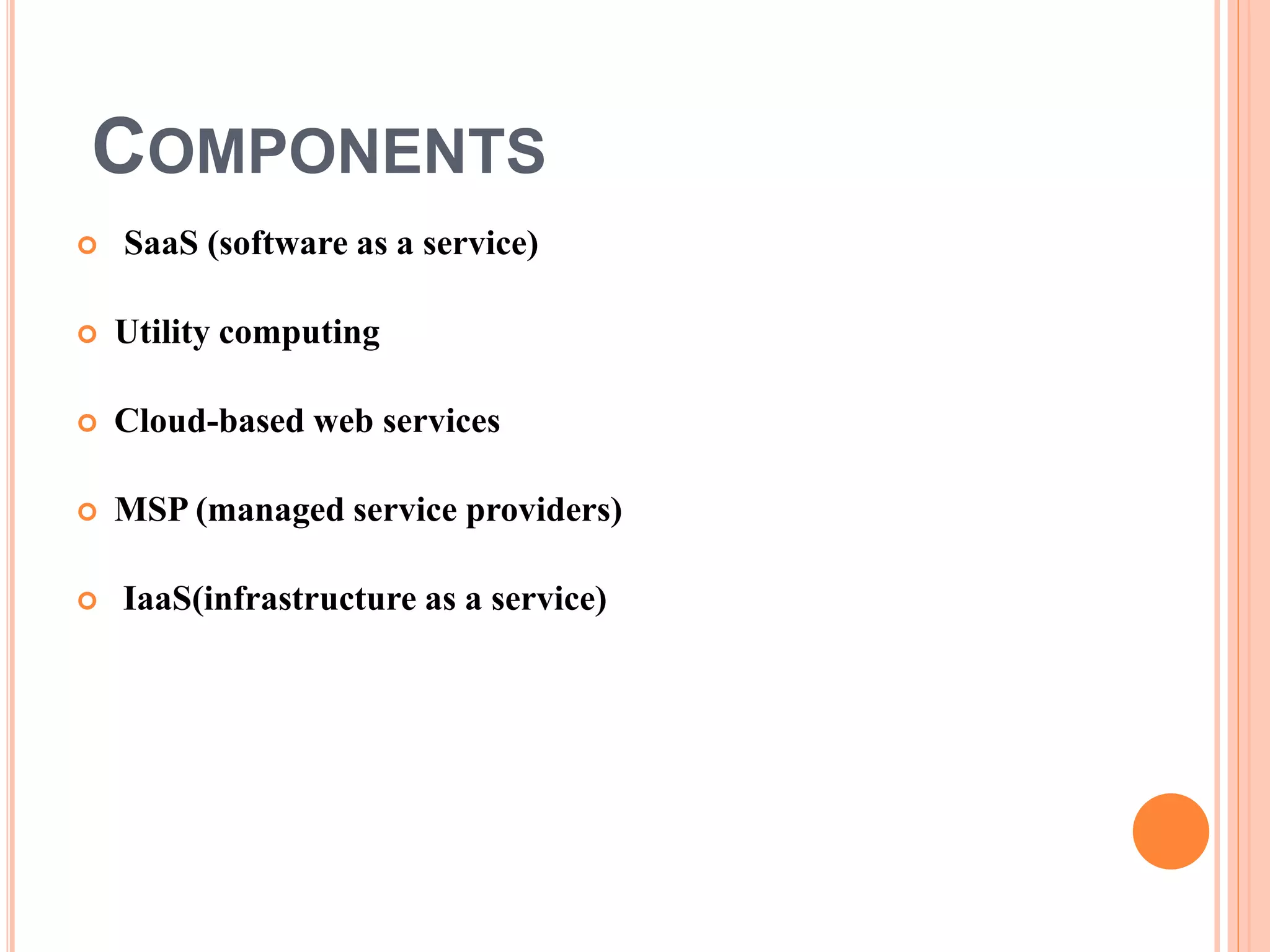
 Components
 Architecture
 Types of Cloud
 Recent Developments
 Conclusion
INTRODUCTION
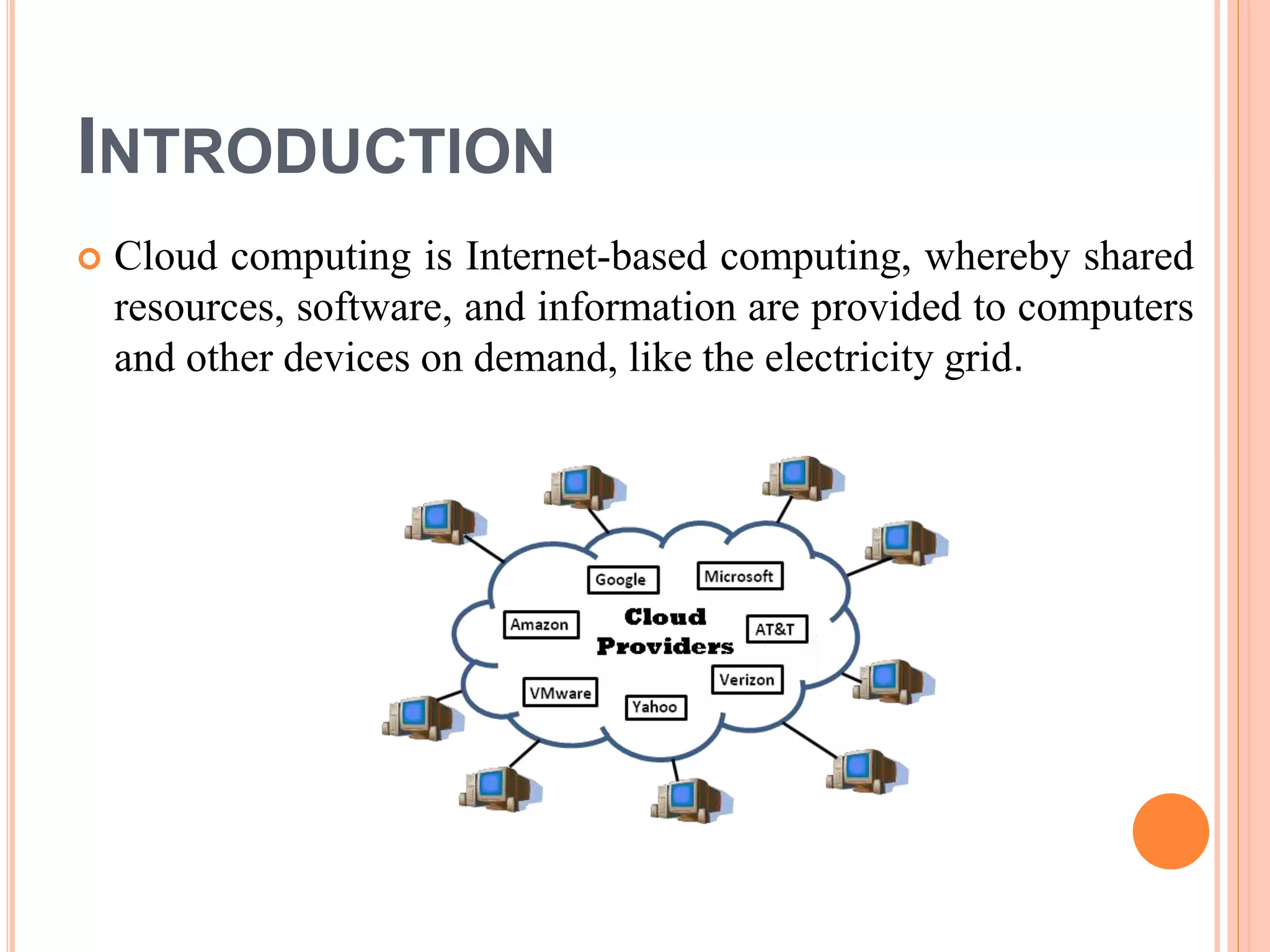
 Cloud computing is Internet-based computing, whereby shared
resources, software, and information are provided to computers
and other devices on demand, like the electricity grid.
WHAT IS CLOUD COMPUTING?
 Cloud computing is Internet based computing where virtual shared
servers provide software, infrastructure, platform, devices and other
resources and hosting to customers on a pay-as-you-use basis.
 All information that a digitized system has to offer is provided as a
service in the cloud computing model. Users can access these
services available on the "Internet cloud" without having any previous
know-how on managing the resources involved.
HISTORY
 Concept originated from telecommunication companies changing to
VPN
 1999:Salesforce. com ‐ Delivery of applications via web
 2002: Amazon launches Amazon Web Services (AWS)
 2006: Google Docs, Amazon Elastic Compute Cloud (EC2)
 2008: Eucalyptus
 2009: Microsoft Azure
TOOLS
 Open Stack
 Cloud Stack
 Foss- Cloud
 Open Shift
 Cloud Foundry
 Docker
ARCHITECTURE
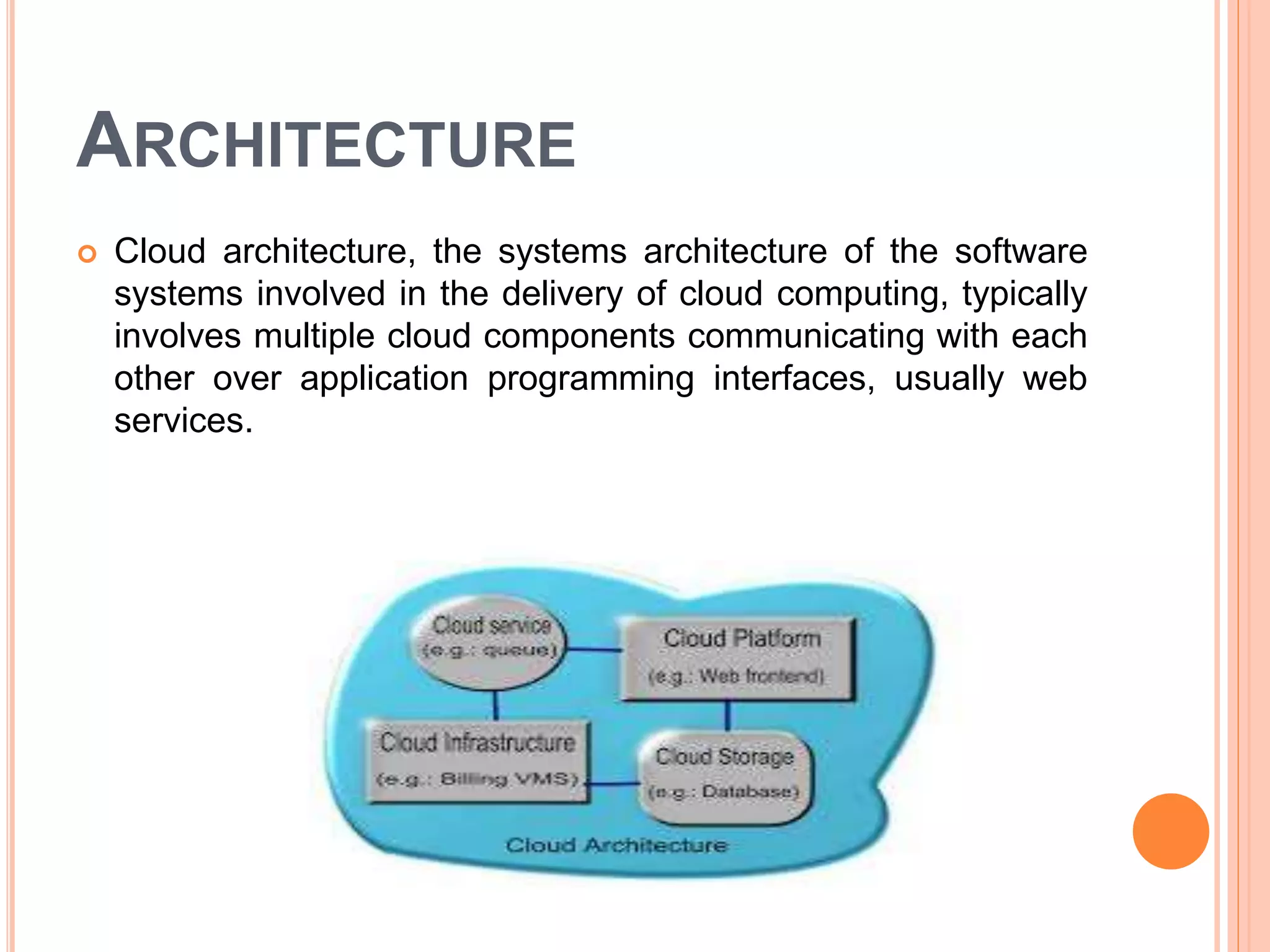
 Cloud architecture, the systems architecture of the software
systems involved in the delivery of cloud computing, typically
involves multiple cloud components communicating with each
other over application programming interfaces, usually web
services.
SAMPLE ARCHITECTURE
 This resembles the UNIX philosophy of having multiple programs
each doing one thing well and working together over universal
interfaces. Complexity is controlled and the resulting systems are
more manageable than their monolithic counterparts.
 The two most significant components of cloud computing architecture
are known as the front end and the back end.
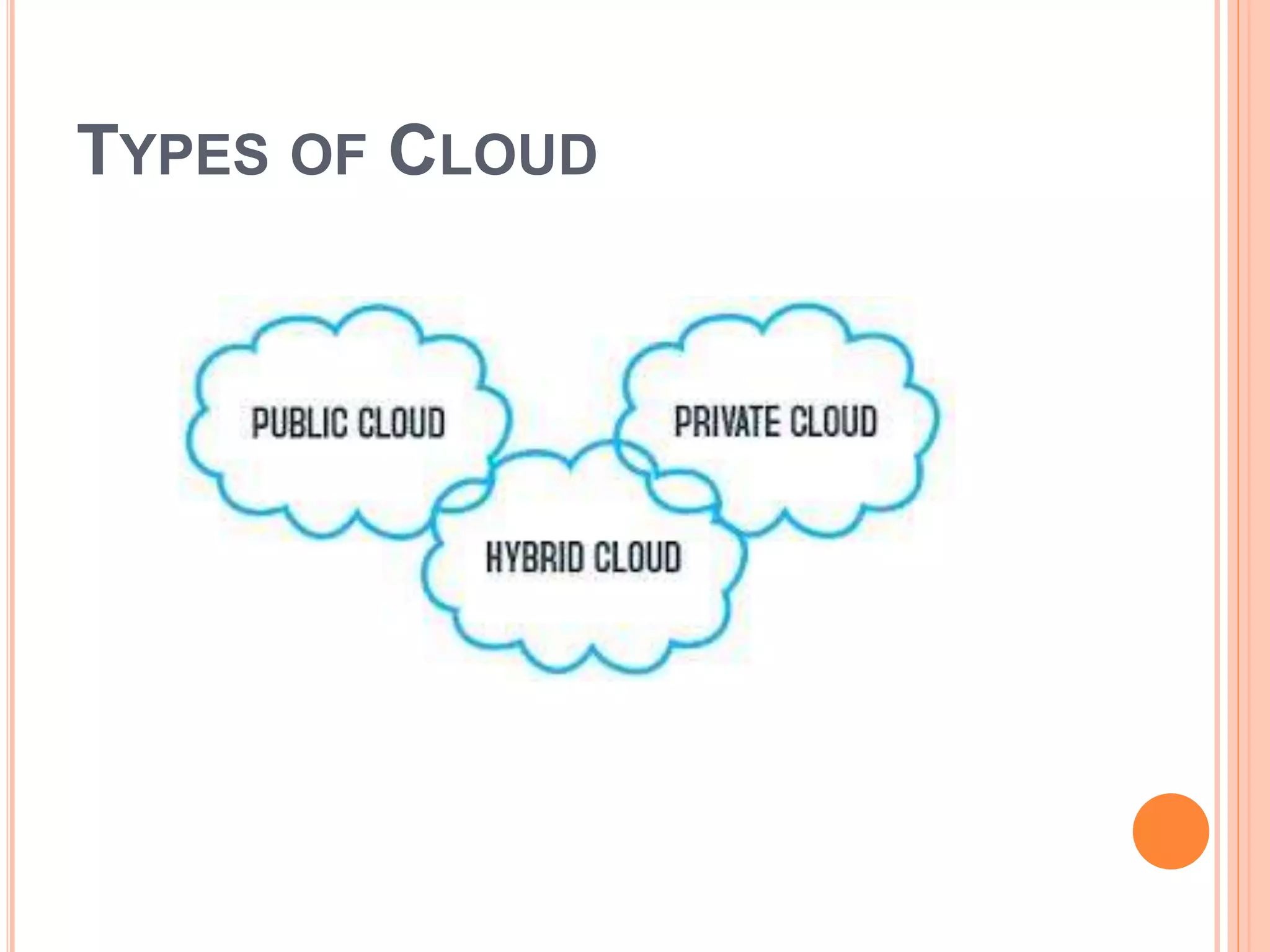
TYPES OF CLOUD
PUBLIC CLOUD
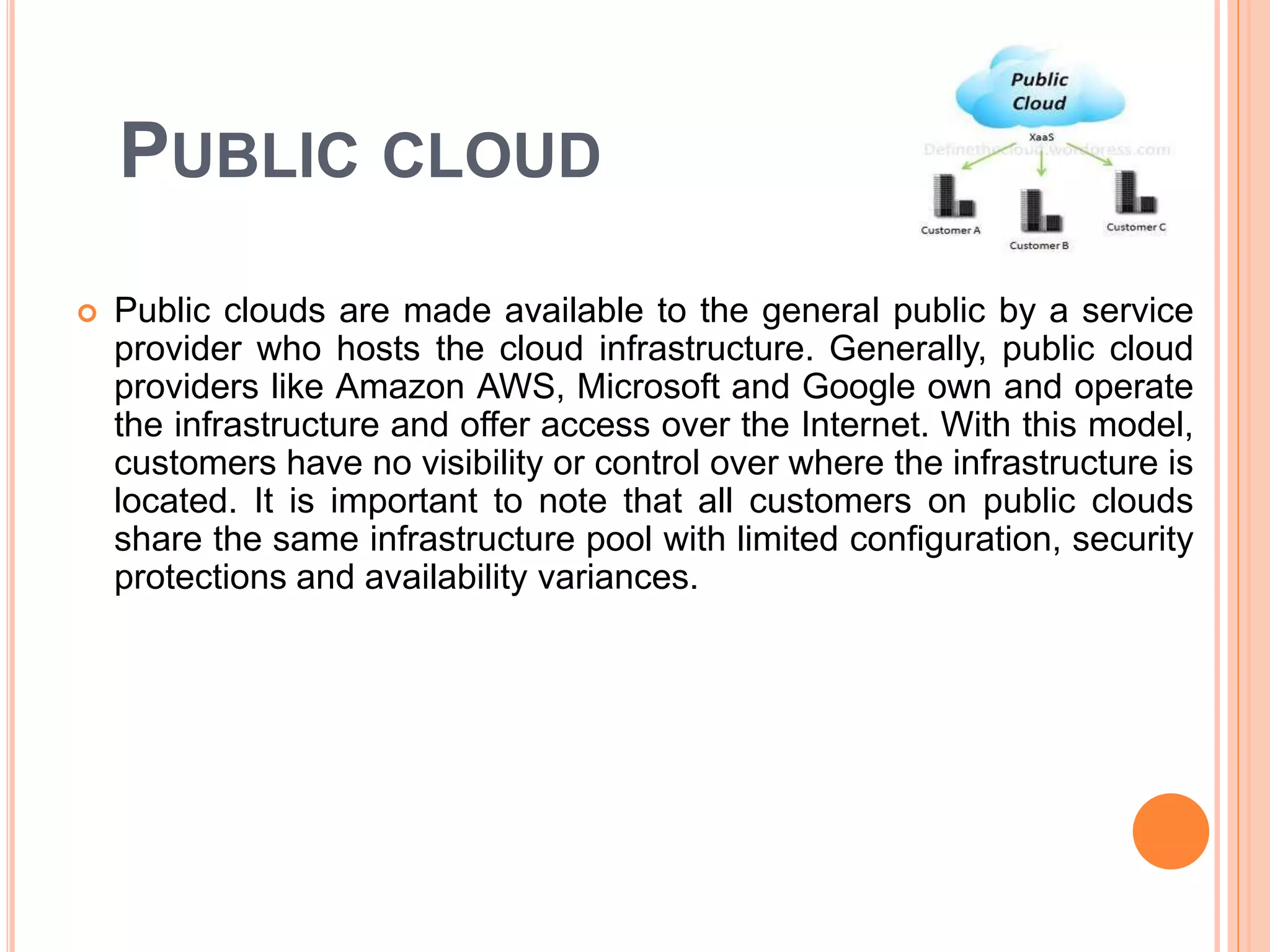
 Public clouds are made available to the general public by a service
provider who hosts the cloud infrastructure. Generally, public cloud
providers like Amazon AWS, Microsoft and Google own and operate
the infrastructure and offer access over the Internet. With this model,
customers have no visibility or control over where the infrastructure is
located. It is important to note that all customers on public clouds
share the same infrastructure pool with limited configuration, security
protections and availability variances.
PRIVATE CLOUD
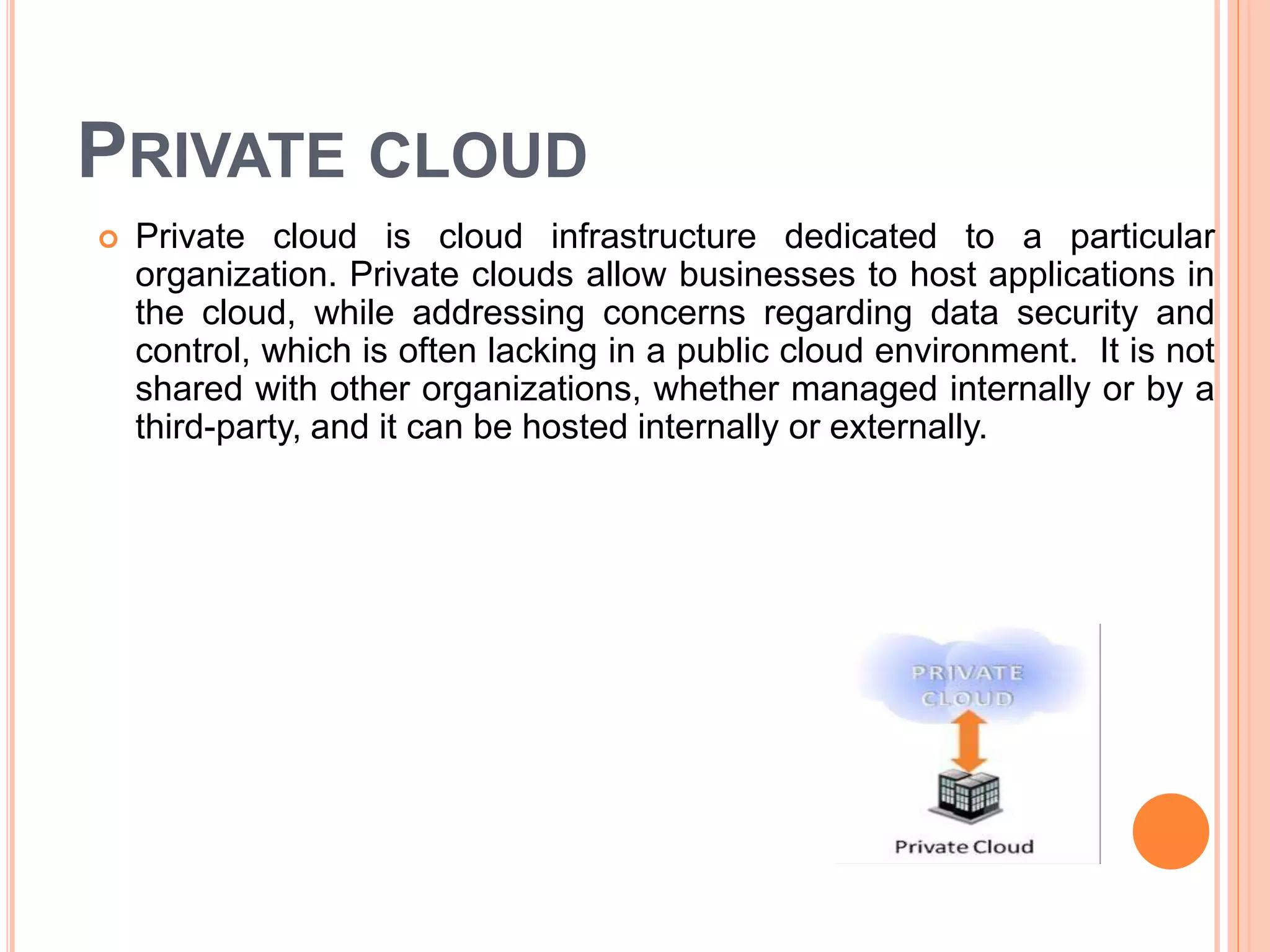
 Private cloud is cloud infrastructure dedicated to a particular
organization. Private clouds allow businesses to host applications in
the cloud, while addressing concerns regarding data security and
control, which is often lacking in a public cloud environment. It is not
shared with other organizations, whether managed internally or by a
third-party, and it can be hosted internally or externally.
HYBRID CLOUD
 Hybrid Clouds are a composition of two or more clouds (private,
community or public) that remain unique entities but are bound
together offering the advantages of multiple deployment models. In a
hybrid cloud, you can leverage third party cloud providers in either a
full or partial manner; increasing the flexibility of computing.
Augmenting a traditional private cloud with the resources of a public
cloud can be used to manage any unexpected surges in workload.
COMPONENTS
 SaaS (software as a service)
 Utility computing
 Cloud-based web services
 MSP (managed service providers)
 IaaS(infrastructure as a service)
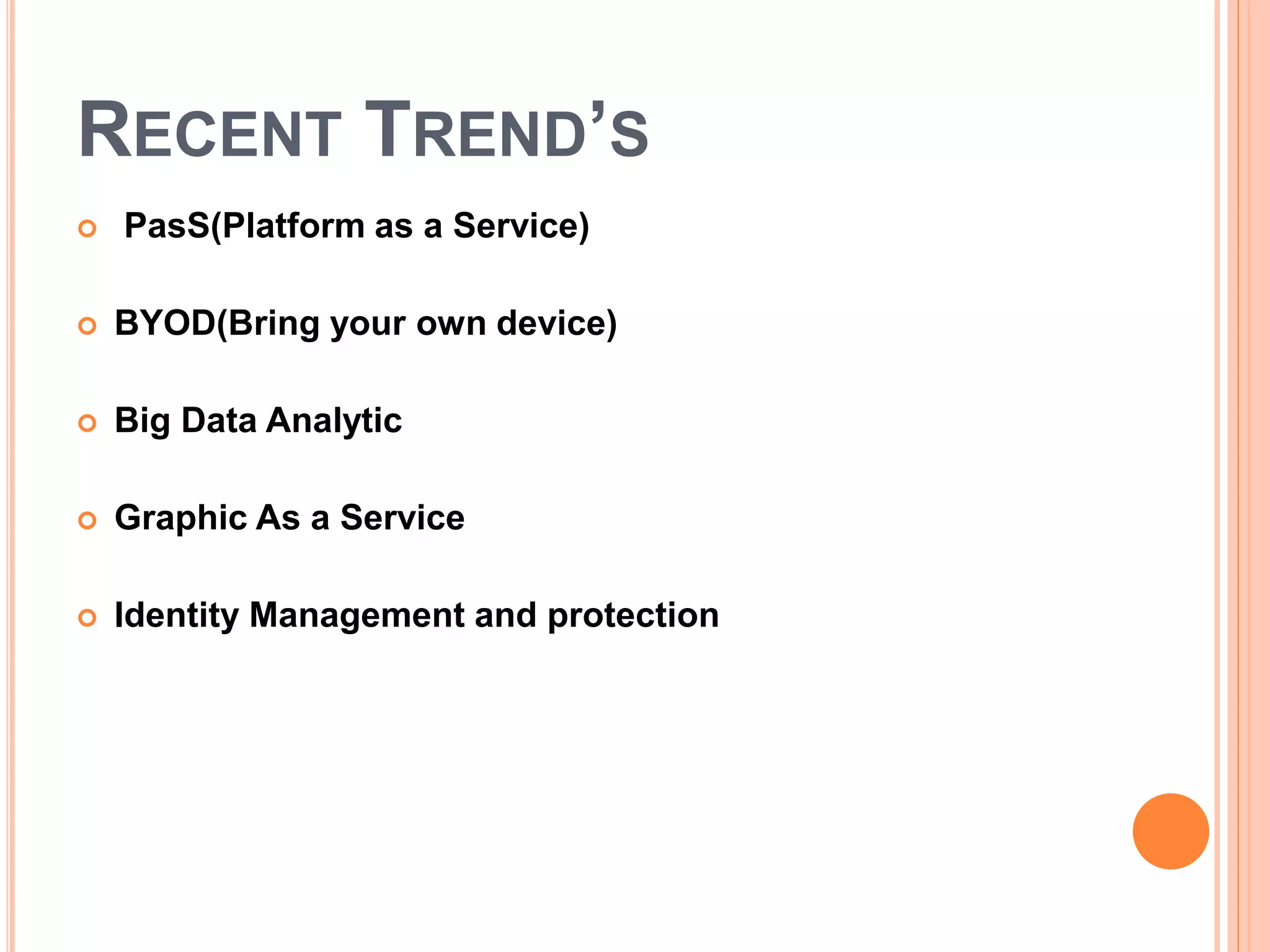
RECENT TREND’S
 PasS(Platform as a Service)
 BYOD(Bring your own device)
 Big Data Analytic
 Graphic As a Service
 Identity Management and protection
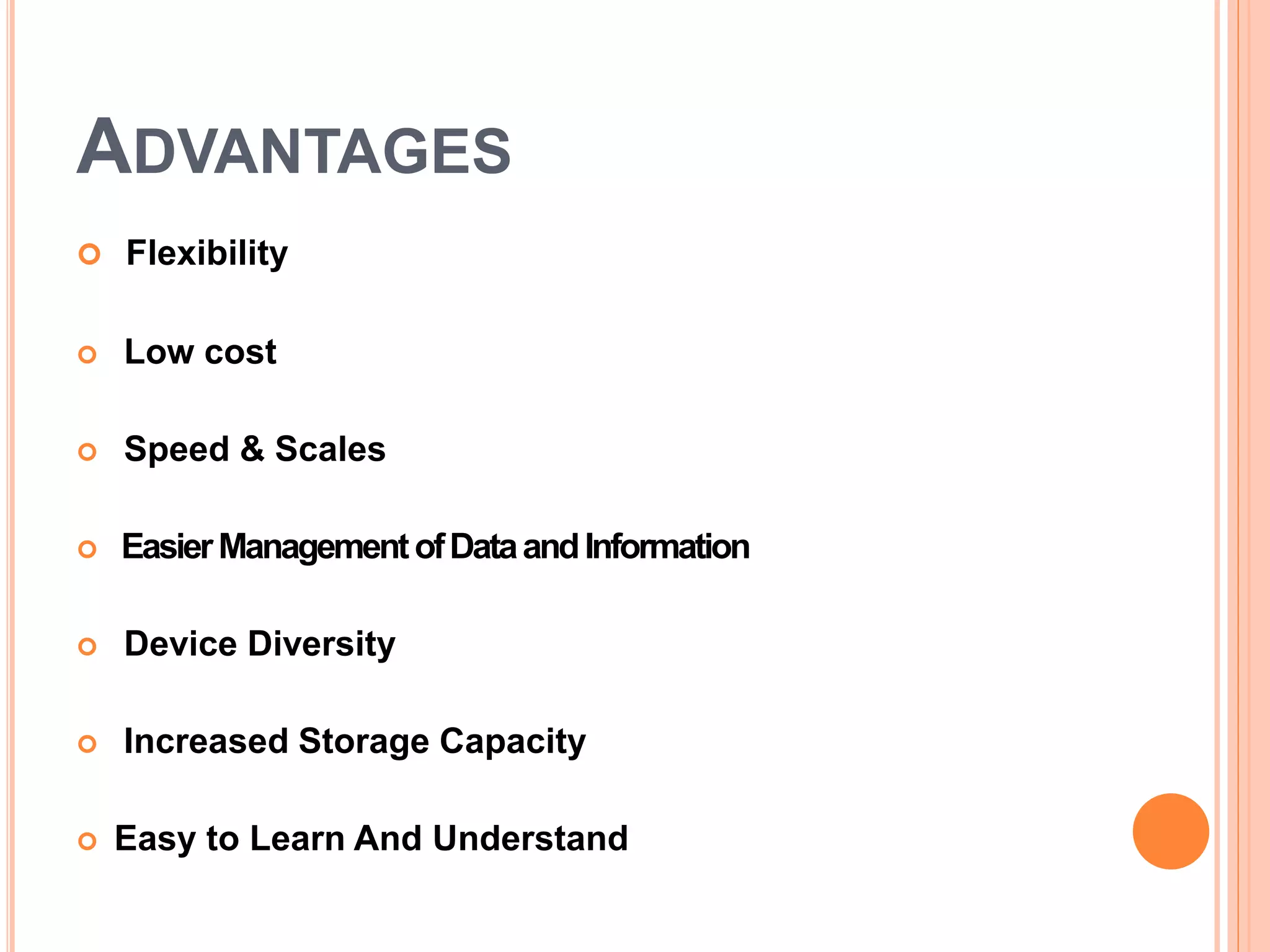
ADVANTAGES
 Flexibility
 Low cost
 Speed & Scales
 EasierManagementofDataandInformation
 Device Diversity
 Increased Storage Capacity
 Easy to Learn And Understand
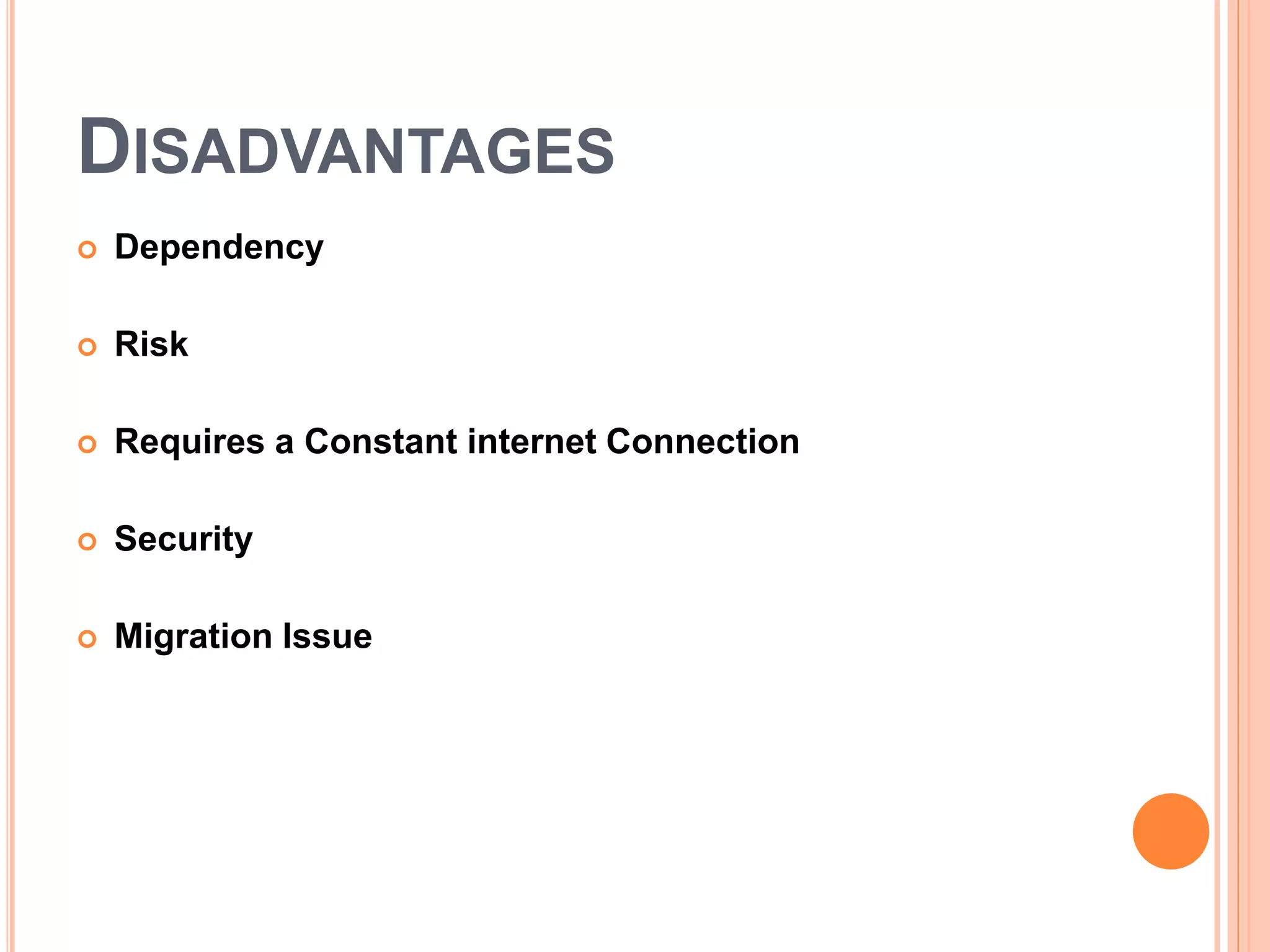
DISADVANTAGES
 Dependency
 Risk
 Requires a Constant internet Connection
 Security
 Migration Issue
CONCLUSION
 So, while cloud computing is really really great and you’re
probably already using it, either for business of for personal
means, here’s what we’ve learned from taking a look at the
pros and cons:
 Cloud computing is a really cheap way for companies to have
all the resources they need in once place.
 It’s a much better way to spread your resources, and it
becomes easier to access things from longer distances.
Thanks

Cloud Computing

  • 1.
  • 2.
    CONTENTS  Introduction  WhatIs Cloud Computing?  History  Tools  Advantages  Disadvantages  Components  Architecture  Types of Cloud  Recent Developments  Conclusion
  • 3.
    INTRODUCTION  Cloud computingis Internet-based computing, whereby shared resources, software, and information are provided to computers and other devices on demand, like the electricity grid.
  • 4.
    WHAT IS CLOUDCOMPUTING?  Cloud computing is Internet based computing where virtual shared servers provide software, infrastructure, platform, devices and other resources and hosting to customers on a pay-as-you-use basis.  All information that a digitized system has to offer is provided as a service in the cloud computing model. Users can access these services available on the "Internet cloud" without having any previous know-how on managing the resources involved.
  • 5.
    HISTORY  Concept originatedfrom telecommunication companies changing to VPN  1999:Salesforce. com ‐ Delivery of applications via web  2002: Amazon launches Amazon Web Services (AWS)  2006: Google Docs, Amazon Elastic Compute Cloud (EC2)  2008: Eucalyptus  2009: Microsoft Azure
  • 6.
    TOOLS  Open Stack Cloud Stack  Foss- Cloud  Open Shift  Cloud Foundry  Docker
  • 7.
    ARCHITECTURE  Cloud architecture,the systems architecture of the software systems involved in the delivery of cloud computing, typically involves multiple cloud components communicating with each other over application programming interfaces, usually web services.
  • 8.
    SAMPLE ARCHITECTURE  Thisresembles the UNIX philosophy of having multiple programs each doing one thing well and working together over universal interfaces. Complexity is controlled and the resulting systems are more manageable than their monolithic counterparts.  The two most significant components of cloud computing architecture are known as the front end and the back end.
  • 9.
  • 10.
    PUBLIC CLOUD  Publicclouds are made available to the general public by a service provider who hosts the cloud infrastructure. Generally, public cloud providers like Amazon AWS, Microsoft and Google own and operate the infrastructure and offer access over the Internet. With this model, customers have no visibility or control over where the infrastructure is located. It is important to note that all customers on public clouds share the same infrastructure pool with limited configuration, security protections and availability variances.
  • 11.
    PRIVATE CLOUD  Privatecloud is cloud infrastructure dedicated to a particular organization. Private clouds allow businesses to host applications in the cloud, while addressing concerns regarding data security and control, which is often lacking in a public cloud environment. It is not shared with other organizations, whether managed internally or by a third-party, and it can be hosted internally or externally.
  • 12.
    HYBRID CLOUD  HybridClouds are a composition of two or more clouds (private, community or public) that remain unique entities but are bound together offering the advantages of multiple deployment models. In a hybrid cloud, you can leverage third party cloud providers in either a full or partial manner; increasing the flexibility of computing. Augmenting a traditional private cloud with the resources of a public cloud can be used to manage any unexpected surges in workload.
  • 13.
    COMPONENTS  SaaS (softwareas a service)  Utility computing  Cloud-based web services  MSP (managed service providers)  IaaS(infrastructure as a service)
  • 14.
    RECENT TREND’S  PasS(Platformas a Service)  BYOD(Bring your own device)  Big Data Analytic  Graphic As a Service  Identity Management and protection
  • 15.
    ADVANTAGES  Flexibility  Lowcost  Speed & Scales  EasierManagementofDataandInformation  Device Diversity  Increased Storage Capacity  Easy to Learn And Understand
  • 16.
    DISADVANTAGES  Dependency  Risk Requires a Constant internet Connection  Security  Migration Issue
  • 17.
    CONCLUSION  So, whilecloud computing is really really great and you’re probably already using it, either for business of for personal means, here’s what we’ve learned from taking a look at the pros and cons:  Cloud computing is a really cheap way for companies to have all the resources they need in once place.  It’s a much better way to spread your resources, and it becomes easier to access things from longer distances.
  • 18.