New To Touch
PRESENTED BY:
ARSALAN ZAFAR
YASIR ALTAF
ZAID HAMEED
SHAFAQAT ALI
Outline
• Touch technology
• Multi-touch
• Problems of traditional keypad
• Advantages of multi-touch
• Companies benefited using multi-touch technology
• Business value of multi-touch
• Limitations of touch technology
• Case Study
• Case study questions & answers
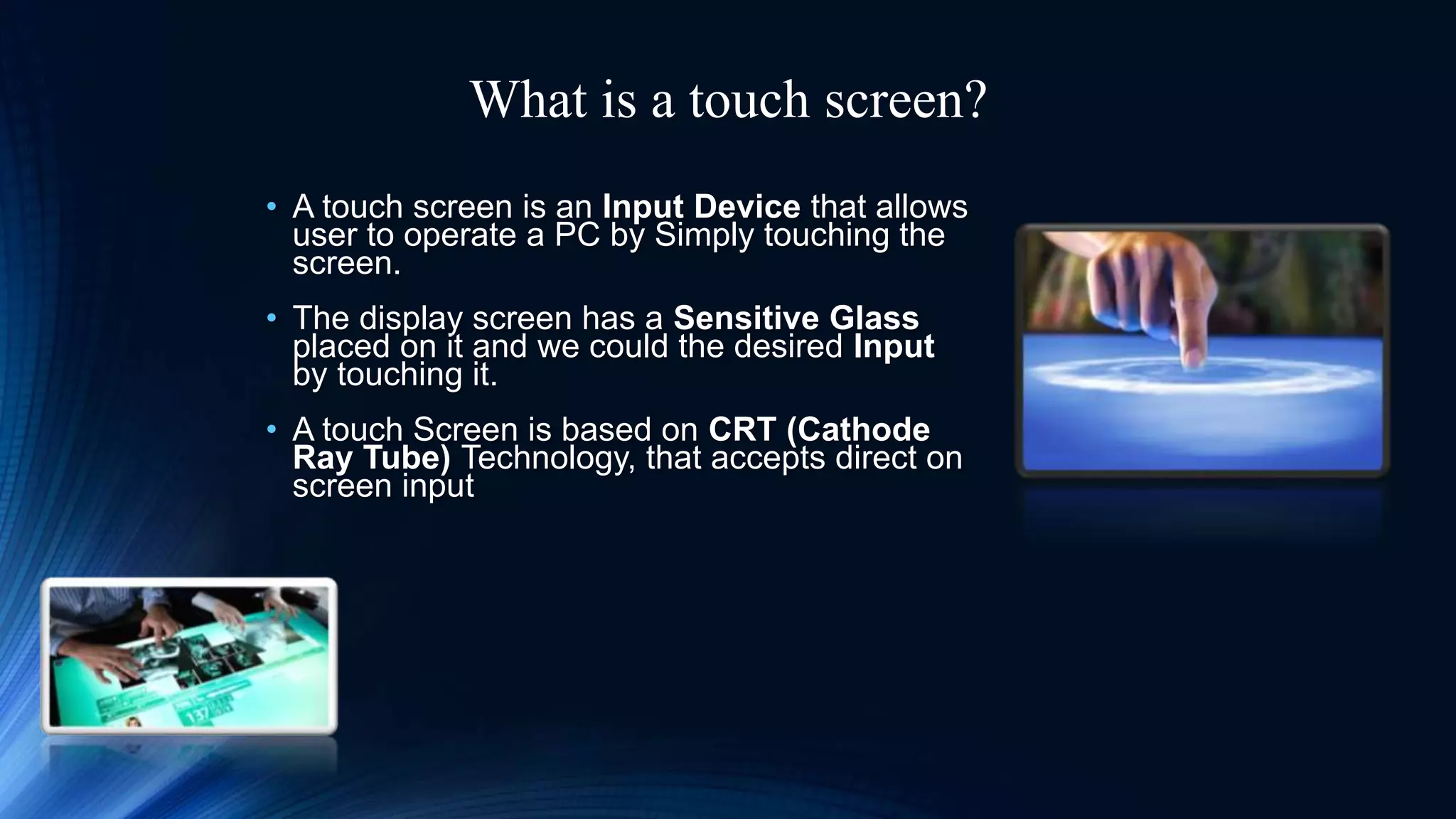
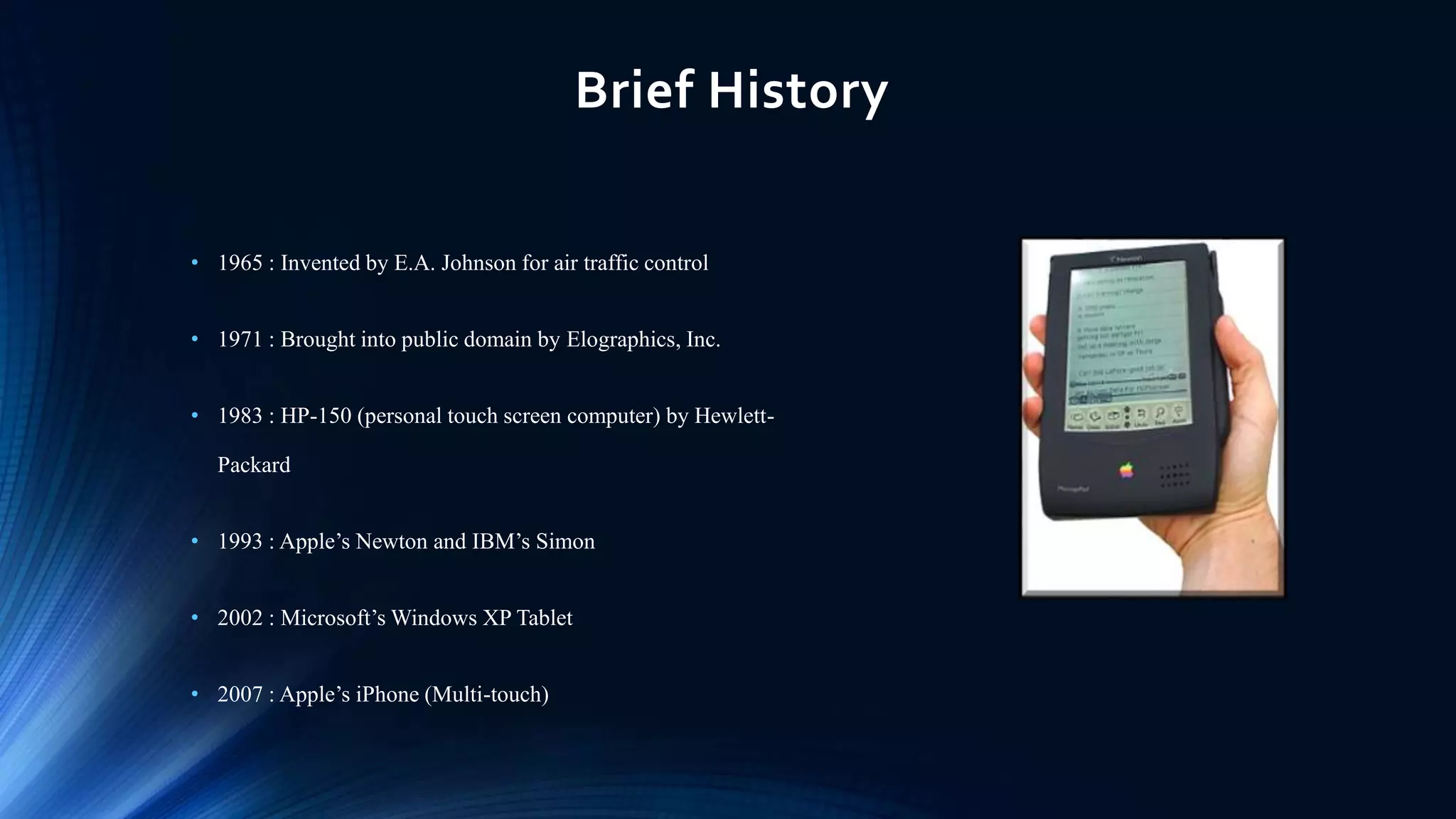
What is a touch screen?
• A touch screen is an Input Device that allows
user to operate a PC by Simply touching the
screen.
• The display screen has a Sensitive Glass
placed on it and we could the desired Input
by touching it.
• A touch Screen is based on CRT (Cathode
Ray Tube) Technology, that accepts direct on
screen input
Brief History
• 1965 : Invented by E.A. Johnson for air traffic control
• 1971 : Brought into public domain by Elographics, Inc.
• 1983 : HP-150 (personal touch screen computer) by Hewlett-
Packard
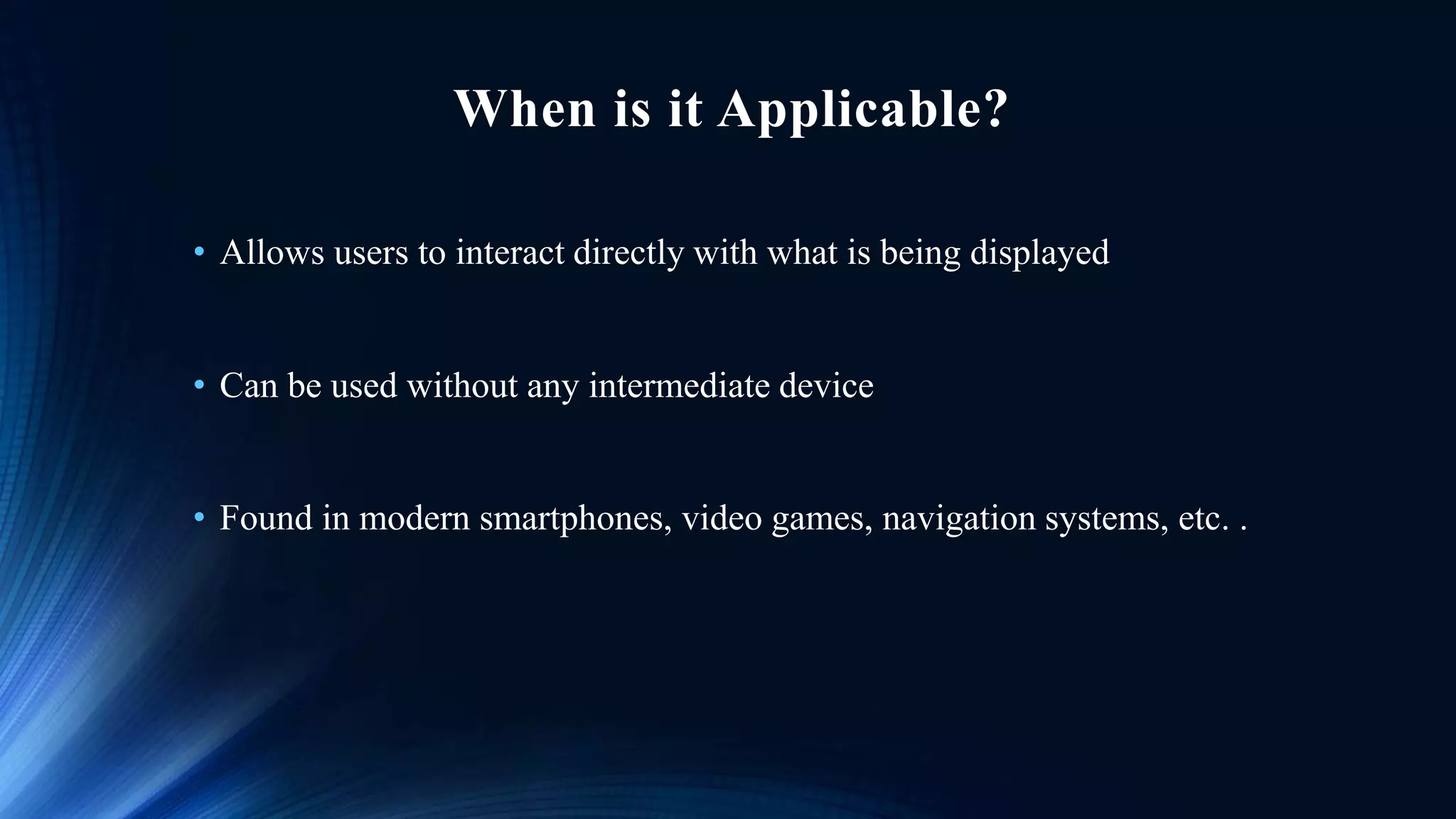
• 1993 : Apple’s Newton and IBM’s Simon
• 2002 : Microsoft’s Windows XP Tablet
• 2007 : Apple’s iPhone (Multi-touch)
When is it Applicable?
• Allows users to interact directly with what is being displayed
• Can be used without any intermediate device
• Found in modern smartphones, video games, navigation systems, etc. .
Multi-touch
• Recognize the presence of two or more points
• Not new, Academic and commercial researchers have been working on
multi-touch technology for years
• Used inATMs, airport kiosks etc.
• Used to Pinch Zoom and drag.
Why is Multi-touch everywhere?
• More versatile than single-touch interfaces
• Allows to use one or more fingers to perform special gestures
• Easier to remember than commands
• Do not have to be learned
• Display used as input device combine with GUI
• Real-time interaction for users
• Reduces buttons and menus ,making UI simpler
• Improved flexibility of customization
What is ‘new’ to the touch?
• New in mobile market
• Introduced into the market through
Apple’s iPhone (2007)
• Replaces traditional keypads
Problems with traditional keypads
• Complex UI with lots of menus and buttons
• Need to remember the commands
• Display must be used for single purpose at a time
• Doesn’t support free hand applications
• Less flexible
• Difficult to adopt for new users
• Not user friendly for old users
• Not suitable for autistics
Other companies adopted multi-touch
• Microsoft
• Dell
• Google
• HP
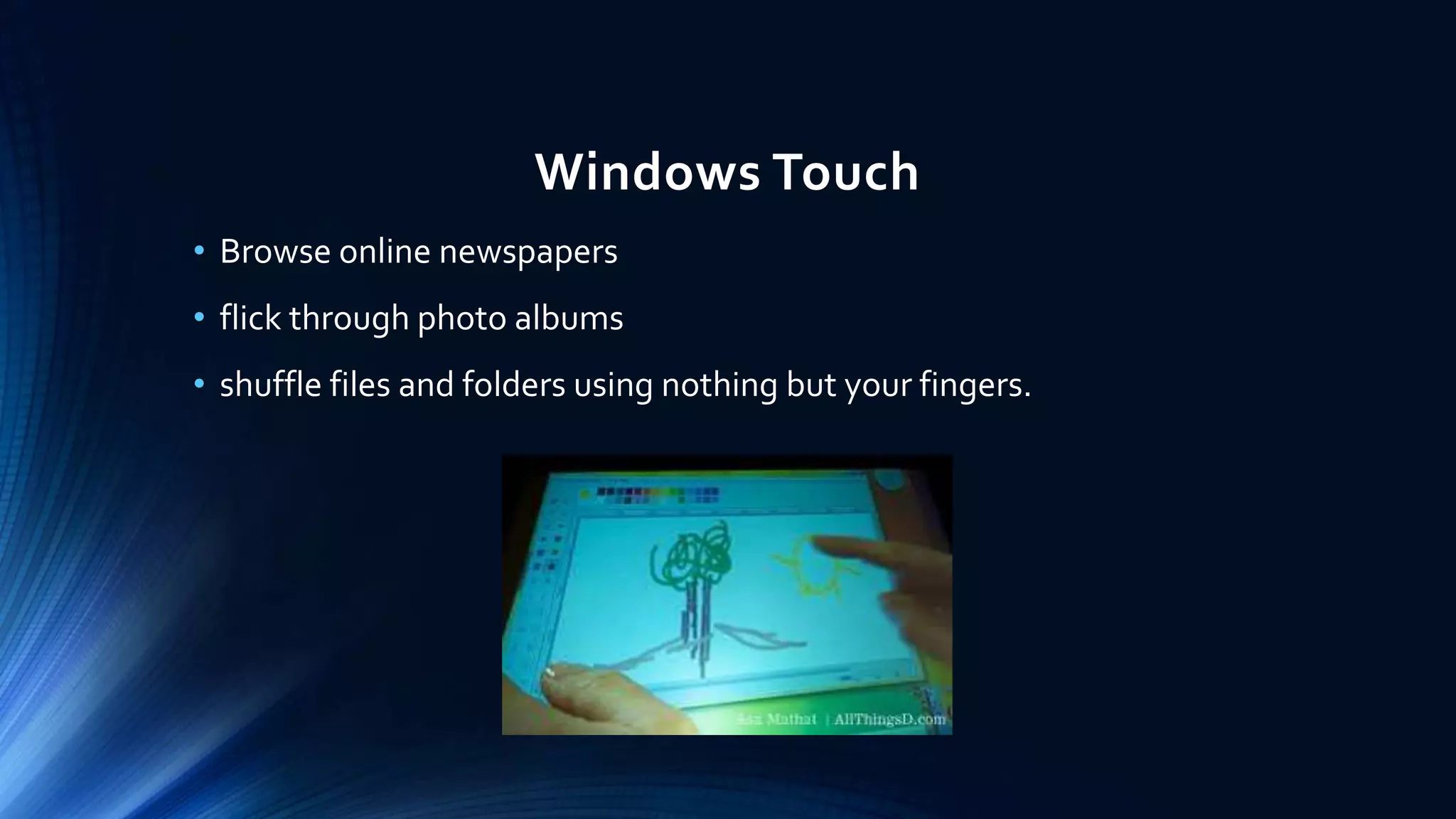
Windows Touch
• Browse online newspapers
• flick through photo albums
• shuffle files and folders using nothing but your fingers.
HP’s touch smart
• Lets you use two fingers at once to manipulate images on the screen
• Make on-screen gestures designating specific commands without
using cursors or scroll bars
• Casual computing (For example: Putting on music while preparing
dinner)
Touch technology changes life
• Helps an autistic
• An easy-to-use computer for students in early grades
• Ease of use for older User
• Helpful to people who can’t grasp a mouse
Expected Fields
• Customers might use touch to place orders with a retailer
• Conduct virtual video service calls
• Utilize social networking for business
• Allows visitors to check out a virtual visitor’s Center
• Video chats with remote workers through a built-in Webcam
• Use microphone, access e-mail and the Internet, and manage
contacts, calendar items, and photosWithout using keyboard and
mouse.
• In Cinemas, Gas and Fuel Stations, In Cars.
The revolution touch screen brings
• iPhone users in U.S. had grown at a rate of 159 percent in August 2009 compared to
past year with 23.8 million users.
• 58 percent of touchscreen mobile devices are expected to contribute to the
worldwide mobile devices sales by 2013.
Market size of touch screen mobile phone
• 2010 : $4.58 billion
• 2011 : $6.09 billion
• 2012 : $9.65 billion
Growth of touch screen mobile phone unit
2010 : 494 million units
2011 : 665 million units
2012 : 1.35 billion units
Limitations
• not a realistic replacement for keyboard input
• large display requirement
• difficult to select small items
• are not as accurate as traditional mouse and physical button-navigated applications
• having a big bright screen and needing massive computing power to run this means
a very low battery life
• in direct sunlight it is much less effective and most of the time very difficult to read
the screen
• if a touchscreen devise were to crash the whole screen would be unresponsive, and
because of the lack of buttons recovering it would be very difficult
Future of touch technology
• It’s too early to know if the new multi-touch interface will ever be as popular as the
mouse-driven graphical user interface
• But till today it is showing the positive signs
Conclusion
• As it is very friendly, fast, accurate, easy for the beginners and fun to
operate. It has been widely accepted.
• Today,This technology is been adopted by computer, mobile users of
all abilities because it is innovative and simple.
• In future there will be no use of mouse and keyboards as they will be
replaced by touch screens for sure.
• Designers are trying to use touch screen to simplify input commands.
New to touch

New to touch

  • 1.
    New To Touch PRESENTEDBY: ARSALAN ZAFAR YASIR ALTAF ZAID HAMEED SHAFAQAT ALI
  • 2.
    Outline • Touch technology •Multi-touch • Problems of traditional keypad • Advantages of multi-touch • Companies benefited using multi-touch technology • Business value of multi-touch • Limitations of touch technology • Case Study • Case study questions & answers
  • 3.
    What is atouch screen? • A touch screen is an Input Device that allows user to operate a PC by Simply touching the screen. • The display screen has a Sensitive Glass placed on it and we could the desired Input by touching it. • A touch Screen is based on CRT (Cathode Ray Tube) Technology, that accepts direct on screen input
  • 4.
    Brief History • 1965: Invented by E.A. Johnson for air traffic control • 1971 : Brought into public domain by Elographics, Inc. • 1983 : HP-150 (personal touch screen computer) by Hewlett- Packard • 1993 : Apple’s Newton and IBM’s Simon • 2002 : Microsoft’s Windows XP Tablet • 2007 : Apple’s iPhone (Multi-touch)
  • 5.
    When is itApplicable? • Allows users to interact directly with what is being displayed • Can be used without any intermediate device • Found in modern smartphones, video games, navigation systems, etc. .
  • 6.
    Multi-touch • Recognize thepresence of two or more points • Not new, Academic and commercial researchers have been working on multi-touch technology for years • Used inATMs, airport kiosks etc. • Used to Pinch Zoom and drag.
  • 7.
    Why is Multi-toucheverywhere? • More versatile than single-touch interfaces • Allows to use one or more fingers to perform special gestures • Easier to remember than commands • Do not have to be learned • Display used as input device combine with GUI • Real-time interaction for users • Reduces buttons and menus ,making UI simpler • Improved flexibility of customization
  • 8.
    What is ‘new’to the touch? • New in mobile market • Introduced into the market through Apple’s iPhone (2007) • Replaces traditional keypads
  • 9.
    Problems with traditionalkeypads • Complex UI with lots of menus and buttons • Need to remember the commands • Display must be used for single purpose at a time • Doesn’t support free hand applications • Less flexible • Difficult to adopt for new users • Not user friendly for old users • Not suitable for autistics
  • 10.
    Other companies adoptedmulti-touch • Microsoft • Dell • Google • HP
  • 11.
    Windows Touch • Browseonline newspapers • flick through photo albums • shuffle files and folders using nothing but your fingers.
  • 12.
    HP’s touch smart •Lets you use two fingers at once to manipulate images on the screen • Make on-screen gestures designating specific commands without using cursors or scroll bars • Casual computing (For example: Putting on music while preparing dinner)
  • 13.
    Touch technology changeslife • Helps an autistic • An easy-to-use computer for students in early grades • Ease of use for older User • Helpful to people who can’t grasp a mouse
  • 14.
    Expected Fields • Customersmight use touch to place orders with a retailer • Conduct virtual video service calls • Utilize social networking for business • Allows visitors to check out a virtual visitor’s Center • Video chats with remote workers through a built-in Webcam • Use microphone, access e-mail and the Internet, and manage contacts, calendar items, and photosWithout using keyboard and mouse. • In Cinemas, Gas and Fuel Stations, In Cars.
  • 15.
    The revolution touchscreen brings • iPhone users in U.S. had grown at a rate of 159 percent in August 2009 compared to past year with 23.8 million users. • 58 percent of touchscreen mobile devices are expected to contribute to the worldwide mobile devices sales by 2013. Market size of touch screen mobile phone • 2010 : $4.58 billion • 2011 : $6.09 billion • 2012 : $9.65 billion Growth of touch screen mobile phone unit 2010 : 494 million units 2011 : 665 million units 2012 : 1.35 billion units
  • 16.
    Limitations • not arealistic replacement for keyboard input • large display requirement • difficult to select small items • are not as accurate as traditional mouse and physical button-navigated applications • having a big bright screen and needing massive computing power to run this means a very low battery life • in direct sunlight it is much less effective and most of the time very difficult to read the screen • if a touchscreen devise were to crash the whole screen would be unresponsive, and because of the lack of buttons recovering it would be very difficult
  • 17.
    Future of touchtechnology • It’s too early to know if the new multi-touch interface will ever be as popular as the mouse-driven graphical user interface • But till today it is showing the positive signs
  • 18.
    Conclusion • As itis very friendly, fast, accurate, easy for the beginners and fun to operate. It has been widely accepted. • Today,This technology is been adopted by computer, mobile users of all abilities because it is innovative and simple. • In future there will be no use of mouse and keyboards as they will be replaced by touch screens for sure. • Designers are trying to use touch screen to simplify input commands.