

NEW RULES FOR PRESERVING COMMUNICATIONS AND DOCUMENTS  -FEDERAL RULES -STATE RULES
IDENTIFICATION  Any litigant (or potential litigant) is required to preserve documents and information which are relevant to potential or current litigation
DOCUMENTS INCLUDES: Handwriting   -Typewriting    -Printing   -Photostating -Photocopying -Transmitting by Electronic Mail   -Facsimile -And Every Form of Communication Electronically Stored Information
DUTY TO PRESERVE All Relevant Documents All Electronically Stored Documents E-Mail Back Up Tapes All Computer Systems
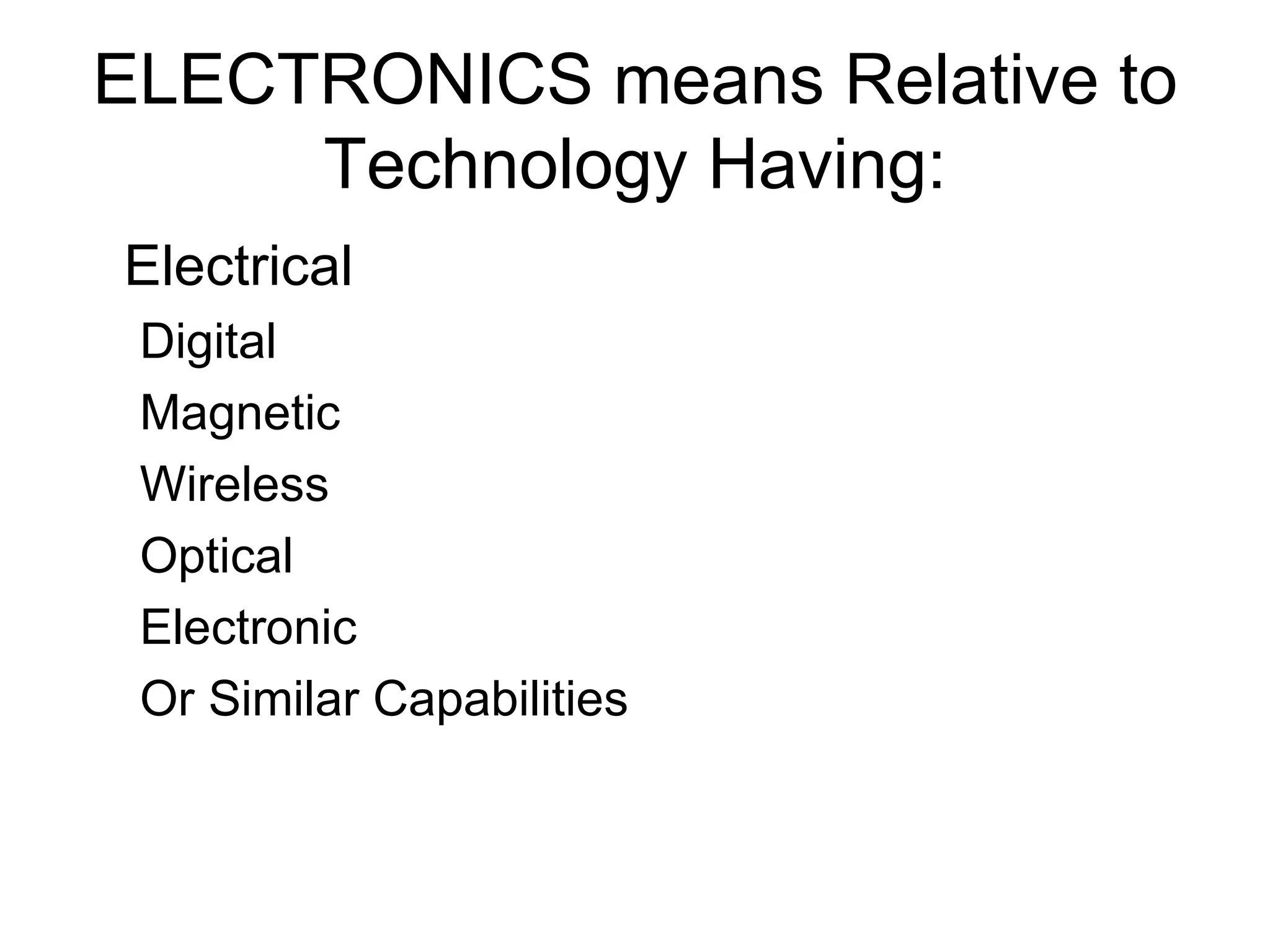
ELECTRONICS means Relative to Technology Having: Electrical Digital Magnetic Wireless Optical Electronic Or Similar Capabilities
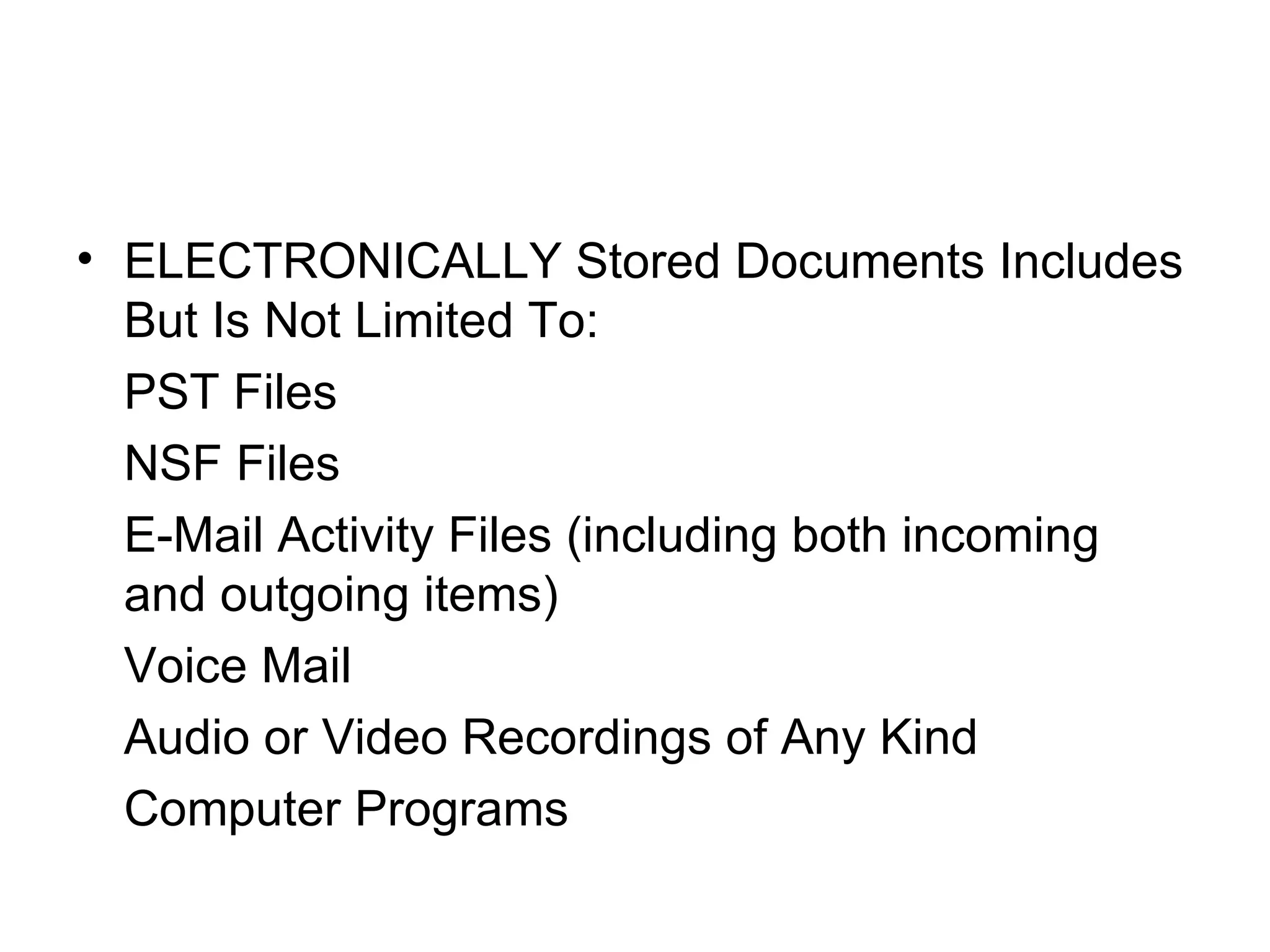
ELECTRONICALLY Stored Documents Includes But Is Not Limited To: PST Files NSF Files E-Mail Activity Files (including both incoming and outgoing items) Voice Mail Audio or Video Recordings of Any Kind Computer Programs
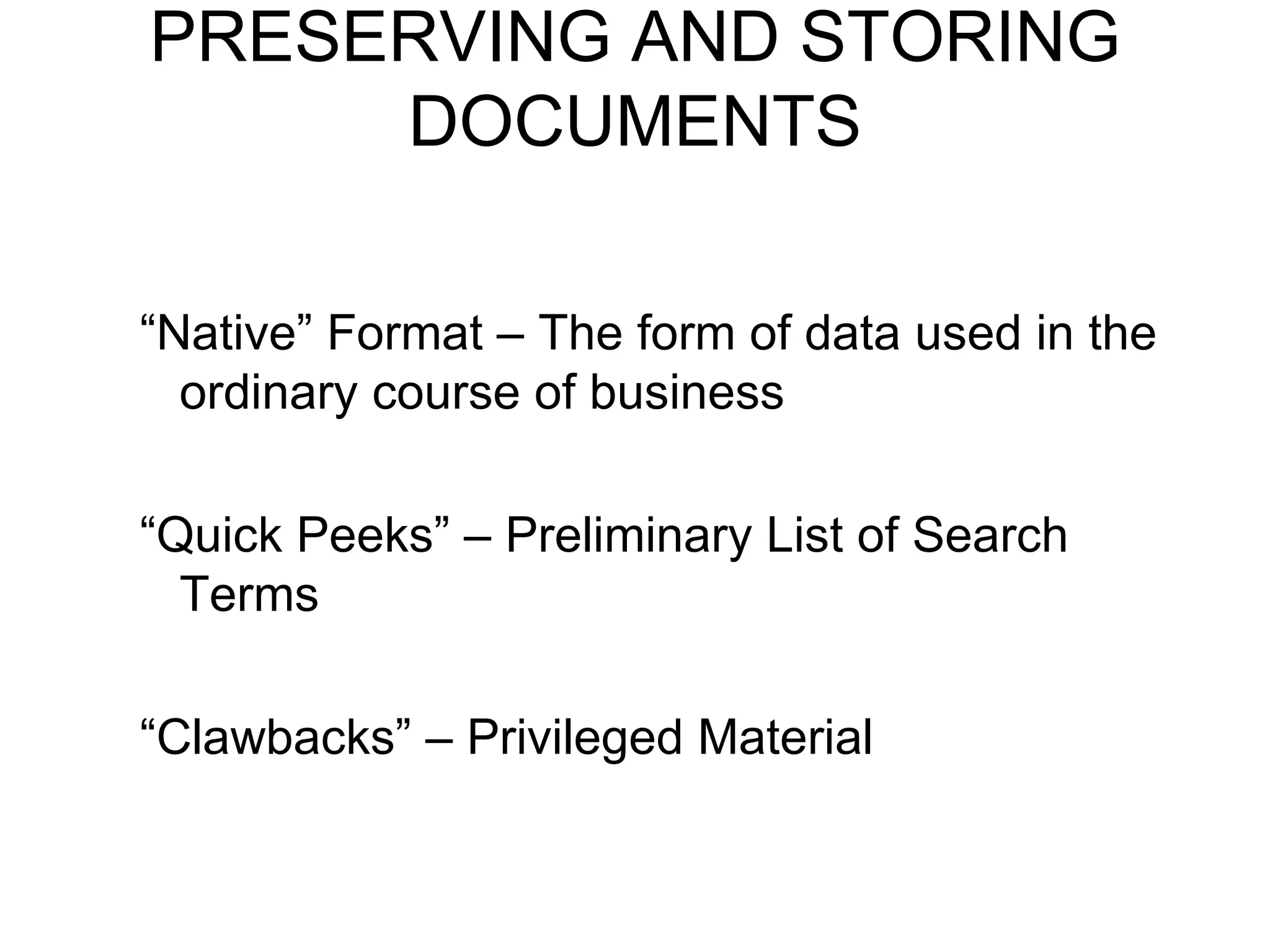
PRESERVING AND STORING DOCUMENTS “ Native” Format – The form of data used in the ordinary course of business “ Quick Peeks” – Preliminary List of Search Terms “ Clawbacks” – Privileged Material
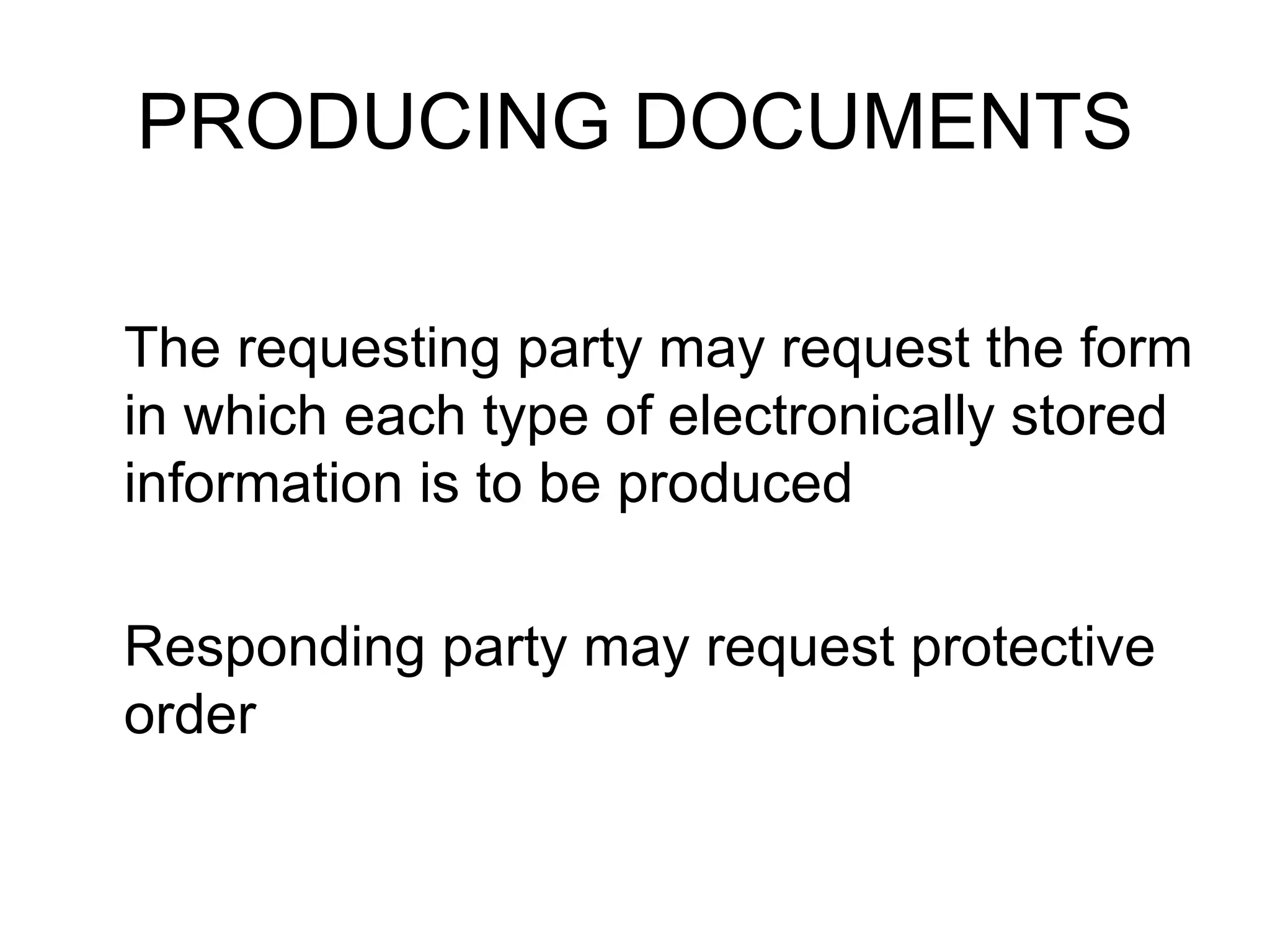
PRODUCING DOCUMENTS The requesting party may request the form in which each type of electronically stored information is to be produced Responding party may request protective order
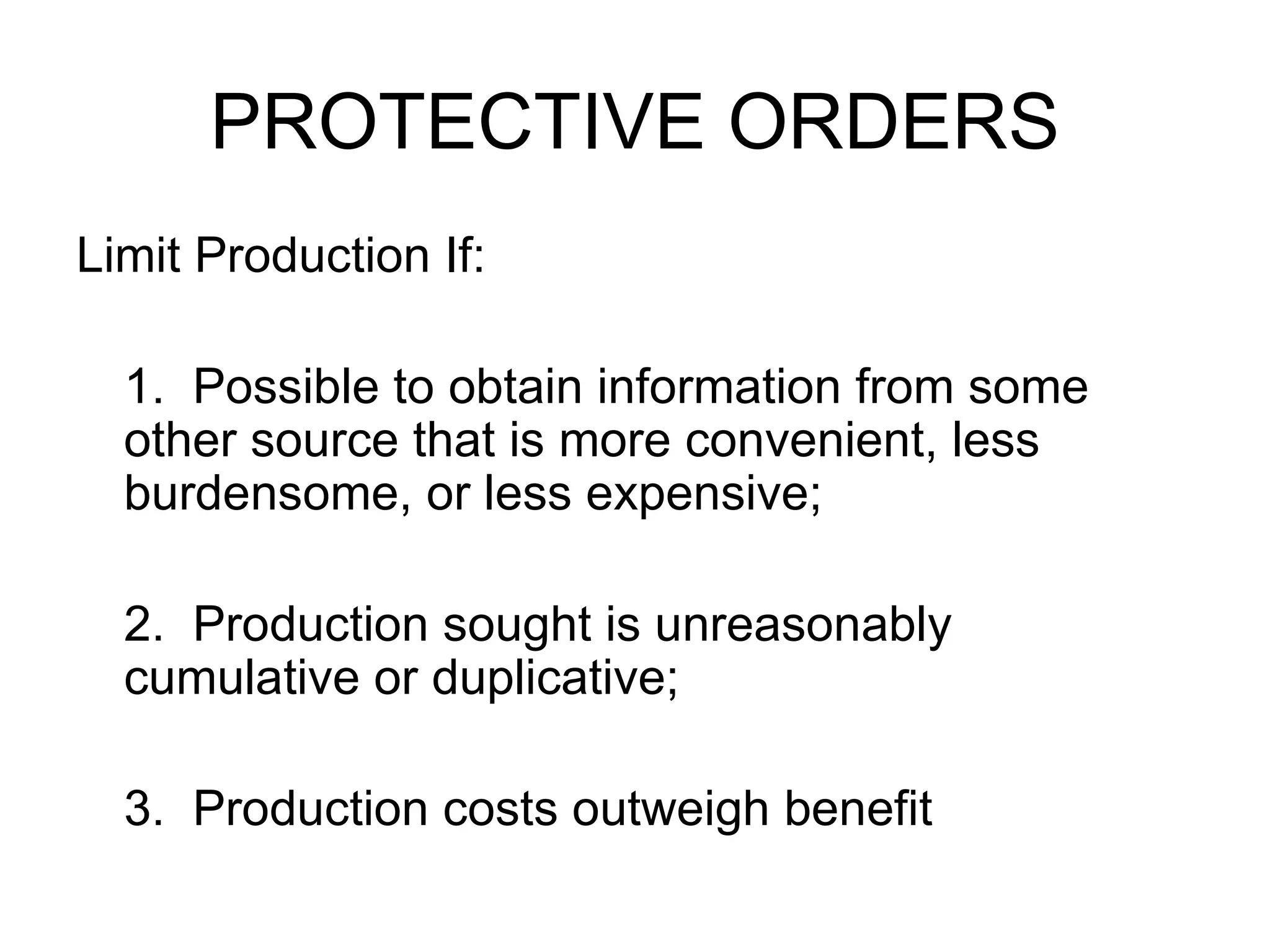
PROTECTIVE ORDERS Limit Production If: 1.  Possible to obtain information from some other source that is more convenient, less burdensome, or less expensive; 2.  Production sought is unreasonably cumulative or duplicative; 3.  Production costs outweigh benefit
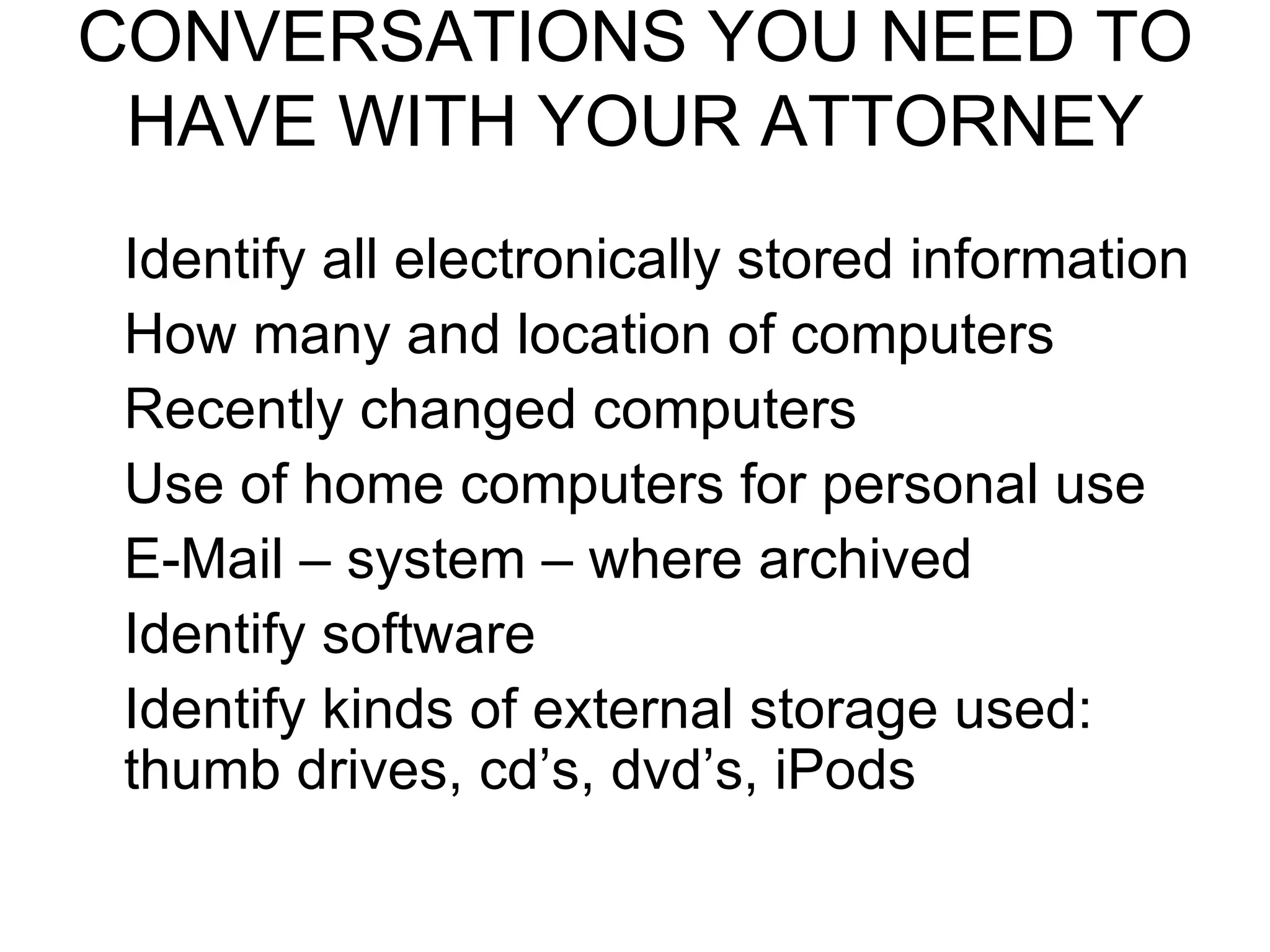
CONVERSATIONS YOU NEED TO HAVE WITH YOUR ATTORNEY Identify all electronically stored information How many and location of computers Recently changed computers Use of home computers for personal use E-Mail – system – where archived Identify software Identify kinds of external storage used: thumb drives, cd’s, dvd’s, iPods
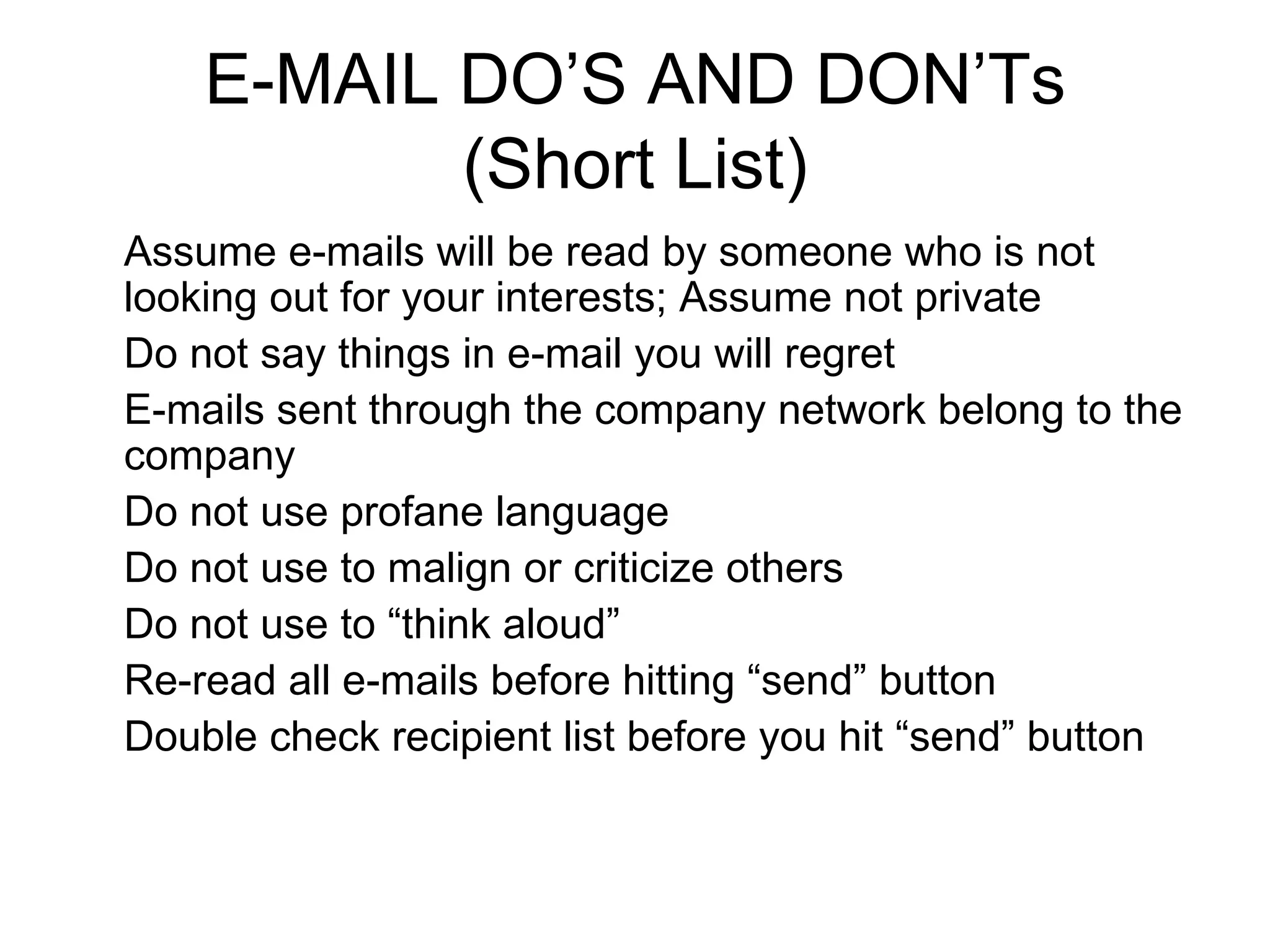
E-MAIL DO’S AND DON’Ts (Short List) Assume e-mails will be read by someone who is not looking out for your interests; Assume not private Do not say things in e-mail you will regret E-mails sent through the company network belong to the company  Do not use profane language Do not use to malign or criticize others Do not use to “think aloud” Re-read all e-mails before hitting “send” button Double check recipient list before you hit “send” button


New Rules for Preserving Documentation

  • 1.
    NEW RULES FORPRESERVING COMMUNICATIONS AND DOCUMENTS -FEDERAL RULES -STATE RULES
  • 2.
    IDENTIFICATION Anylitigant (or potential litigant) is required to preserve documents and information which are relevant to potential or current litigation
  • 3.
    DOCUMENTS INCLUDES: Handwriting -Typewriting -Printing -Photostating -Photocopying -Transmitting by Electronic Mail -Facsimile -And Every Form of Communication Electronically Stored Information
  • 4.
    DUTY TO PRESERVEAll Relevant Documents All Electronically Stored Documents E-Mail Back Up Tapes All Computer Systems
  • 5.
    ELECTRONICS means Relativeto Technology Having: Electrical Digital Magnetic Wireless Optical Electronic Or Similar Capabilities
  • 6.
    ELECTRONICALLY Stored DocumentsIncludes But Is Not Limited To: PST Files NSF Files E-Mail Activity Files (including both incoming and outgoing items) Voice Mail Audio or Video Recordings of Any Kind Computer Programs
  • 7.
    PRESERVING AND STORINGDOCUMENTS “ Native” Format – The form of data used in the ordinary course of business “ Quick Peeks” – Preliminary List of Search Terms “ Clawbacks” – Privileged Material
  • 8.
    PRODUCING DOCUMENTS Therequesting party may request the form in which each type of electronically stored information is to be produced Responding party may request protective order
  • 9.
    PROTECTIVE ORDERS LimitProduction If: 1. Possible to obtain information from some other source that is more convenient, less burdensome, or less expensive; 2. Production sought is unreasonably cumulative or duplicative; 3. Production costs outweigh benefit
  • 10.
    CONVERSATIONS YOU NEEDTO HAVE WITH YOUR ATTORNEY Identify all electronically stored information How many and location of computers Recently changed computers Use of home computers for personal use E-Mail – system – where archived Identify software Identify kinds of external storage used: thumb drives, cd’s, dvd’s, iPods
  • 11.
    E-MAIL DO’S ANDDON’Ts (Short List) Assume e-mails will be read by someone who is not looking out for your interests; Assume not private Do not say things in e-mail you will regret E-mails sent through the company network belong to the company Do not use profane language Do not use to malign or criticize others Do not use to “think aloud” Re-read all e-mails before hitting “send” button Double check recipient list before you hit “send” button
  • 12.
  • 13.