Networking in Social Media July 9, 2009Sharing with People & Building RelationshipsLakeside Church Workshop©2009 Dana Lookadoo
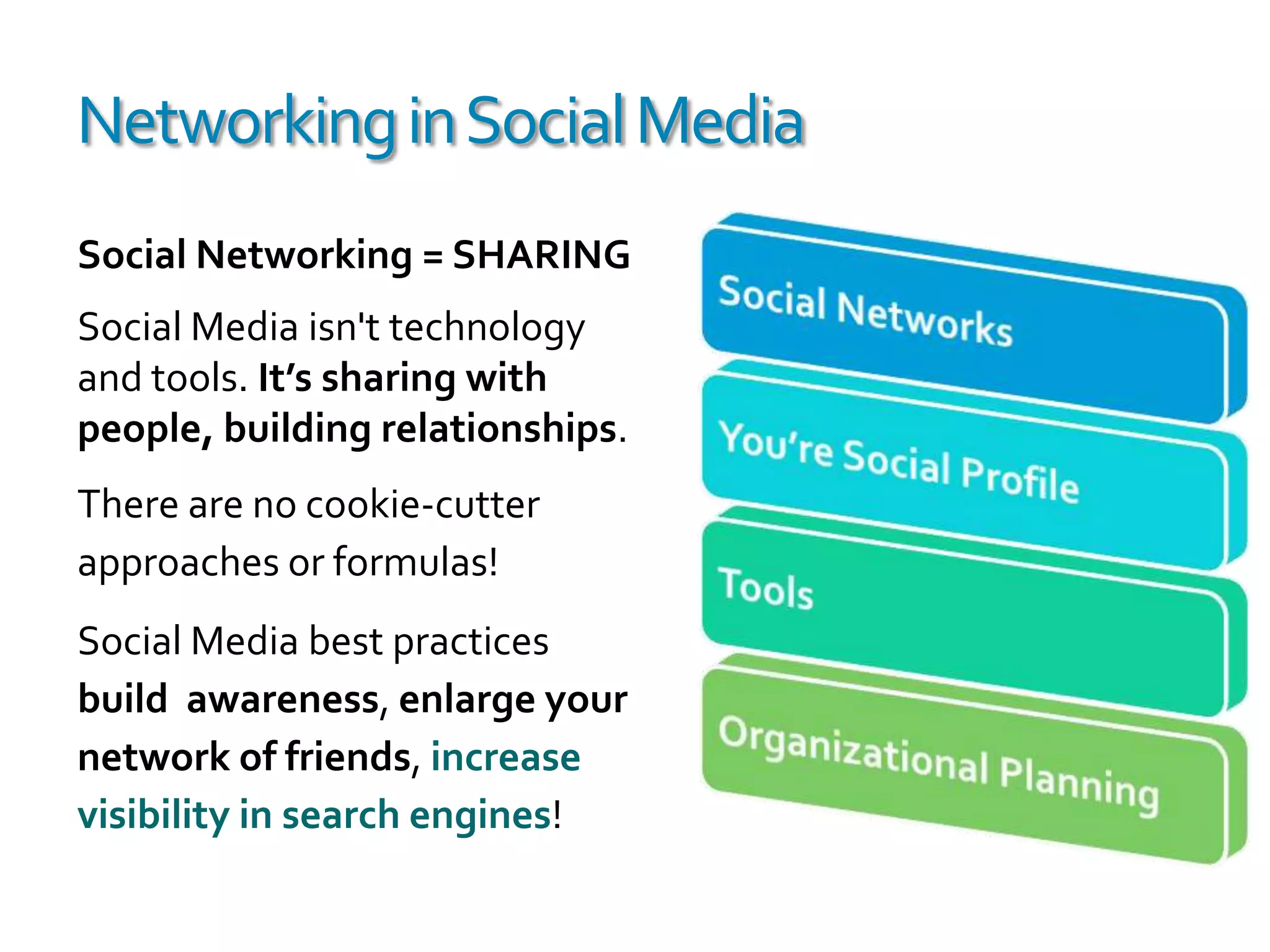
Networking in Social MediaSocial Networking = SHARINGSocial Media isn't technology and tools. It’s sharing with people, building relationships. There are no cookie-cutter approaches or formulas!Social Media best practices build  awareness, enlarge your network of friends, increase visibility in search engines!
Social NetworkNetworking - Social Media Activities Online Conversations TwitterWho’s Listening
Networking in Social MediaSocial Media is an umbrella for networking on sites that enable discussions,sharing & voting.Sharing (Facebook, Twitter)
Networking (LinkedIn)
Bookmarking (Delicious)
Video (YouTube, Vimeo)
Images (Flickr)
Reviews (Yelp)
Forums (Yahoo! Answers)
Music (BLIP.fm)
Blogging (WordPress, Blogger)
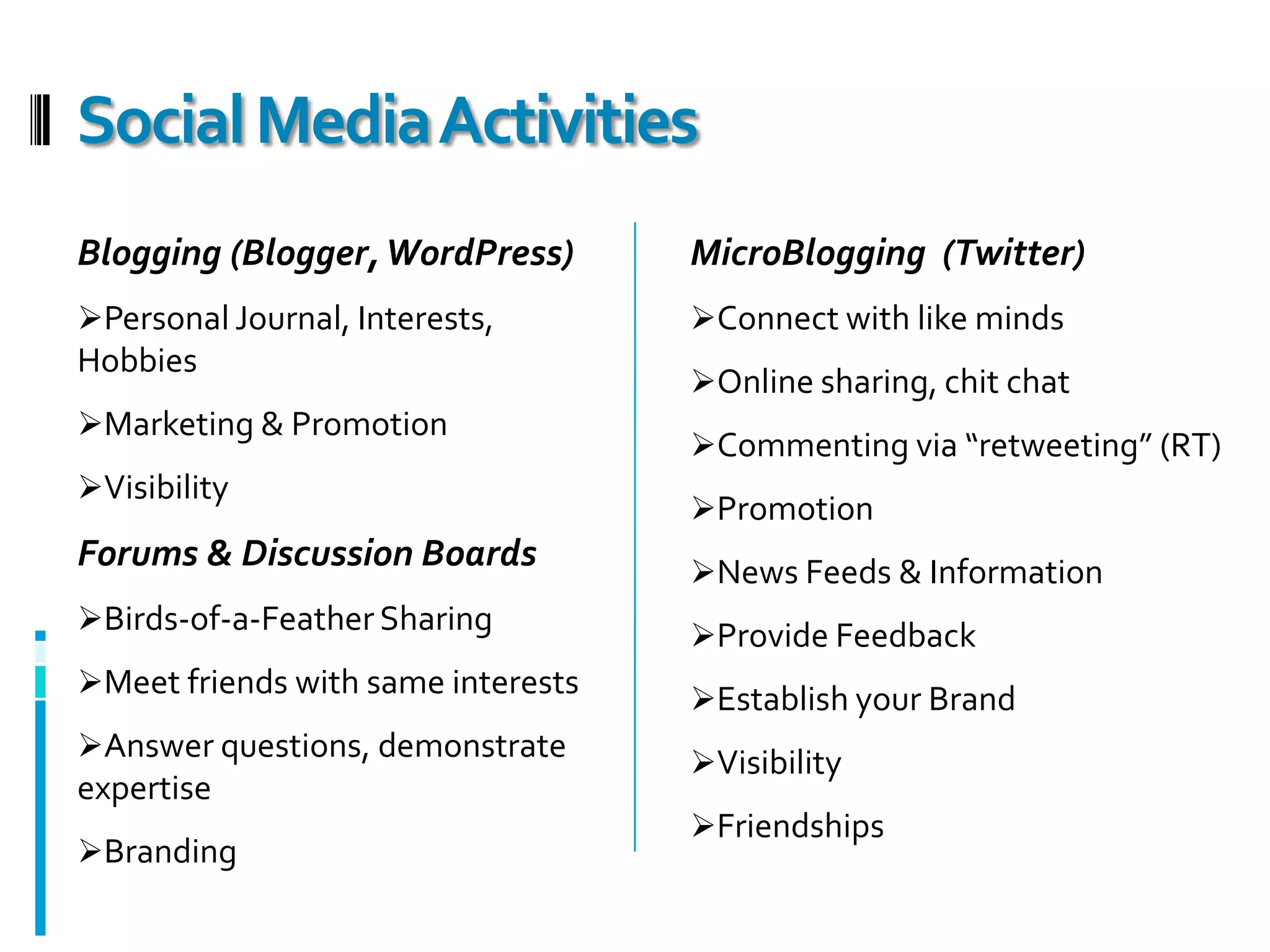
News (StumbleUpon, Digg)Social Media ActivitiesBlogging (Blogger, WordPress)Personal Journal, Interests, Hobbies
Marketing & Promotion
VisibilityForums & Discussion BoardsBirds-of-a-Feather Sharing
Meet friends with same interests
Answer questions, demonstrate expertise
BrandingMicroBlogging  (Twitter)Connect with like minds
Online sharing, chit chat
Commenting via “retweeting” (RT)
Promotion
News Feeds & Information
Provide Feedback
Establish your Brand
Visibility
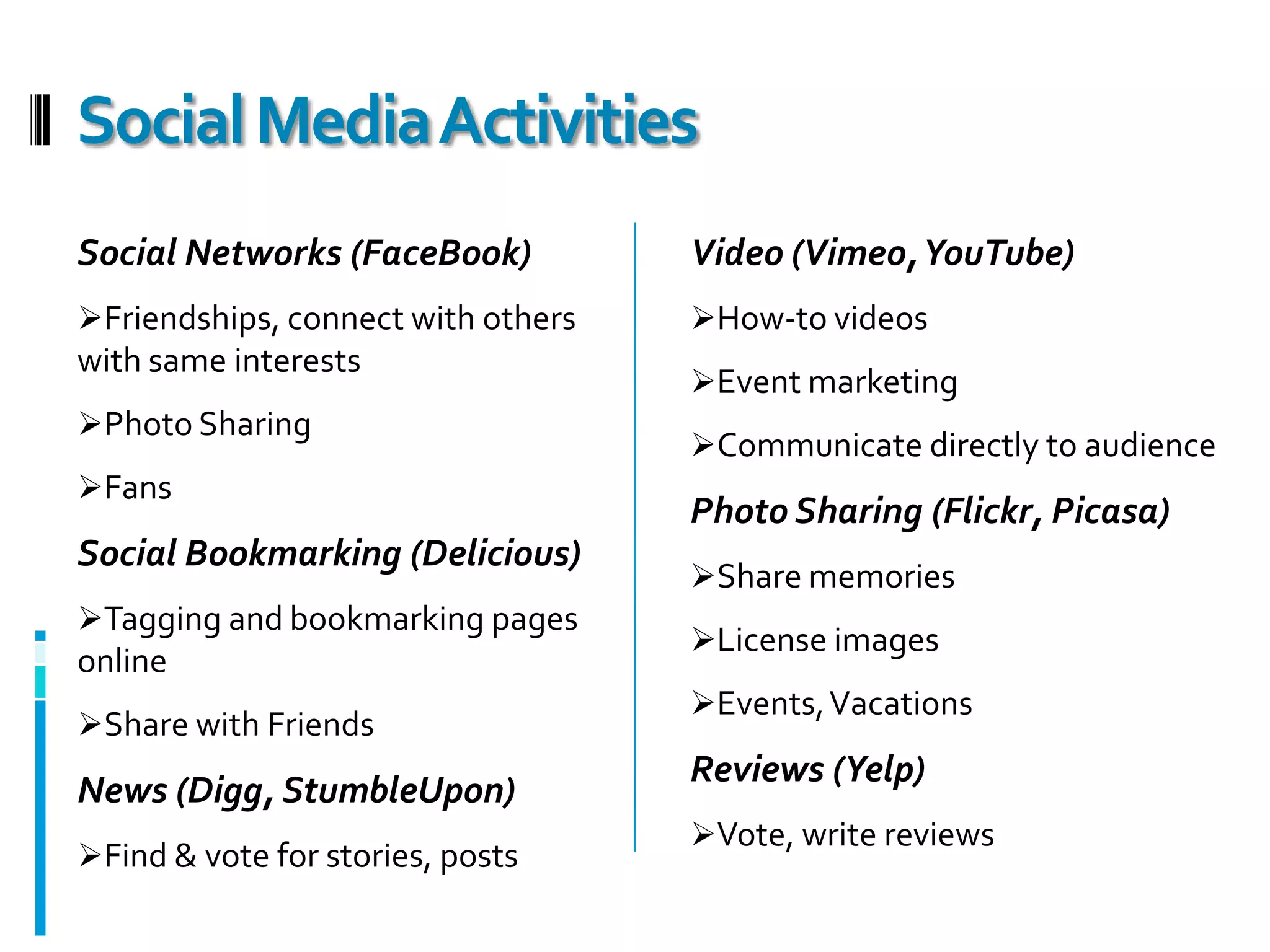
FriendshipsSocial Media ActivitiesSocial Networks (FaceBook)Friendships, connect with others with same interests
Photo Sharing
FansSocial Bookmarking (Delicious)Tagging and bookmarking pages online
Share with FriendsNews (Digg, StumbleUpon)Find & vote for stories, postsVideo (Vimeo, YouTube)How-to videos
Event marketing
Communicate directly to audiencePhoto Sharing (Flickr, Picasa)Share memories
License images
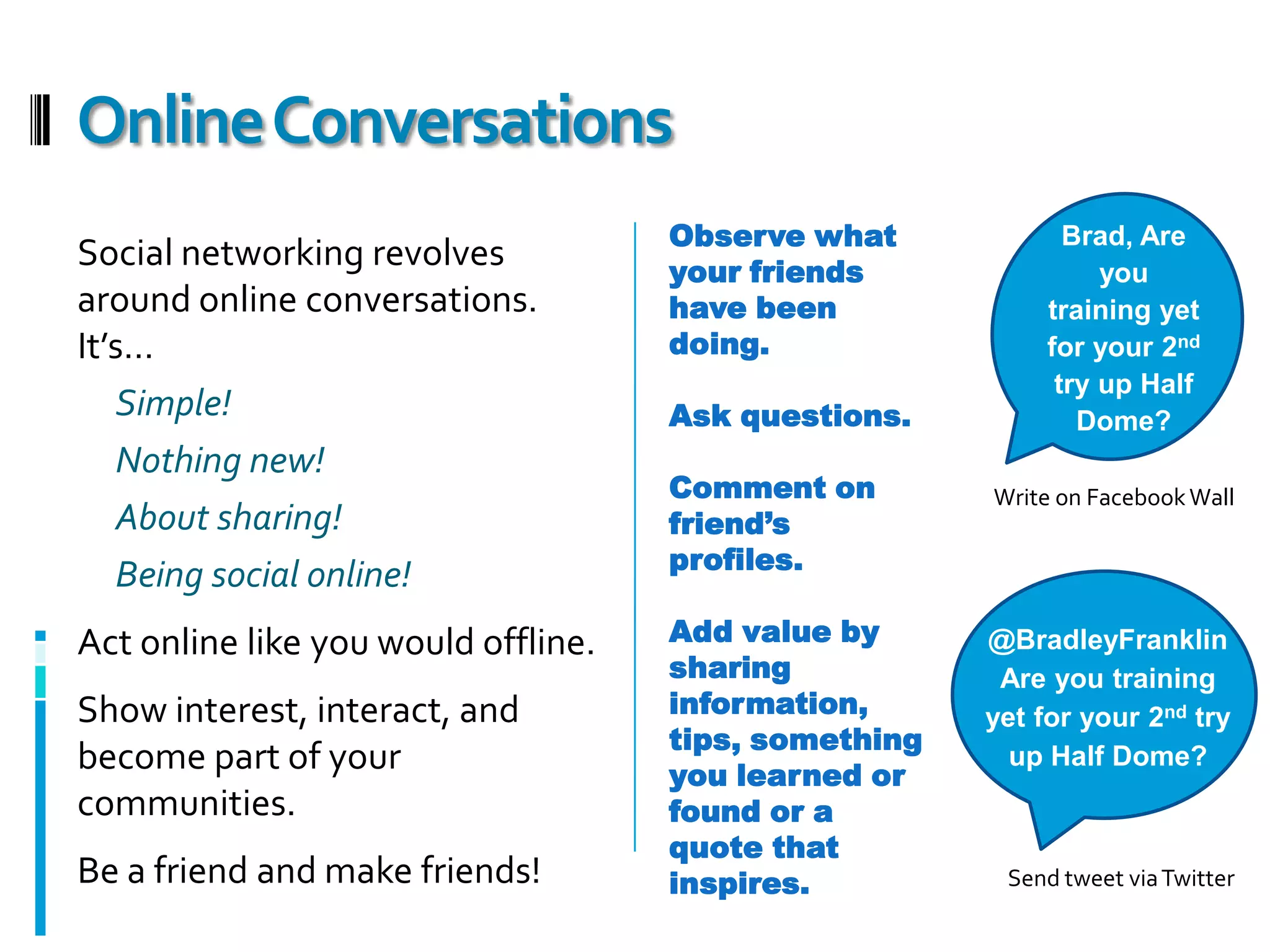
Events, VacationsReviews (Yelp)Vote, write reviewsBrad, Are you training yet for your 2nd try up Half Dome?Observe what your friends have been doing.Ask questions.Comment on friend’s profiles.Add value by sharing information, tips, something you learned or found or a quote that inspires.Social networking revolves around online conversations. It’s… Simple!Nothing new!About sharing!Being social online!Act online like you would offline. Show interest, interact, and become part of your communities. Be a friend and make friends!Online ConversationsWrite on Facebook Wall@BradleyFranklin Are you training yet for your 2nd try up Half Dome?Send tweet via Twitter

Networking in Social Media

  • 1.
    Networking in SocialMedia July 9, 2009Sharing with People & Building RelationshipsLakeside Church Workshop©2009 Dana Lookadoo
  • 2.
    Networking in SocialMediaSocial Networking = SHARINGSocial Media isn't technology and tools. It’s sharing with people, building relationships. There are no cookie-cutter approaches or formulas!Social Media best practices build awareness, enlarge your network of friends, increase visibility in search engines!
  • 3.
    Social NetworkNetworking -Social Media Activities Online Conversations TwitterWho’s Listening
  • 4.
    Networking in SocialMediaSocial Media is an umbrella for networking on sites that enable discussions,sharing & voting.Sharing (Facebook, Twitter)
  • 5.
  • 6.
  • 7.
  • 8.
  • 9.
  • 10.
  • 11.
  • 12.
  • 13.
    News (StumbleUpon, Digg)SocialMedia ActivitiesBlogging (Blogger, WordPress)Personal Journal, Interests, Hobbies
  • 14.
  • 15.
    VisibilityForums & DiscussionBoardsBirds-of-a-Feather Sharing
  • 16.
    Meet friends withsame interests
  • 17.
  • 18.
  • 19.
  • 20.
  • 21.
  • 22.
    News Feeds &Information
  • 23.
  • 24.
  • 25.
  • 26.
    FriendshipsSocial Media ActivitiesSocialNetworks (FaceBook)Friendships, connect with others with same interests
  • 27.
  • 28.
    FansSocial Bookmarking (Delicious)Taggingand bookmarking pages online
  • 29.
    Share with FriendsNews(Digg, StumbleUpon)Find & vote for stories, postsVideo (Vimeo, YouTube)How-to videos
  • 30.
  • 31.
    Communicate directly toaudiencePhoto Sharing (Flickr, Picasa)Share memories
  • 32.
  • 33.
    Events, VacationsReviews (Yelp)Vote,write reviewsBrad, Are you training yet for your 2nd try up Half Dome?Observe what your friends have been doing.Ask questions.Comment on friend’s profiles.Add value by sharing information, tips, something you learned or found or a quote that inspires.Social networking revolves around online conversations. It’s… Simple!Nothing new!About sharing!Being social online!Act online like you would offline. Show interest, interact, and become part of your communities. Be a friend and make friends!Online ConversationsWrite on Facebook Wall@BradleyFranklin Are you training yet for your 2nd try up Half Dome?Send tweet via Twitter
  • 34.
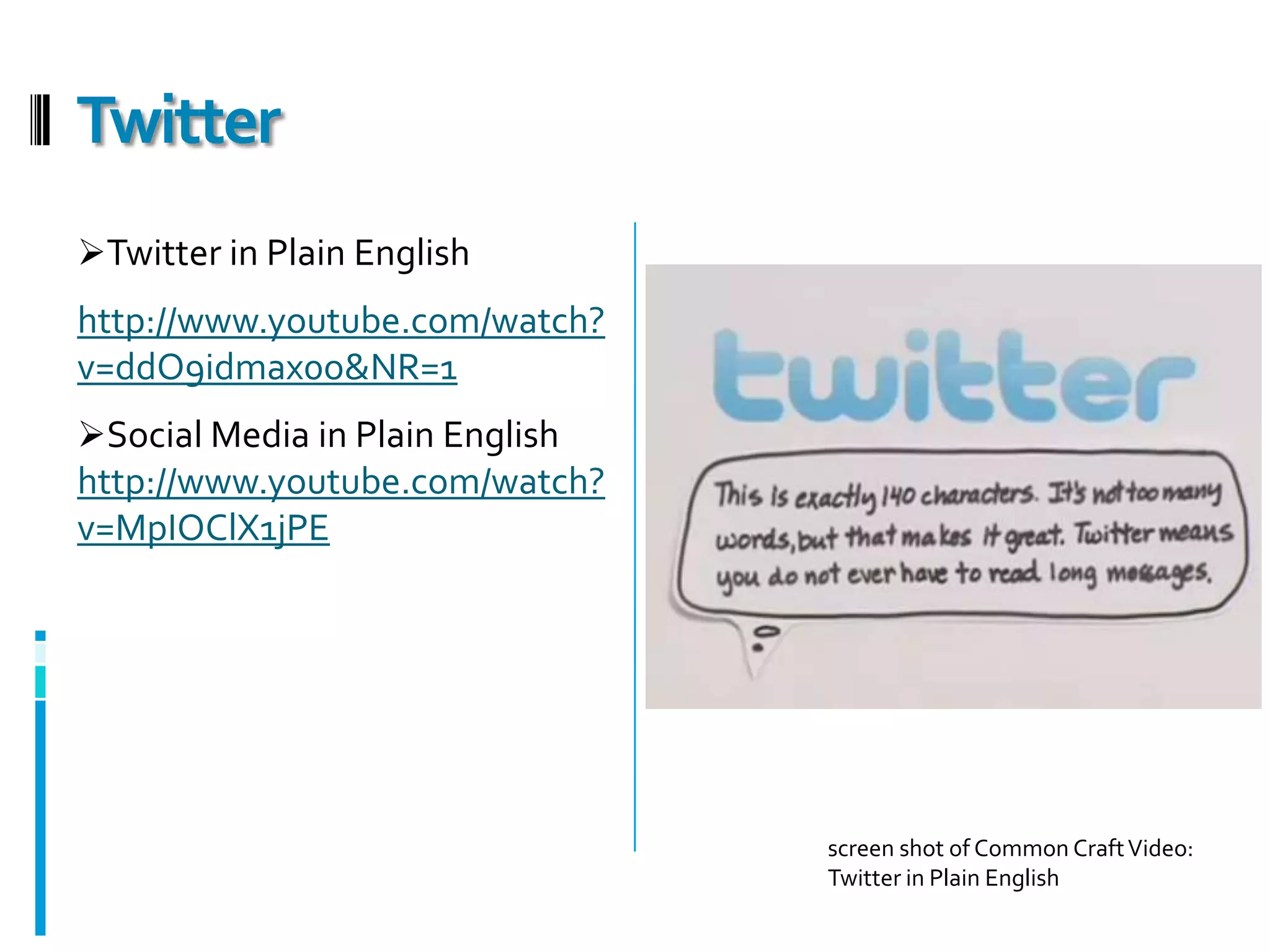
    Twitter in PlainEnglishhttp://www.youtube.com/watch?v=ddO9idmax0o&NR=1Social Media in Plain Englishhttp://www.youtube.com/watch?v=MpIOClX1jPETwitterscreen shot of Common Craft Video: Twitter in Plain English
  • 35.
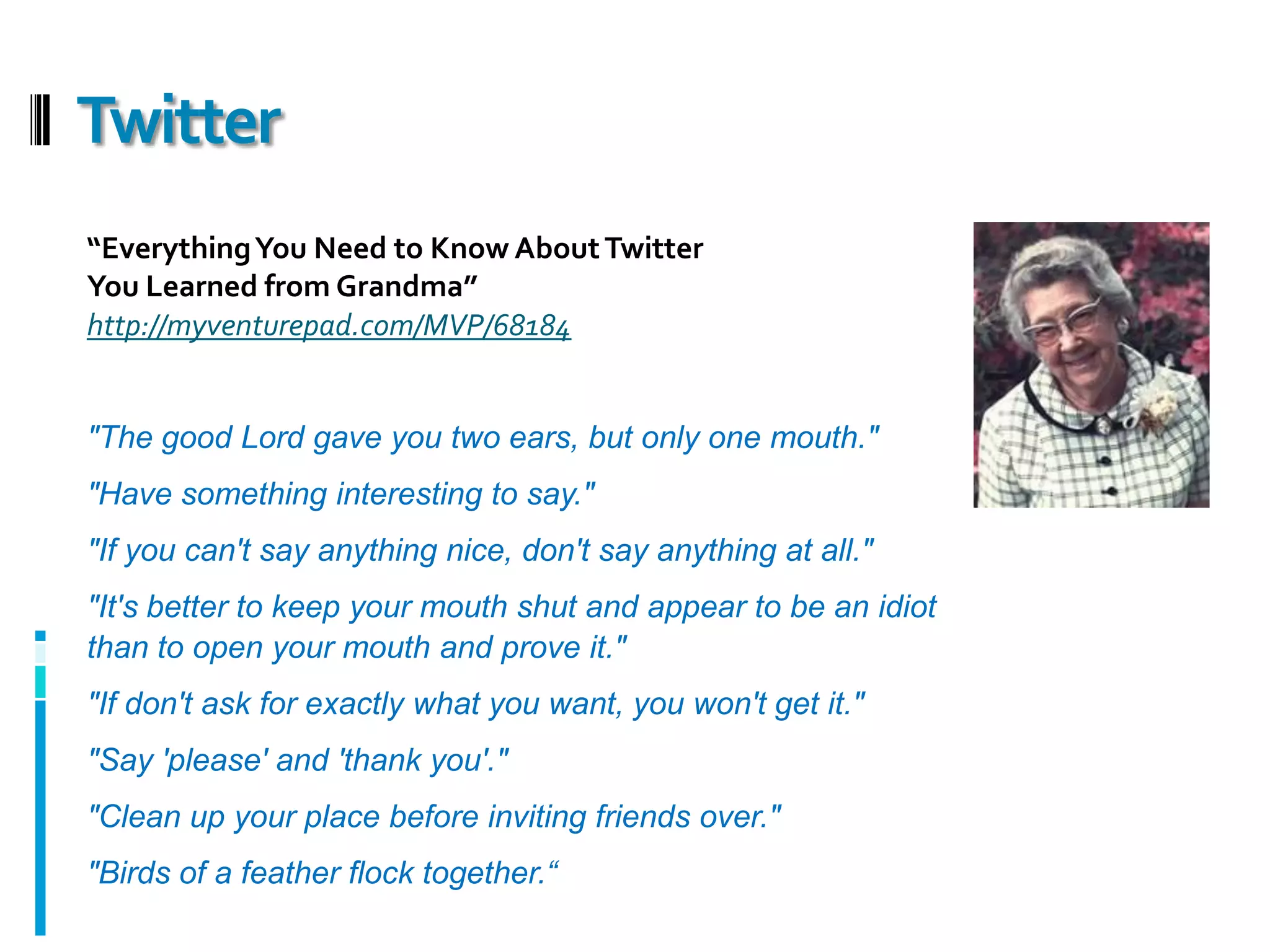
    Twitter“Everything You Needto Know About Twitter You Learned from Grandma”http://myventurepad.com/MVP/68184"The good Lord gave you two ears, but only one mouth.""Have something interesting to say.""If you can't say anything nice, don't say anything at all.""It's better to keep your mouth shut and appear to be an idiot than to open your mouth and prove it.""If don't ask for exactly what you want, you won't get it.""Say 'please' and 'thank you'.""Clean up your place before inviting friends over.""Birds of a feather flock together.“
  • 36.
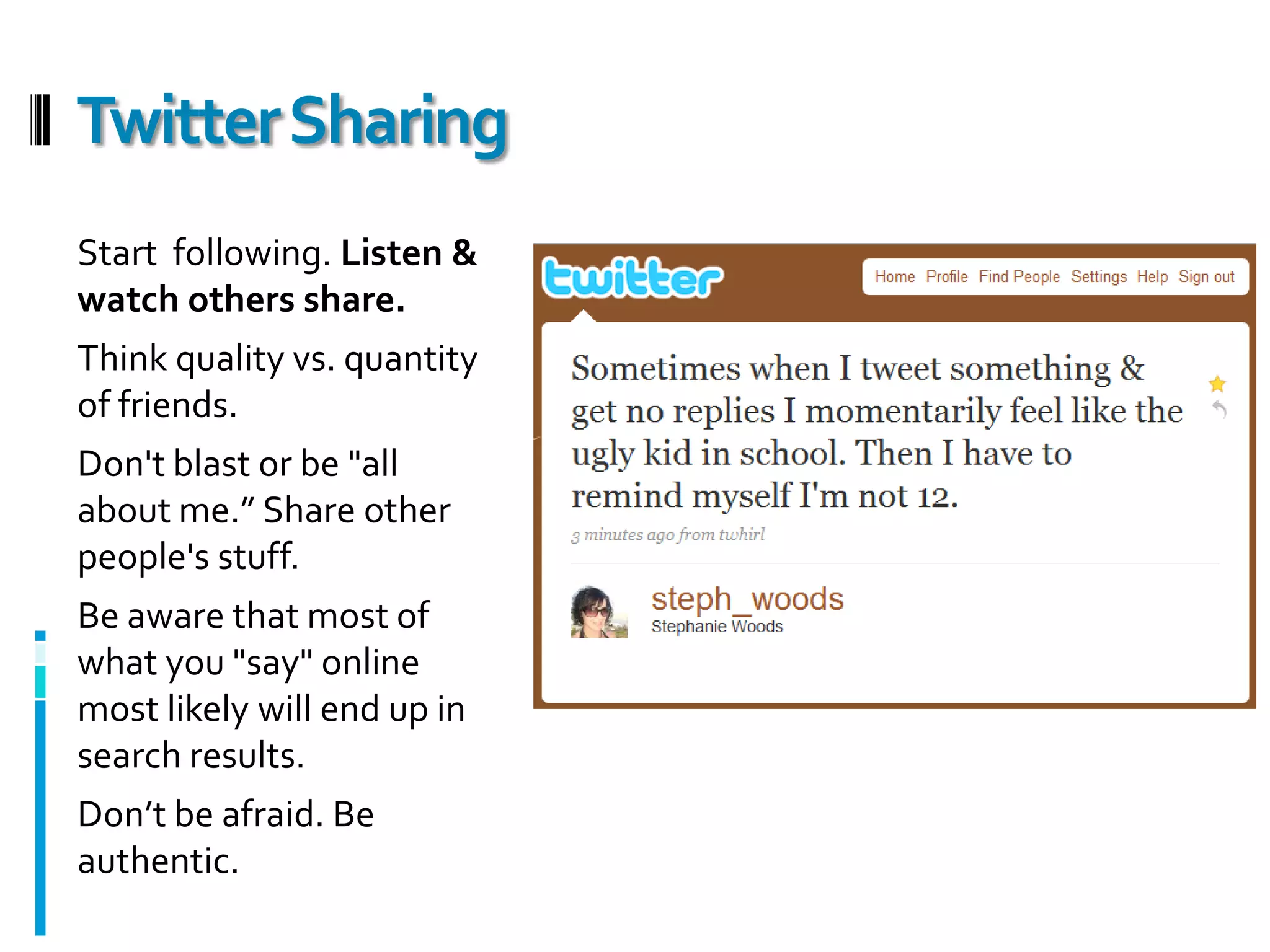
    Twitter SharingStart following. Listen & watch others share.Think quality vs. quantity of friends.Don't blast or be "all about me.” Share other people's stuff.Be aware that most of what you "say" online most likely will end up in search results.Don’t be afraid. Be authentic.
  • 37.
  • 38.
    Friends of Friendsin your network
  • 39.
    People who participatein the same networks
  • 40.
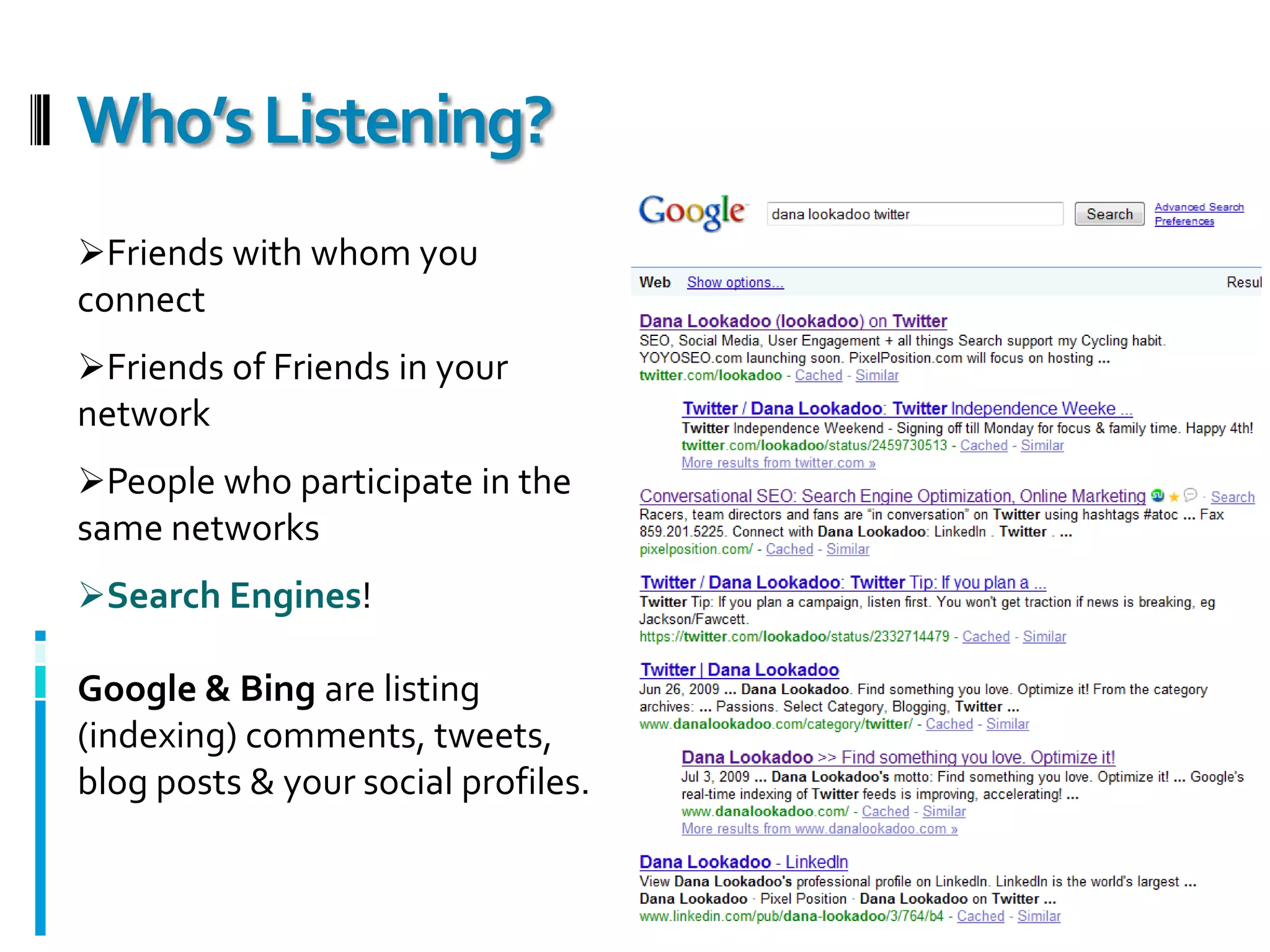
    Search Engines! Google& Bing are listing (indexing) comments, tweets, blog posts & your social profiles.Who’s Listening?
  • 41.
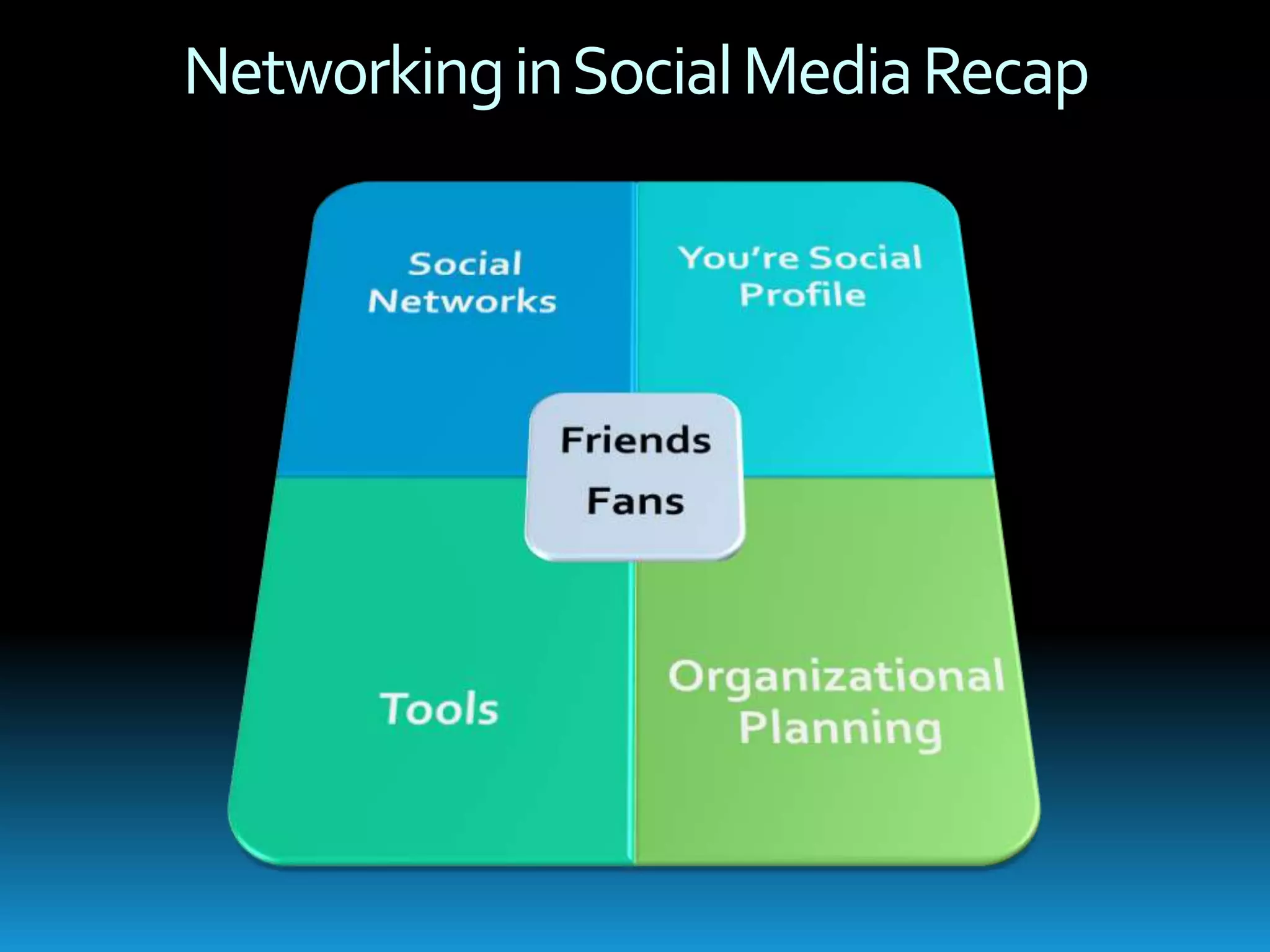
    Your Social ProfileGettingStartedYour User NameOptimizing Your ProfileChecklist
  • 42.
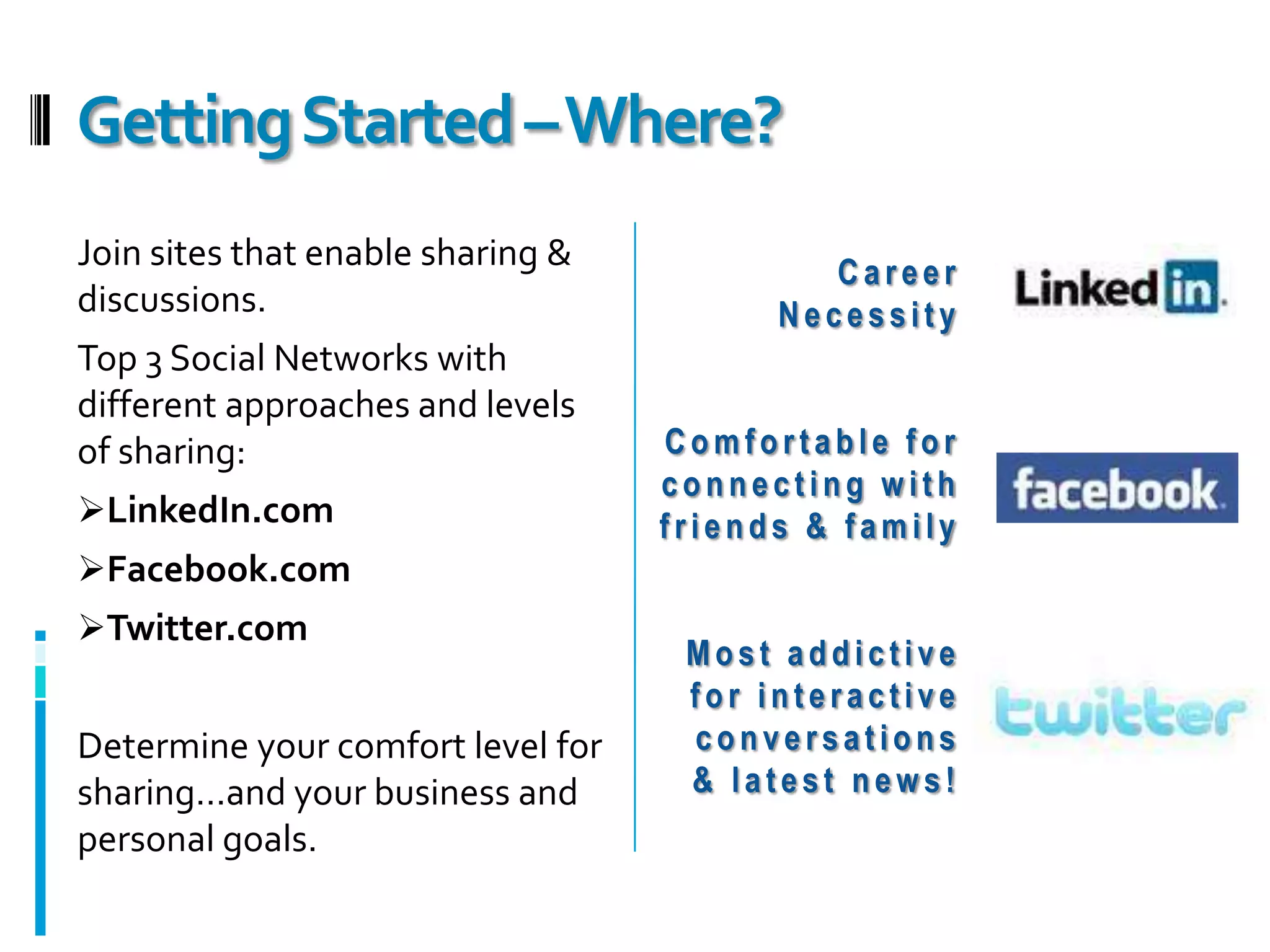
    Getting Started –Where?Join sites that enable sharing & discussions.Top 3 Social Networks with different approaches and levels of sharing:LinkedIn.com
  • 43.
  • 44.
    Twitter.comDetermine your comfortlevel for sharing…and your business and personal goals.Career NecessityComfortable for connecting with friends & familyMost addictive for interactive conversations & latest news!
  • 45.
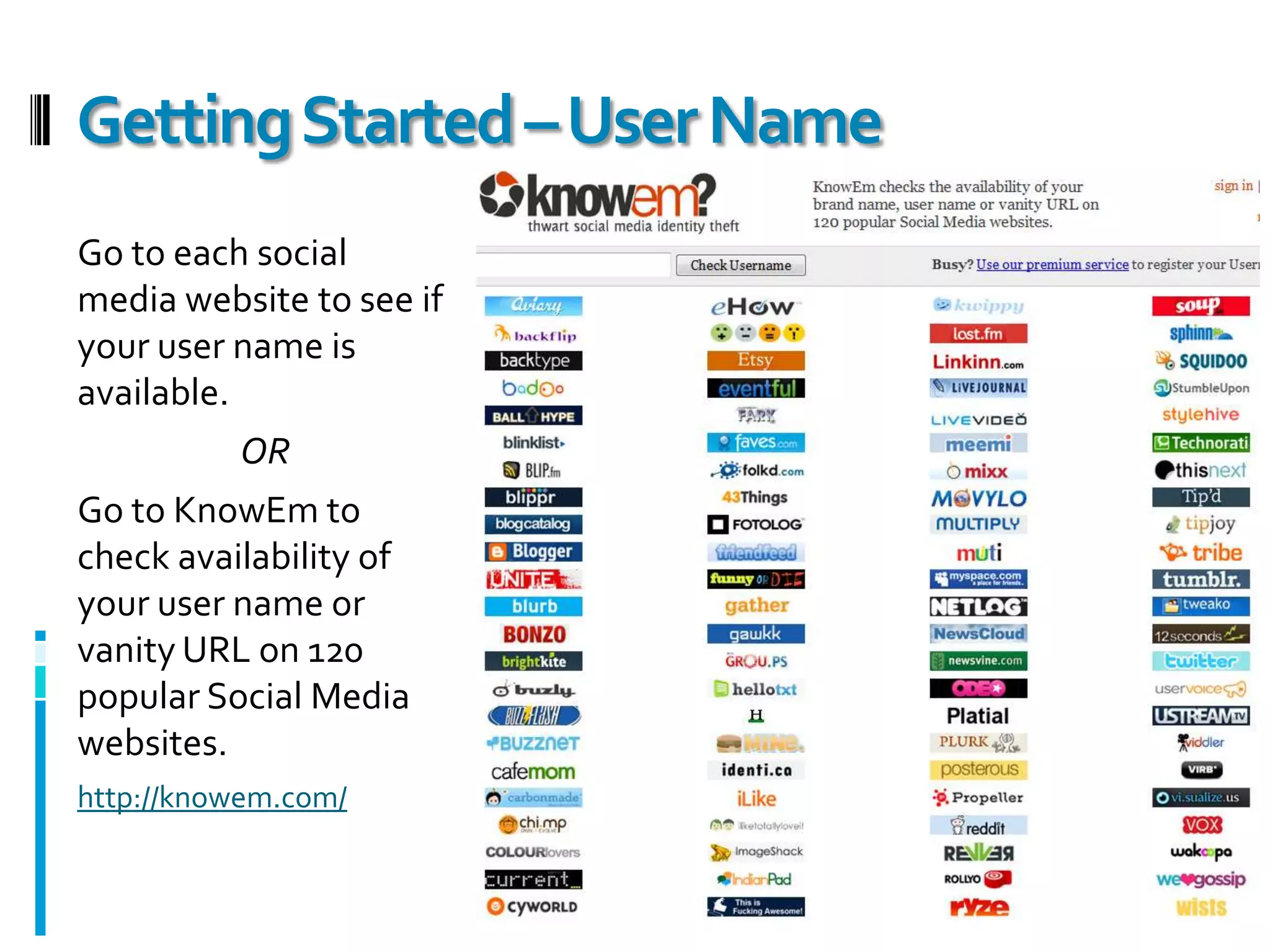
    Getting Started –User NameGo to each social media website to see if your user name is available.ORGo to KnowEm to check availability of your user name or vanity URL on 120 popular Social Media websites. http://knowem.com/
  • 46.
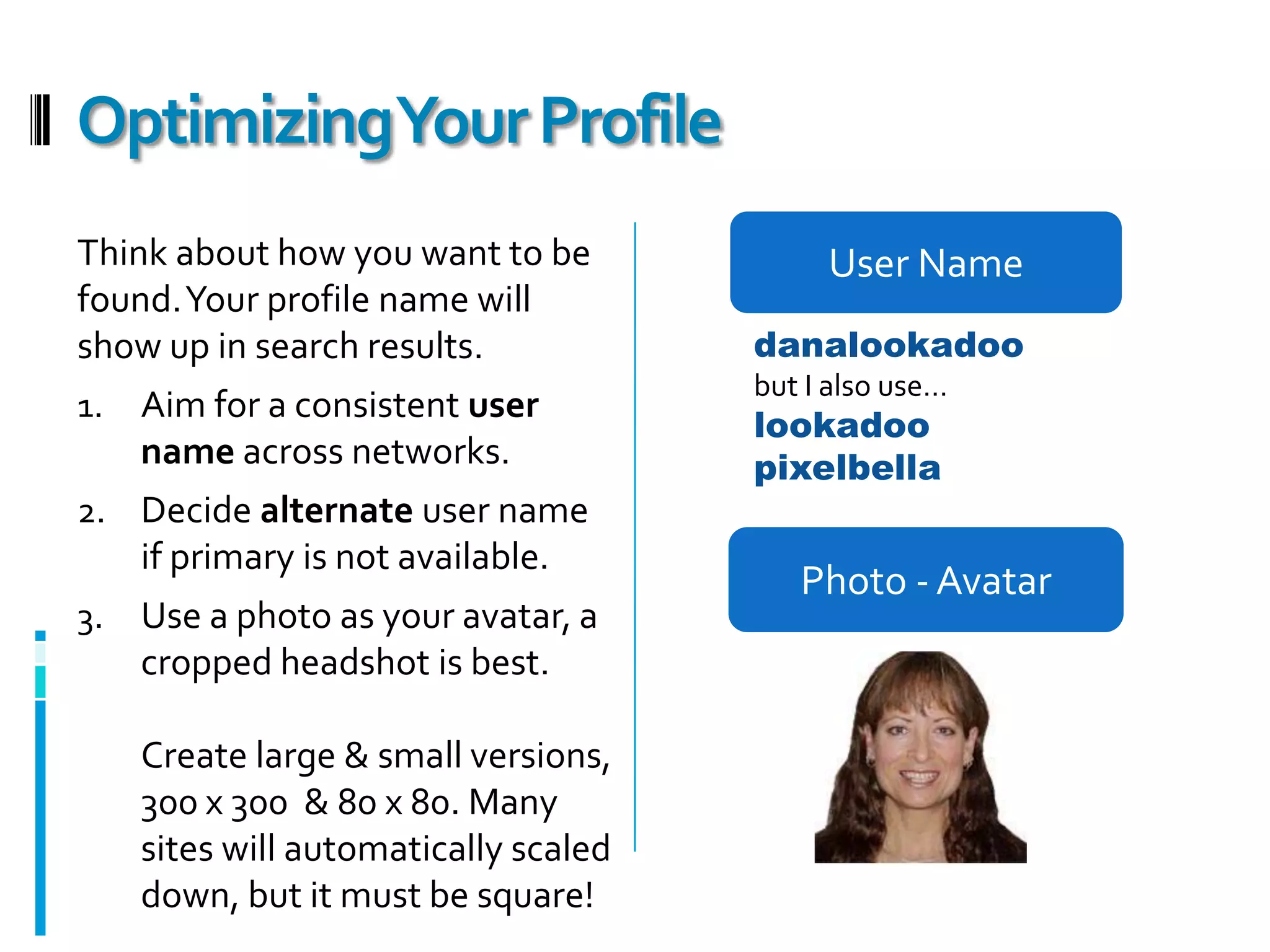
    Optimizing Your ProfileUser NameThink about how you want to be found. Your profile name will show up in search results.Aim for a consistent user name across networks.Decide alternate user name if primary is not available.Use a photo as your avatar, a cropped headshot is best. Create large & small versions, 300 x 300 & 80 x 80. Many sites will automatically scaled down, but it must be square!danalookadoobut I also use…lookadoopixelbellaPhoto - Avatar
  • 47.
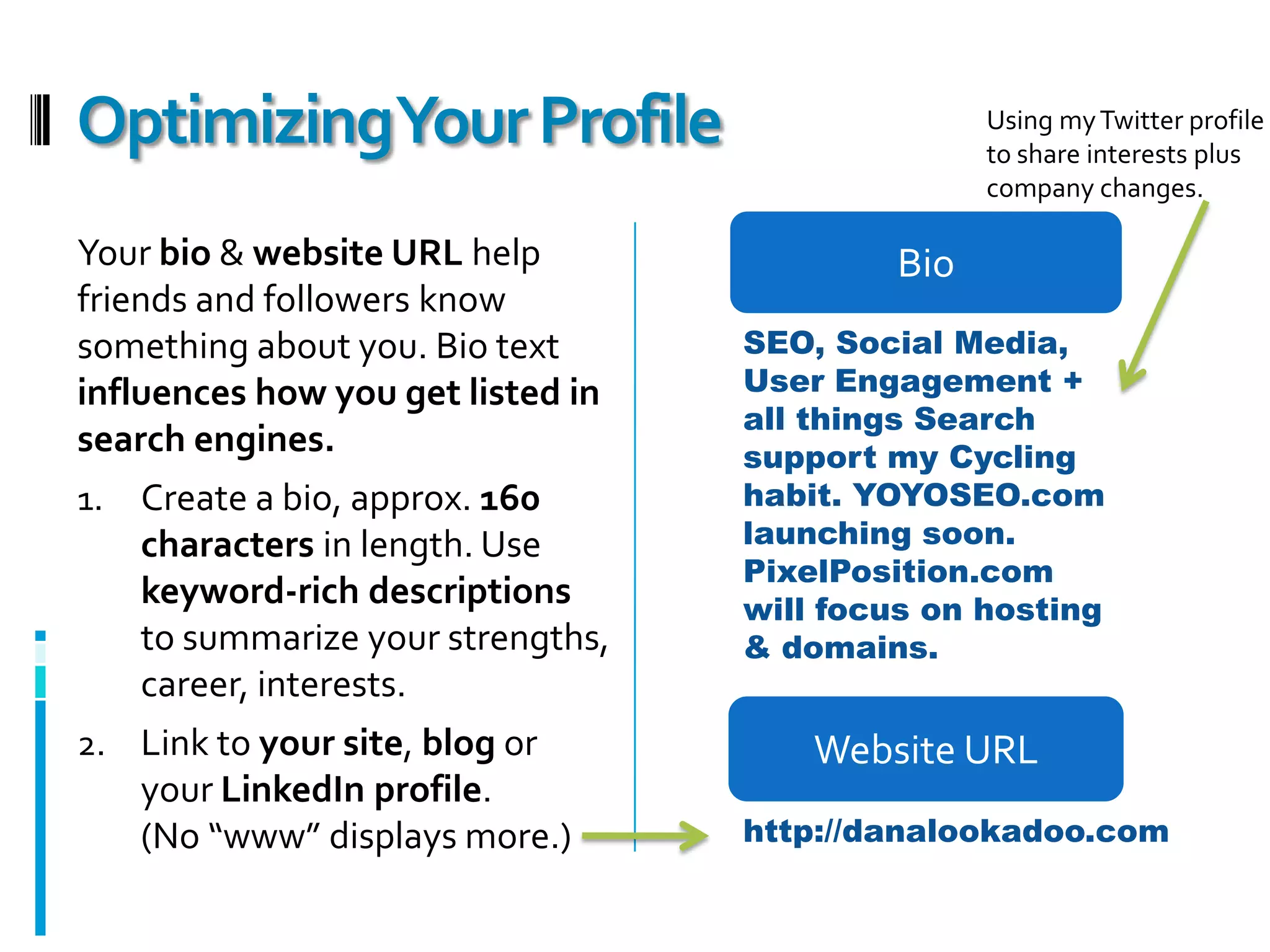
    Optimizing Your ProfileUsing my Twitter profile to share interests plus company changes.BioYour bio & website URL help friends and followers know something about you. Bio text influences how you get listed in search engines.Create a bio, approx. 160 characters in length. Use keyword-rich descriptions to summarize your strengths, career, interests.Link to your site, blog or your LinkedIn profile. (No “www” displays more.)SEO, Social Media, User Engagement + all things Search support my Cycling habit. YOYOSEO.com launching soon. PixelPosition.com will focus on hosting & domains.Website URLhttp://danalookadoo.com
  • 48.
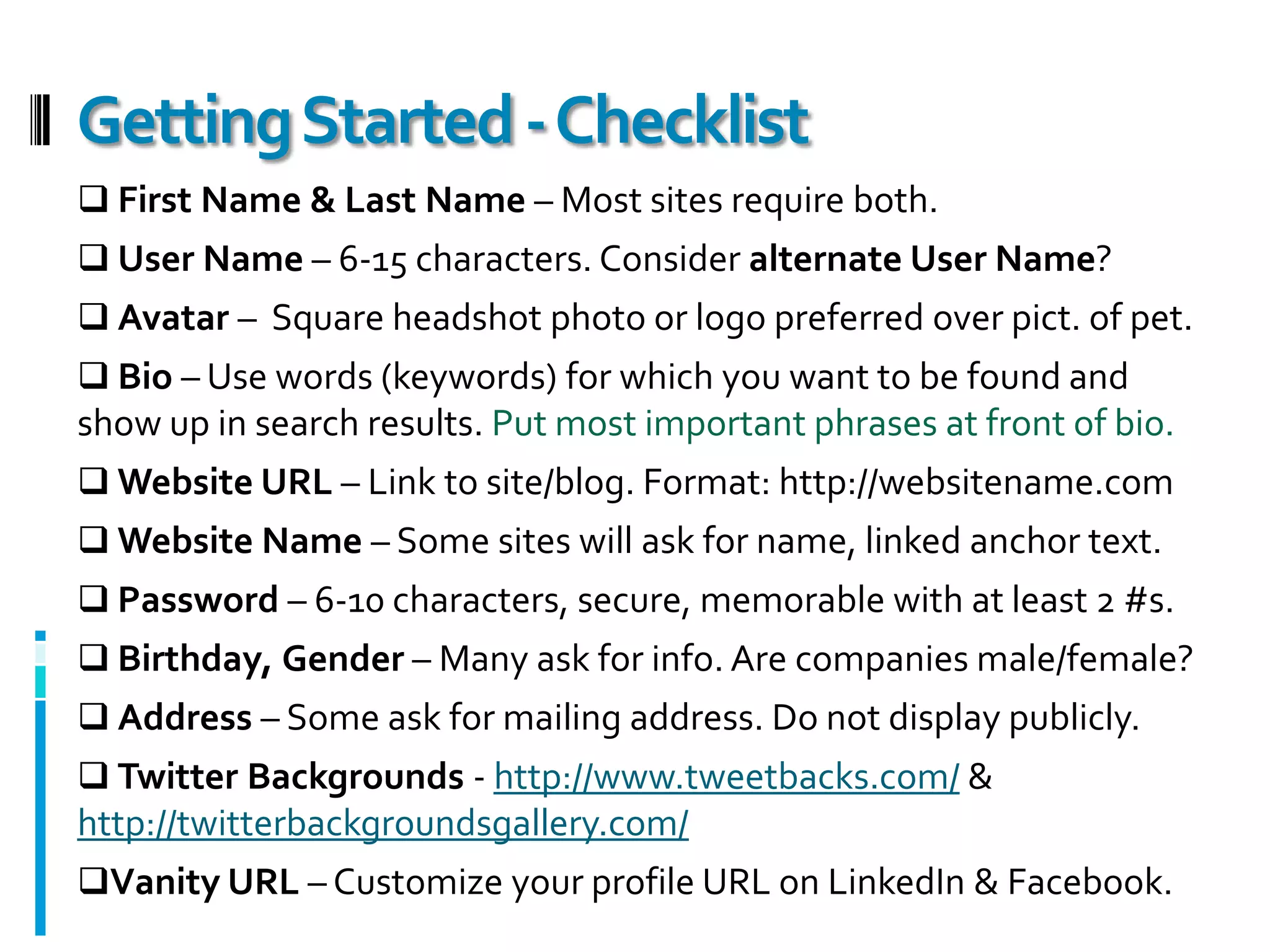
    Getting Started -Checklist First Name & Last Name – Most sites require both.
  • 49.
    User Name –6-15 characters. Consider alternate User Name?
  • 50.
    Avatar – Square headshot photo or logo preferred over pict. of pet.
  • 51.
    Bio –Use words (keywords) for which you want to be found and show up in search results. Put most important phrases at front of bio.
  • 52.
    Website URL –Link to site/blog. Format: http://websitename.com
  • 53.
    Website Name –Some sites will ask for name, linked anchor text.
  • 54.
    Password – 6-10characters, secure, memorable with at least 2 #s.
  • 55.
    Birthday,Gender – Manyask for info. Are companies male/female?
  • 56.
    Address – Someask for mailing address. Do not display publicly.
  • 57.
    Twitter Backgrounds -http://www.tweetbacks.com/ & http://twitterbackgroundsgallery.com/
  • 58.
    Vanity URL –Customize your profile URL on LinkedIn & Facebook.ToolsFinding People on TwitterTwitter ToolsListening to Conversations
  • 59.
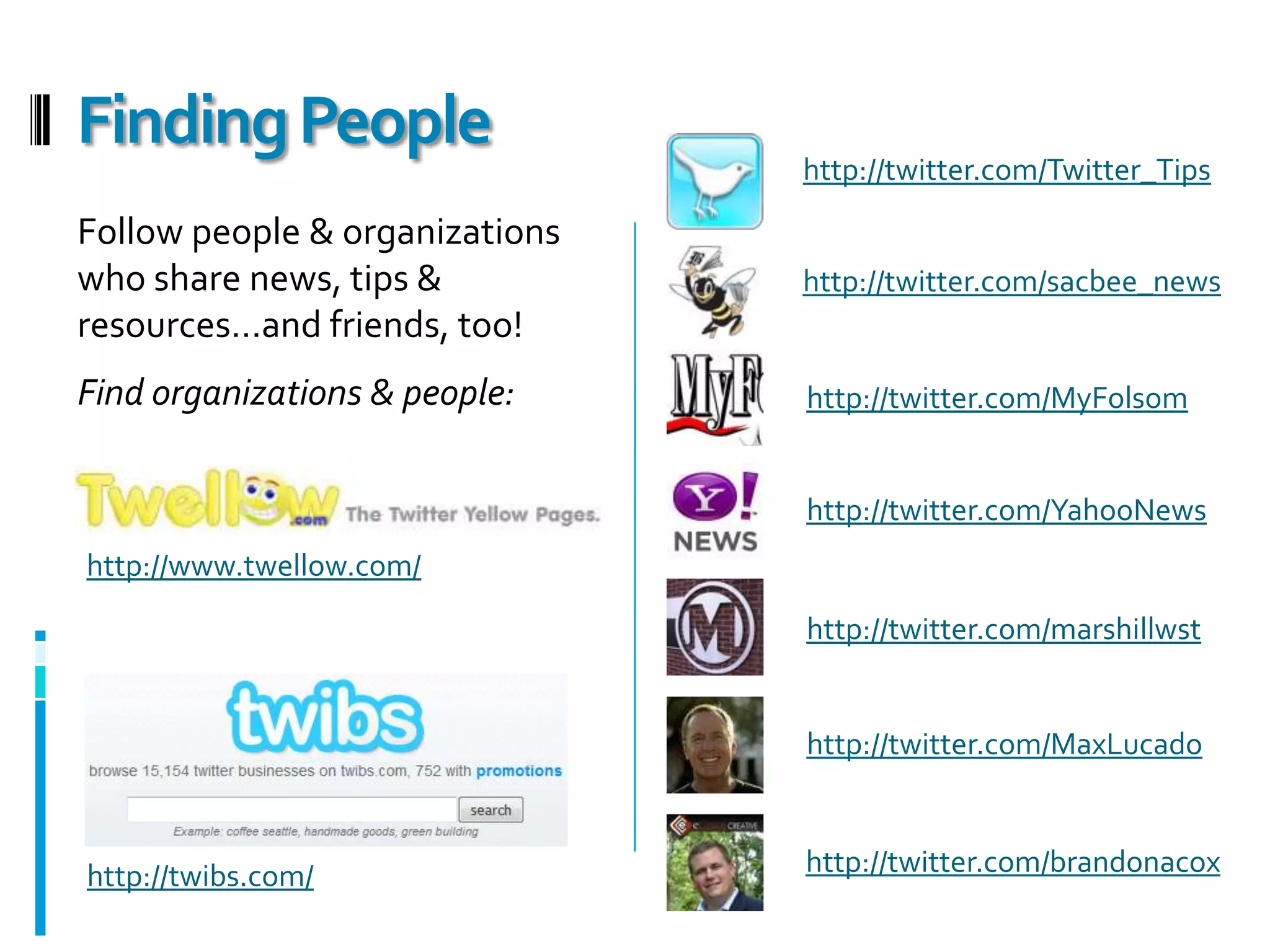
    Finding Peoplehttp://twitter.com/Twitter_TipsFollow people& organizations who share news, tips & resources…and friends, too!Find organizations & people:http://twitter.com/sacbee_newshttp://twitter.com/MyFolsomhttp://twitter.com/YahooNewshttp://www.twellow.com/http://twitter.com/marshillwsthttp://twitter.com/MaxLucadohttp://twitter.com/brandonacoxhttp://twibs.com/
  • 60.
  • 61.
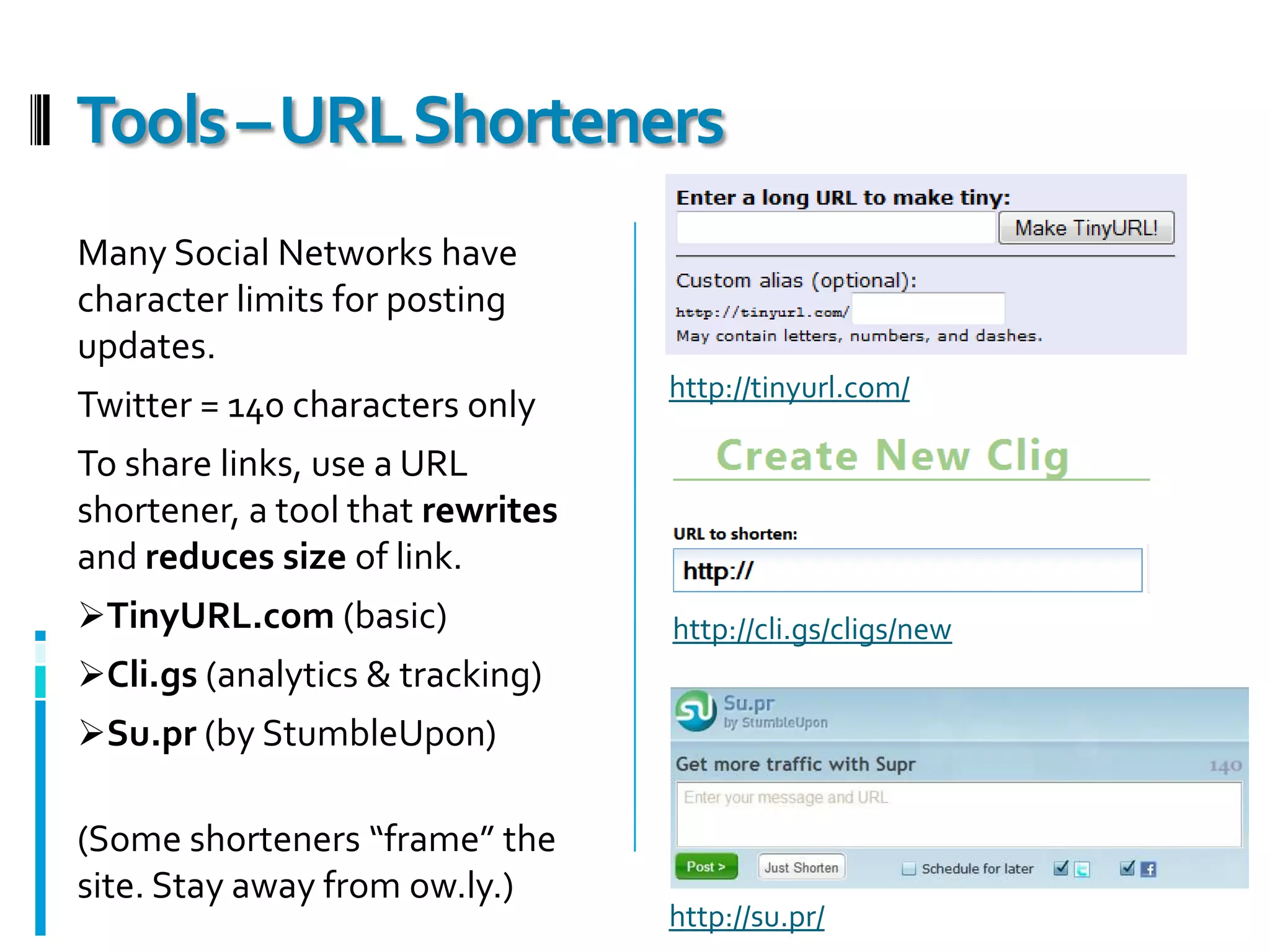
    Tools – URLShortenersMany Social Networks have character limits for posting updates.Twitter = 140 characters onlyTo share links, use a URL shortener, a tool that rewrites and reduces size of link.TinyURL.com (basic)
  • 62.
  • 63.
    Su.pr (by StumbleUpon)(Someshorteners “frame” the site. Stay away from ow.ly.)http://tinyurl.com/http://cli.gs/cligs/newhttp://su.pr/
  • 64.
  • 65.
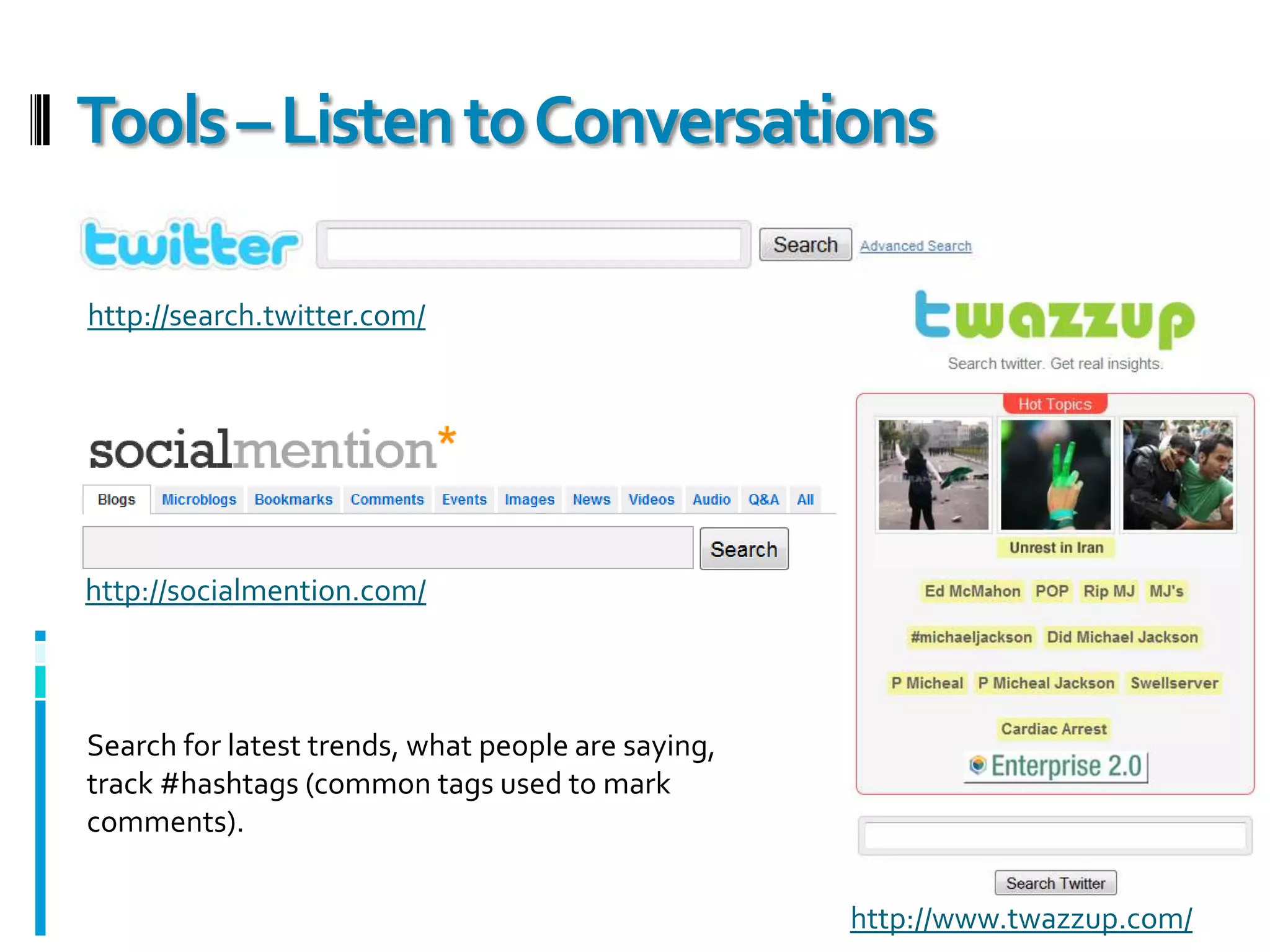
    Tools – Listento Conversationshttp://search.twitter.com/http://socialmention.com/Search for latest trends, what people are saying, track #hashtags (common tags used to mark comments).http://www.twazzup.com/
  • 66.
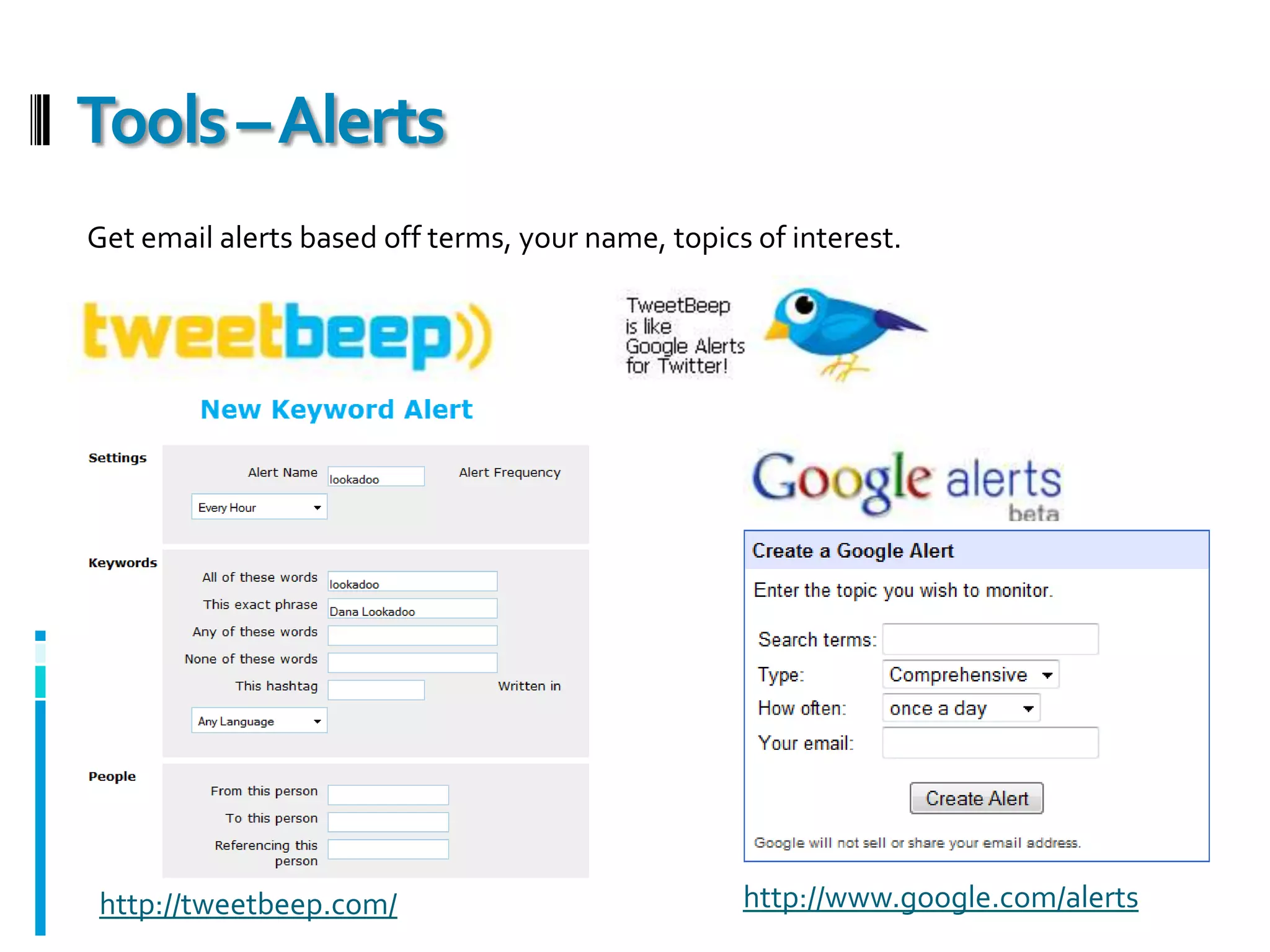
    Tools – AlertsGetemail alerts based off terms, your name, topics of interest. http://www.google.com/alertshttp://tweetbeep.com/
  • 67.
  • 68.
    Your “Audience”Consider youraudience, how they communicate & where they hang out.Where are your friends and the people Lakeside Church wants to reach hanging out?
  • 69.
    Are they socializingon FaceBook? Facebook only?
  • 70.
  • 71.
    Will you "broadcast"to the same messages to both?
  • 72.
    Are they viewingand sharing photos and videos on Flickr, Vimeo?
  • 73.
    Are they reviewing& voting on Digg, StumbleUpon, Yelp?
  • 74.
    What are yourgoals for reaching your audience?Consider how your “friends” share and engage.Will you have tutorials on the website to help the newbies?What are you going to share?As Lakeside Church…Events
  • 75.
  • 76.
  • 77.
  • 78.
  • 79.
    QuotesWhat links doyou publish?Send people directly to content on LakesideChurch.com!Sharing & Publishing GoalsDon’tmakemethink!
  • 80.
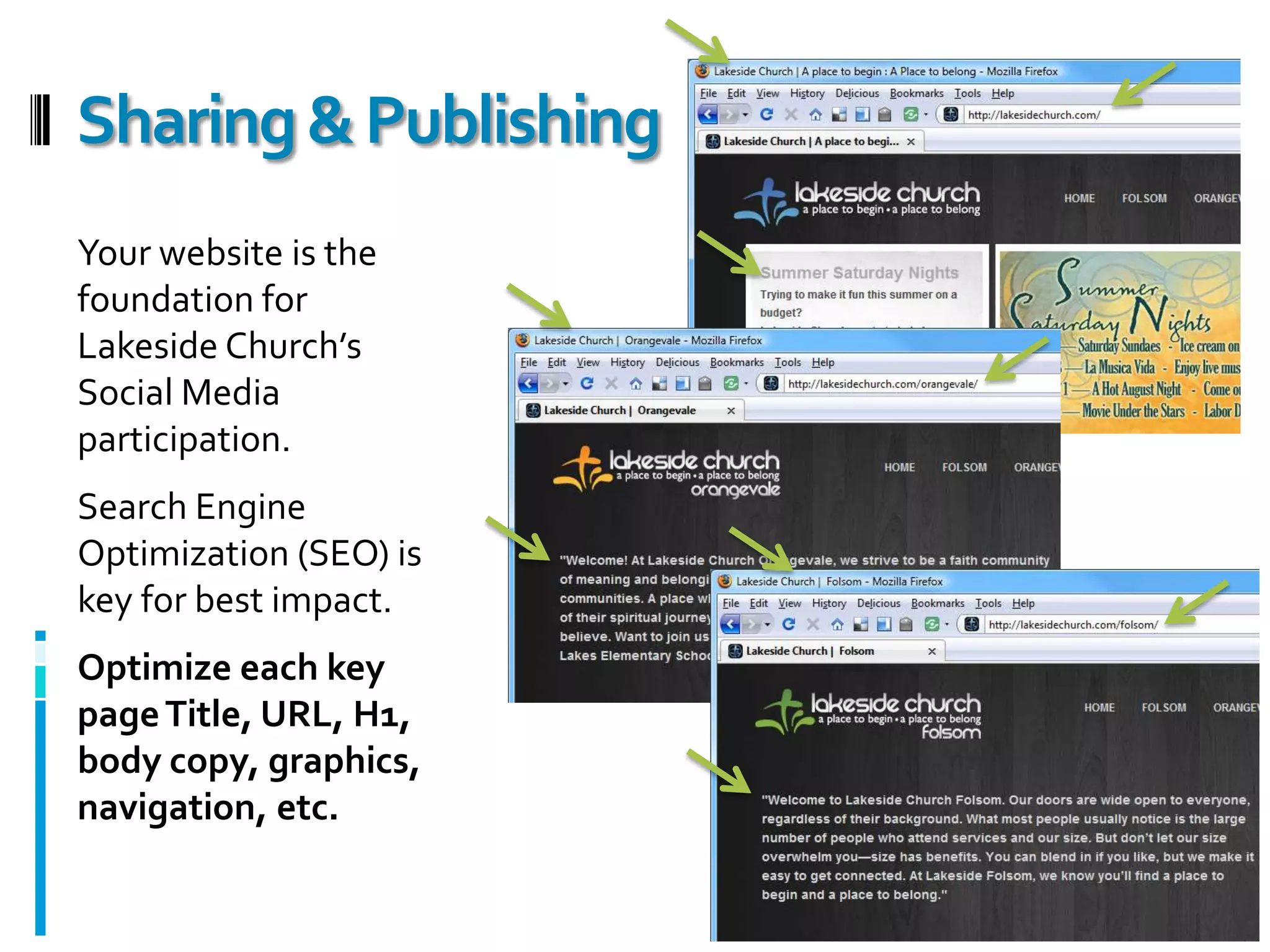
    Your website isthe foundation for Lakeside Church’s Social Media participation.Search Engine Optimization (SEO) is key for best impact.Optimize each key page Title, URL, H1, body copy, graphics, navigation, etc.Sharing & Publishing
  • 81.
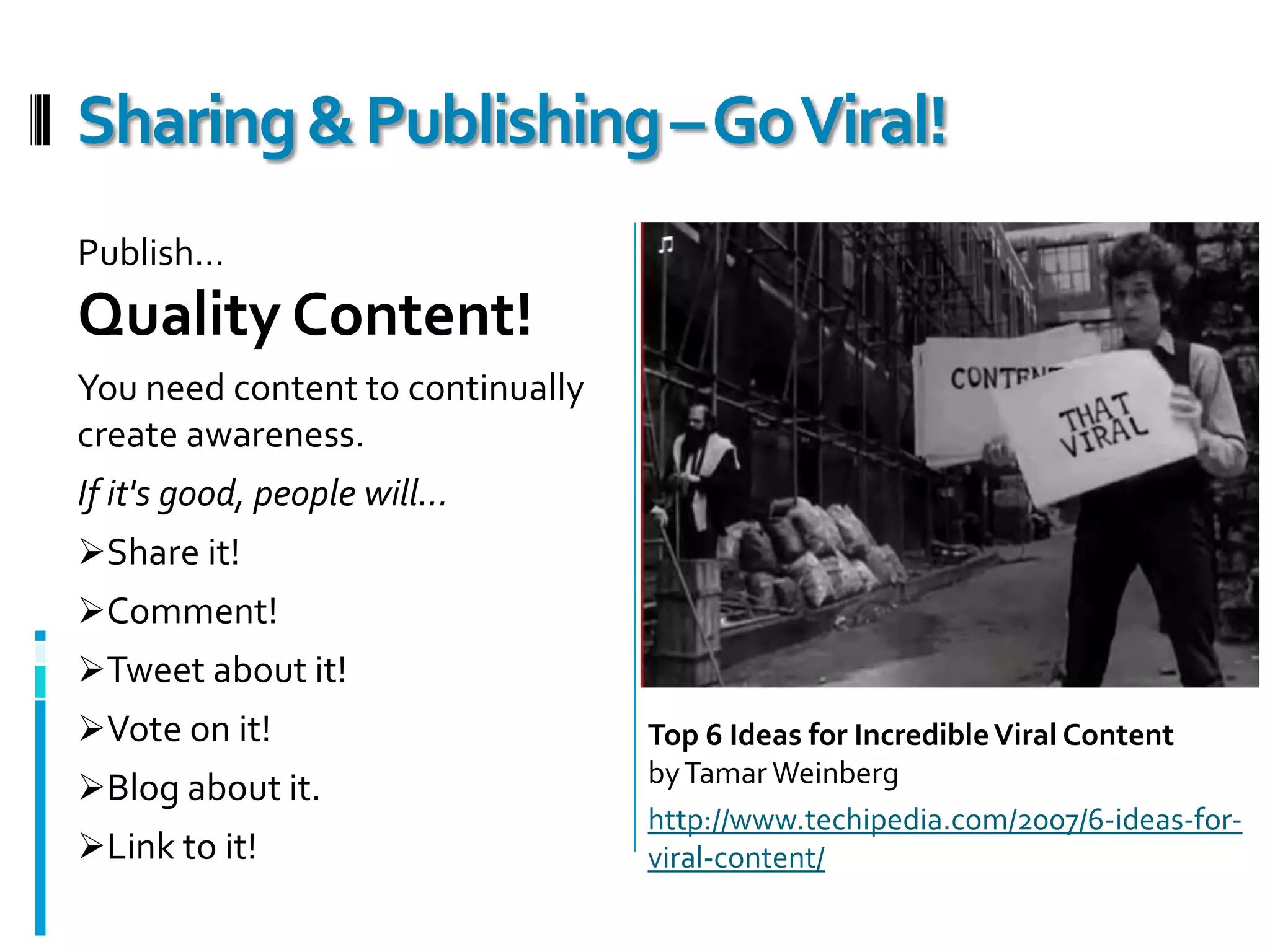
    Publish…Quality Content!You needcontent to continually create awareness. If it's good, people will…Share it!
  • 82.
  • 83.
  • 84.
  • 85.
  • 86.
    Link to it!Sharing& Publishing – Go Viral!Top 6 Ideas for Incredible Viral Contentby Tamar Weinberghttp://www.techipedia.com/2007/6-ideas-for-viral-content/
  • 87.
    Be flexible& organic!
  • 88.
    Test thewaters and find what's best for you.
  • 89.
    LISTEN! Watchwhat others are doing, how they are sharing.
  • 90.
    Realize SocialNetworking is not an item on a checklist. You cannot mark it complete!
  • 91.
    Realize SocialMedia is not “the answer” but can be a broad channel to communicate faster with a larger reach.
  • 92.
    Engage withyour friends and the community. Don’t just post without retweeting, commenting, asking questions. Participate!
  • 93.
    You'll learnto cut through the clutter, and sharpen your focus as you network socially.
  • 94.
    If you don’thave one, get a LinkedIn profile ASAP!Takeaways
  • 95.
  • 96.
    ResourcesGroundswell POST approachto developing a Social Media Strategyhttp://blogs.forrester.com/groundswell/2007/12/the-post-method.html10 Must-Haves for Your Social Media Policyhttp://mashable.com/2009/06/02/social-media-policy-musts/8 ways to use Social Media in Churchhttp://levite.wordpress.com/2008/03/25/8-ways-to-use-social-media-in-church/2009 Technology & Church Planting Conferences Roadmaphttp://www.goodmanson.com/2009-01/08/2009-technology-church-planting-conferences-roadmap/5 Essential Steps to Make Your Site Search & Social Media Friendlyhttp://mashable.com/2009/06/02/social-media-friendly-website/Dana Lookadoo’s LinkedIn Presentation for tips on profile setup:Optimize Your Job Search on LinkedInhttp://www.slideshare.net/danalookadoo/optimize-your-job-search-1601194
  • 97.
    Dana LookadooAbout thePresenter…Dana LookadooSEO Consultantdana@yoyoseo.comhttp://twitter.com/lookadoohttp://www.linkedin.com/in/lookadoohttp://www.danalookadoo.comLaunching Summer 2009:YO YO SEOhttp://www.YOYOSEO.com You’re not On Your Own in SEOJoin the conversation. It’s Word-of-Mouth SEO!