Netiquette and Code of Conduct in
         Communication

        Written and presented
                  by
      Dr Carmel Bendon Davis
                 &
         Mr Francis Flores
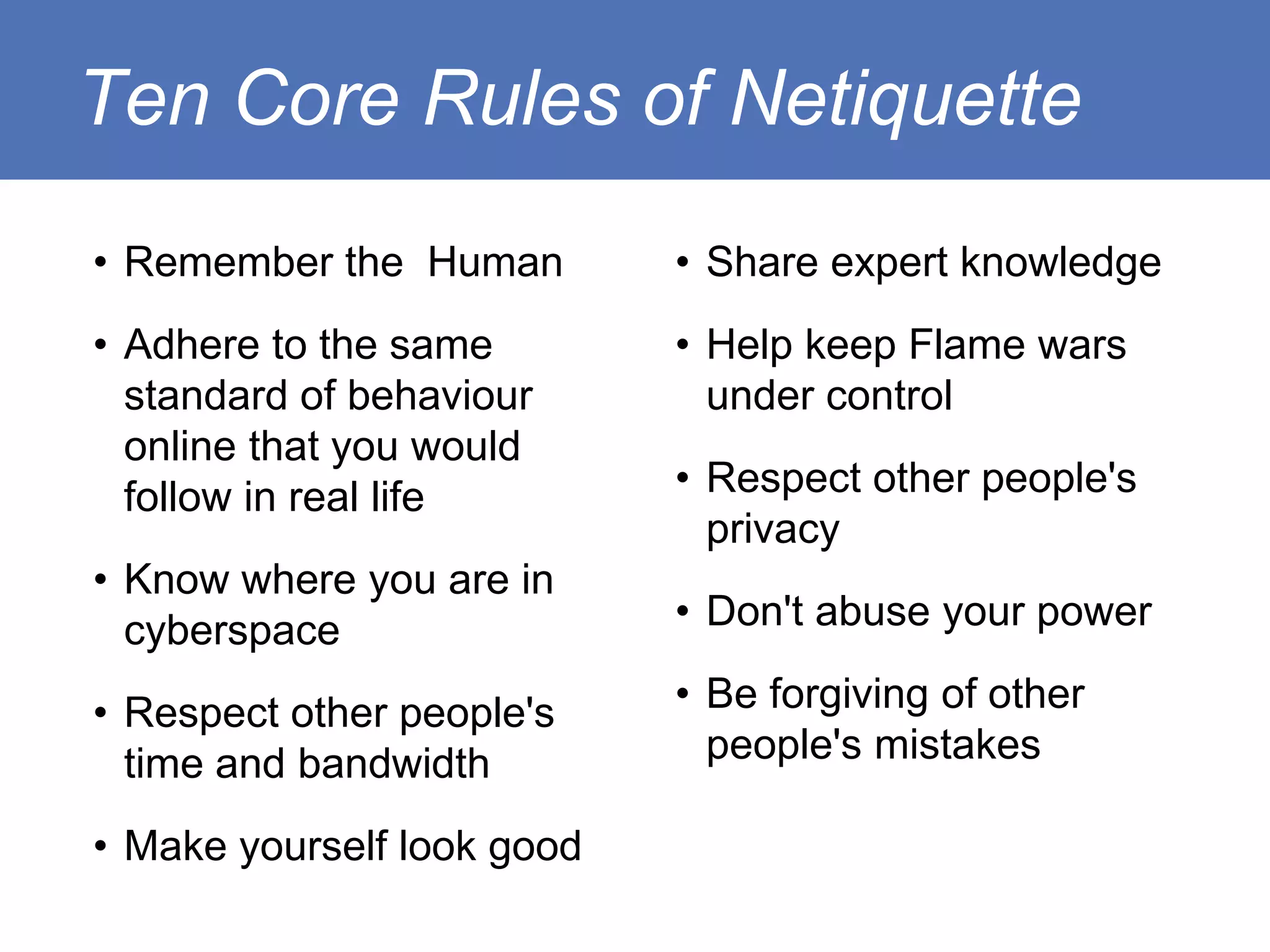
Ten Core Rules of Netiquette
• Remember the Human        • Share expert knowledge
• Adhere to the same        • Help keep Flame wars
  standard of behaviour       under control
  online that you would
  follow in real life       • Respect other people's
                              privacy
• Know where you are in
  cyberspace                • Don't abuse your power

• Respect other people's    • Be forgiving of other
  time and bandwidth          people's mistakes

• Make yourself look good
Remember the Human

Keep in mind the large percentage of human
communication that we do outside of words:
   • tone
   • cadence
   • volume
   • facial expression
   • directive gestures
   • touch
• Would I say this to the others' face(s)?

• On a technical note - Internet = network of
  networks... all storing and copying... there's
  always a record
Adhere to the same real life standard of
behaviour online
• Netiquette is about good online manners, not about
  absolutes or rules on digital ethics.
• When in doubt, consult the code you follow in real life.
• Ask the question:

    If this was not a digital medium but a letter to someone, or some
    organisations bulletin board dealing with real assets that involve
    real work. What would I do then?

• Chances are good you'll find the answer.
Know where you are in cyberspace

• Netiquette is adapted and adjusted from
  community to community

• explore or 'lurk' in the environment and the
  culture before you interact with the members

• When you begin to interact, introduce yourself
  as a new member and put on your beginners
  hat. You will learn quicker and others will help
  you and inform you.
Respect Other People's time
and Bandwidth
• Remember that communication via the net requires that
  information to be downloaded for it to be read or viewed.

• get to the point; optimise your post structure so that the
  more detailed material comes after overviewing the
  content if you need to post a large amount

• resize your images if you want to share it. As a note
  1280x1024 if large enough an image to be quickly
  displayed on any computer screen - anything more than
  that can be made available as an optional link.
You are not the centre of cyberspace.
• when you copy someone on a message, you ask
  for their time and attention, ask yourself twice if
  they really need to be part of the
  communications.
• ensure posted material is relevant to the
  majority/entire audience especially when
  publishing/posting files and images to the group.
Make yourself look good online
• Your online image depends heavily on the words
  that you put together.
• Practise impeccable spelling, grammar and
  punctuation especially in a professional
  development and online learning context.
• Keep your contribution clear and logical. Make
  sure your language is inviting of a dialogue and
  not exclusive to other participants.
• Be polite and pleasant.
• refrain from the use of offensive language - if
  you find it necessary to express - censor it with
  $?*# ! You've already conveyed your strong
  feelings enough.
Share expert knowledge
• Asking questions in an online community works.
  The internet works because of the reach of a
  'network of networks'.
• Every participant has something to offer and an
  experience to that others can learn from.
  Somebody is bound to have an answer or an
  insight.
• Develop community understanding by
  contributing your knowledge in addressing a
  question that has been posed in one of your
  communities.
Help keep flame wars under control

• Expressing strong feelings about
  something is healthy for a discusion group
  especially when a new idea is tabled.
• open for people to express strong
  objections
• posts can get malicious and personally
  offensive.
• it can be counter-productive for everyone
  when not resolved or controlled
• get back to the program as quickly as
  possible.
• agree to disagree so that other
  participants aren't hindered by heated
  banter or slander.
Respect other people’s privacy

People do forget how accessible information is on
the internet - don't capitalise on their blunders.
Passwords get shared for convenience. etc...
• do not read email that is not addressed to you.
• let people know when they have published or
  posted sensitive information
• it also keeps the discussion forum neater and
  more relevant to all.
Don’t abuse your power

As moderator or admin staff you are given more
privilege than other participants of the discussion
forum.
• be responsible in exercising power, make the
  experience equitable for all participants.
• additional rights does not mean you disregard
  the etiquette and rules governing network
  communications.
• enforce the core rules of netiquette.
Be forgiving of other people’s mistake

Be considerate of others users'
level/expertise of online etiquette.
• always new beginners and beginners will
  make errors - be kind
• give all users the benefit of the doubt
• correct discreetly and be encouraging

Netiquette and code of conduct in communication

  • 1.
    Netiquette and Codeof Conduct in Communication Written and presented by Dr Carmel Bendon Davis & Mr Francis Flores
  • 2.
    Ten Core Rulesof Netiquette • Remember the Human • Share expert knowledge • Adhere to the same • Help keep Flame wars standard of behaviour under control online that you would follow in real life • Respect other people's privacy • Know where you are in cyberspace • Don't abuse your power • Respect other people's • Be forgiving of other time and bandwidth people's mistakes • Make yourself look good
  • 3.
    Remember the Human Keepin mind the large percentage of human communication that we do outside of words: • tone • cadence • volume • facial expression • directive gestures • touch
  • 4.
    • Would Isay this to the others' face(s)? • On a technical note - Internet = network of networks... all storing and copying... there's always a record
  • 5.
    Adhere to thesame real life standard of behaviour online • Netiquette is about good online manners, not about absolutes or rules on digital ethics. • When in doubt, consult the code you follow in real life. • Ask the question: If this was not a digital medium but a letter to someone, or some organisations bulletin board dealing with real assets that involve real work. What would I do then? • Chances are good you'll find the answer.
  • 6.
    Know where youare in cyberspace • Netiquette is adapted and adjusted from community to community • explore or 'lurk' in the environment and the culture before you interact with the members • When you begin to interact, introduce yourself as a new member and put on your beginners hat. You will learn quicker and others will help you and inform you.
  • 7.
    Respect Other People'stime and Bandwidth • Remember that communication via the net requires that information to be downloaded for it to be read or viewed. • get to the point; optimise your post structure so that the more detailed material comes after overviewing the content if you need to post a large amount • resize your images if you want to share it. As a note 1280x1024 if large enough an image to be quickly displayed on any computer screen - anything more than that can be made available as an optional link.
  • 8.
    You are notthe centre of cyberspace. • when you copy someone on a message, you ask for their time and attention, ask yourself twice if they really need to be part of the communications. • ensure posted material is relevant to the majority/entire audience especially when publishing/posting files and images to the group.
  • 9.
    Make yourself lookgood online • Your online image depends heavily on the words that you put together. • Practise impeccable spelling, grammar and punctuation especially in a professional development and online learning context.
  • 10.
    • Keep yourcontribution clear and logical. Make sure your language is inviting of a dialogue and not exclusive to other participants. • Be polite and pleasant. • refrain from the use of offensive language - if you find it necessary to express - censor it with $?*# ! You've already conveyed your strong feelings enough.
  • 11.
    Share expert knowledge •Asking questions in an online community works. The internet works because of the reach of a 'network of networks'. • Every participant has something to offer and an experience to that others can learn from. Somebody is bound to have an answer or an insight. • Develop community understanding by contributing your knowledge in addressing a question that has been posed in one of your communities.
  • 12.
    Help keep flamewars under control • Expressing strong feelings about something is healthy for a discusion group especially when a new idea is tabled. • open for people to express strong objections • posts can get malicious and personally offensive.
  • 13.
    • it canbe counter-productive for everyone when not resolved or controlled • get back to the program as quickly as possible. • agree to disagree so that other participants aren't hindered by heated banter or slander.
  • 14.
    Respect other people’sprivacy People do forget how accessible information is on the internet - don't capitalise on their blunders. Passwords get shared for convenience. etc... • do not read email that is not addressed to you. • let people know when they have published or posted sensitive information • it also keeps the discussion forum neater and more relevant to all.
  • 15.
    Don’t abuse yourpower As moderator or admin staff you are given more privilege than other participants of the discussion forum. • be responsible in exercising power, make the experience equitable for all participants. • additional rights does not mean you disregard the etiquette and rules governing network communications. • enforce the core rules of netiquette.
  • 16.
    Be forgiving ofother people’s mistake Be considerate of others users' level/expertise of online etiquette. • always new beginners and beginners will make errors - be kind • give all users the benefit of the doubt • correct discreetly and be encouraging