MUSIC VIDEO
ASSIGNMENT 2
YOUR GROUP NAME
HERE
GUIDANCE
This template PowerPoint presentation includes all the
relevant elements you need to cover in your Music Video
Assignment
It is suggested you save this PP in a different name and
share it with your group so you always have a copy – some
sections require you to delete the information on the slide
and replace with your own work
Add more pages to each section where necessary [you
should be doing this!]
Add visuals as you see necessary
This document will be added to as you progress through the
pre-production phase.
Delete this slide when complete
TASK 1 Idea Generation and
Research
RESEARCH & IDEA
GENERATION
Select a song/track that you like [or don’t like!]
Generate three ideas for music videos employing styles,
techniques and conventions that we have looked at in
previous sessions. Explore how you could interpret the
song differently using different methods
You can add any extra info you think is relevant, images,
mind maps, etc
For quick mind maps you could use bubbl.us to generate
these
RESEARCH
Watch a selection of videos to get your ideas started,
make note of a minimum of 5 – add extra slides,
screenshot the video and in bullet point note down info
in terms of camera, editing, art design, performance, etc
and how this might link to your production
Hint!
You’ve already done this in
your case study, so you can
summarise that here where
relevant
POTENTIAL SONGS
POTENTIAL TECHNIQUES
CONVENTIONS YOU PLAN TO
USE
MIND MAP OF IDEAS
[SUMMARY OF IDEAS]
SUMMARY
5 opportunities of your ideas
SUMMARY
5 restrictions to your ideas
FINAL IDEA –
ARTIST/TITLE/INFO
Name of track / name of artist
Brief biographical background
Links to other artists
Genre info
FINAL IDEA – TRACK
SUMMARY
Summary/analysis of track [consider meaning, content,
duration, pace and style of the song]
FINAL IDEA – YOUR IDEA
Your creative concept/video synopsis [describe your
interpretation, use of imagery or narrative, genre
conventions, etc]
TASK 2 Pre-production
Assessment
GUIDANCE:
PRE-PRODUCTION
ASSESSMENT
You need to assess the viability of your production and
investigate what is required to enable you to make your
music video
Much of this task is hypothetical, which means you will
need to investigate standard costings for such a
production and apply these to your planned production
considering which equipment you would need and
resources, etc
Resources to support this are in the Pre-production
assessment folder on Blackboard
Delete the questions on each slide and insert your
responses
TITLE OF
PRODUCTION/PRODUCTION
OUTLINE
Summary of intended production
Detail here what you are going to make and the intended
outcome
Detailed breakdown of the music track chosen and your
interpretation of it [remember the questions in the
workbook, e.g. pace/mood/tone/structure]
Specific outline your intended technical/equipment
requirements
Include any details that you think [you could use material
from your pitch]
LOCATIONS
You need to identify locations and plan a recce.
What are the limitations and risks, eg distance, access,
cost, weather? How will you manage this?
EQUIPMENT
What do you need? E.g. equipment, resources? Mostly
from college, but who do you need to speak to get this
kit? What is available? When?
Look at equipment hire places, etc
FACILITIES
Where will you edit your video? Do you need any other
specialist facilities…?
PERSONNEL
CREW: What is you team? Who is in it? What are each
team members strengths/weaknesses? When are they
available?
CAST: Do you need any external performers? When are
they available? Cost implications? Will you have to feed
them? Transport them?
Other personnel? Is anyone else helping you?
PROPS/COSTUME/ETC
TASK 3.1 Visual Planning
PRE-PRODUCTION: VISUAL
PLANNING
This section is concerned with the visual planning of your
music video
You should use this section to develop the sequencing or
your video, establish the relationship between the visuals
and the track itself and create a structure for you to
follow when filming
It is important that you ‘pre-visualise’ the video before
you make it; it will make filming and production a more
streamlined process
The following tasks are part of your visual planning
 Pre-visualisation and concept boards
 Storyboarding
 Shot list
PRE-
VISUALISATION/CONCEPT
BOARDS
Tool for exploring the direction and visuals
Provides inspiration and information for the “look & feel”
Presents key moments in your video
A means to sketch/plan ideas
Information on colour/lighting
Defining the “mise-en-scene”
Include as much here as you like, but keep it relevant to the
production, the following slides have been left blank for you
to approach in your own way, add more as you need to
Extension suggestion: edit a short sequence of clips that
have inspired or influenced your video [similar to this:
http://io9.com/5941145/this-directors-video-pitch-for-
hunger-games-might-be-better-than-the-real-movie]
RIP-O-MATIC
You should also construct a 15-20second Rip-o-matic
test reel using existing footage to convey the type of
video you want to make
STRUCTURAL BREAKDOWN
Breakdown your track into it basic sections [e.g. intro,
verse, chorus, verse, etc] and apply broad visual ideas to
each section
You can use this as the master template for your
production, then add more shots to each section when
you develop your full visual plan
You should create a slide showing all the sections of the
song, then add a slide for each section with timings,
lyrics, what happens and details on specific shots
You could storyboard and shot list each section as you
go, to break up the process.
STORYBOARDING
Your storyboard should bring your idea to life
Provide an idea of the sequencing of you video
Provides a basis for production
Suggested online storyboard creators are:
 https://www.storyboardthat.com
 http://www.pixton.com [very complicated]
 http://www.storyjumper.com [allows you to insert your own images]
Alternatively, hand draw or photograph your storyboard and
scan or copy to insert it onto your slides
There are lots of tips collected together on Blackboard!
SHOT LIST
Your shot list should contain the sequential breakdown
of what you need to shoot for your video
It should work in partnership with your storyboard
It will be your working document when you film
It should contain the shot number, scene number, shot
description, framing and action you will see
It should also have information on performers in the
scene and other props, etc
Shot list template is on Blackboard in the pre-production
folder.
TASK 3.2 Organisational
Planning
PRODUCTION GROUP INFO
Include names, contact info, and defined roles at
difference stages of production, using a table is
suggested
LOCATION INFORMATION
Information and images of your location[s] for filming
You should have address details, clearance/premissions
for filming, recce photos and floorplans [including
camera, equipment and cast/crew layouts]
Where possible, have a plan B fallback location option
Assess each location for any issues and suggest
solutions
LOCATIONS
RISK ASSESSMENT
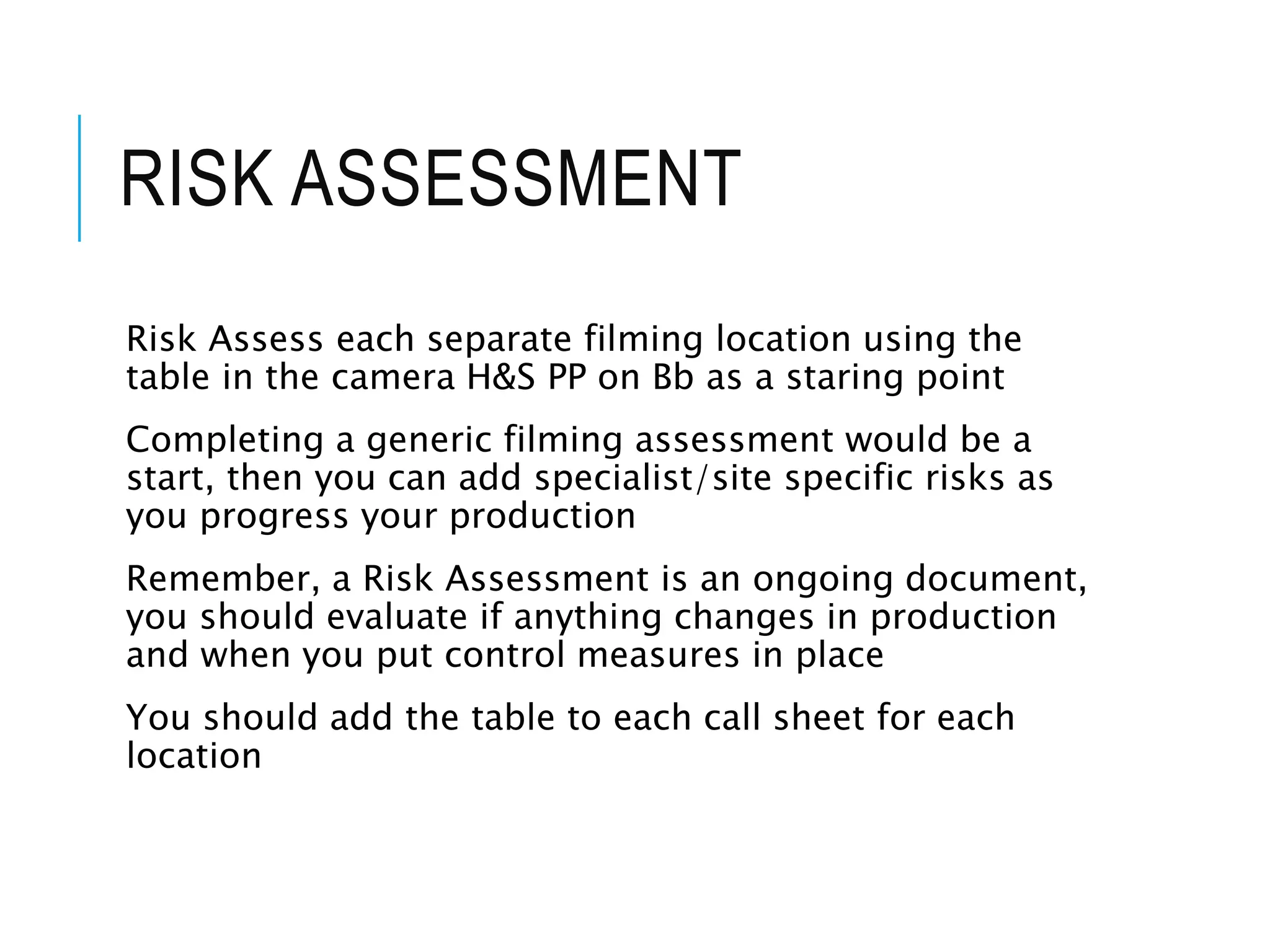
Risk Assess each separate filming location using the
table in the camera H&S PP on Bb as a staring point
Completing a generic filming assessment would be a
start, then you can add specialist/site specific risks as
you progress your production
Remember, a Risk Assessment is an ongoing document,
you should evaluate if anything changes in production
and when you put control measures in place
You should add the table to each call sheet for each
location
RISK ASSESSMENT
CONTINGENCY PLANNING
Things go wrong
Your contingency plan is there to give you a backup or to
minimise the effect on production
You should consider the following areas: Technical,
Location, Personnel and Organisational areas [about 5
potential issues for each]
Use the form in pre-production folder on Blackboard
CONTINGENCY PLAN
PRODUCTION SCHEDULE
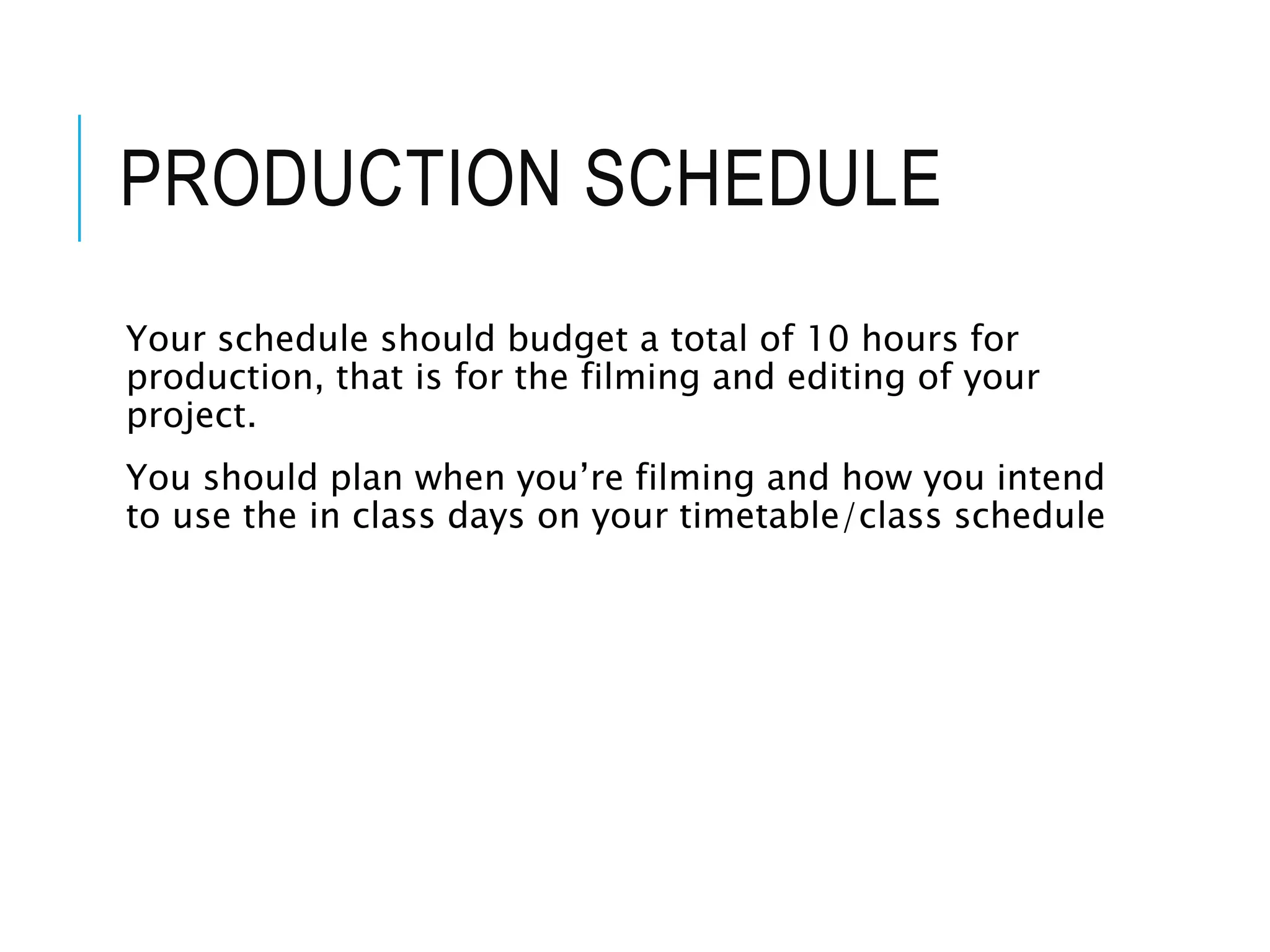
Your schedule should budget a total of 10 hours for
production, that is for the filming and editing of your
project.
You should plan when you’re filming and how you intend
to use the in class days on your timetable/class schedule
SCHEDULE
CLEARANCE AND
PERMISSIONS
Any place you film and anyone you use in the filming of
your video must have a completed form
Blank forms are on Blackboard for you to complete and
insert here

Mv assignment (not theory) pro forma

  • 1.
  • 2.
    GUIDANCE This template PowerPointpresentation includes all the relevant elements you need to cover in your Music Video Assignment It is suggested you save this PP in a different name and share it with your group so you always have a copy – some sections require you to delete the information on the slide and replace with your own work Add more pages to each section where necessary [you should be doing this!] Add visuals as you see necessary This document will be added to as you progress through the pre-production phase. Delete this slide when complete
  • 3.
    TASK 1 IdeaGeneration and Research
  • 4.
    RESEARCH & IDEA GENERATION Selecta song/track that you like [or don’t like!] Generate three ideas for music videos employing styles, techniques and conventions that we have looked at in previous sessions. Explore how you could interpret the song differently using different methods You can add any extra info you think is relevant, images, mind maps, etc For quick mind maps you could use bubbl.us to generate these
  • 5.
    RESEARCH Watch a selectionof videos to get your ideas started, make note of a minimum of 5 – add extra slides, screenshot the video and in bullet point note down info in terms of camera, editing, art design, performance, etc and how this might link to your production Hint! You’ve already done this in your case study, so you can summarise that here where relevant
  • 8.
  • 9.
  • 10.
  • 11.
    MIND MAP OFIDEAS [SUMMARY OF IDEAS]
  • 12.
  • 13.
  • 14.
    FINAL IDEA – ARTIST/TITLE/INFO Nameof track / name of artist Brief biographical background Links to other artists Genre info
  • 15.
    FINAL IDEA –TRACK SUMMARY Summary/analysis of track [consider meaning, content, duration, pace and style of the song]
  • 16.
    FINAL IDEA –YOUR IDEA Your creative concept/video synopsis [describe your interpretation, use of imagery or narrative, genre conventions, etc]
  • 17.
  • 18.
    GUIDANCE: PRE-PRODUCTION ASSESSMENT You need toassess the viability of your production and investigate what is required to enable you to make your music video Much of this task is hypothetical, which means you will need to investigate standard costings for such a production and apply these to your planned production considering which equipment you would need and resources, etc Resources to support this are in the Pre-production assessment folder on Blackboard Delete the questions on each slide and insert your responses
  • 19.
    TITLE OF PRODUCTION/PRODUCTION OUTLINE Summary ofintended production Detail here what you are going to make and the intended outcome Detailed breakdown of the music track chosen and your interpretation of it [remember the questions in the workbook, e.g. pace/mood/tone/structure] Specific outline your intended technical/equipment requirements Include any details that you think [you could use material from your pitch]
  • 20.
    LOCATIONS You need toidentify locations and plan a recce. What are the limitations and risks, eg distance, access, cost, weather? How will you manage this?
  • 21.
    EQUIPMENT What do youneed? E.g. equipment, resources? Mostly from college, but who do you need to speak to get this kit? What is available? When? Look at equipment hire places, etc
  • 22.
    FACILITIES Where will youedit your video? Do you need any other specialist facilities…?
  • 23.
    PERSONNEL CREW: What isyou team? Who is in it? What are each team members strengths/weaknesses? When are they available? CAST: Do you need any external performers? When are they available? Cost implications? Will you have to feed them? Transport them? Other personnel? Is anyone else helping you?
  • 24.
  • 25.
  • 26.
    PRE-PRODUCTION: VISUAL PLANNING This sectionis concerned with the visual planning of your music video You should use this section to develop the sequencing or your video, establish the relationship between the visuals and the track itself and create a structure for you to follow when filming It is important that you ‘pre-visualise’ the video before you make it; it will make filming and production a more streamlined process The following tasks are part of your visual planning  Pre-visualisation and concept boards  Storyboarding  Shot list
  • 27.
    PRE- VISUALISATION/CONCEPT BOARDS Tool for exploringthe direction and visuals Provides inspiration and information for the “look & feel” Presents key moments in your video A means to sketch/plan ideas Information on colour/lighting Defining the “mise-en-scene” Include as much here as you like, but keep it relevant to the production, the following slides have been left blank for you to approach in your own way, add more as you need to Extension suggestion: edit a short sequence of clips that have inspired or influenced your video [similar to this: http://io9.com/5941145/this-directors-video-pitch-for- hunger-games-might-be-better-than-the-real-movie]
  • 30.
    RIP-O-MATIC You should alsoconstruct a 15-20second Rip-o-matic test reel using existing footage to convey the type of video you want to make
  • 31.
    STRUCTURAL BREAKDOWN Breakdown yourtrack into it basic sections [e.g. intro, verse, chorus, verse, etc] and apply broad visual ideas to each section You can use this as the master template for your production, then add more shots to each section when you develop your full visual plan You should create a slide showing all the sections of the song, then add a slide for each section with timings, lyrics, what happens and details on specific shots You could storyboard and shot list each section as you go, to break up the process.
  • 32.
    STORYBOARDING Your storyboard shouldbring your idea to life Provide an idea of the sequencing of you video Provides a basis for production Suggested online storyboard creators are:  https://www.storyboardthat.com  http://www.pixton.com [very complicated]  http://www.storyjumper.com [allows you to insert your own images] Alternatively, hand draw or photograph your storyboard and scan or copy to insert it onto your slides There are lots of tips collected together on Blackboard!
  • 33.
    SHOT LIST Your shotlist should contain the sequential breakdown of what you need to shoot for your video It should work in partnership with your storyboard It will be your working document when you film It should contain the shot number, scene number, shot description, framing and action you will see It should also have information on performers in the scene and other props, etc Shot list template is on Blackboard in the pre-production folder.
  • 34.
  • 35.
    PRODUCTION GROUP INFO Includenames, contact info, and defined roles at difference stages of production, using a table is suggested
  • 36.
    LOCATION INFORMATION Information andimages of your location[s] for filming You should have address details, clearance/premissions for filming, recce photos and floorplans [including camera, equipment and cast/crew layouts] Where possible, have a plan B fallback location option Assess each location for any issues and suggest solutions
  • 37.
  • 38.
    RISK ASSESSMENT Risk Assesseach separate filming location using the table in the camera H&S PP on Bb as a staring point Completing a generic filming assessment would be a start, then you can add specialist/site specific risks as you progress your production Remember, a Risk Assessment is an ongoing document, you should evaluate if anything changes in production and when you put control measures in place You should add the table to each call sheet for each location
  • 39.
  • 40.
    CONTINGENCY PLANNING Things gowrong Your contingency plan is there to give you a backup or to minimise the effect on production You should consider the following areas: Technical, Location, Personnel and Organisational areas [about 5 potential issues for each] Use the form in pre-production folder on Blackboard
  • 41.
  • 42.
    PRODUCTION SCHEDULE Your scheduleshould budget a total of 10 hours for production, that is for the filming and editing of your project. You should plan when you’re filming and how you intend to use the in class days on your timetable/class schedule
  • 43.
  • 44.
    CLEARANCE AND PERMISSIONS Any placeyou film and anyone you use in the filming of your video must have a completed form Blank forms are on Blackboard for you to complete and insert here